Moono MCPPart of Pro
Moono, inside your AI app
Claude, Cursor and Codex search real crypto screens, flows and sites from the chat you already work in.
Server URL
https://onmoono.com/mcpWorks with any app that speaks MCP over HTTP. Most sign in; the rest use a personal key.
Your MCP
Part of ProPro2 months free yearly
- Moono MCP for Claude, Cursor and Codex
- Copy and download originals
- Unlimited collections
Billed $84 yearly or $9 monthly. See all plans
Step by step
Connect your app
Pick the app you use. Each one takes a minute.
Signs in
Uses a key
Claude Code
Add Moono once, then sign in from Claude Code.
In a terminal, add Moono
claude mcp add --transport http moono https://onmoono.com/mcp
Start Claude Code and type
/mcpPick moono from the list, then Authenticate.
Sign in to Moono and allow Claude Code
Your browser opens Moono. Allow it, and Claude Code can search the library.
Try it: ask “Show me Polymarket’s onboarding flow, with images.”
What you get back
Real screens, not guesses
Your app pulls screens, flows and sites from the library, with 720px previews it can look at. Every answer points back to a flow you can open.
- Screens, flows, maps and sites
- 720px previews, 500 a month
- Read only, never your account
I’m designing a trading app. Show me how three apps start a trade, from the first screen.
Used Moonosearch_flows, get_flow
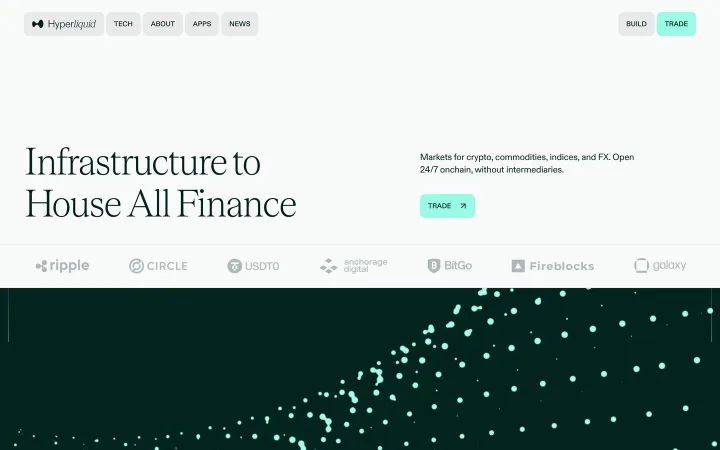
HyperliquidLanding
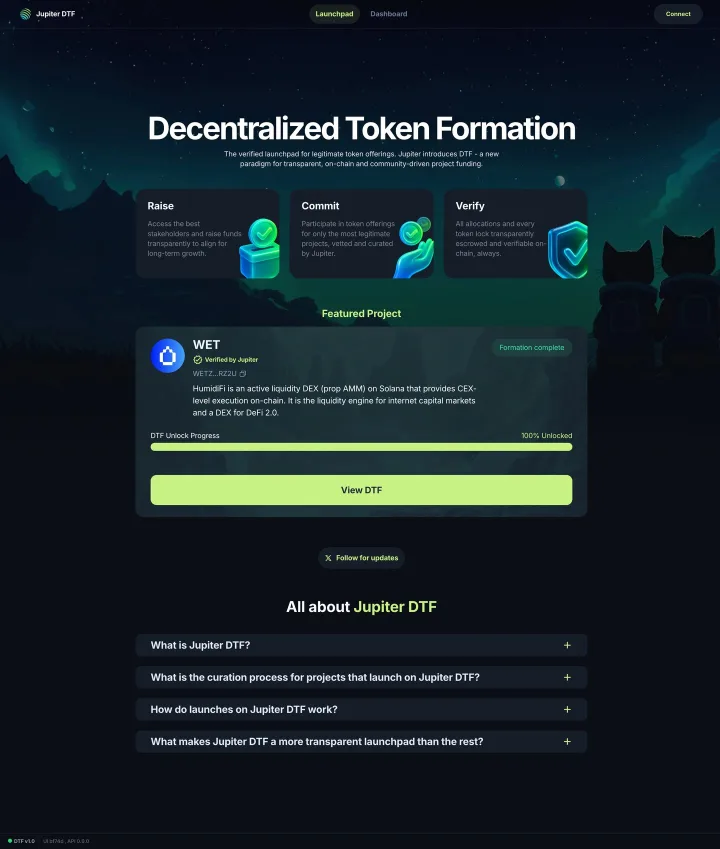
JupiterLaunchpad
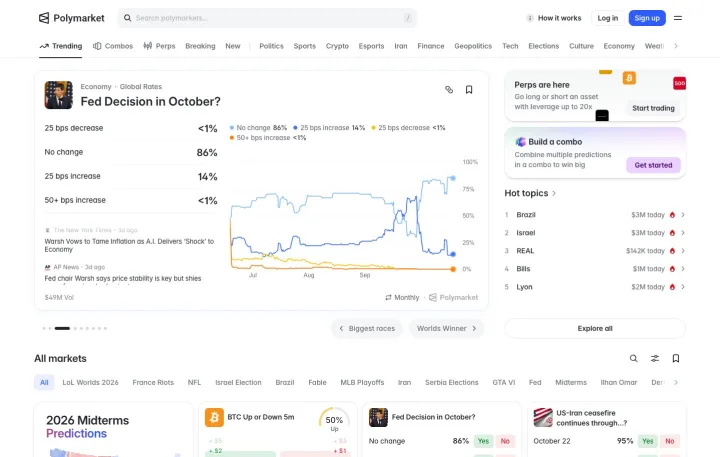
PolymarketMarket
Here are the first screens of three trade flows in the library. Each one opens its flow, so you can follow every step to the button.
Try these
Ask anything, get real screens back
Copy a prompt into your app.
Which apps have a connect-wallet screen? Show me three.
PromptShow me Polymarket’s onboarding flow, with images.
PromptCompare how swap apps confirm a trade, step by step.
PromptWhat sections does Hyperliquid’s marketing site have?
PromptFind error states for an amount over the balance.
PromptHow do launch apps show a claim after a sale ends?
Prompt
Under the hood
11 tools, all read only
Your app picks the right one. You never call them yourself.
- Search screens
search_screens - Search flows
search_flows - Get an app
get_app - Get a flow
get_flow - Get a screen
get_screen - Get an app's map
get_app_map - Compare flows across apps
compare_flows - List the taxonomy
list_taxonomy - Search site sections
search_sections - Get a marketing site
get_site - Get a site section
get_section