All appsScreensFlowsUI elements
PricingGlossary
AllScreensFlowsUI elements

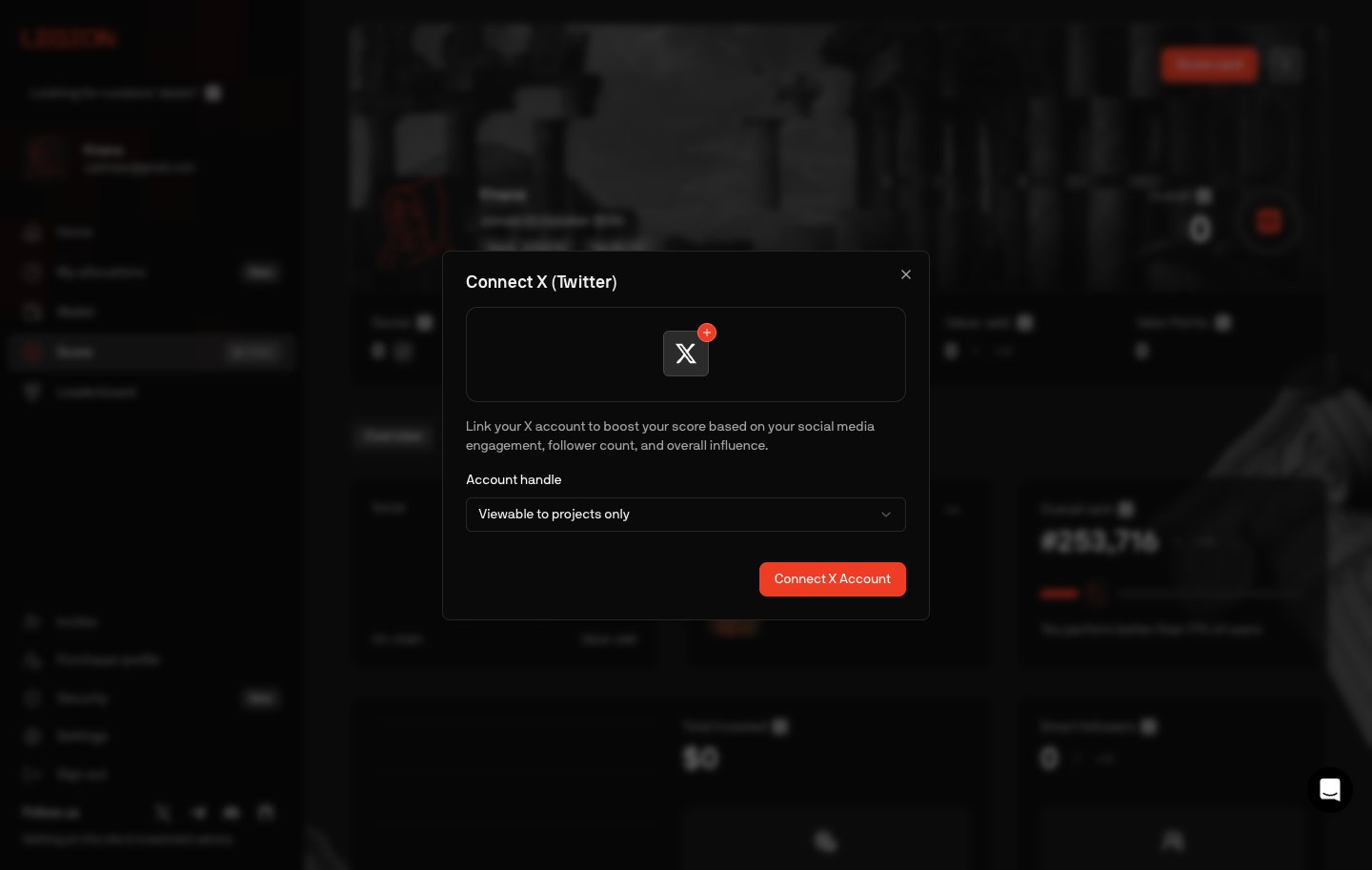
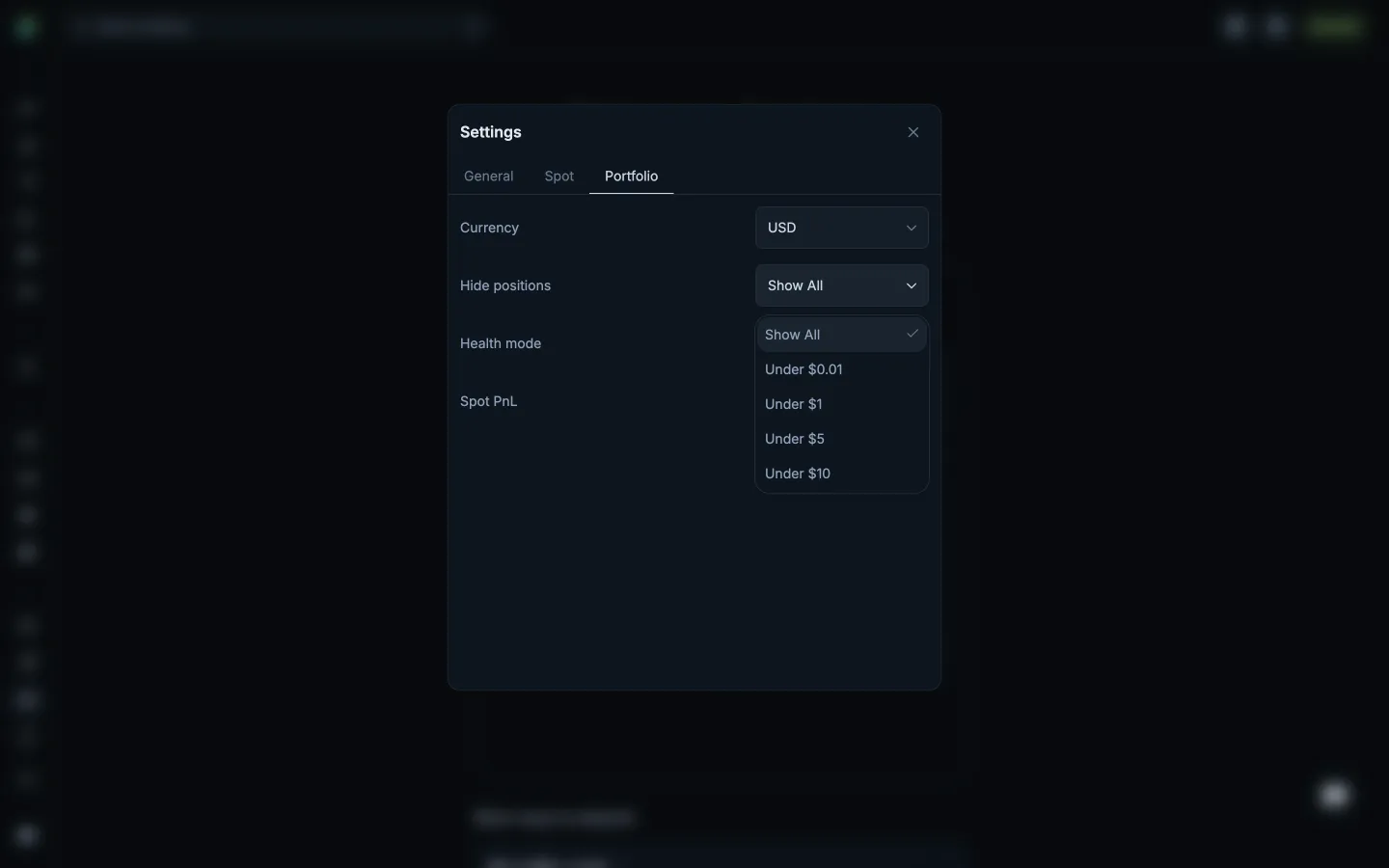
Connect X, choose who sees the handle in Legion

Step 2 of 3 in Connecting XPlay
Connect X, choose who sees the handle

Connect X, choose who sees the handle

Settings

Screen typeSettings
StateInput
CapturedOct 2026
UI elementsButtonDialogIconSelect
In the flowConnecting X
SizeDesktop, 1440 by 913
Open the flowOpen original

Similar screens in other apps

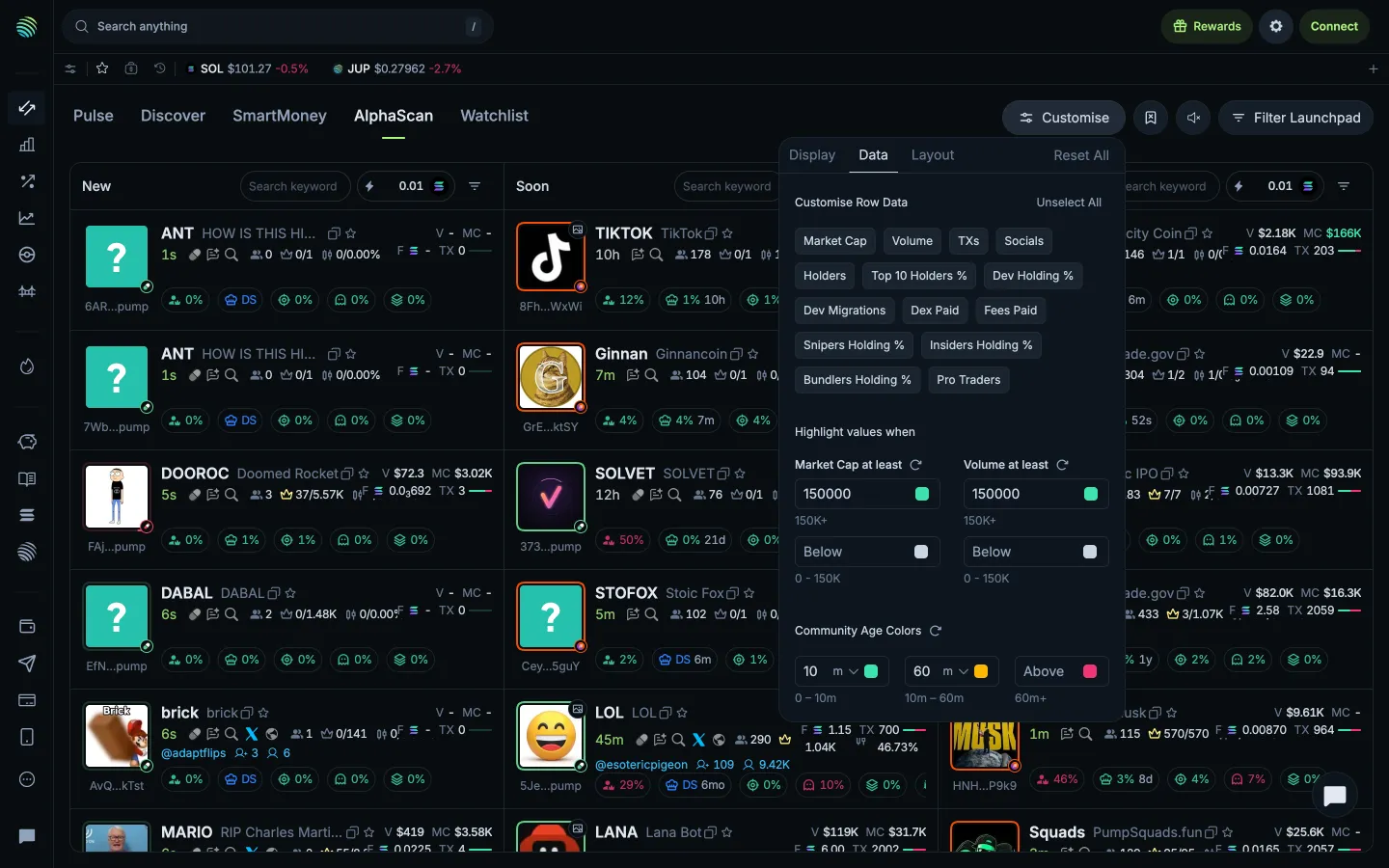
Data and highlight thresholdsJupiterData and highlight thresholds
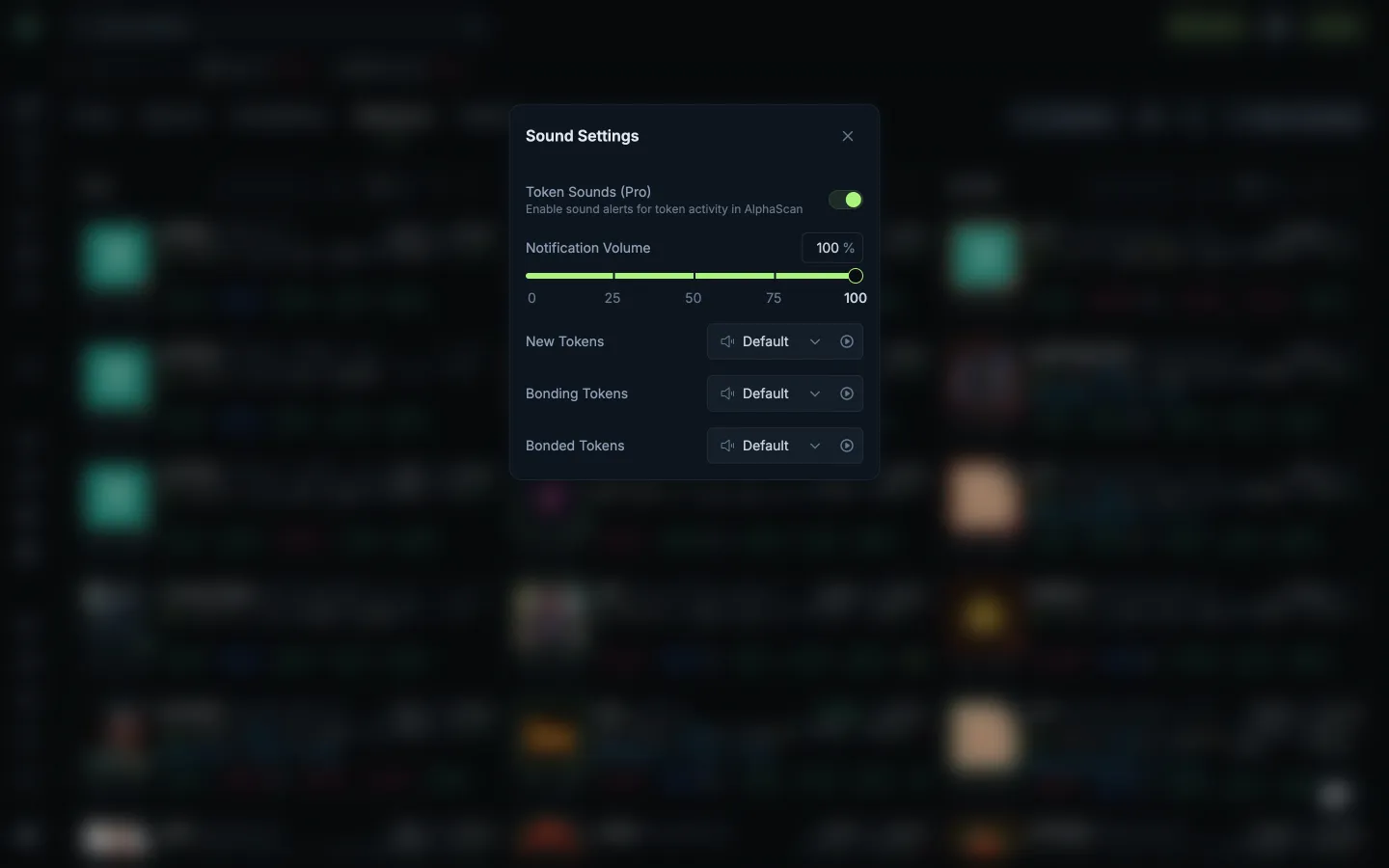
Volume and launch stage soundsJupiterVolume and launch stage sounds
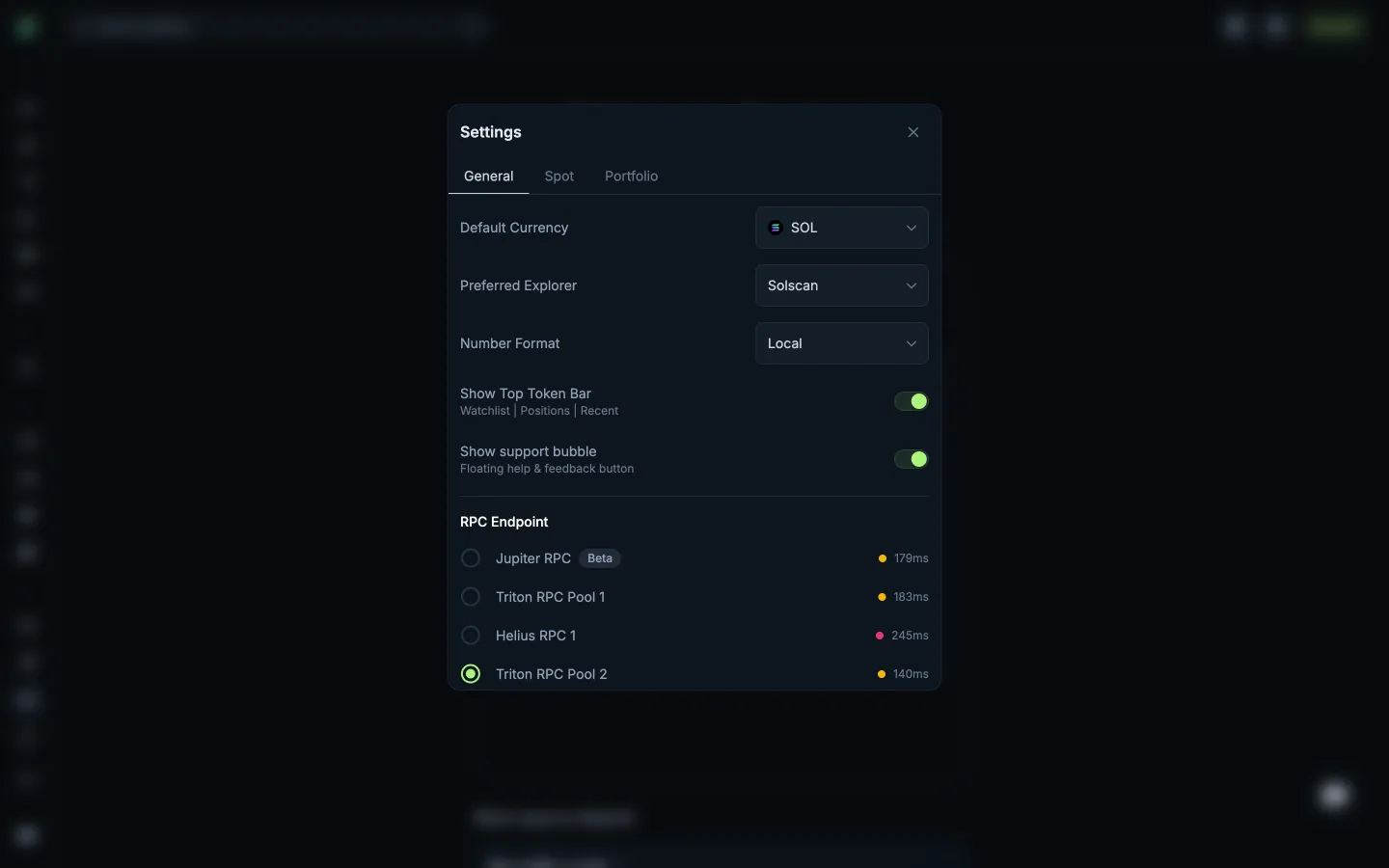
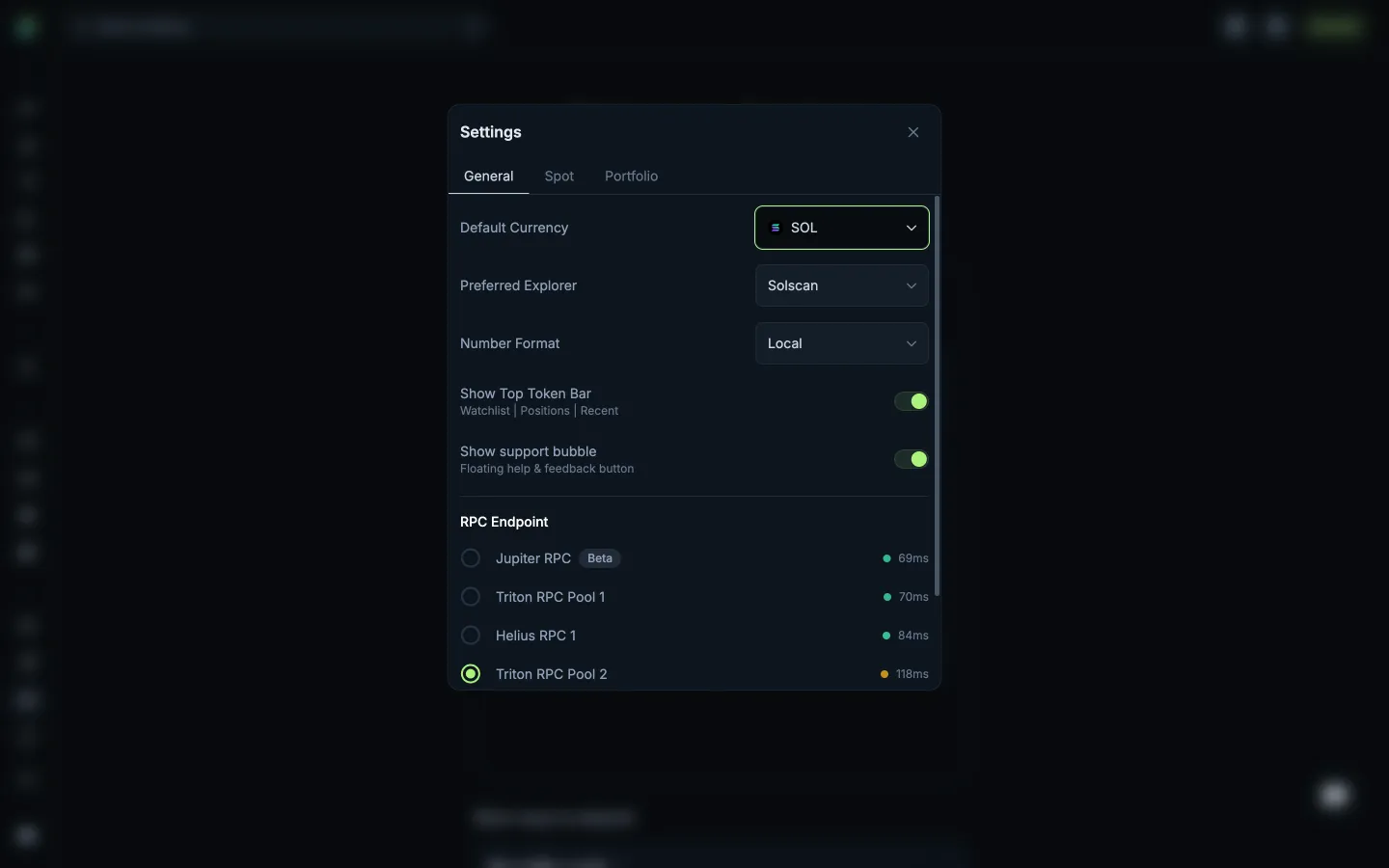
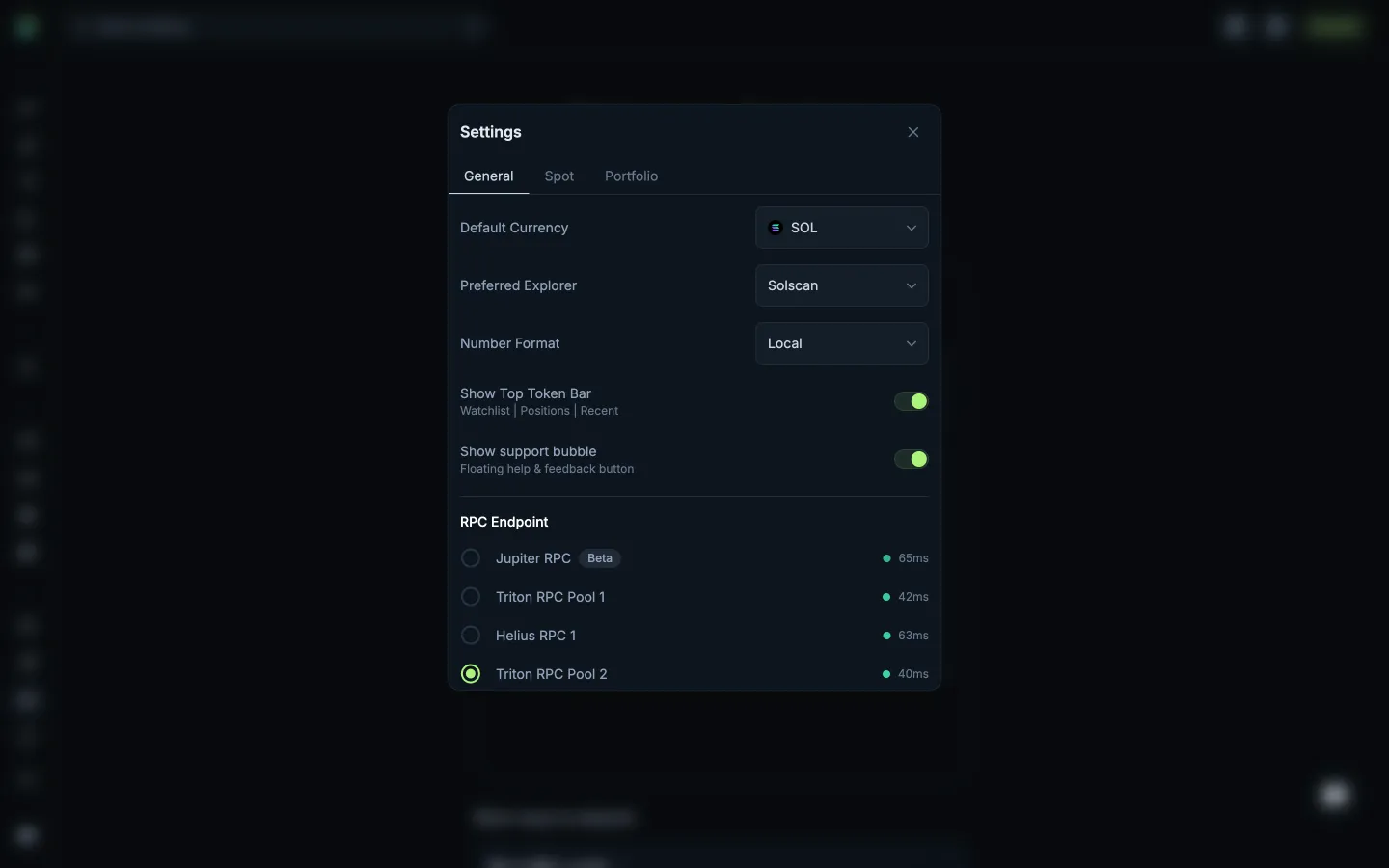
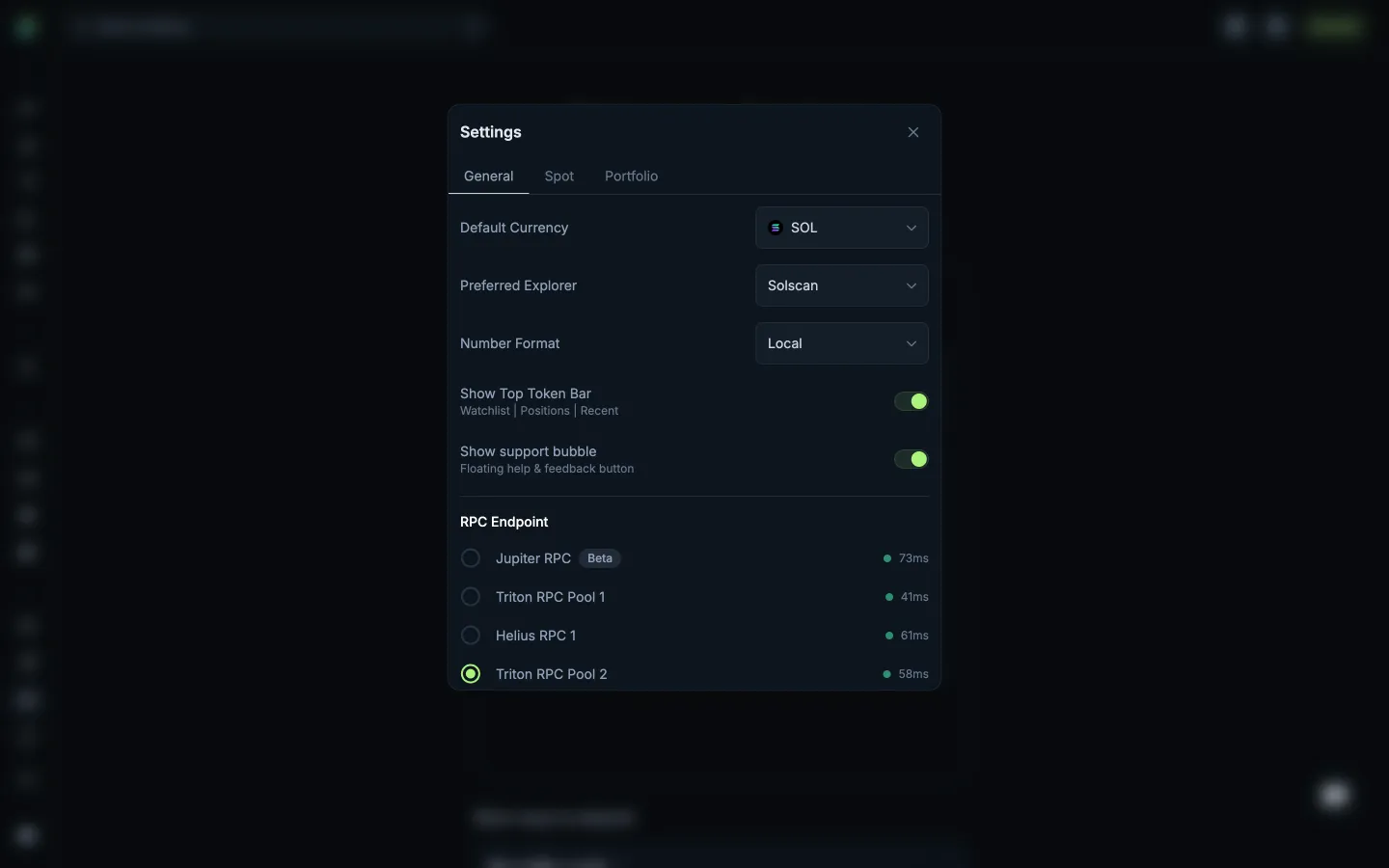
Review General settingsJupiterReview General settings
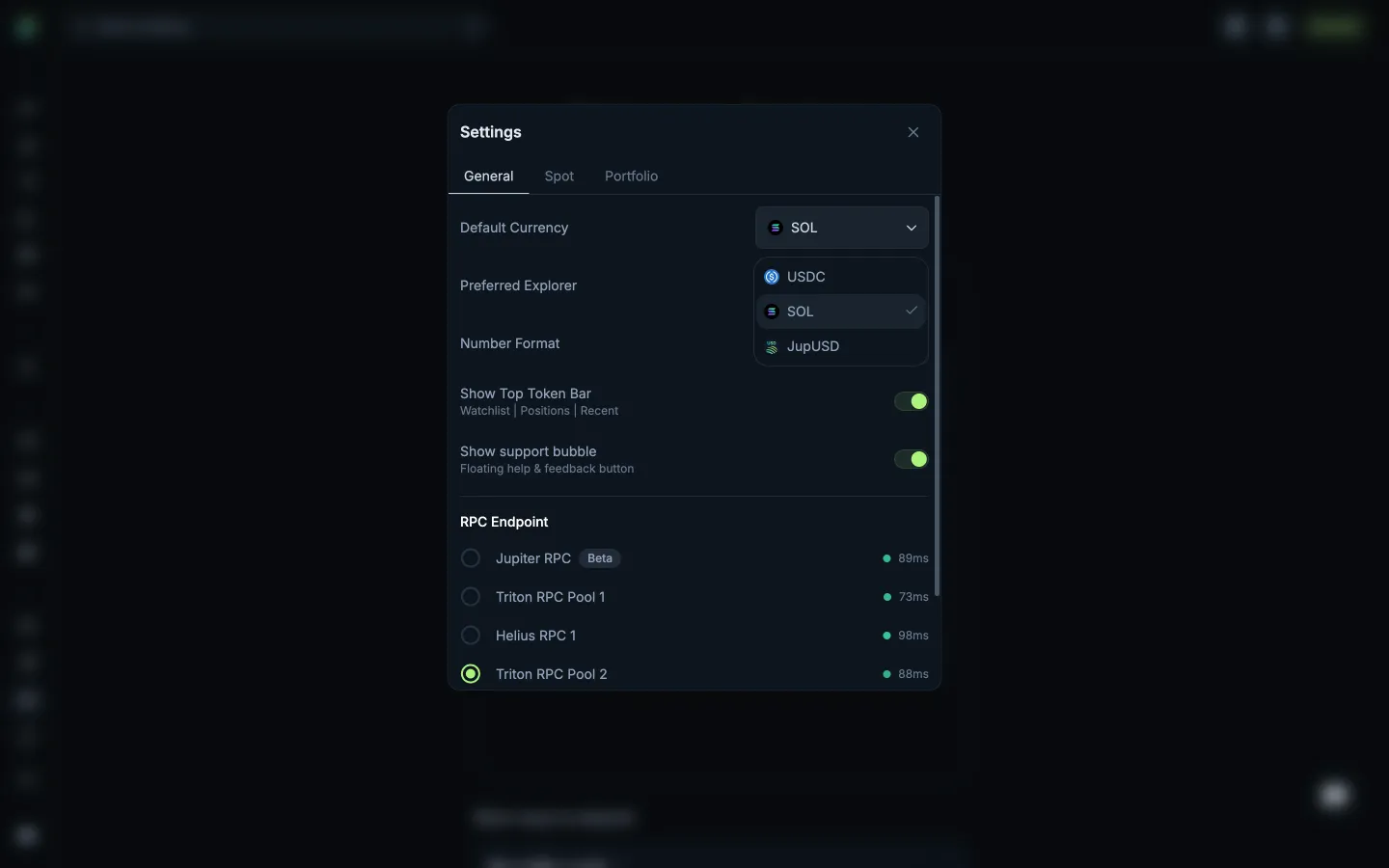
Review default currenciesJupiterReview default currencies
Return to General settingsJupiterReturn to General settings
Open Spot settingsJupiterOpen Spot settings
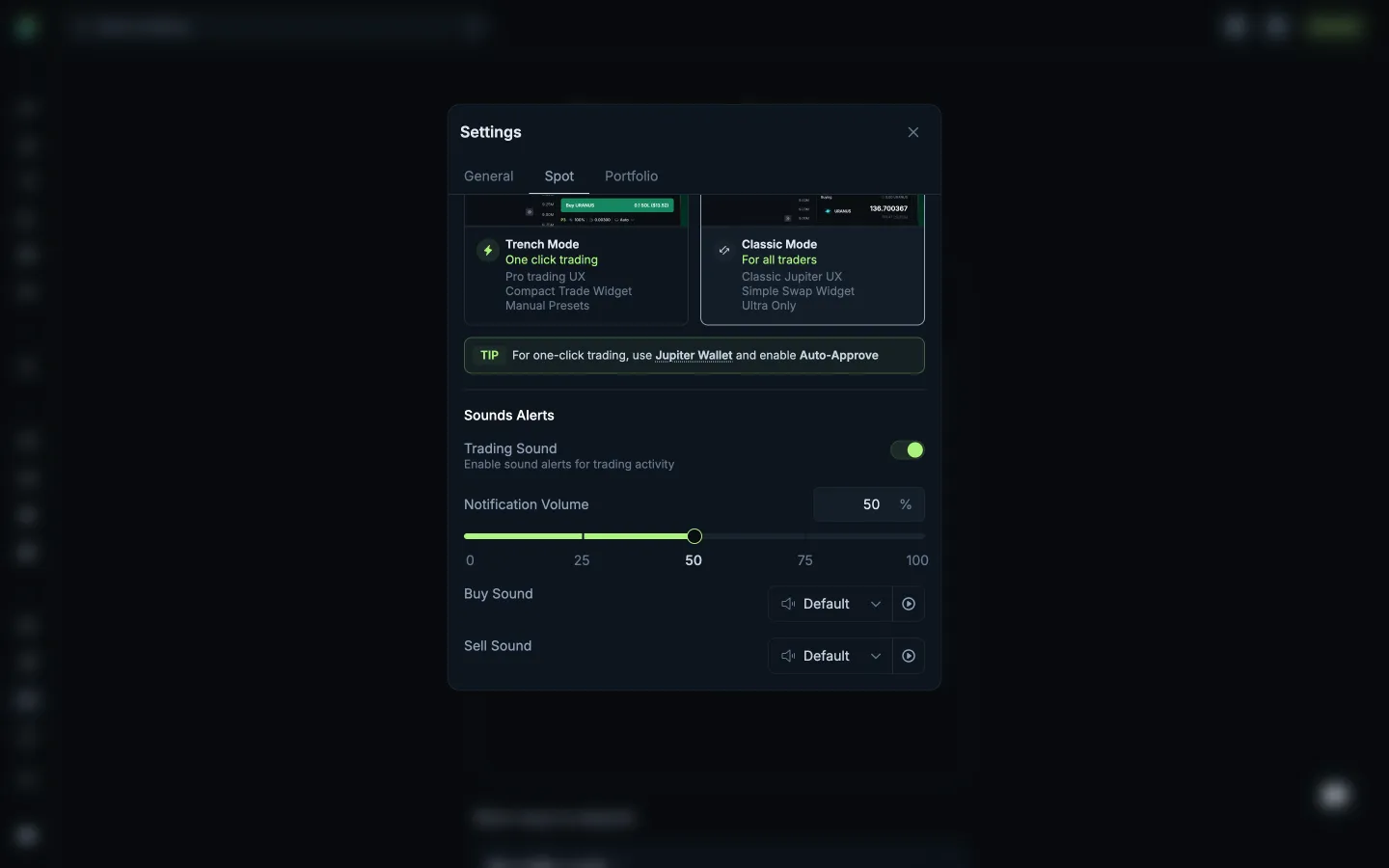
Scrolled to trading soundsJupiterScrolled to trading sounds
Open Portfolio settingsJupiterOpen Portfolio settings
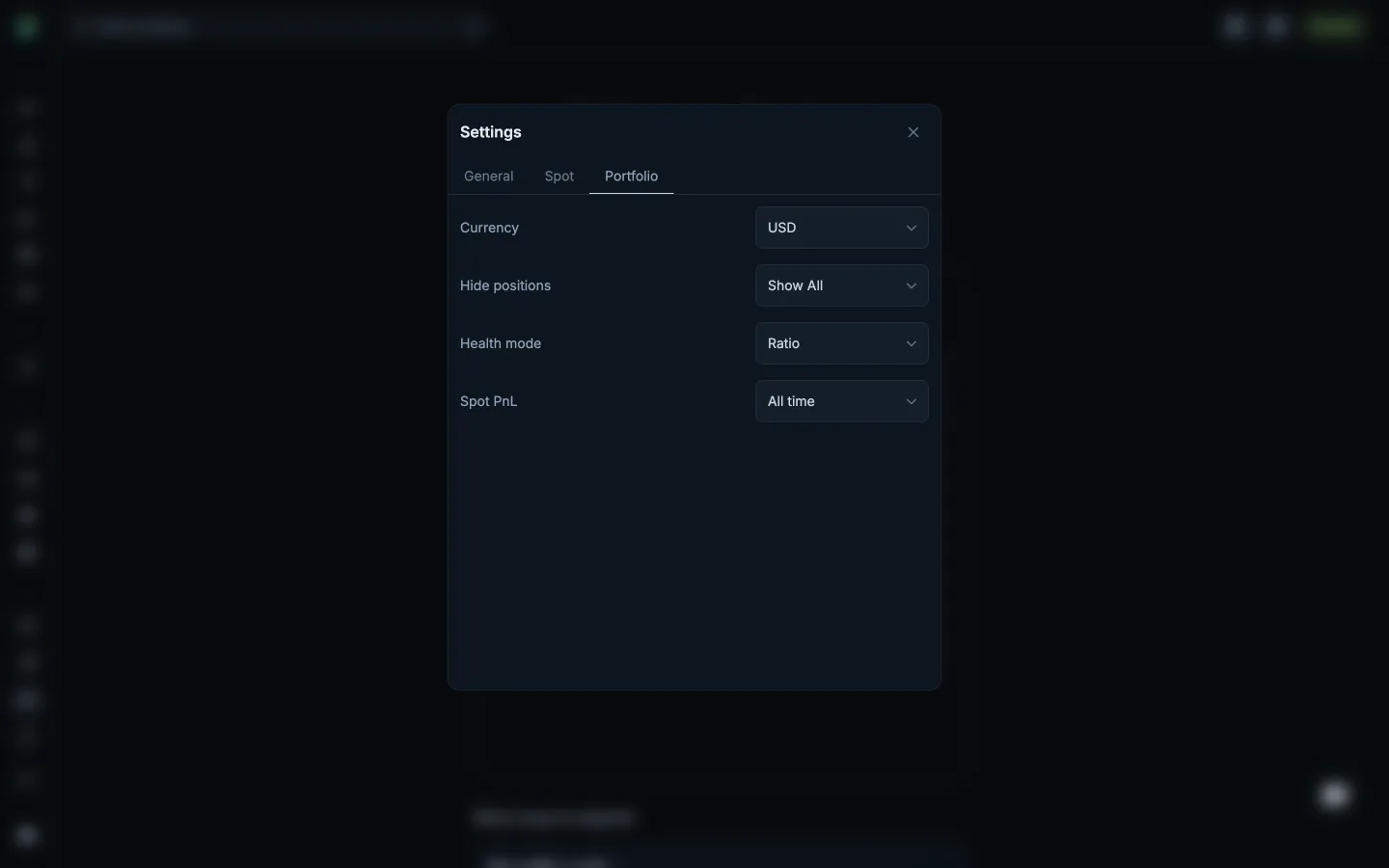
Review Portfolio preferencesJupiterReview Portfolio preferences
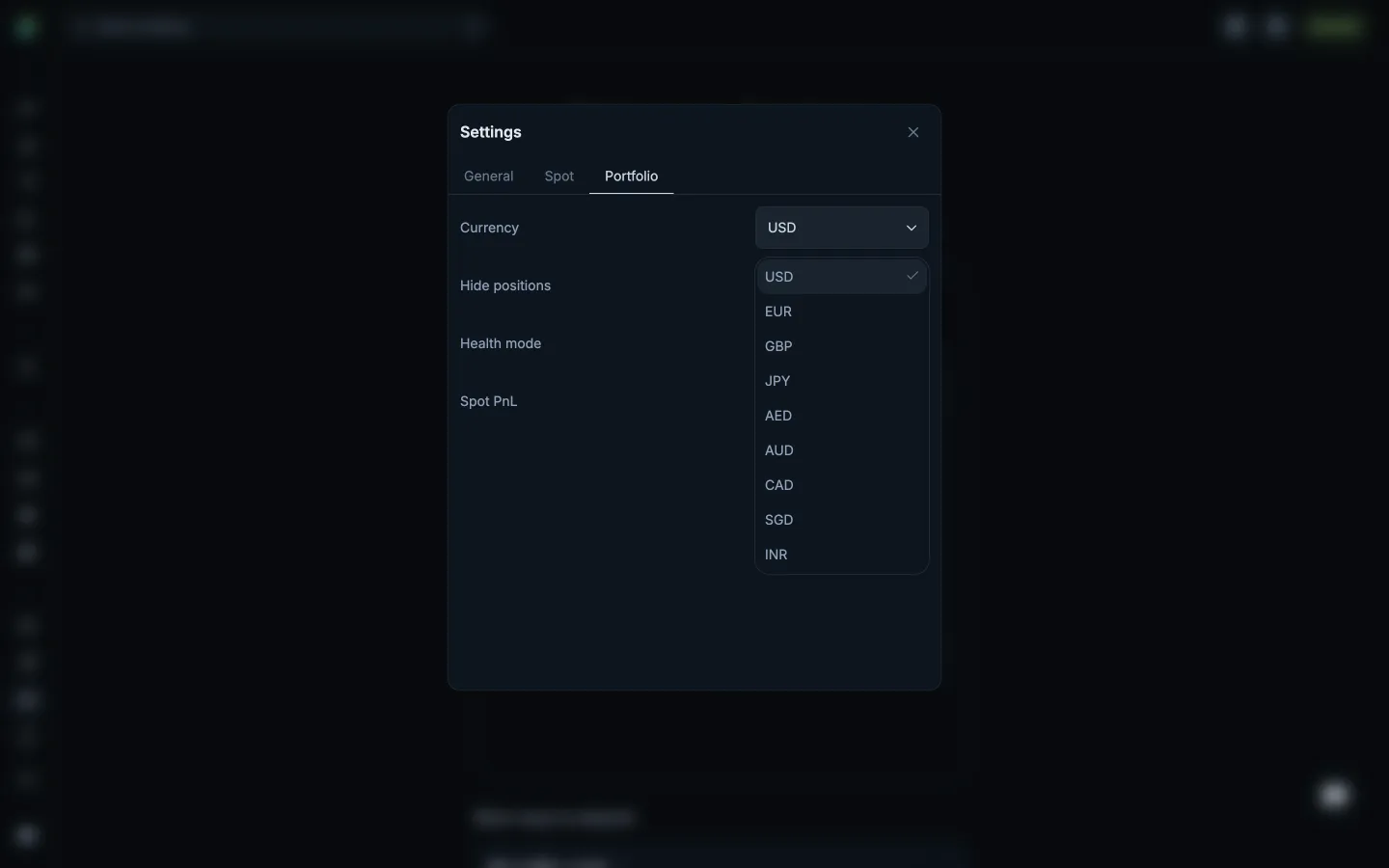
Review Portfolio currenciesJupiterReview Portfolio currencies
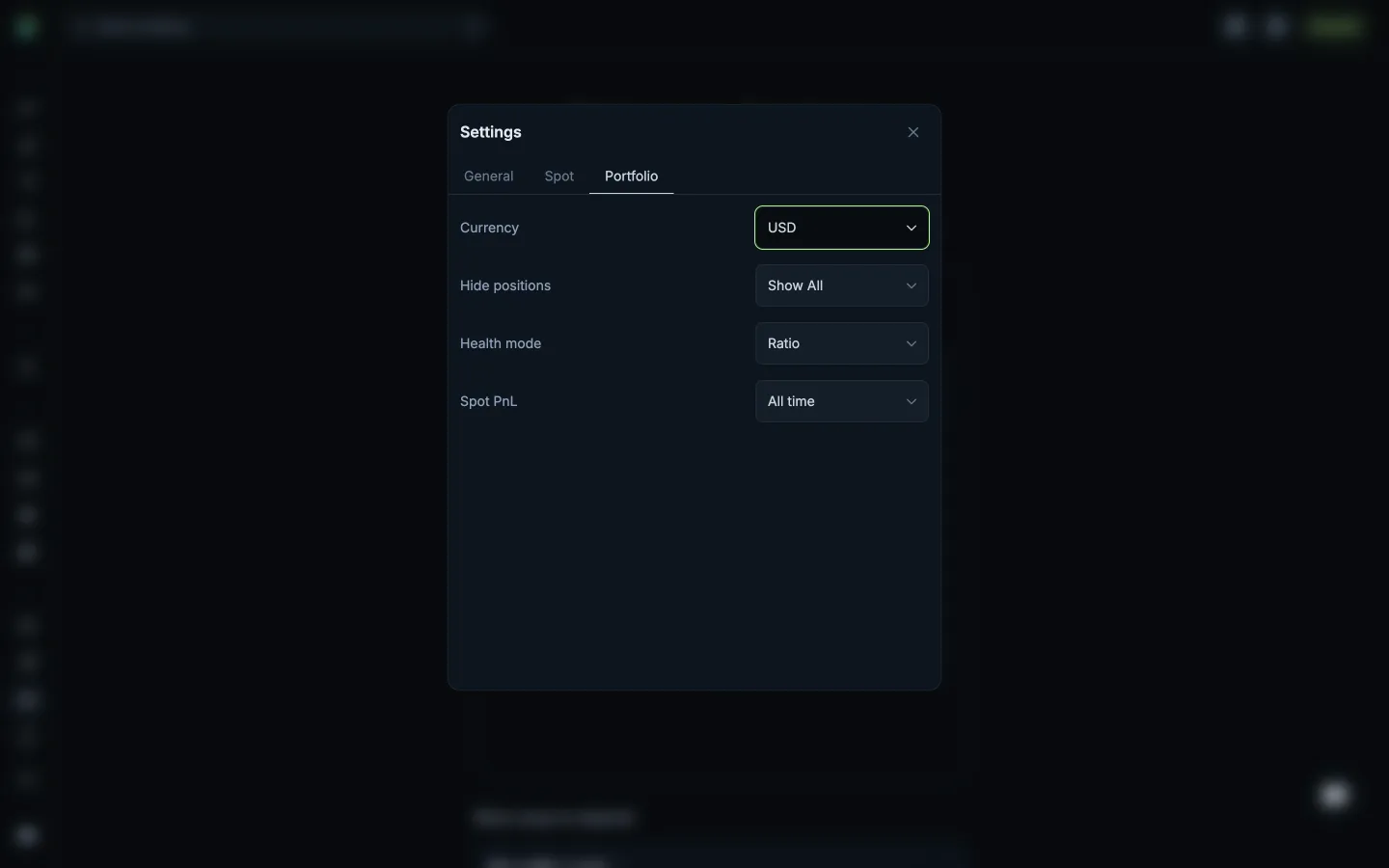
Return to Portfolio preferencesJupiterReturn to Portfolio preferences
Review position value thresholdsJupiterReview position value thresholds

Screens, flows and sites from real crypto and web3 apps.

© 2026 MoonoPrivacyTerms

Apps

  • All apps
  • Screens
  • Flows
  • UI elements

Sites

  • All sites
  • Sections

Learn

  • Glossary

Product

  • Pricing
  • MCPNew

© 2026 MoonoPrivacyTerms