All appsScreensFlowsUI elements
PricingGlossary
AllScreensFlowsUI elements

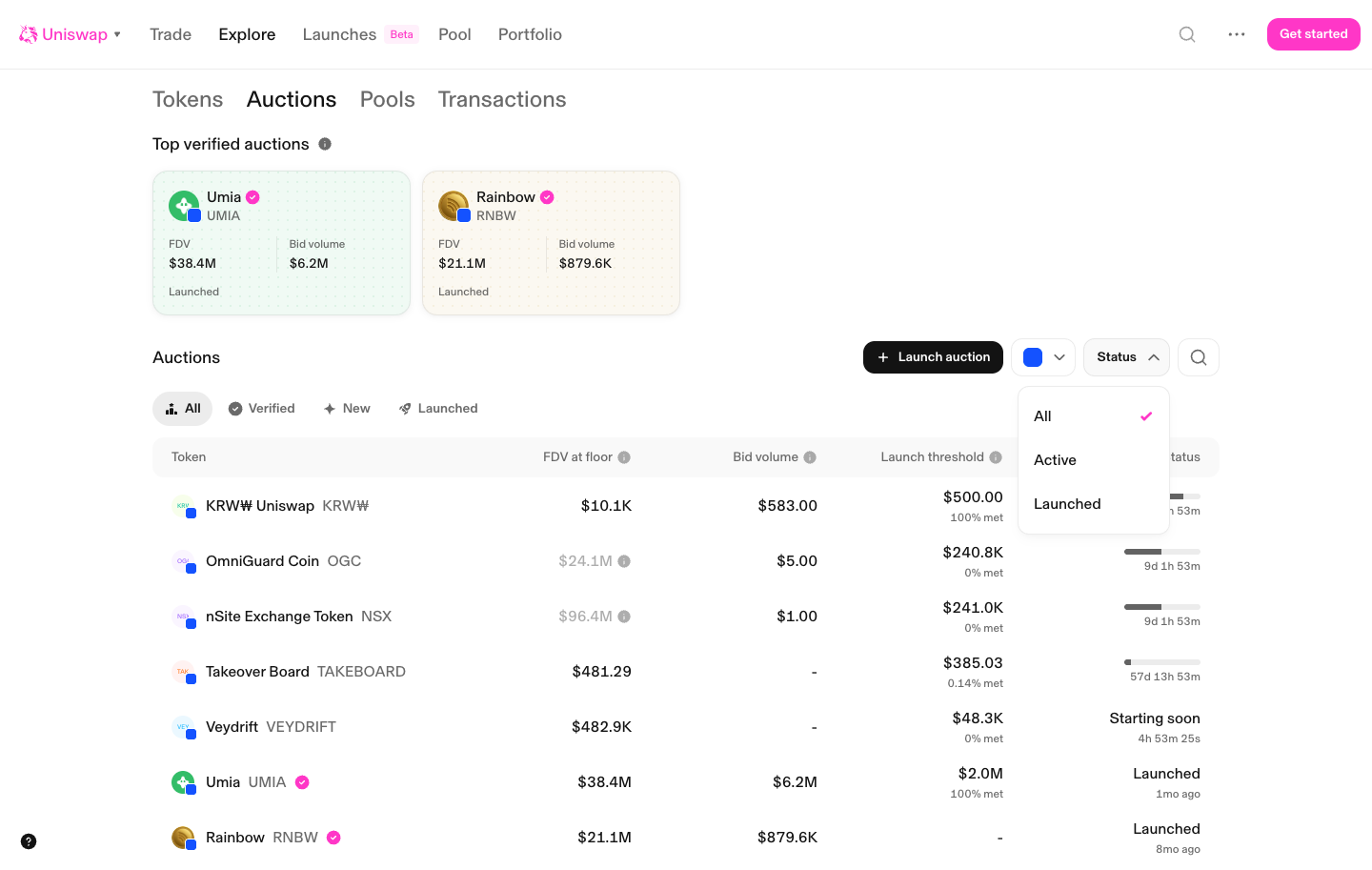
Status menu in Uniswap

Step 5 of 5 in Filtering auctionsPlay
Status menu

Status menu

Filter & Sort

Screen typeFilter & Sort
StateInput
CapturedOct 2026
UI elementsDropdown MenuTable
In the flowFiltering auctions
SizeDesktop, 1440 by 913
Open the flowOpen original

Similar screens in other apps

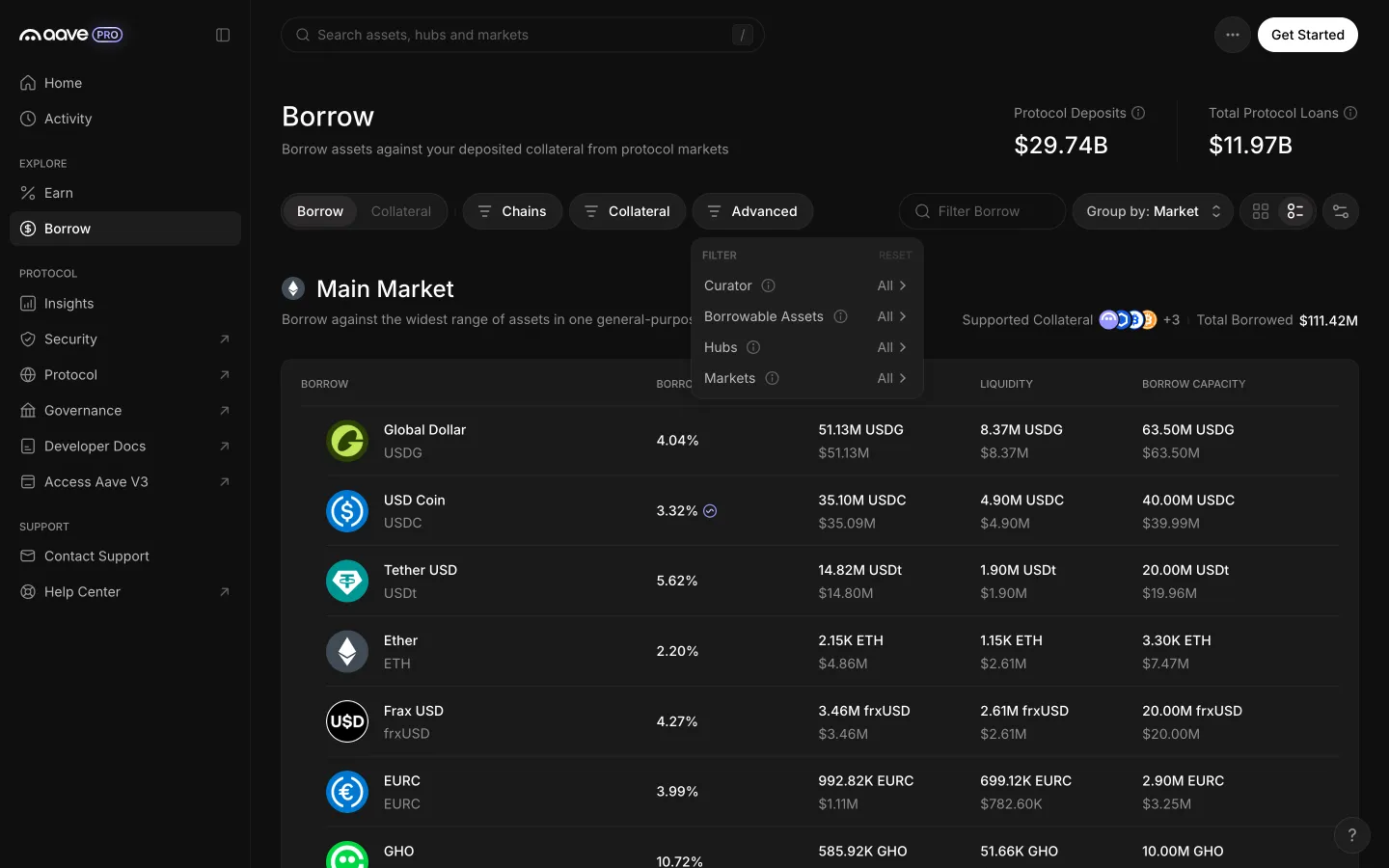
Advanced filters add curator, borrowable assets, hubs and marketsAave ProAdvanced filters add curator, borrowable assets, hubs and markets
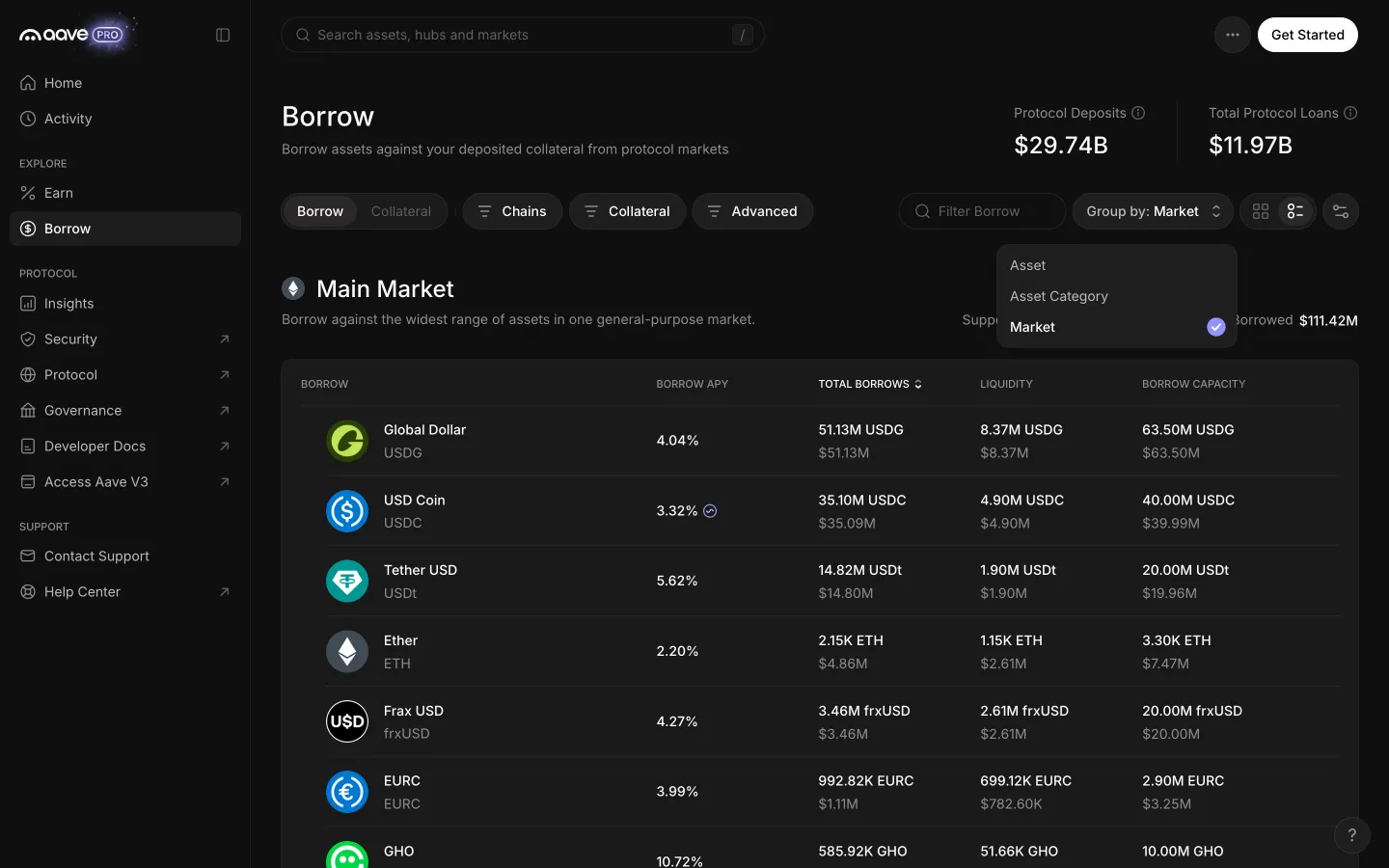
Group by menu with market selectedAave ProGroup by menu with market selected
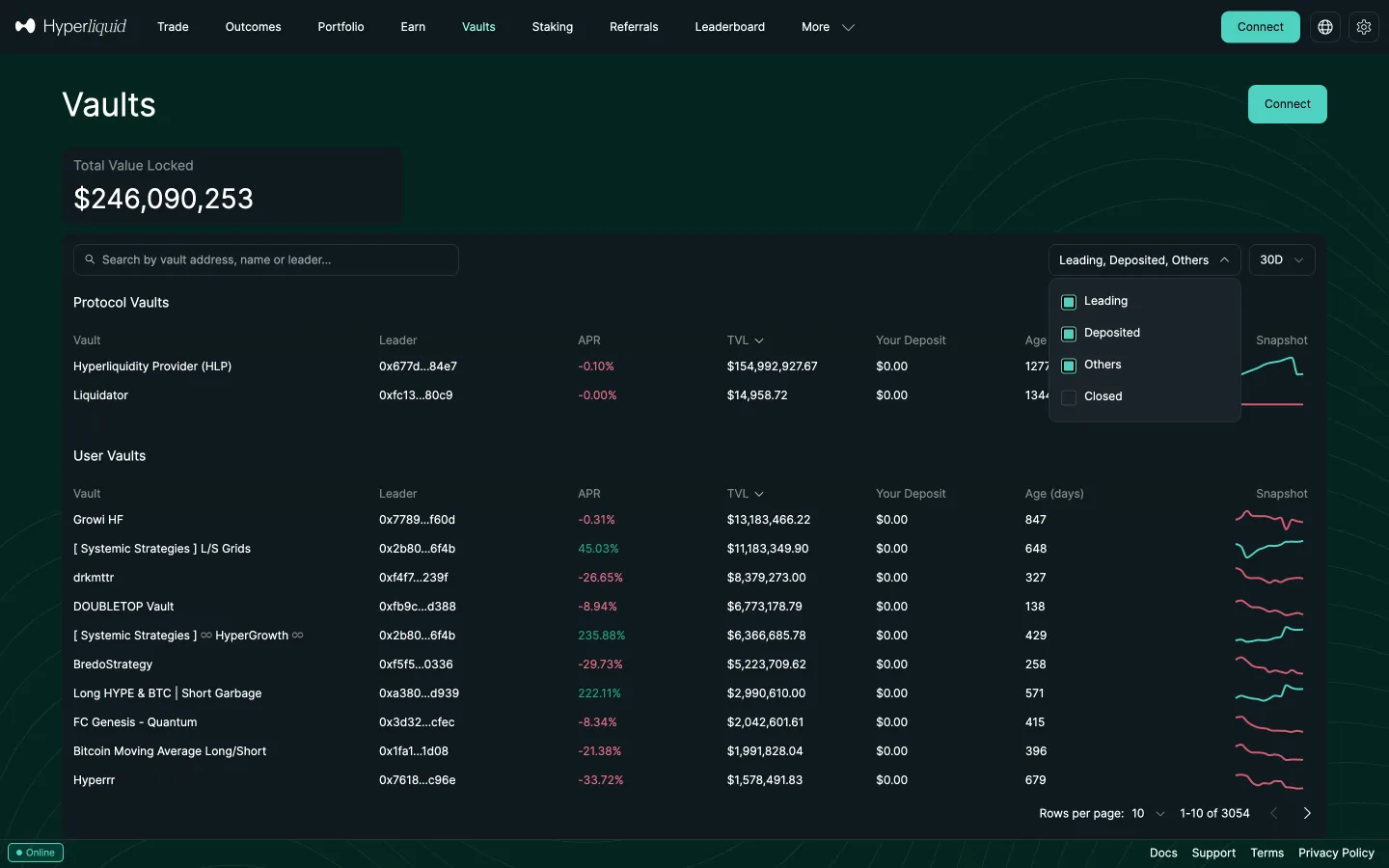
Vault status filterHyperliquidVault status filter
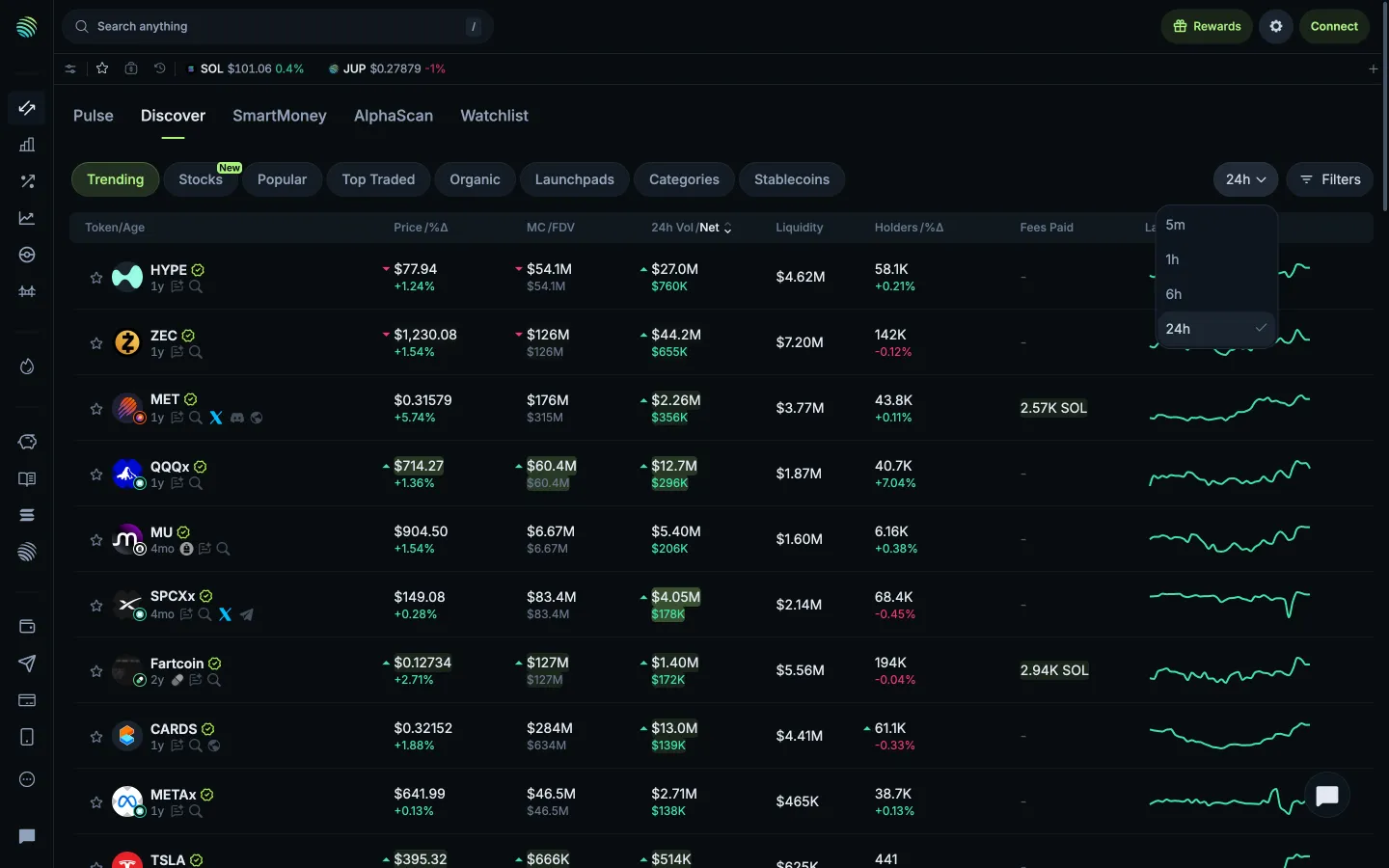
Time range menuJupiterTime range menu
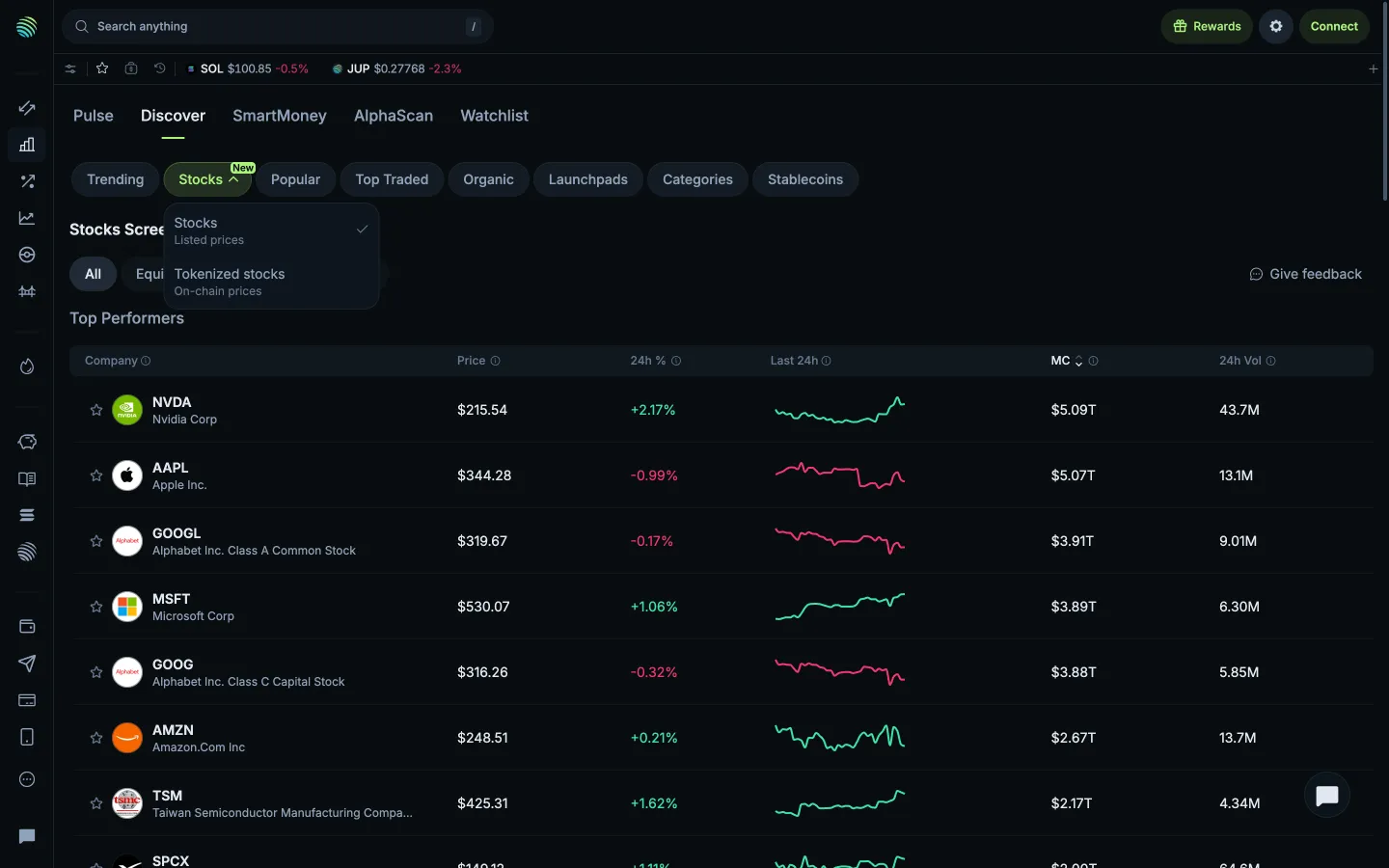
Listed or tokenized prices menuJupiterListed or tokenized prices menu
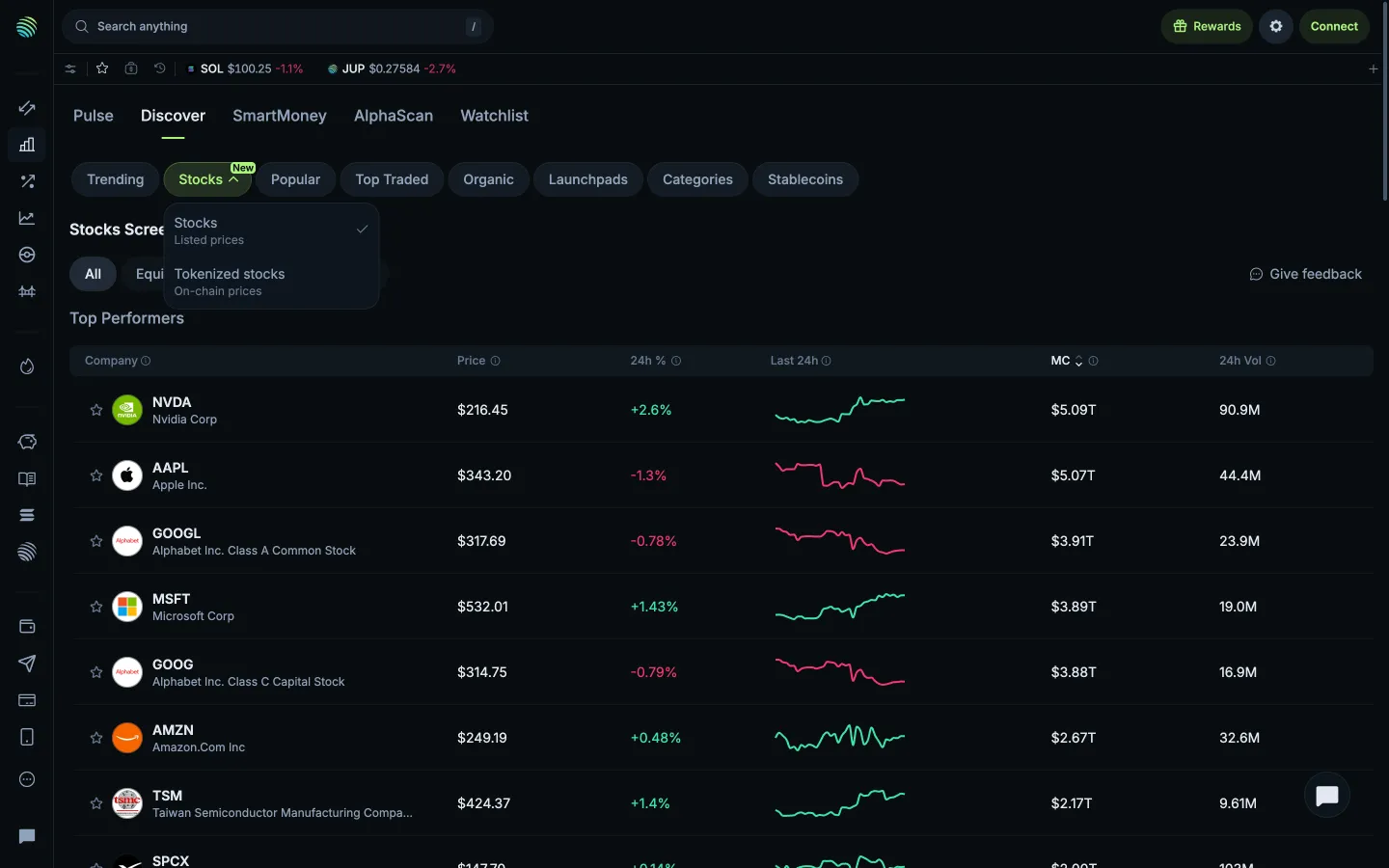
Available stock screenersJupiterAvailable stock screeners
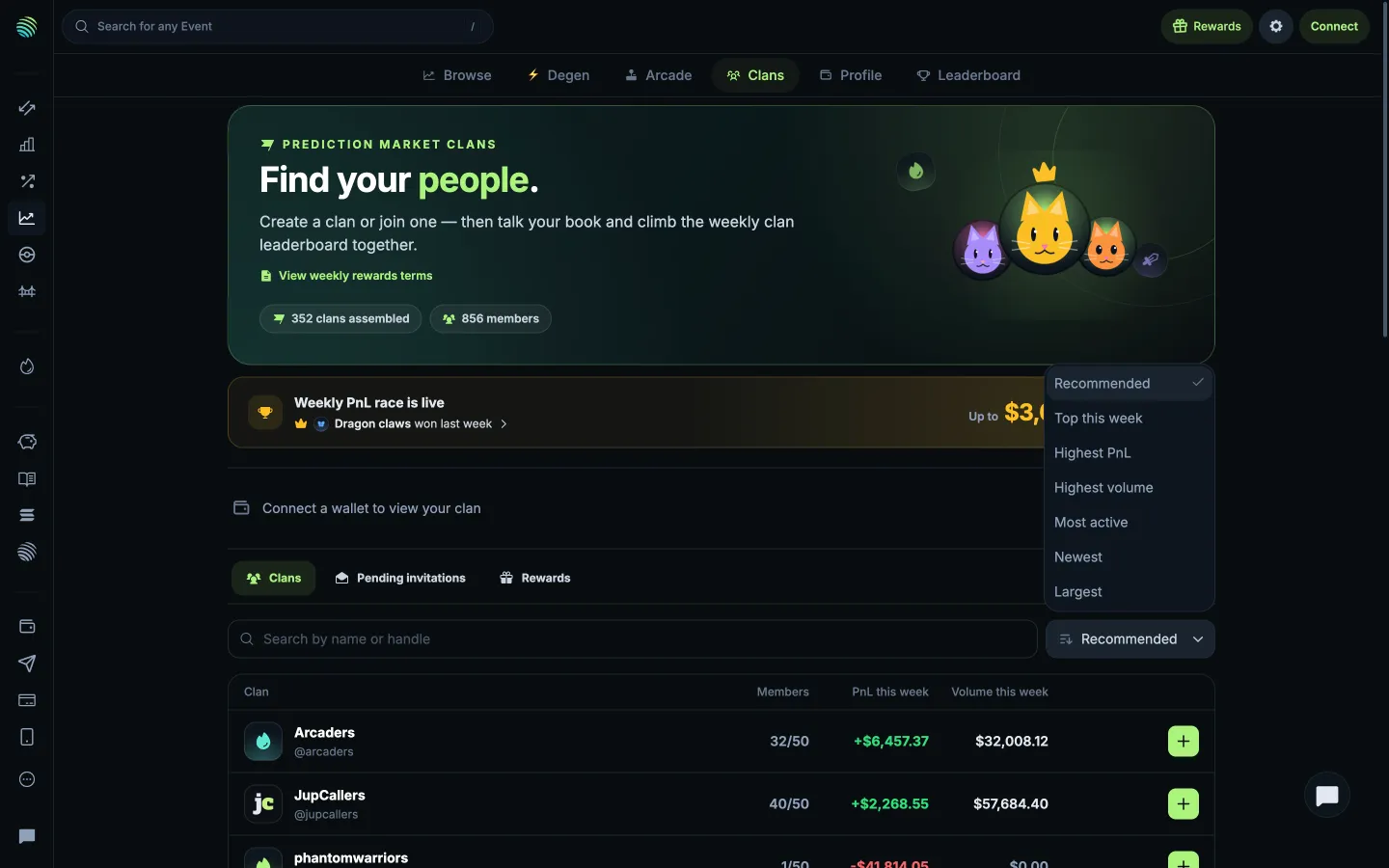
Choose how to rank clansJupiterChoose how to rank clans
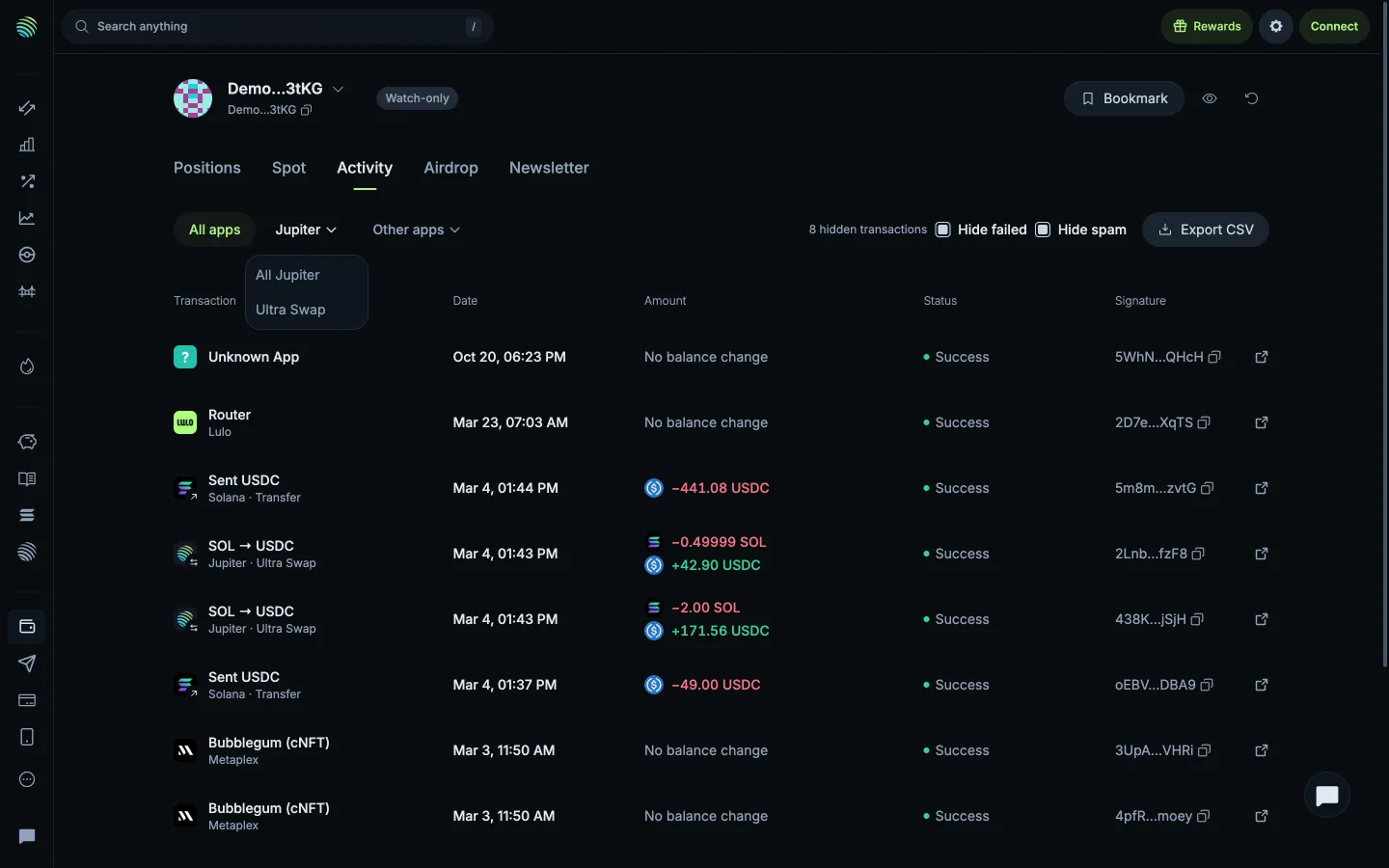
Choose a Jupiter activity typeJupiterChoose a Jupiter activity type
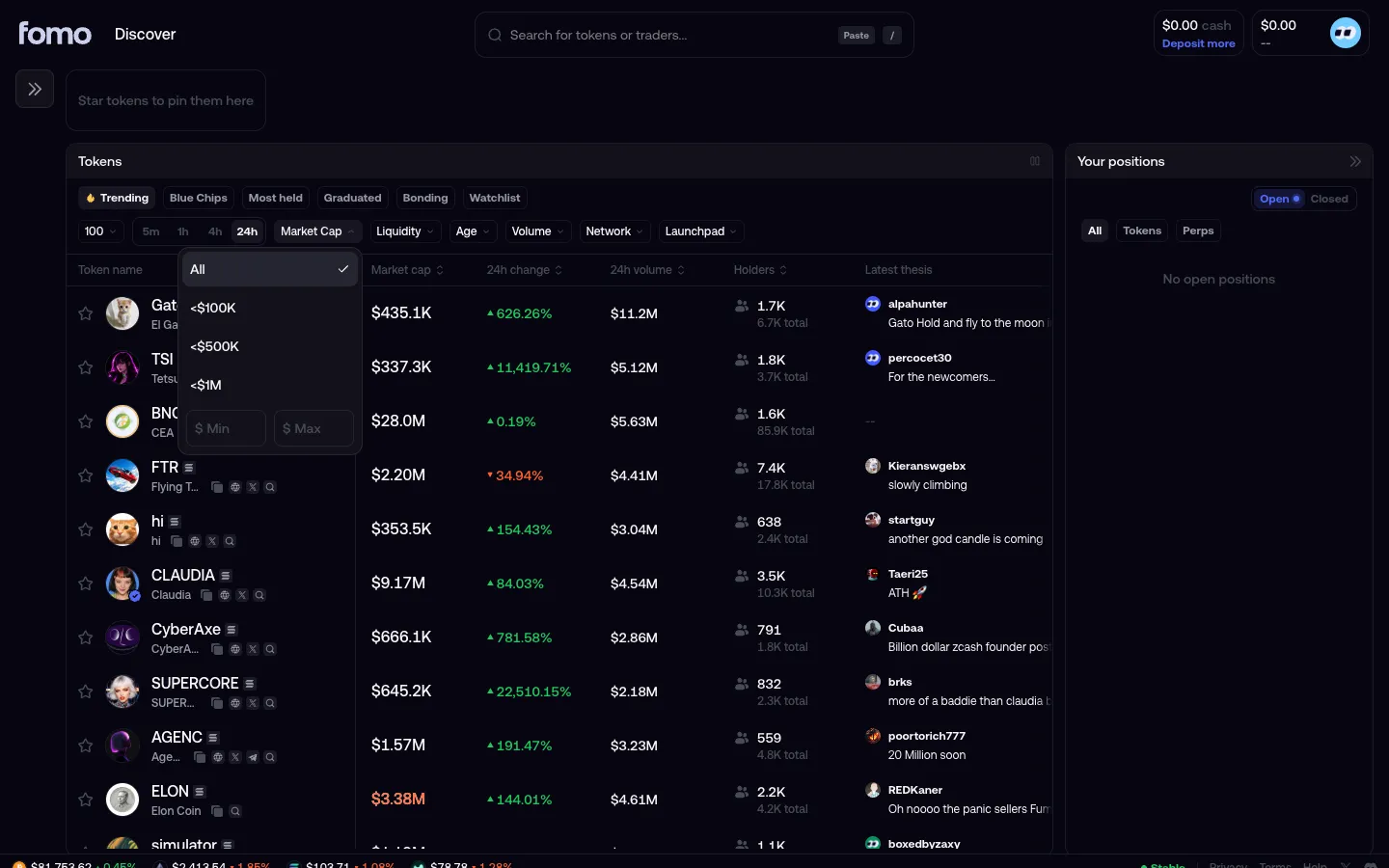
Market cap filter openfomoMarket cap filter open
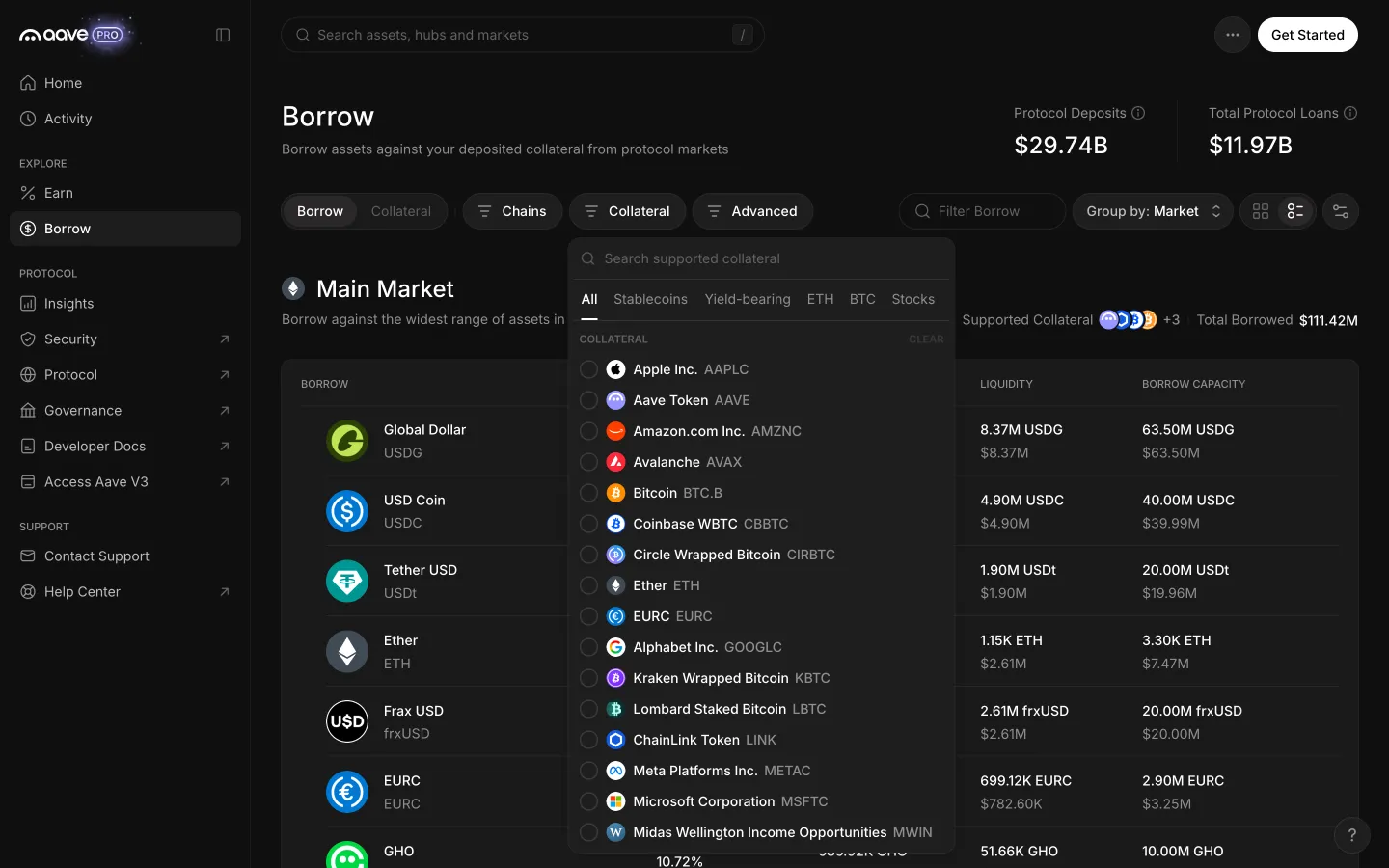
Collateral filter lists the assets a borrower may holdAave ProCollateral filter lists the assets a borrower may hold
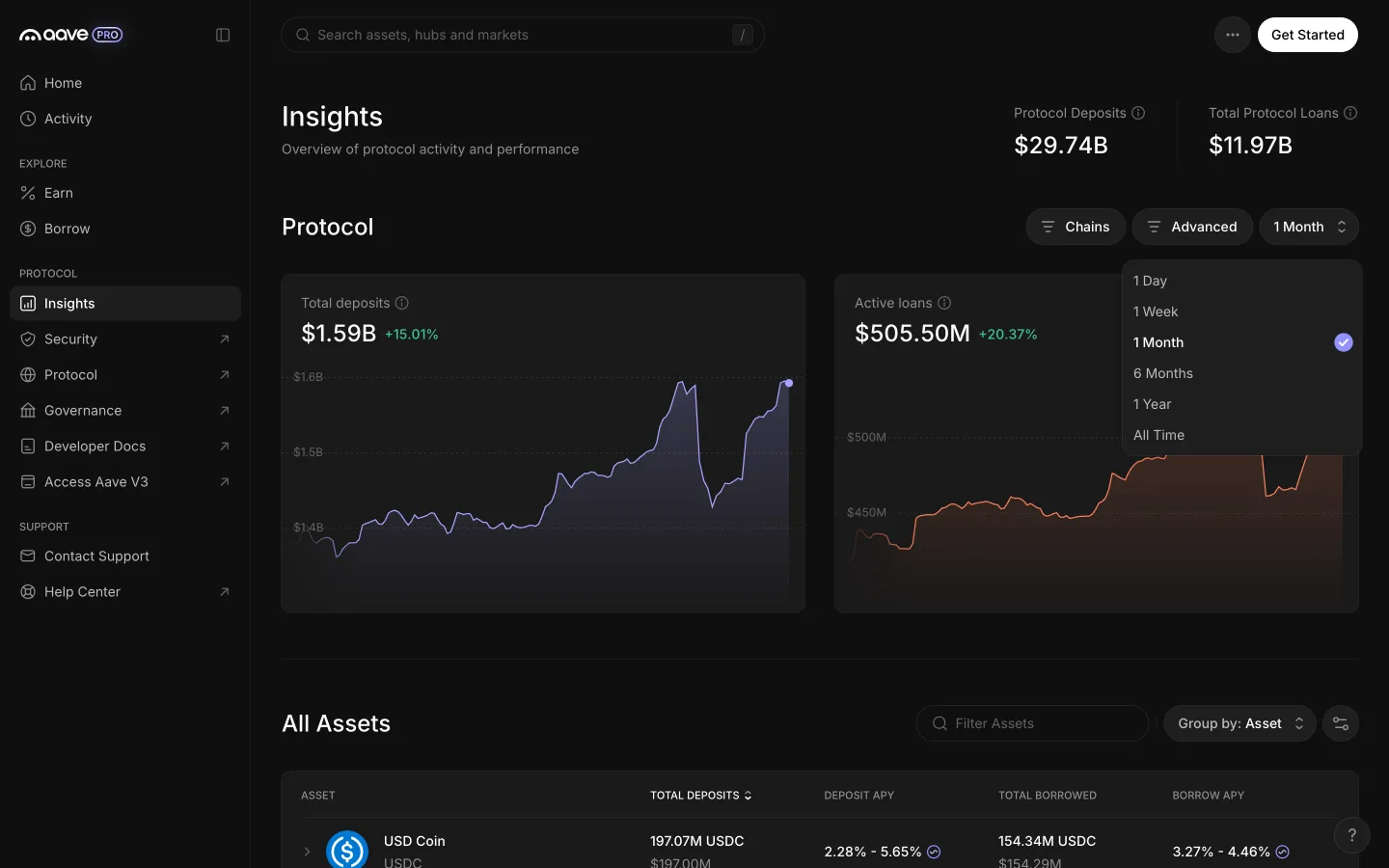
Time window offers day, week, month, six months, year and all timeAave ProTime window offers day, week, month, six months, year and all time
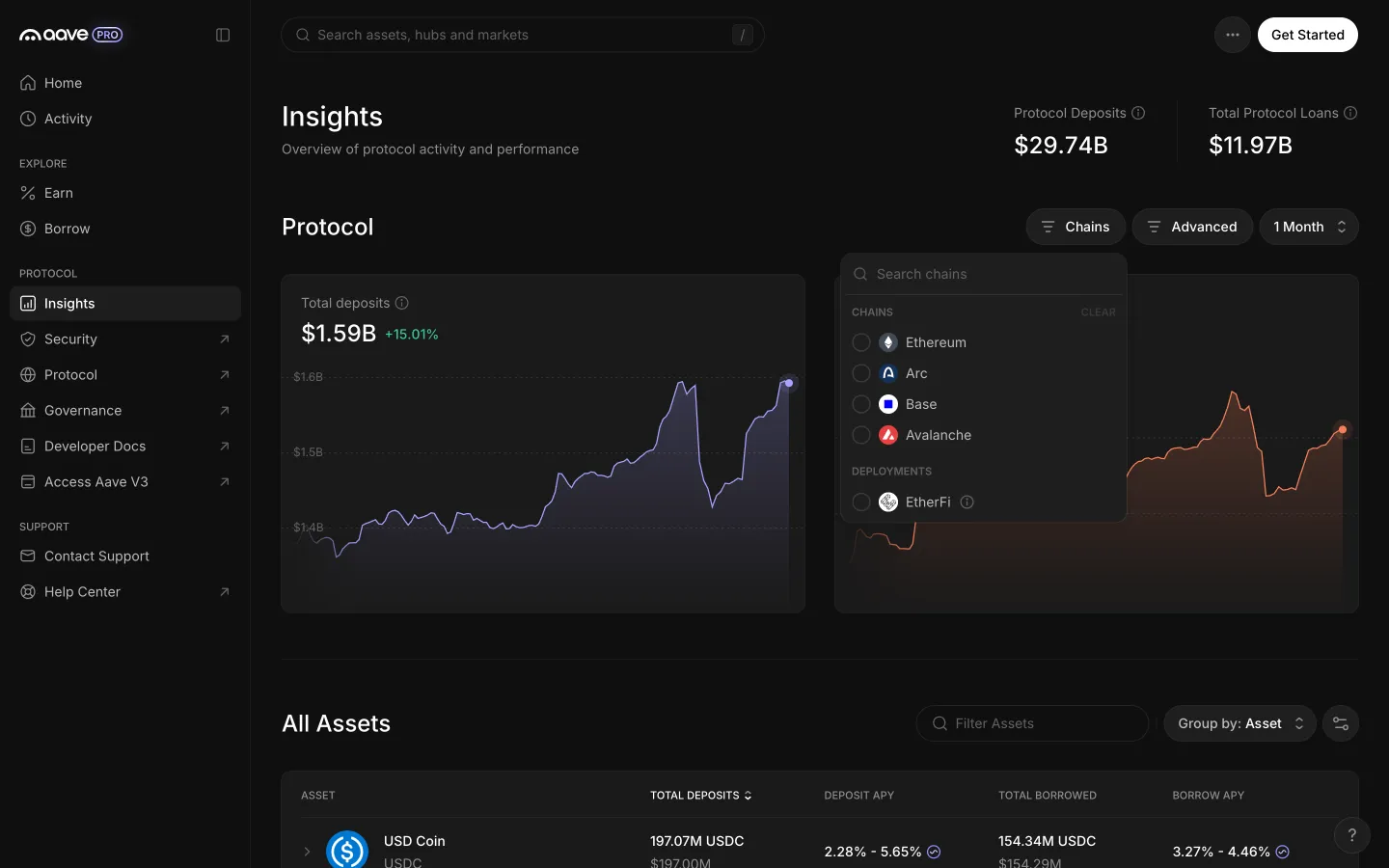
Chains menu with deployments such as EtherFiAave ProChains menu with deployments such as EtherFi

Screens, flows and sites from real crypto and web3 apps.

© 2026 MoonoPrivacyTerms

Apps

  • All apps
  • Screens
  • Flows
  • UI elements

Sites

  • All sites
  • Sections

Learn

  • Glossary

Product

  • Pricing
  • MCPNew

© 2026 MoonoPrivacyTerms