All appsScreensFlowsUI elements
PricingGlossary
AllScreensFlowsUI elements

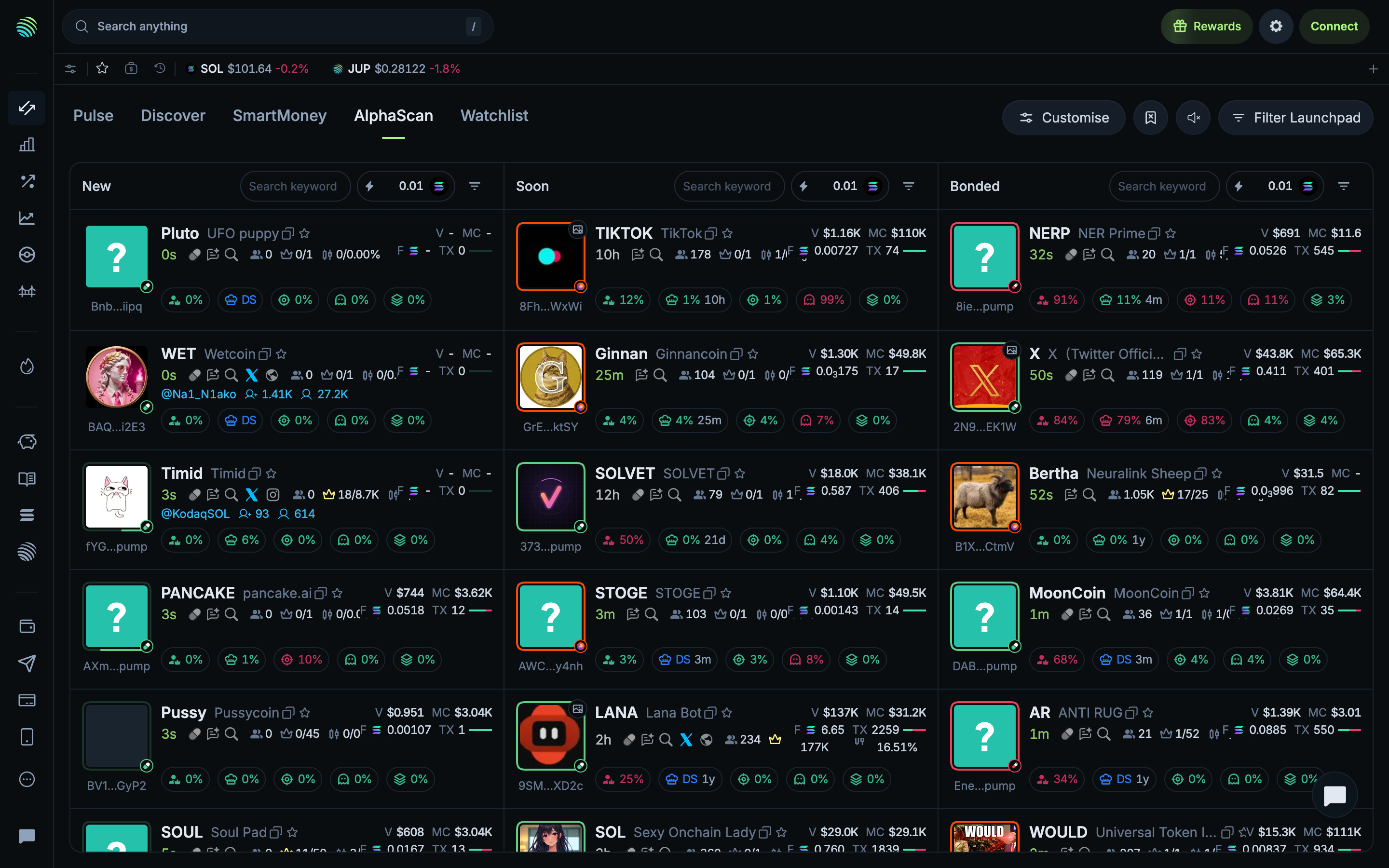
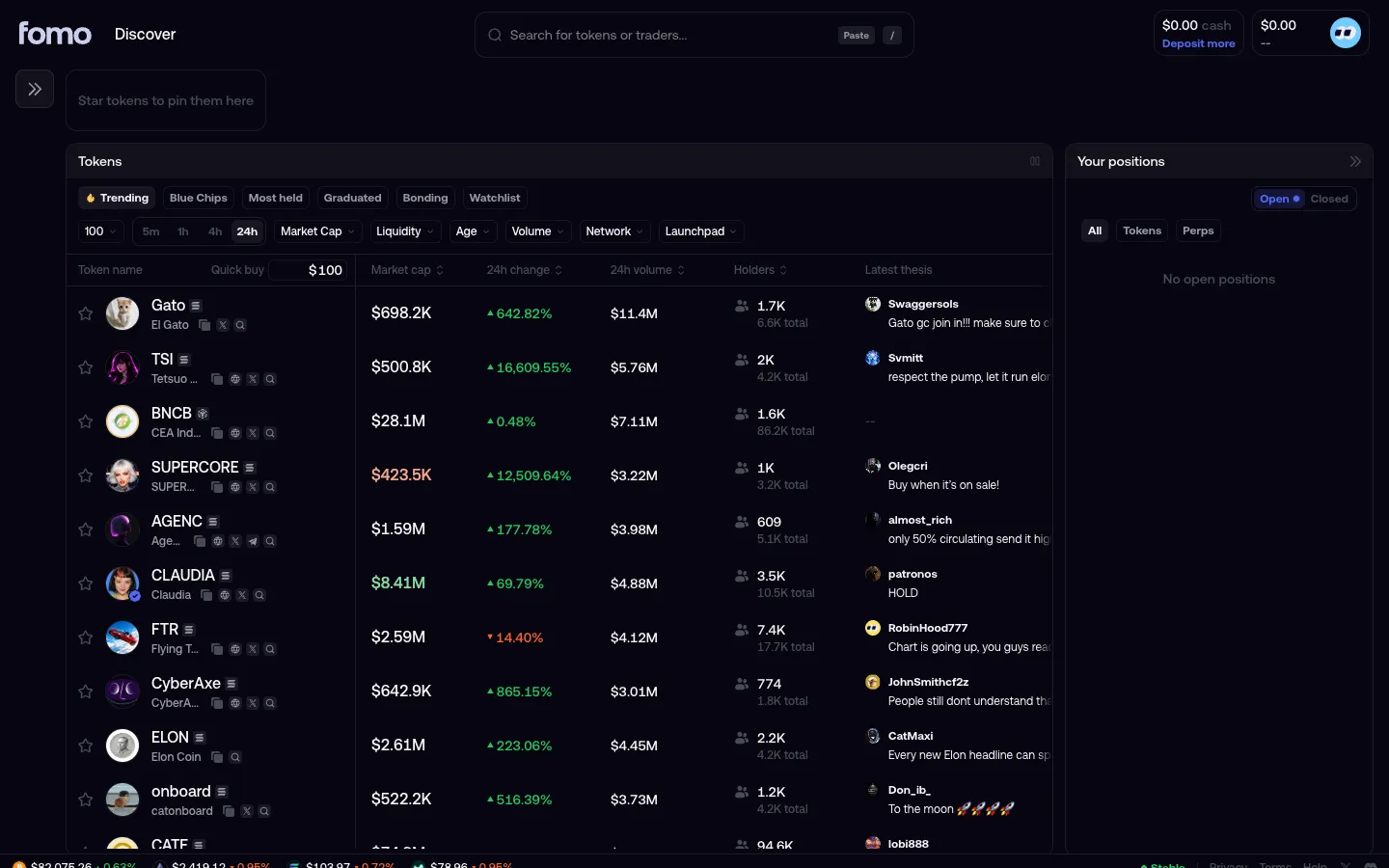
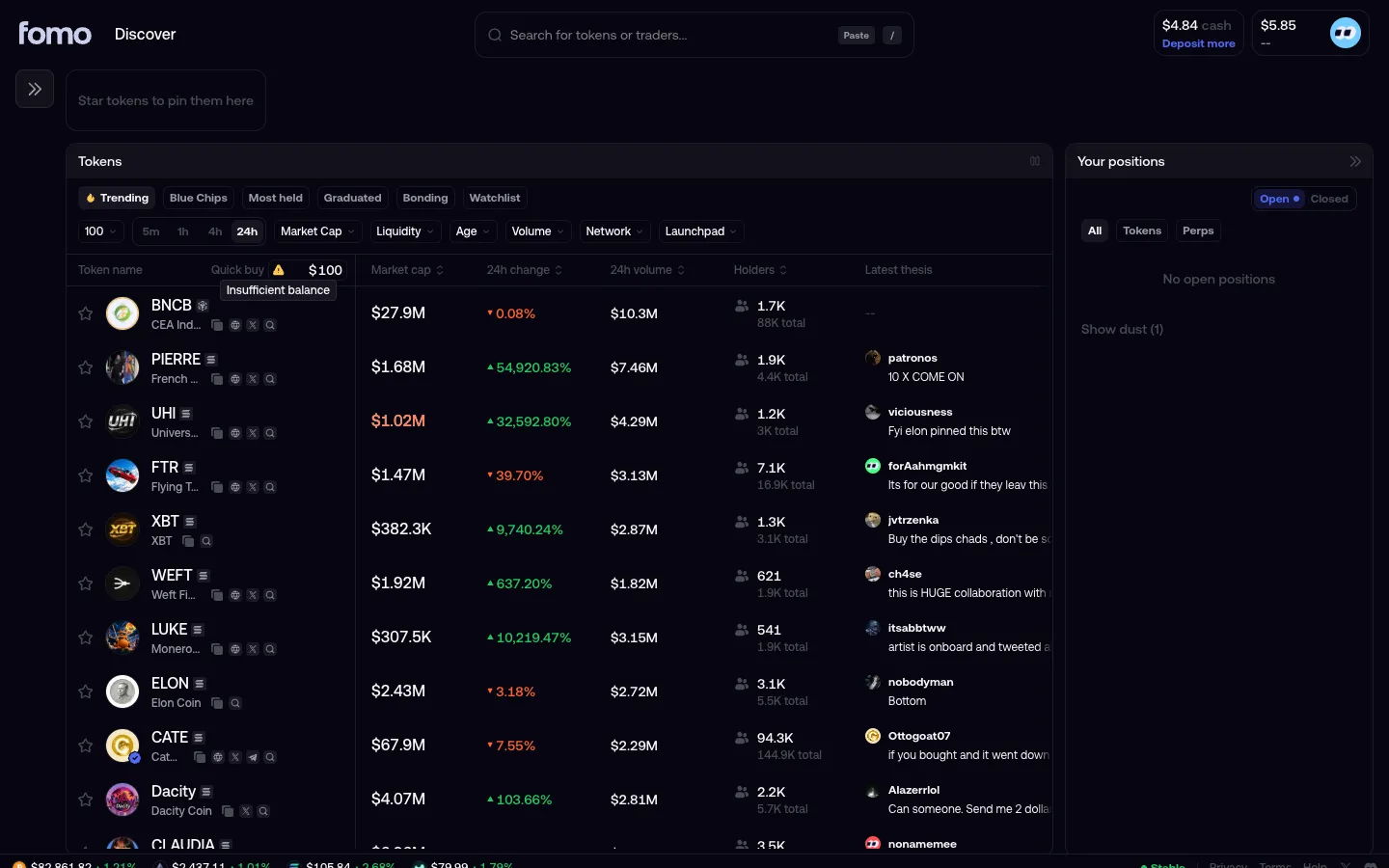
AlphaScan columns in Jupiter

Step 1 of 2 in Choosing quick buy currencyPlay
AlphaScan columns

AlphaScan columns

Explore

Screen typeExplore
StateIdle
CapturedOct 2026
UI elementsAmount InputBadgeButtonSearch BarSelectStacked ListTabToken Icon
In the flowChoosing quick buy currency
SizeDesktop, 2880 by 1800
Open the flowOpen original

Similar screens in other apps

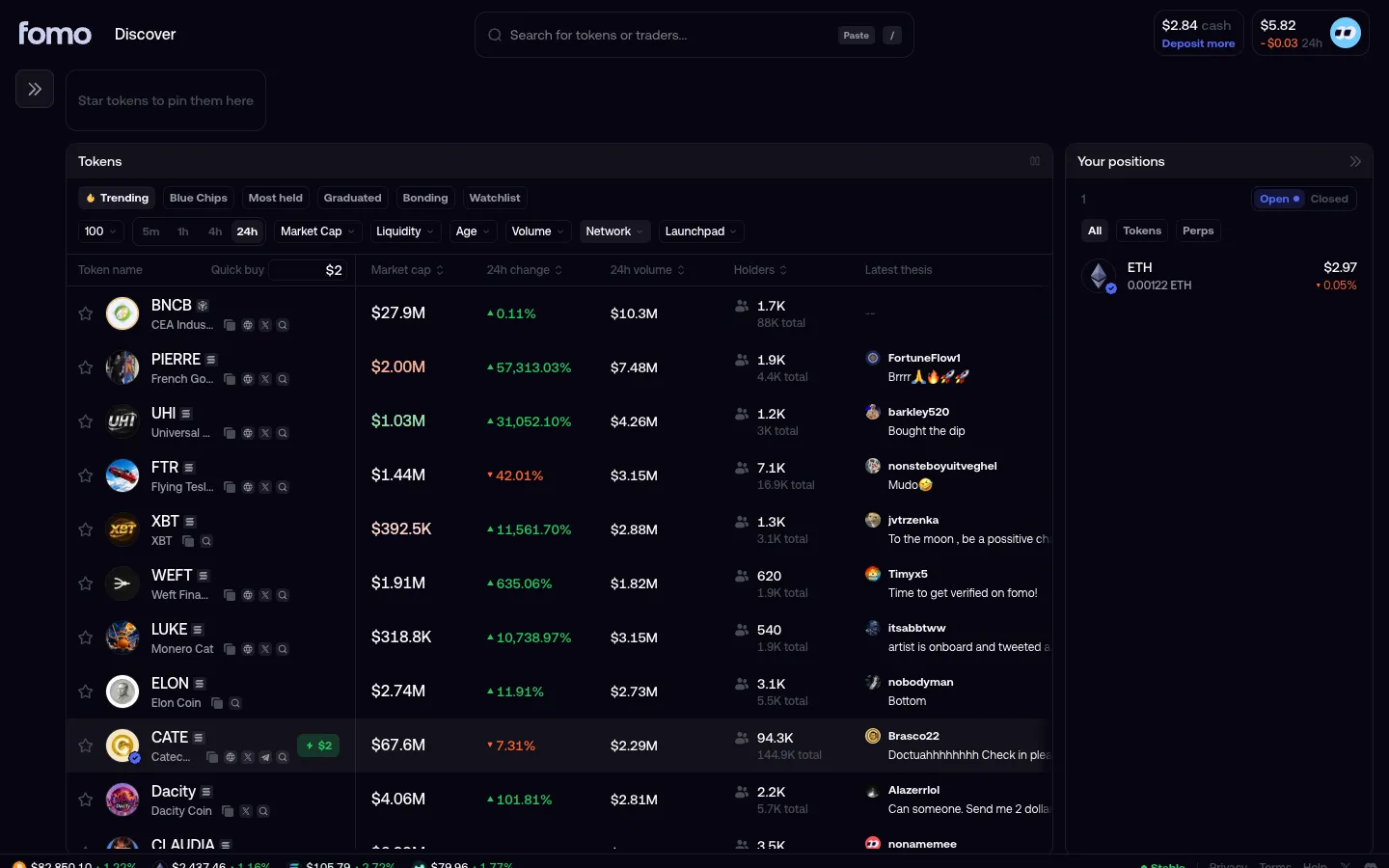
Quick buy set to $2 on hoverfomoQuick buy set to $2 on hover
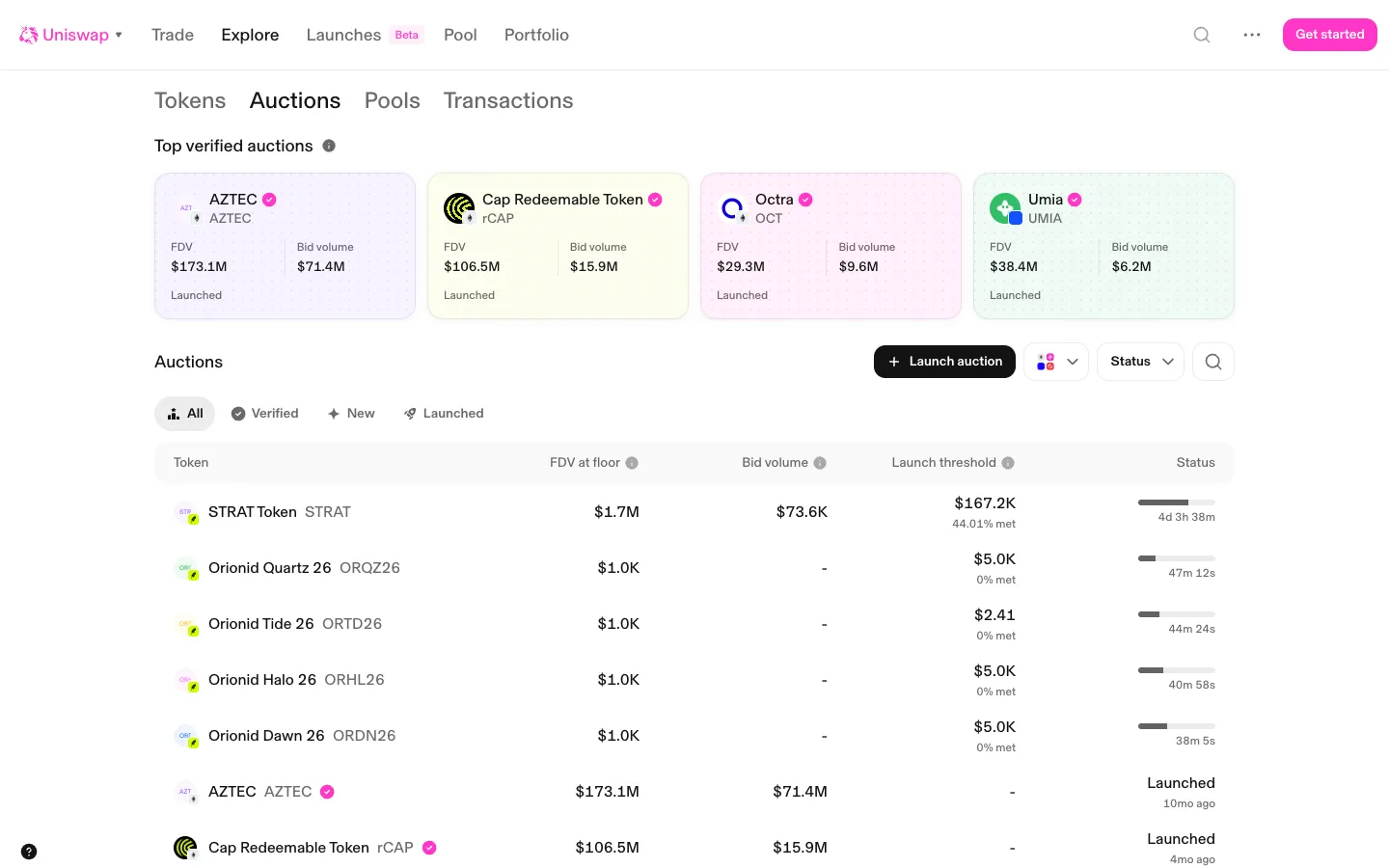
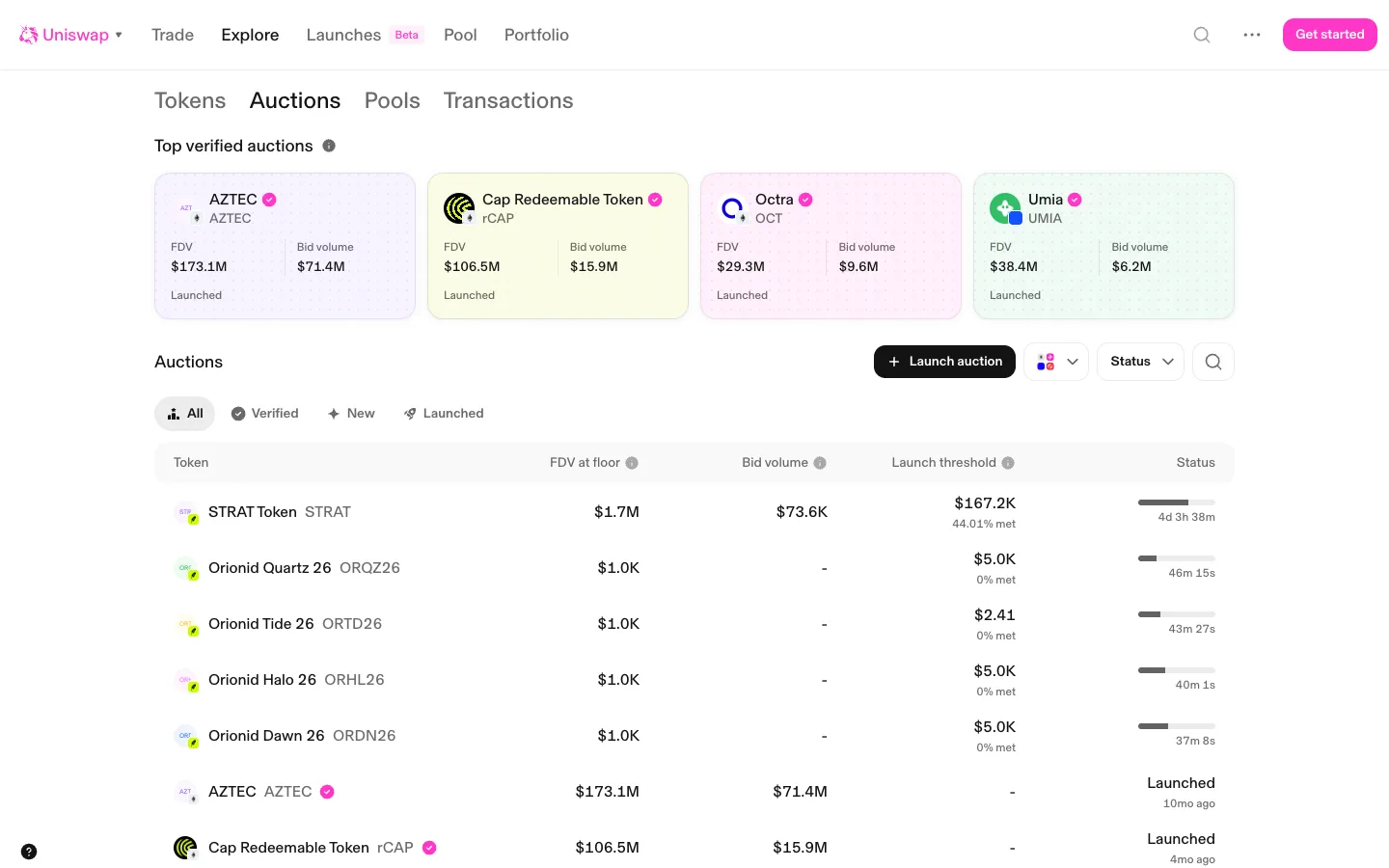
Auctions list, live ones firstUniswapAuctions list, live ones first
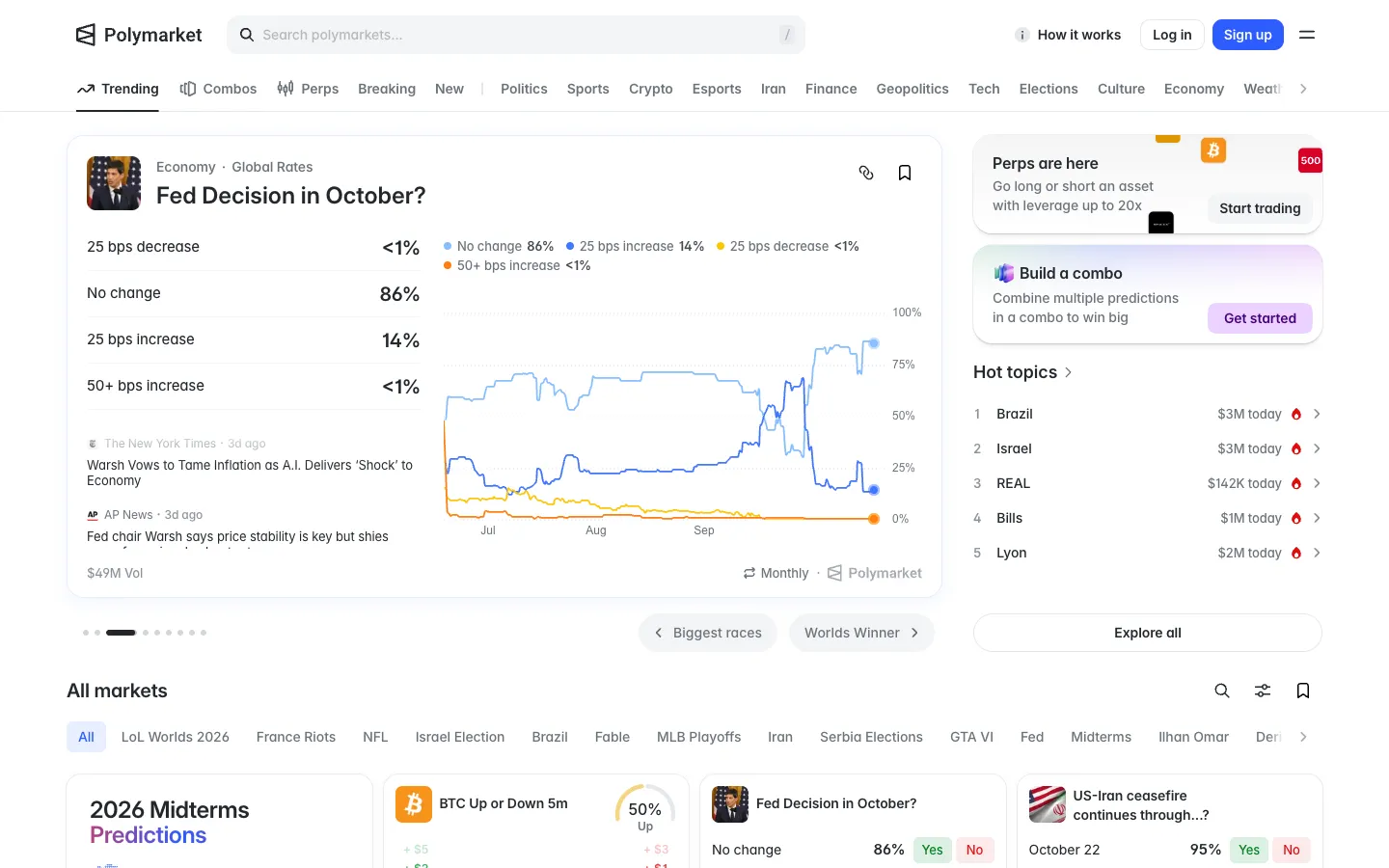
Trending, featured market and hot topicsPolymarketTrending, featured market and hot topics
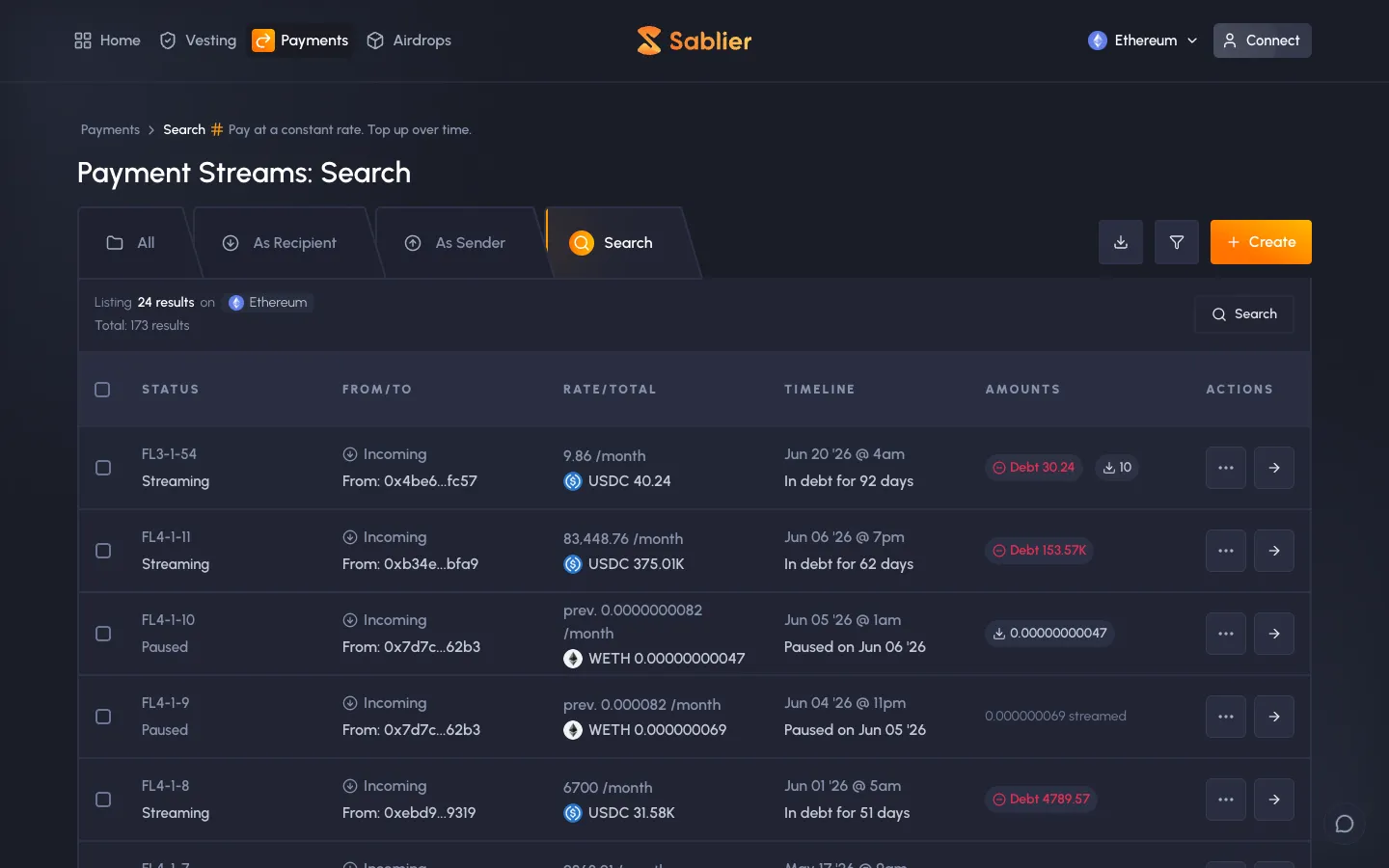
Ethereum payment streams, rate per month, debt and paused statesSablierEthereum payment streams, rate per month, debt and paused states
Auctions listUniswapAuctions list
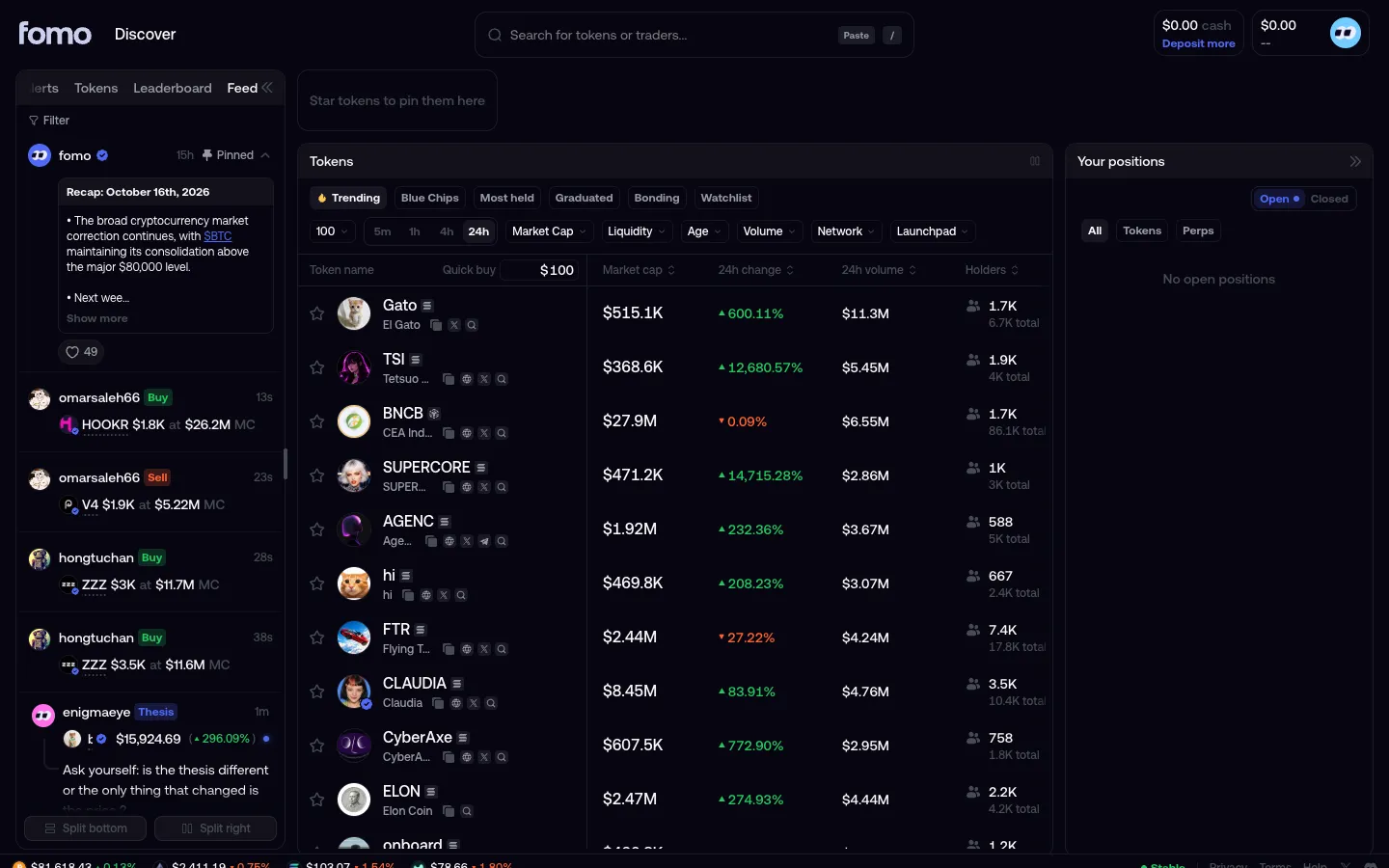
Feed of trades and postsfomoFeed of trades and posts
Token listfomoToken list
Quick buy preset above cash balancefomoQuick buy preset above cash balance
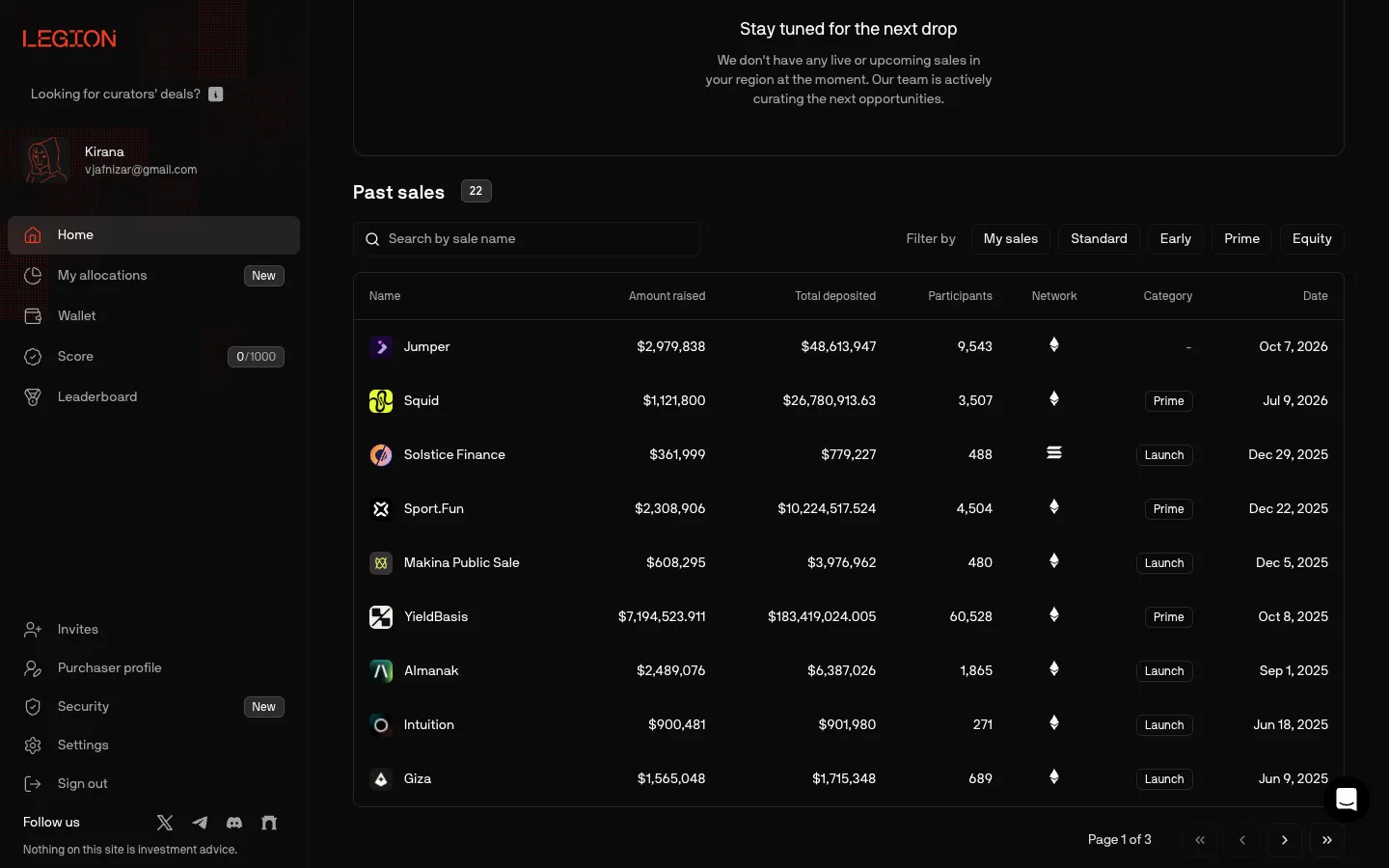
Scrolled to 22 past sales, raised against depositedLegionScrolled to 22 past sales, raised against deposited
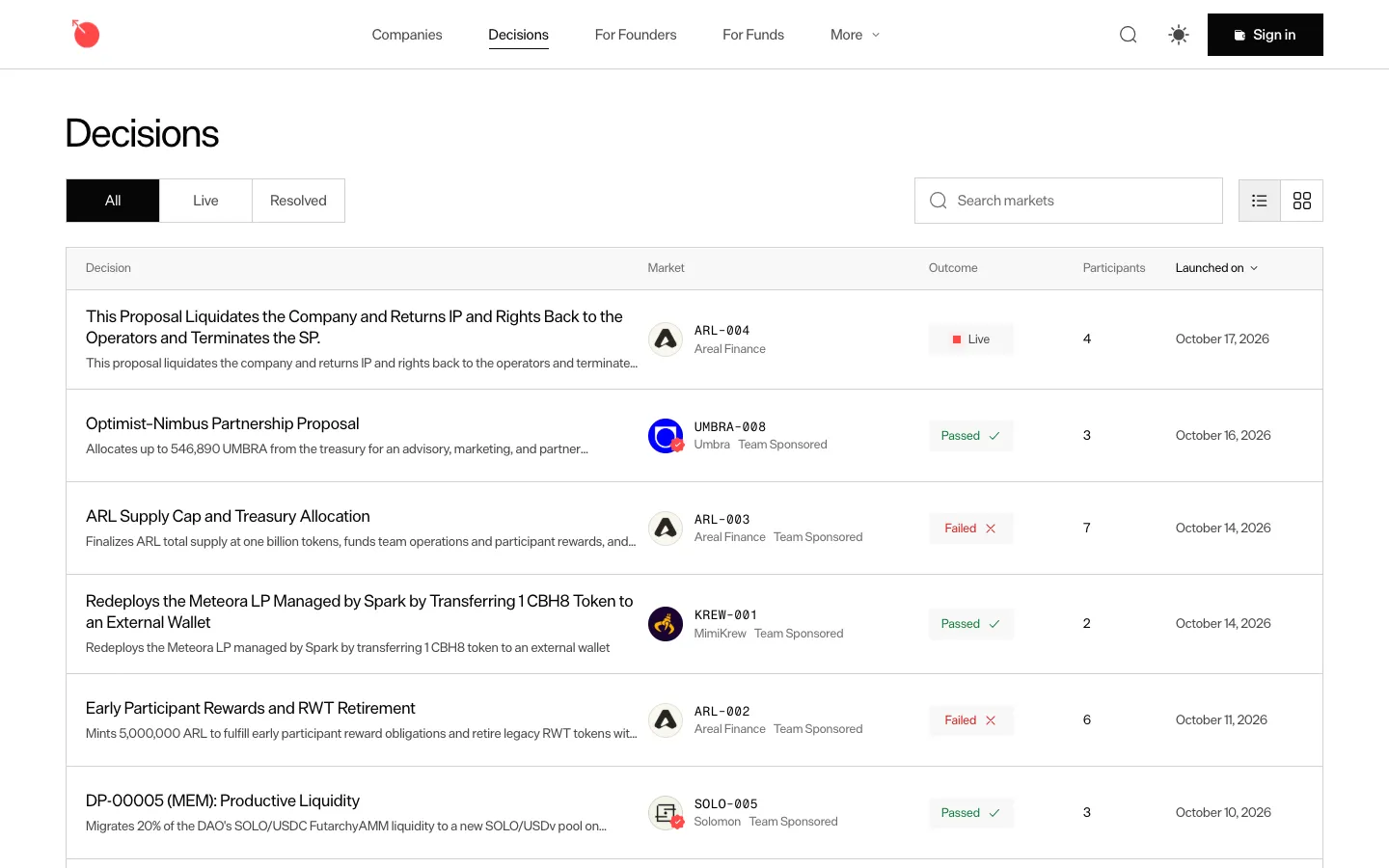
All decisions, newest firstMetaDAOAll decisions, newest first
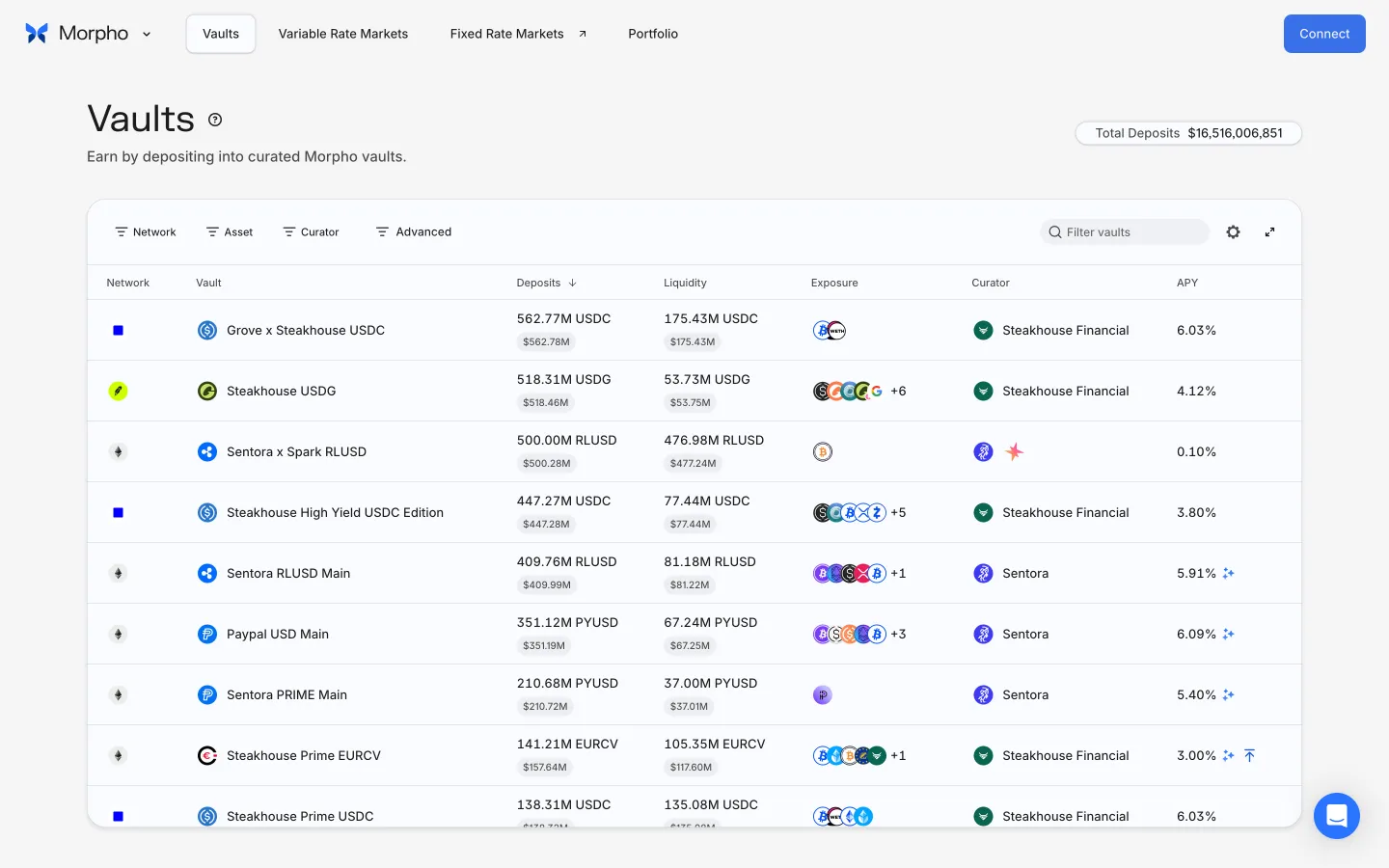
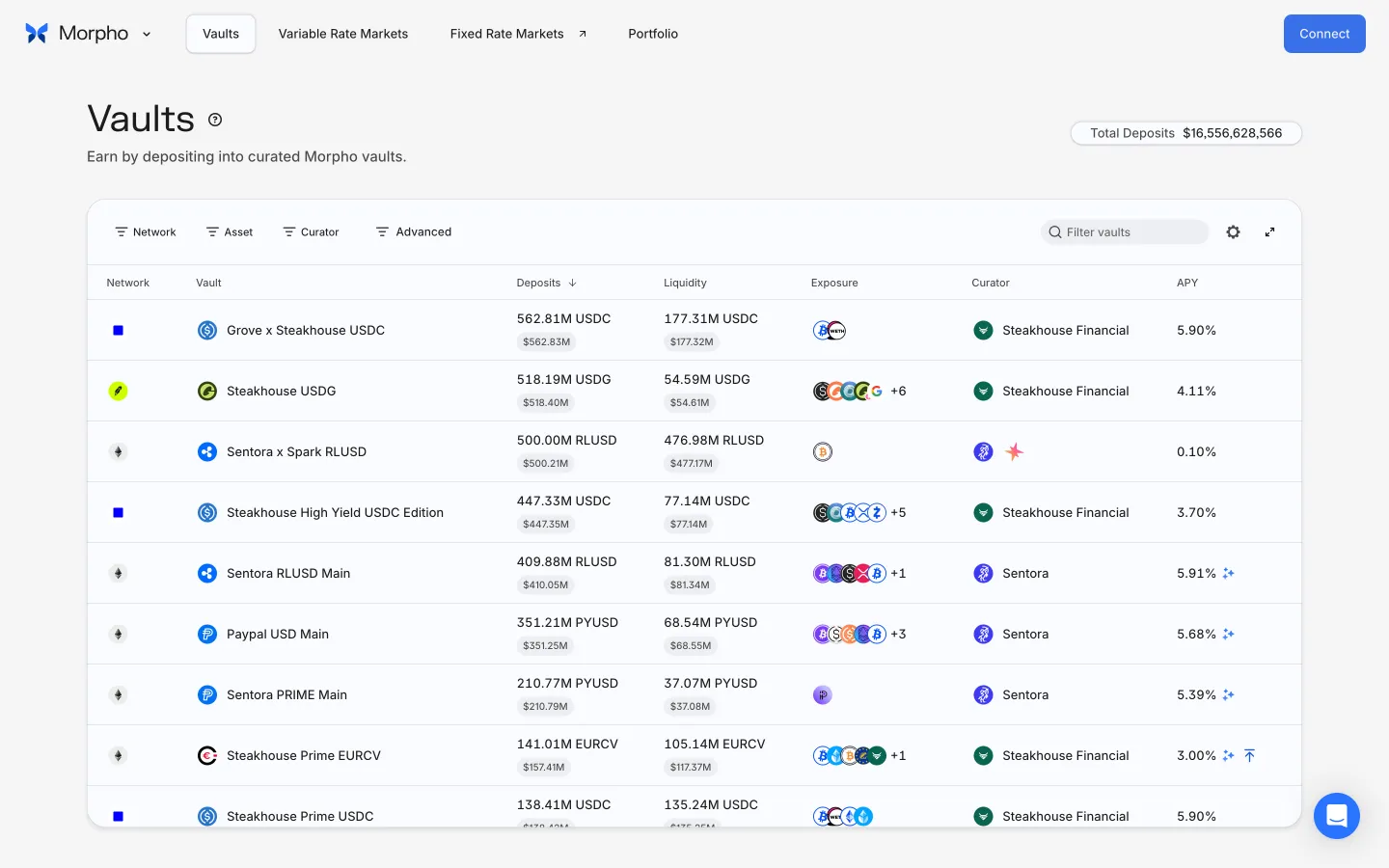
Browse vaultsMorphoBrowse vaults
Open wallet connectionMorphoOpen wallet connection

Screens, flows and sites from real crypto and web3 apps.

© 2026 MoonoPrivacyTerms

Apps

  • All apps
  • Screens
  • Flows
  • UI elements

Sites

  • All sites
  • Sections

Learn

  • Glossary

Product

  • Pricing
  • MCPNew

© 2026 MoonoPrivacyTerms