All appsScreensFlowsUI elements
PricingGlossary
AllScreensFlowsUI elements

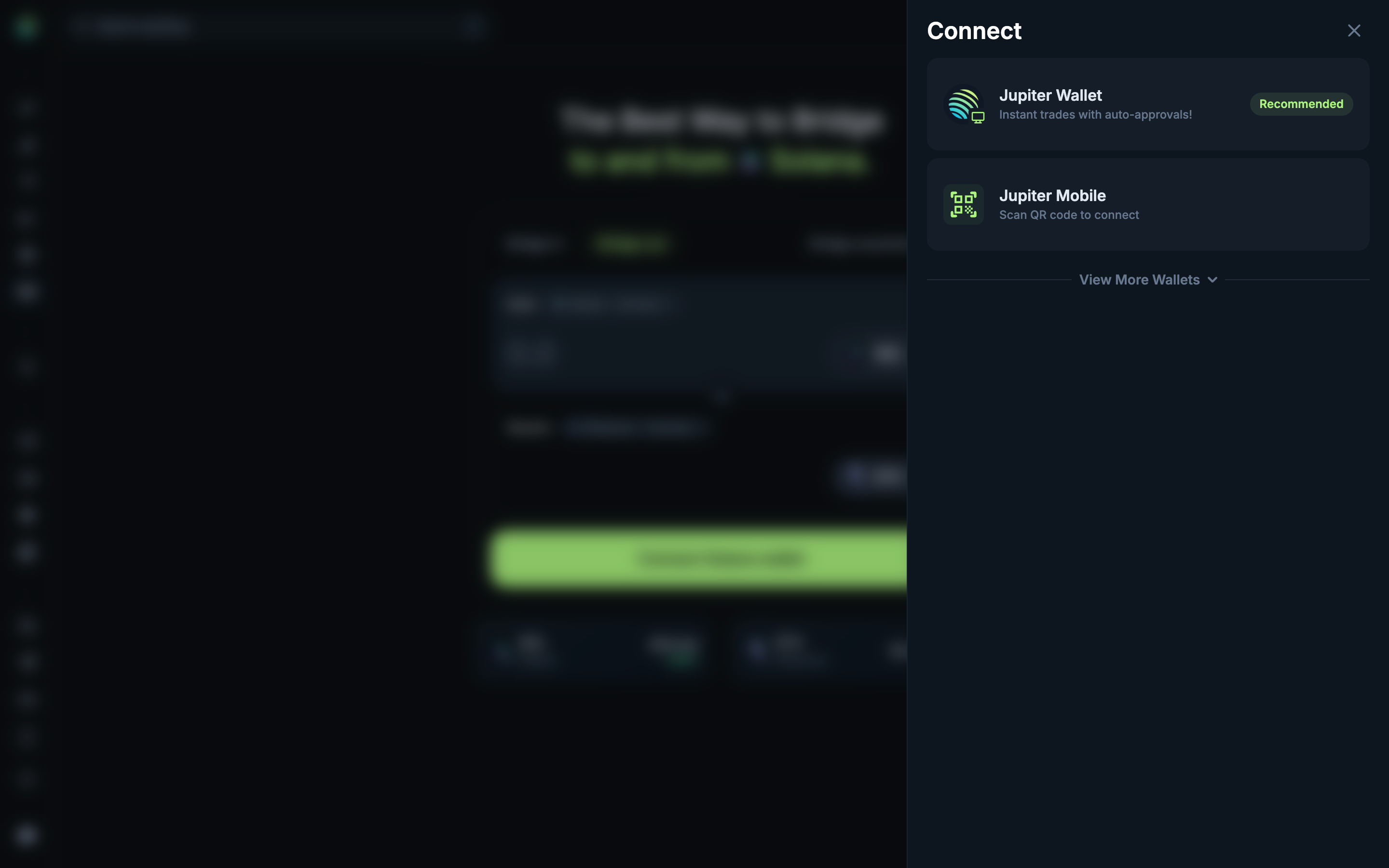
Choose a Solana wallet in Jupiter

Step 2 of 2 in Connecting the source walletPlay
Choose a Solana wallet

Choose a Solana wallet

Connect Wallet

Screen typeConnect Wallet
StateBlocked
CapturedOct 2026
UI elementsAccordionBadgeButtonCardDialogDrawer
In the flowConnecting the source wallet
SizeDesktop, 2880 by 1800
Open the flowOpen original

Similar screens in other apps

Choose a walletMorphoChoose a wallet
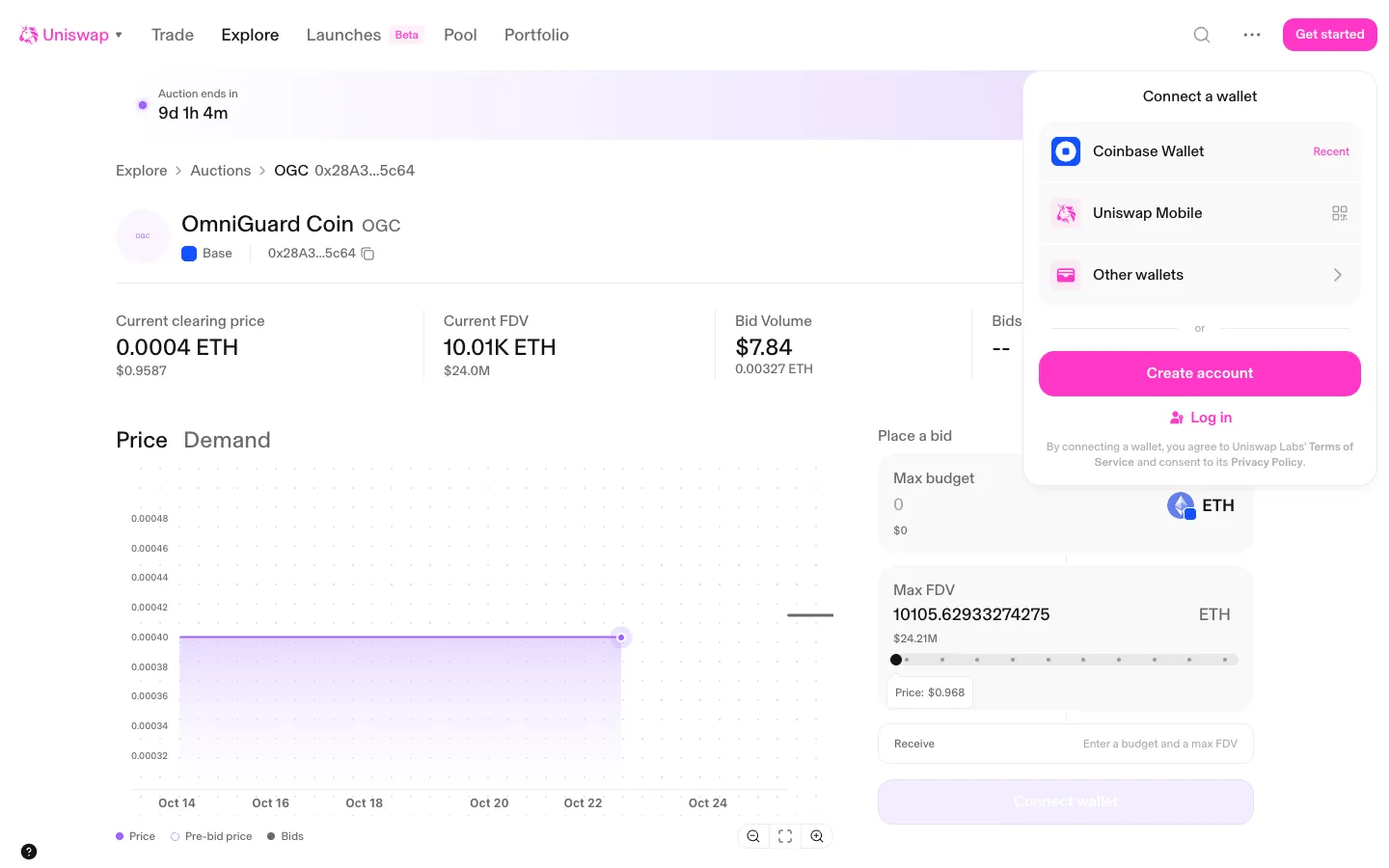
Connect panel remembers the recent walletUniswapConnect panel remembers the recent wallet
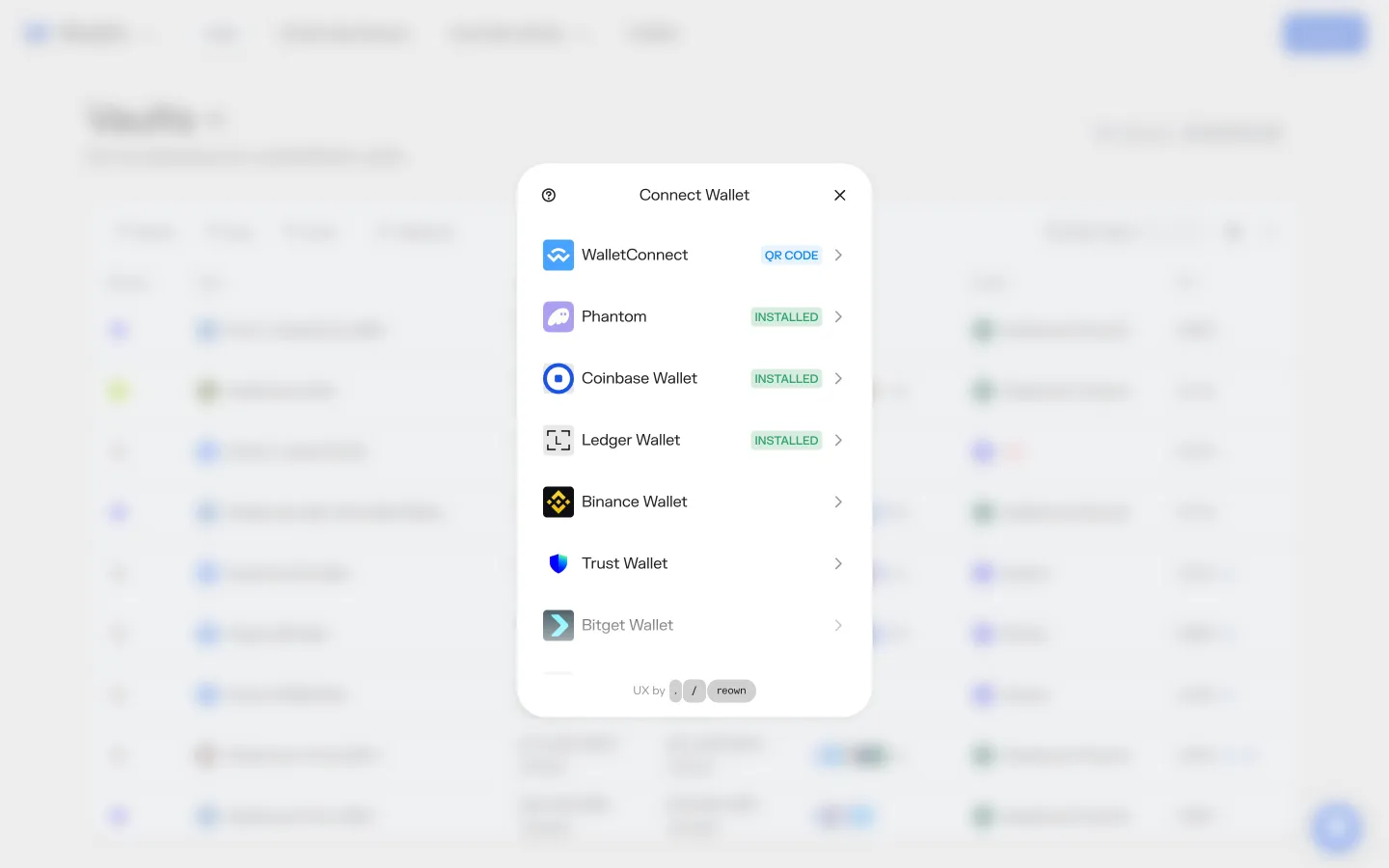
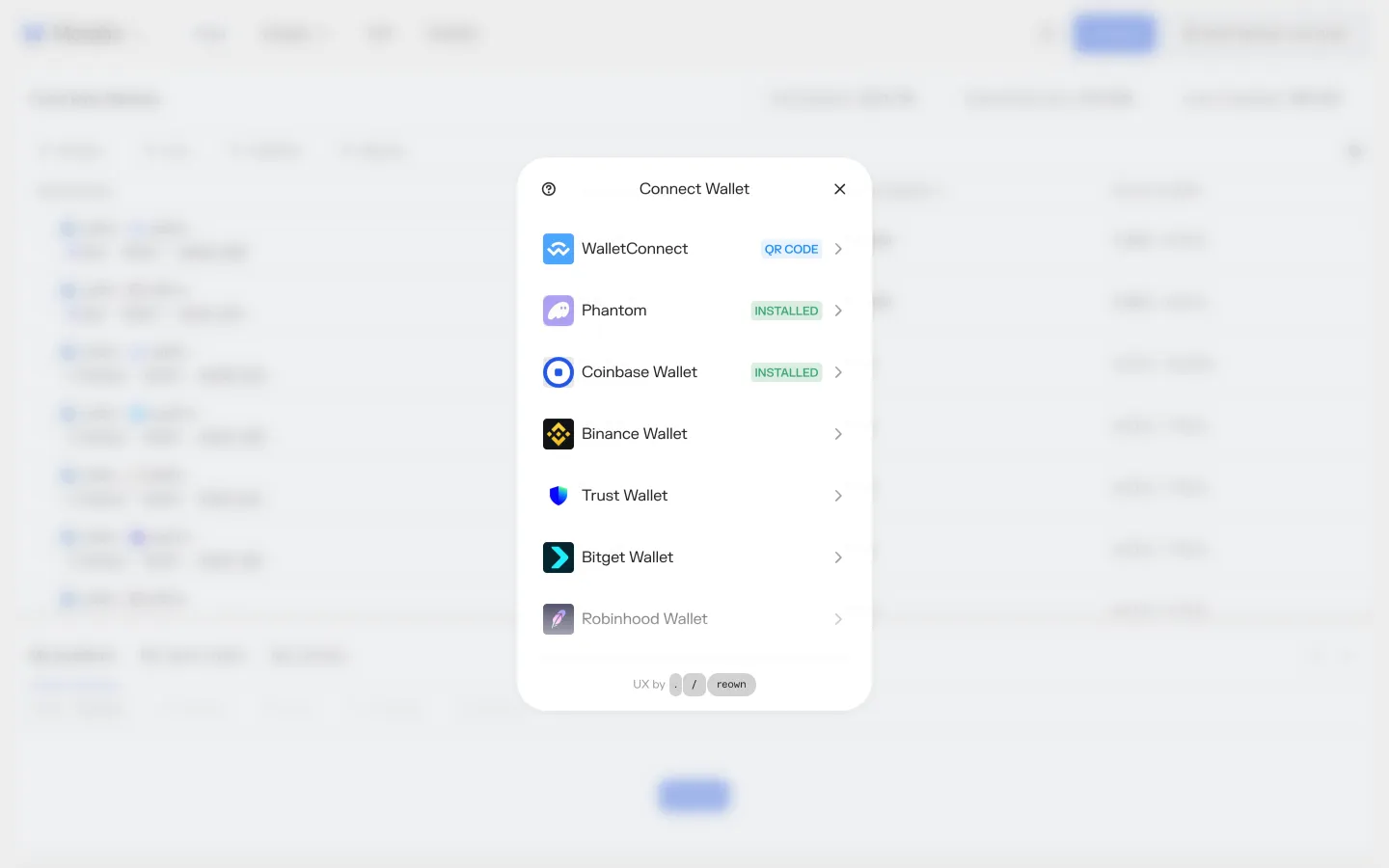
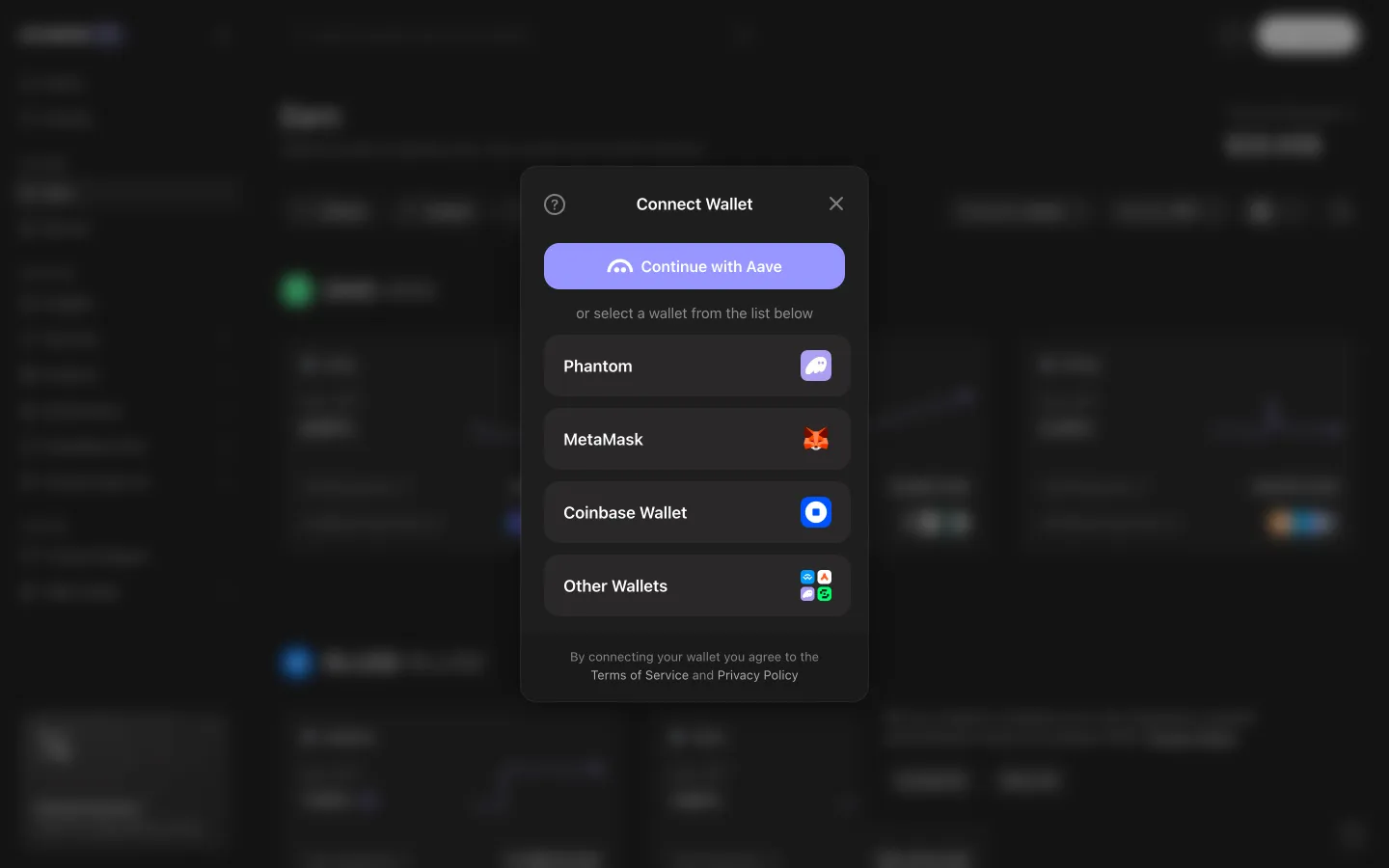
Wallet chooser lists Phantom, MetaMask, Coinbase Wallet and moreAave ProWallet chooser lists Phantom, MetaMask, Coinbase Wallet and more
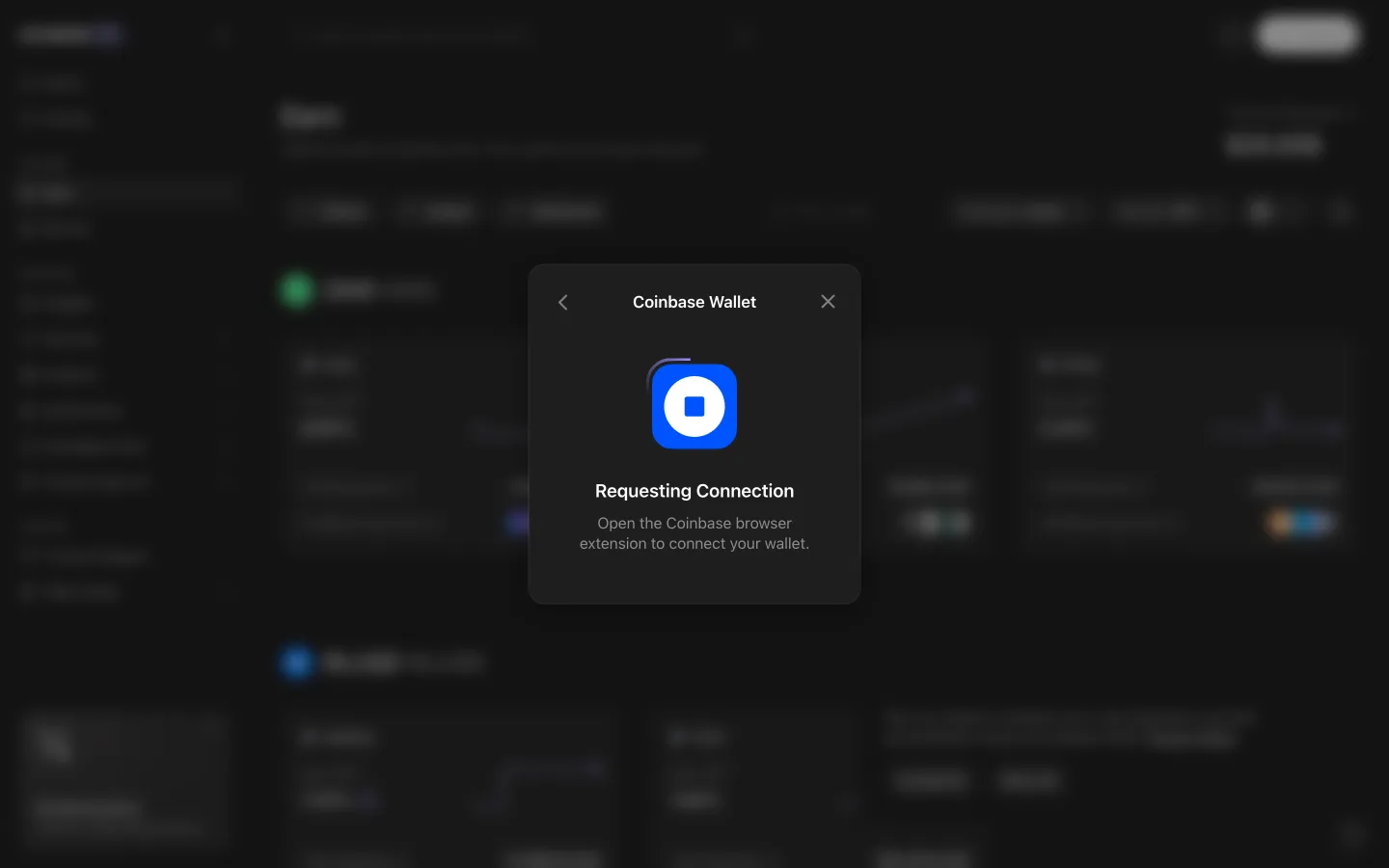
Requesting connection, open the wallet to continueAave ProRequesting connection, open the wallet to continue
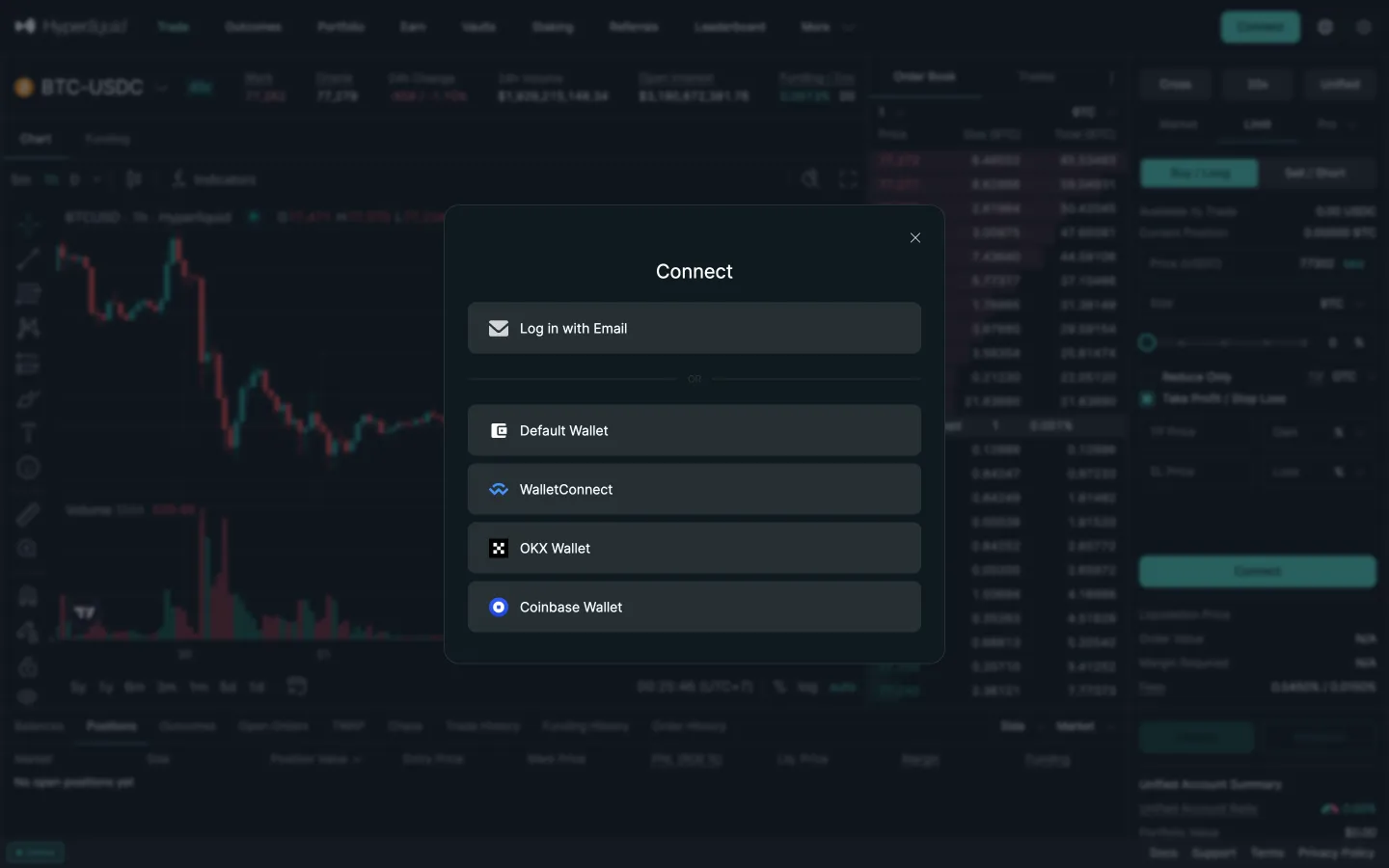
Connect optionsHyperliquidConnect options
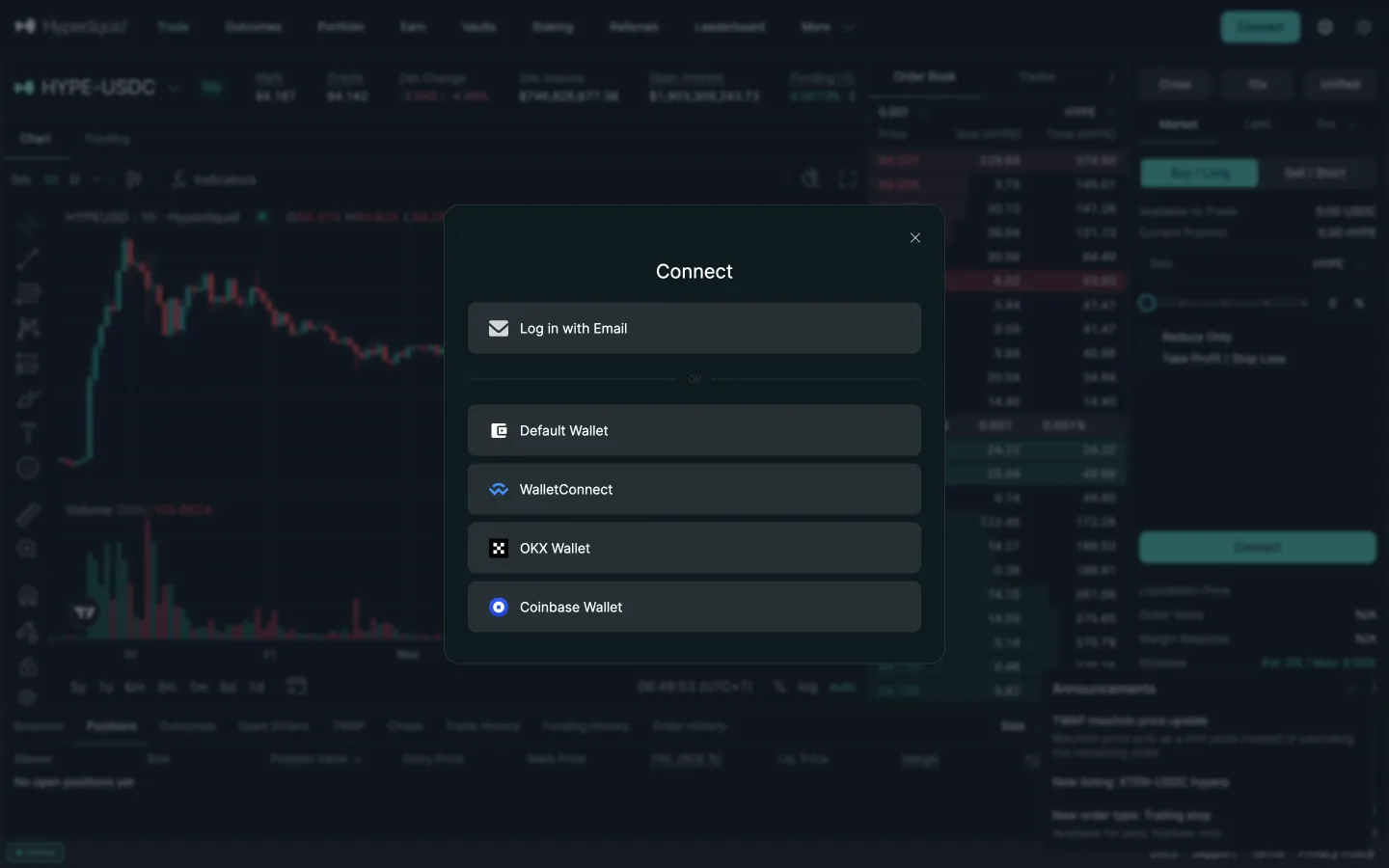
Connect options with email firstHyperliquidConnect options with email first
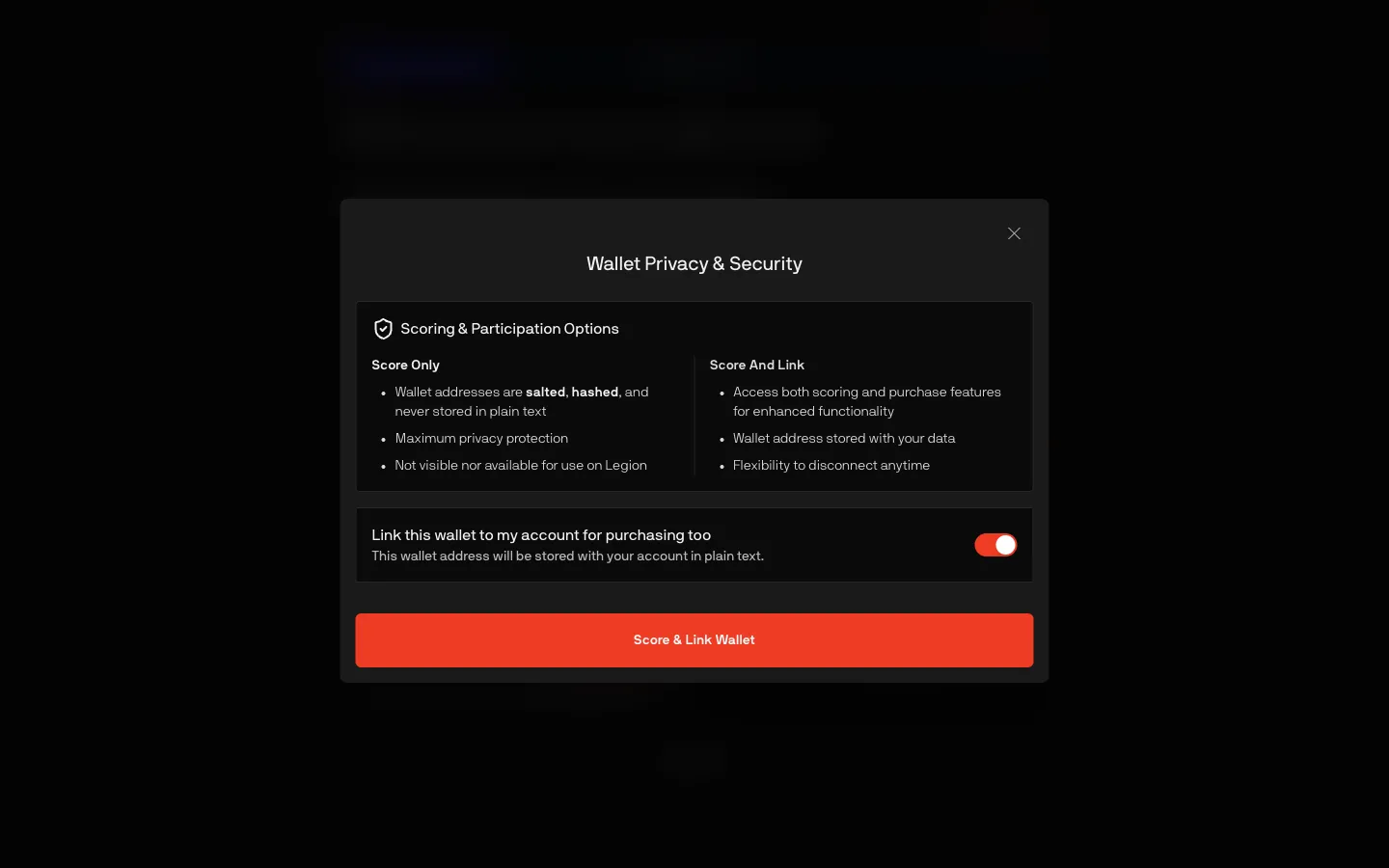
Score only or score and link for purchasingLegionScore only or score and link for purchasing
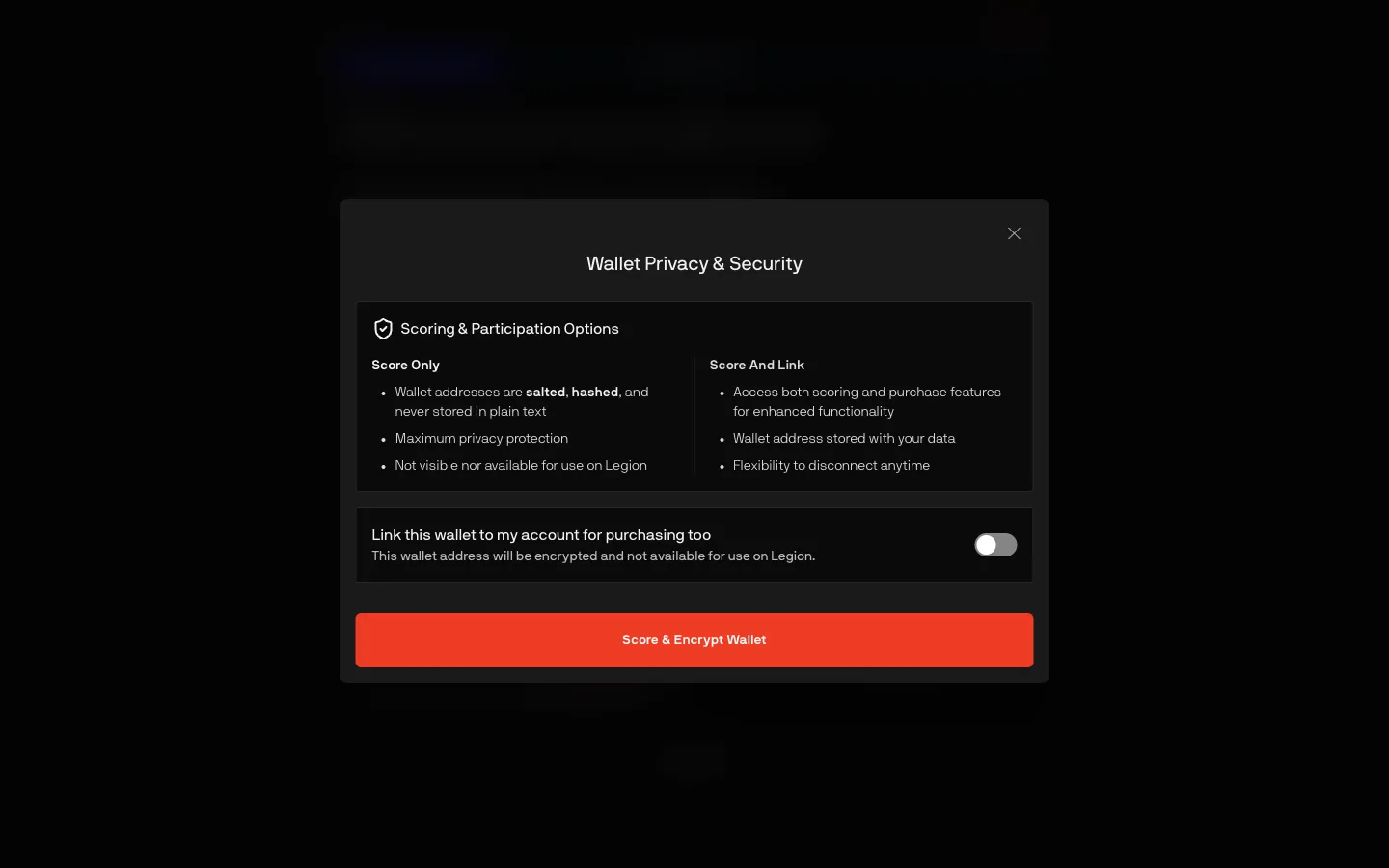
Link off, wallet only encrypted for the scoreLegionLink off, wallet only encrypted for the score
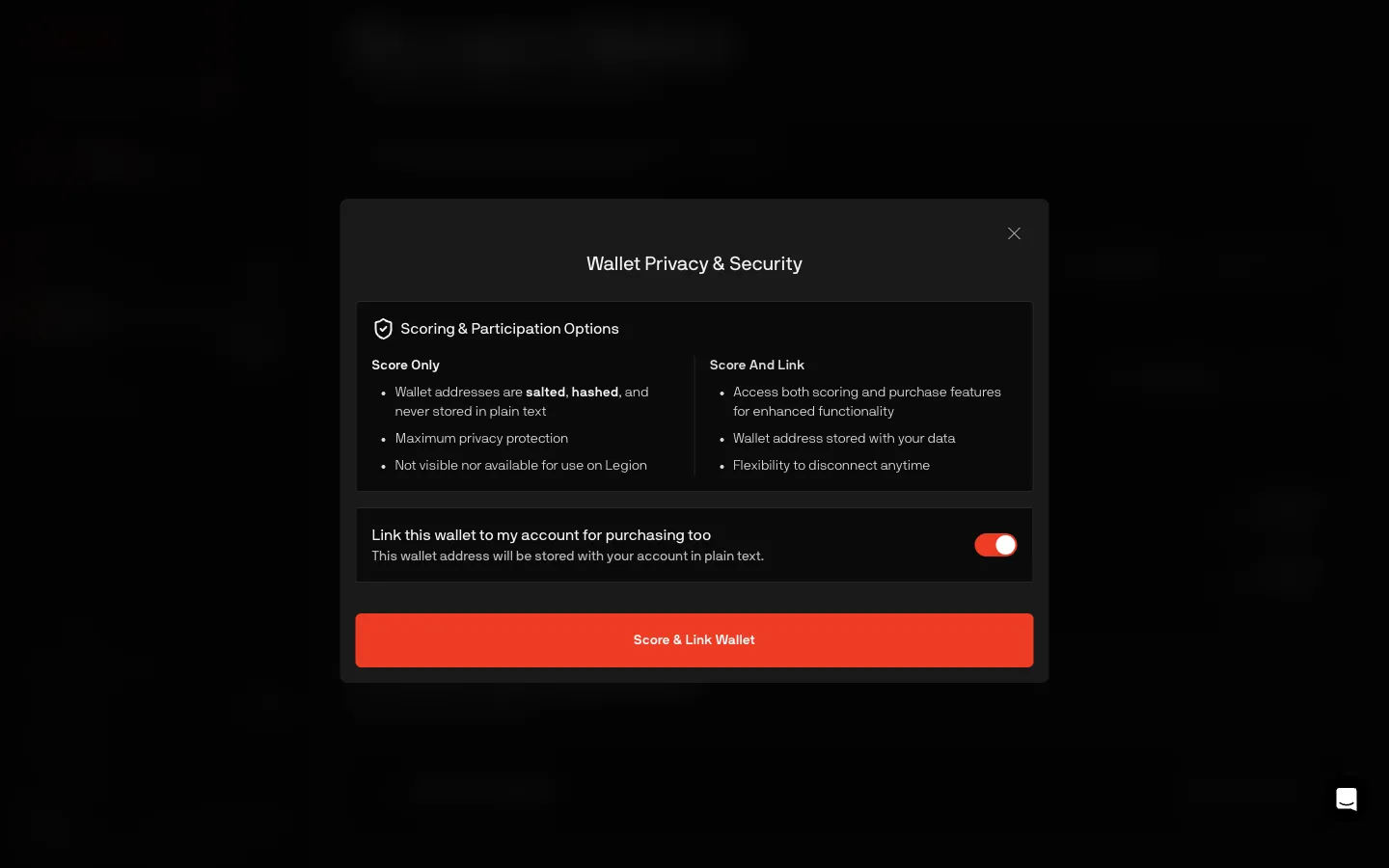
Same score or link choice as onboardingLegionSame score or link choice as onboarding
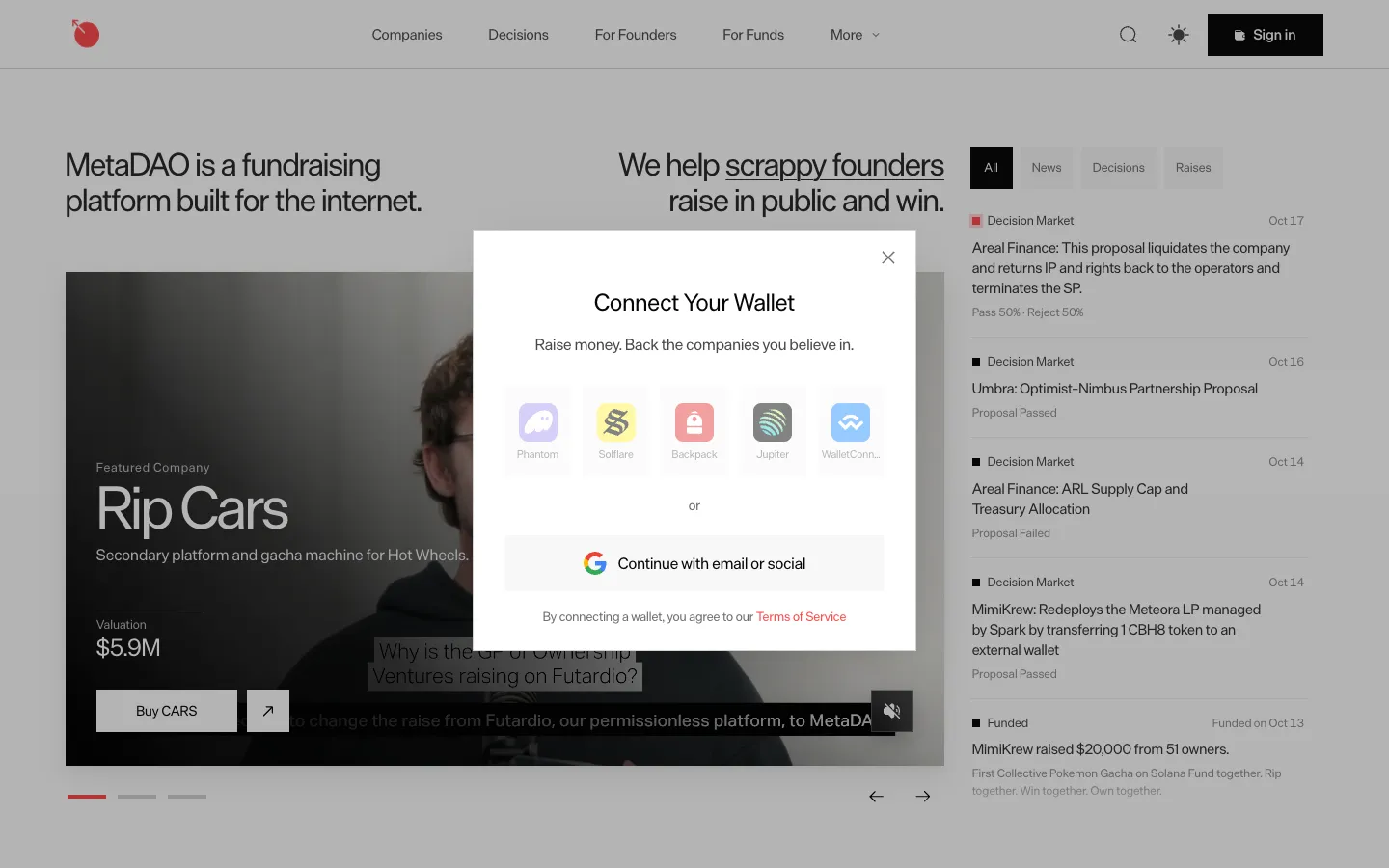
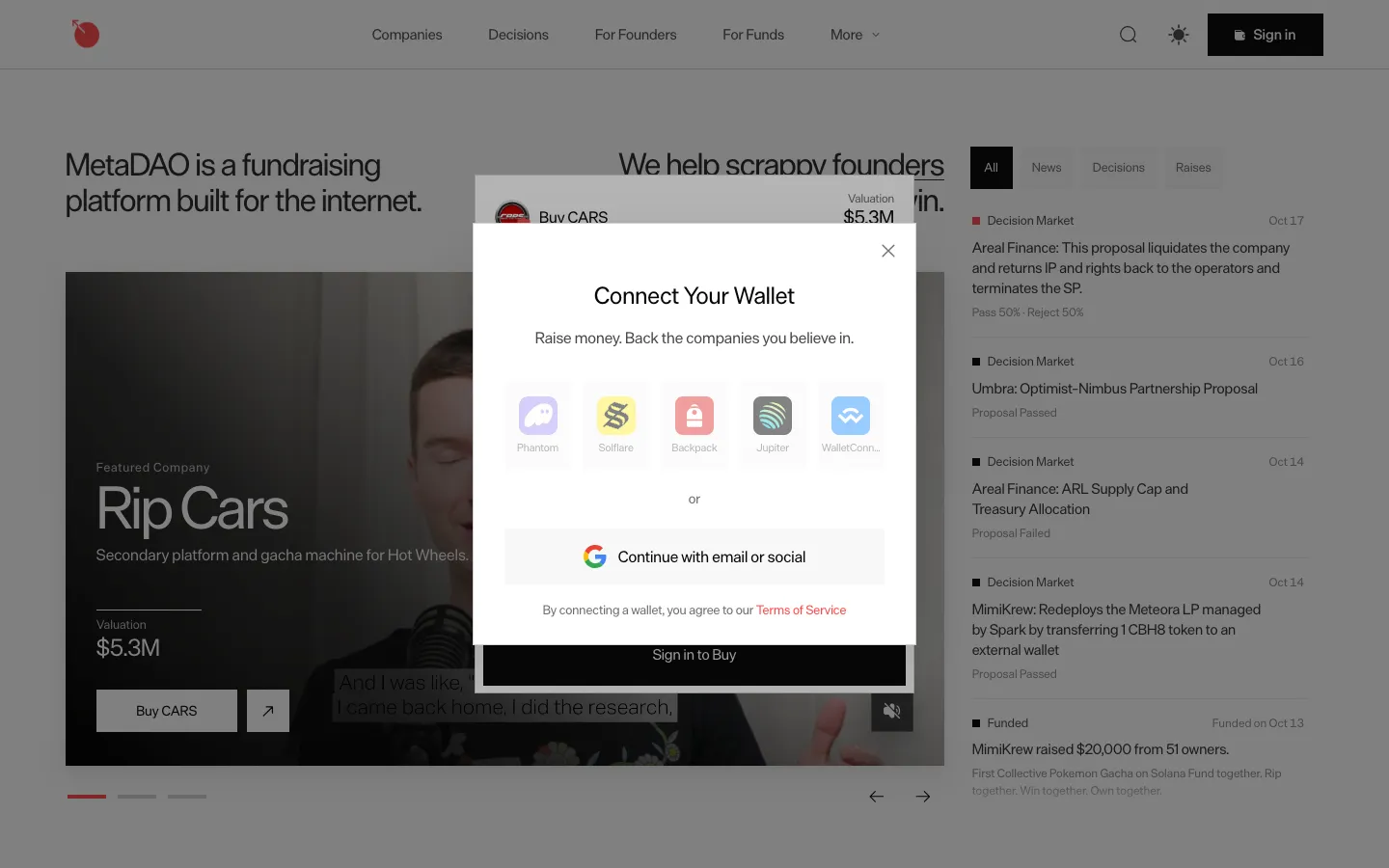
Connect a Solana wallet or continue with emailMetaDAOConnect a Solana wallet or continue with email
Sign in to buy opens the wallet dialogMetaDAOSign in to buy opens the wallet dialog

Screens, flows and sites from real crypto and web3 apps.

© 2026 MoonoPrivacyTerms

Apps

  • All apps
  • Screens
  • Flows
  • UI elements

Sites

  • All sites
  • Sections

Learn

  • Glossary

Product

  • Pricing
  • MCPNew

© 2026 MoonoPrivacyTerms