All appsScreensFlowsUI elements
PricingGlossary
AllScreensFlowsUI elements

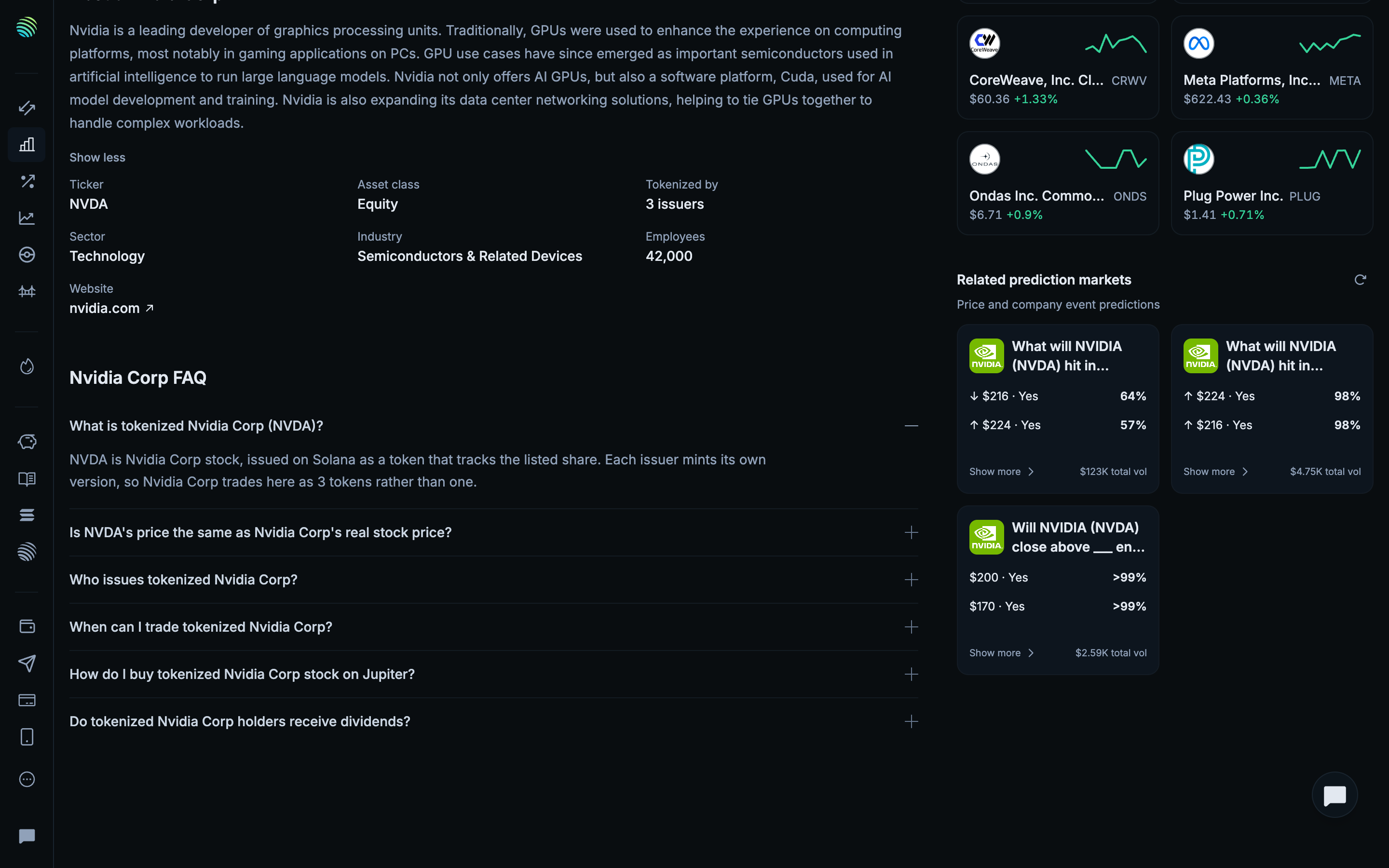
Scrolled to the stock questions in Jupiter

Step 6 of 6 in Reading stock company informationPlay
Scrolled to the stock questions

Scrolled to the stock questions

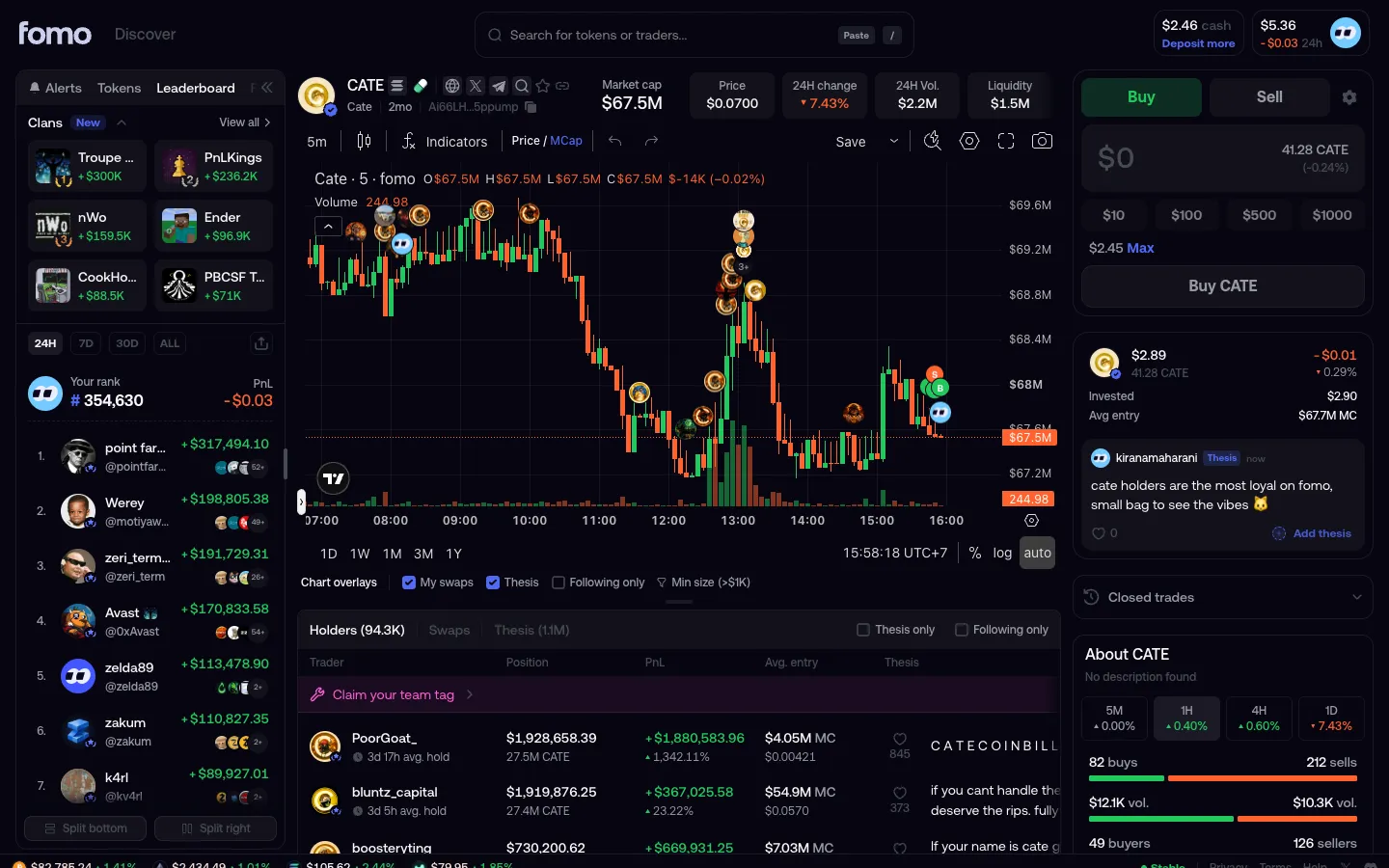
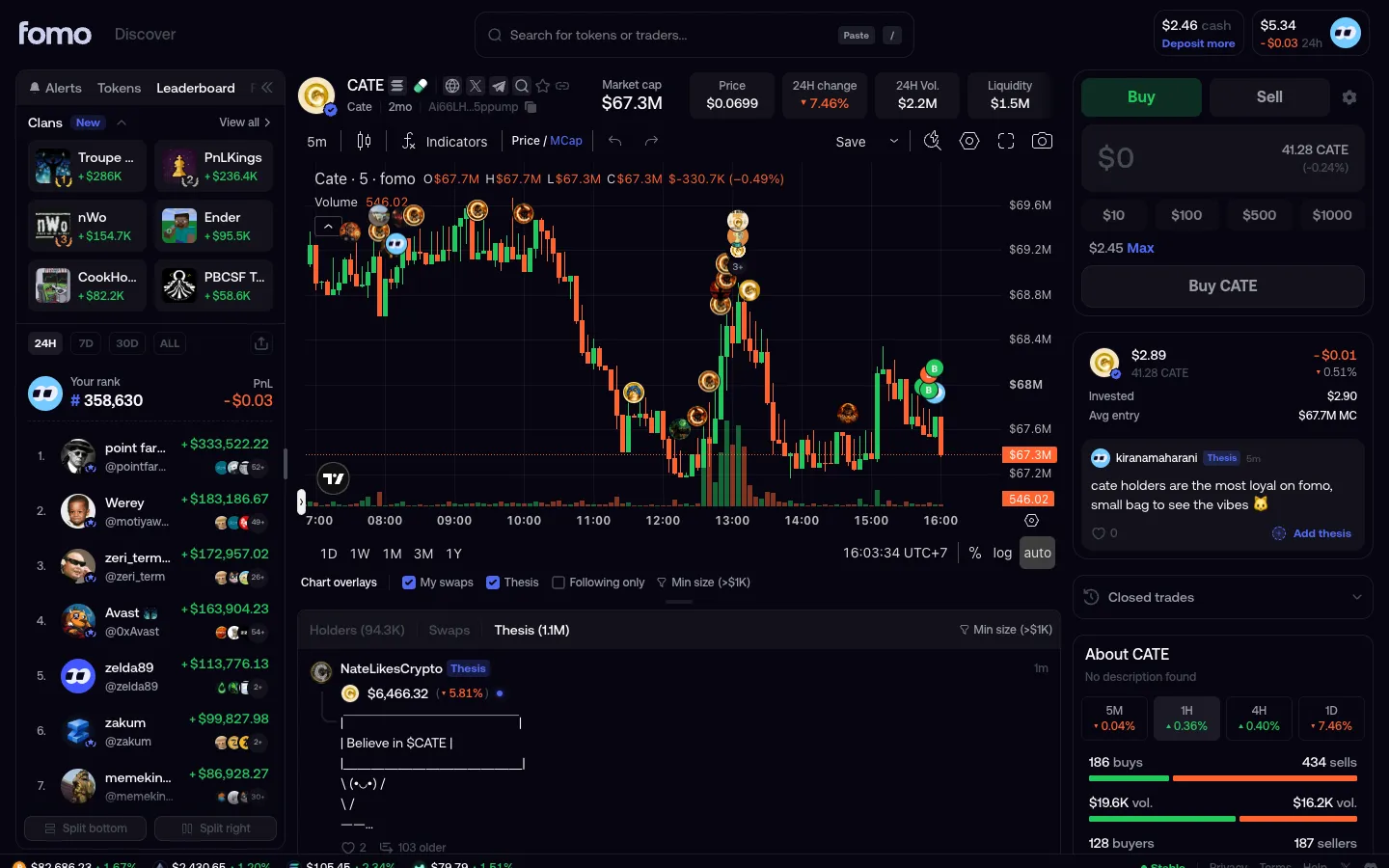
Token Detail

Screen typeToken Detail
StateIdle
CapturedOct 2026
UI elementsAccordionAmount InputButtonCardLinkPrice ChartSide NavigationToken SelectorTop Navigation Bar
In the flowReading stock company information
SizeDesktop, 2880 by 1800
Open the flowOpen original

Similar screens in other apps

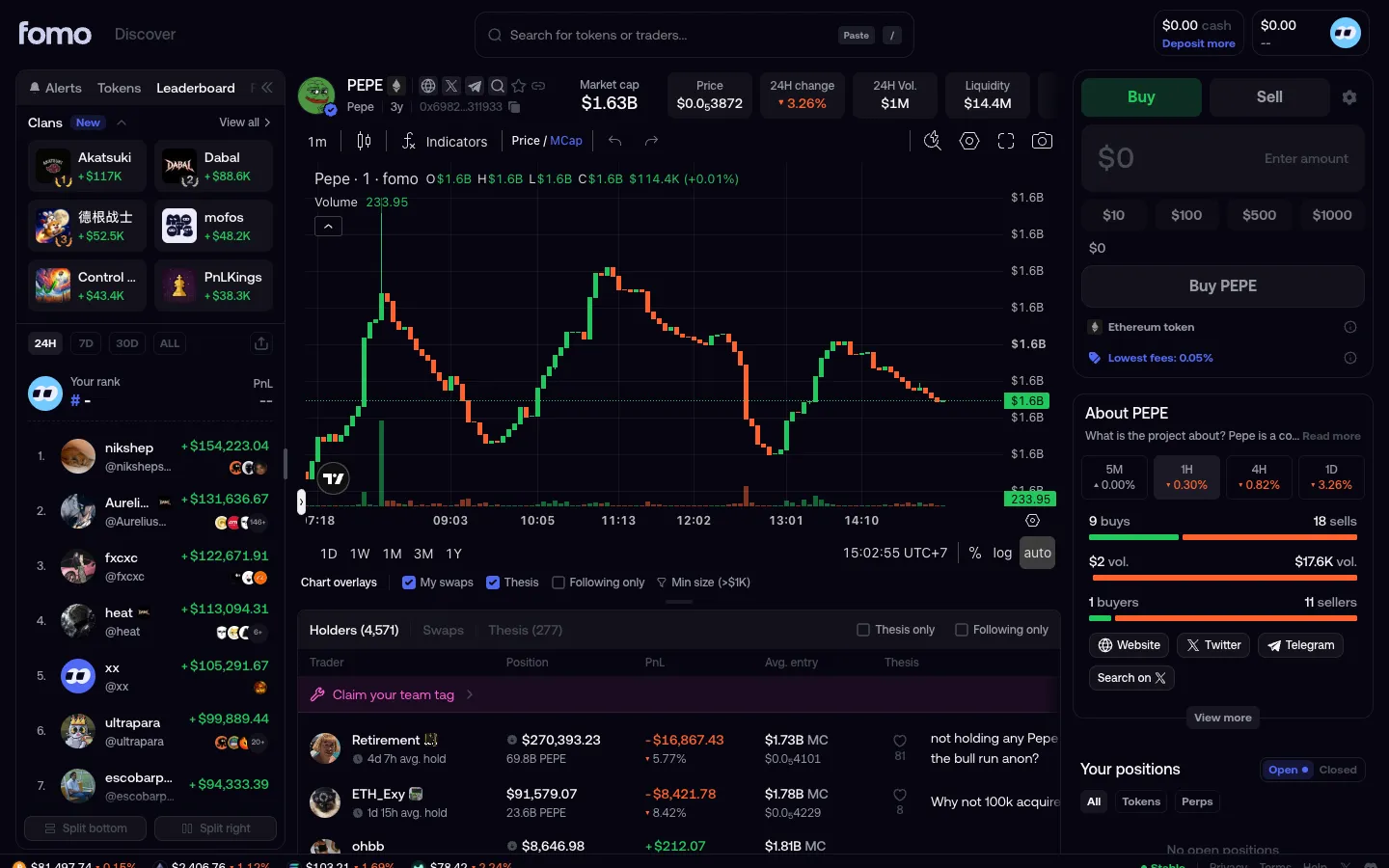
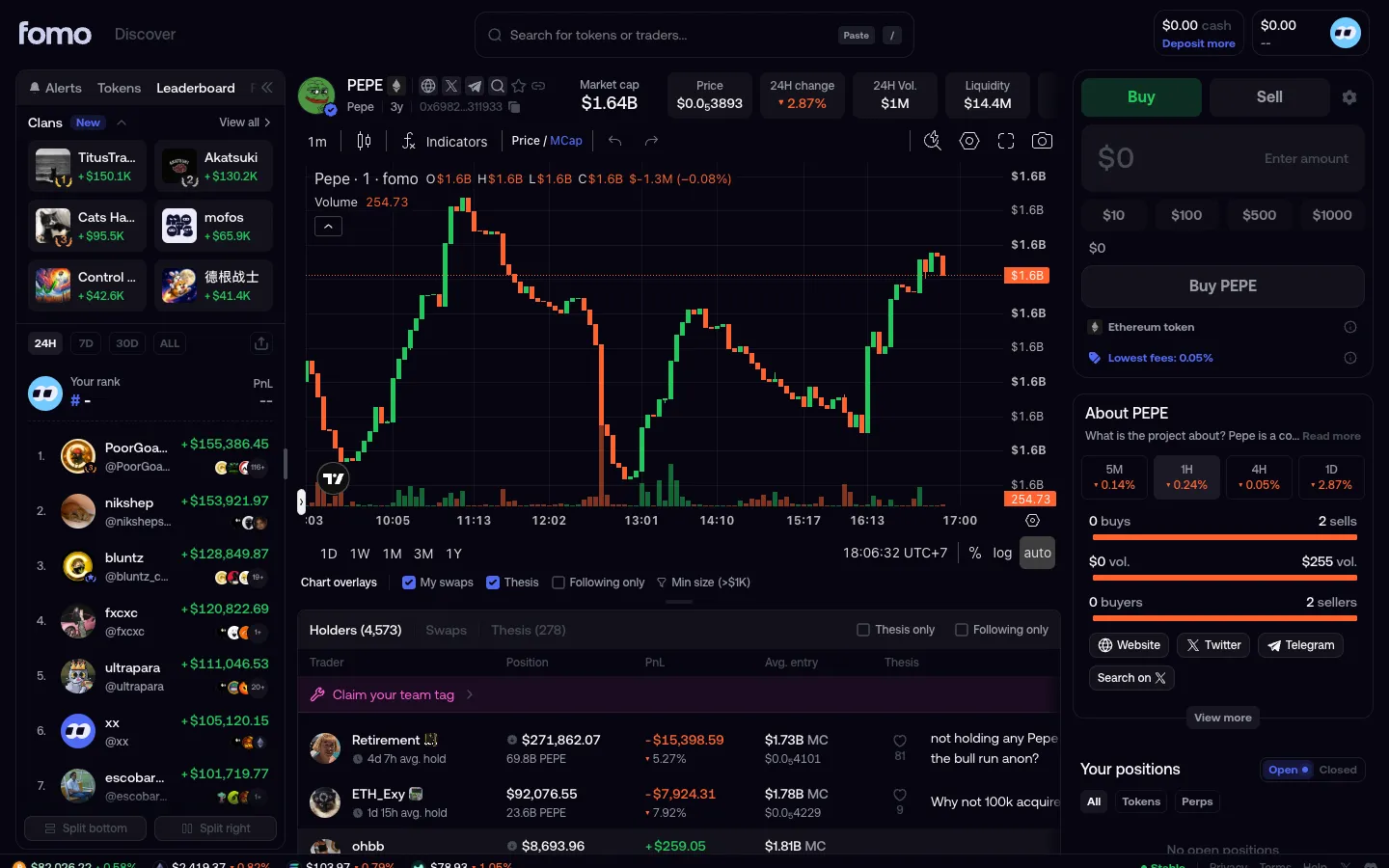
Token pagefomoToken page
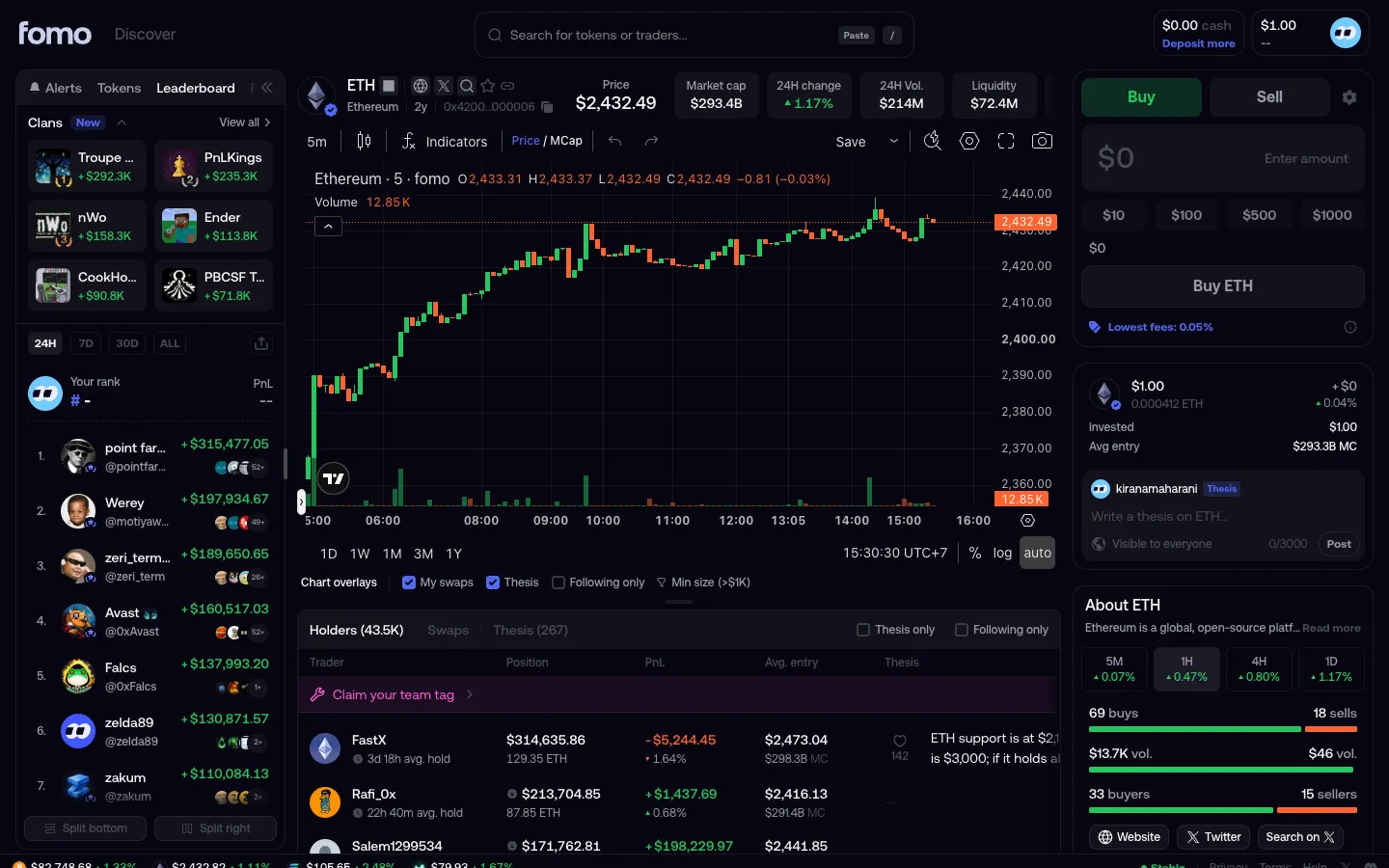
ETH page with the deposited $1 as a positionfomoETH page with the deposited $1 as a position
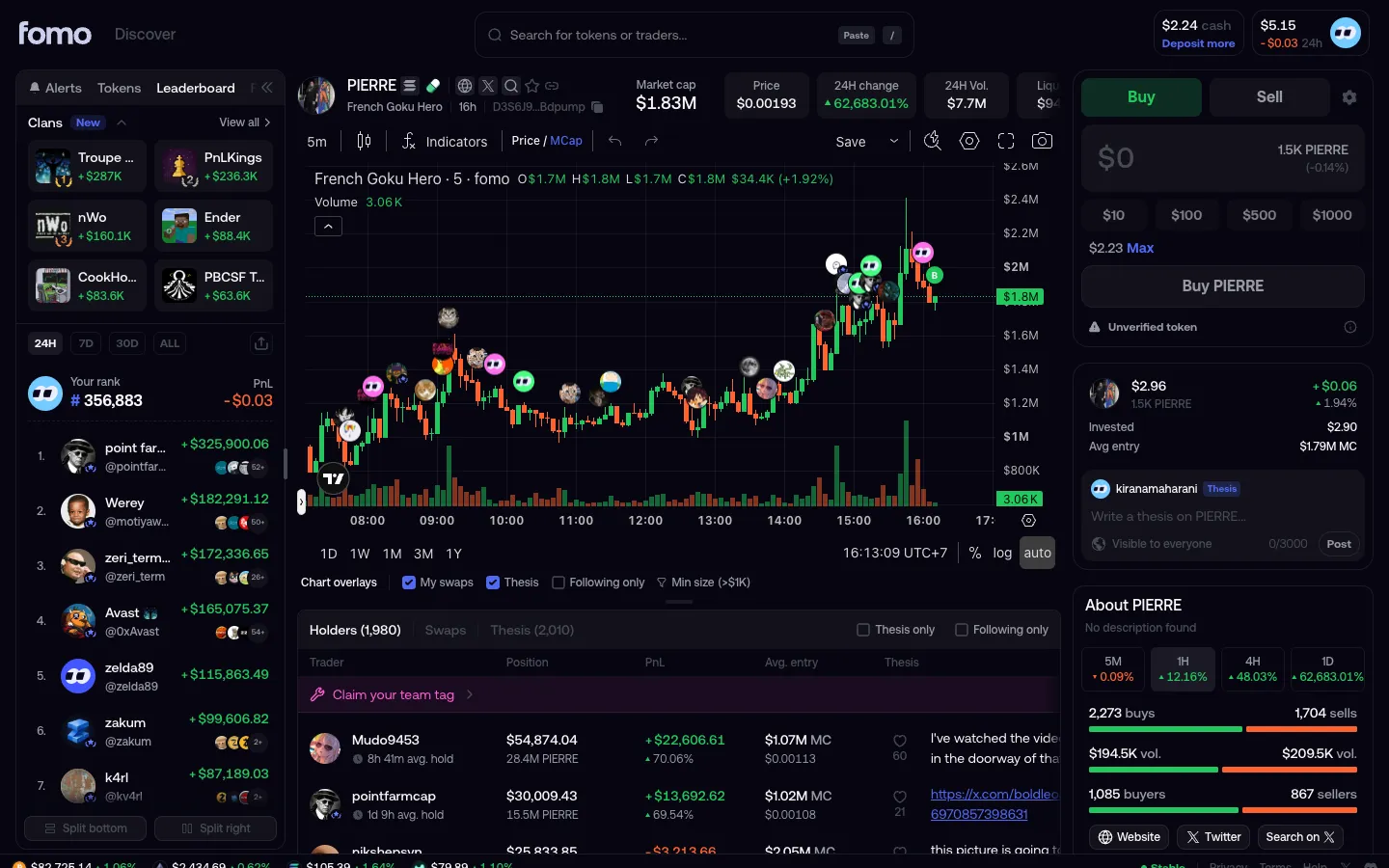
Buy ticket with cashfomoBuy ticket with cash
Thesis posted, your avatar on the chartfomoThesis posted, your avatar on the chart
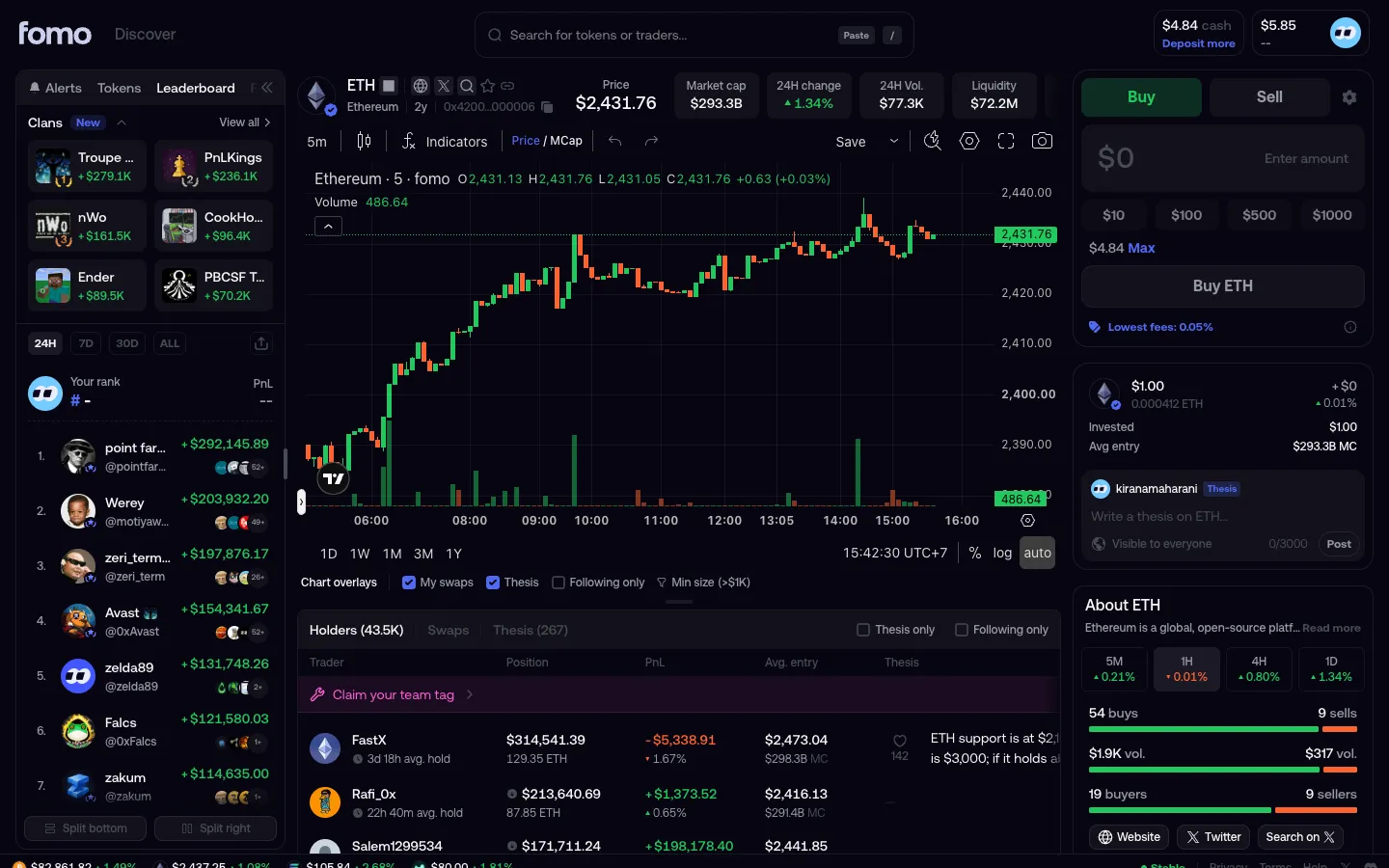
Bought, position in profitfomoBought, position in profit
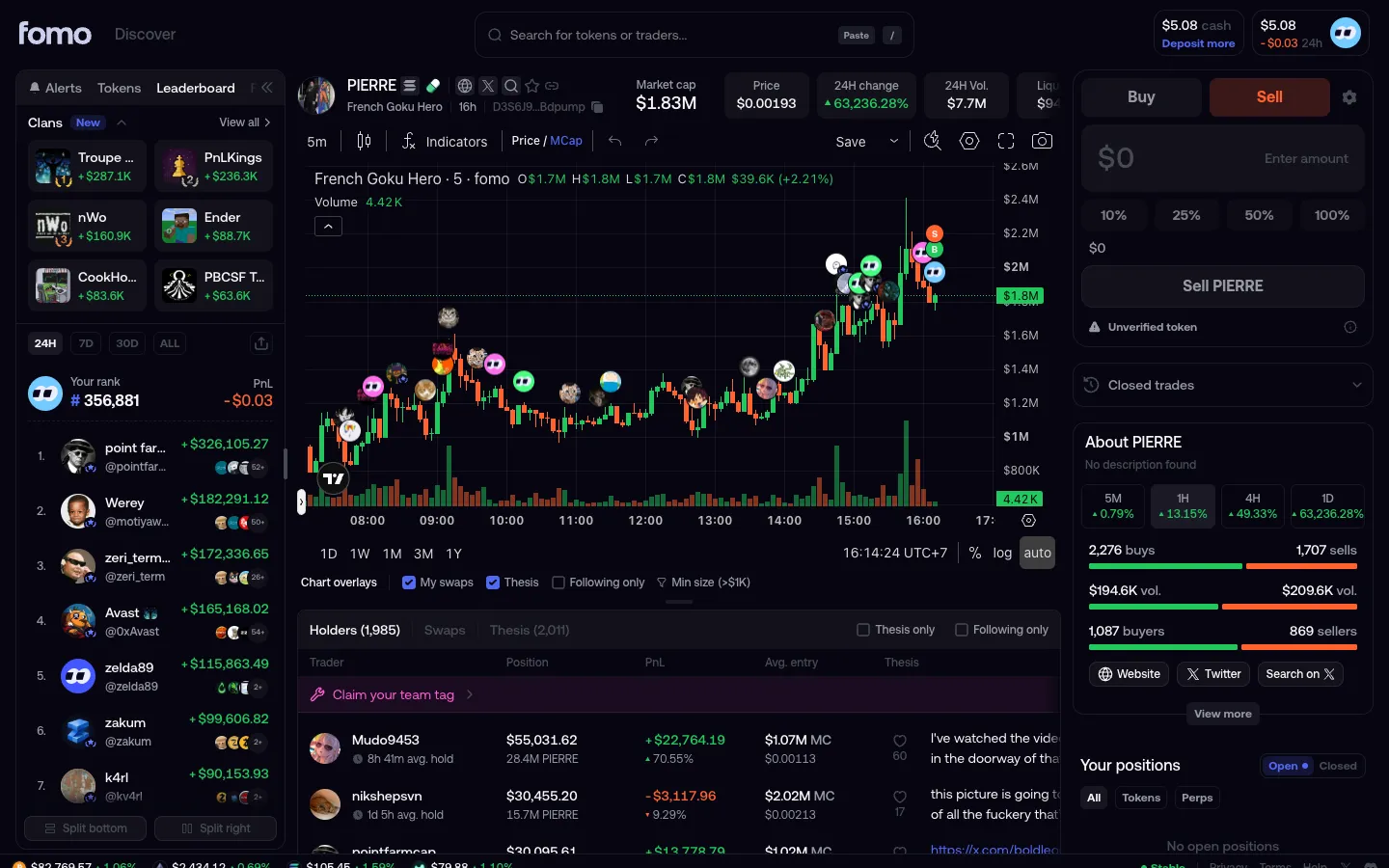
Sold, B and S markers on the chartfomoSold, B and S markers on the chart
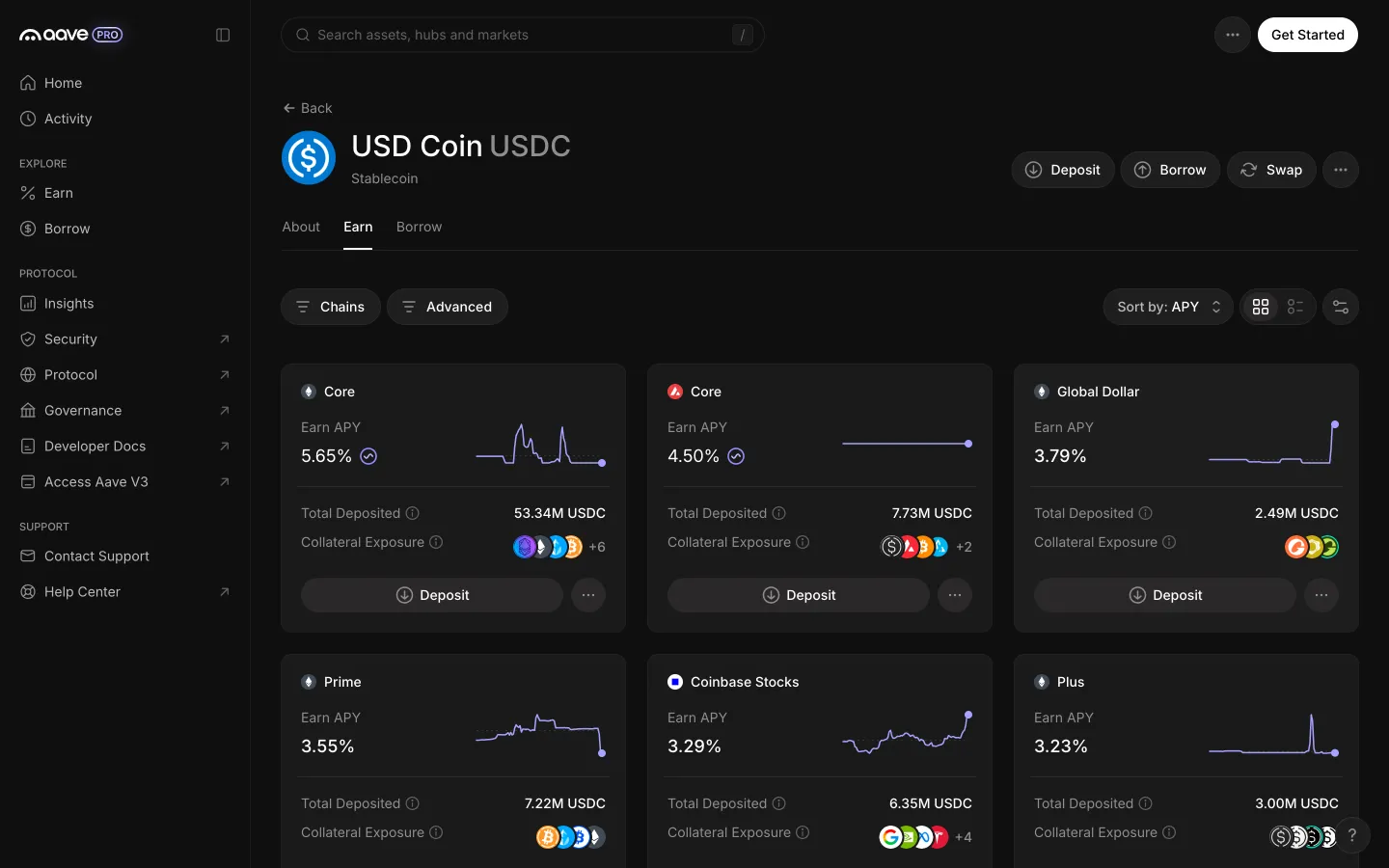
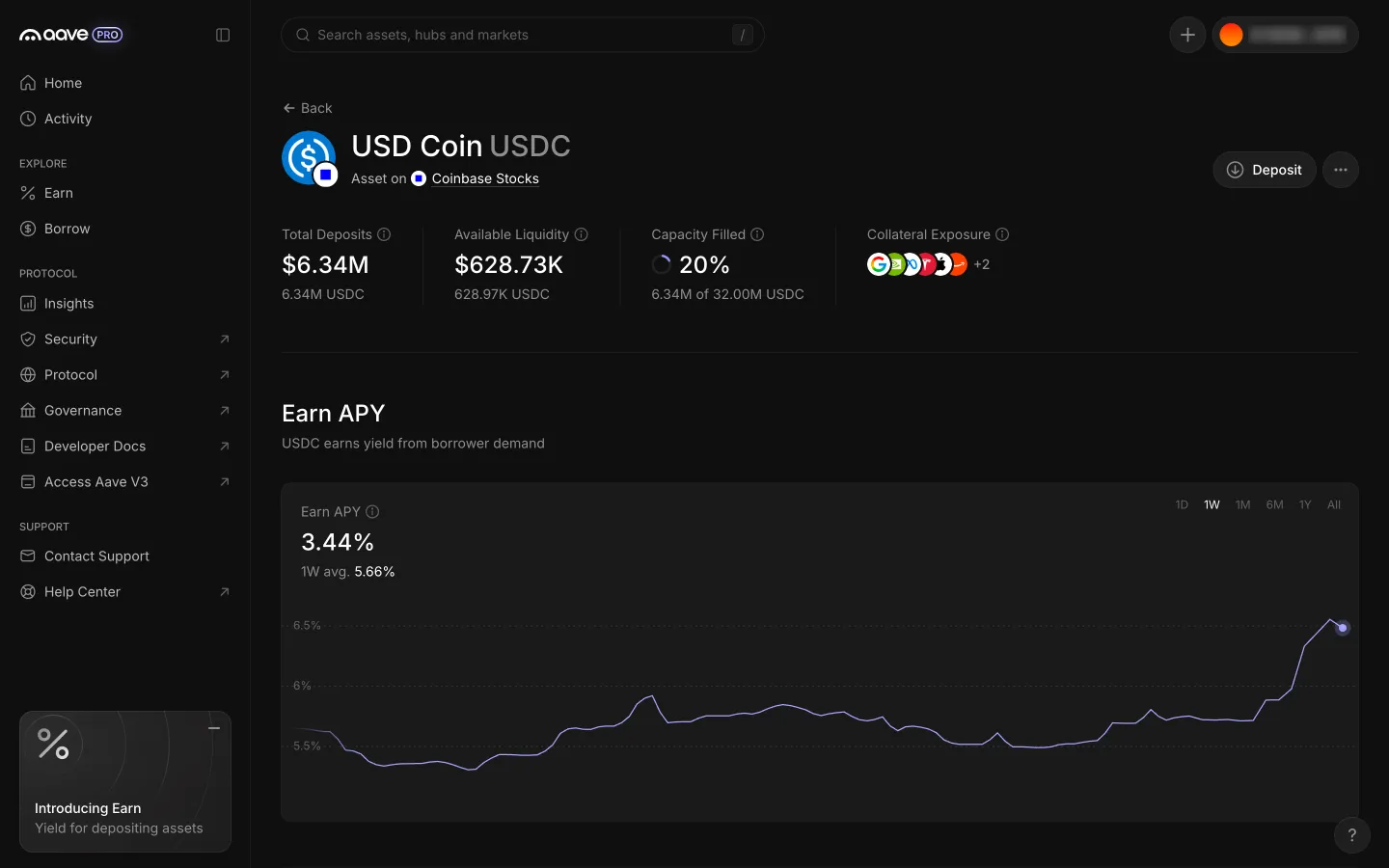
USDC page opens on its Earn tab with a card per hubAave ProUSDC page opens on its Earn tab with a card per hub
USDC on Coinbase Stocks with Deposit in the headerAave ProUSDC on Coinbase Stocks with Deposit in the header
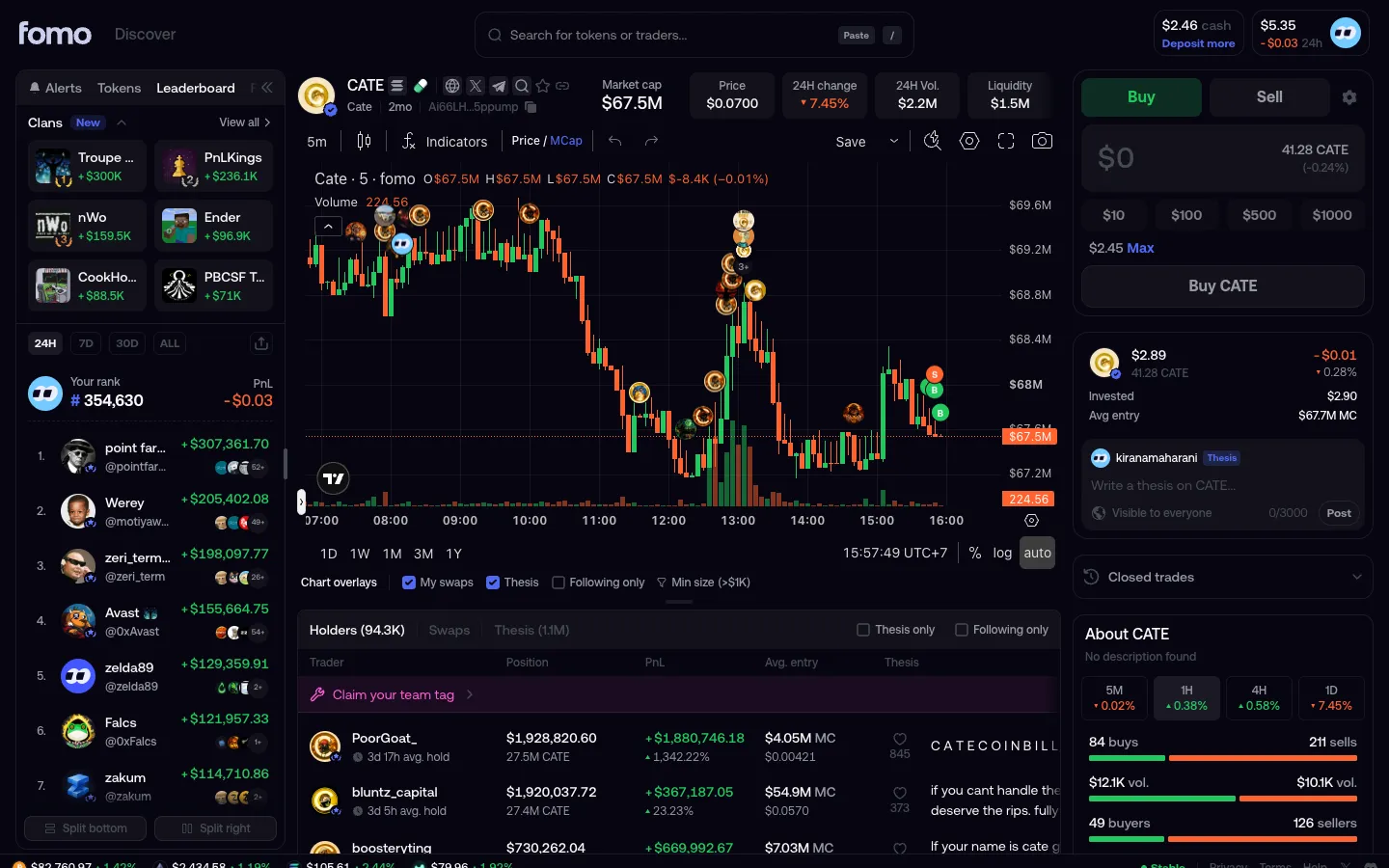
Ticket on BuyfomoTicket on Buy
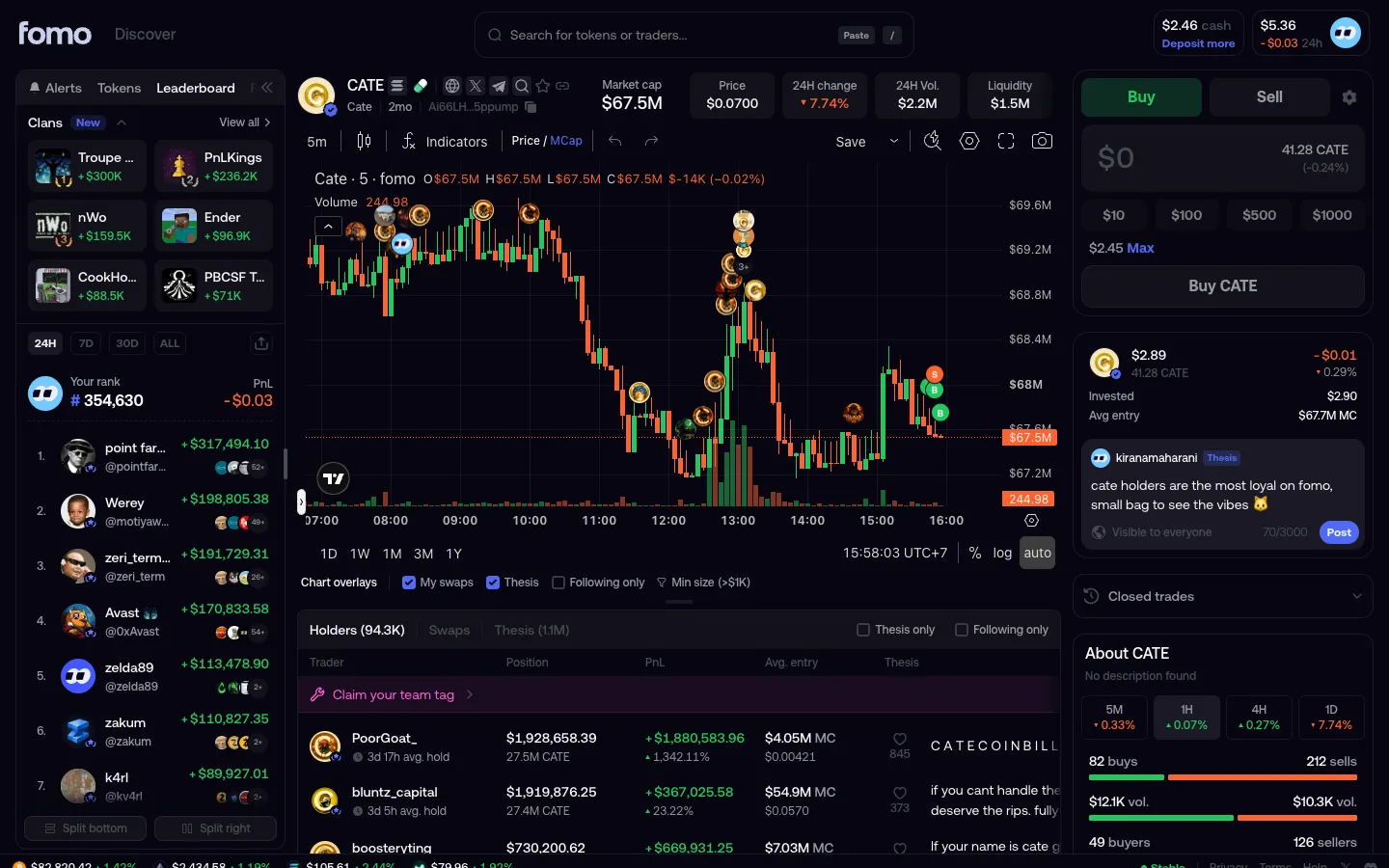
Thesis box under your positionfomoThesis box under your position
Thesis typed, Post enabledfomoThesis typed, Post enabled
Your rank and PnLfomoYour rank and PnL

Screens, flows and sites from real crypto and web3 apps.

© 2026 MoonoPrivacyTerms

Apps

  • All apps
  • Screens
  • Flows
  • UI elements

Sites

  • All sites
  • Sections

Learn

  • Glossary

Product

  • Pricing
  • MCPNew

© 2026 MoonoPrivacyTerms