All appsScreensFlowsUI elements
PricingGlossary
AllScreensFlowsUI elements

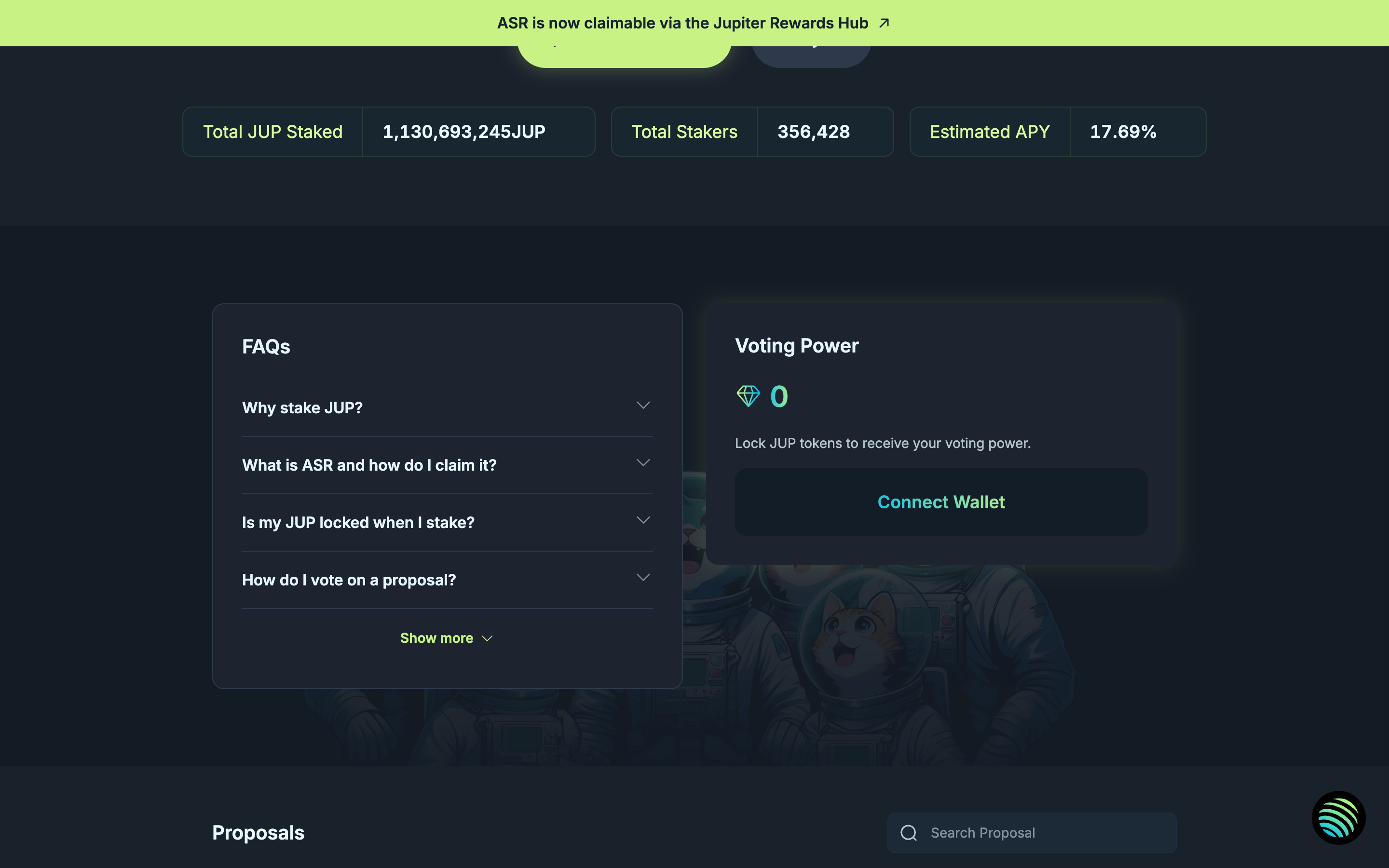
Connect to access JUP staking in Jupiter

Step 2 of 2 in Stake JUPPlay
Connect to access JUP staking

Connect to access JUP staking

Eligibility Gate

Screen typeEligibility Gate
StateBlocked
CapturedOct 2026
UI elementsAccordionButtonCardLink
In the flowStake JUP
SizeDesktop, 2880 by 1800
Open the flowOpen original

Similar screens in other apps

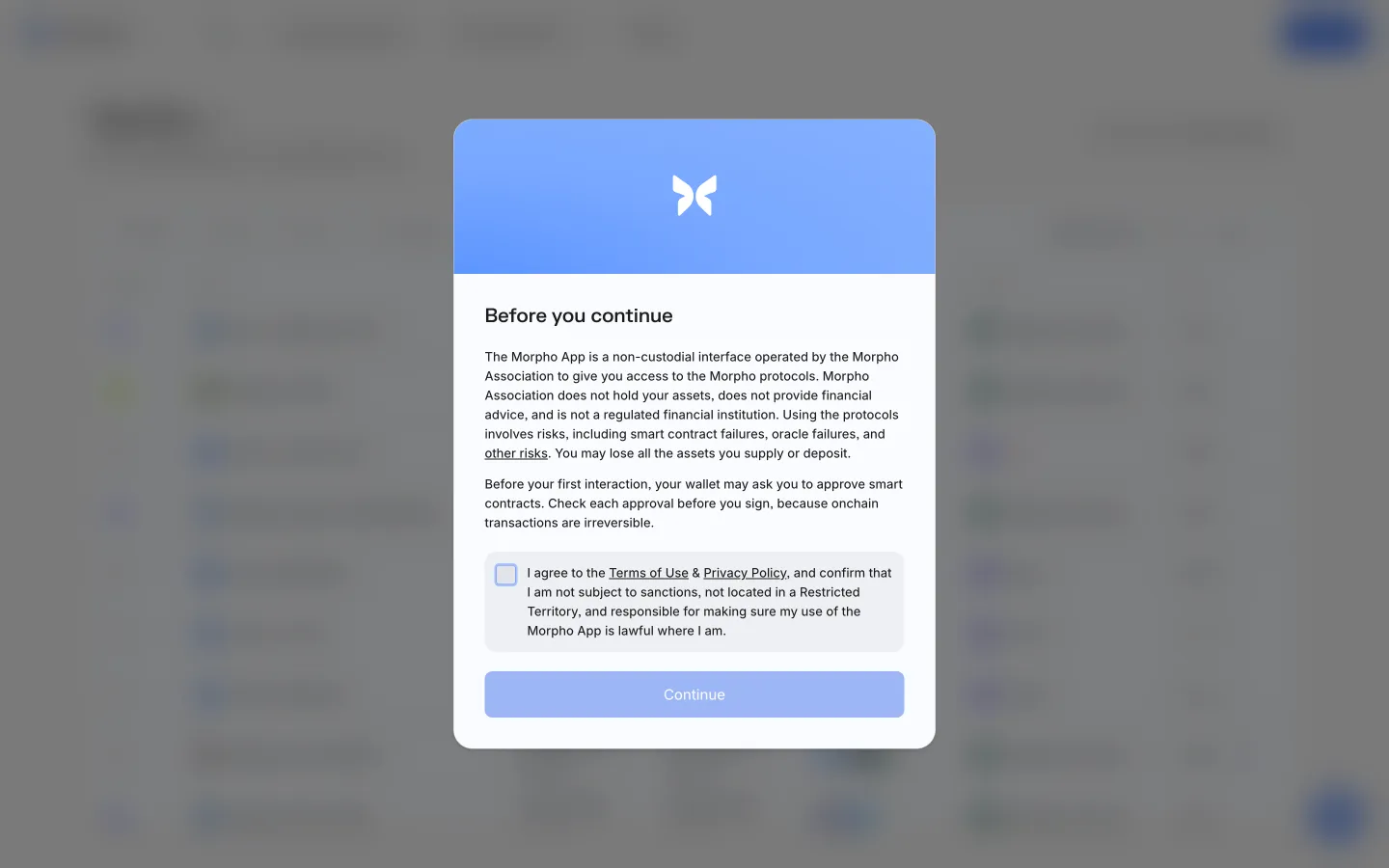
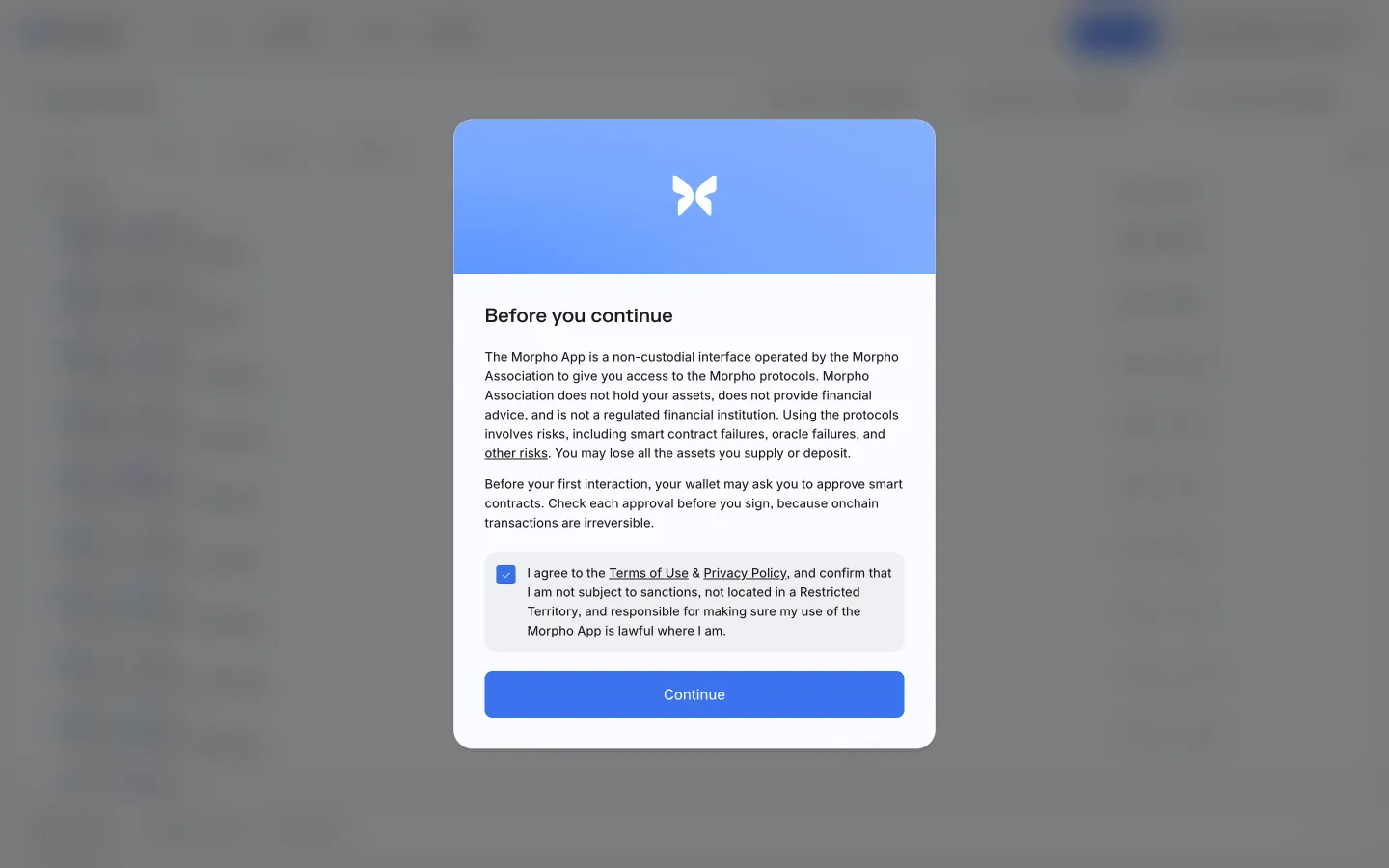
Review access requirementsMorphoReview access requirements
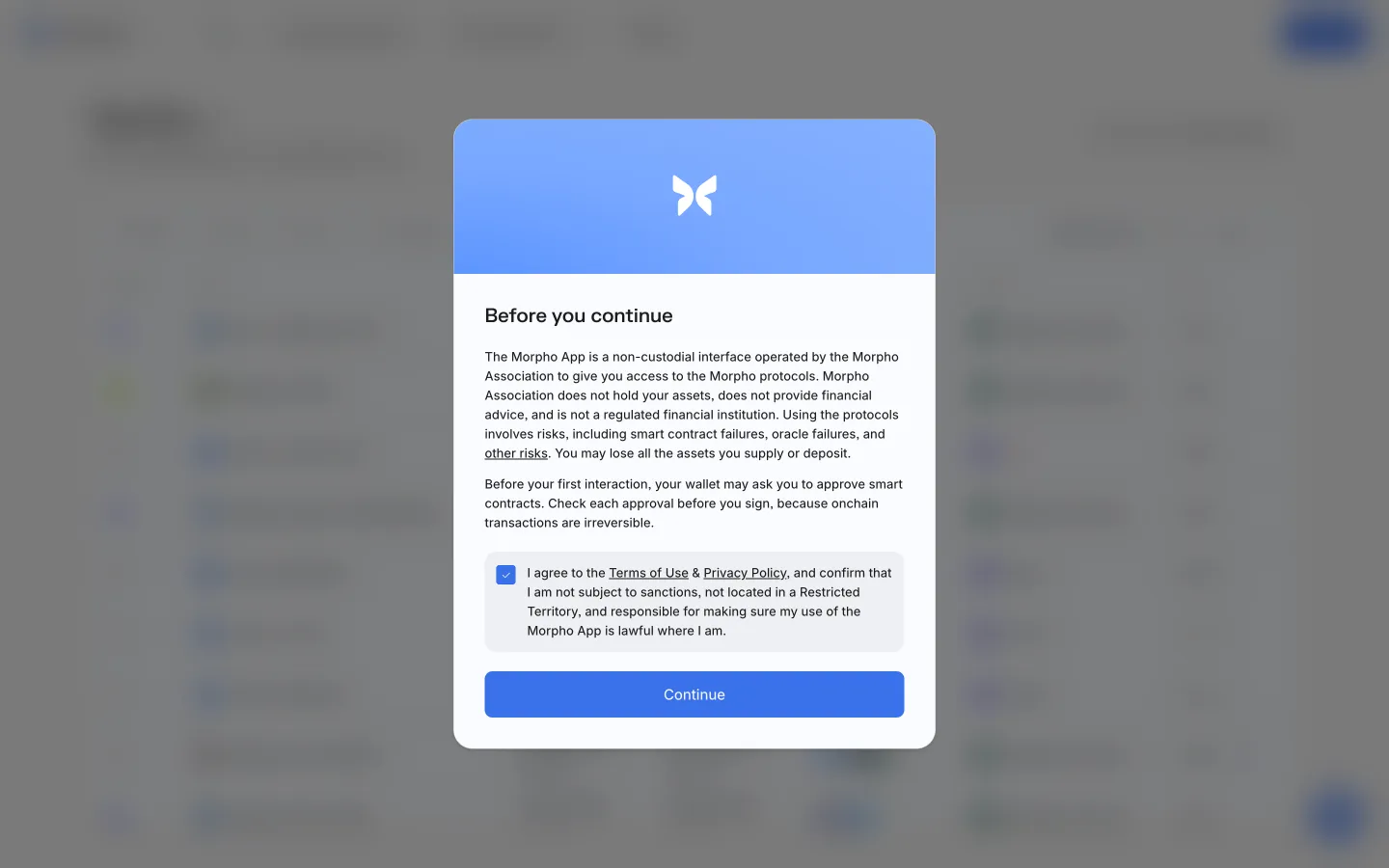
Continue after accepting requirementsMorphoContinue after accepting requirements
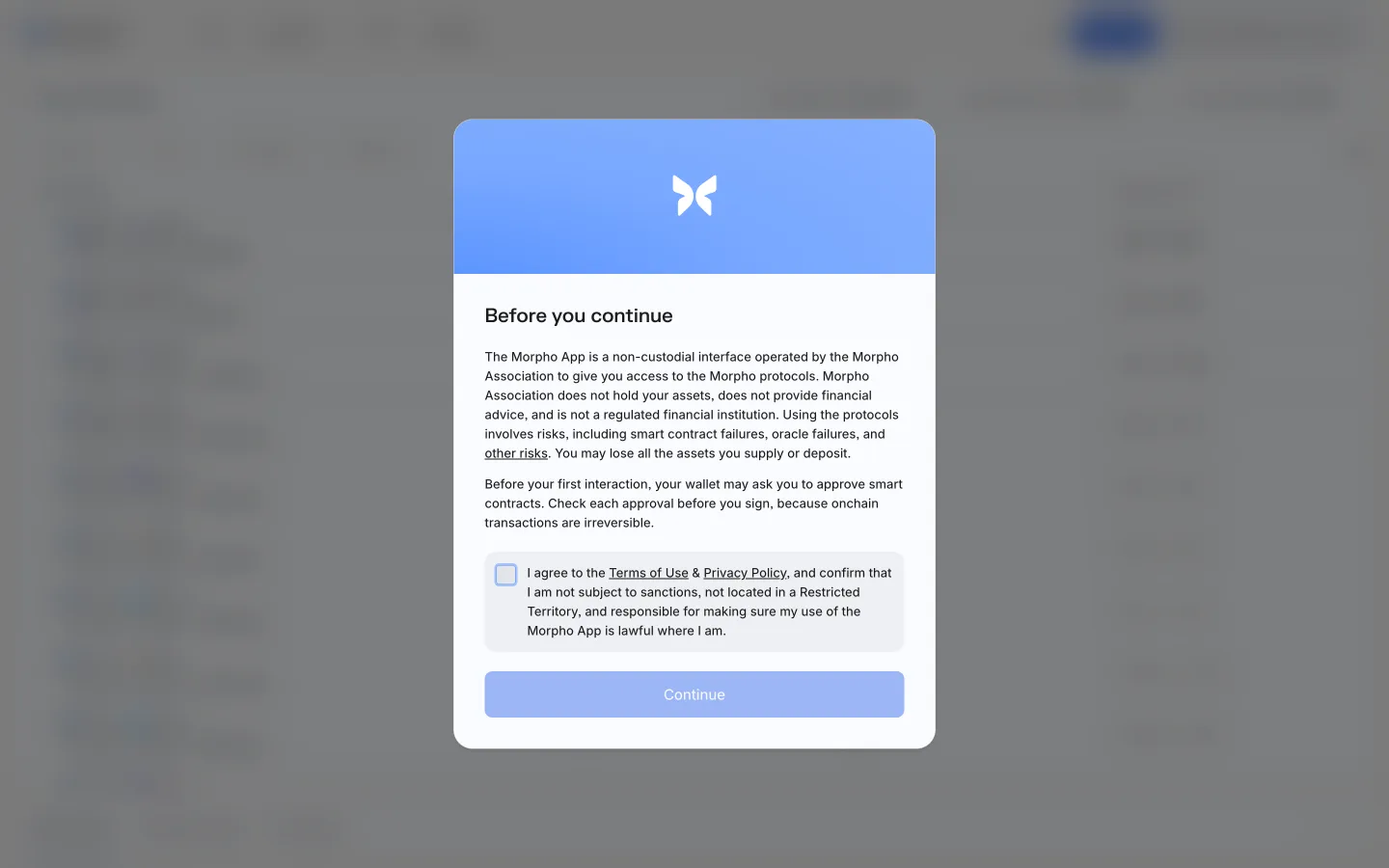
Review terms and eligibilityMorphoReview terms and eligibility
Confirm eligibilityMorphoConfirm eligibility
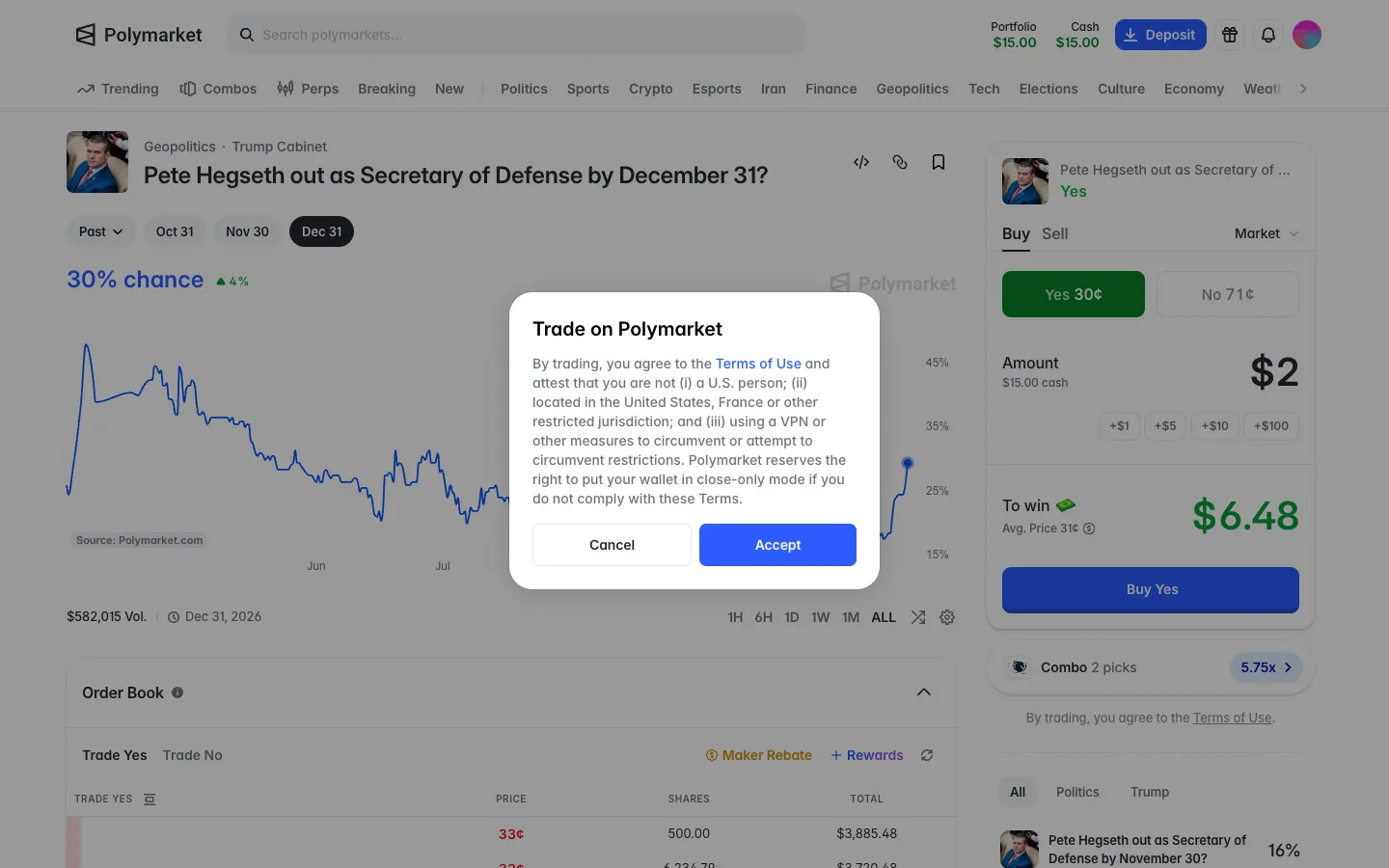
First trade asks you to attest, including no VPN, or risk close-only modePolymarketFirst trade asks you to attest, including no VPN, or risk close-only mode
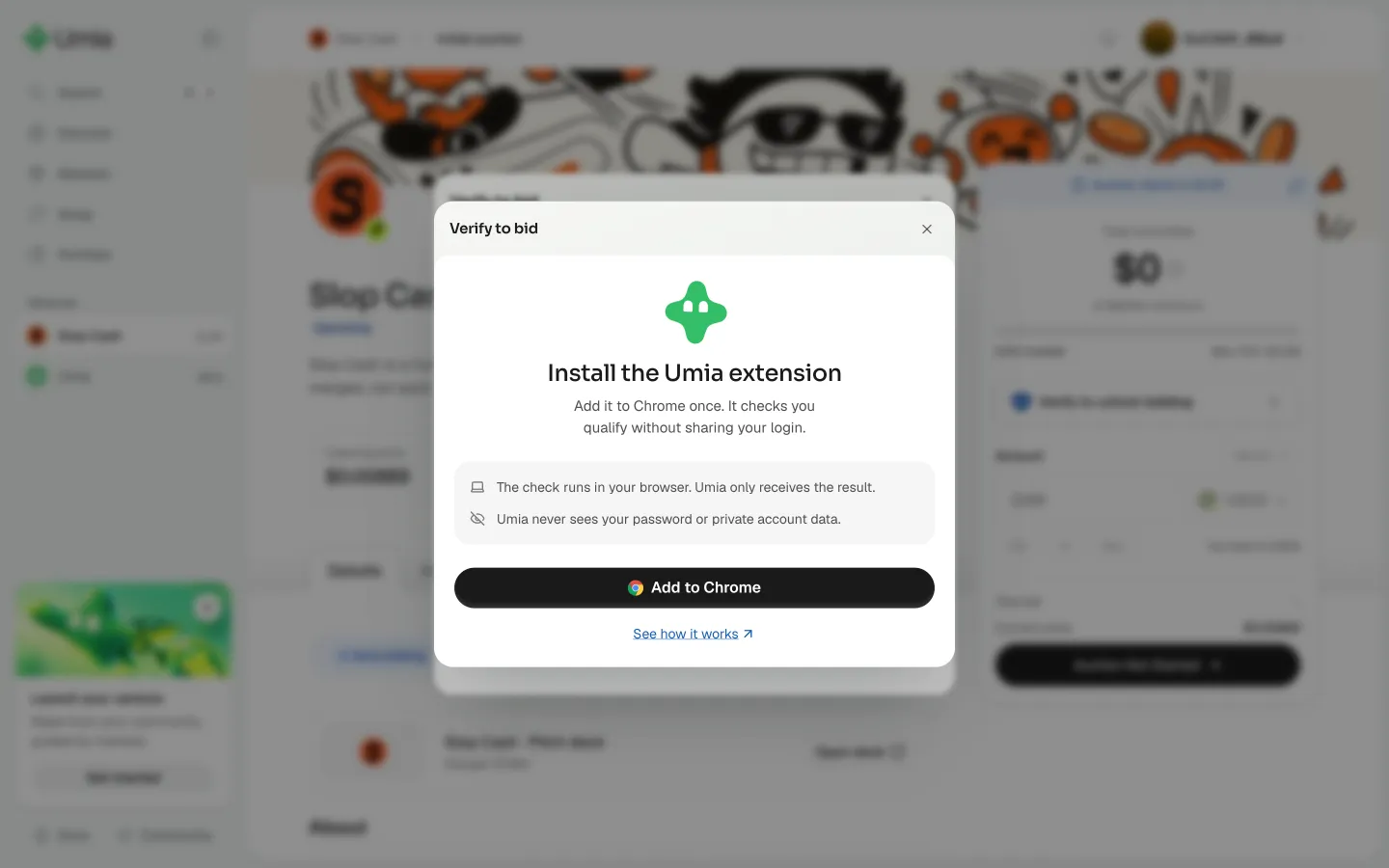
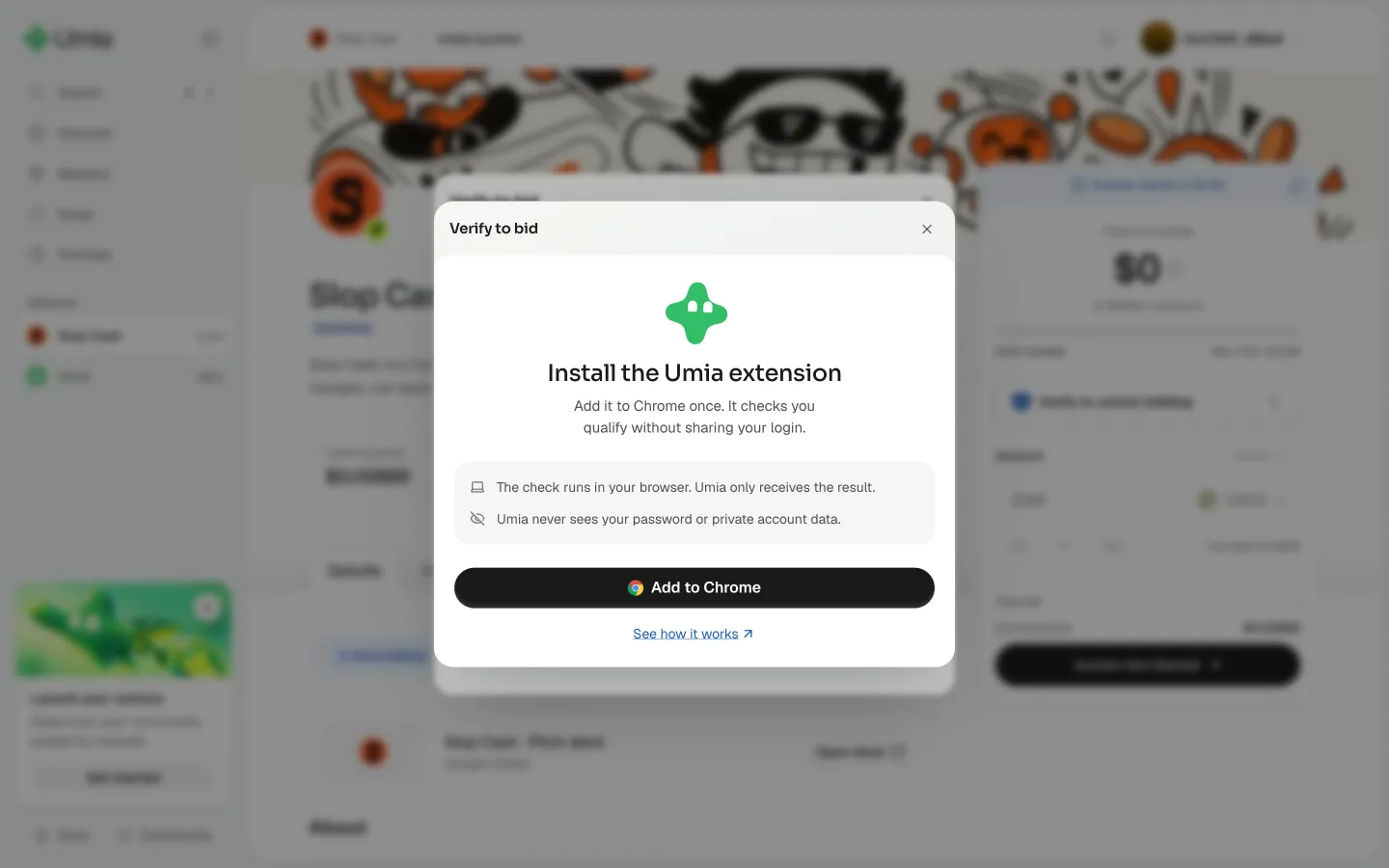
Add the extension to ChromeUmiaAdd the extension to Chrome
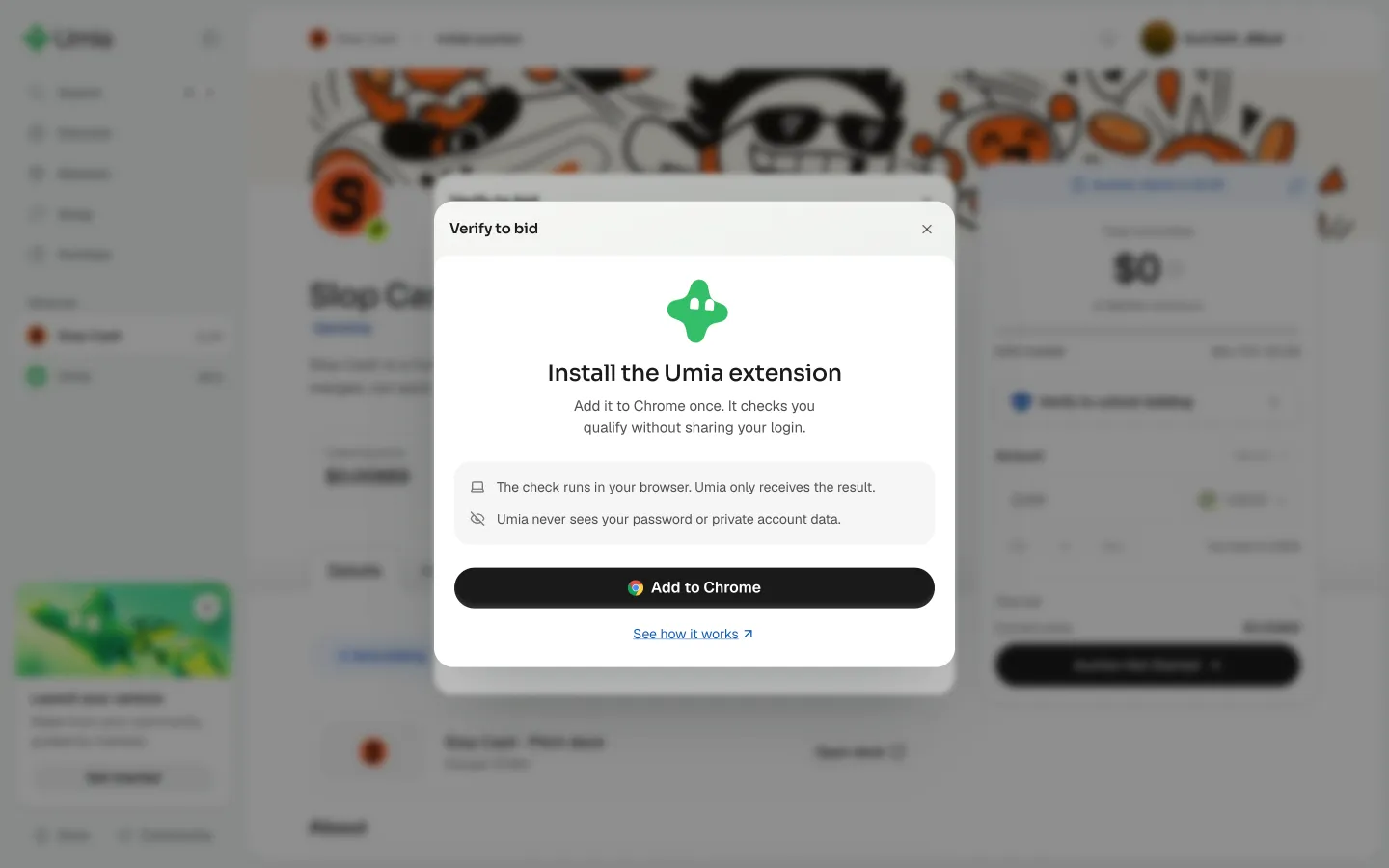
Back from the store, dialog unchangedUmiaBack from the store, dialog unchanged
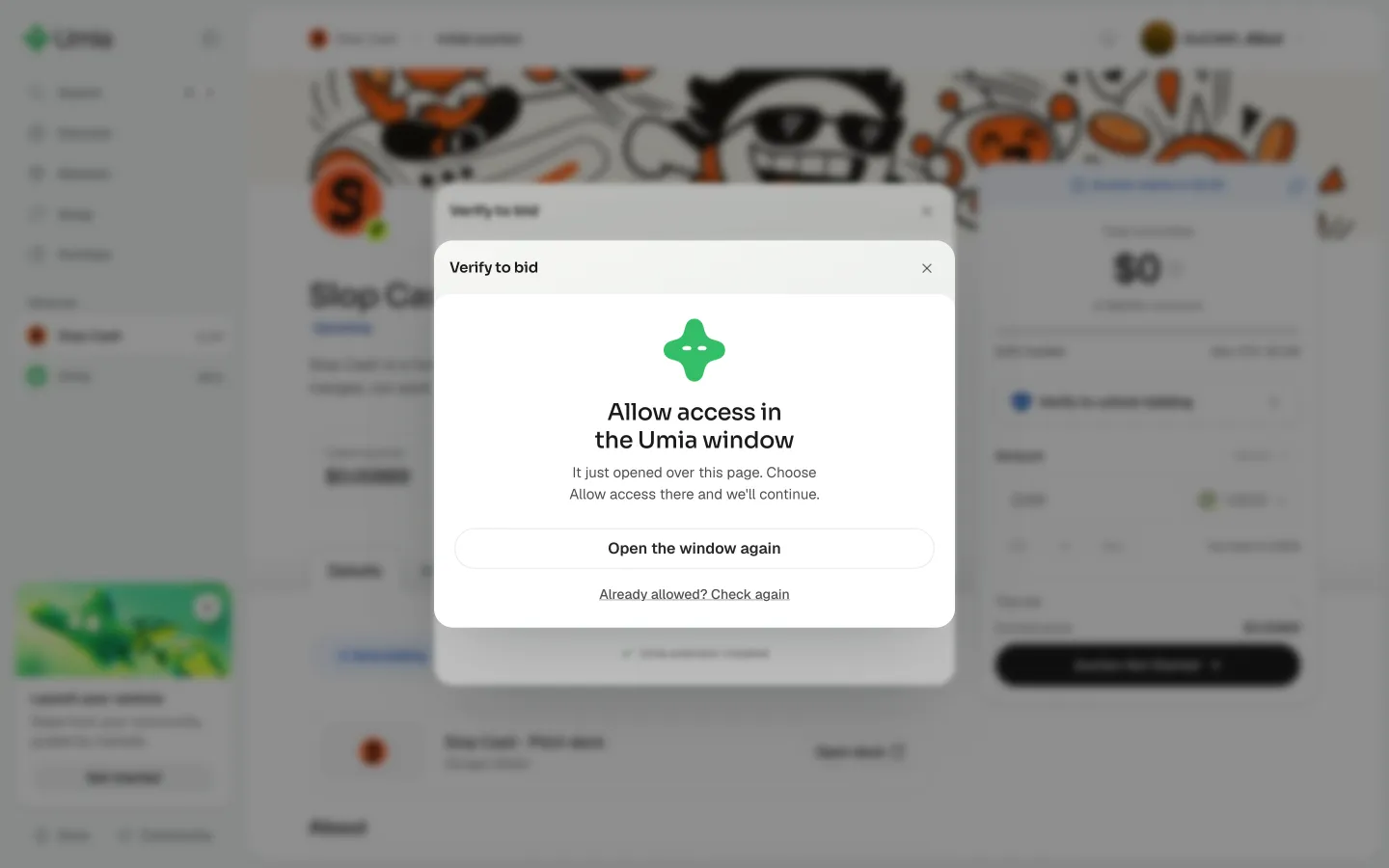
Allow access in the Umia windowUmiaAllow access in the Umia window
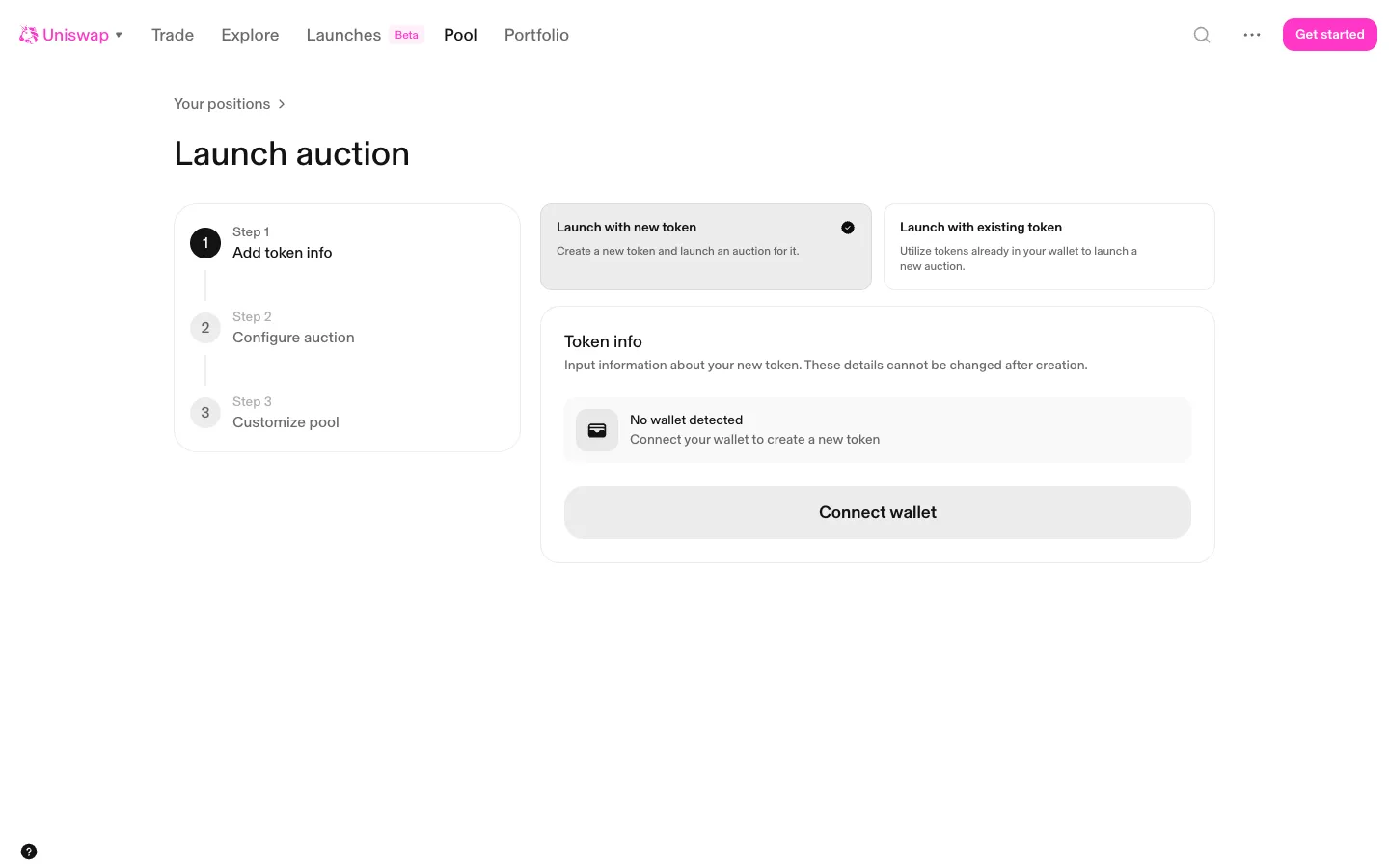
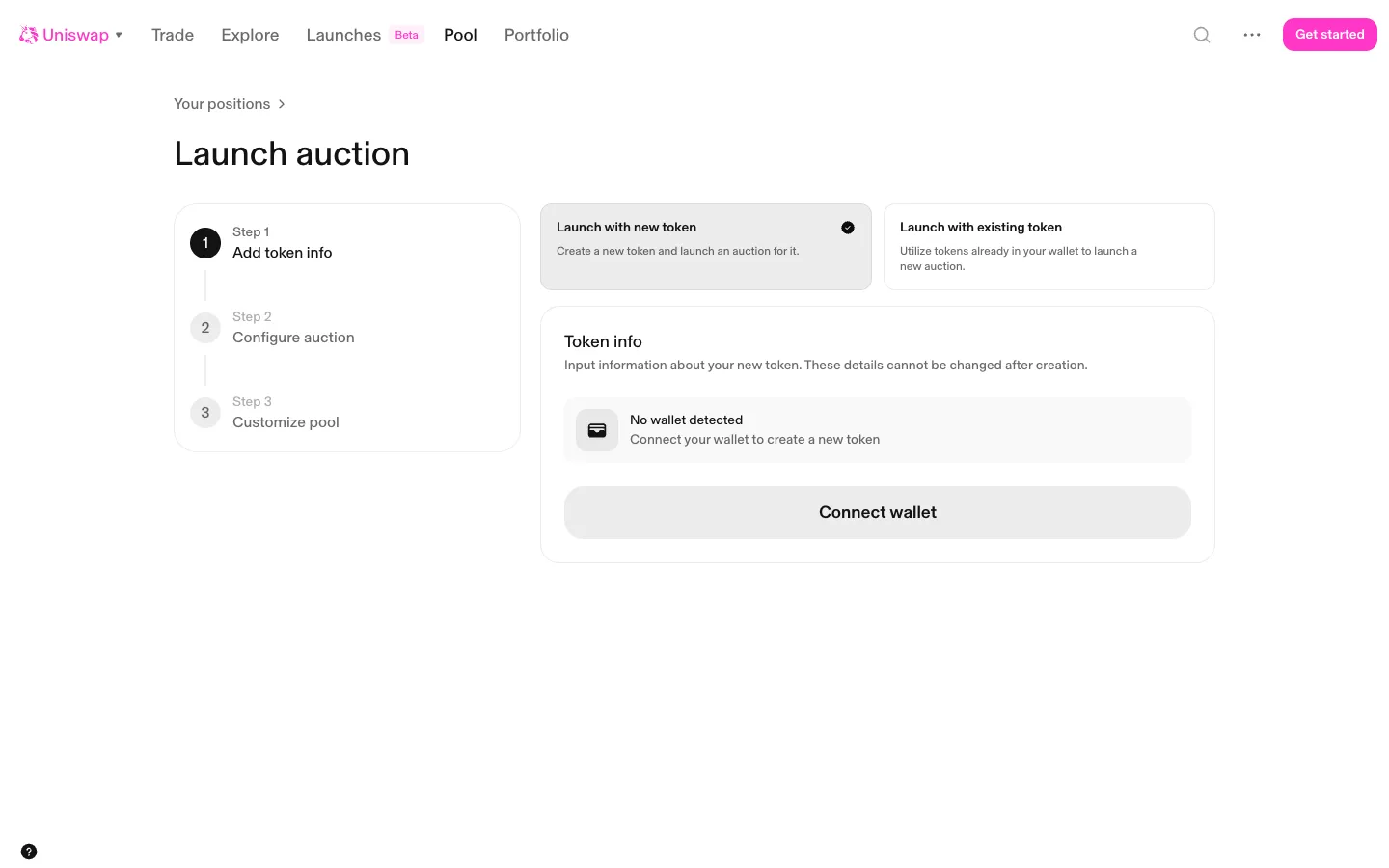
Step 1 token info, no wallet detectedUniswapStep 1 token info, no wallet detected
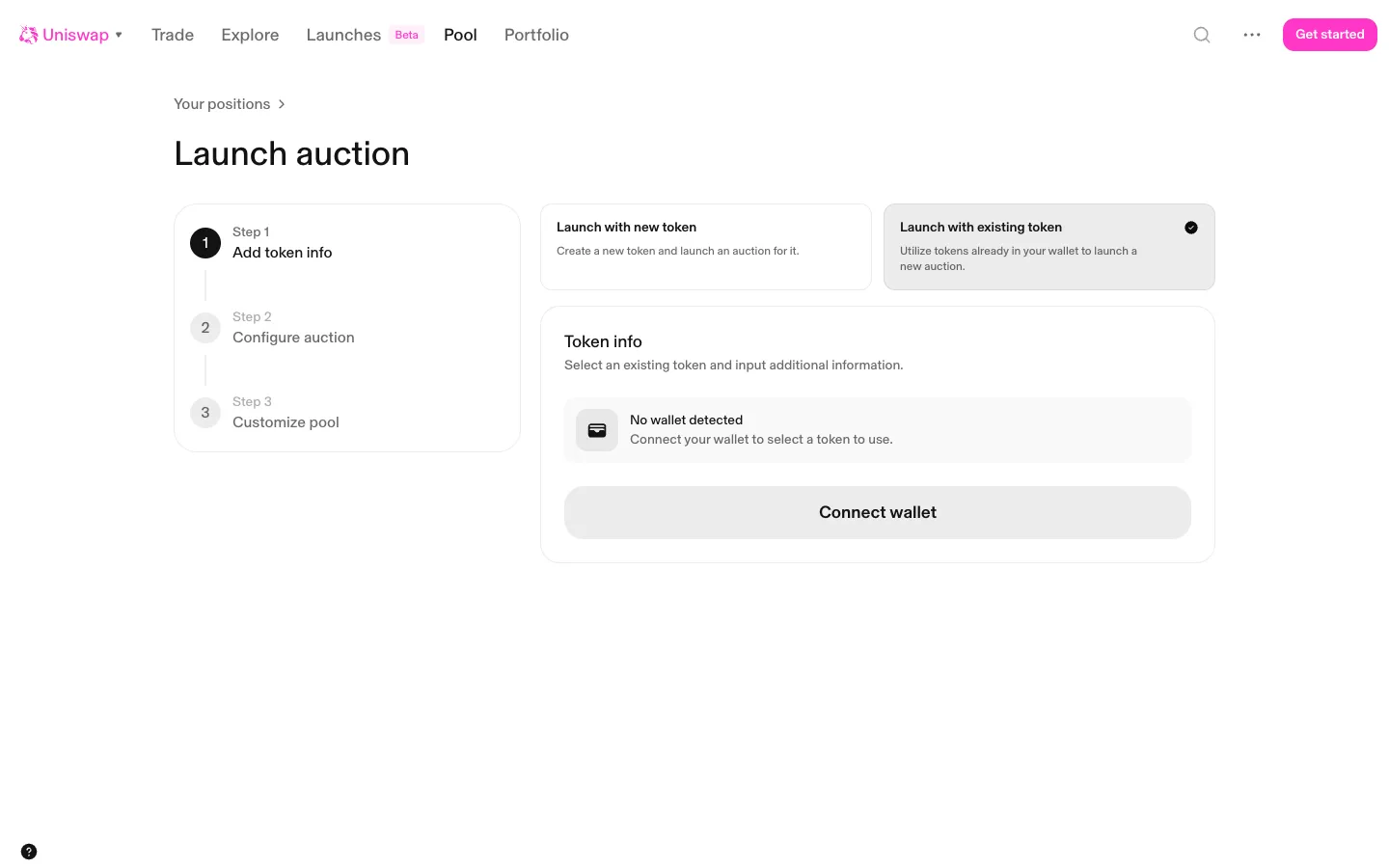
Existing token picked, still needs a walletUniswapExisting token picked, still needs a wallet
Launch auction asks for a walletUniswapLaunch auction asks for a wallet

Screens, flows and sites from real crypto and web3 apps.

© 2026 MoonoPrivacyTerms

Apps

  • All apps
  • Screens
  • Flows
  • UI elements

Sites

  • All sites
  • Sections

Learn

  • Glossary

Product

  • Pricing
  • MCPNew

© 2026 MoonoPrivacyTerms