All appsScreensFlowsUI elements
PricingGlossary
AllScreensFlowsUI elements

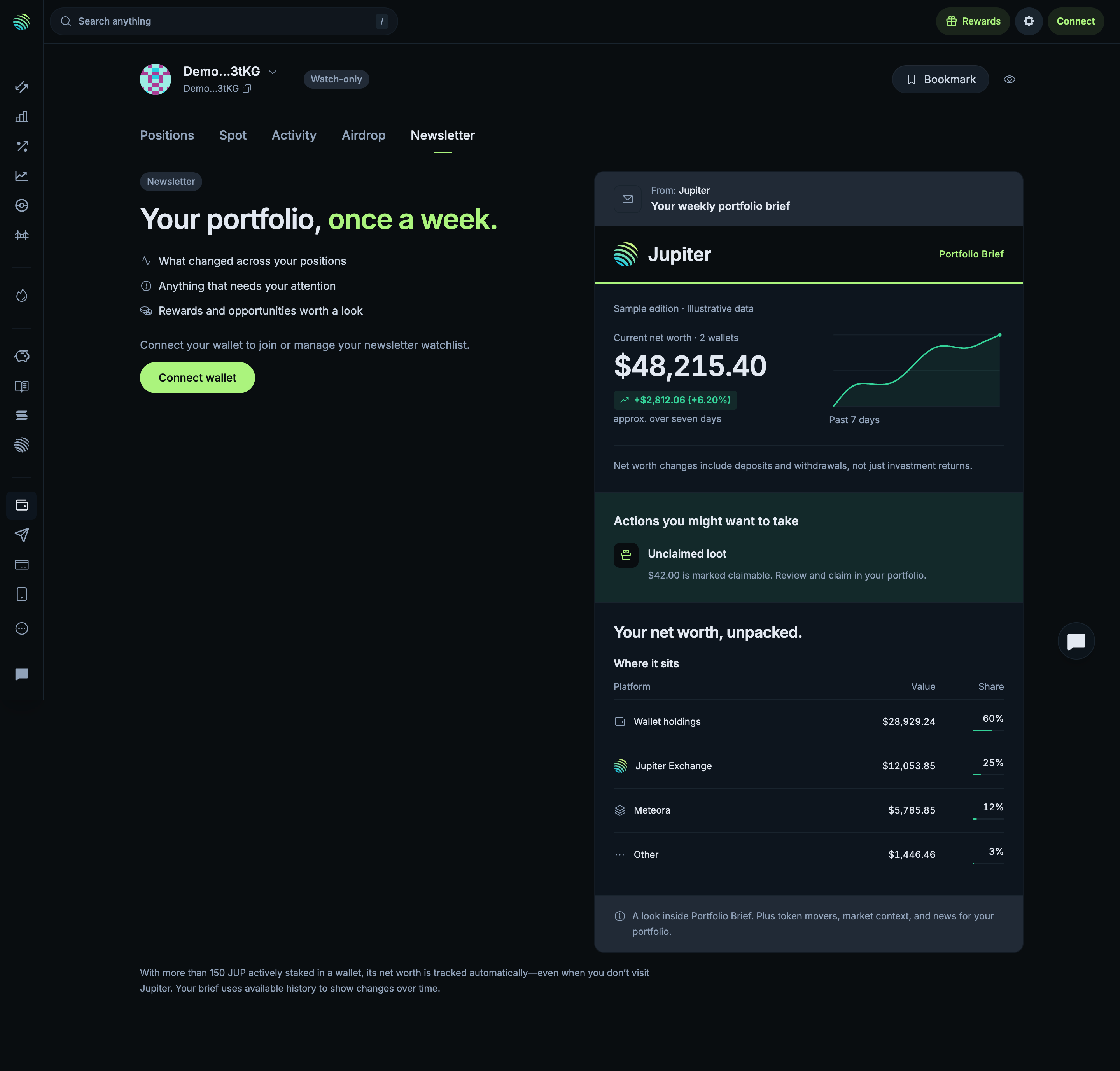
Read sample newsletter and connection gate in Jupiter

Step 2 of 2 in Previewing a wallet newsletterPlay
Read sample newsletter and connection gate

Read sample newsletter and connection gate

Eligibility Gate (full page)

Screen typeEligibility Gate
StateBlocked
CapturedOct 2026
UI elementsButtonCardPrice ChartSide NavigationTabTable
In the flowPreviewing a wallet newsletter
SizeDesktop, 2880 by 2754
Open the flowOpen original

Similar screens in other apps

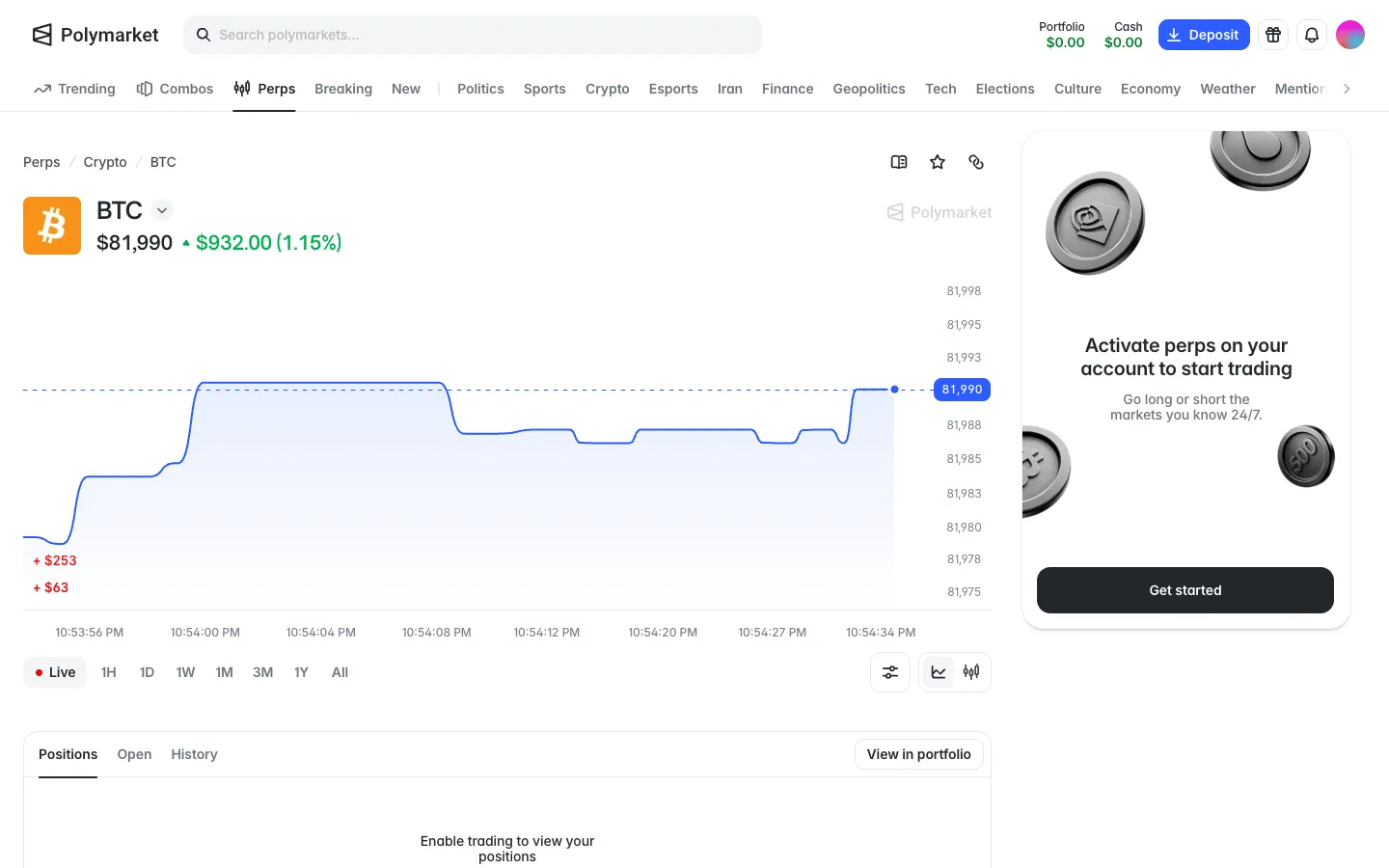
BTC perp with a live chart, trading locked until perps are activatedPolymarketBTC perp with a live chart, trading locked until perps are activated
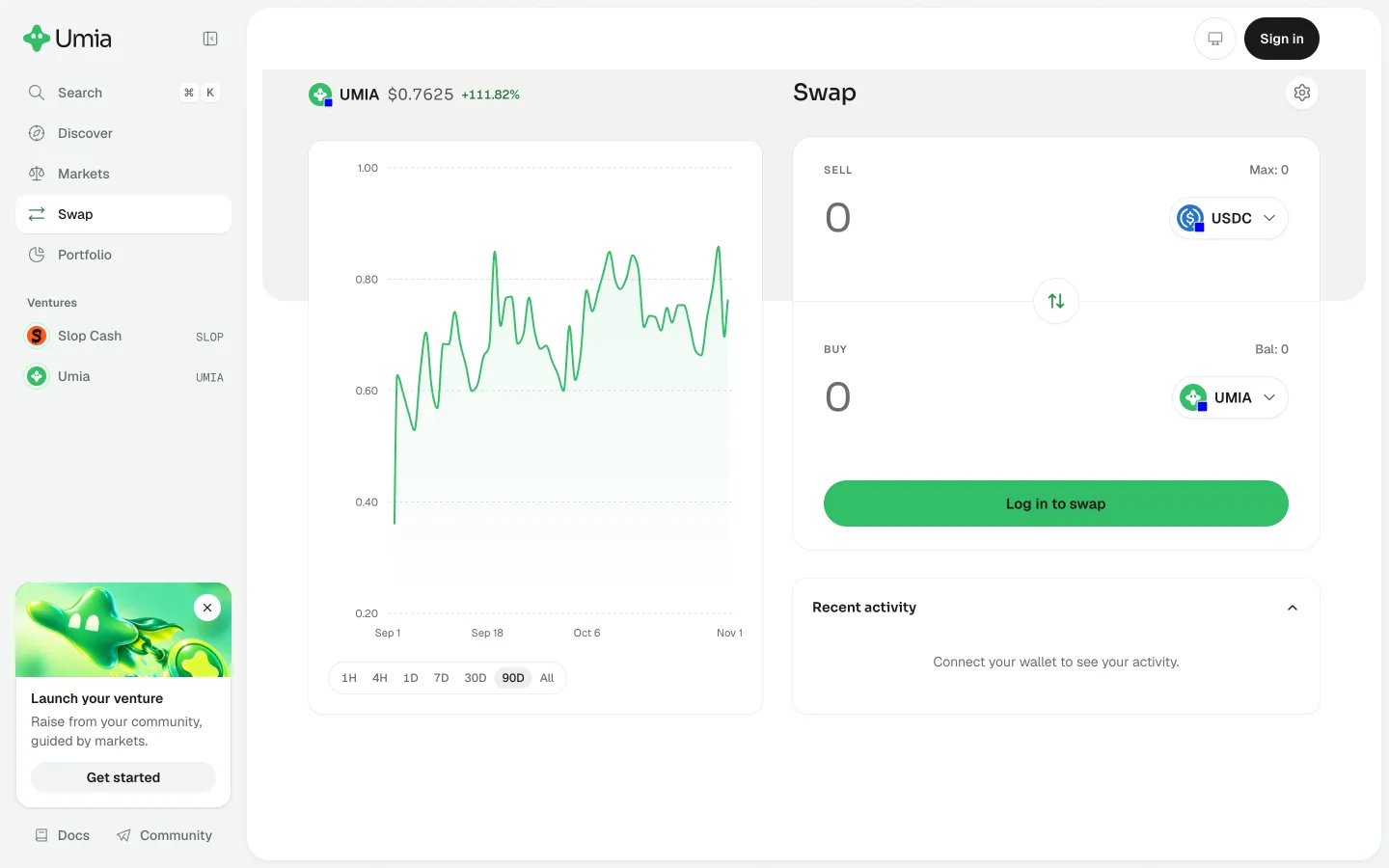
Connect a wallet to see swap activityUmiaConnect a wallet to see swap activity
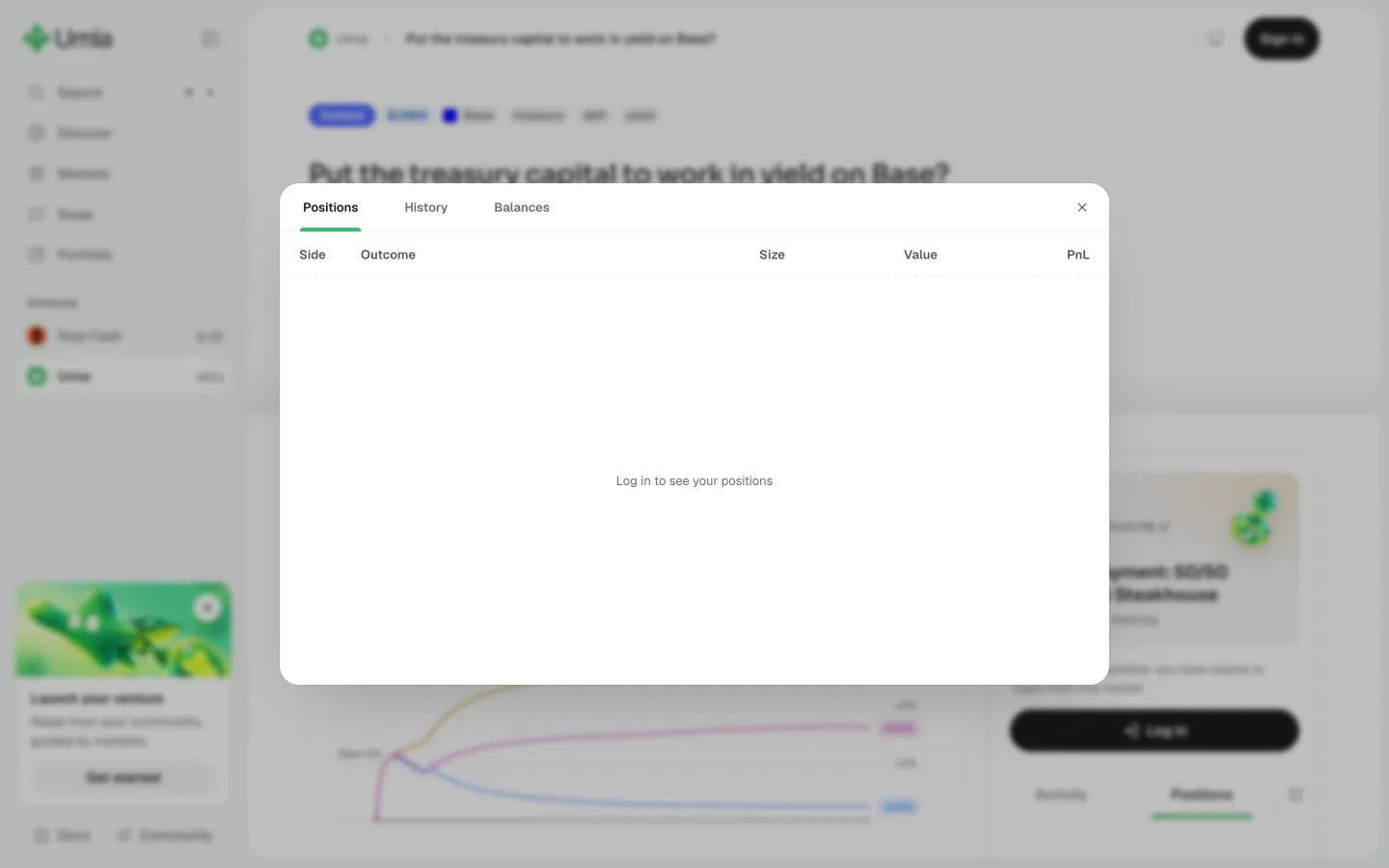
Sign in to see market positionsUmiaSign in to see market positions
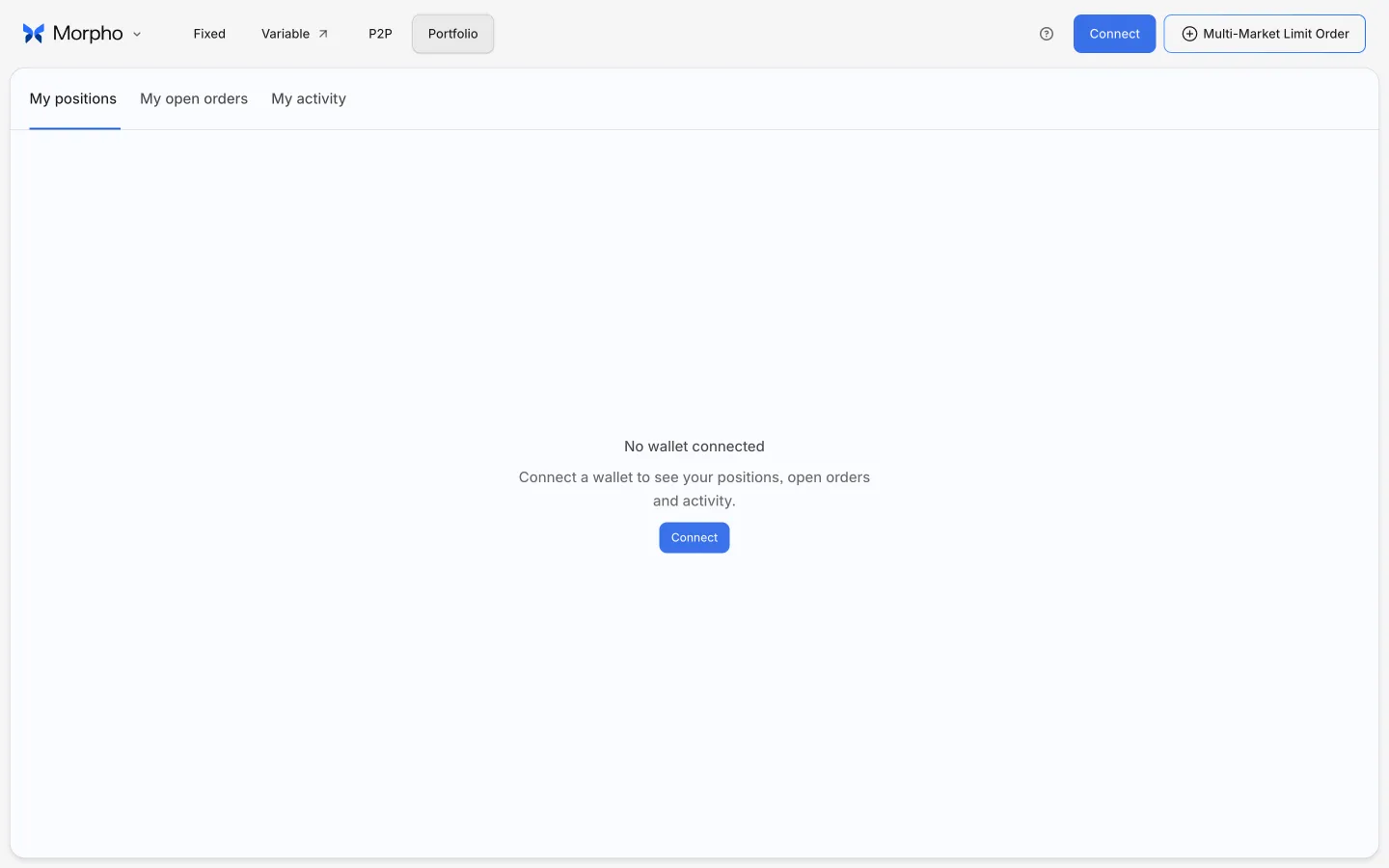
View positions without a walletMorphoView positions without a wallet
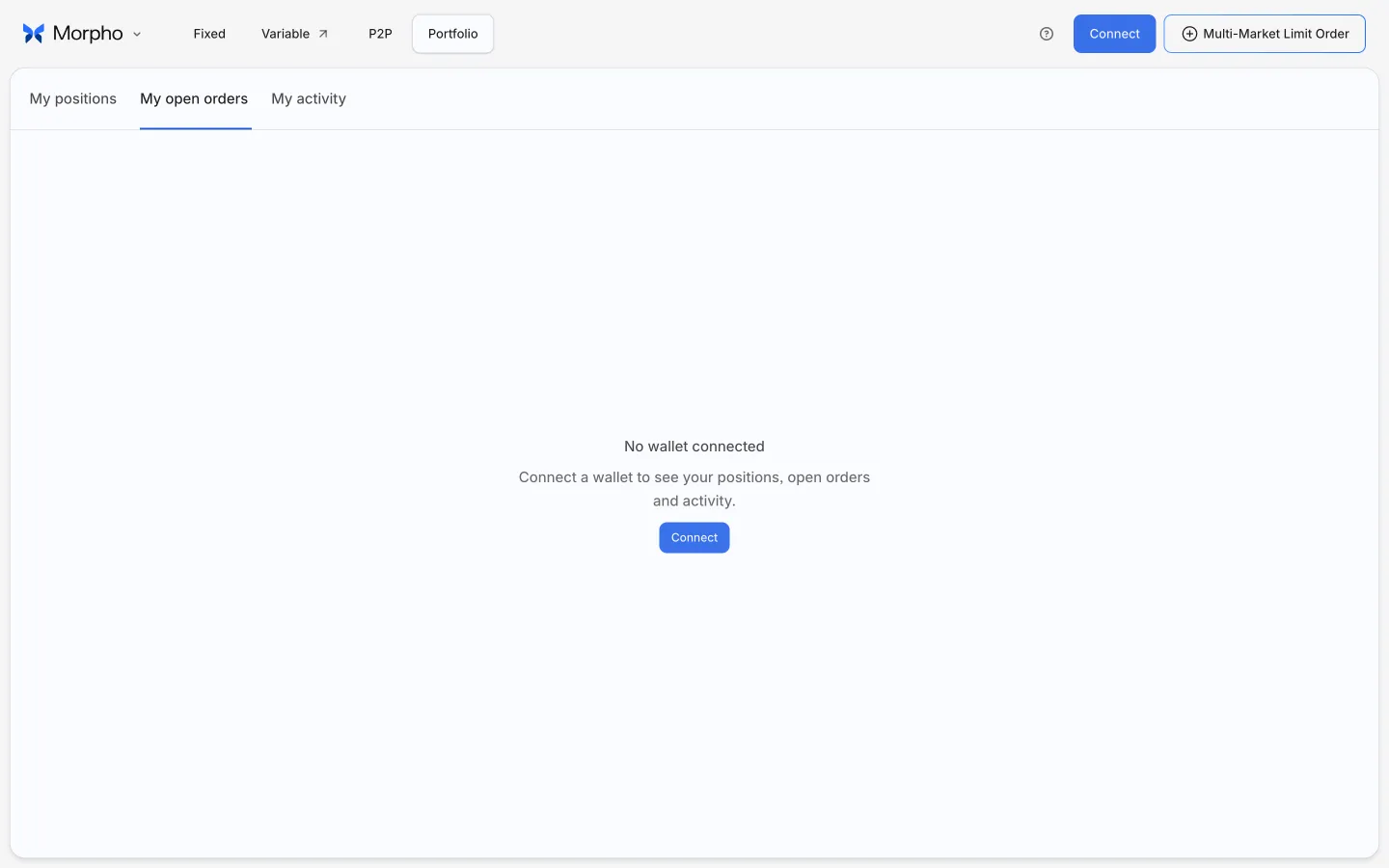
View open ordersMorphoView open orders
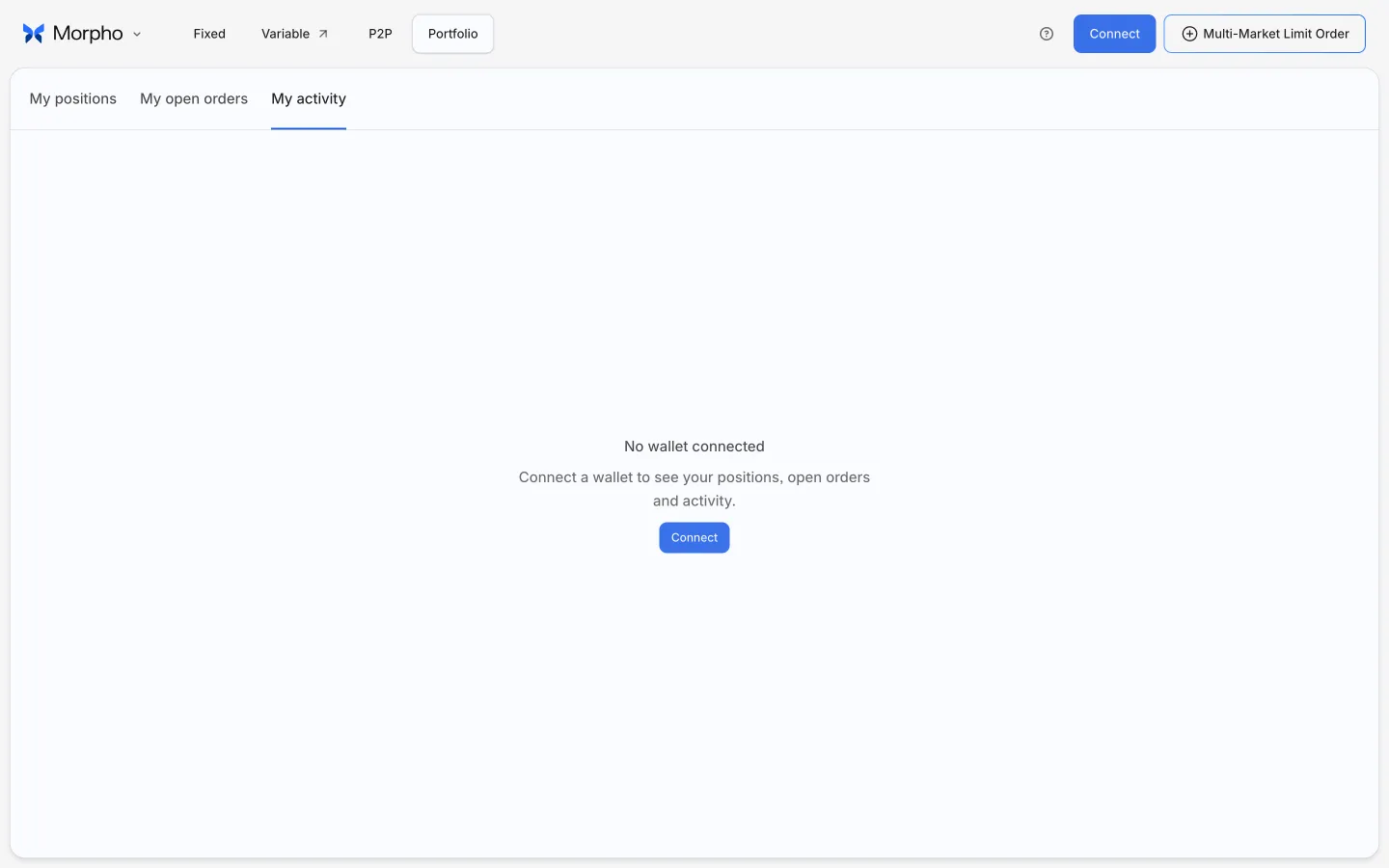
View account activityMorphoView account activity
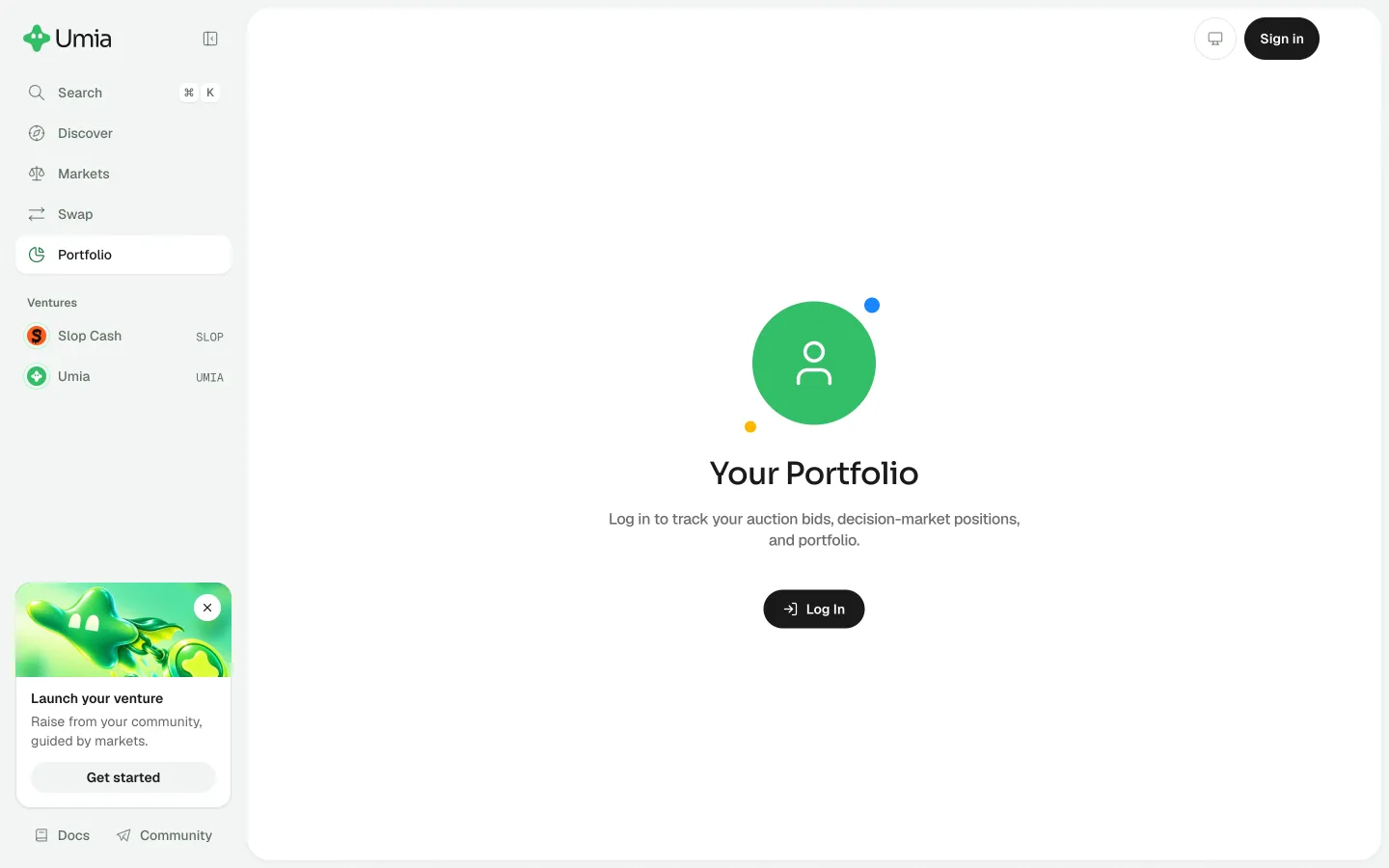
Open your PortfolioUmiaOpen your Portfolio
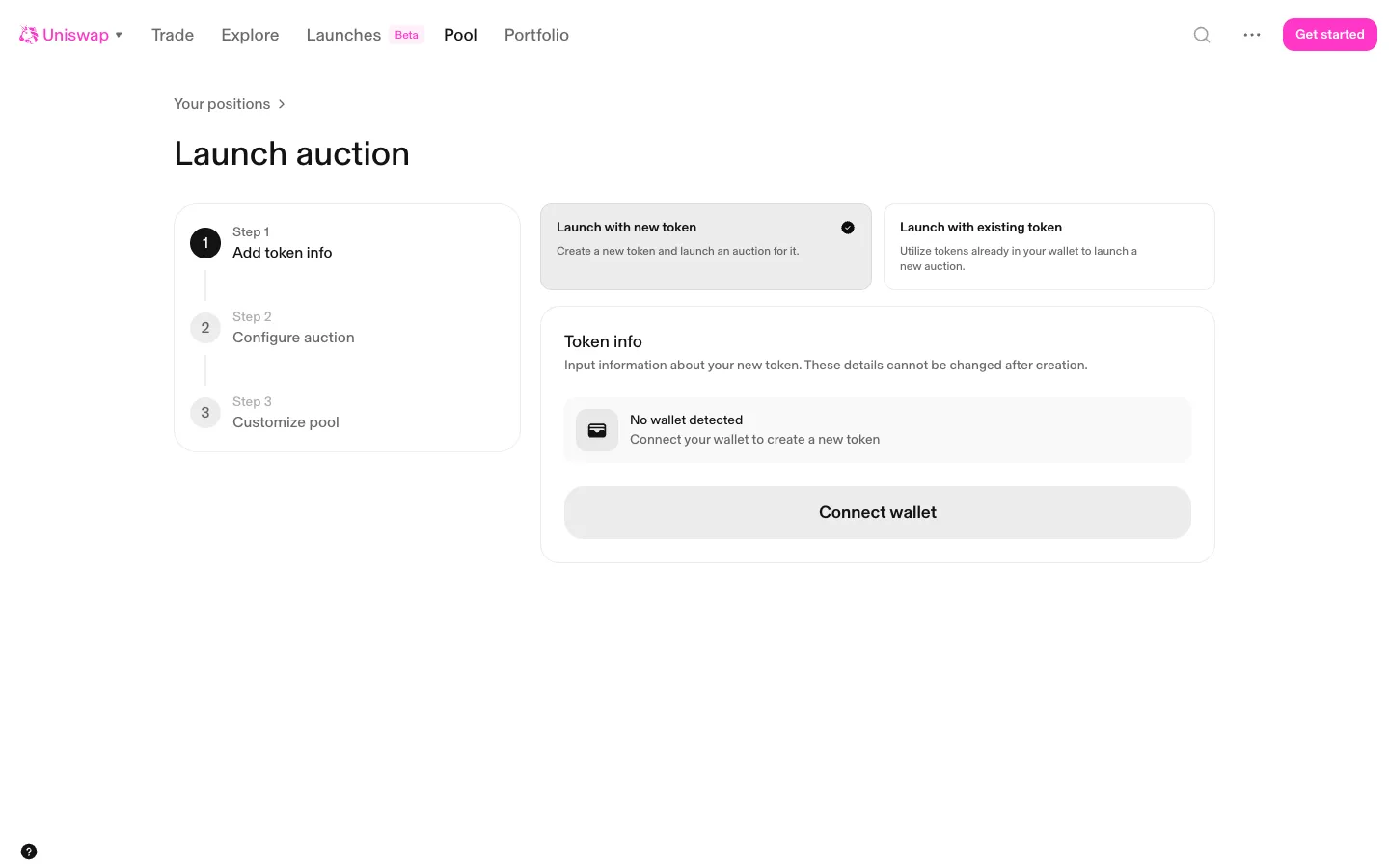
Step 1 token info, no wallet detectedUniswapStep 1 token info, no wallet detected
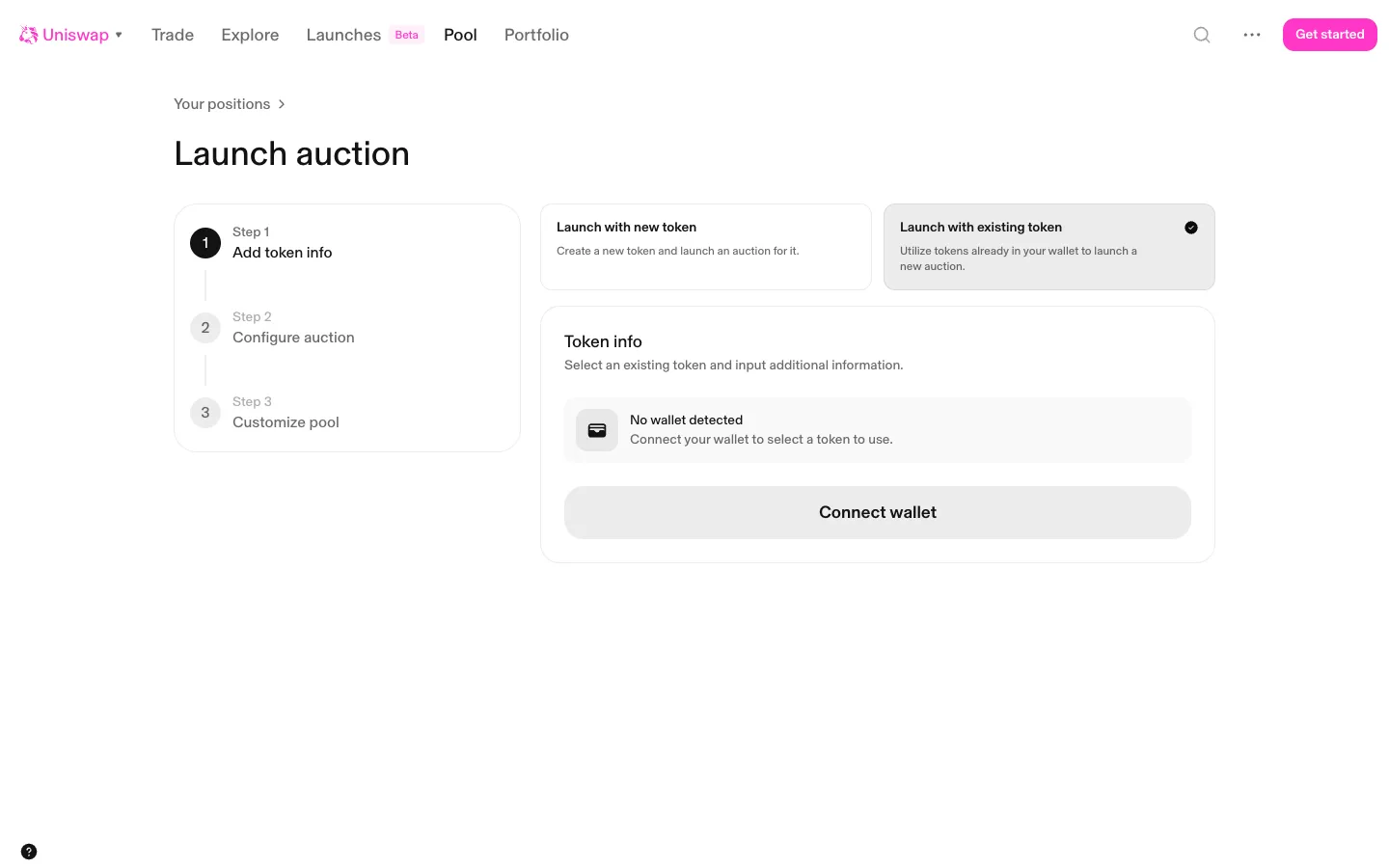
Existing token picked, still needs a walletUniswapExisting token picked, still needs a wallet
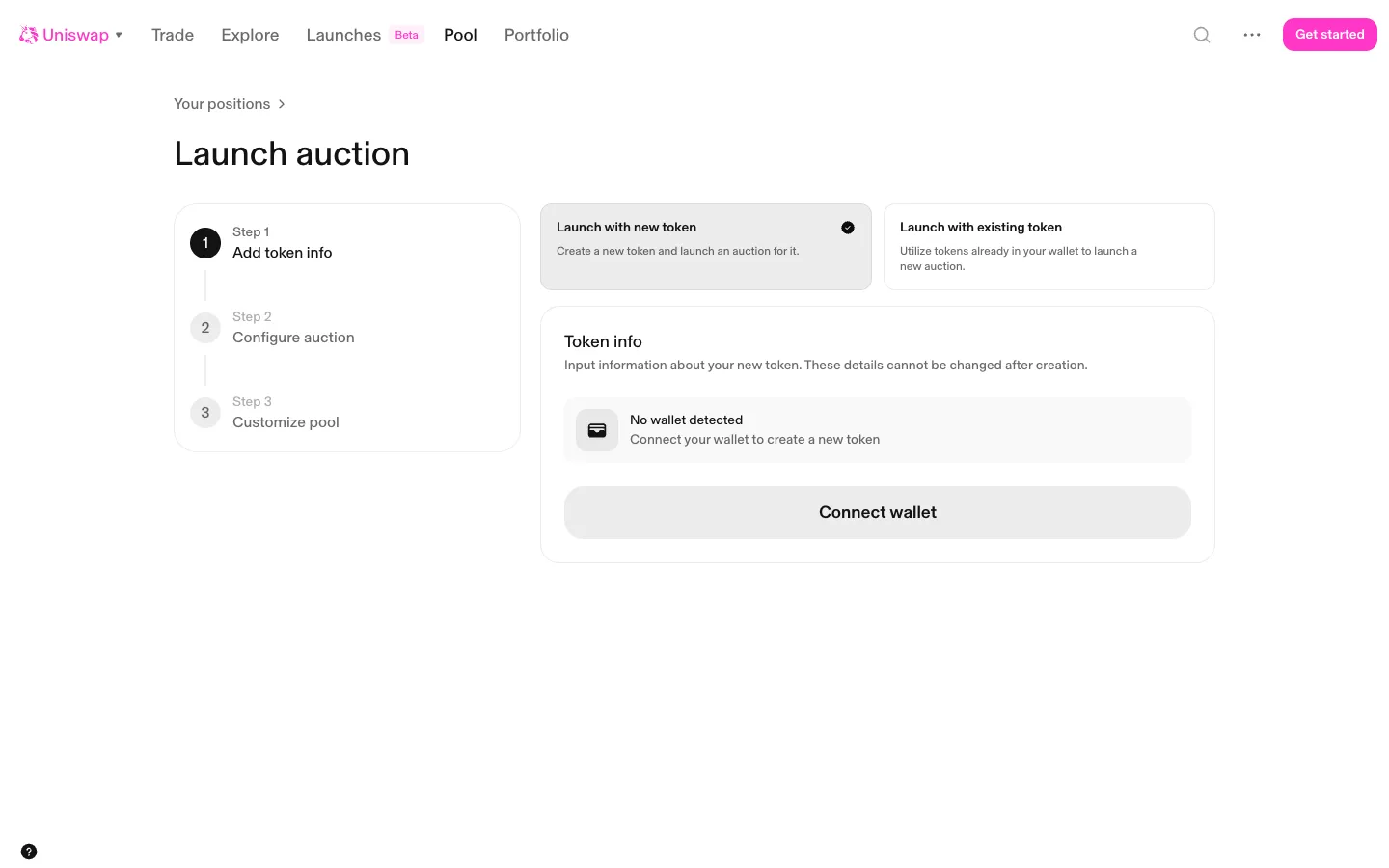
Launch auction asks for a walletUniswapLaunch auction asks for a wallet
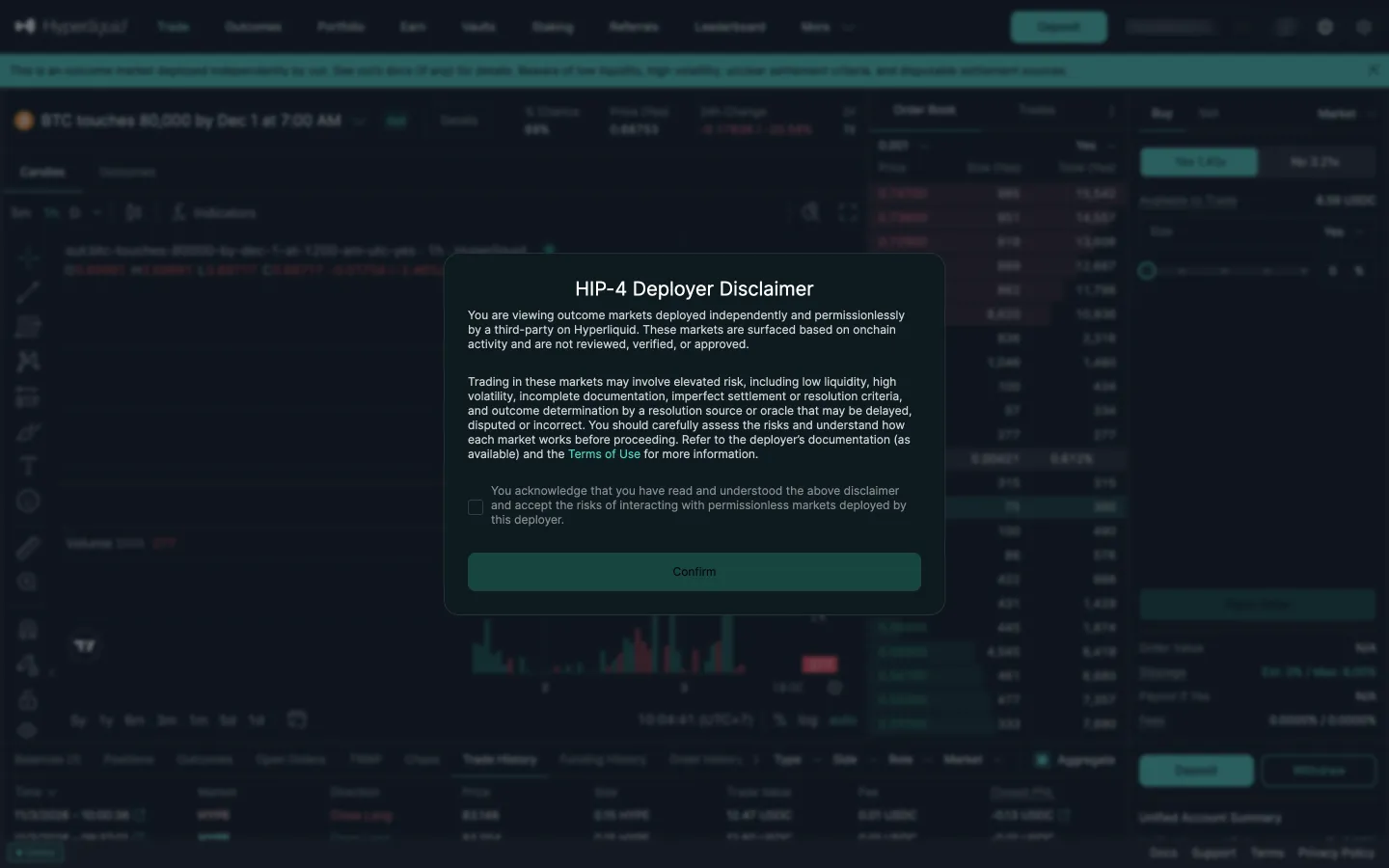
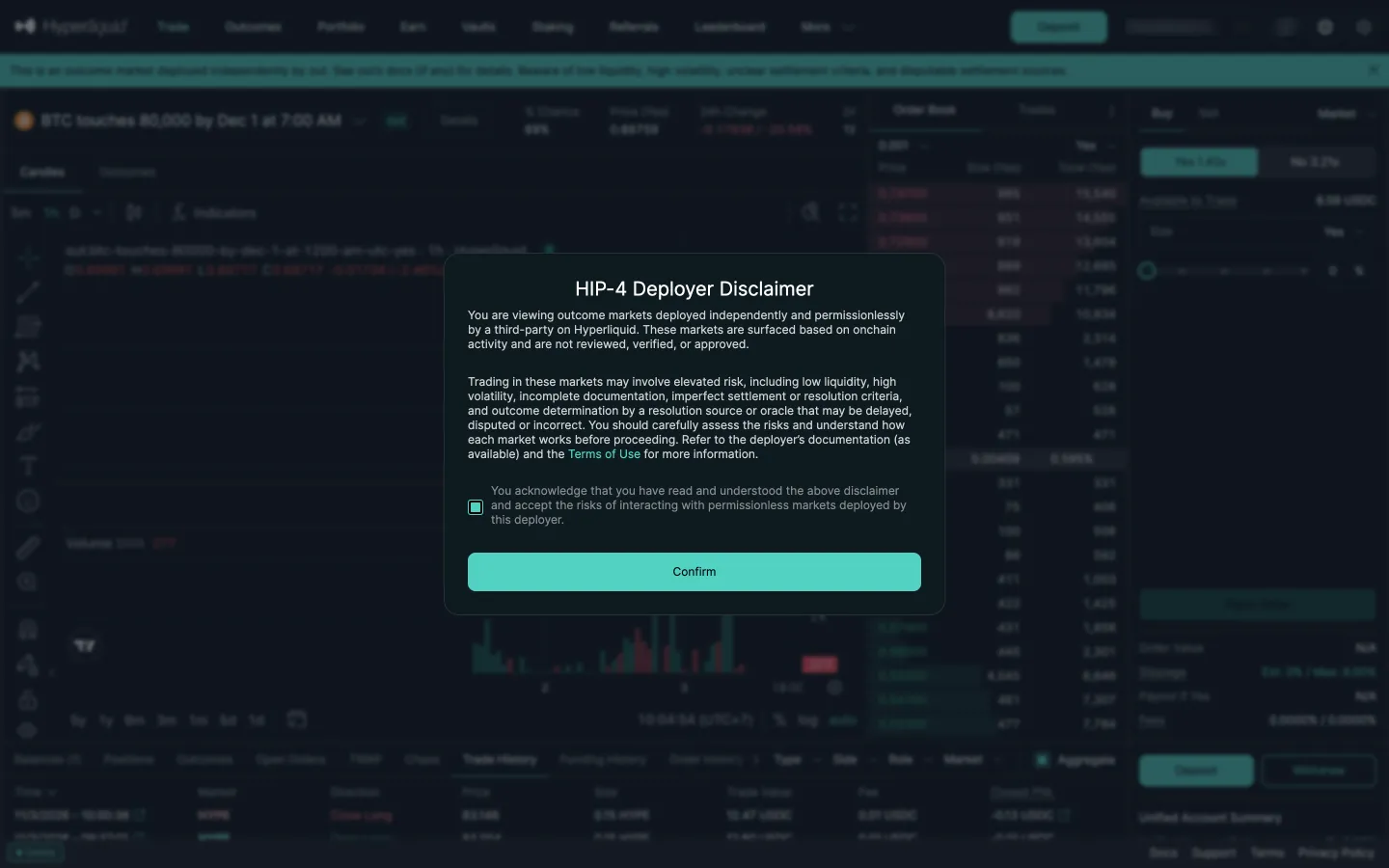
Deployer disclaimer on an outcome marketHyperliquidDeployer disclaimer on an outcome market
Disclaimer tickedHyperliquidDisclaimer ticked

Screens, flows and sites from real crypto and web3 apps.

© 2026 MoonoPrivacyTerms

Apps

  • All apps
  • Screens
  • Flows
  • UI elements

Sites

  • All sites
  • Sections

Learn

  • Glossary

Product

  • Pricing
  • MCPNew

© 2026 MoonoPrivacyTerms