All appsScreensFlowsUI elements
PricingGlossary
AllScreensFlowsUI elements

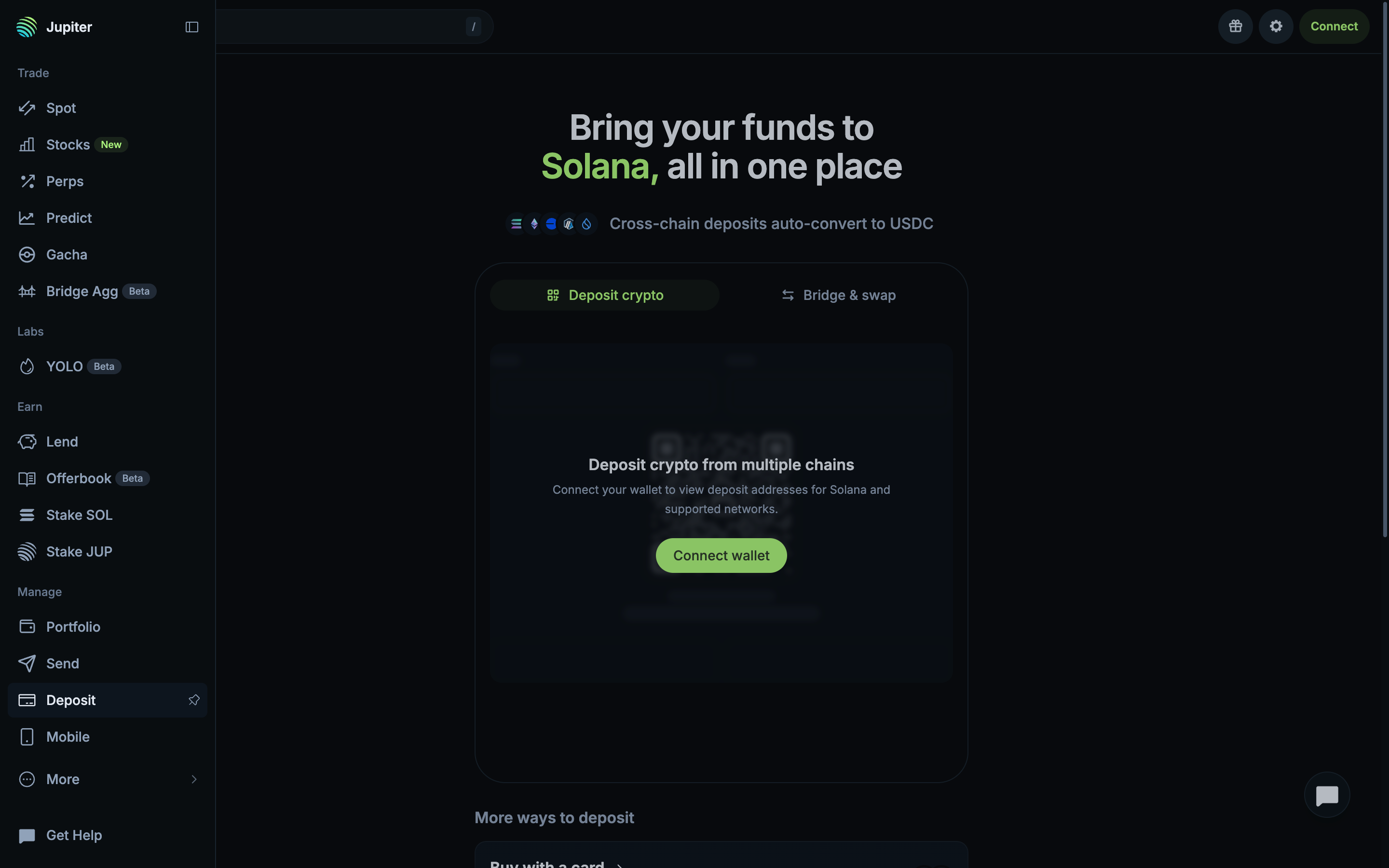
Open global settings in Jupiter

Step 1 of 4 in Reviewing general settingsPlay
Open global settings

Open global settings

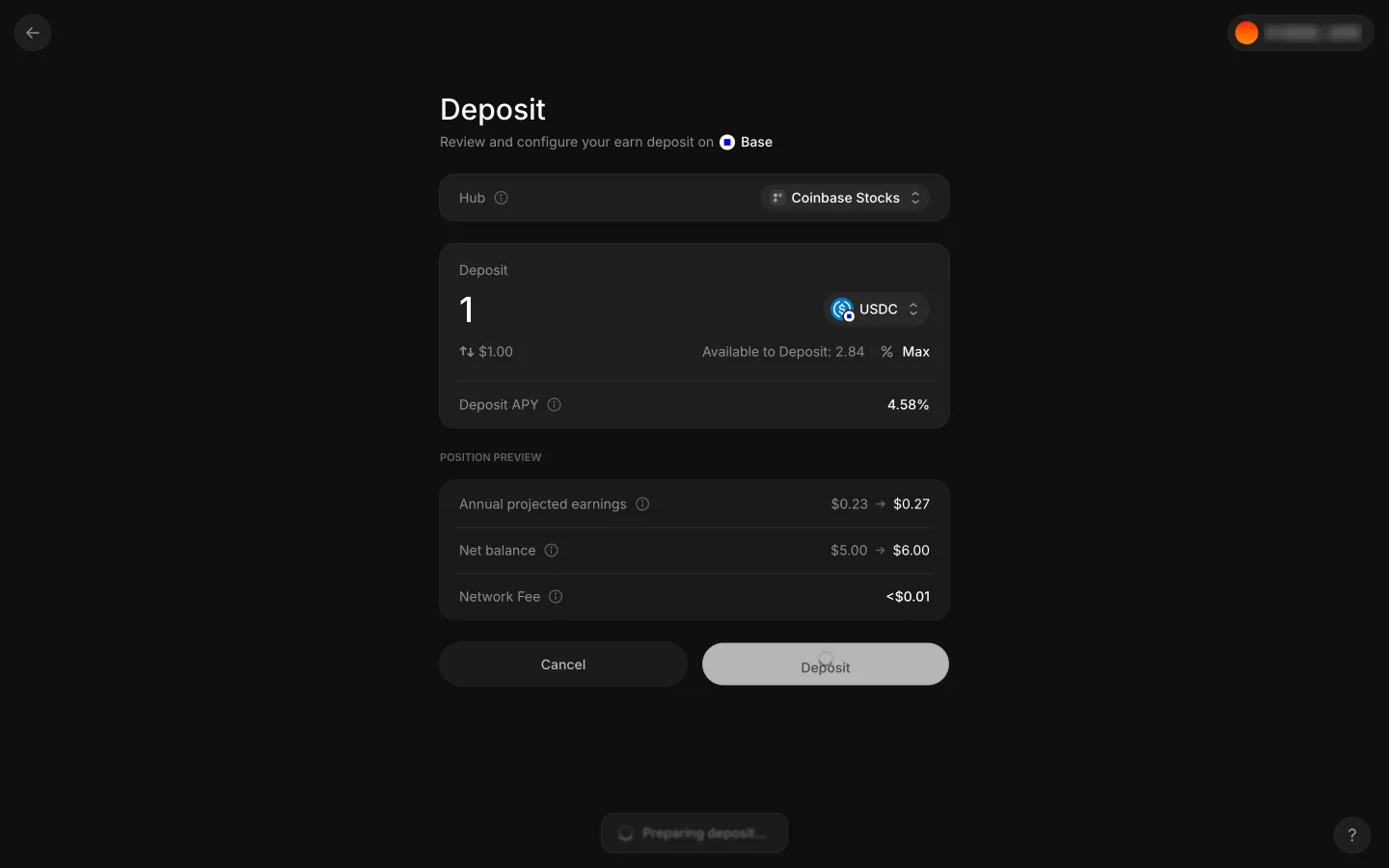
Deposit

Screen typeDeposit
StateBlocked
CapturedOct 2026
UI elementsButtonLinkSide NavigationTop Navigation Bar
In the flowReviewing general settings
SizeDesktop, 2880 by 1800
Open the flowOpen original

Similar screens in other apps

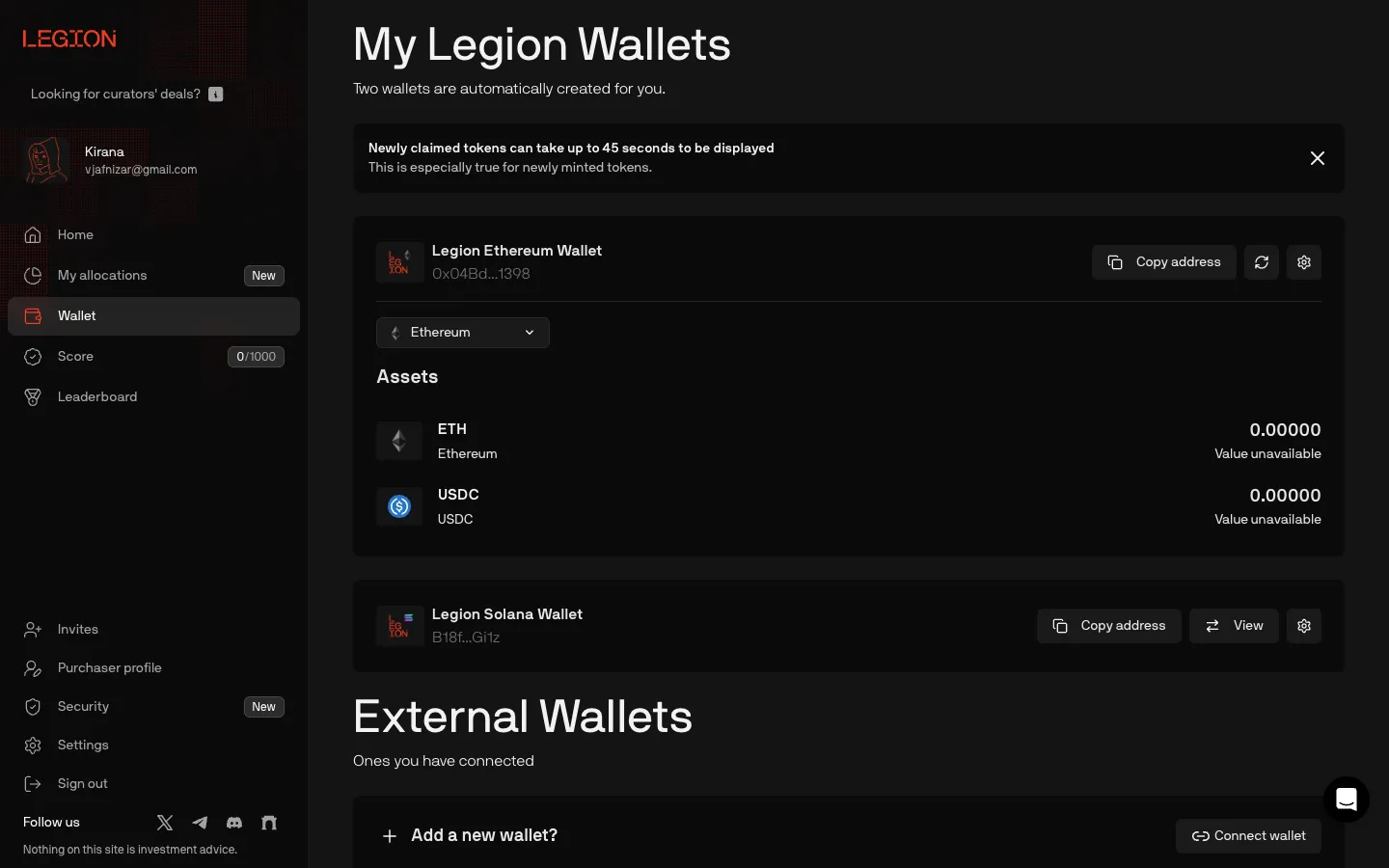
Two embedded wallets, no deposit buttonLegionTwo embedded wallets, no deposit button
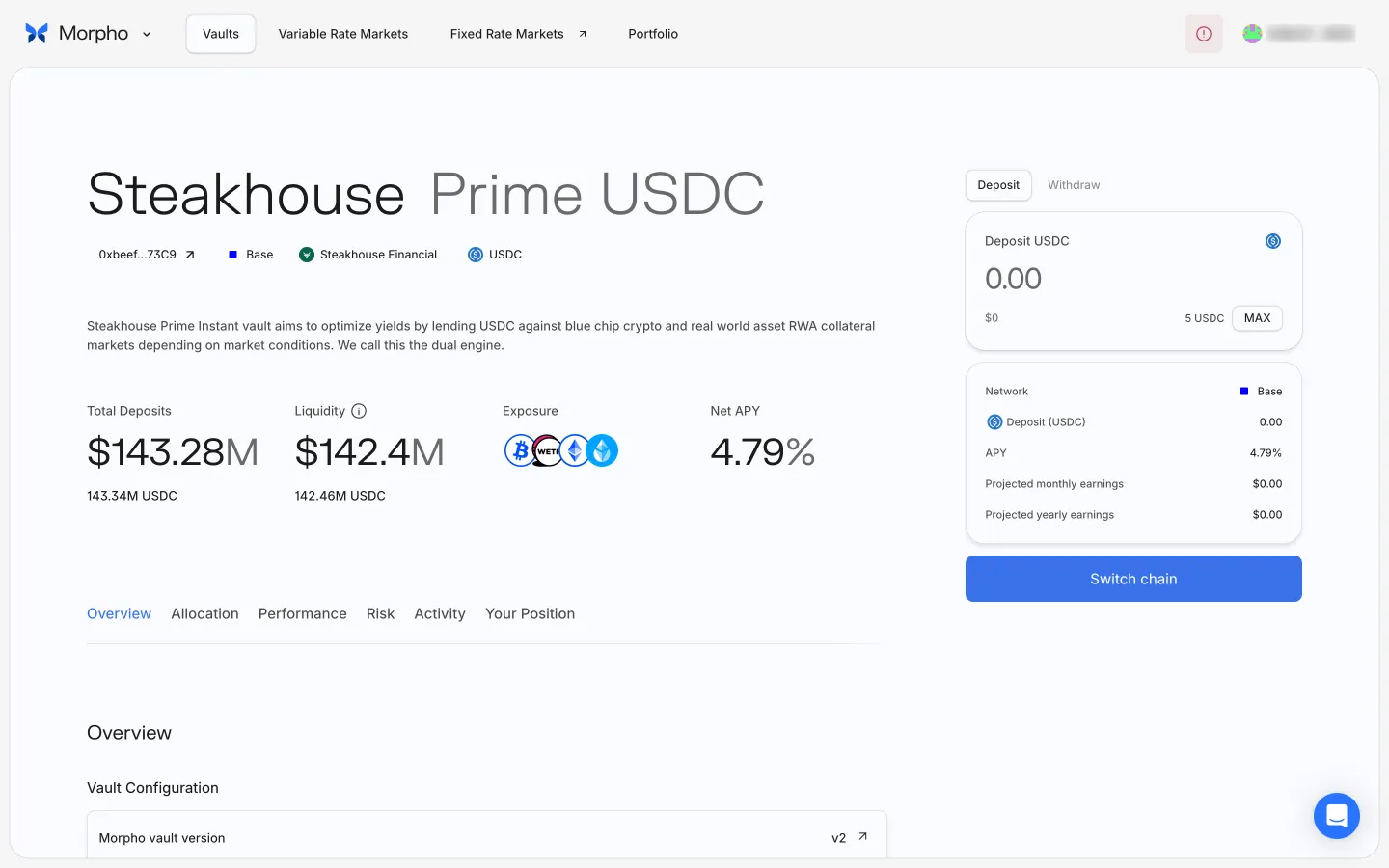
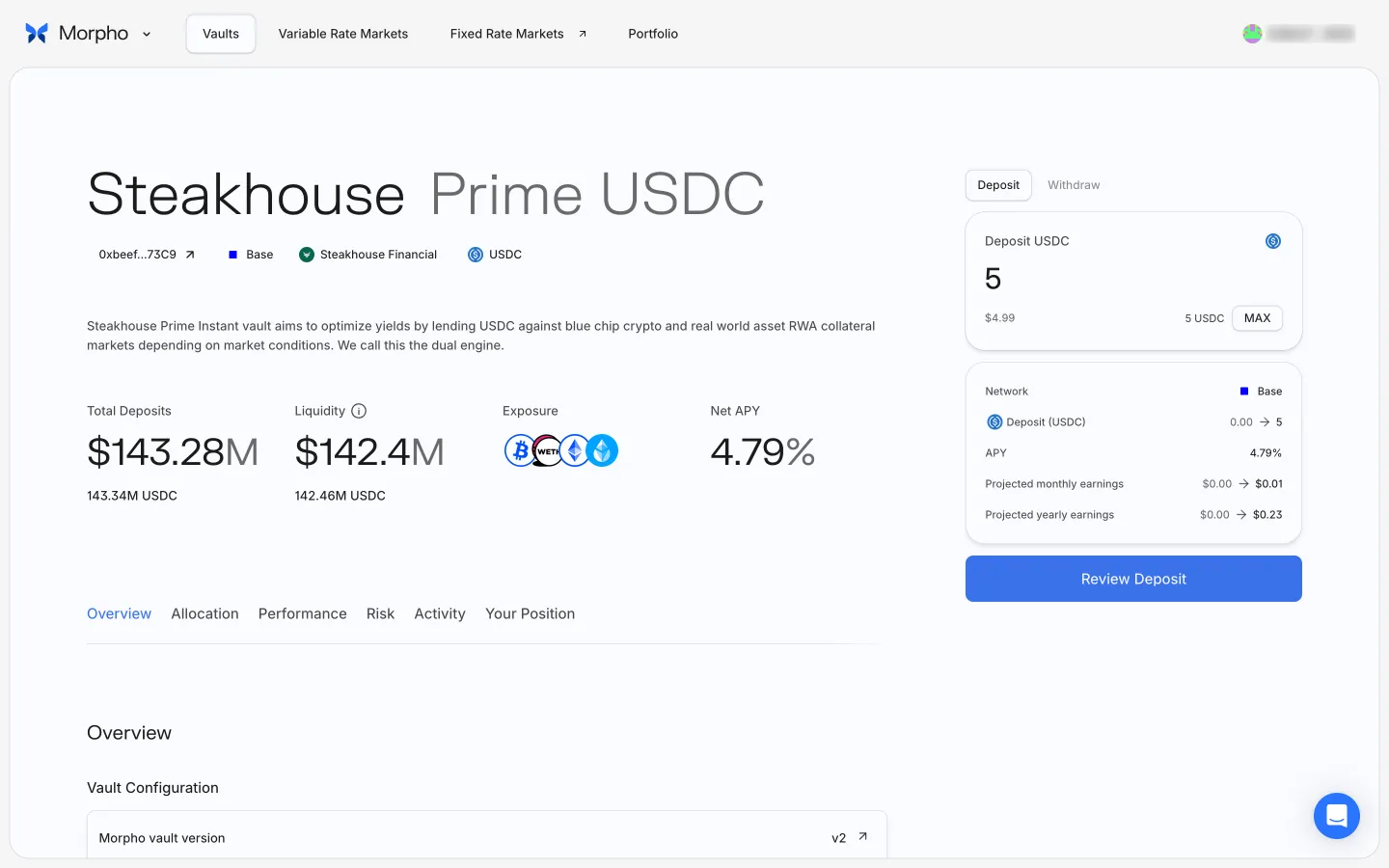
Vault on Base, wallet on another networkMorphoVault on Base, wallet on another network
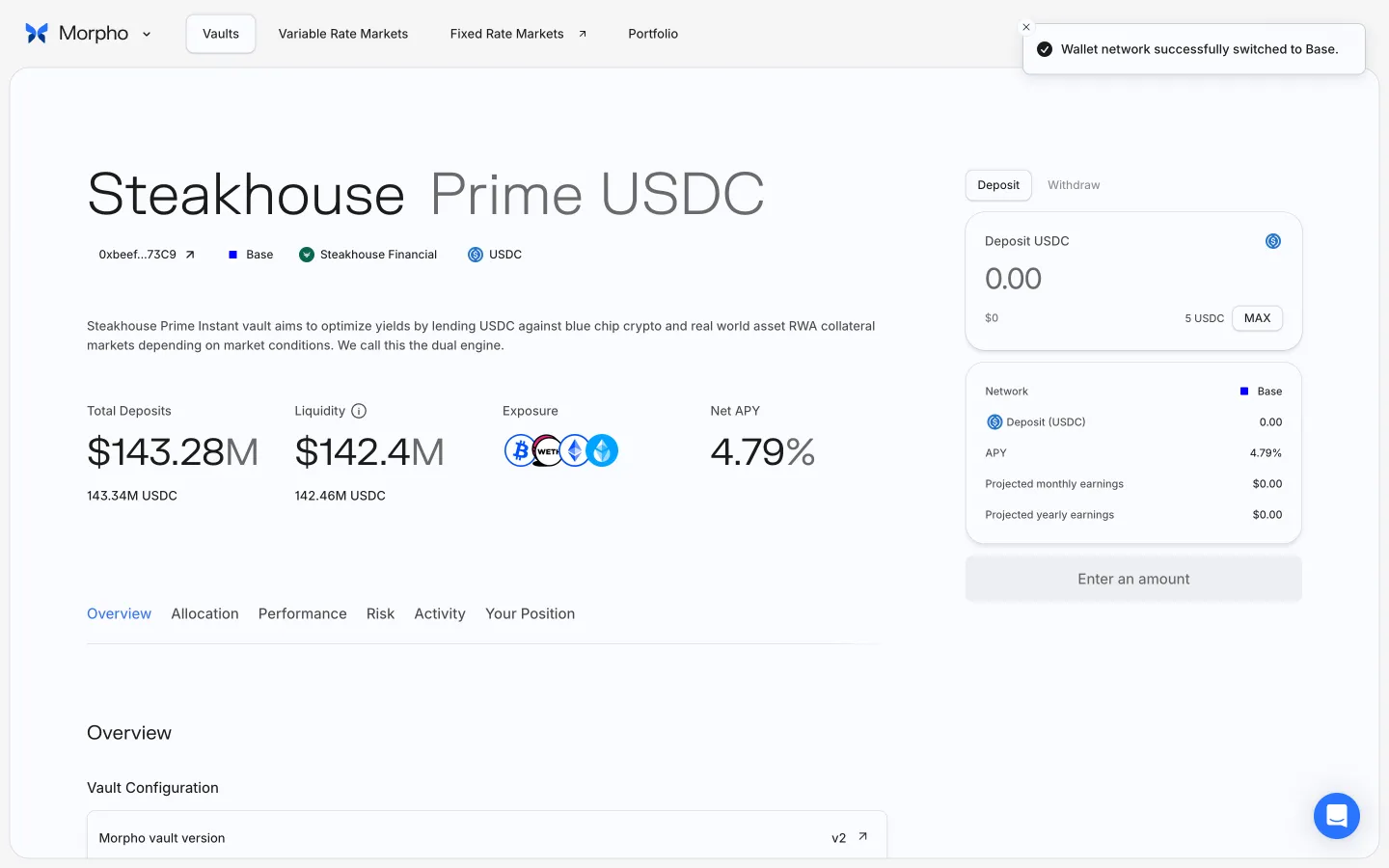
Wallet switched to BaseMorphoWallet switched to Base
Enter amount, projected earnings updateMorphoEnter amount, projected earnings update
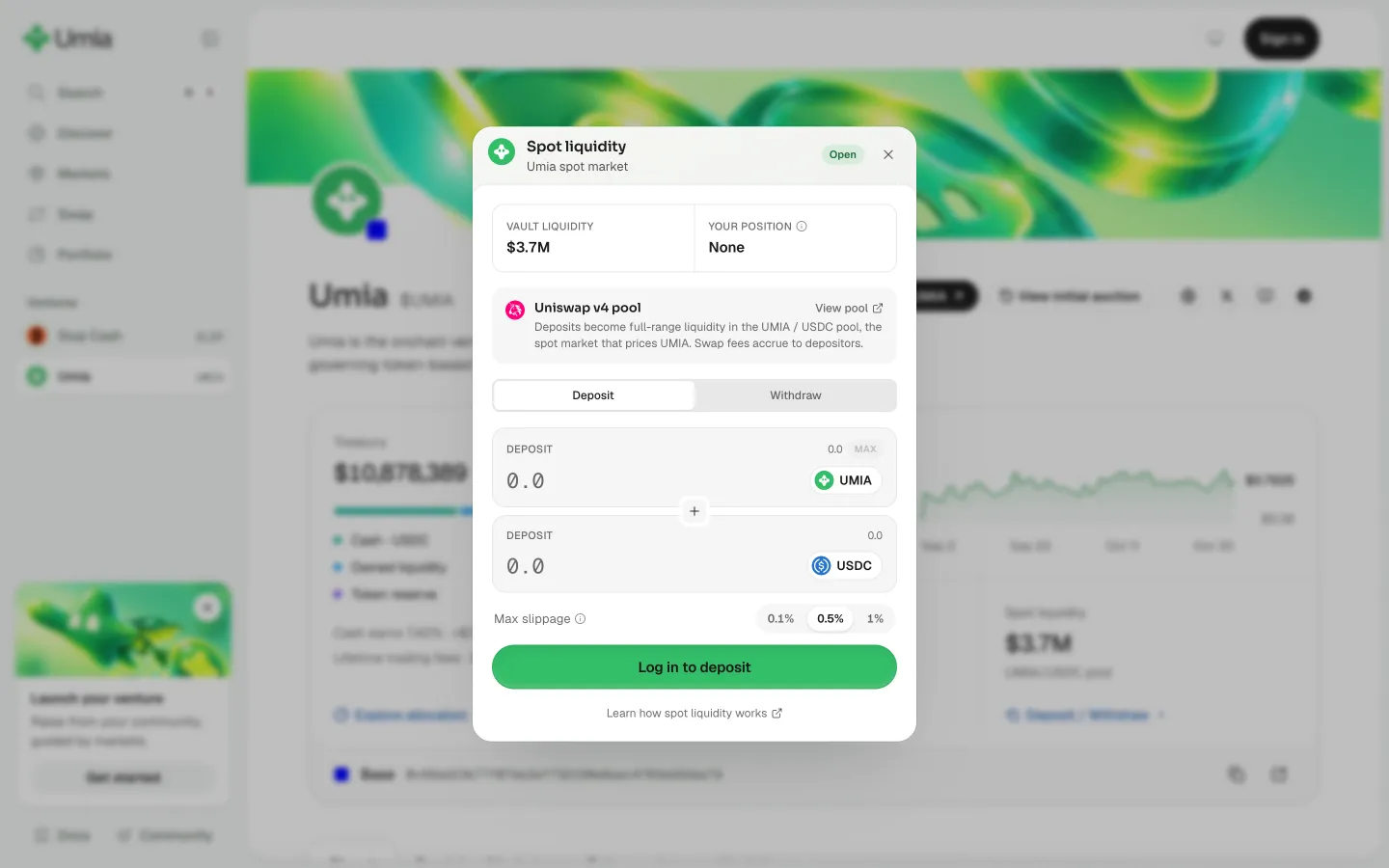
Sign in to deposit liquidityUmiaSign in to deposit liquidity
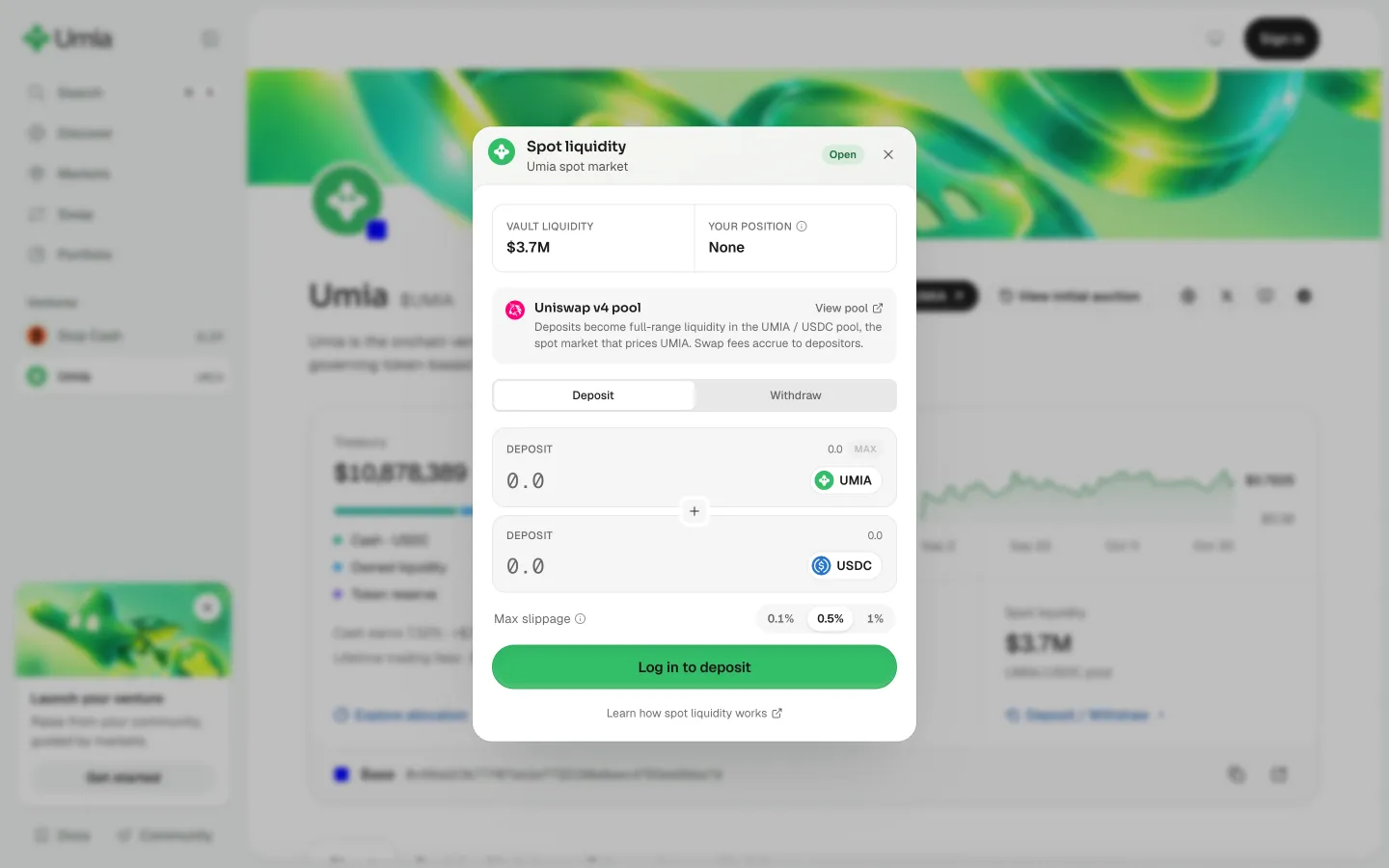
Preview a liquidity withdrawalUmiaPreview a liquidity withdrawal
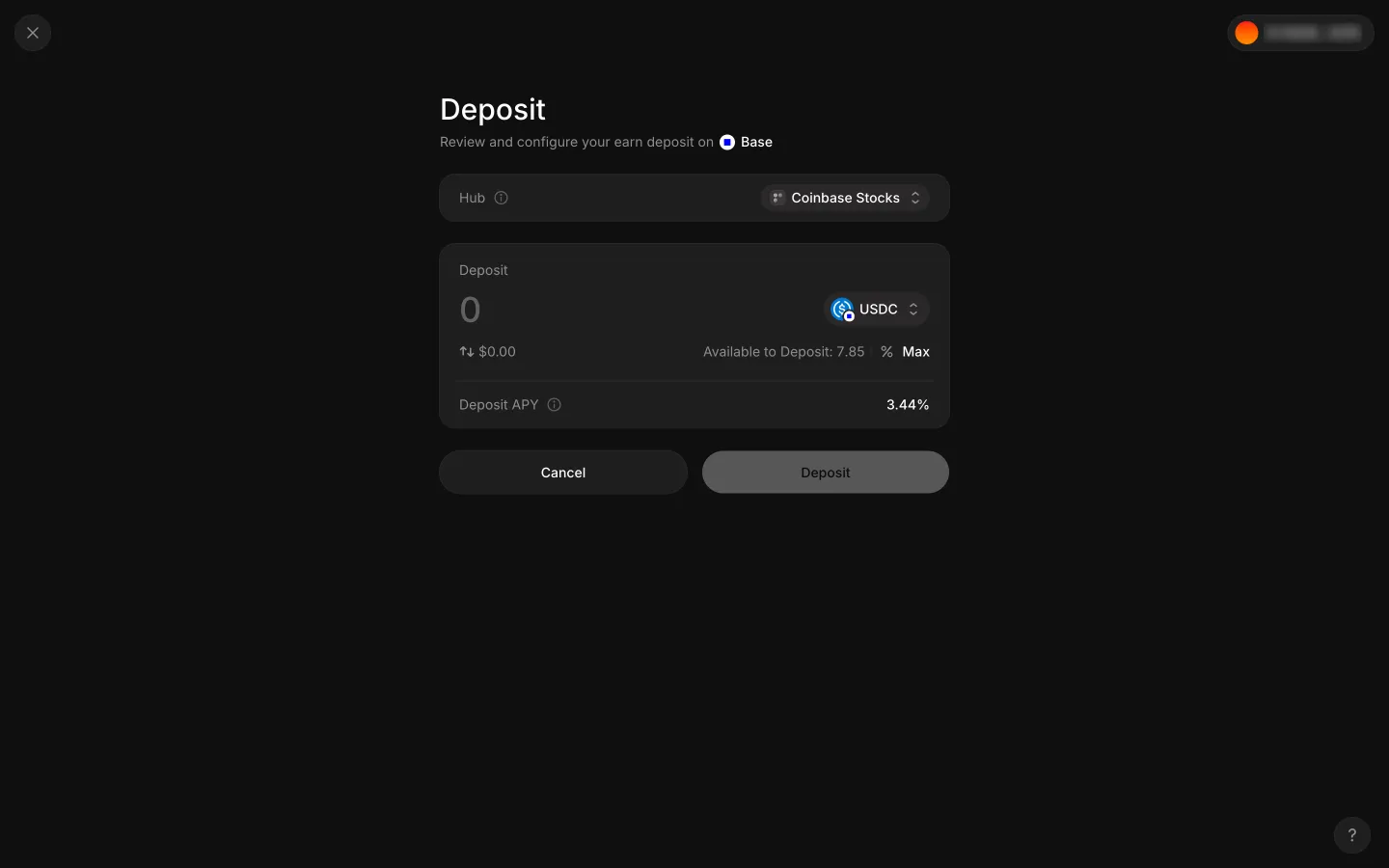
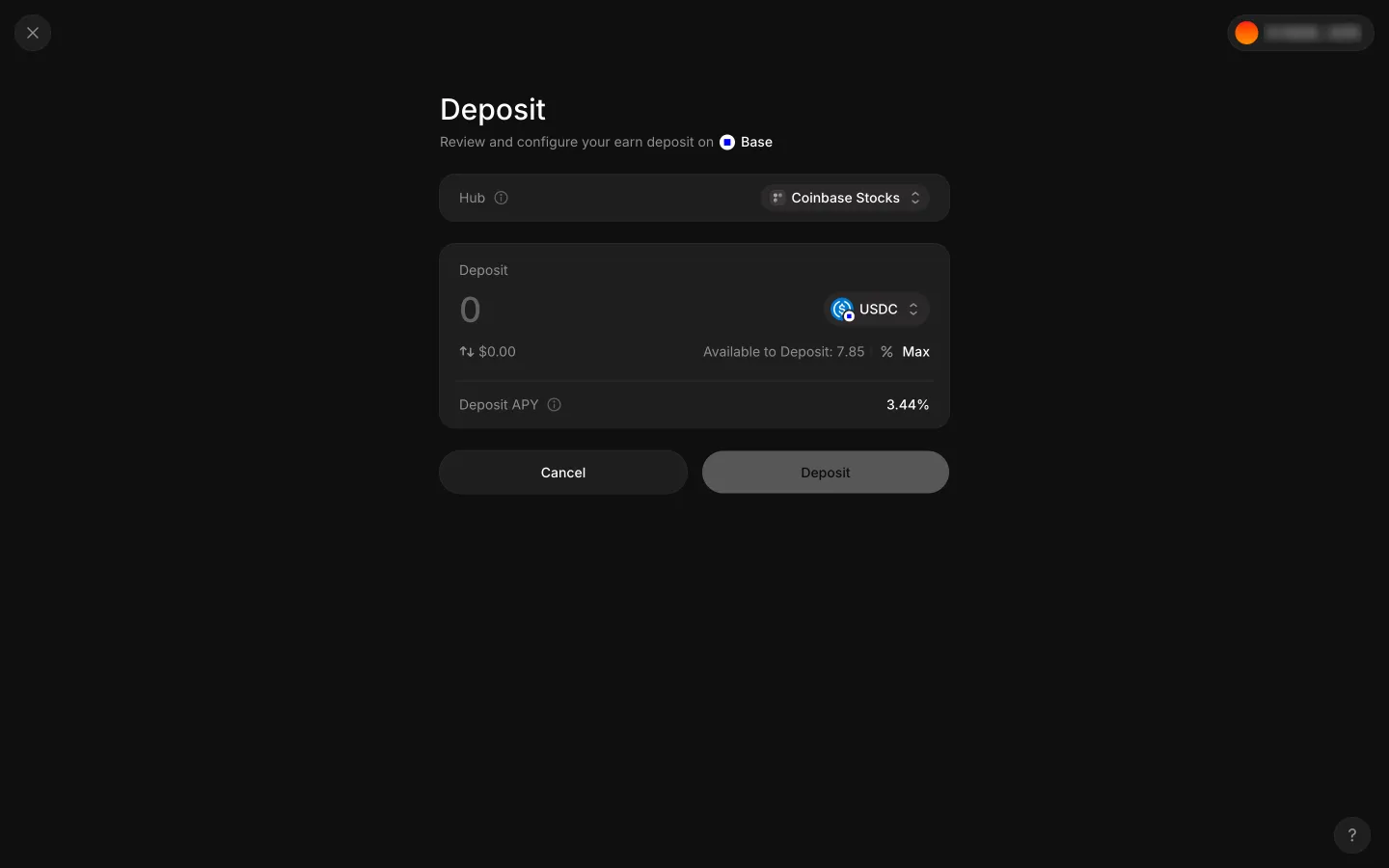
Deposit ticket with 7.85 USDC availableAave ProDeposit ticket with 7.85 USDC available
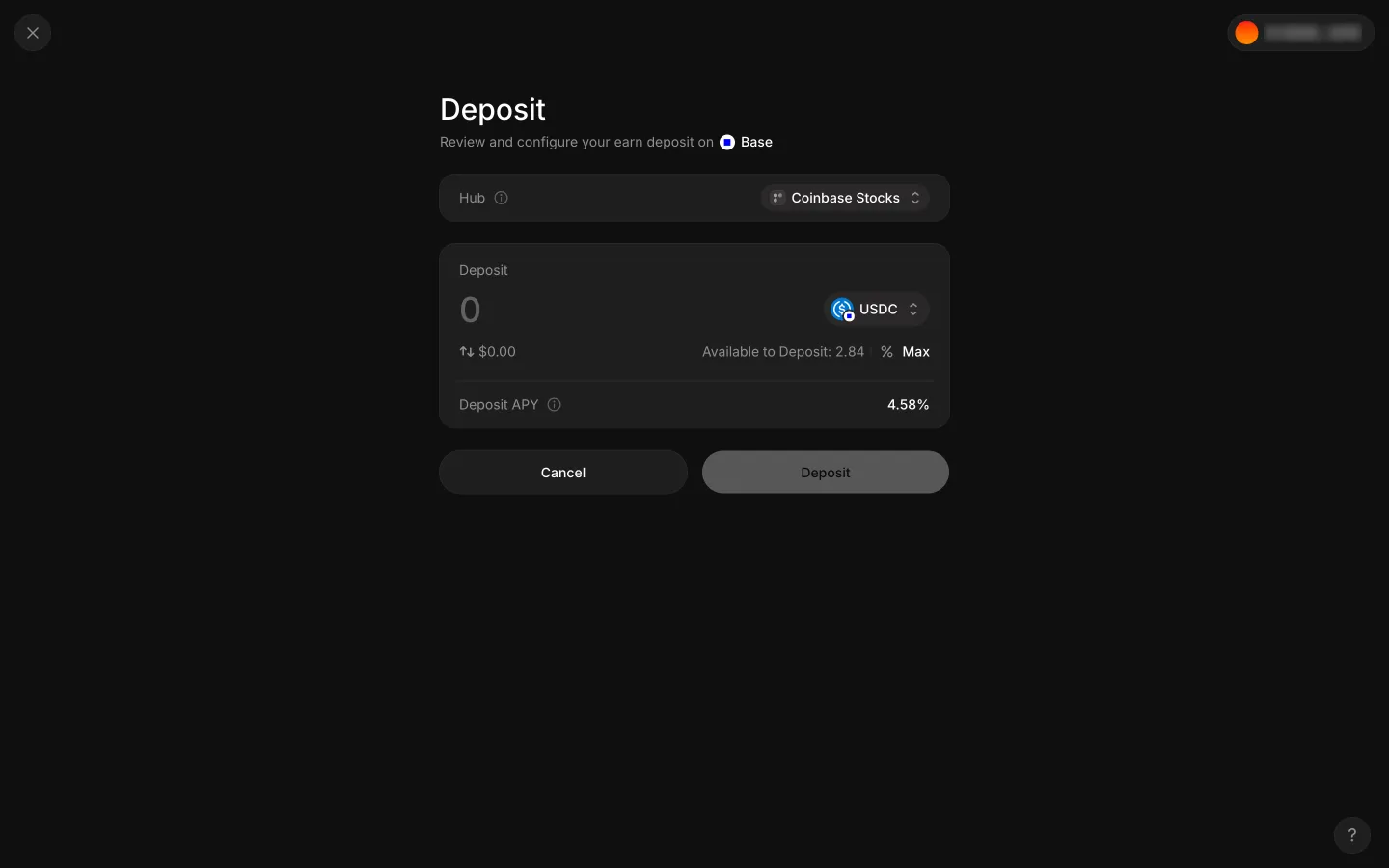
Empty ticket again after closing the pickerAave ProEmpty ticket again after closing the picker
Empty ticket before typing a large amountAave ProEmpty ticket before typing a large amount
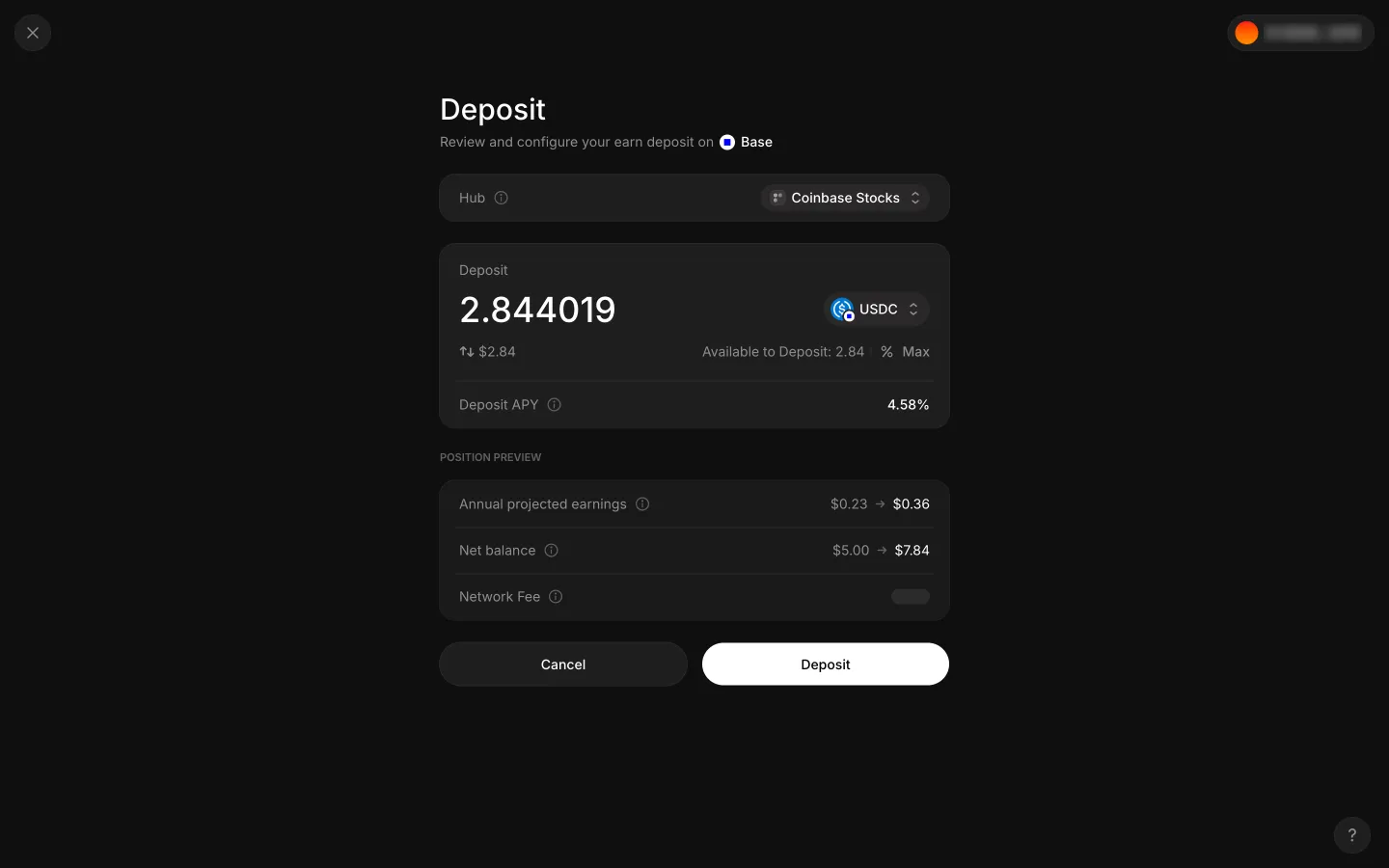
A large amount is rewritten to the full balance 2.844019 with no errorAave ProA large amount is rewritten to the full balance 2.844019 with no error
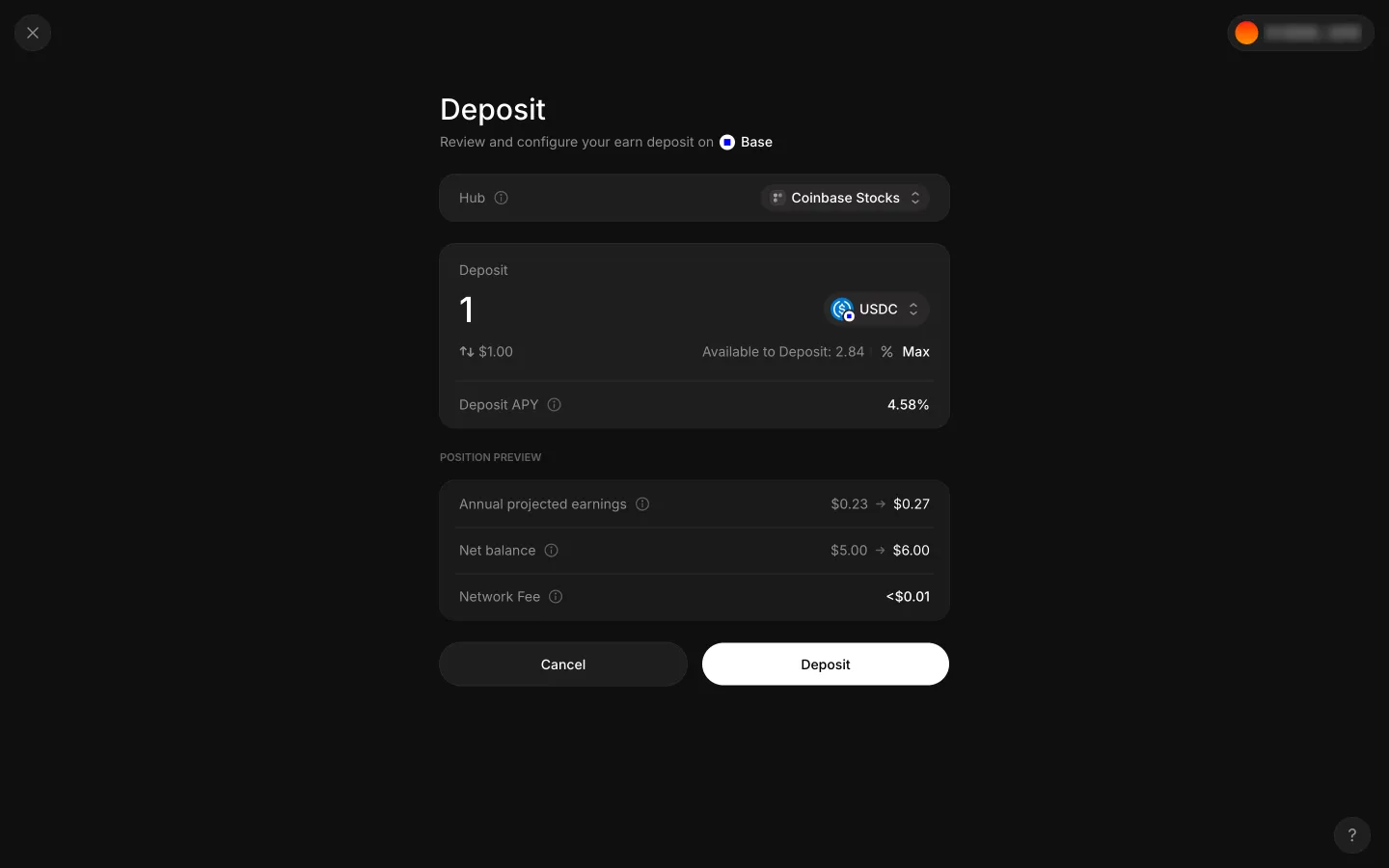
1 USDC entered with preview and Deposit readyAave Pro1 USDC entered with preview and Deposit ready
Preparing depositAave ProPreparing deposit

Screens, flows and sites from real crypto and web3 apps.

© 2026 MoonoPrivacyTerms

Apps

  • All apps
  • Screens
  • Flows
  • UI elements

Sites

  • All sites
  • Sections

Learn

  • Glossary

Product

  • Pricing
  • MCPNew

© 2026 MoonoPrivacyTerms