All appsScreensFlowsUI elements
PricingGlossary
AllScreensFlowsUI elements

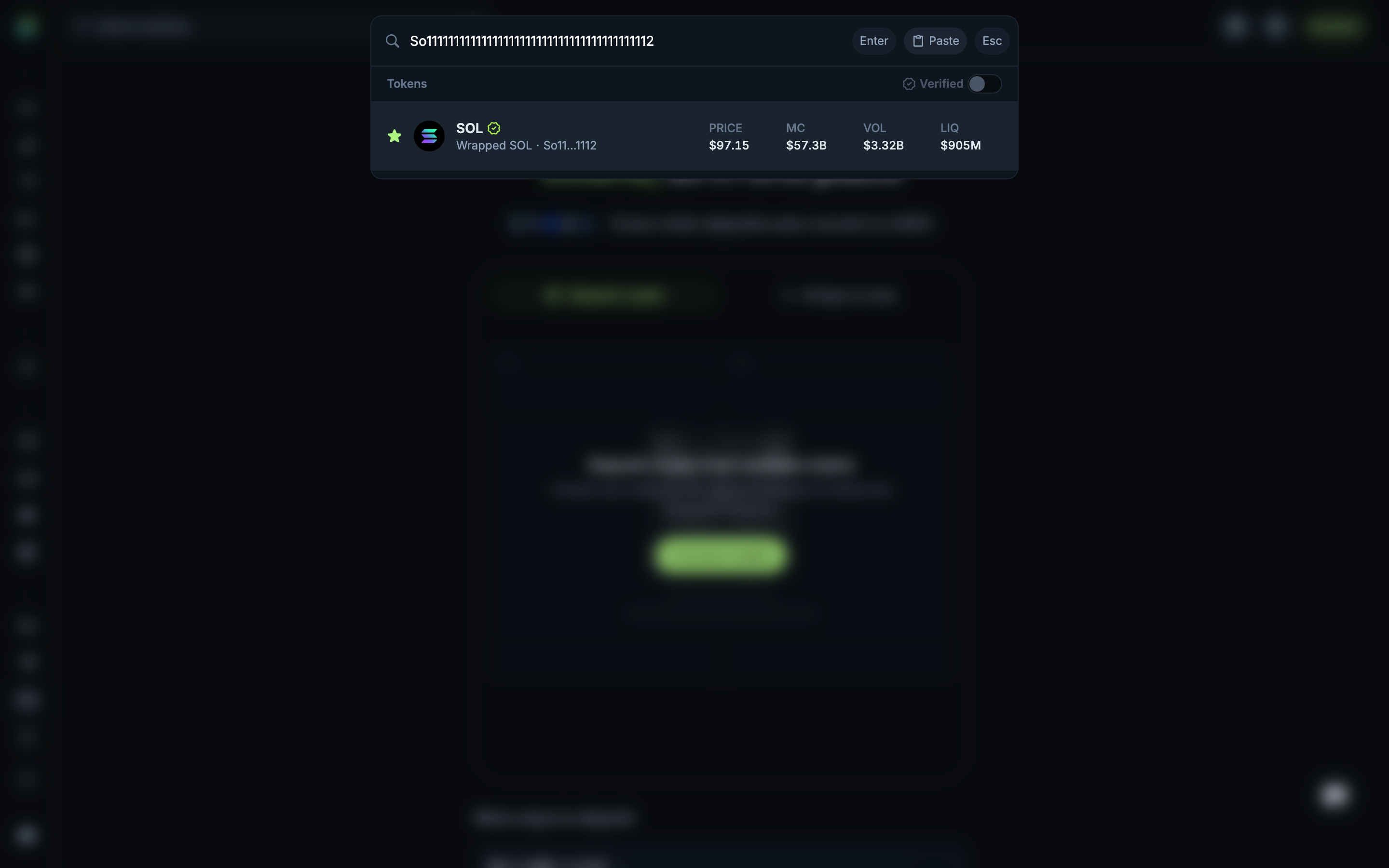
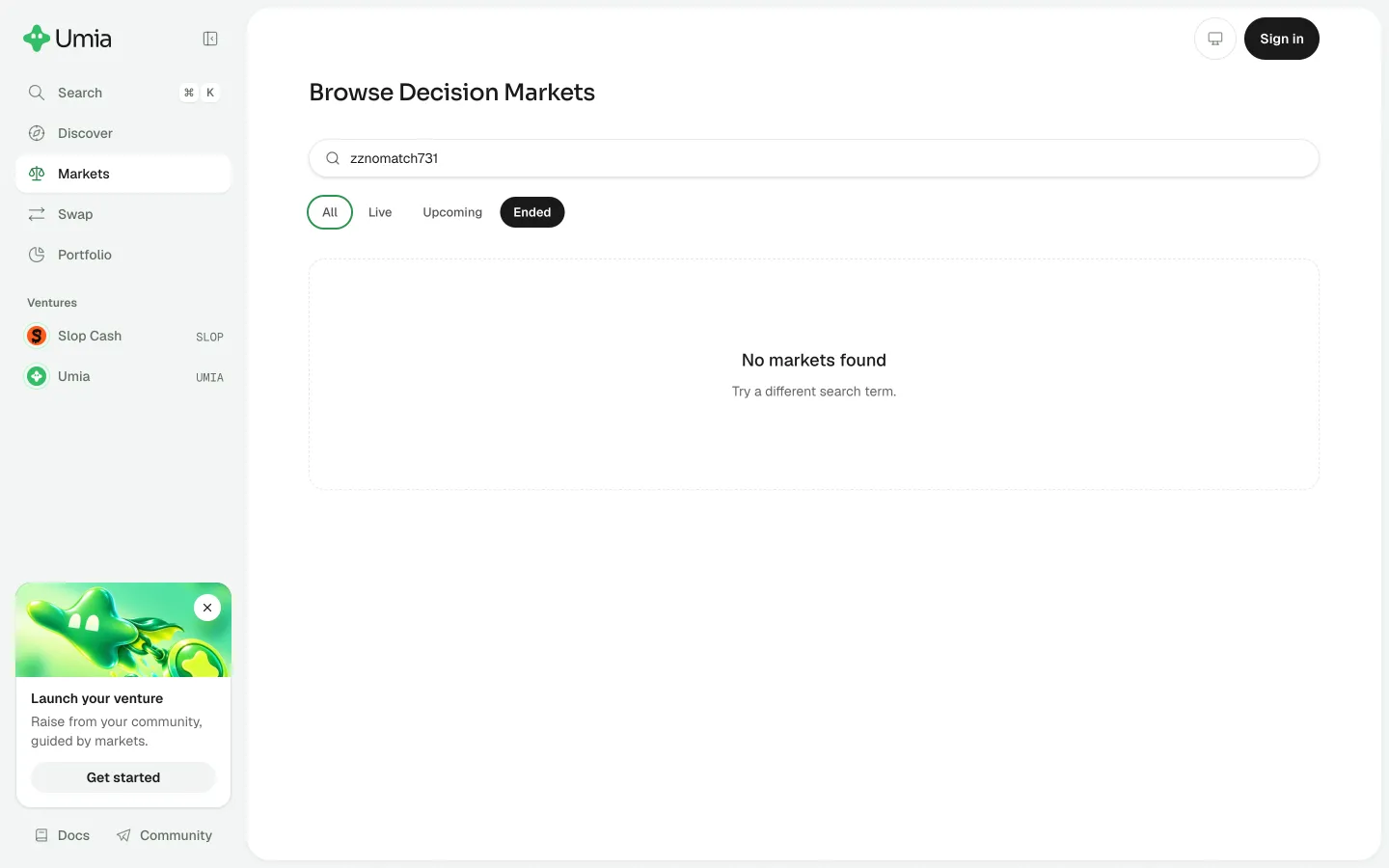
Recover the SOL search result in Jupiter

Step 3 of 3 in Recovering an empty global searchPlay
Recover the SOL search result

Recover the SOL search result

Search

Screen typeSearch
StateIdle
CapturedOct 2026
UI elementsAddress ChipBadgeButtonDialogSearch BarToken Icon
In the flowRecovering an empty global search
SizeDesktop, 2880 by 1800
Open the flowOpen original

Similar screens in other apps

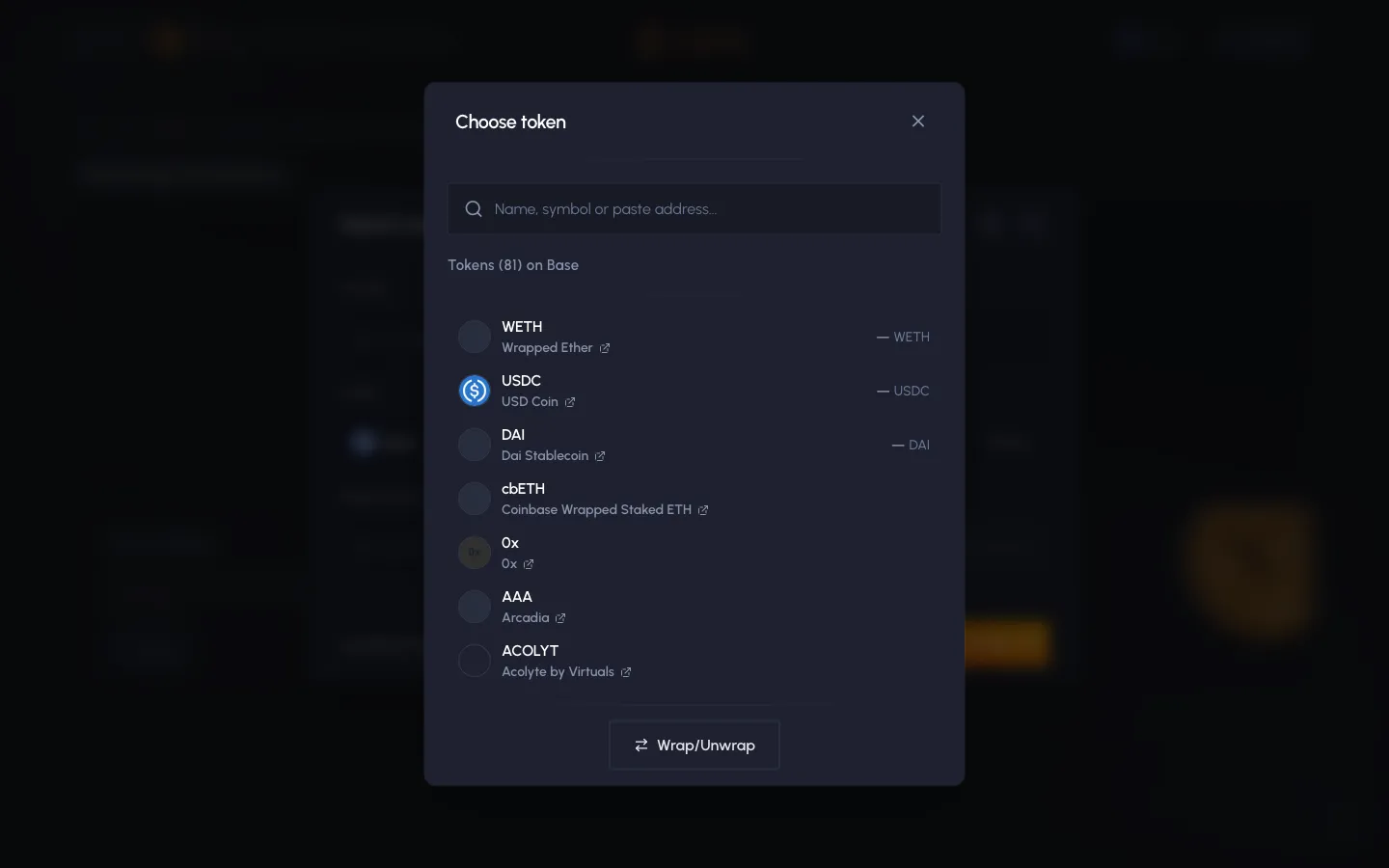
Choose token, 81 on BaseSablierChoose token, 81 on Base
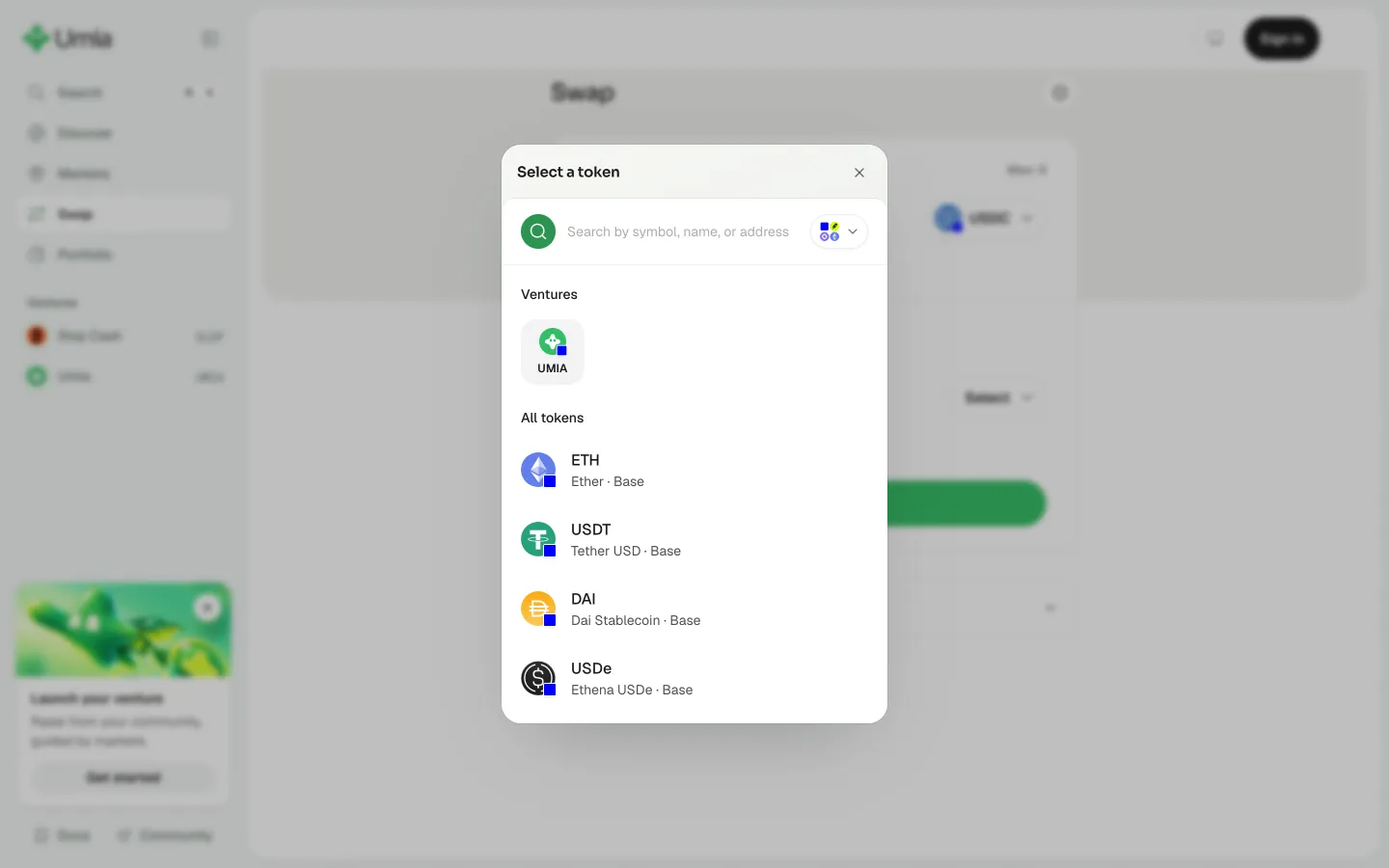
Choose a swap tokenUmiaChoose a swap token
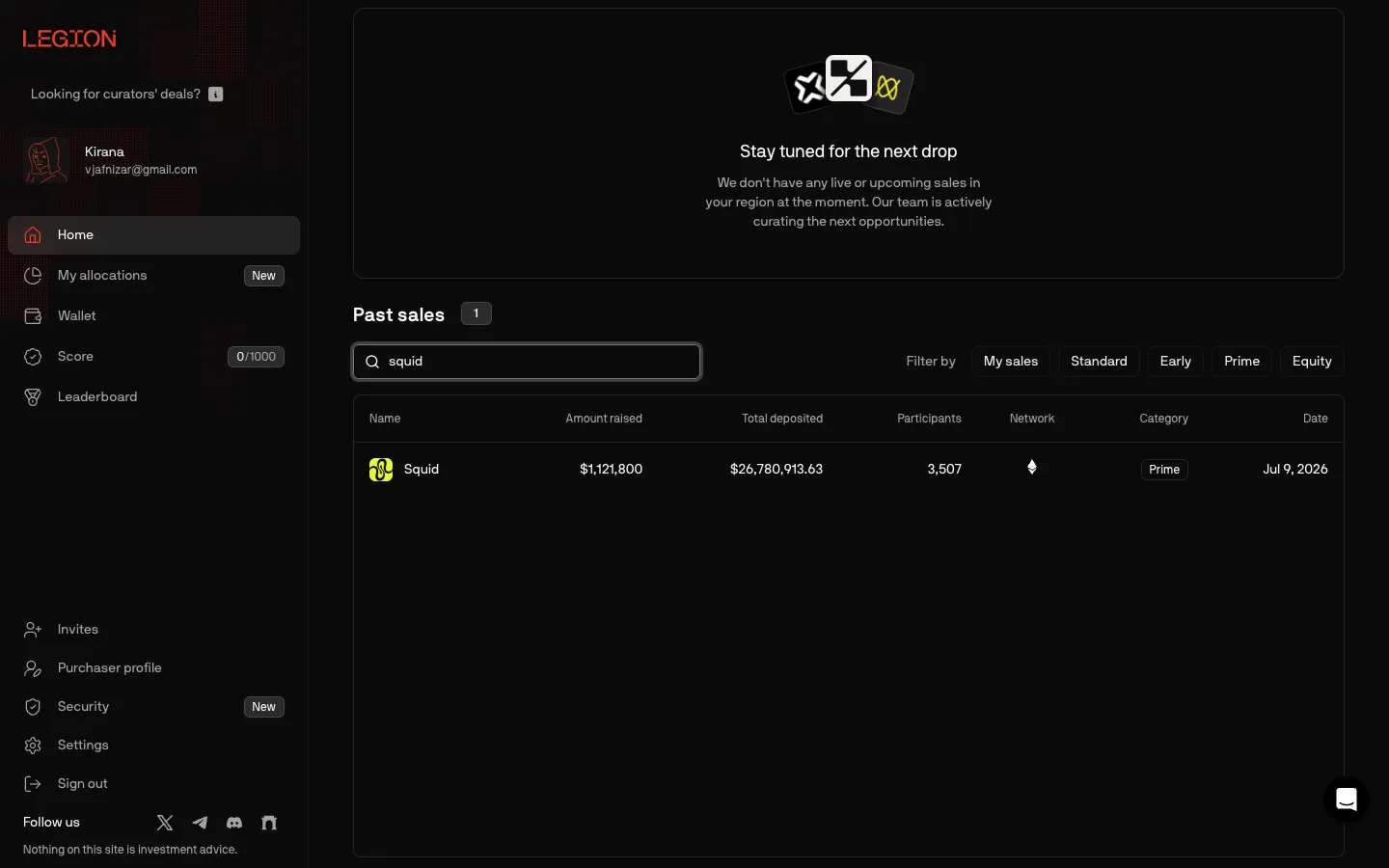
Search finds a sale as you typeLegionSearch finds a sale as you type
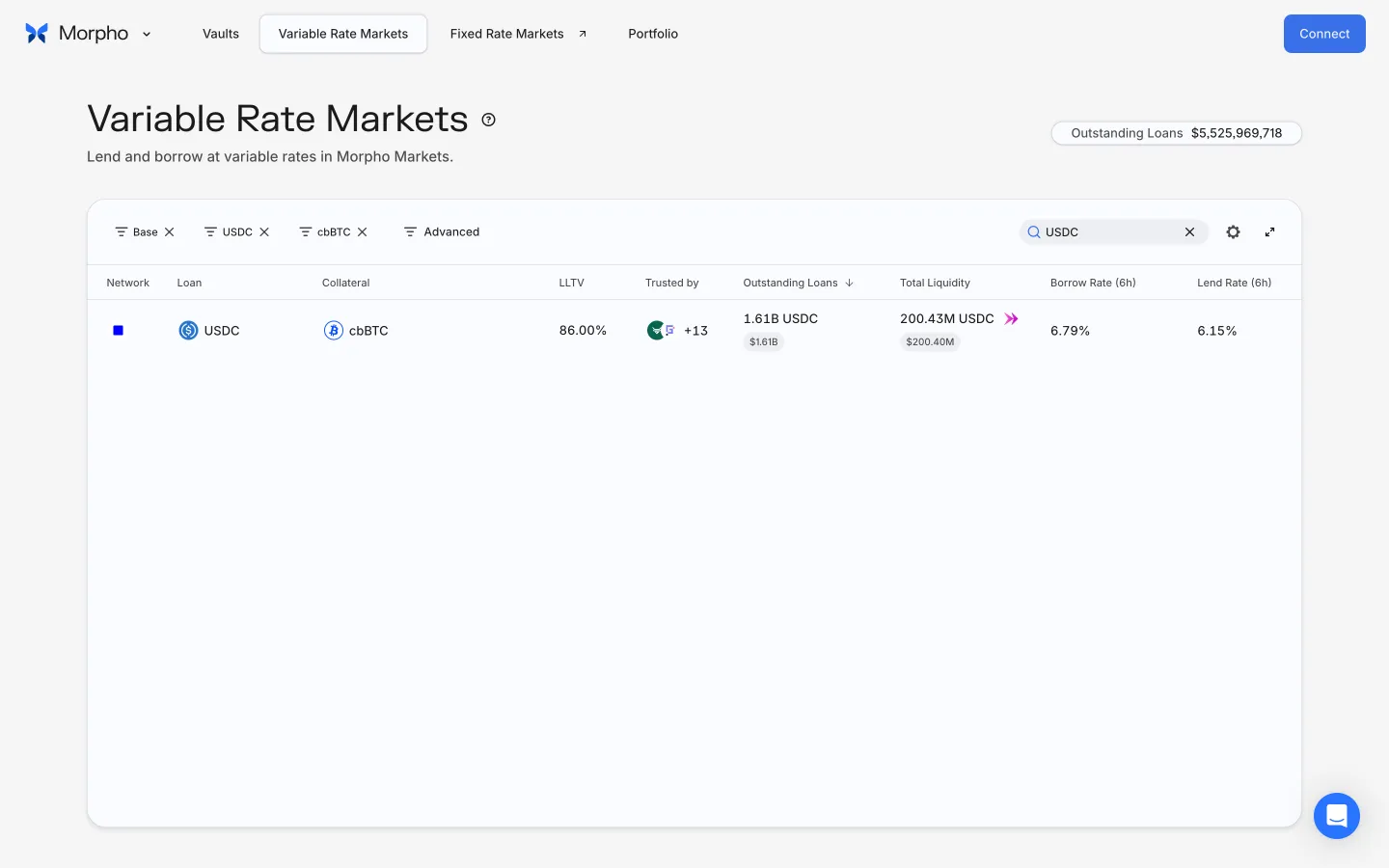
Recover a matching marketMorphoRecover a matching market
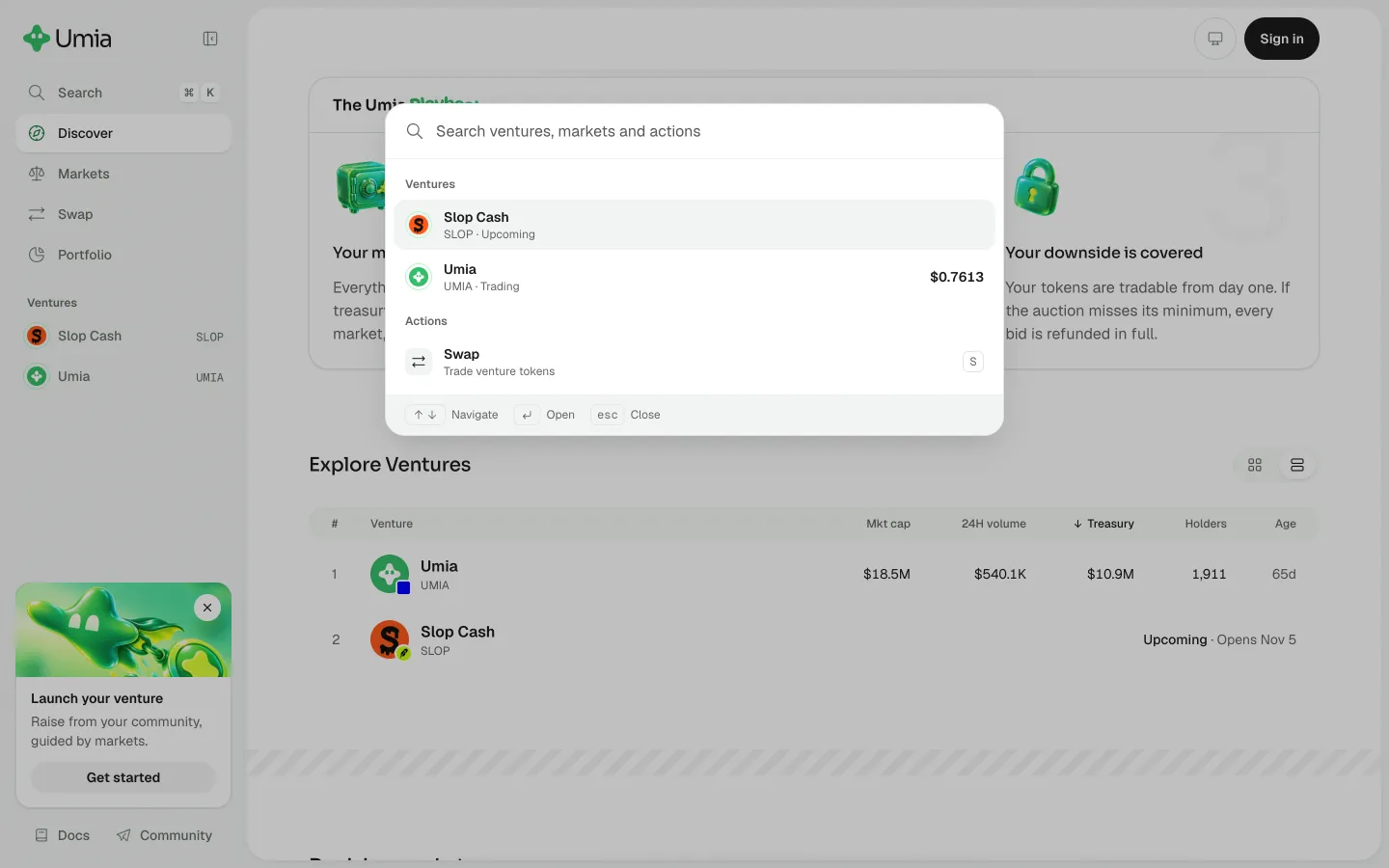
Search ventures and marketsUmiaSearch ventures and markets
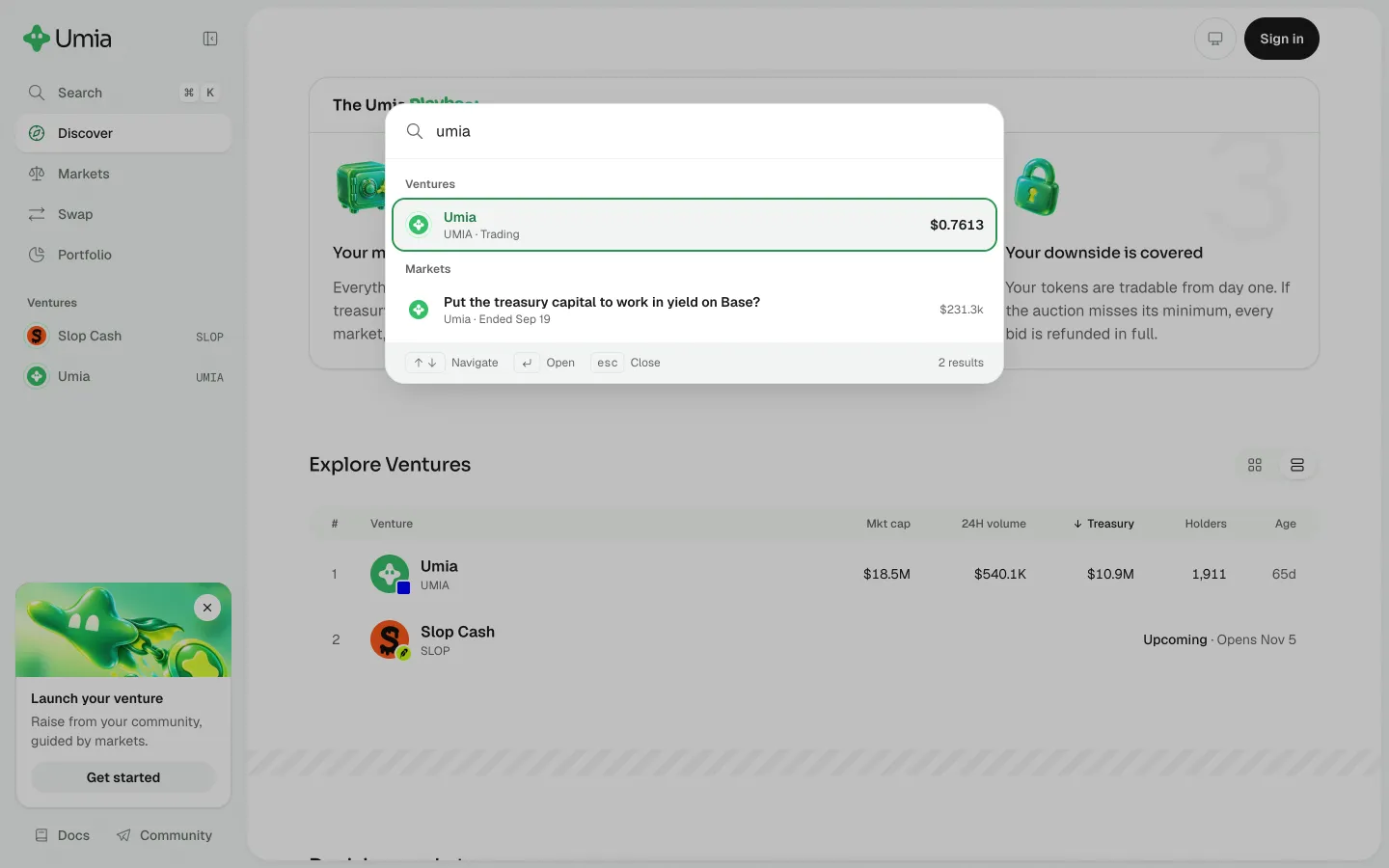
Find a venture and its marketUmiaFind a venture and its market
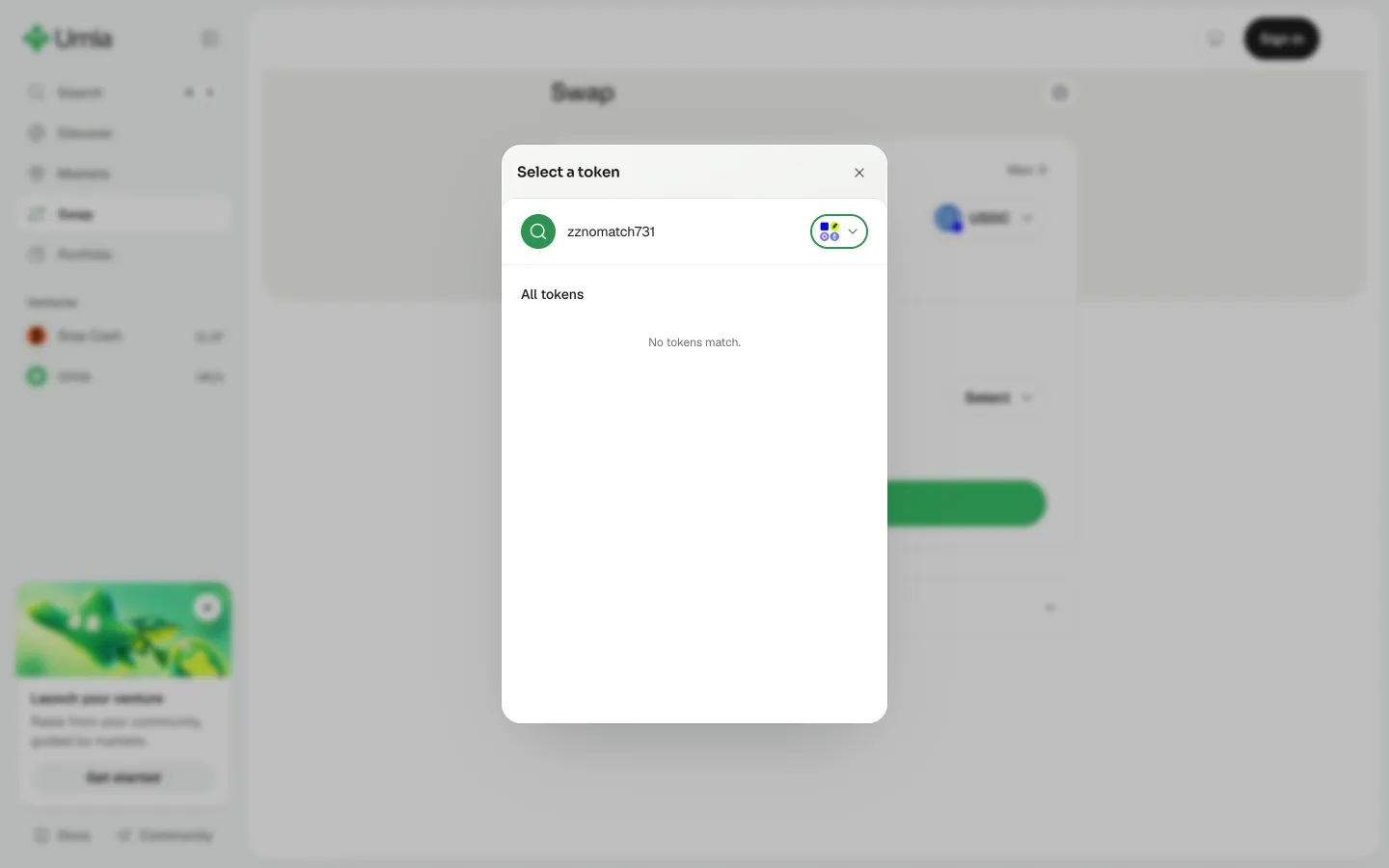
No tokens match the searchUmiaNo tokens match the search
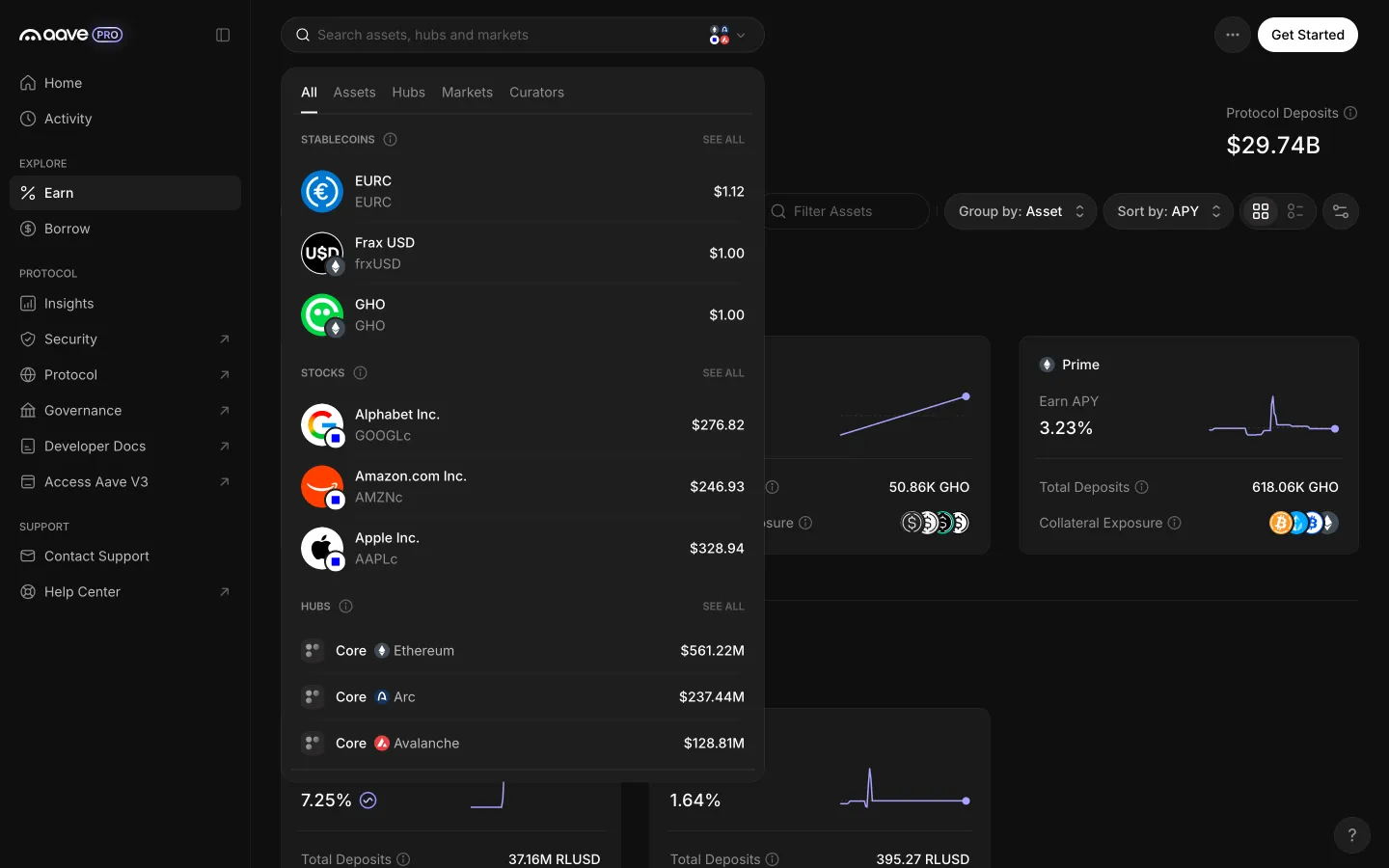
Search opens with assets, stocks and hubs before typingAave ProSearch opens with assets, stocks and hubs before typing
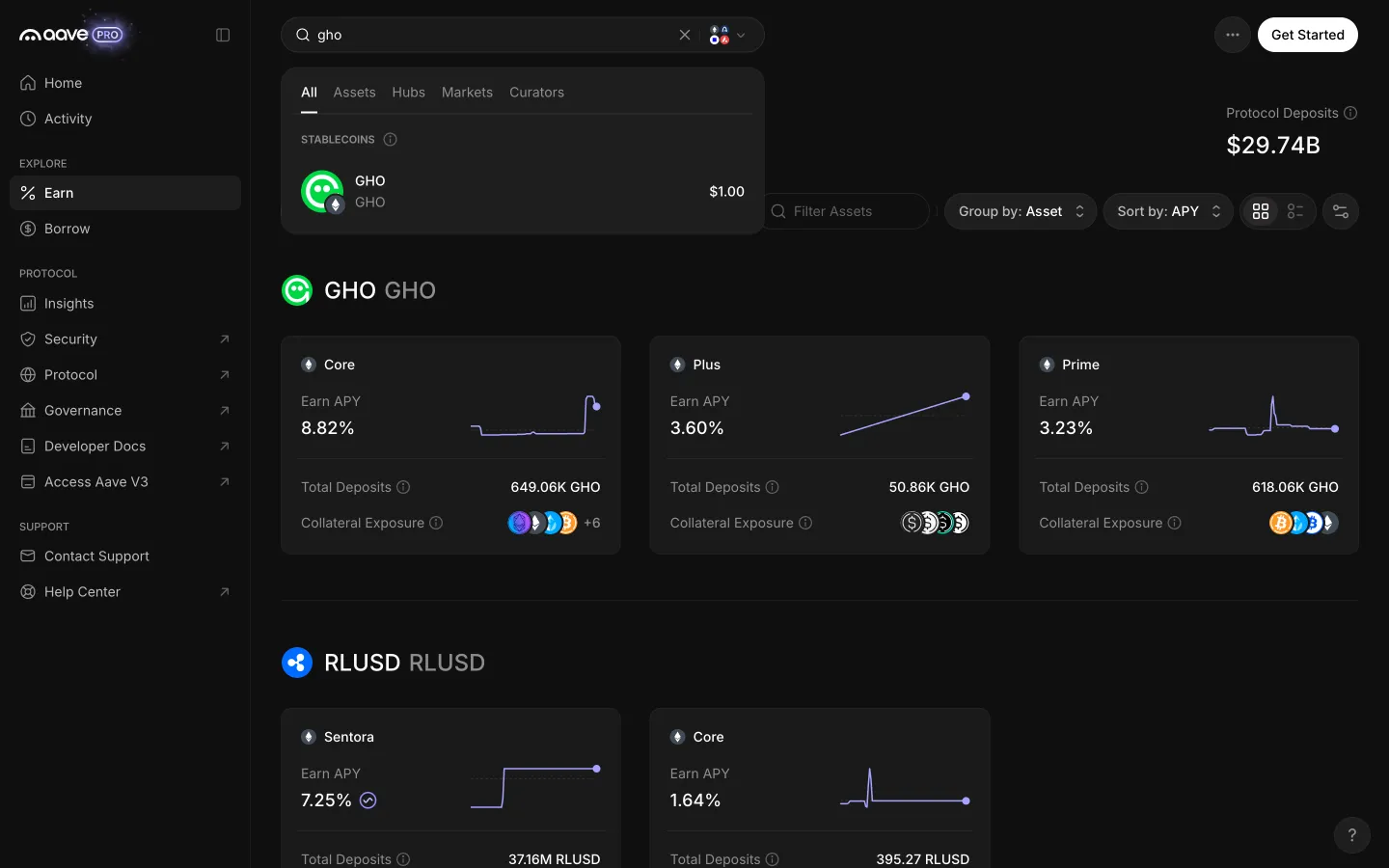
Typing narrows results to the matching assetAave ProTyping narrows results to the matching asset
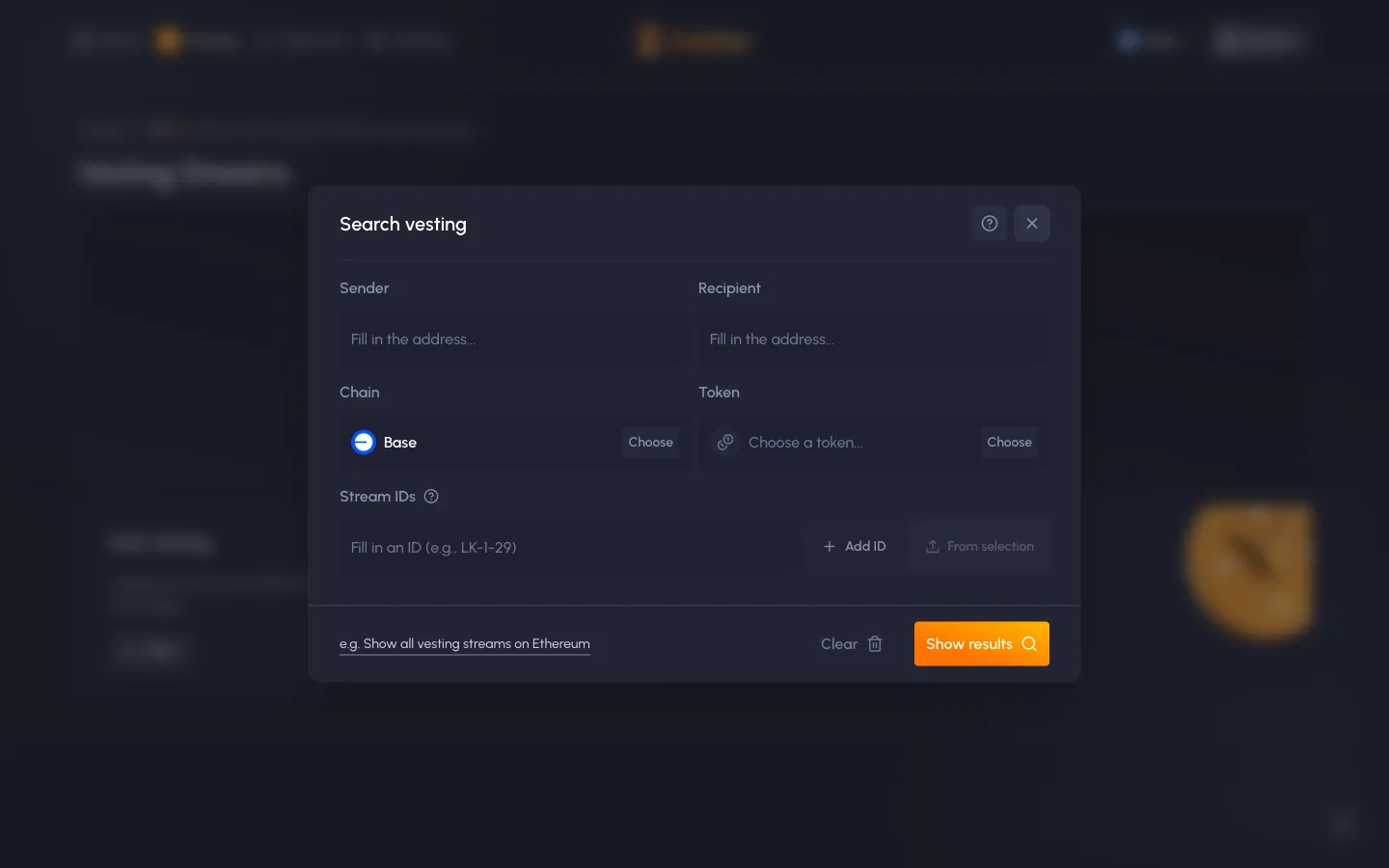
Search vesting by sender, recipient, chain, token or IDSablierSearch vesting by sender, recipient, chain, token or ID
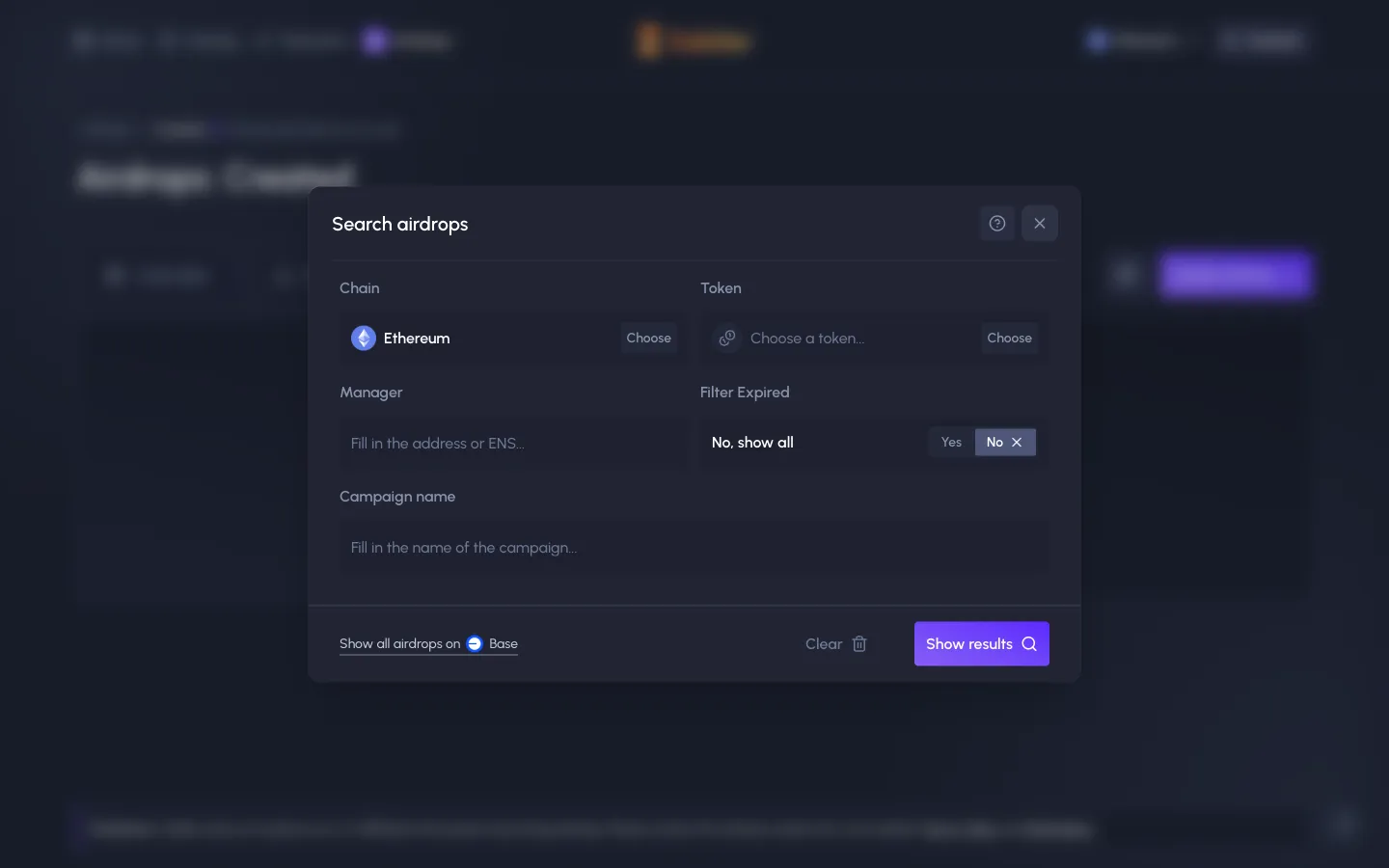
Search airdrops by chain, token, manager, name, expired or notSablierSearch airdrops by chain, token, manager, name, expired or not
No markets match the searchUmiaNo markets match the search

Screens, flows and sites from real crypto and web3 apps.

© 2026 MoonoPrivacyTerms

Apps

  • All apps
  • Screens
  • Flows
  • UI elements

Sites

  • All sites
  • Sections

Learn

  • Glossary

Product

  • Pricing
  • MCPNew

© 2026 MoonoPrivacyTerms