All appsScreensFlowsUI elements
PricingGlossary
AllScreensFlowsUI elements

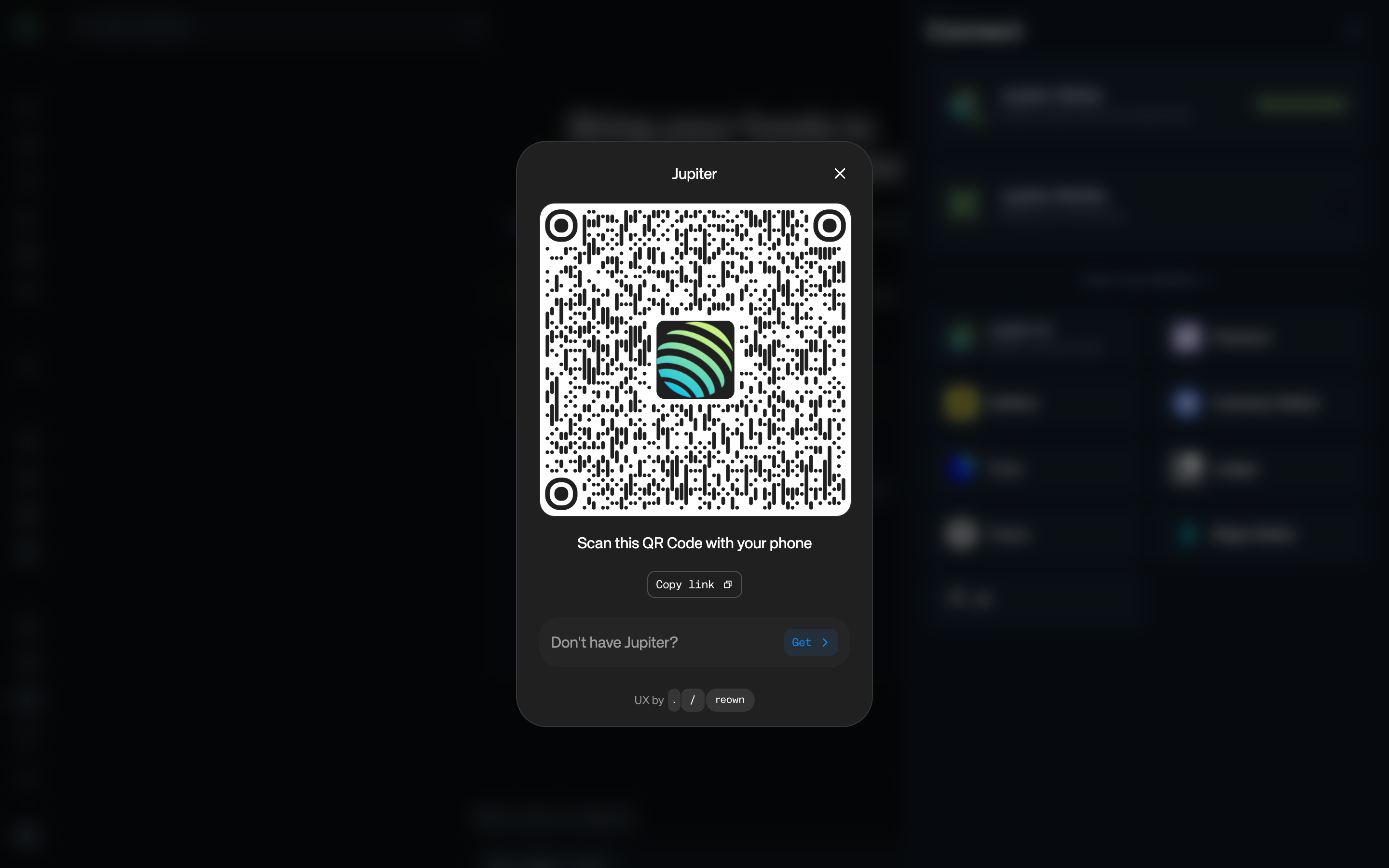
Scan to connect Jupiter Mobile in Jupiter

Step 2 of 2 in Previewing Jupiter Mobile connectionPlay
Scan to connect Jupiter Mobile

Scan to connect Jupiter Mobile

Connect Wallet

Screen typeConnect Wallet
StateBlocked
CapturedOct 2026
UI elementsButtonDialogIconLink
In the flowPreviewing Jupiter Mobile connection
SizeDesktop, 2880 by 1800
Open the flowOpen original

Similar screens in other apps

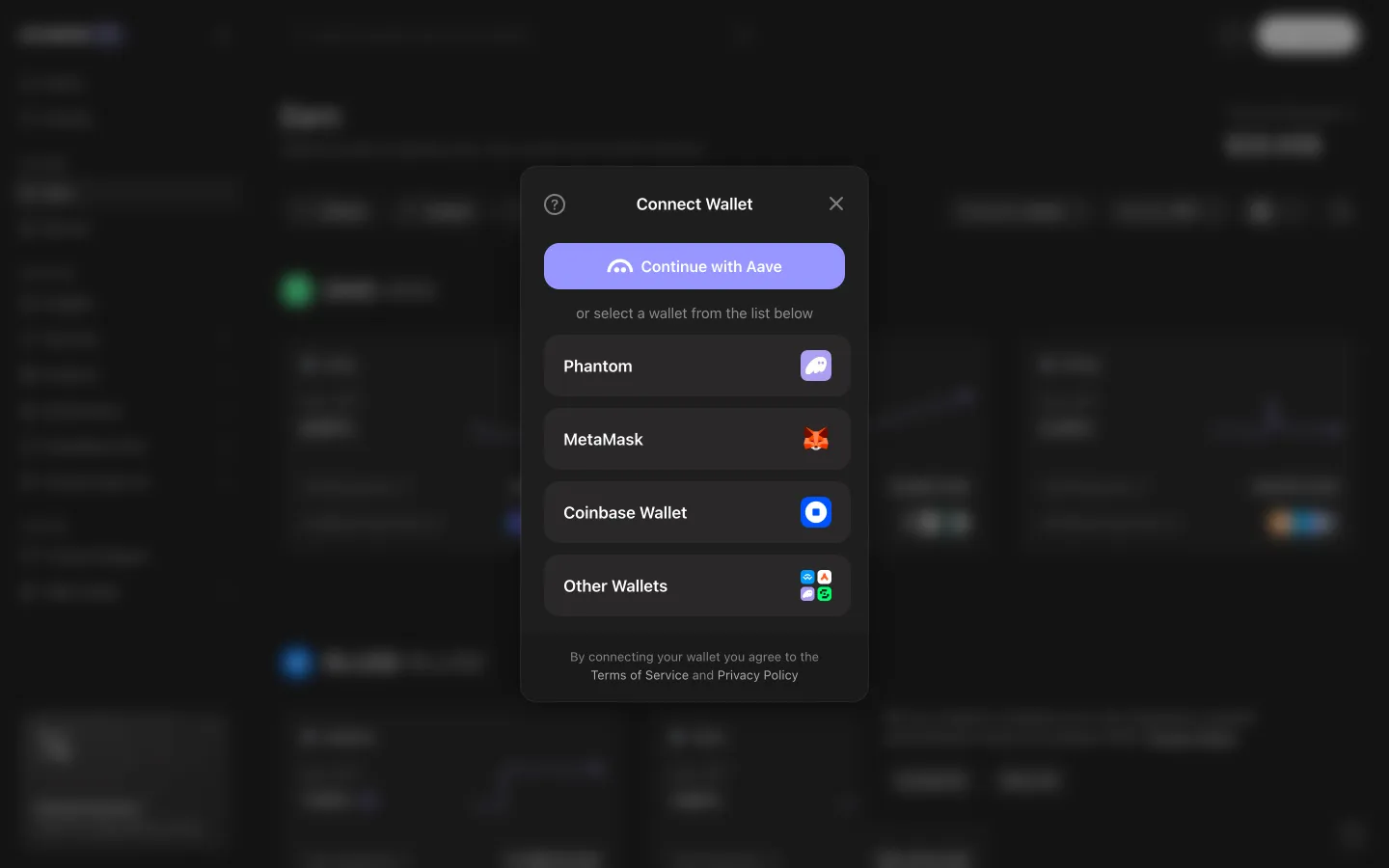
Wallet chooser lists Phantom, MetaMask, Coinbase Wallet and moreAave ProWallet chooser lists Phantom, MetaMask, Coinbase Wallet and more
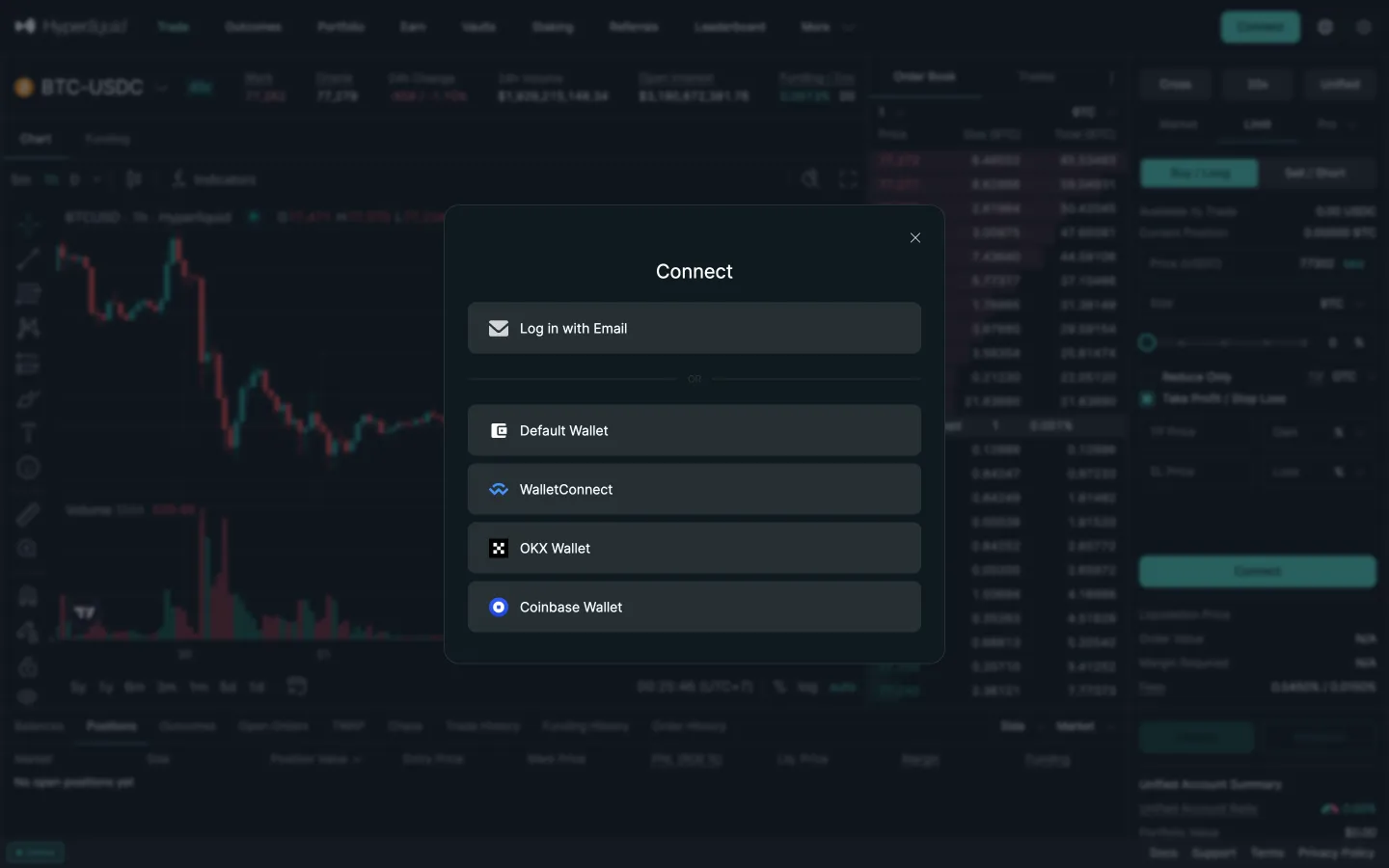
Connect optionsHyperliquidConnect options
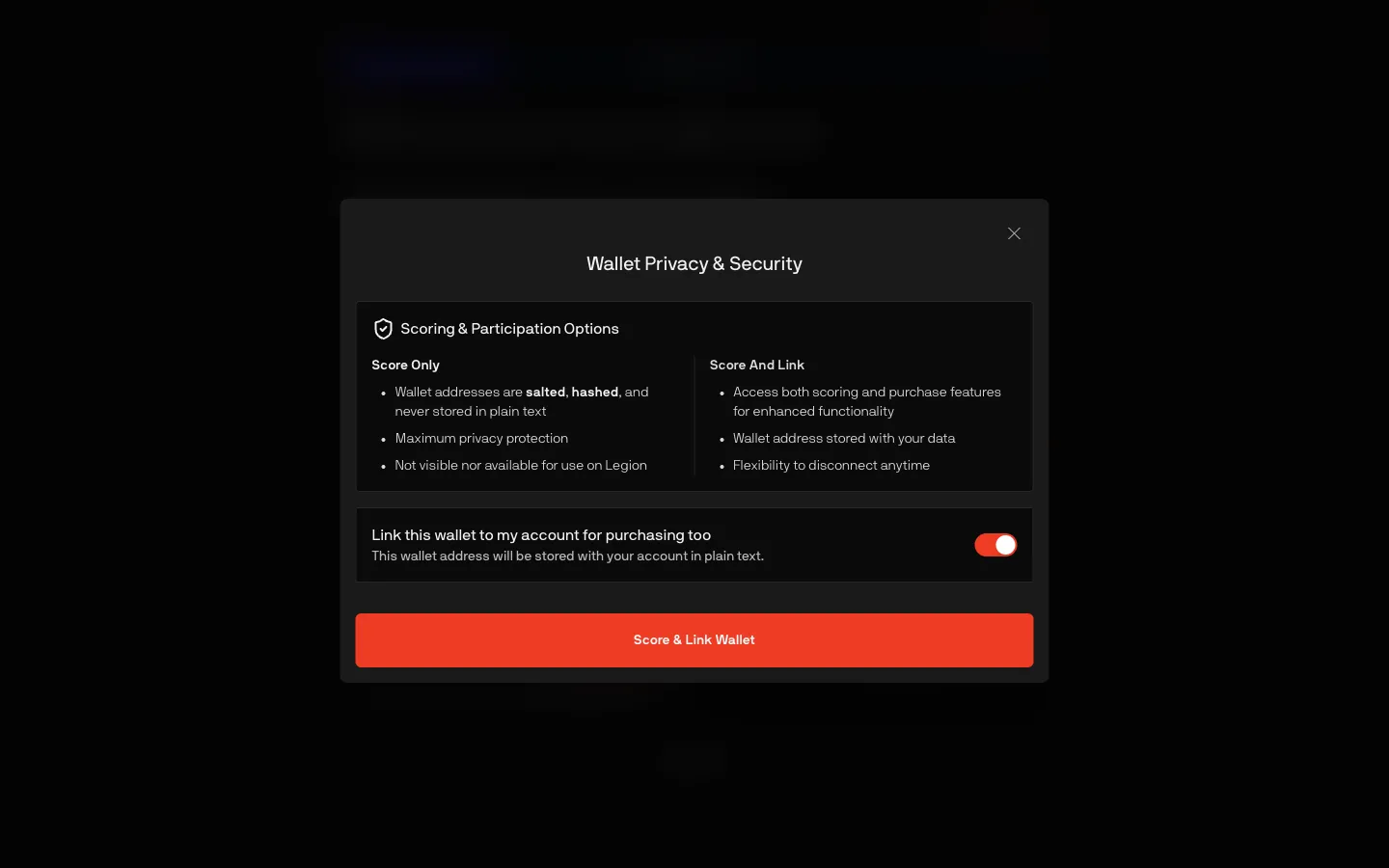
Score only or score and link for purchasingLegionScore only or score and link for purchasing
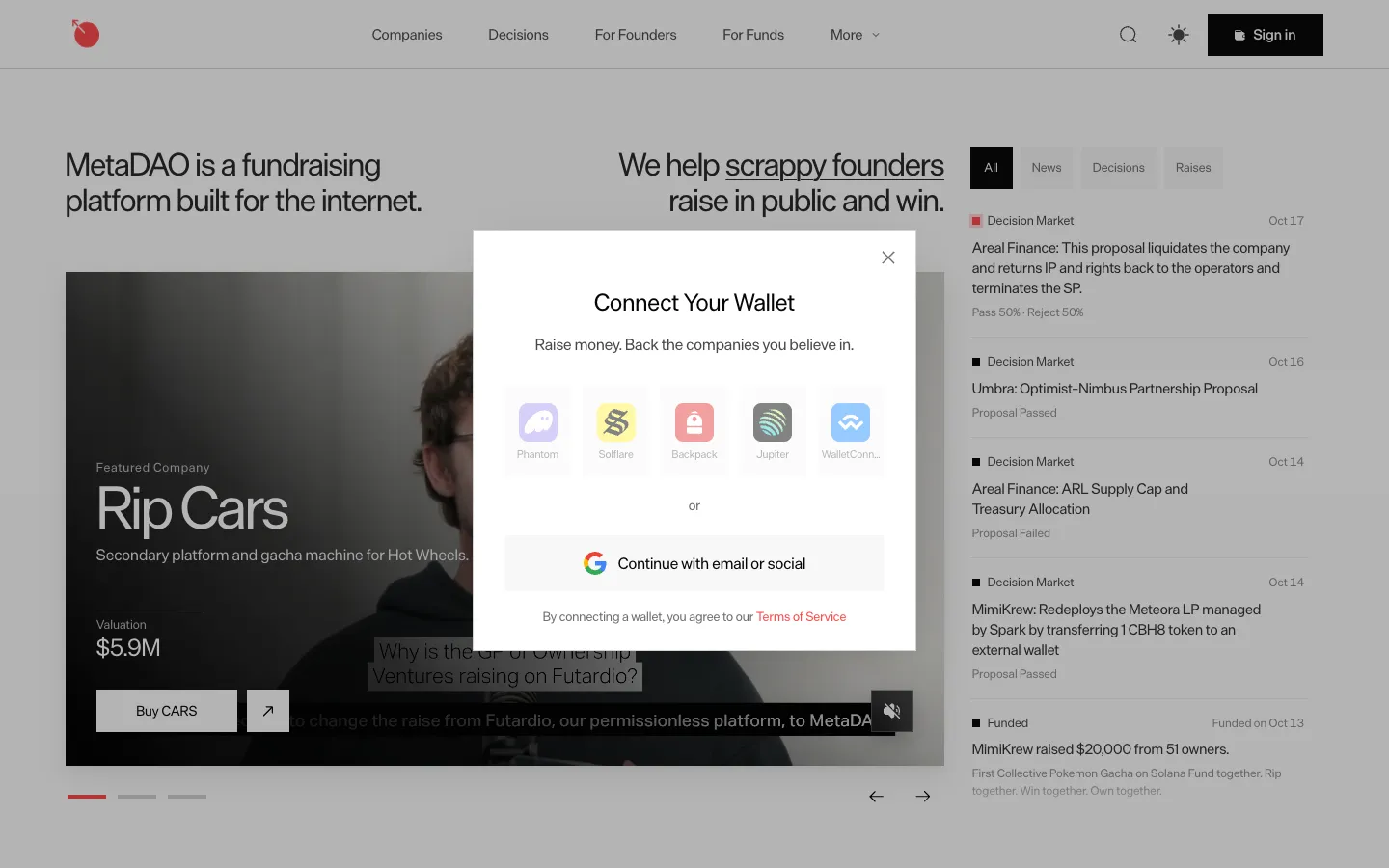
Connect a Solana wallet or continue with emailMetaDAOConnect a Solana wallet or continue with email
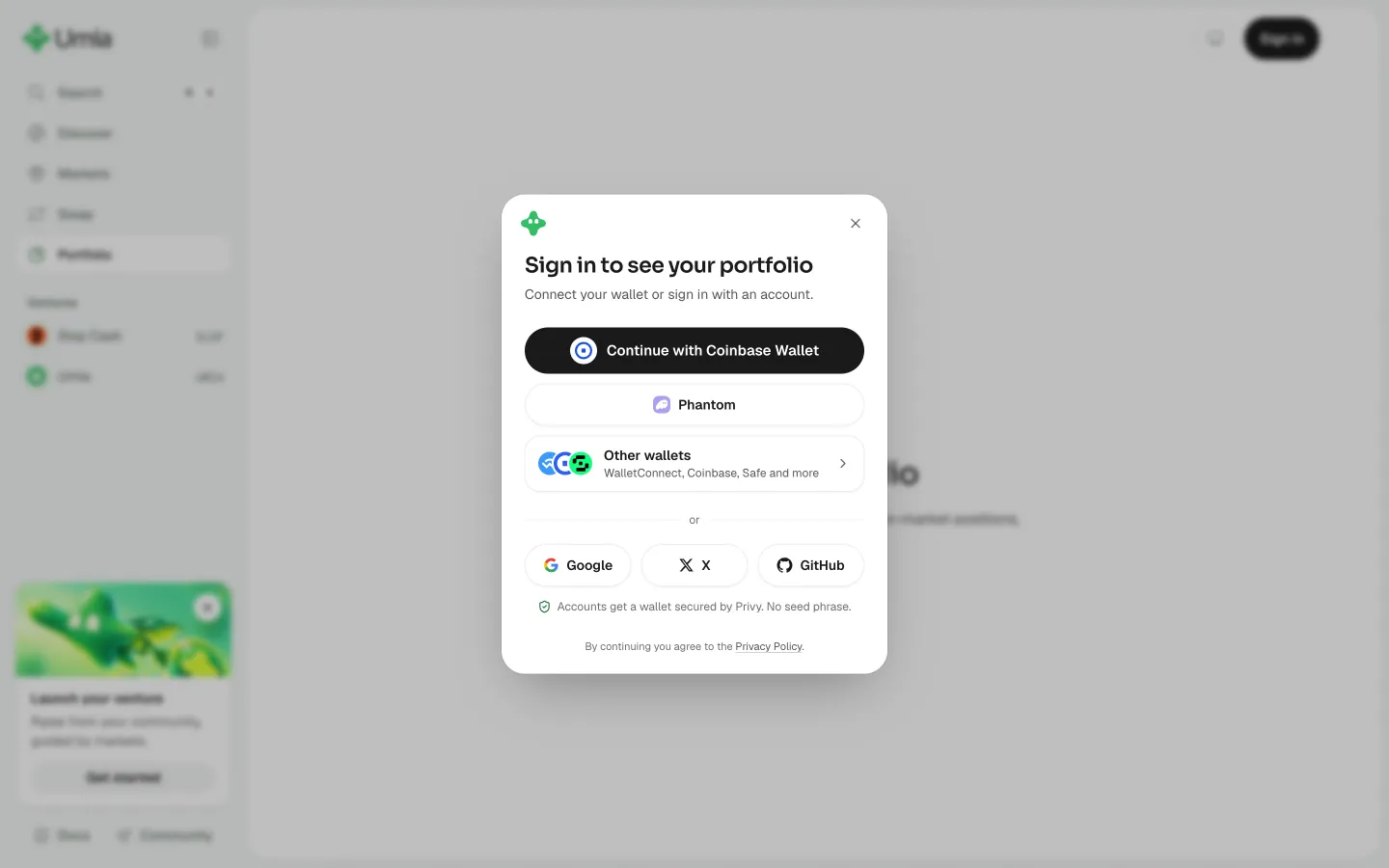
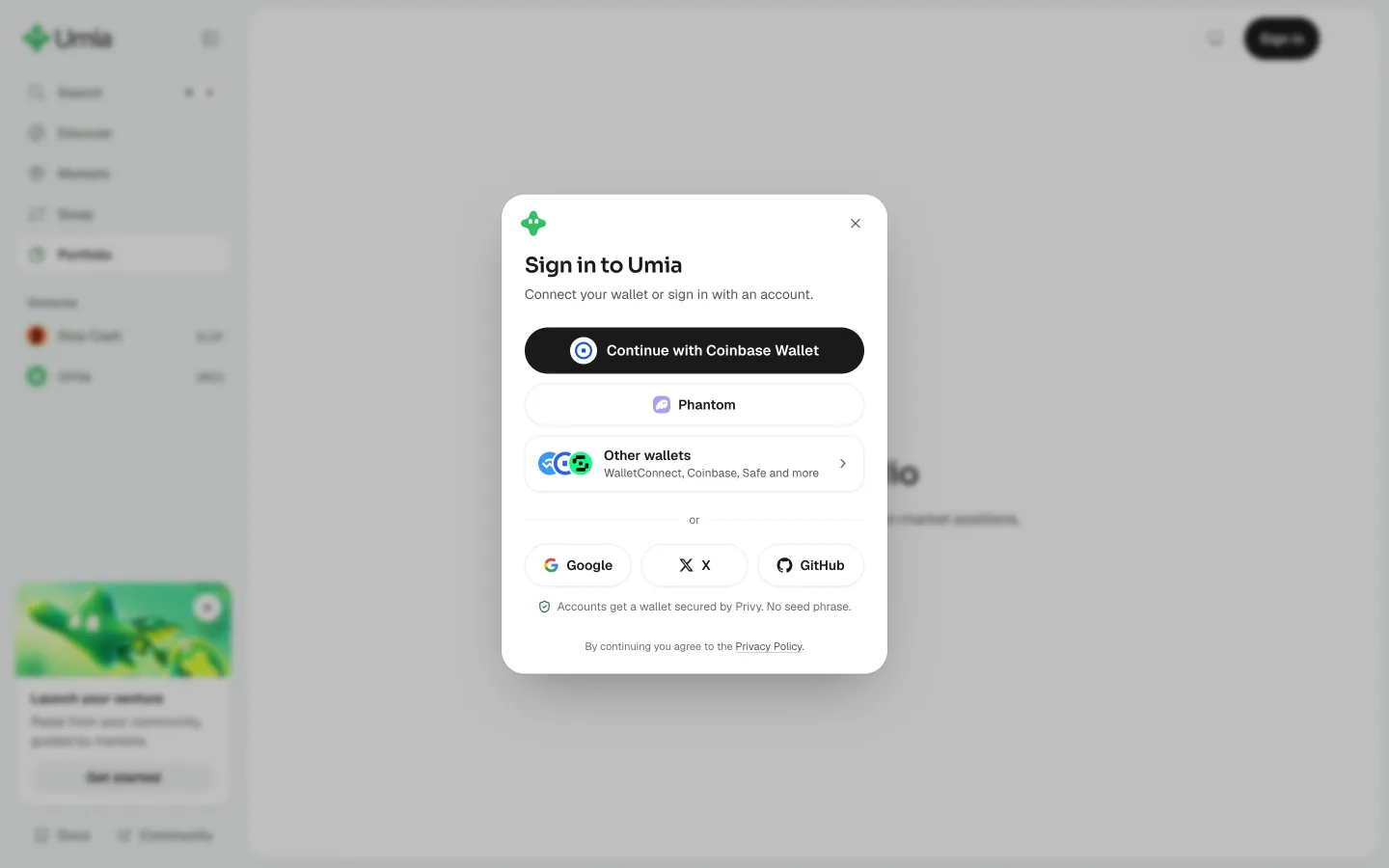
Choose a sign in methodUmiaChoose a sign in method
Pick a wallet or an accountUmiaPick a wallet or an account
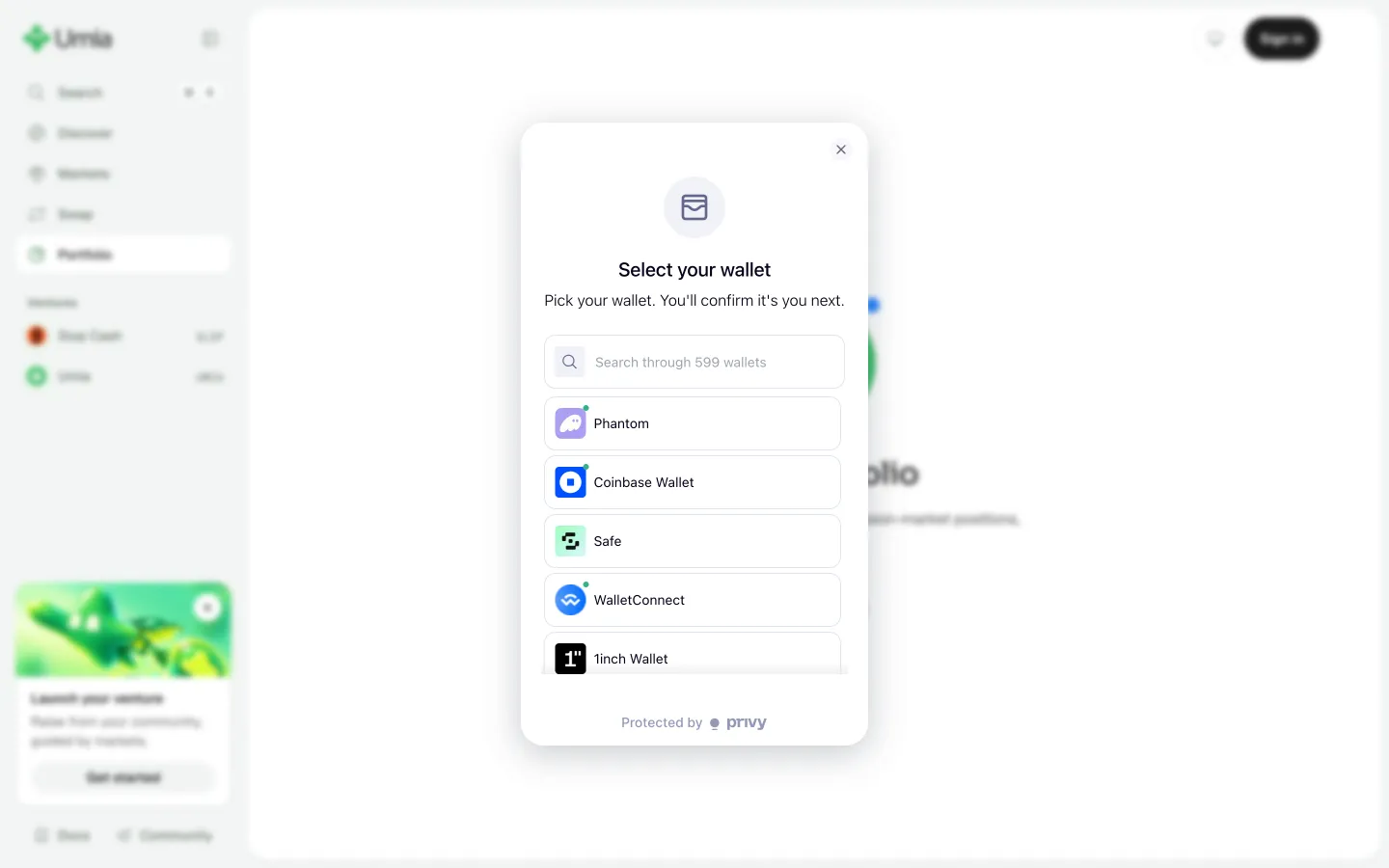
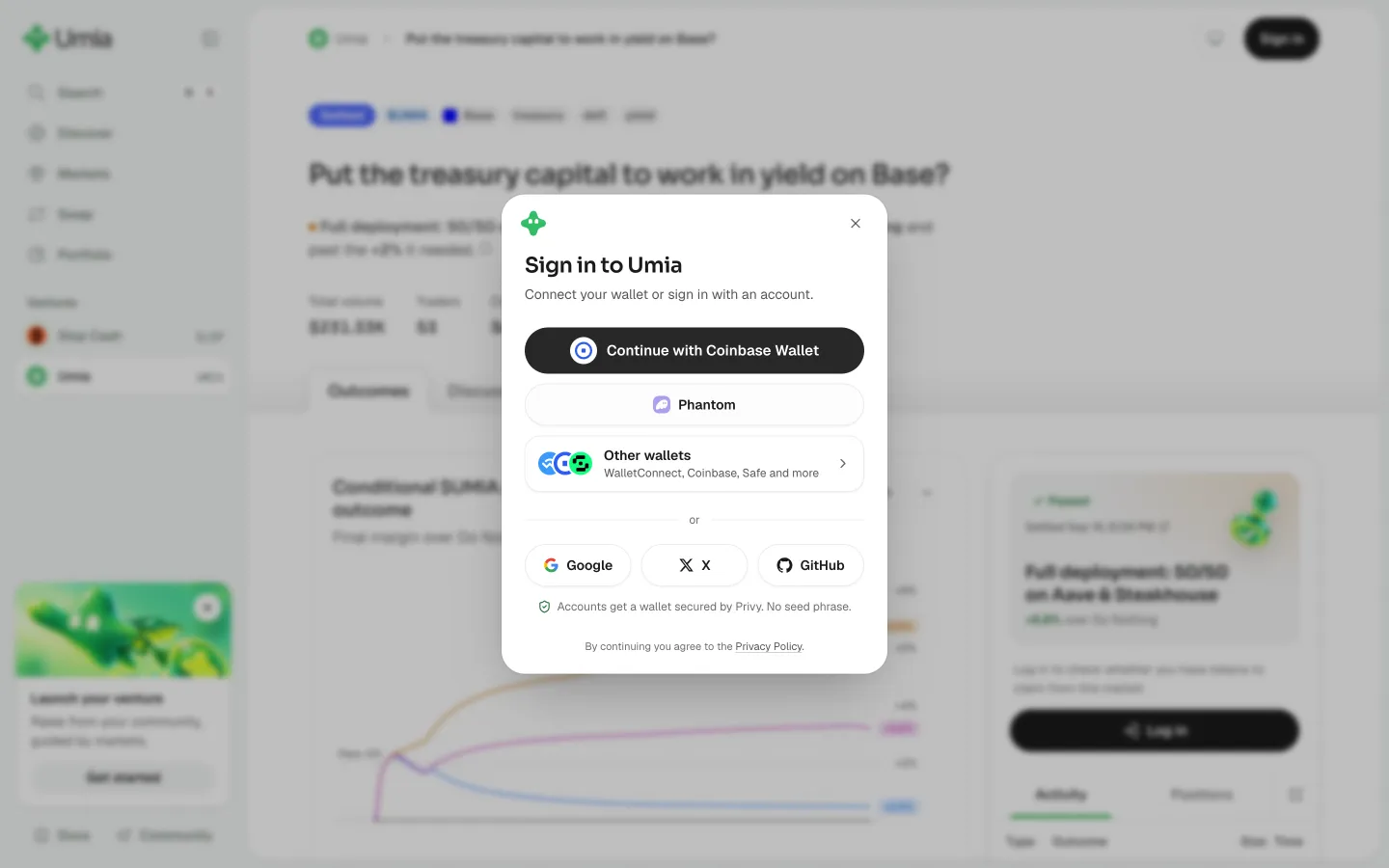
Choose your walletUmiaChoose your wallet
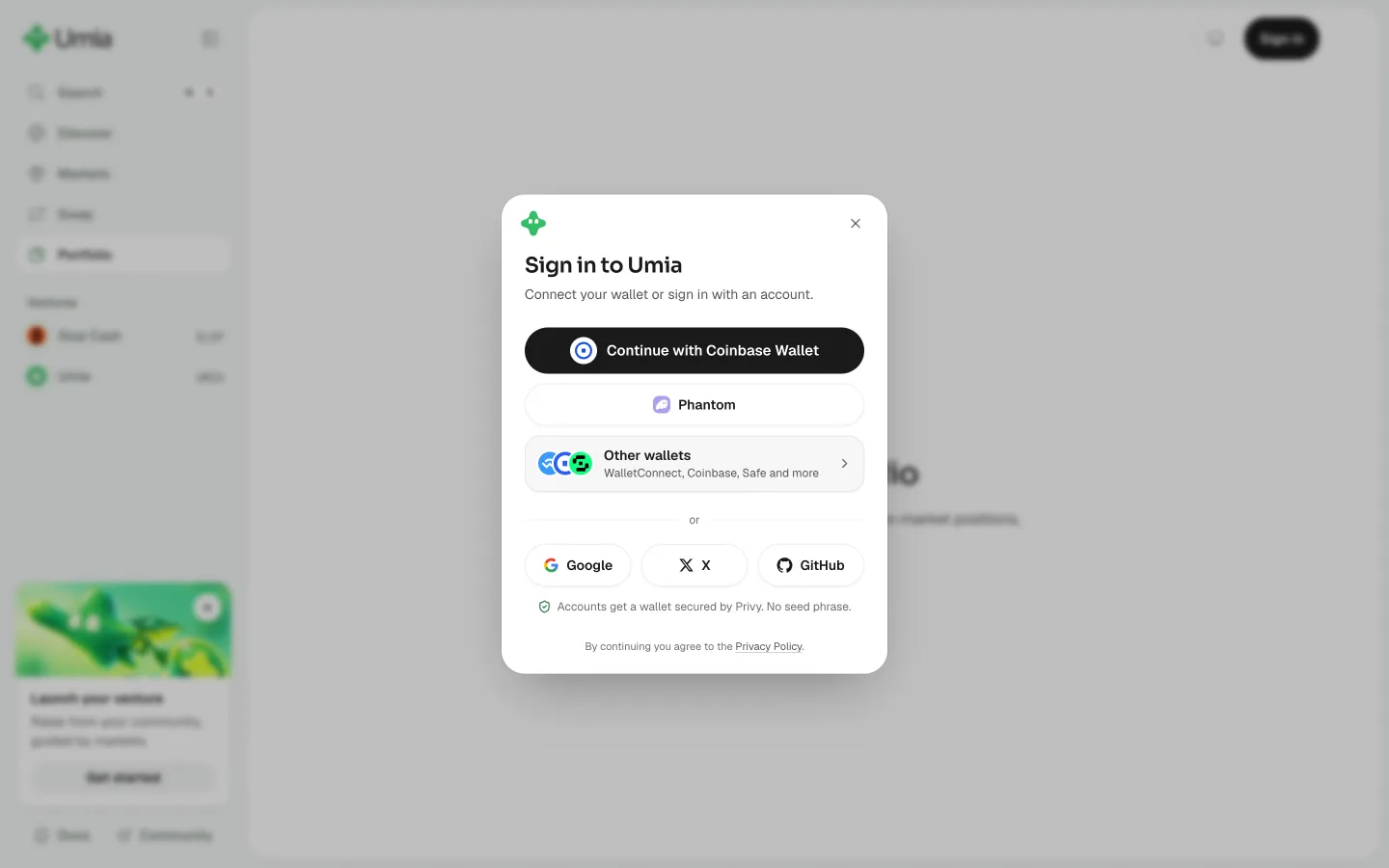
Continue with the suggested walletUmiaContinue with the suggested wallet
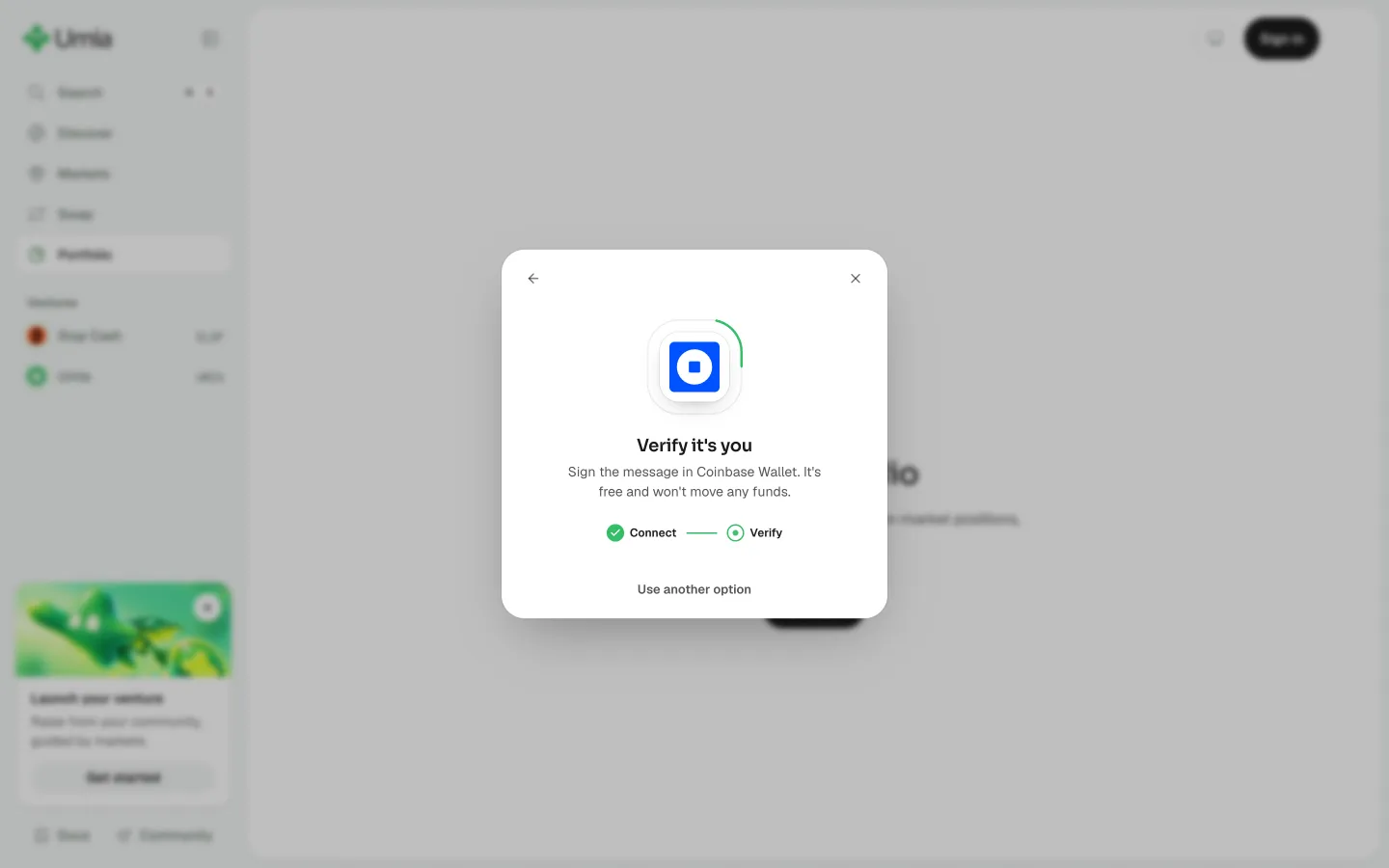
Sign a free message to prove it's youUmiaSign a free message to prove it's you
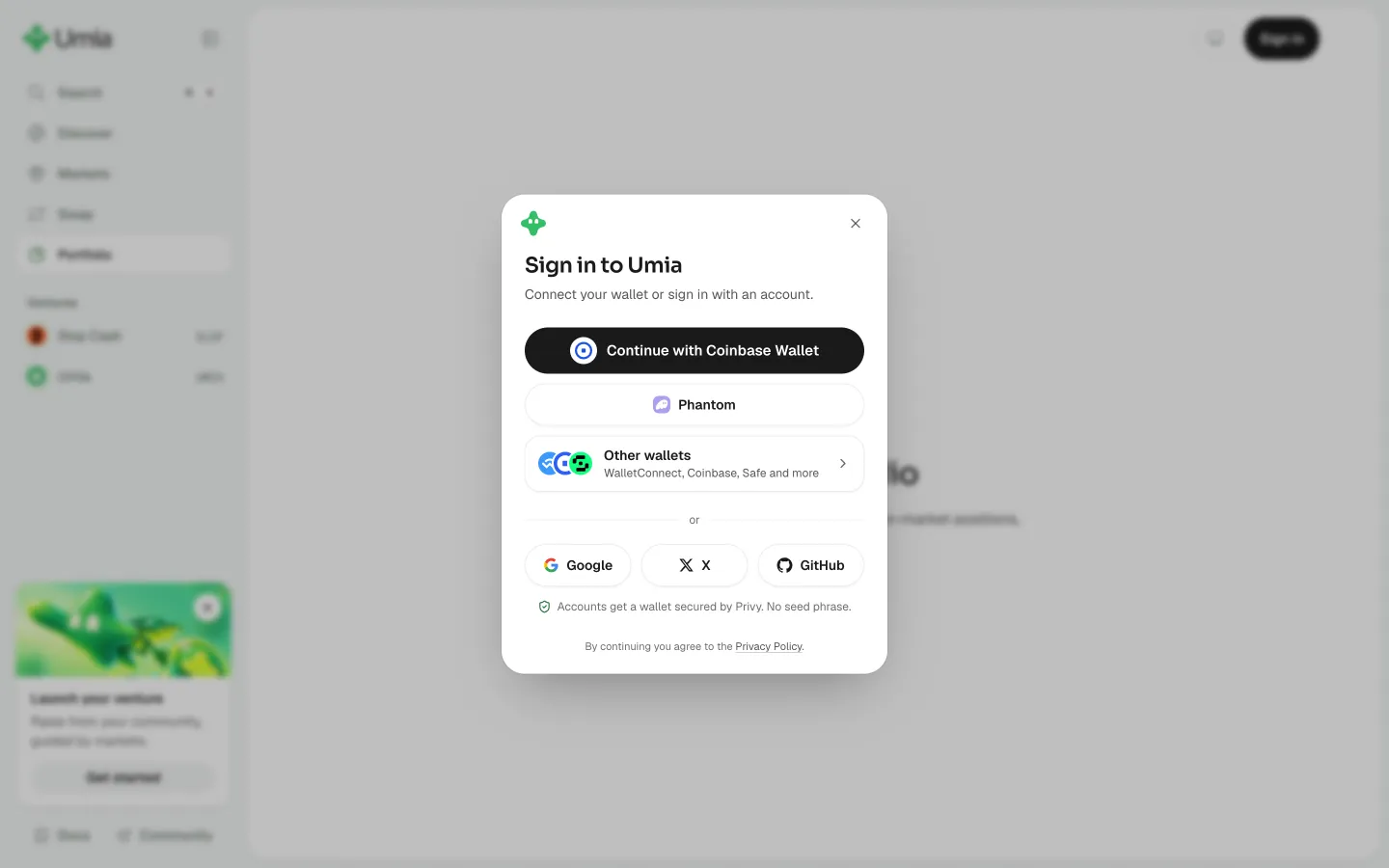
Back to the sign-in optionsUmiaBack to the sign-in options
Sign-in options againUmiaSign-in options again
Requesting connection, open the wallet to continueAave ProRequesting connection, open the wallet to continue

Screens, flows and sites from real crypto and web3 apps.

© 2026 MoonoPrivacyTerms

Apps

  • All apps
  • Screens
  • Flows
  • UI elements

Sites

  • All sites
  • Sections

Learn

  • Glossary

Product

  • Pricing
  • MCPNew

© 2026 MoonoPrivacyTerms