Apps
All apps
Screens
Flows
UI elements
Pricing
Glossary
Get started
All
Screens
Flows
UI elements
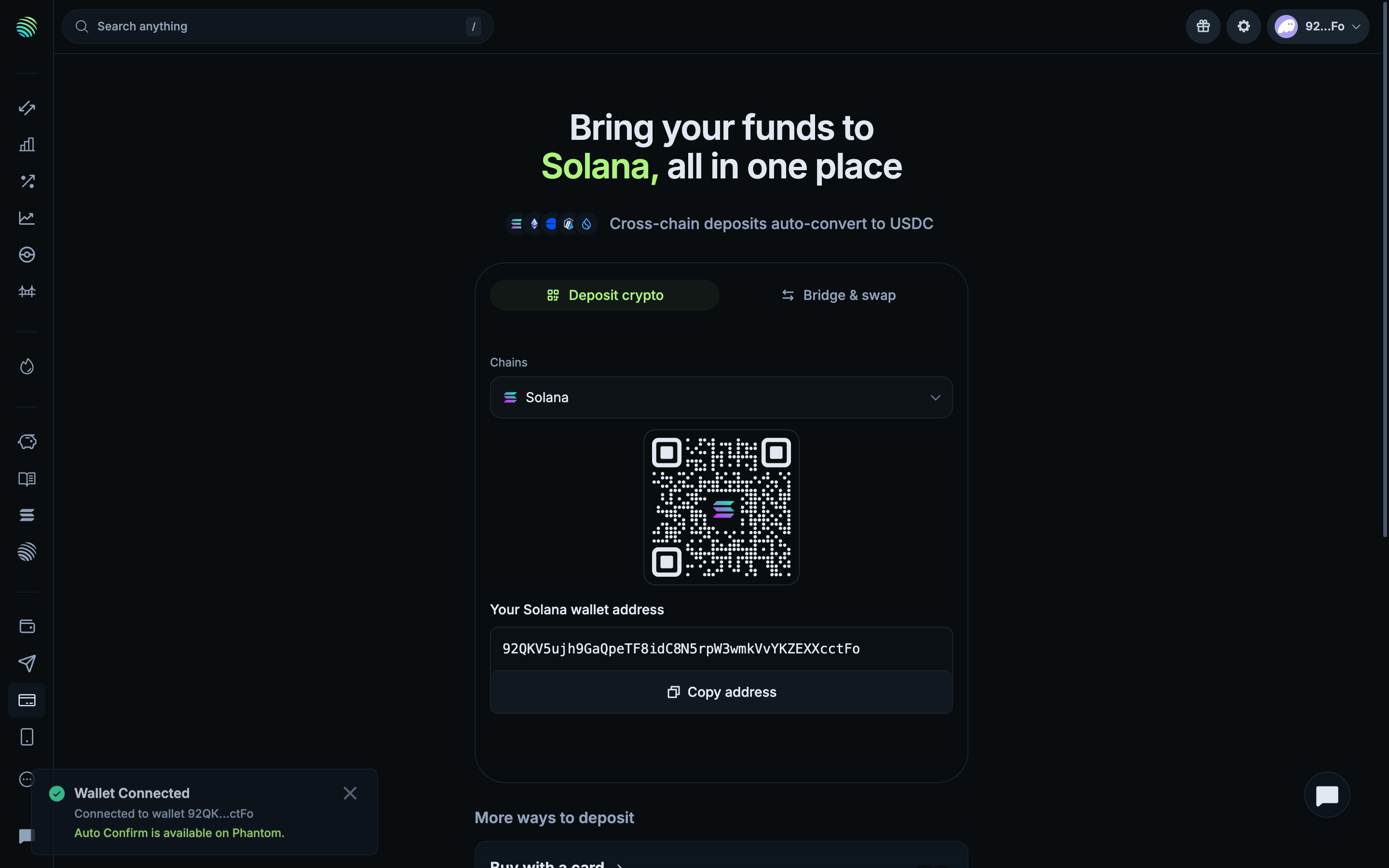
Wallet connected
in
Jupiter
Step 3 of 3 in Connecting with Phantom
Play
Wallet connected
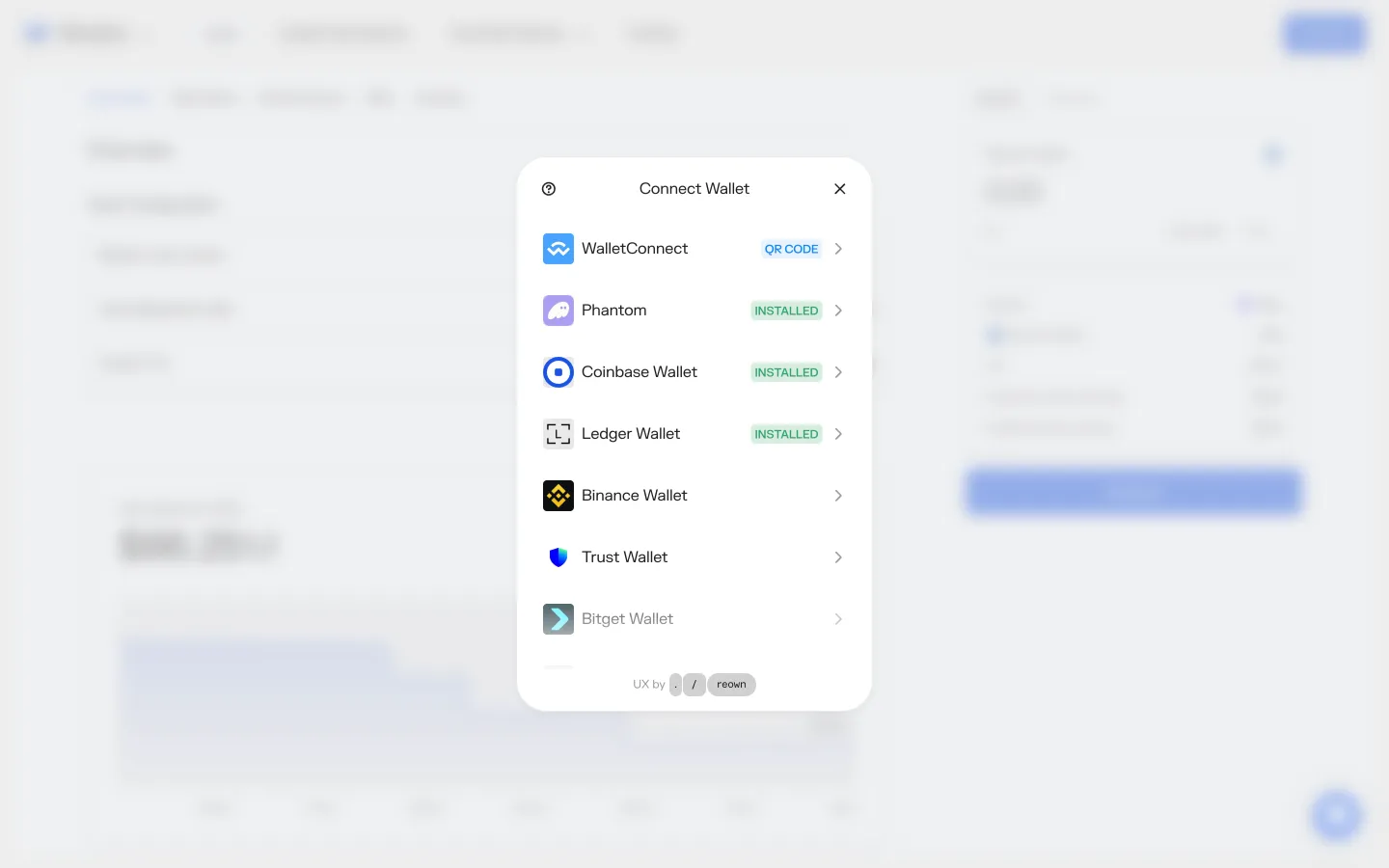
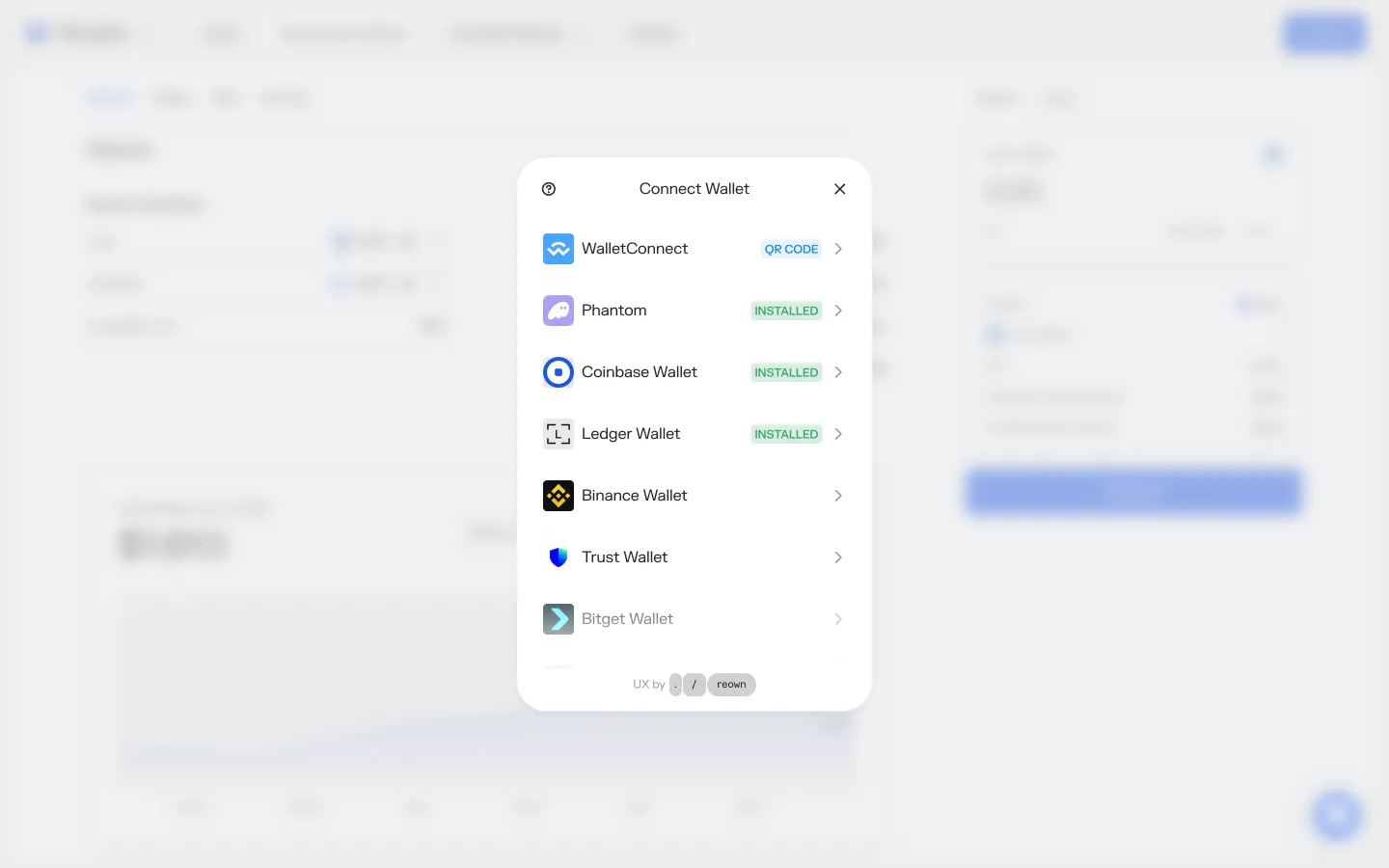
Connect Wallet
Similar screens in other apps
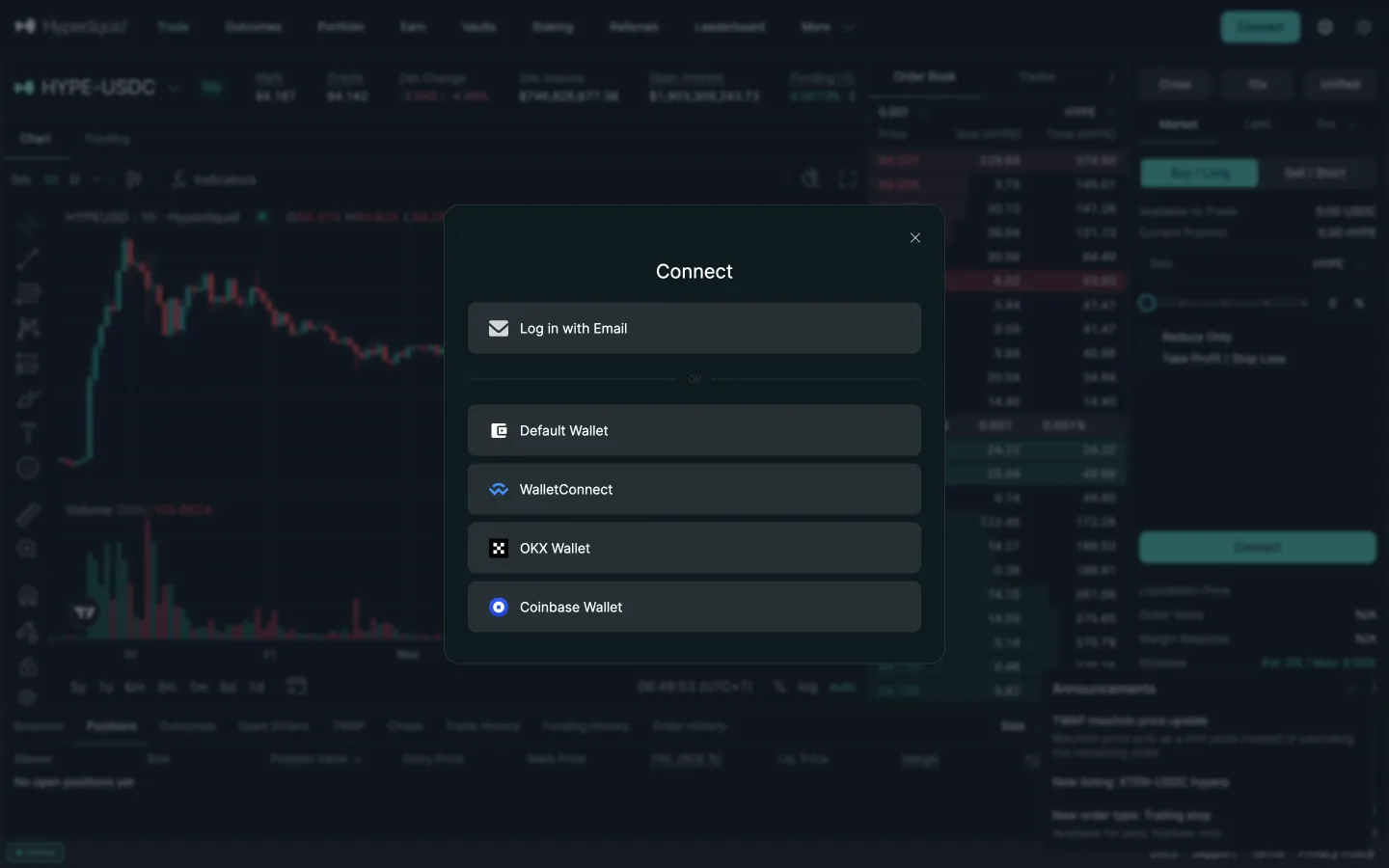
Hyperliquid
Connect options with email first
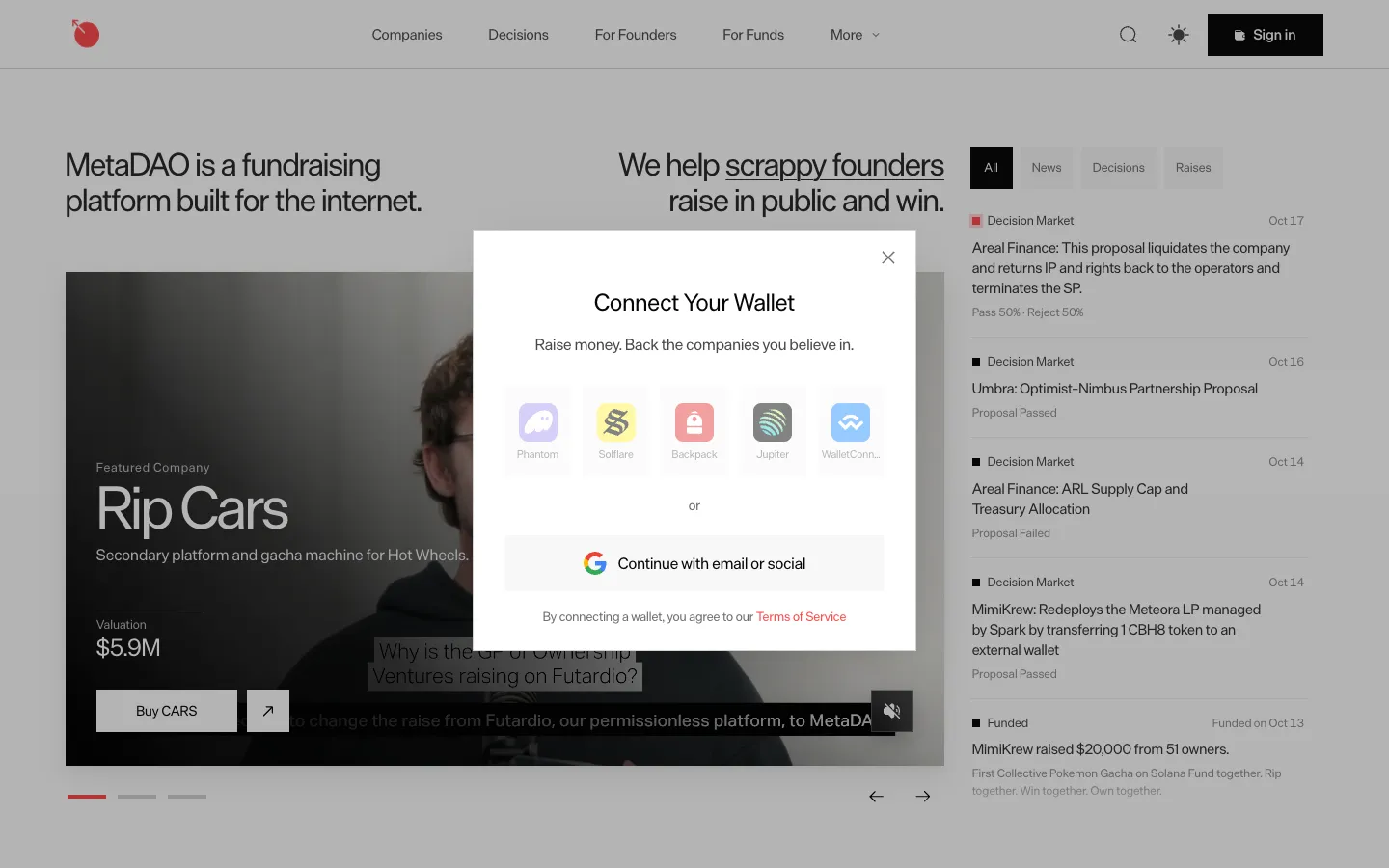
MetaDAO
Connect a Solana wallet or continue with email
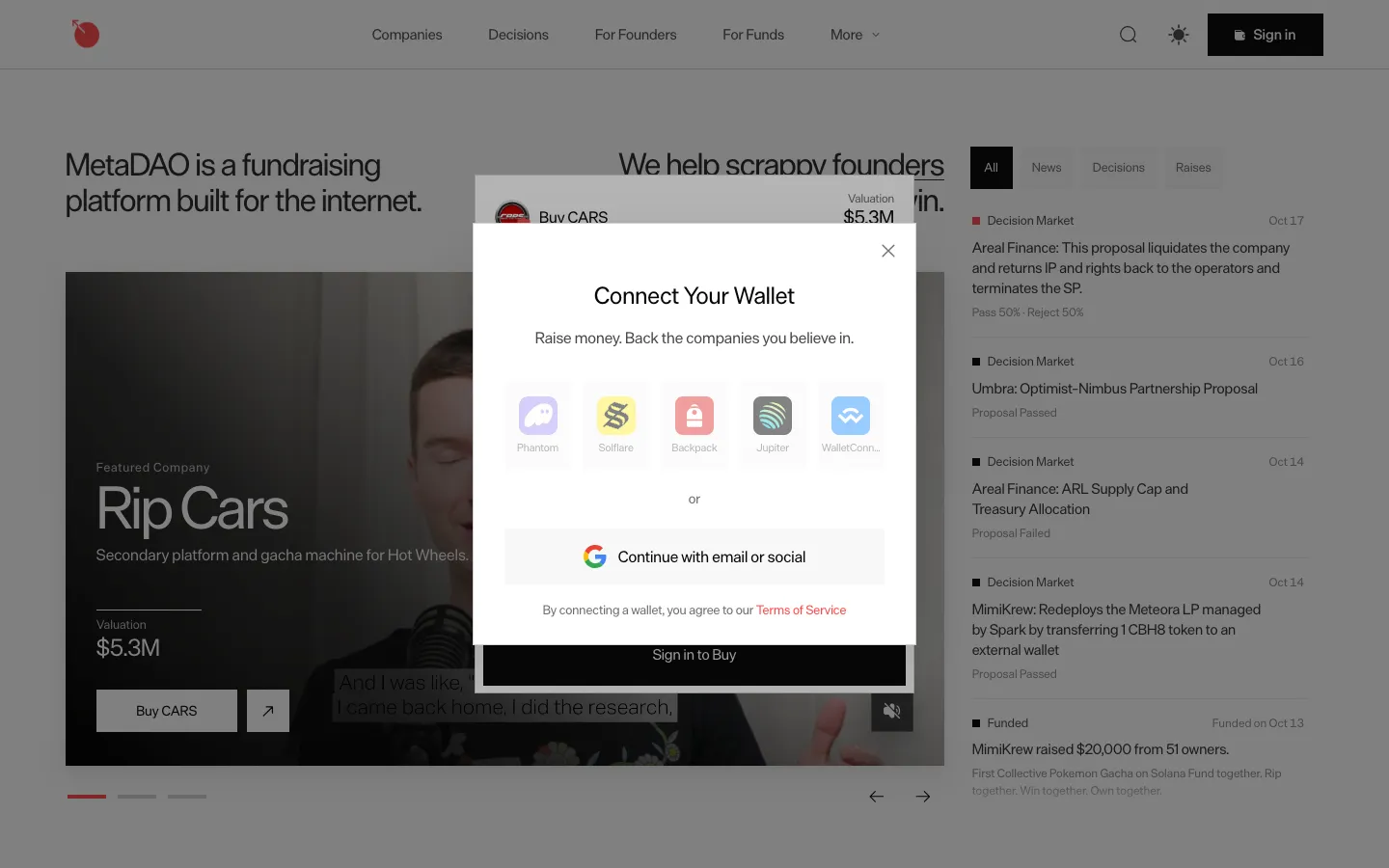
MetaDAO
Sign in to buy opens the wallet dialog
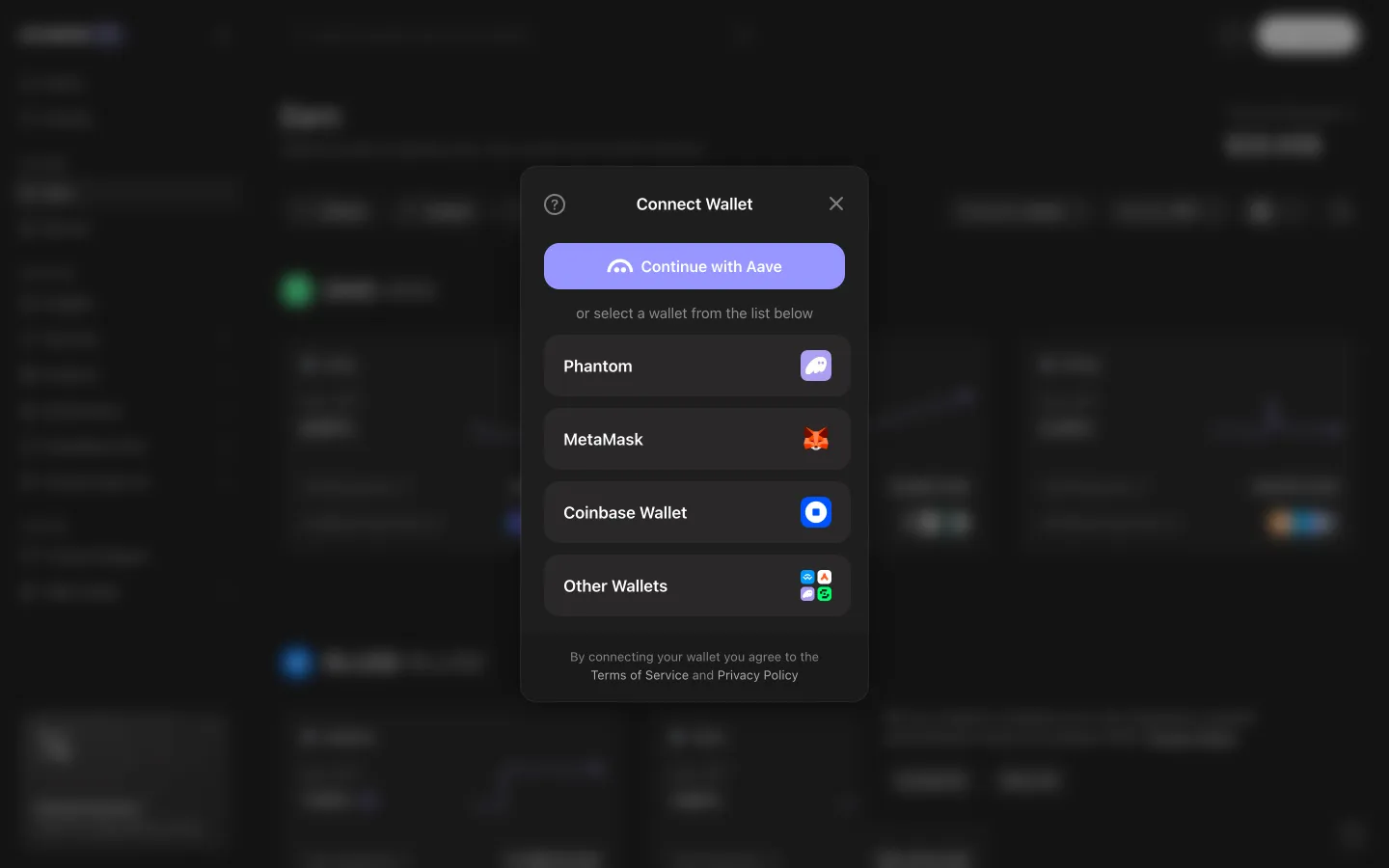
Aave Pro
Wallet chooser lists Phantom, MetaMask, Coinbase Wallet and more
Aave Pro
Requesting connection, open the wallet to continue
Hyperliquid
Connect options
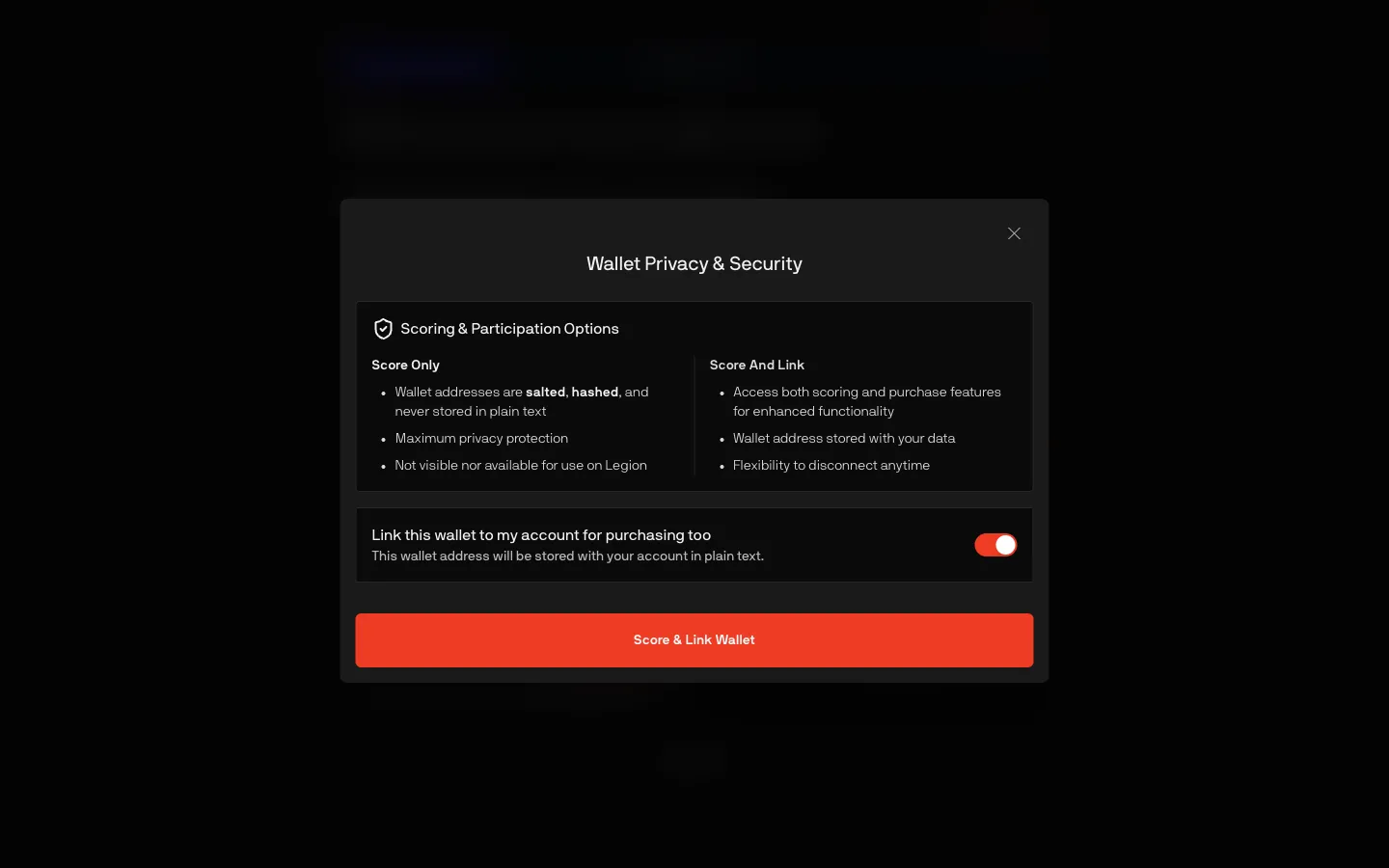
Legion
Score only or score and link for purchasing
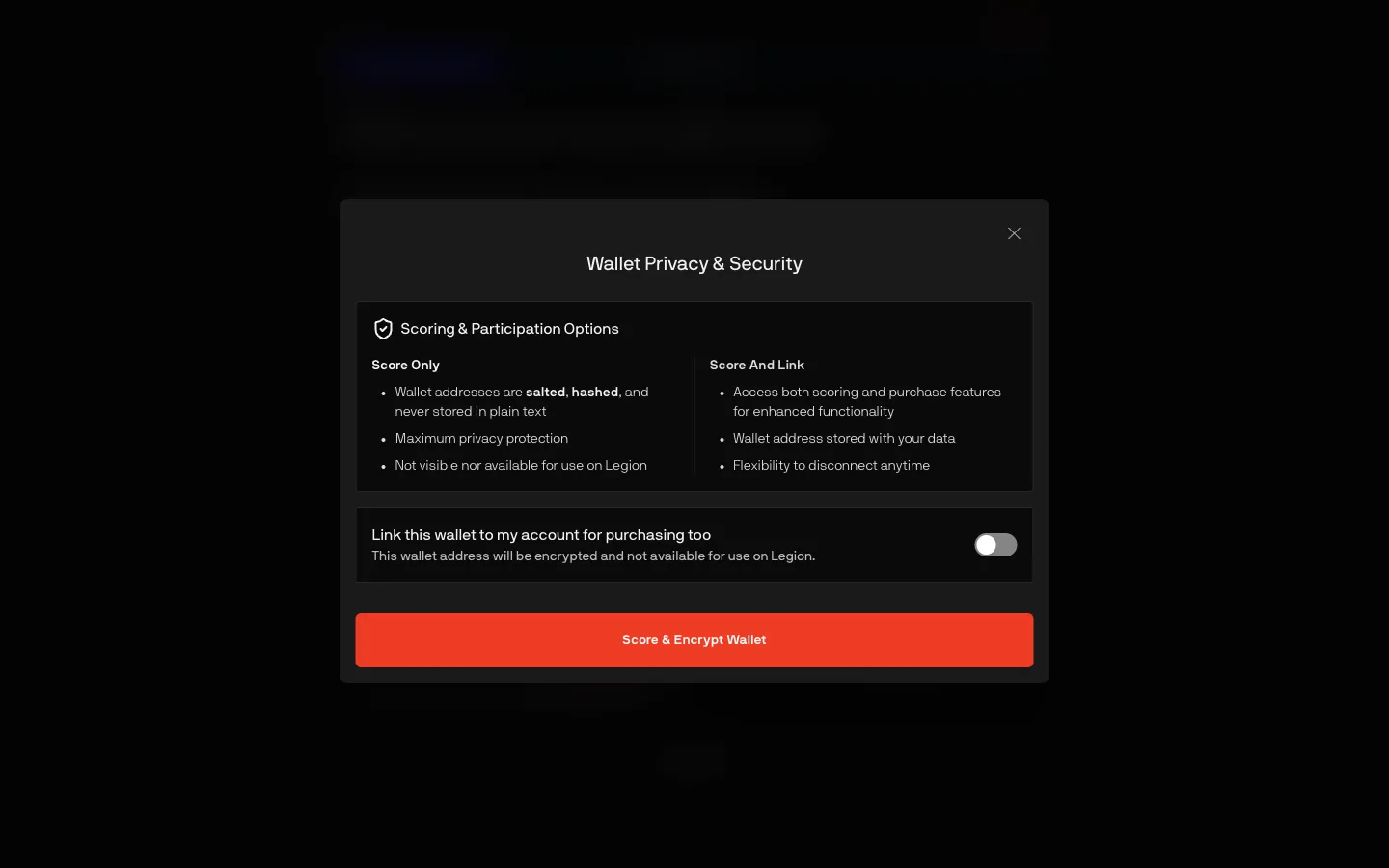
Legion
Link off, wallet only encrypted for the score
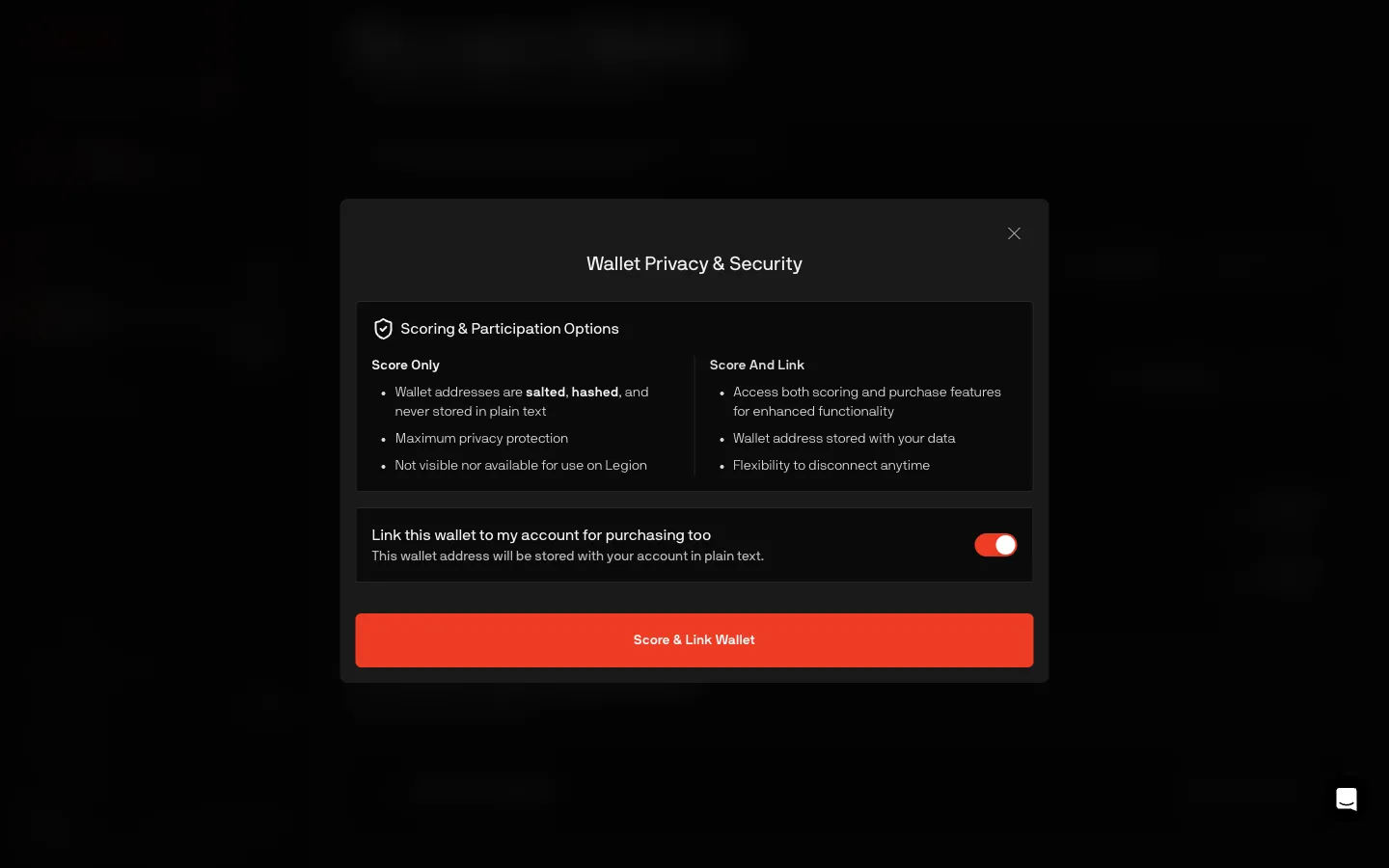
Legion
Same score or link choice as onboarding
MetaDAO
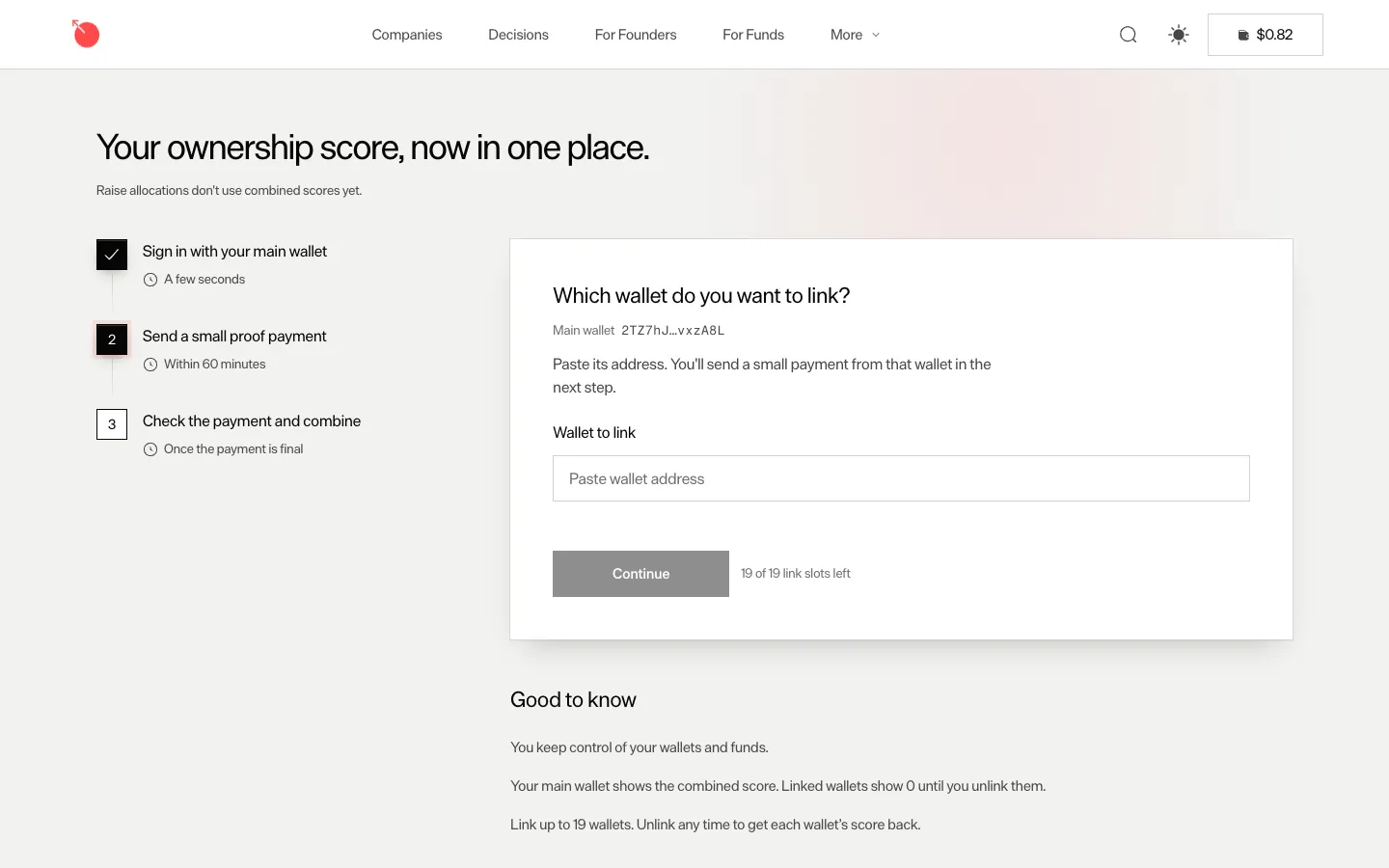
Link a wallet in three steps with a small proof payment
Morpho
Choose how to connect
Morpho
Choose how to connect
 Jupiter