All appsScreensFlowsUI elements
PricingGlossary
AllScreensFlowsUI elements

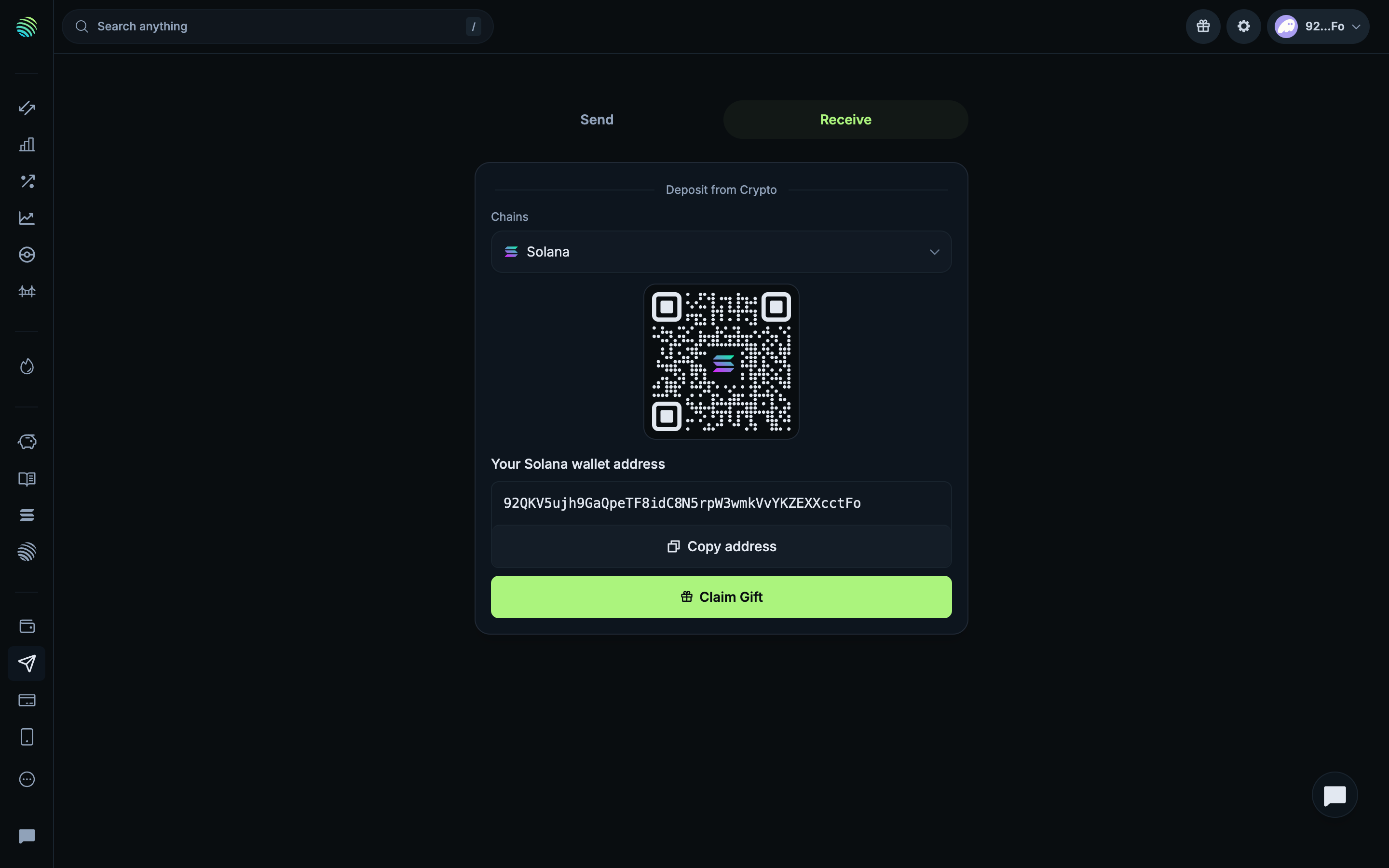
Connected receive address and gift entry in Jupiter

Step 3 of 3 in Reading connected receive and send optionsPlay
Connected receive address and gift entry

Connected receive address and gift entry

Deposit

Screen typeDeposit
StateIdle
CapturedOct 2026
UI elementsAddress ChipNetwork Switcher
In the flowReading connected receive and send options
SizeDesktop, 2880 by 1800
Open the flowOpen original

Similar screens in other apps

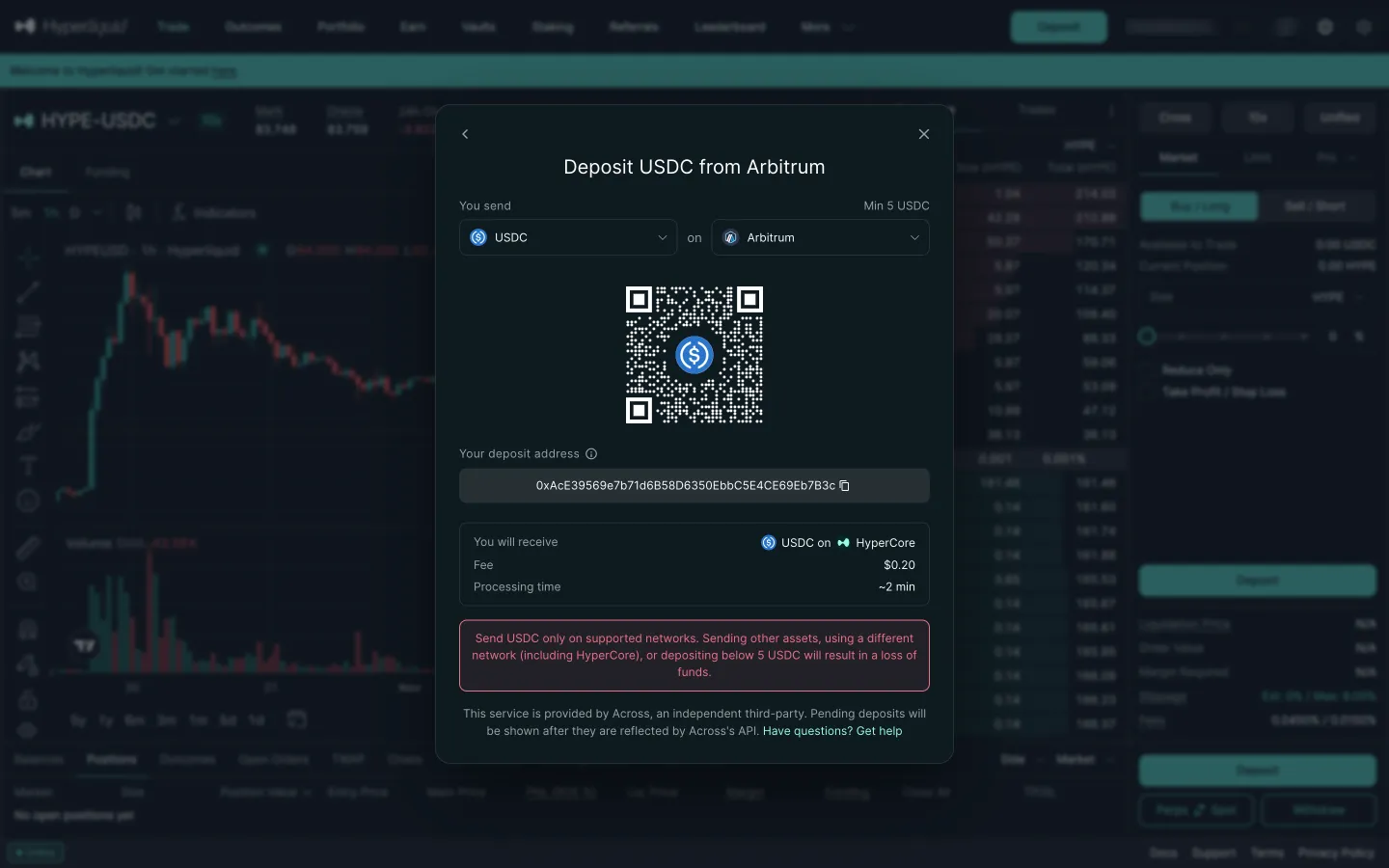
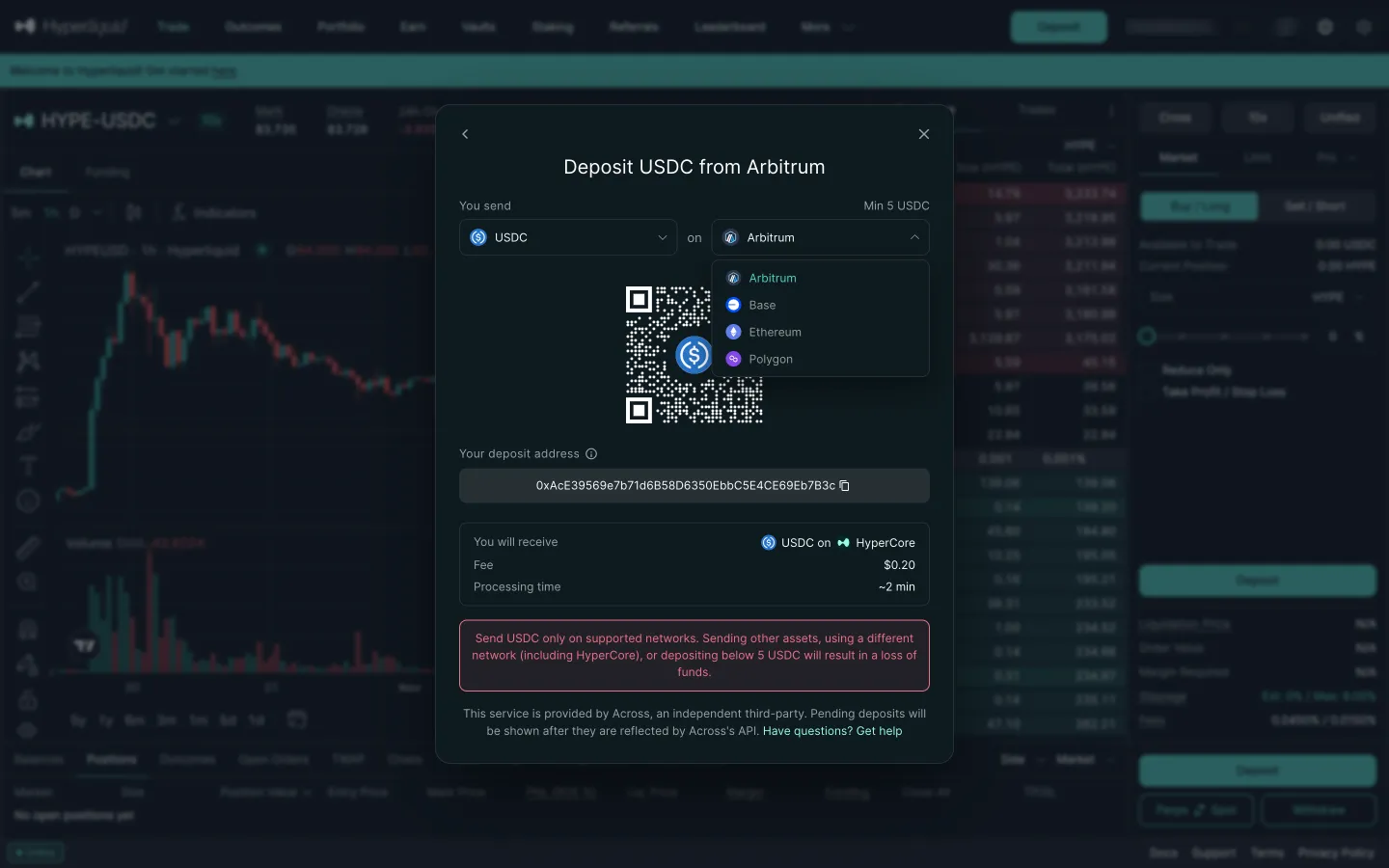
Deposit from Arbitrum by defaultHyperliquidDeposit from Arbitrum by default
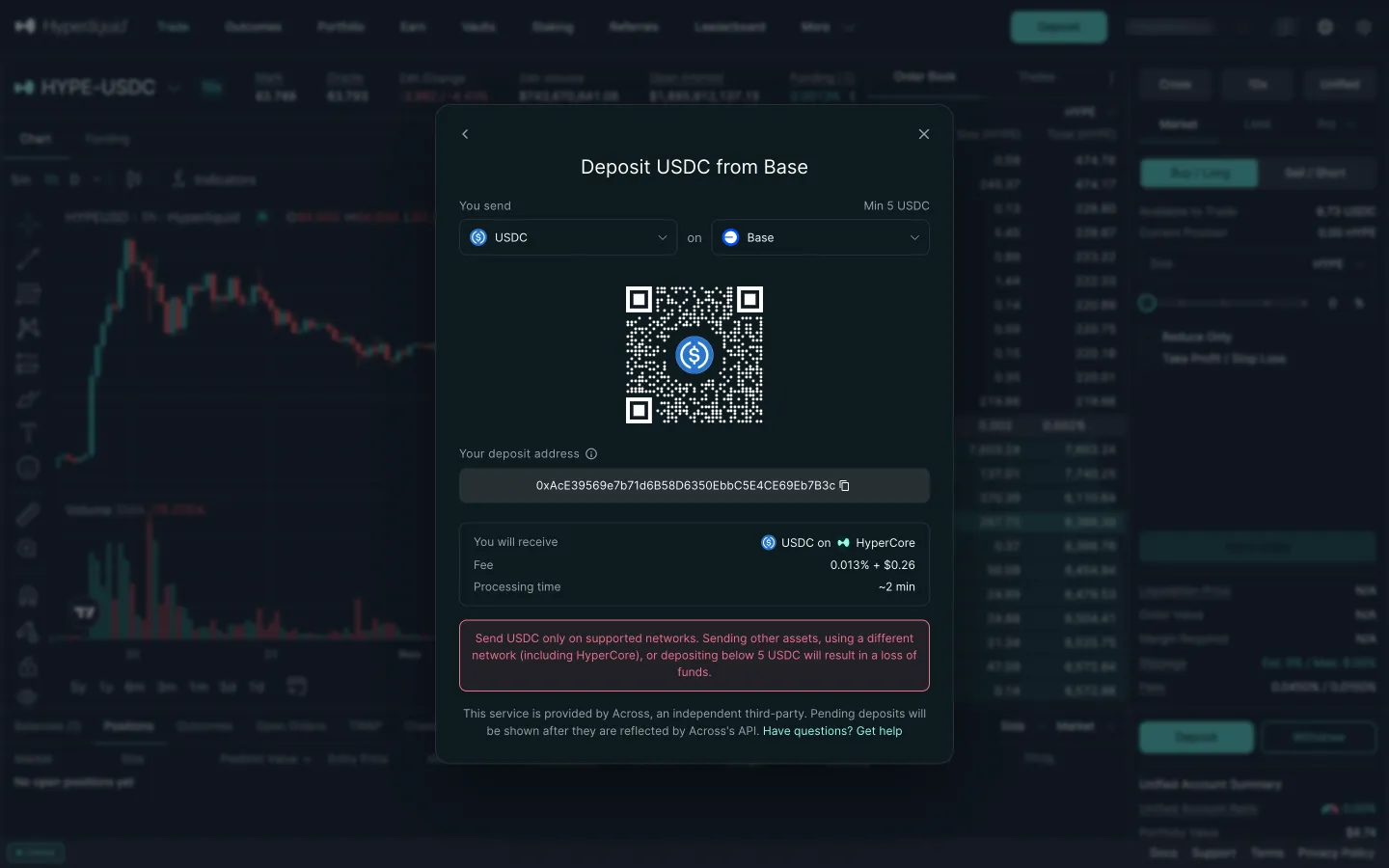
Base address, 5 USDC minimum and feeHyperliquidBase address, 5 USDC minimum and fee
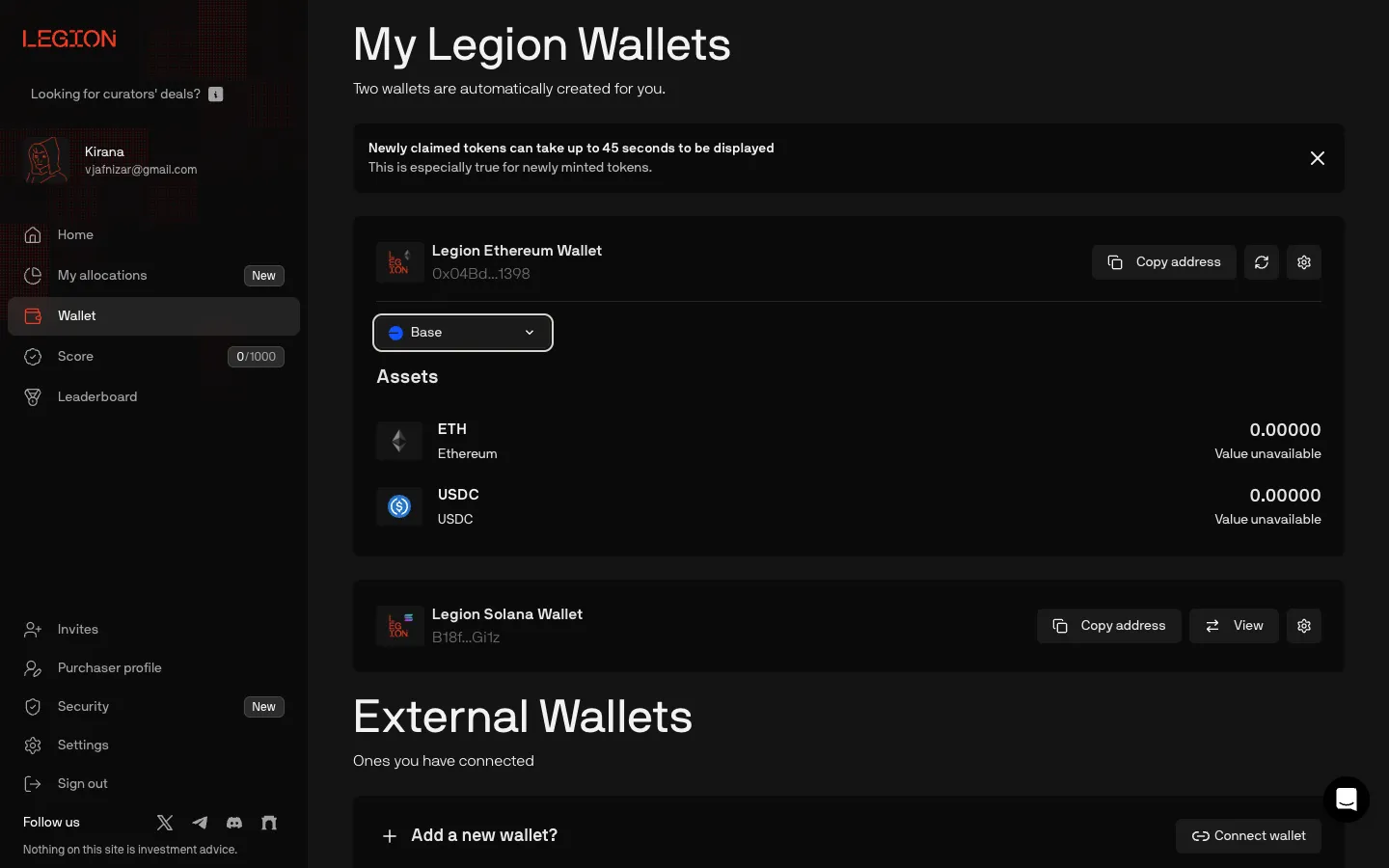
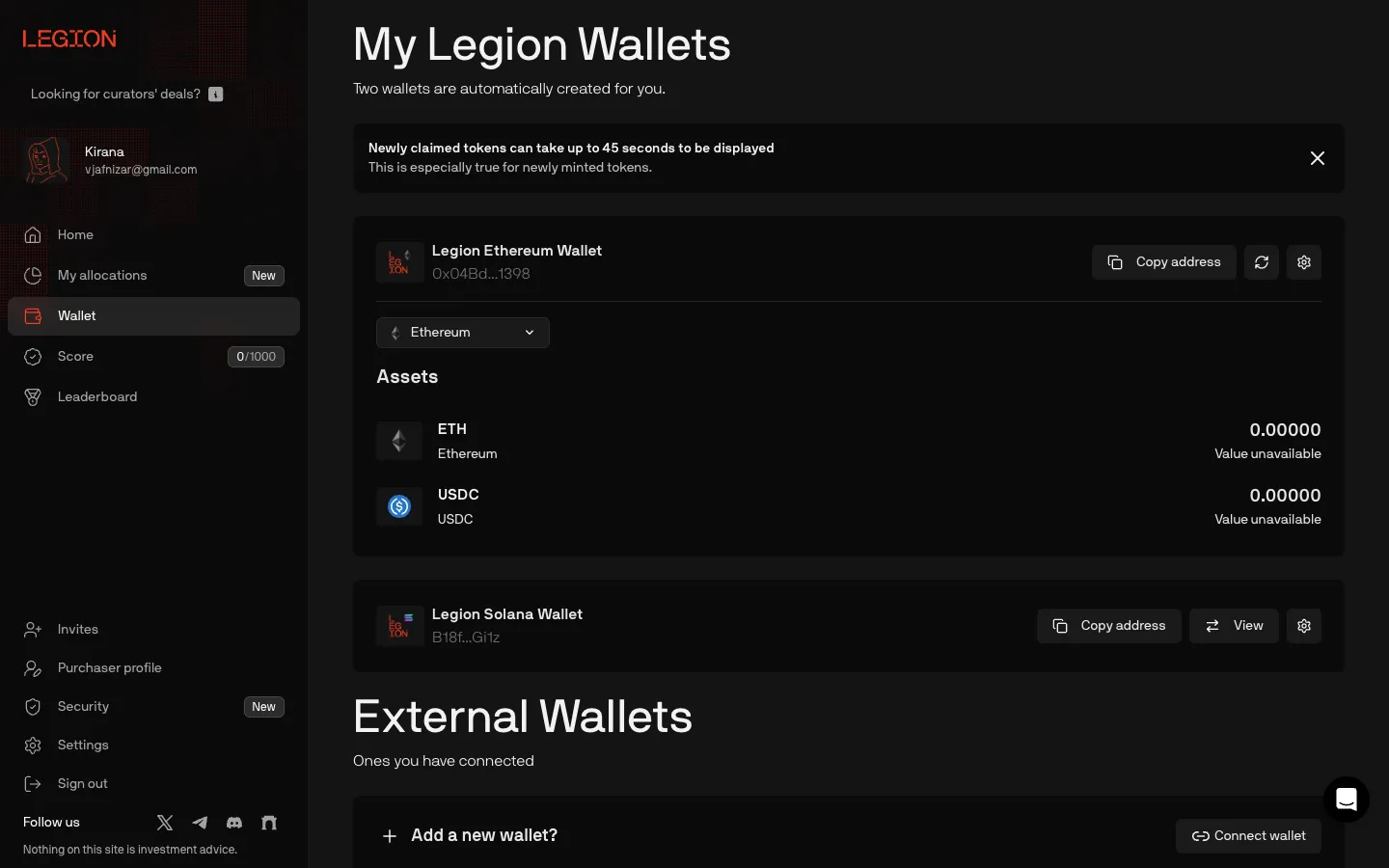
Base assets, same addressLegionBase assets, same address
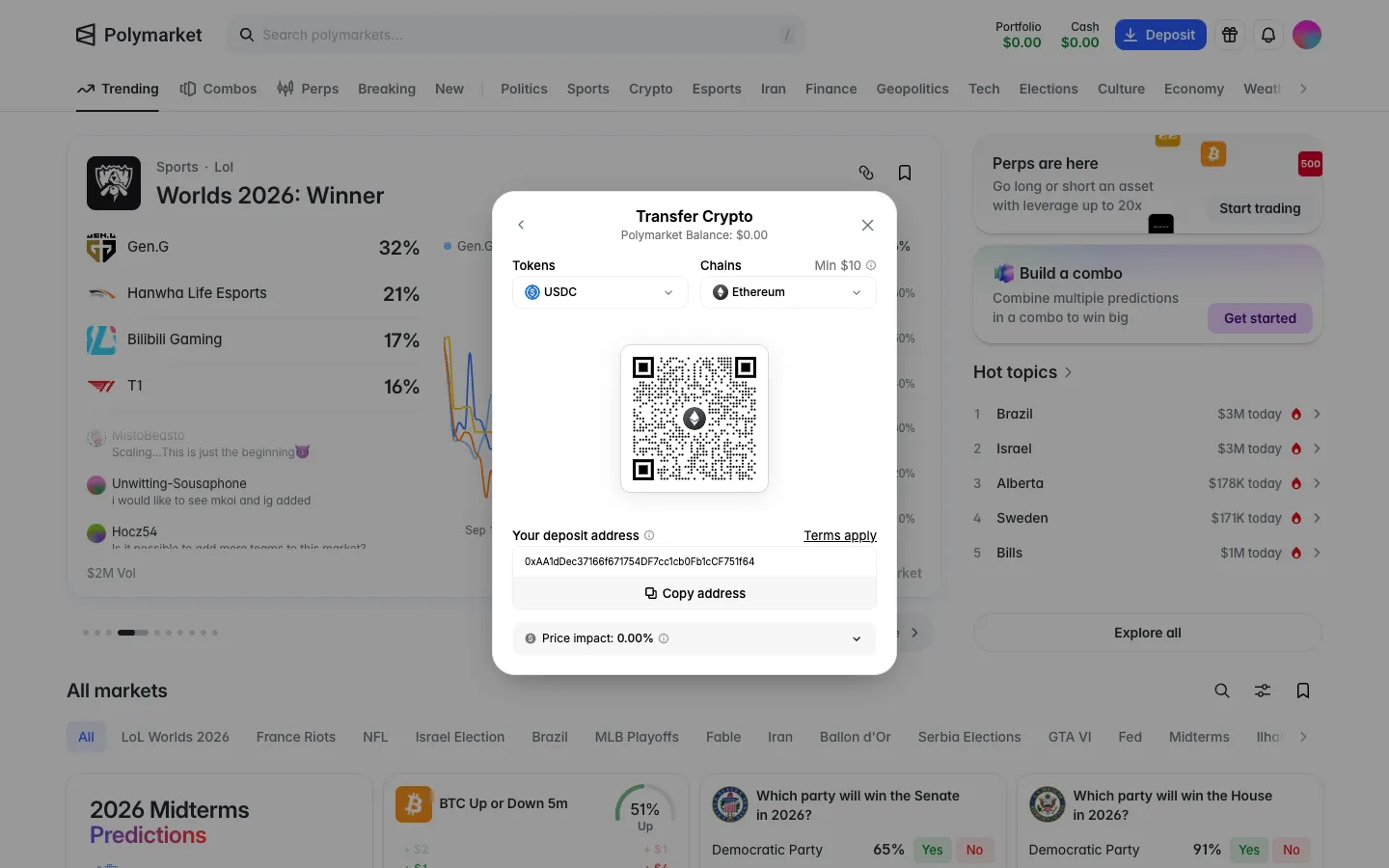
USDC on Ethereum by default, 10 dollar minimum, address and QRPolymarketUSDC on Ethereum by default, 10 dollar minimum, address and QR
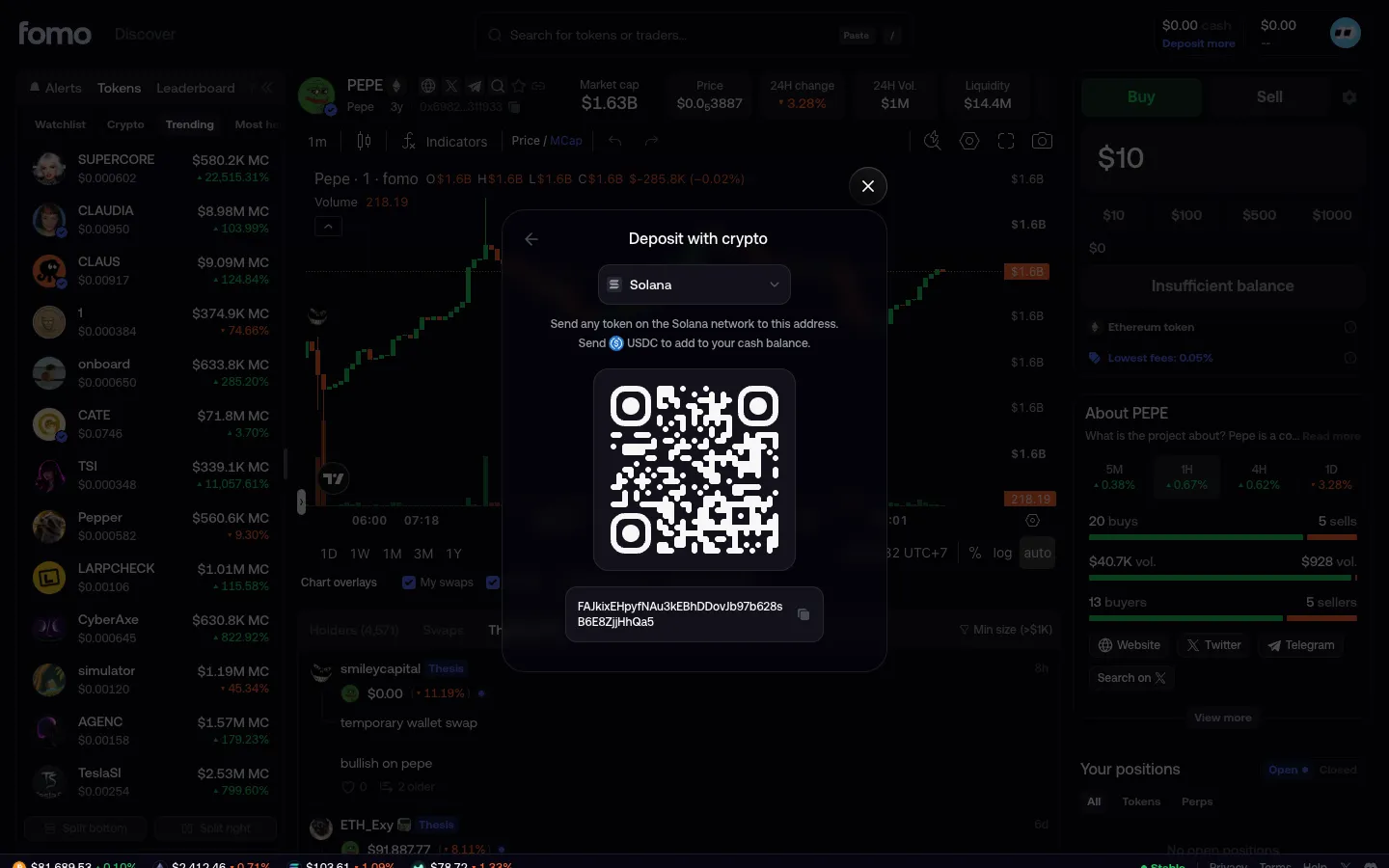
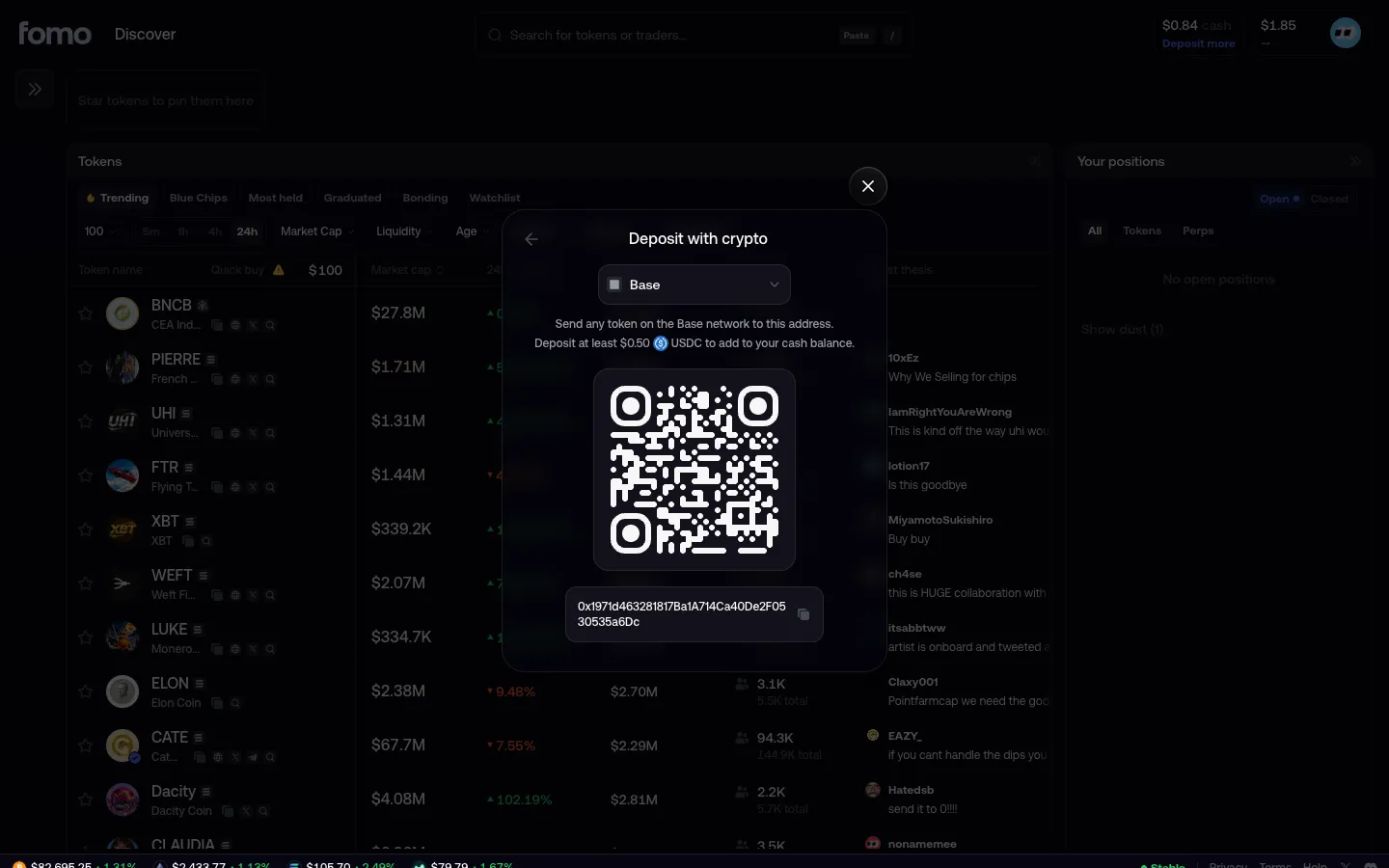
Deposit address on SolanafomoDeposit address on Solana
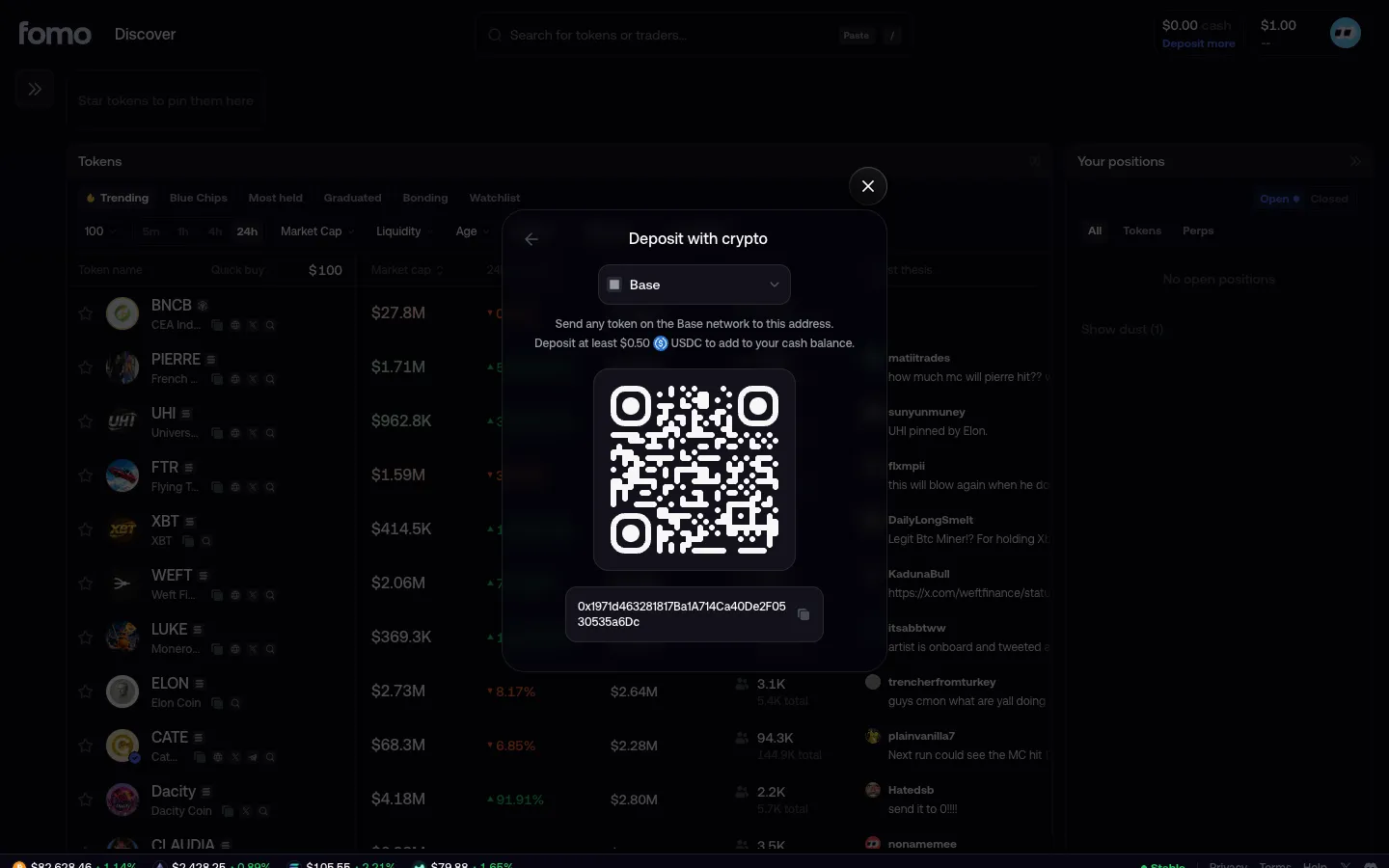
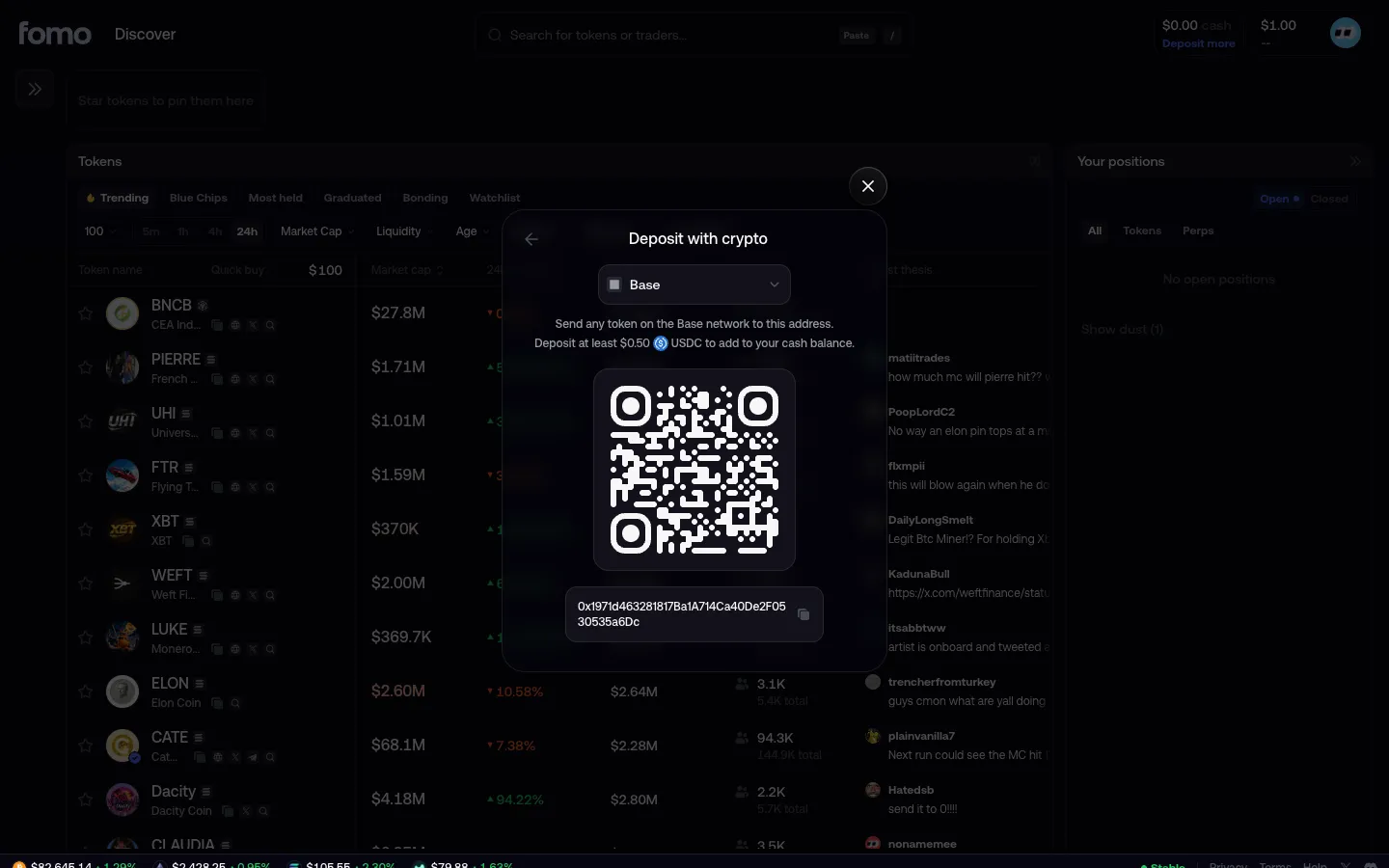
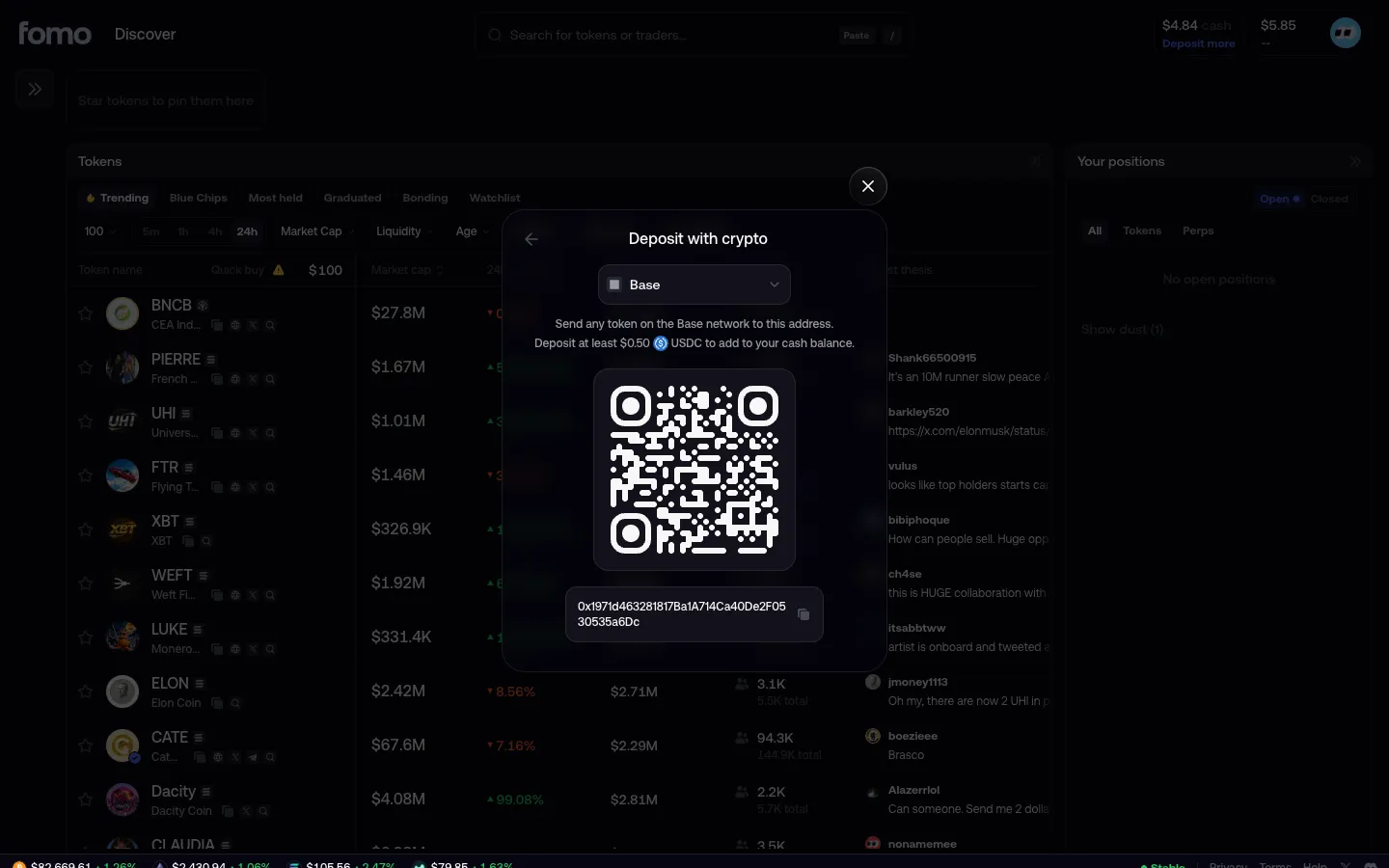
Deposit address on Base, waiting for fundsfomoDeposit address on Base, waiting for funds
$1 arrives, total $1.00 but cash $0.00fomo$1 arrives, total $1.00 but cash $0.00
Deposit address on Base, cash $0.84fomoDeposit address on Base, cash $0.84
USDC arrives as cashfomoUSDC arrives as cash
Choose the networkHyperliquidChoose the network
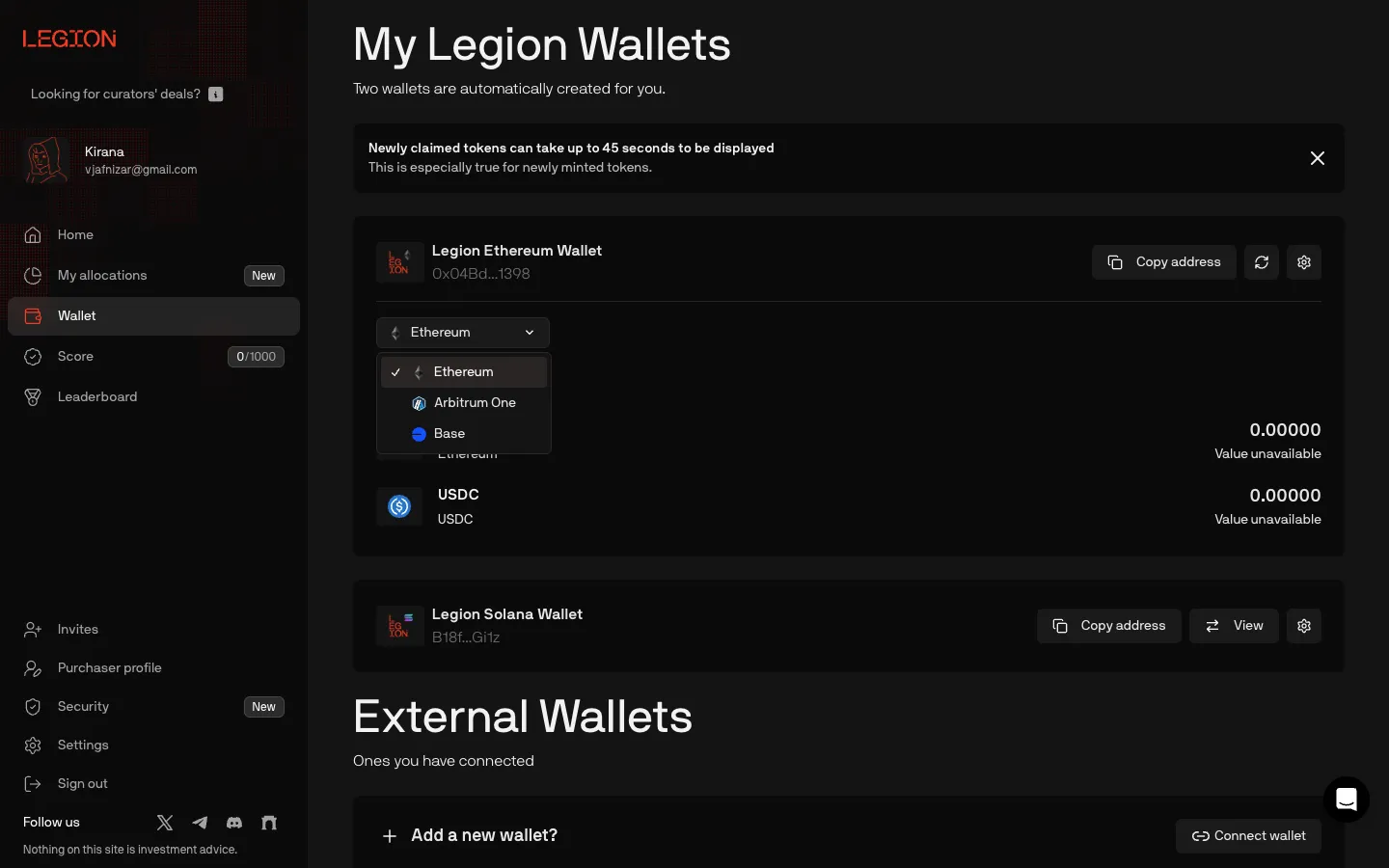
Two embedded wallets, no deposit buttonLegionTwo embedded wallets, no deposit button
Ethereum, Arbitrum One or BaseLegionEthereum, Arbitrum One or Base

Screens, flows and sites from real crypto and web3 apps.

© 2026 MoonoPrivacyTerms

Apps

  • All apps
  • Screens
  • Flows
  • UI elements

Sites

  • All sites
  • Sections

Learn

  • Glossary

Product

  • Pricing
  • MCPNew

© 2026 MoonoPrivacyTerms