All appsScreensFlowsUI elements
PricingGlossary
AllScreensFlowsUI elements

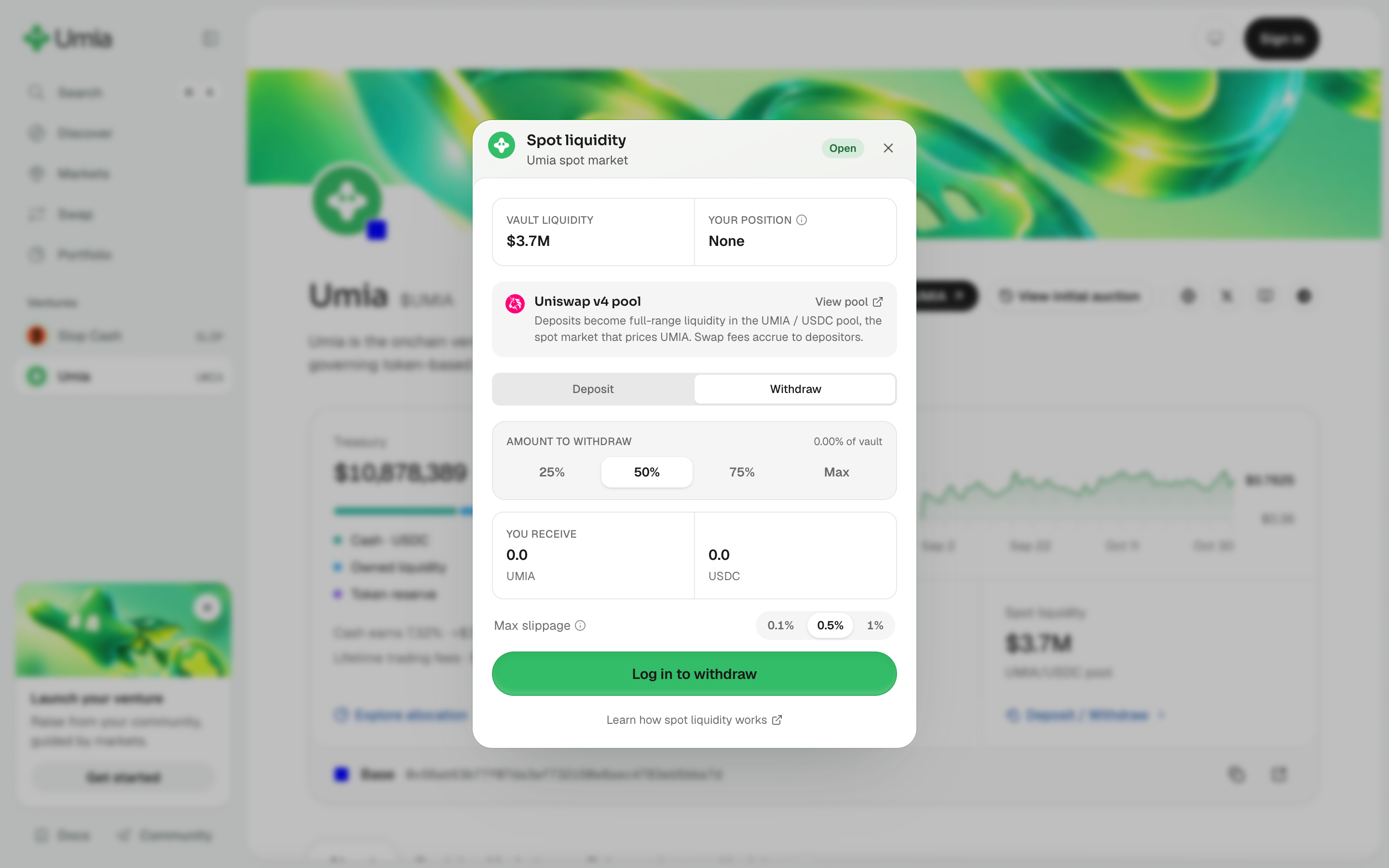
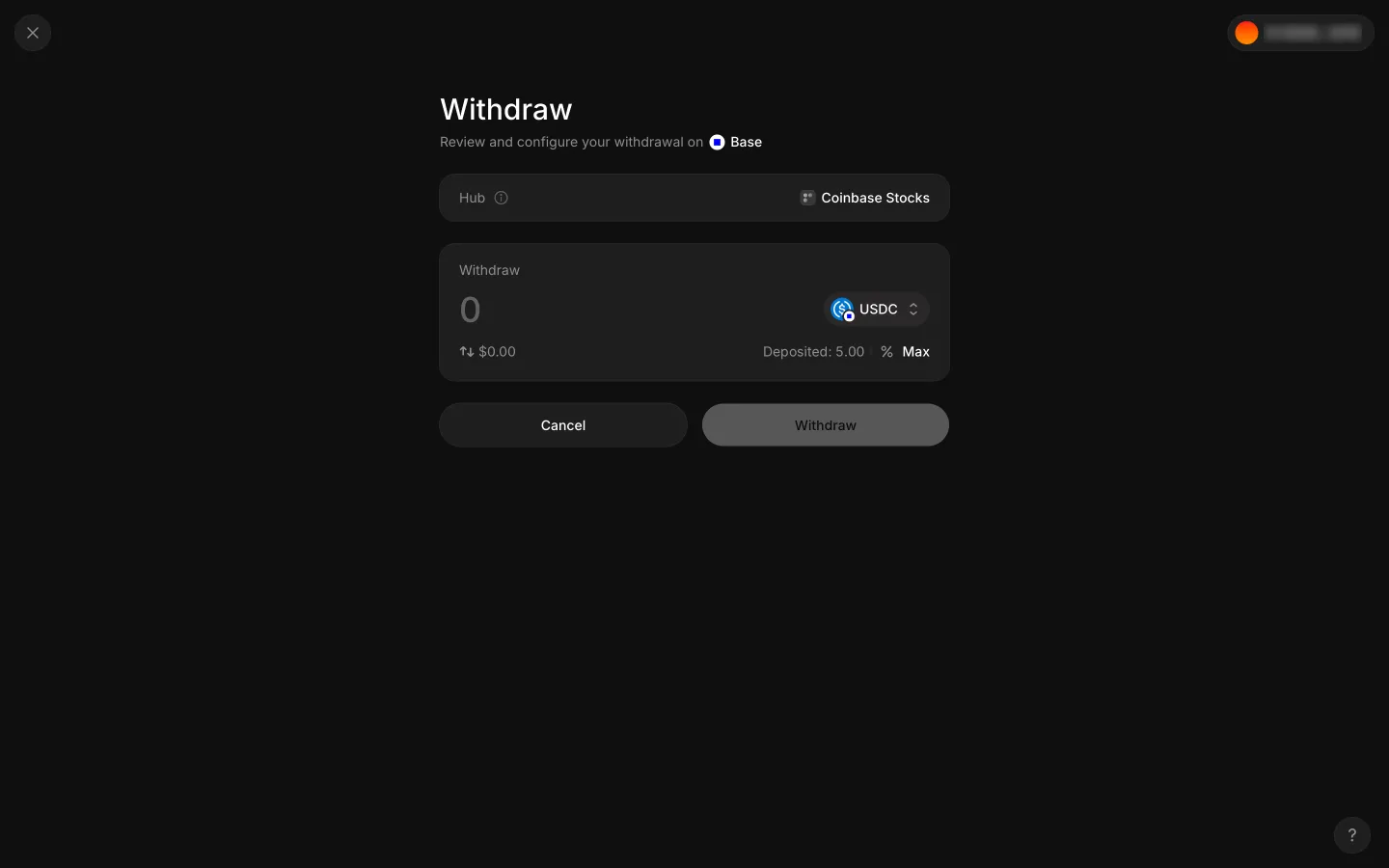
Sign in to withdraw liquidity in Umia

Step 2 of 2 in Liquidity withdrawal previewPlay
Sign in to withdraw liquidity

Sign in to withdraw liquidity

Withdraw

Screen typeWithdraw
StateBlocked
CapturedOct 2026
UI elementsButtonDialogLinkMax ButtonSegmented ControlSliderSlippage ControlTabYou Receive
In the flowLiquidity withdrawal preview
SizeDesktop, 2880 by 1800
Open the flowOpen original

Similar screens in other apps

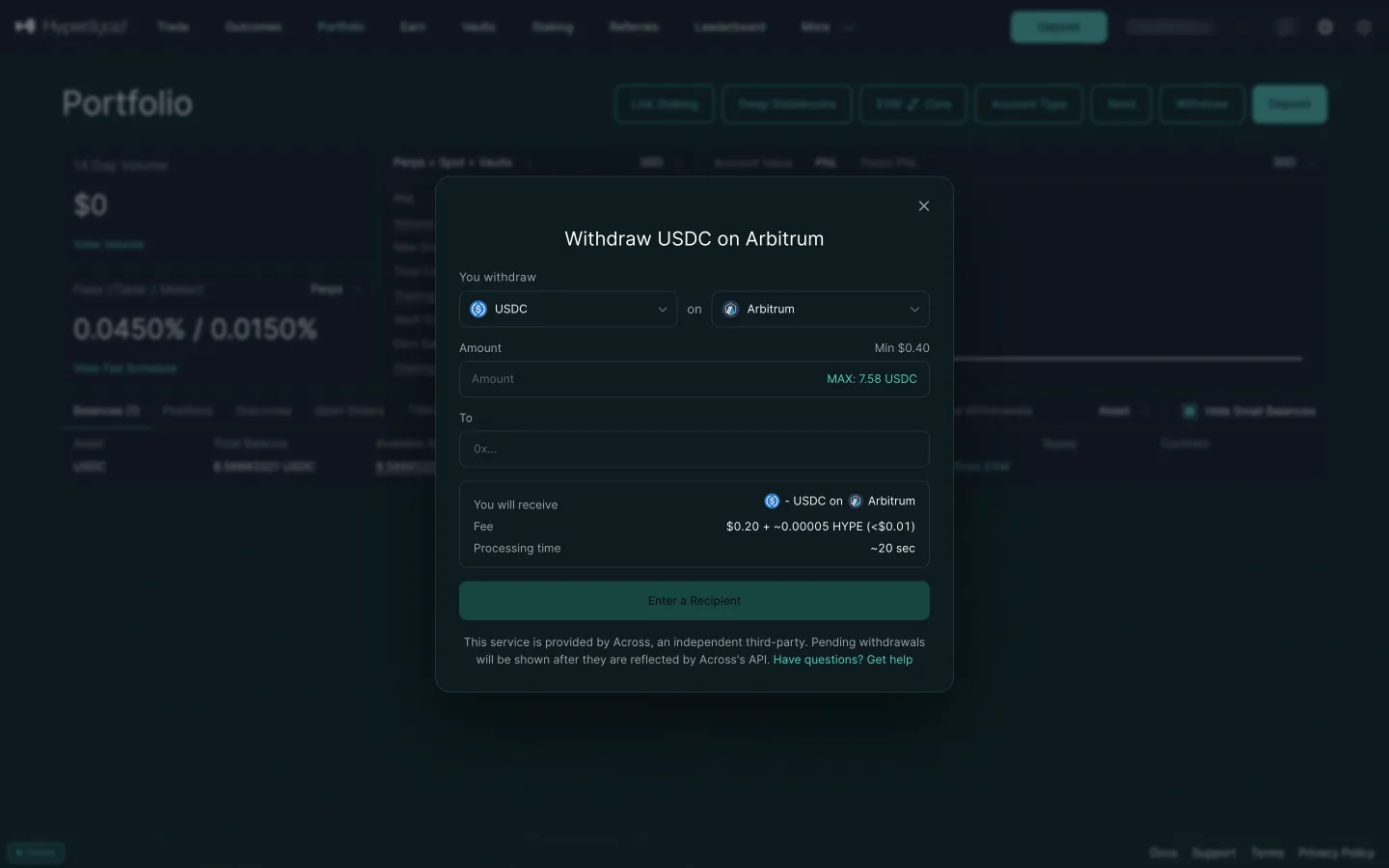
Withdraw USDC on Arbitrum by defaultHyperliquidWithdraw USDC on Arbitrum by default
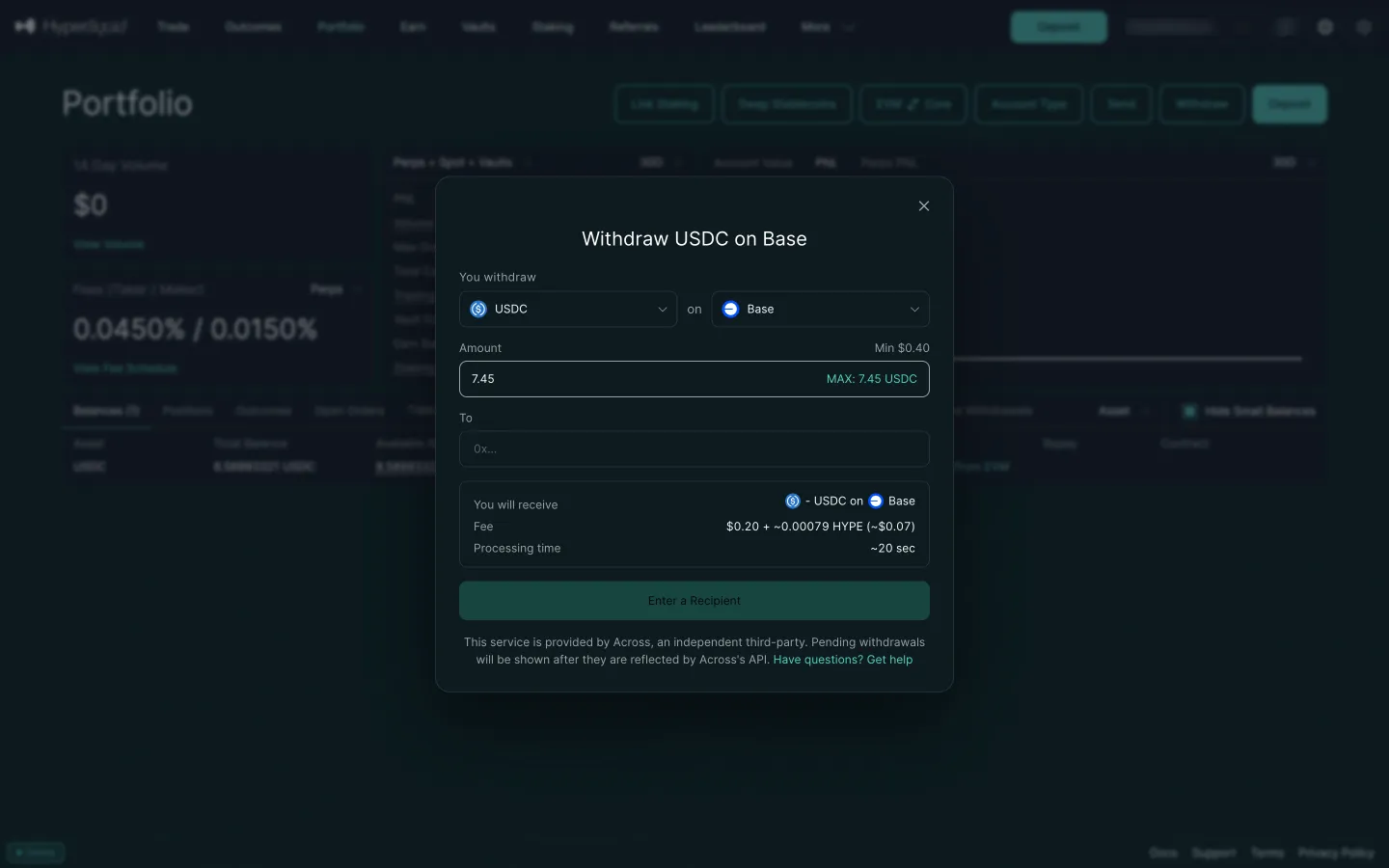
Max filled in, the fee shiftsHyperliquidMax filled in, the fee shifts
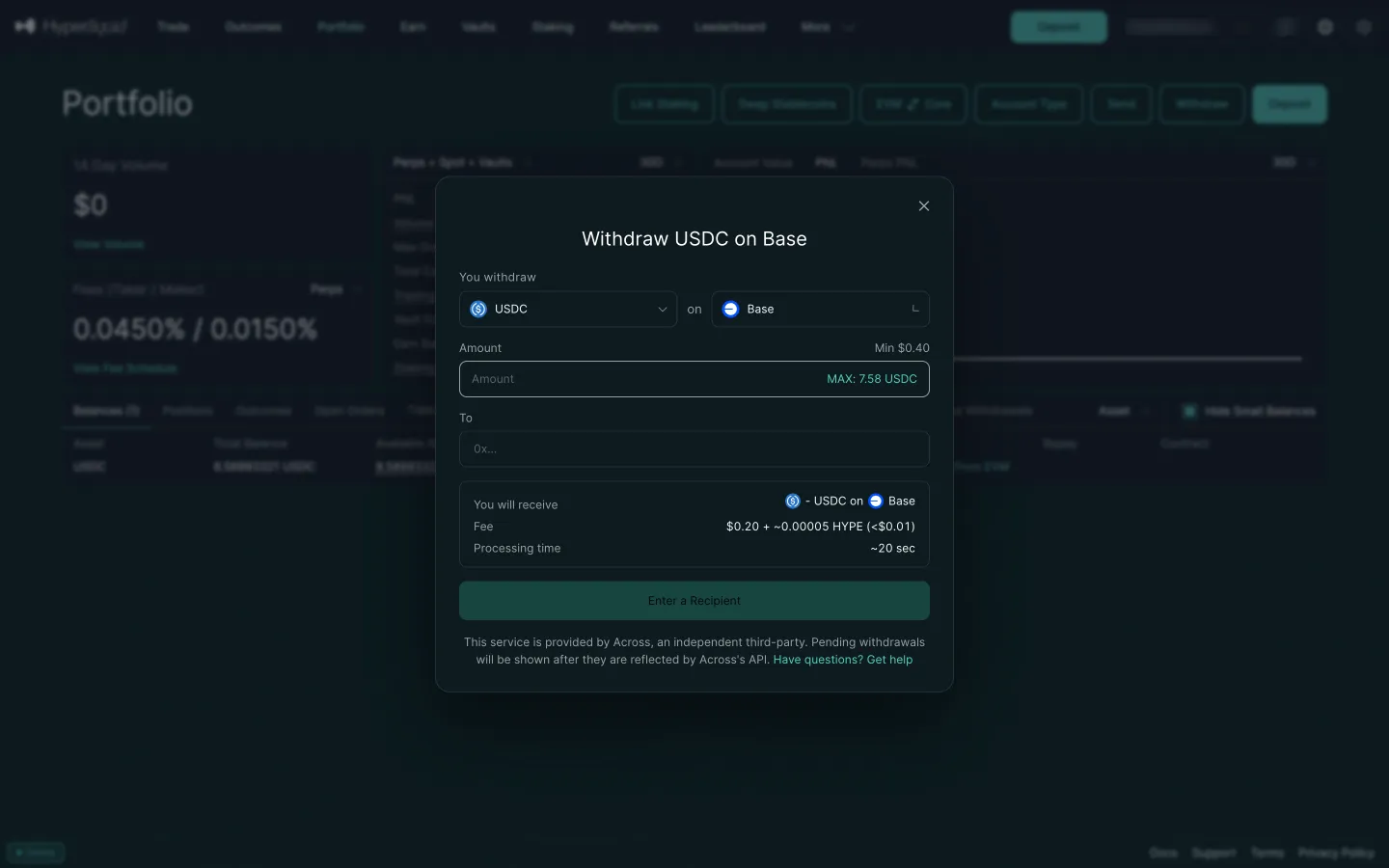
Withdraw USDC on BaseHyperliquidWithdraw USDC on Base
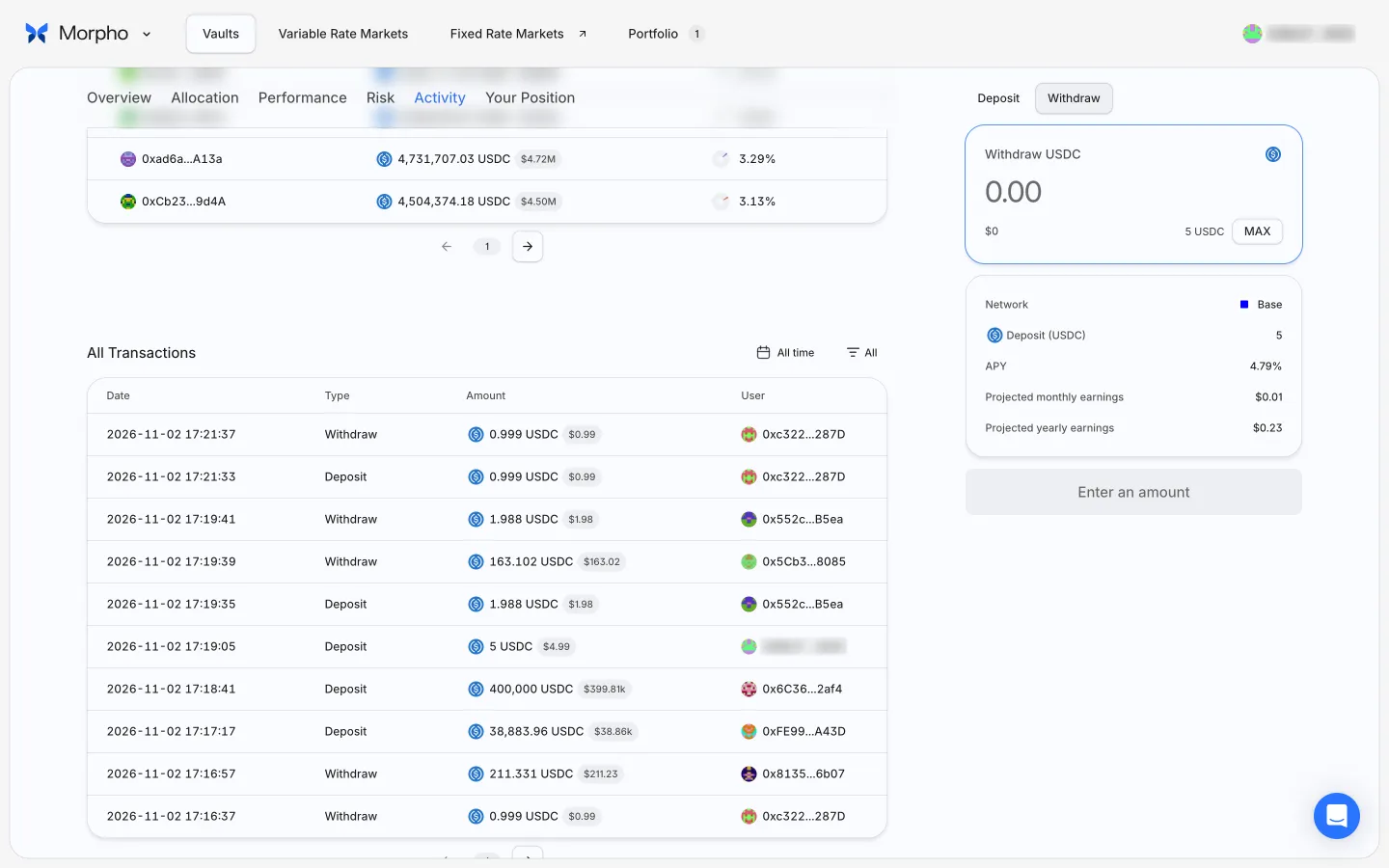
Withdraw tabMorphoWithdraw tab
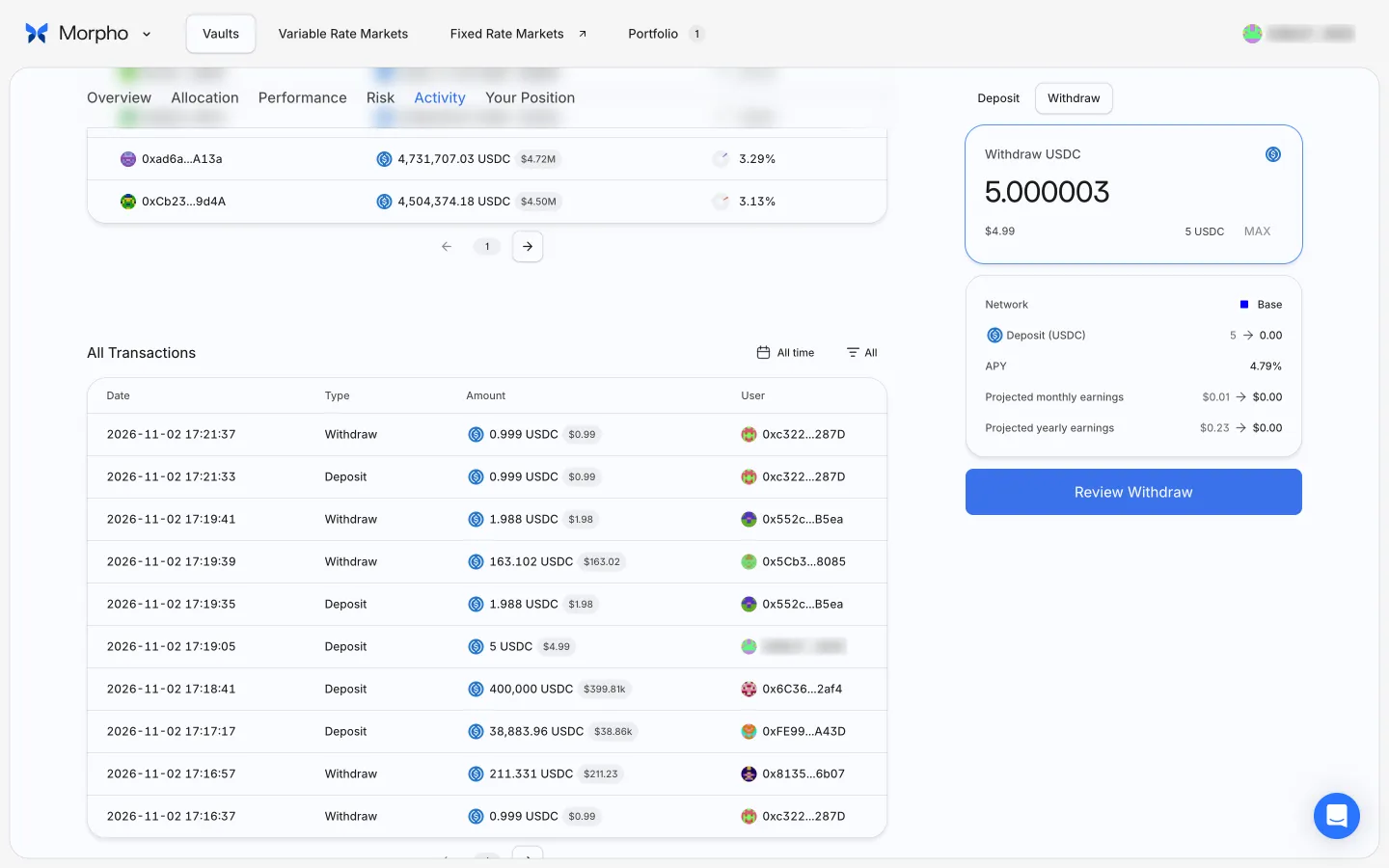
Max fills the whole balanceMorphoMax fills the whole balance
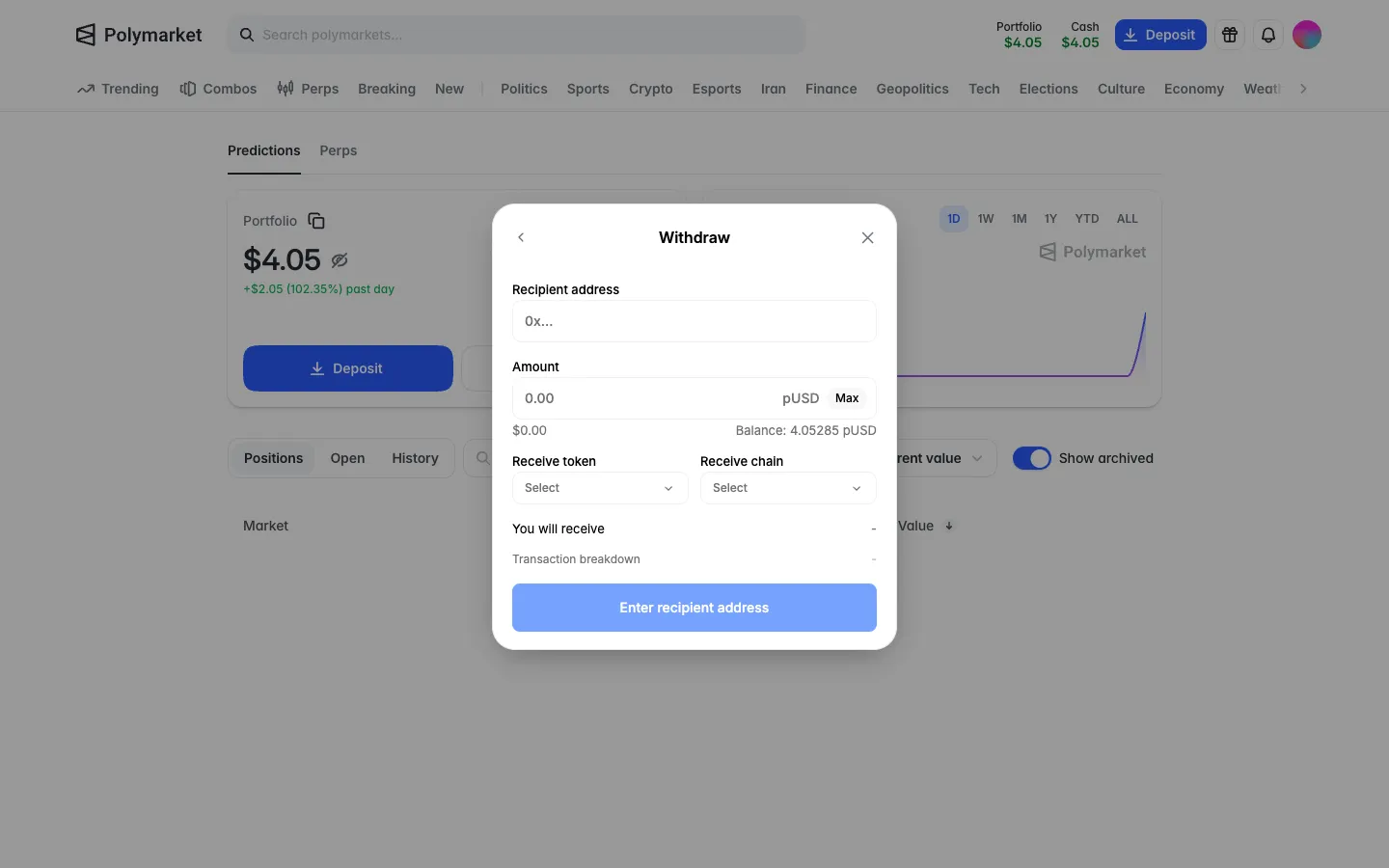
Empty withdraw formPolymarketEmpty withdraw form
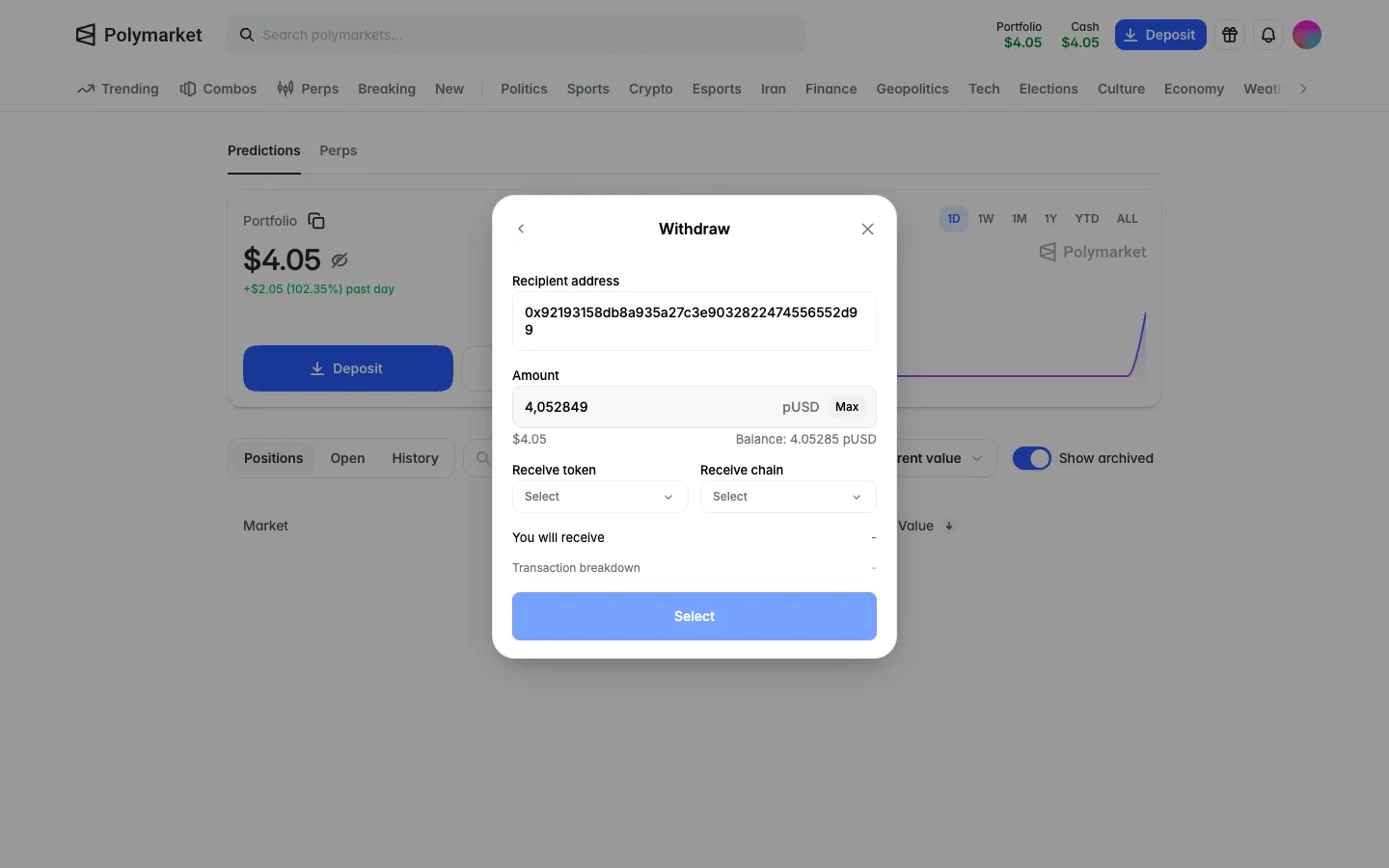
Address in, Max fills the amount with a commaPolymarketAddress in, Max fills the amount with a comma
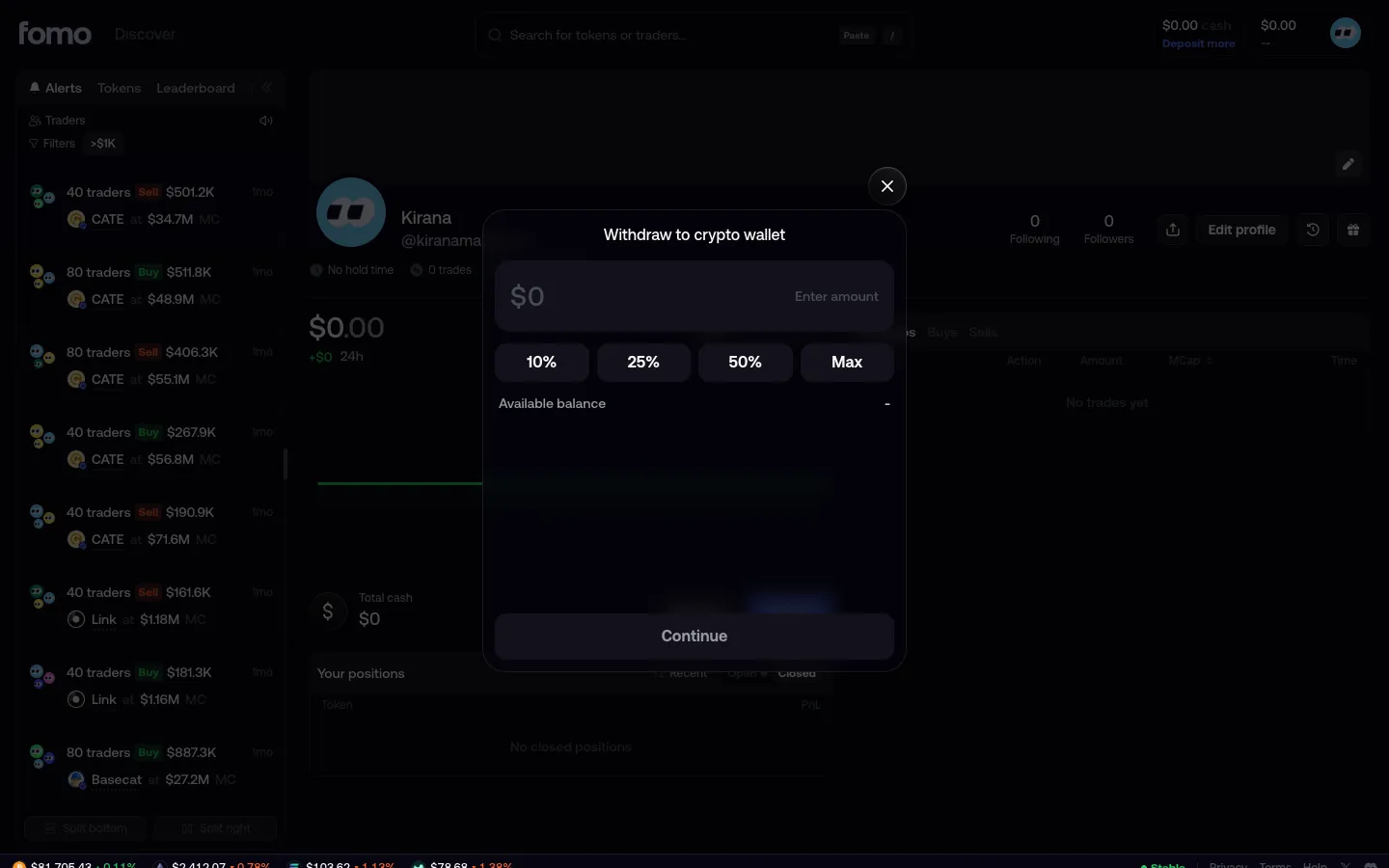
Withdraw to crypto walletfomoWithdraw to crypto wallet
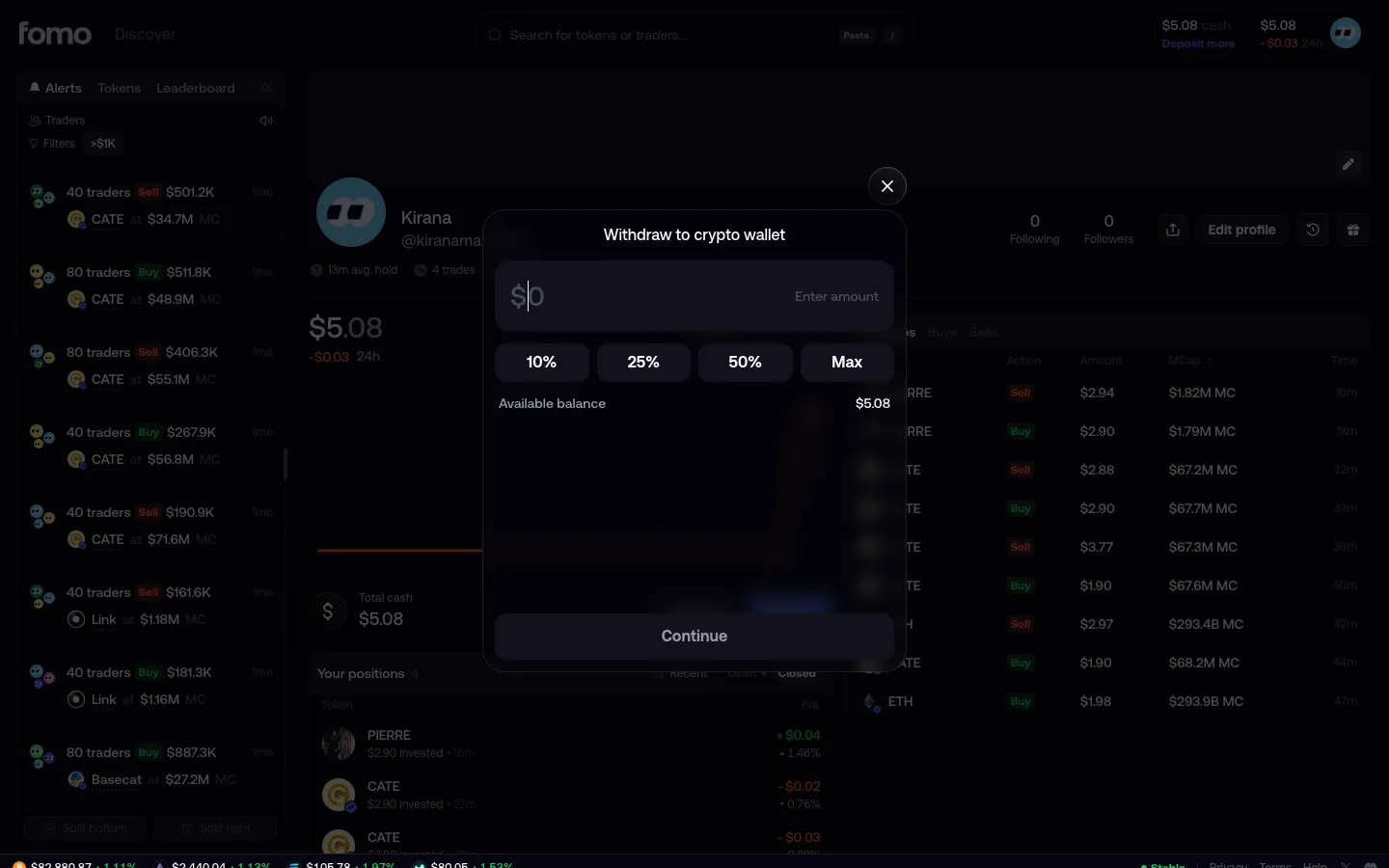
Withdraw shows $5.08 availablefomoWithdraw shows $5.08 available
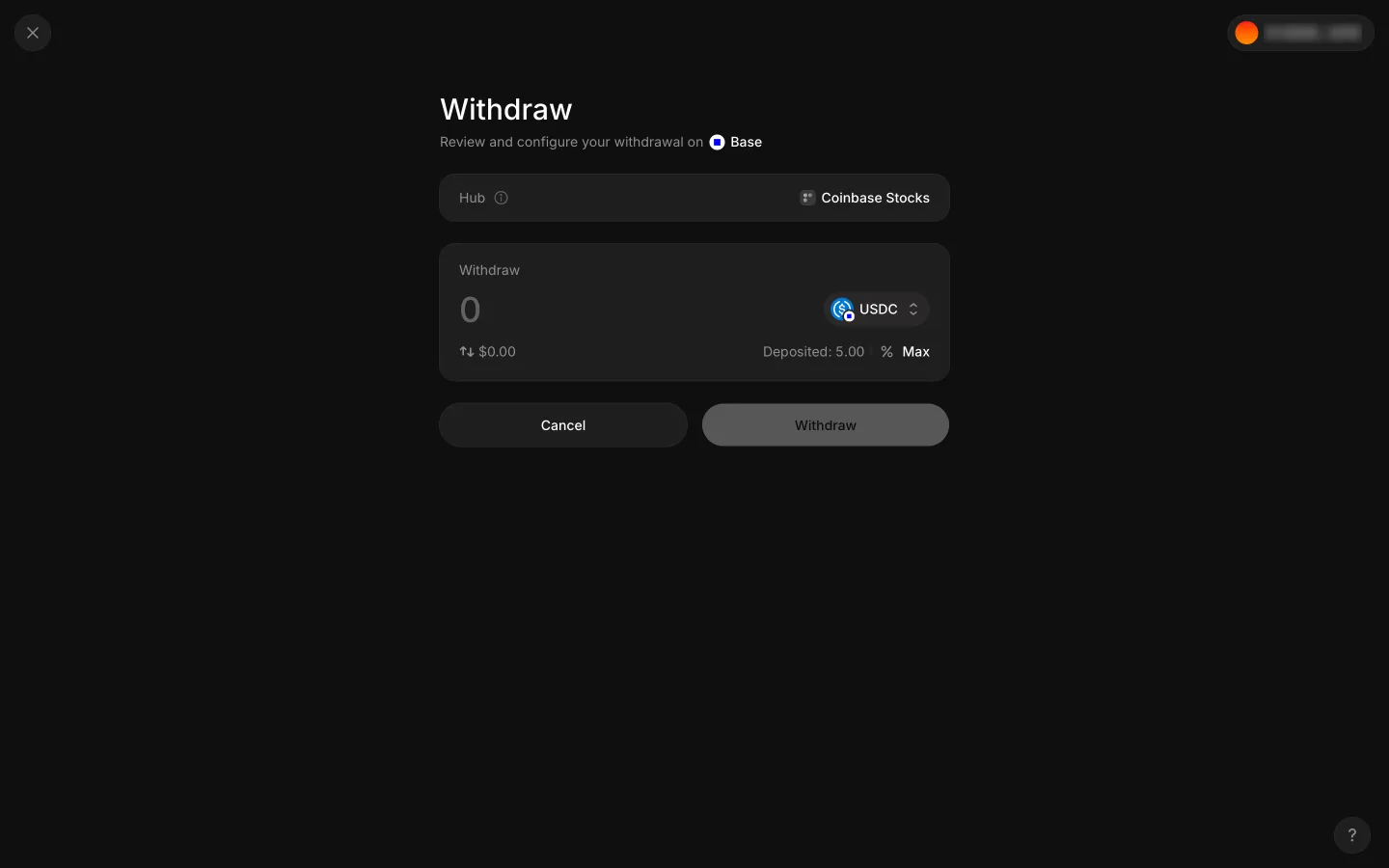
Empty withdraw ticket with 5.00 depositedAave ProEmpty withdraw ticket with 5.00 deposited
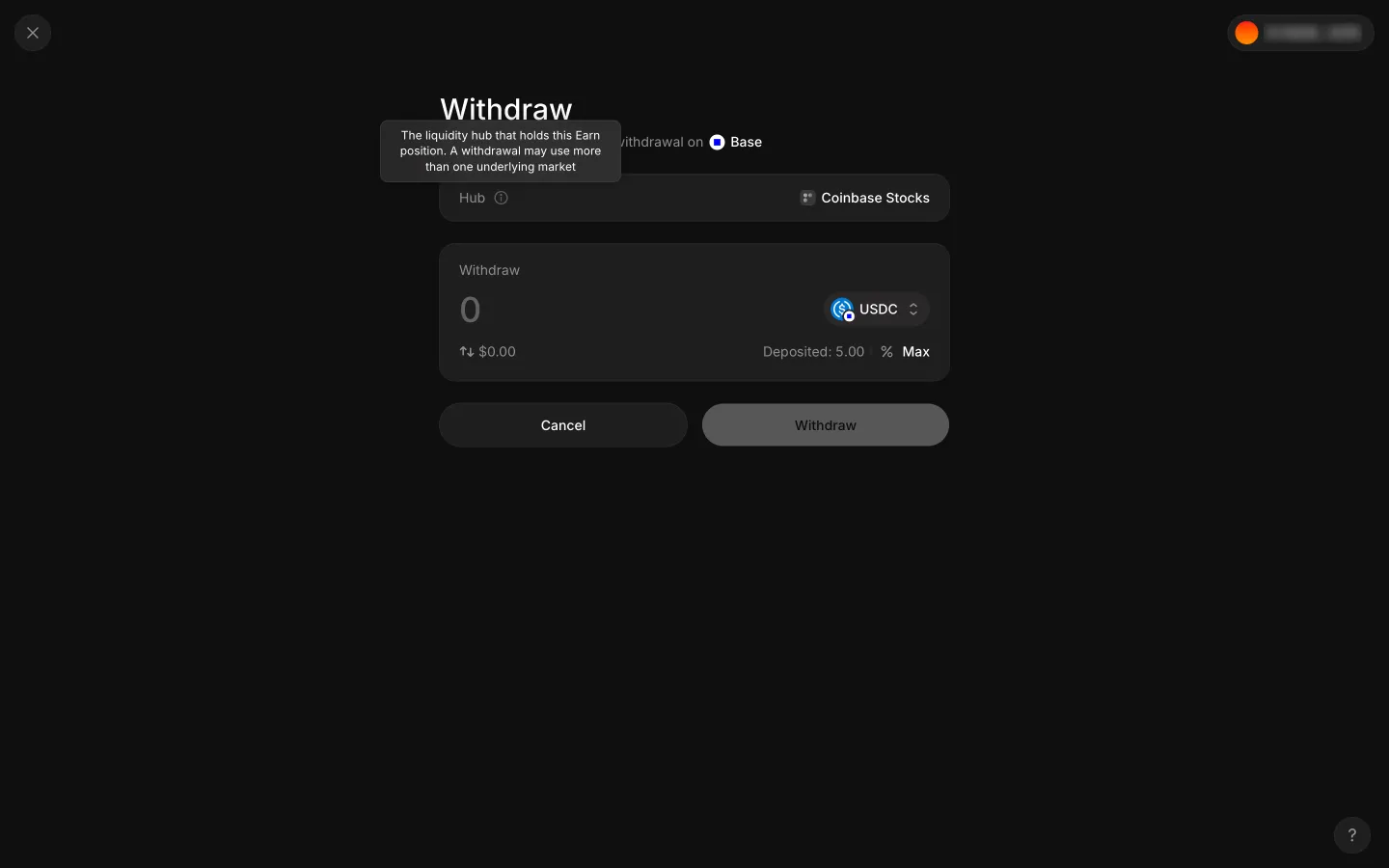
Hub tooltip says the hub that holds this Earn positionAave ProHub tooltip says the hub that holds this Earn position
Empty ticket again after closing the pickerAave ProEmpty ticket again after closing the picker

Screens, flows and sites from real crypto and web3 apps.

© 2026 MoonoPrivacyTerms

Apps

  • All apps
  • Screens
  • Flows
  • UI elements

Sites

  • All sites
  • Sections

Learn

  • Glossary

Product

  • Pricing
  • MCPNew

© 2026 MoonoPrivacyTerms