All appsScreensFlowsUI elements
PricingGlossary
AllScreensFlowsUI elements

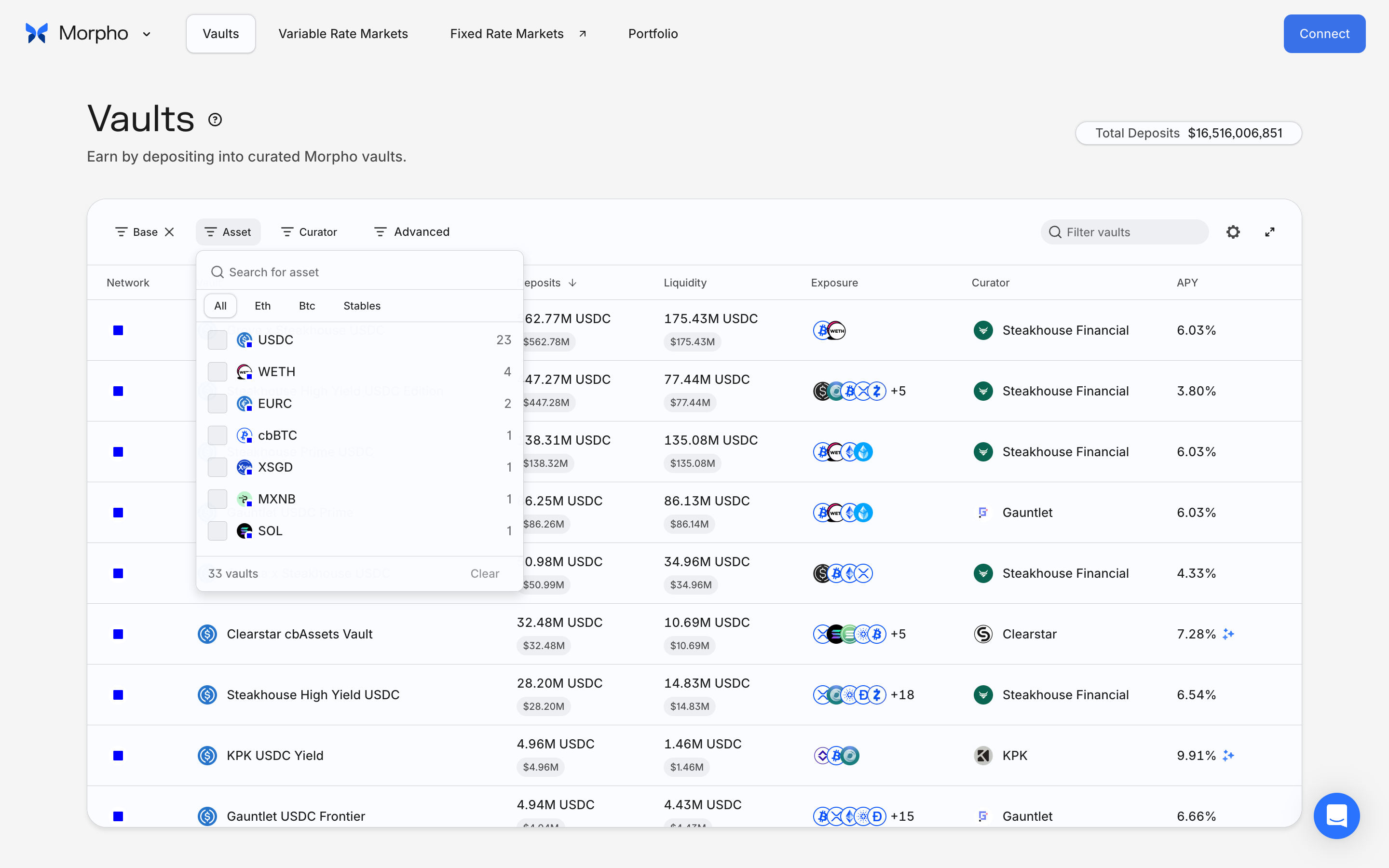
Choose an asset in Morpho

Step 4 of 7 in Comparing vault optionsPlay
Choose an asset

Choose an asset

Filter & Sort

Screen typeFilter & Sort
StateInput
CapturedNov 2026
UI elementsCheckboxDialogSearch BarSegmented ControlTable
In the flowComparing vault options
SizeDesktop, 2880 by 1800
Open the flowOpen original

Similar screens in other apps

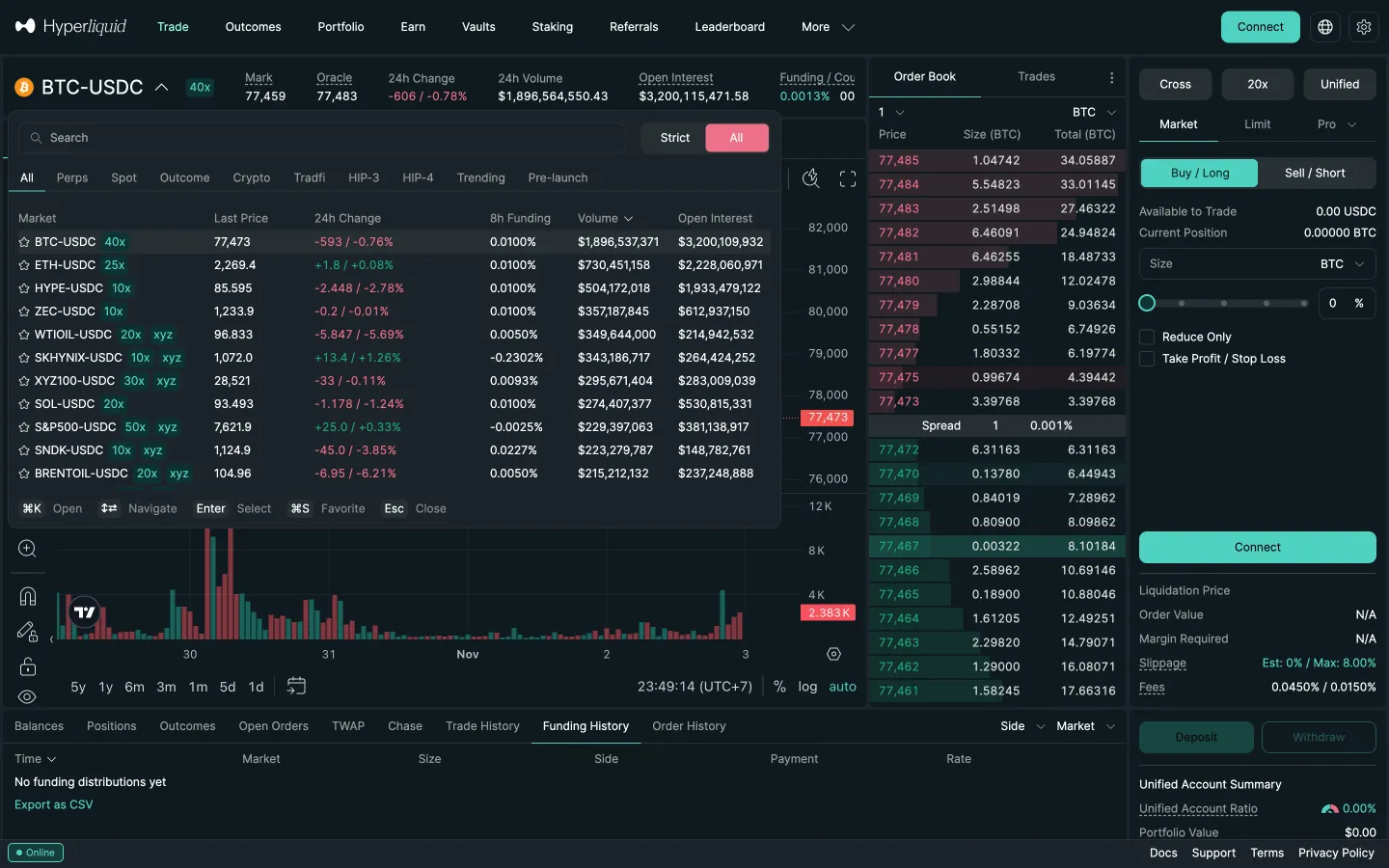
Strict switched to AllHyperliquidStrict switched to All
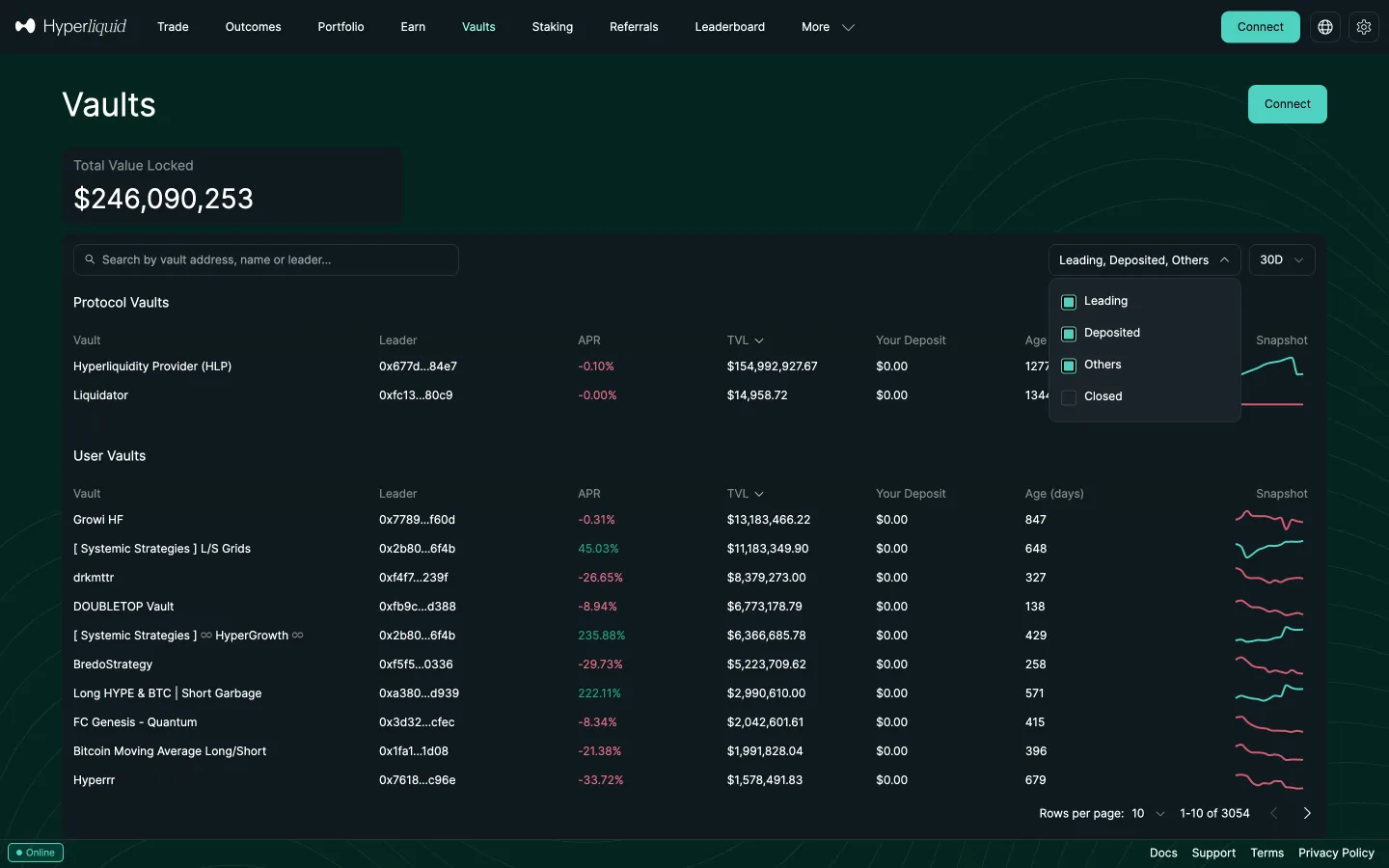
Vault status filterHyperliquidVault status filter
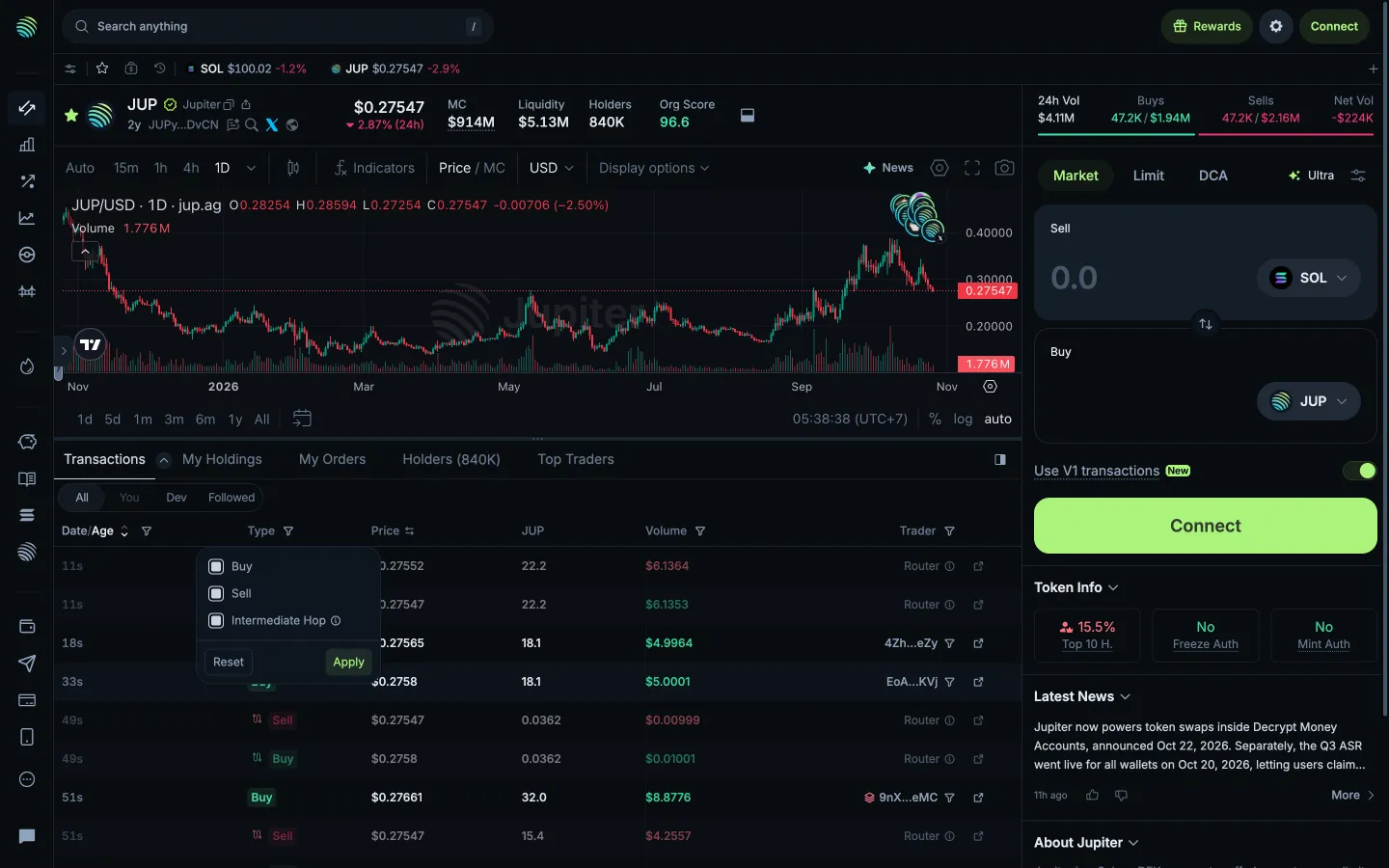
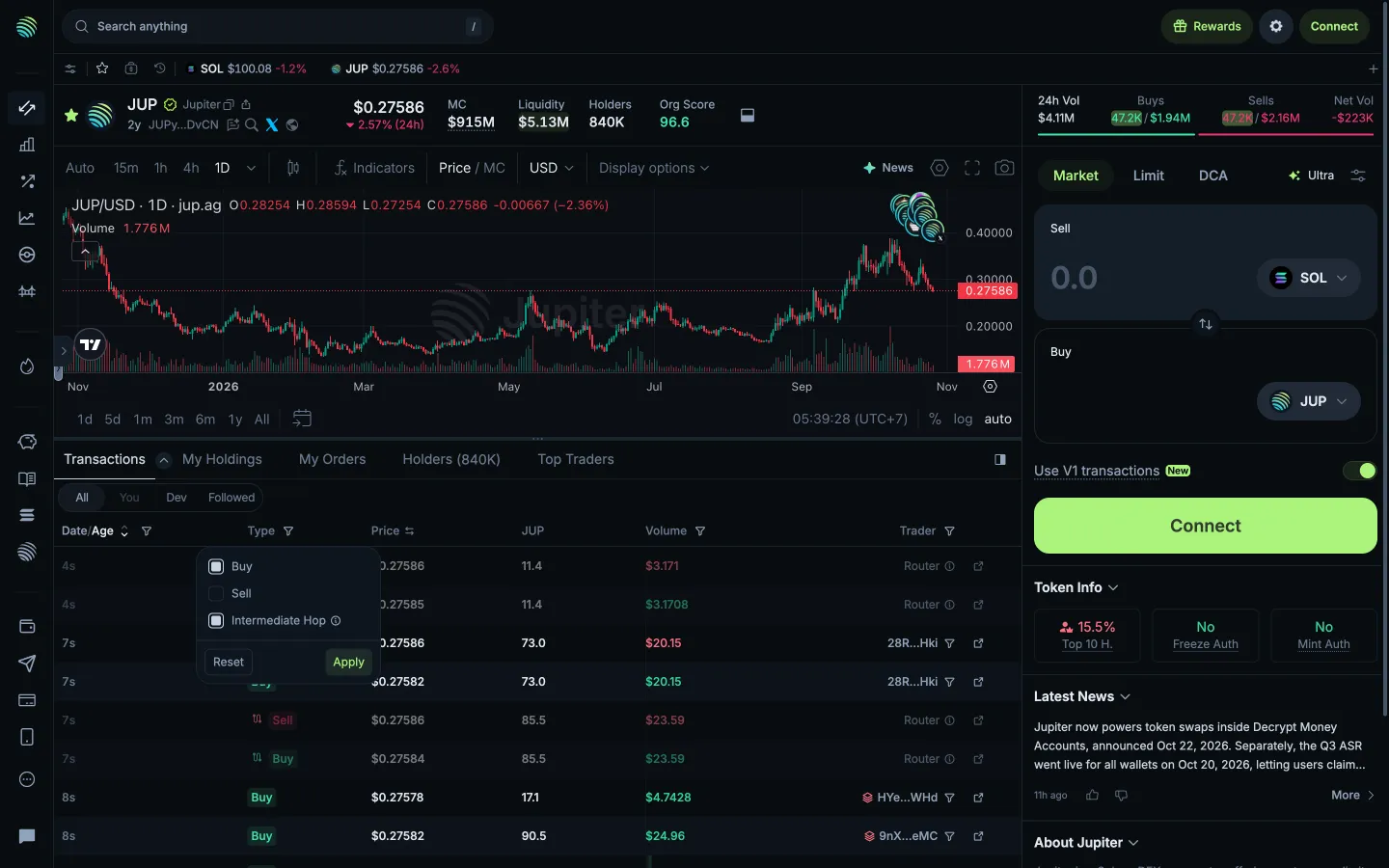
Choose transaction typesJupiterChoose transaction types
Exclude sellsJupiterExclude sells
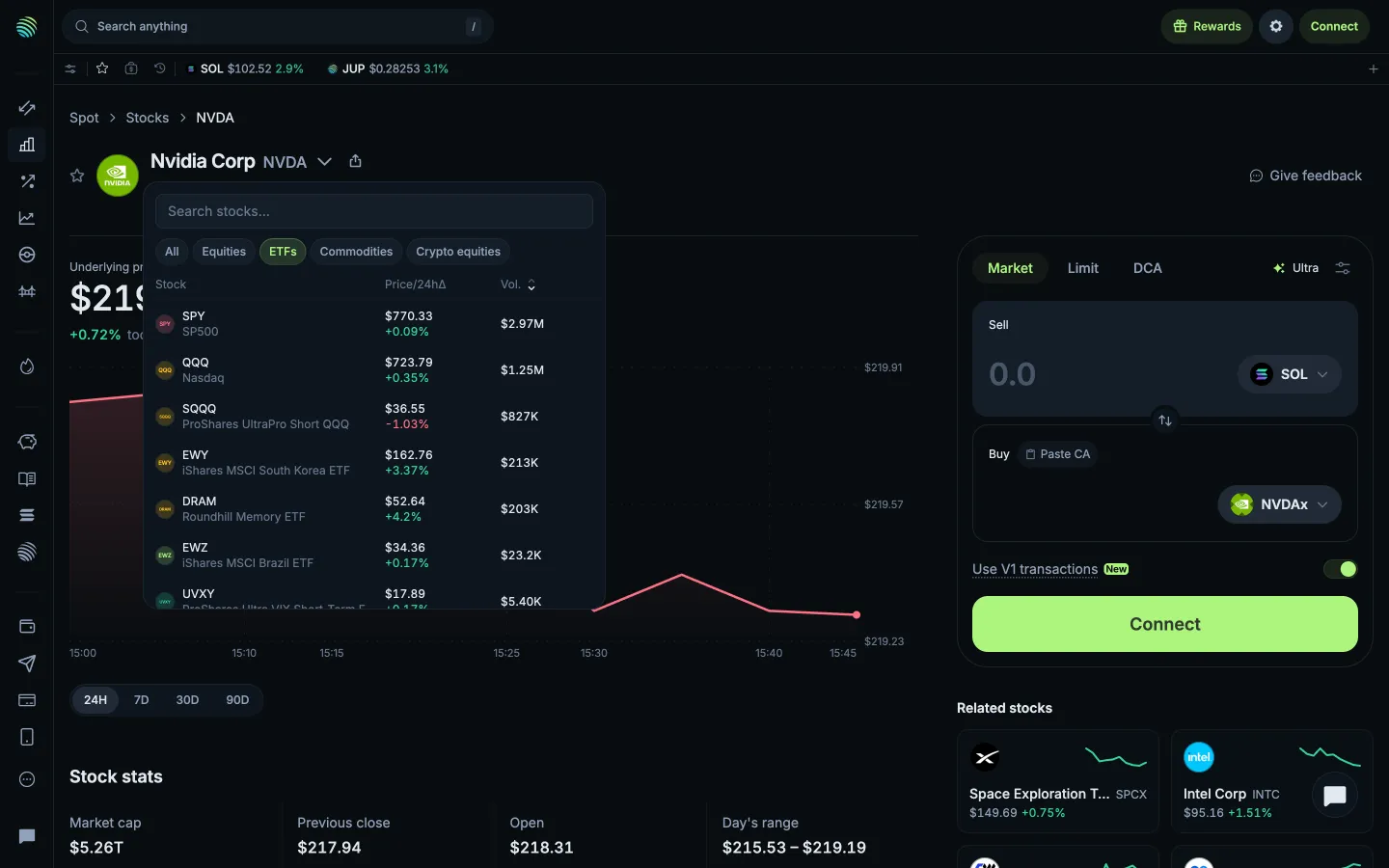
Browse exchange traded funds in the stock pickerJupiterBrowse exchange traded funds in the stock picker
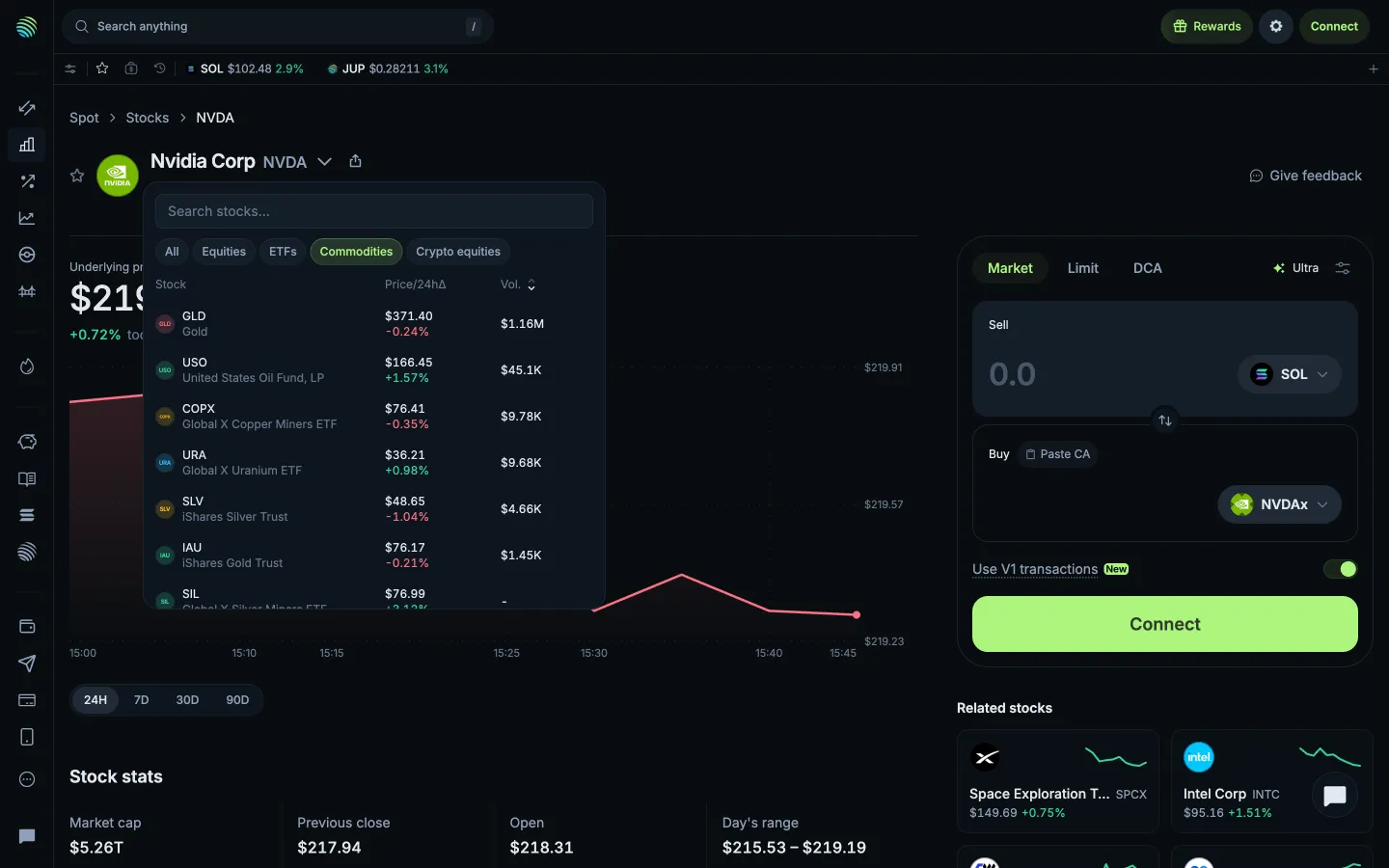
Browse commodities in the stock pickerJupiterBrowse commodities in the stock picker
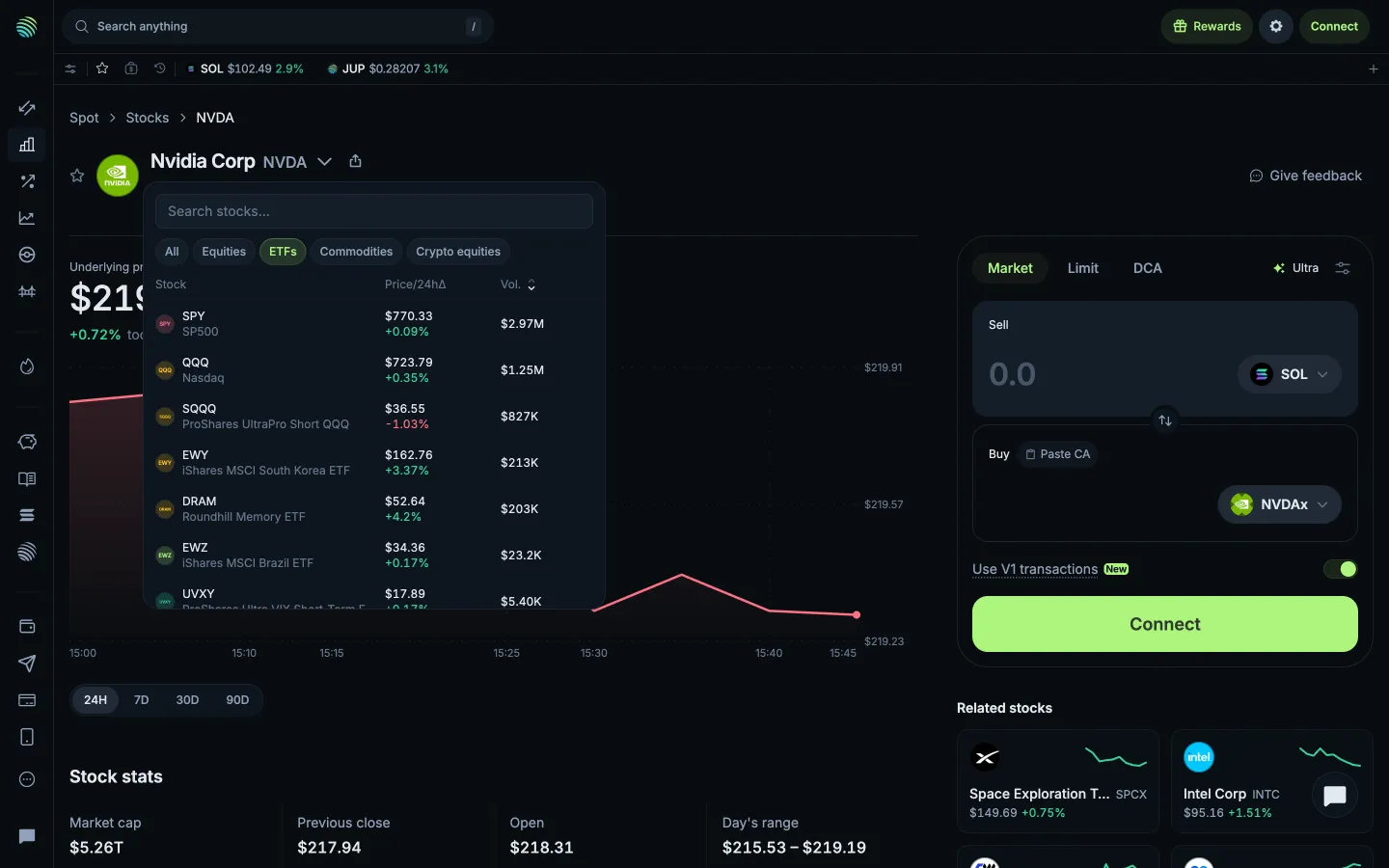
Return to exchange traded fundsJupiterReturn to exchange traded funds
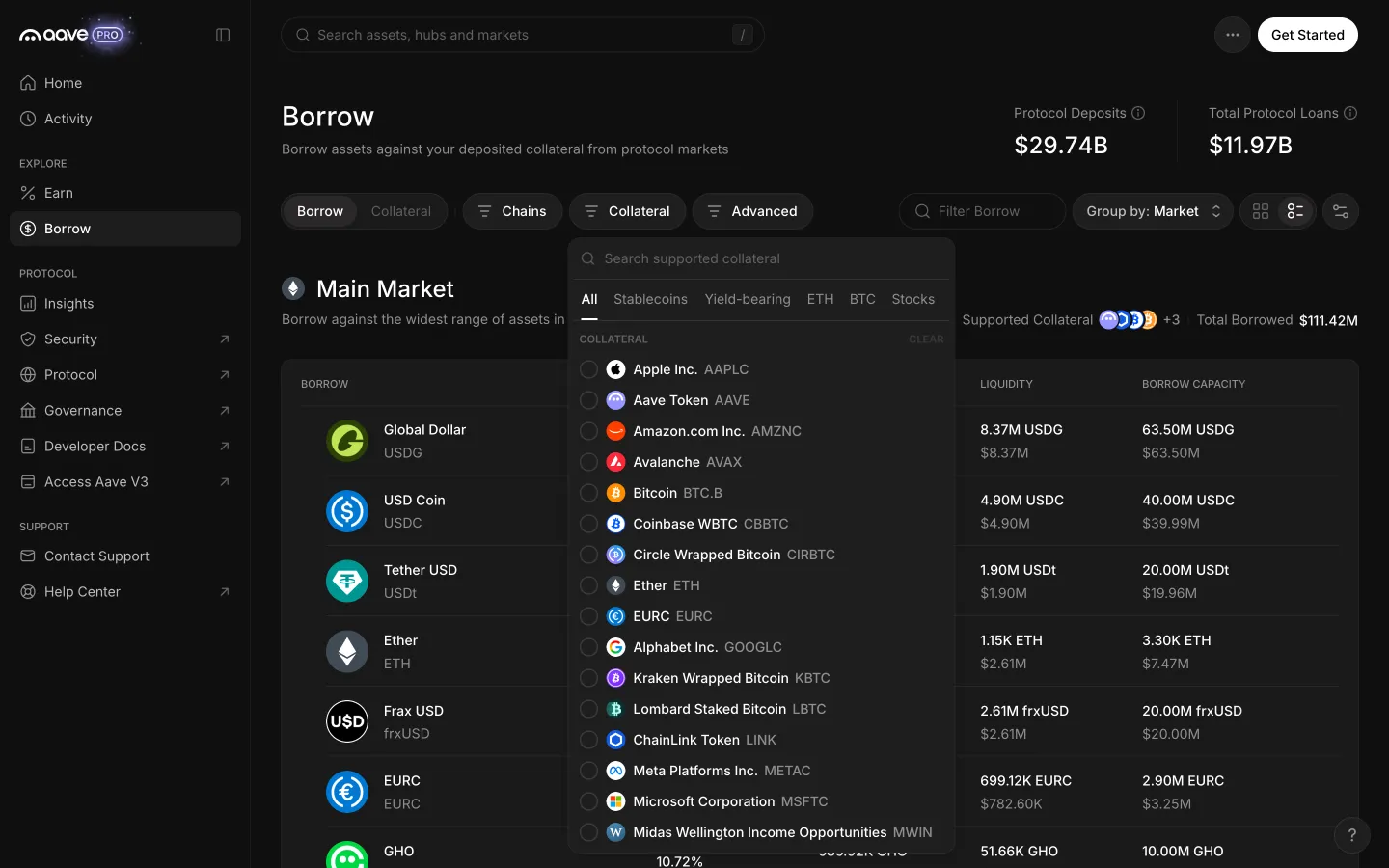
Collateral filter lists the assets a borrower may holdAave ProCollateral filter lists the assets a borrower may hold
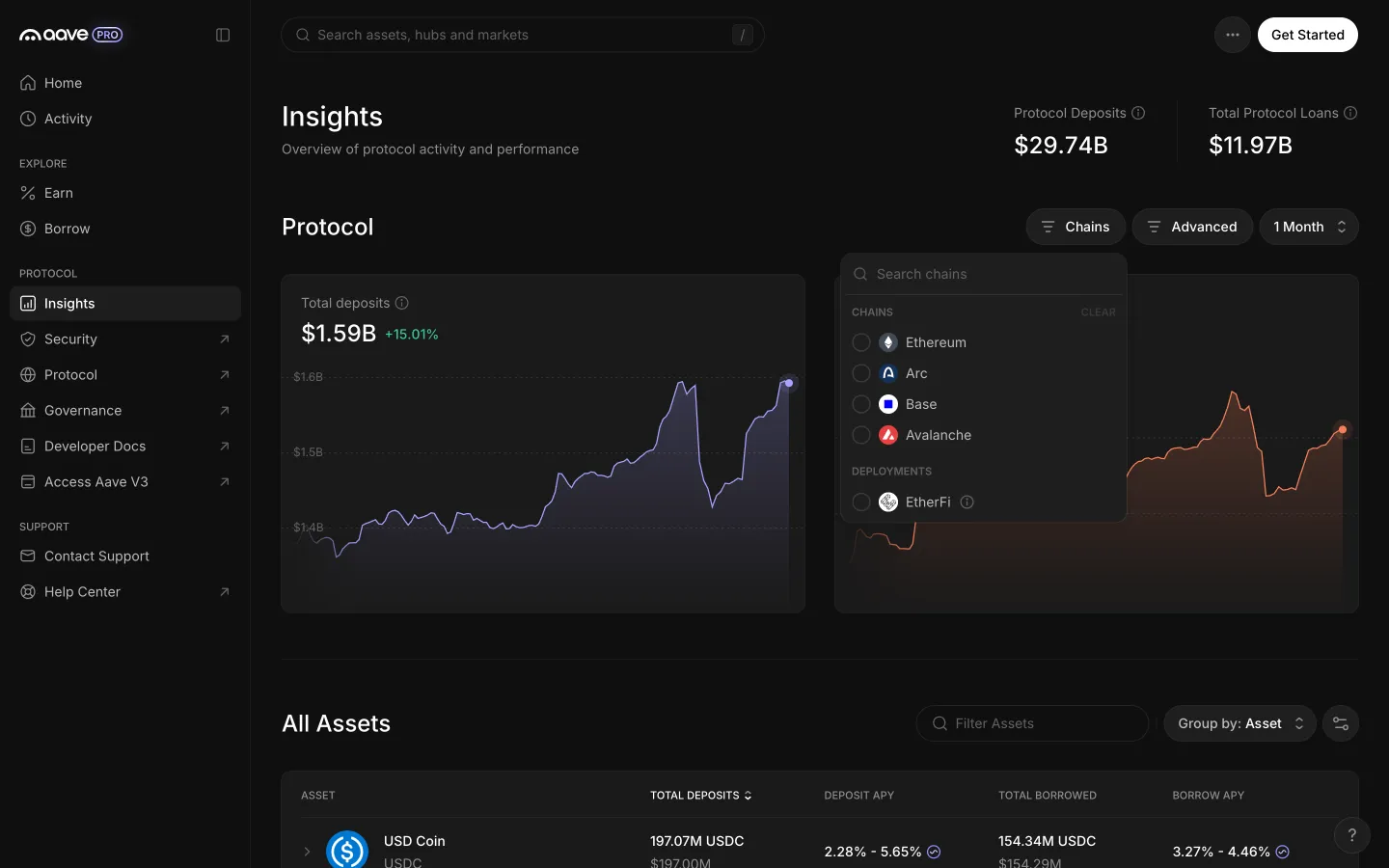
Chains menu with deployments such as EtherFiAave ProChains menu with deployments such as EtherFi
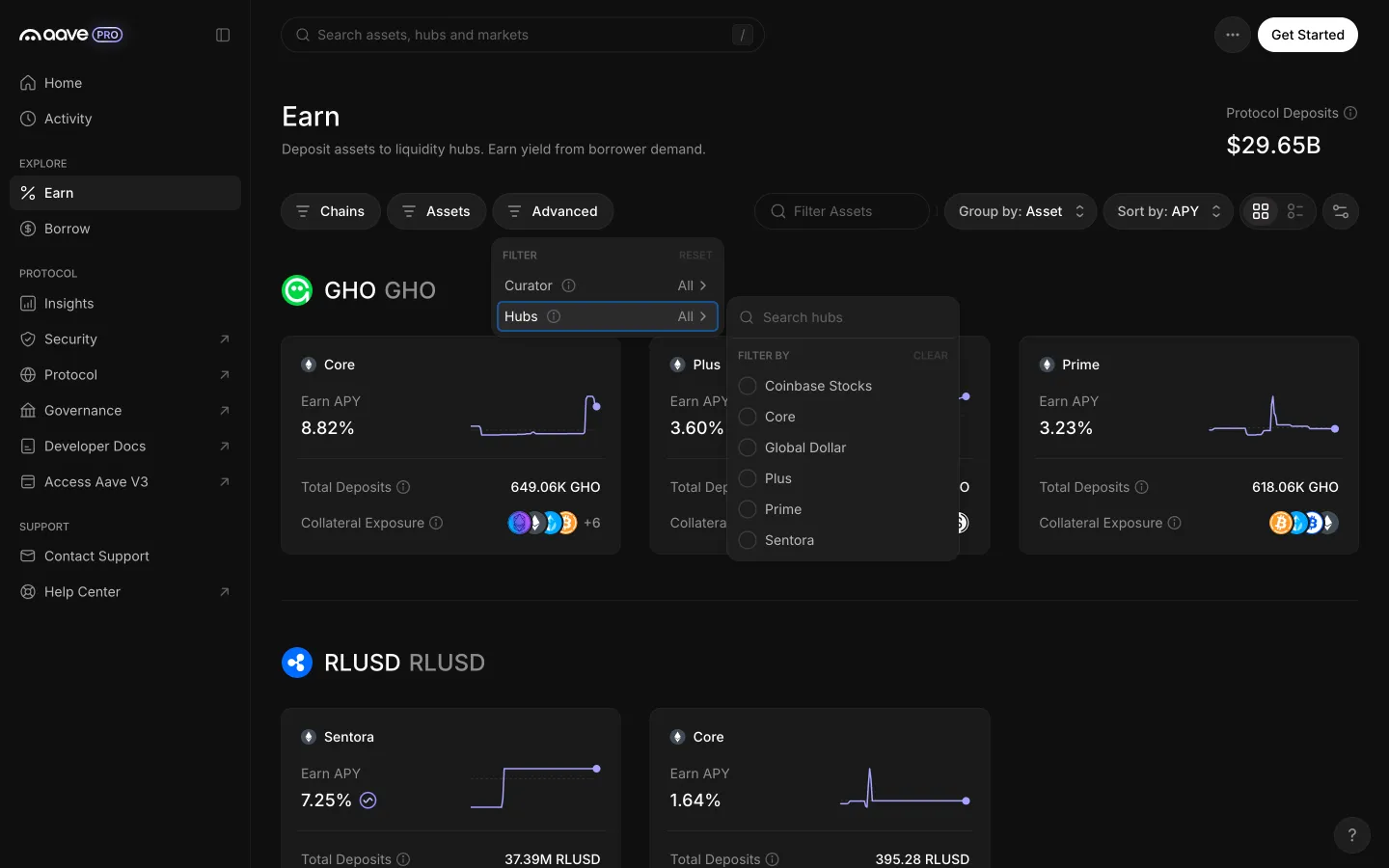
Hubs list with six hubs to pick fromAave ProHubs list with six hubs to pick from
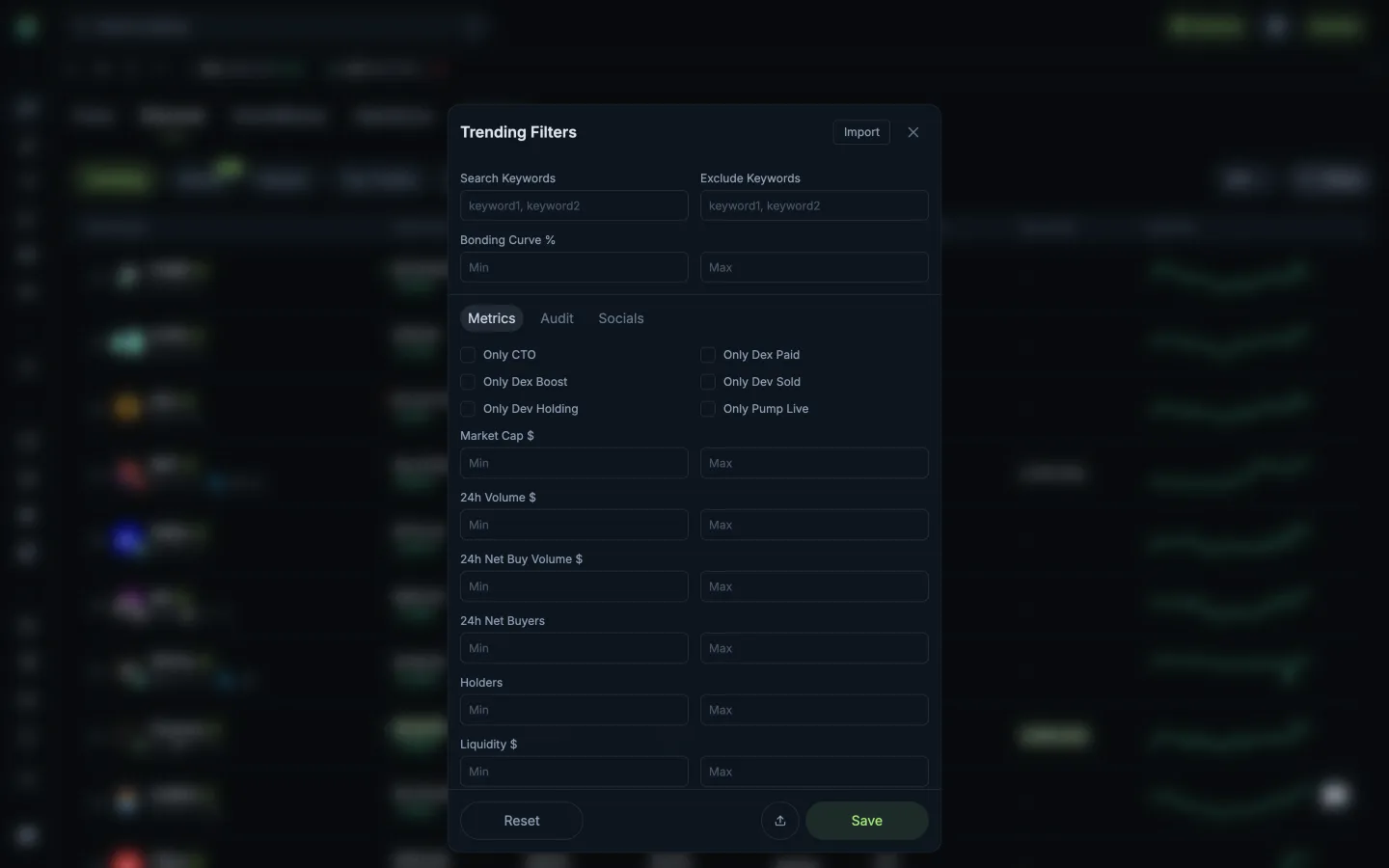
Filters open on metricsJupiterFilters open on metrics
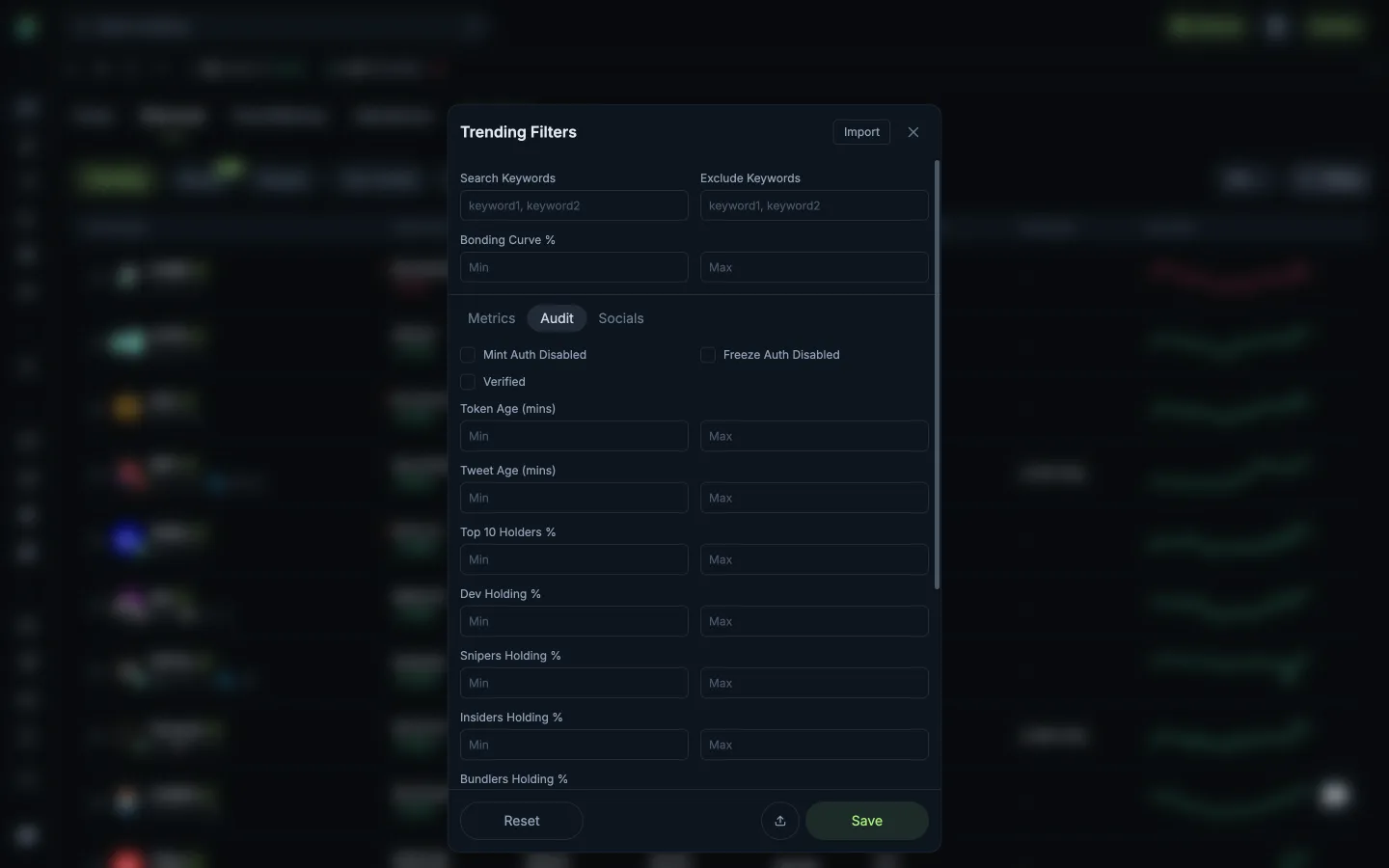
Audit filters for token safetyJupiterAudit filters for token safety

Screens, flows and sites from real crypto and web3 apps.

© 2026 MoonoPrivacyTerms

Apps

  • All apps
  • Screens
  • Flows
  • UI elements

Sites

  • All sites
  • Sections

Learn

  • Glossary

Product

  • Pricing
  • MCPNew

© 2026 MoonoPrivacyTerms