All appsScreensFlowsUI elements
PricingGlossary
AllScreensFlowsUI elements

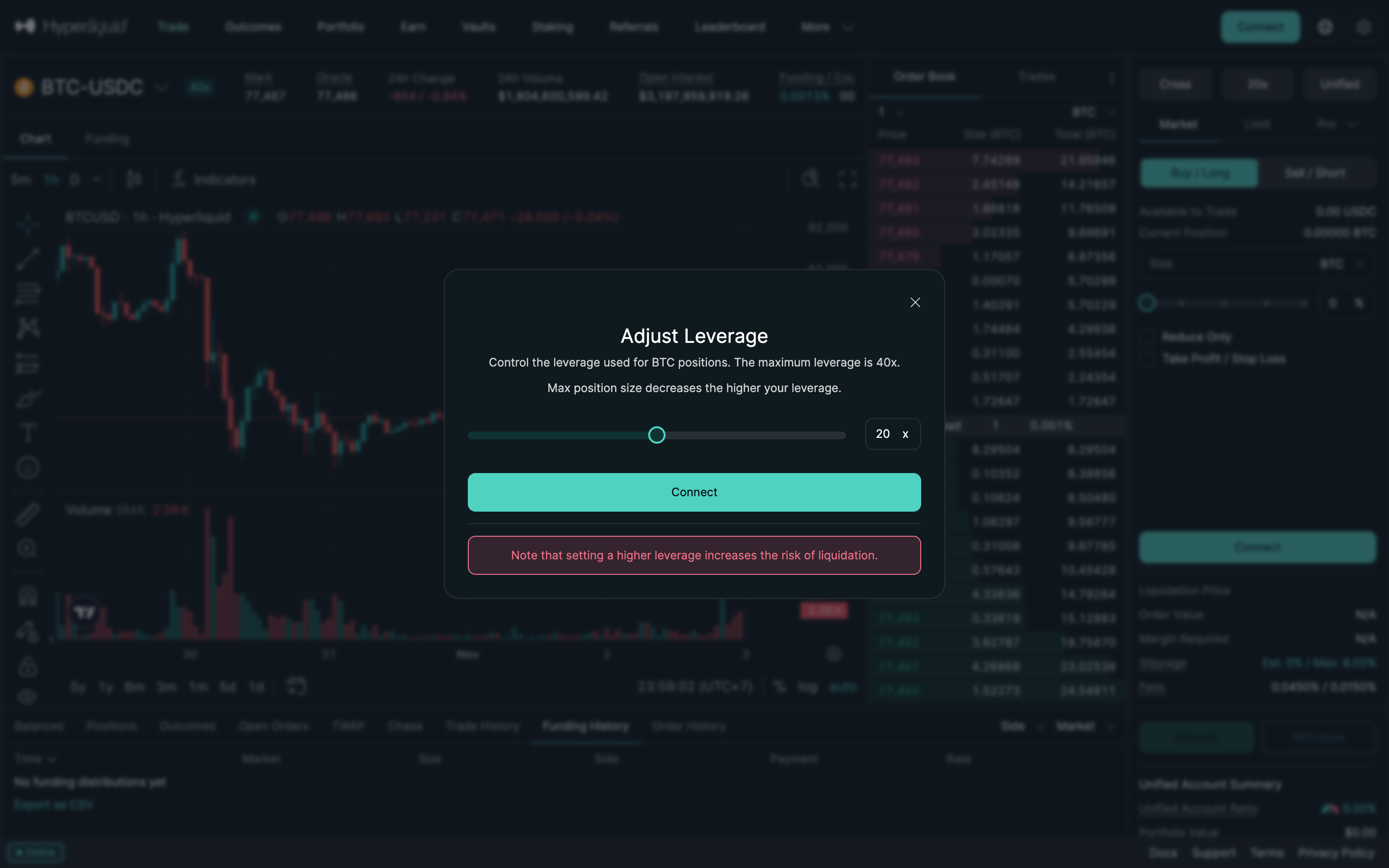
Adjust leverage with liquidation note in Hyperliquid

Step 4 of 4 in Leverage and margin modePlay
Adjust leverage with liquidation note

Adjust leverage with liquidation note

Order Ticket

Screen typeOrder Ticket
StateInput
CapturedNov 2026
UI elementsBannerButtonDialogLeverage ControlSlider
In the flowLeverage and margin mode
SizeDesktop, 2880 by 1800
Open the flowOpen original

Similar screens in other apps

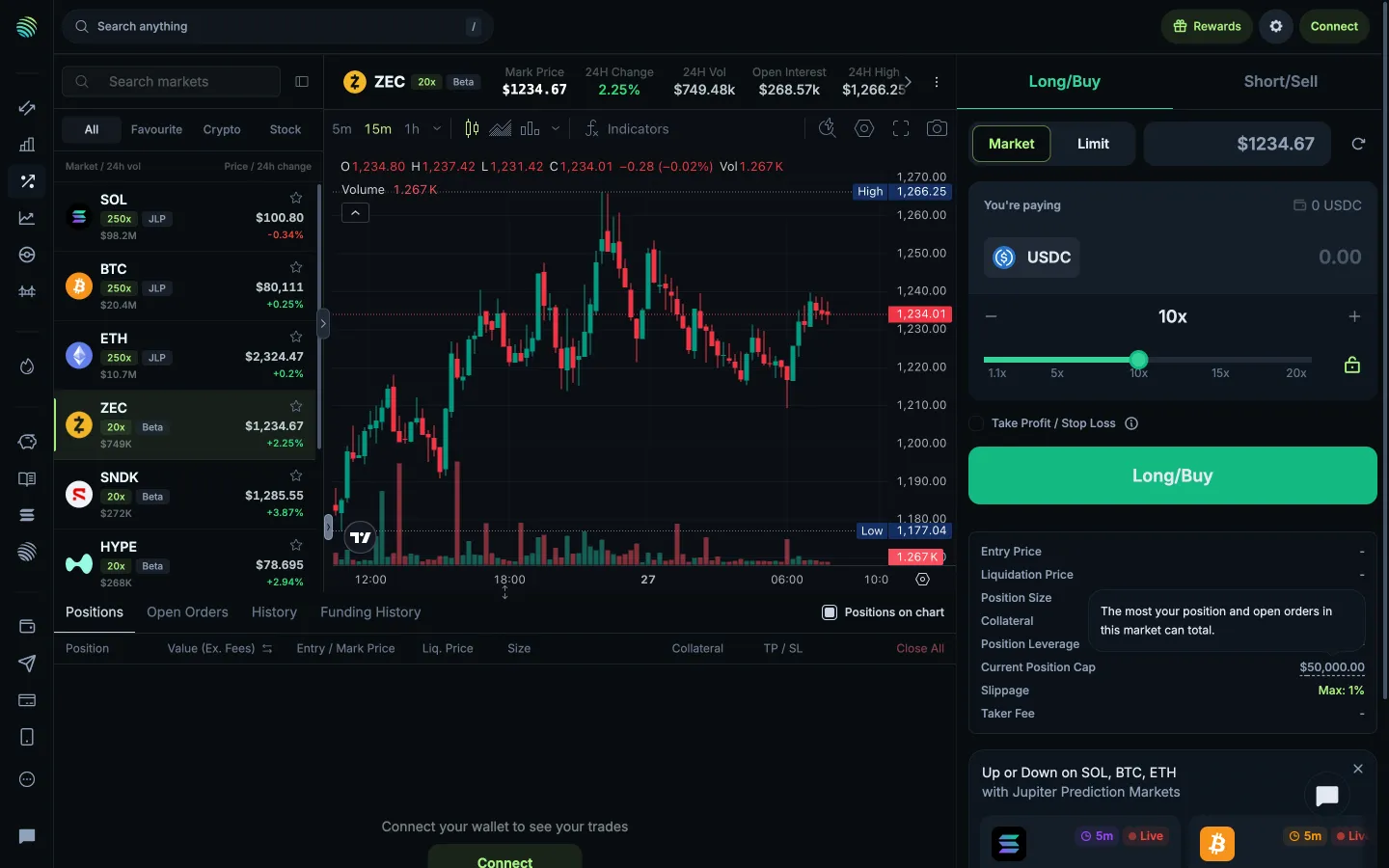
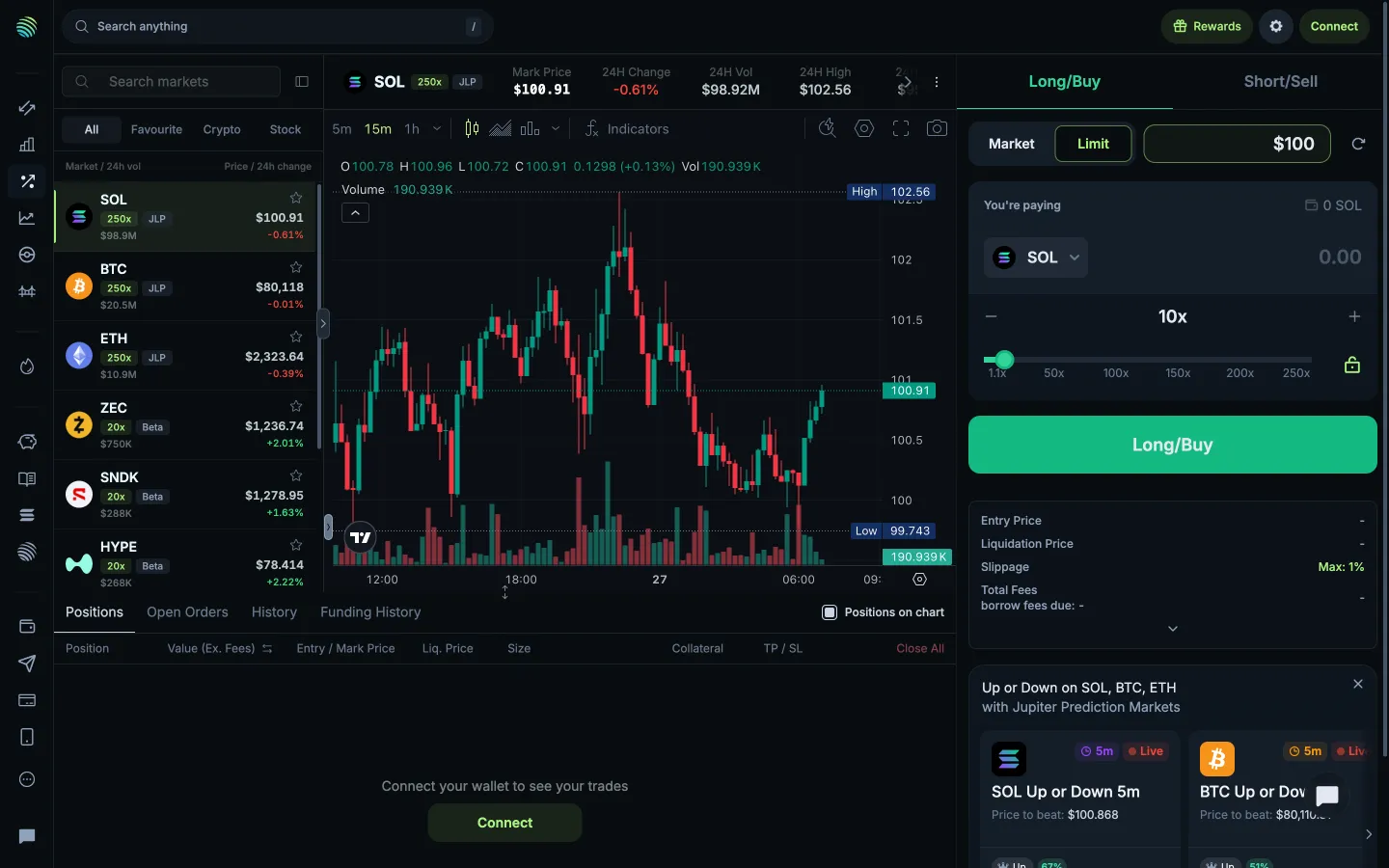
Position cap includes positions and open ordersJupiterPosition cap includes positions and open orders
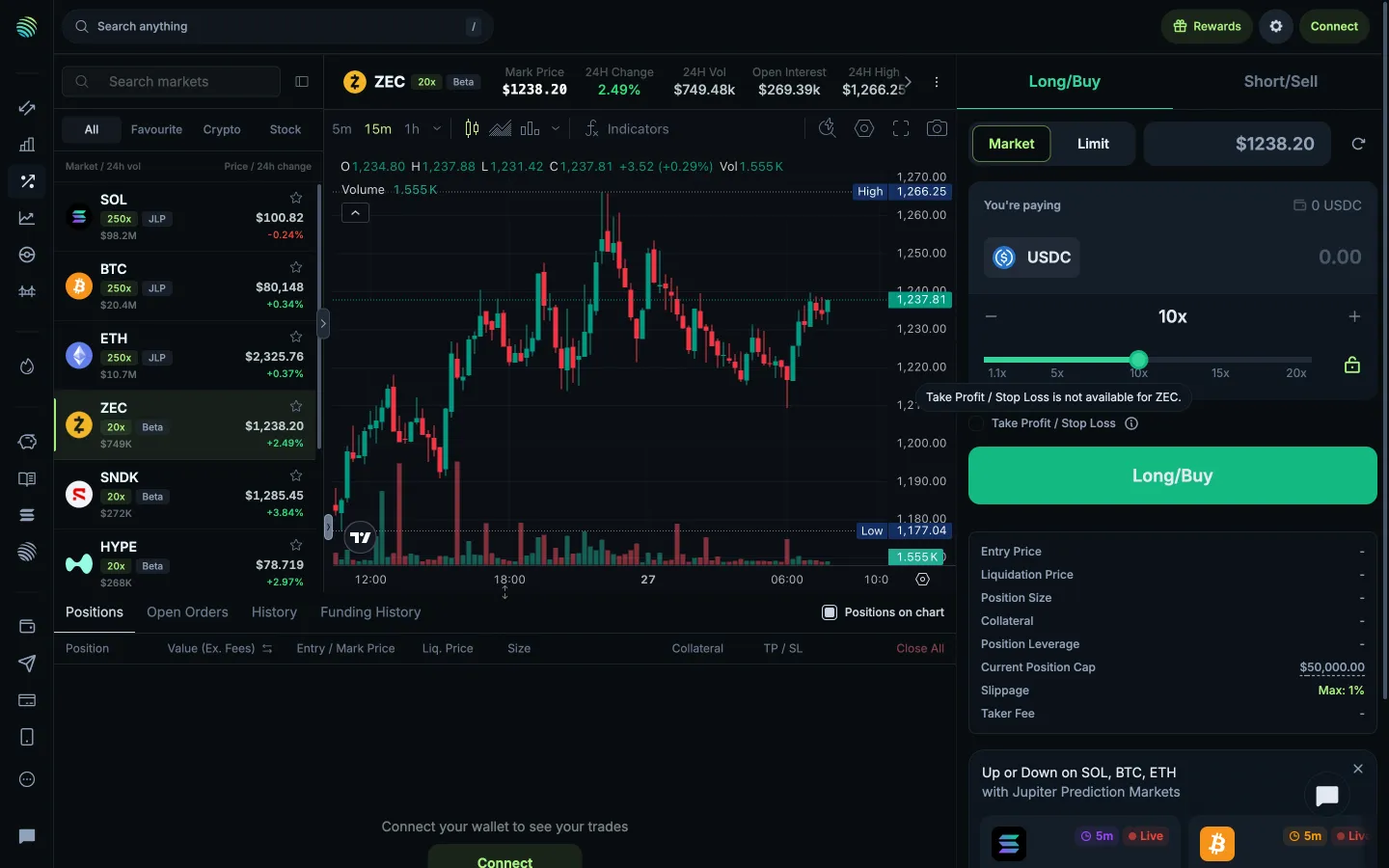
Take profit and stop loss unavailable for this marketJupiterTake profit and stop loss unavailable for this market
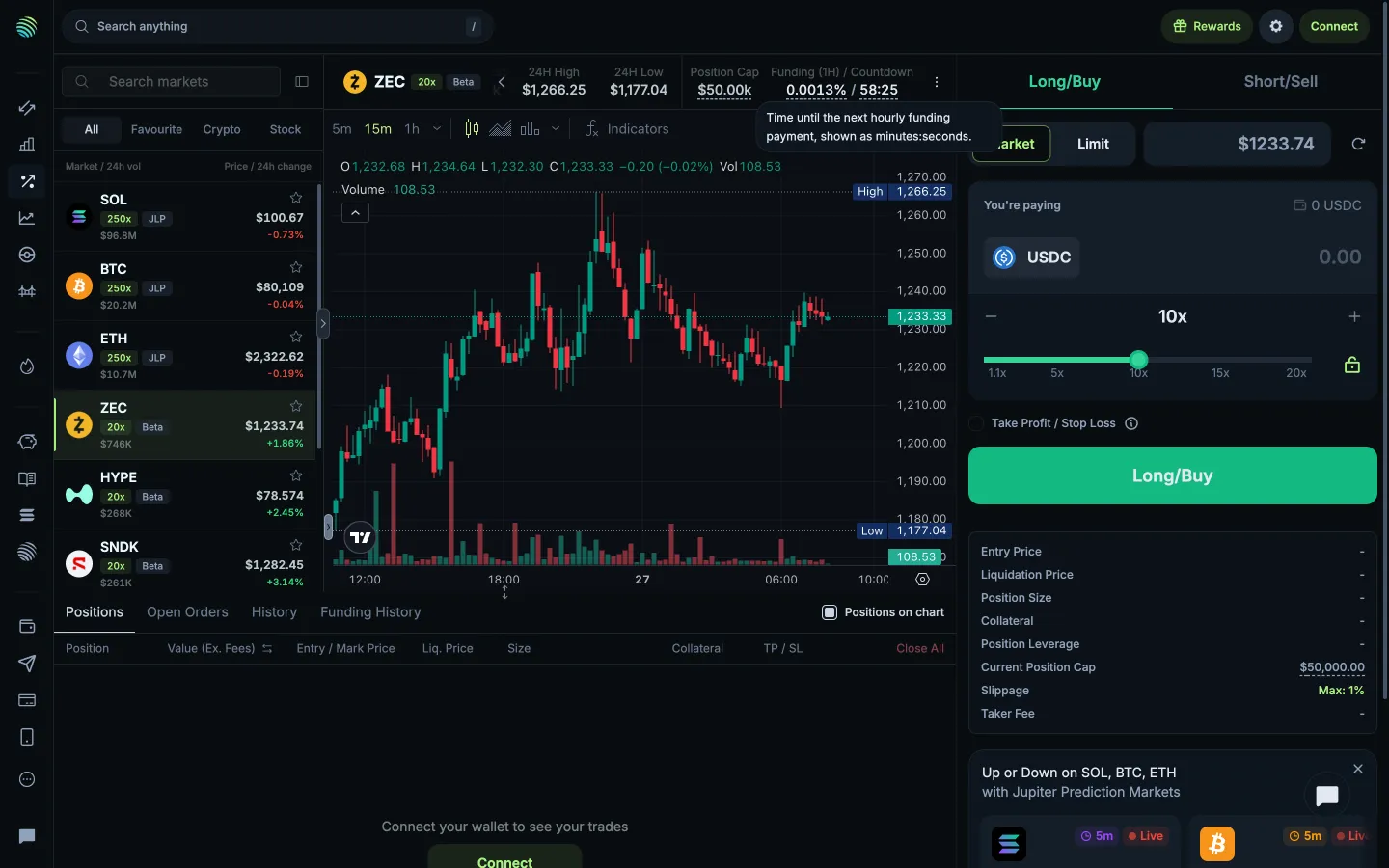
Time until the next hourly funding paymentJupiterTime until the next hourly funding payment
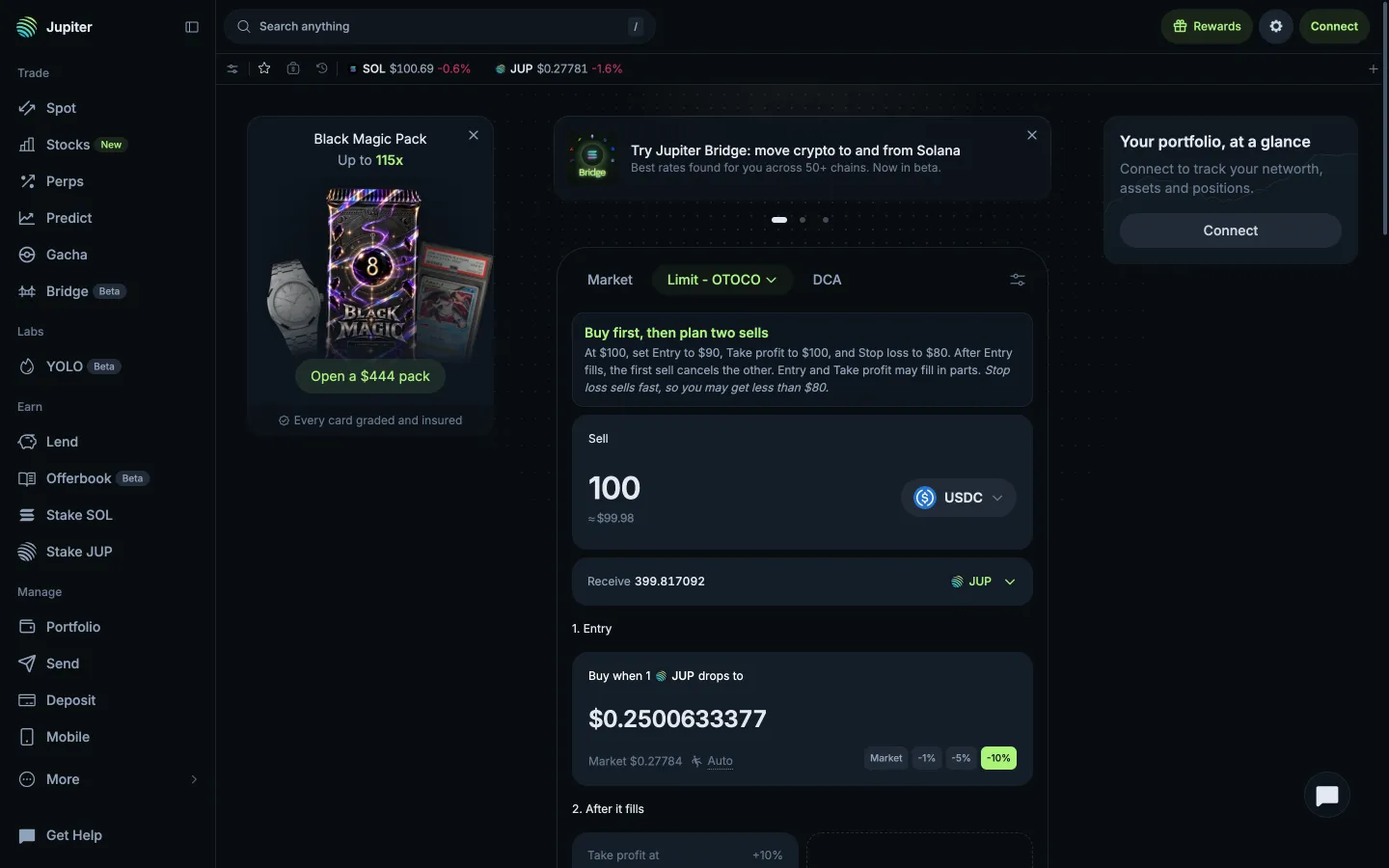
Limit Buy then OCO ticketJupiterLimit Buy then OCO ticket
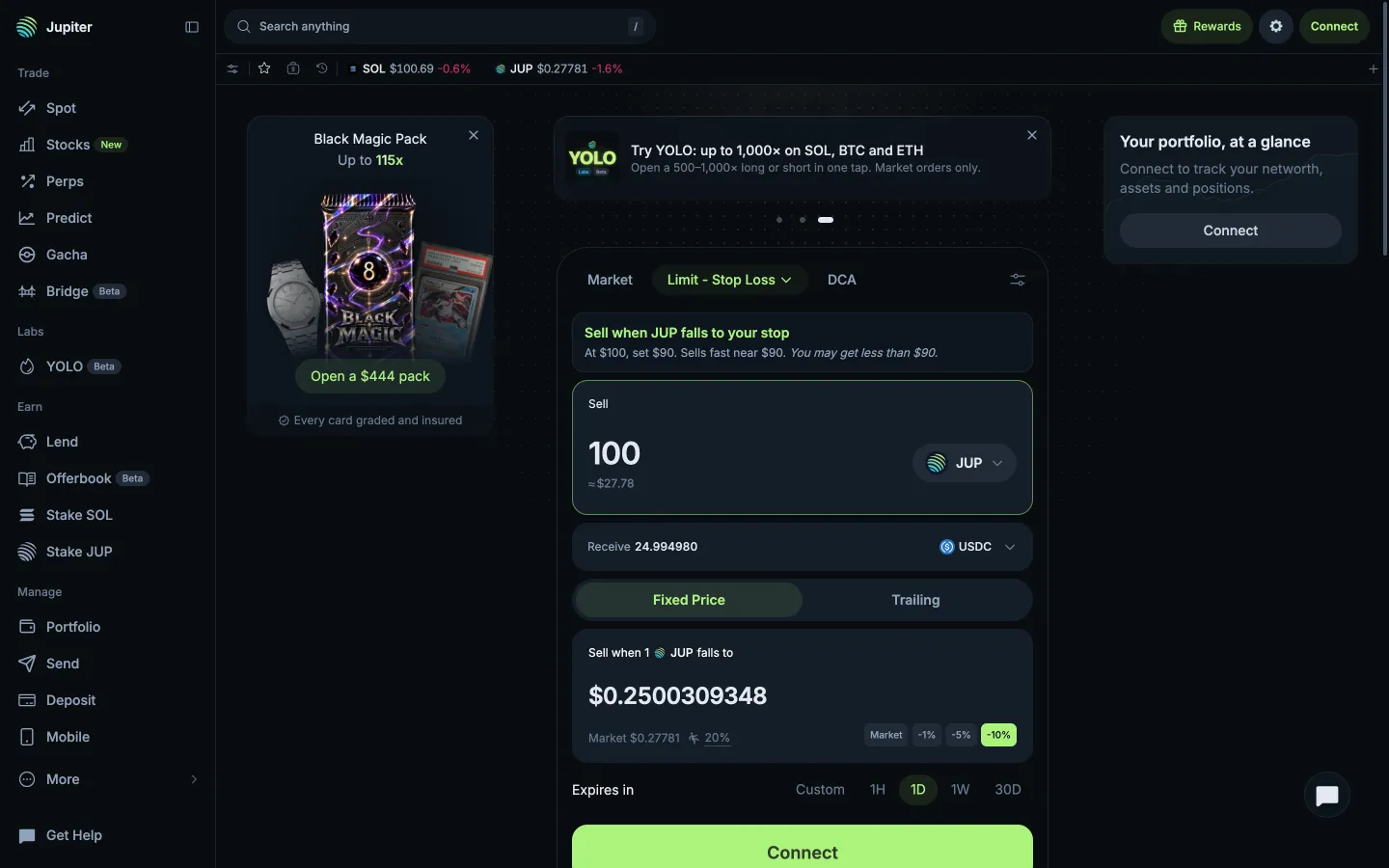
Stop Loss at a fixed priceJupiterStop Loss at a fixed price
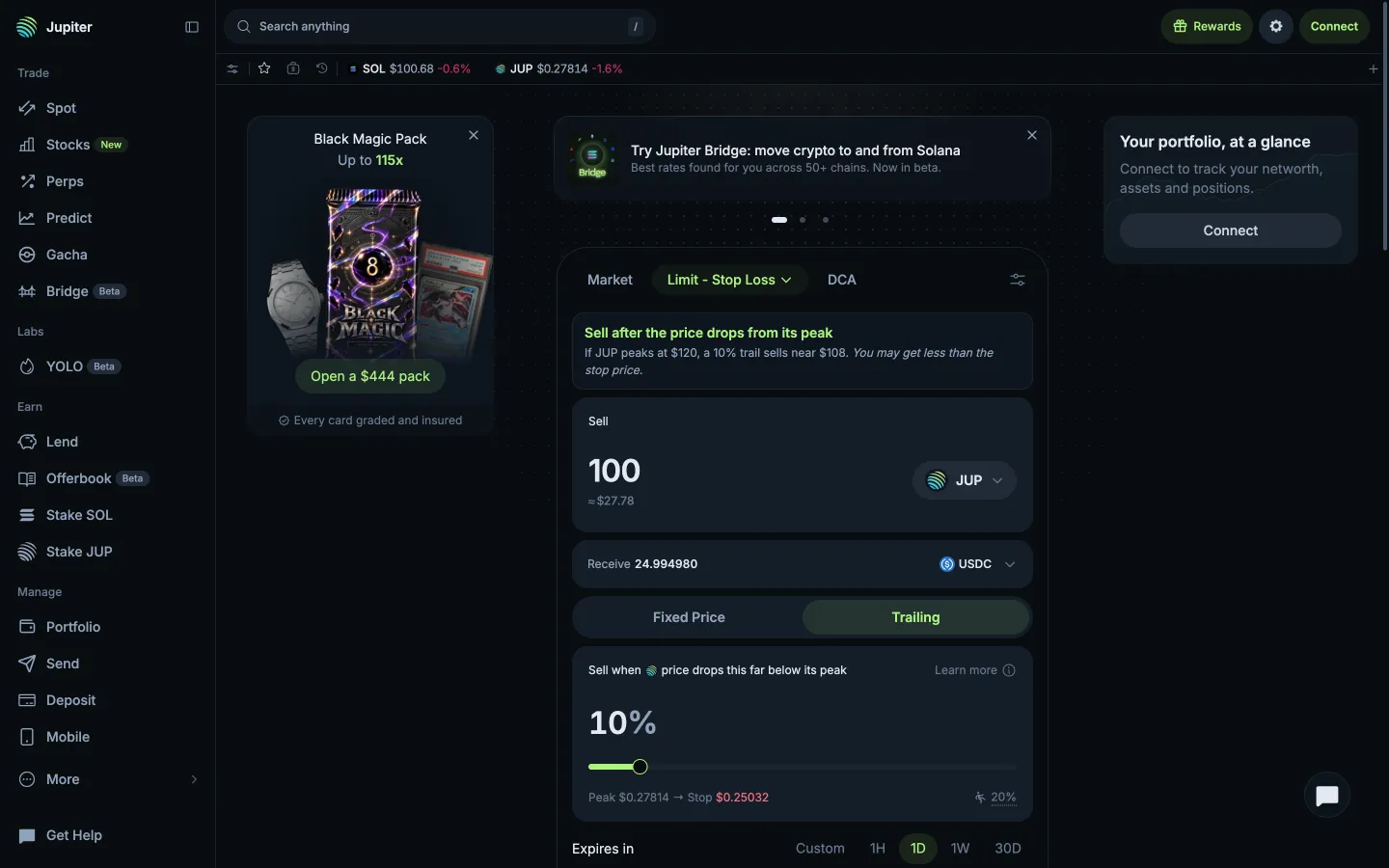
Trailing stop, 10% below the peakJupiterTrailing stop, 10% below the peak
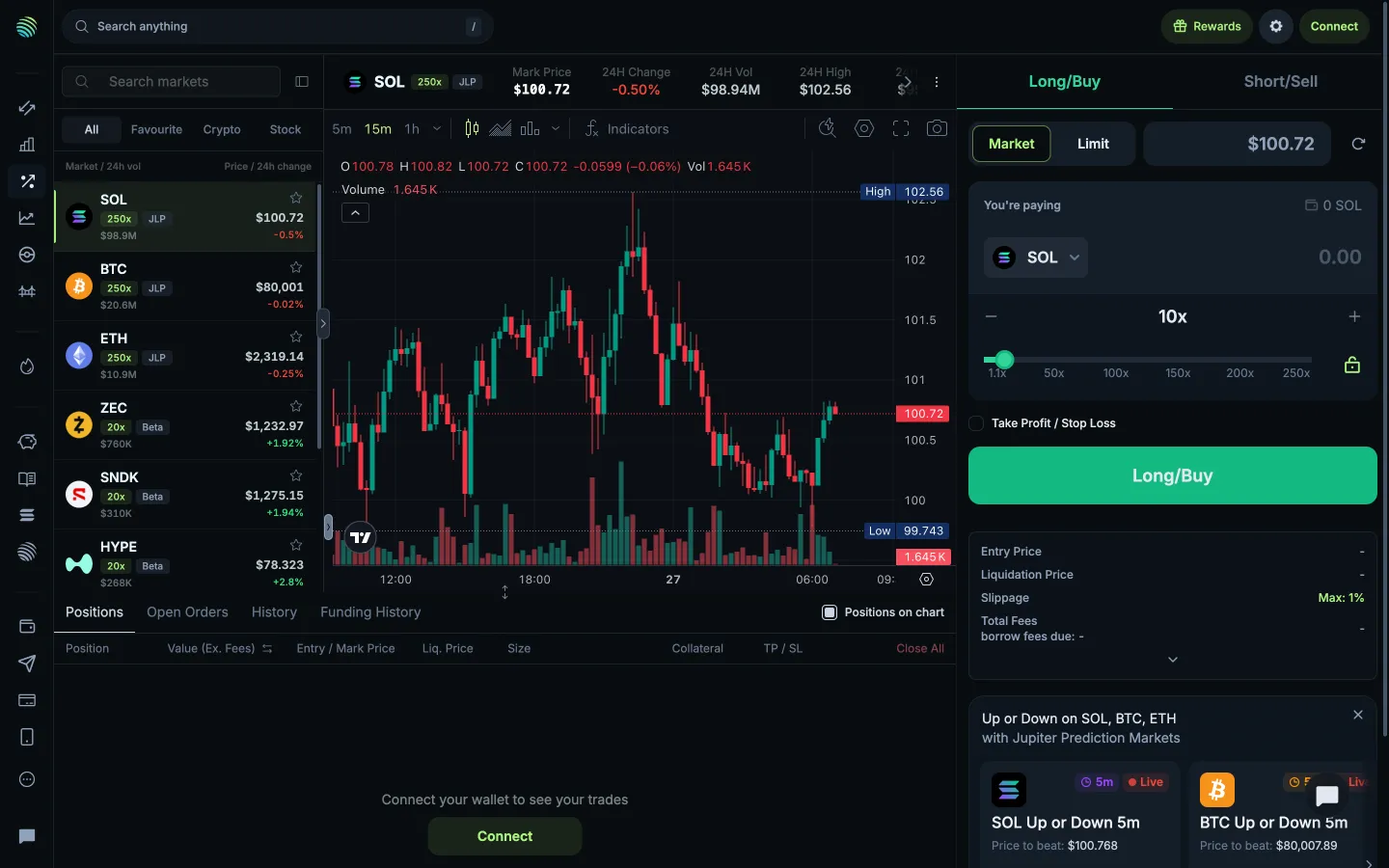
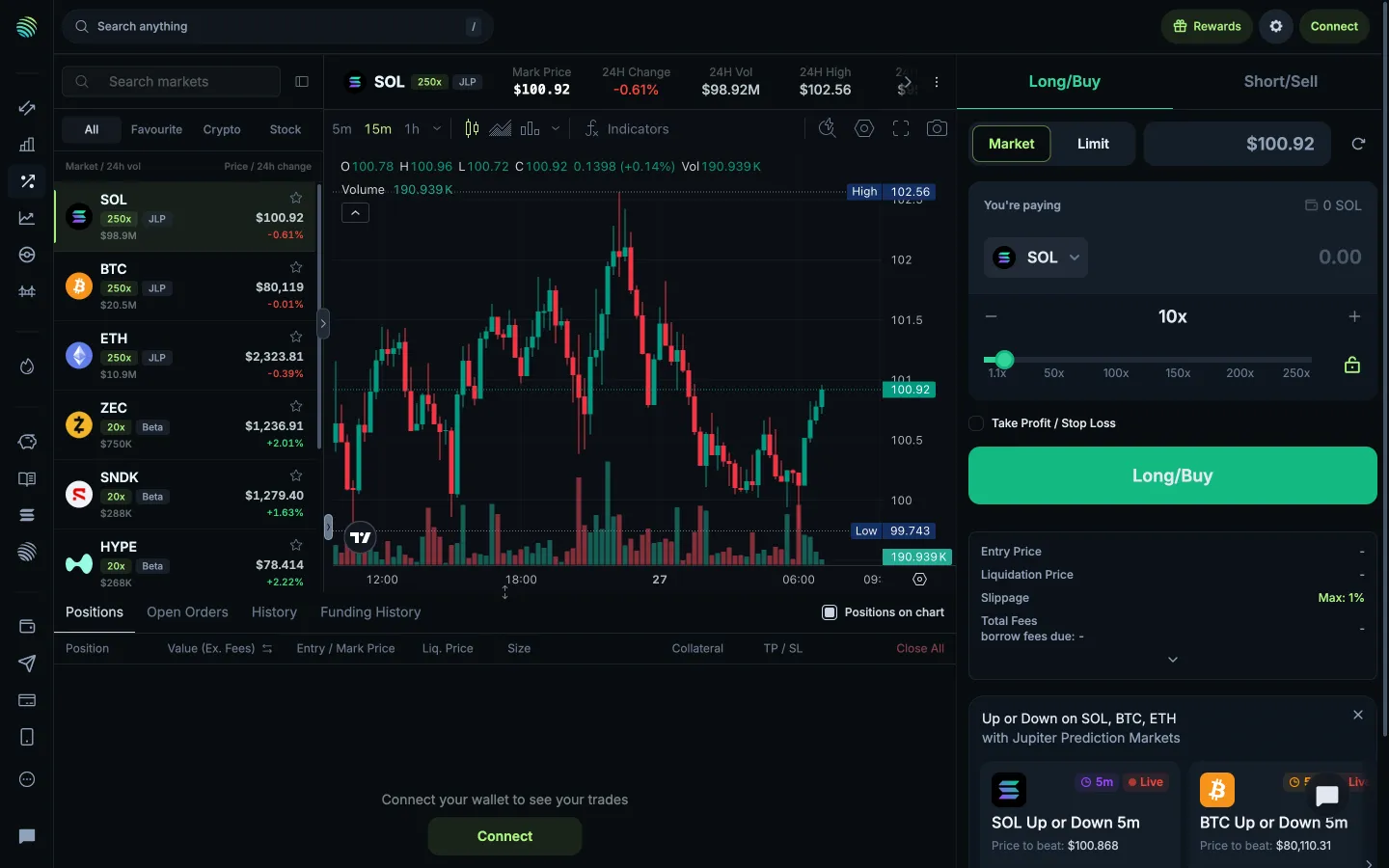
Perpetual marketsJupiterPerpetual markets
Return to all perpetual marketsJupiterReturn to all perpetual markets
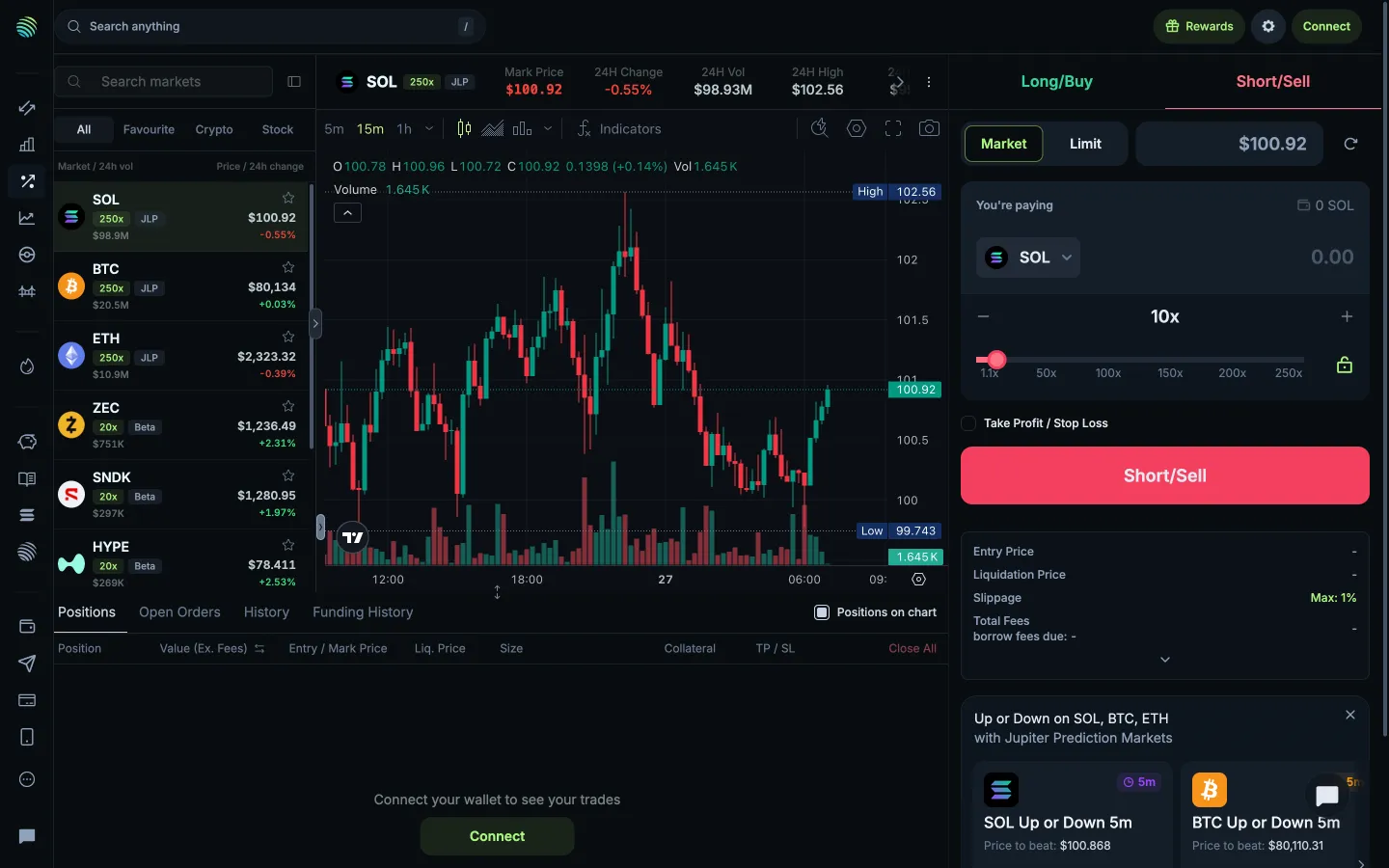
Short market orderJupiterShort market order
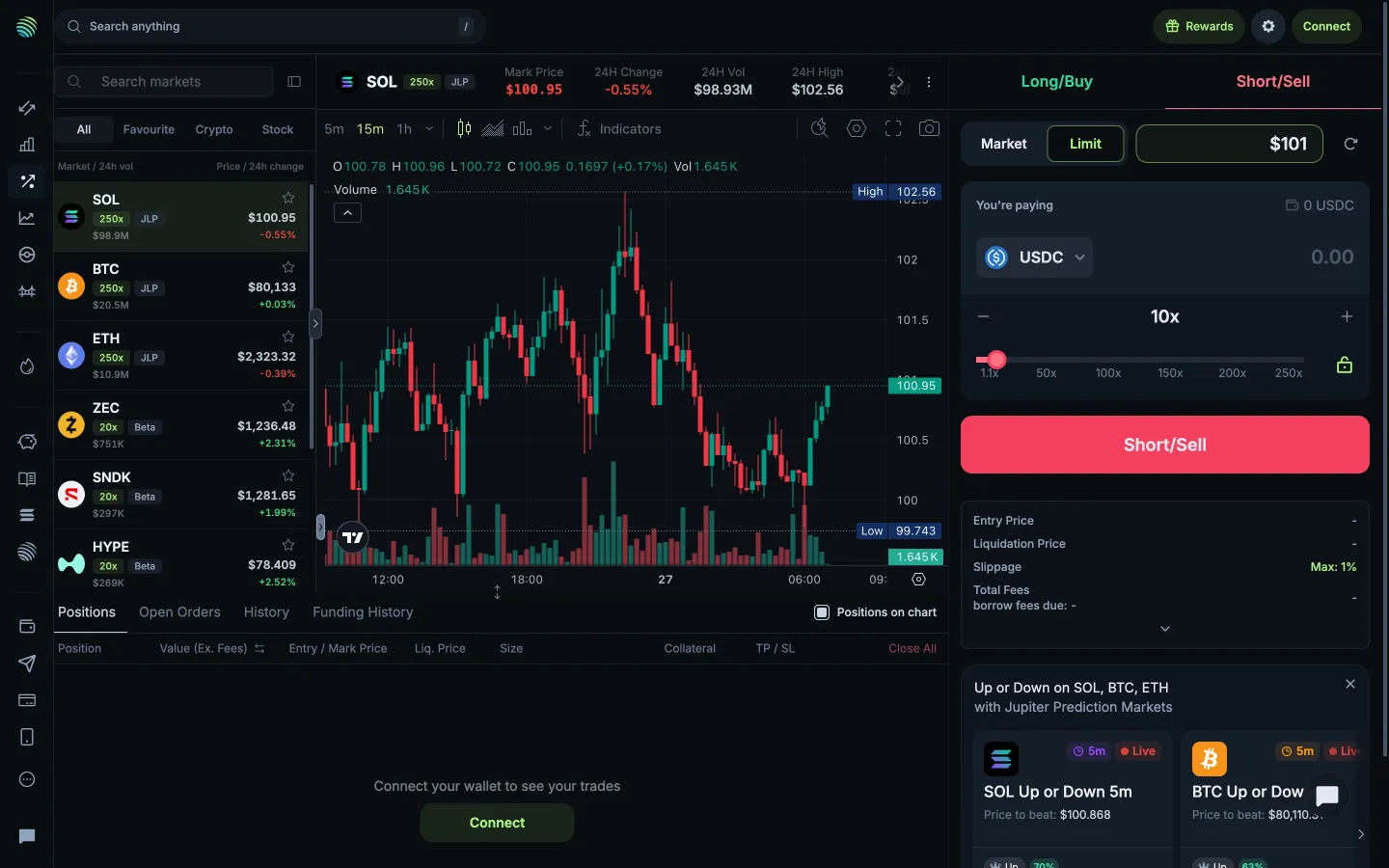
Short limit order with USDC collateralJupiterShort limit order with USDC collateral
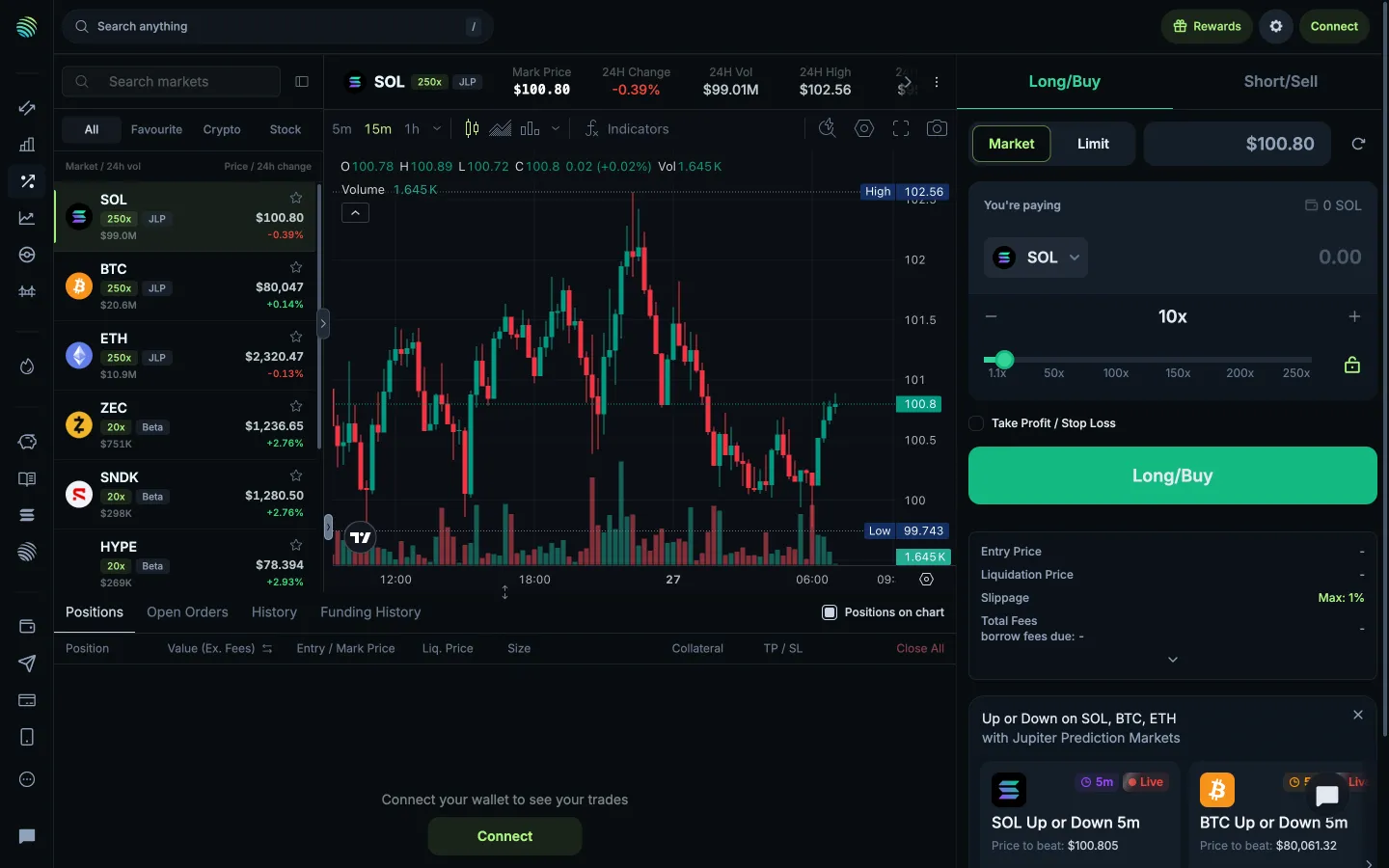
Long market orderJupiterLong market order
Long limit order price fieldJupiterLong limit order price field

Screens, flows and sites from real crypto and web3 apps.

© 2026 MoonoPrivacyTerms

Apps

  • All apps
  • Screens
  • Flows
  • UI elements

Sites

  • All sites
  • Sections

Learn

  • Glossary

Product

  • Pricing
  • MCPNew

© 2026 MoonoPrivacyTerms