All appsScreensFlowsUI elements
PricingGlossary
AllScreensFlowsUI elements

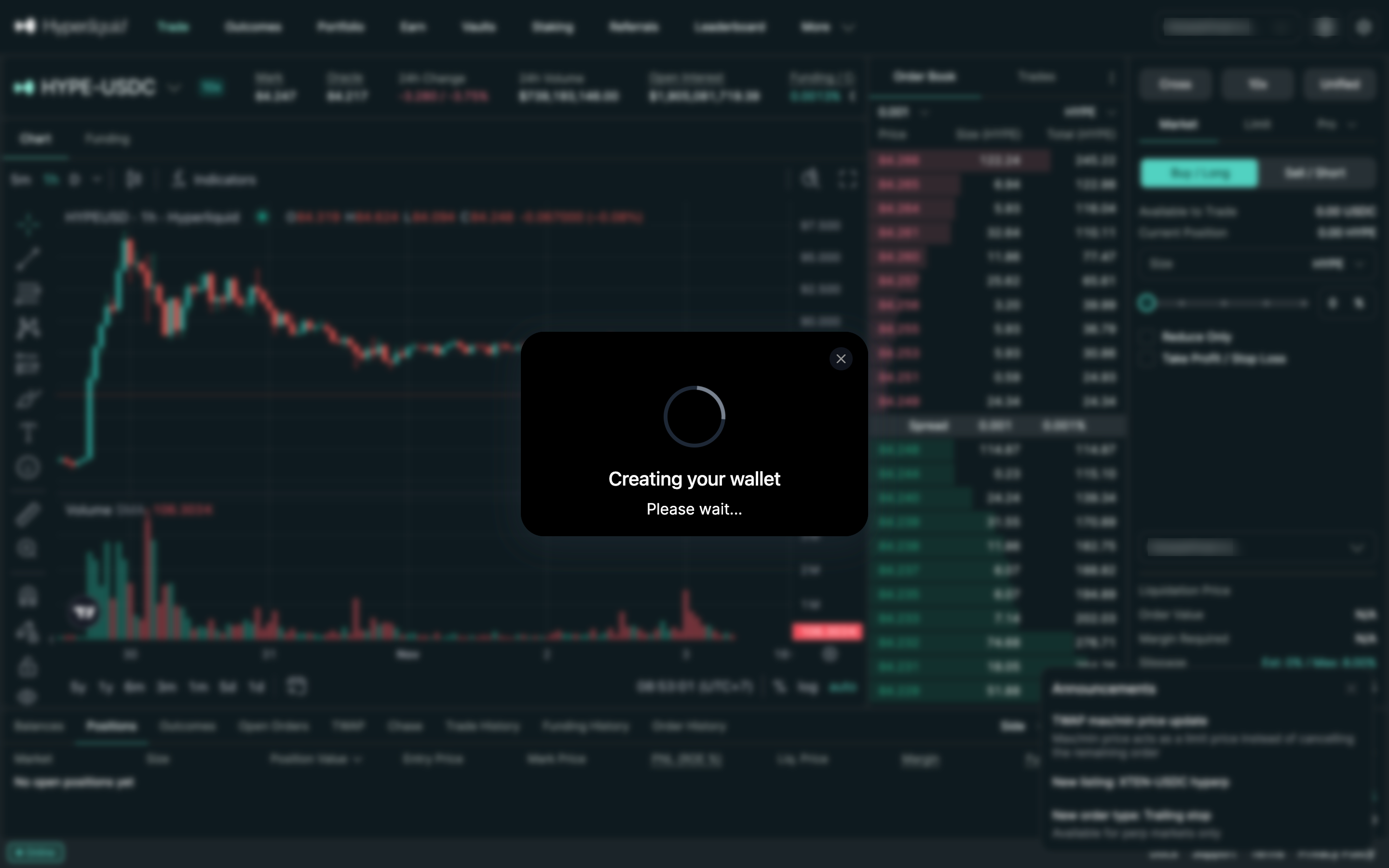
Creating your wallet in Hyperliquid

Step 4 of 4 in Logging in with emailPlay
Creating your wallet

Creating your wallet

Account Setup

Screen typeAccount Setup
StateLoading
CapturedNov 2026
UI elementsDialogLoading Indicator
In the flowLogging in with email
SizeDesktop, 2880 by 1800
Open the flowOpen original

Similar screens in other apps

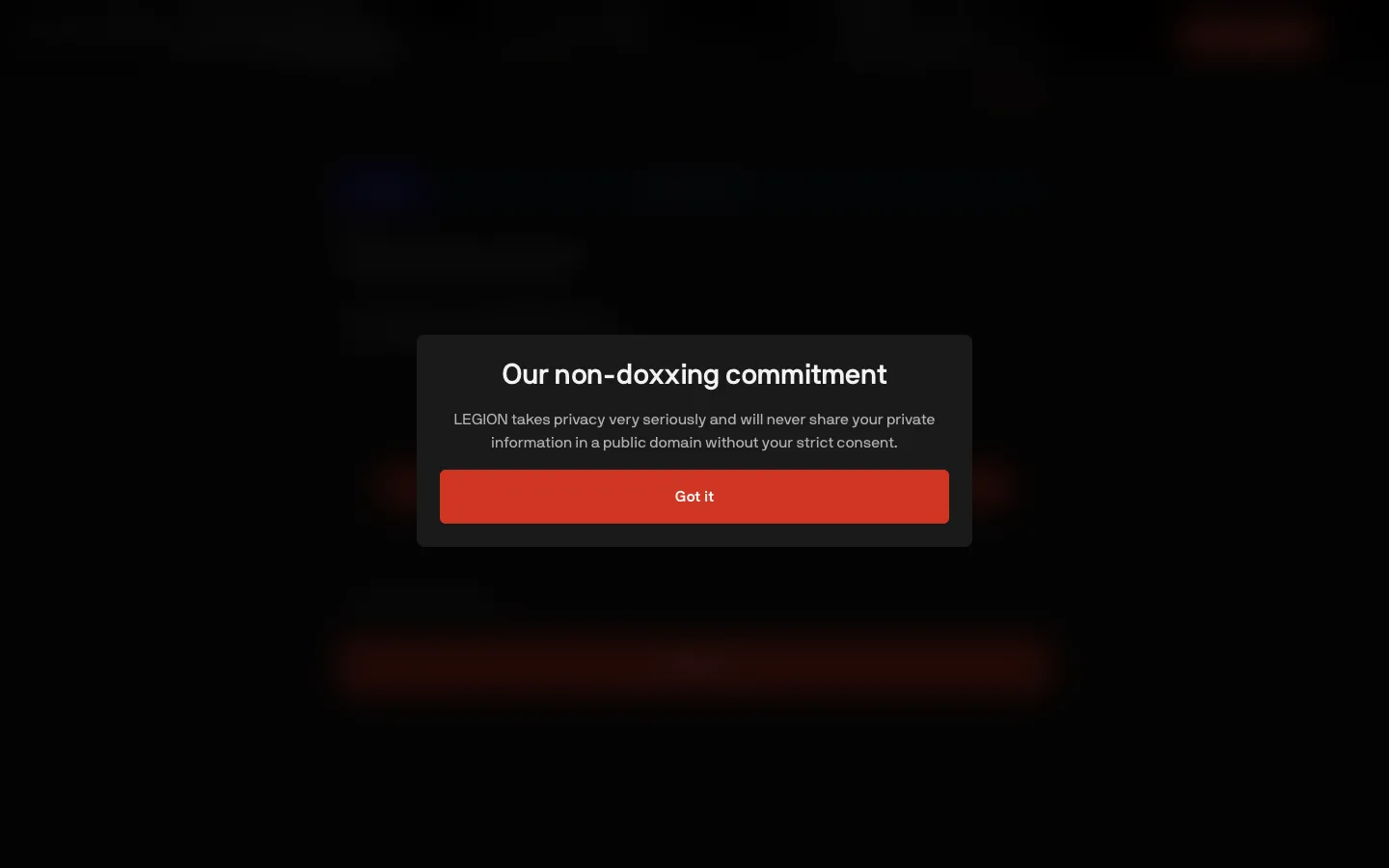
Non-doxxing commitment before the profileLegionNon-doxxing commitment before the profile
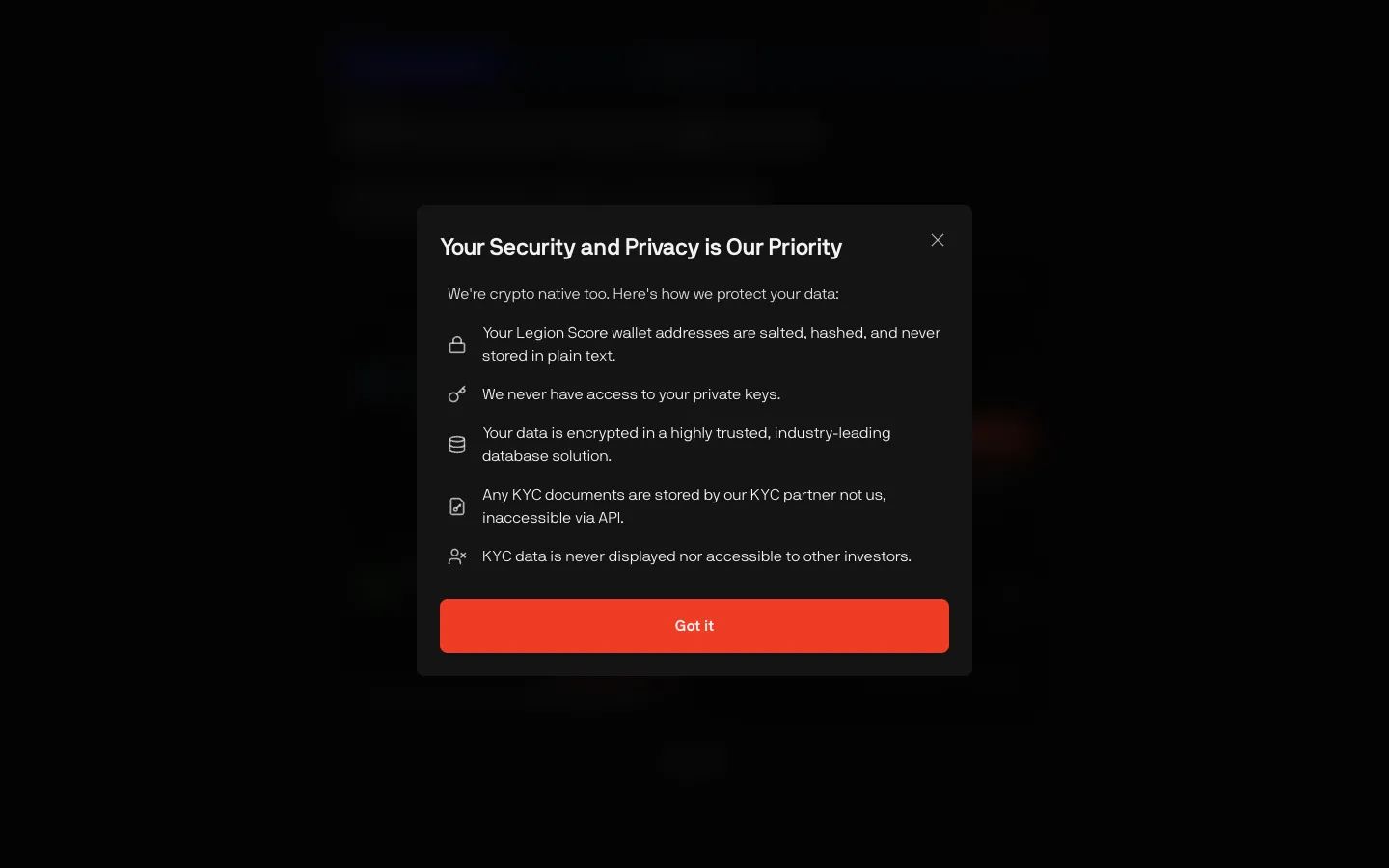
How wallet and KYC data is protectedLegionHow wallet and KYC data is protected
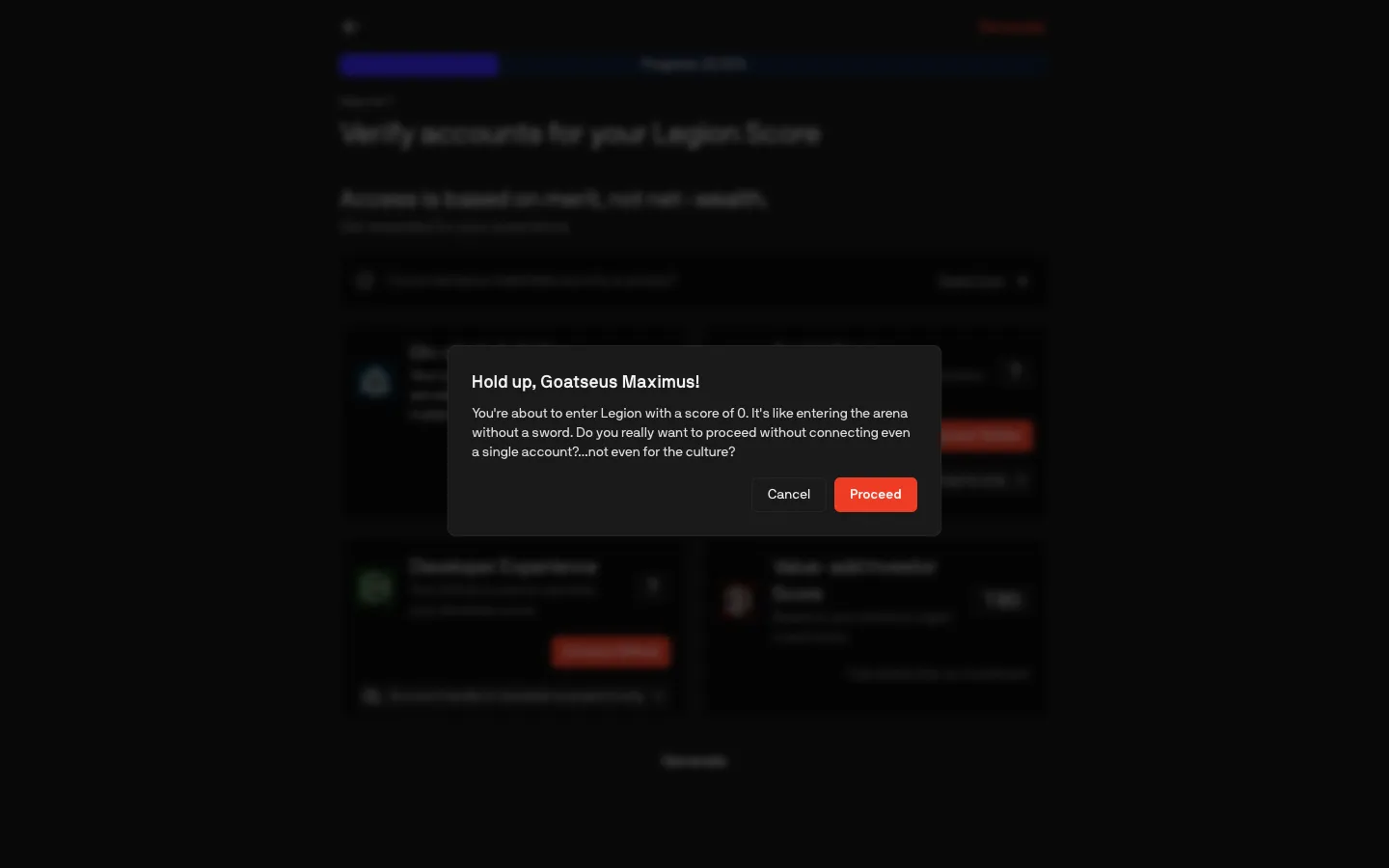
Warning before entering with a score of 0LegionWarning before entering with a score of 0
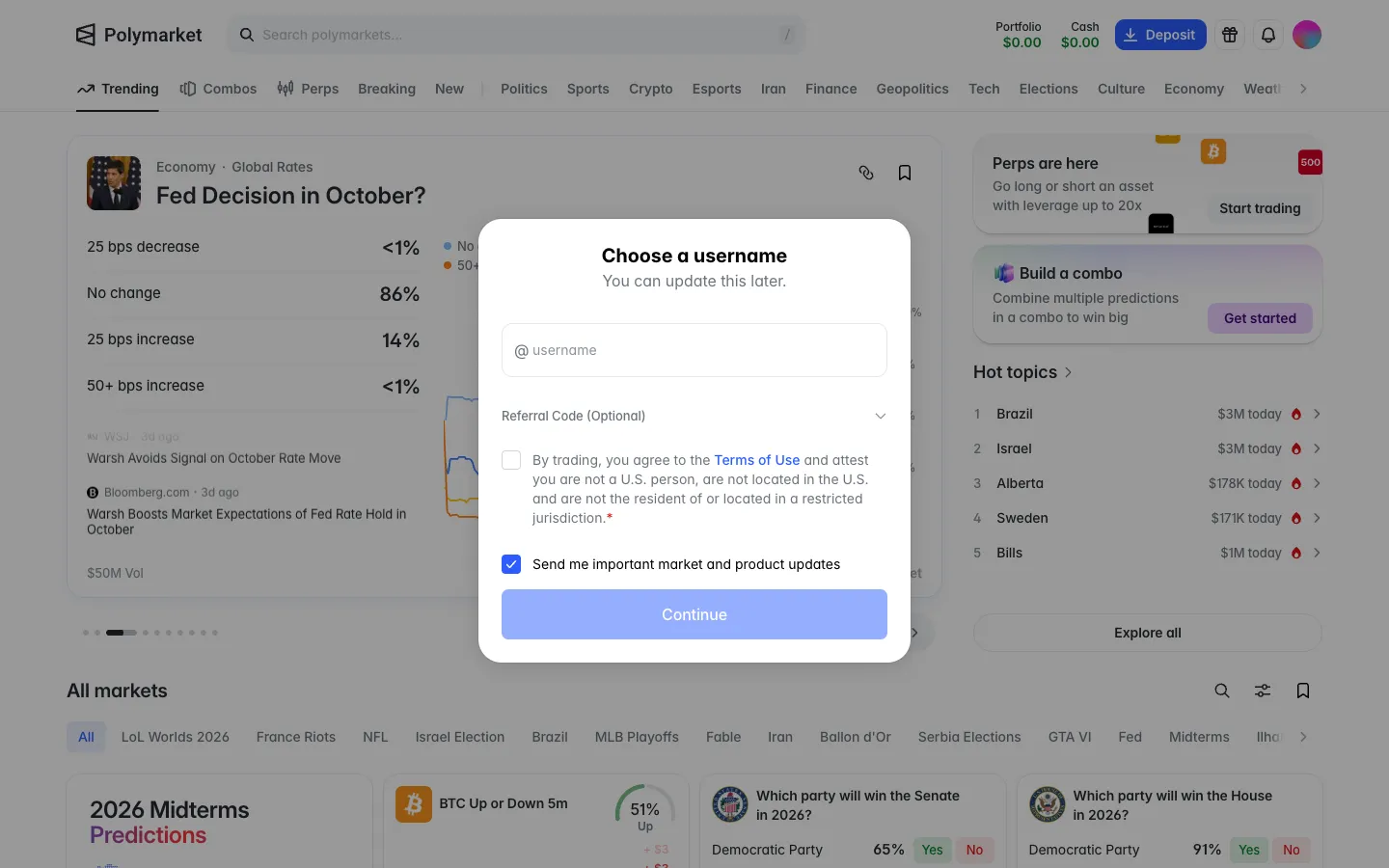
Choose a username, attest you are not in the US or a restricted placePolymarketChoose a username, attest you are not in the US or a restricted place
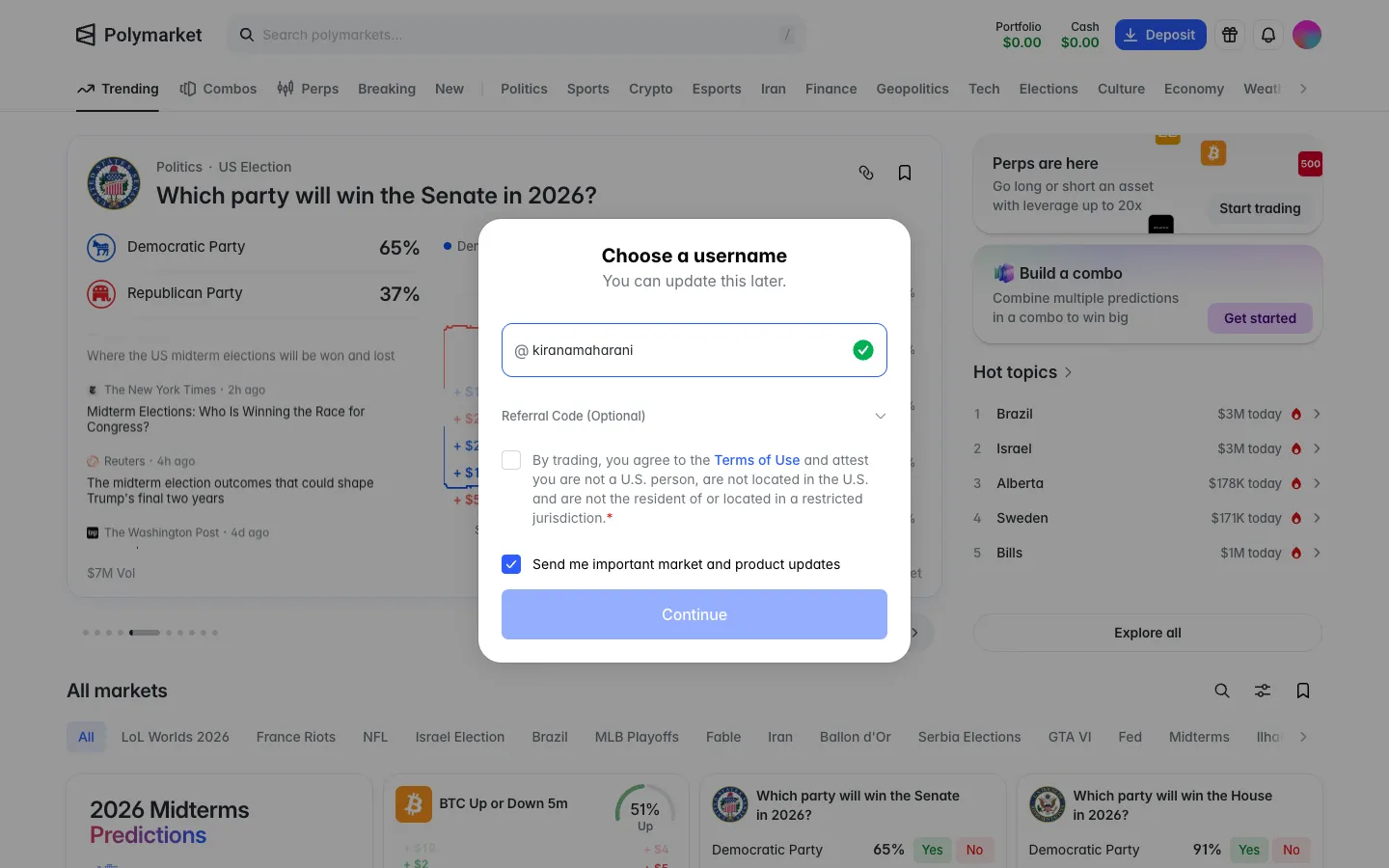
Username available, Continue stays off until the attestation is tickedPolymarketUsername available, Continue stays off until the attestation is ticked
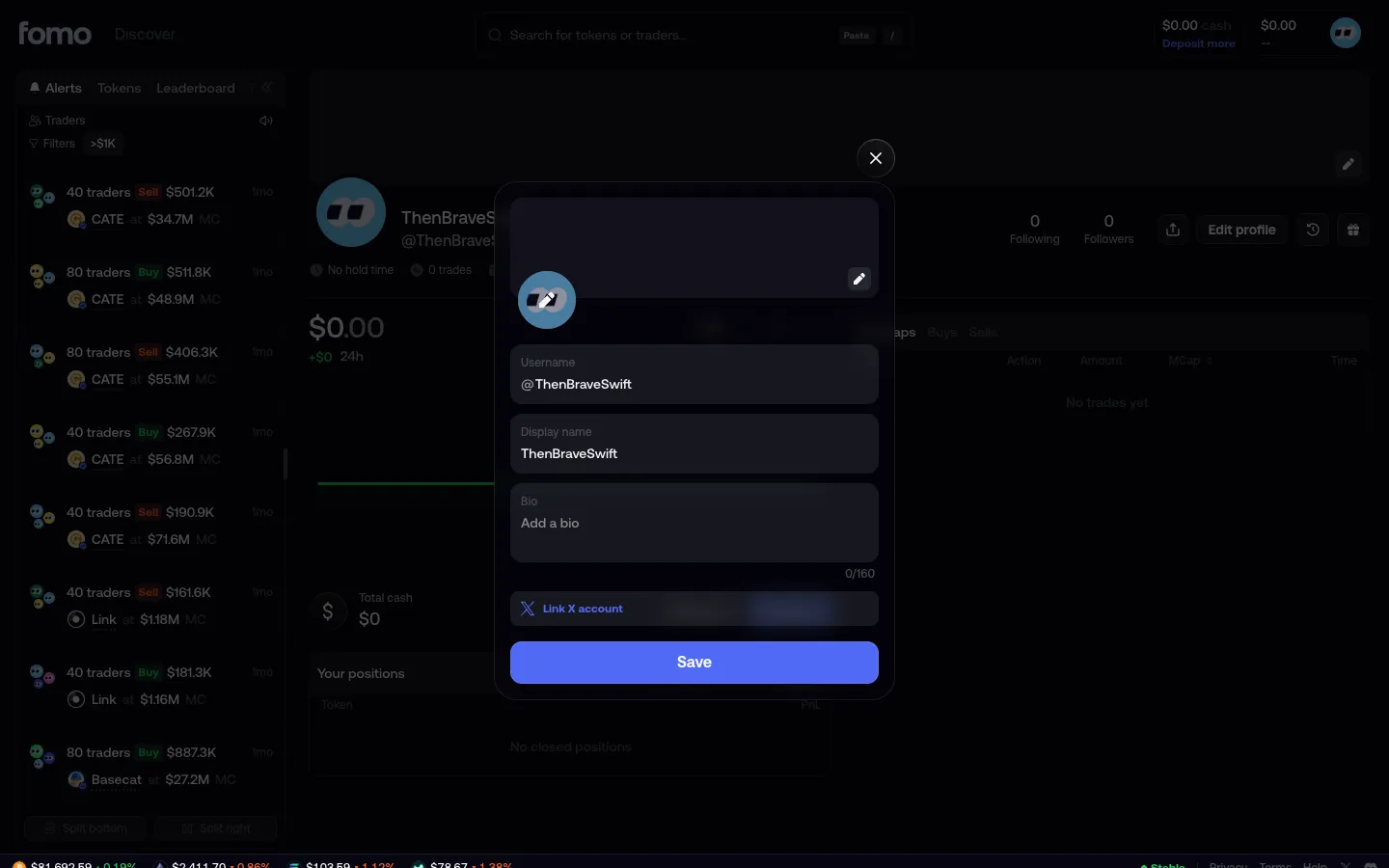
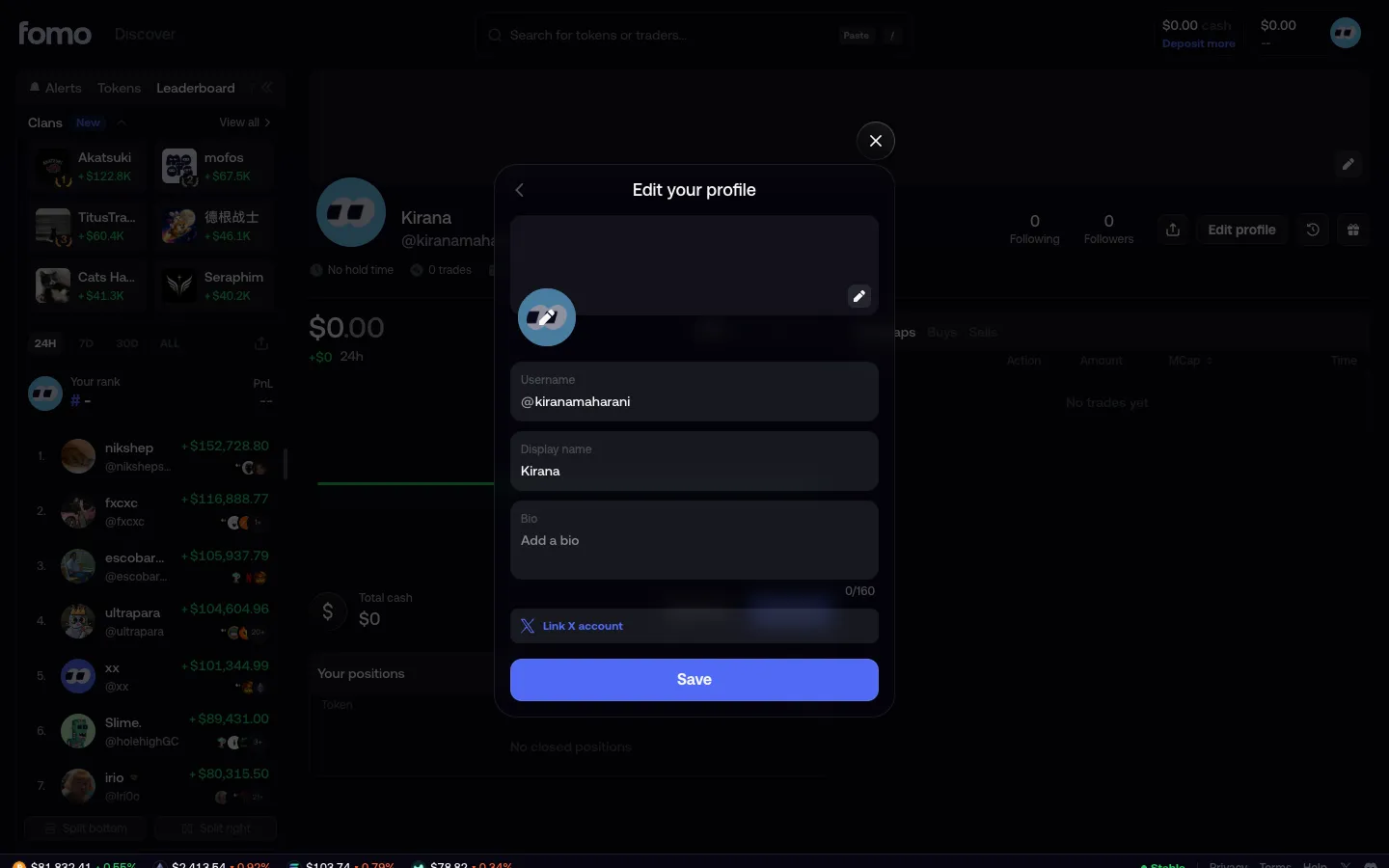
Edit profile with random usernamefomoEdit profile with random username
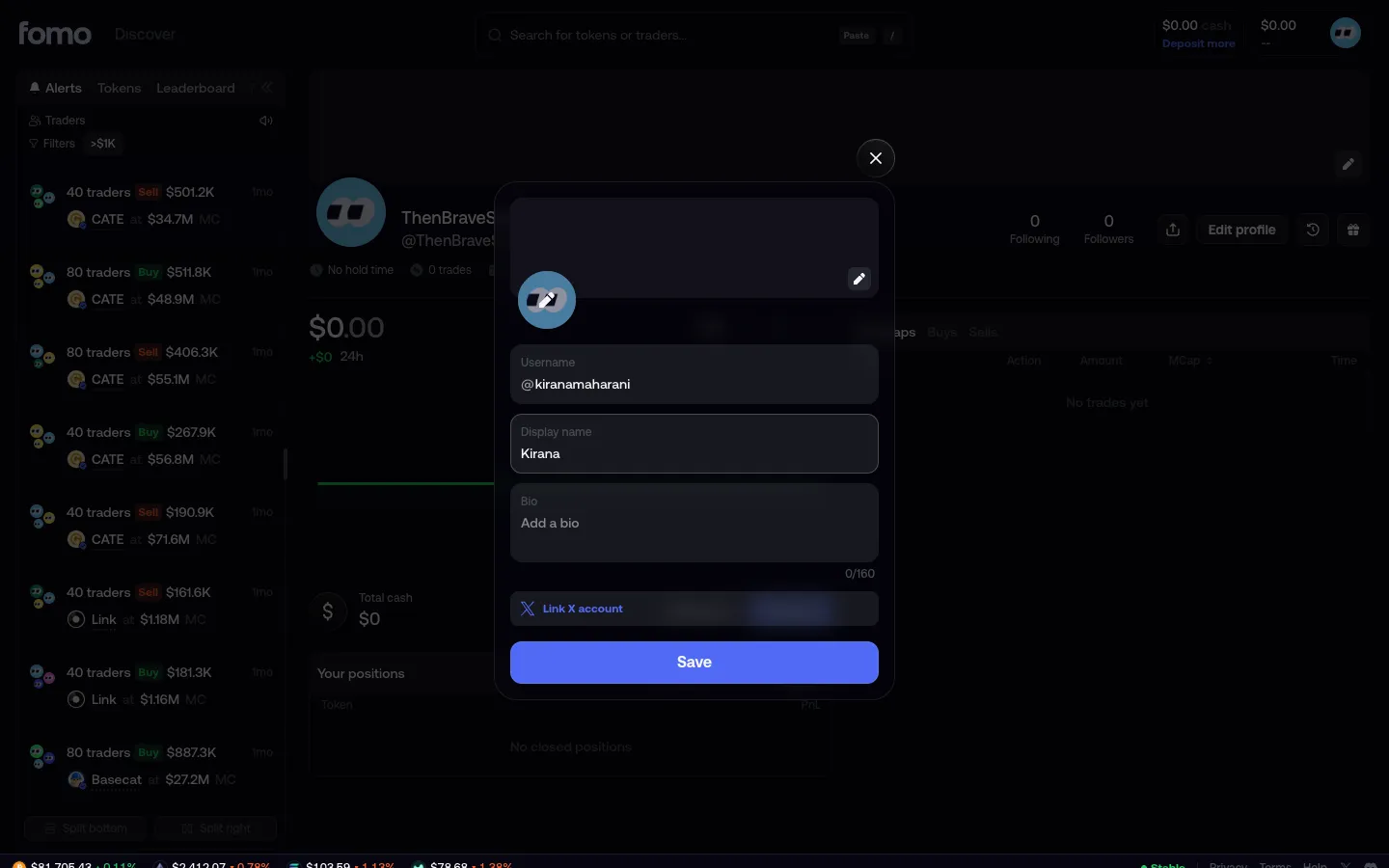
Enter username and display namefomoEnter username and display name
Edit your profilefomoEdit your profile
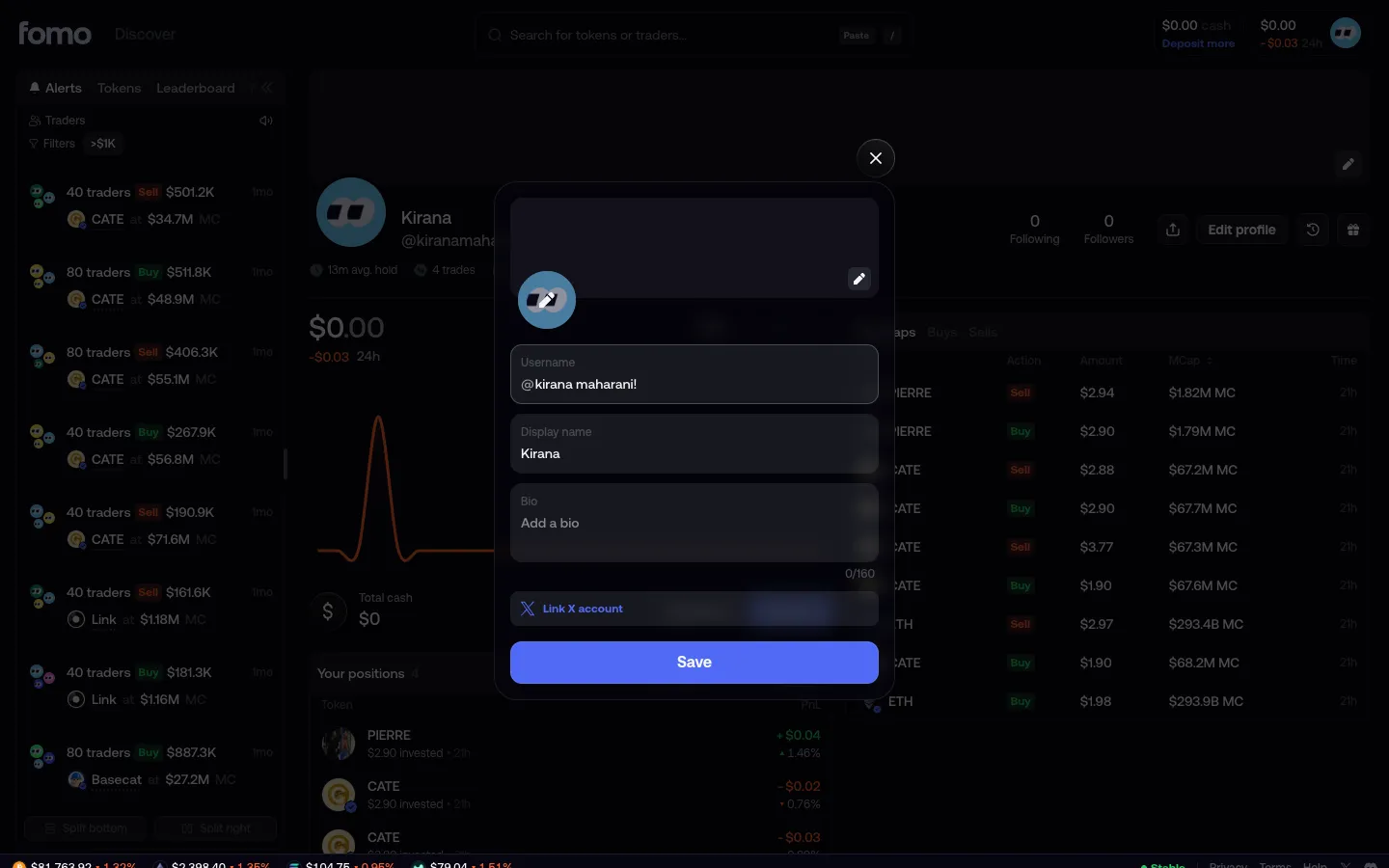
Space and exclamation in the username, no warning, save still onfomoSpace and exclamation in the username, no warning, save still on
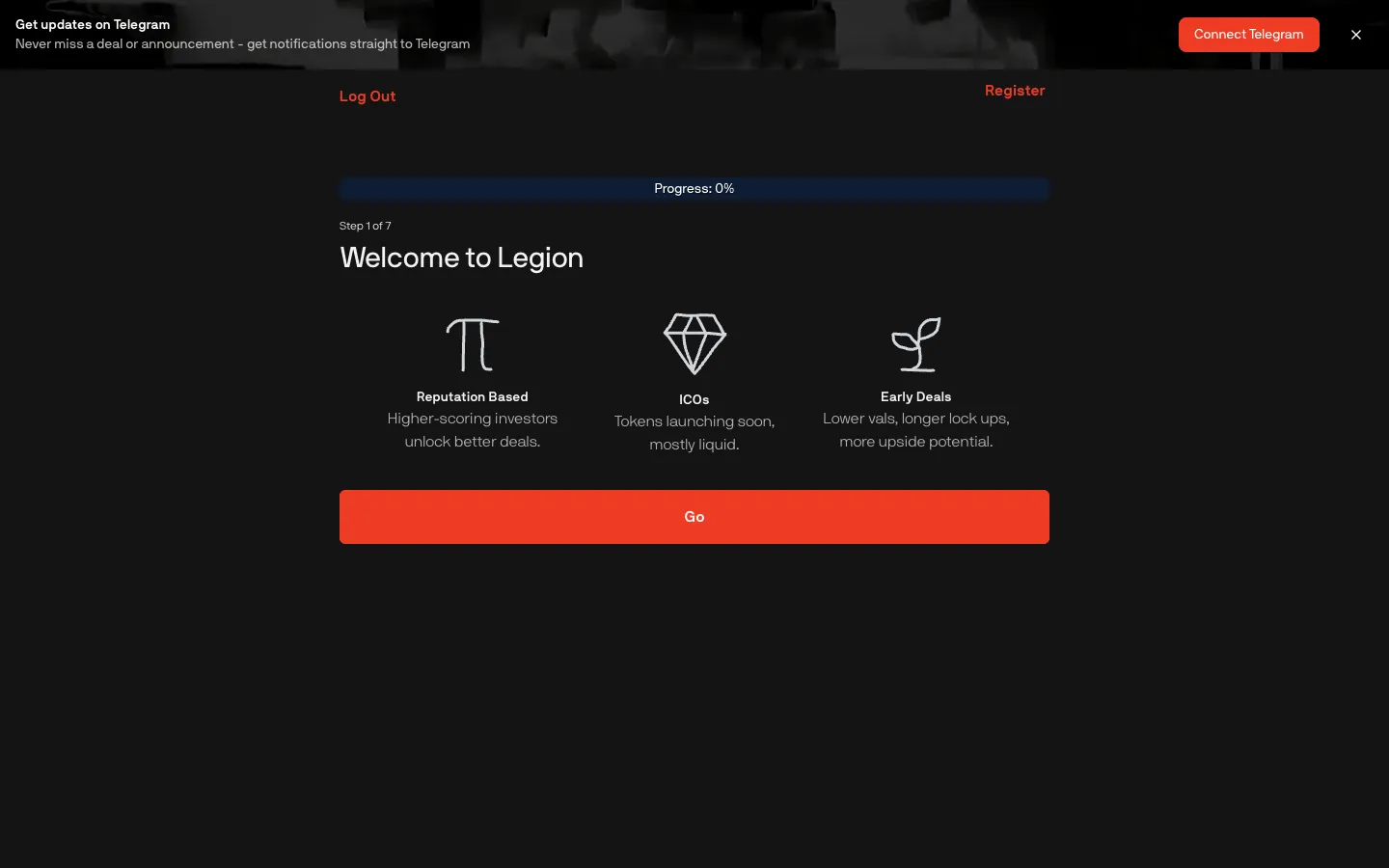
Welcome, reputation based, ICOs and early dealsLegionWelcome, reputation based, ICOs and early deals
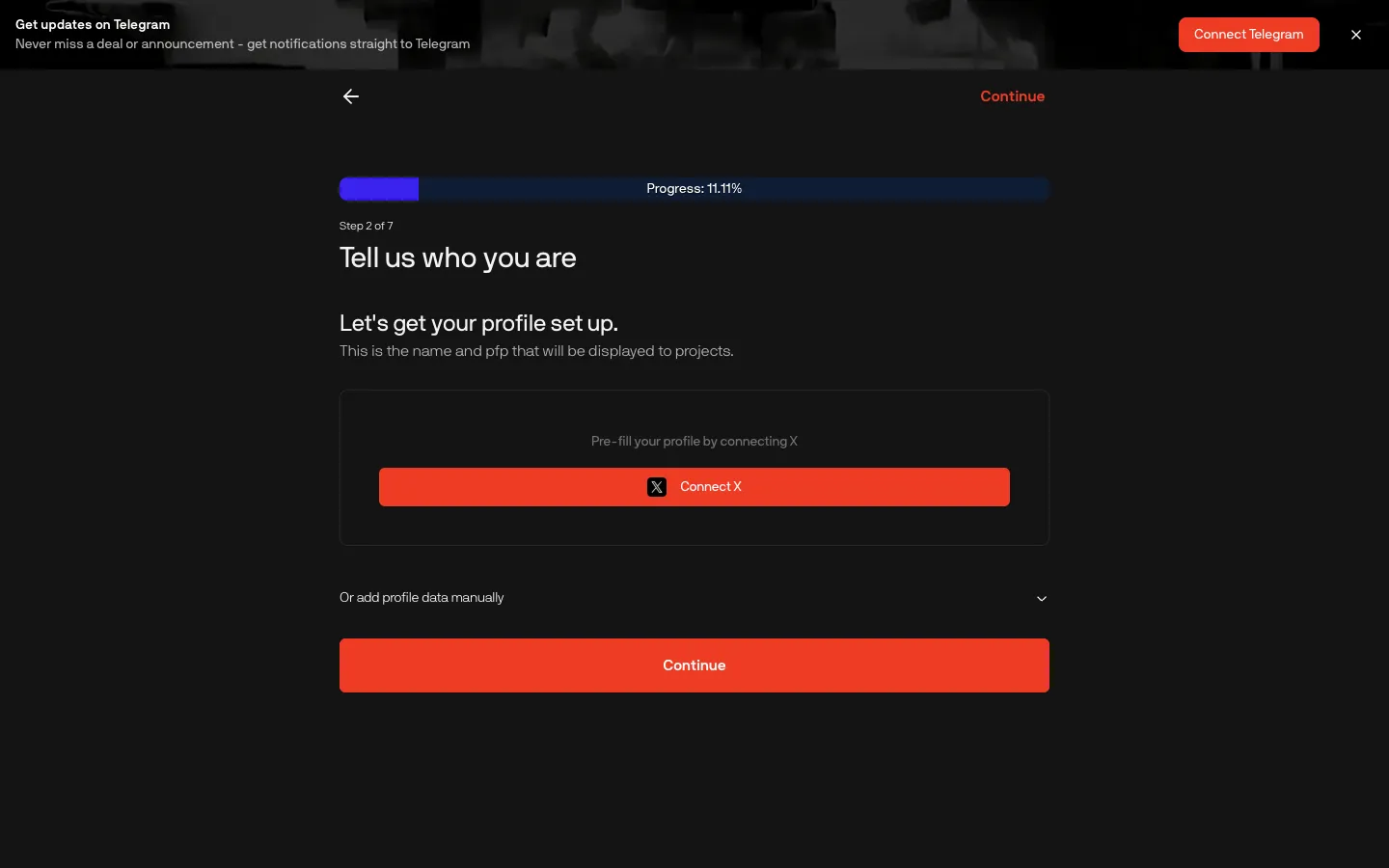
Profile shown to projects, connect X or add manuallyLegionProfile shown to projects, connect X or add manually
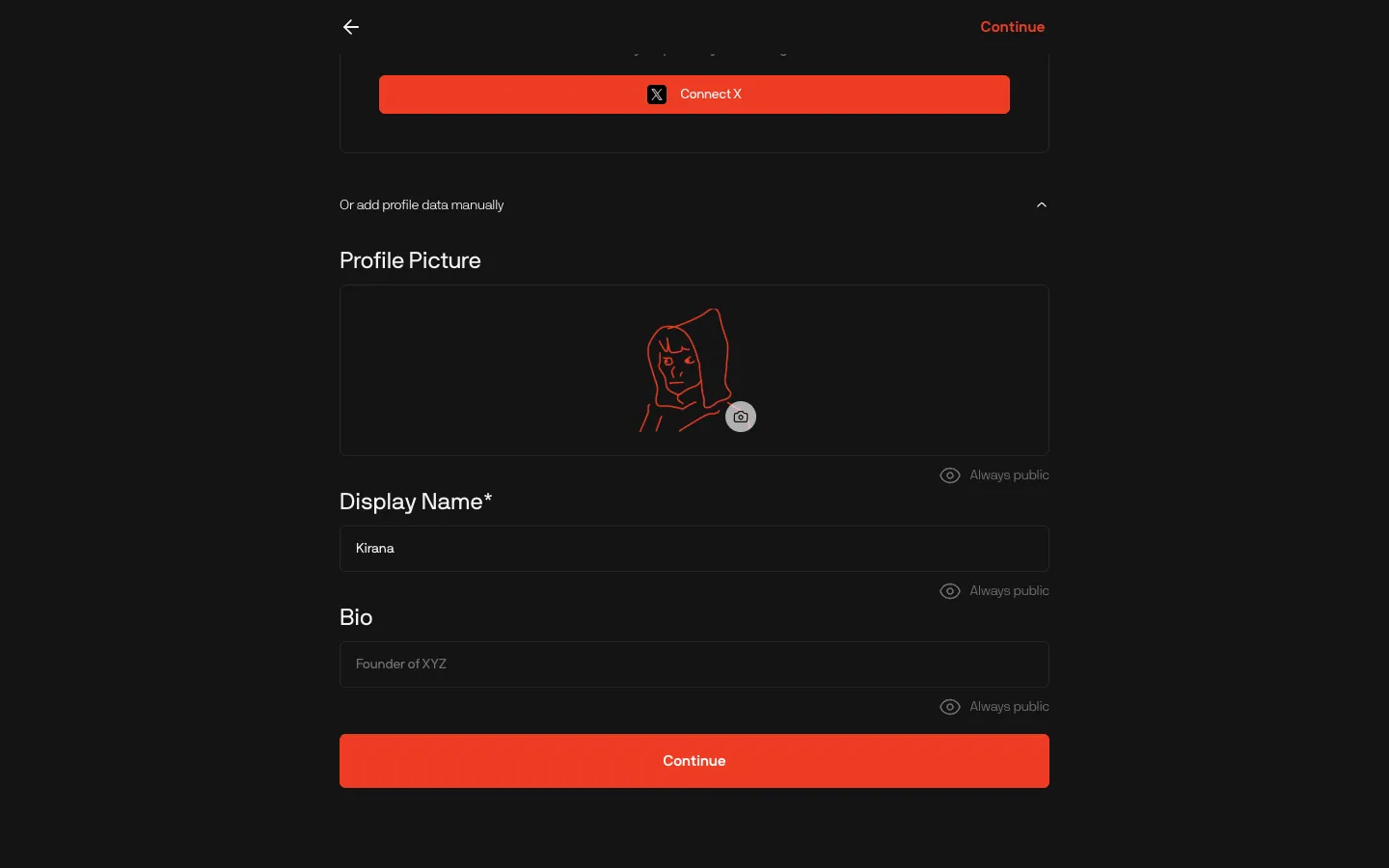
Manual profile, picture, name and bio always publicLegionManual profile, picture, name and bio always public

Screens, flows and sites from real crypto and web3 apps.

© 2026 MoonoPrivacyTerms

Apps

  • All apps
  • Screens
  • Flows
  • UI elements

Sites

  • All sites
  • Sections

Learn

  • Glossary

Product

  • Pricing
  • MCPNew

© 2026 MoonoPrivacyTerms