All appsScreensFlowsUI elements
PricingGlossary
AllScreensFlowsUI elements

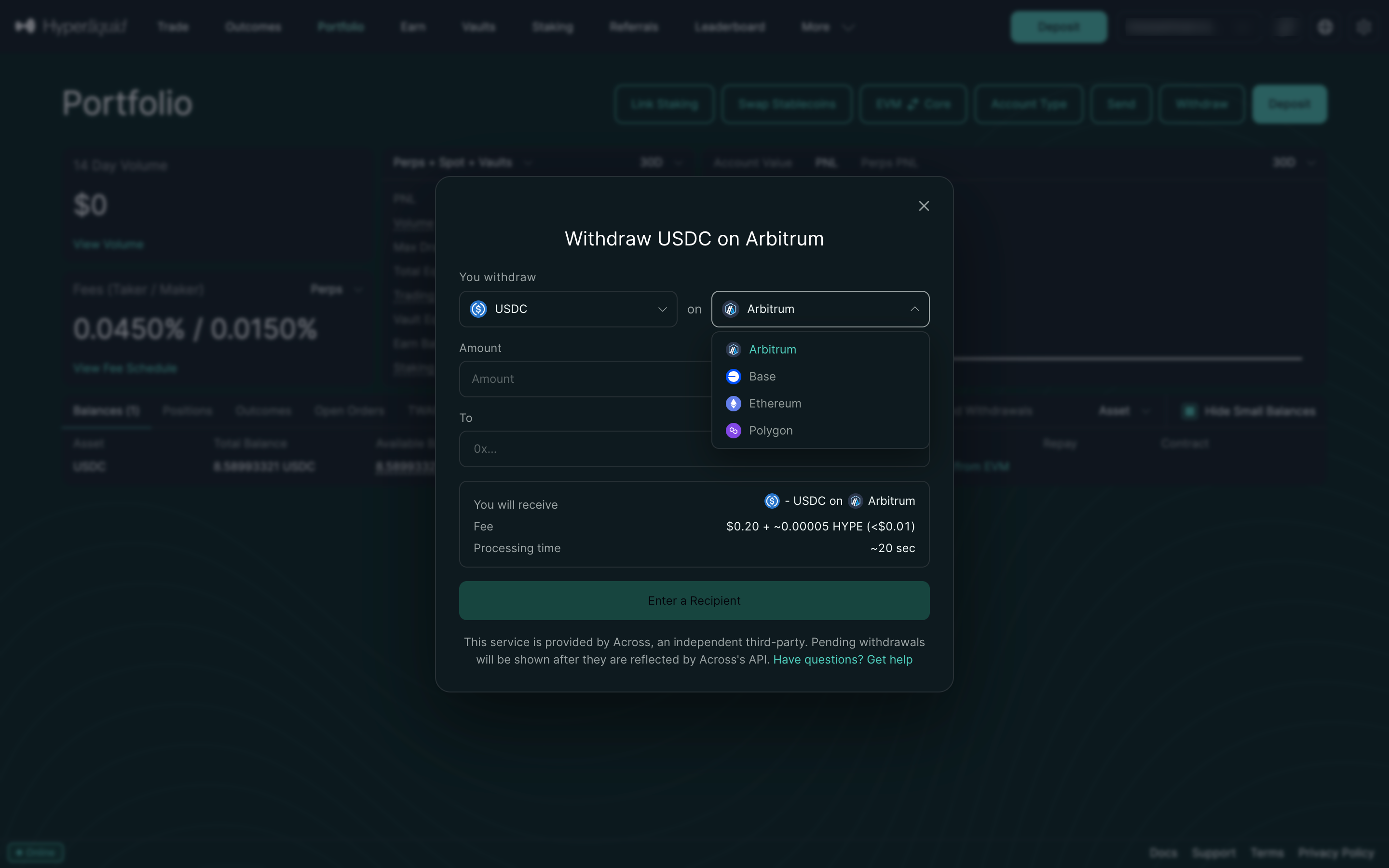
Choose the network in Hyperliquid

Step 3 of 6 in Withdrawing to a walletPlay
Choose the network

Choose the network

Withdraw

Screen typeWithdraw
StateInput
CapturedNov 2026
UI elementsDialogDropdown MenuNetwork Switcher
In the flowWithdrawing to a wallet
SizeDesktop, 2880 by 1800
Open the flowOpen original

Similar screens in other apps

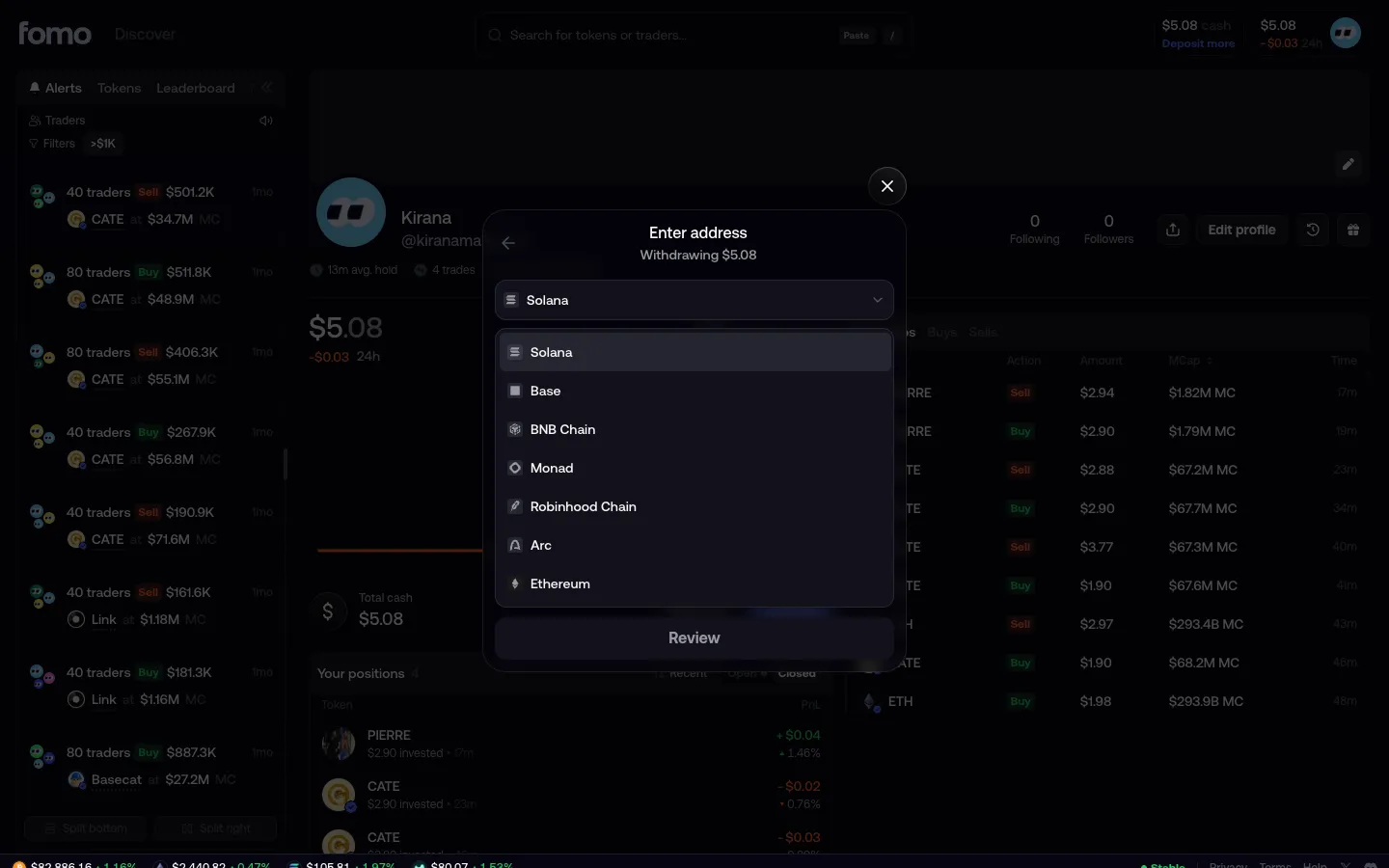
Pick a network, seven chainsfomoPick a network, seven chains
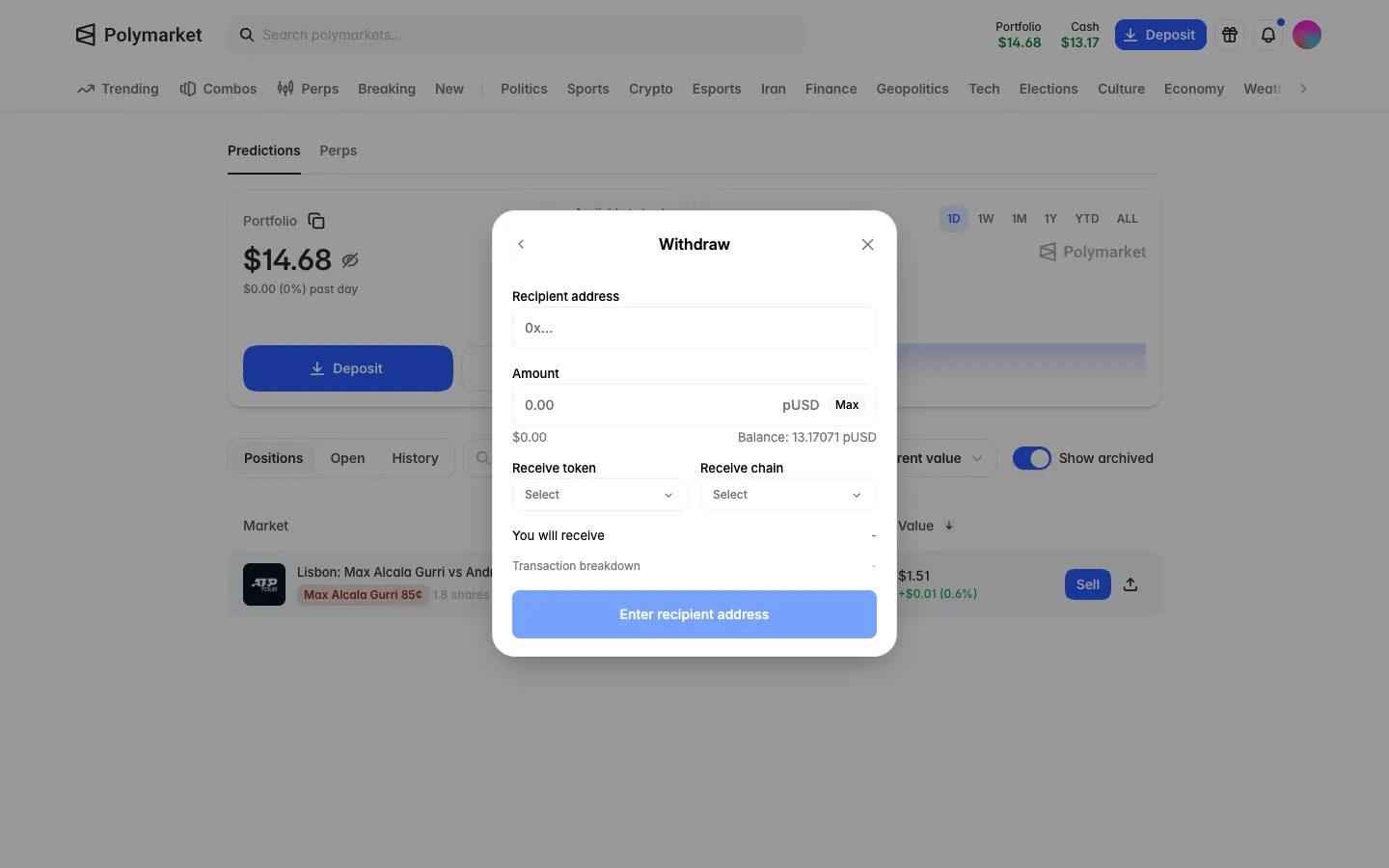
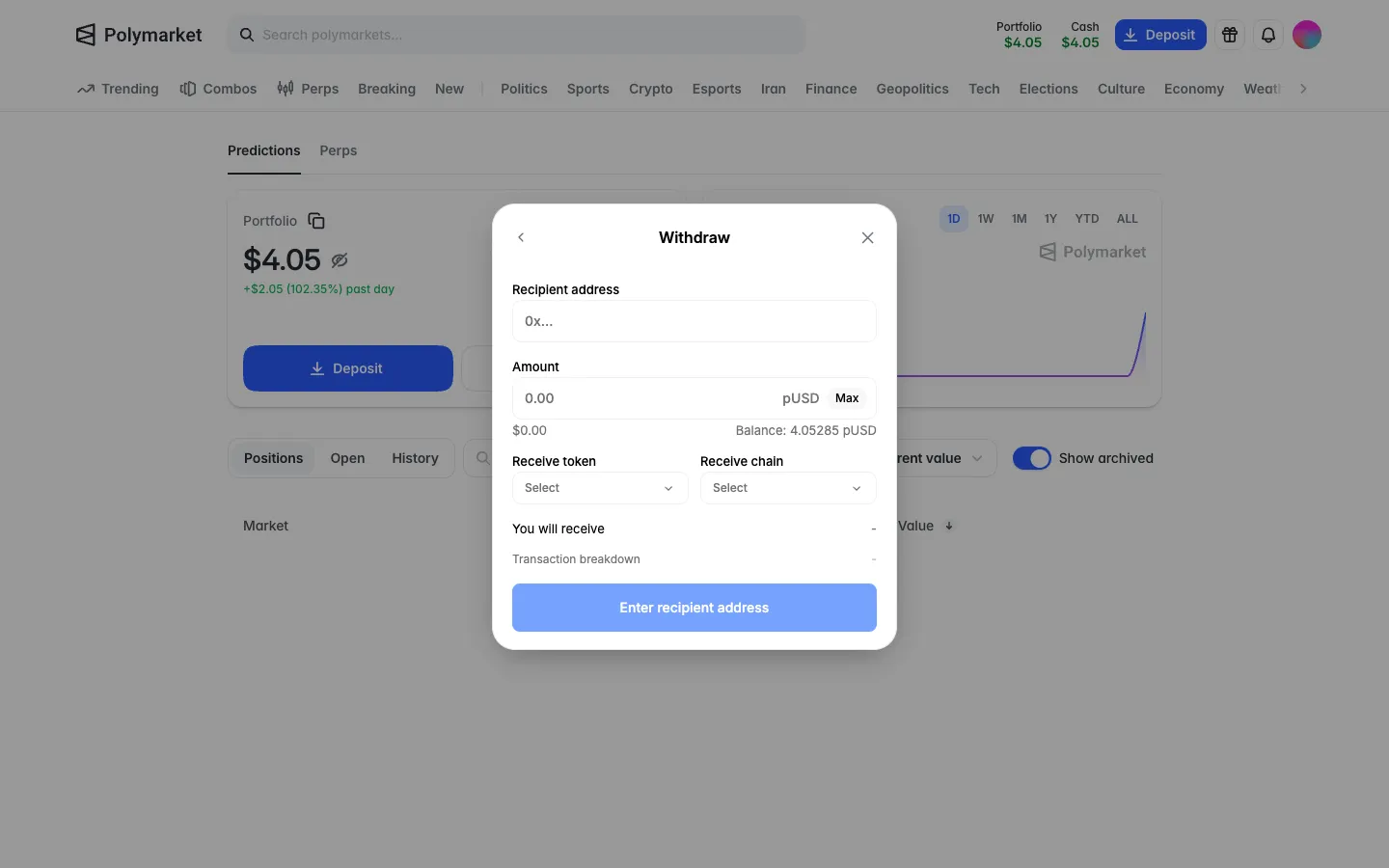
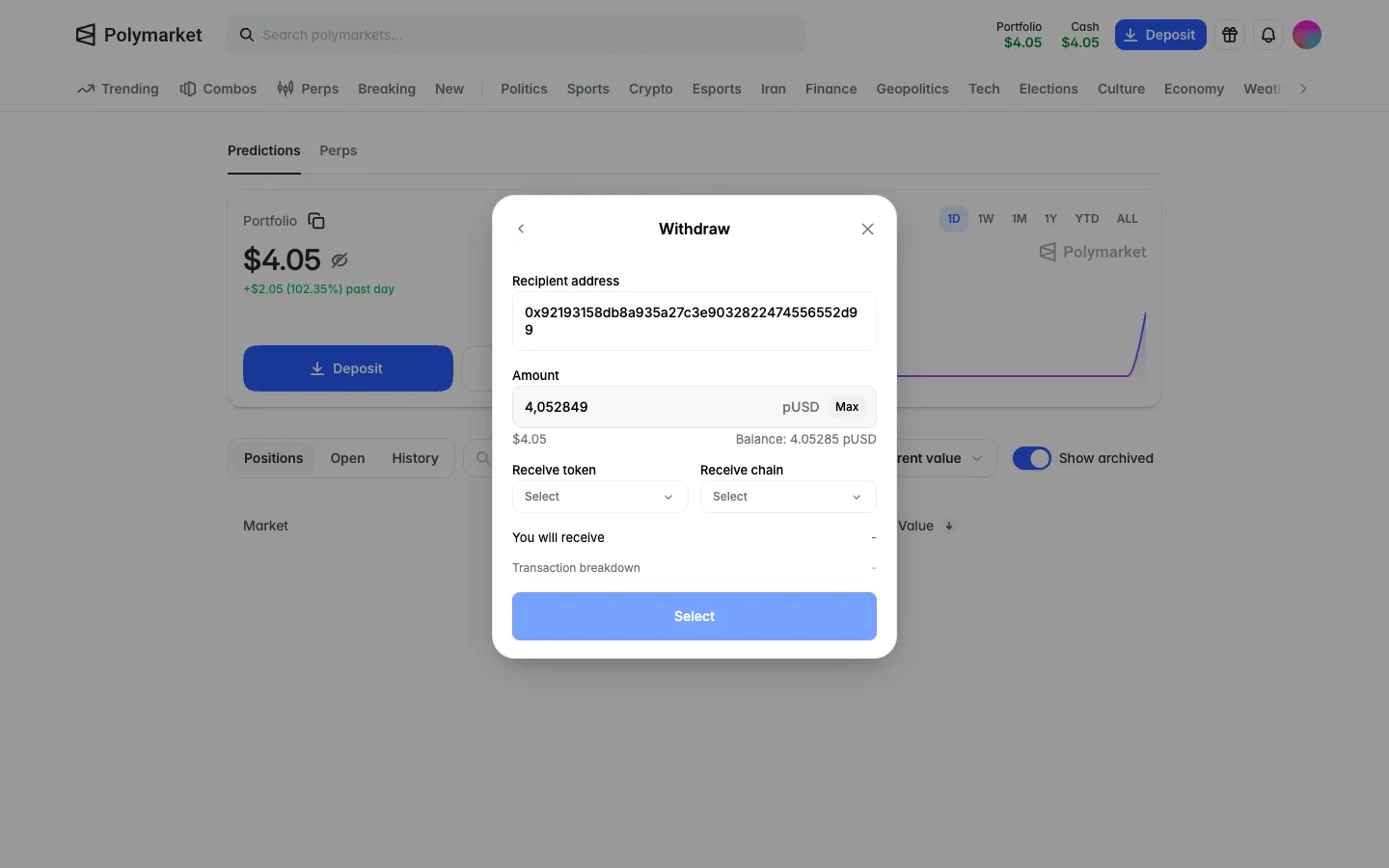
Withdraw form, address, amount in pUSD, receive token and chainPolymarketWithdraw form, address, amount in pUSD, receive token and chain
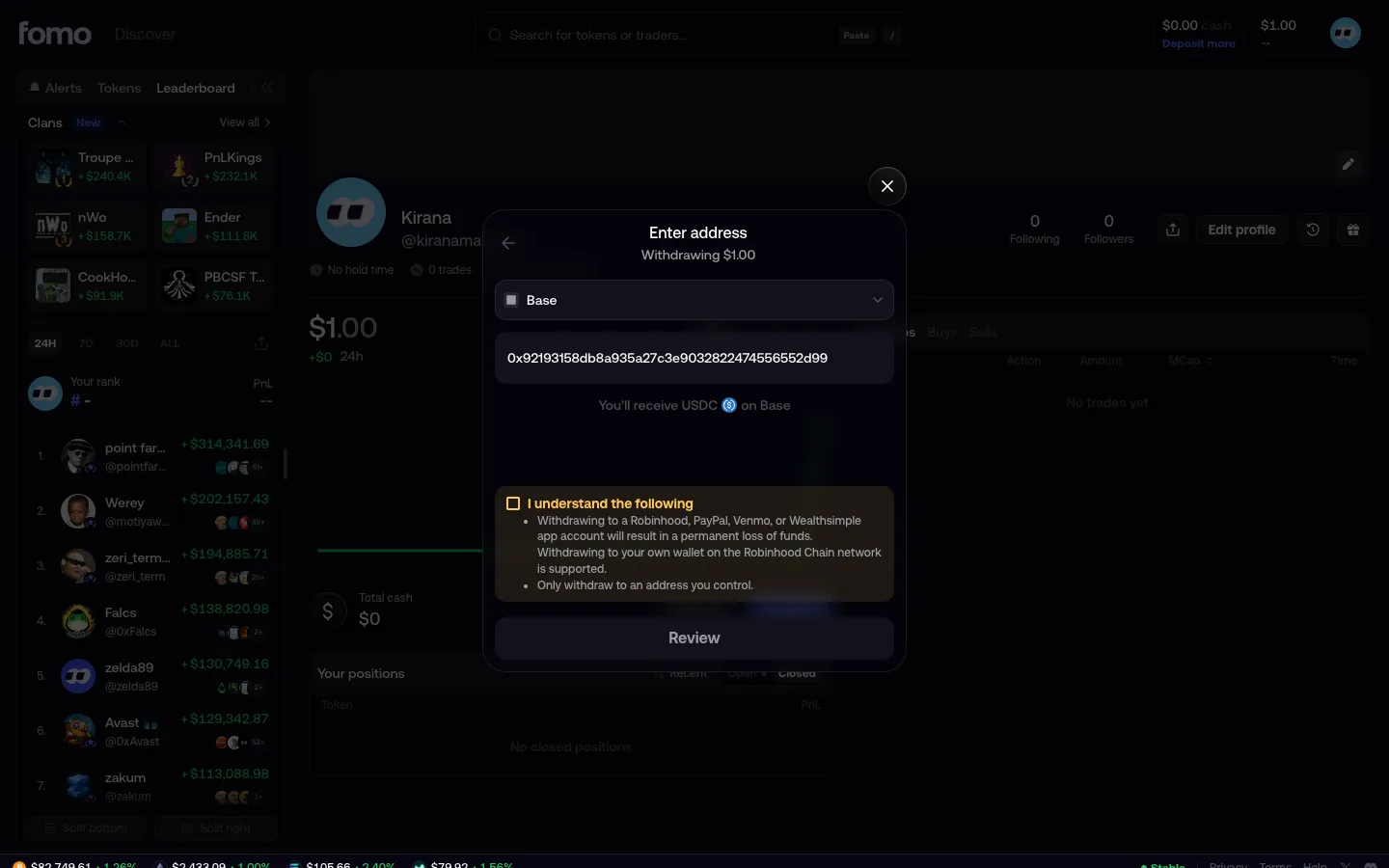
Enter address, paid out as USDCfomoEnter address, paid out as USDC
Address pasted, warning to acknowledgefomoAddress pasted, warning to acknowledge
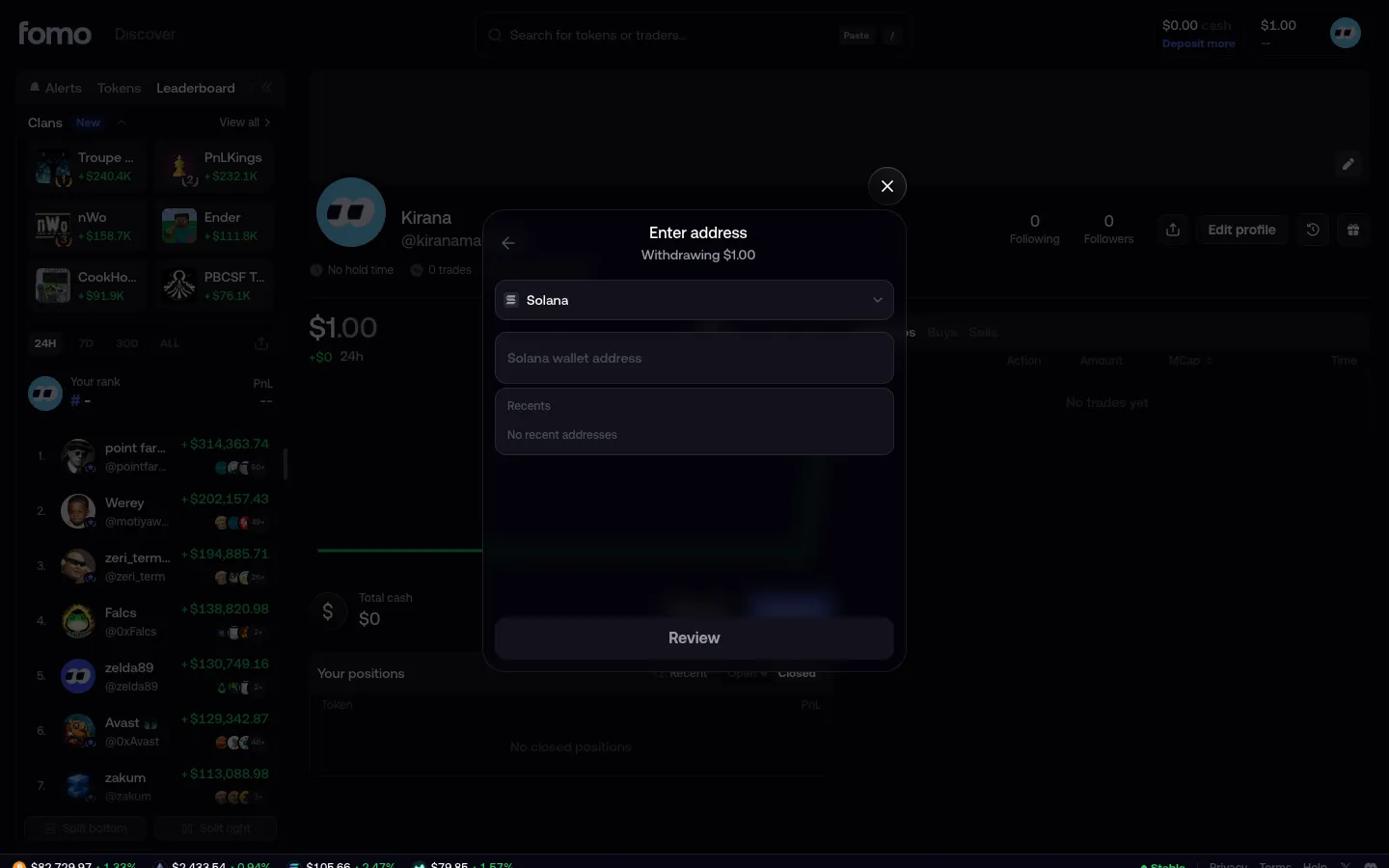
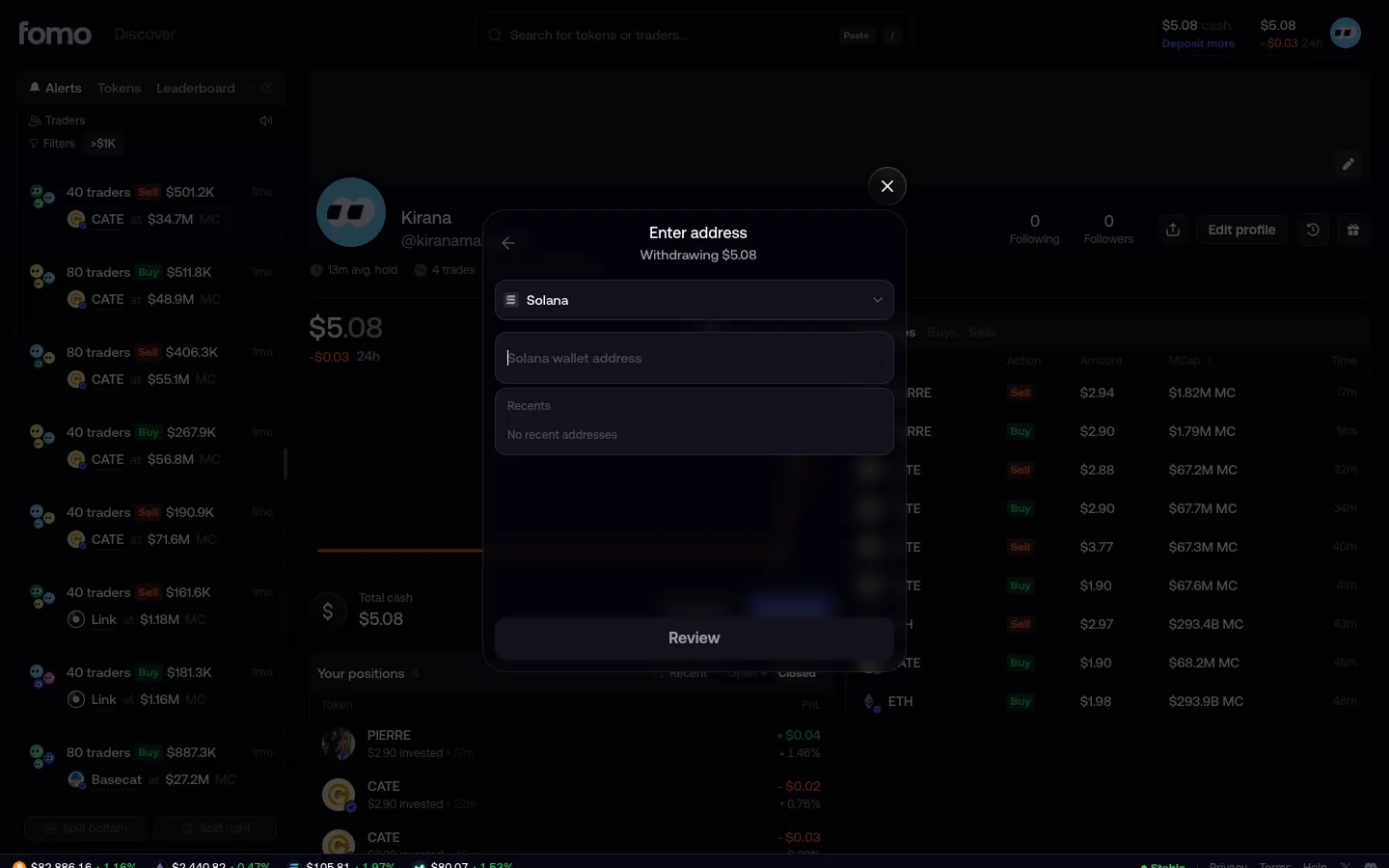
Enter address, Solana preselectedfomoEnter address, Solana preselected
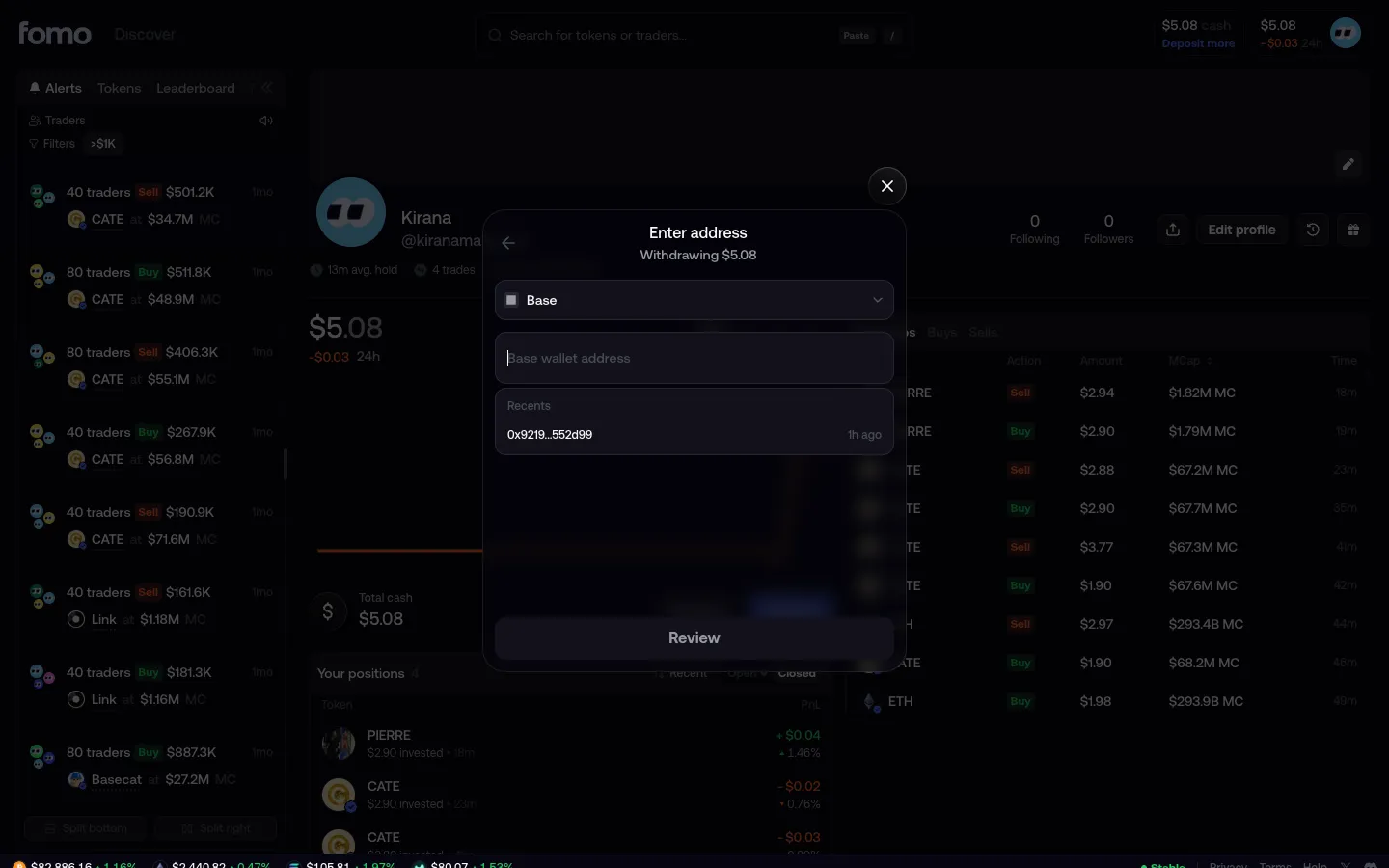
Base address field shows a recent addressfomoBase address field shows a recent address
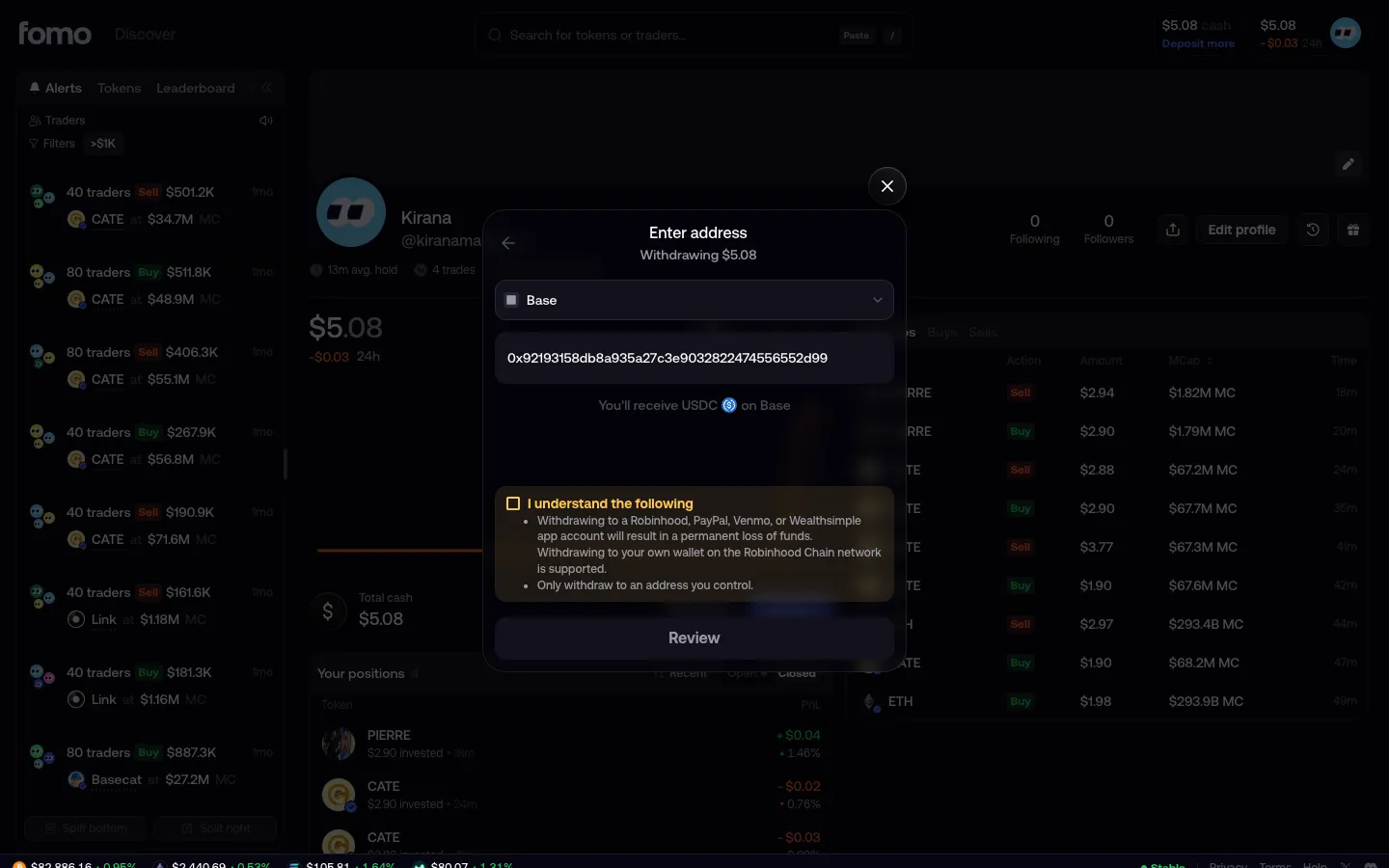
Address filled, warning to acknowledgefomoAddress filled, warning to acknowledge
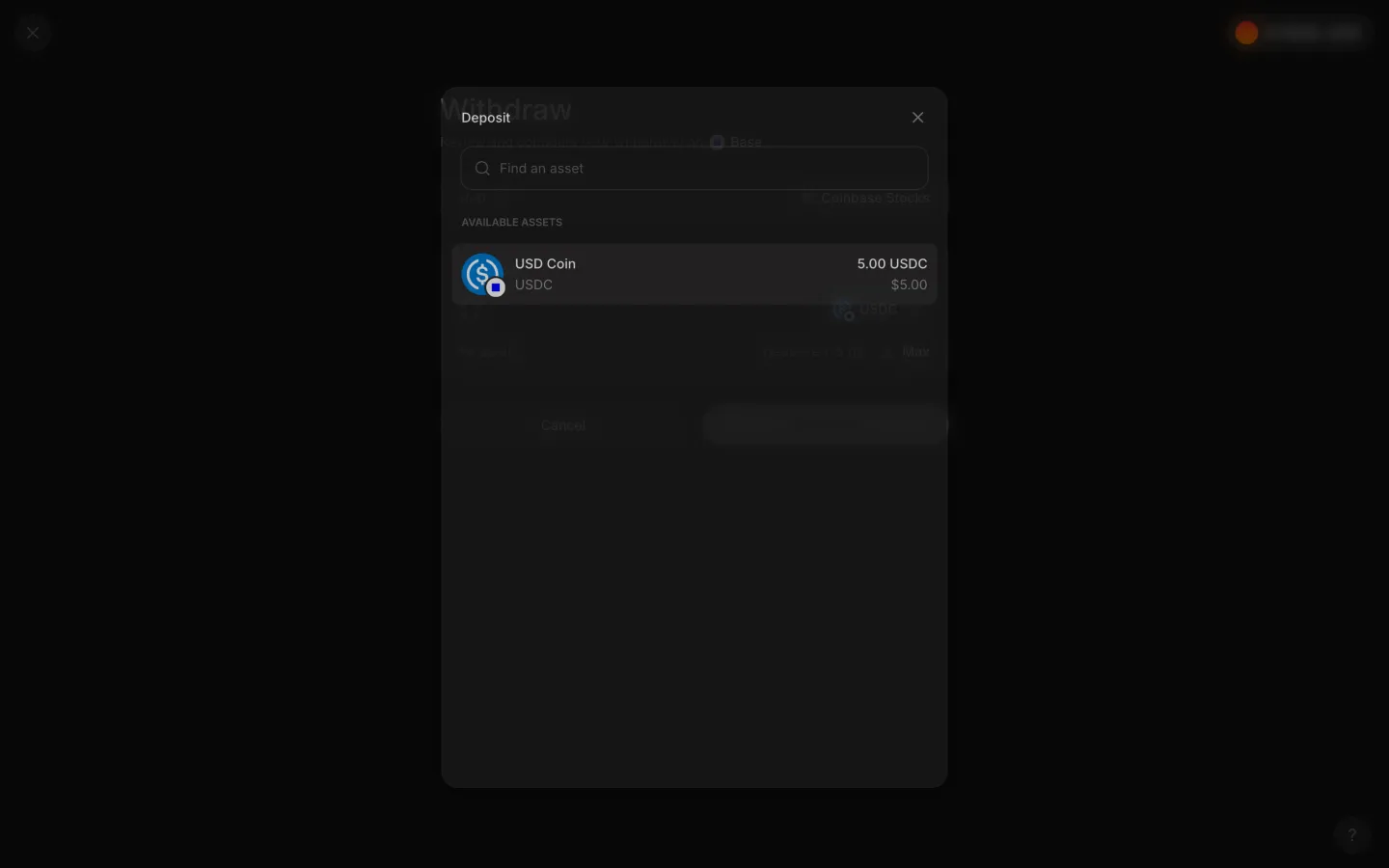
Token picker lists the 5.00 USDC positionAave ProToken picker lists the 5.00 USDC position
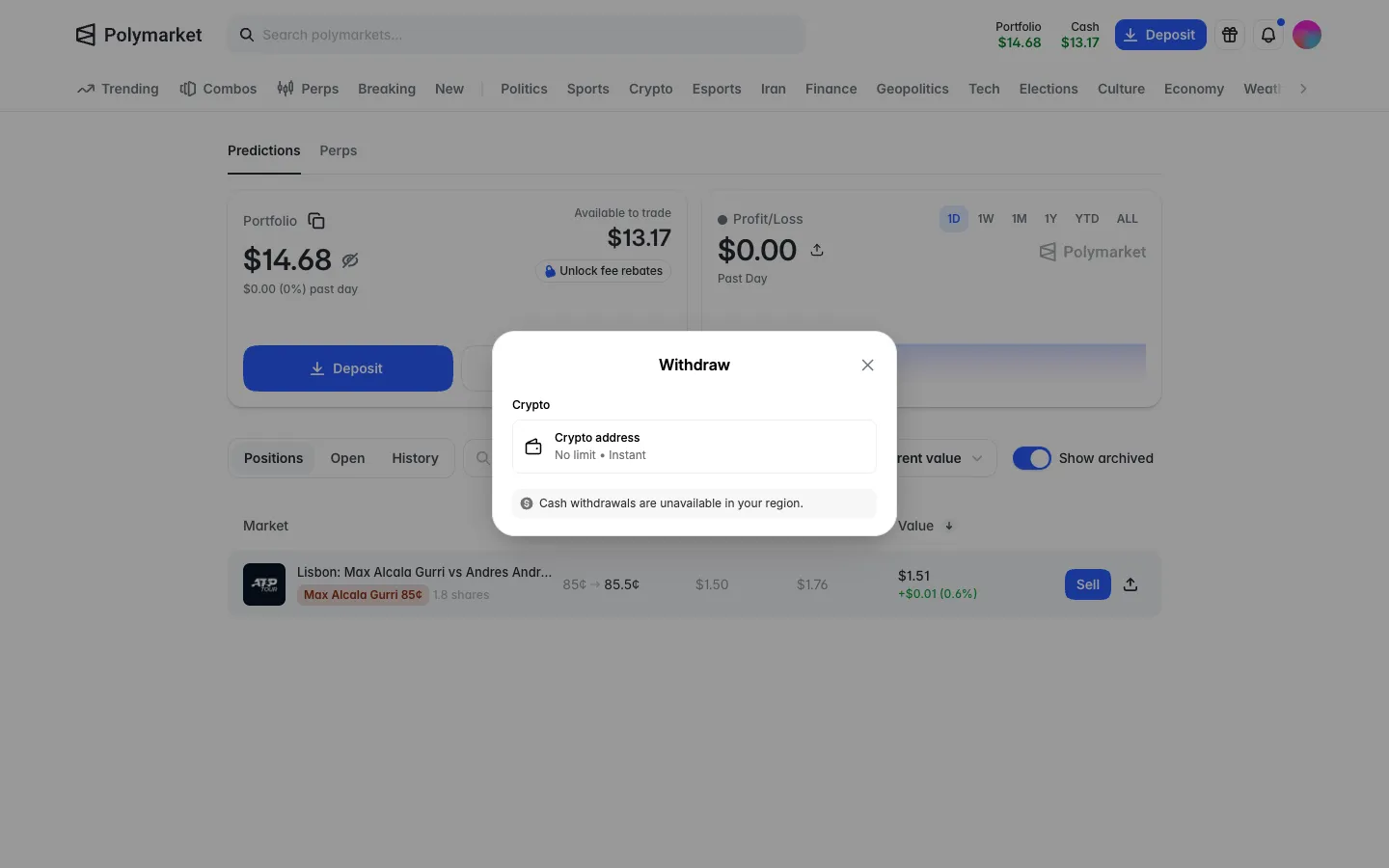
Withdraw to a crypto address, cash withdrawals unavailable in your regionPolymarketWithdraw to a crypto address, cash withdrawals unavailable in your region
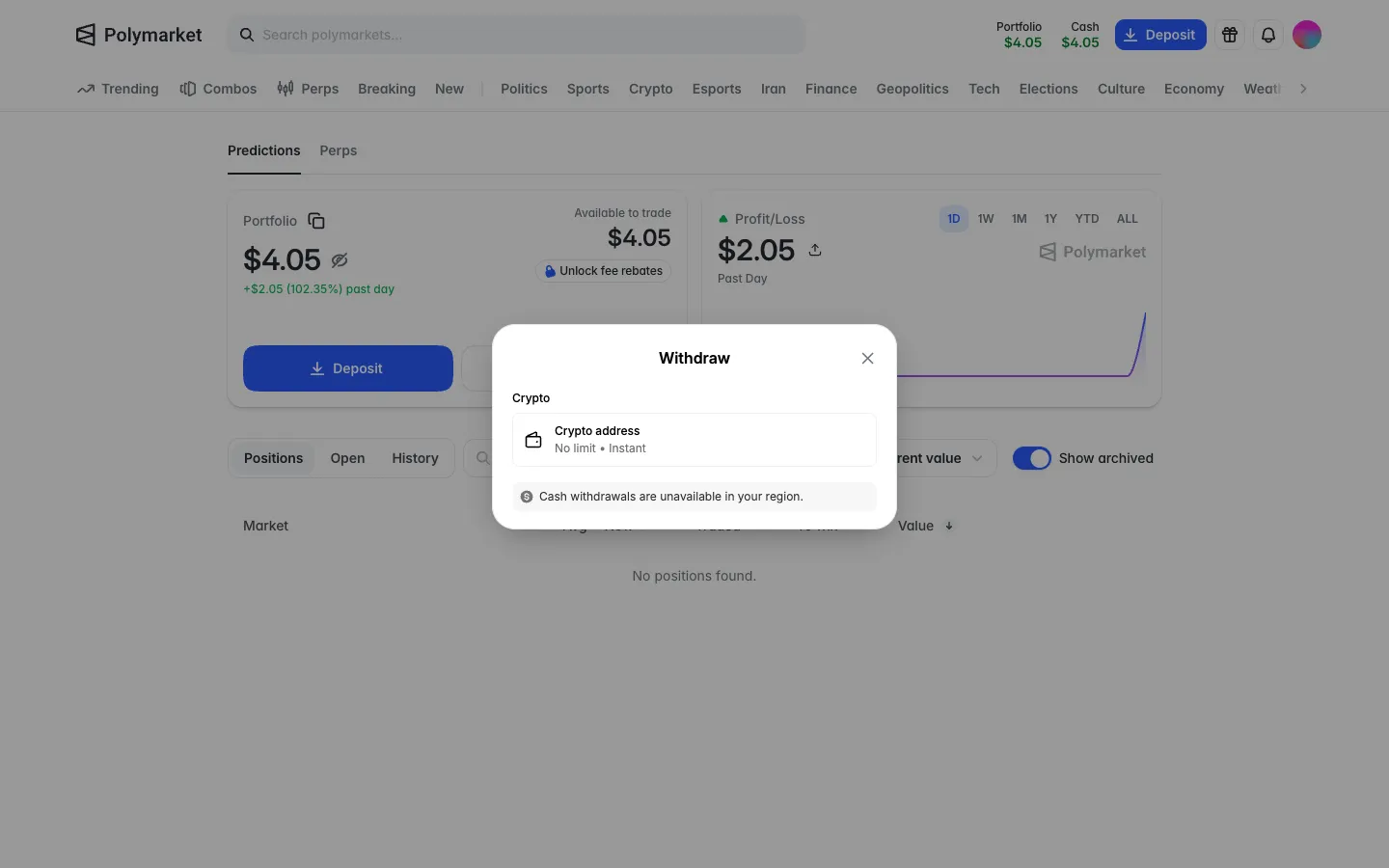
Withdraw methods, cash unavailable in this regionPolymarketWithdraw methods, cash unavailable in this region
Empty withdraw formPolymarketEmpty withdraw form
Address in, Max fills the amount with a commaPolymarketAddress in, Max fills the amount with a comma

Screens, flows and sites from real crypto and web3 apps.

© 2026 MoonoPrivacyTerms

Apps

  • All apps
  • Screens
  • Flows
  • UI elements

Sites

  • All sites
  • Sections

Learn

  • Glossary

Product

  • Pricing
  • MCPNew

© 2026 MoonoPrivacyTerms