All appsScreensFlowsUI elements
PricingGlossary
AllScreensFlowsUI elements

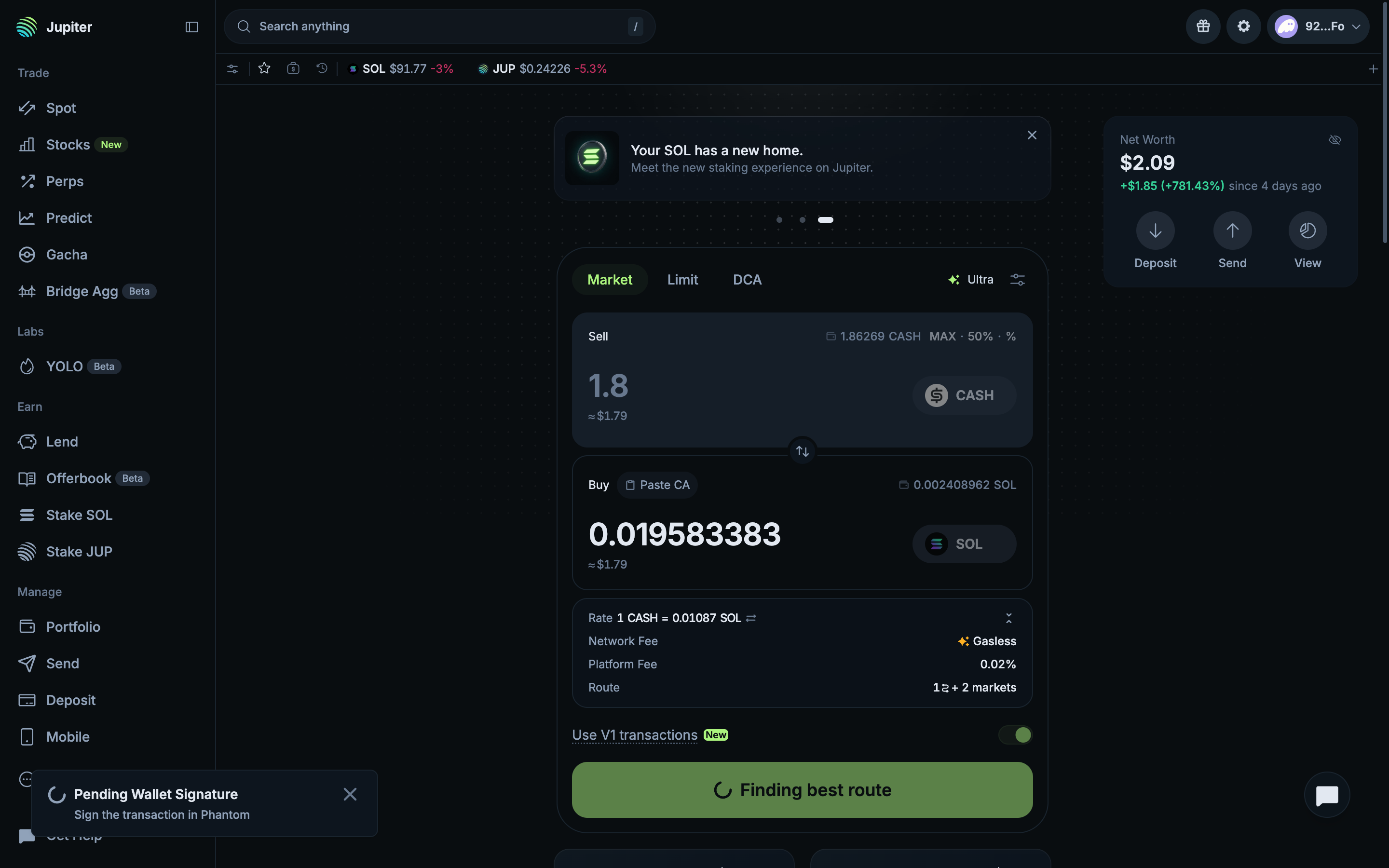
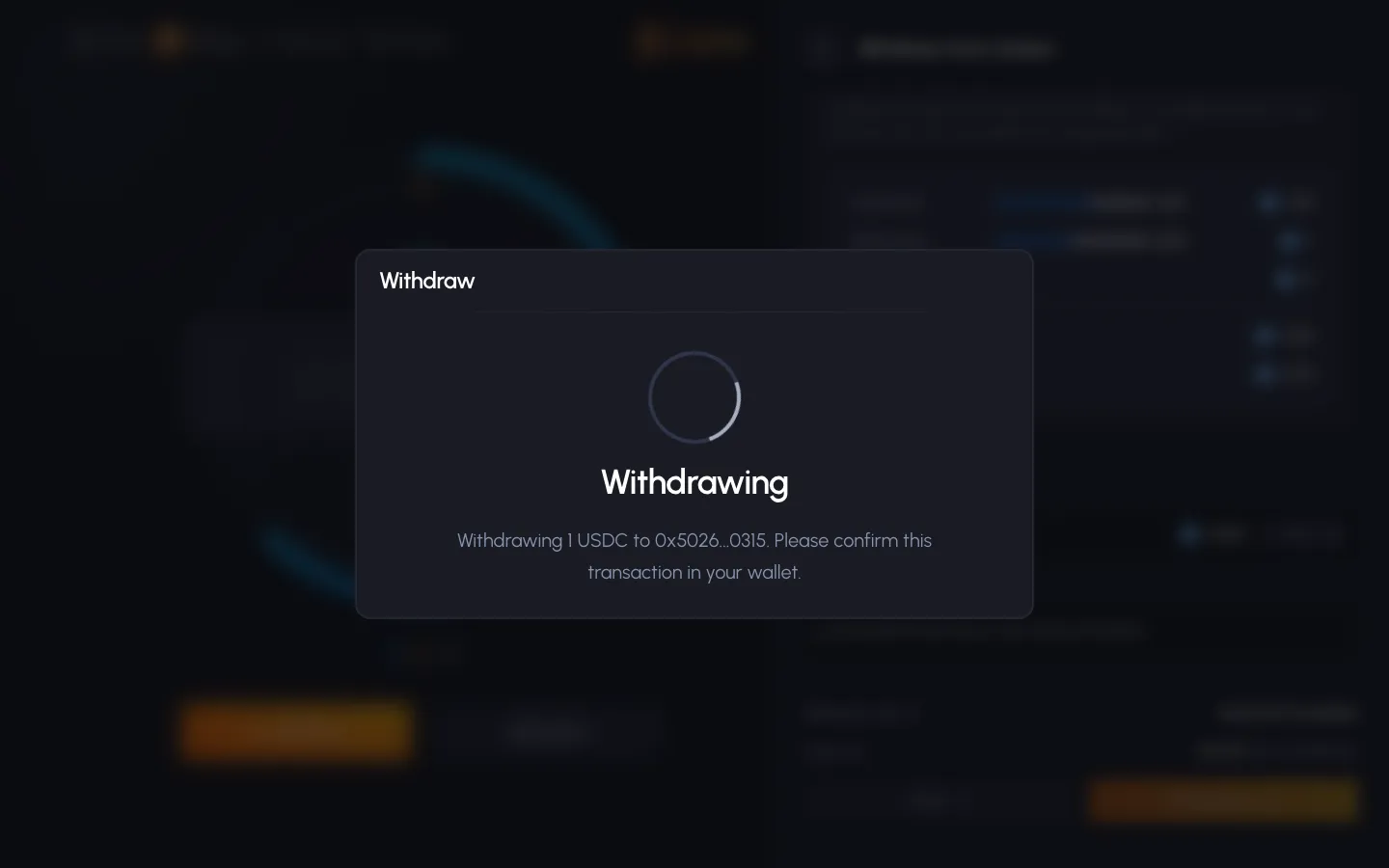
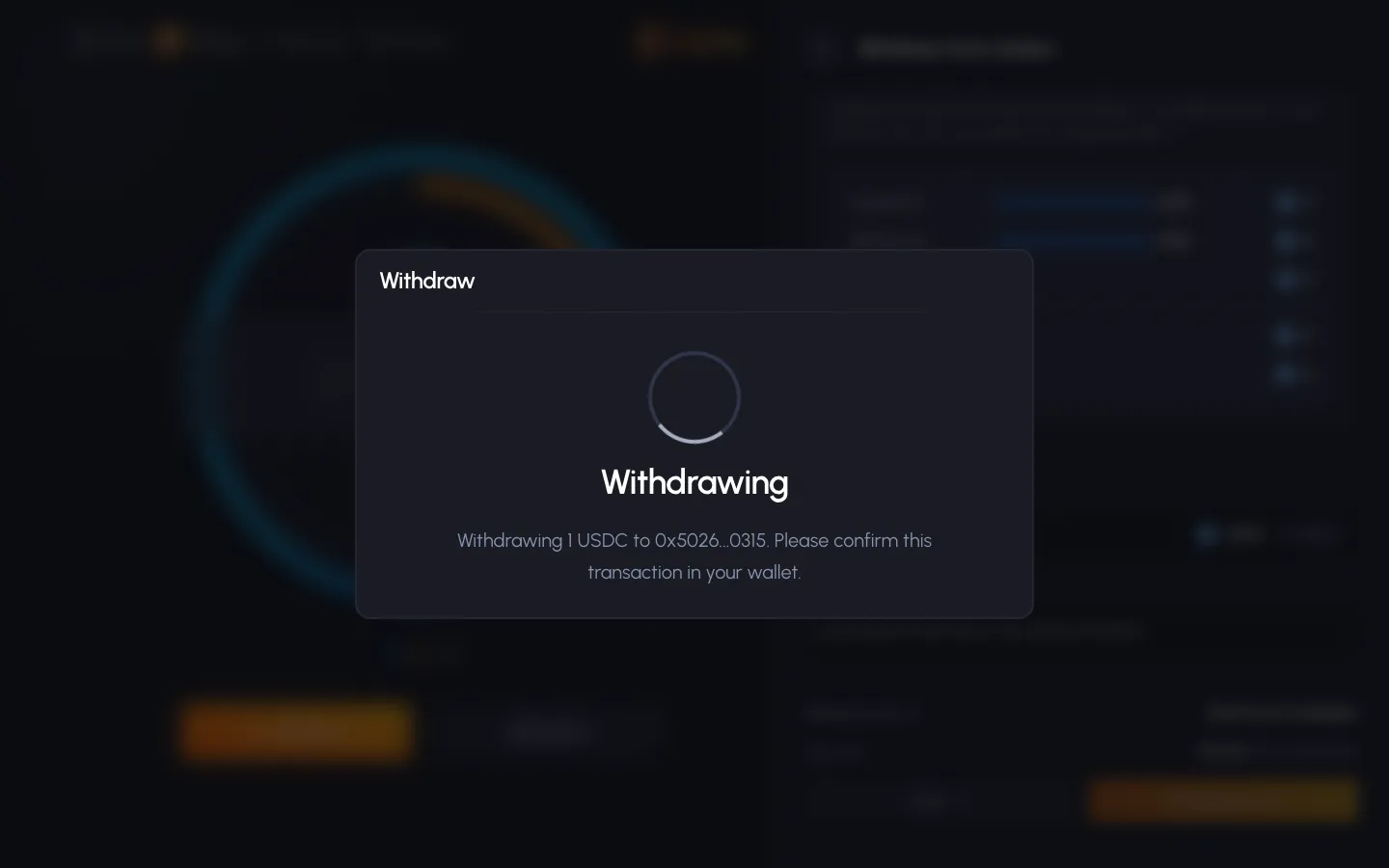
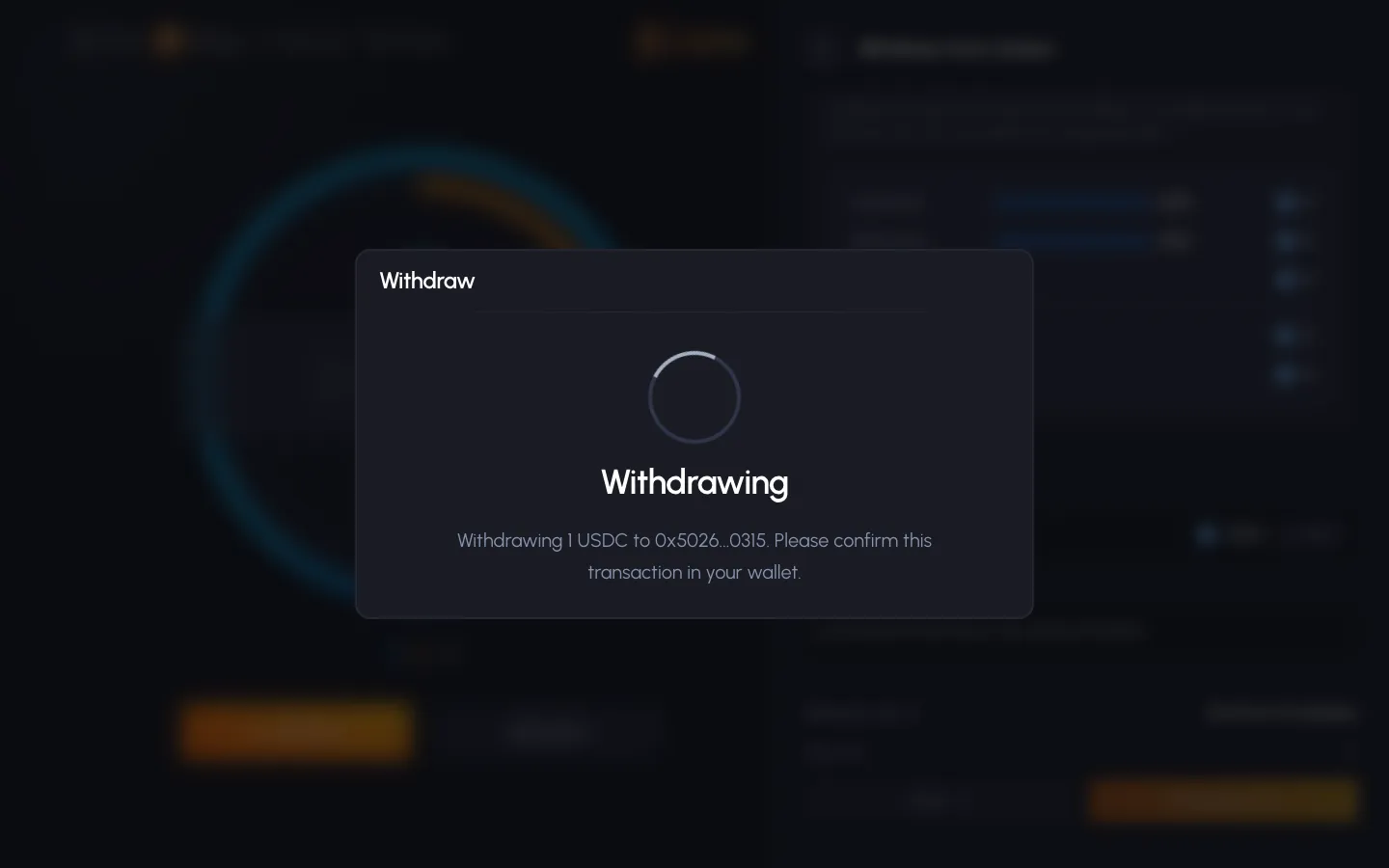
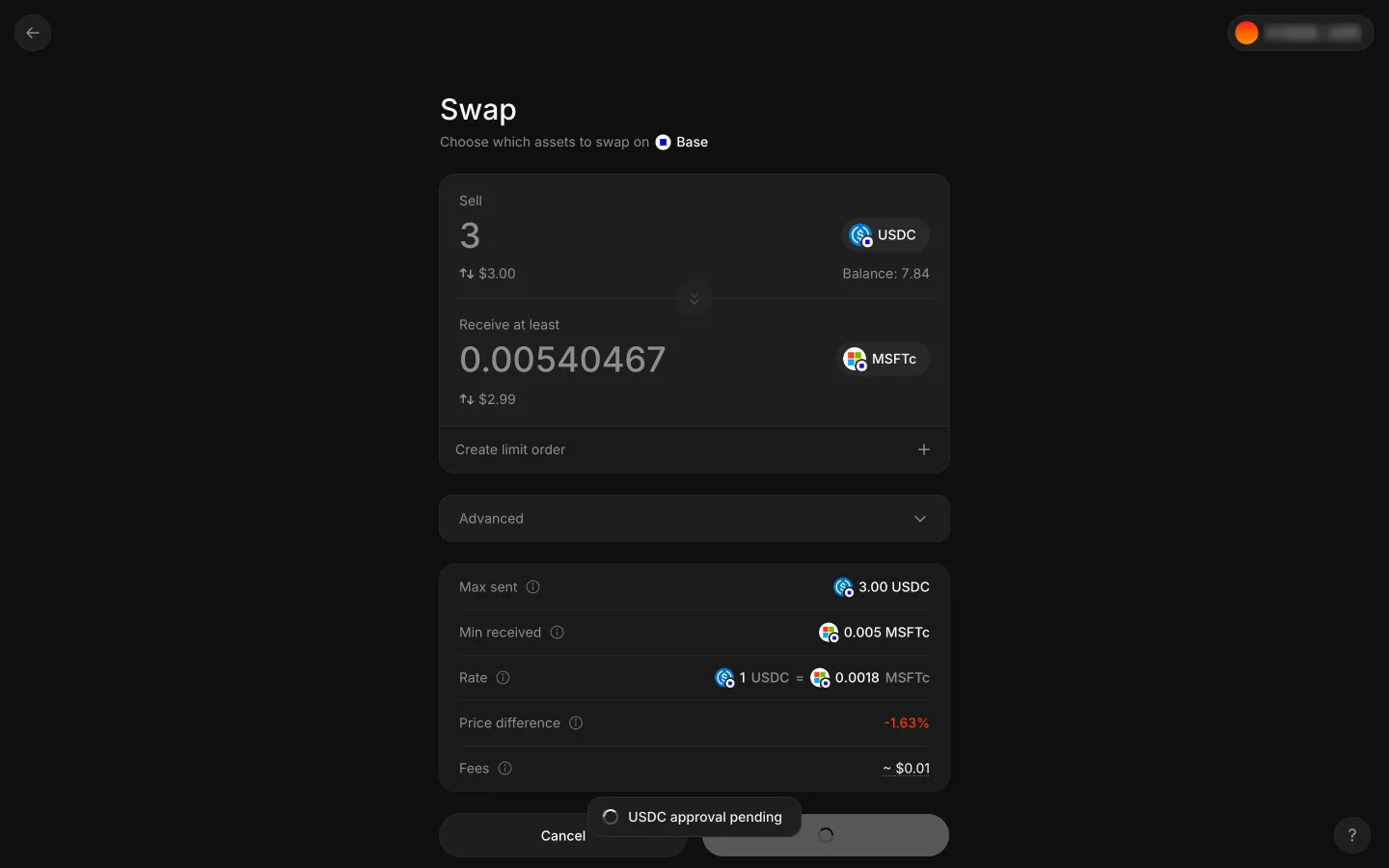
Sign the transaction in Phantom in Jupiter

Step 2 of 3 in Retrying an expired swapPlay
Sign the transaction in Phantom

Sign the transaction in Phantom

Transaction Status

Screen typeTransaction Status
StatePending
CapturedNov 2026
UI elementsDialogLoading Indicator
In the flowRetrying an expired swap
SizeDesktop, 2880 by 1800
Open the flowOpen original

Similar screens in other apps

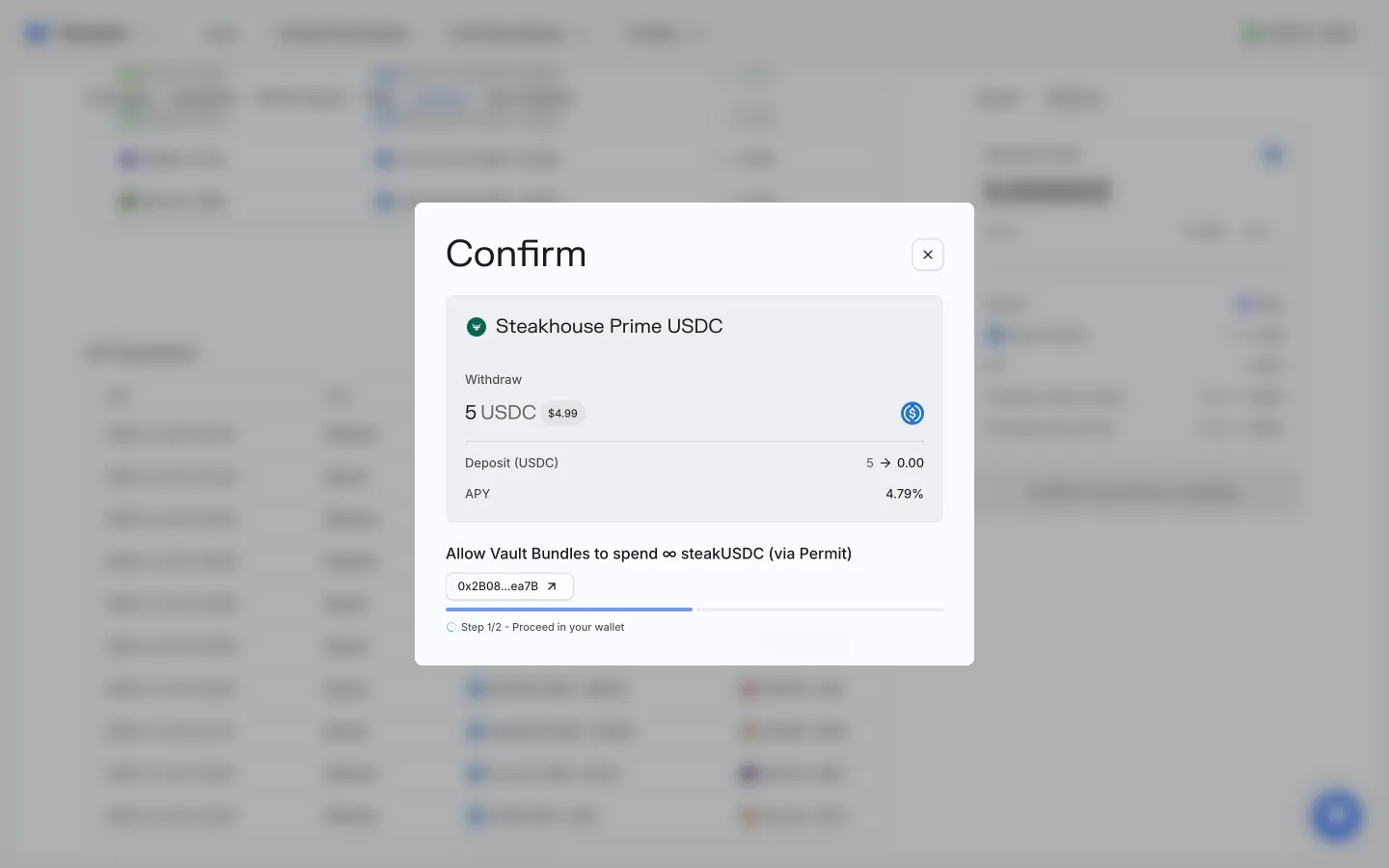
Sign unlimited permission for vault shares in walletMorphoSign unlimited permission for vault shares in wallet
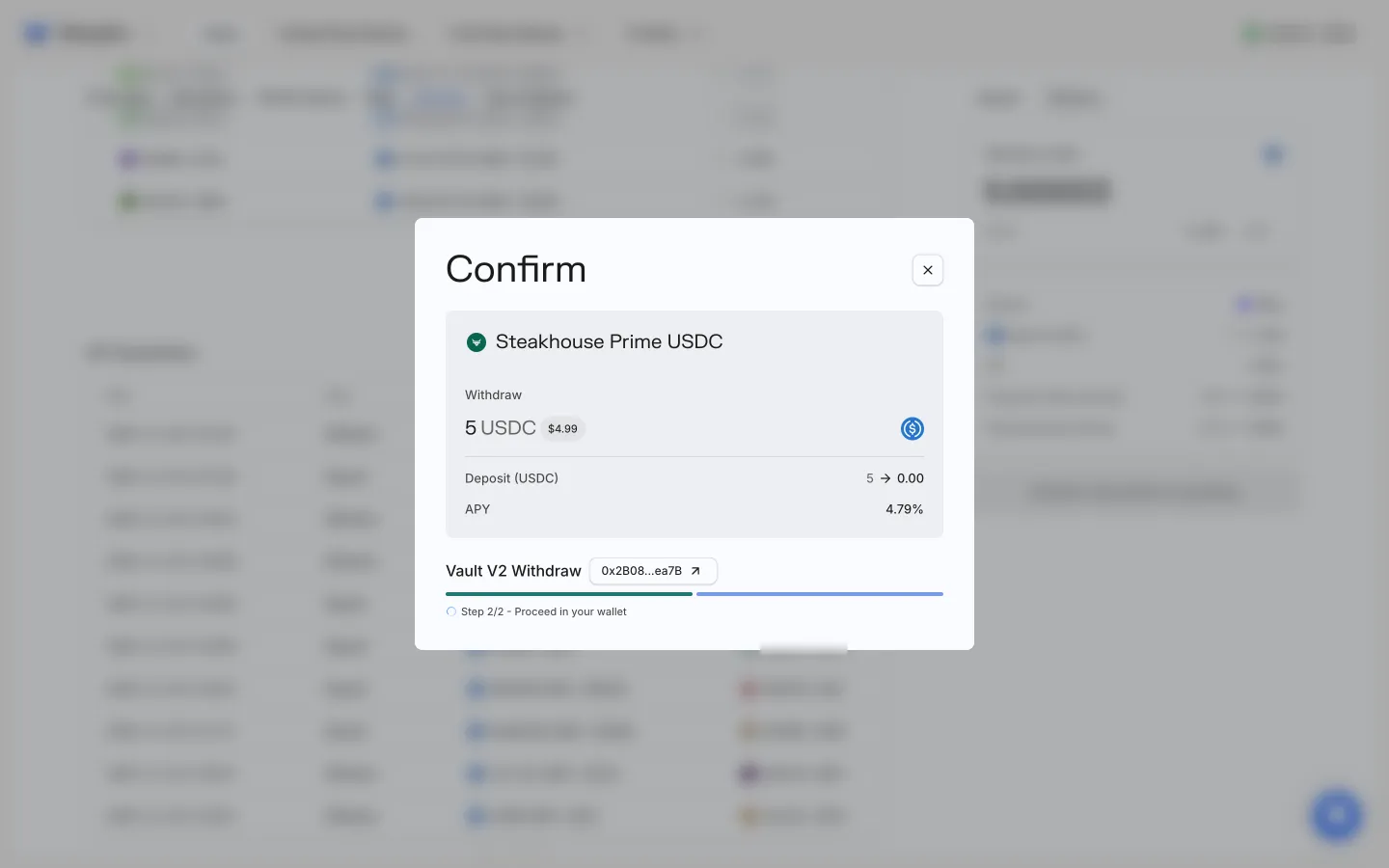
Approve the withdrawal in walletMorphoApprove the withdrawal in wallet
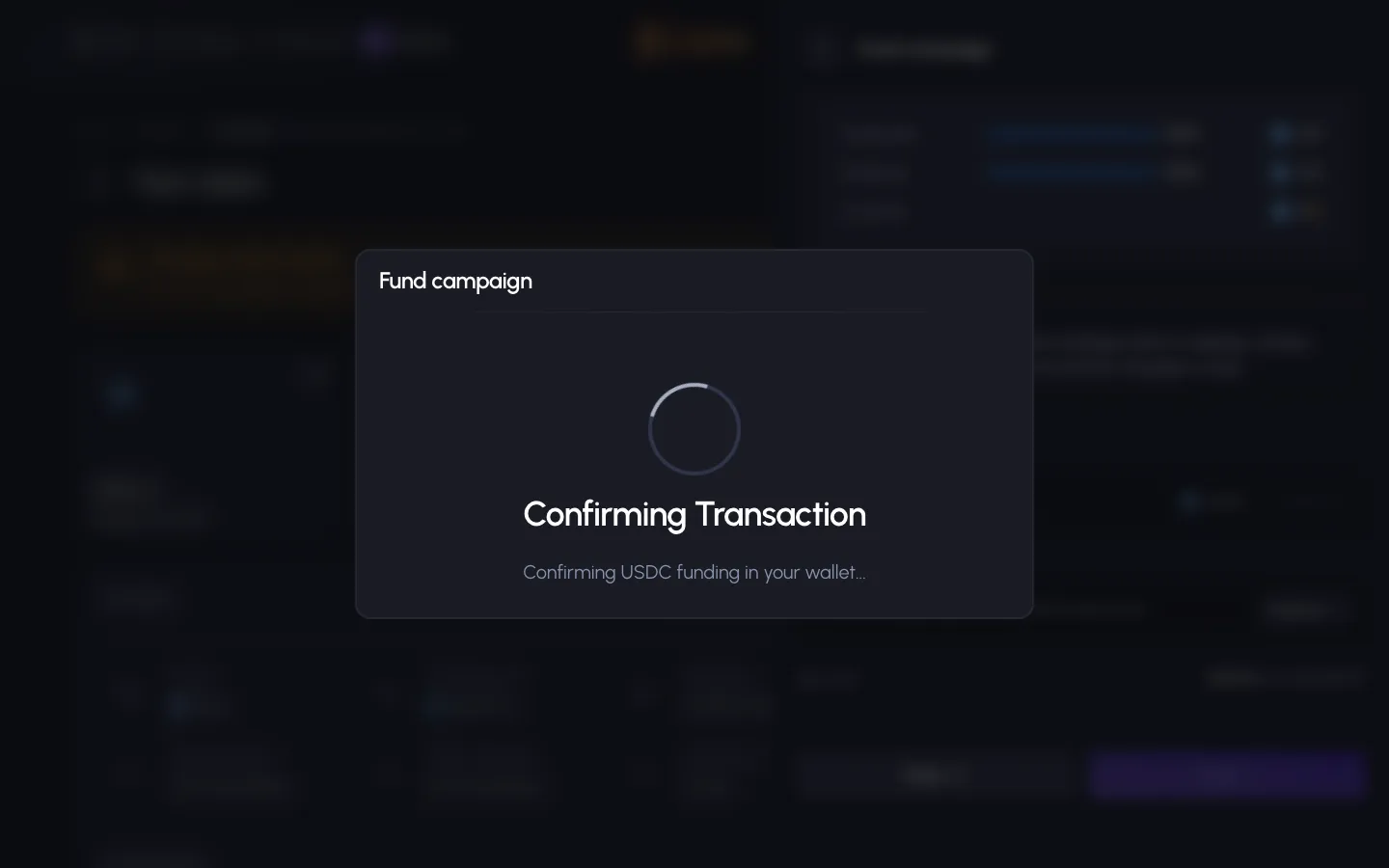
Confirming transaction, confirm the USDC funding in your walletSablierConfirming transaction, confirm the USDC funding in your wallet
Withdrawing, confirm the transaction in your walletSablierWithdrawing, confirm the transaction in your wallet
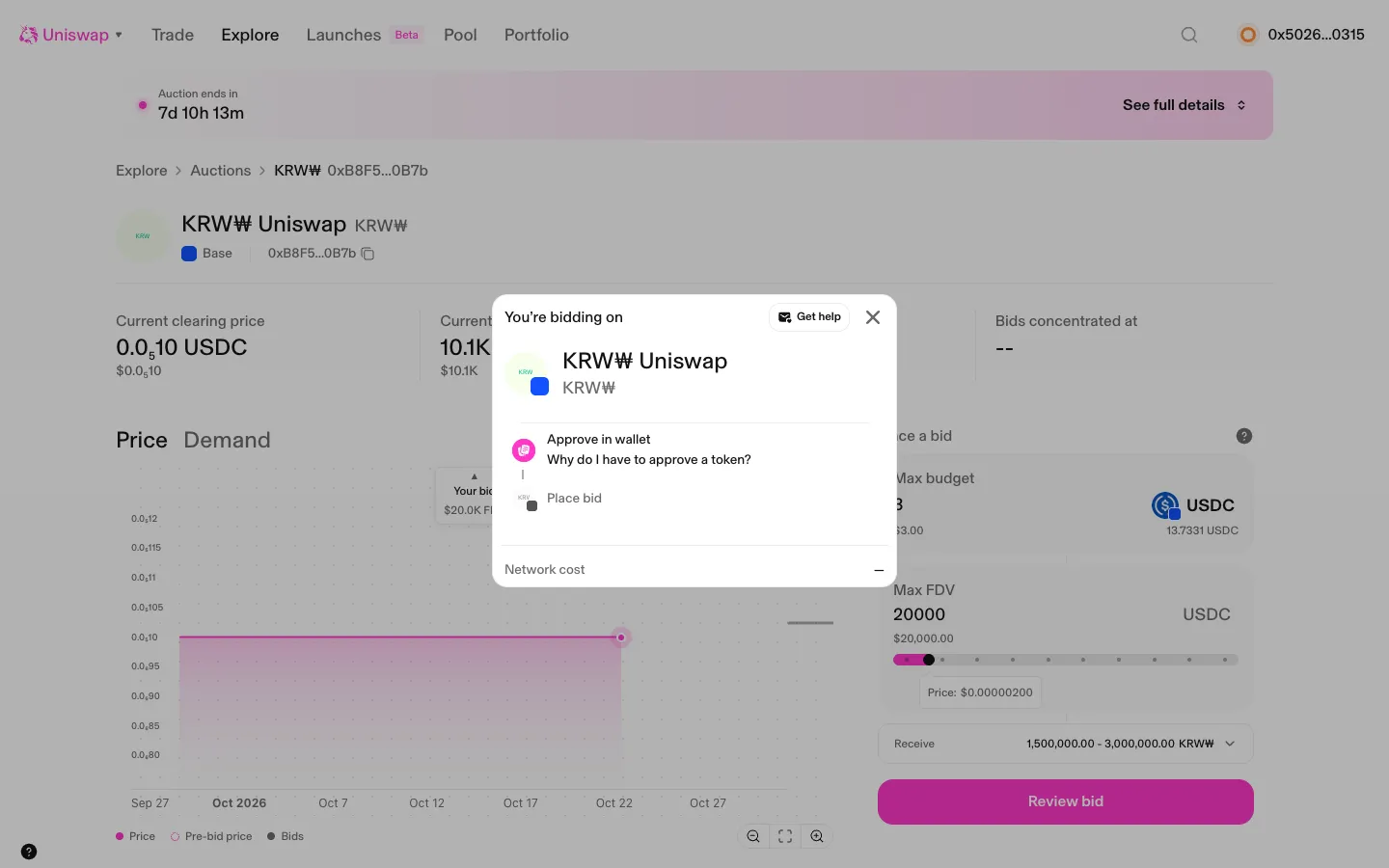
Three steps, approve USDC in the wallet firstUniswapThree steps, approve USDC in the wallet first
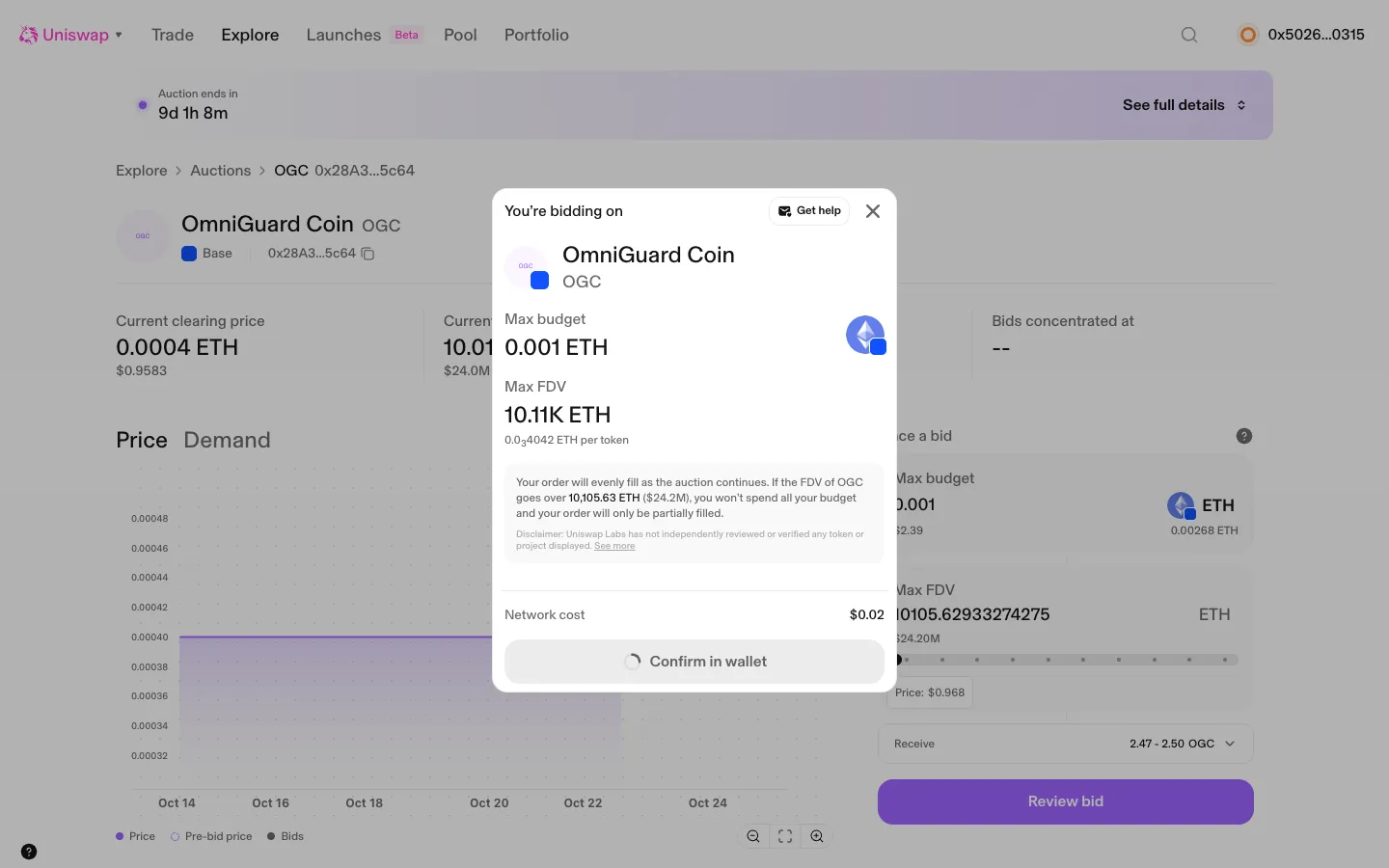
Confirm in wallet, one step for ETHUniswapConfirm in wallet, one step for ETH
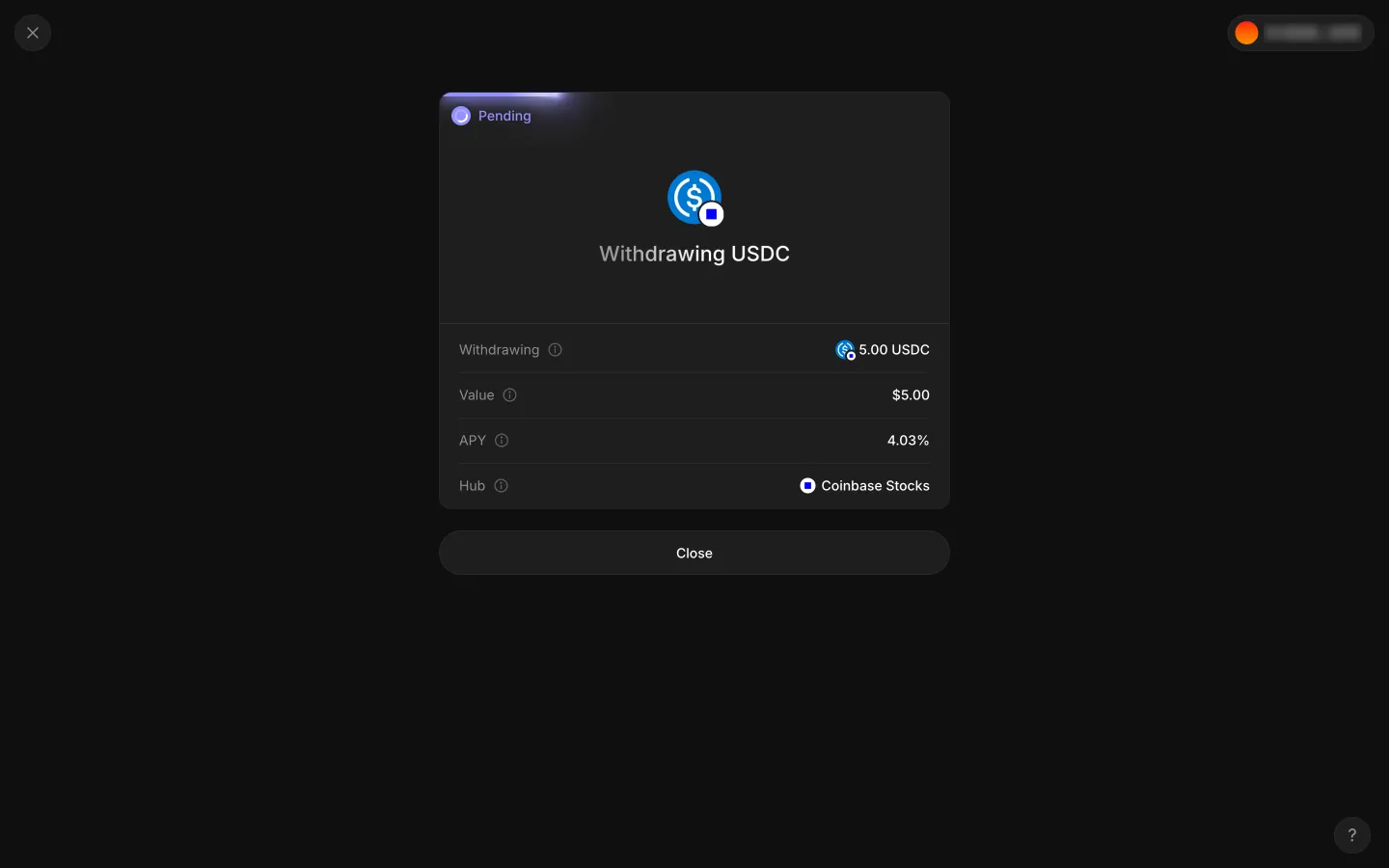
Pending receipt, Withdrawing USDCAave ProPending receipt, Withdrawing USDC
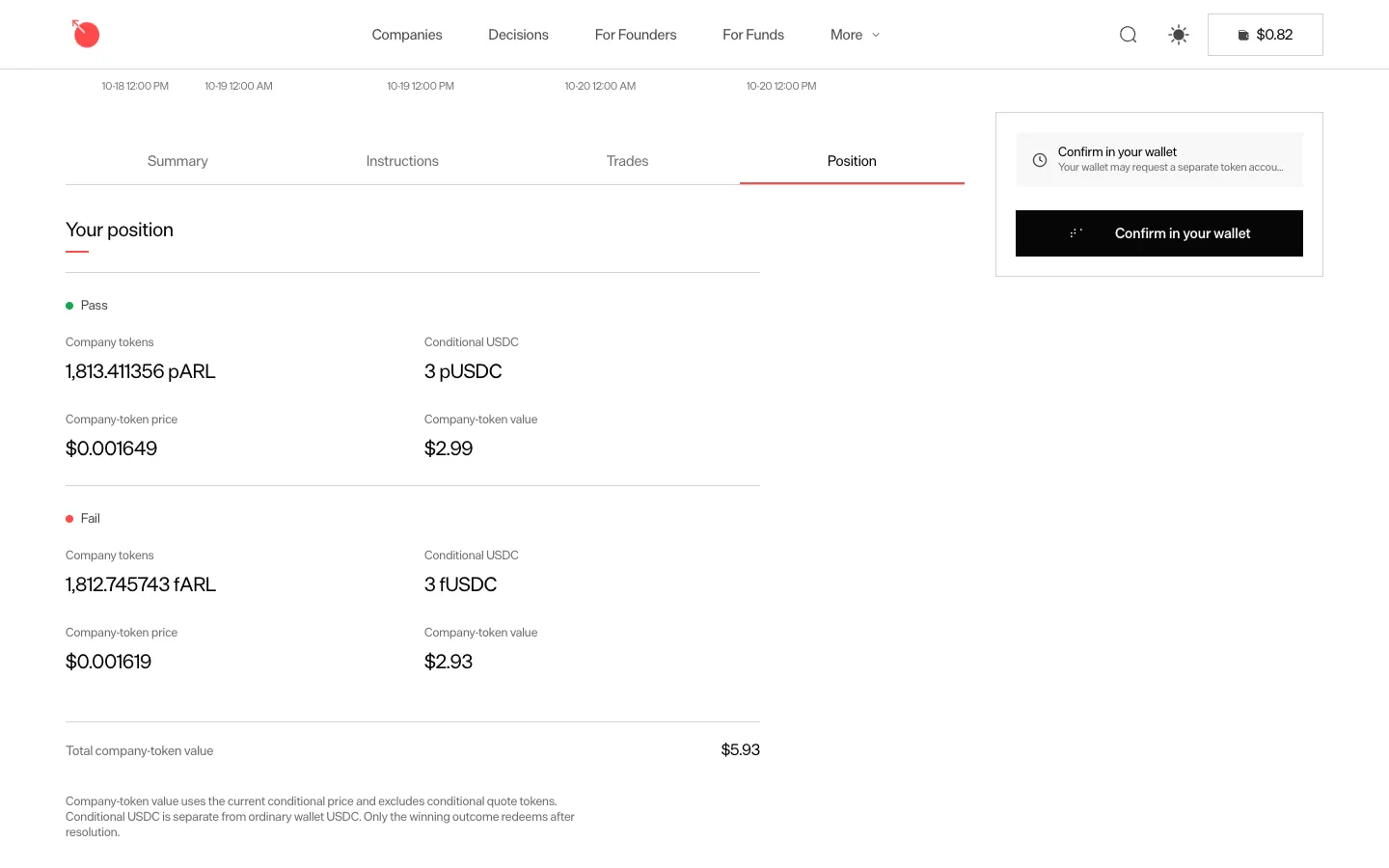
Confirm in your wallet, the embedded wallet signs on its ownMetaDAOConfirm in your wallet, the embedded wallet signs on its own
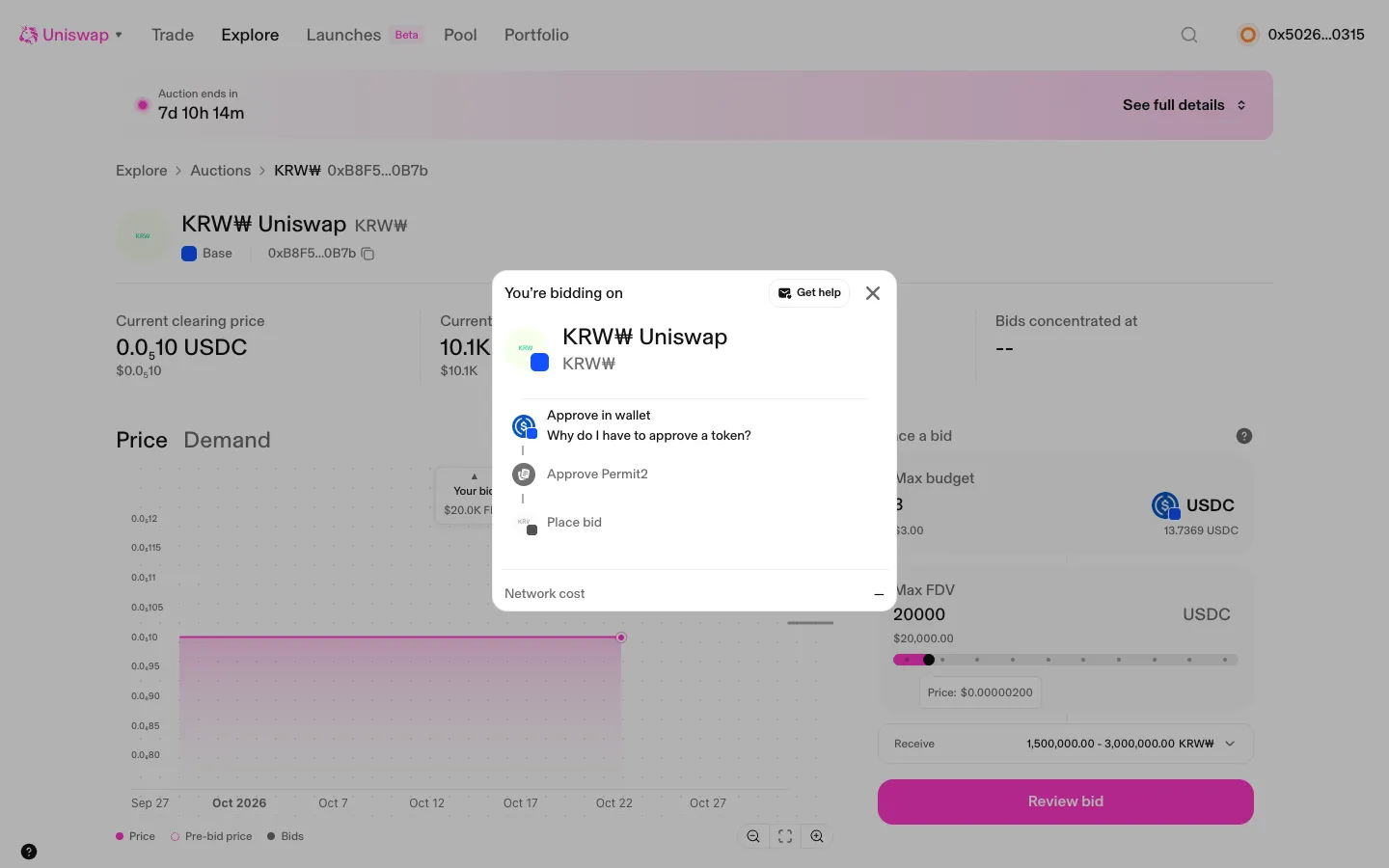
Second try, two steps left after Permit2UniswapSecond try, two steps left after Permit2
Signed, USDC approval pendingAave ProSigned, USDC approval pending

Screens, flows and sites from real crypto and web3 apps.

© 2026 MoonoPrivacyTerms

Apps

  • All apps
  • Screens
  • Flows
  • UI elements

Sites

  • All sites
  • Sections

Learn

  • Glossary

Product

  • Pricing
  • MCPNew

© 2026 MoonoPrivacyTerms