Apps
All apps
Screens
Flows
UI elements
Pricing
Glossary
Get started
All
Screens
Flows
UI elements
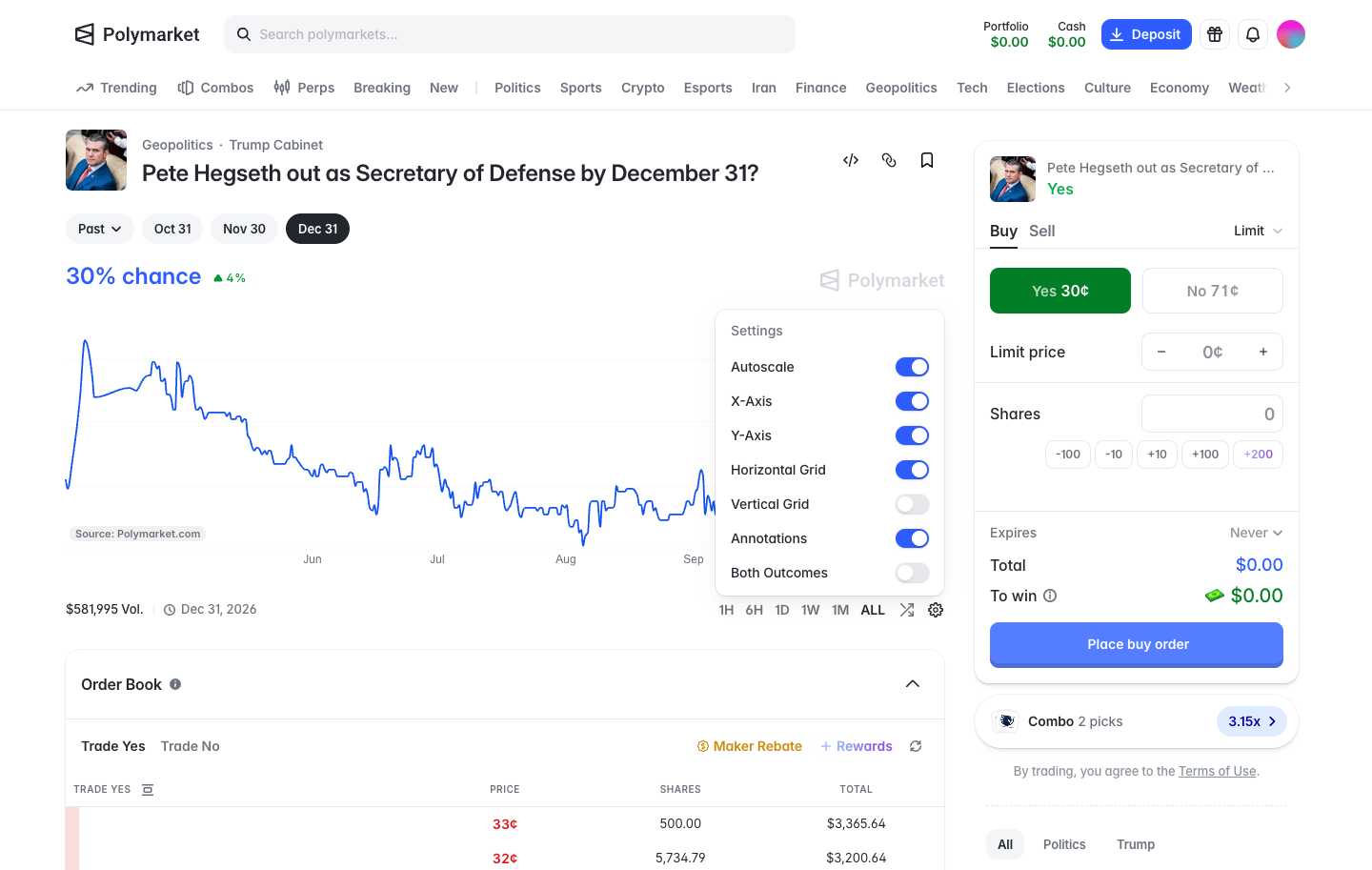
Chart settings, axes, grid, annotations and both outcomes
in
Polymarket
Step 2 of 2 in Chart settings
Play
Chart settings, axes, grid, annotations and both outcomes
Market Detail
Similar screens in other apps
Aave Pro
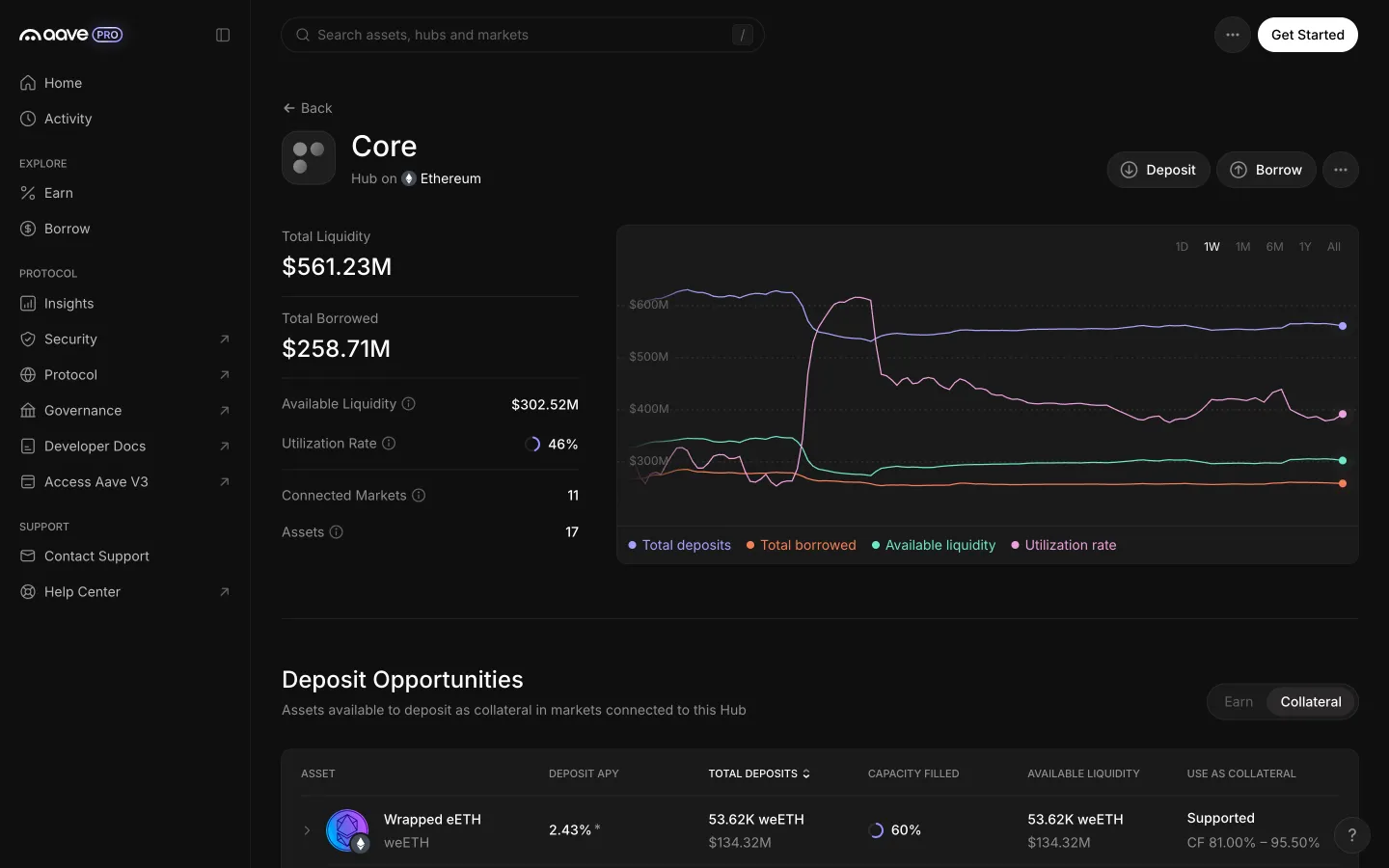
Collateral view lists assets with collateral factor ranges
Aave Pro
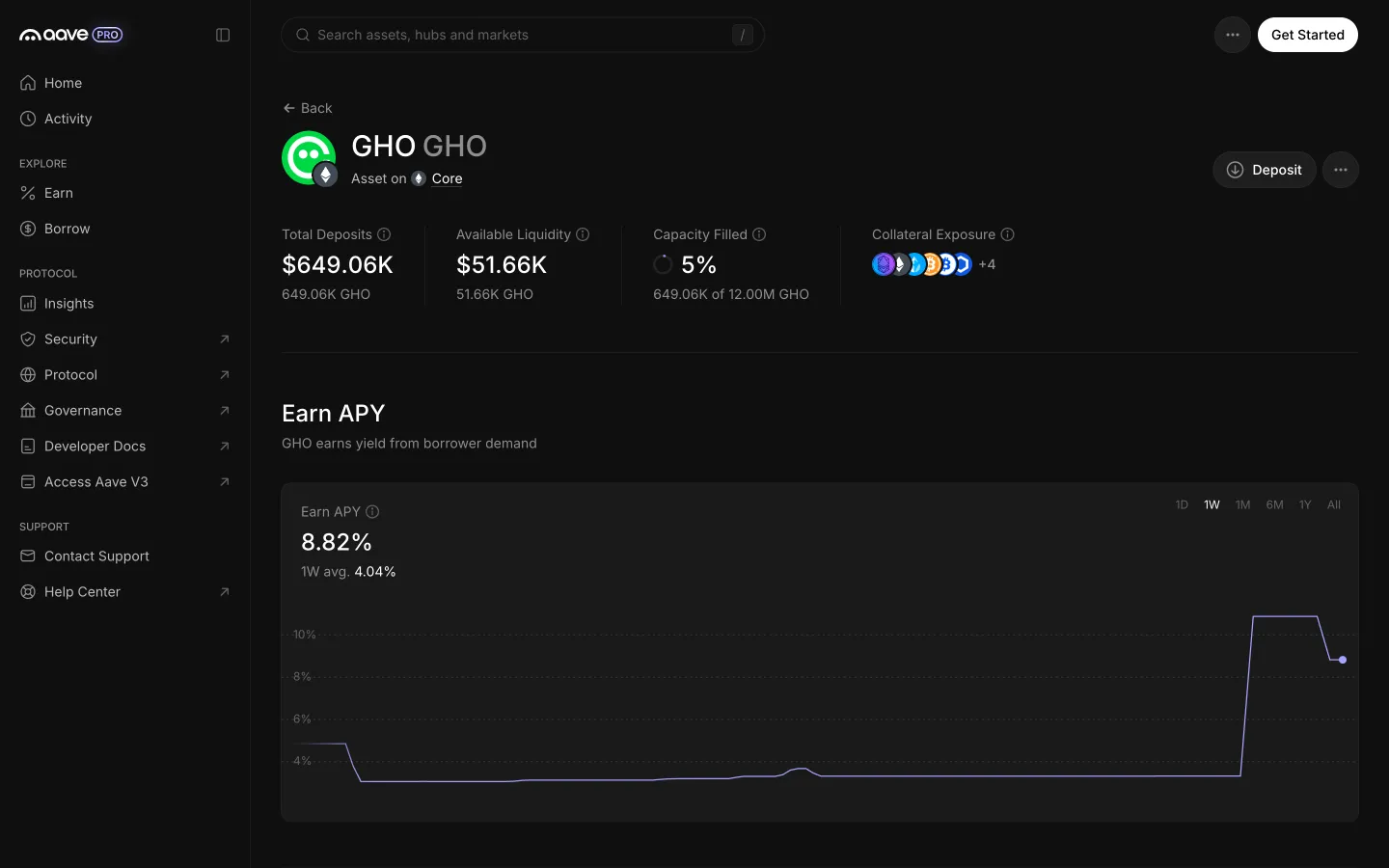
GHO Core page read top to bottom
Aave Pro
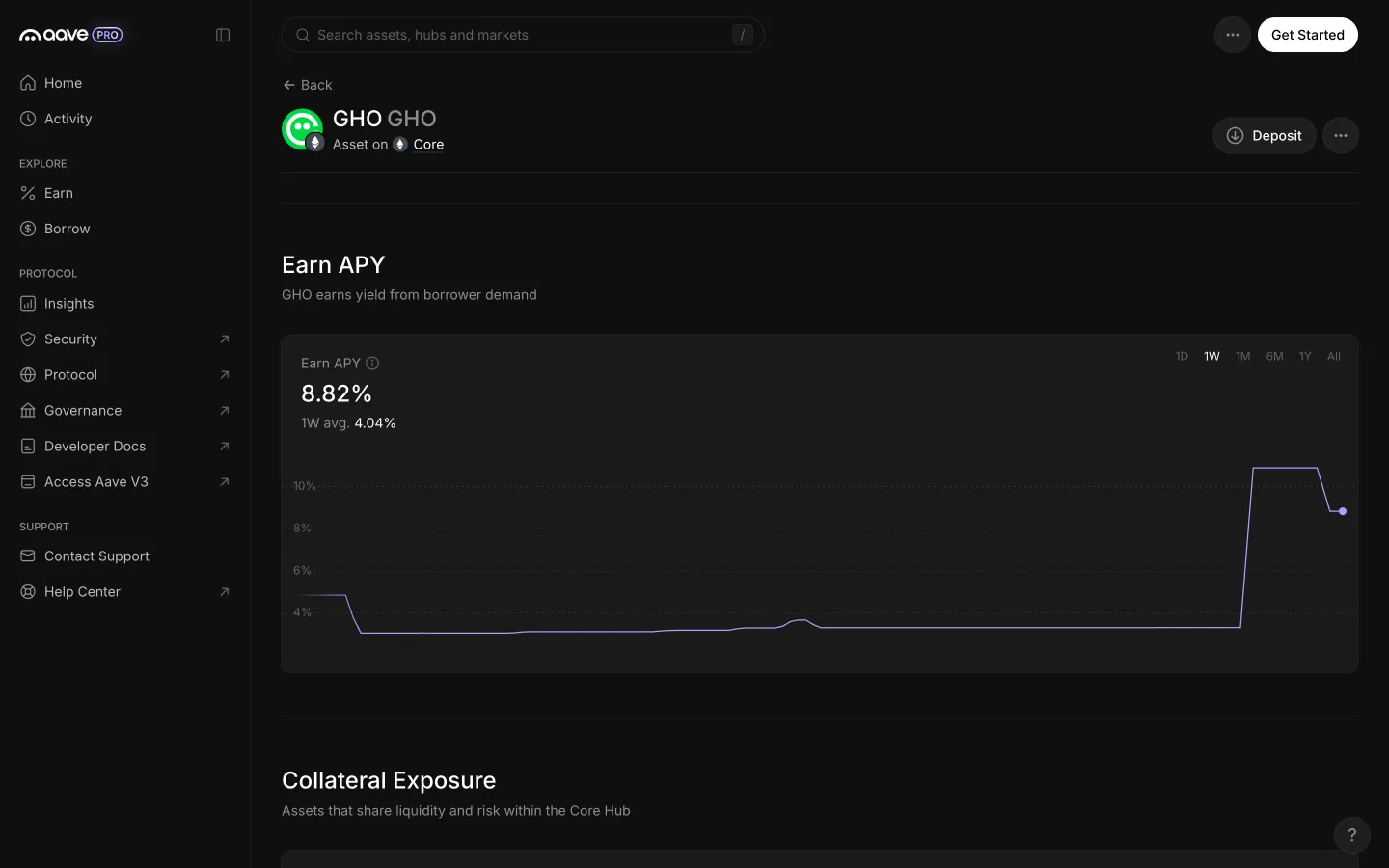
Earn APY chart on one week with range buttons
Aave Pro
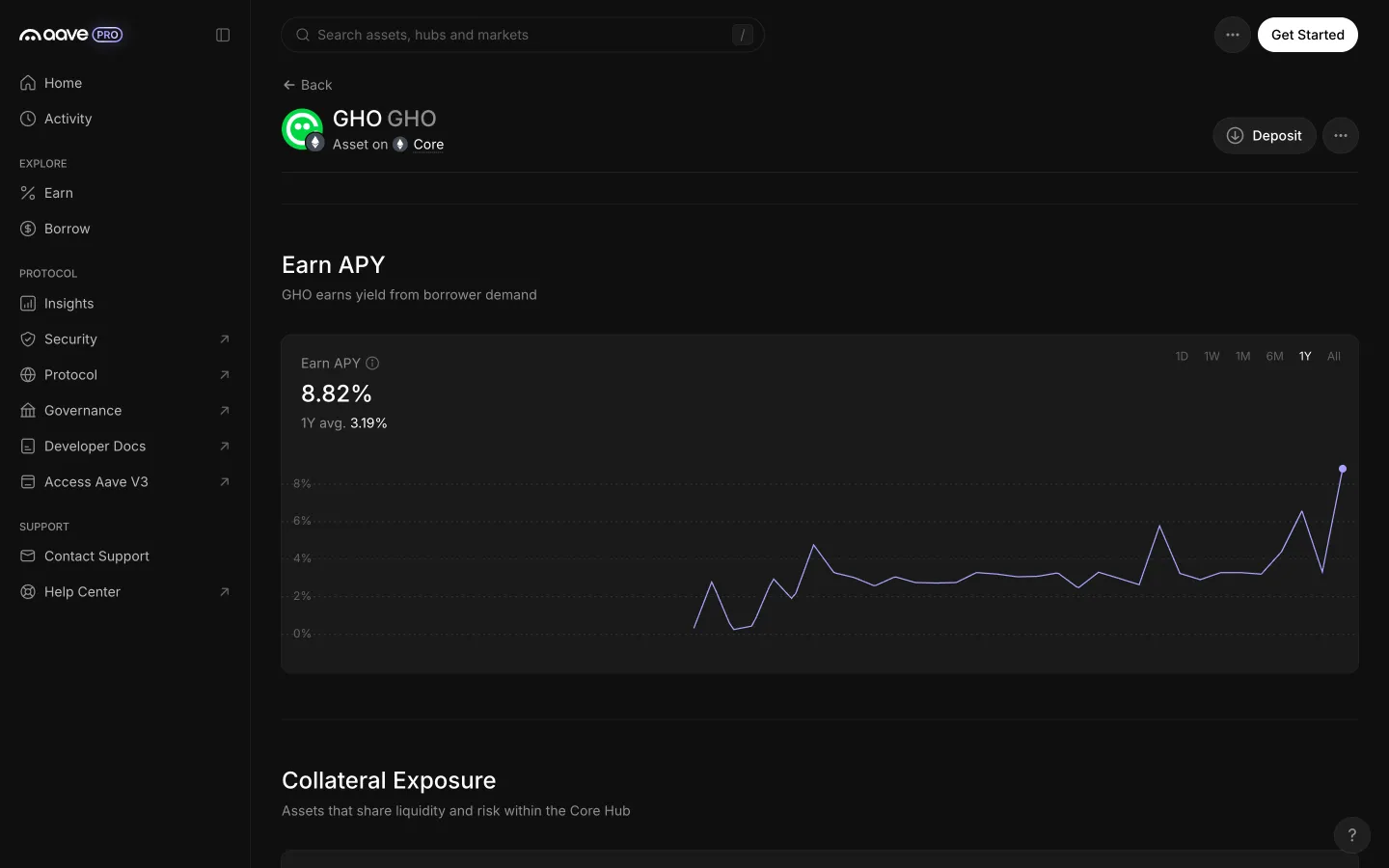
One year range, no markers on the line
Aave Pro
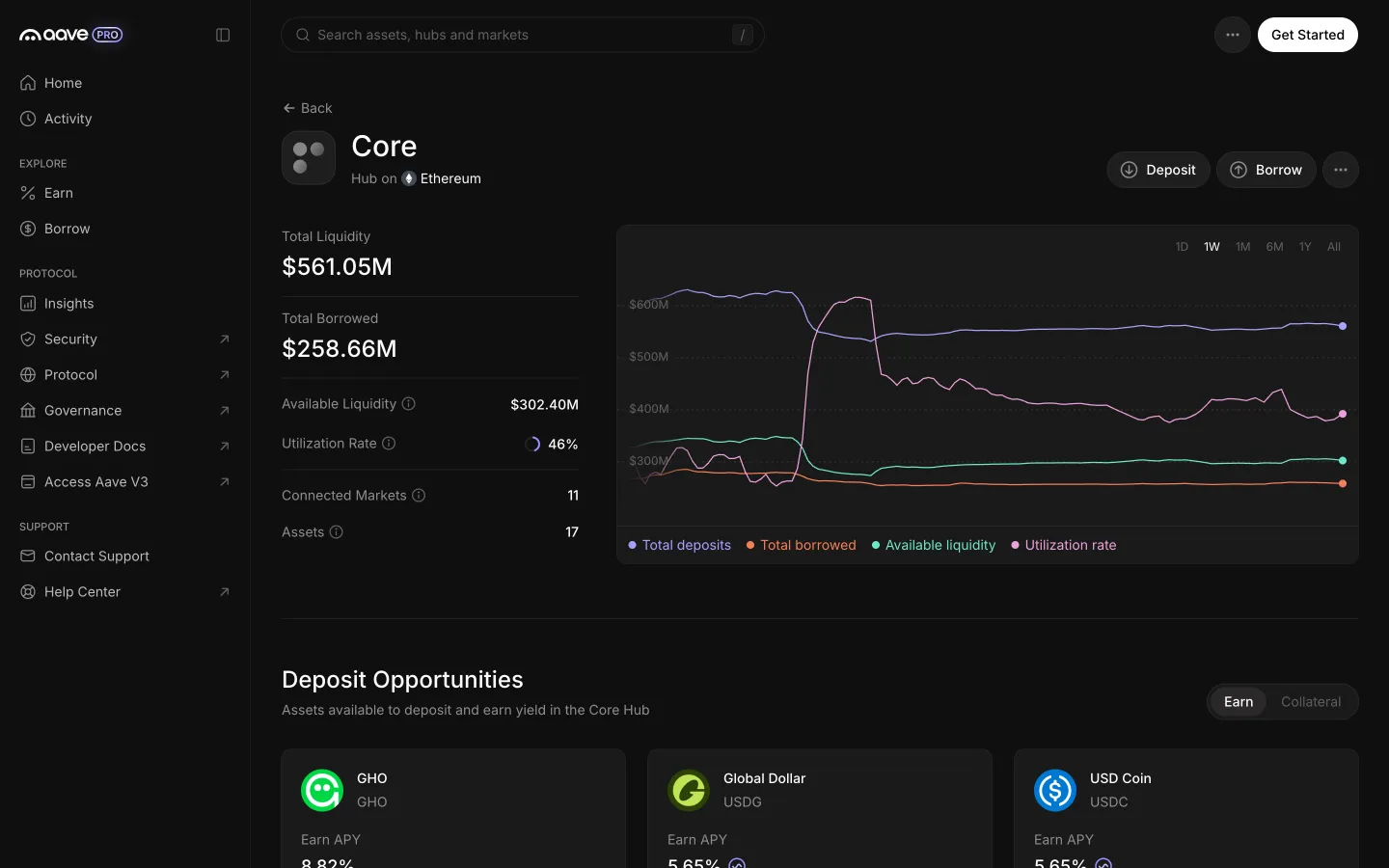
Core hub read top to bottom
Aave Pro
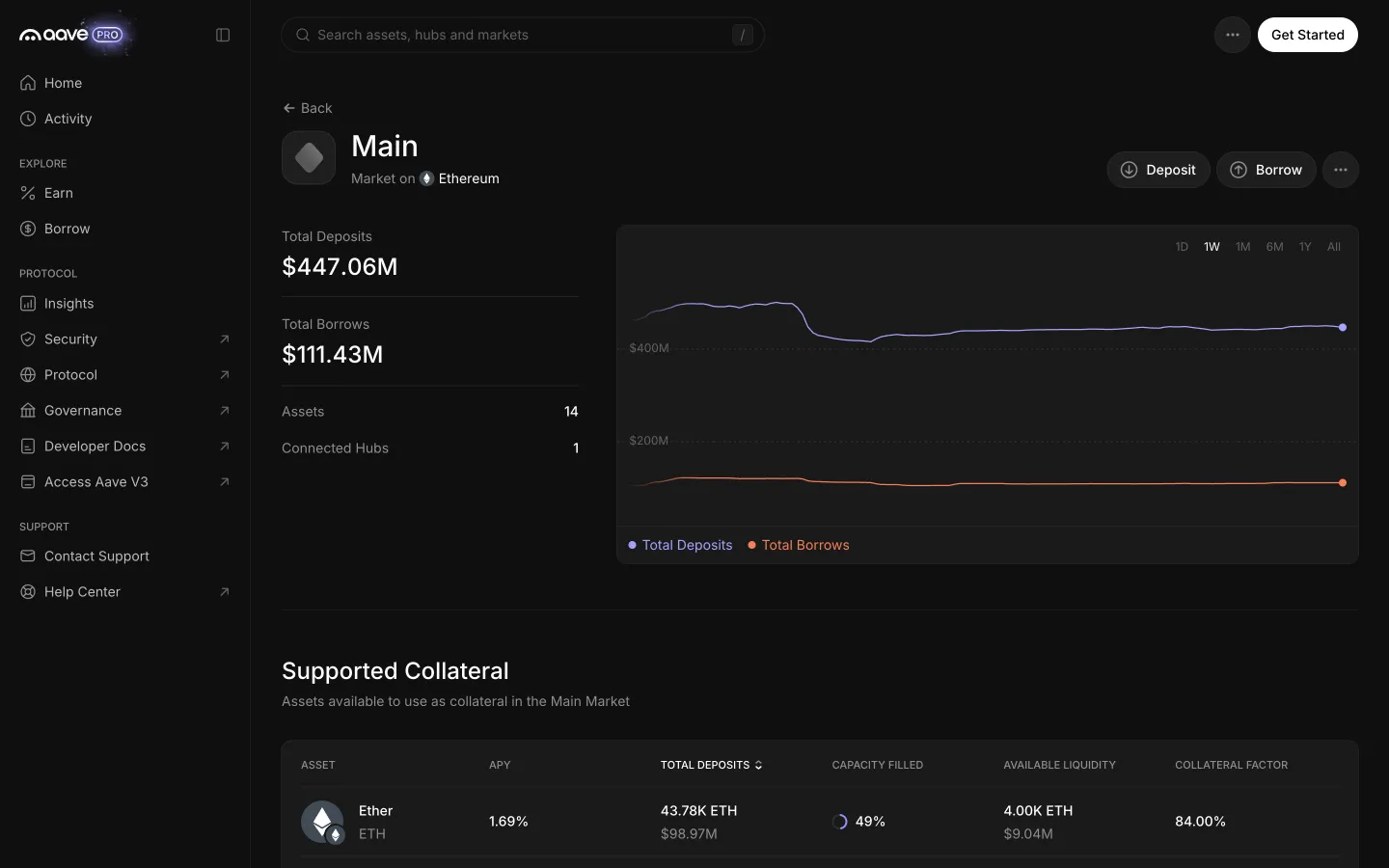
Main Market read top to bottom
Aave Pro
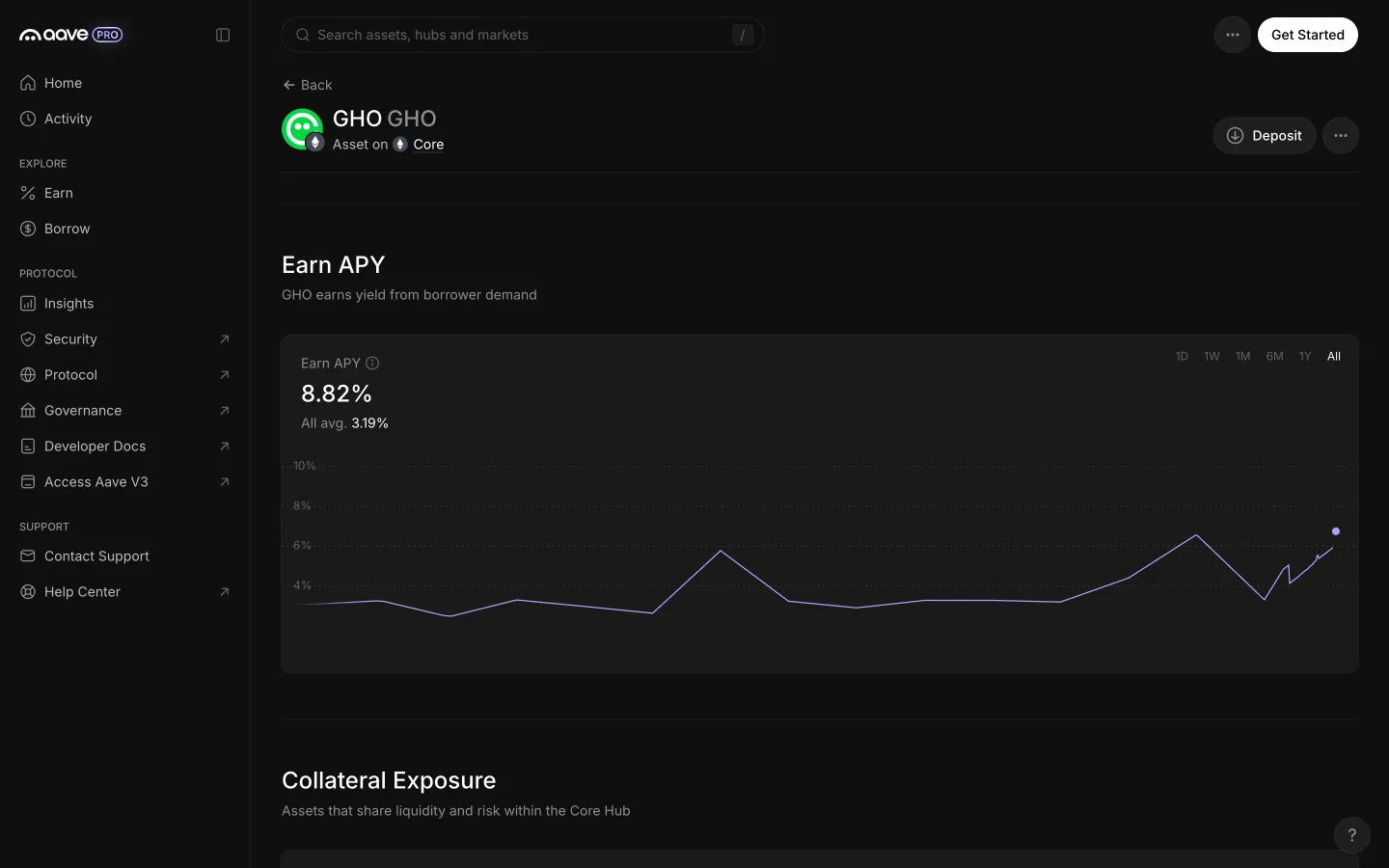
All range shows the full history and an all time average
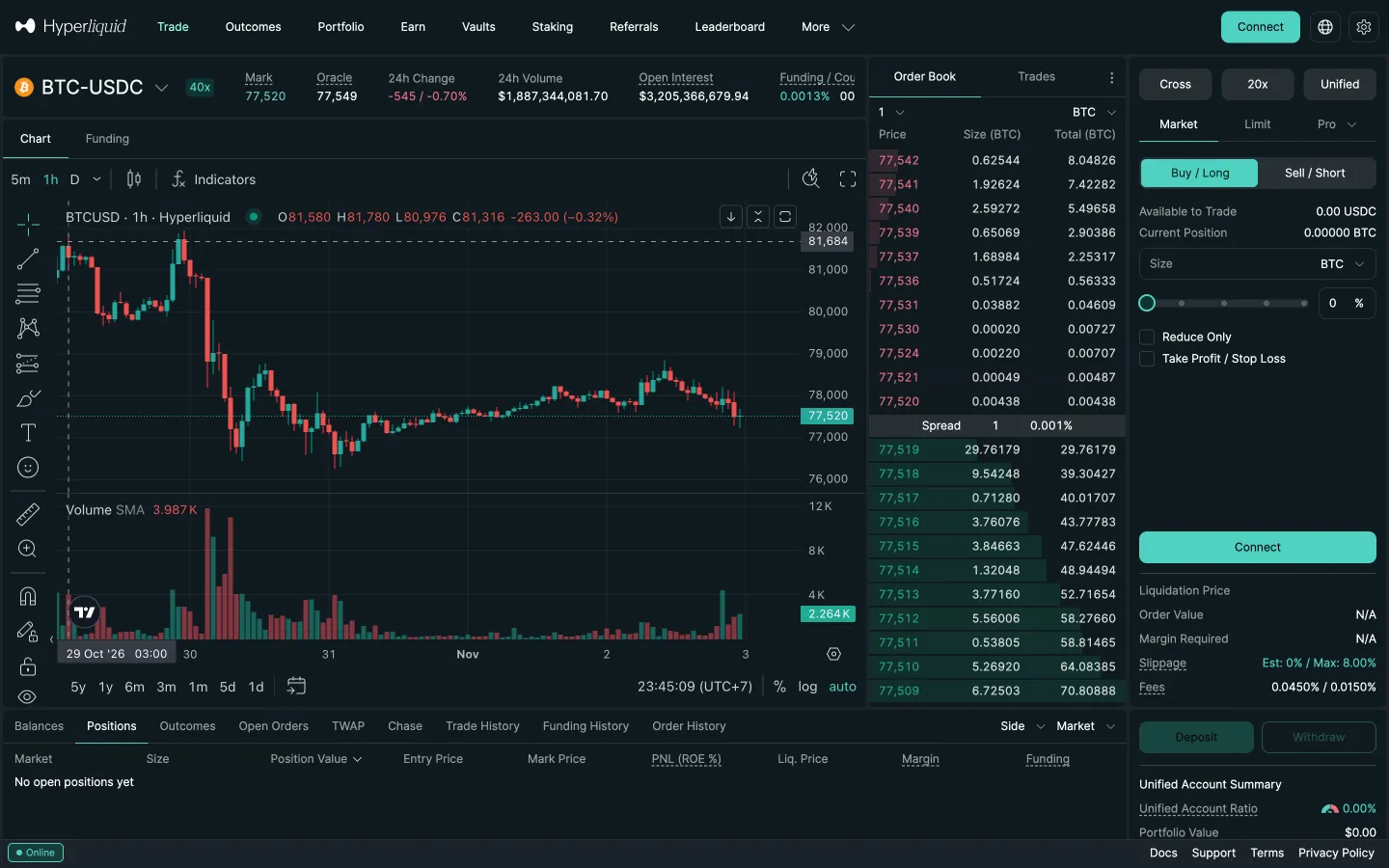
Hyperliquid
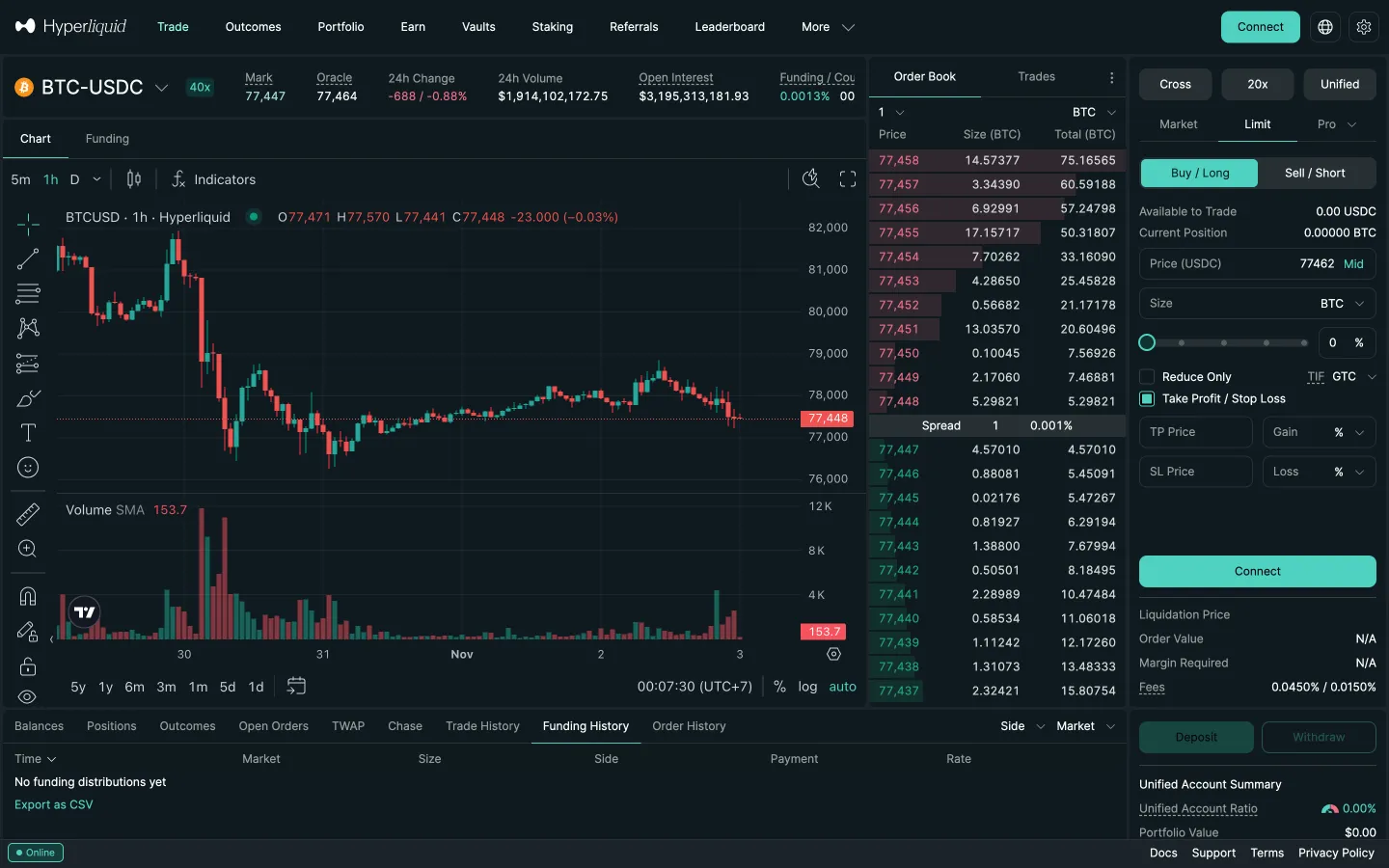
Perp market detail
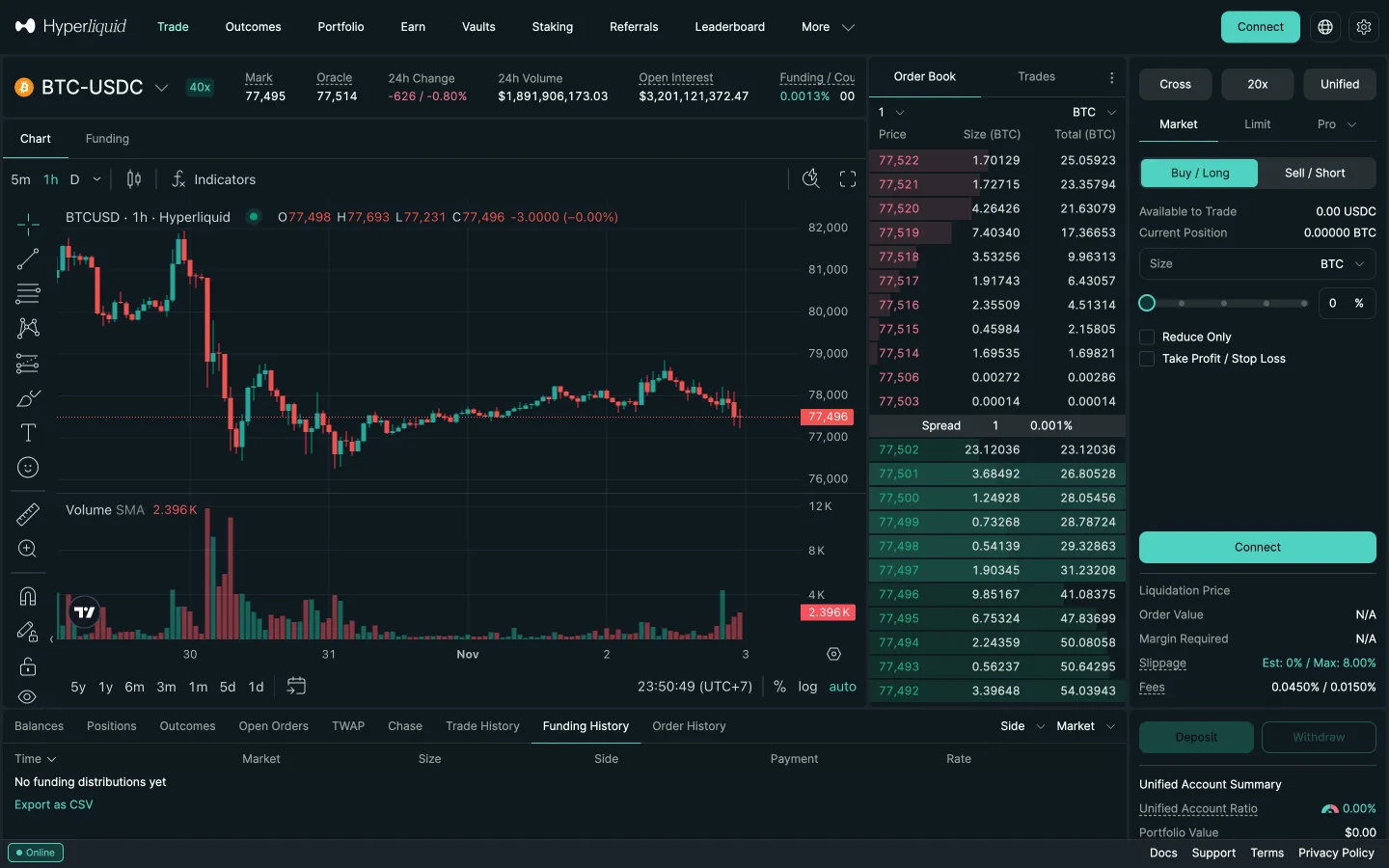
Hyperliquid
Perp detail, Funding tab
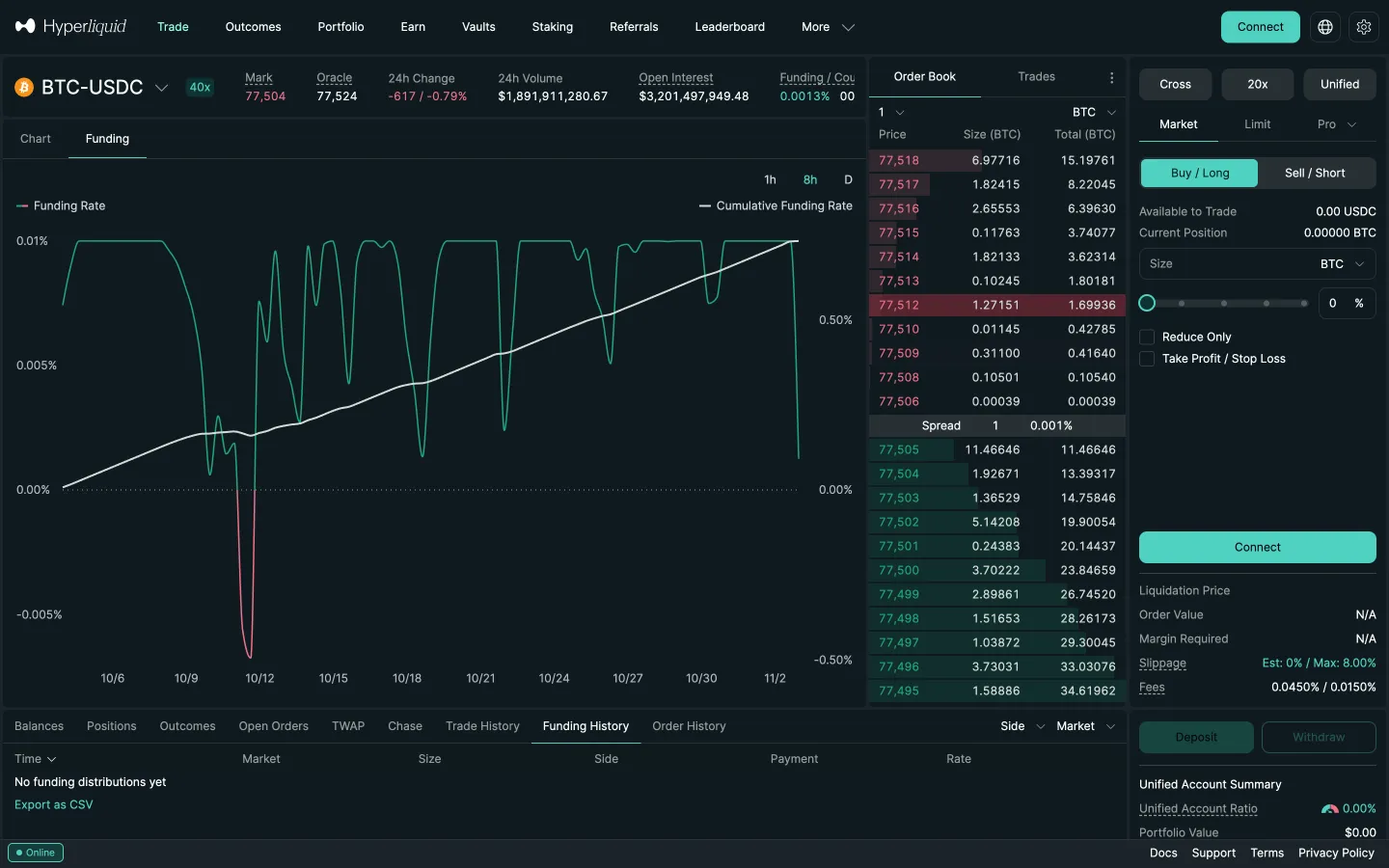
Hyperliquid
Funding rate chart
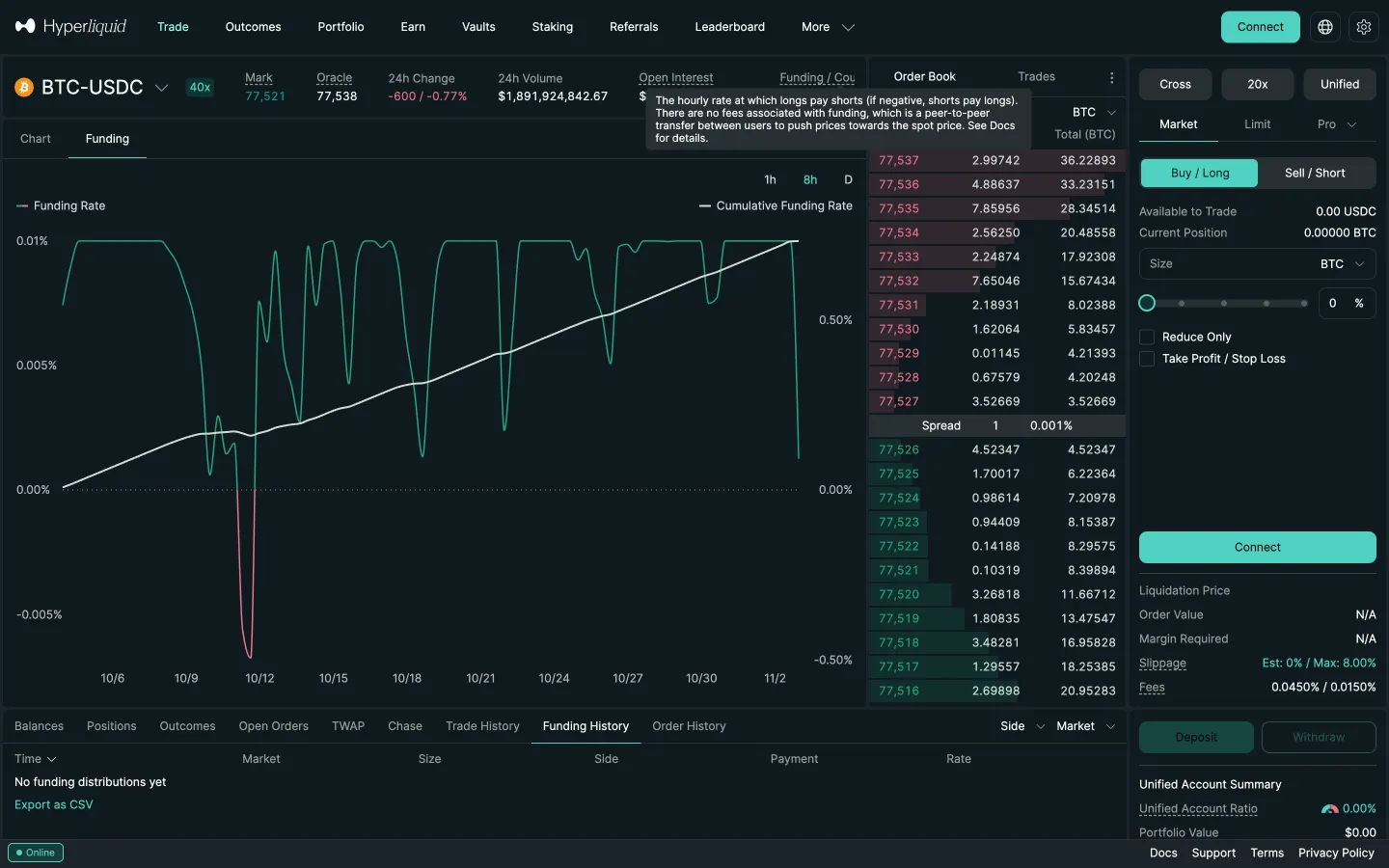
Hyperliquid
Funding explained on hover
Hyperliquid
Perp detail, Outcomes in the top bar
 Polymarket