All appsScreensFlowsUI elements
PricingGlossary
AllScreensFlowsUI elements

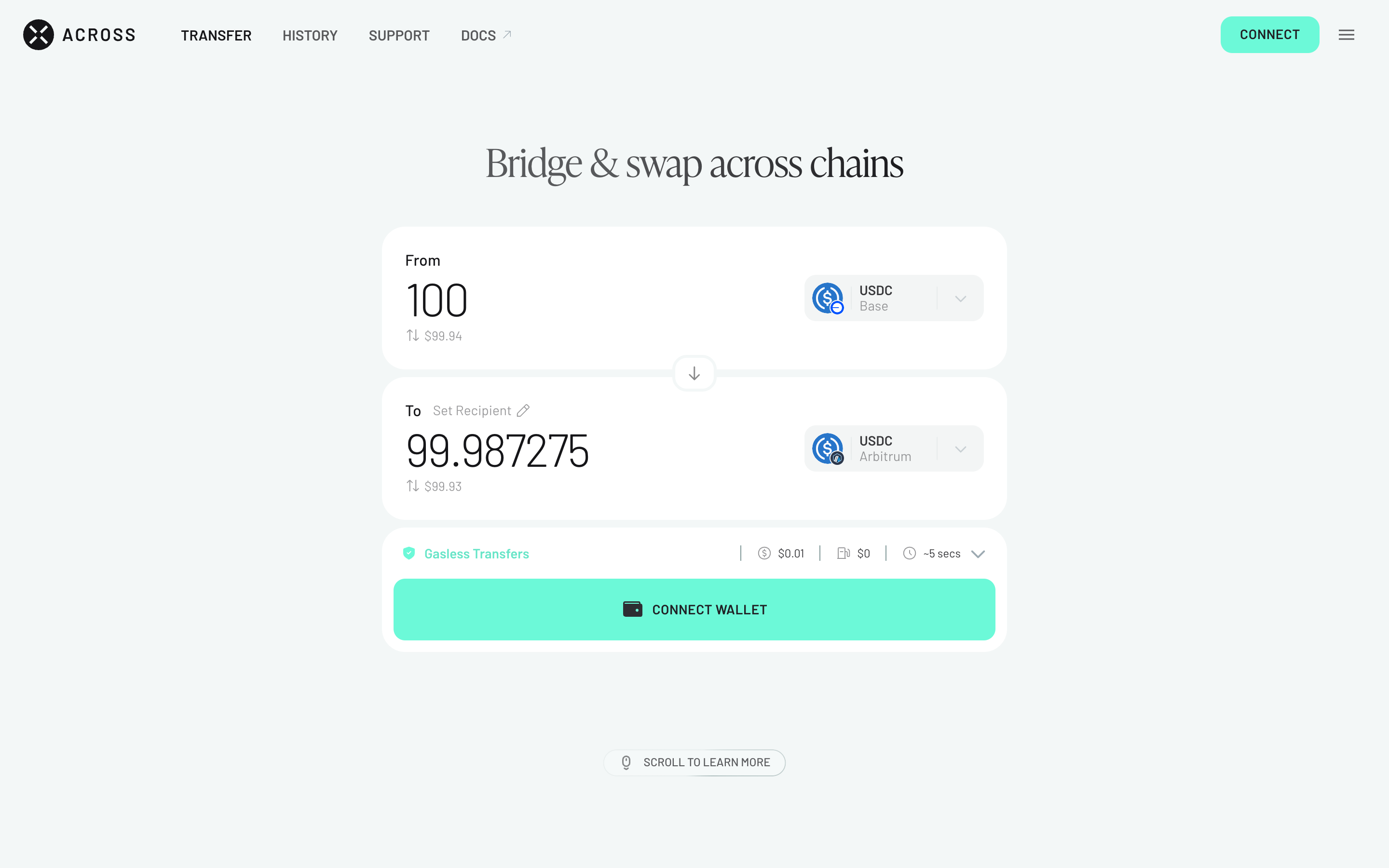
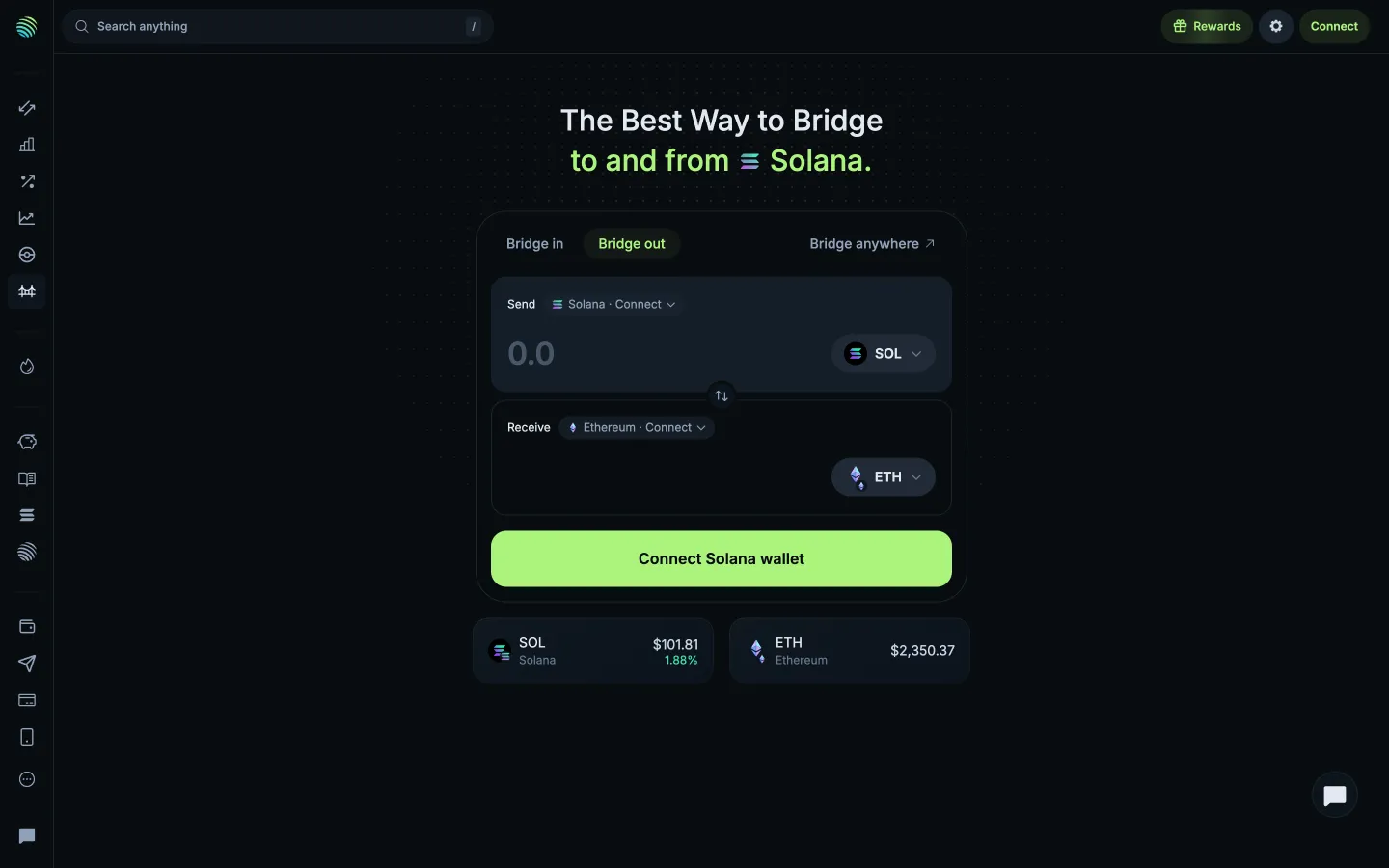
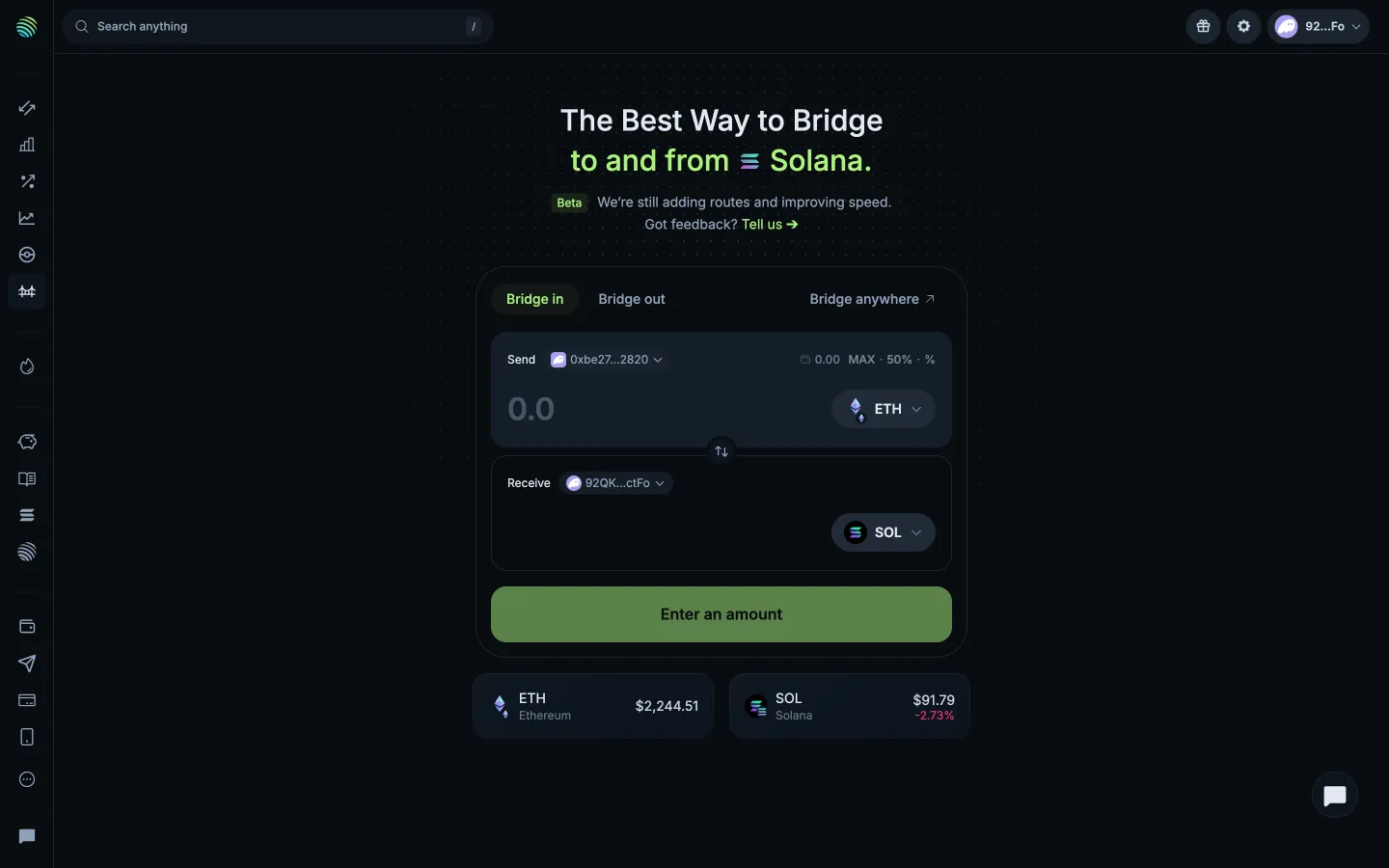
Enter an amount, quote appears in Across

Step 2 of 3 in Bridging a tokenPlay
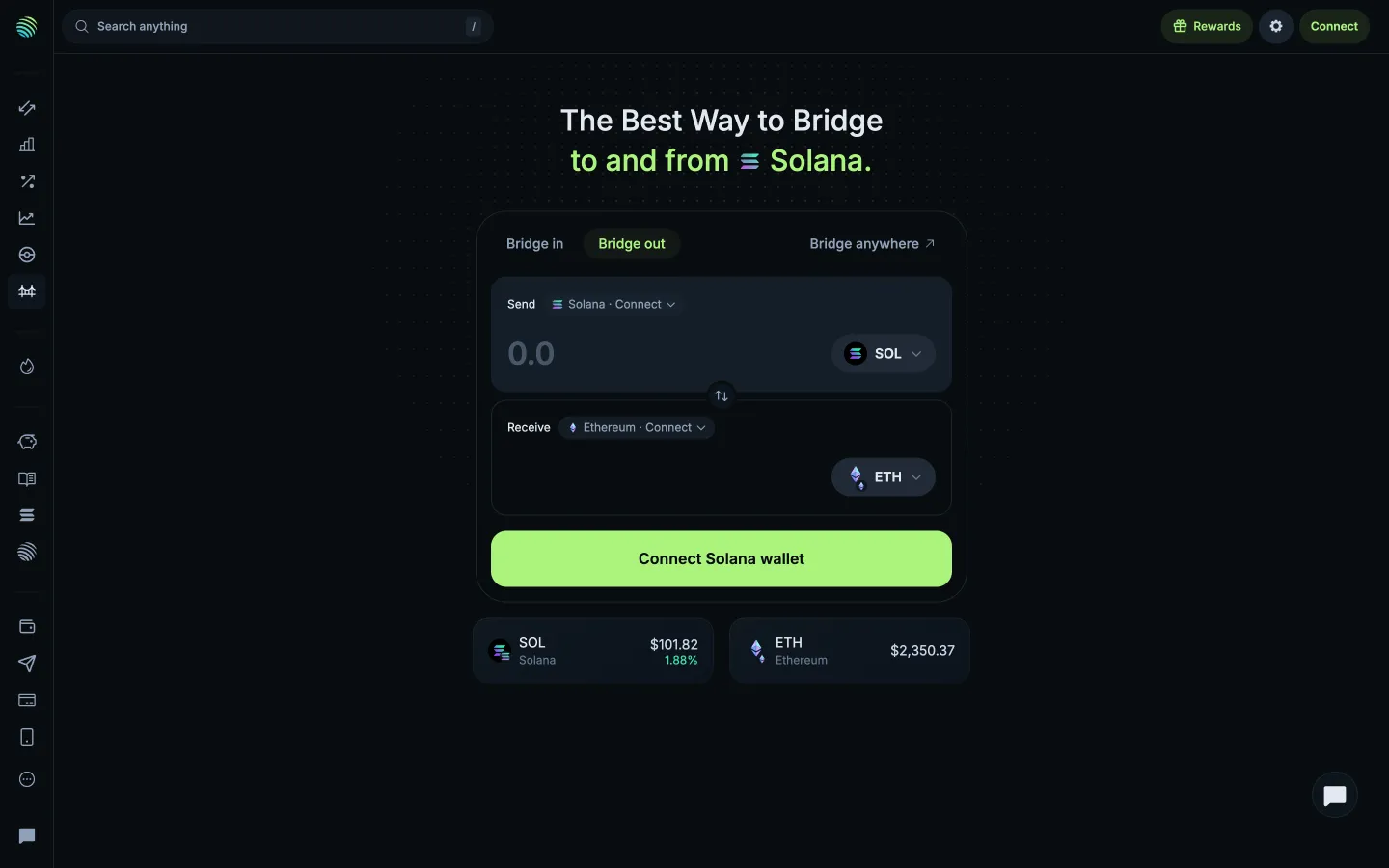
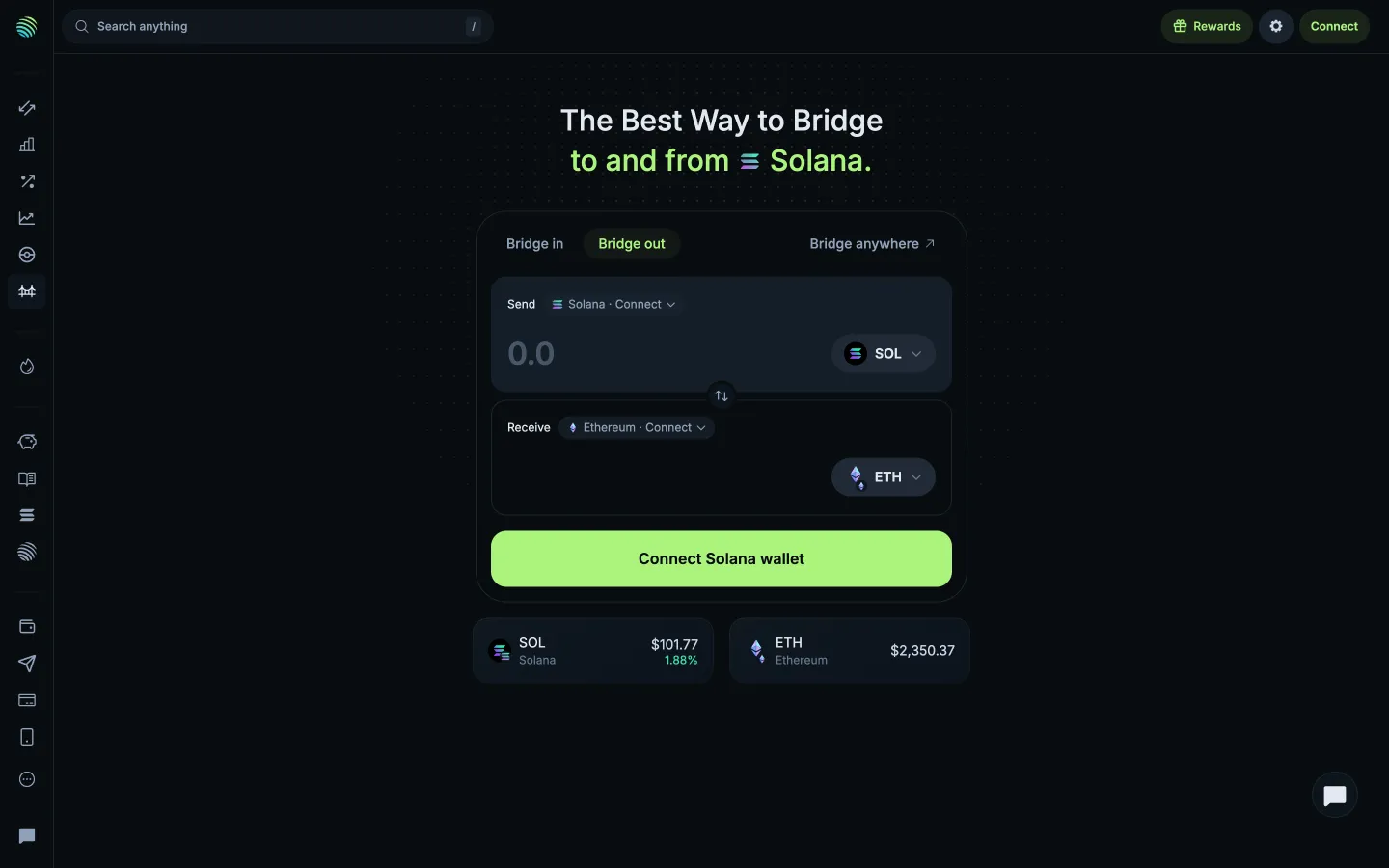
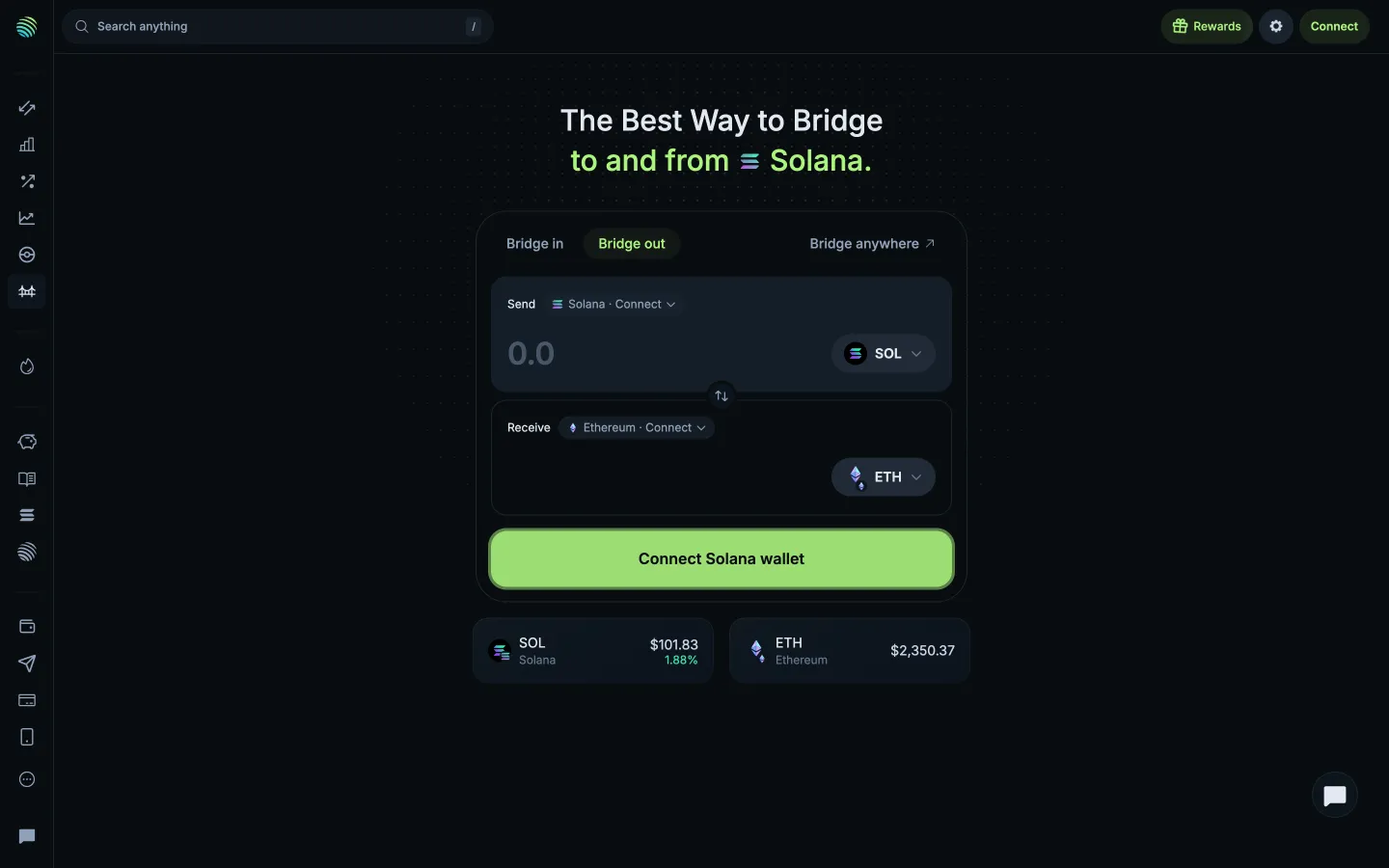
Enter an amount, quote appears

Enter an amount, quote appears

Bridge

Screen typeBridge
StateQuote
CapturedNov 2026
UI elementsAmount InputButtonQuote DetailsToken SelectorYou Receive
In the flowBridging a token
SizeDesktop, 2880 by 1800
Open the flowOpen original

Similar screens in other apps

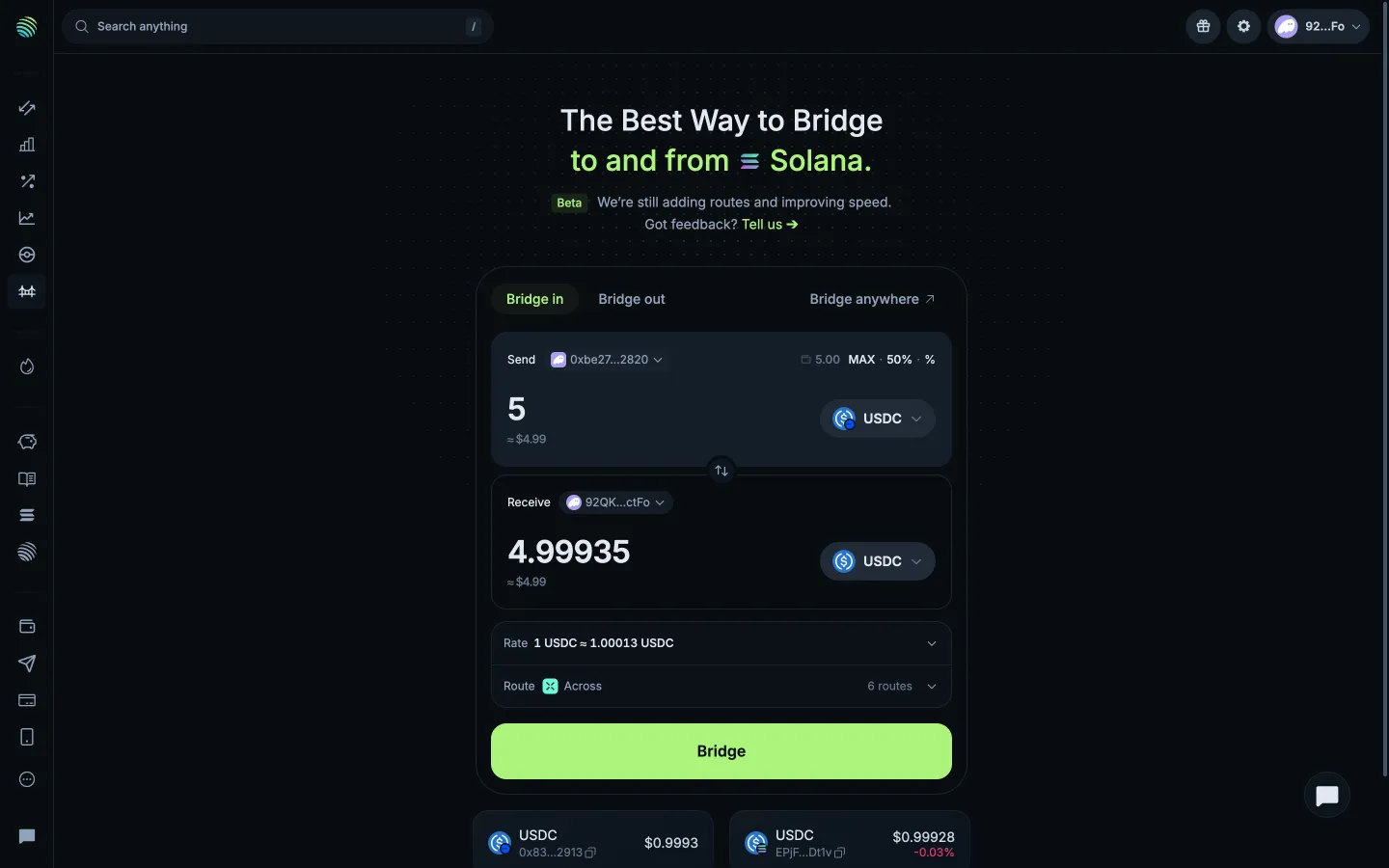
Quote for 5 USDC, best route chosenJupiterQuote for 5 USDC, best route chosen
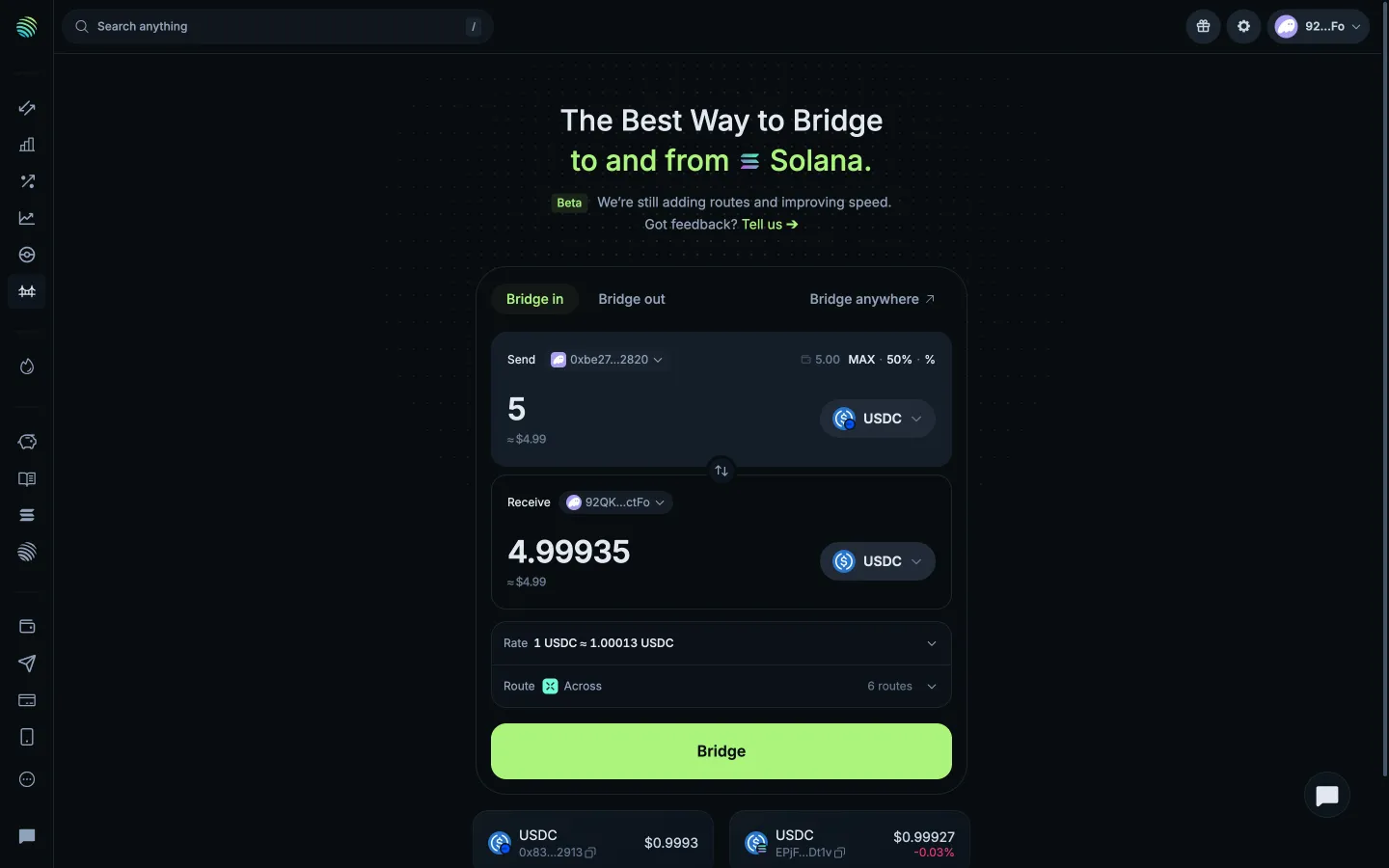
Form filled, ready to bridgeJupiterForm filled, ready to bridge
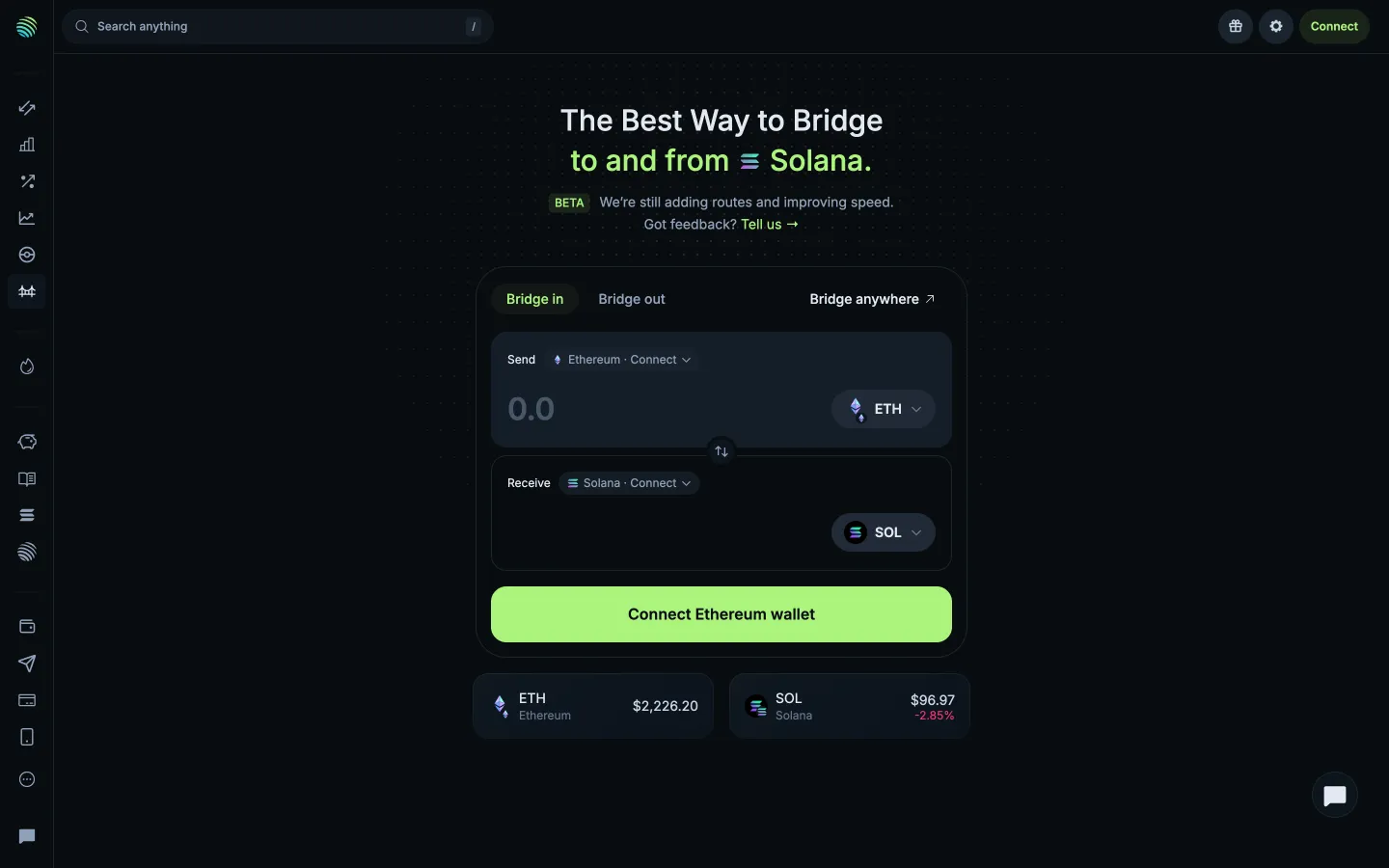
Bridge into SolanaJupiterBridge into Solana
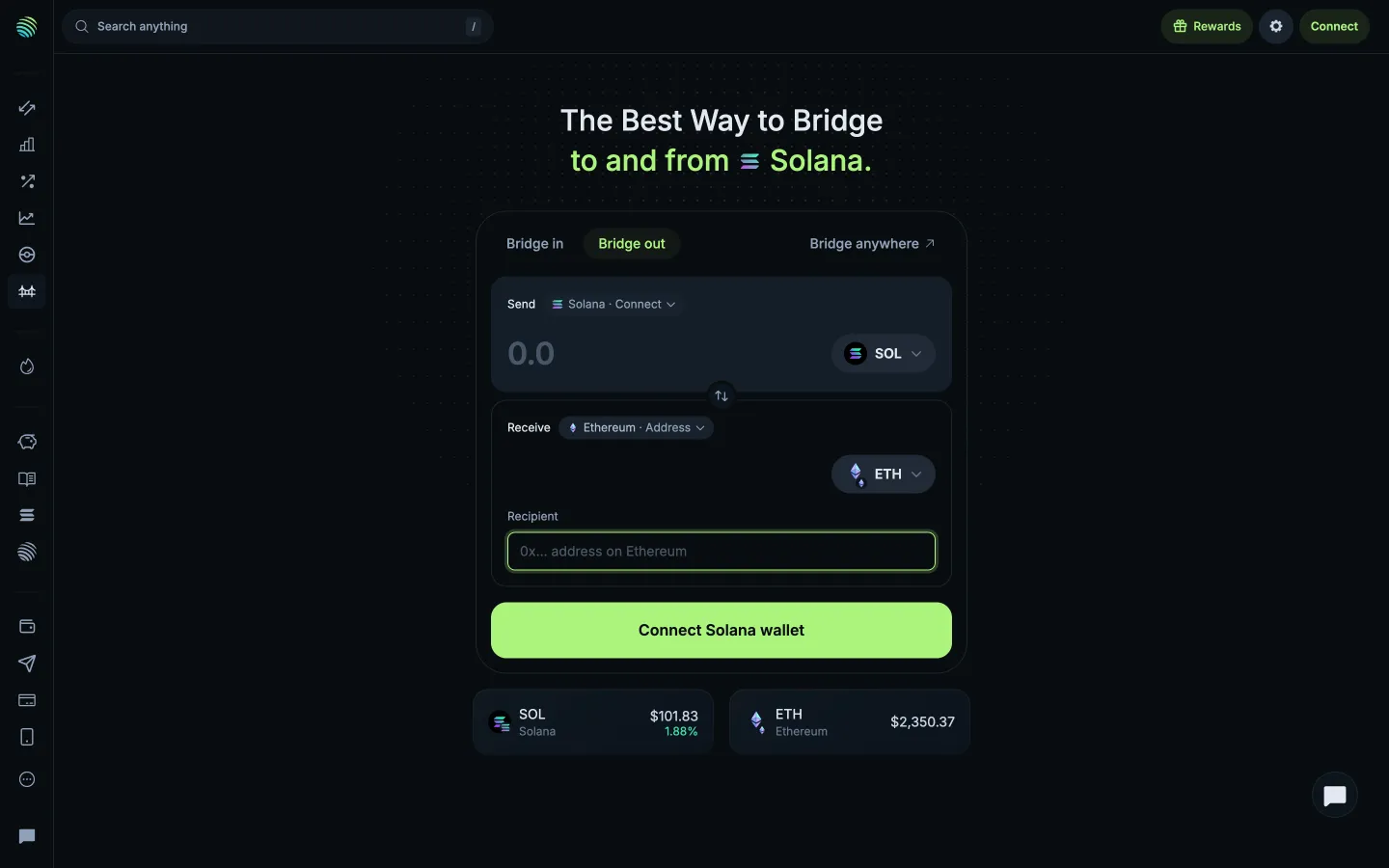
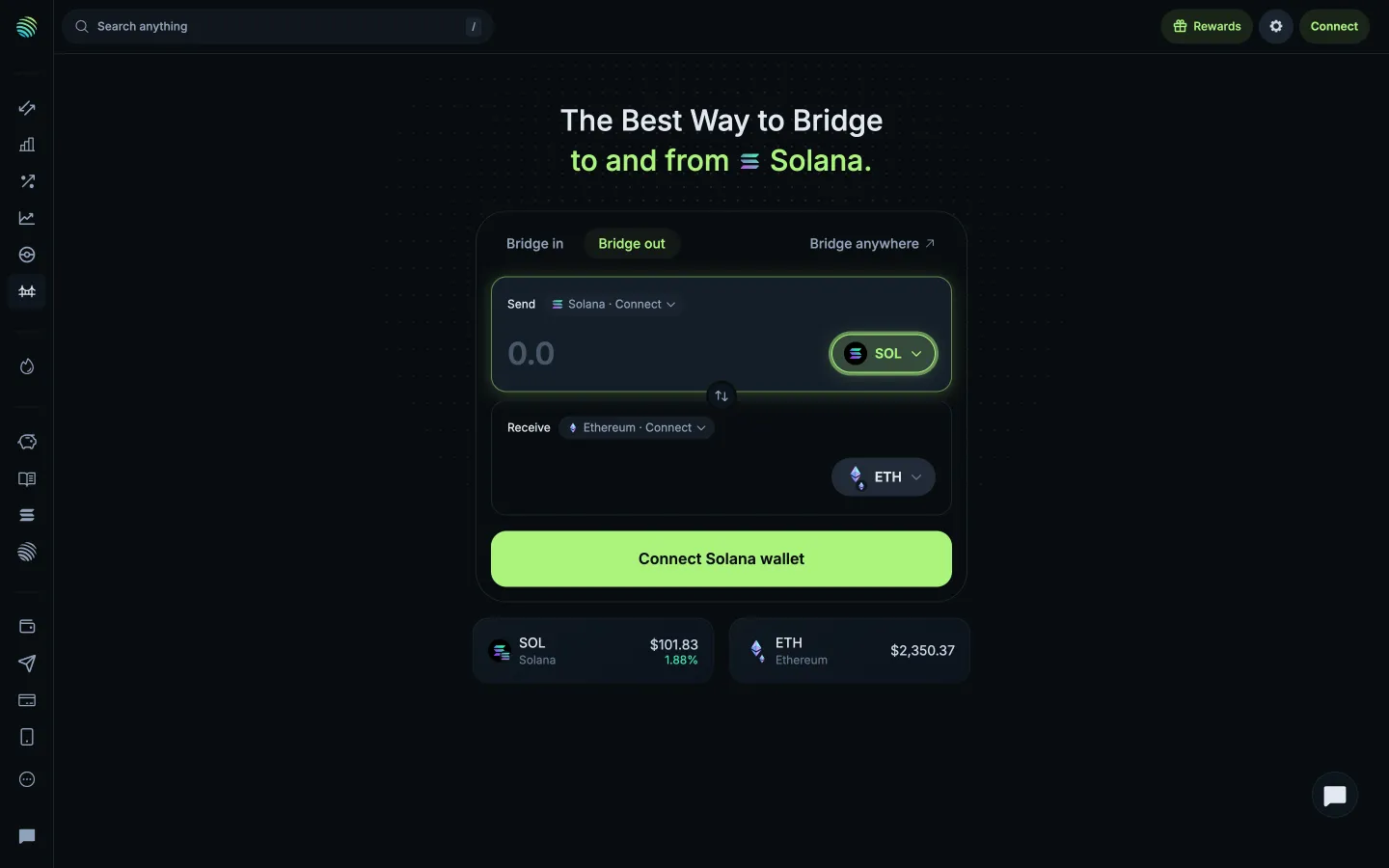
Bridge out of SolanaJupiterBridge out of Solana
Choose the receiving tokenJupiterChoose the receiving token
Connect the sending walletJupiterConnect the sending wallet
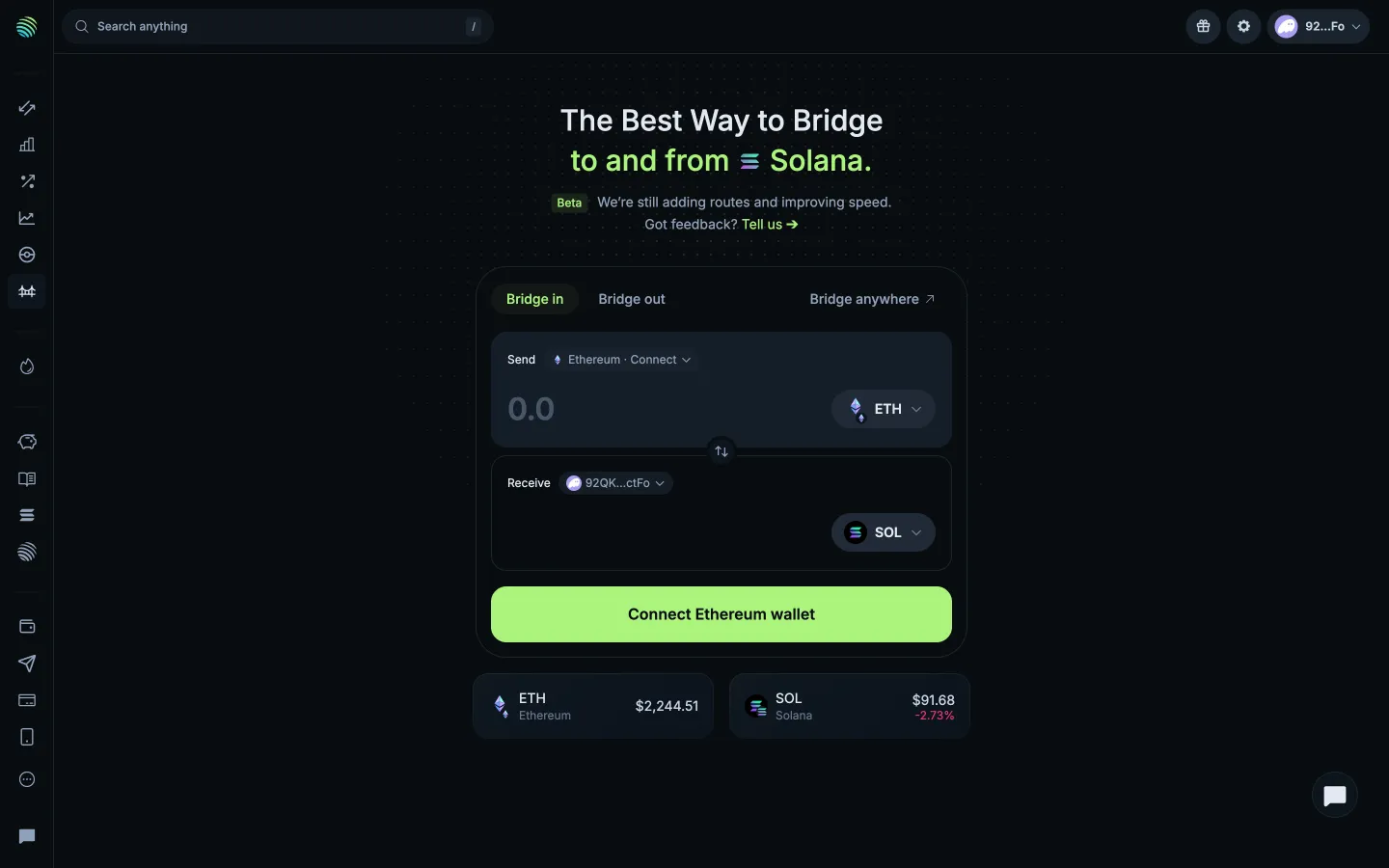
Connect the receiving walletJupiterConnect the receiving wallet
Receive at another addressJupiterReceive at another address
Find a Solana tokenJupiterFind a Solana token
Preview Bridge and swapJupiterPreview Bridge and swap
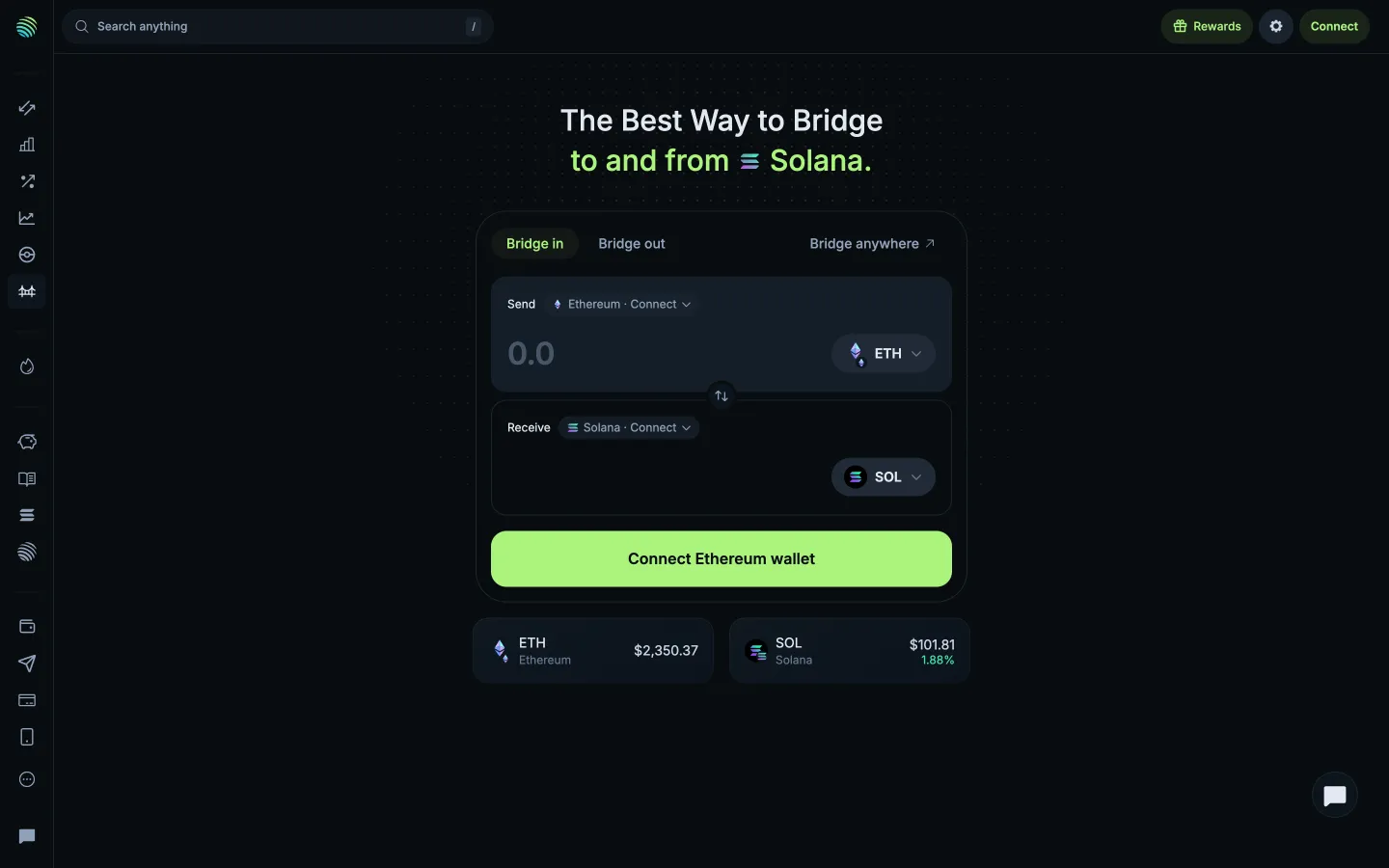
Bridge page, connect an Ethereum walletJupiterBridge page, connect an Ethereum wallet
Wallet connected, enter an amountJupiterWallet connected, enter an amount

Screens, flows and sites from real crypto and web3 apps.

© 2026 MoonoPrivacyTerms

Apps

  • All apps
  • Screens
  • Flows
  • UI elements

Sites

  • All sites
  • Pages
  • Sections

Learn

  • Glossary

Product

  • Pricing
  • MCPNew

© 2026 MoonoPrivacyTerms