All appsScreensFlowsUI elements
PricingGlossary
AllScreensFlowsUI elements

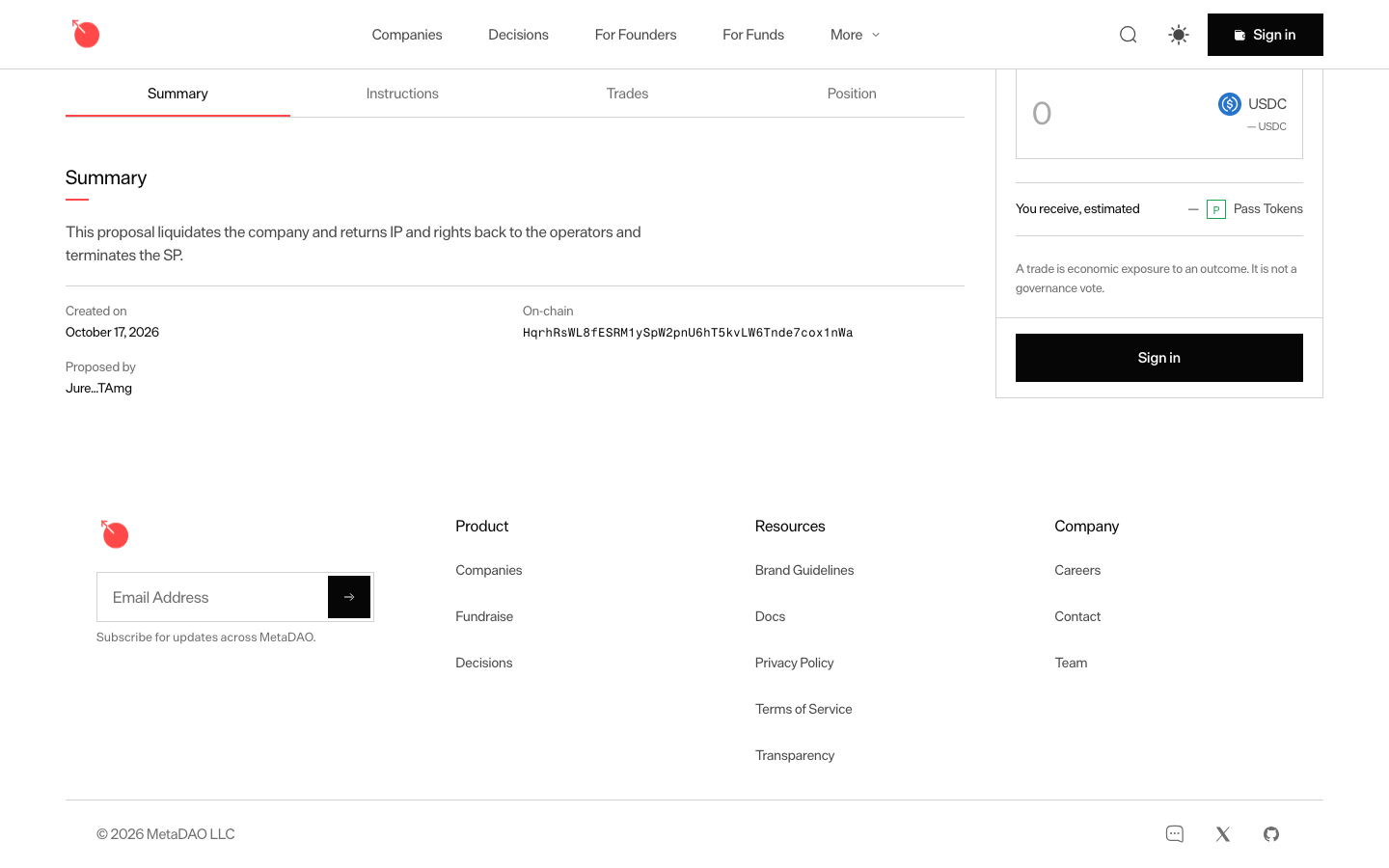
Summary tab in MetaDAO

Step 1 of 2 in Reading the instructionsPlay
Summary tab

Summary tab

Market Detail

Screen typeMarket Detail
StateIdle
CapturedOct 2026
UI elementsAddress ChipTab
In the flowReading the instructions
SizeDesktop, 1440 by 900
Open the flowOpen original

Similar screens in other apps

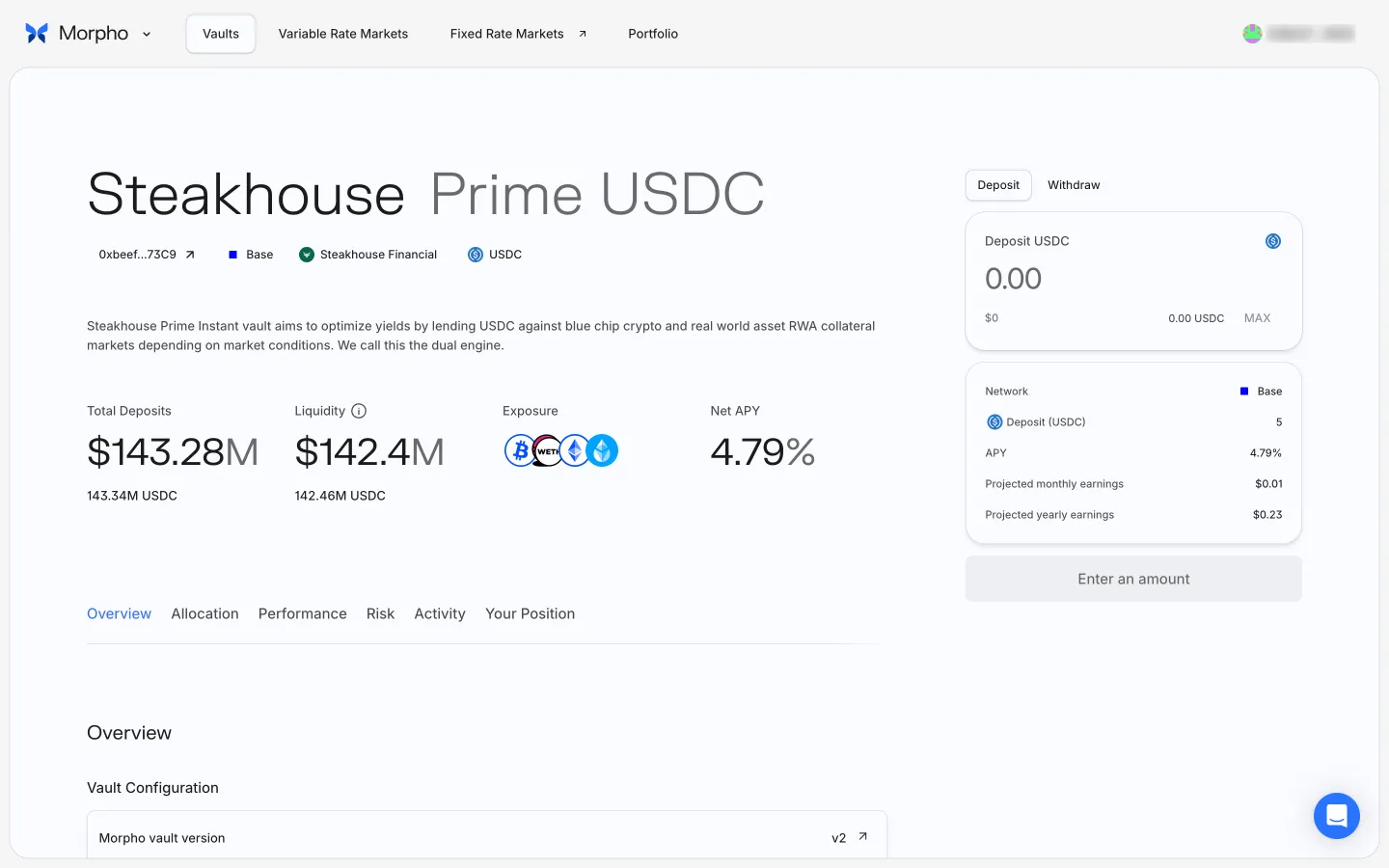
Vault page after depositingMorphoVault page after depositing
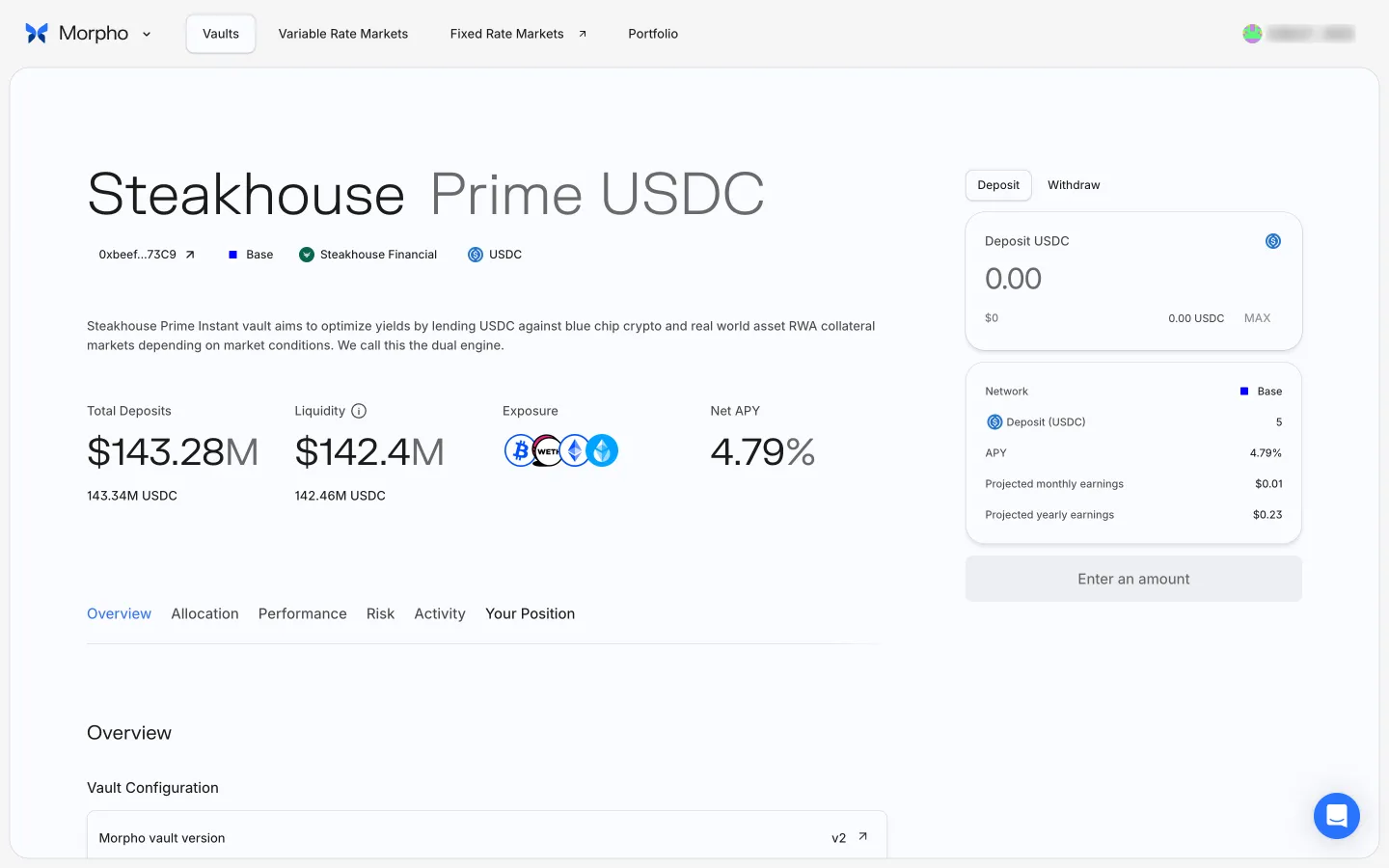
Back to the top of the vault pageMorphoBack to the top of the vault page
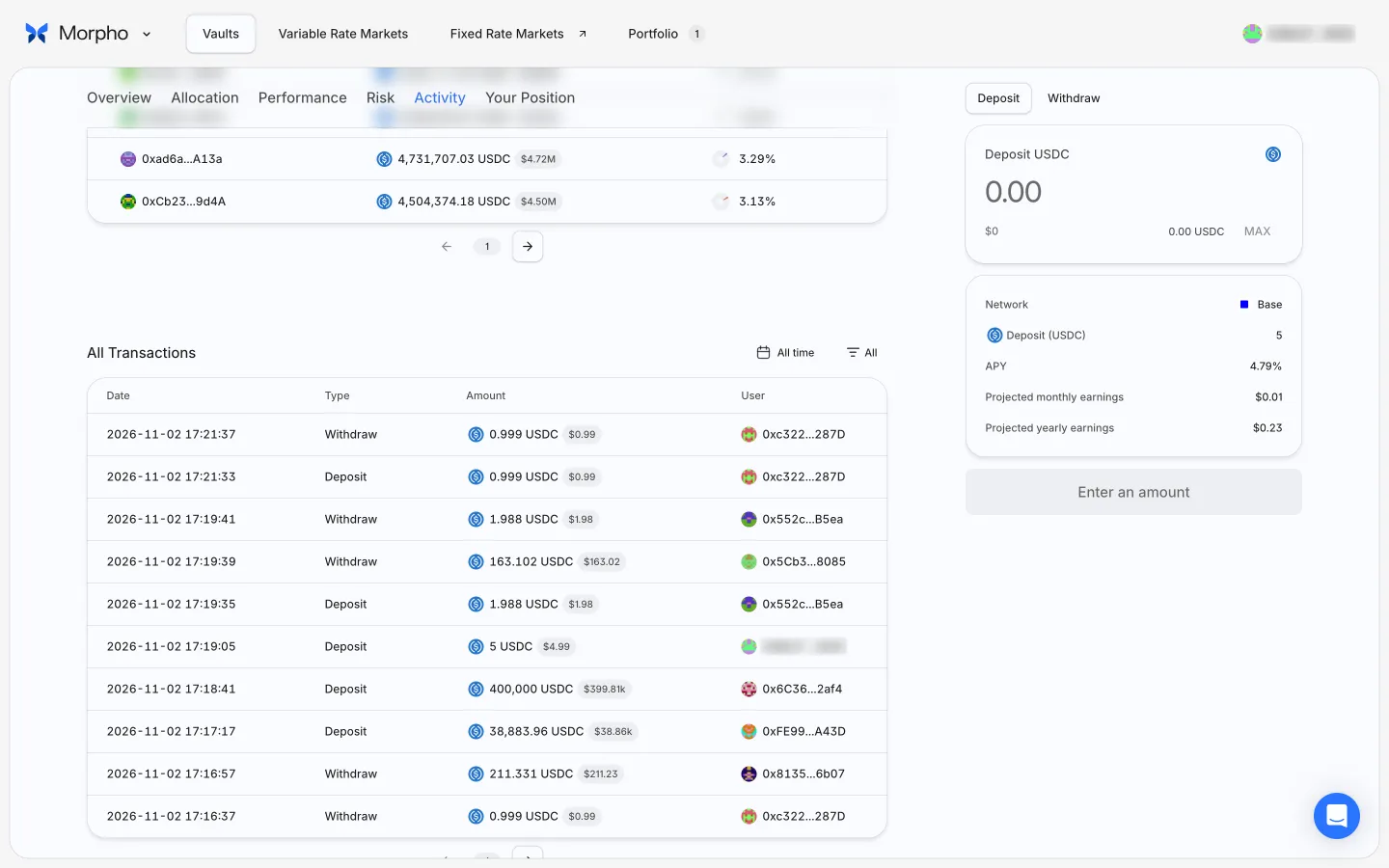
Vault page with a positionMorphoVault page with a position
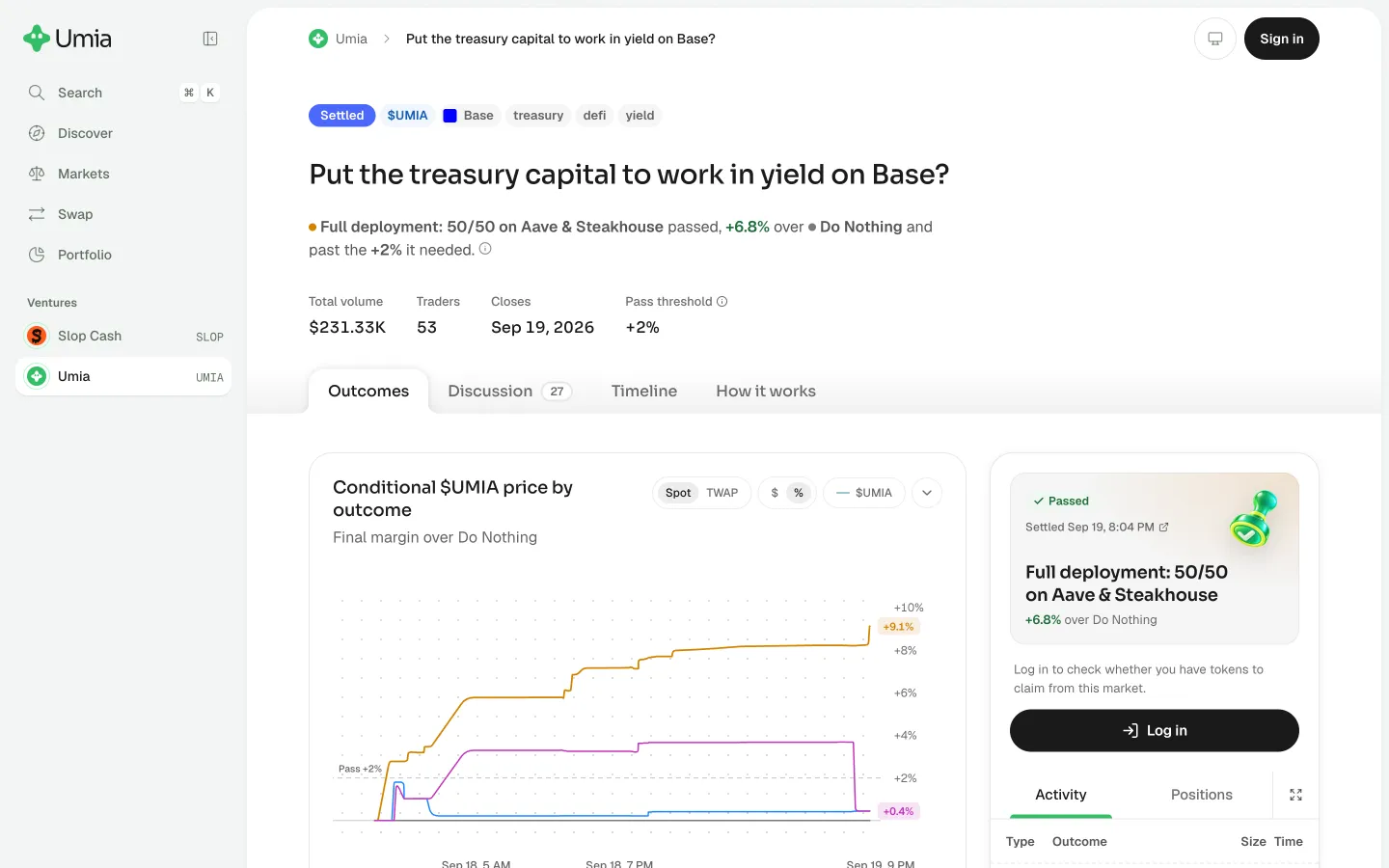
Review the settled decision marketUmiaReview the settled decision market
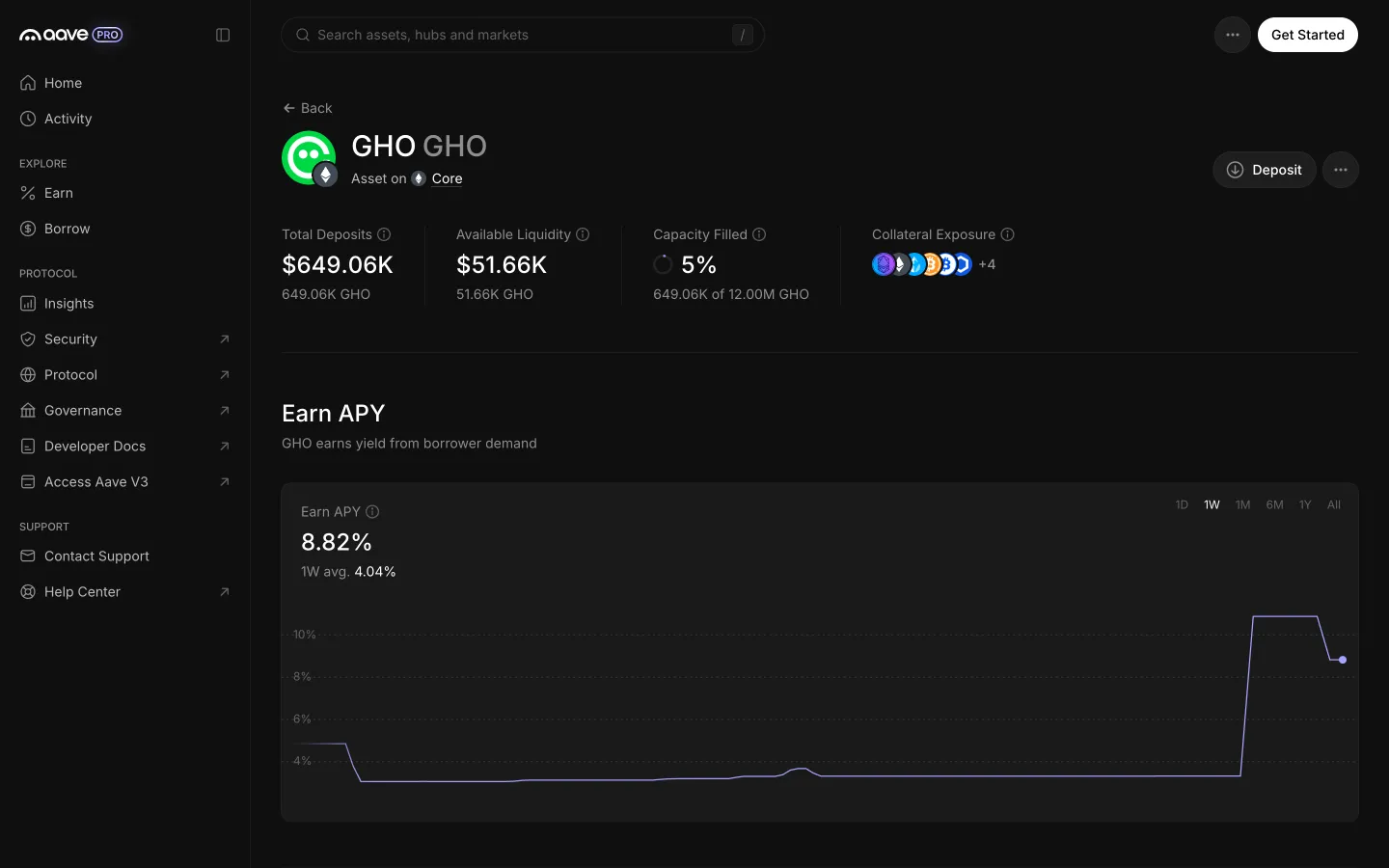
GHO Core page read top to bottomAave ProGHO Core page read top to bottom
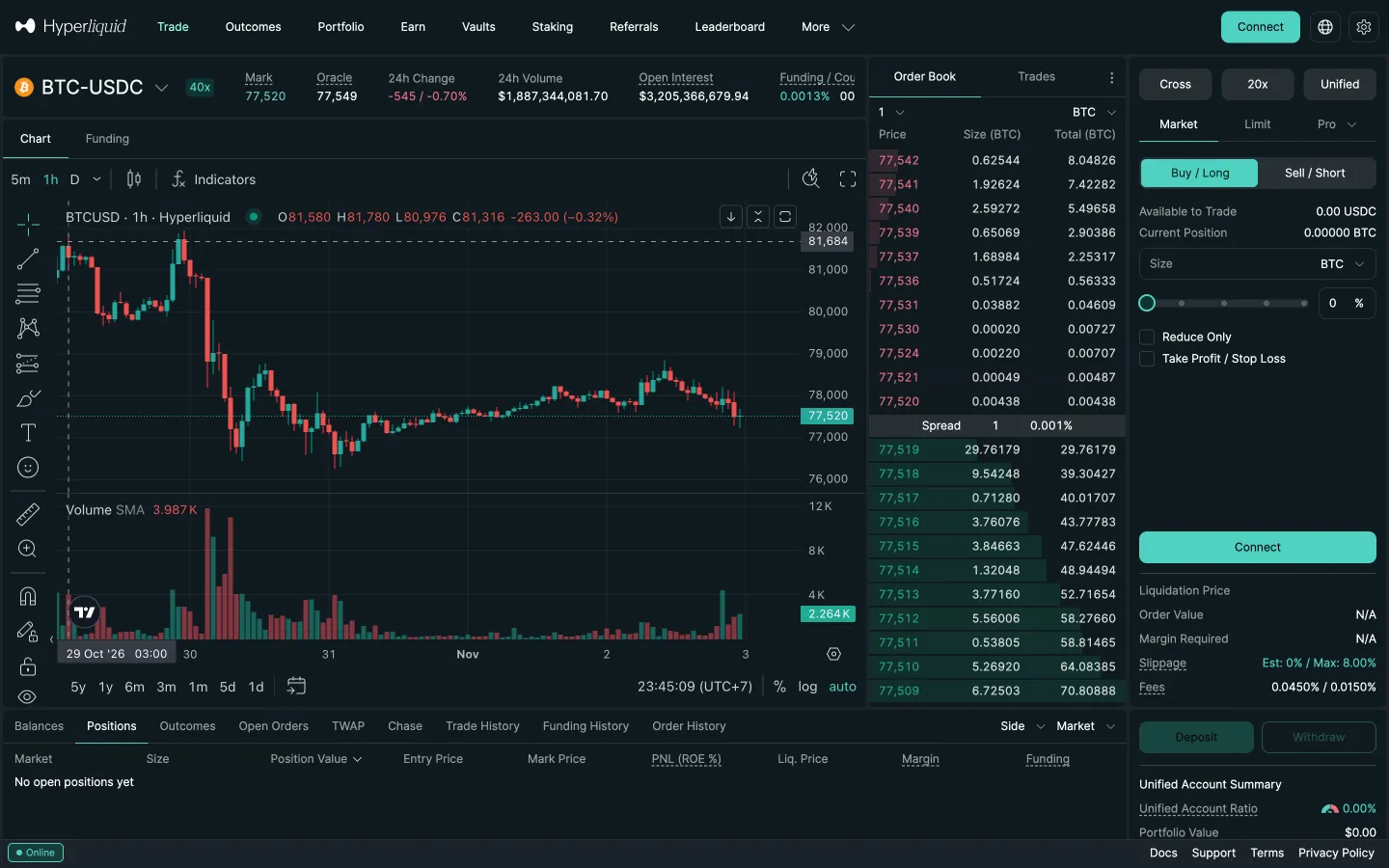
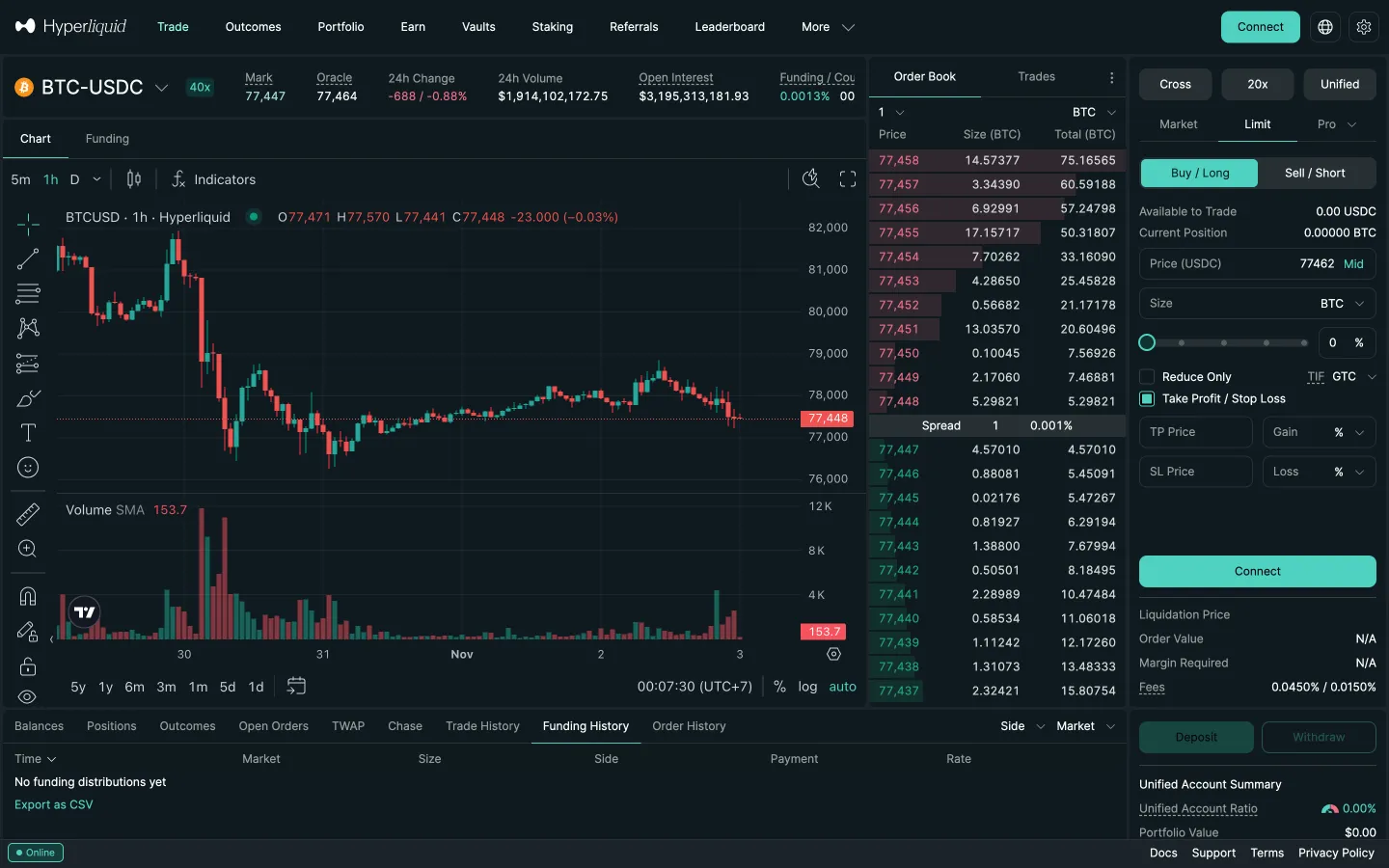
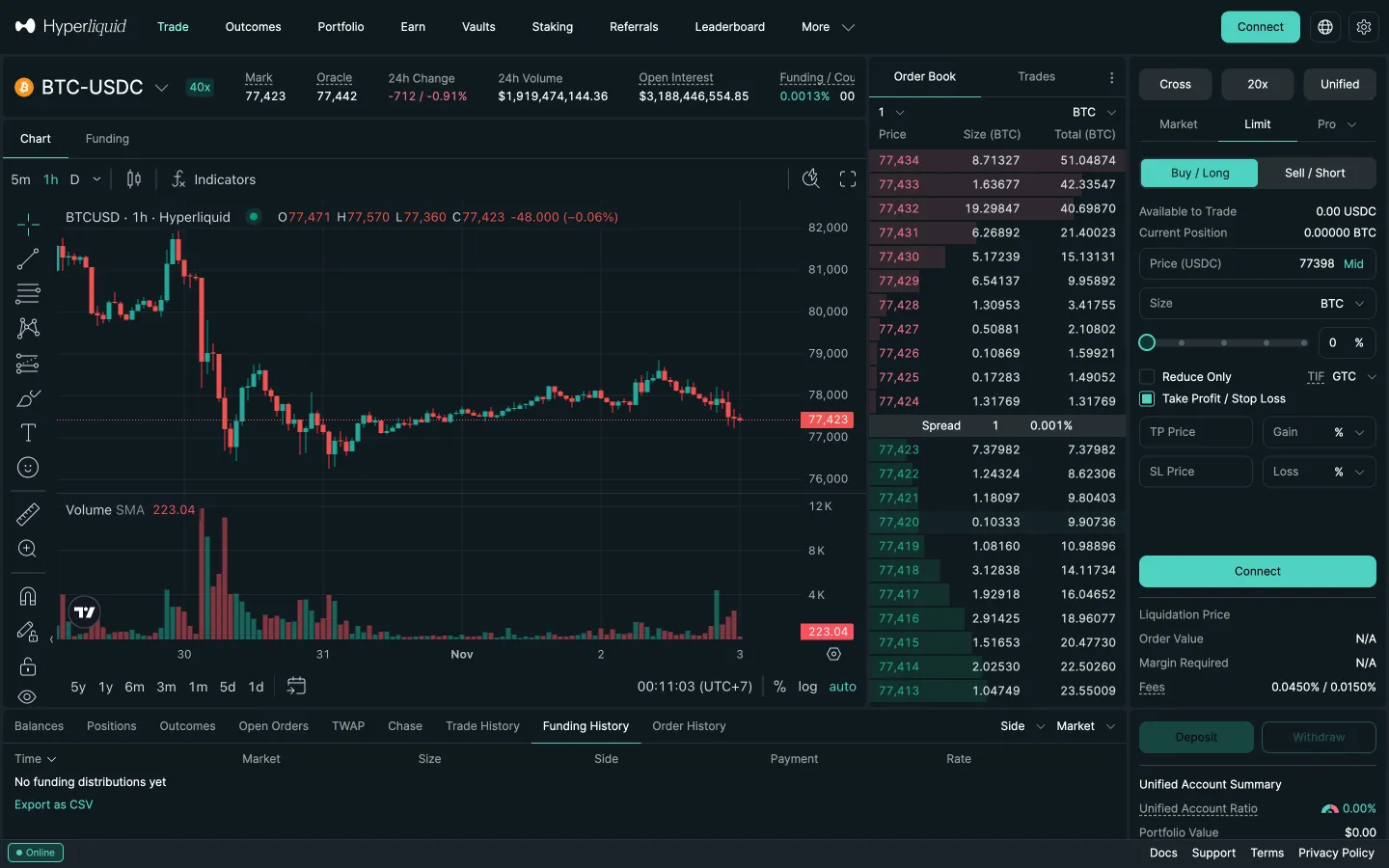
Perp market detailHyperliquidPerp market detail
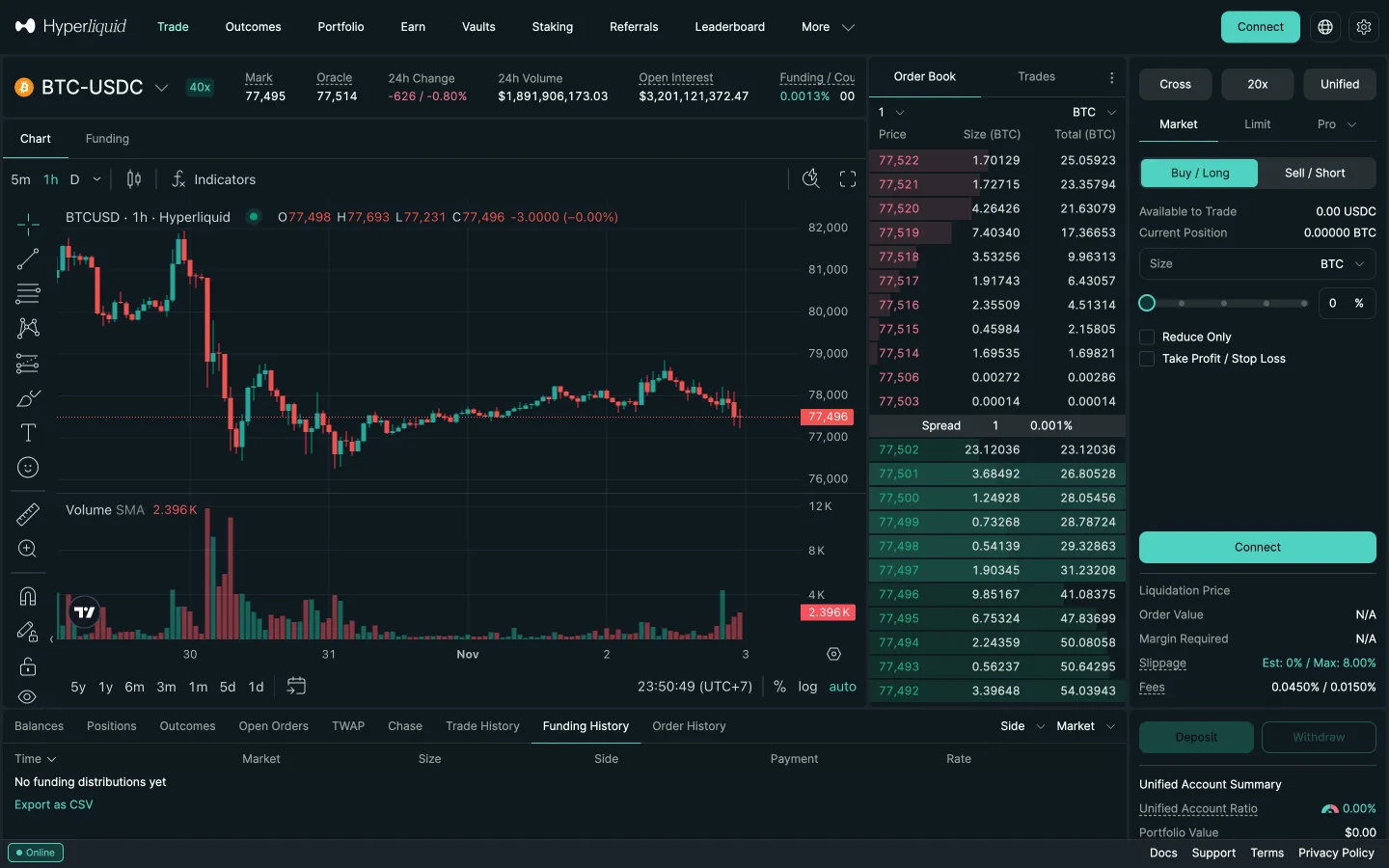
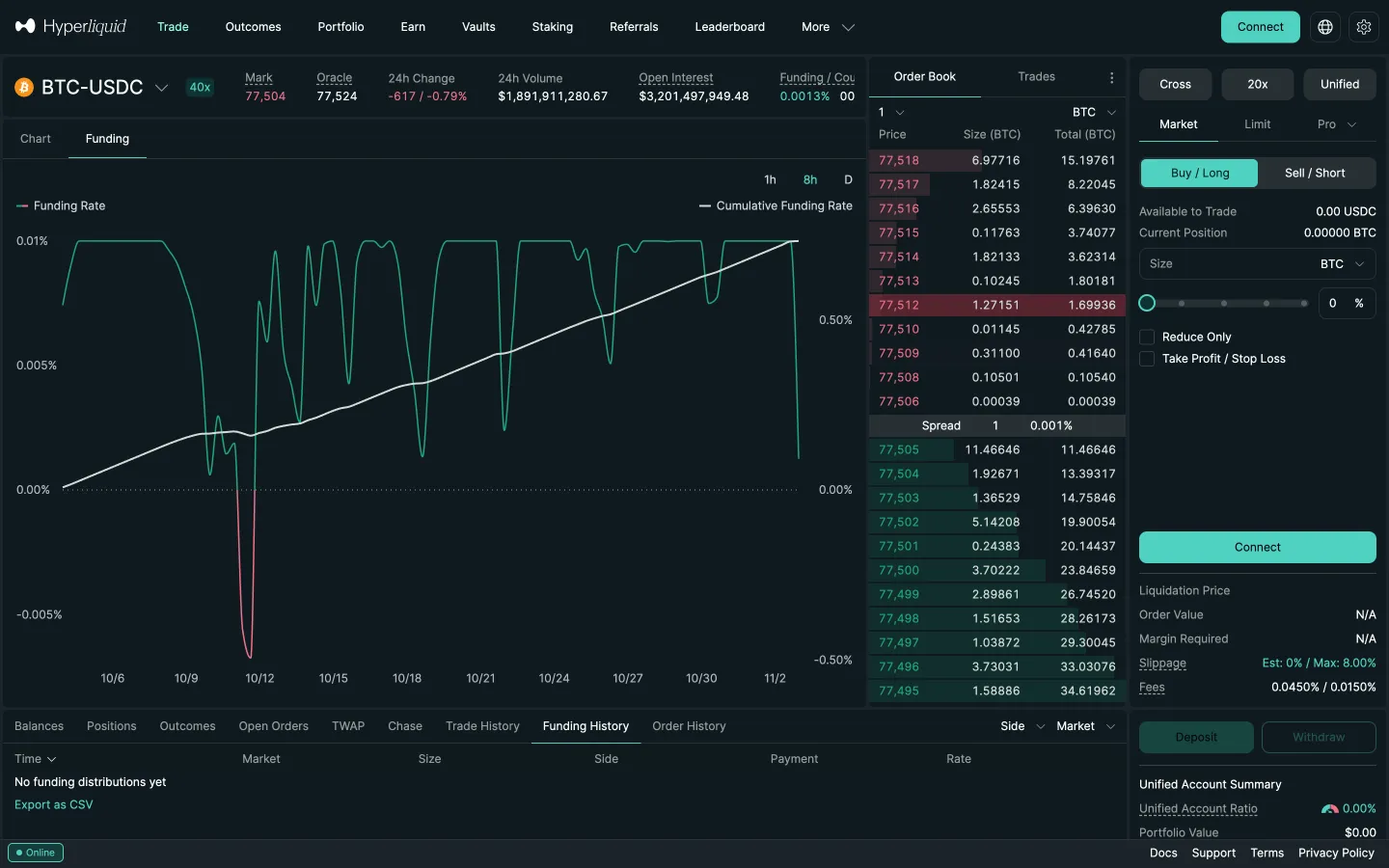
Perp detail, Funding tabHyperliquidPerp detail, Funding tab
Funding rate chartHyperliquidFunding rate chart
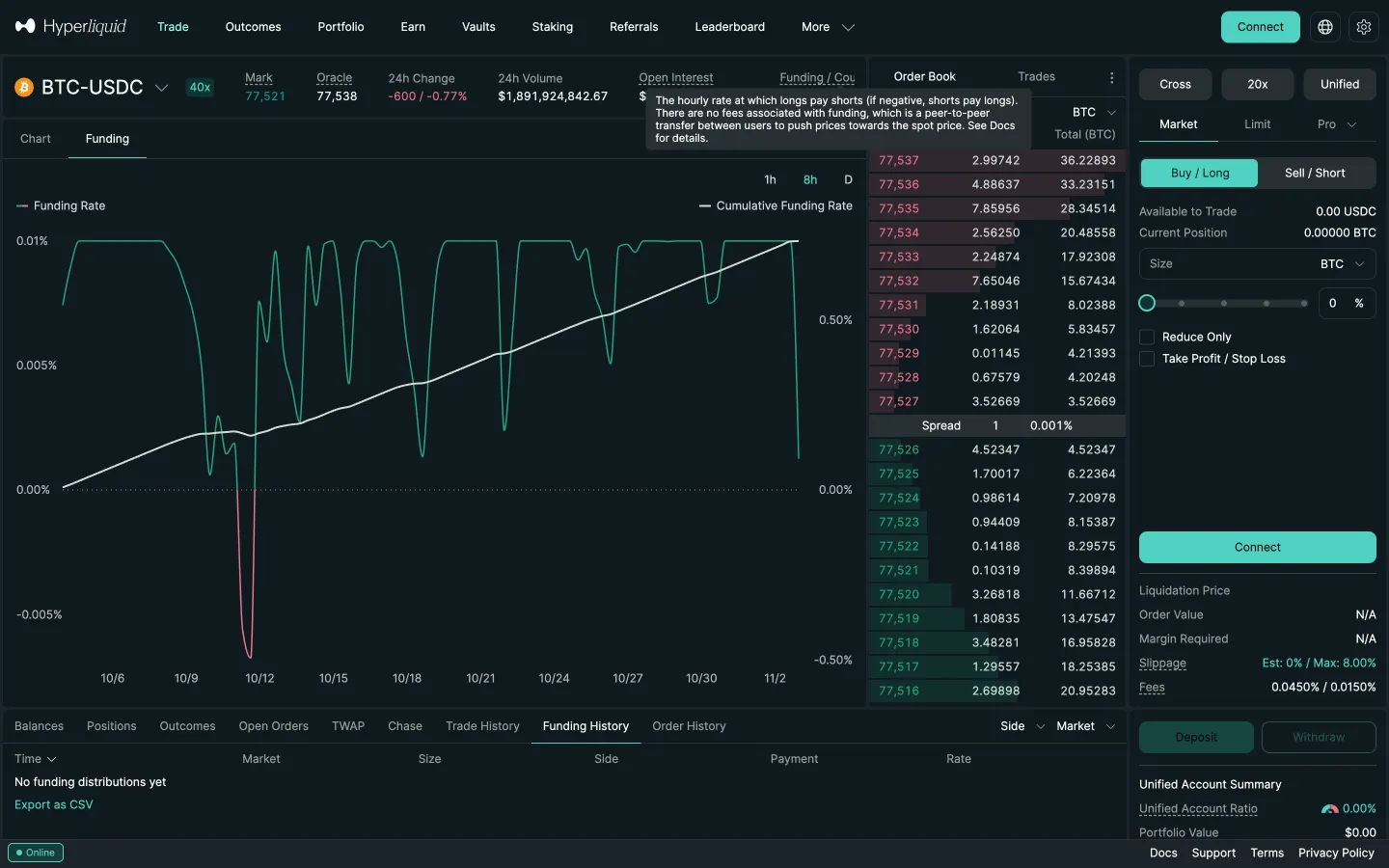
Funding explained on hoverHyperliquidFunding explained on hover
Perp detail, Outcomes in the top barHyperliquidPerp detail, Outcomes in the top bar
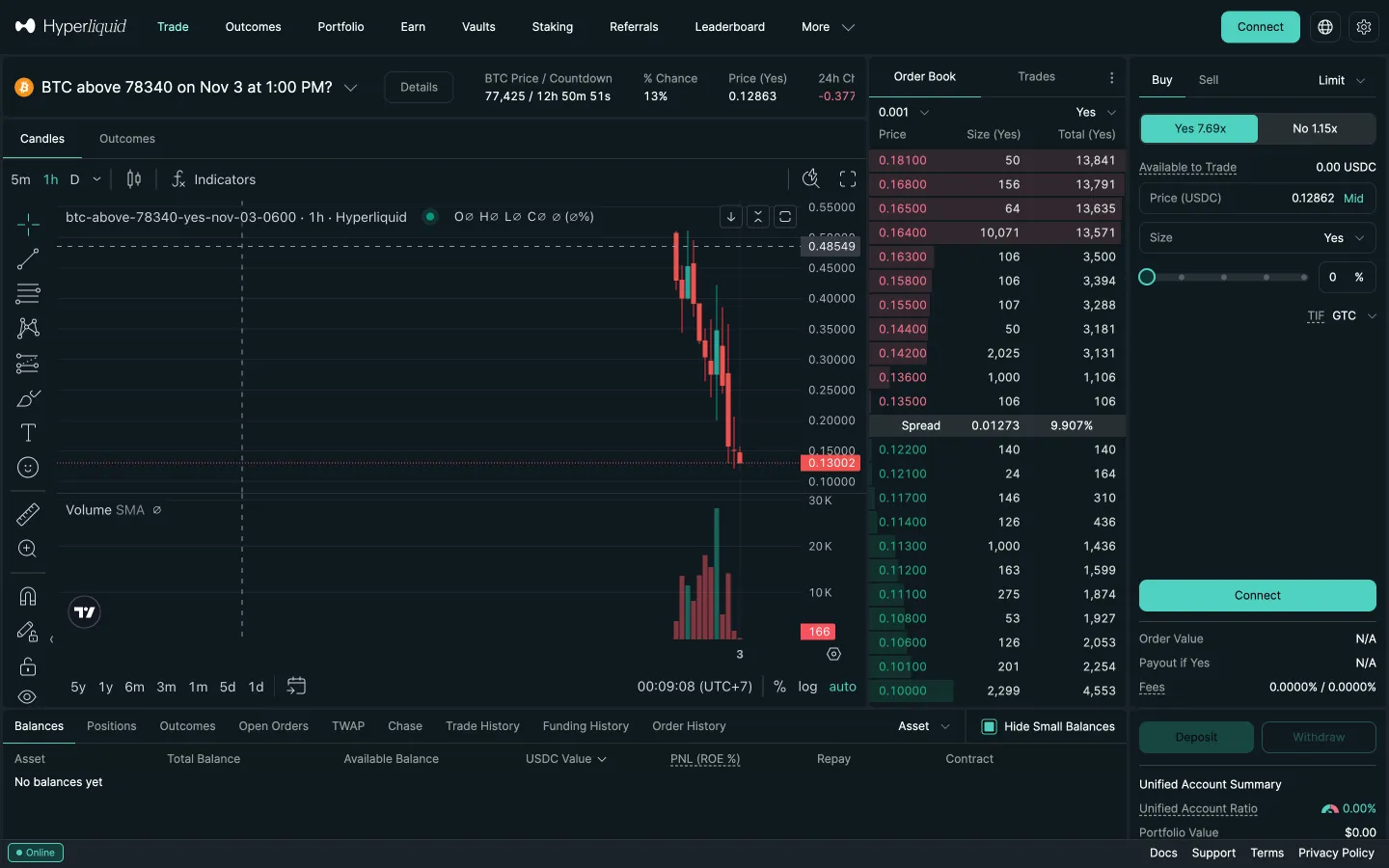
Outcome market detailHyperliquidOutcome market detail
Perp detail, Vaults in the top barHyperliquidPerp detail, Vaults in the top bar

Screens, flows and sites from real crypto and web3 apps.

© 2026 MoonoPrivacyTerms

Apps

  • All apps
  • Screens
  • Flows
  • UI elements

Sites

  • All sites
  • Sections

Learn

  • Glossary

Product

  • Pricing
  • MCPNew

© 2026 MoonoPrivacyTerms