All appsScreensFlowsUI elements
PricingGlossary
AllScreensFlowsUI elements

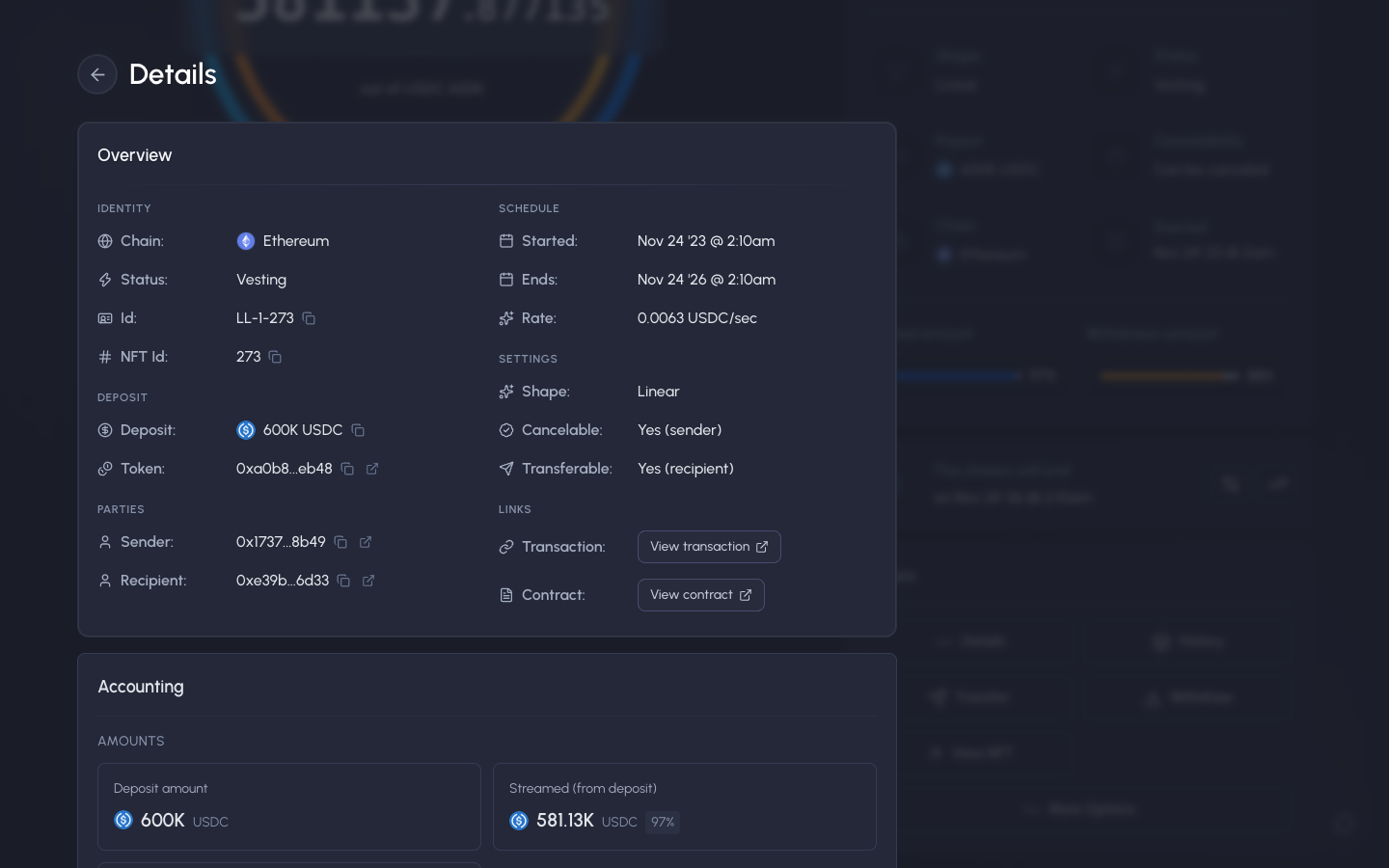
Details, identity, schedule, settings and links in Sablier

Step 2 of 5 in Stream detailsPlay
Details, identity, schedule, settings and links

Details, identity, schedule, settings and links

Position Detail

Screen typePosition Detail
StateIdle
CapturedOct 2026
UI elementsAddress ChipDrawerLinkNetwork BadgeToken Icon
In the flowStream details
SizeDesktop, 1440 by 900
Open the flowOpen original

Similar screens in other apps

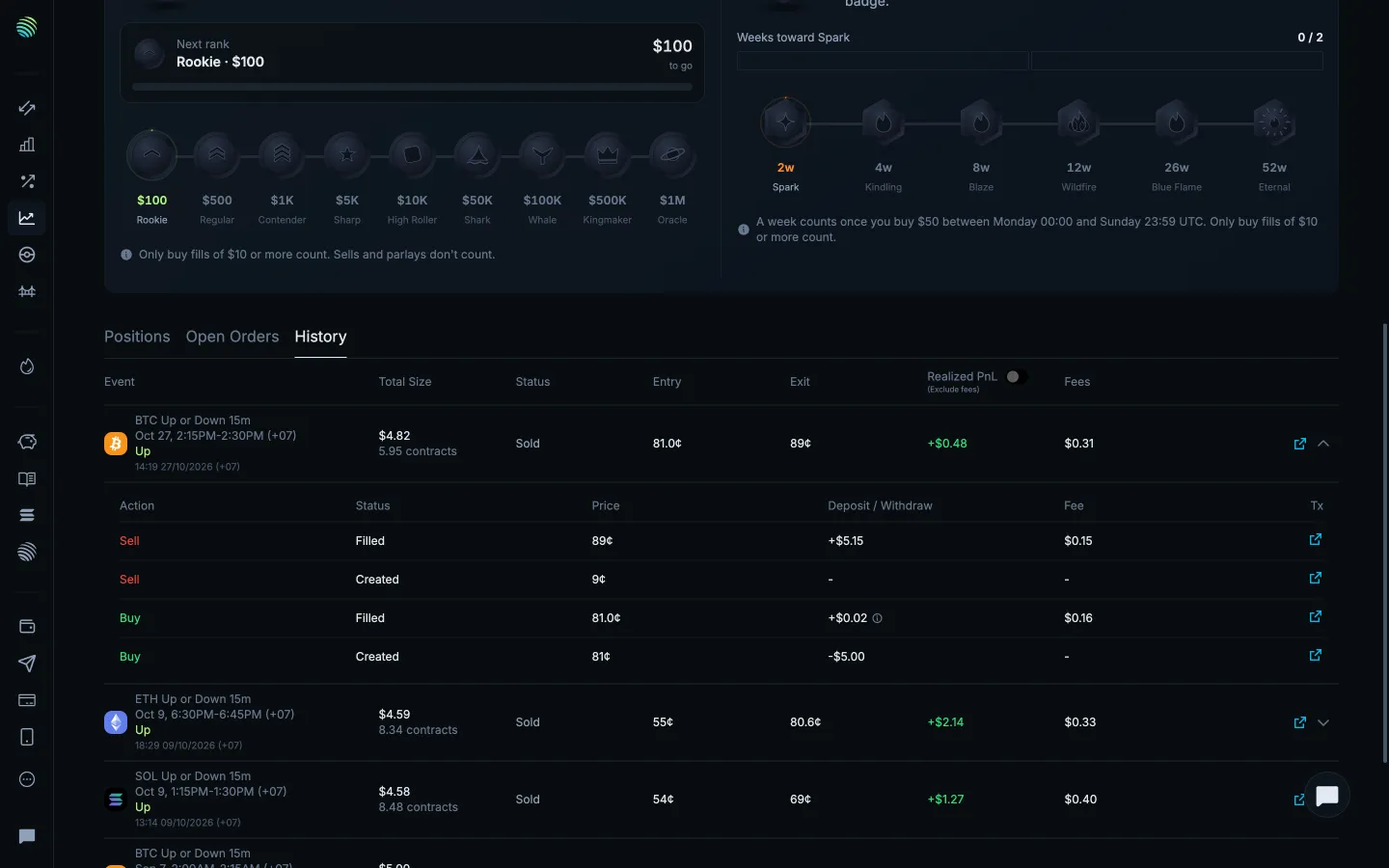
Order creation fills and feesJupiterOrder creation fills and fees
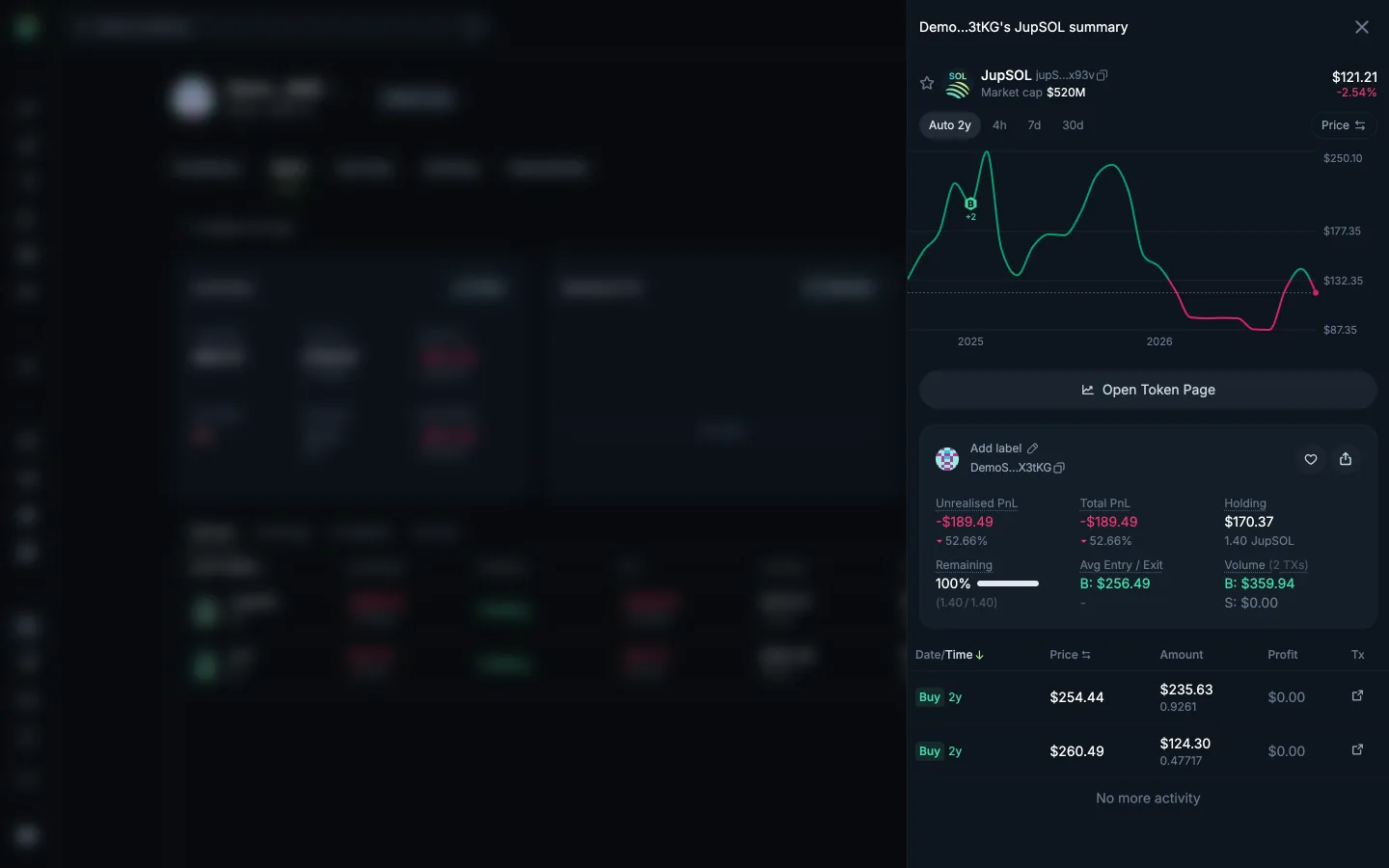
Read one token holding and tradesJupiterRead one token holding and trades
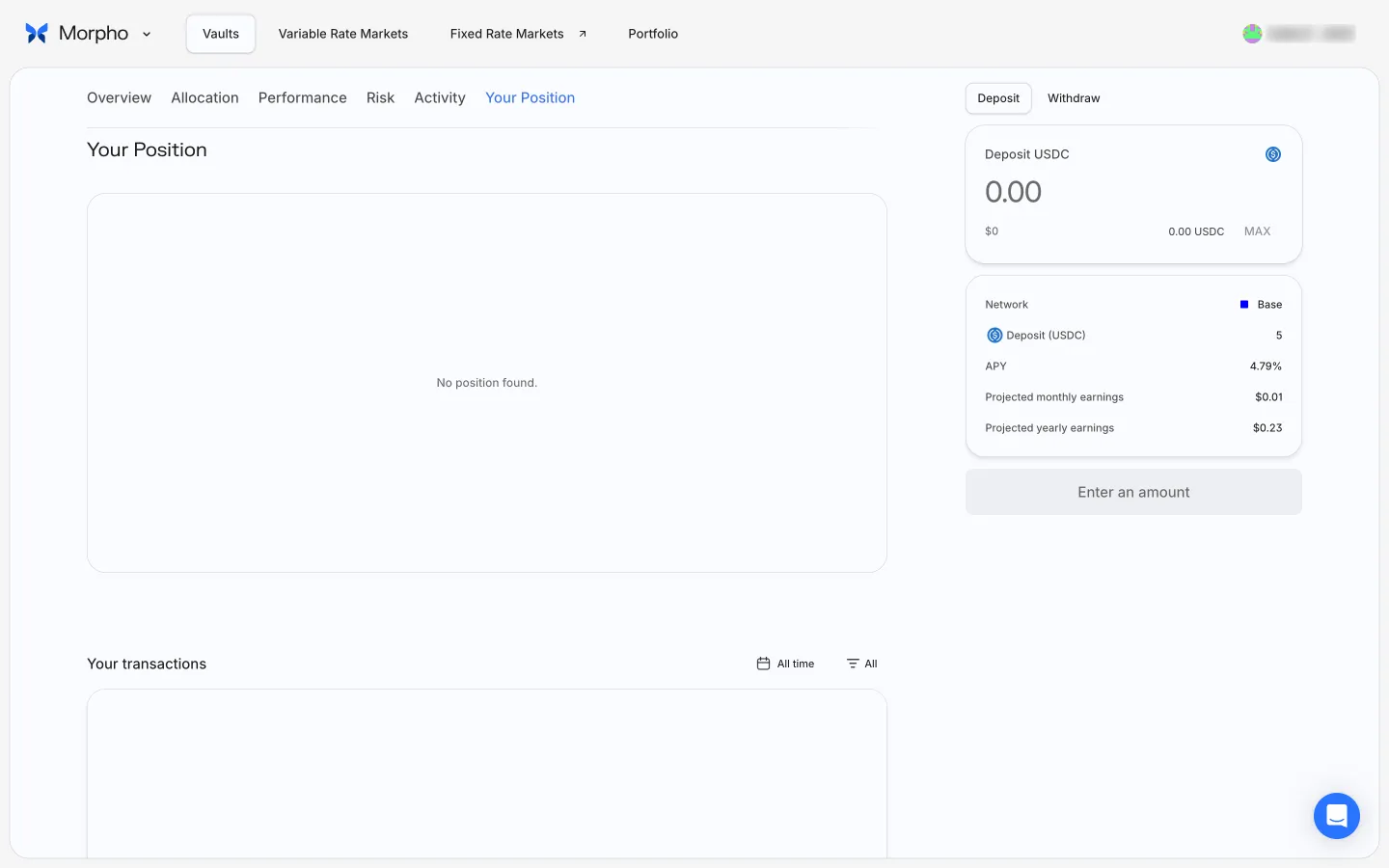
Your Position shows no position foundMorphoYour Position shows no position found
Closed trade in profitfomoClosed trade in profit
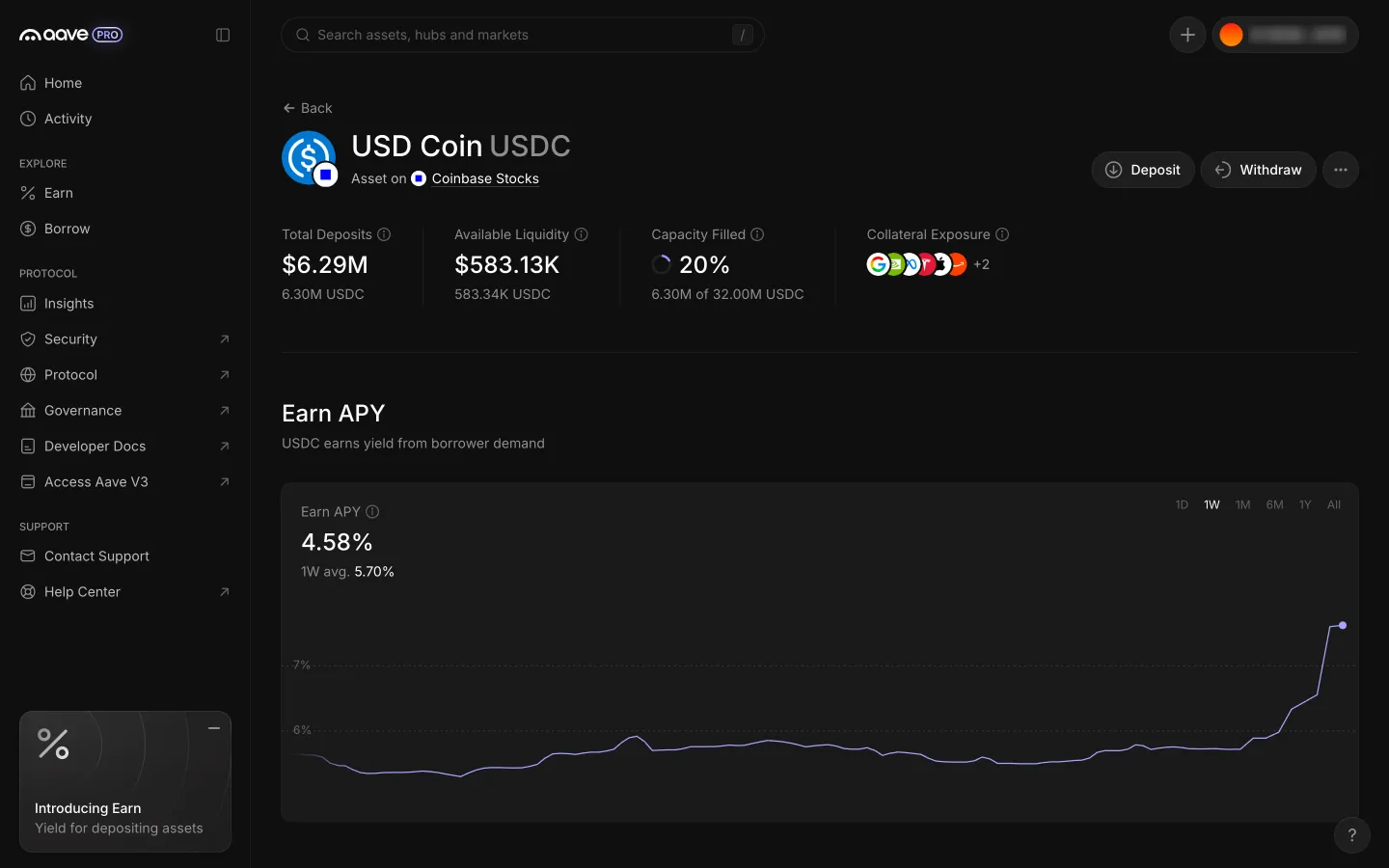
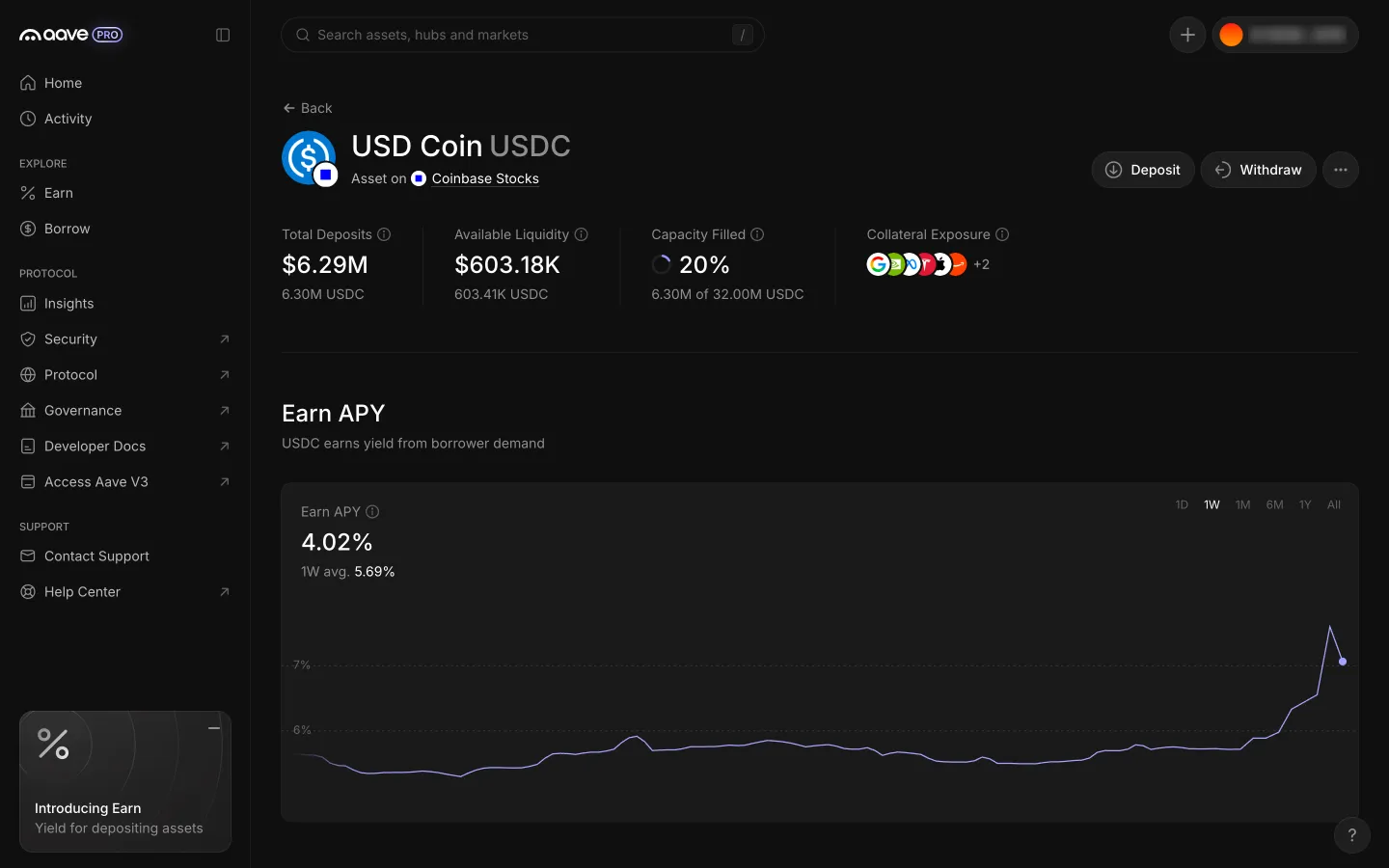
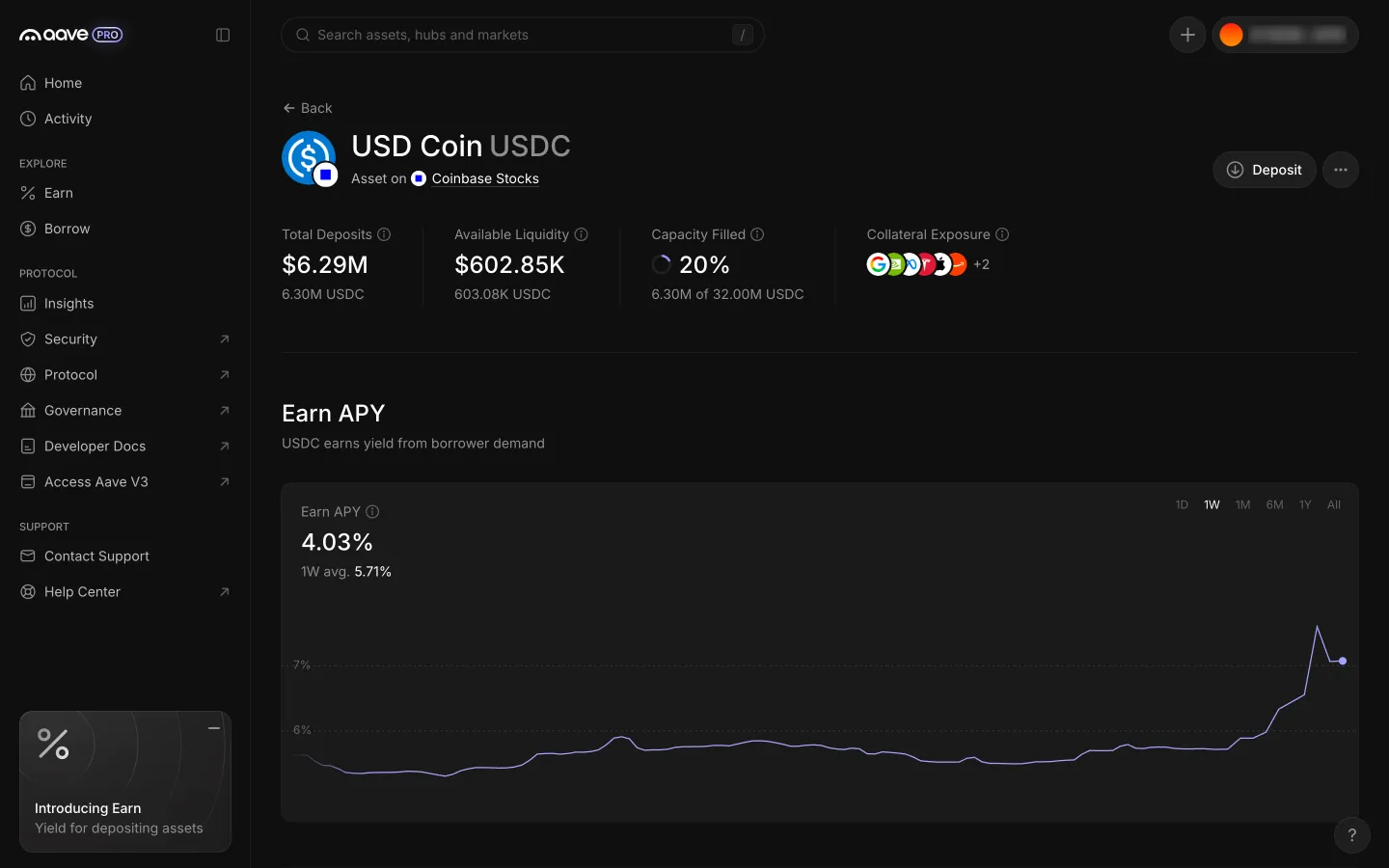
Close returns to the asset page with Your Position and WithdrawAave ProClose returns to the asset page with Your Position and Withdraw
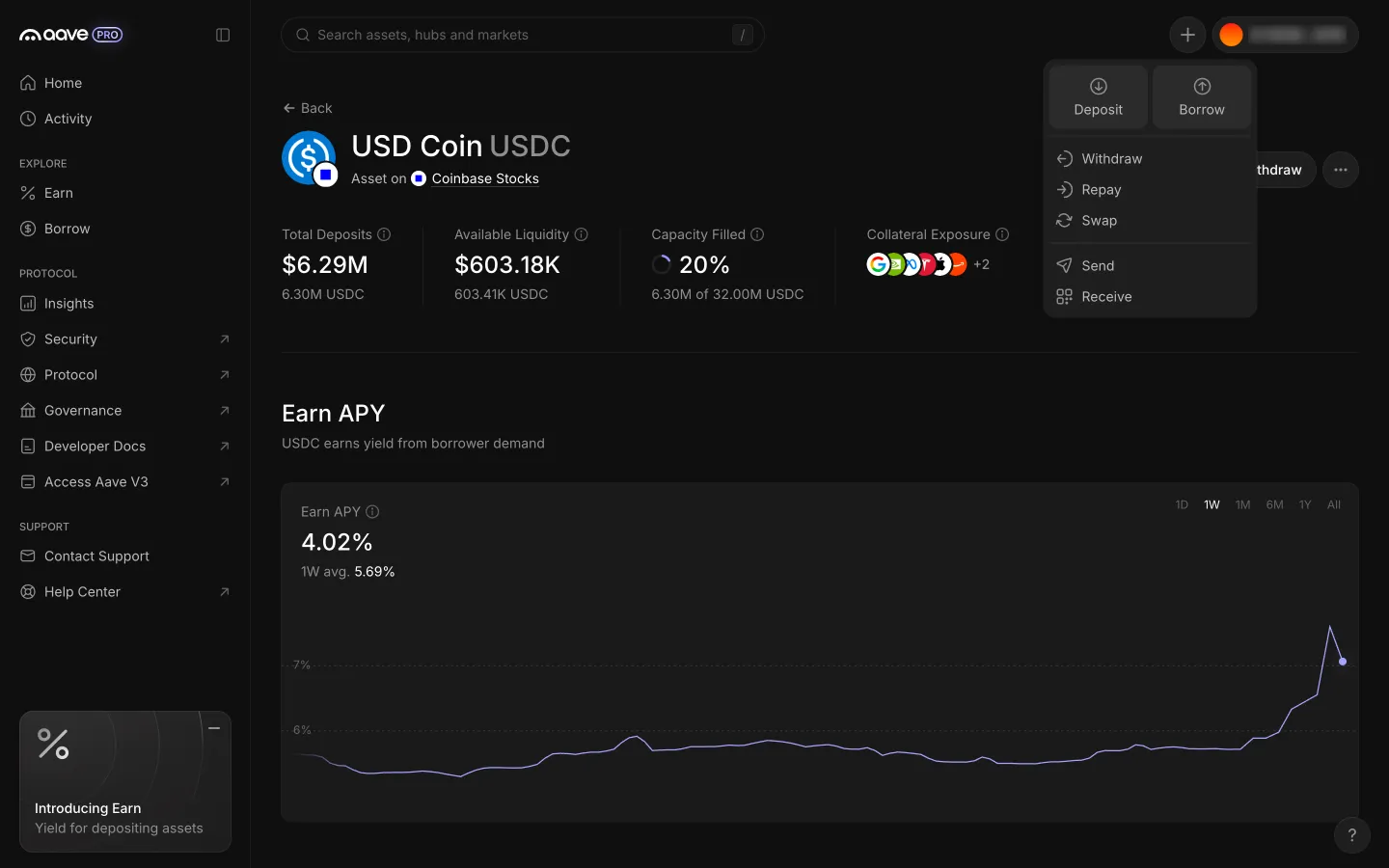
USDC position page with the header Actions menuAave ProUSDC position page with the header Actions menu
Actions menu lists Swap among seven actionsAave ProActions menu lists Swap among seven actions
USDC position page with Withdraw beside DepositAave ProUSDC position page with Withdraw beside Deposit
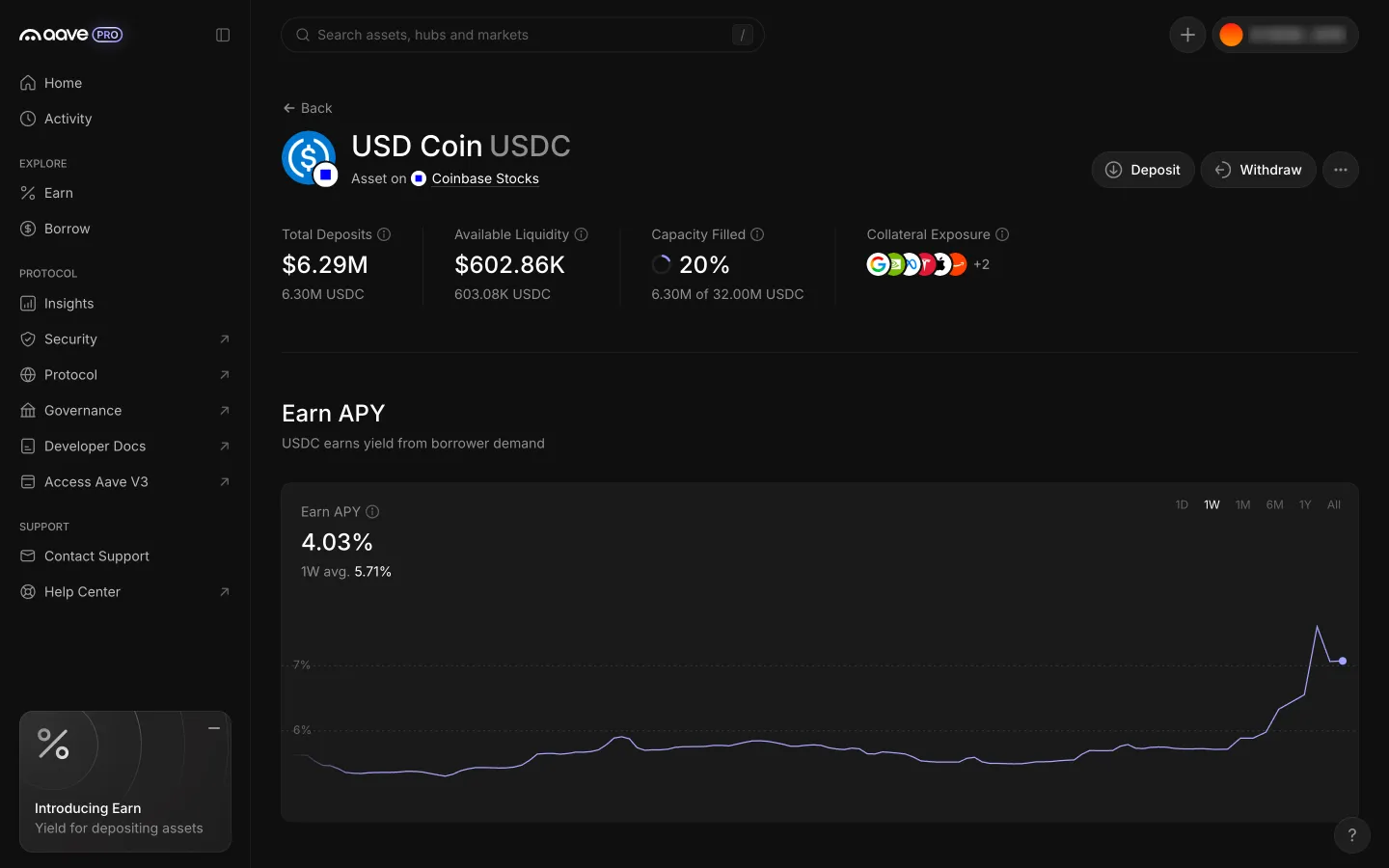
Close returns to the asset page, the position is goneAave ProClose returns to the asset page, the position is gone
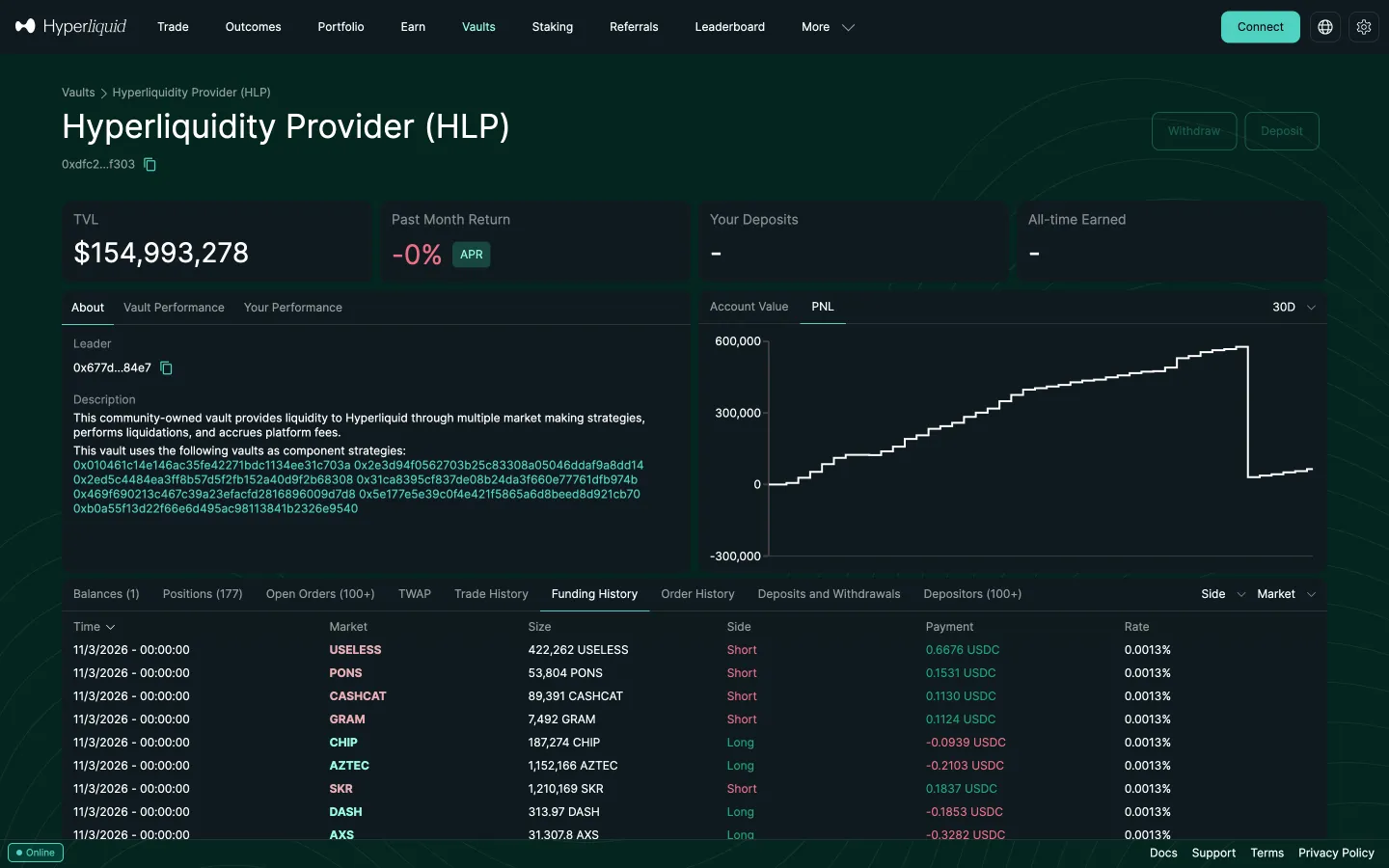
HLP vault aboutHyperliquidHLP vault about
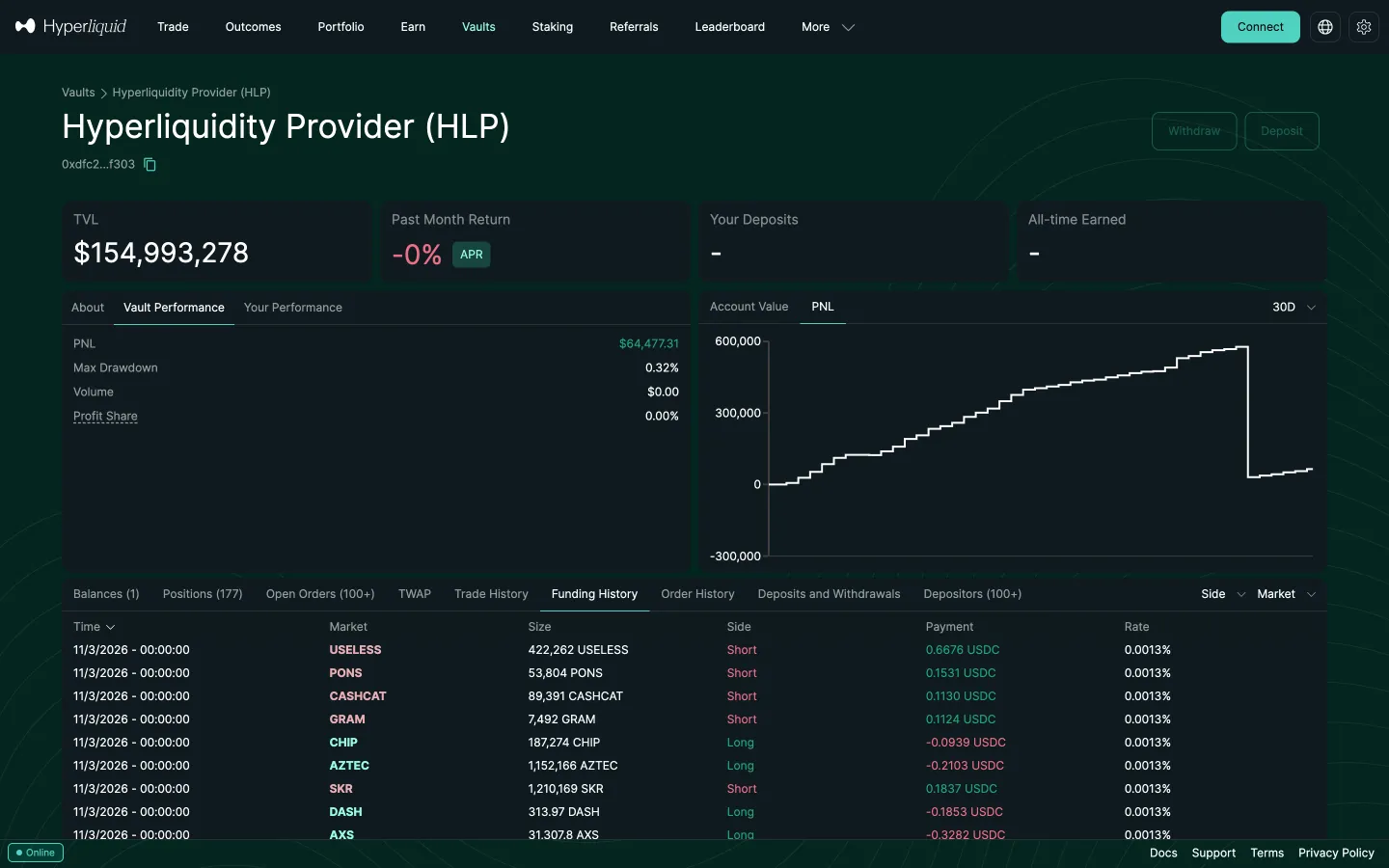
Vault performance numbersHyperliquidVault performance numbers
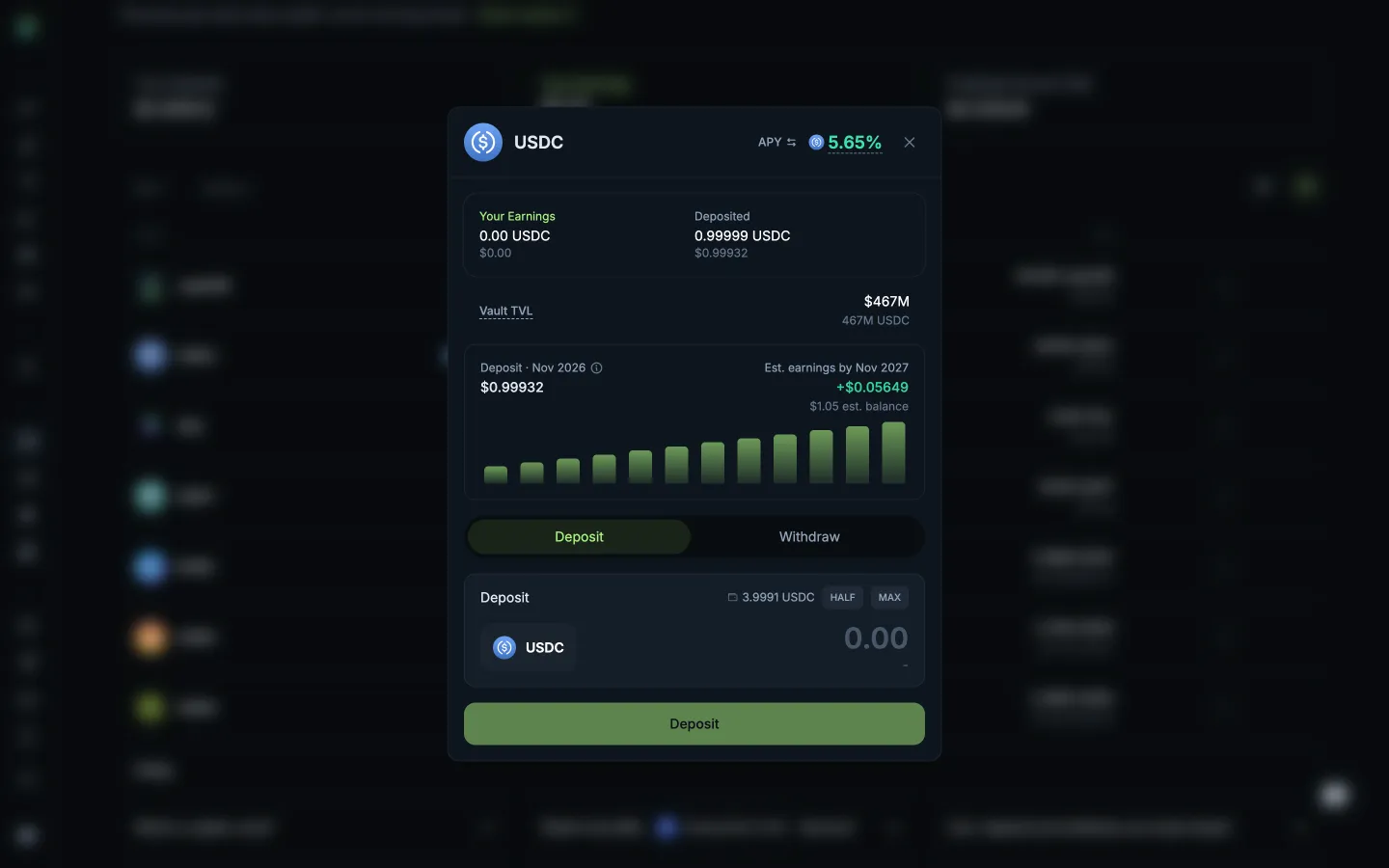
Position view, open the Withdraw tabJupiterPosition view, open the Withdraw tab

Screens, flows and sites from real crypto and web3 apps.

© 2026 MoonoPrivacyTerms

Apps

  • All apps
  • Screens
  • Flows
  • UI elements

Sites

  • All sites
  • Sections

Learn

  • Glossary

Product

  • Pricing
  • MCPNew

© 2026 MoonoPrivacyTerms