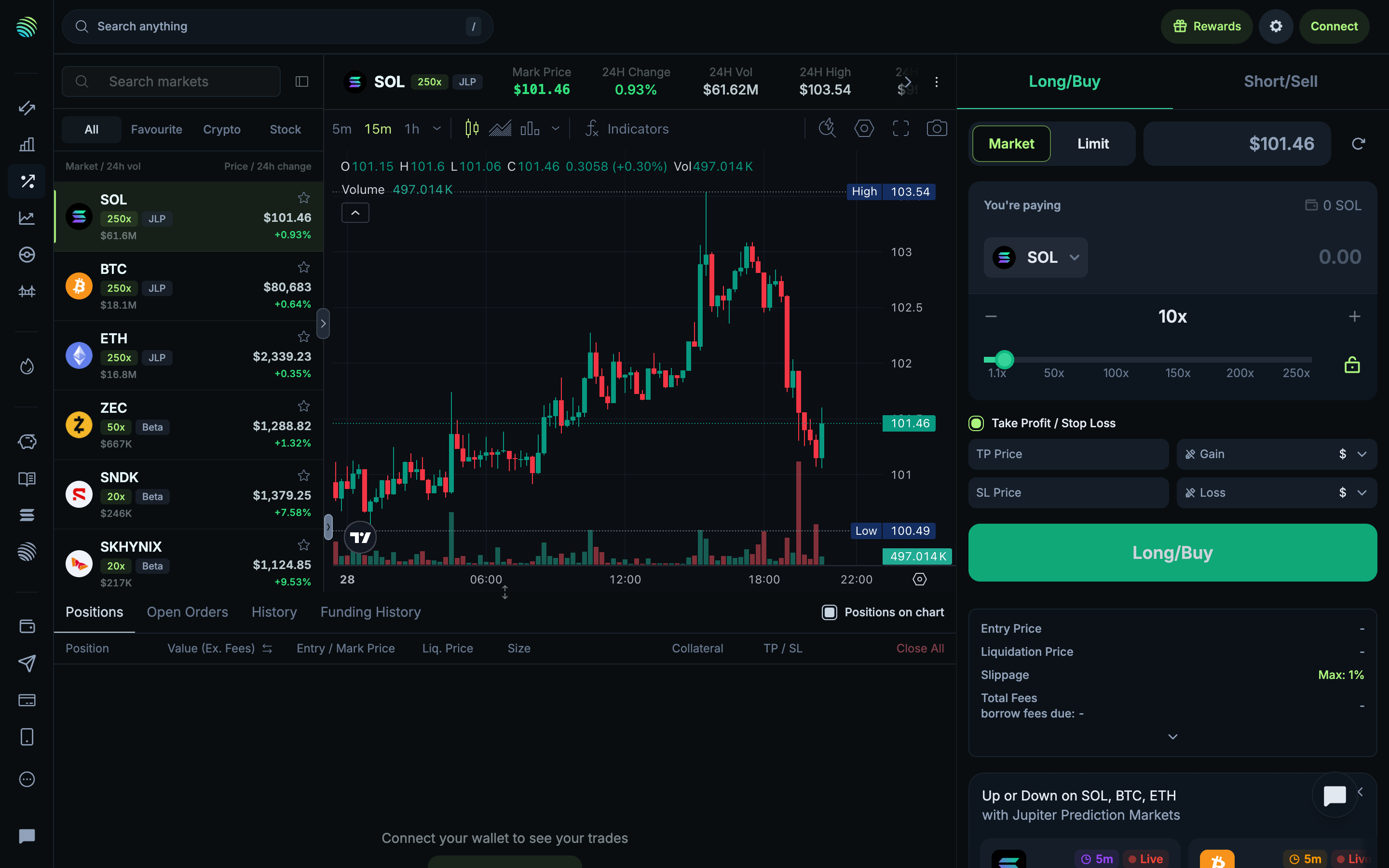
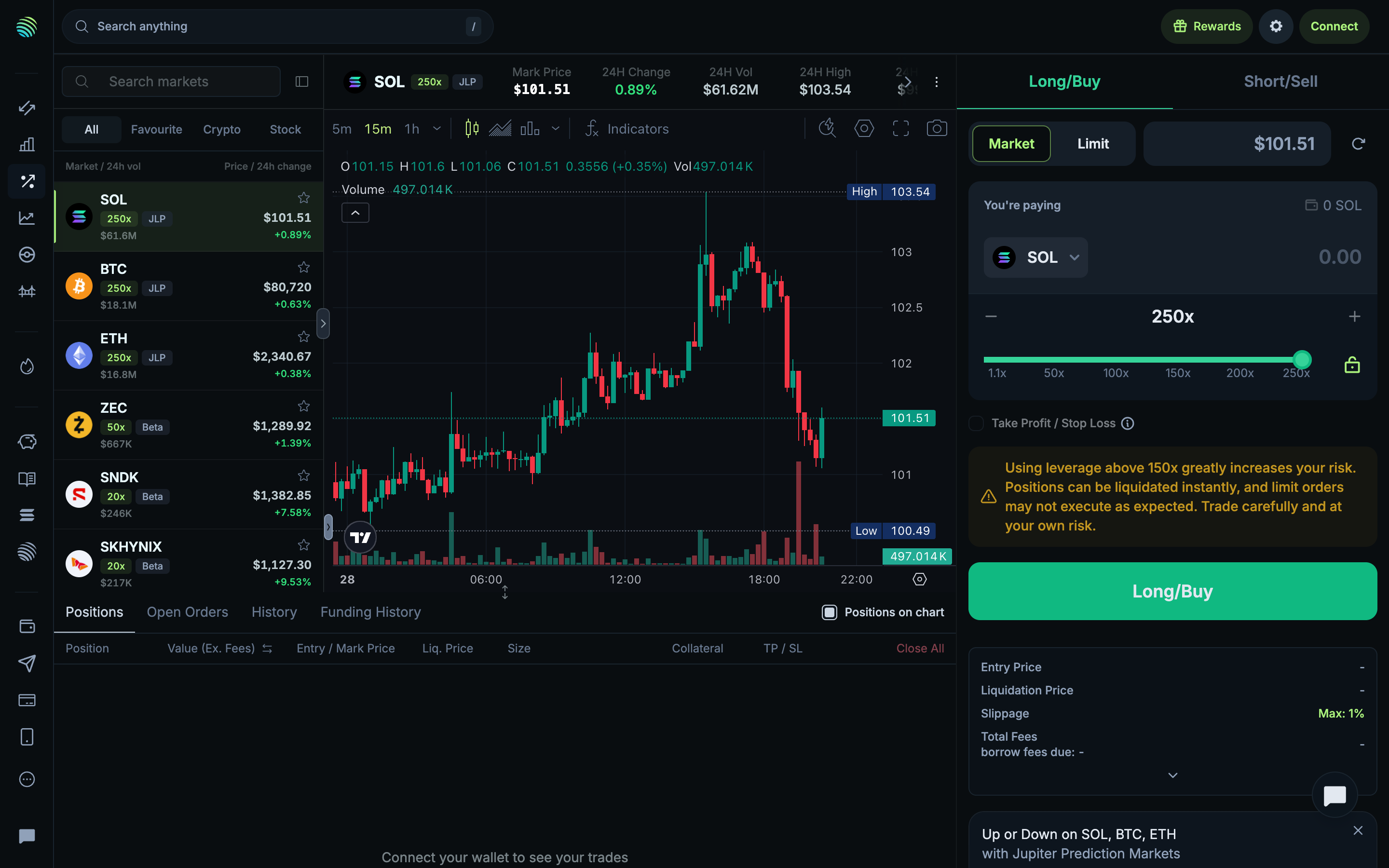
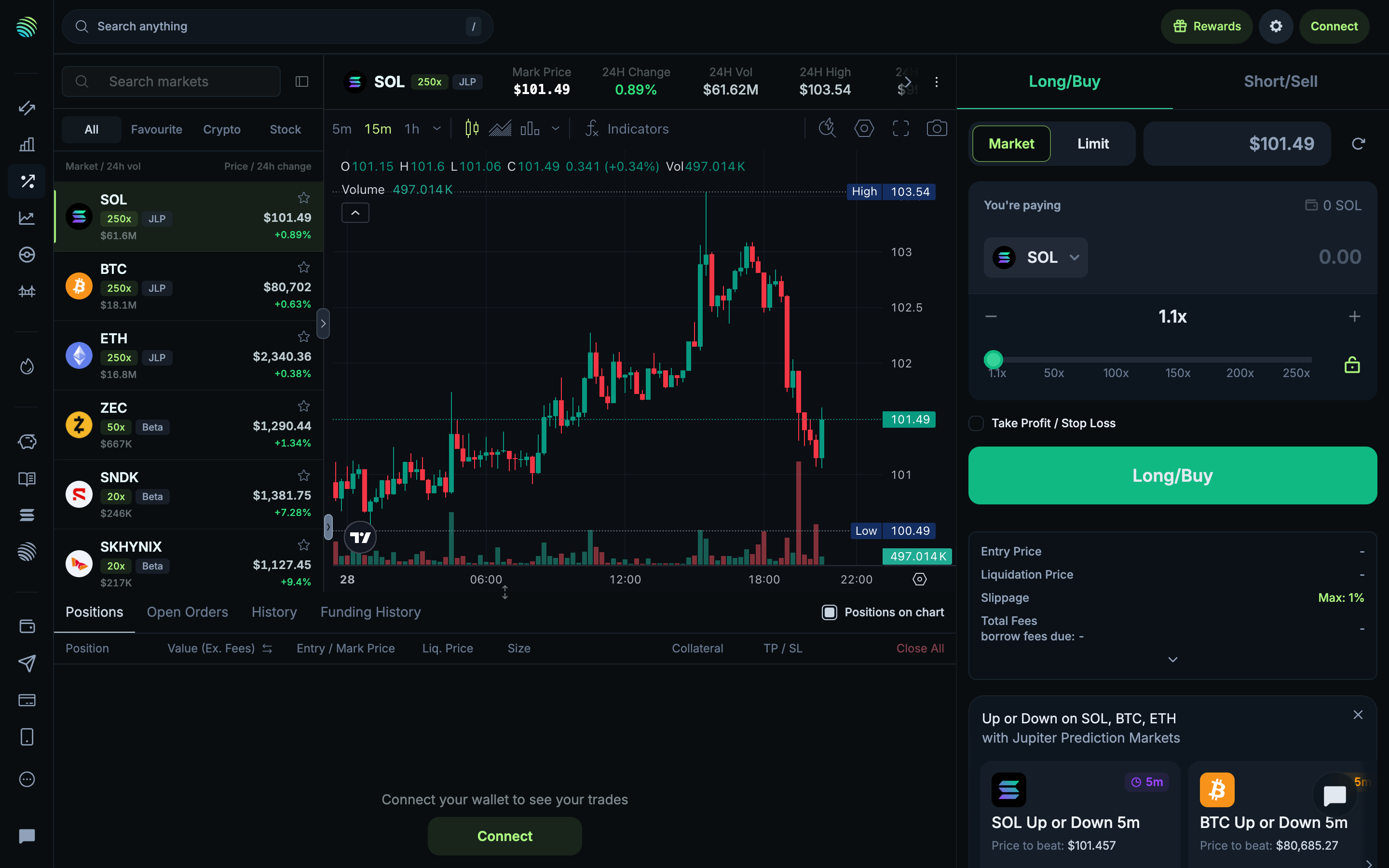
Reviewing perpetual order controls in Jupiter

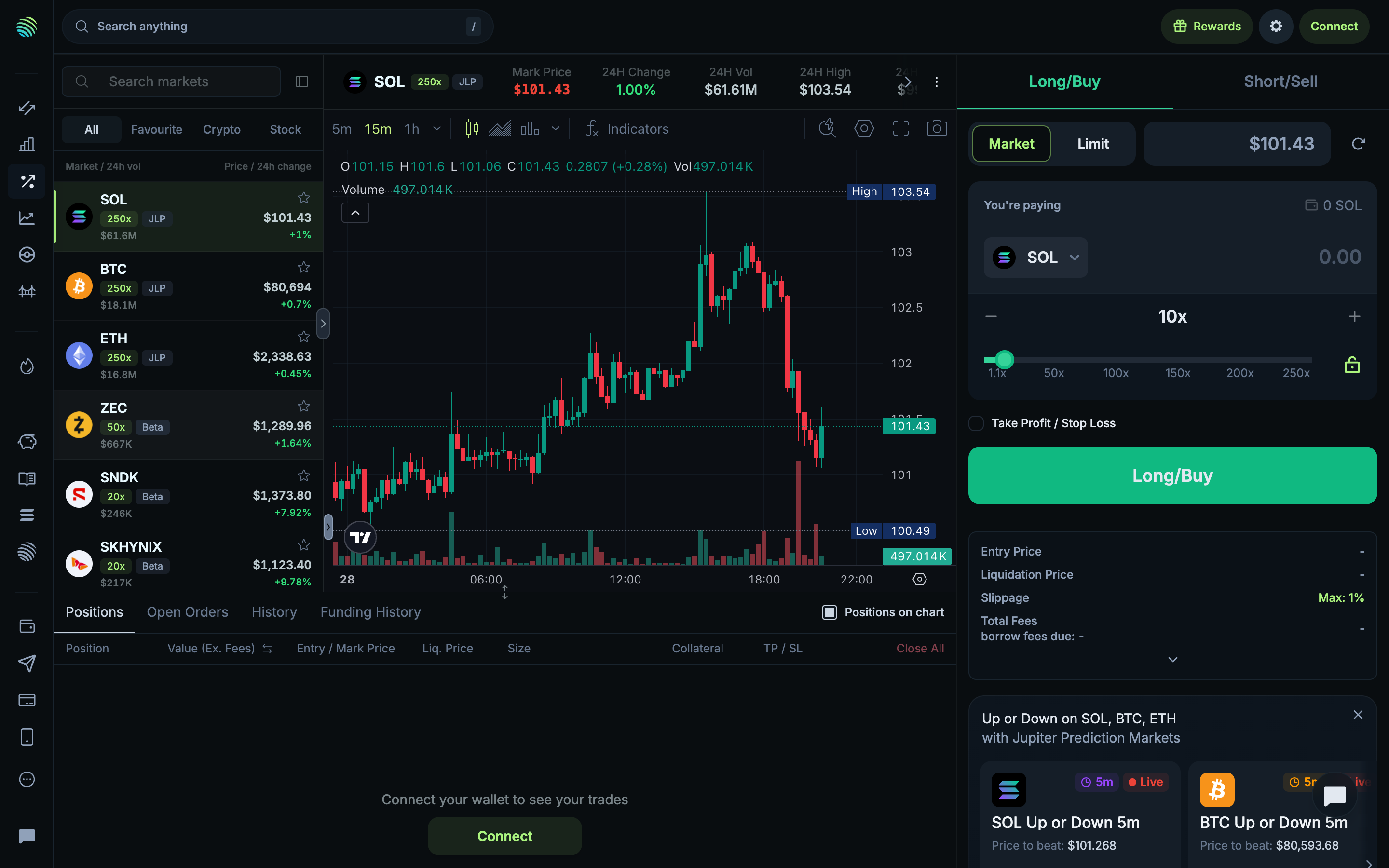
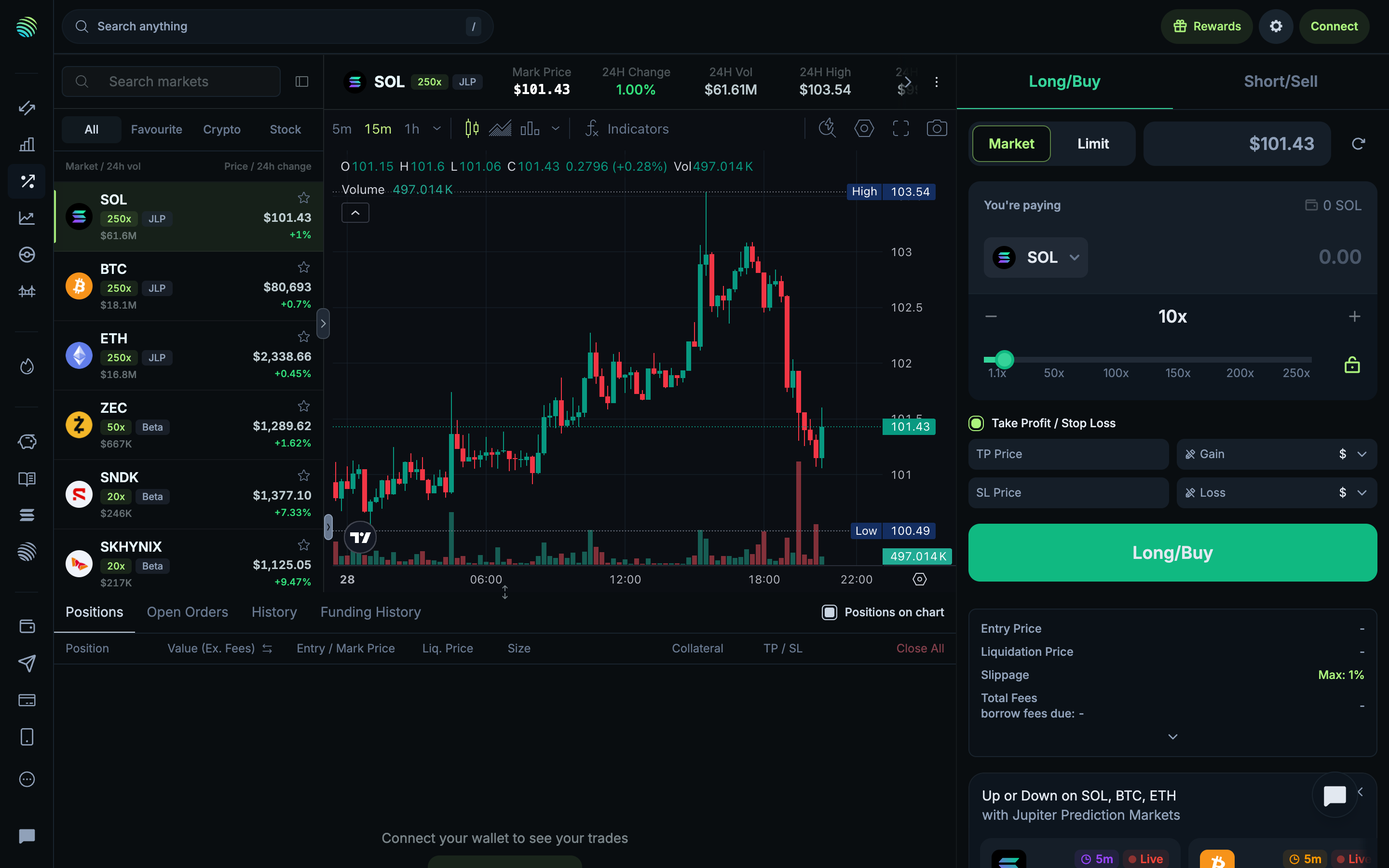
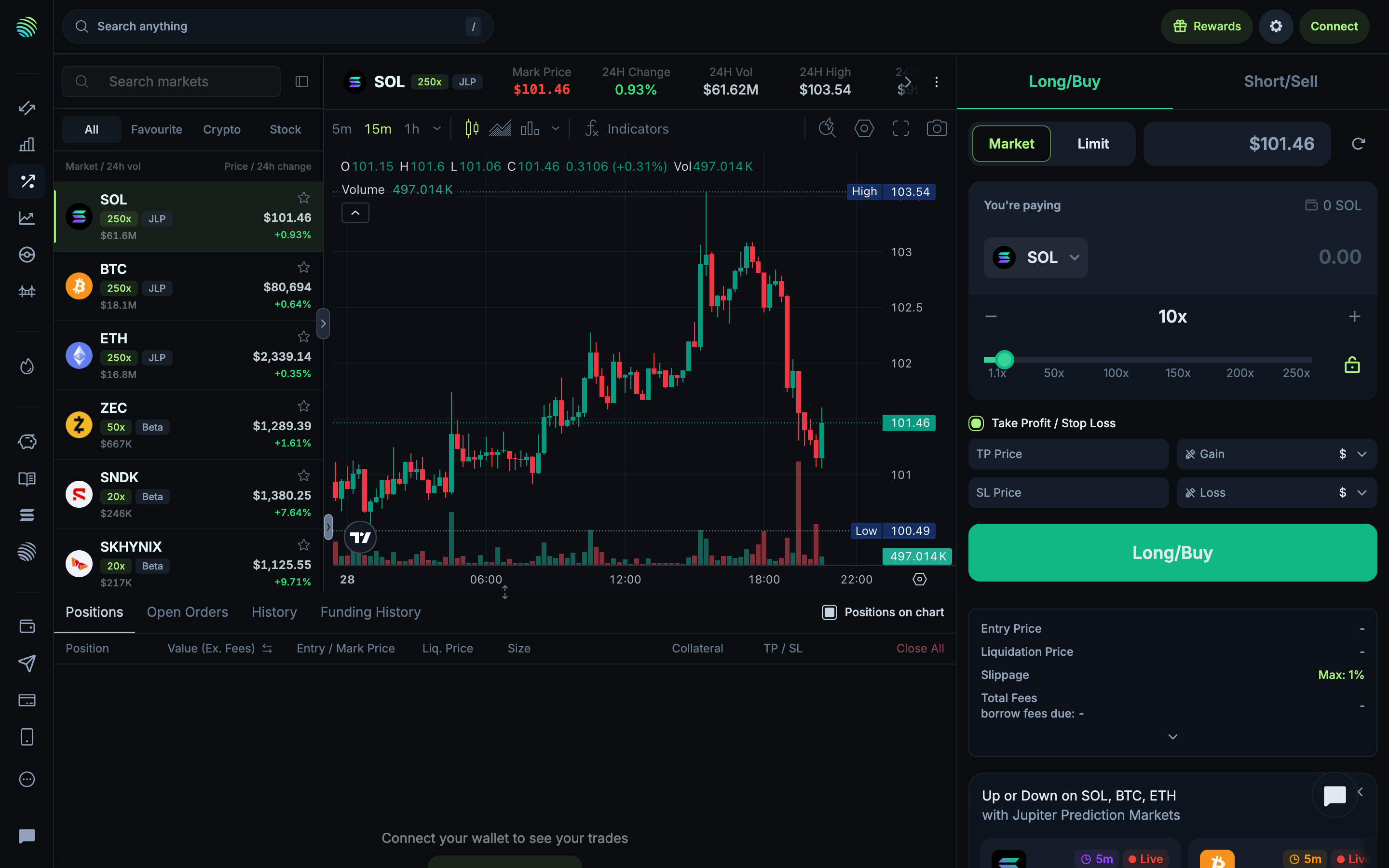
Review the unfilled perpetual ticket
1Review the unfilled perpetual ticketIdle
Review take profit and stop loss fields
2Review take profit and stop loss fieldsIdle
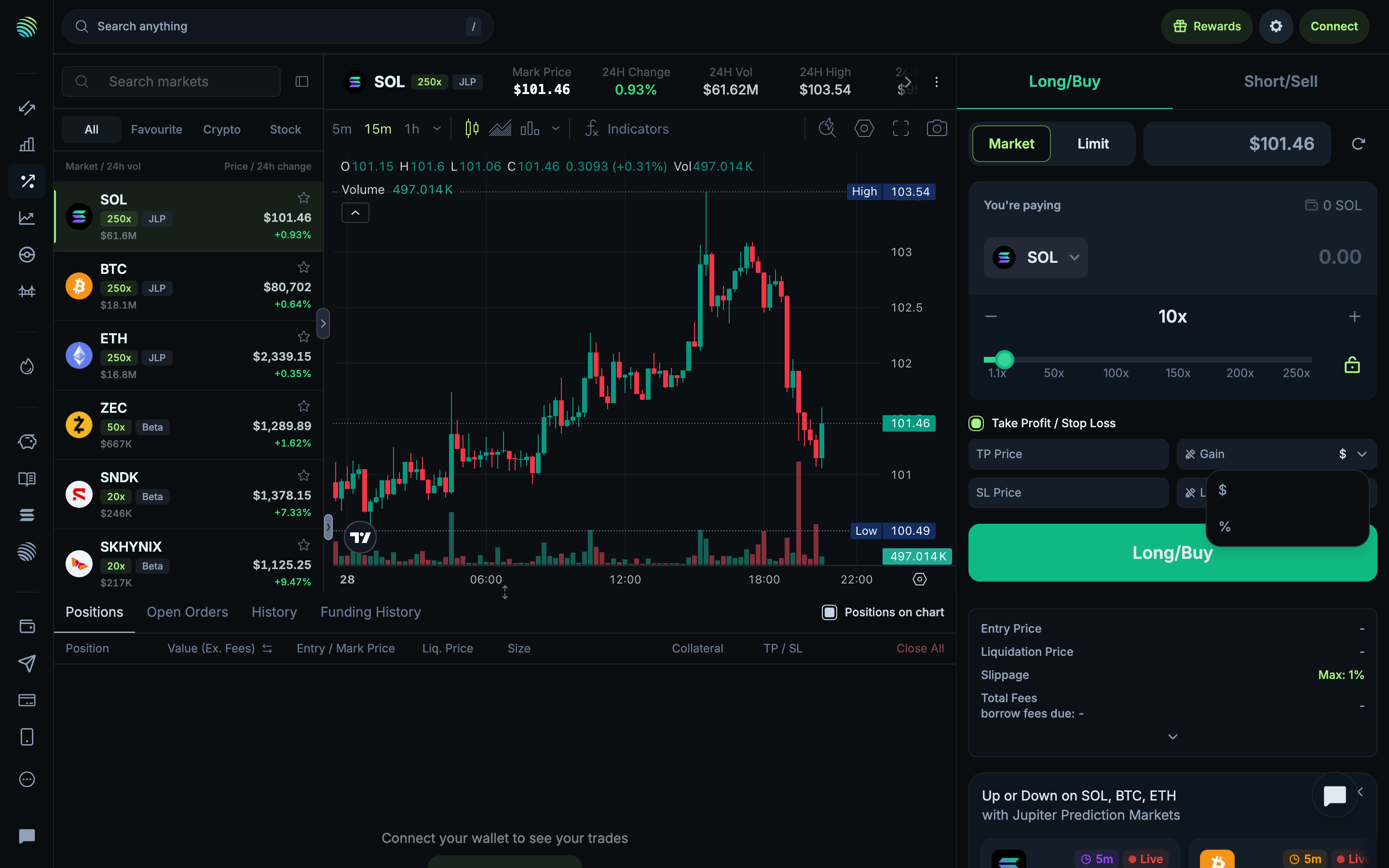
Review take profit return units
3Review take profit return unitsIdle
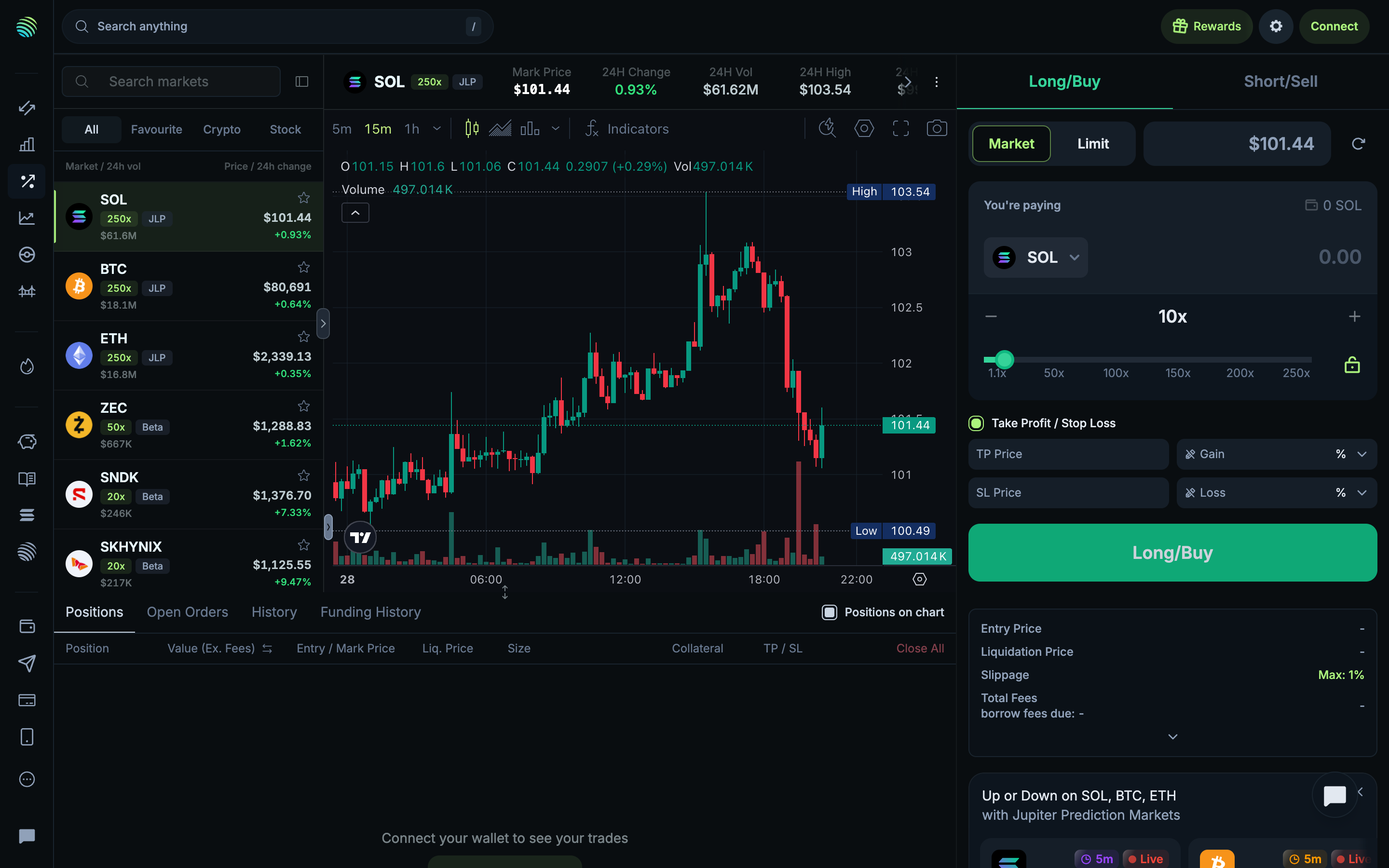
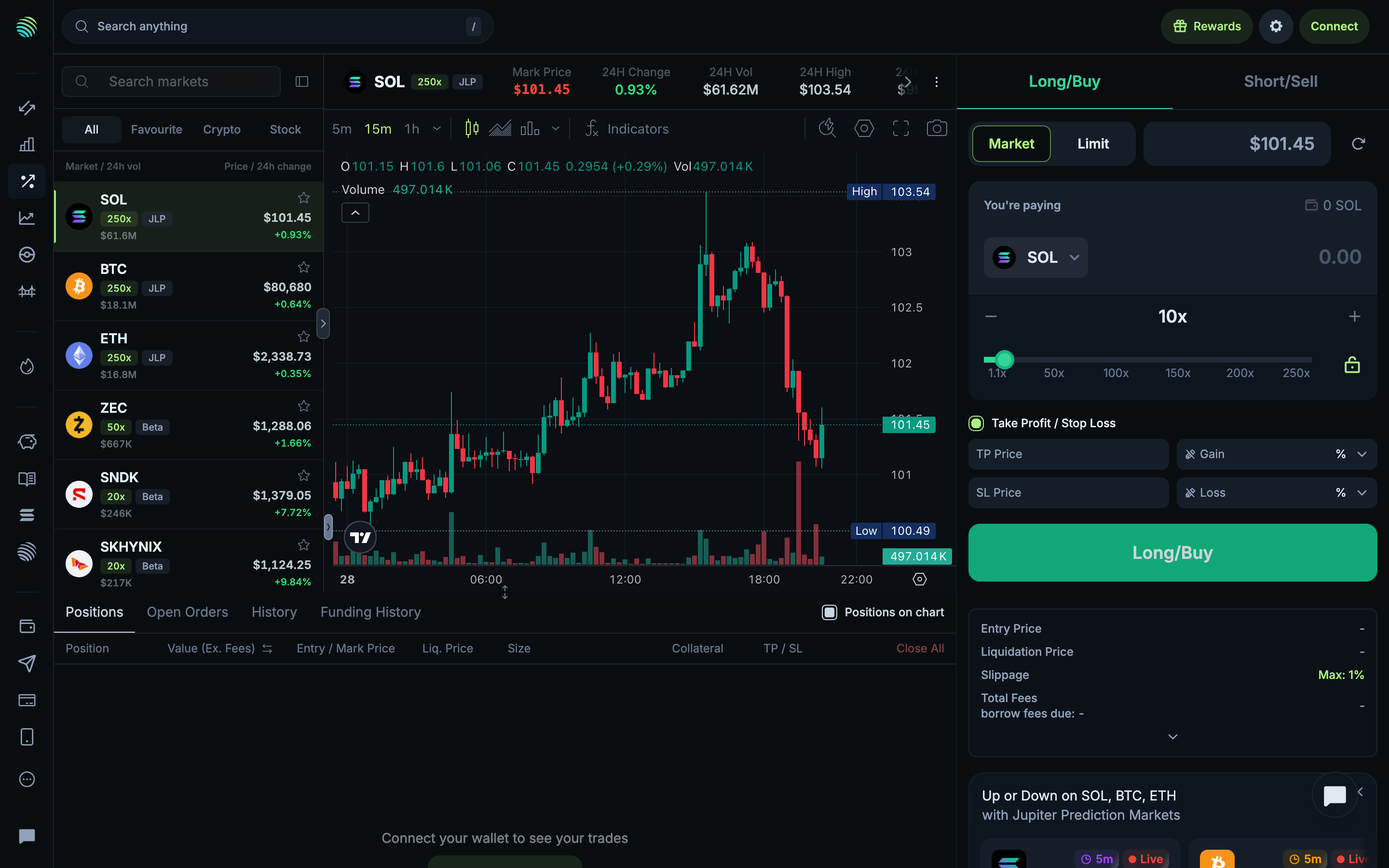
Display take profit as a percentage
4Display take profit as a percentageIdle
Review the original take profit unit
5Review the original take profit unitIdle
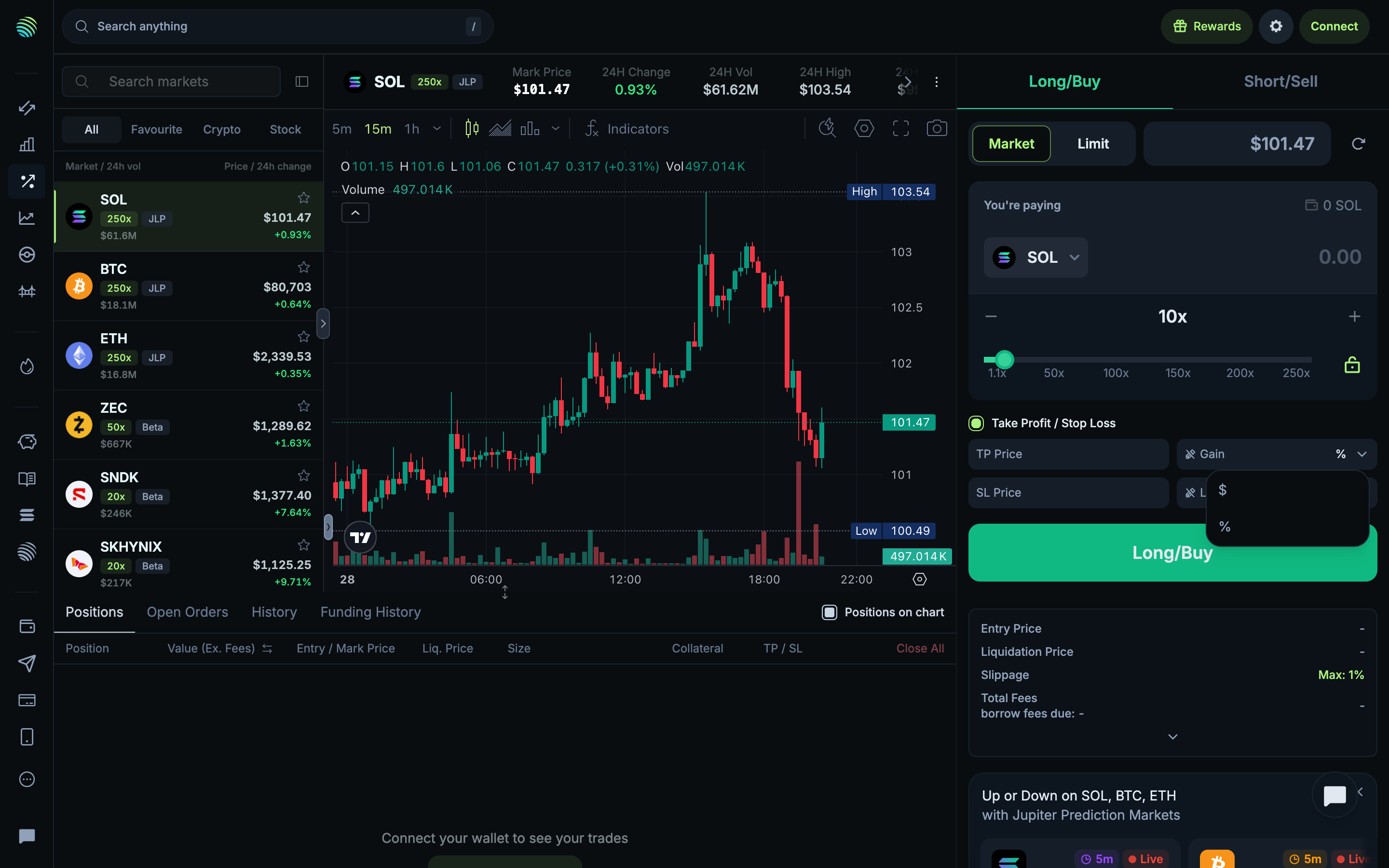
Restore take profit currency units
6Restore take profit currency unitsIdle
Review stop loss return units
7Review stop loss return unitsIdle
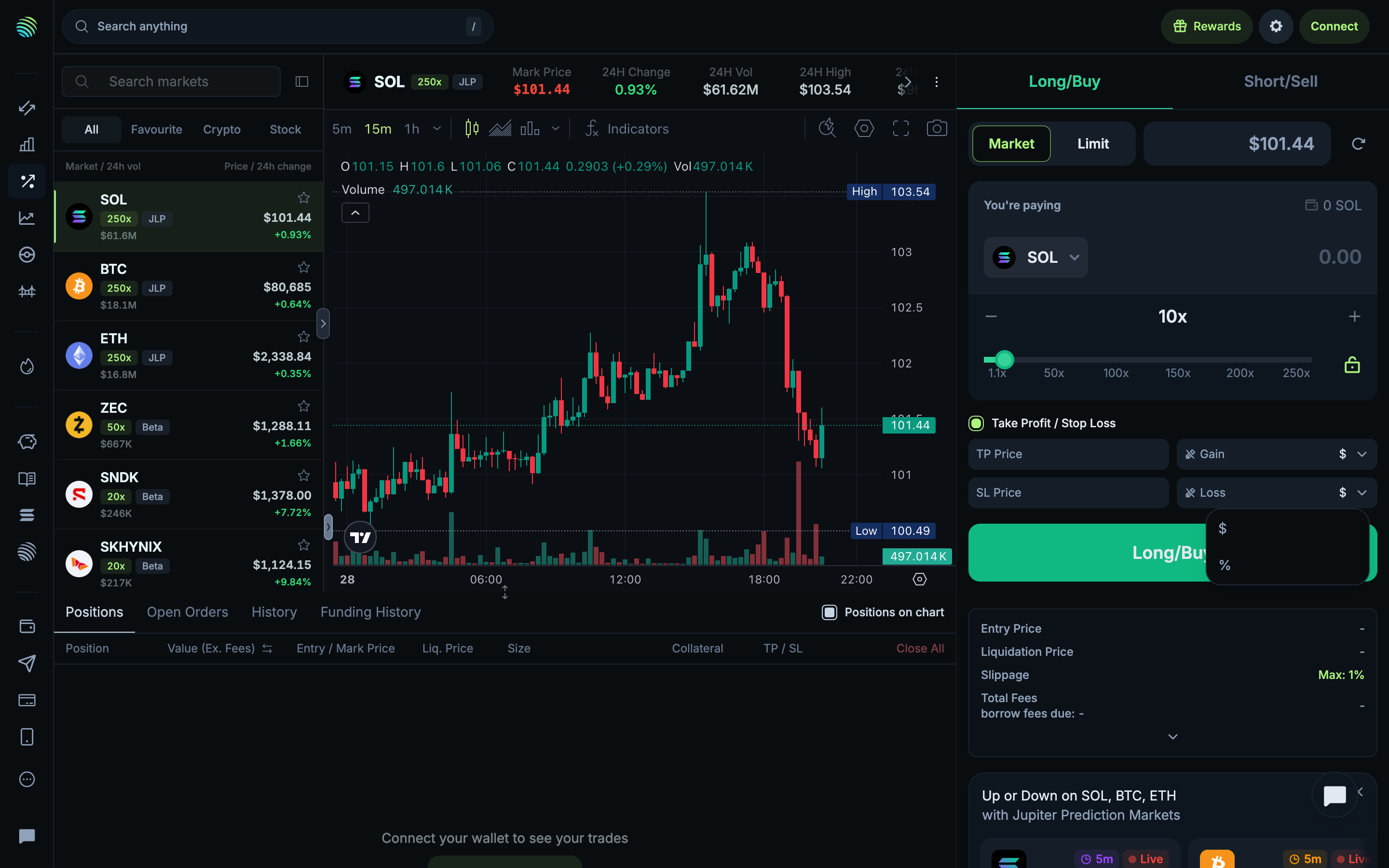
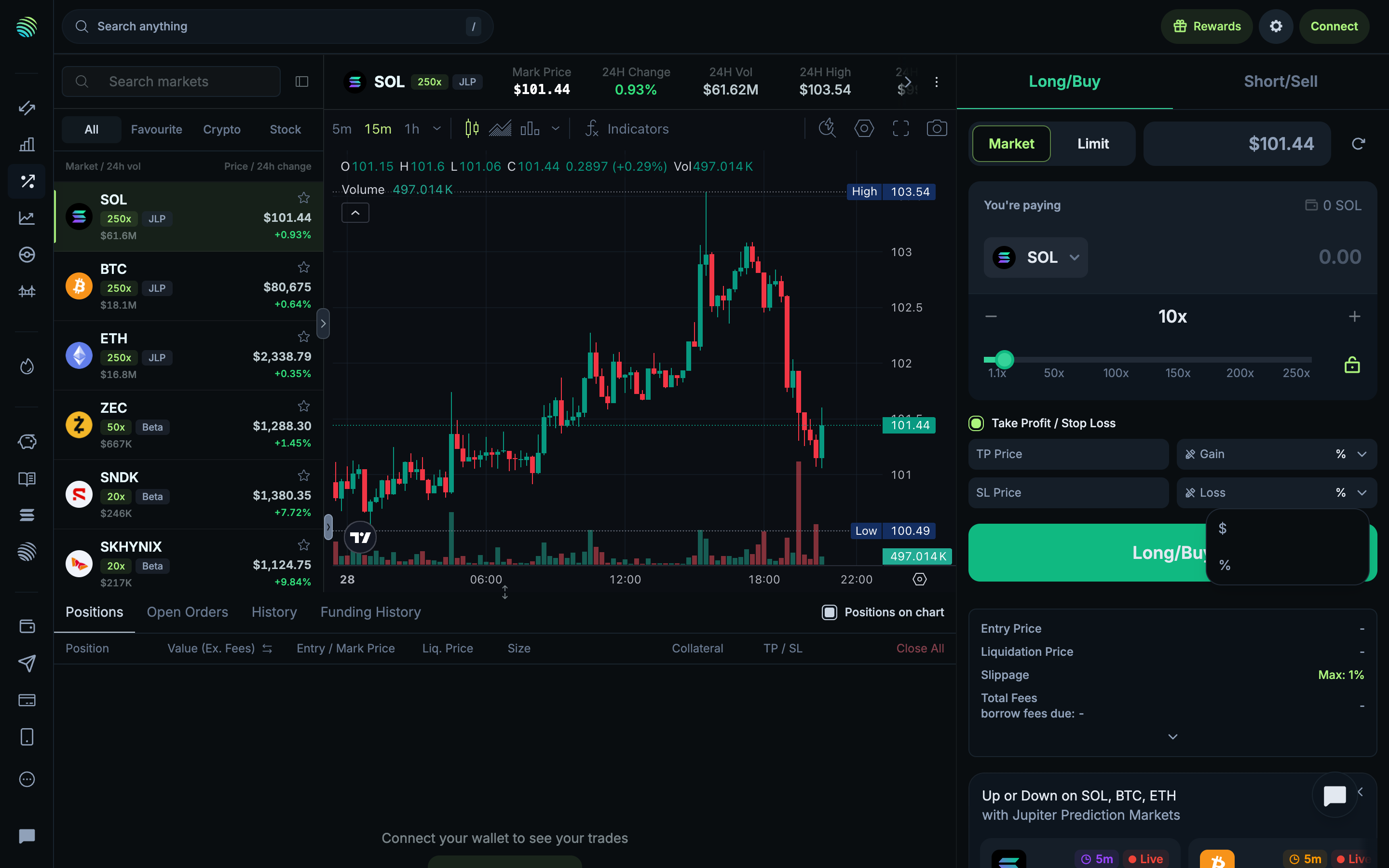
Display stop loss as a percentage
8Display stop loss as a percentageIdle
Review the original stop loss unit
9Review the original stop loss unitIdle
Restore stop loss currency units
10Restore stop loss currency unitsIdle
Return to the unfilled ticket
11Return to the unfilled ticketIdle
Review the maximum leverage preset
12Review the maximum leverage presetIdle
Review the minimum leverage preset
13Review the minimum leverage presetIdle

13 more steps

You have seen the free half of Reviewing perpetual order controls. Sign up free to see how it ends.