Apps
All apps
Screens
Flows
UI elements
Pricing
Glossary
Get started
All
Screens
Flows
UI elements
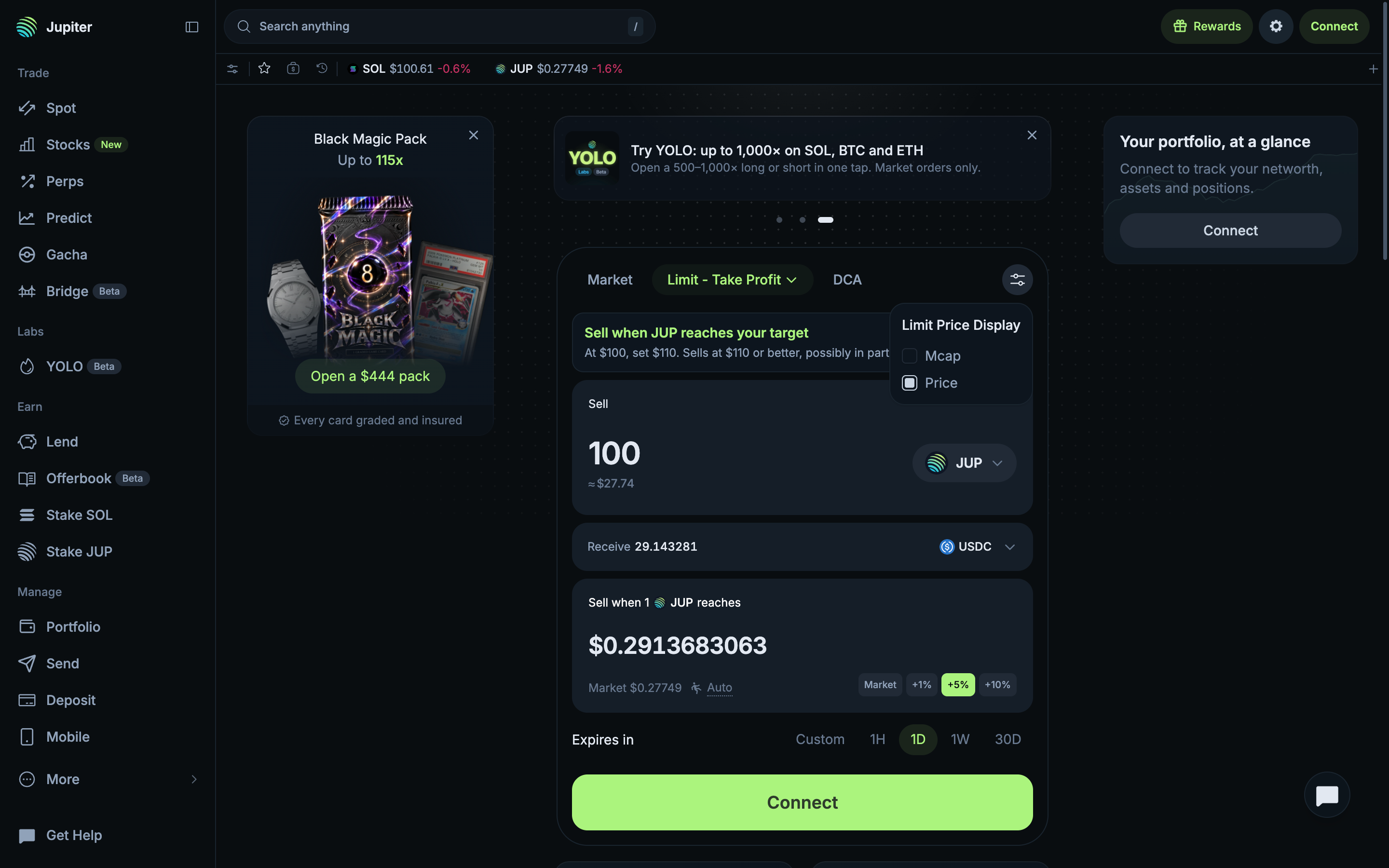
Show the target as price or market cap
in
Jupiter
Step 2 of 3 in Setting the target as market cap
Play
Show the target as price or market cap
Order Ticket
Similar screens in other apps
Hyperliquid
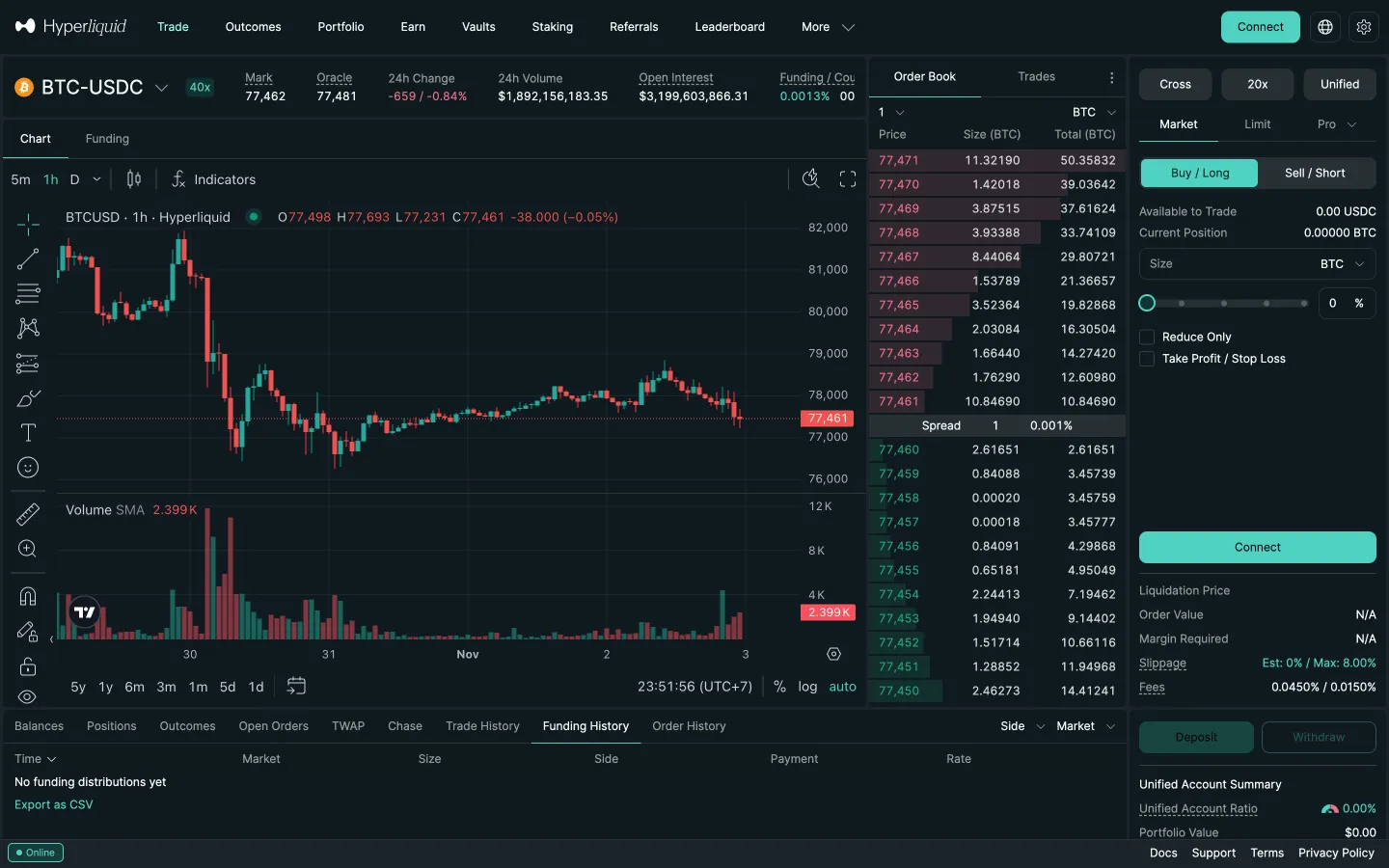
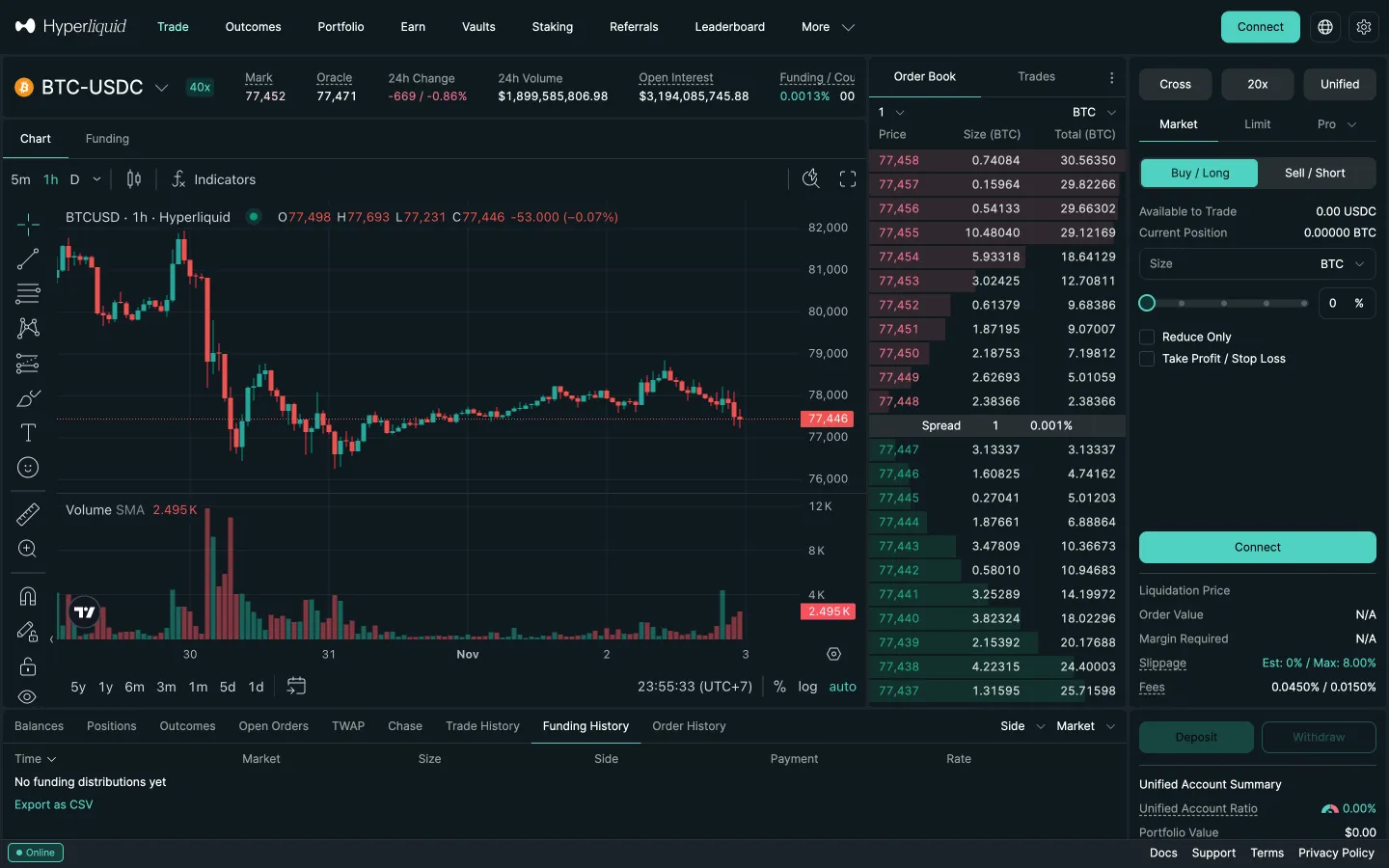
Market ticket, Sell and Short
Hyperliquid
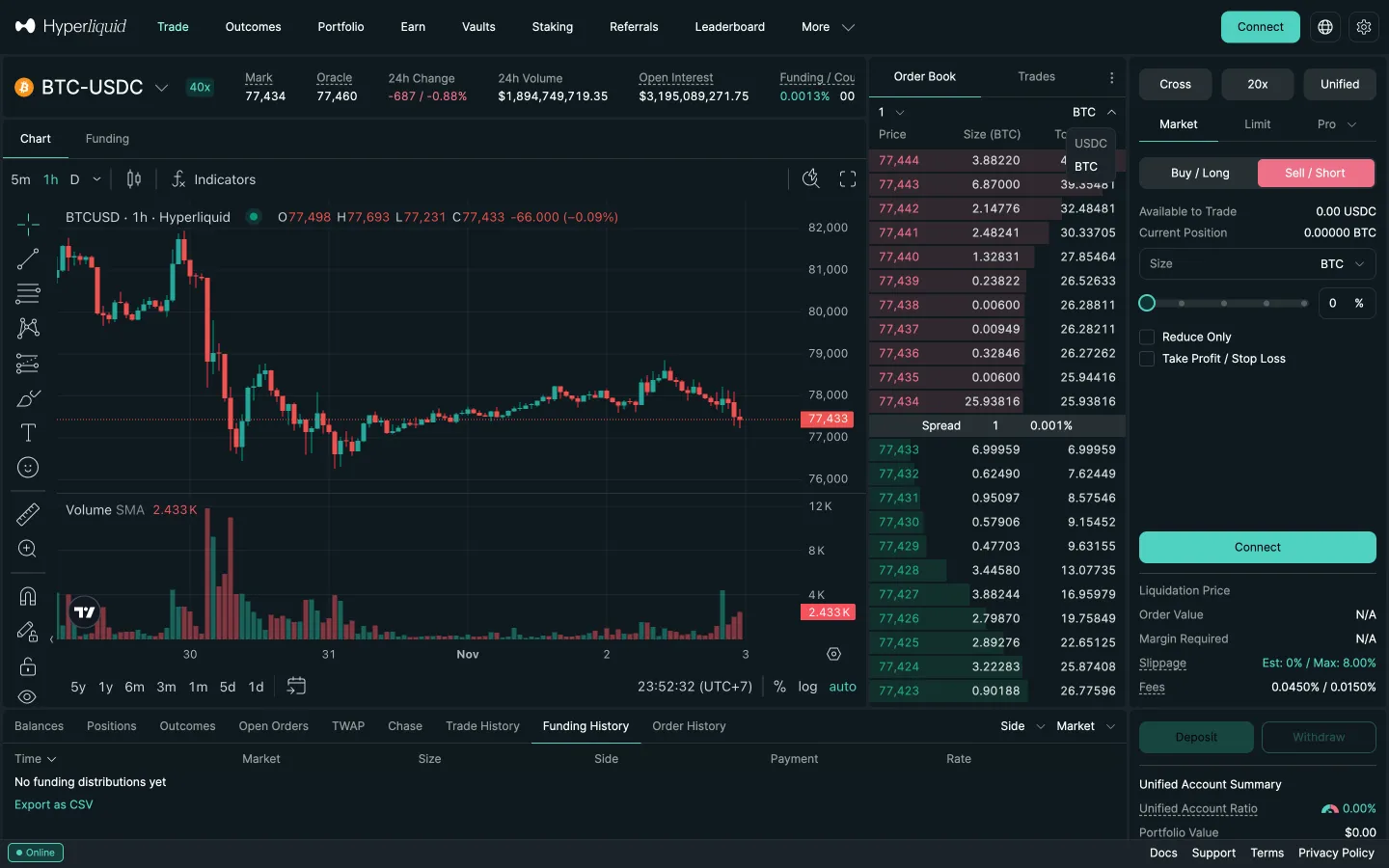
Short selected, Limit tab
Hyperliquid
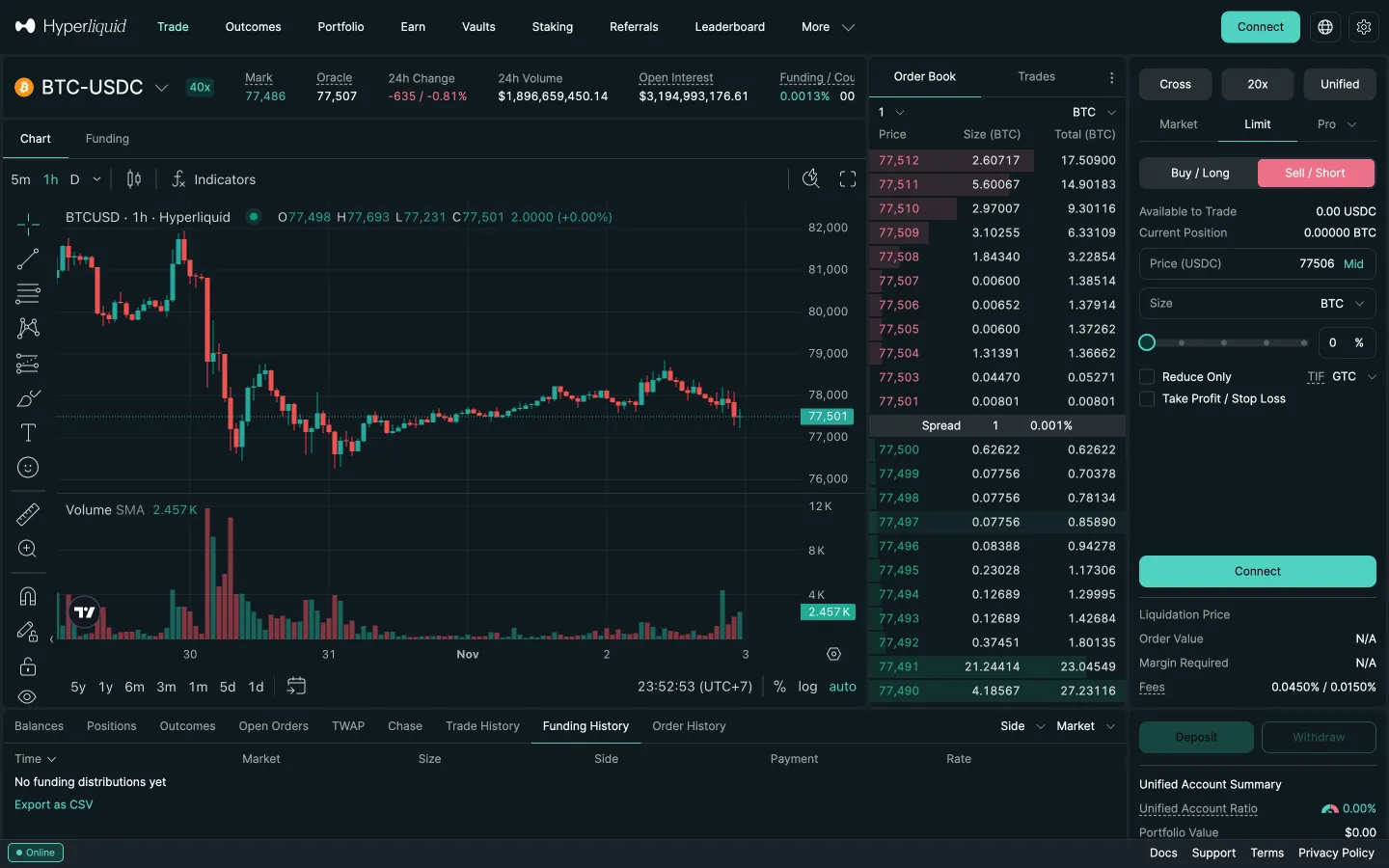
Limit price and size fields
Hyperliquid
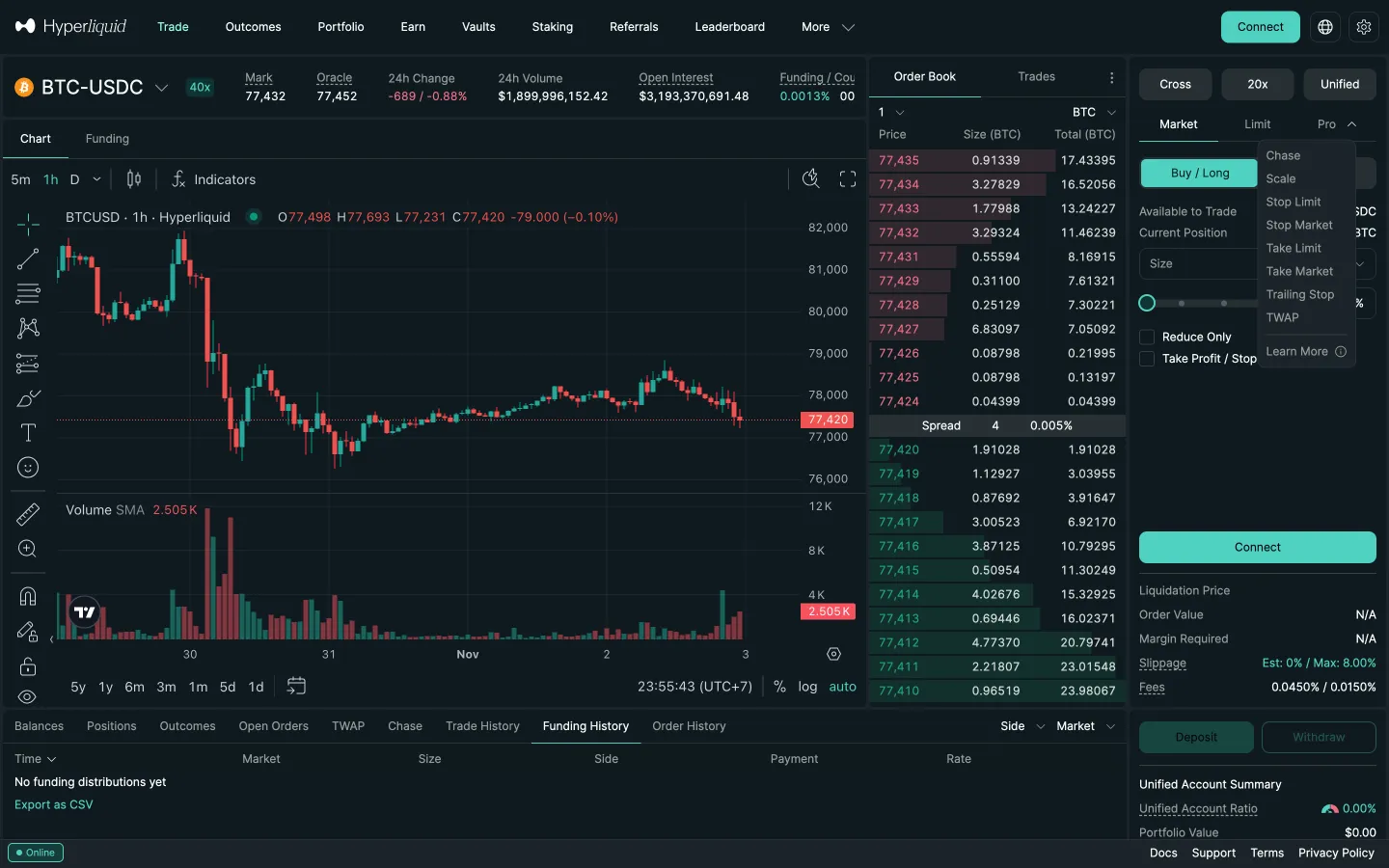
Market ticket, Pro tab
Hyperliquid
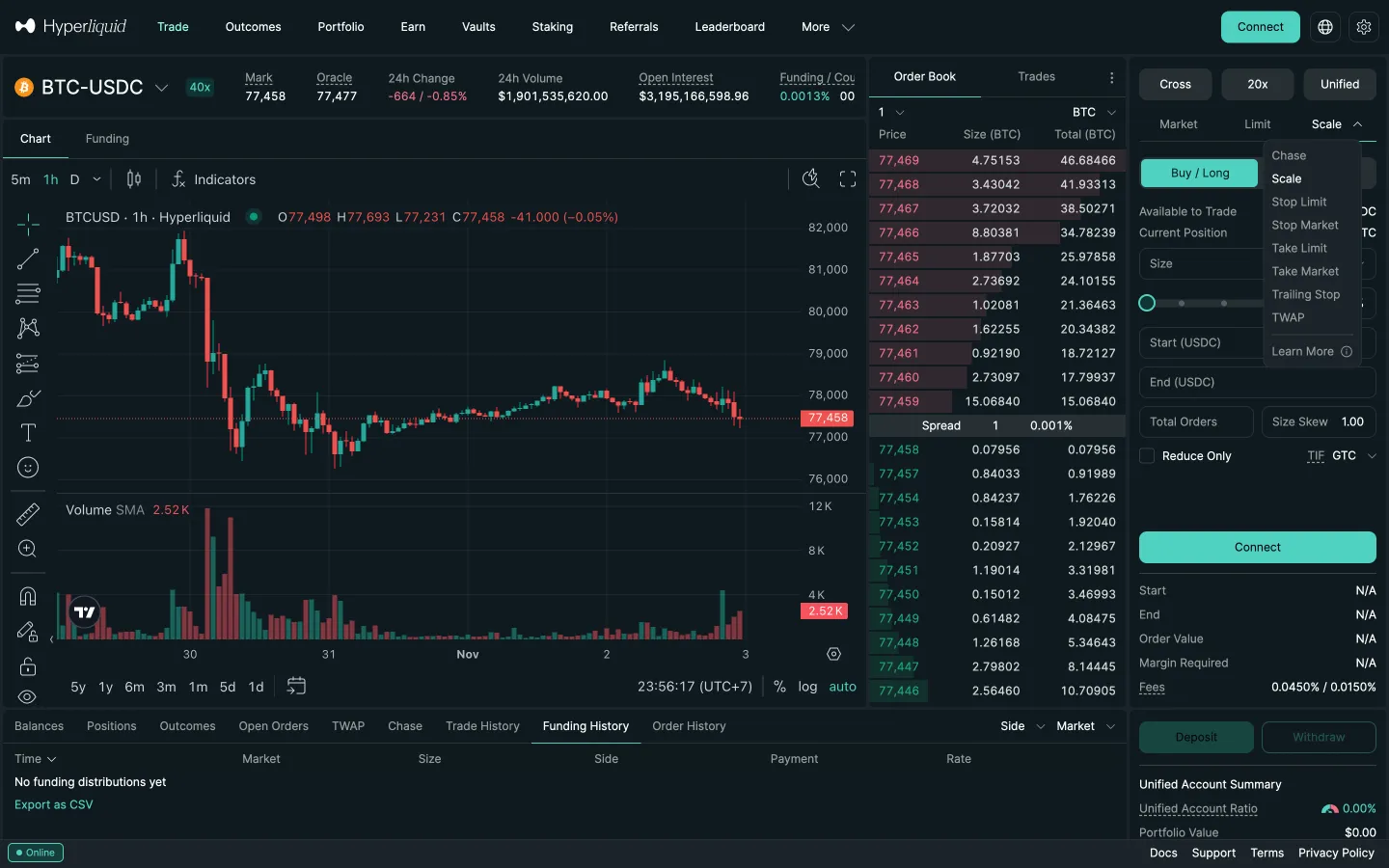
Pro menu lists order types
Hyperliquid
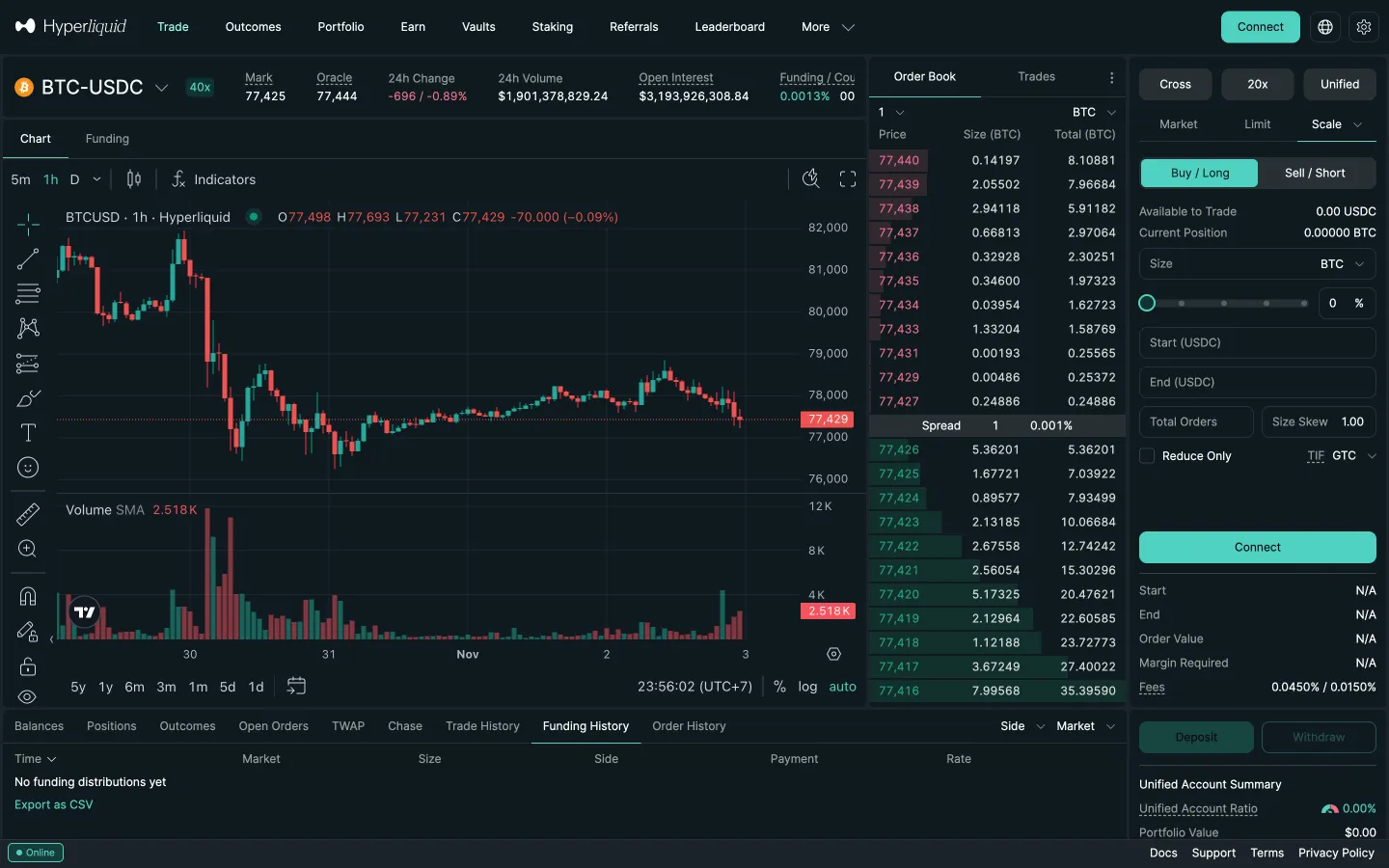
Scale order form
Hyperliquid
Pro menu again
Hyperliquid
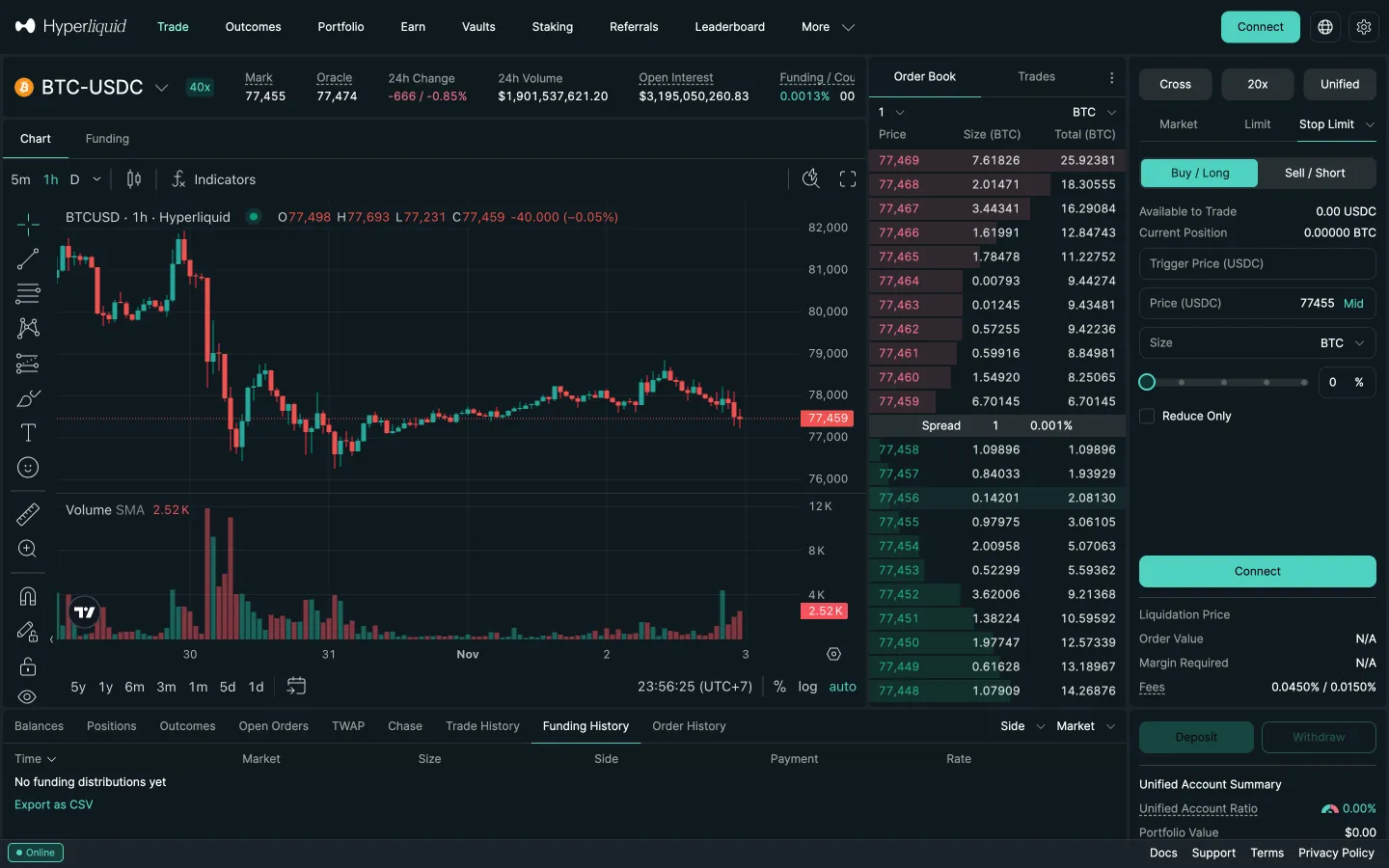
Stop Limit order form
Hyperliquid
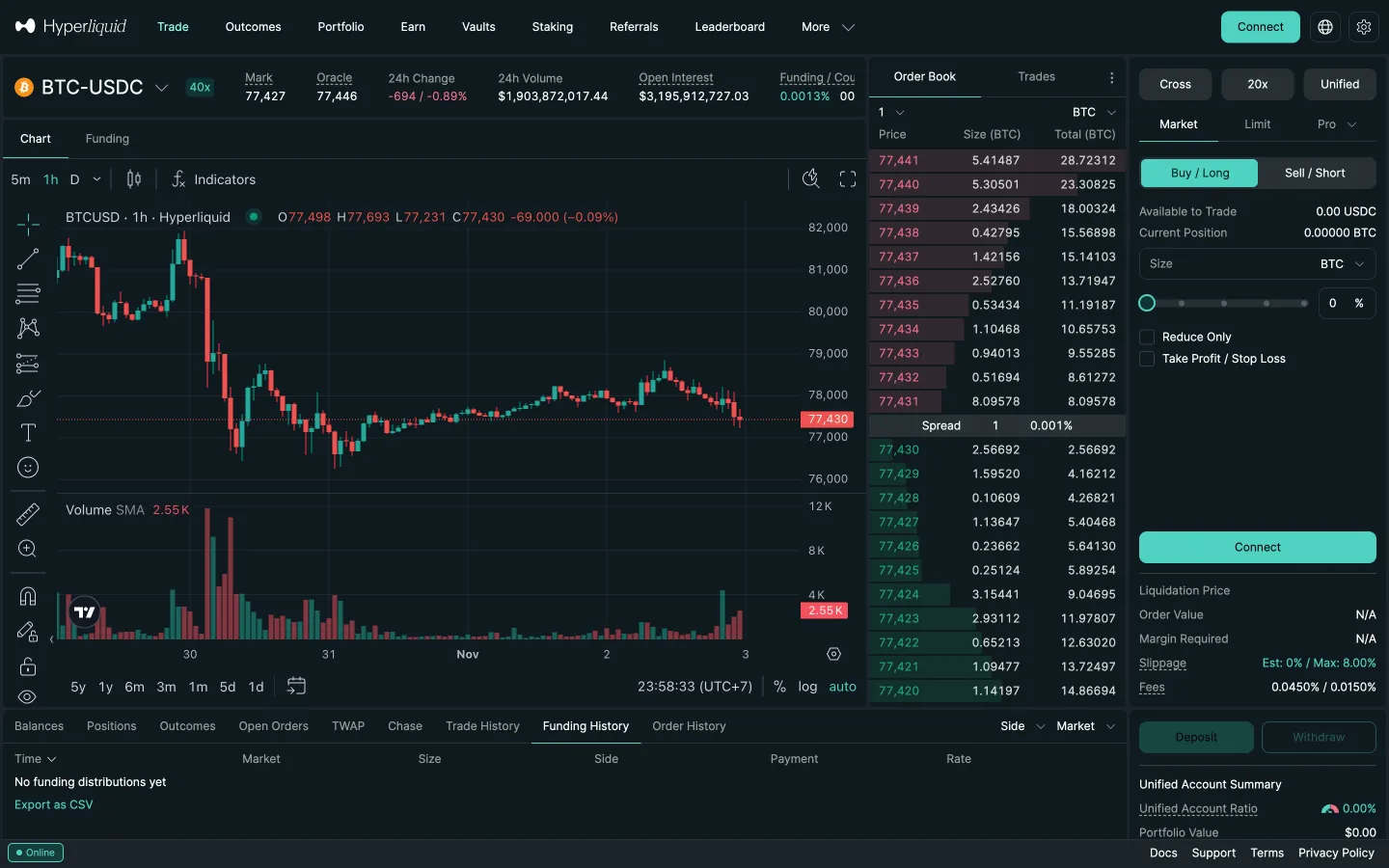
Market ticket, Cross button
Hyperliquid
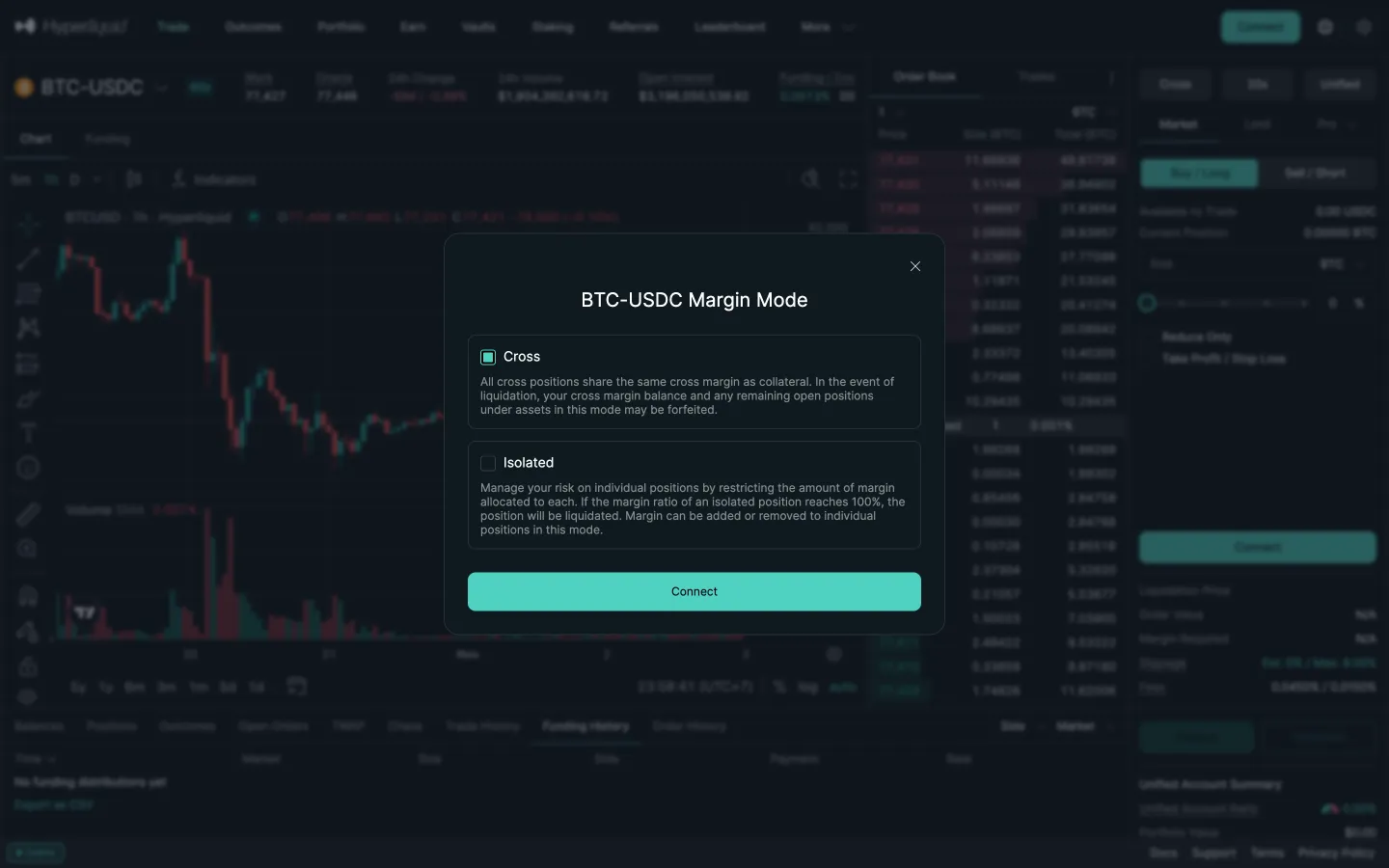
Margin mode, cross or isolated
Hyperliquid
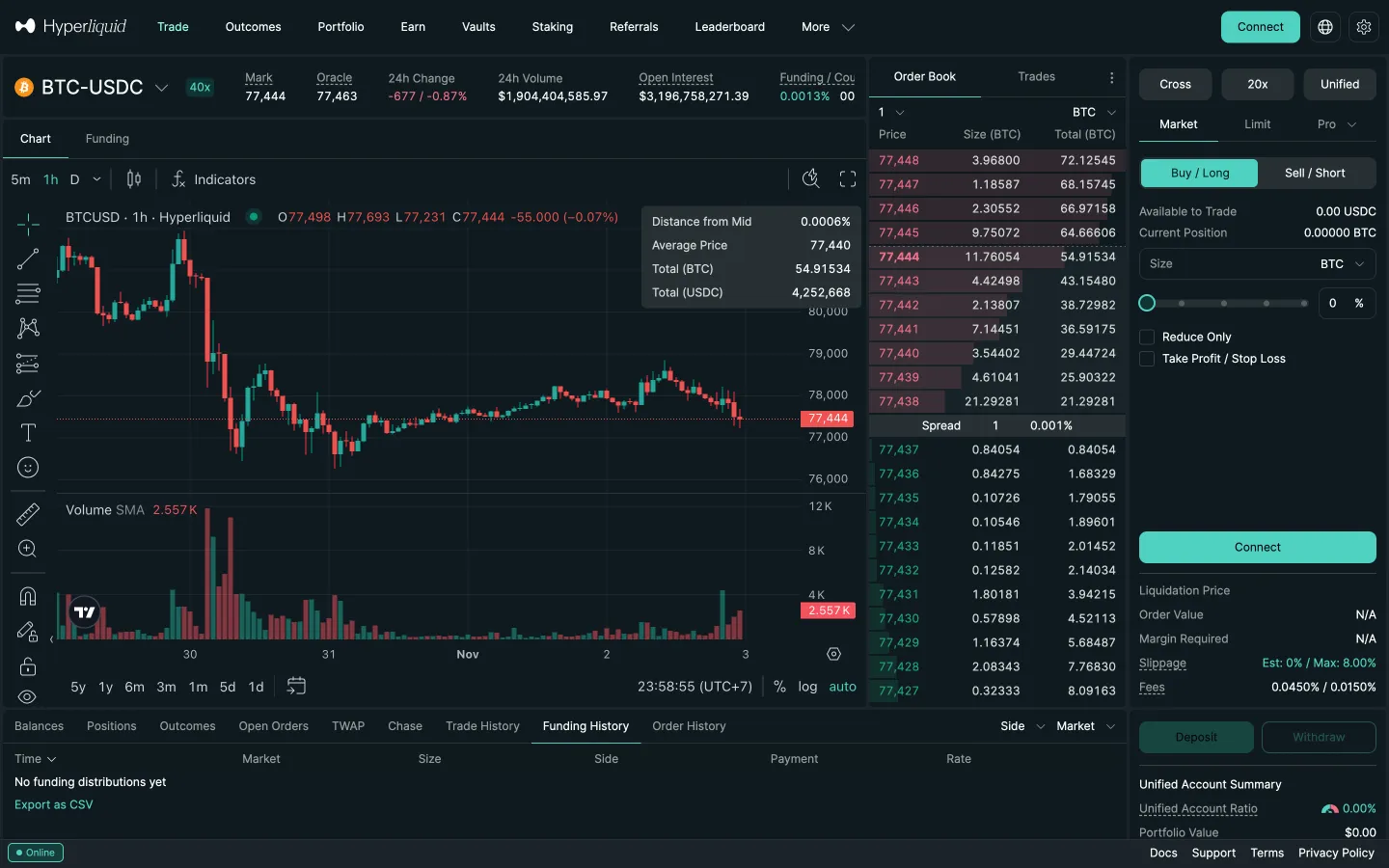
Ticket after closing, 20x button
Hyperliquid
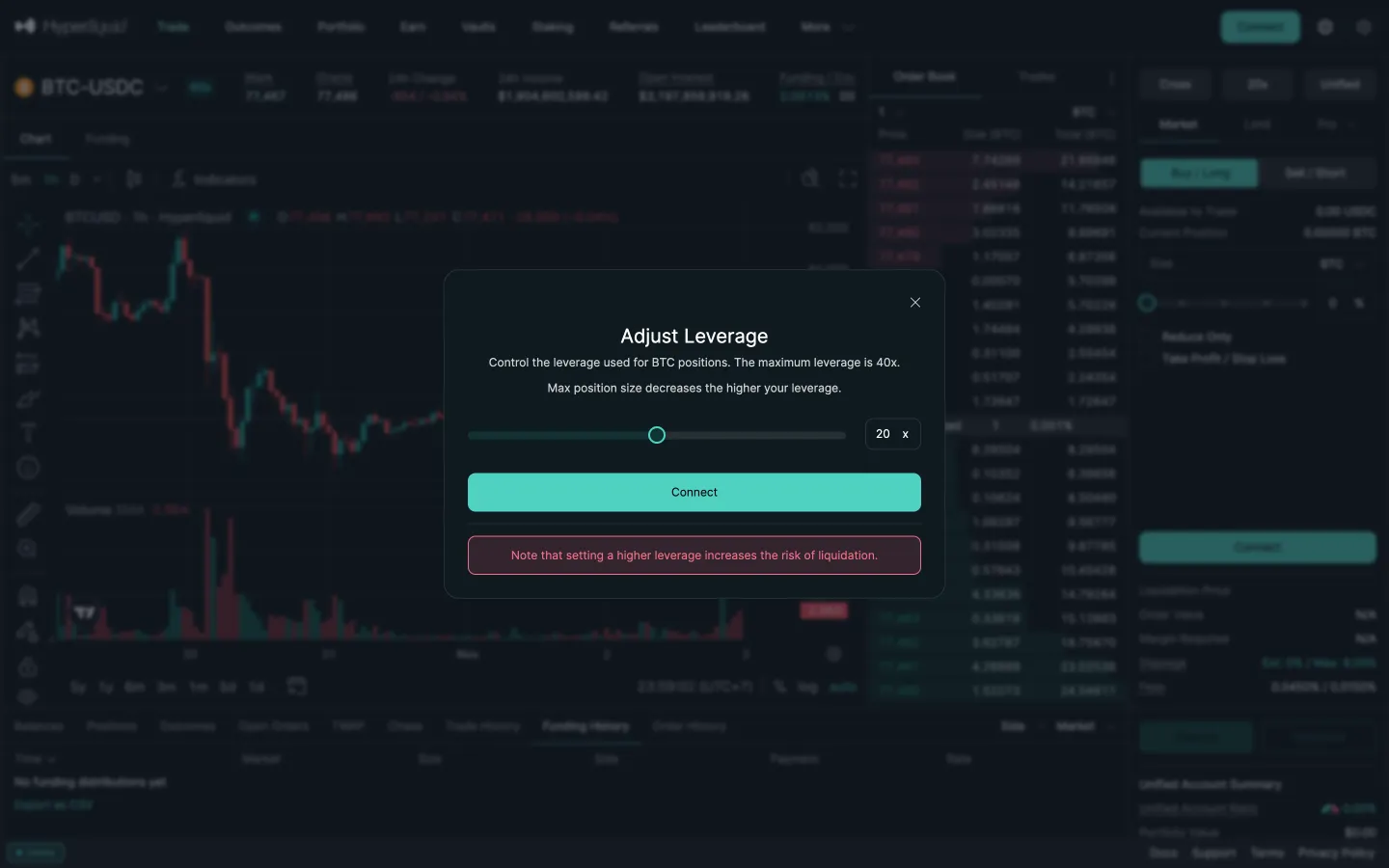
Adjust leverage with liquidation note
 Jupiter