Apps
All apps
Screens
Flows
UI elements
Pricing
Glossary
Get started
All
Screens
Flows
UI elements
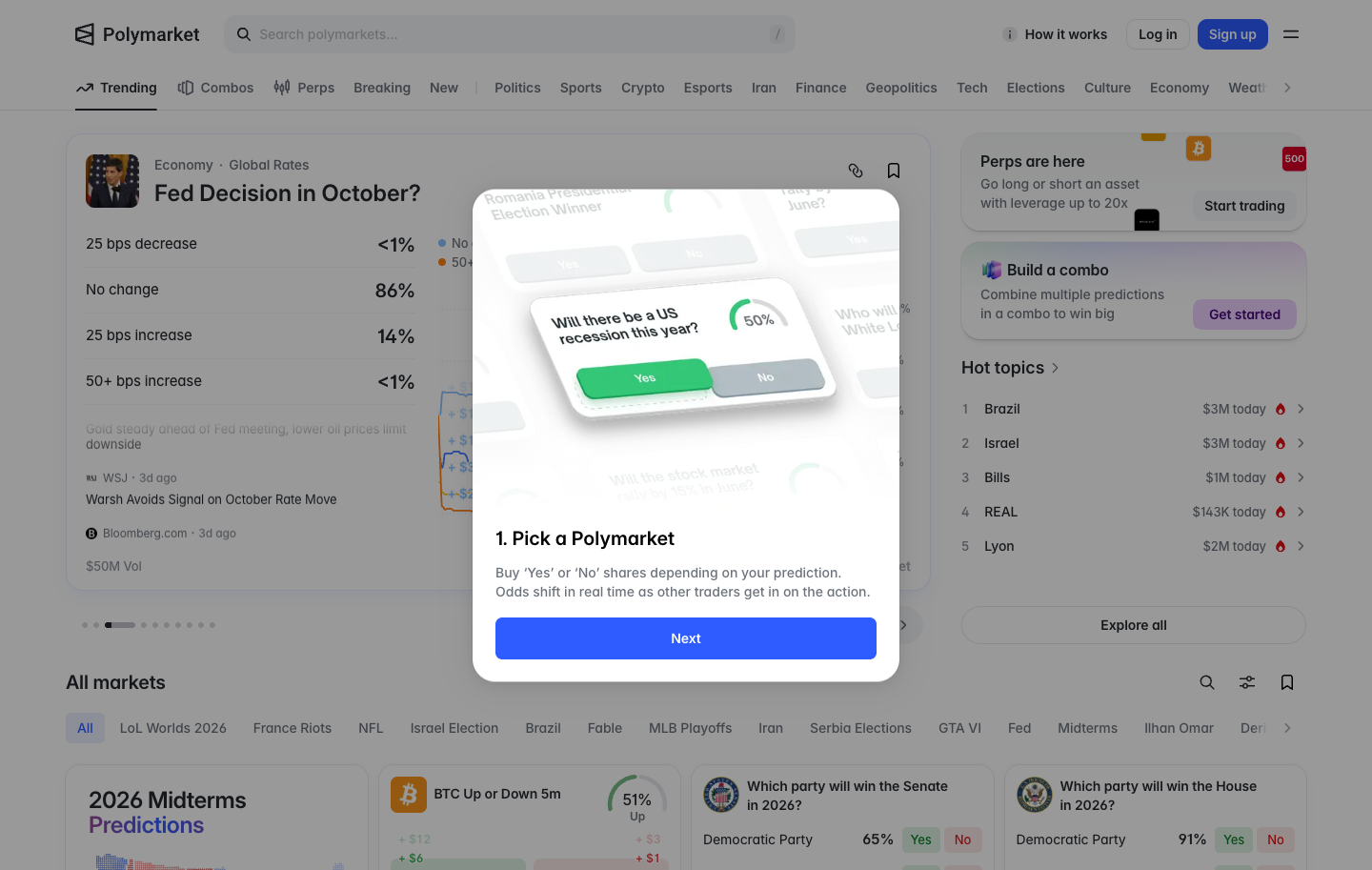
Step 1, pick a market and buy Yes or No
in
Polymarket
Step 2 of 3 in How it works
Play
Step 1, pick a market and buy Yes or No
Help & Support
Similar screens in other apps
Jupiter
Understand how Earn works
Morpho
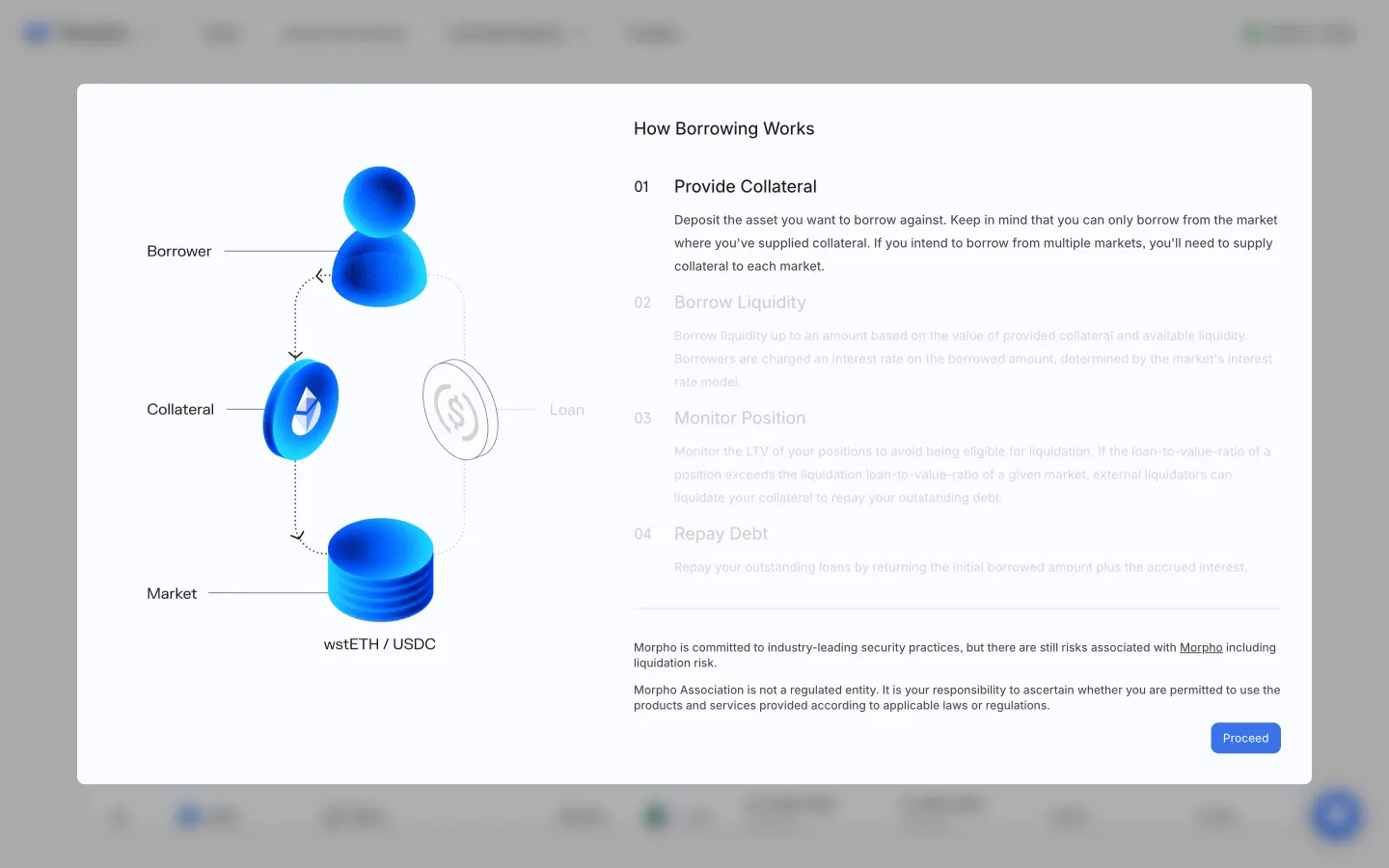
Learn how borrowing works
Sablier
Guide, create, explore, check eligibility, tutorials
Aave Pro
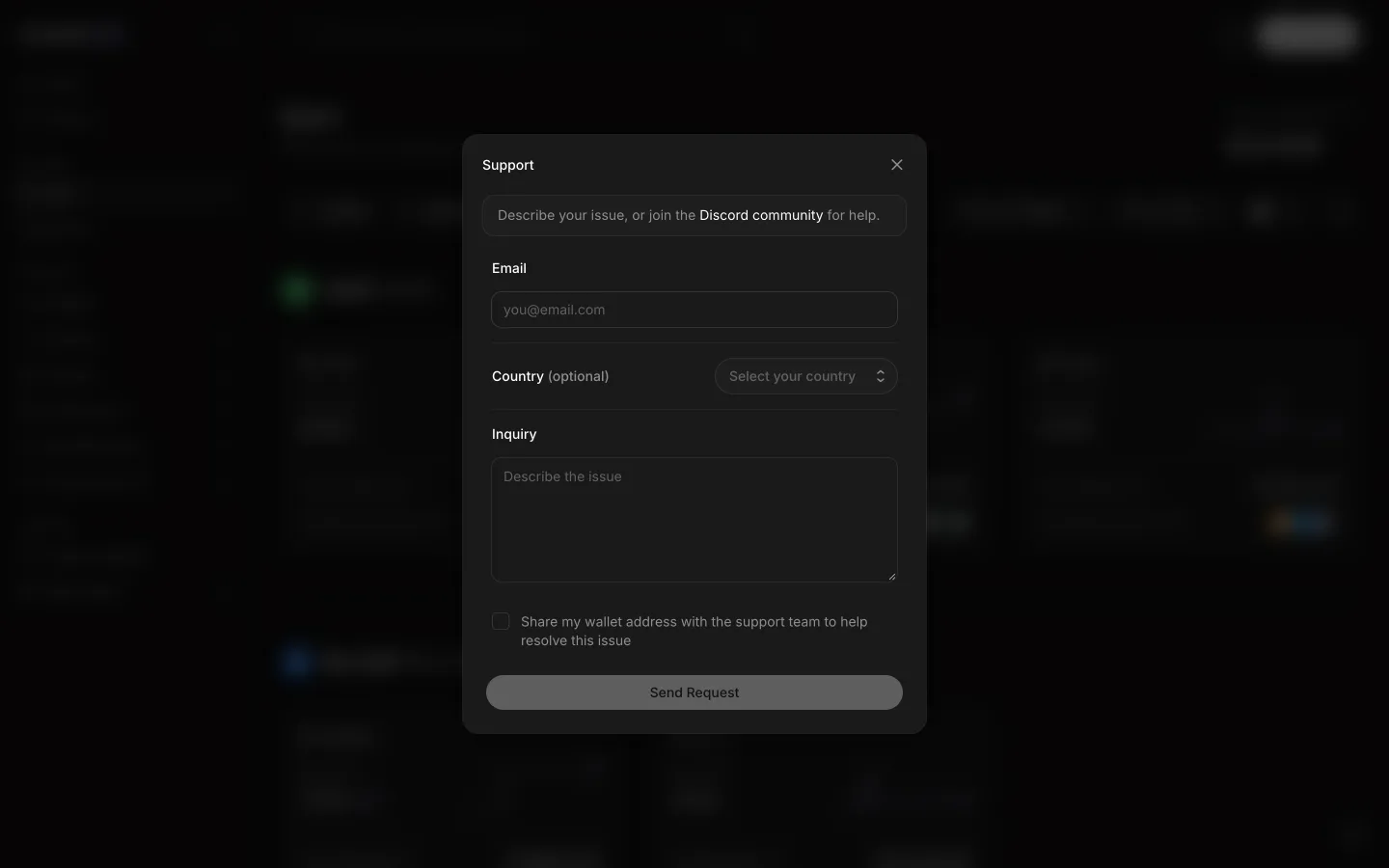
Support form asks for email, country and inquiry
Jupiter
Read leverage and closing rules
Jupiter
Scrolled to profit queues and finality
MetaDAO
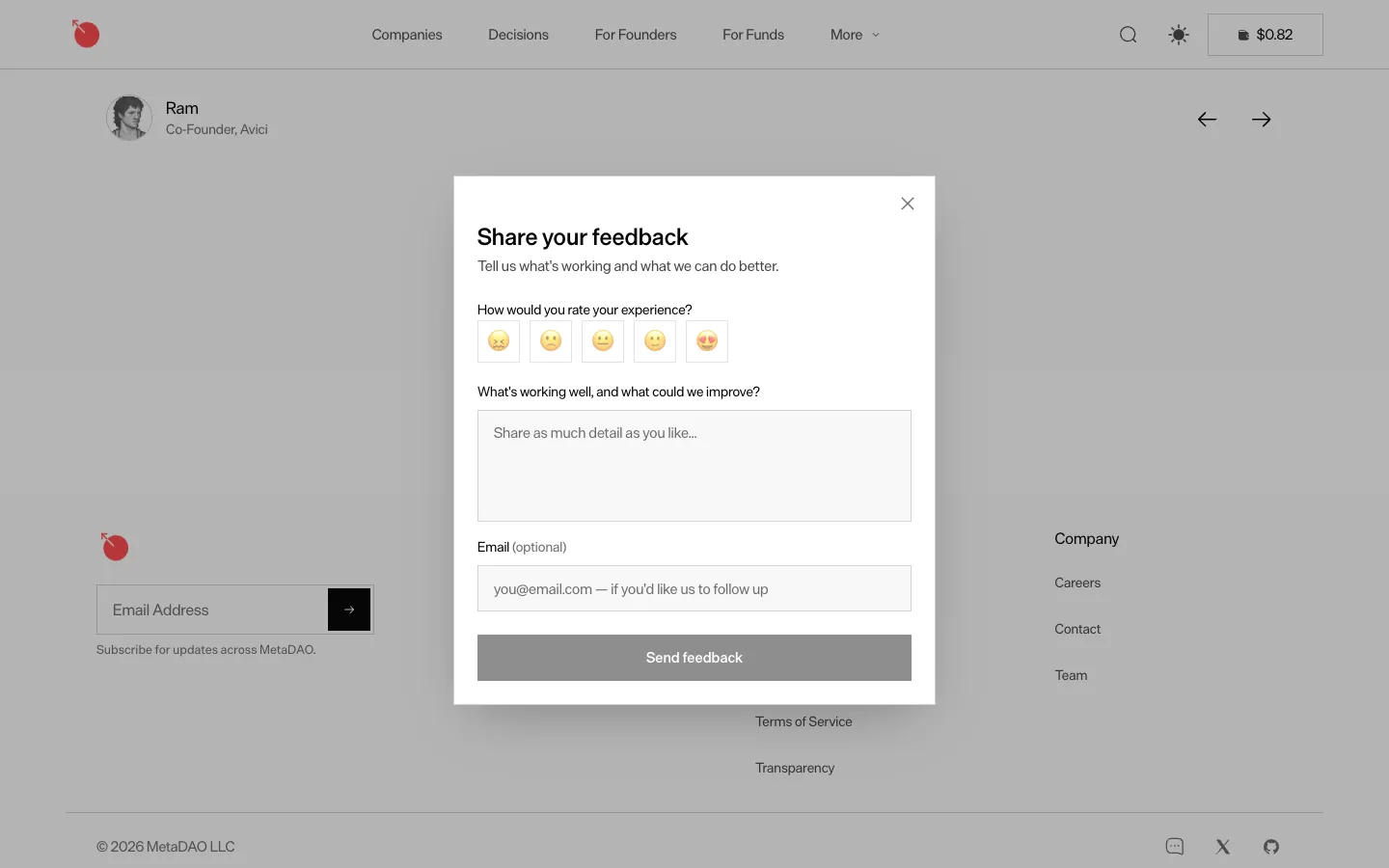
Rate with a face, write what could be better
Morpho
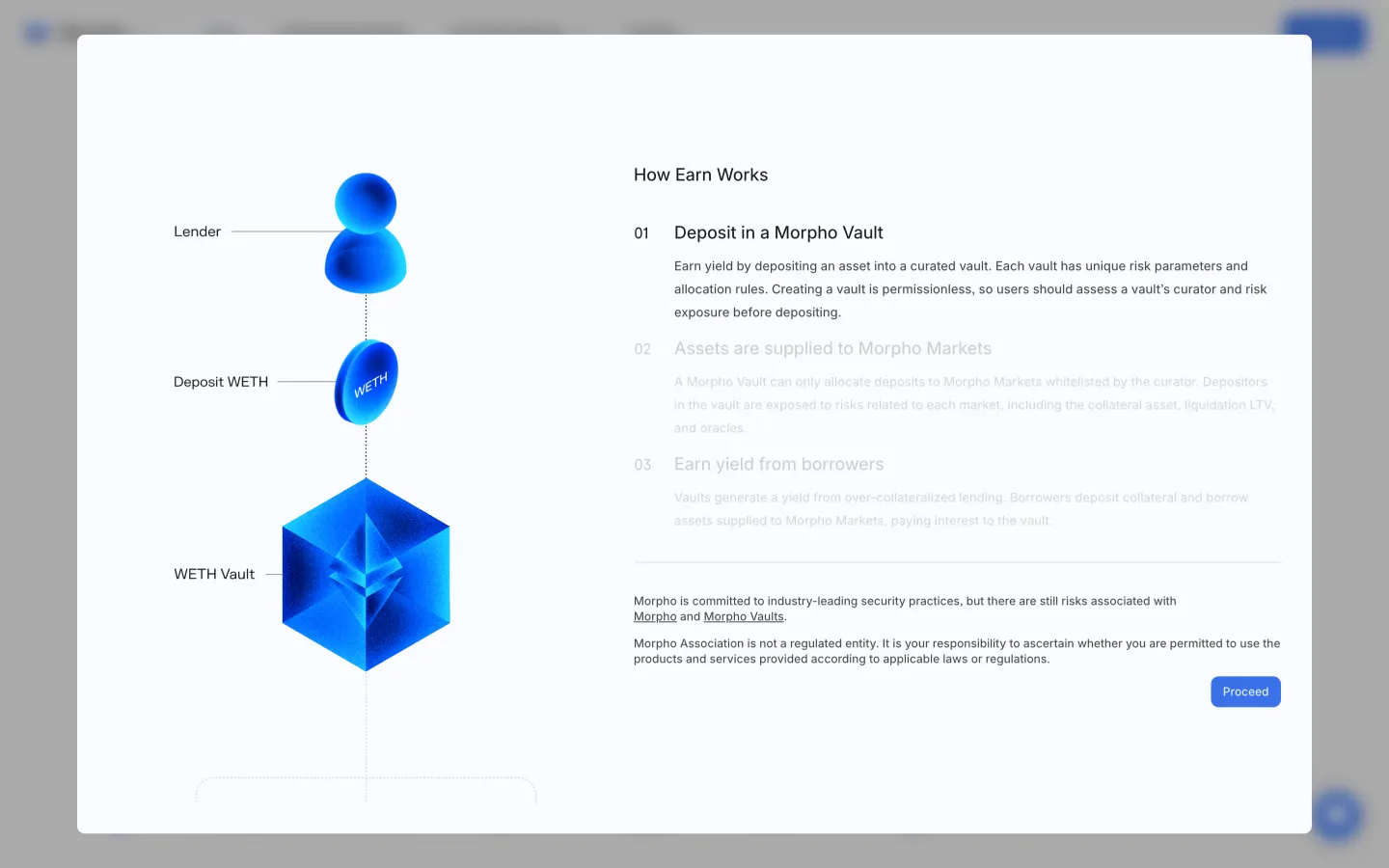
Learn how vault deposits earn yield
Sablier
Contact form, opens the email client
Jupiter
Launches run in phases at different prices
Jupiter
Stock feedback form
Jupiter
Open the earning explanation
 Polymarket