All appsScreensFlowsUI elements
PricingGlossary
AllScreensFlowsUI elements

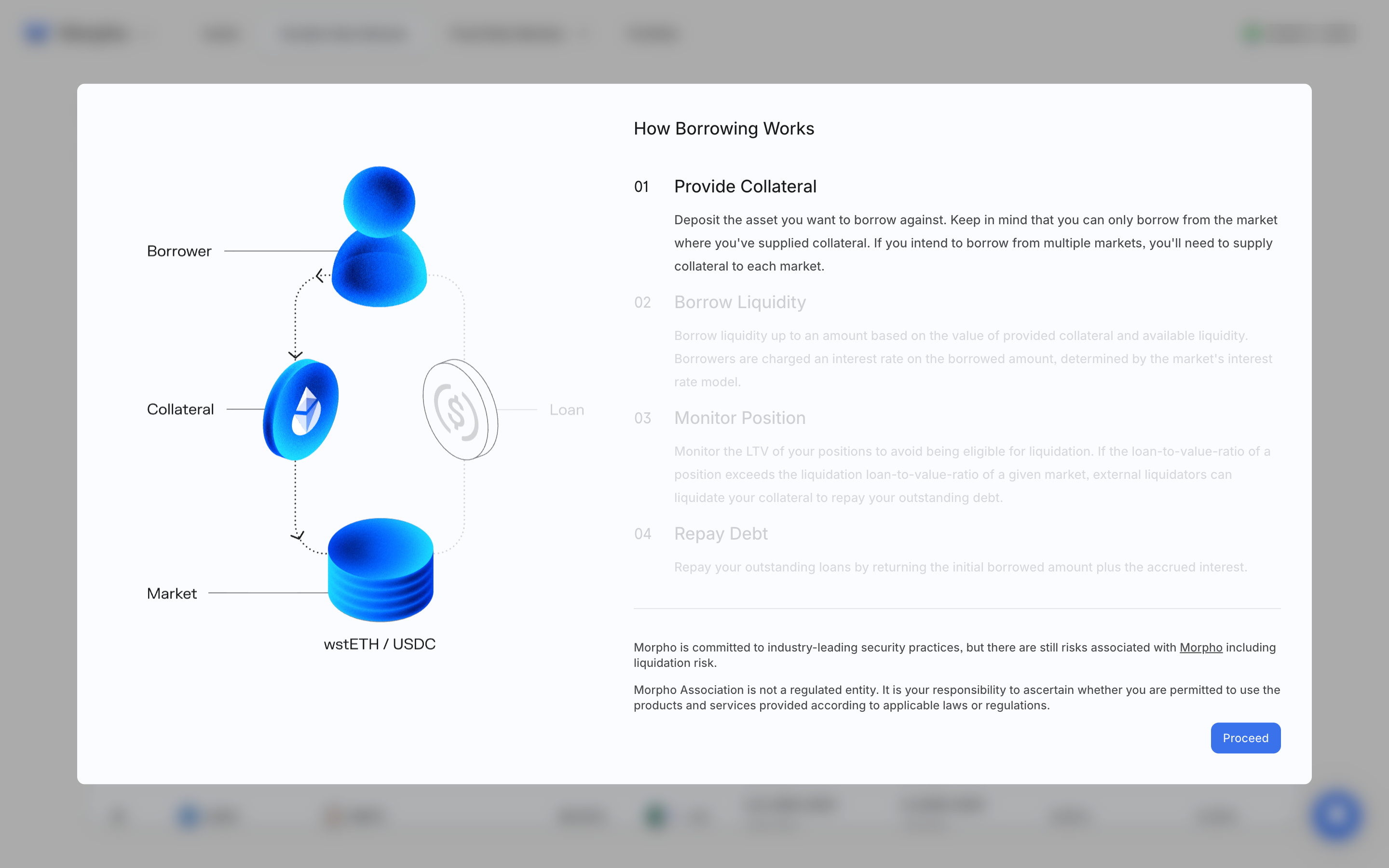
Learn how borrowing works in Morpho

Step 1 of 3 in Previewing connected variable borrowingPlay
Learn how borrowing works

Learn how borrowing works

Help & Support

Screen typeHelp & Support
StateIdle
CapturedNov 2026
UI elementsButtonDialogIllustrationLink
In the flowPreviewing connected variable borrowing
SizeDesktop, 2880 by 1800
Open the flowOpen original

Similar screens in other apps

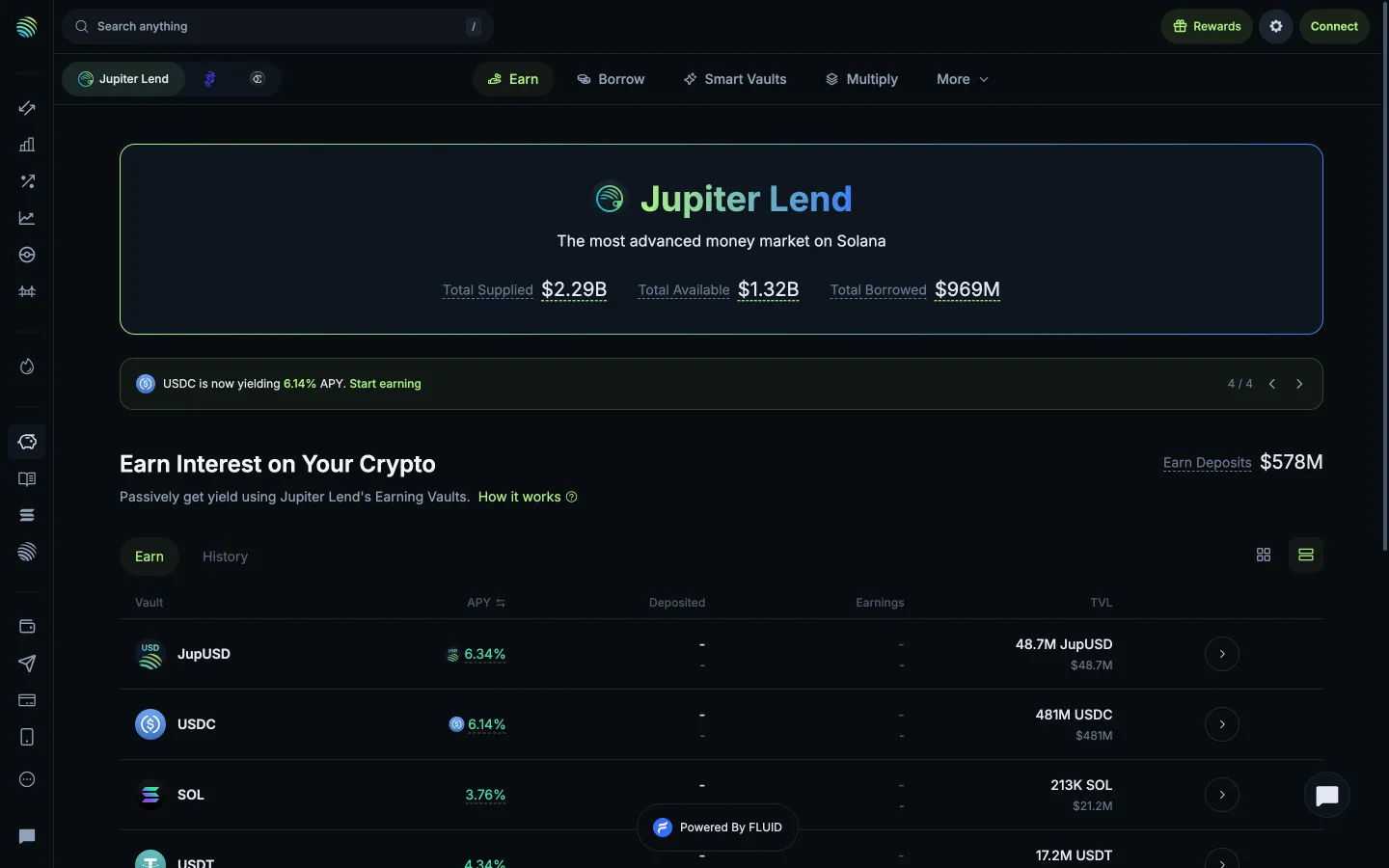
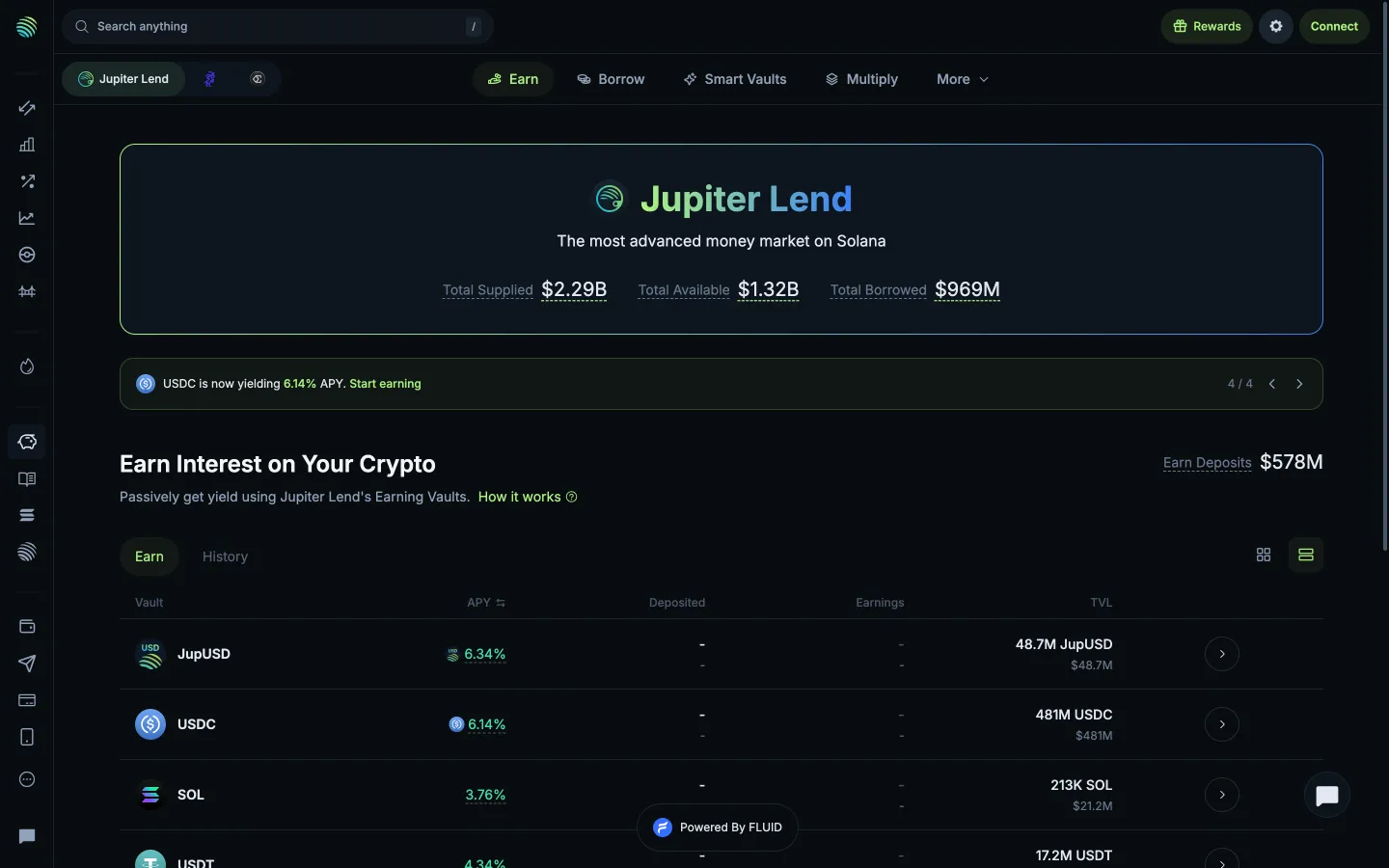
Understand how Earn worksJupiterUnderstand how Earn works
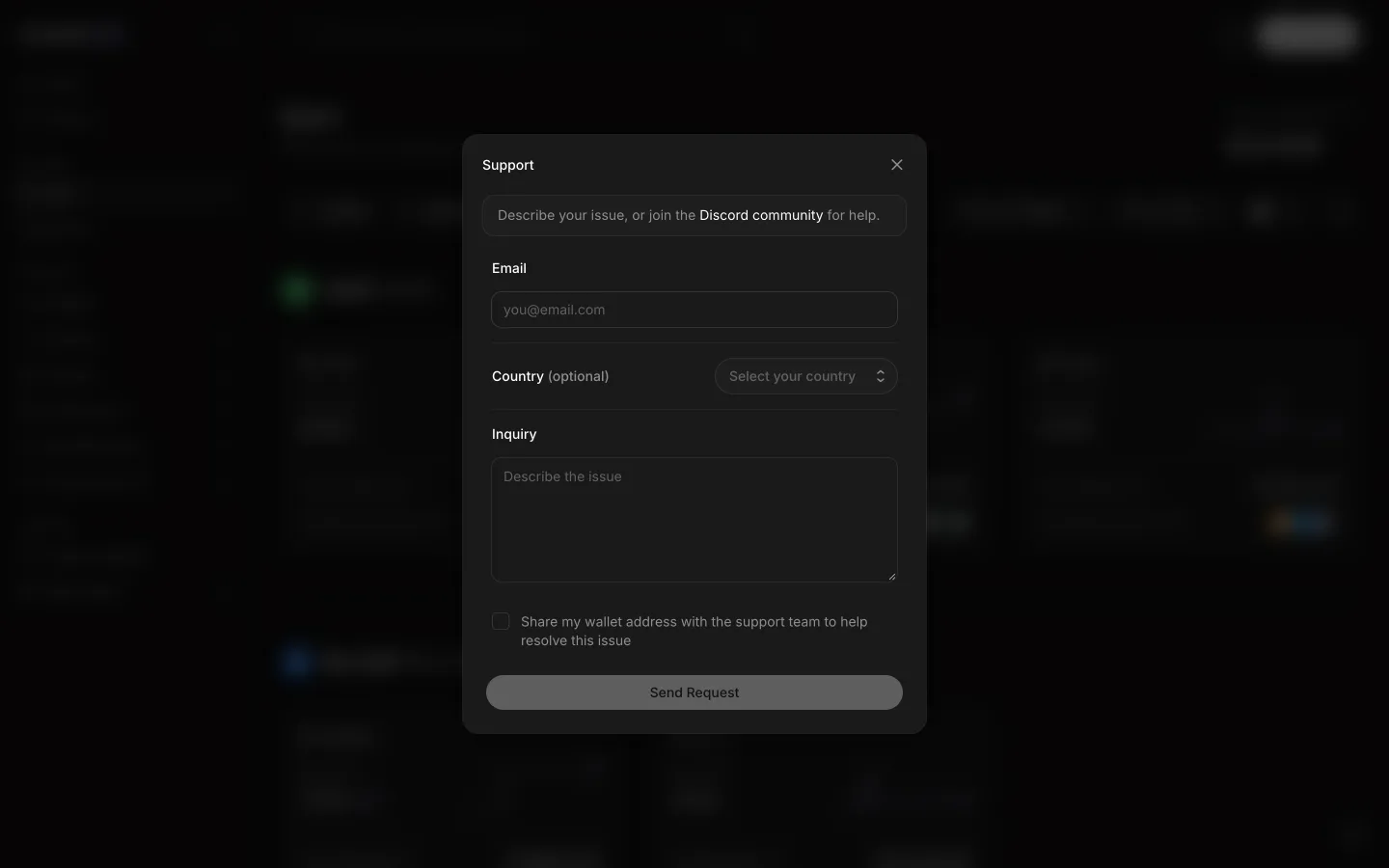
Support form asks for email, country and inquiryAave ProSupport form asks for email, country and inquiry
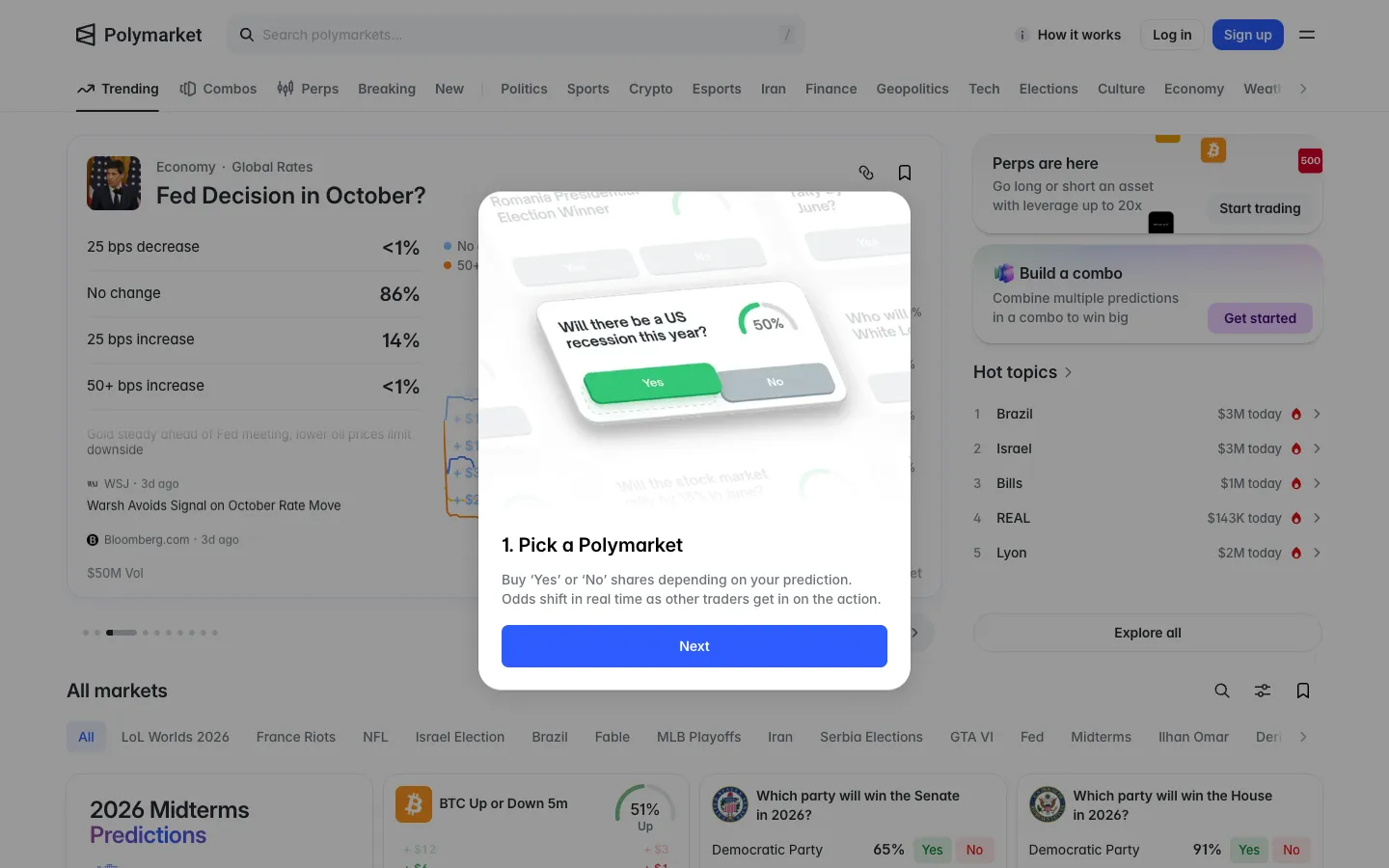
Step 1, pick a market and buy Yes or NoPolymarketStep 1, pick a market and buy Yes or No
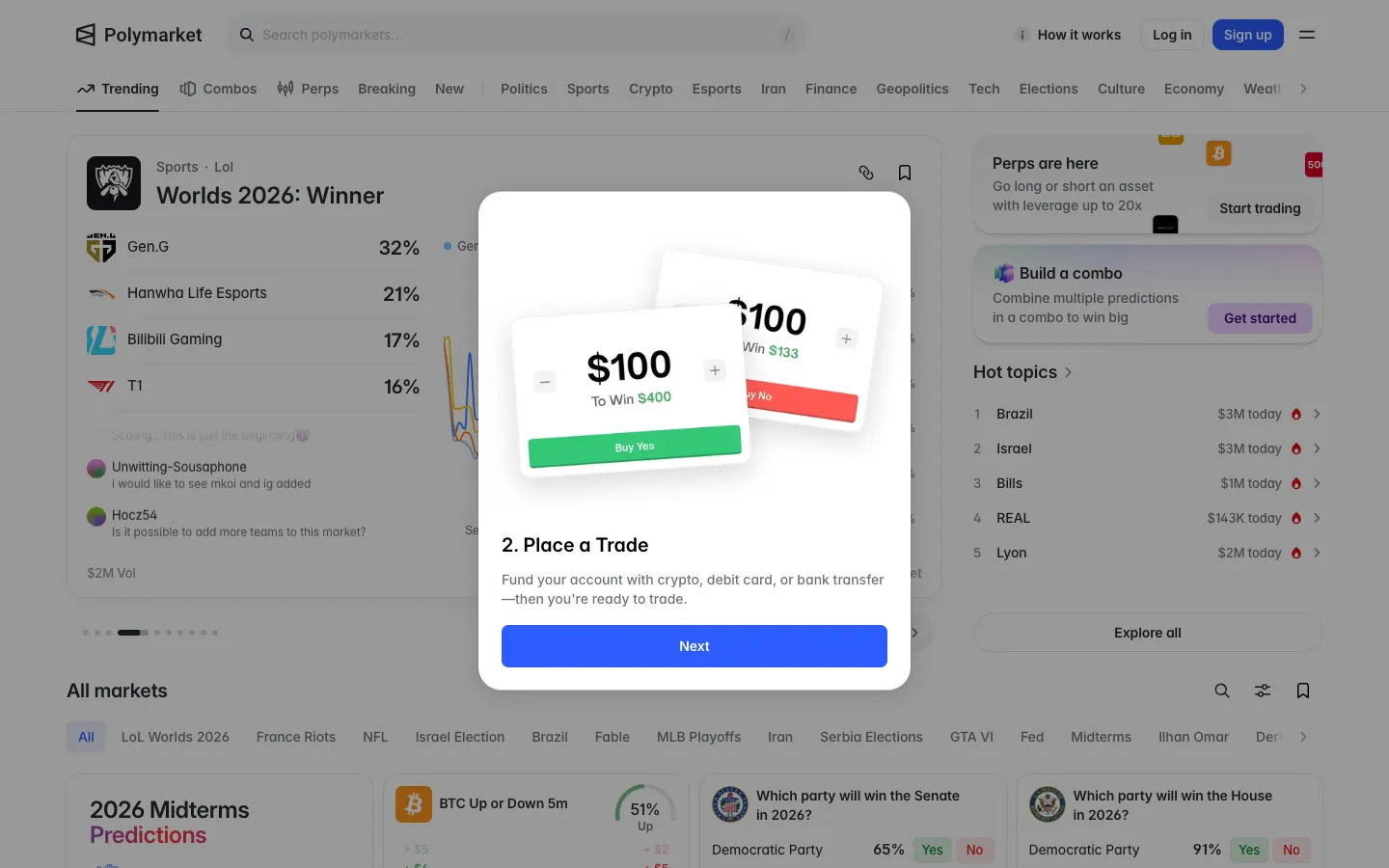
Step 2, fund with crypto, card or bank and place a tradePolymarketStep 2, fund with crypto, card or bank and place a trade
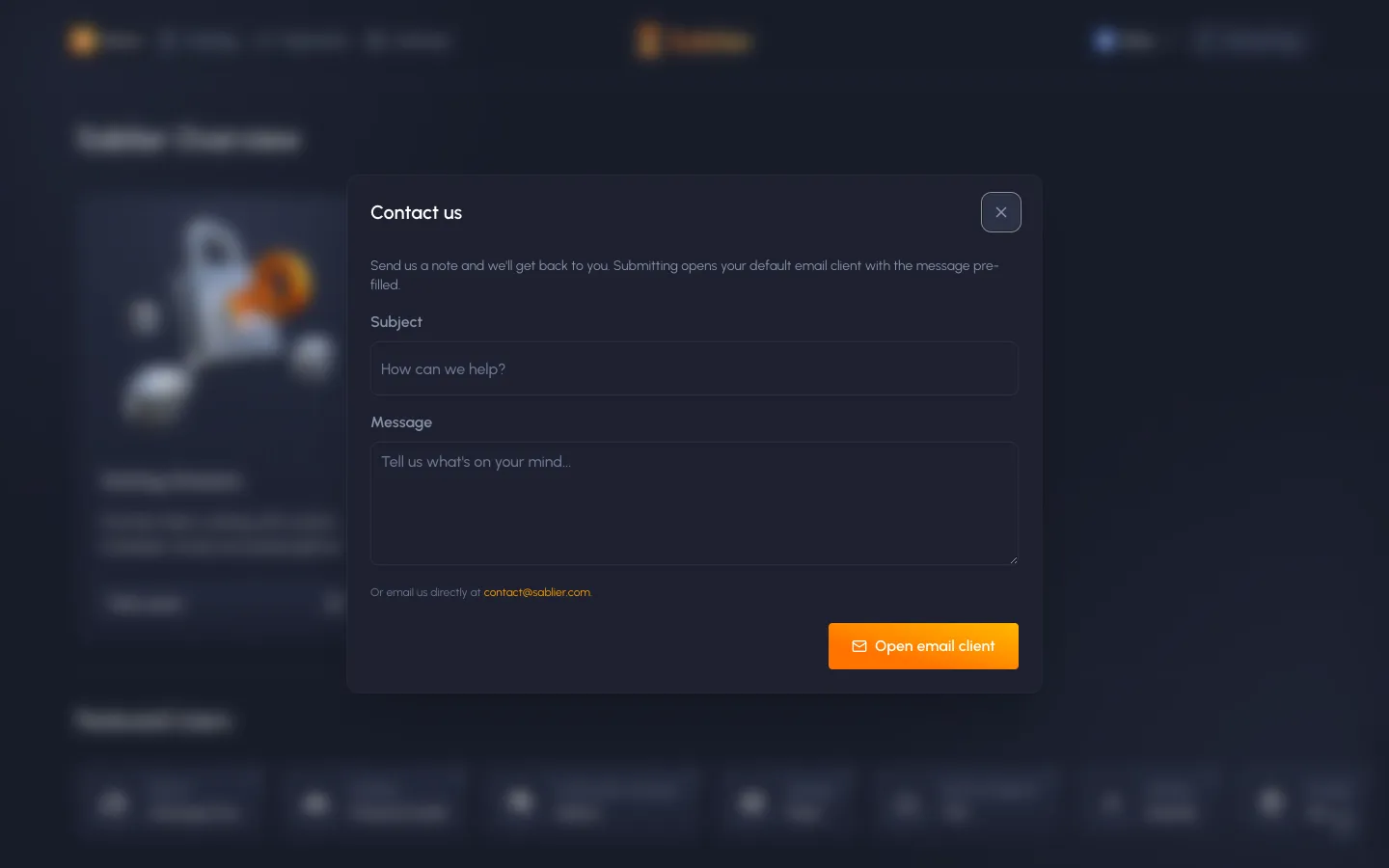
Contact form, opens the email clientSablierContact form, opens the email client
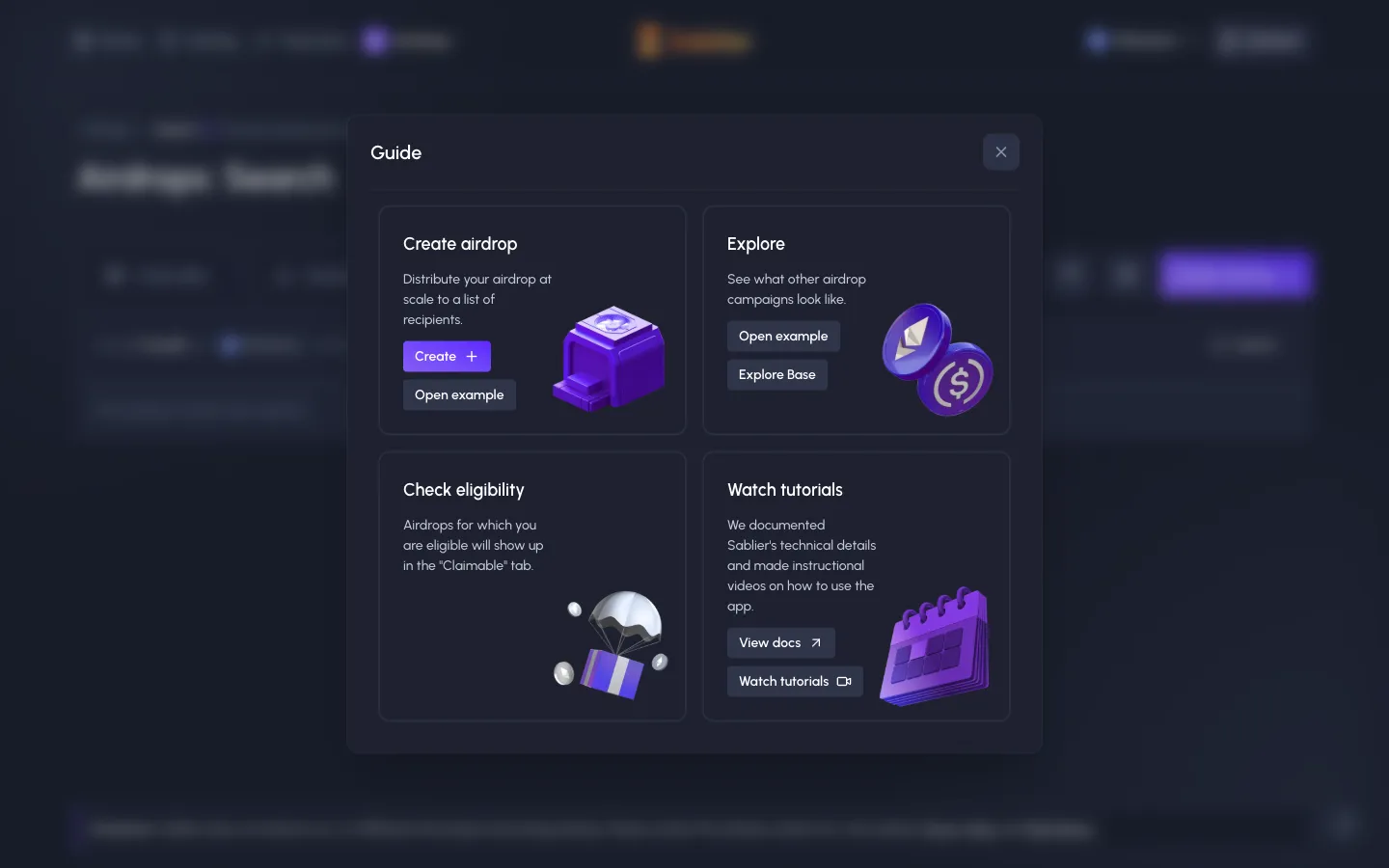
Guide, create, explore, check eligibility, tutorialsSablierGuide, create, explore, check eligibility, tutorials
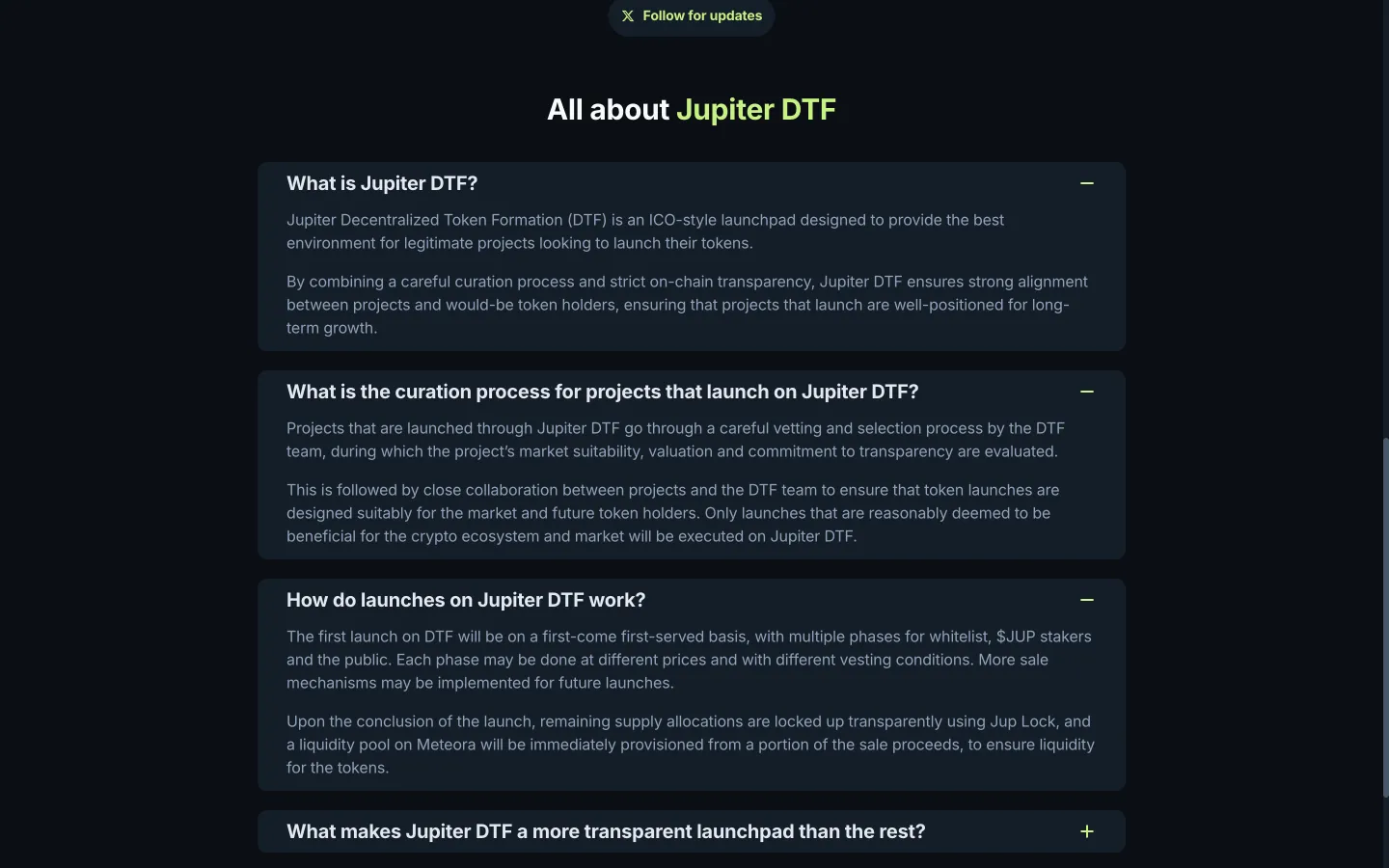
Launches run in phases at different pricesJupiterLaunches run in phases at different prices
Read leverage and closing rulesJupiterRead leverage and closing rules
Scrolled to profit queues and finalityJupiterScrolled to profit queues and finality
Open the earning explanationJupiterOpen the earning explanation
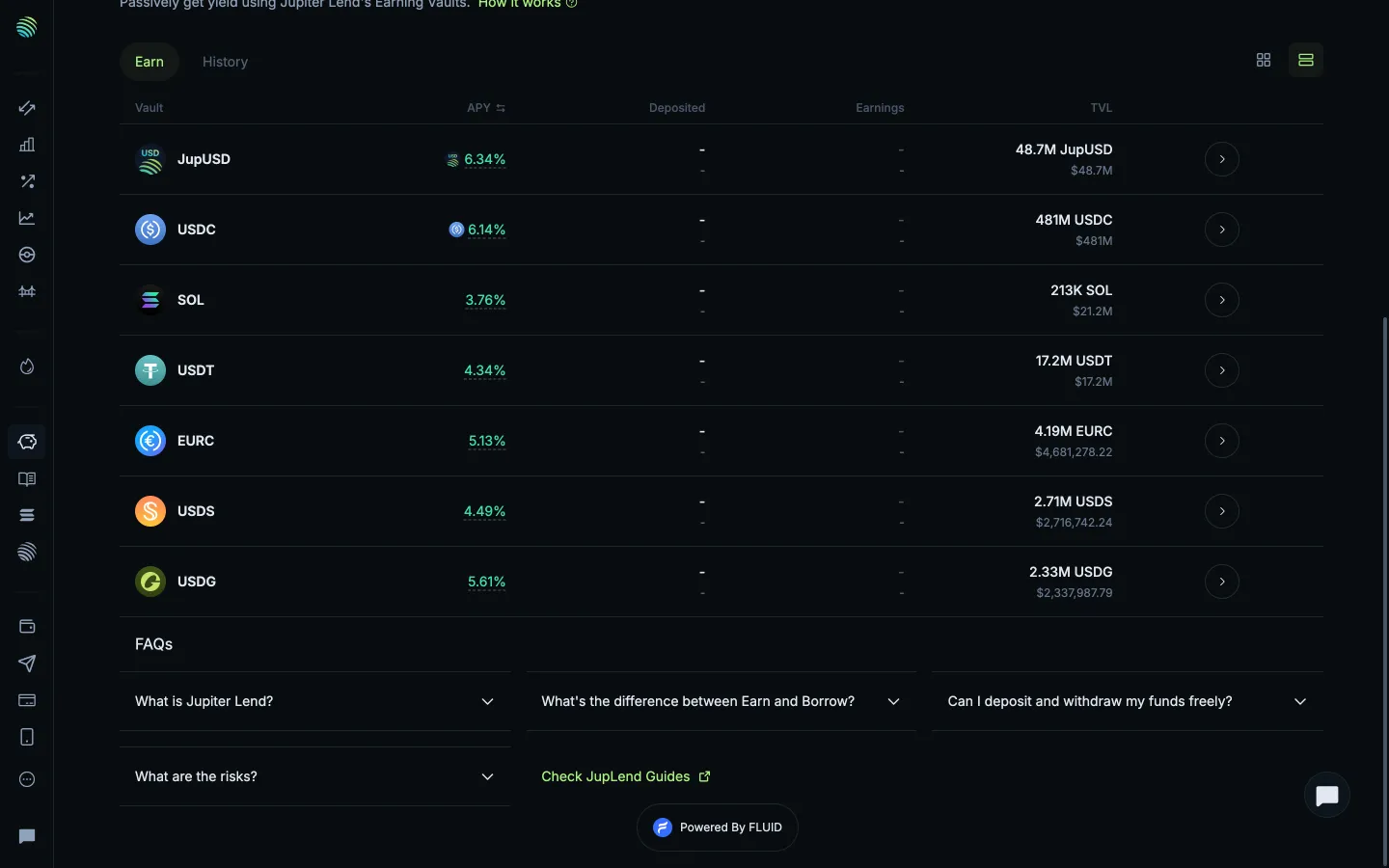
Return to the vault listJupiterReturn to the vault list
Scrolled to earning questionsJupiterScrolled to earning questions

Screens, flows and sites from real crypto and web3 apps.

© 2026 MoonoPrivacyTerms

Apps

  • All apps
  • Screens
  • Flows
  • UI elements

Sites

  • All sites
  • Sections

Learn

  • Glossary

Product

  • Pricing
  • MCPNew

© 2026 MoonoPrivacyTerms