All appsScreensFlowsUI elements
PricingGlossary
AllScreensFlowsUI elements

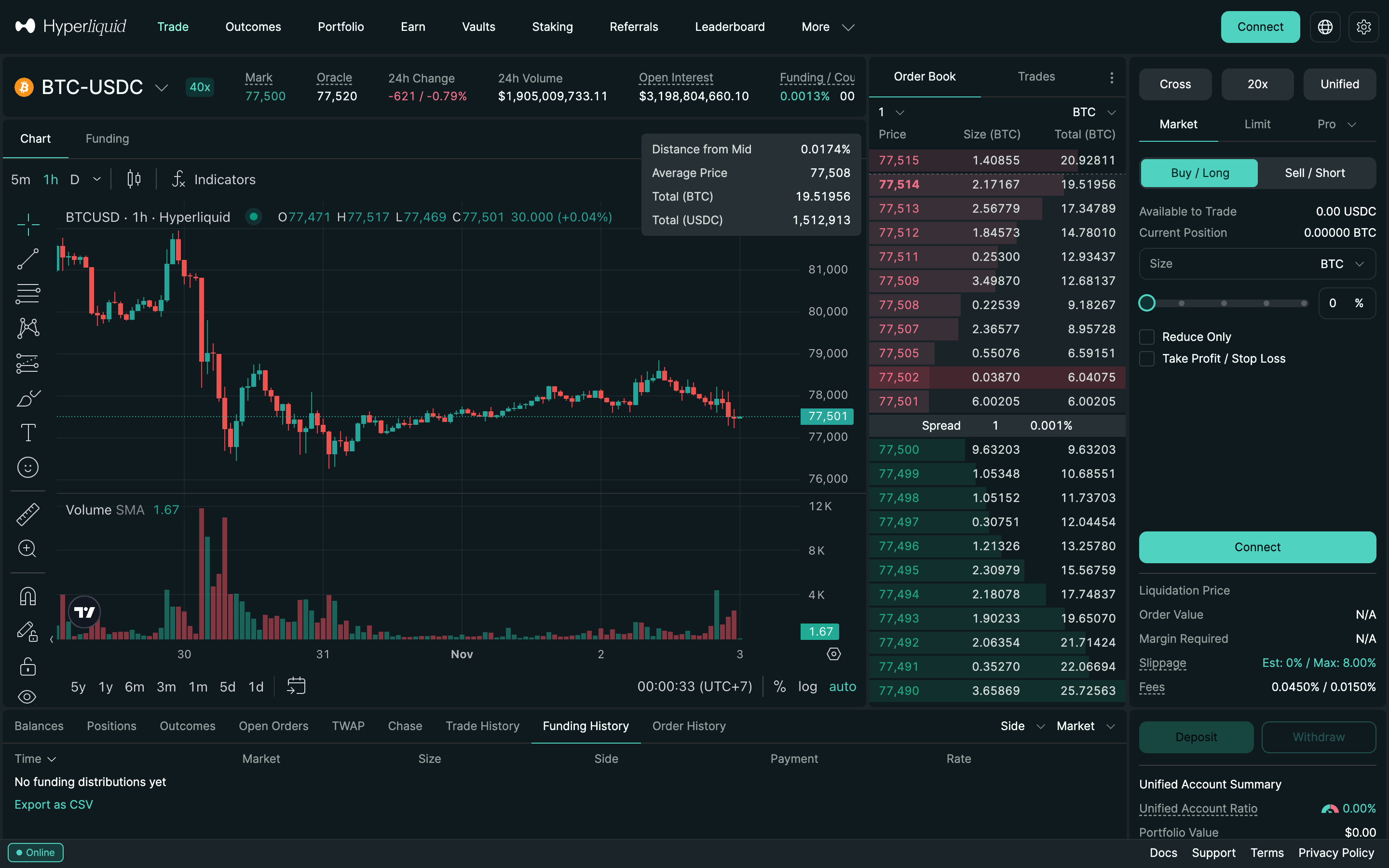
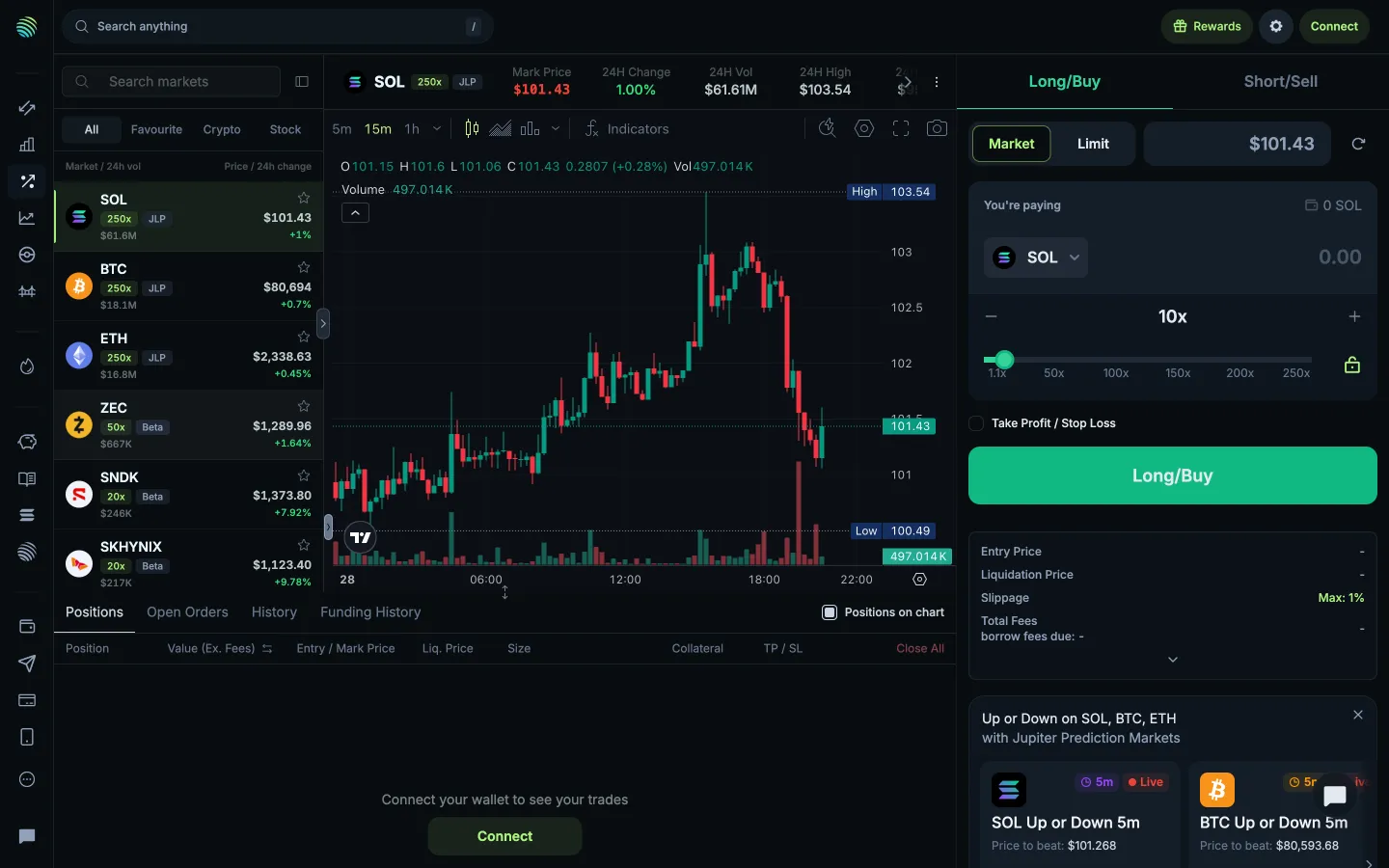
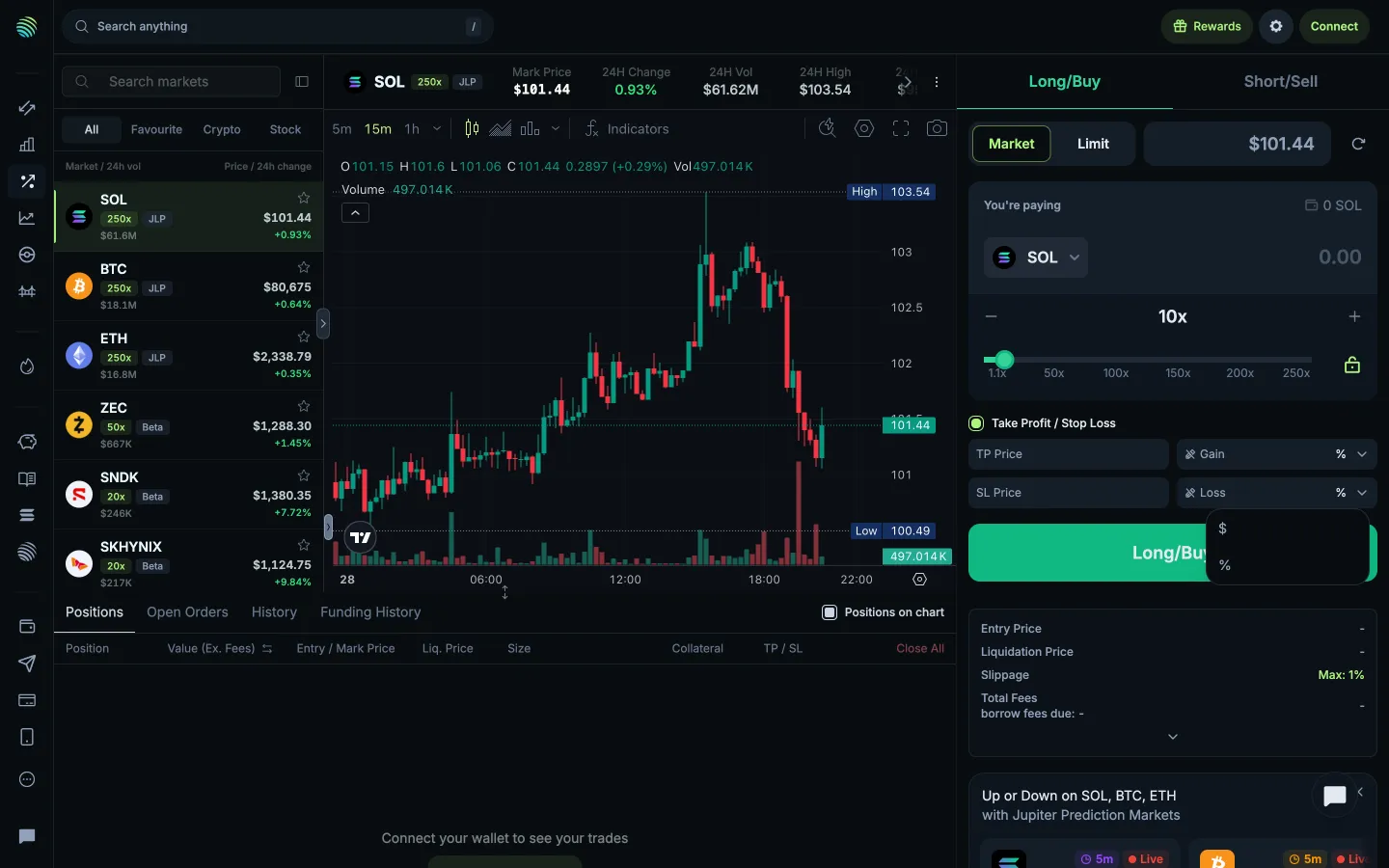
Market ticket, slippage line in Hyperliquid

Step 1 of 3 in Max slippage settingPlay
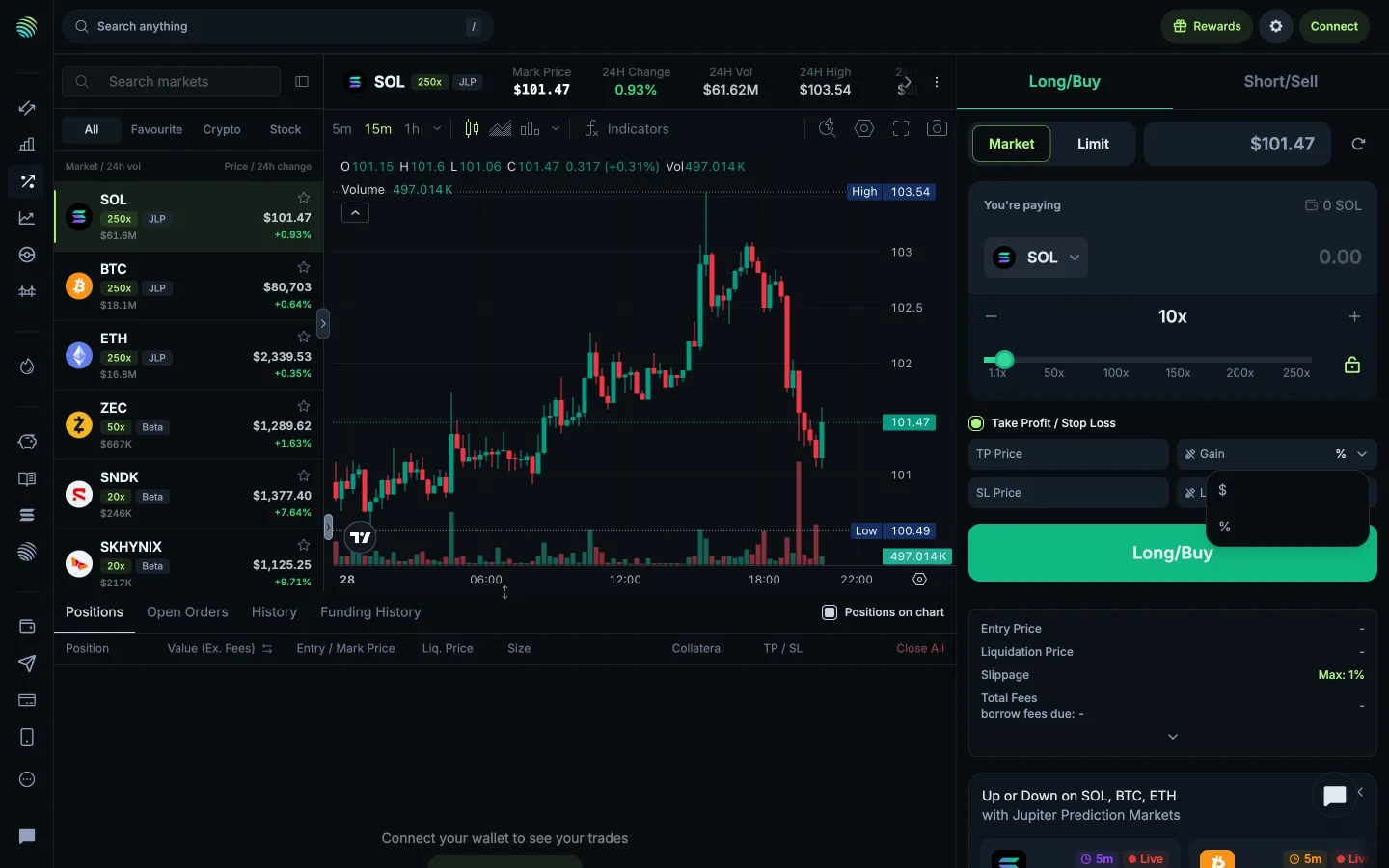
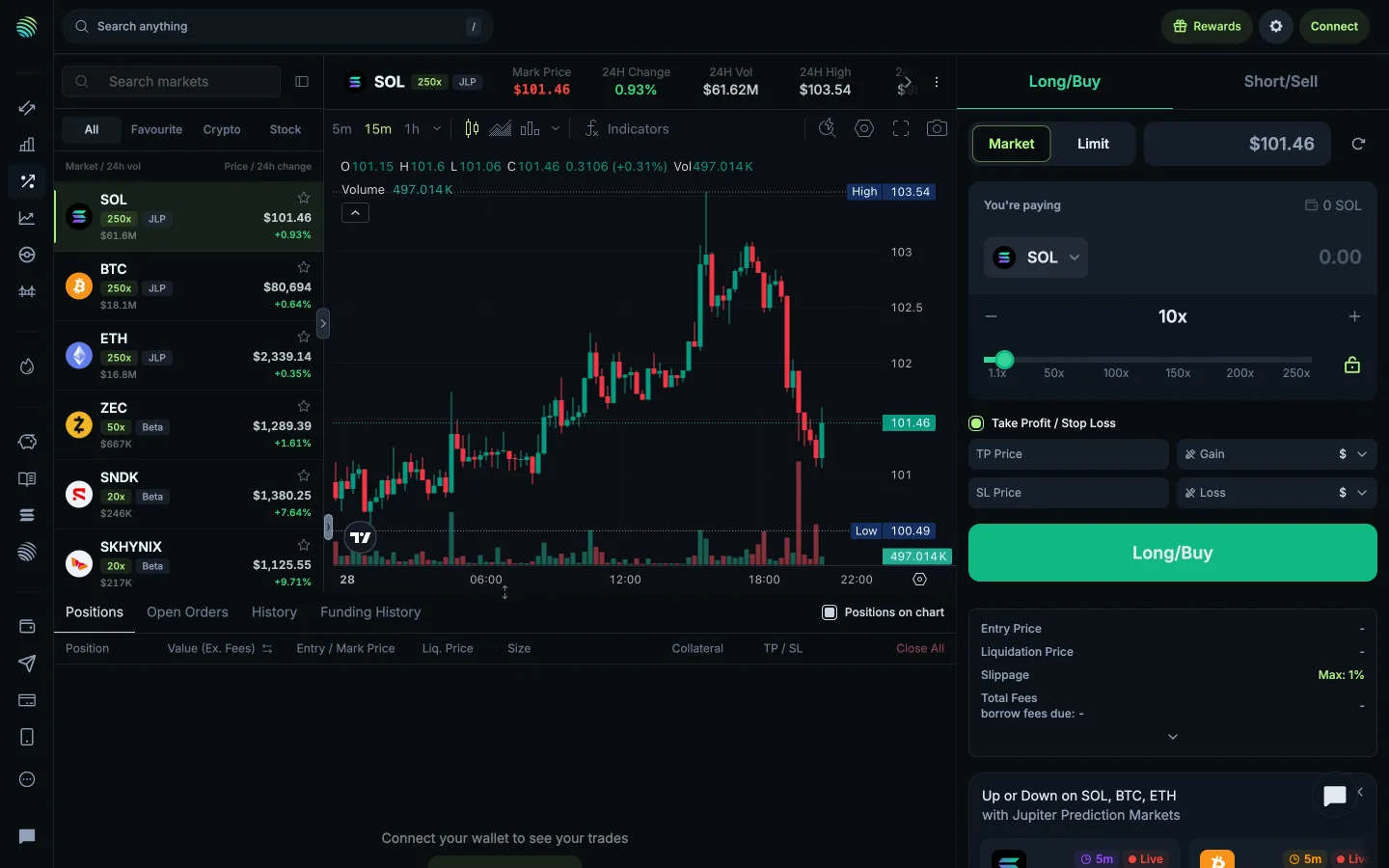
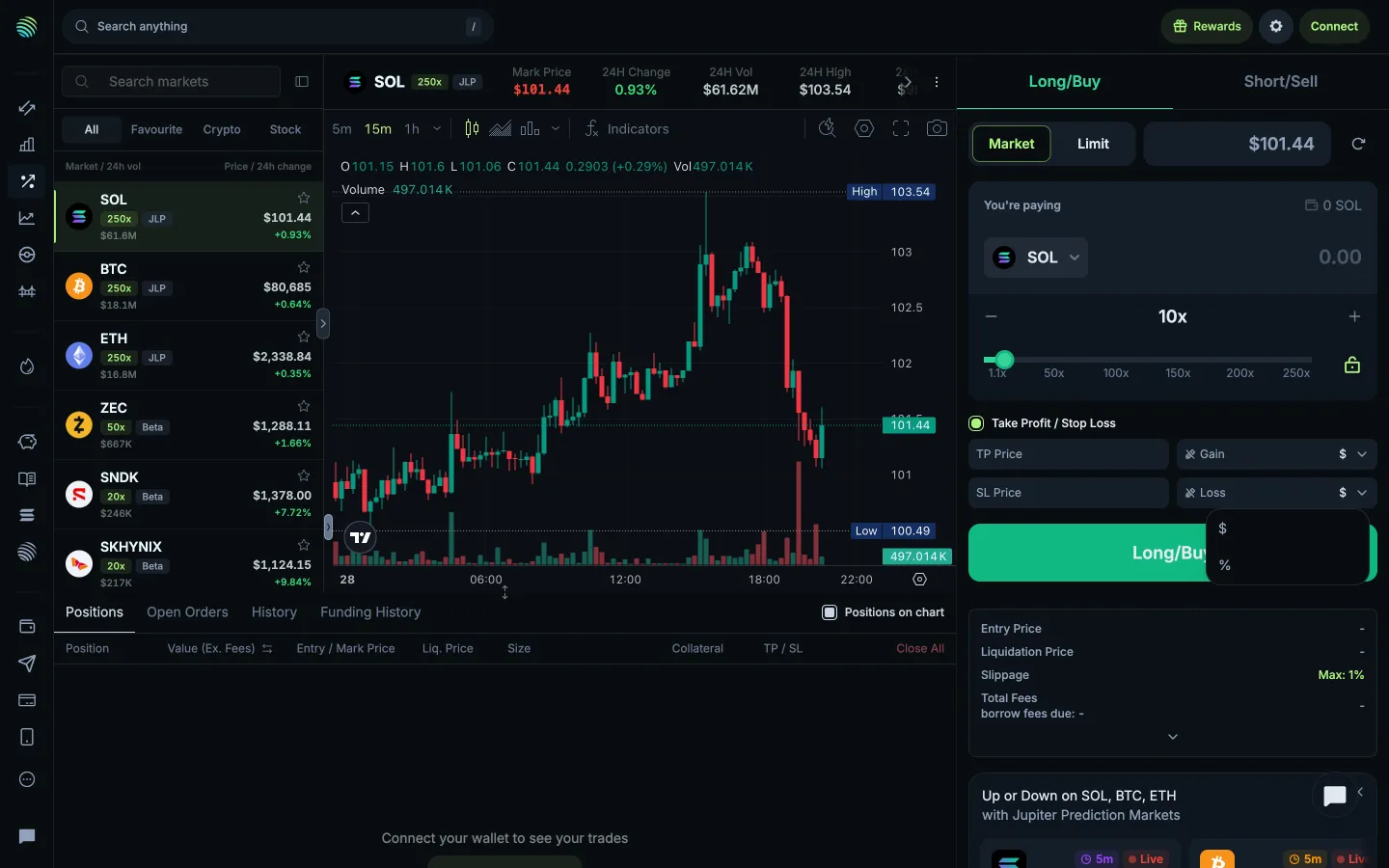
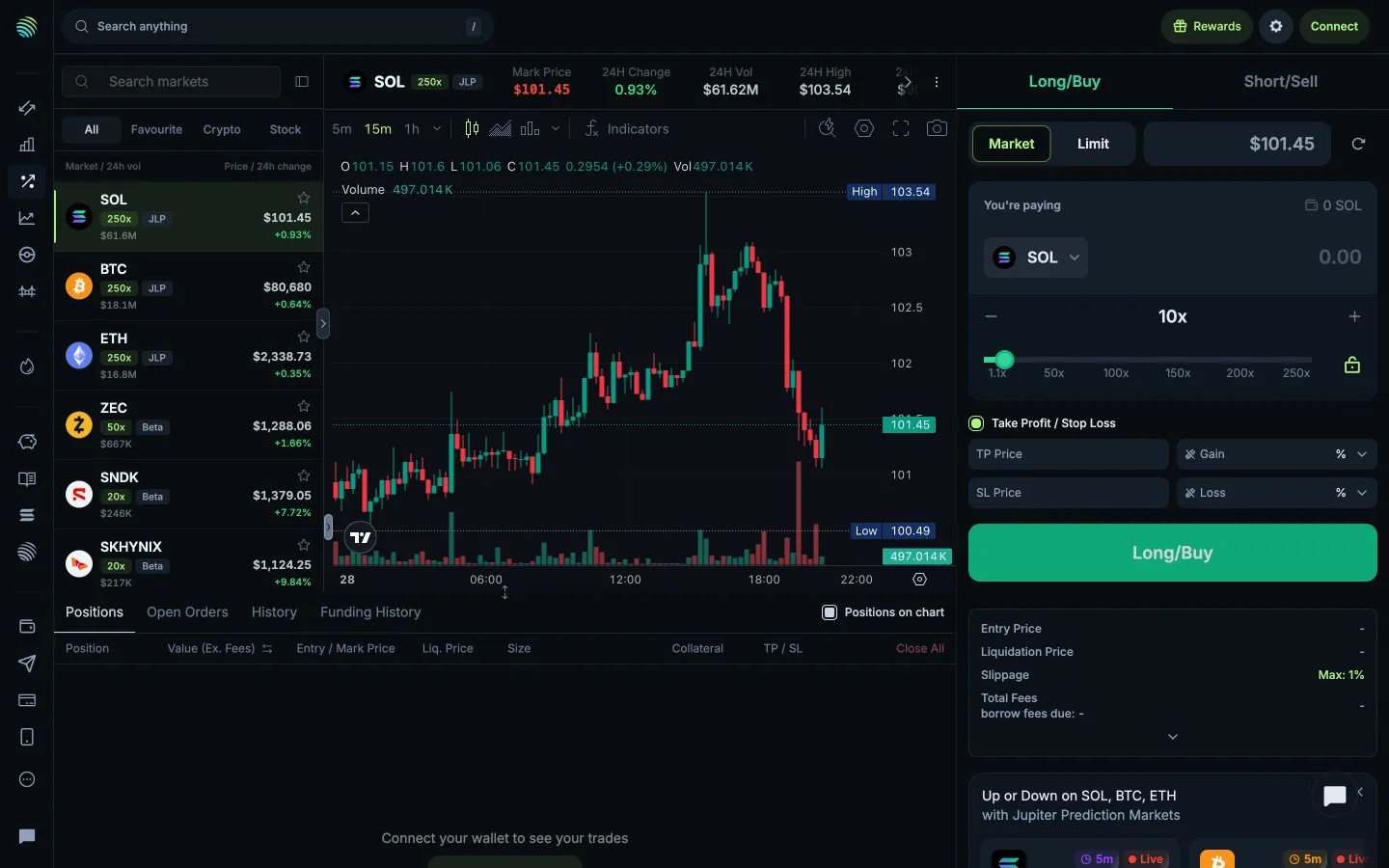
Market ticket, slippage line

Market ticket, slippage line

Order Ticket

Screen typeOrder Ticket
StateIdle
CapturedNov 2026
UI elementsAmount InputFee LineLeverage ControlOrder BookPrice ChartSegmented ControlSliderSlippage ControlTabTop Navigation BarWallet Button
In the flowMax slippage setting
SizeDesktop, 2880 by 1800
Open the flowOpen original

Similar screens in other apps

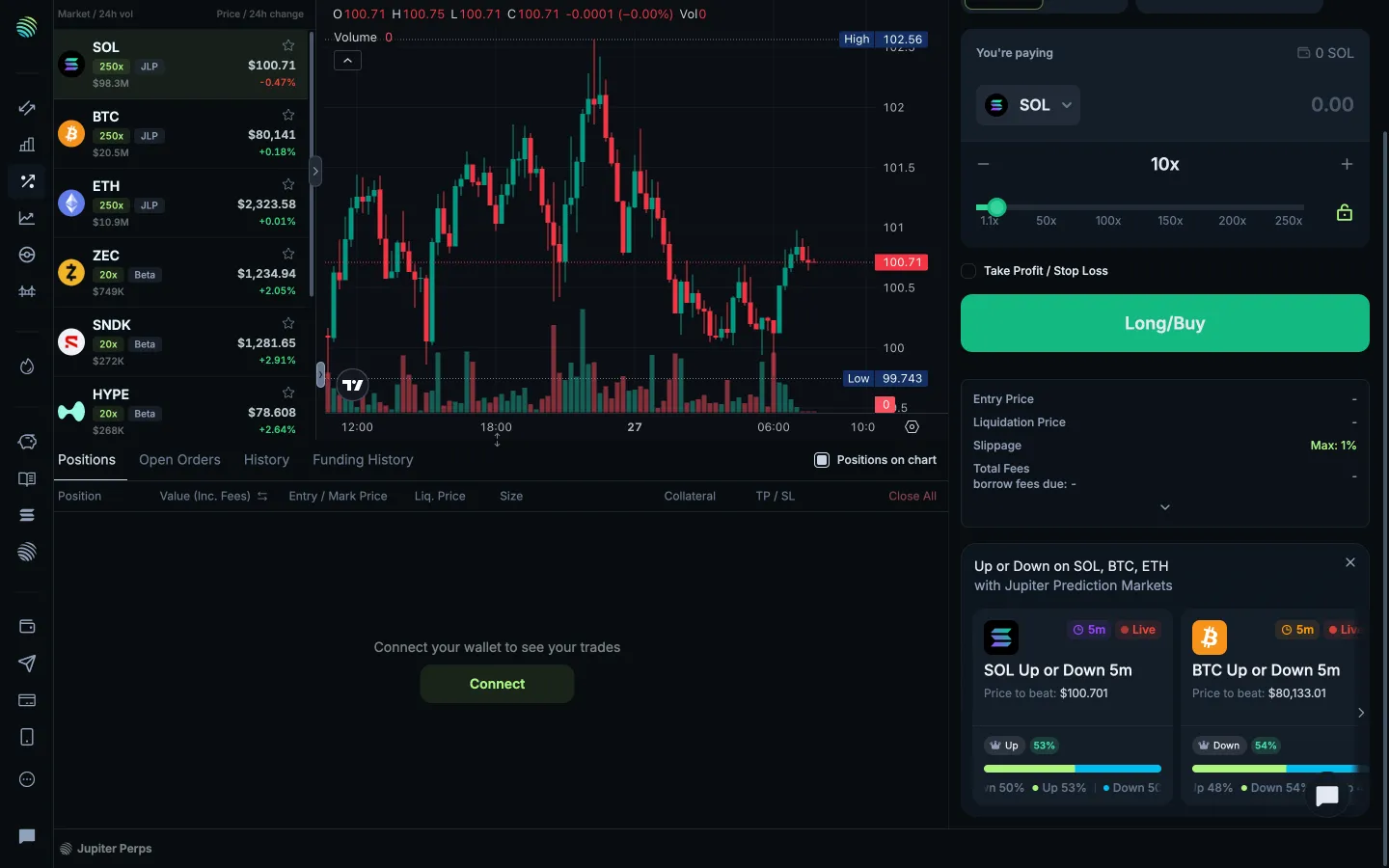
Position values including feesJupiterPosition values including fees
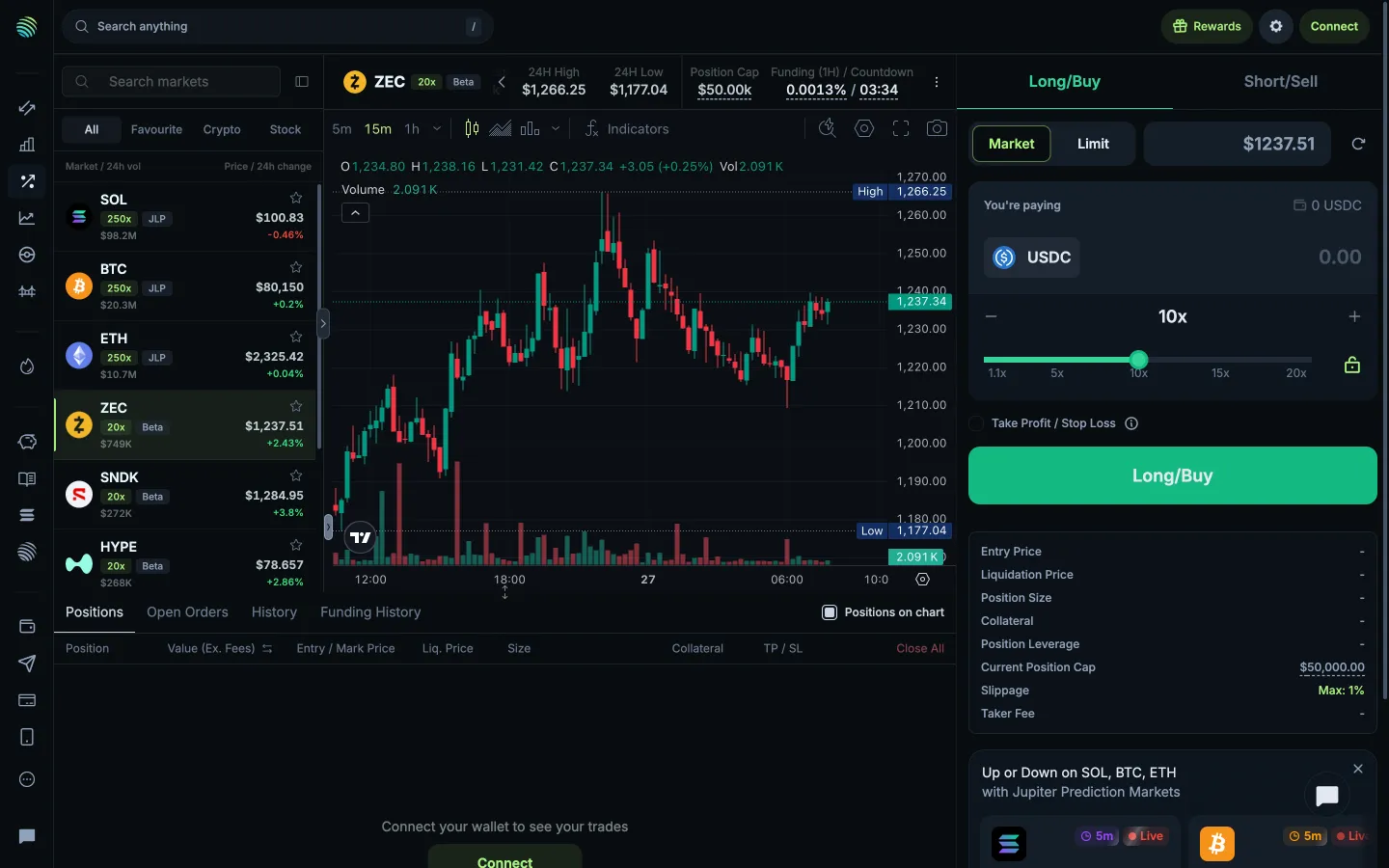
Beta funding rate cap and settlement timerJupiterBeta funding rate cap and settlement timer
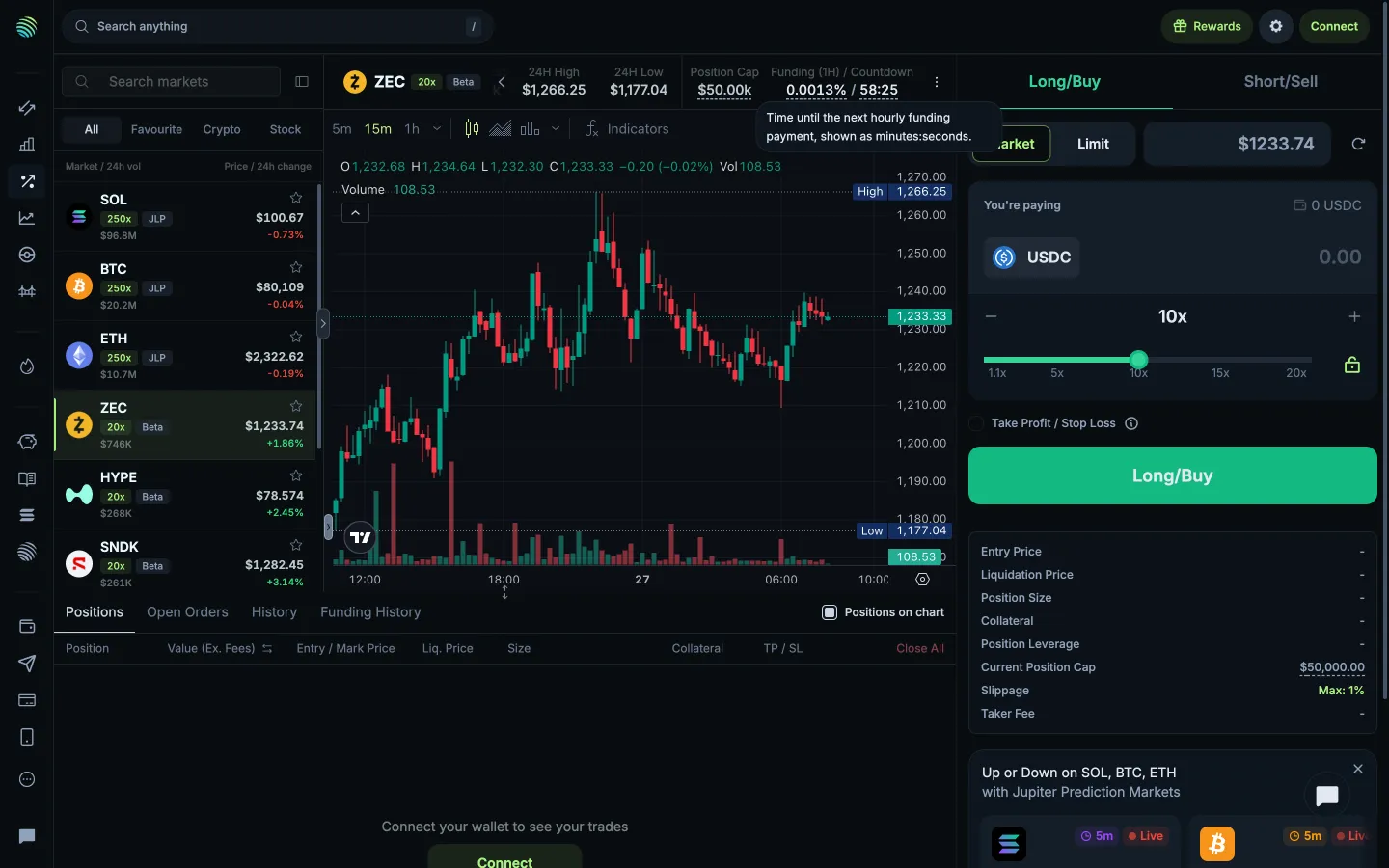
Time until the next hourly funding paymentJupiterTime until the next hourly funding payment
Review the unfilled perpetual ticketJupiterReview the unfilled perpetual ticket
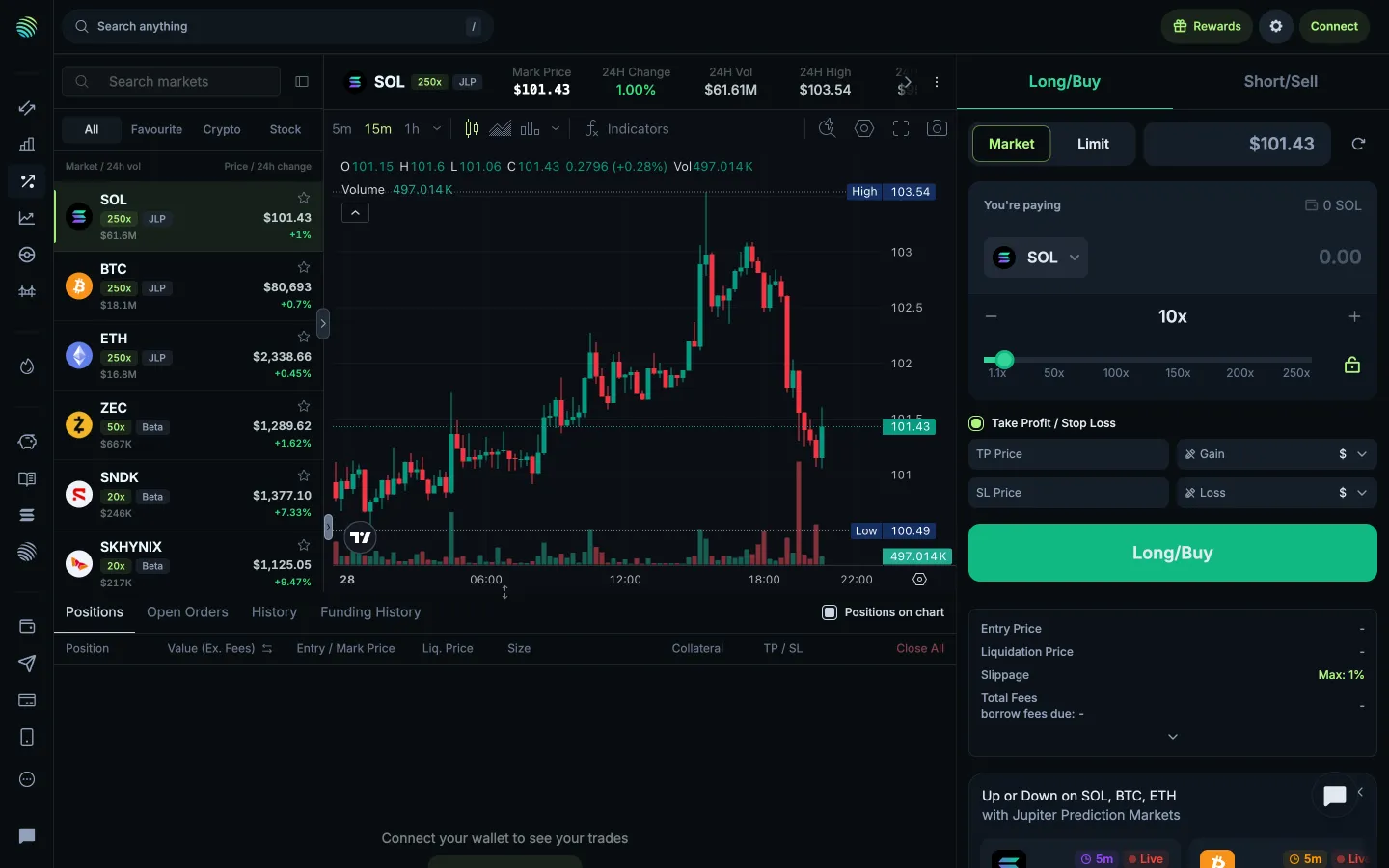
Review take profit and stop loss fieldsJupiterReview take profit and stop loss fields
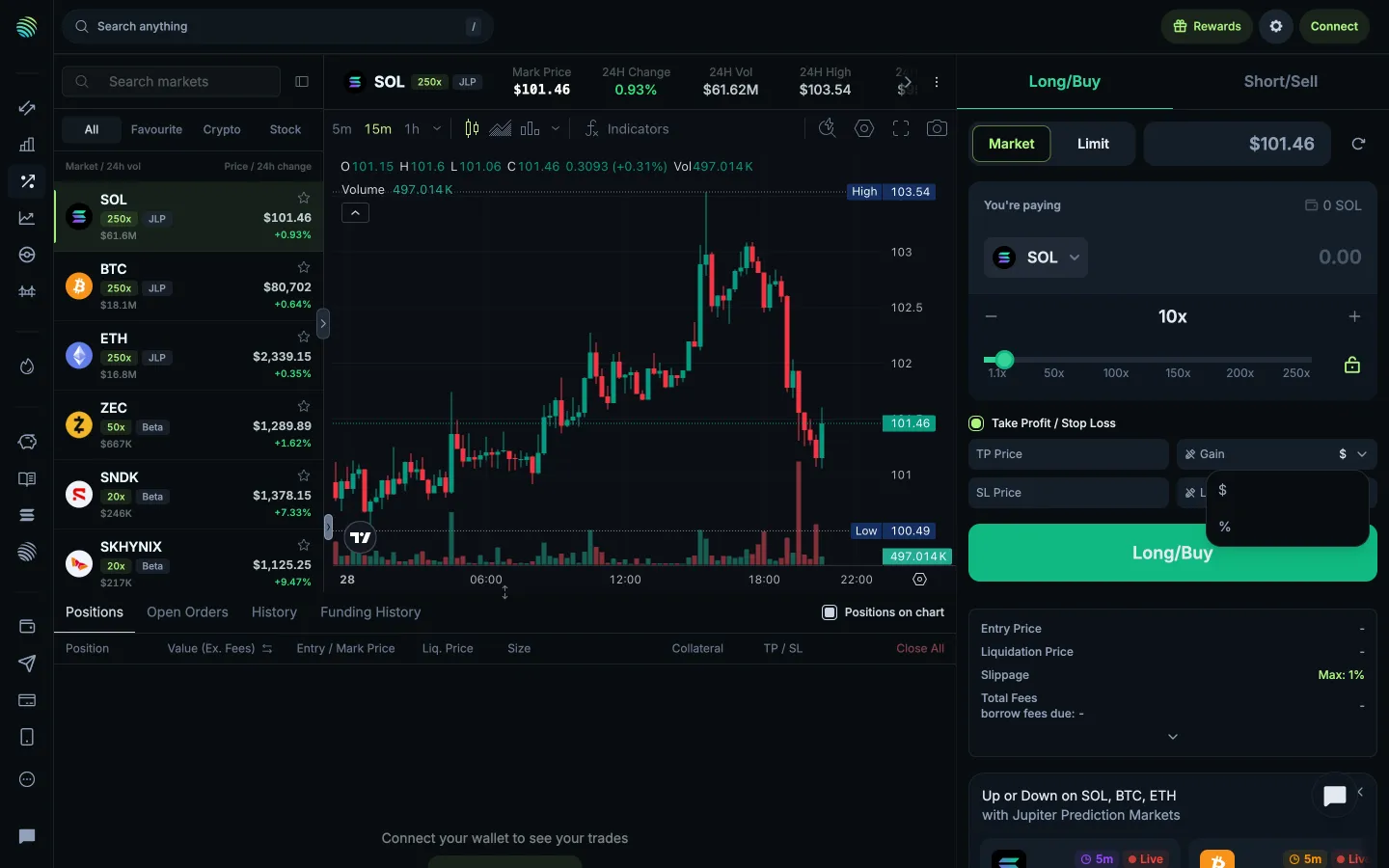
Review take profit return unitsJupiterReview take profit return units
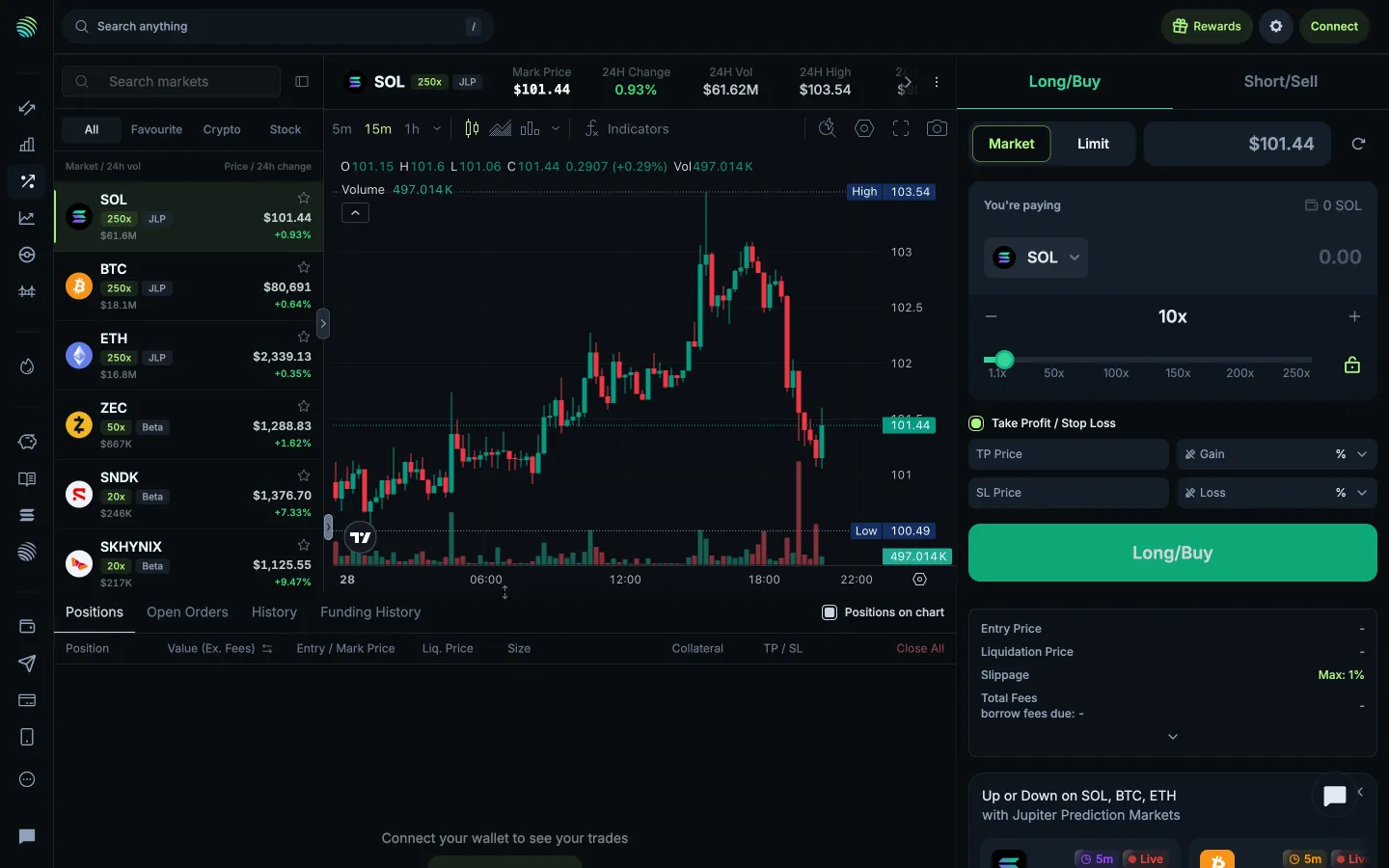
Display take profit as a percentageJupiterDisplay take profit as a percentage
Review the original take profit unitJupiterReview the original take profit unit
Restore take profit currency unitsJupiterRestore take profit currency units
Review stop loss return unitsJupiterReview stop loss return units
Display stop loss as a percentageJupiterDisplay stop loss as a percentage
Review the original stop loss unitJupiterReview the original stop loss unit

Screens, flows and sites from real crypto and web3 apps.

© 2026 MoonoPrivacyTerms

Apps

  • All apps
  • Screens
  • Flows
  • UI elements

Sites

  • All sites
  • Sections

Learn

  • Glossary

Product

  • Pricing
  • MCPNew

© 2026 MoonoPrivacyTerms