All appsScreensFlowsUI elements
PricingGlossary
AllScreensFlowsUI elements

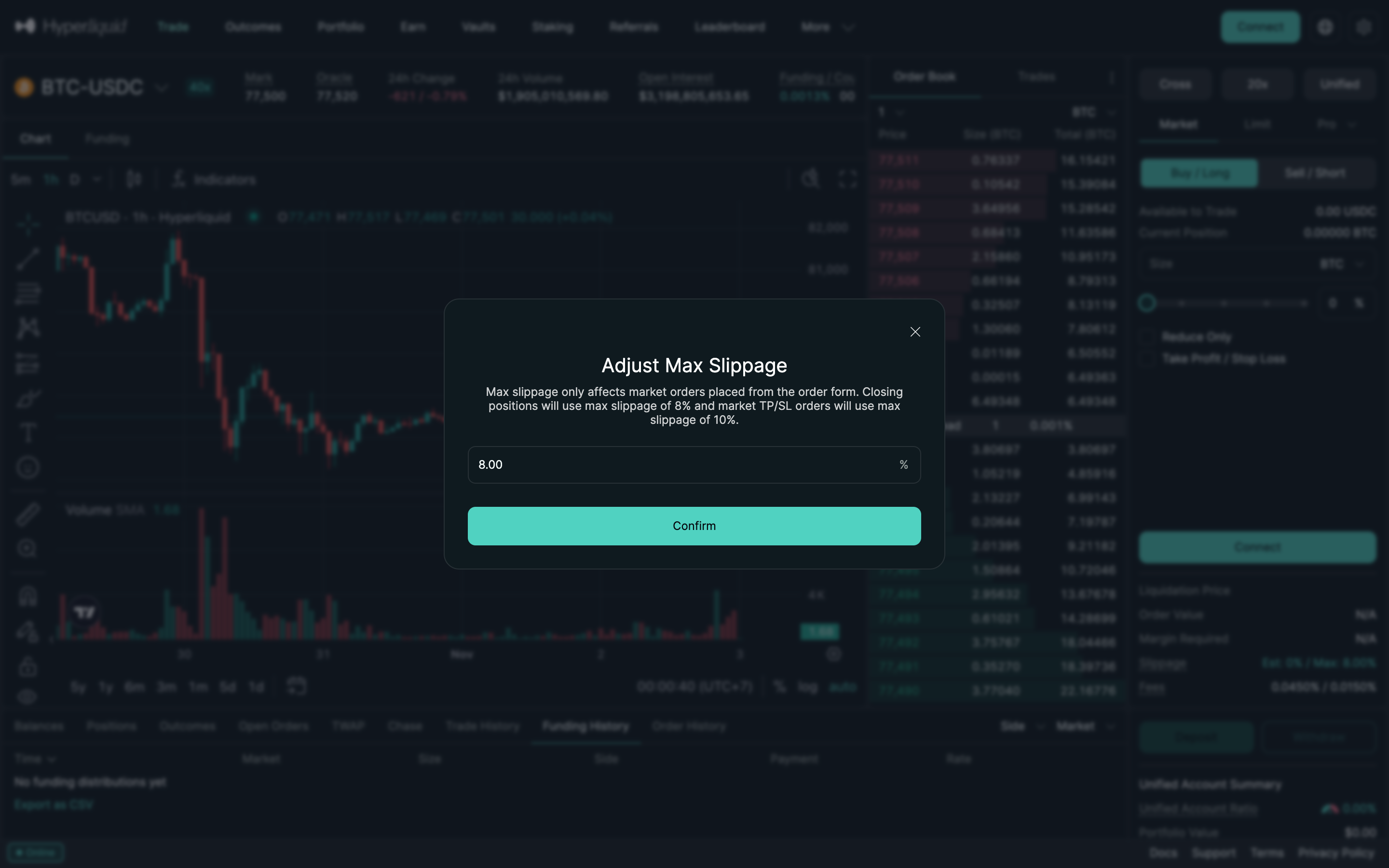
Adjust max slippage, 8 percent in Hyperliquid

Step 2 of 3 in Max slippage settingPlay
Adjust max slippage, 8 percent

Adjust max slippage, 8 percent

Settings

Screen typeSettings
StateIdle
CapturedNov 2026
UI elementsButtonDialogSlippage ControlText Field
In the flowMax slippage setting
SizeDesktop, 2880 by 1800
Open the flowOpen original

Similar screens in other apps

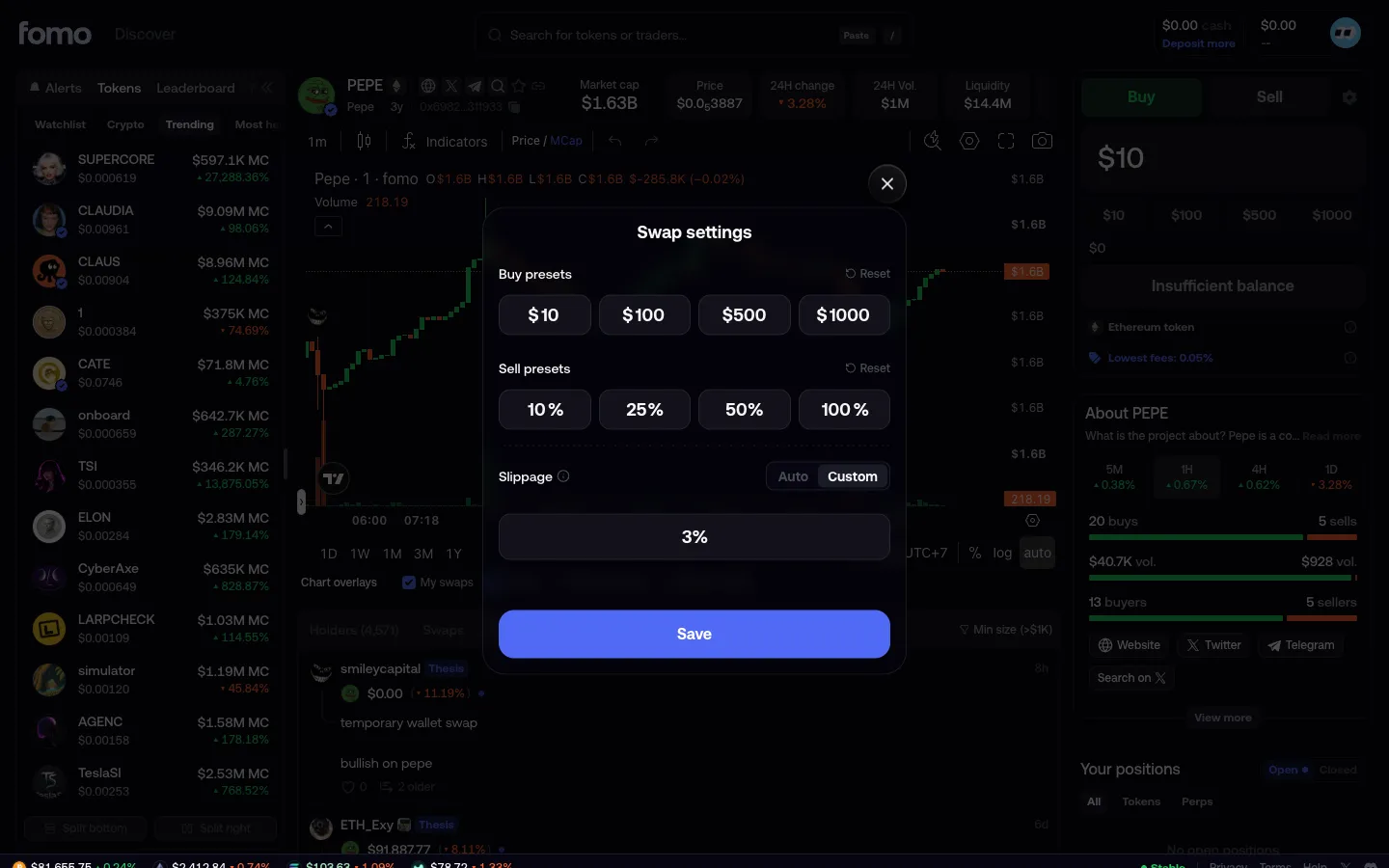
Custom slippagefomoCustom slippage
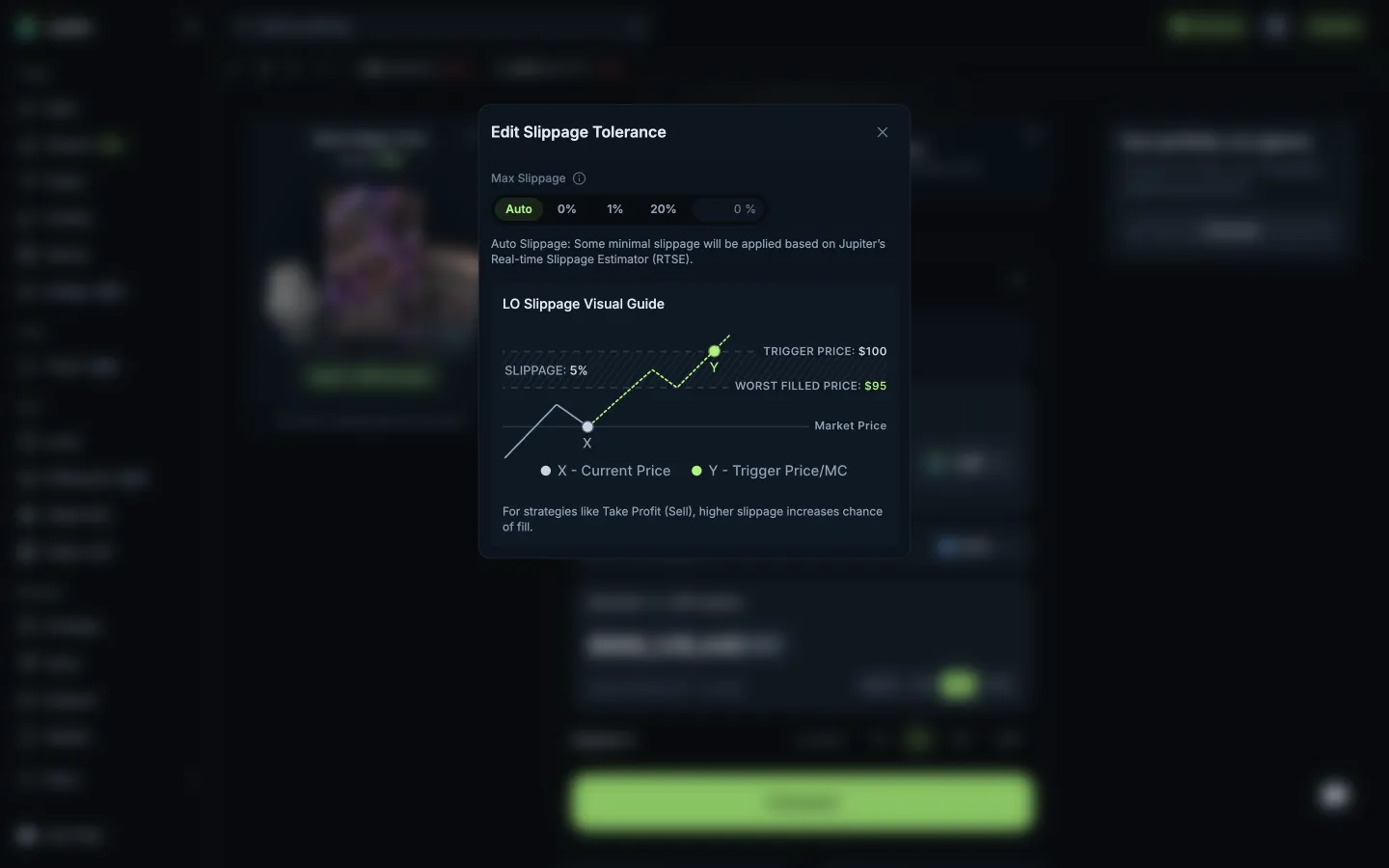
Slippage with a visual guide to the worst fillJupiterSlippage with a visual guide to the worst fill
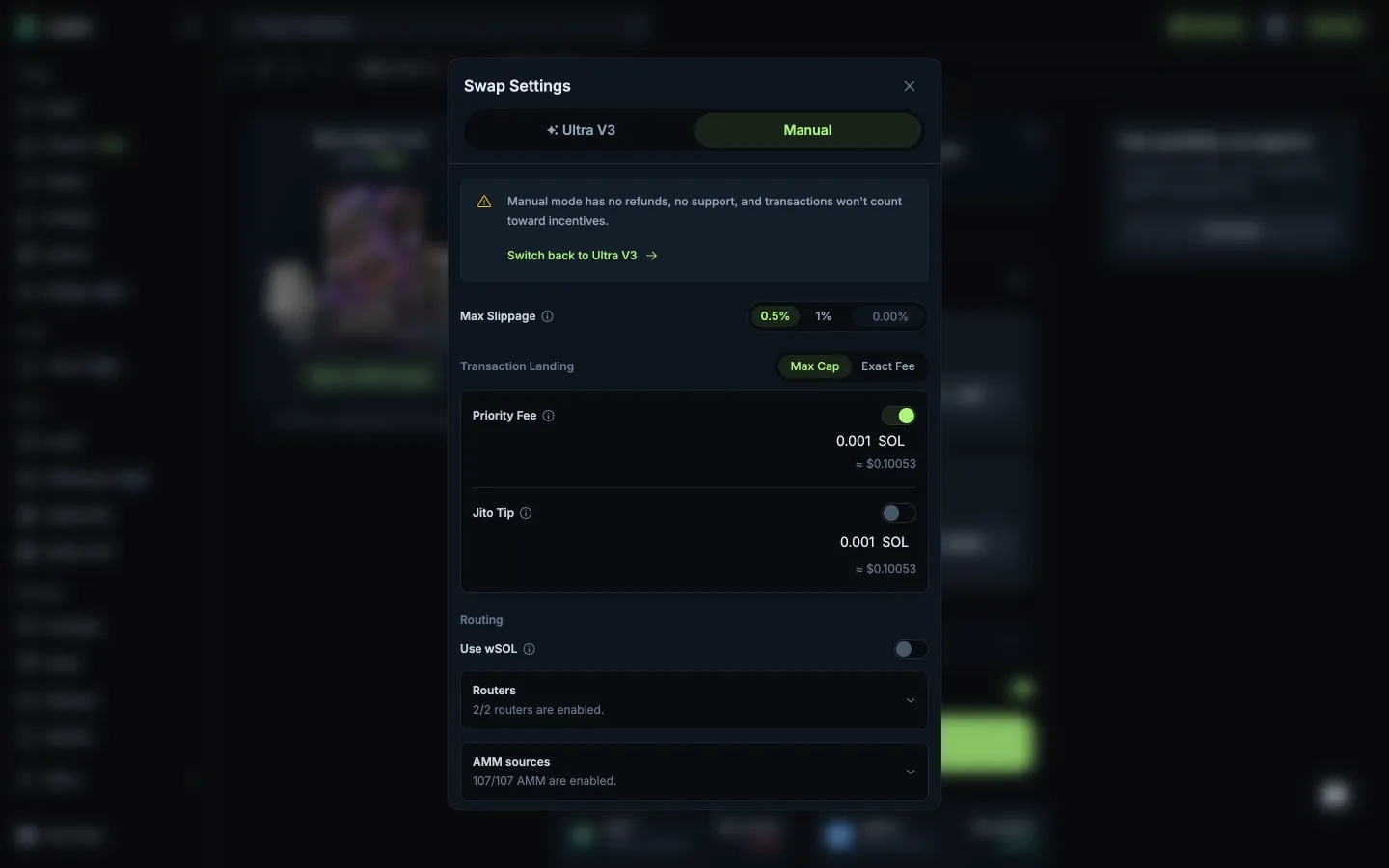
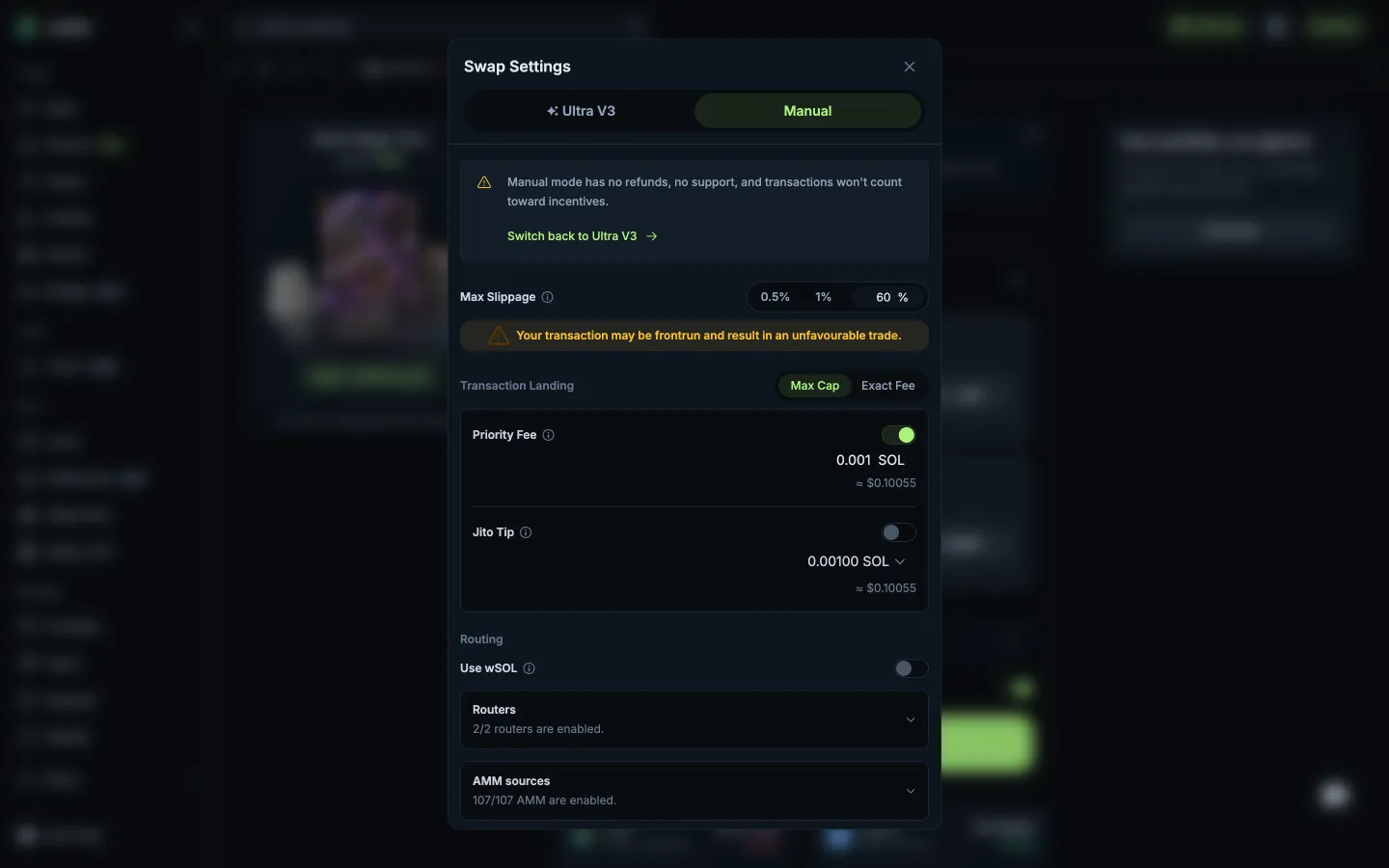
Manual mode warns no refunds or supportJupiterManual mode warns no refunds or support
Slippage 60%, frontrun warningJupiterSlippage 60%, frontrun warning
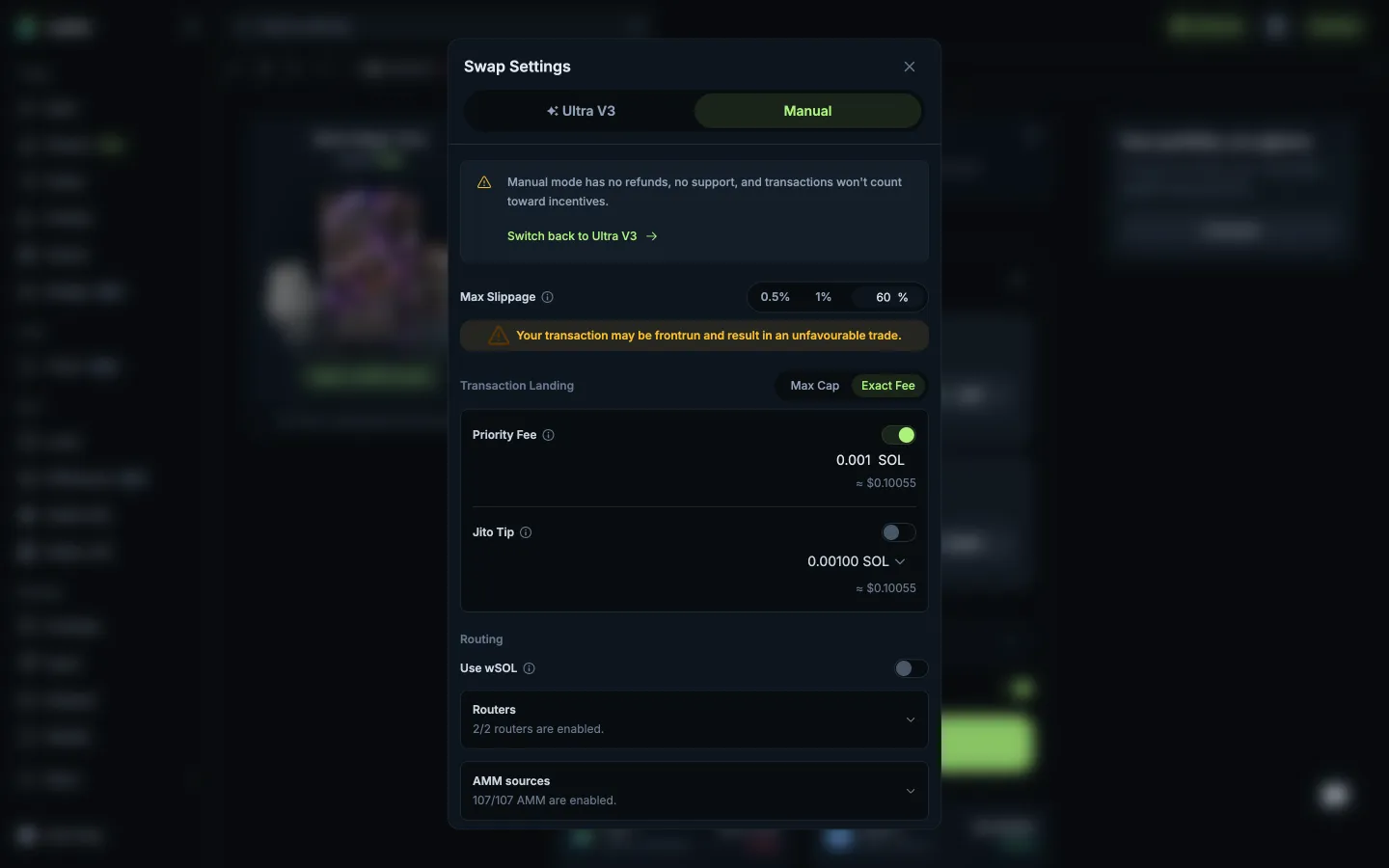
Exact Fee for priority and tipJupiterExact Fee for priority and tip
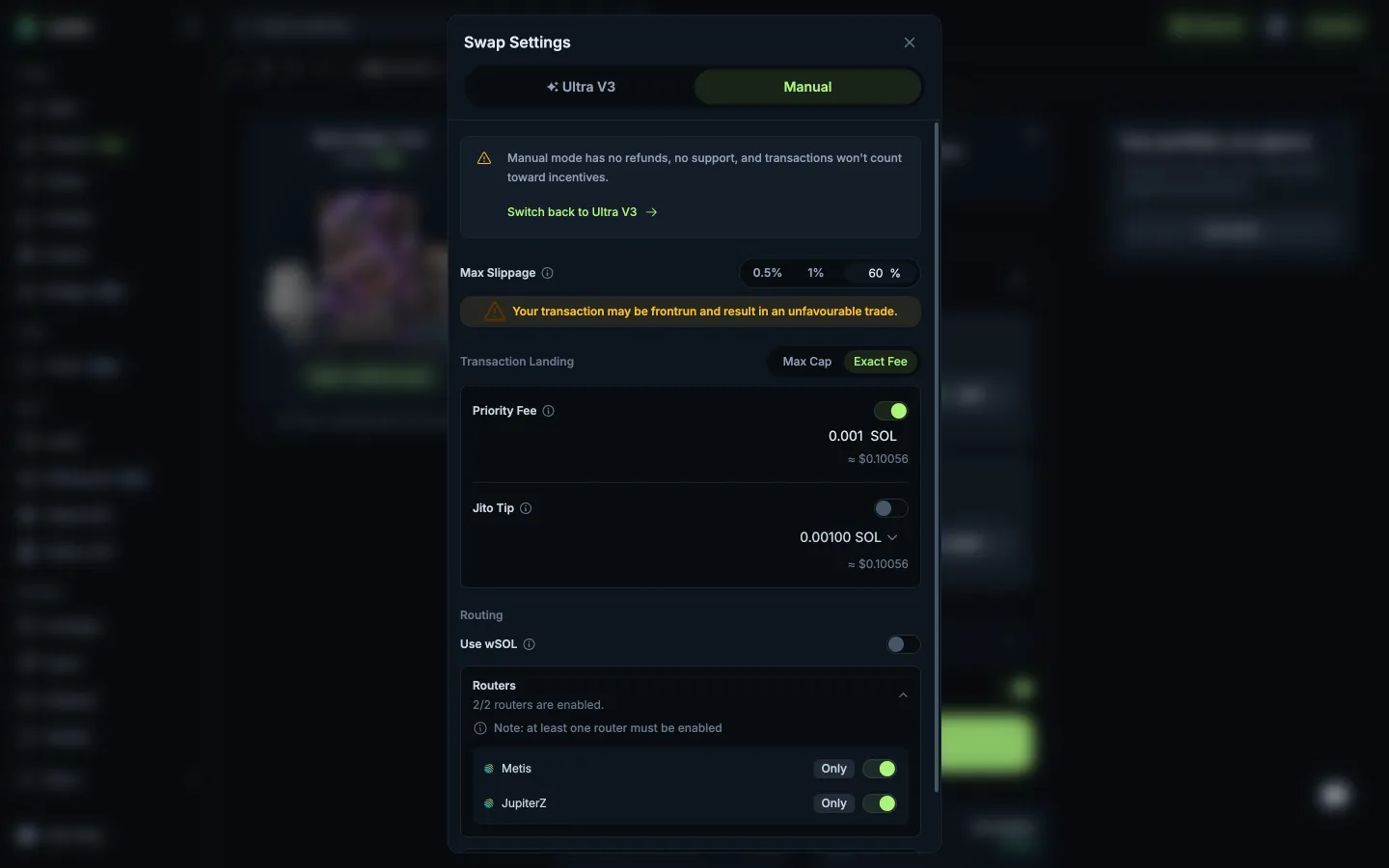
Routers list, one must stay onJupiterRouters list, one must stay on
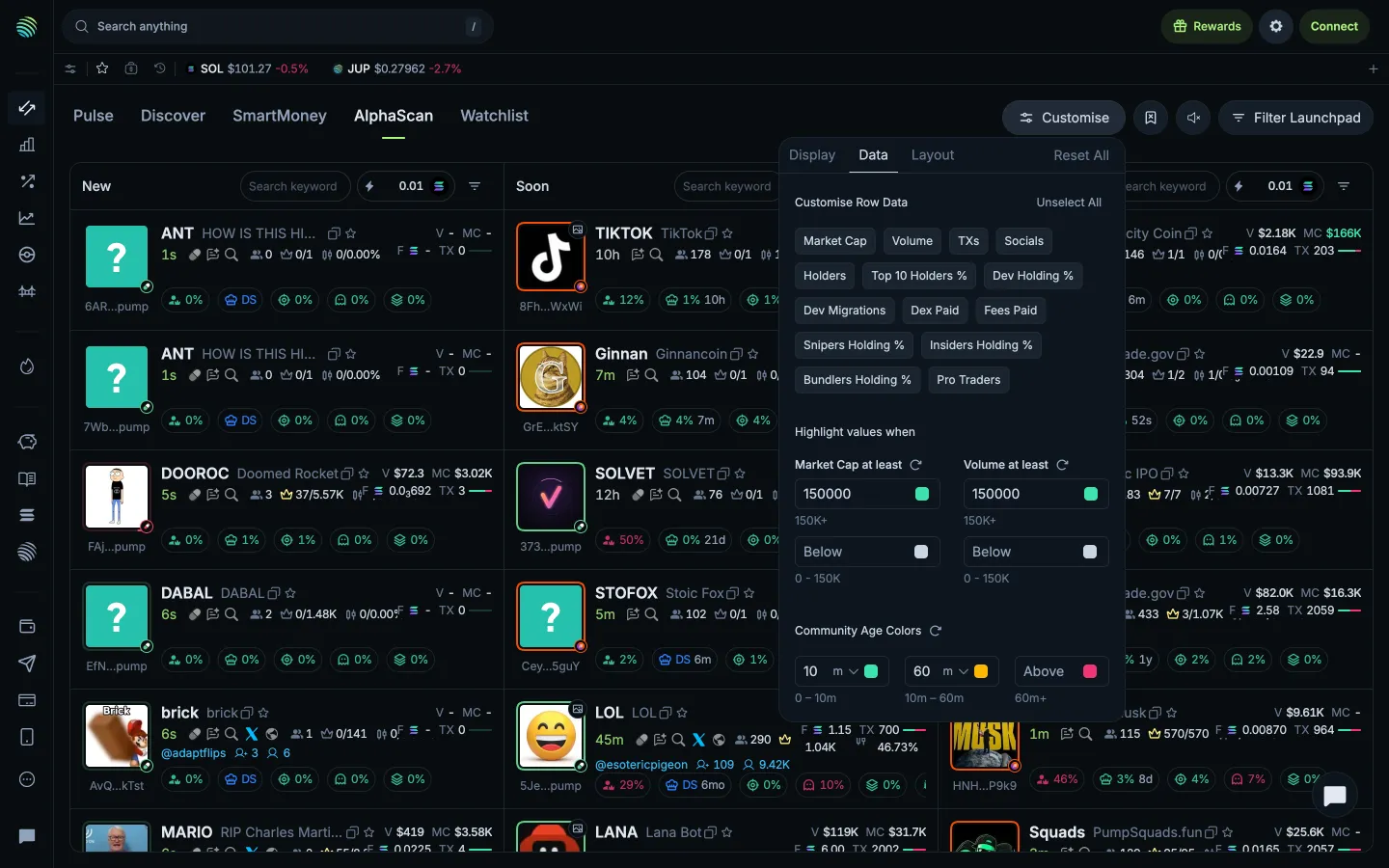
Data and highlight thresholdsJupiterData and highlight thresholds
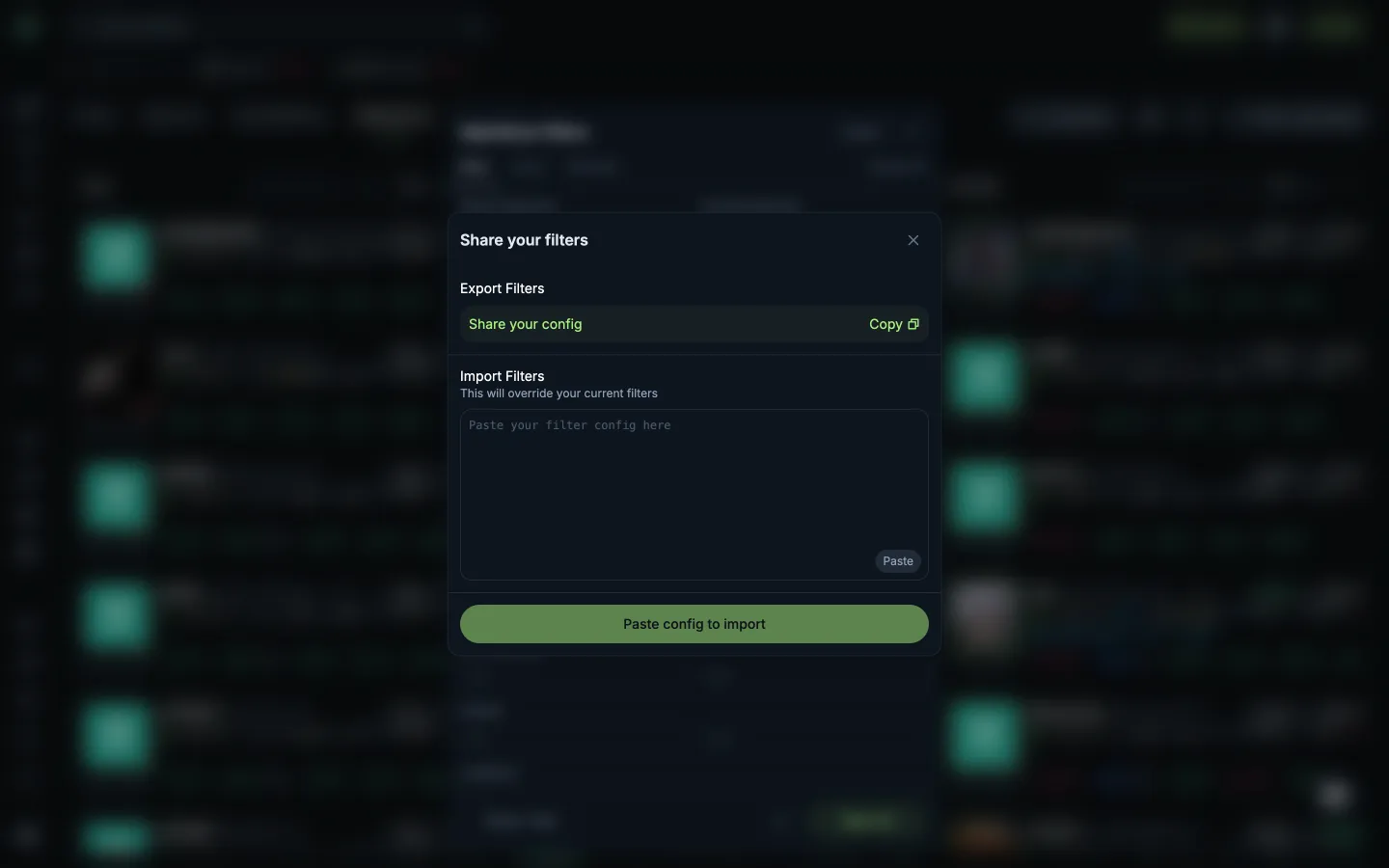
Share or import filter settingsJupiterShare or import filter settings
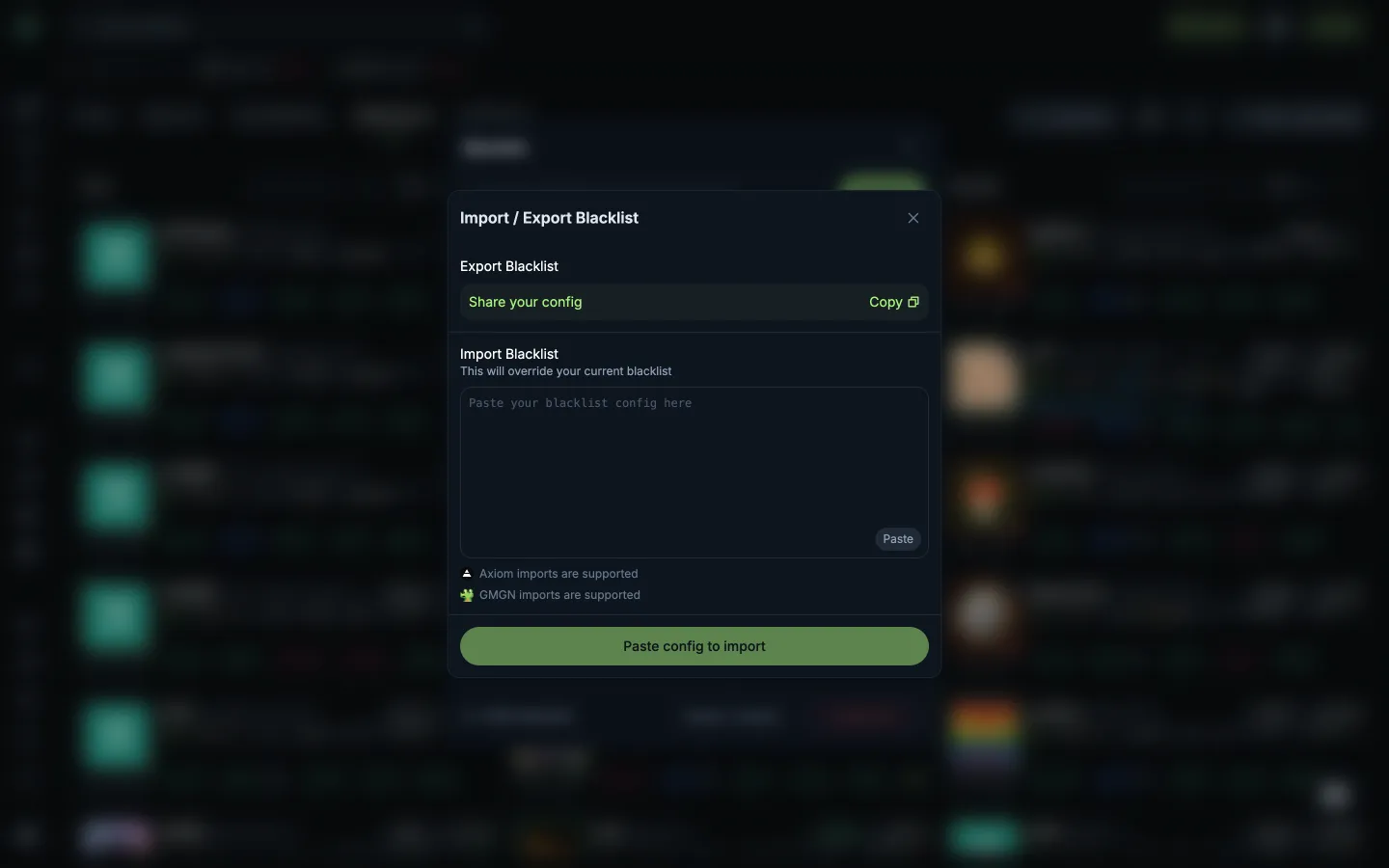
Share or import a blacklistJupiterShare or import a blacklist
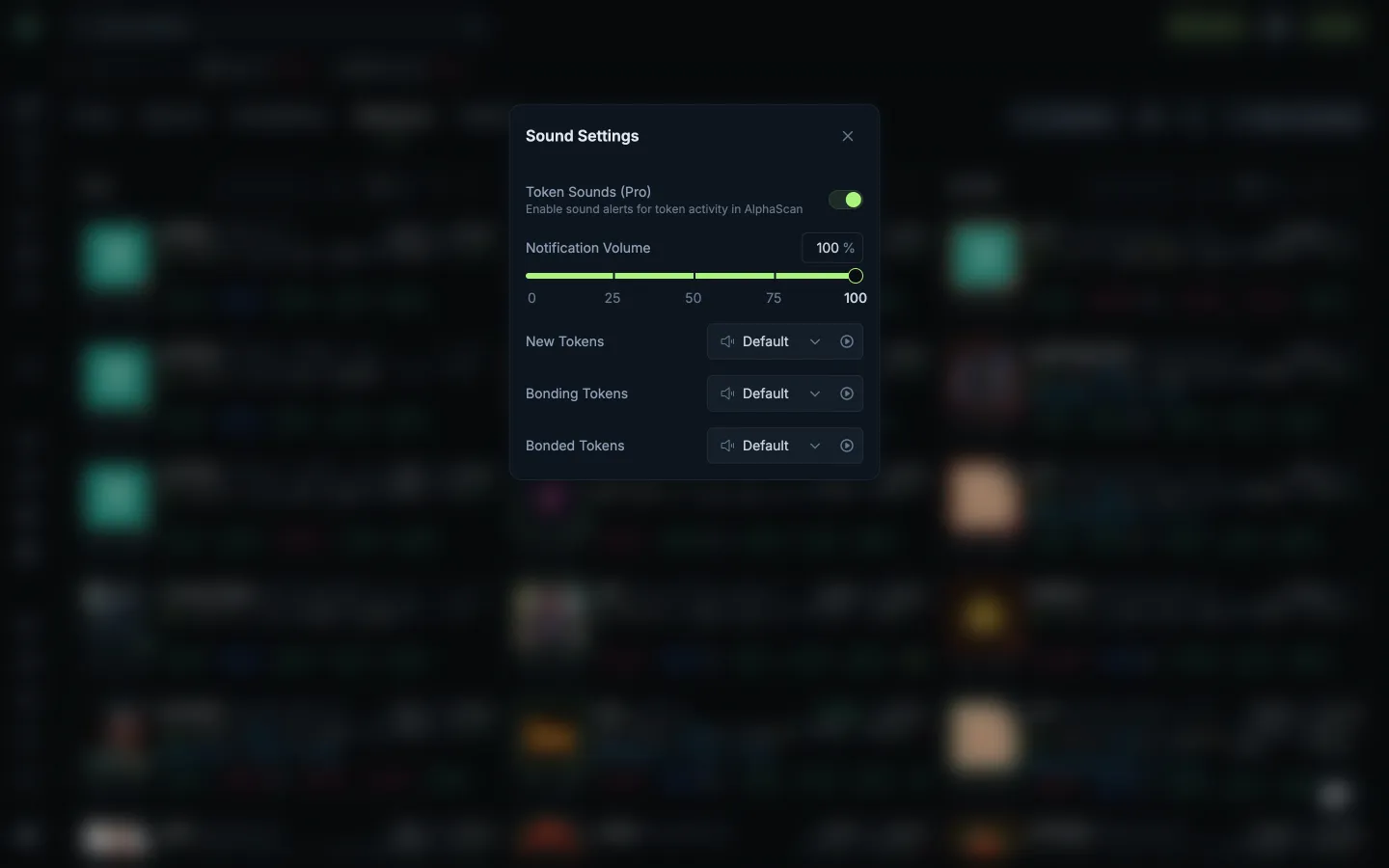
Volume and launch stage soundsJupiterVolume and launch stage sounds
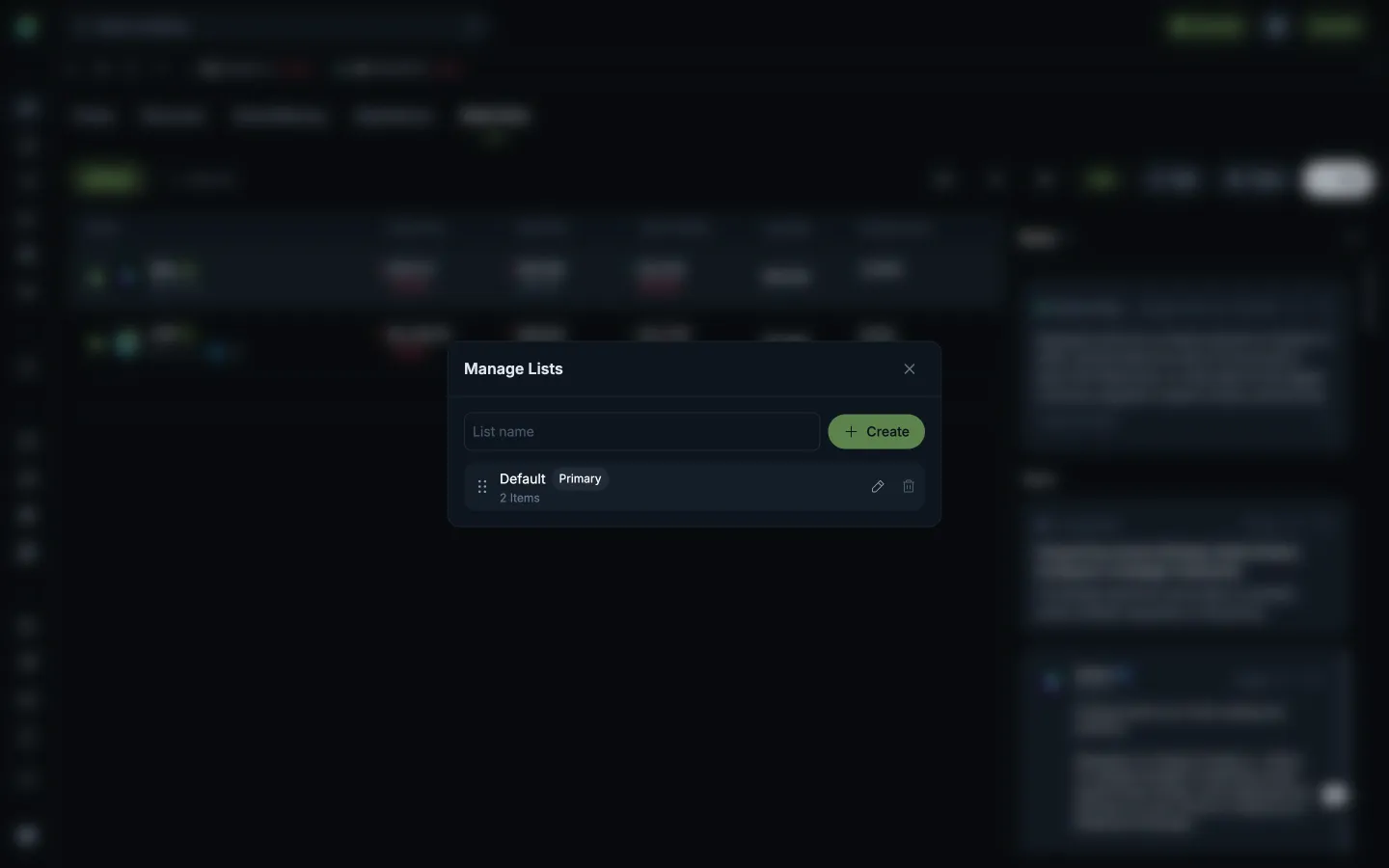
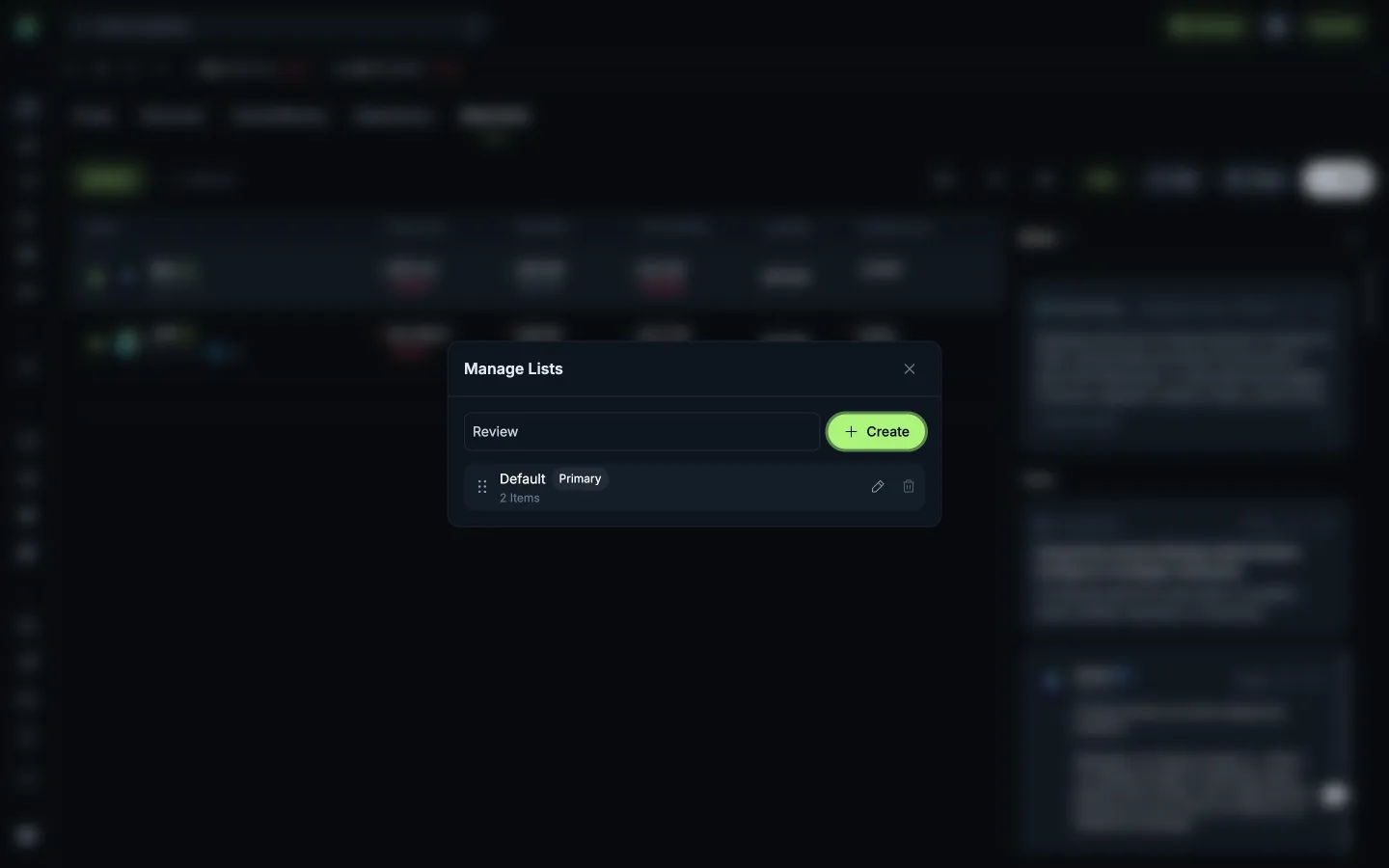
Create needs a list nameJupiterCreate needs a list name
Name the new watchlistJupiterName the new watchlist

Screens, flows and sites from real crypto and web3 apps.

© 2026 MoonoPrivacyTerms

Apps

  • All apps
  • Screens
  • Flows
  • UI elements

Sites

  • All sites
  • Sections

Learn

  • Glossary

Product

  • Pricing
  • MCPNew

© 2026 MoonoPrivacyTerms