All appsScreensFlowsUI elements
PricingGlossary
AllScreensFlowsUI elements

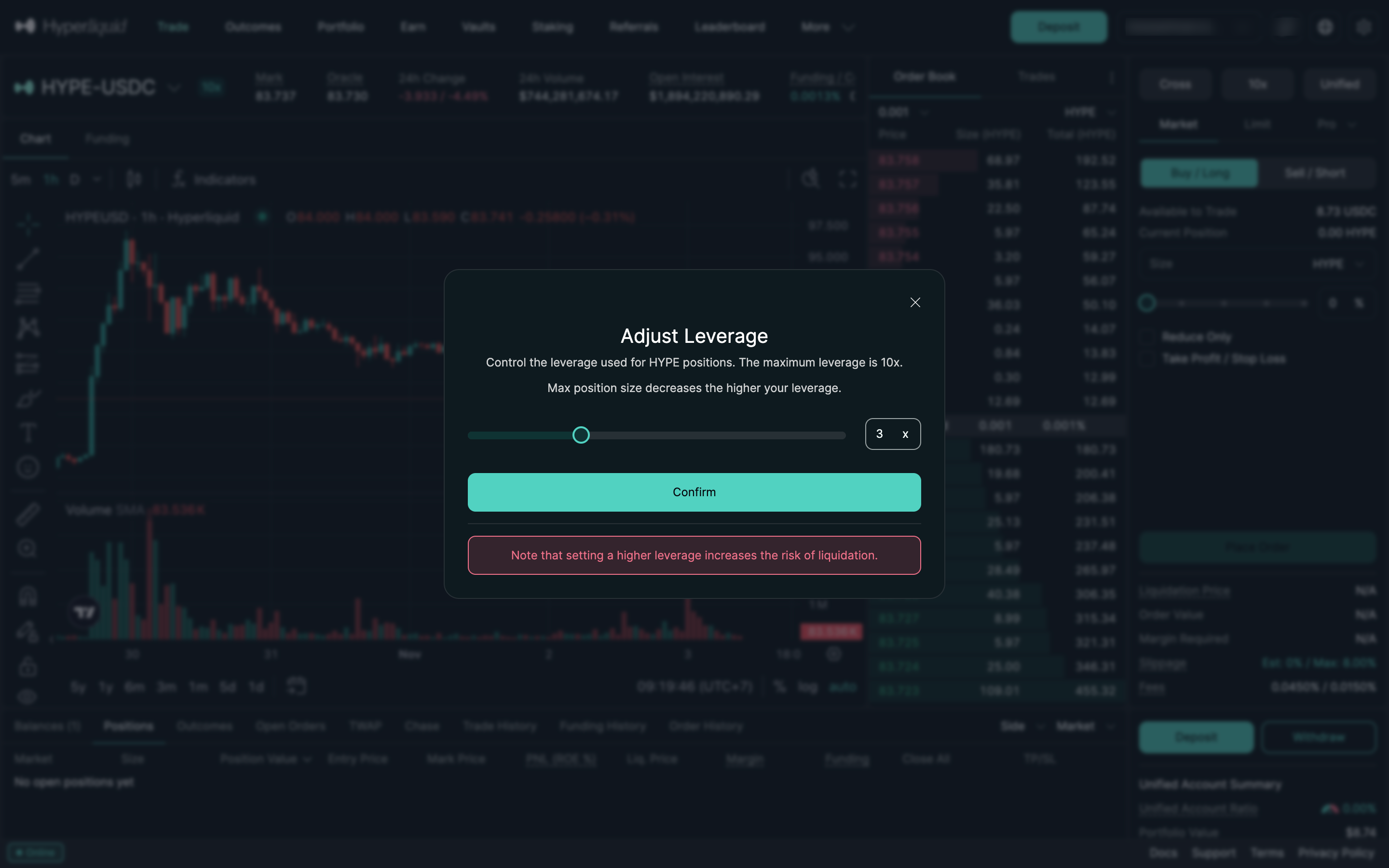
Adjust leverage in Hyperliquid

Step 2 of 5 in Opening a market longPlay
Adjust leverage

Adjust leverage

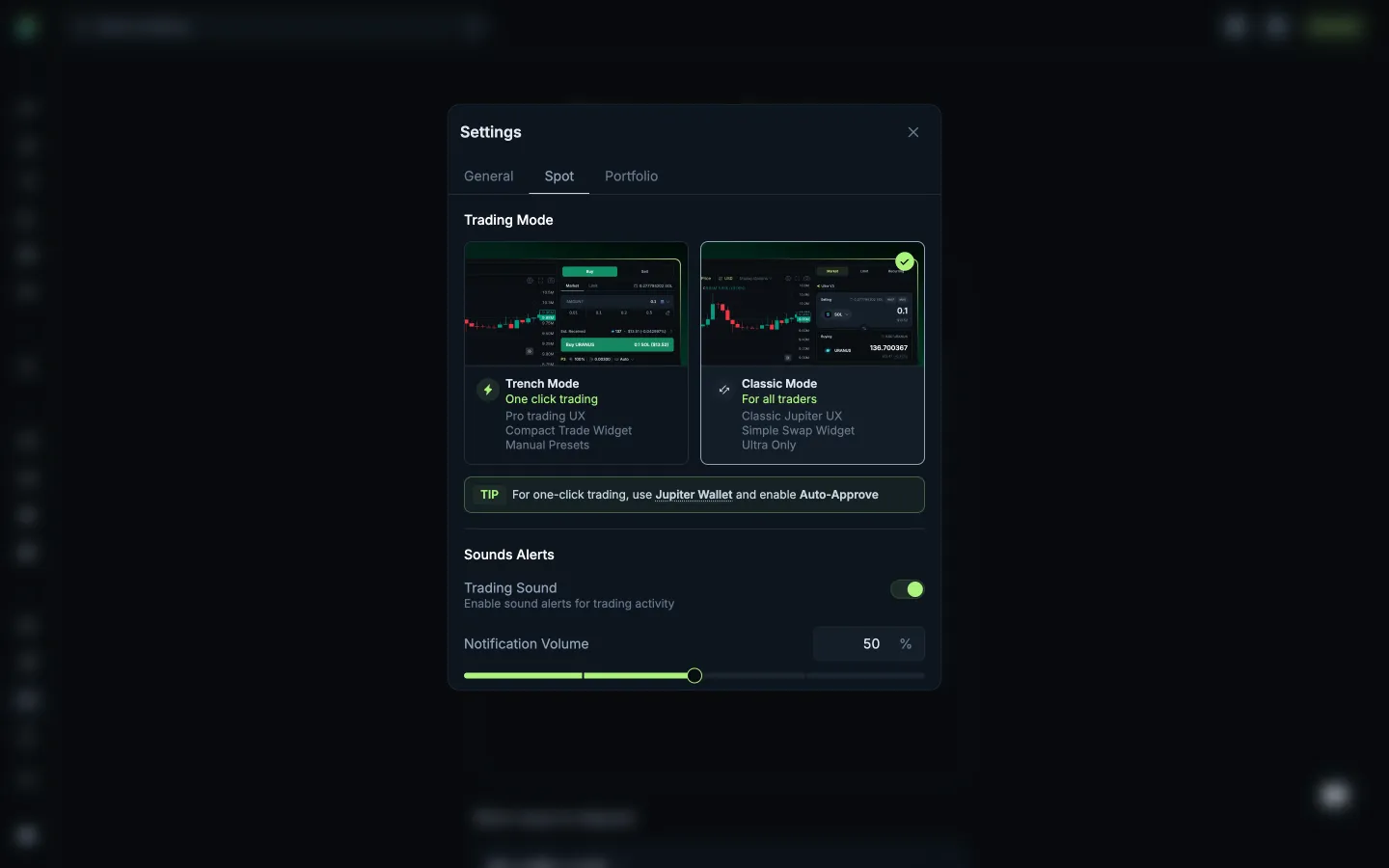
Settings

Screen typeSettings
StateInput
CapturedNov 2026
UI elementsButtonDialogLeverage ControlSliderText Field
In the flowOpening a market long
SizeDesktop, 2880 by 1800
Open the flowOpen original

Similar screens in other apps

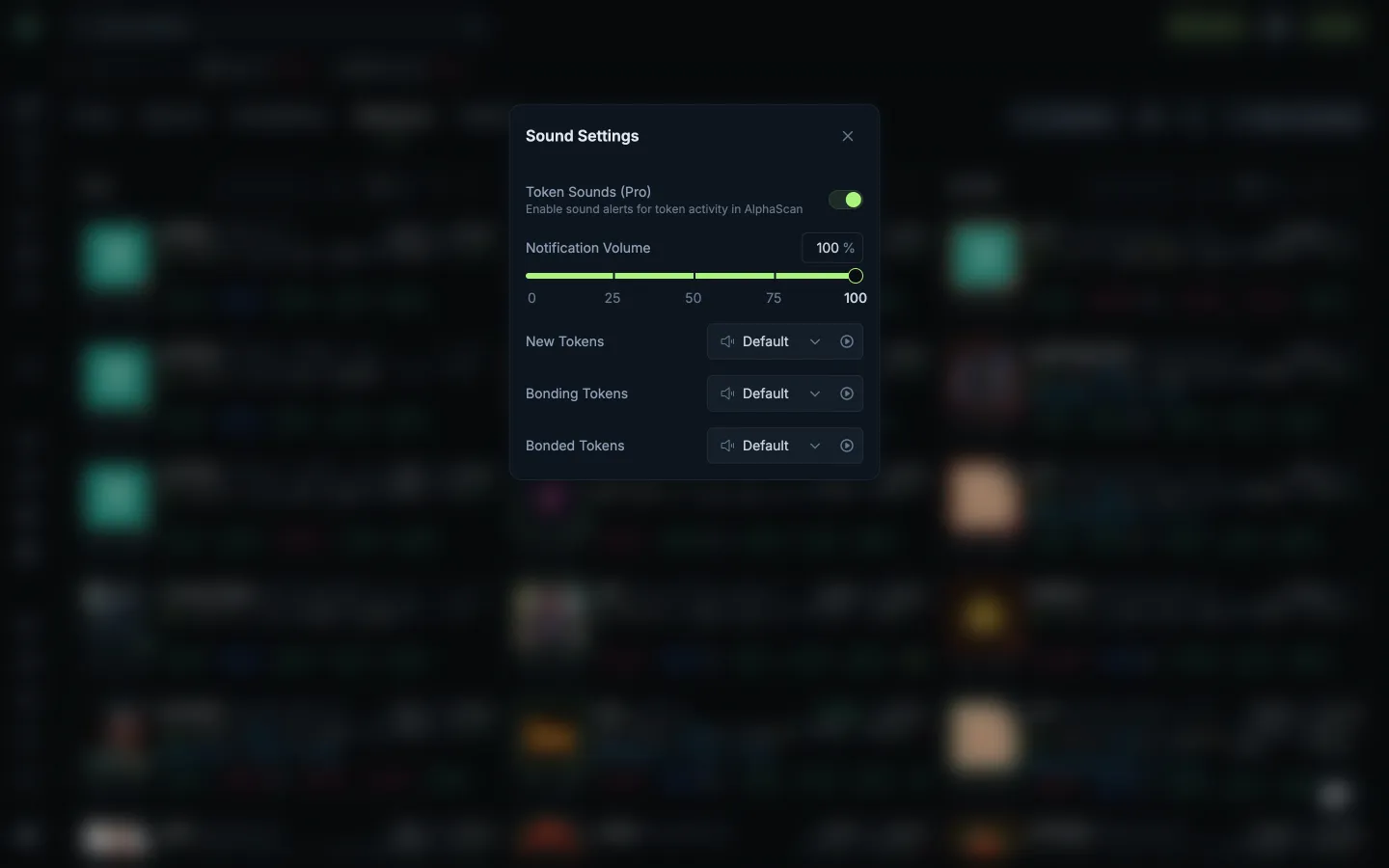
Volume and launch stage soundsJupiterVolume and launch stage sounds
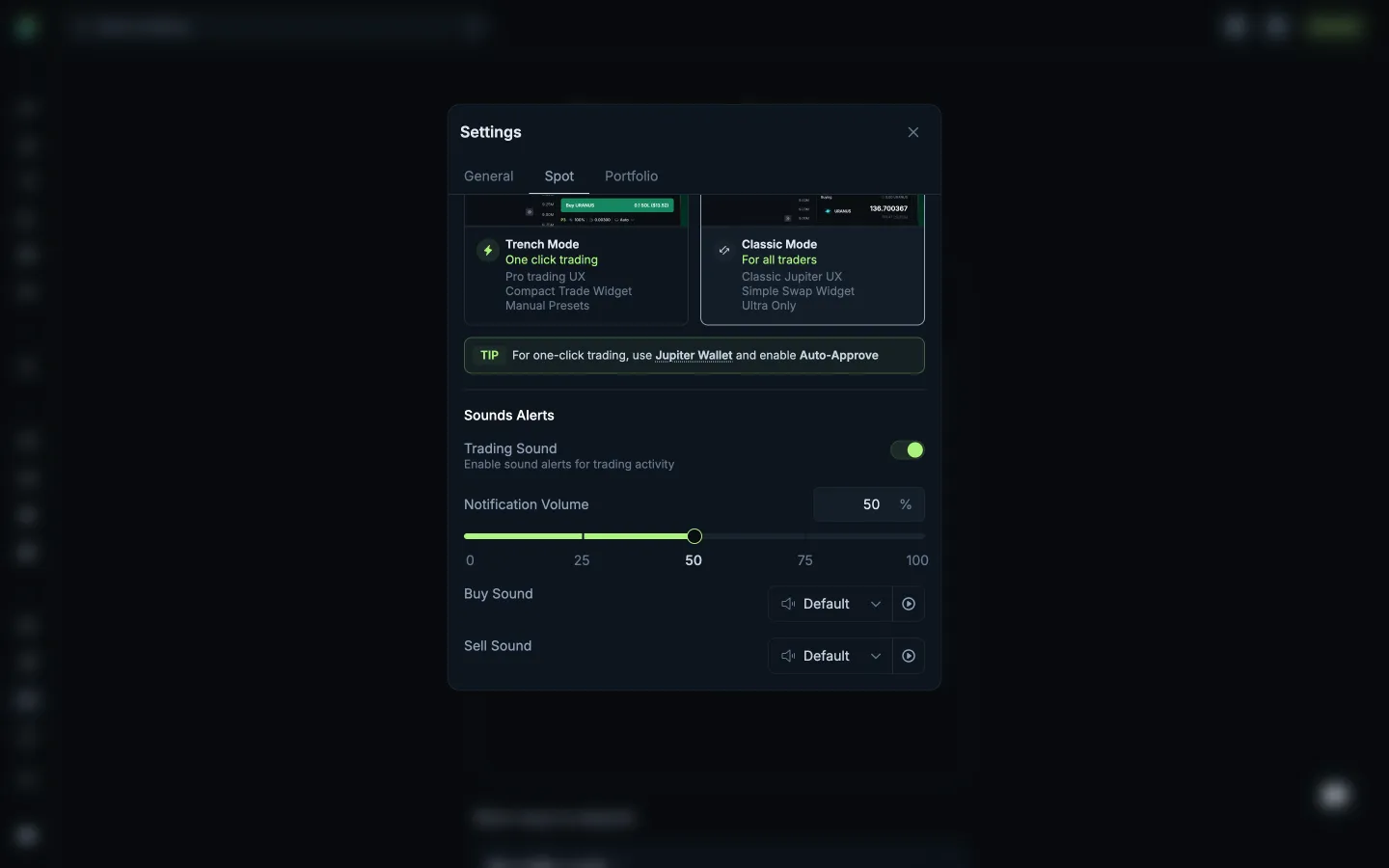
Scrolled to trading soundsJupiterScrolled to trading sounds
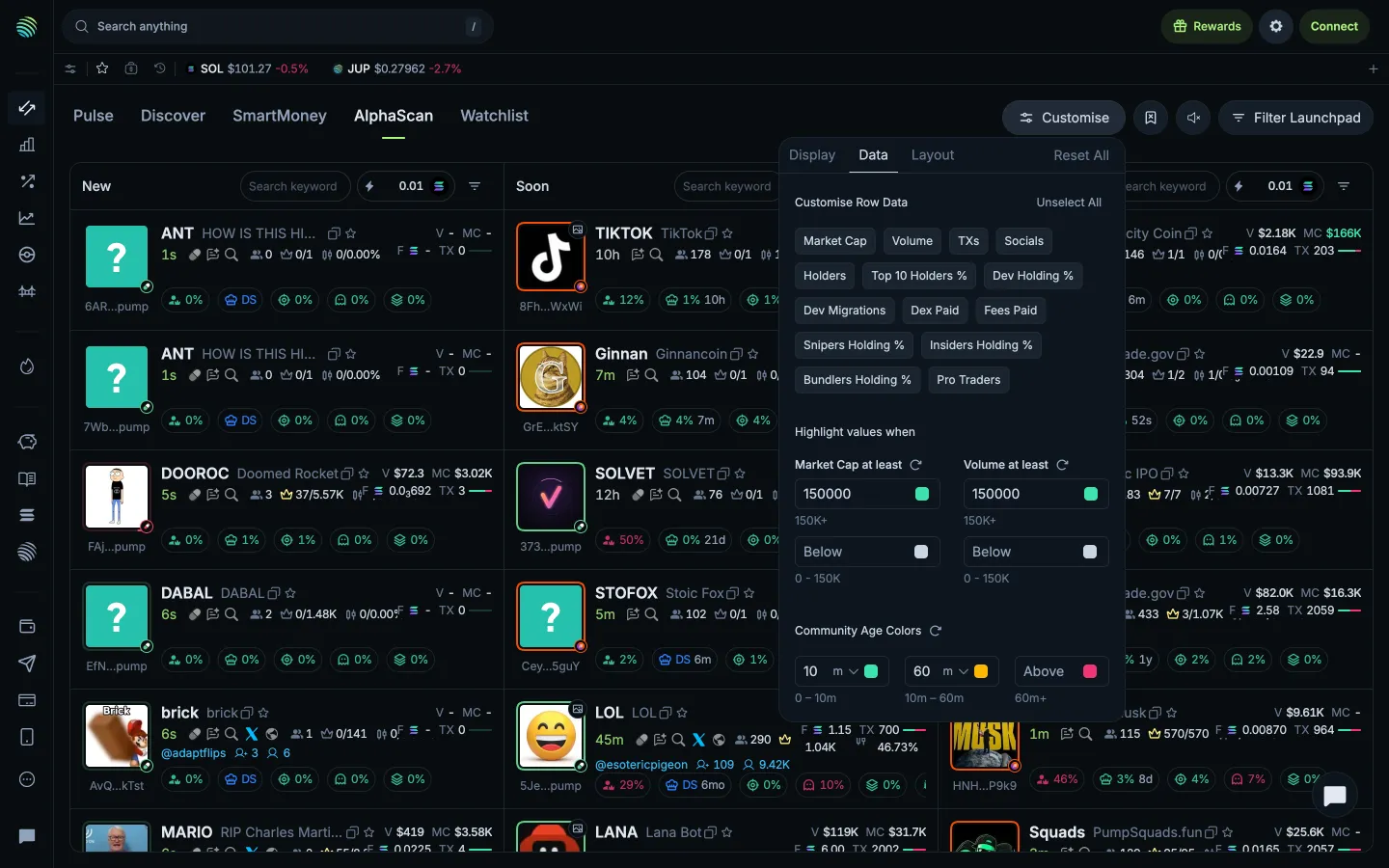
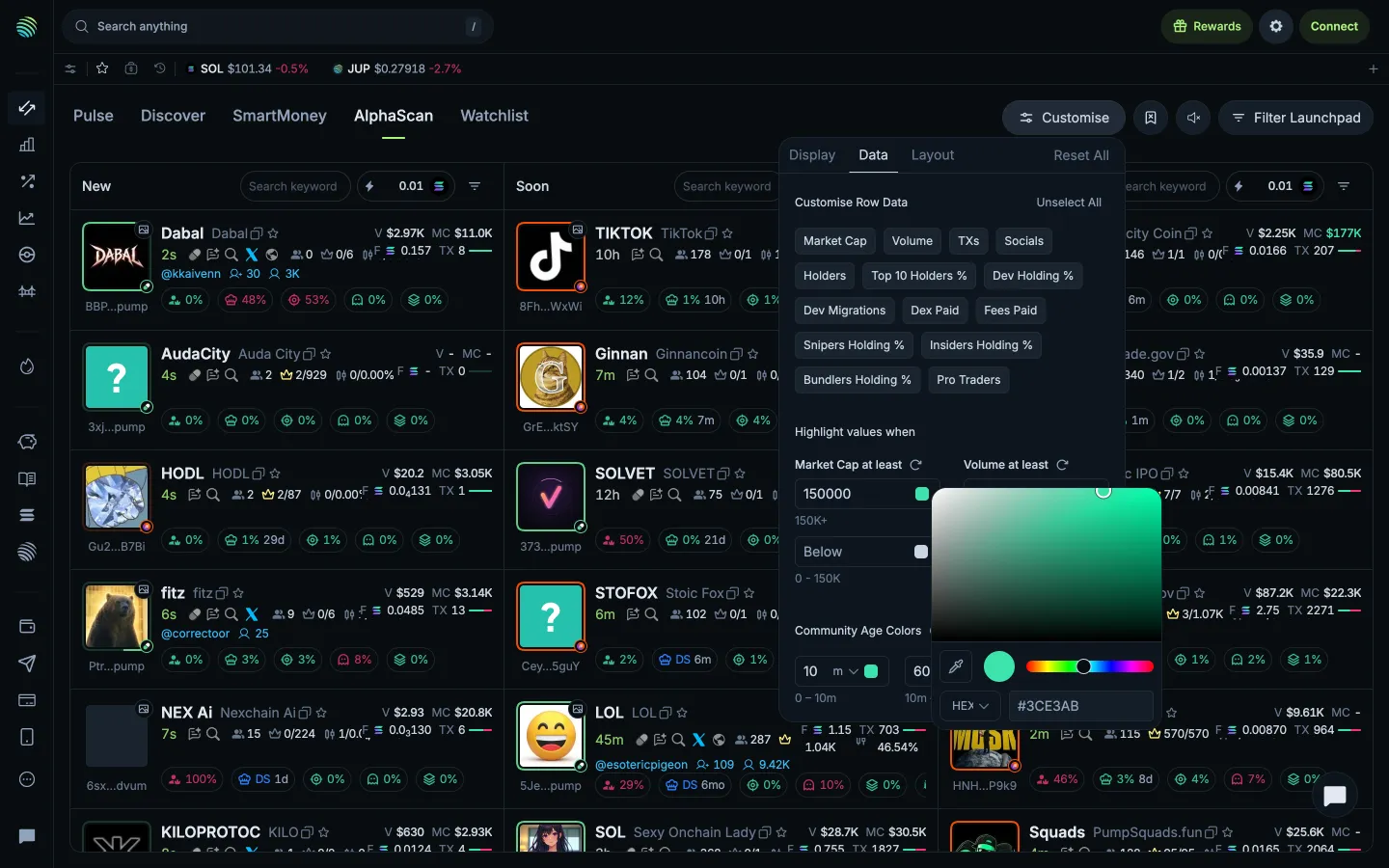
Data and highlight thresholdsJupiterData and highlight thresholds
Choosing a highlight colourJupiterChoosing a highlight colour
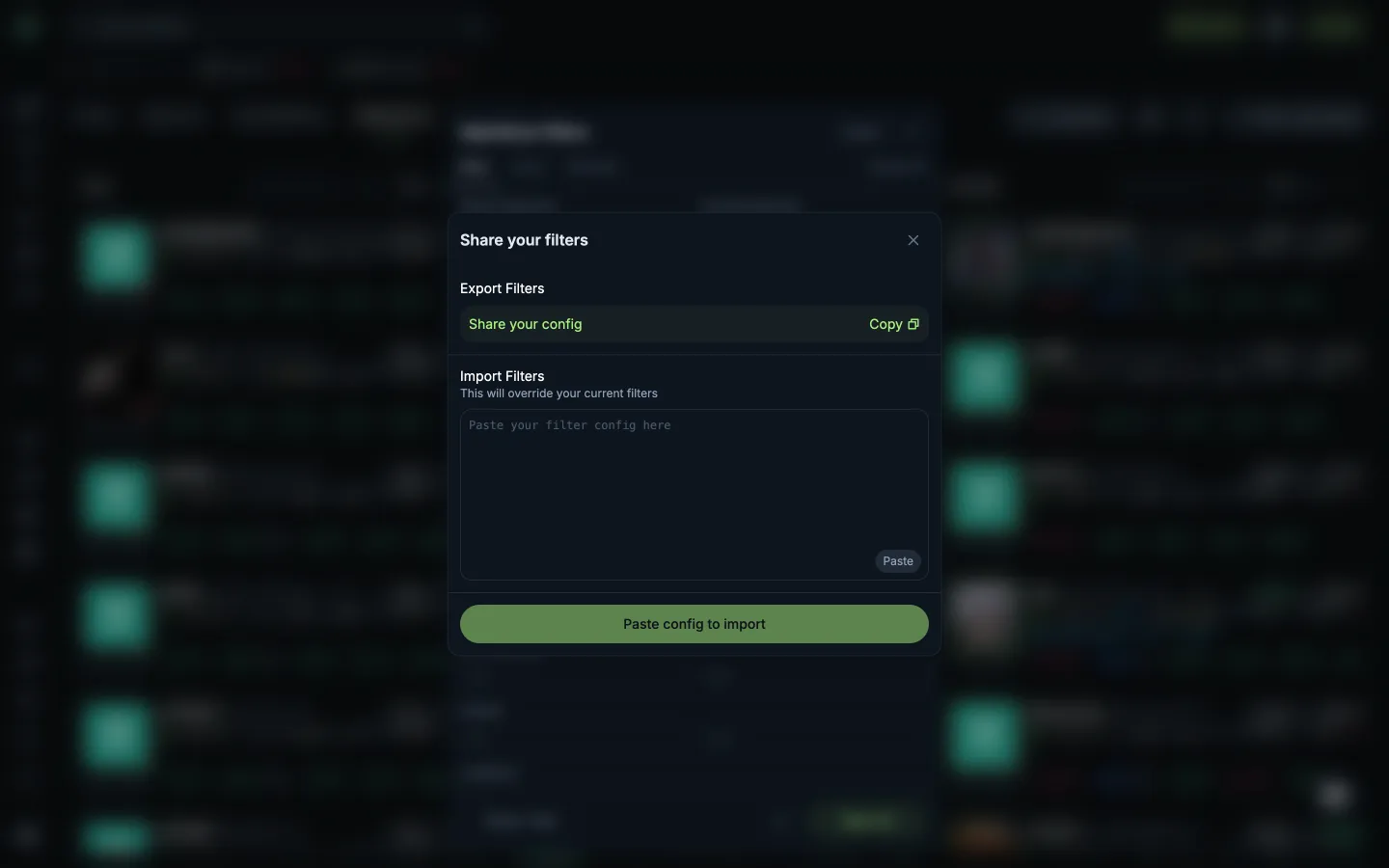
Share or import filter settingsJupiterShare or import filter settings
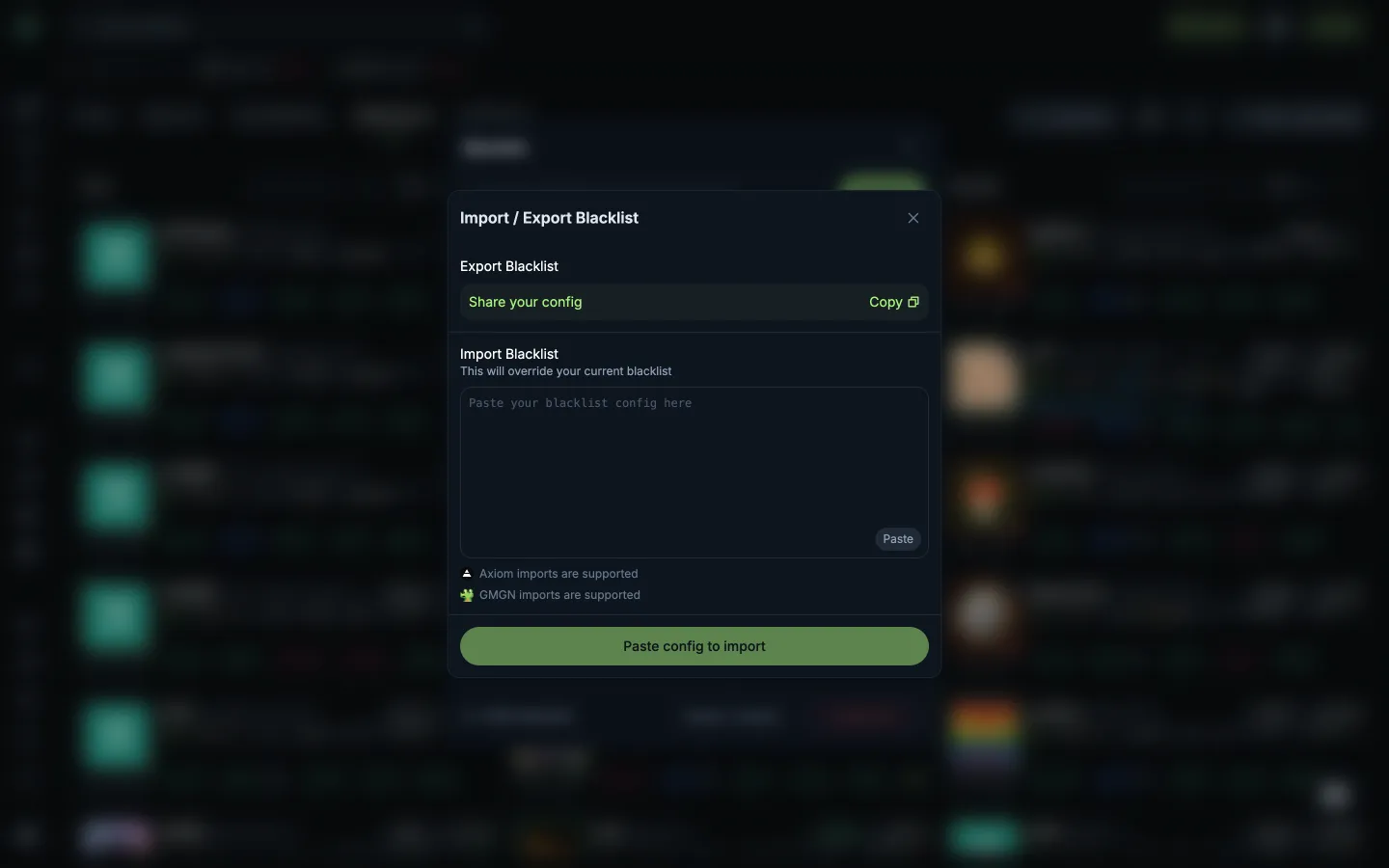
Share or import a blacklistJupiterShare or import a blacklist
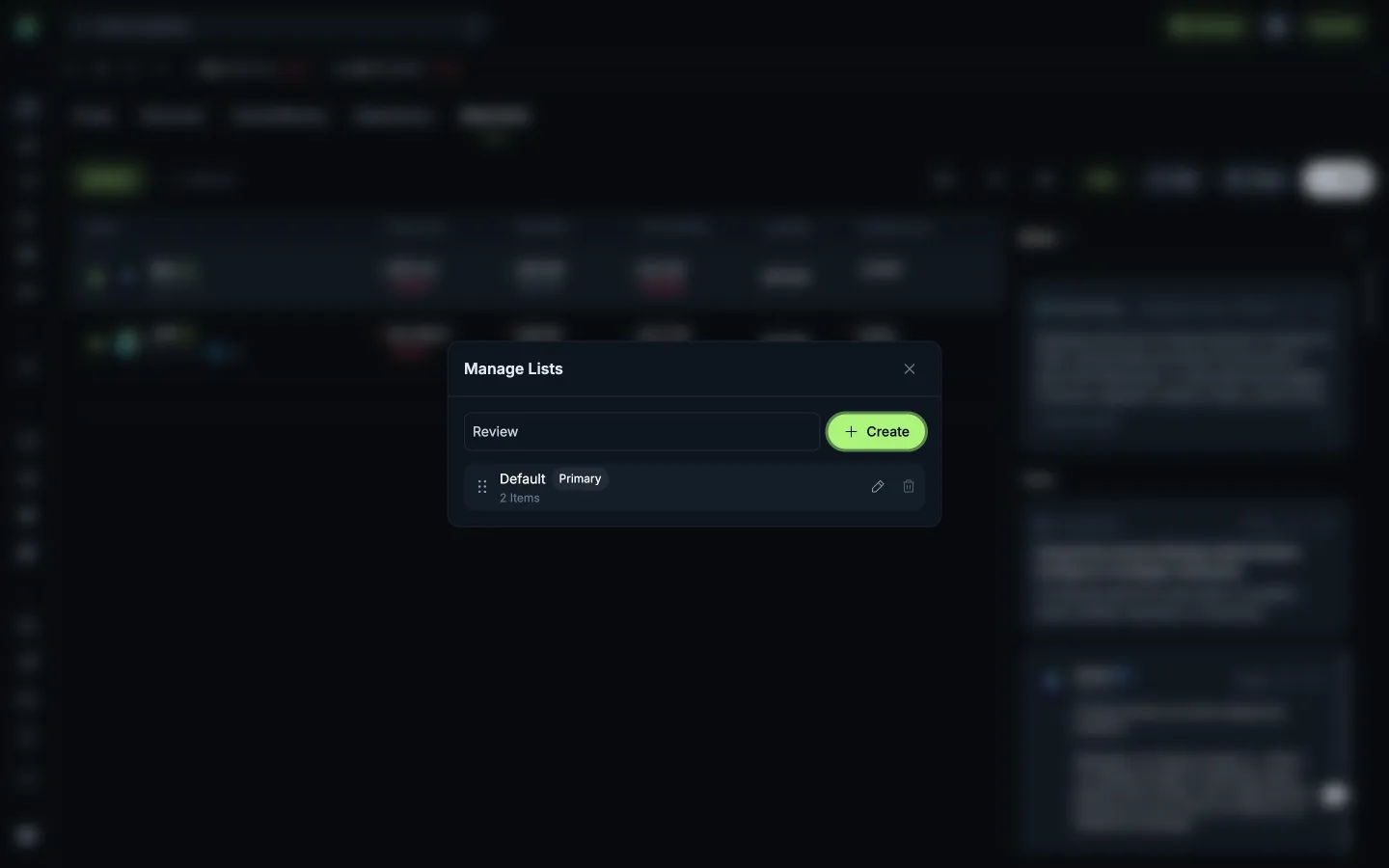
Create needs a list nameJupiterCreate needs a list name
Name the new watchlistJupiterName the new watchlist
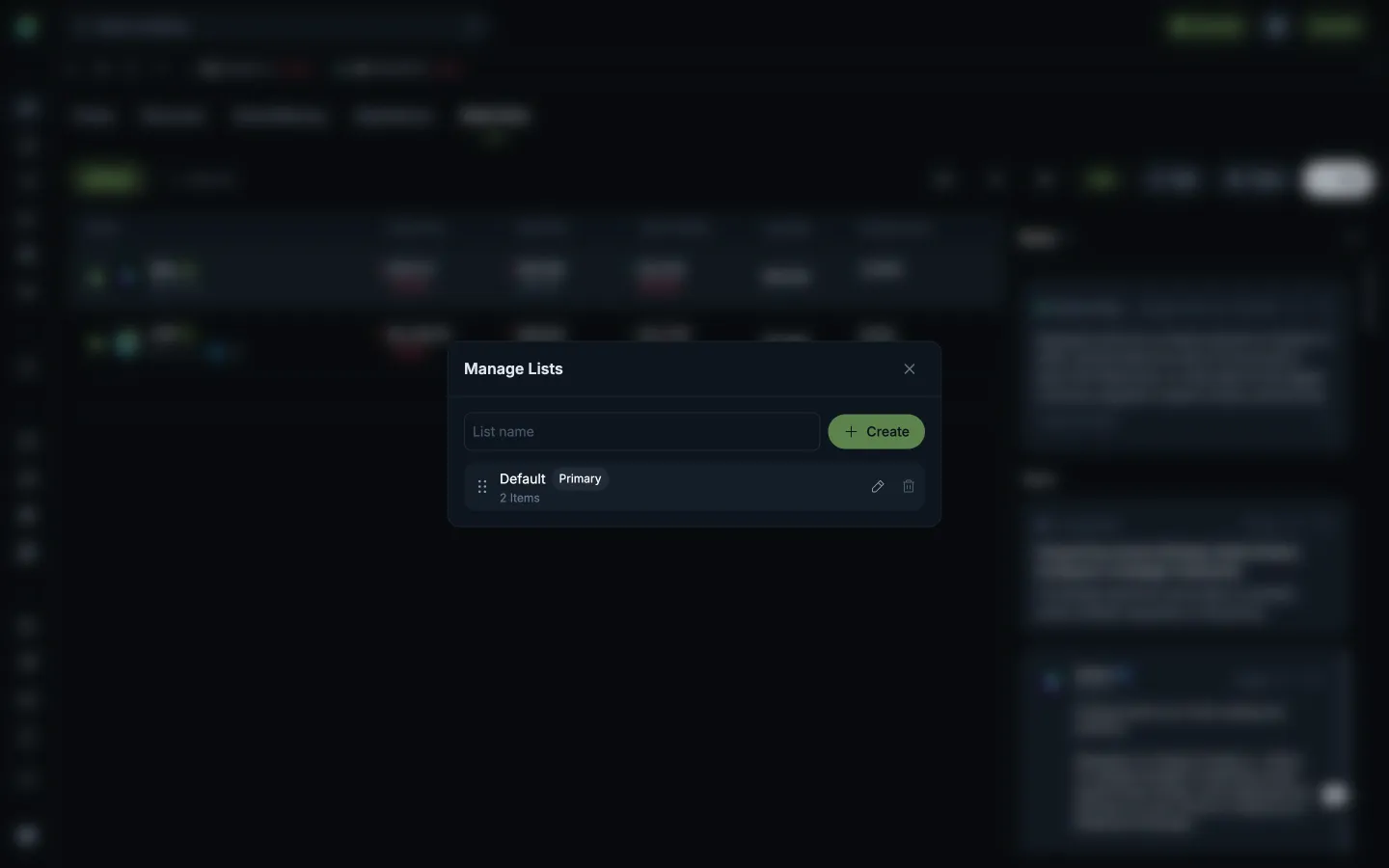
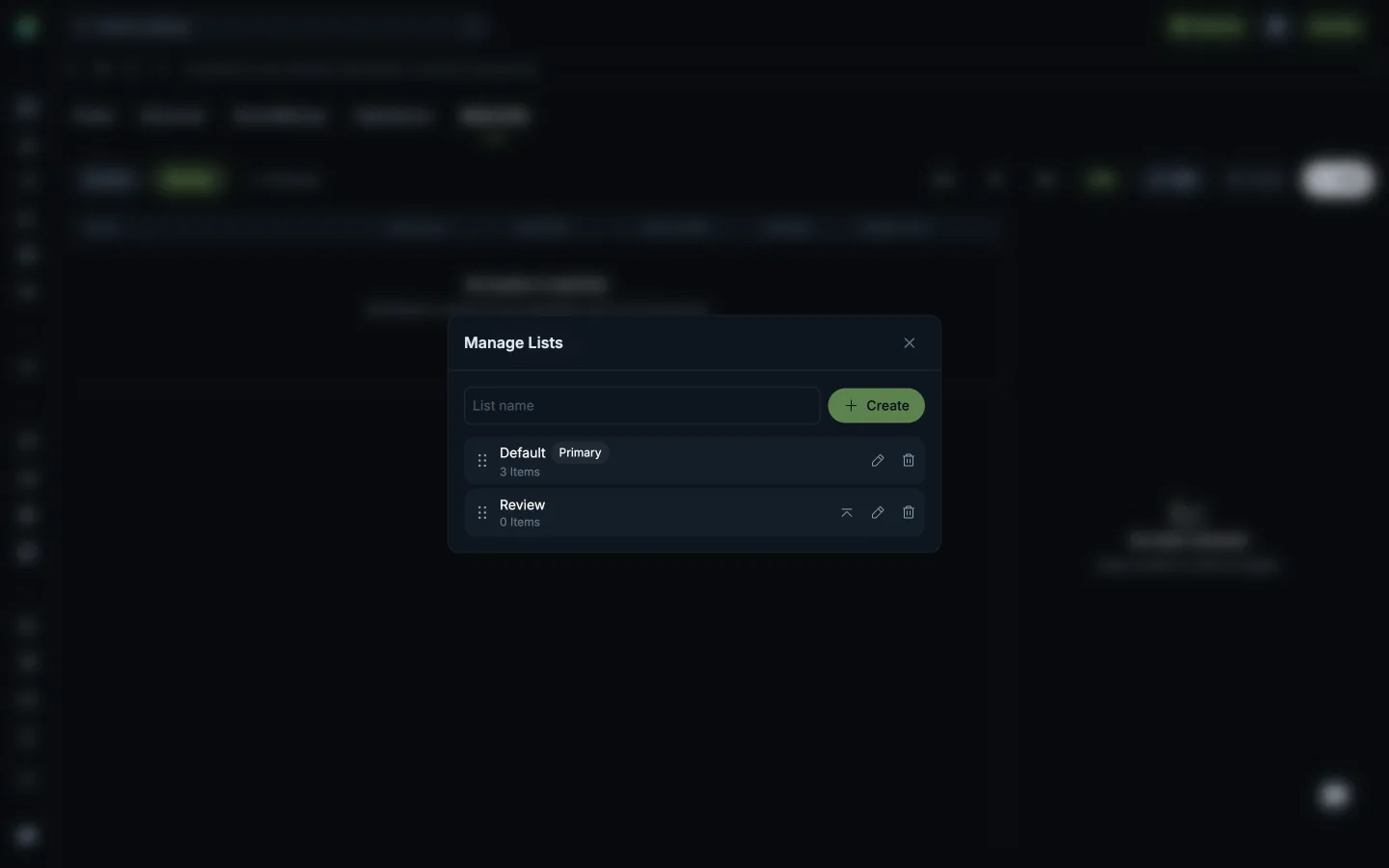
Manage watchlistsJupiterManage watchlists
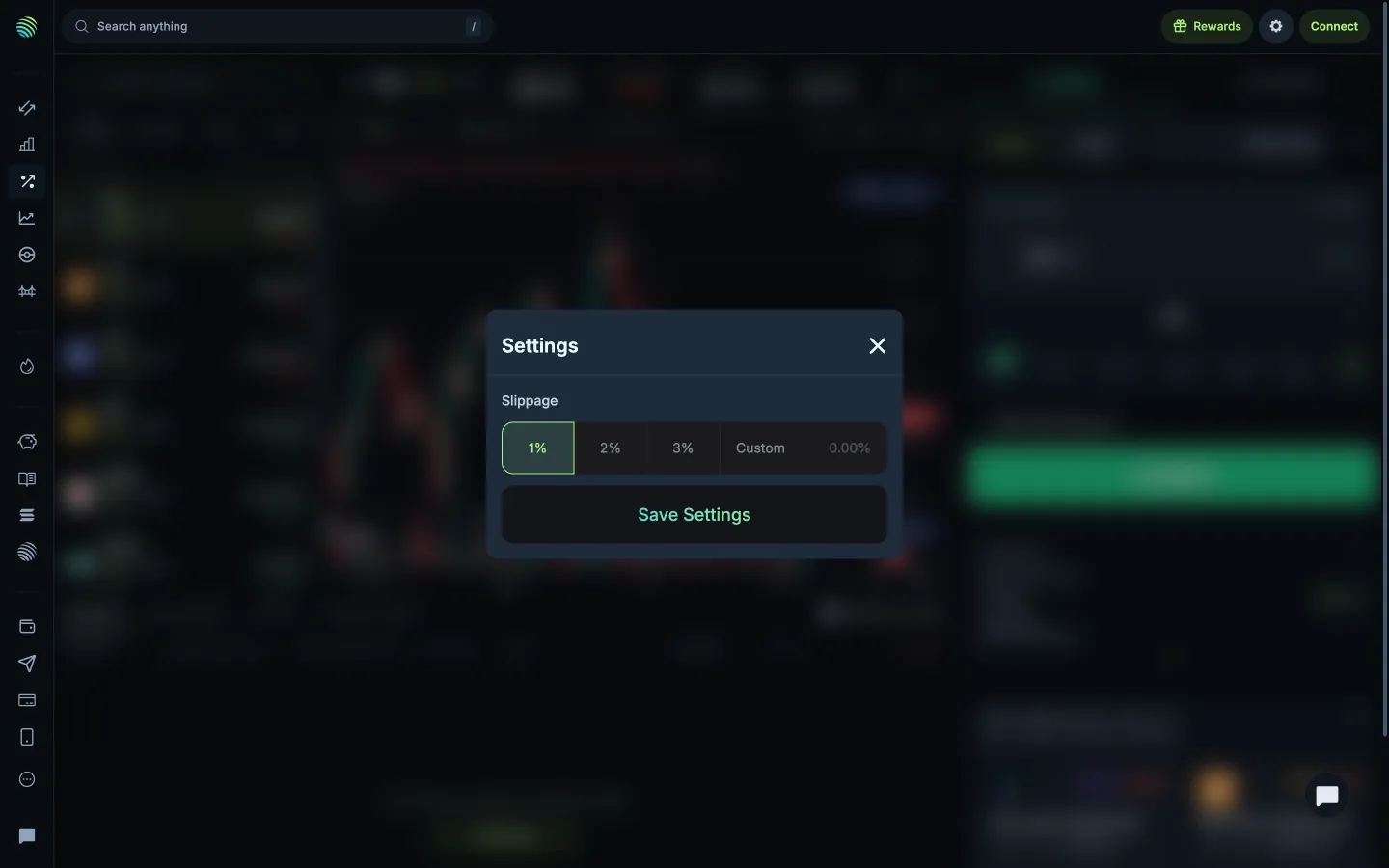
Custom slippage fieldJupiterCustom slippage field
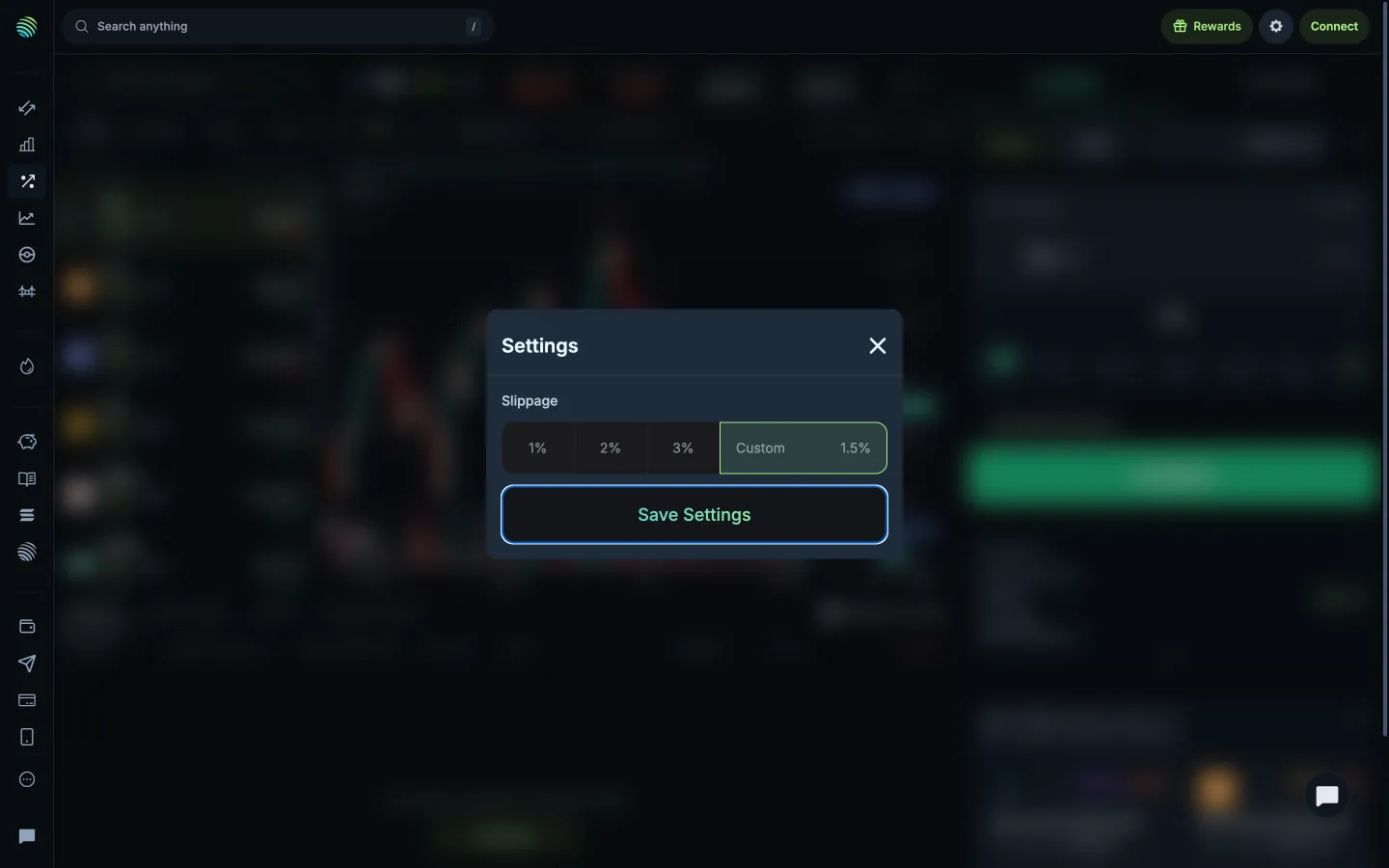
Valid custom percentage enables savingJupiterValid custom percentage enables saving
Compare trading mode explanationsJupiterCompare trading mode explanations

Screens, flows and sites from real crypto and web3 apps.

© 2026 MoonoPrivacyTerms

Apps

  • All apps
  • Screens
  • Flows
  • UI elements

Sites

  • All sites
  • Sections

Learn

  • Glossary

Product

  • Pricing
  • MCPNew

© 2026 MoonoPrivacyTerms