Apps
All apps
Screens
Flows
UI elements
Pricing
Glossary
Get started
All
Screens
Flows
UI elements
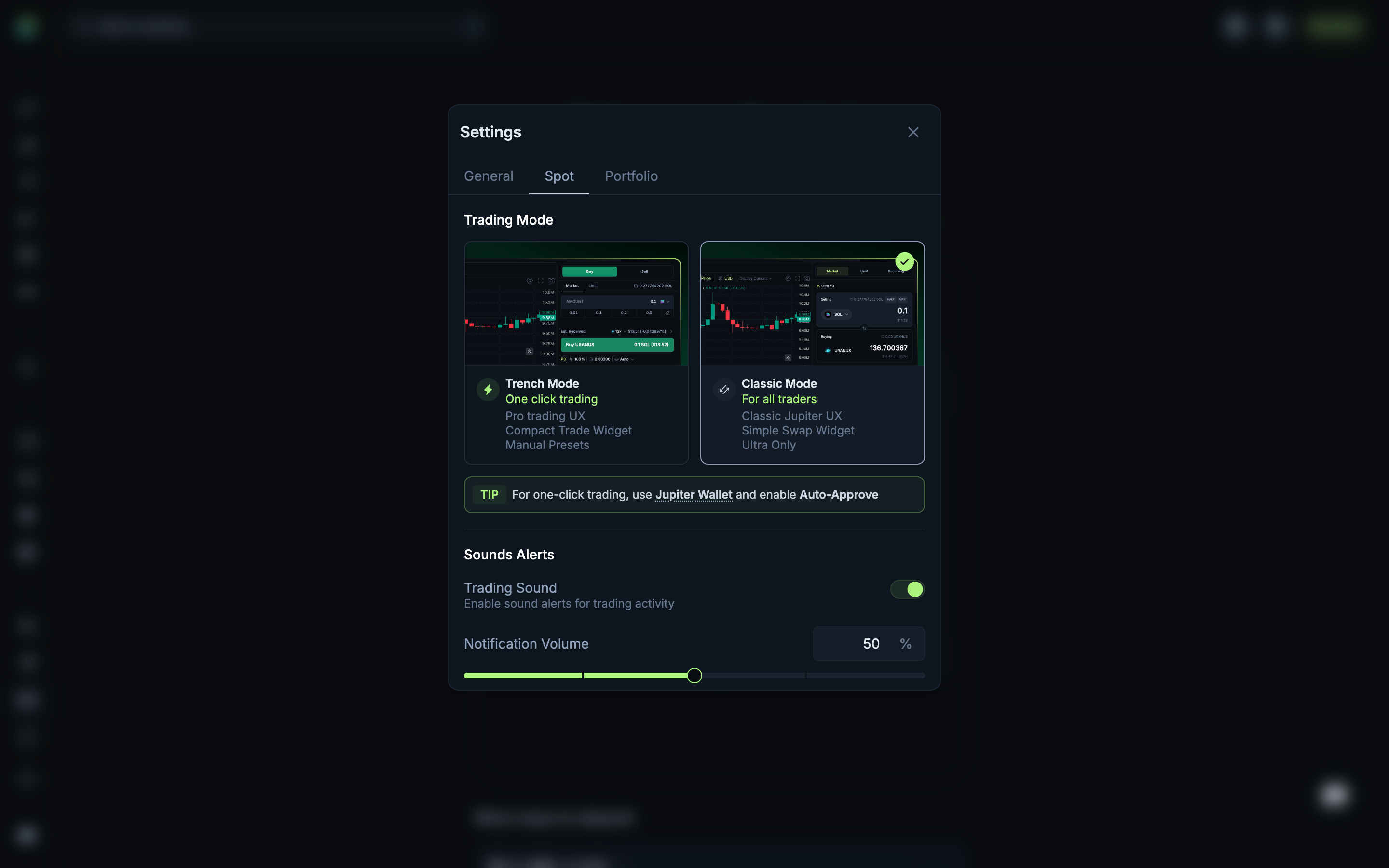
Compare trading mode explanations
in
Jupiter
Step 2 of 3 in Reviewing Spot settings
Play
Compare trading mode explanations
Settings
Similar screens in other apps
Hyperliquid
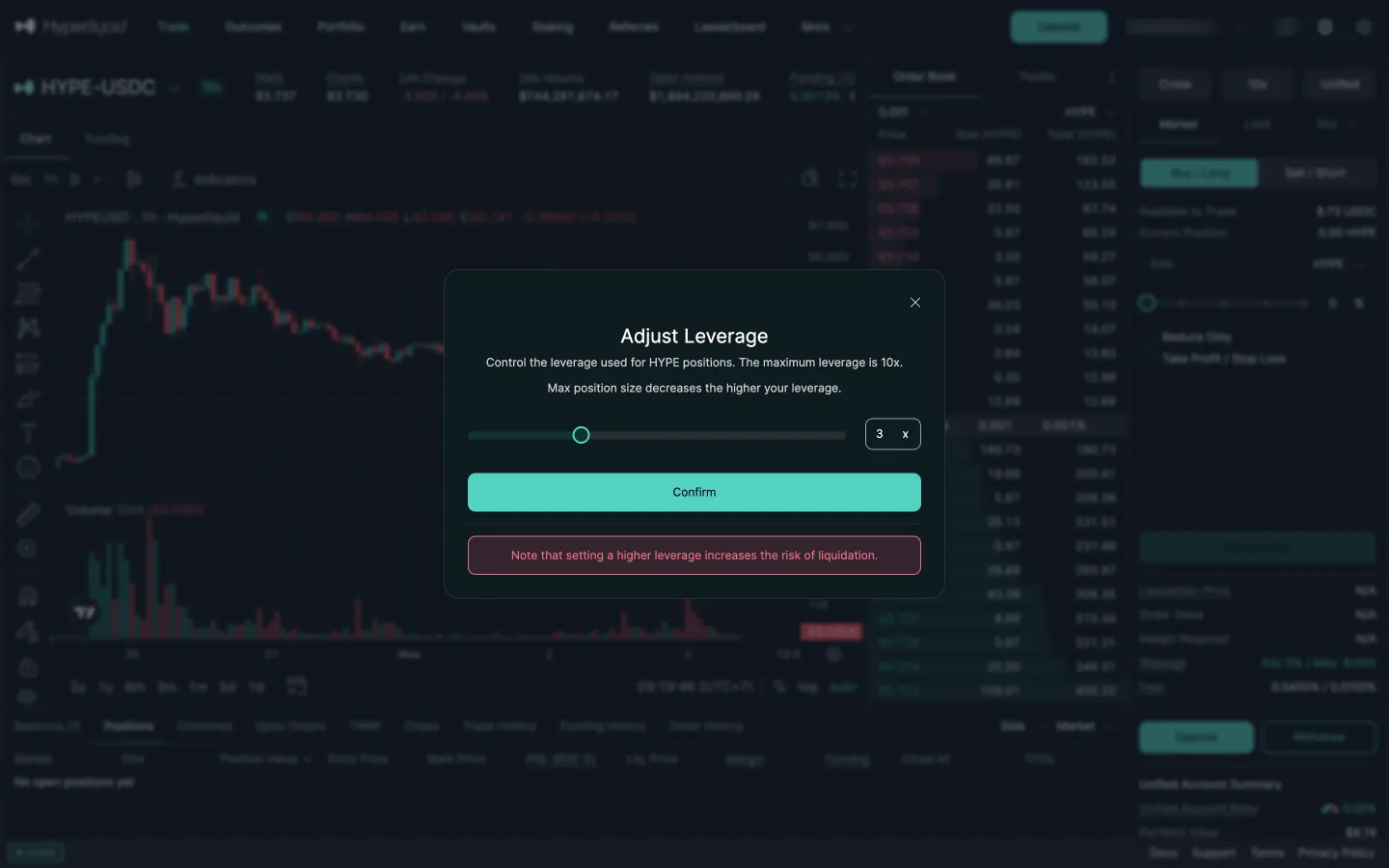
Adjust leverage
Hyperliquid
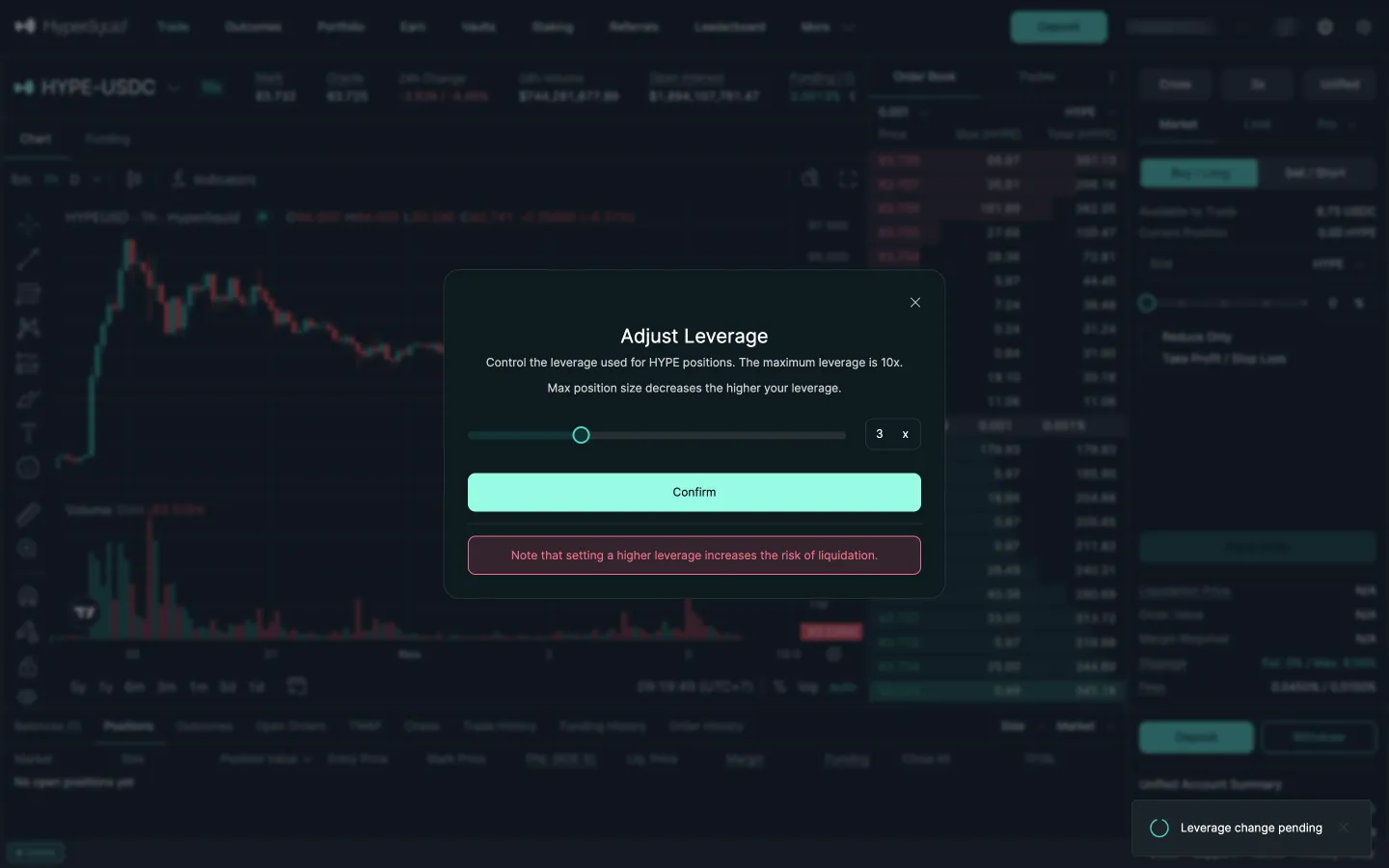
Leverage change pending
Polymarket
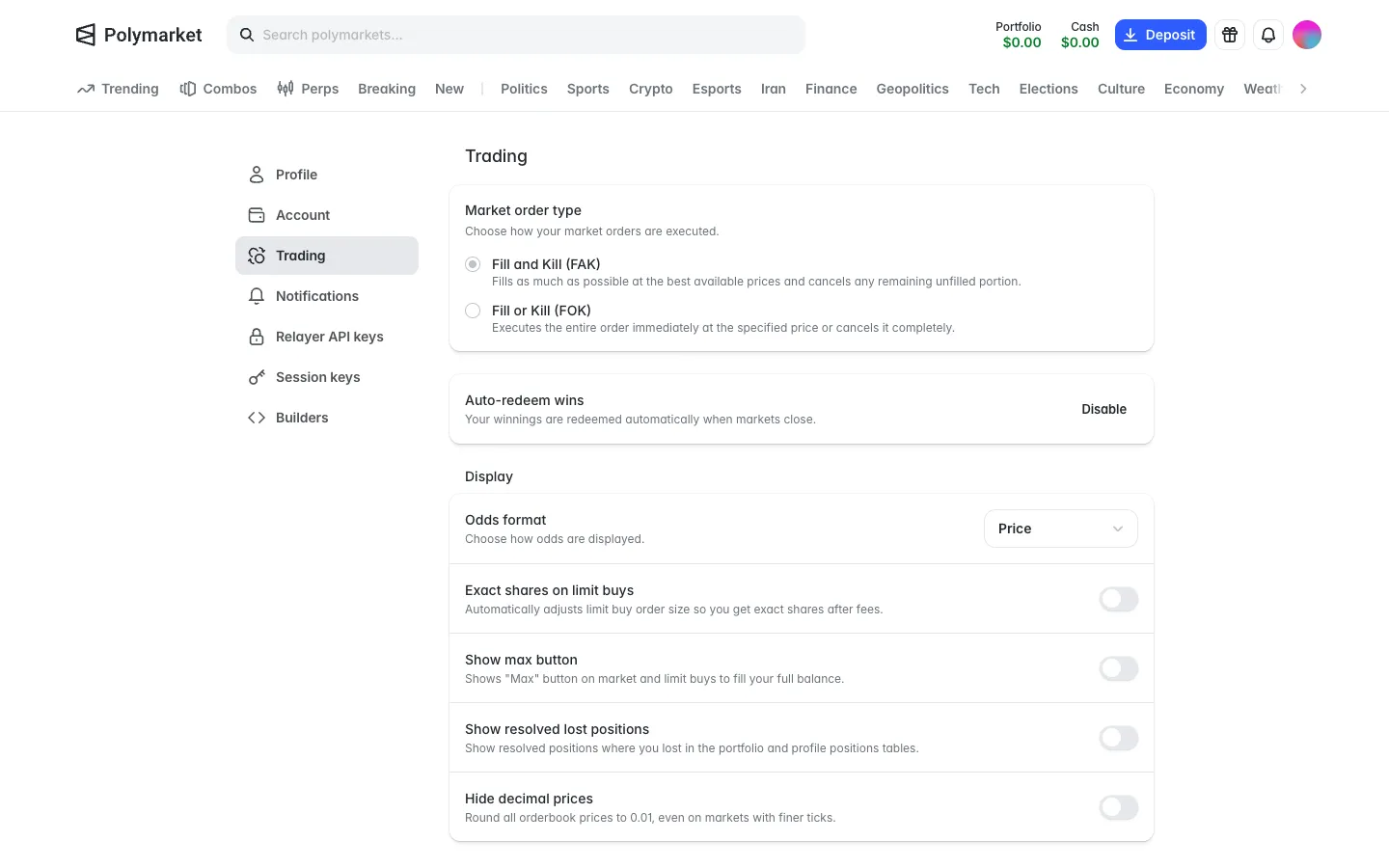
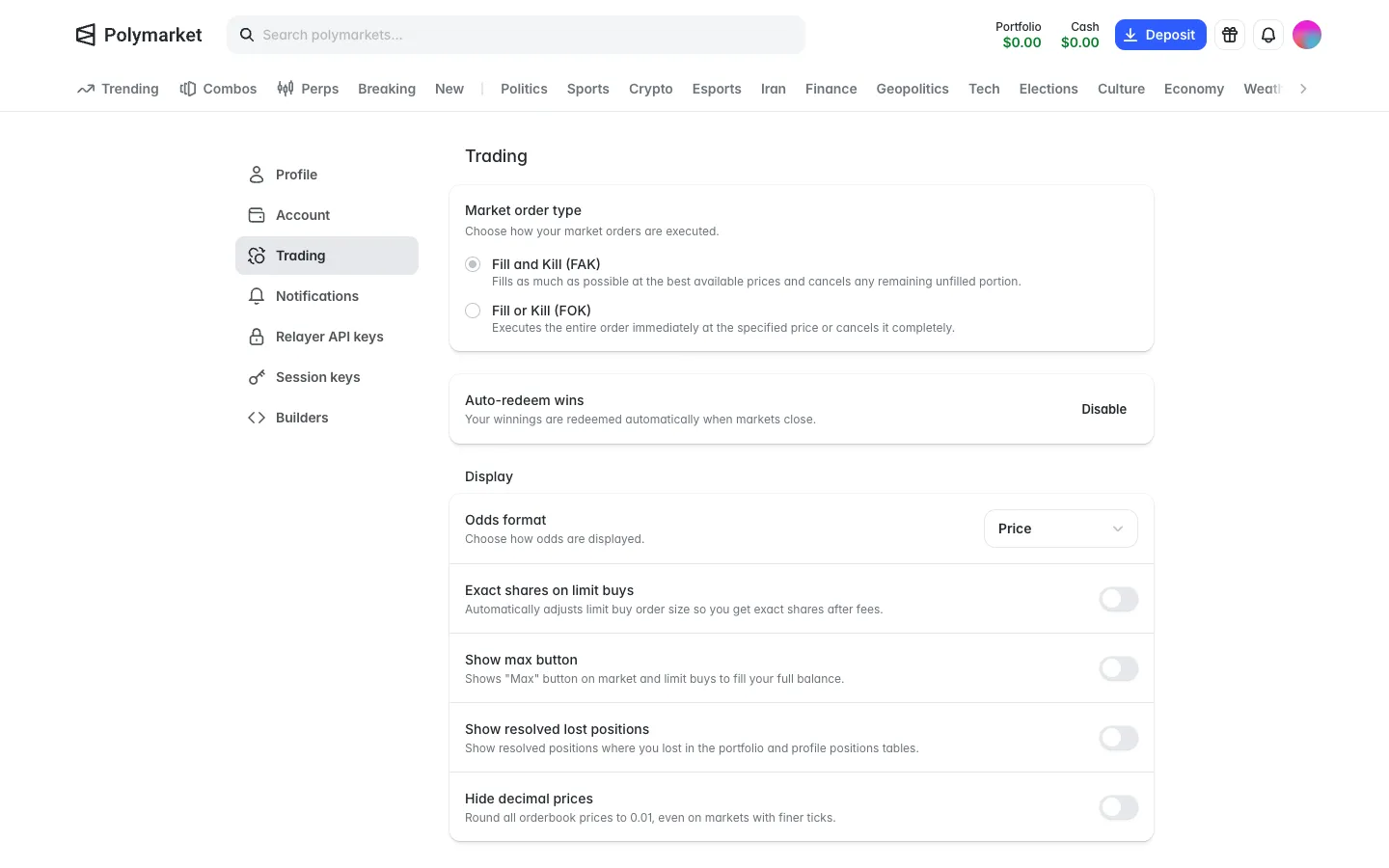
Trading settings, fill rules, auto redeem wins on, losses hidden by default
Polymarket
Auto-redeem wins on
Polymarket
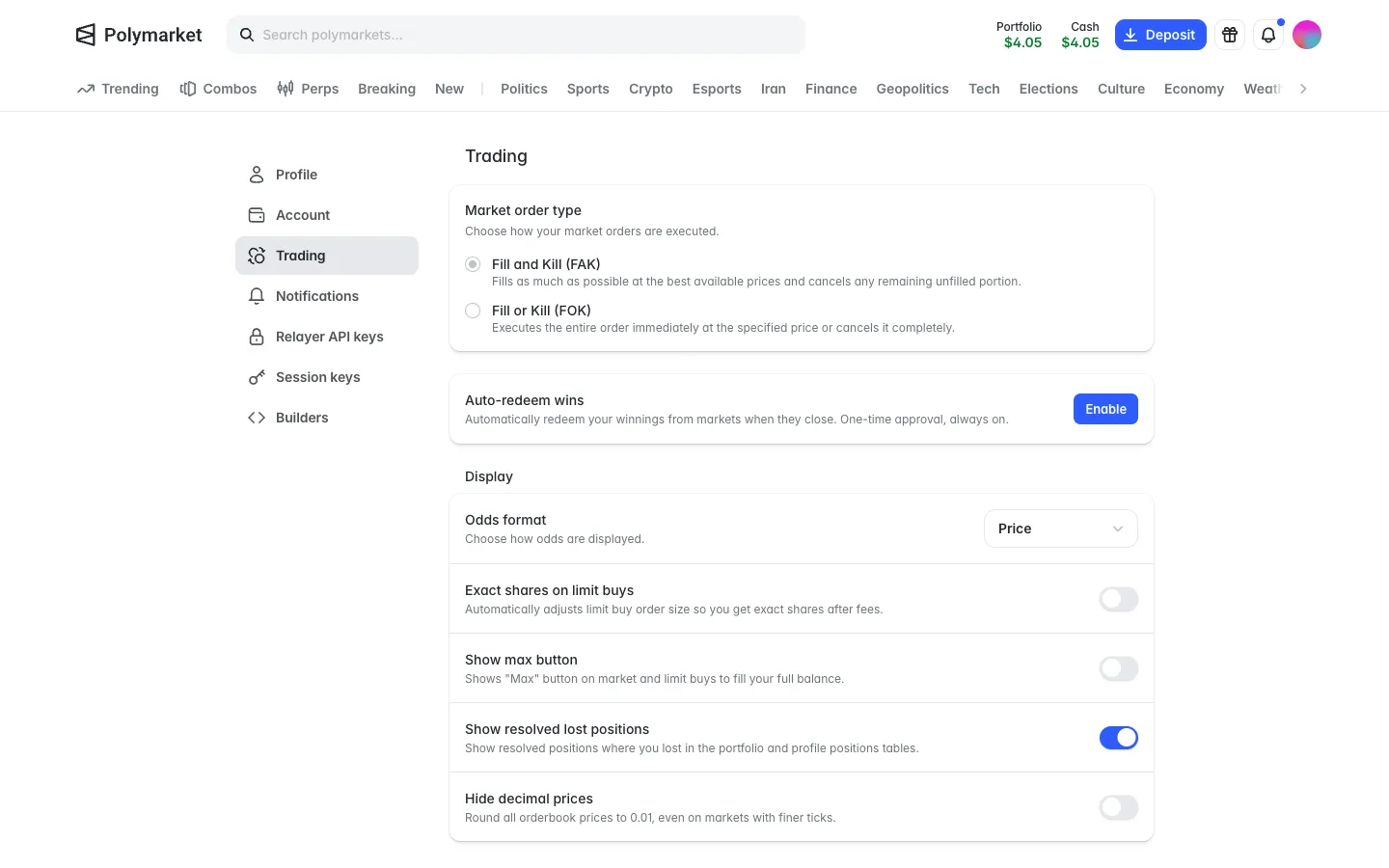
Trading settings with Auto-redeem off, Enable button
Sablier
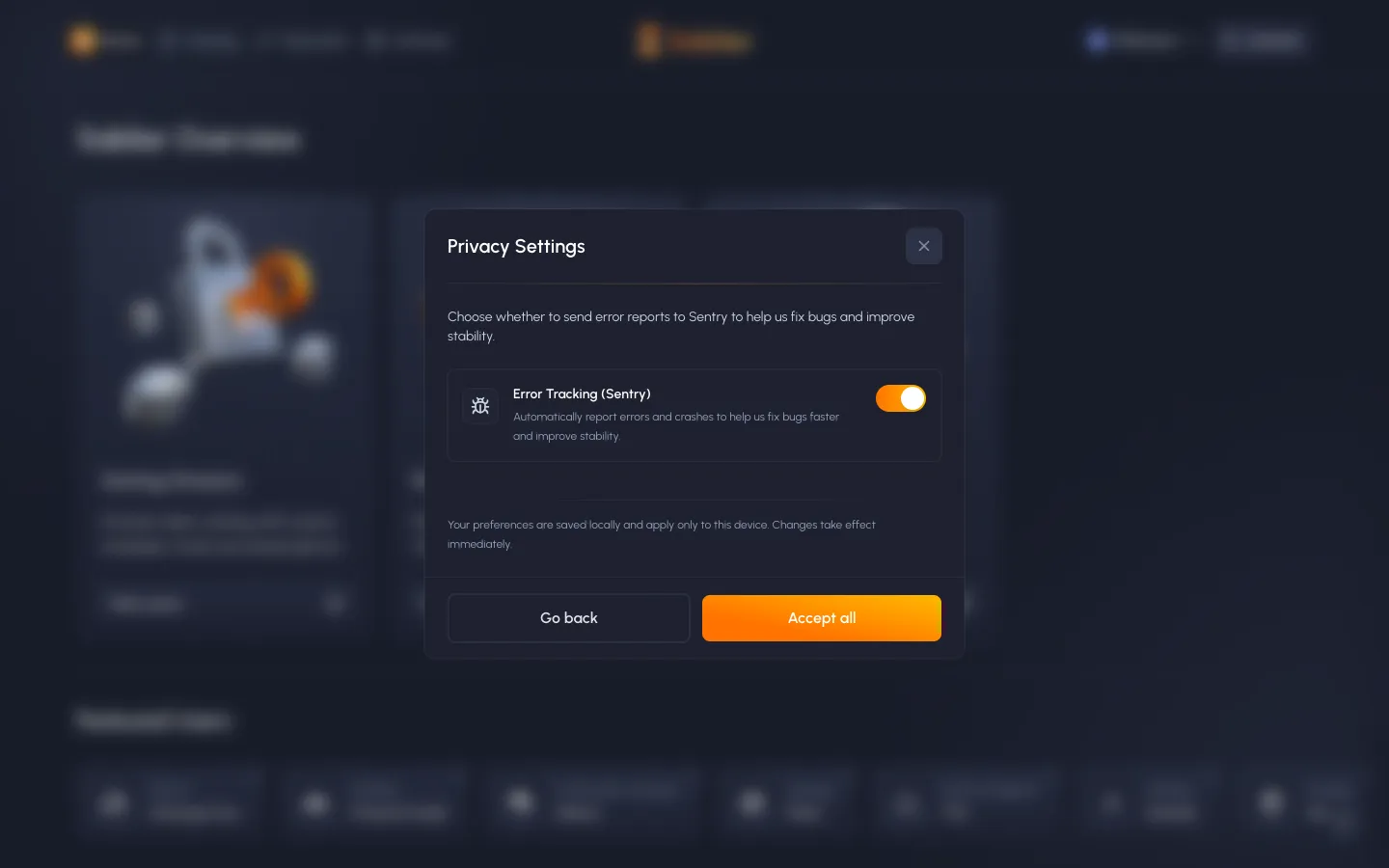
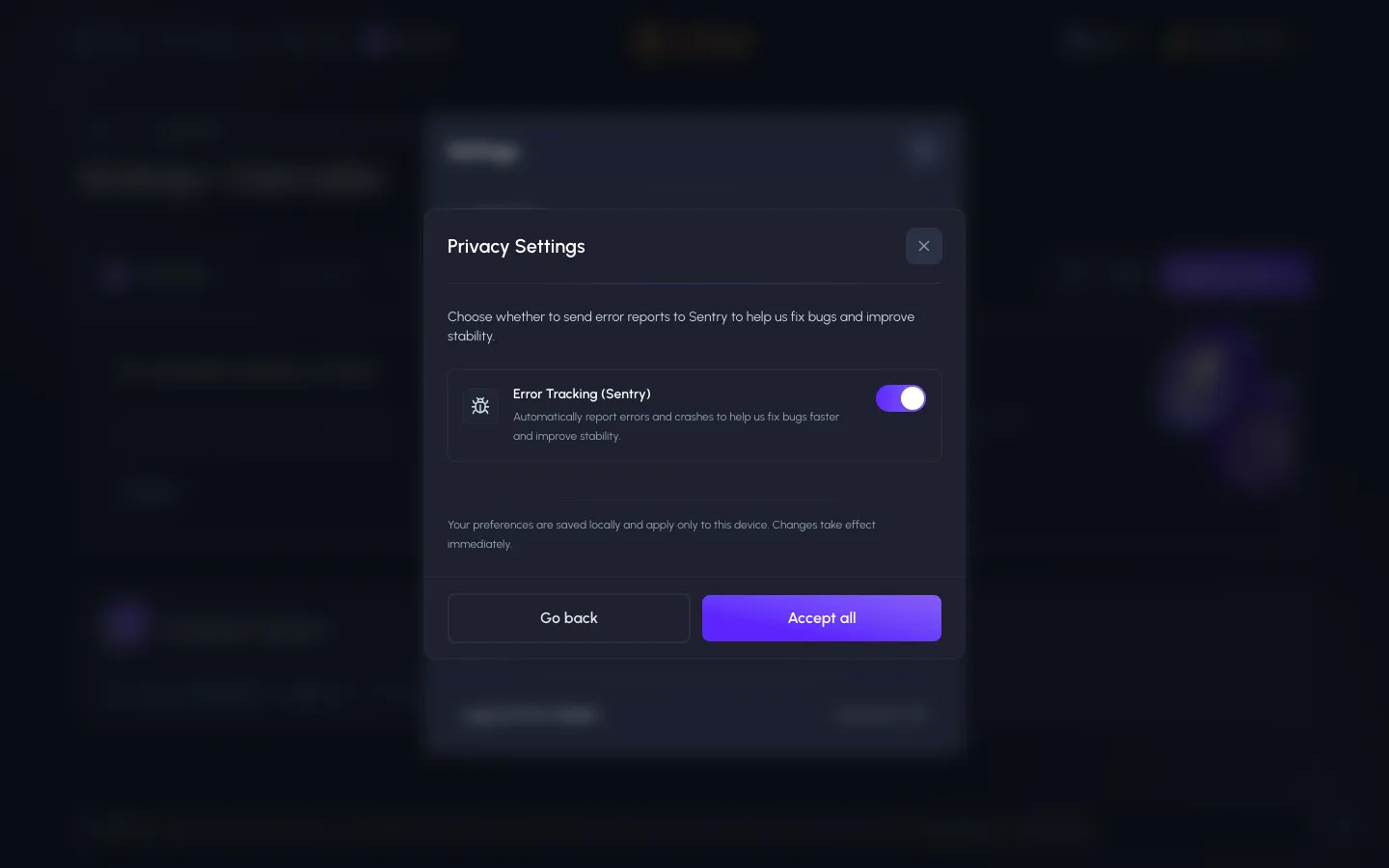
Privacy settings, error tracking on by default
Sablier
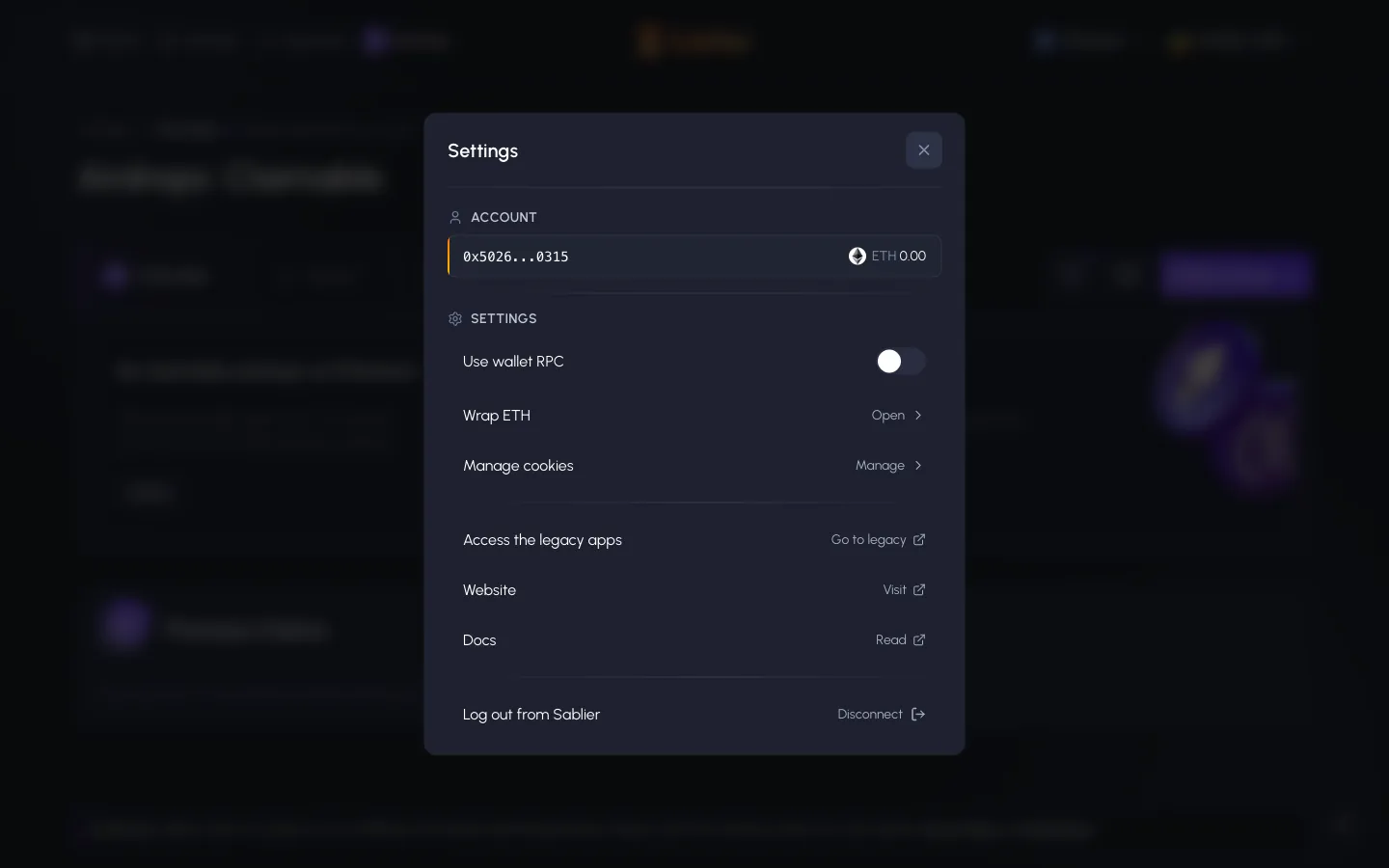
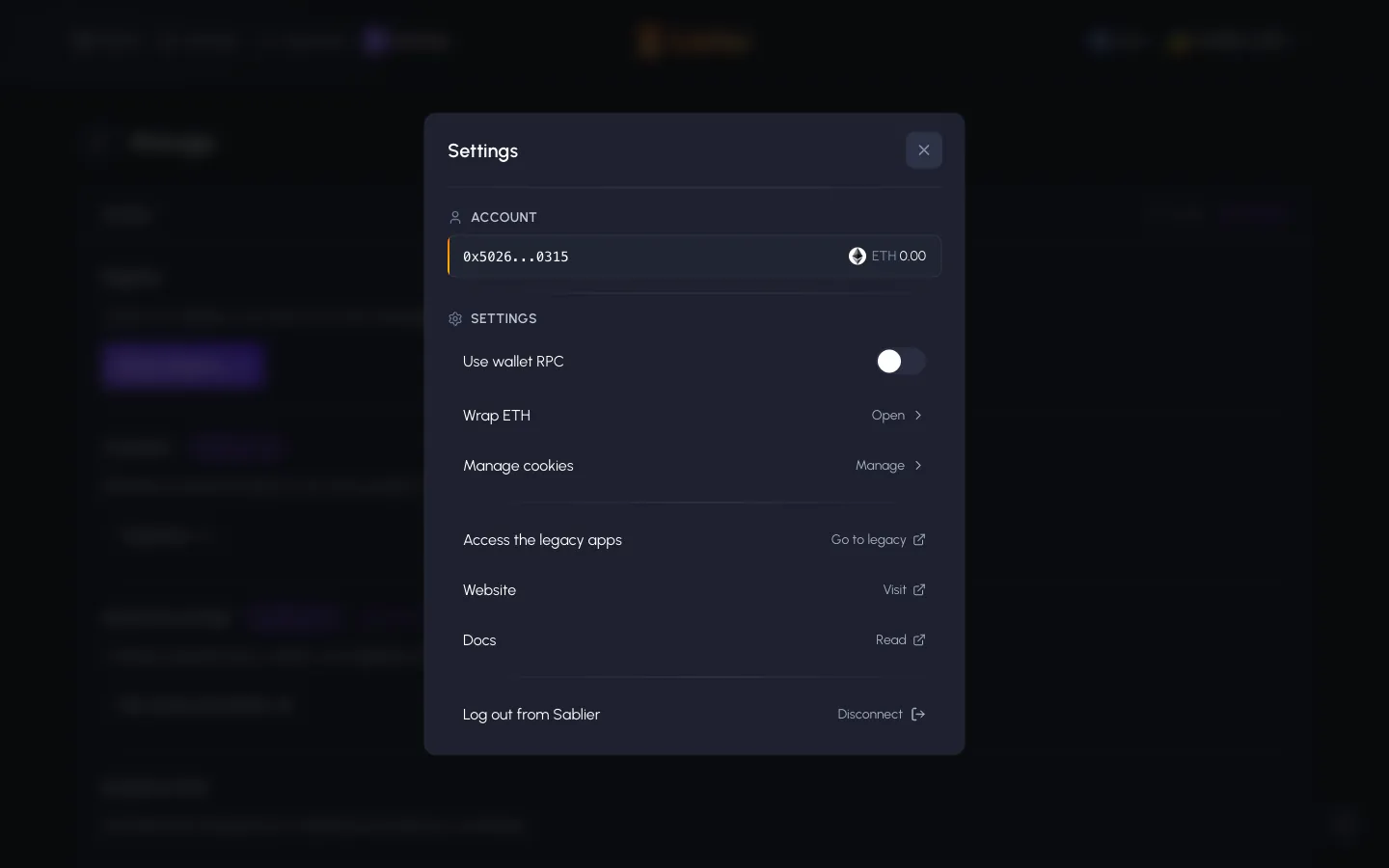
Settings, account shows ETH 0.00 on Ethereum, wallet RPC, wrap ETH, log out
Sablier
Settings on Base, ETH shows 0.00 though we hold about 0.0026
Sablier
Privacy settings again, error tracking still on, saved only on this device
Hyperliquid
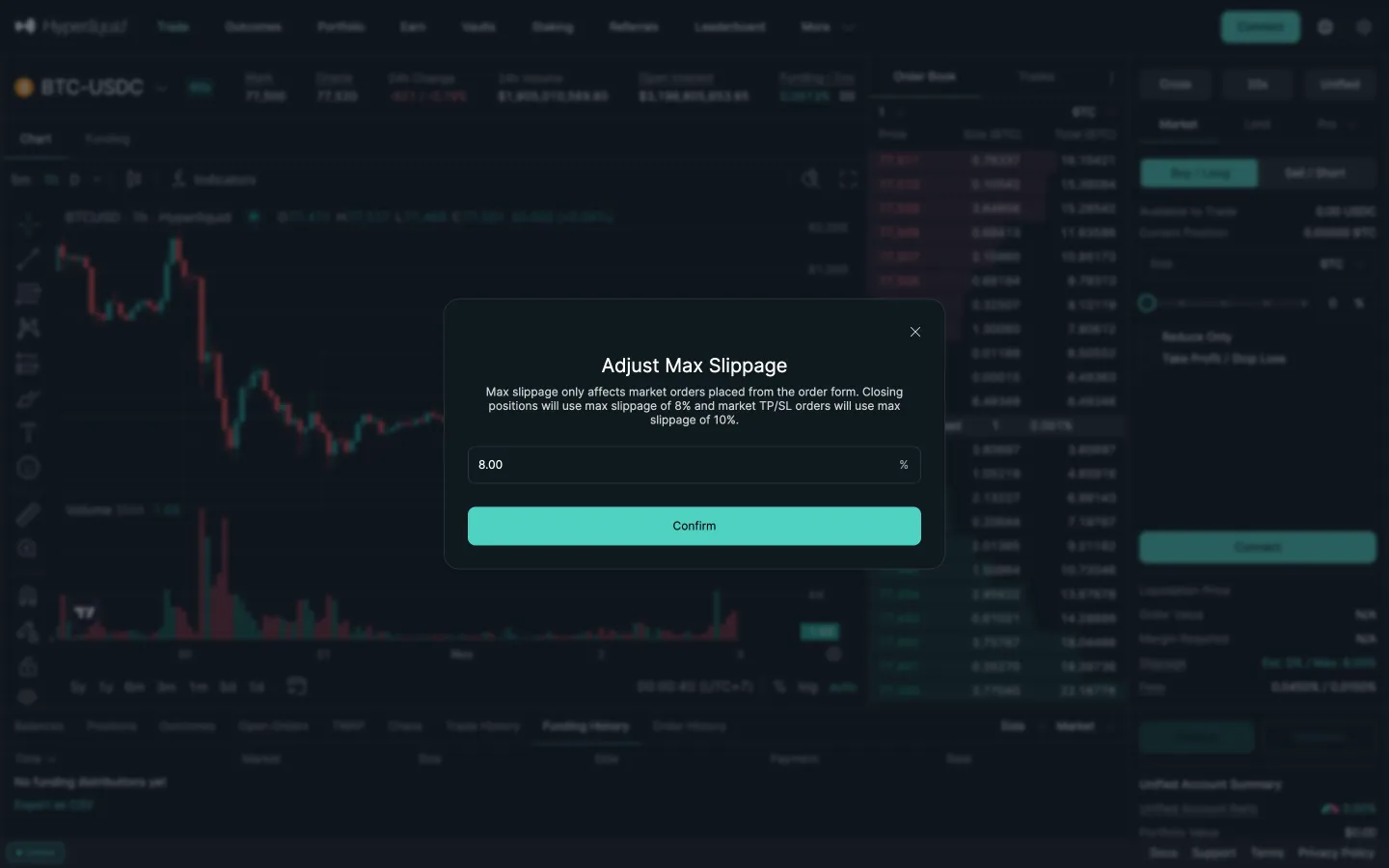
Adjust max slippage, 8 percent
Hyperliquid
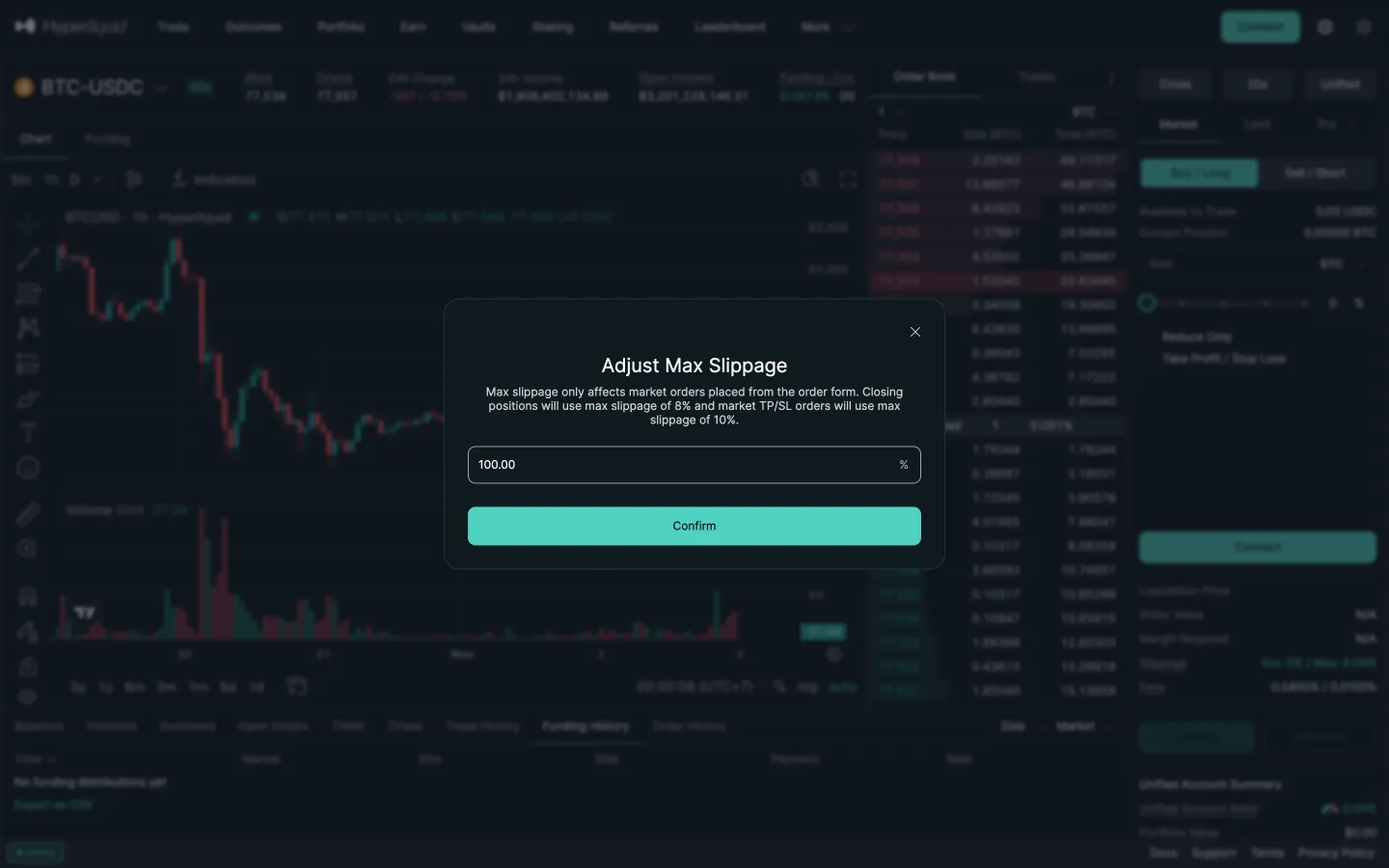
Typed 50 becomes 100
Legion
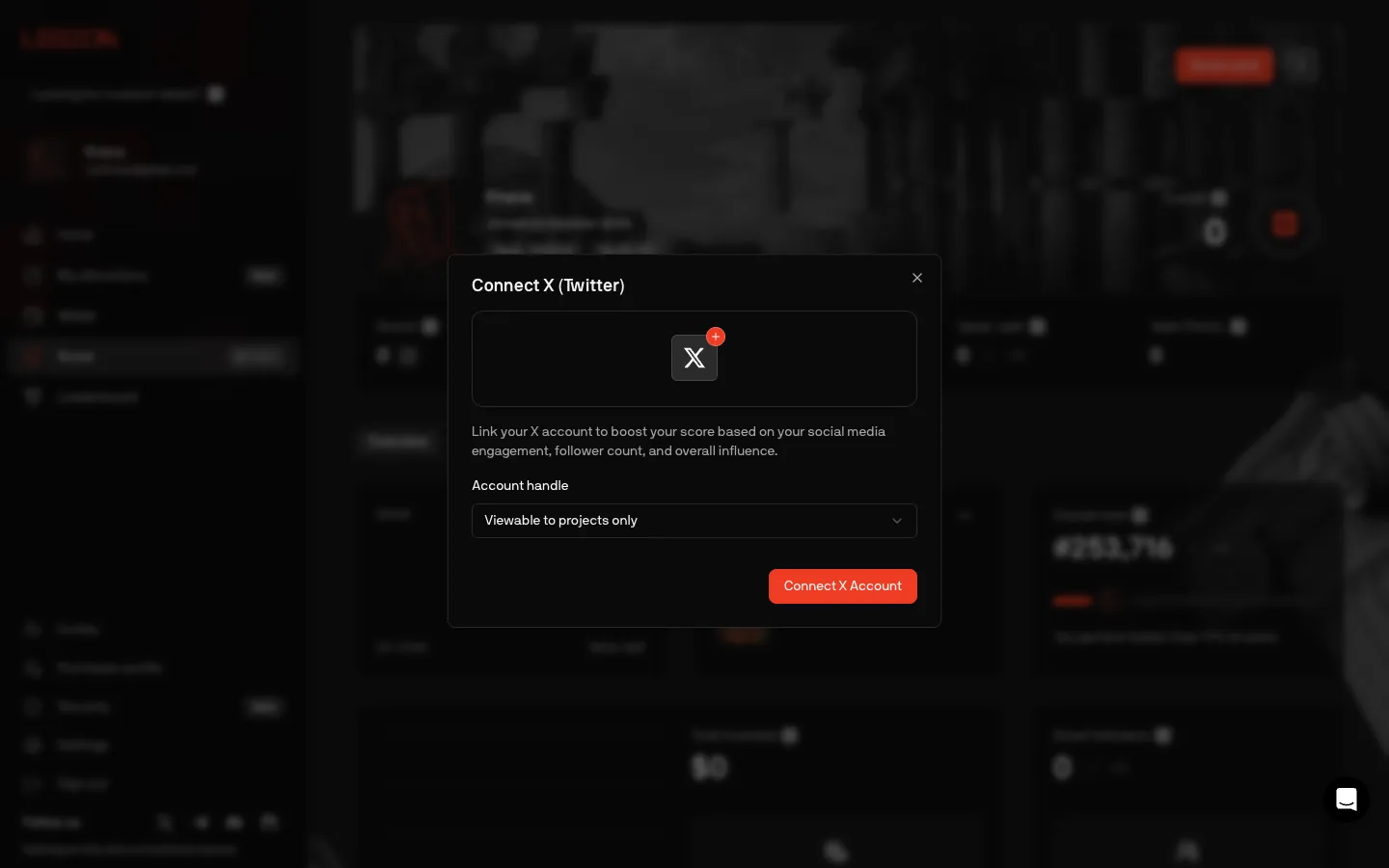
Connect X, choose who sees the handle
 Jupiter