All appsScreensFlowsUI elements
PricingGlossary
AllScreensFlowsUI elements

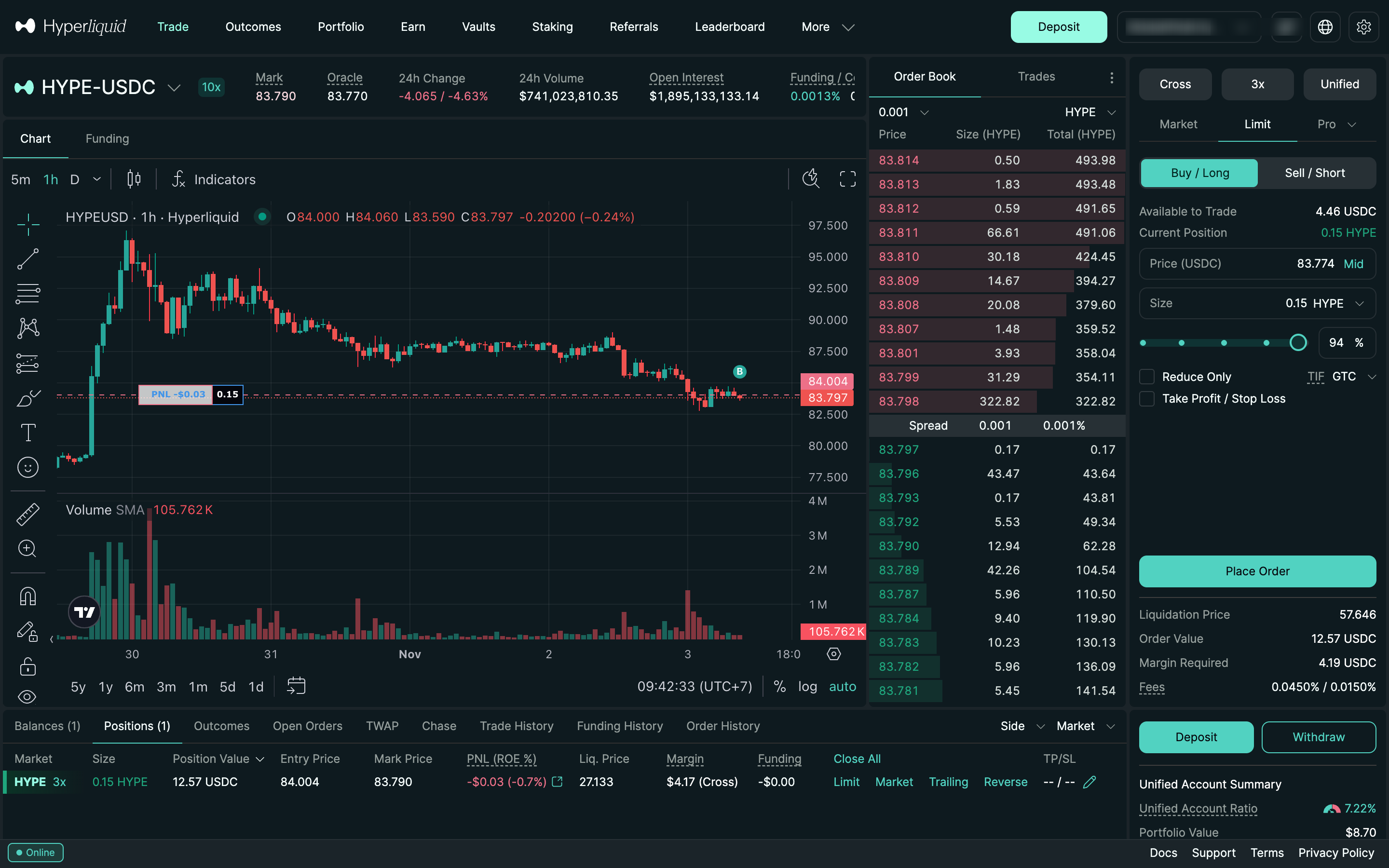
Limit ticket with GTC in Hyperliquid

Step 4 of 7 in Placing and cancelling a limit orderPlay
Limit ticket with GTC

Limit ticket with GTC

Order Ticket

Screen typeOrder Ticket
StateInput
CapturedNov 2026
UI elementsAmount InputOrder BookSegmented ControlSelectText Field
In the flowPlacing and cancelling a limit order
SizeDesktop, 2880 by 1800
Open the flowOpen original

Similar screens in other apps

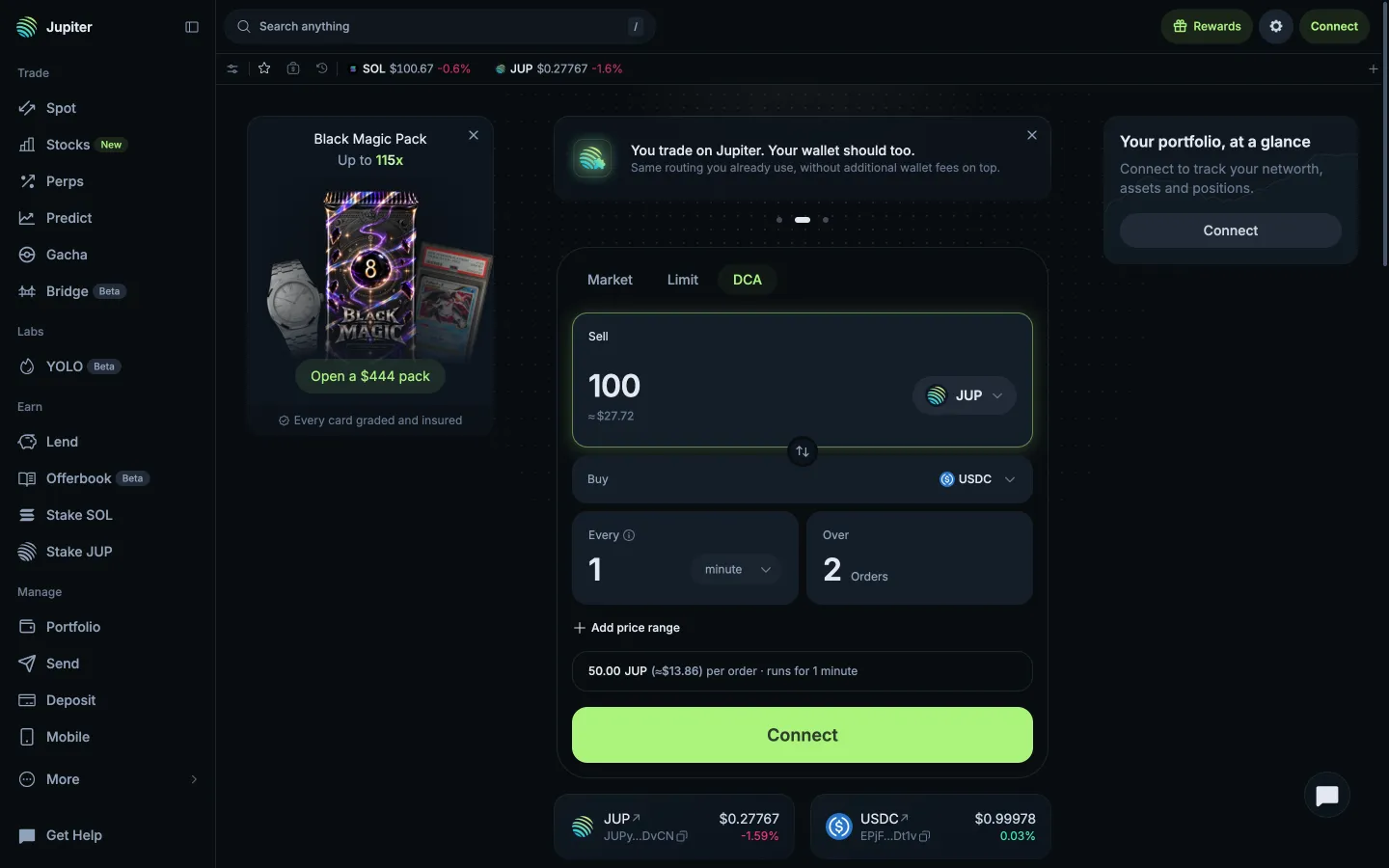
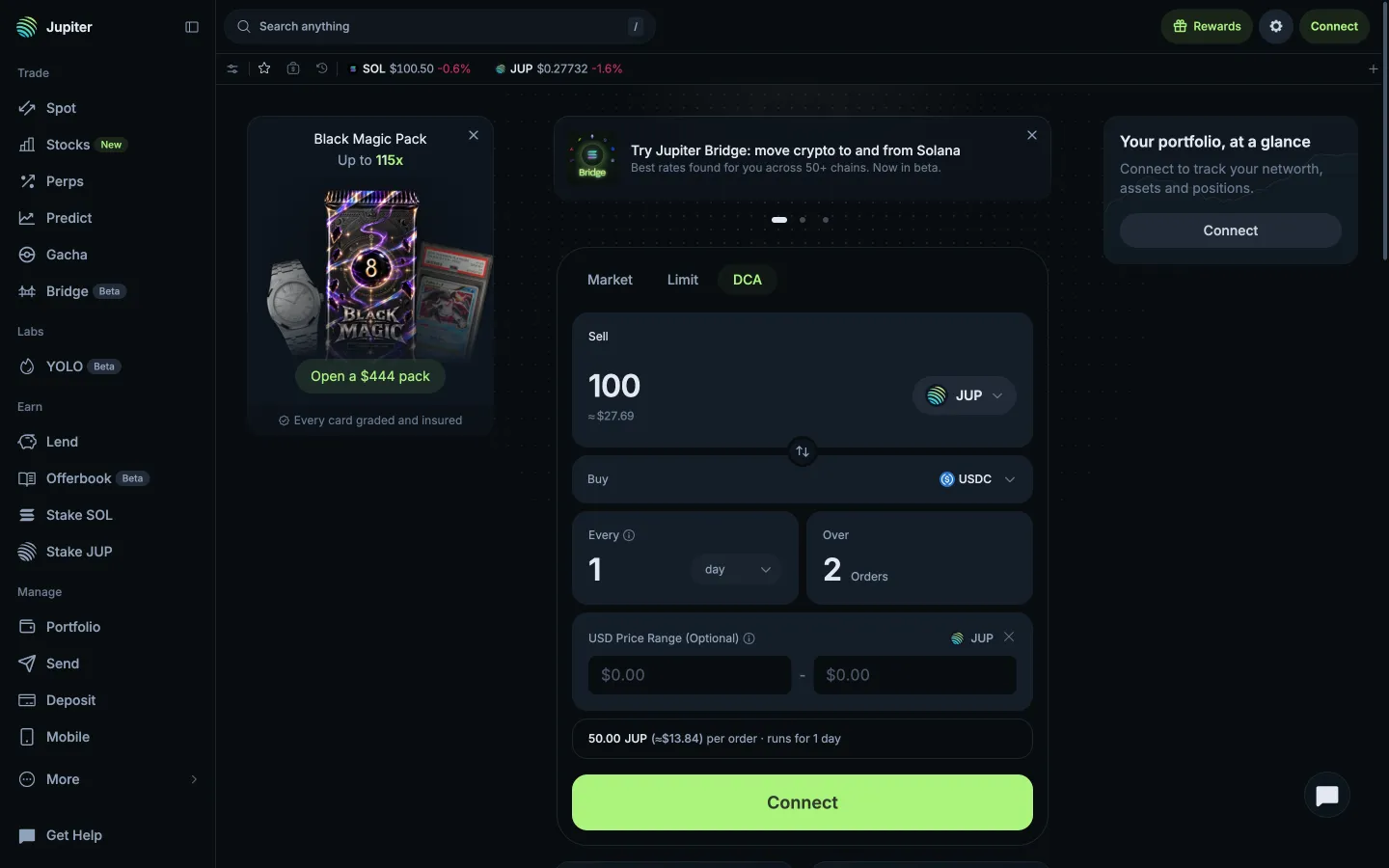
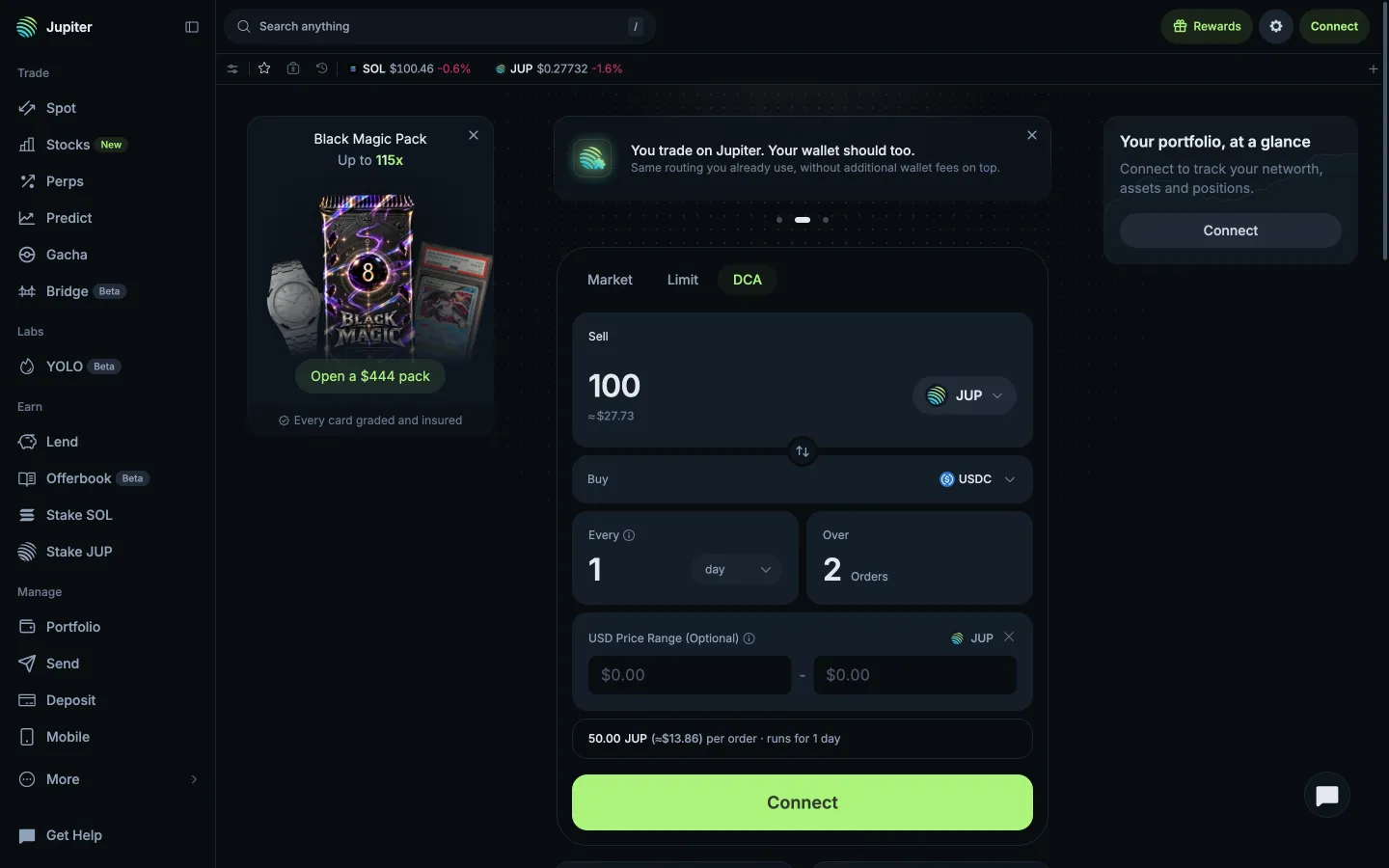
100 JUP over 2 orders, every minuteJupiter100 JUP over 2 orders, every minute
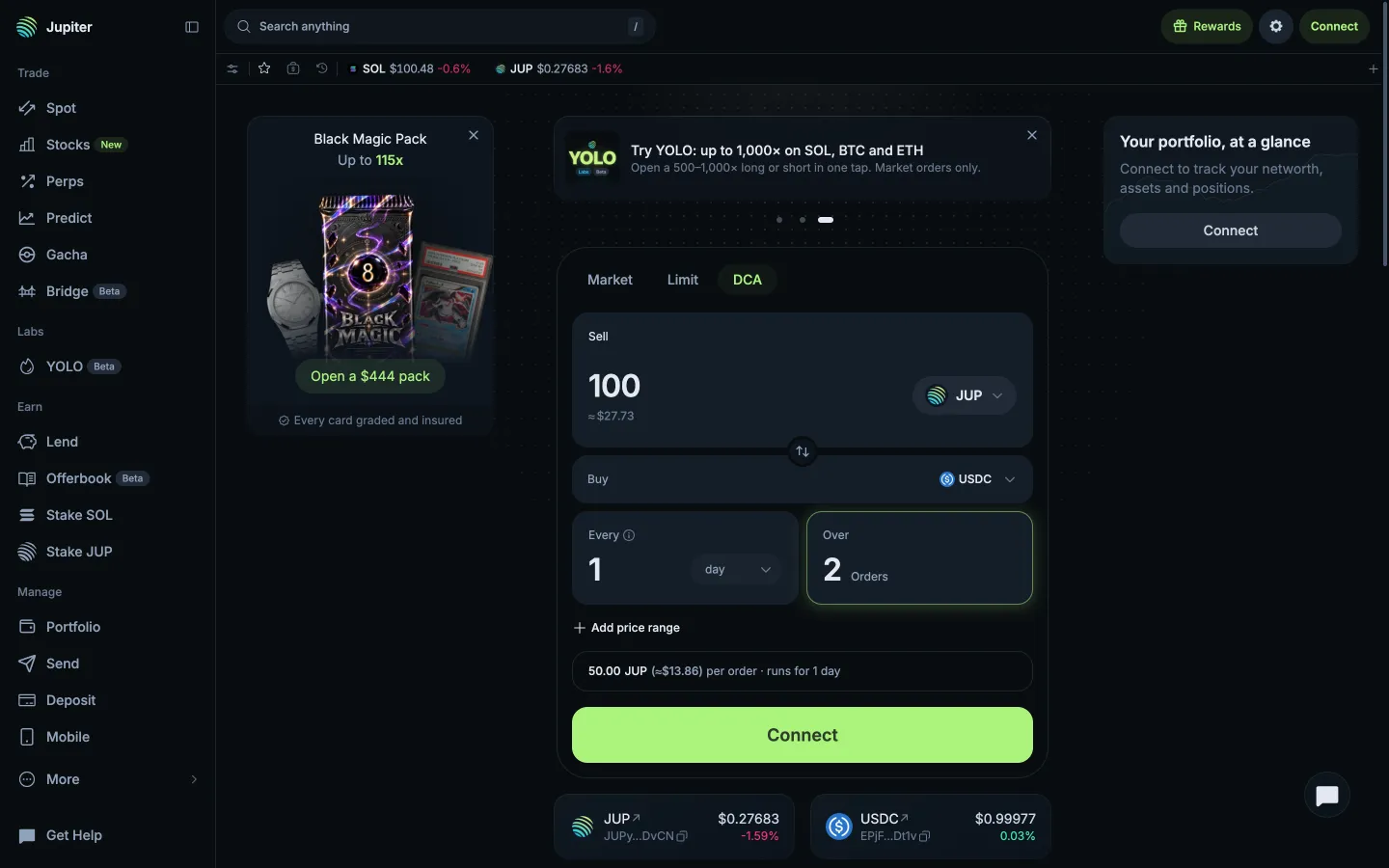
2 orders, 50 JUP eachJupiter2 orders, 50 JUP each
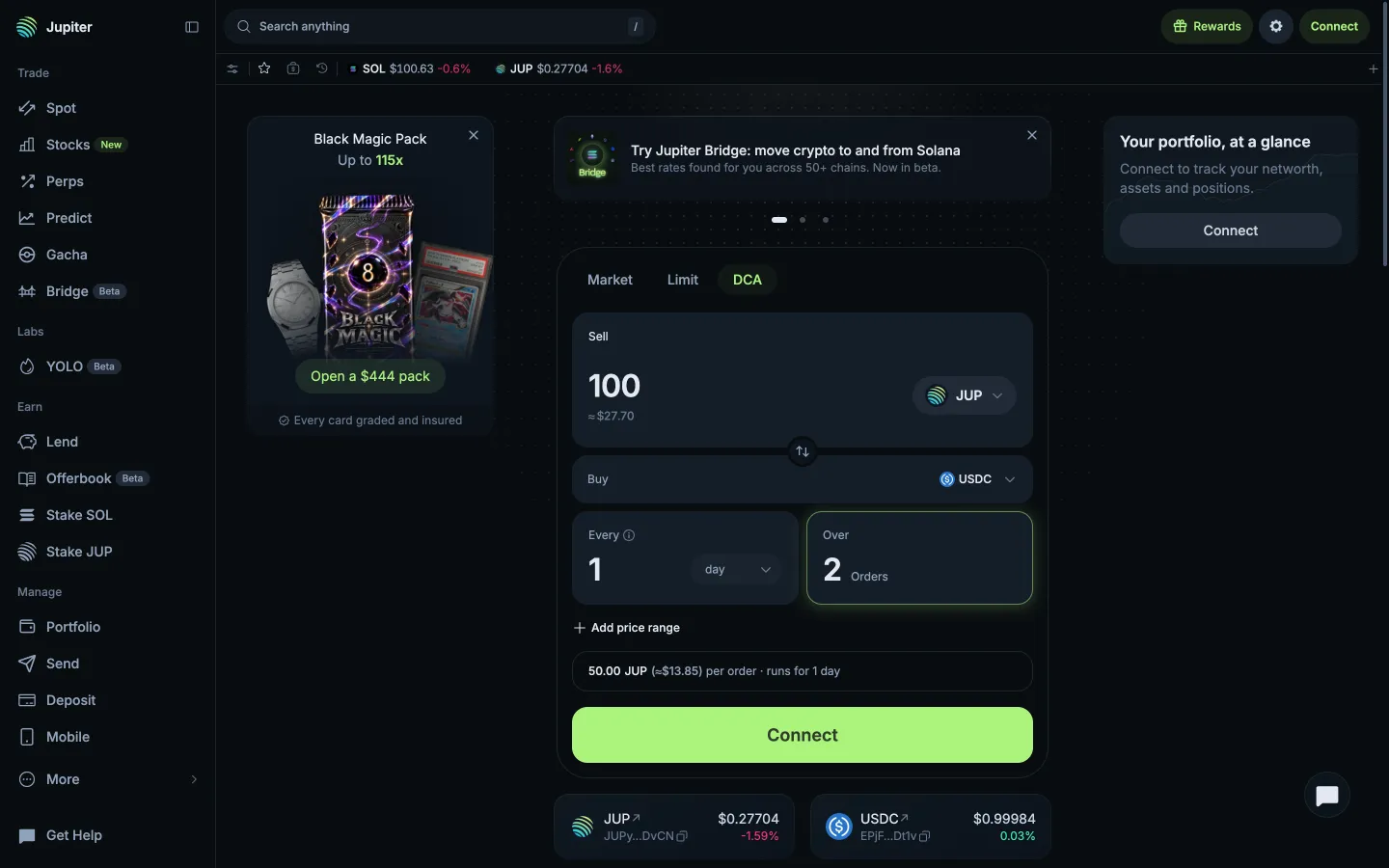
DCA ticket, price range is optionalJupiterDCA ticket, price range is optional
USD price range fieldsJupiterUSD price range fields
Range emptyJupiterRange empty
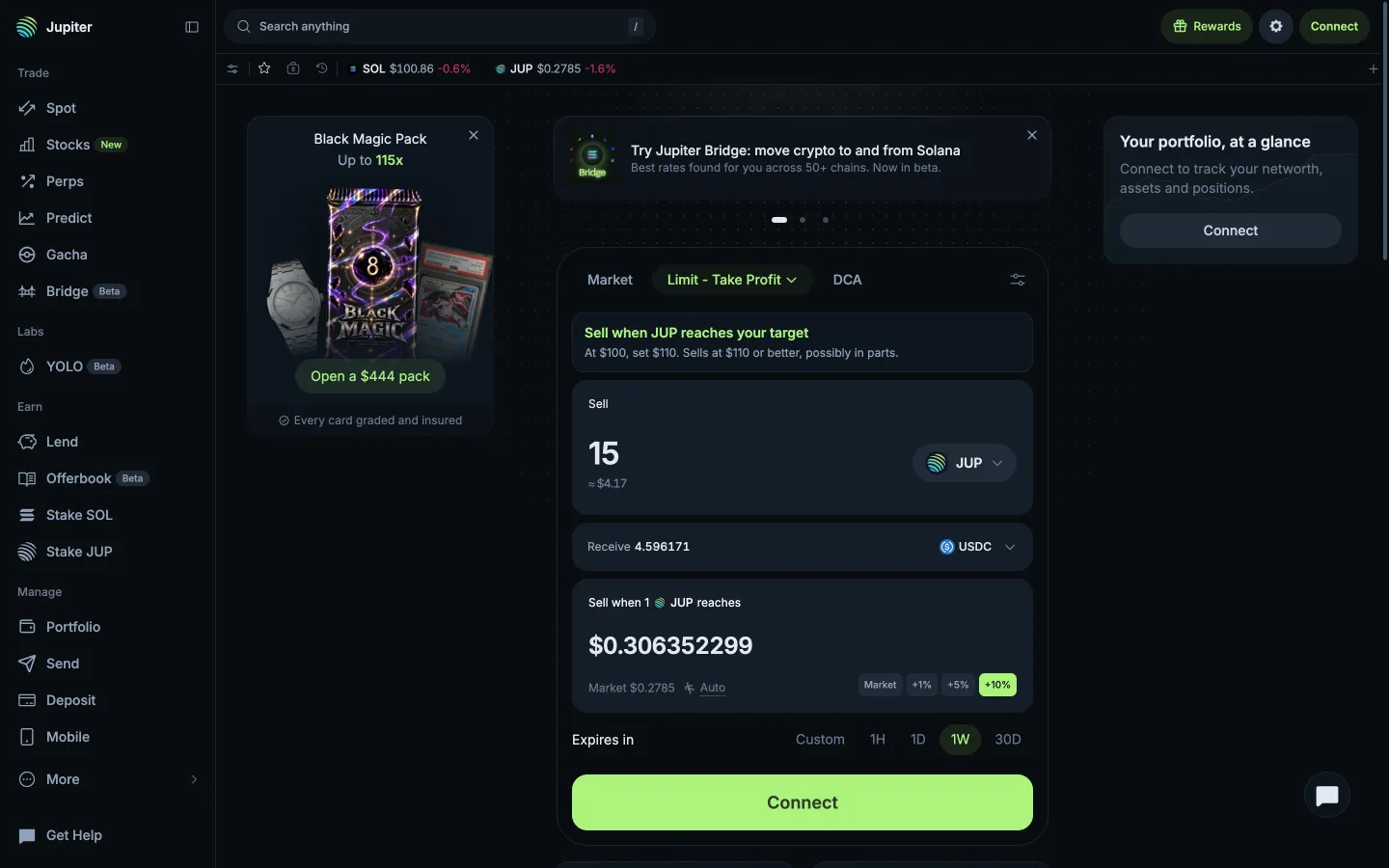
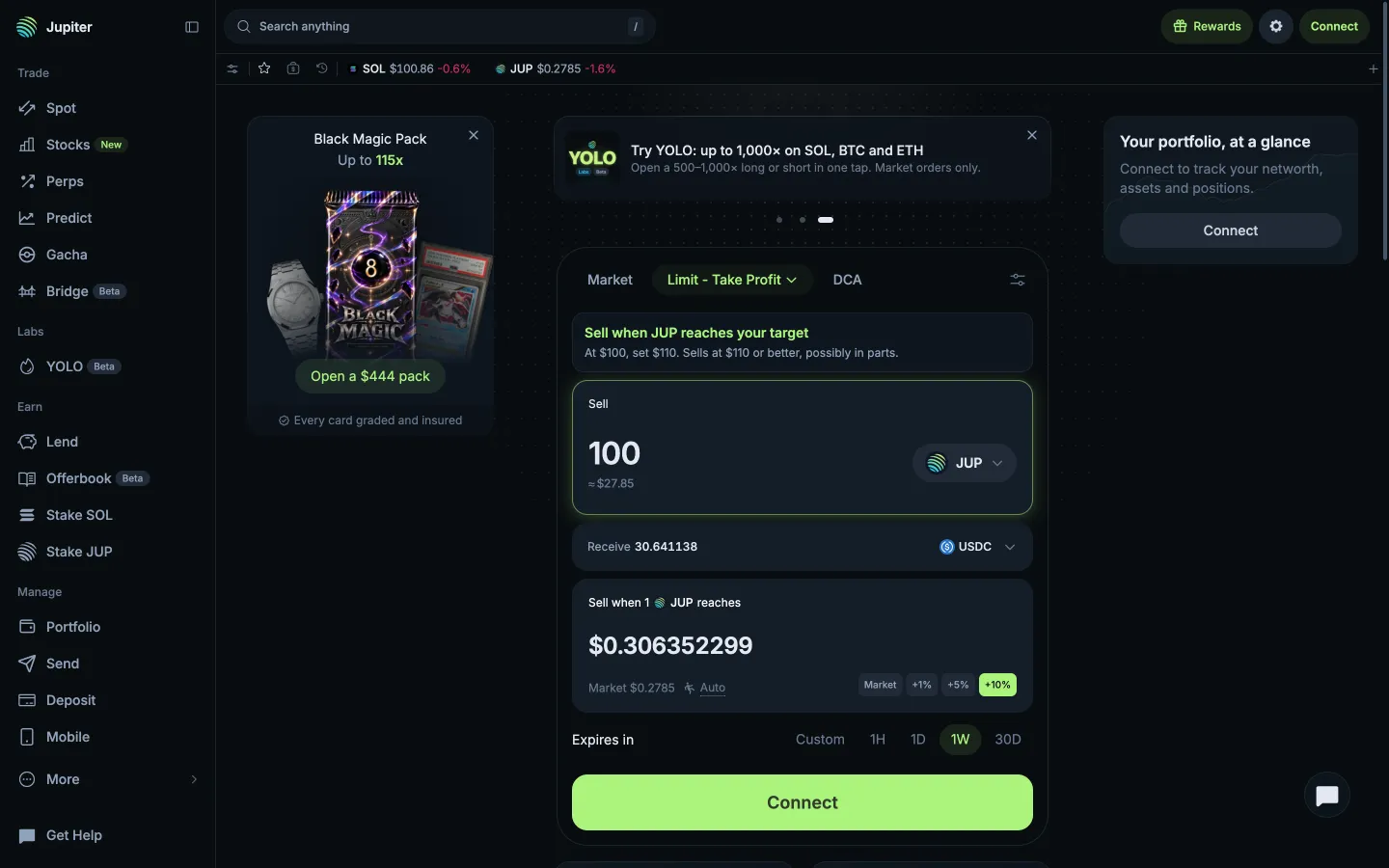
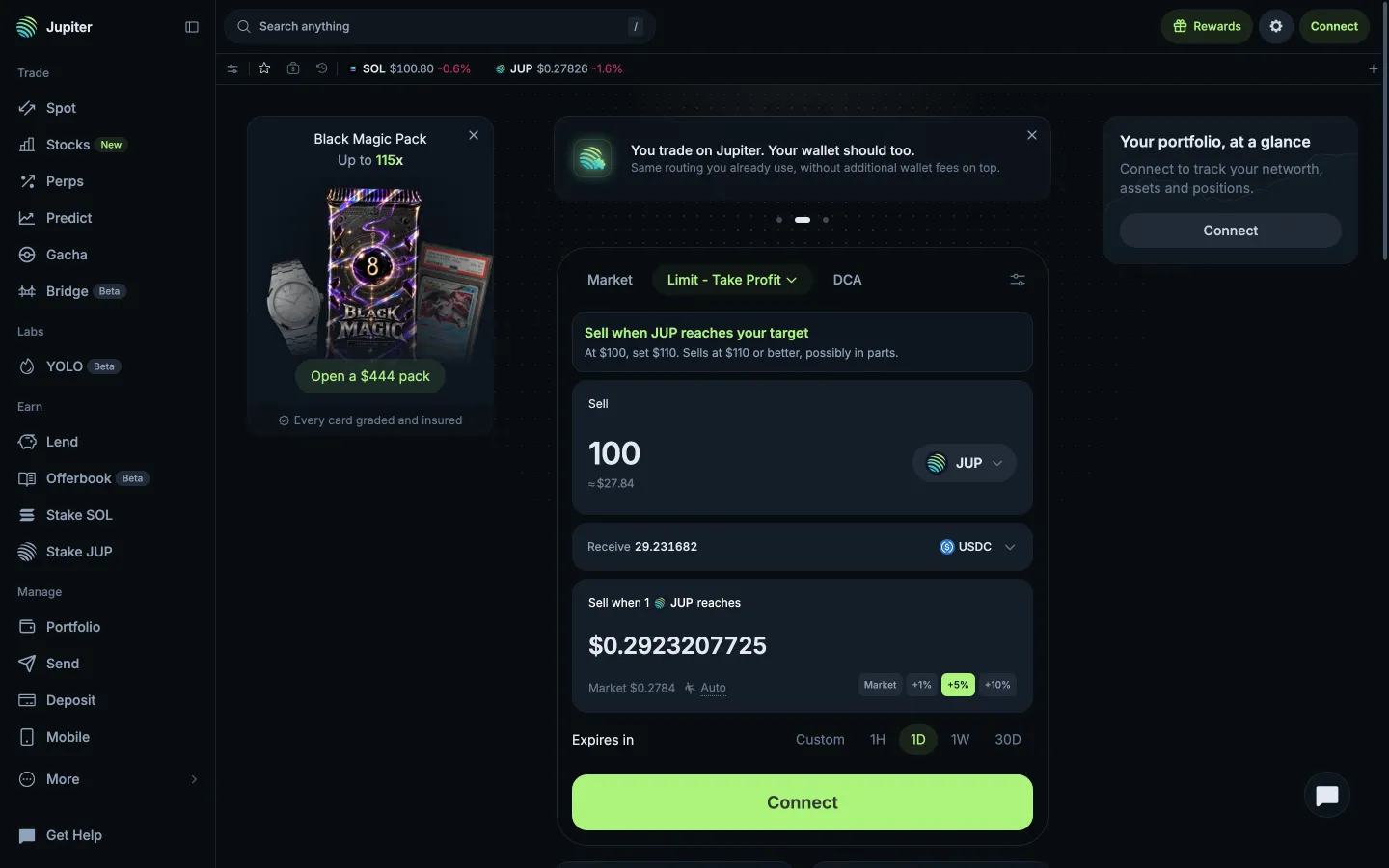
Limit opens on Take Profit with a worked exampleJupiterLimit opens on Take Profit with a worked example
Typed 100 JUP, target prefilled at +10%JupiterTyped 100 JUP, target prefilled at +10%
Take Profit ticketJupiterTake Profit ticket
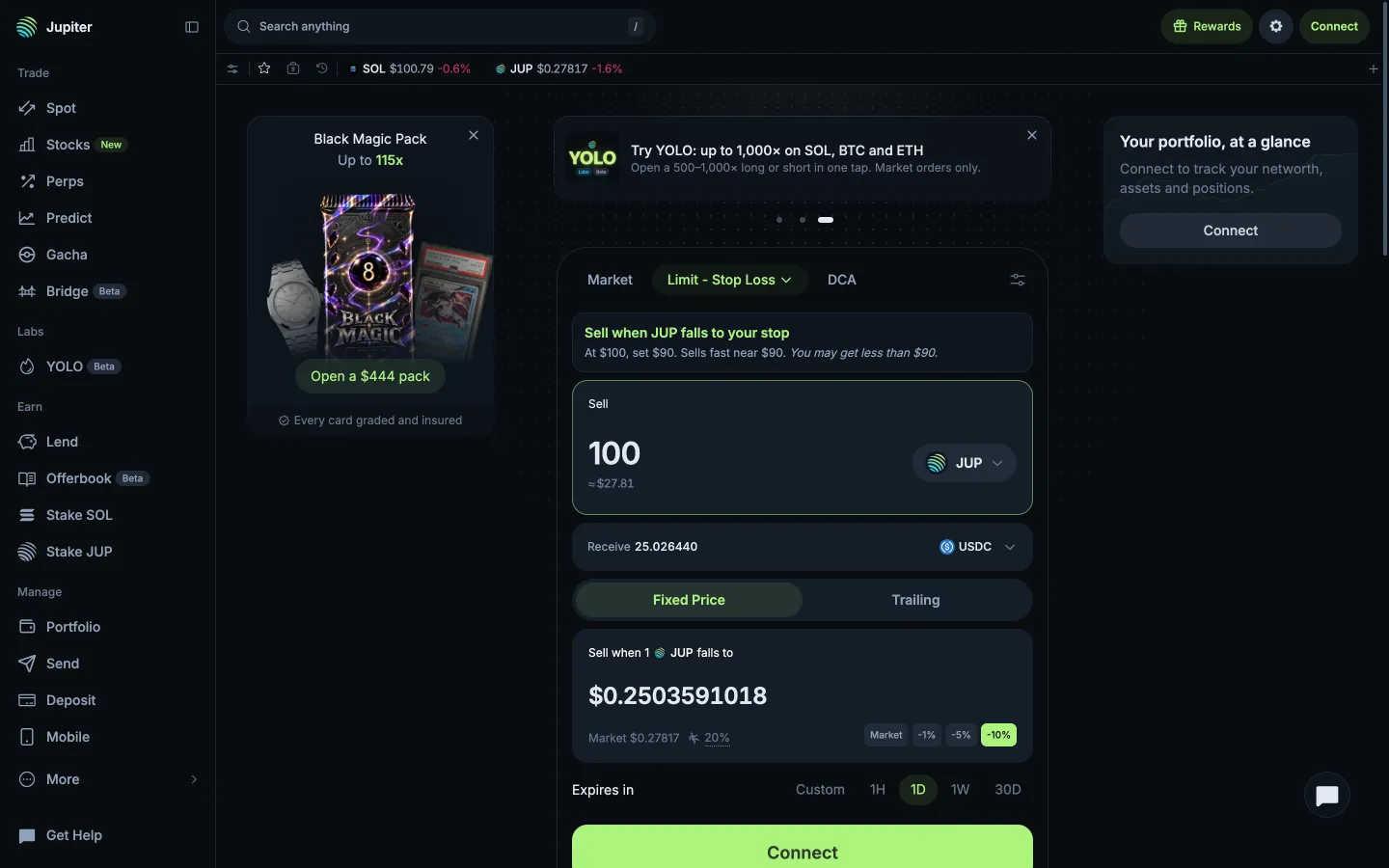
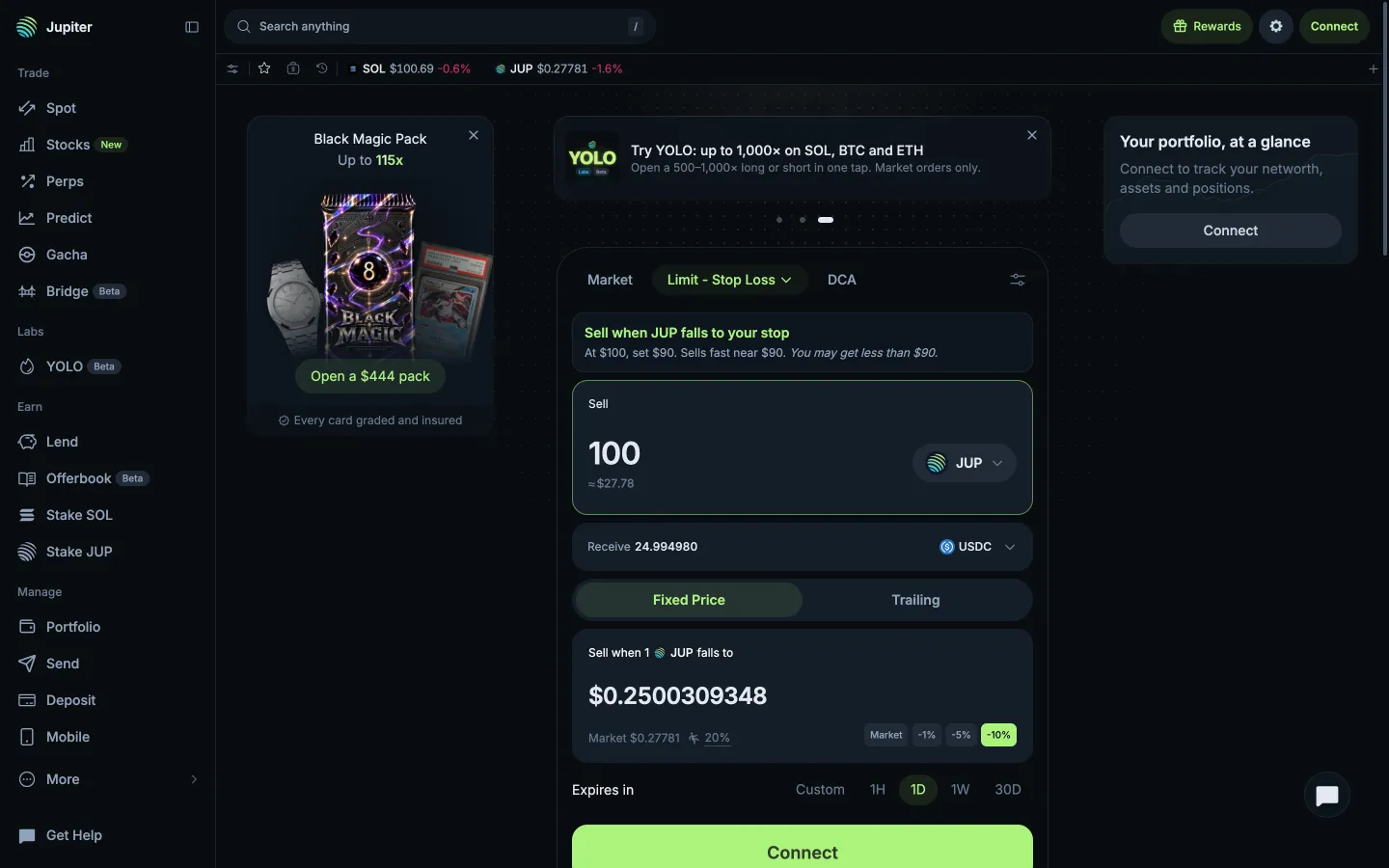
Stop Loss, sells fast near the stopJupiterStop Loss, sells fast near the stop
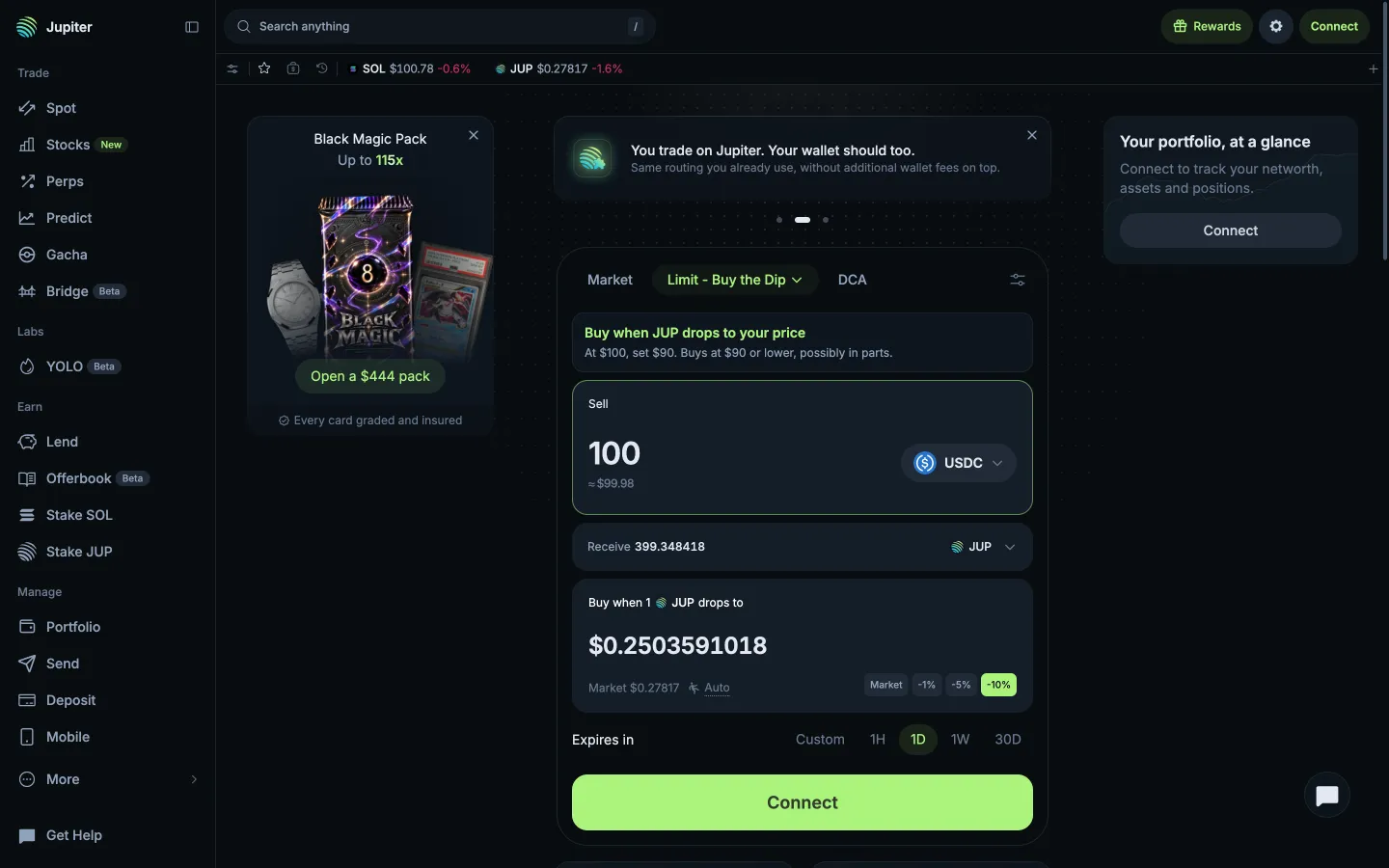
Buy the Dip, buys at the price or lowerJupiterBuy the Dip, buys at the price or lower
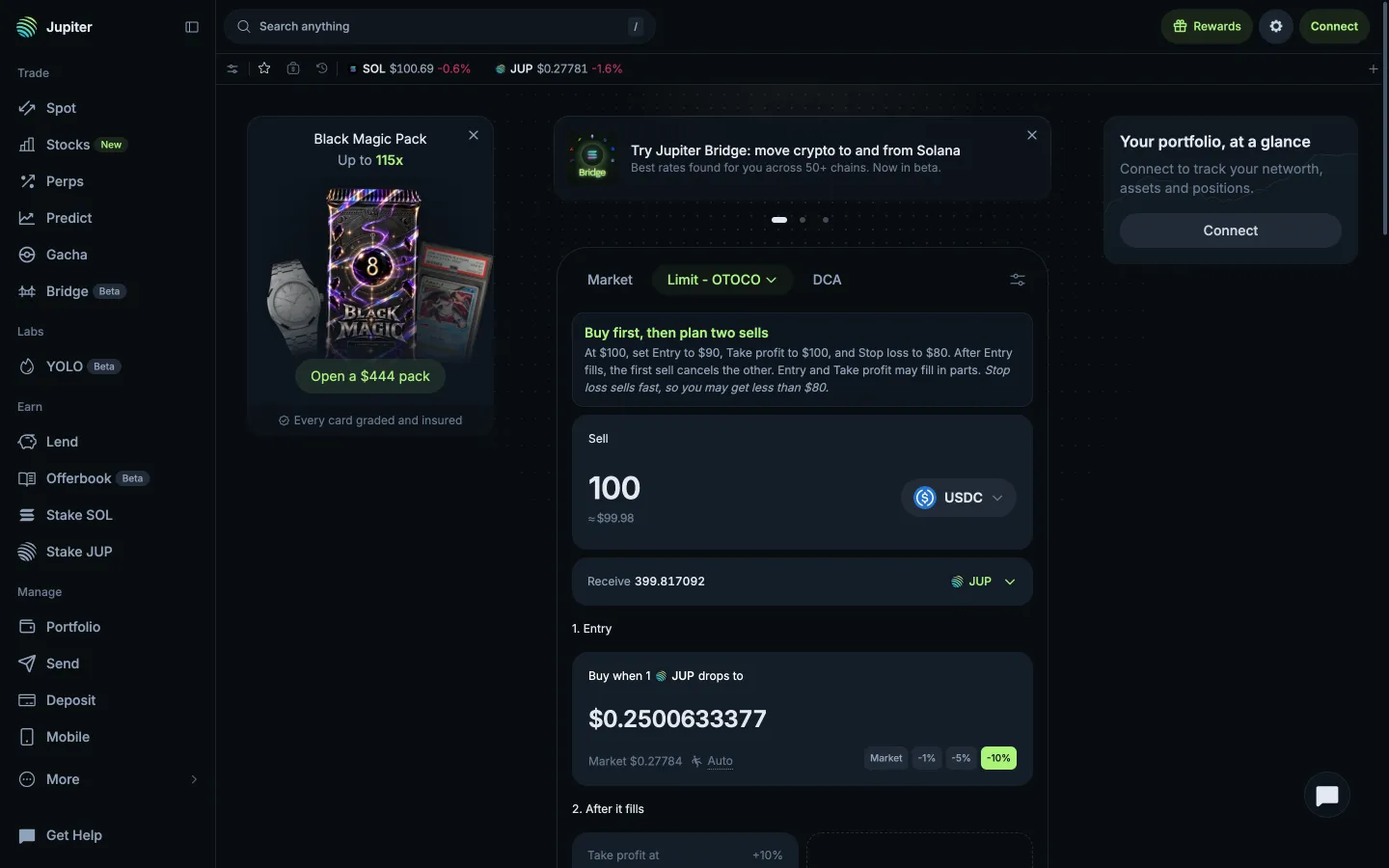
Limit Buy then OCO ticketJupiterLimit Buy then OCO ticket
Stop Loss at a fixed priceJupiterStop Loss at a fixed price

Screens, flows and sites from real crypto and web3 apps.

© 2026 MoonoPrivacyTerms

Apps

  • All apps
  • Screens
  • Flows
  • UI elements

Sites

  • All sites
  • Sections

Learn

  • Glossary

Product

  • Pricing
  • MCPNew

© 2026 MoonoPrivacyTerms