All appsScreensFlowsUI elements
PricingGlossary
AllScreensFlowsUI elements

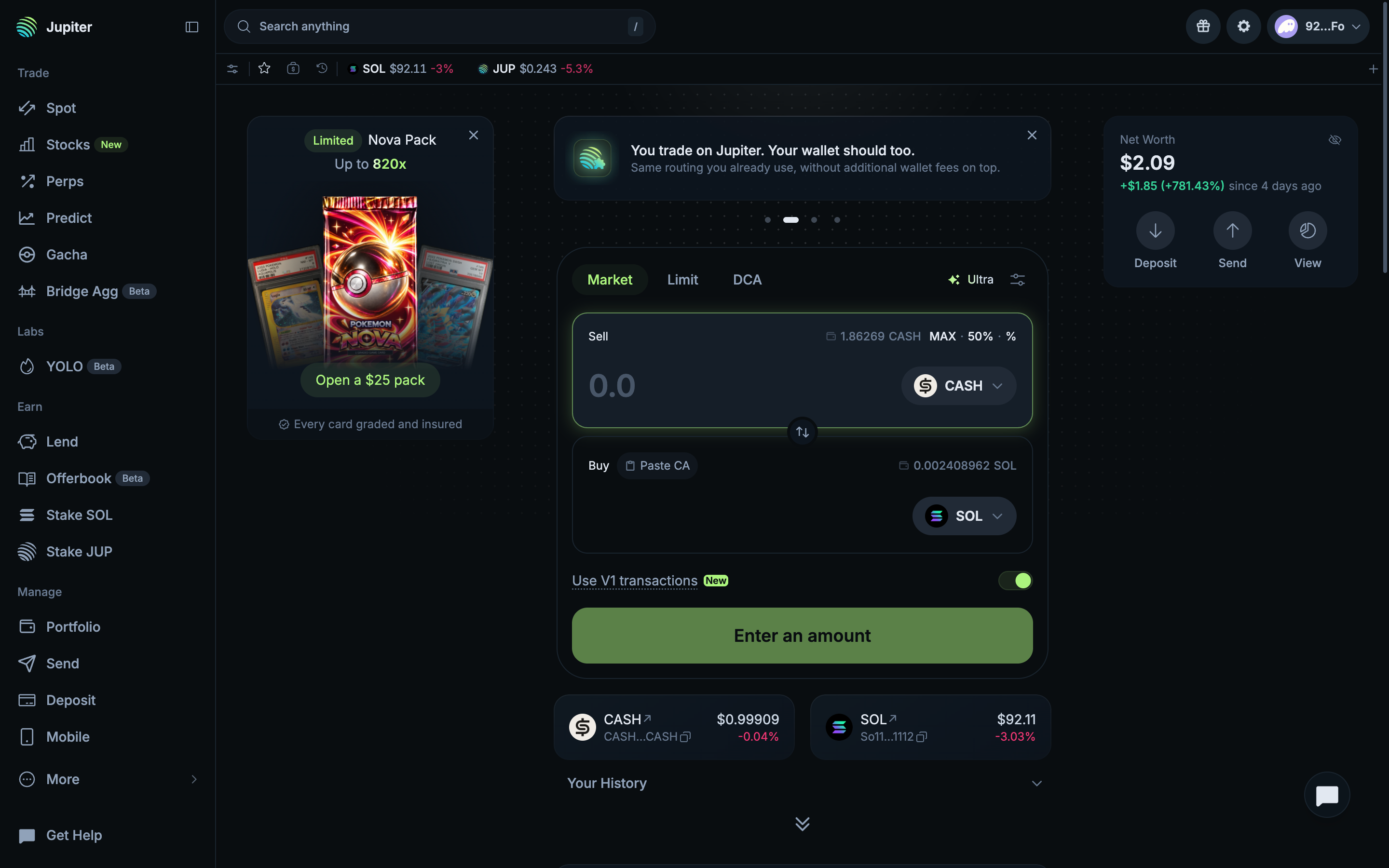
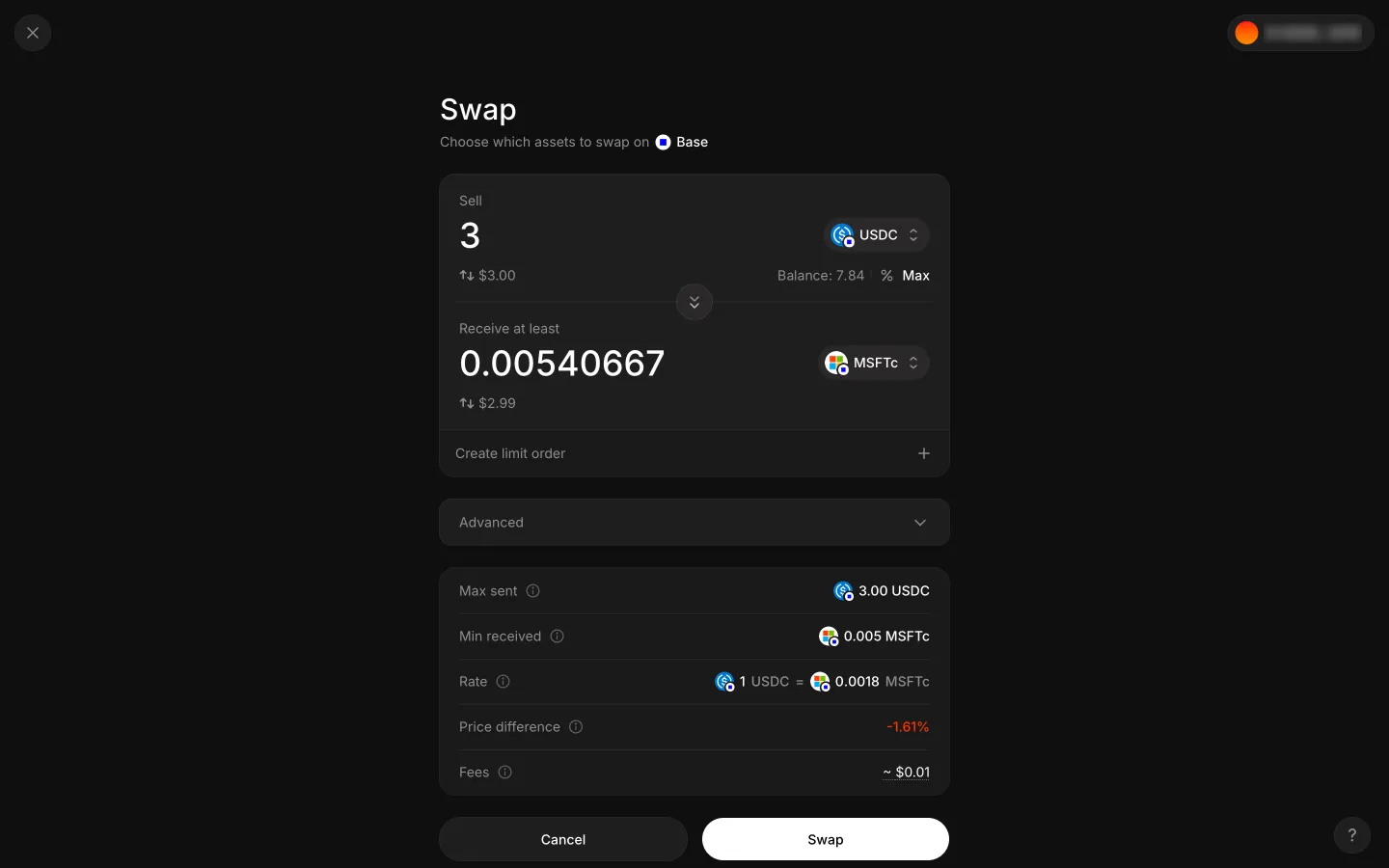
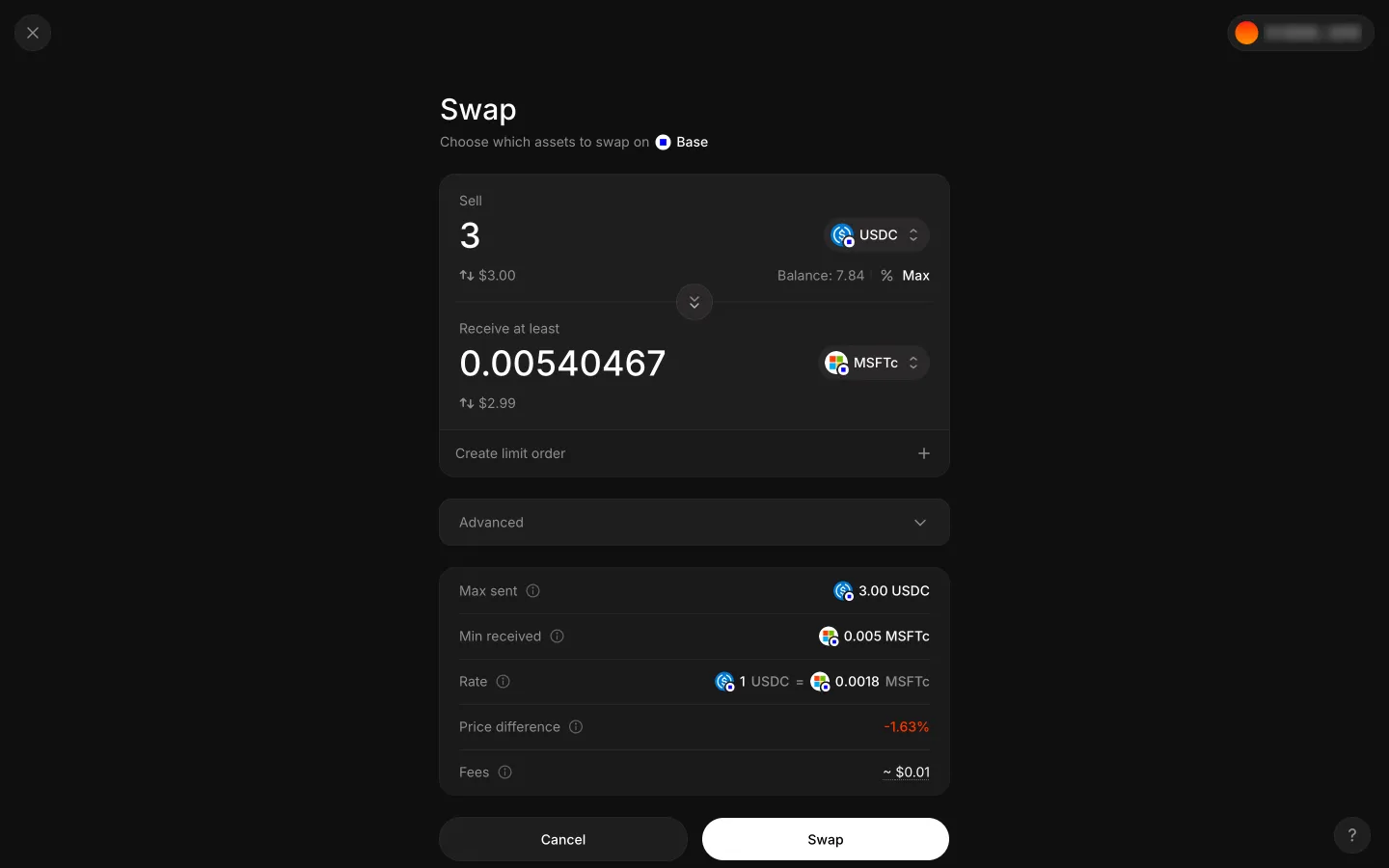
CASH selected for SOL in Jupiter

Step 3 of 4 in Swapping CASH for SOLPlay
CASH selected for SOL

CASH selected for SOL

Swap Ticket

Screen typeSwap Ticket
StateIdle
CapturedNov 2026
UI elementsAmount InputMax ButtonToken SelectorWallet Button
In the flowSwapping CASH for SOL
SizeDesktop, 2880 by 1800
Open the flowOpen original

Similar screens in other apps

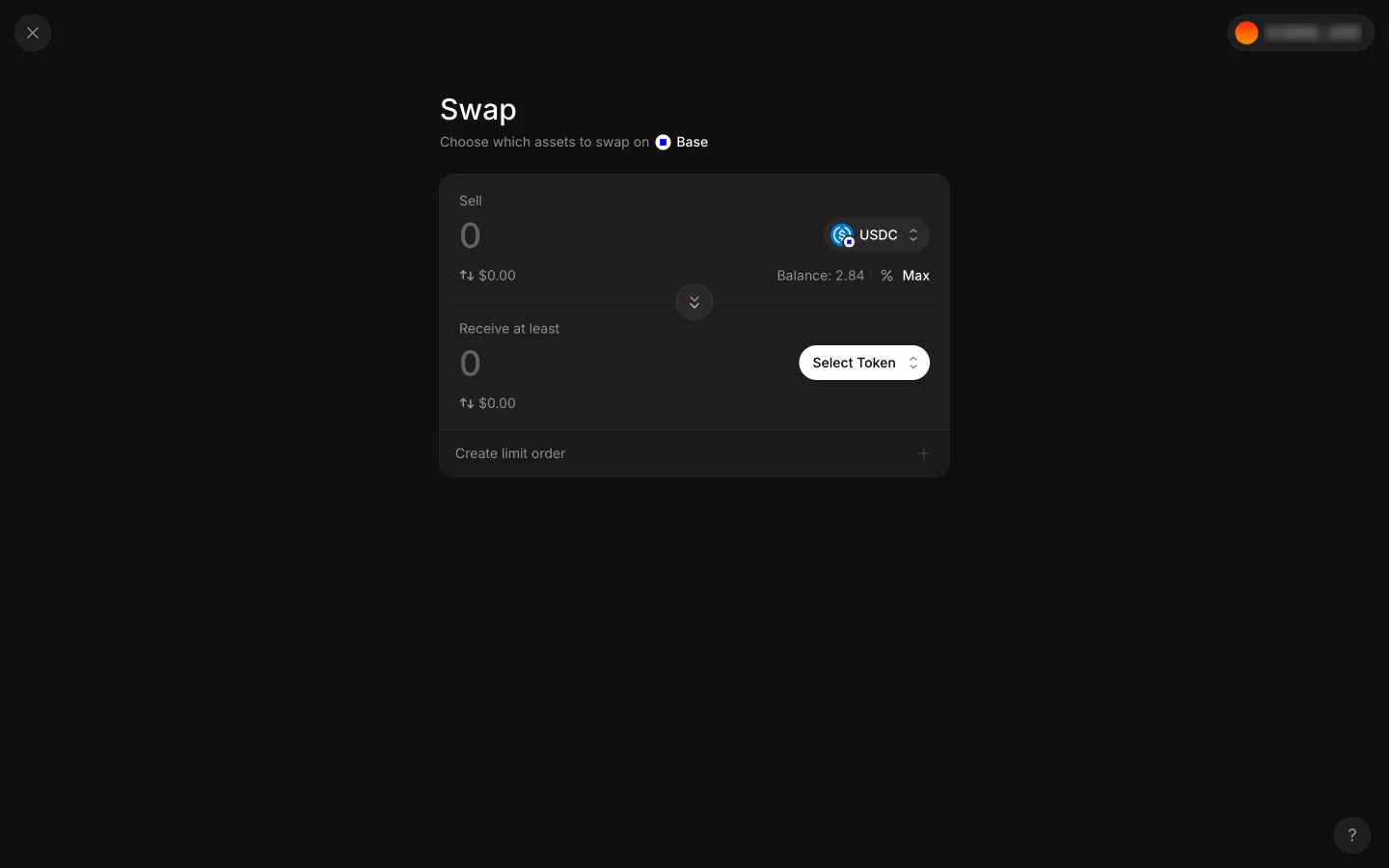
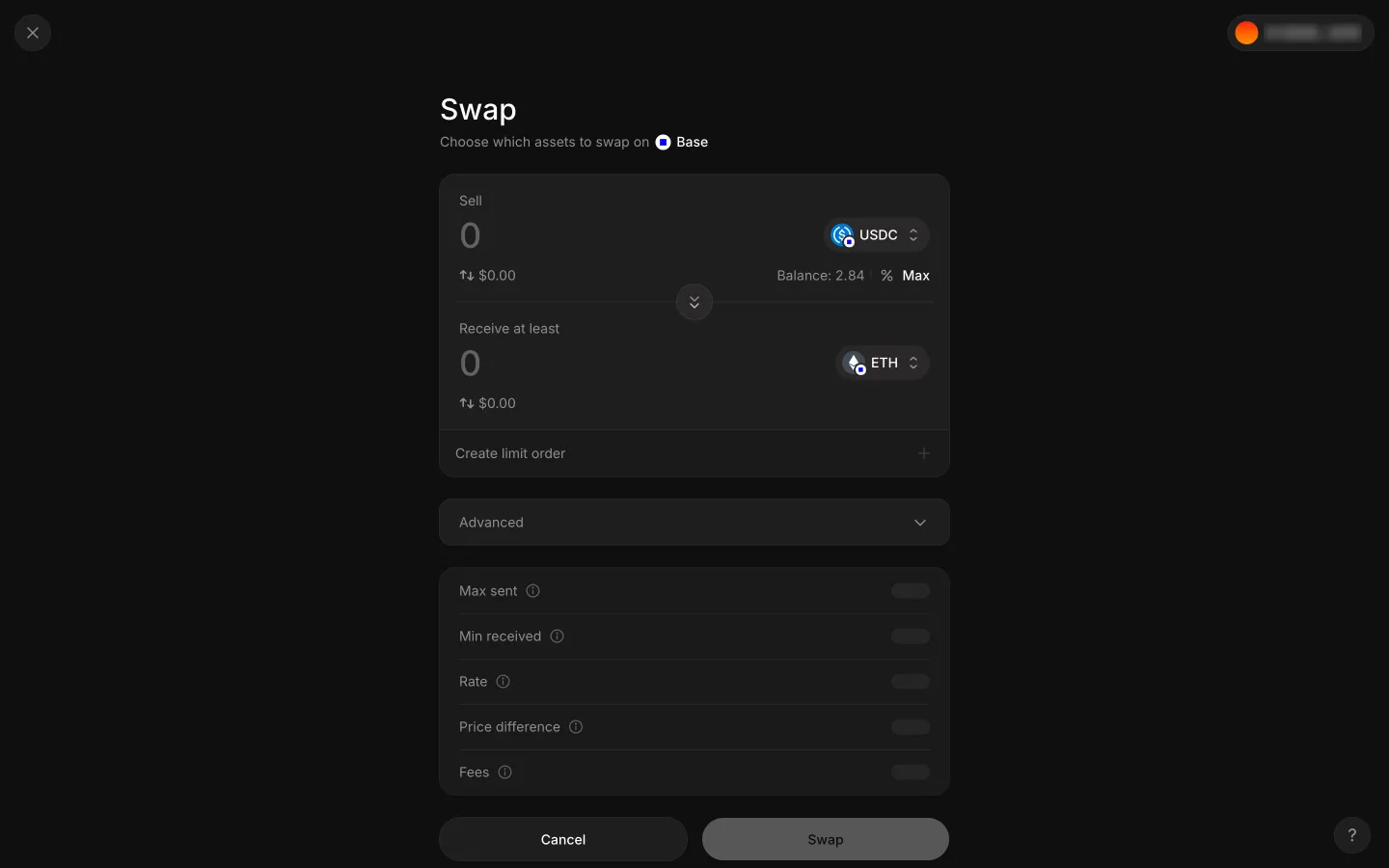
Empty swap ticket with USDC to sell and no token to receiveAave ProEmpty swap ticket with USDC to sell and no token to receive
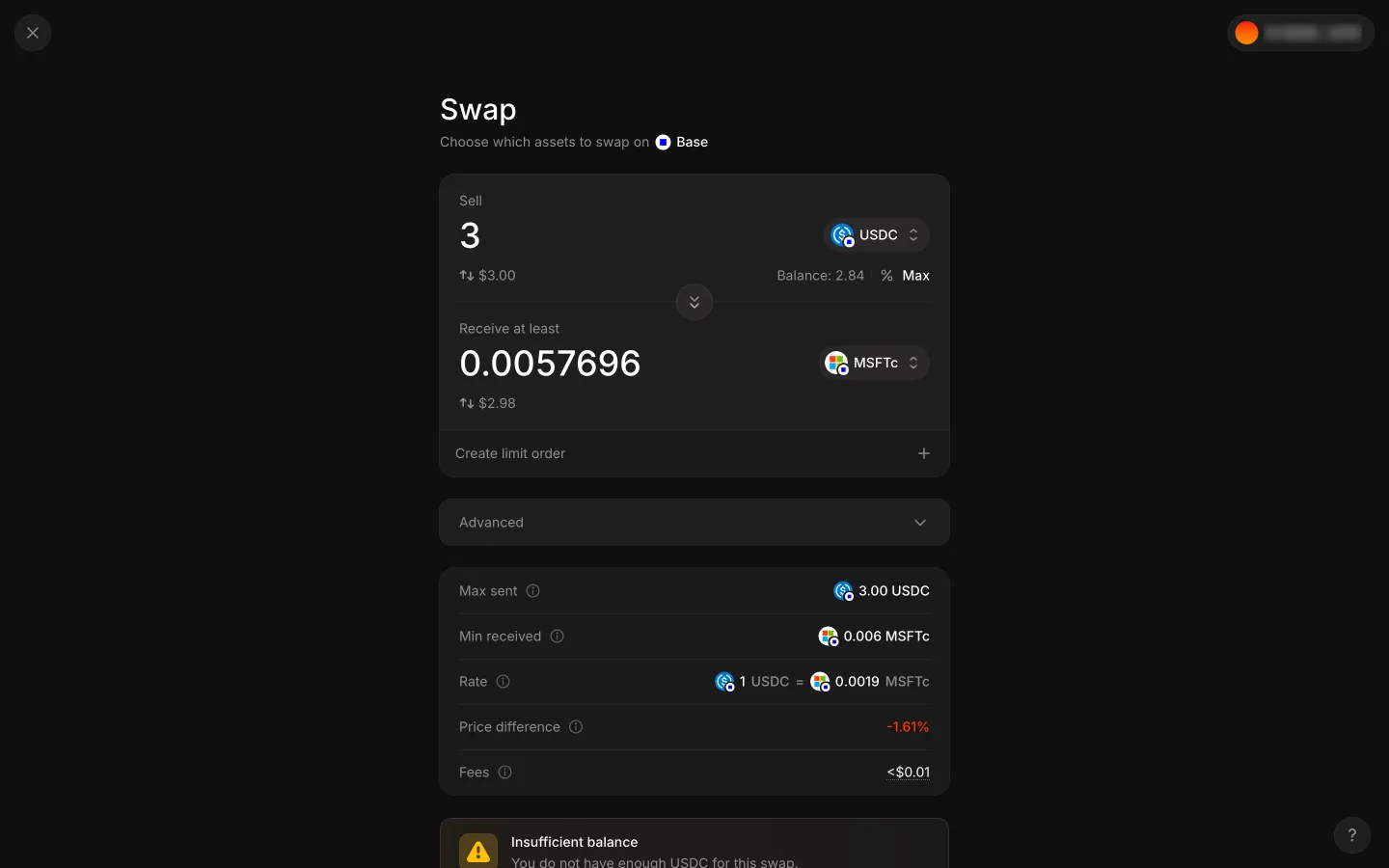
Ticket reads Balance 2.84 and Insufficient balance for 3 USDCAave ProTicket reads Balance 2.84 and Insufficient balance for 3 USDC
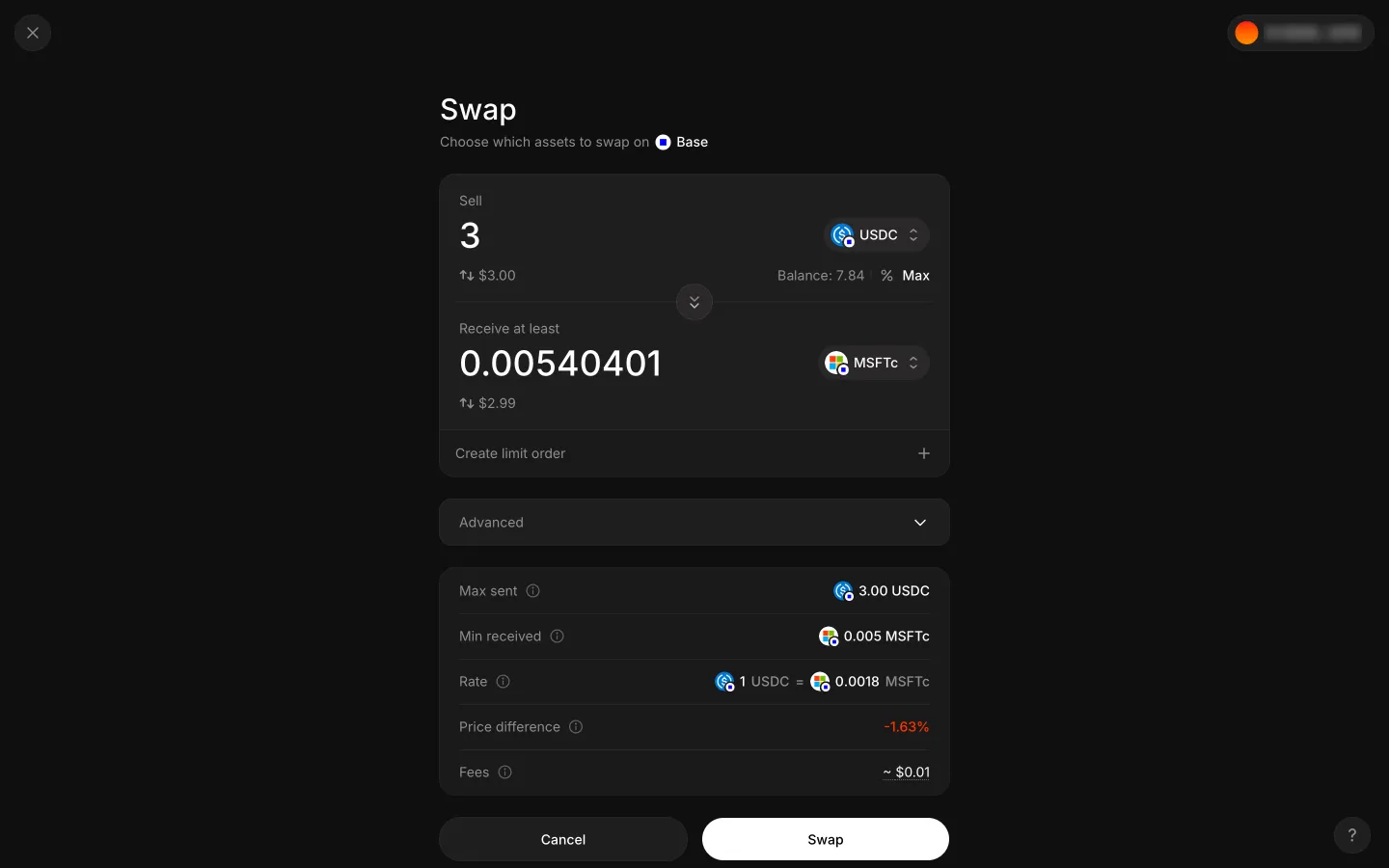
Filled ticket, ready to swapAave ProFilled ticket, ready to swap
Rejected, back on the filled ticketAave ProRejected, back on the filled ticket
Filled ticket, ready to swapAave ProFilled ticket, ready to swap
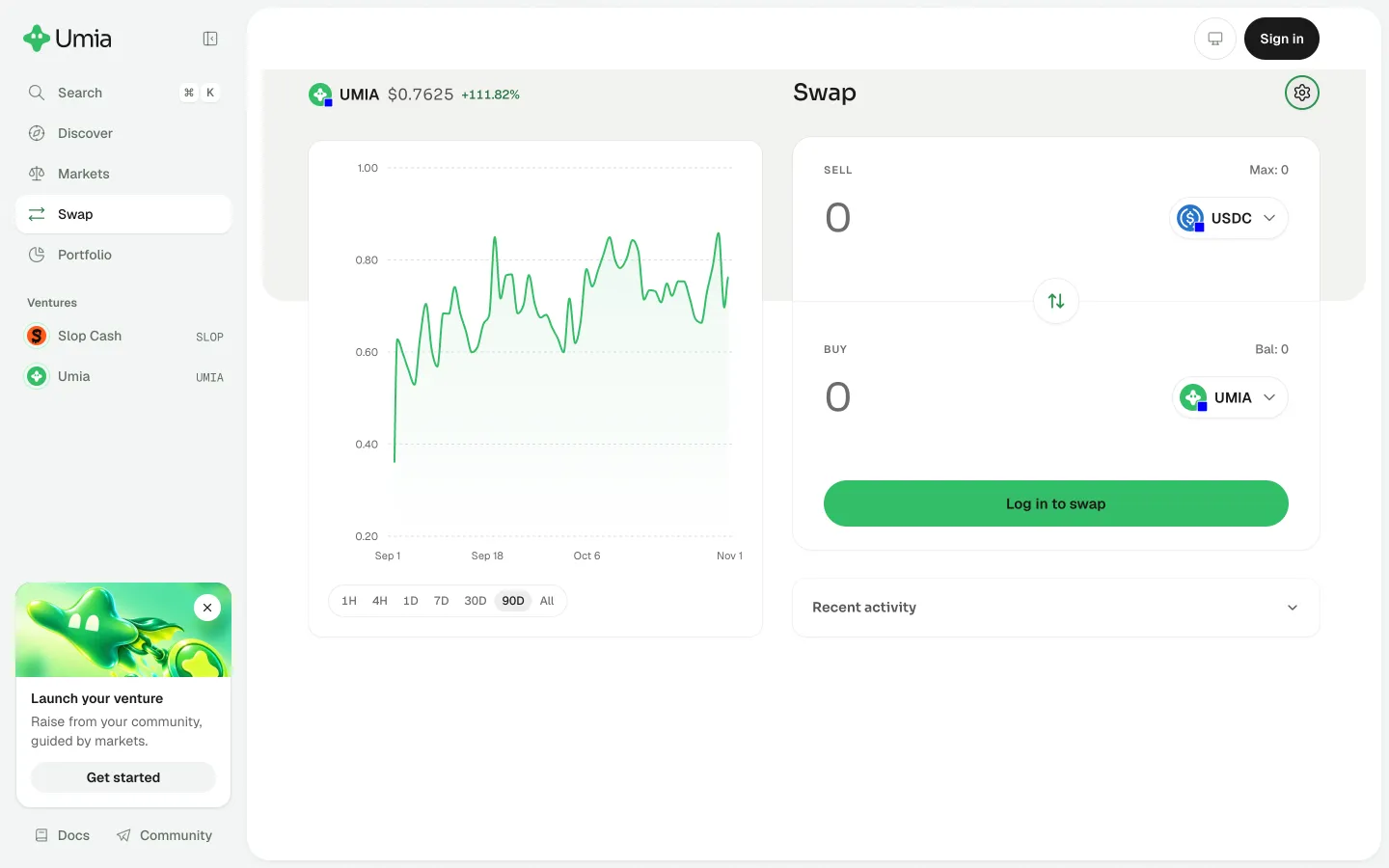
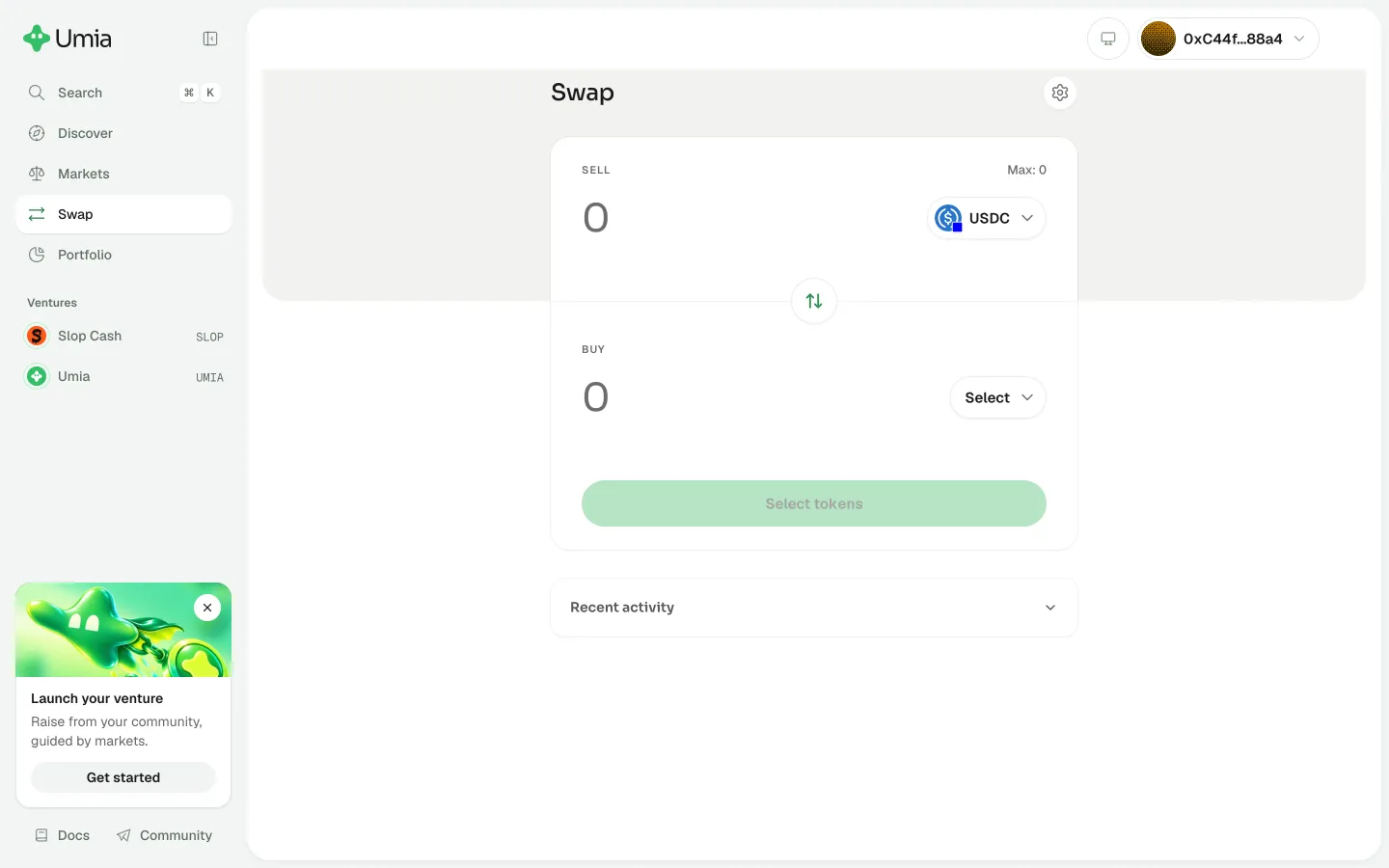
Open swap settingsUmiaOpen swap settings
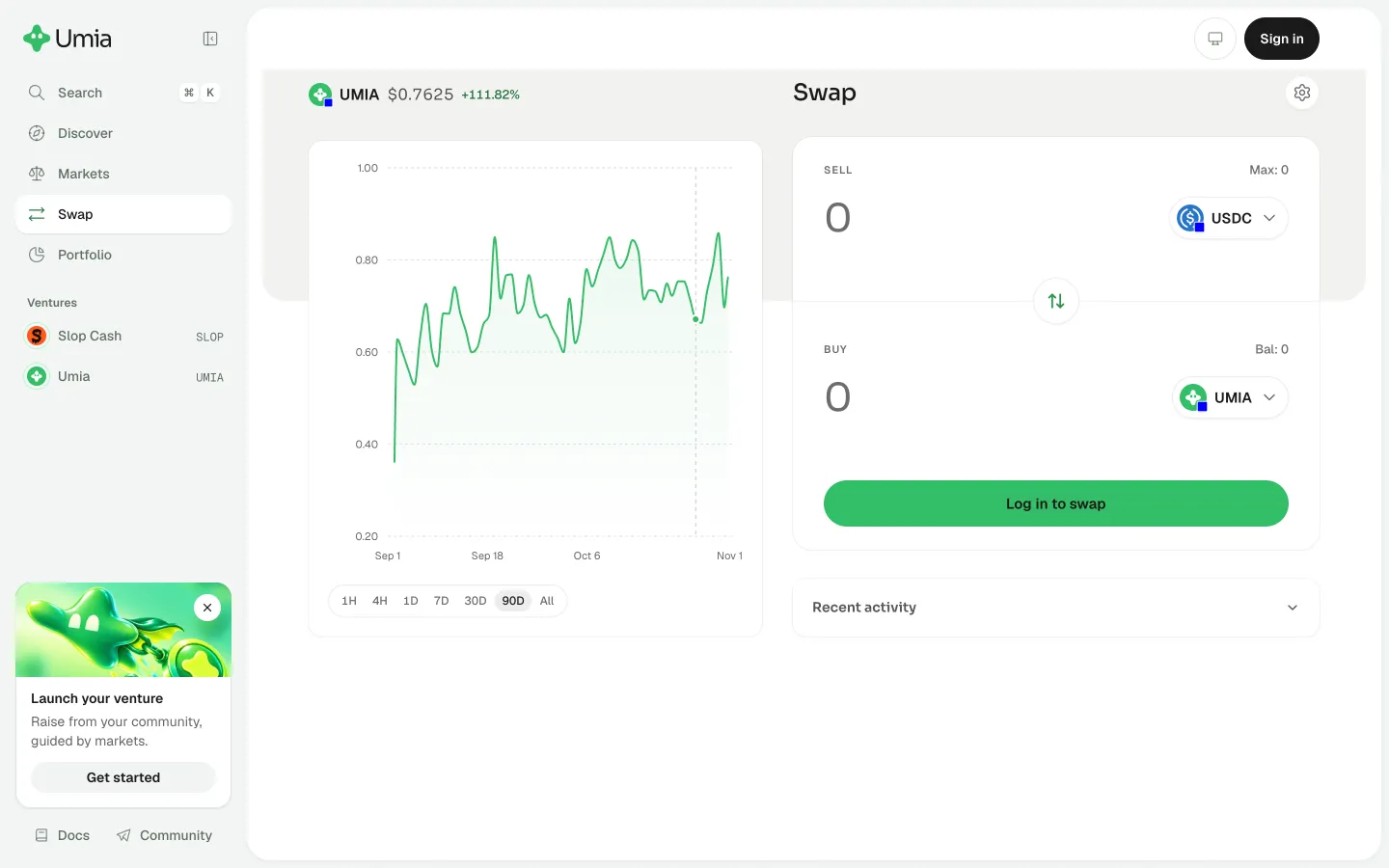
Open recent swap activityUmiaOpen recent swap activity
Swap with Max 0UmiaSwap with Max 0
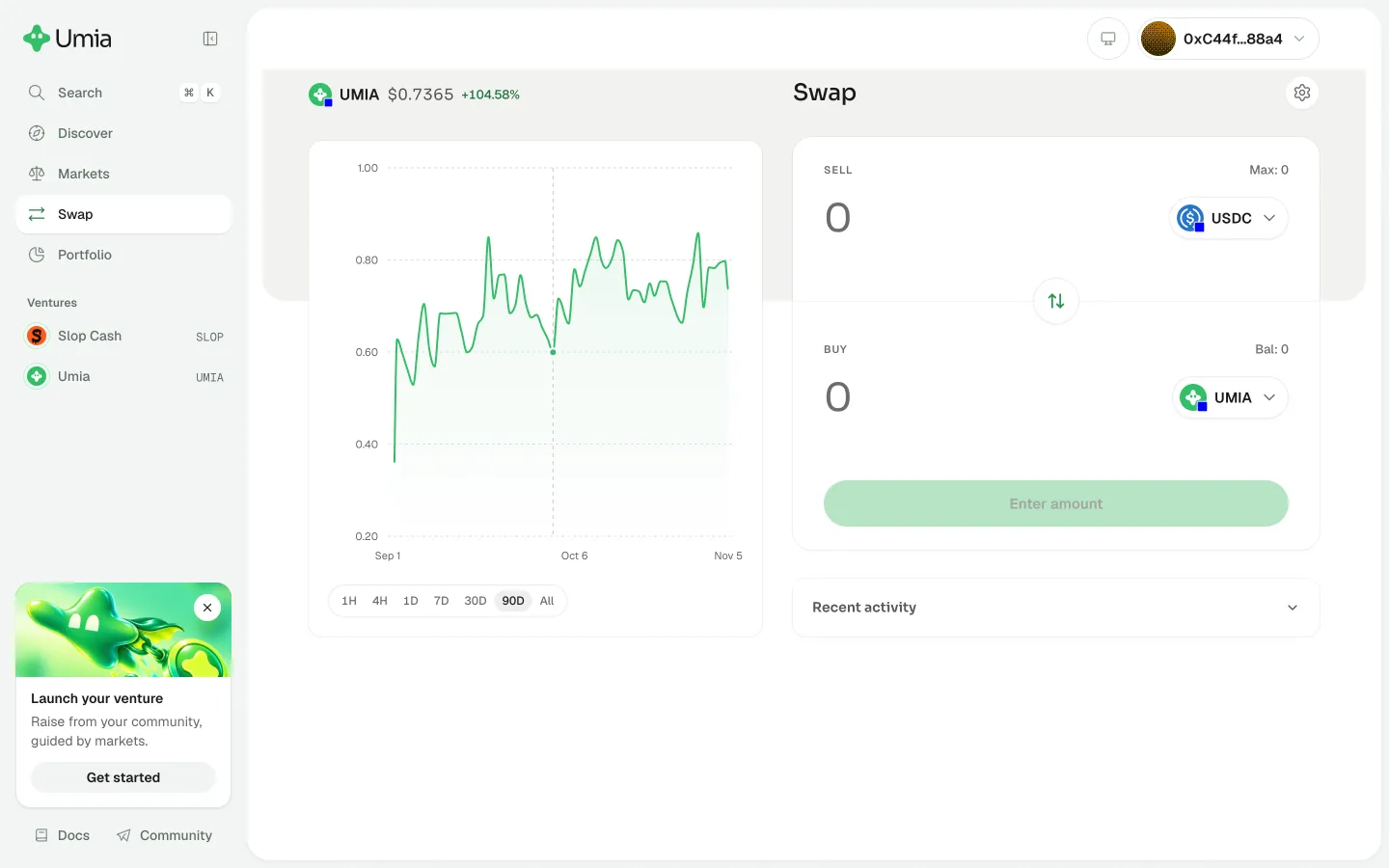
Pair picked, price chart appearsUmiaPair picked, price chart appears
ETH chosen with empty quote rowsAave ProETH chosen with empty quote rows
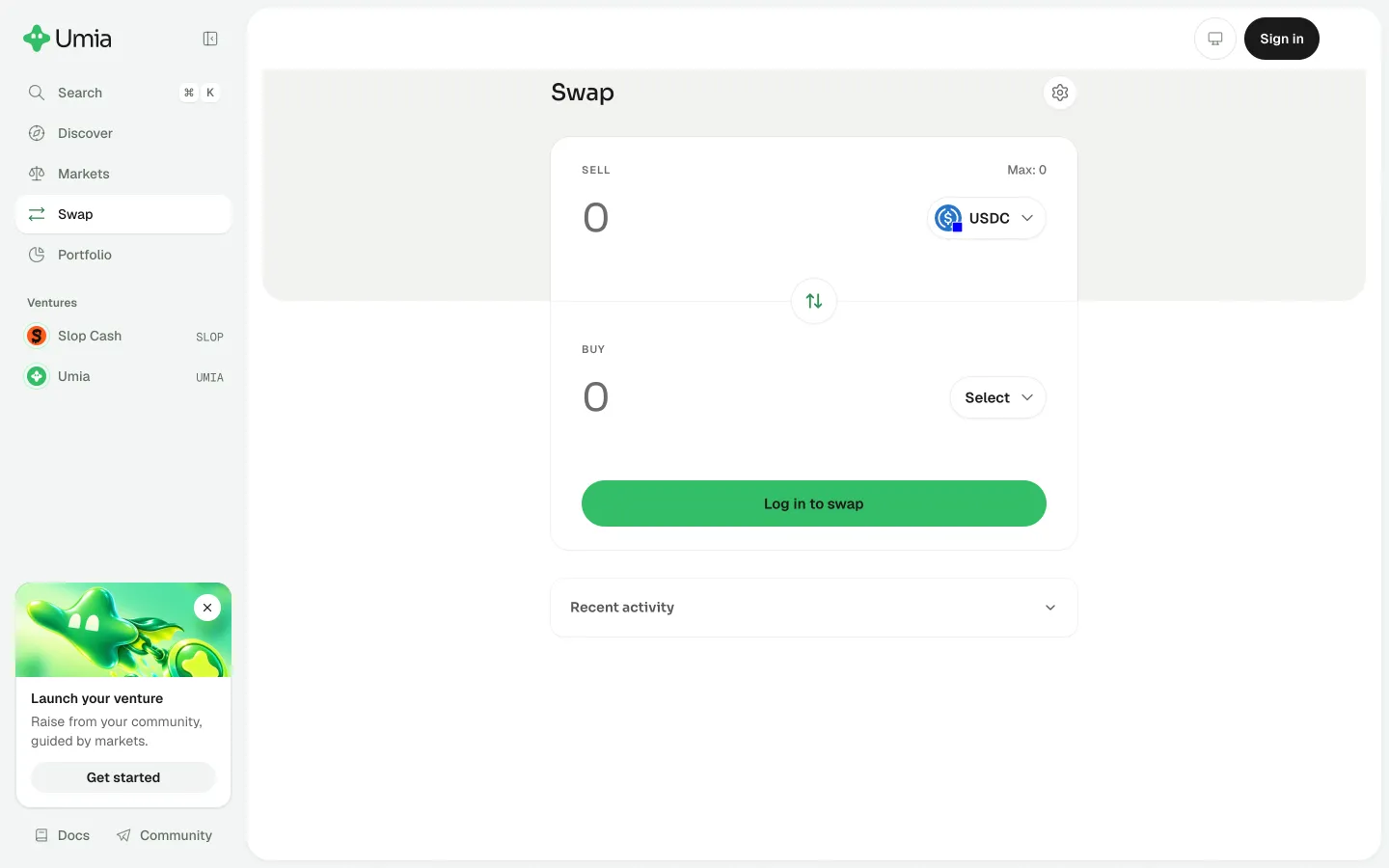
Preview a token swapUmiaPreview a token swap
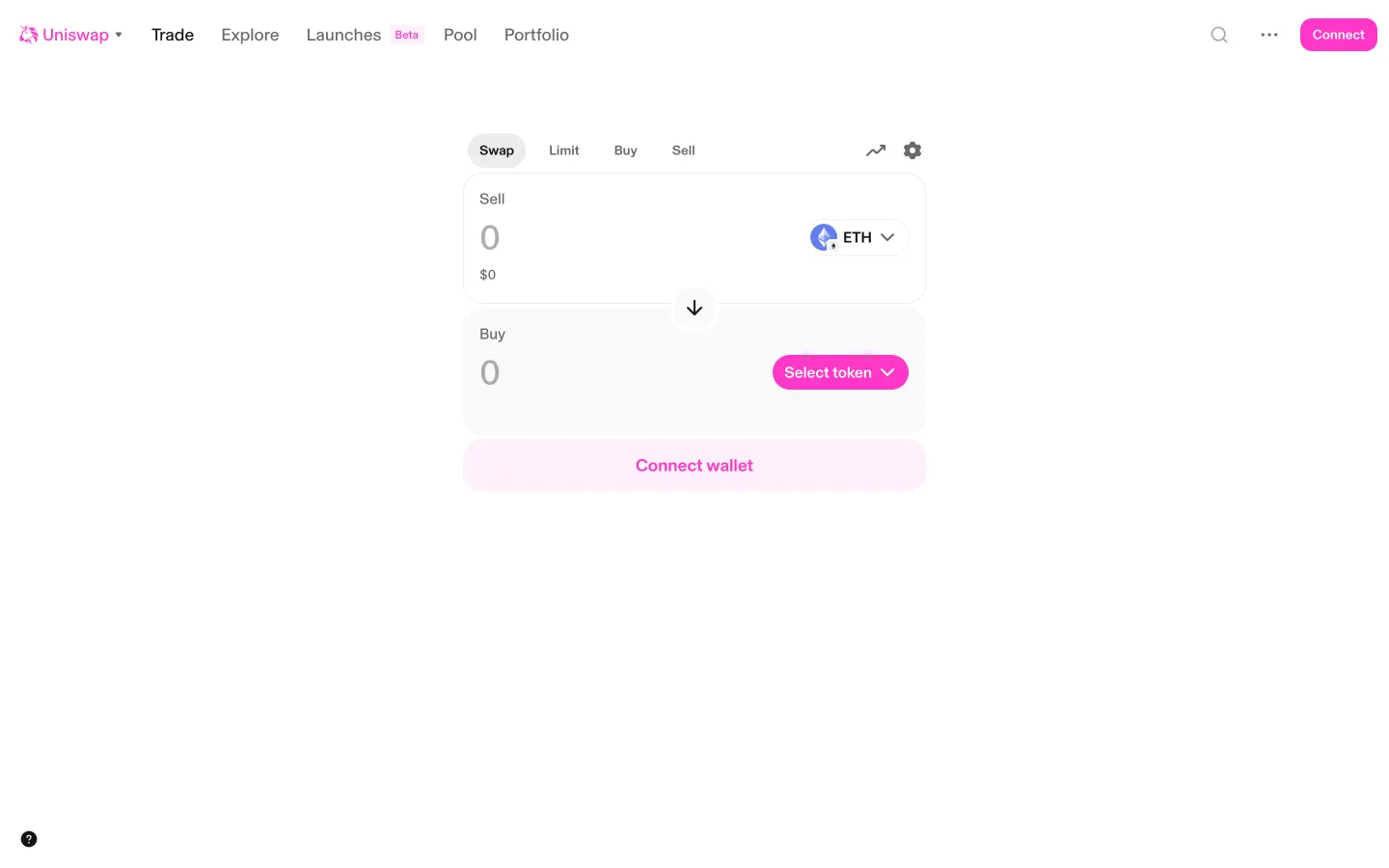
Get started opens Swap, Connect wallet in place of SwapUniswapGet started opens Swap, Connect wallet in place of Swap

Screens, flows and sites from real crypto and web3 apps.

© 2026 MoonoPrivacyTerms

Apps

  • All apps
  • Screens
  • Flows
  • UI elements

Sites

  • All sites
  • Sections

Learn

  • Glossary

Product

  • Pricing
  • MCPNew

© 2026 MoonoPrivacyTerms