All appsScreensFlowsUI elements
PricingGlossary
AllScreensFlowsUI elements

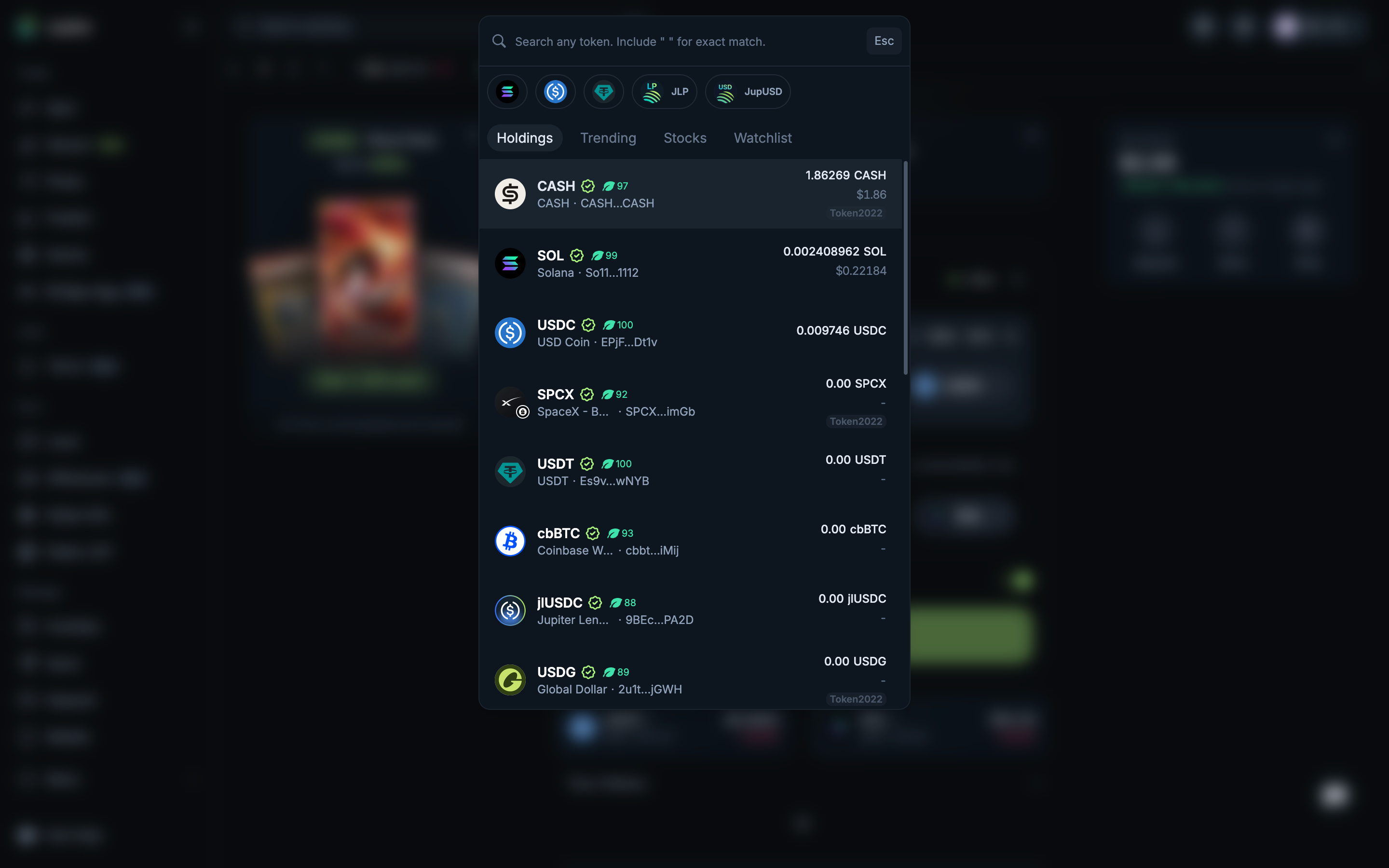
Choose CASH from holdings in Jupiter

Step 2 of 4 in Swapping CASH for SOLPlay
Choose CASH from holdings

Choose CASH from holdings

Swap Ticket

Screen typeSwap Ticket
StateInput
CapturedNov 2026
UI elementsDialogSearch BarStacked ListToken Icon
In the flowSwapping CASH for SOL
SizeDesktop, 2880 by 1800
Open the flowOpen original

Similar screens in other apps

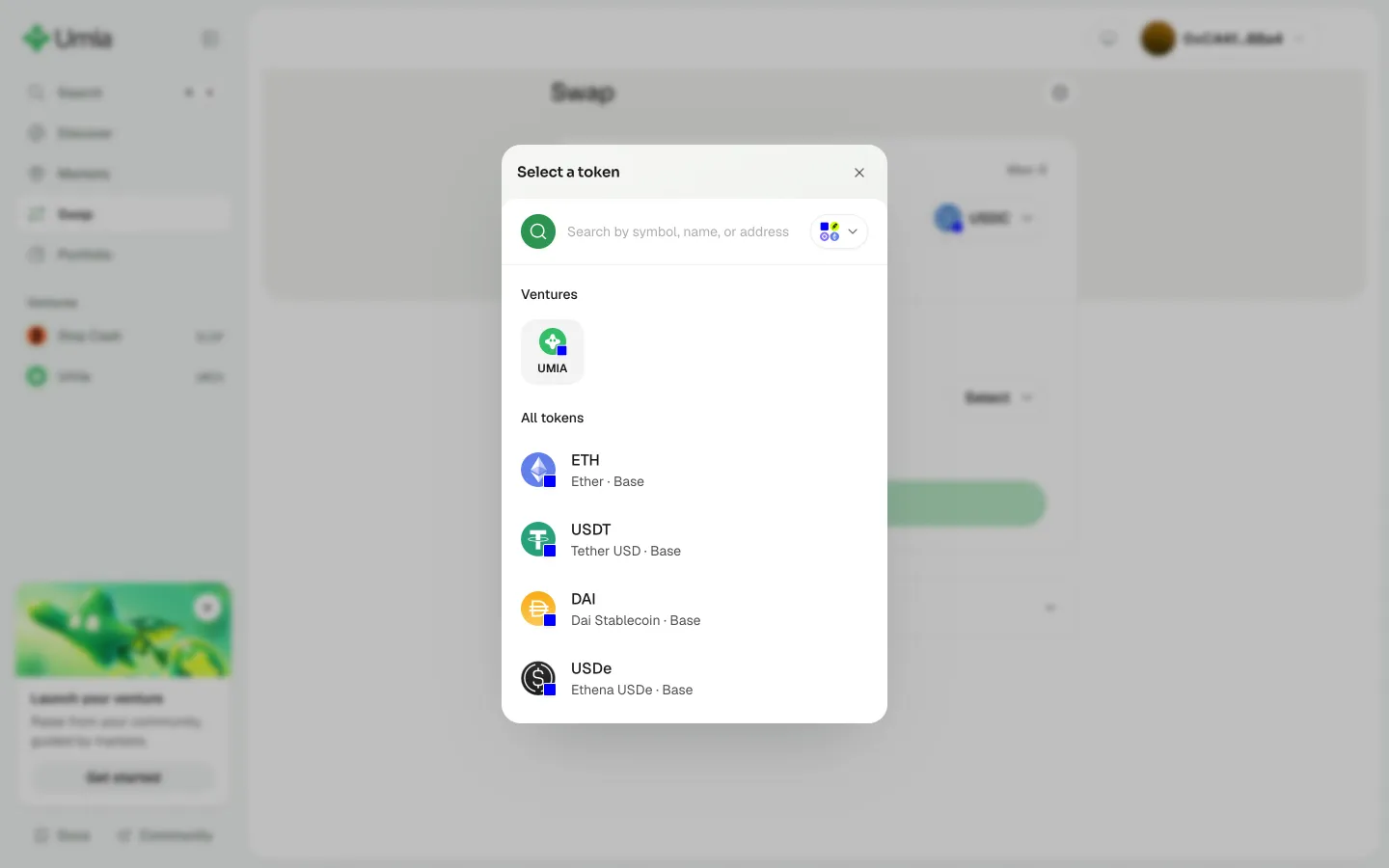
Choose the token to buyUmiaChoose the token to buy
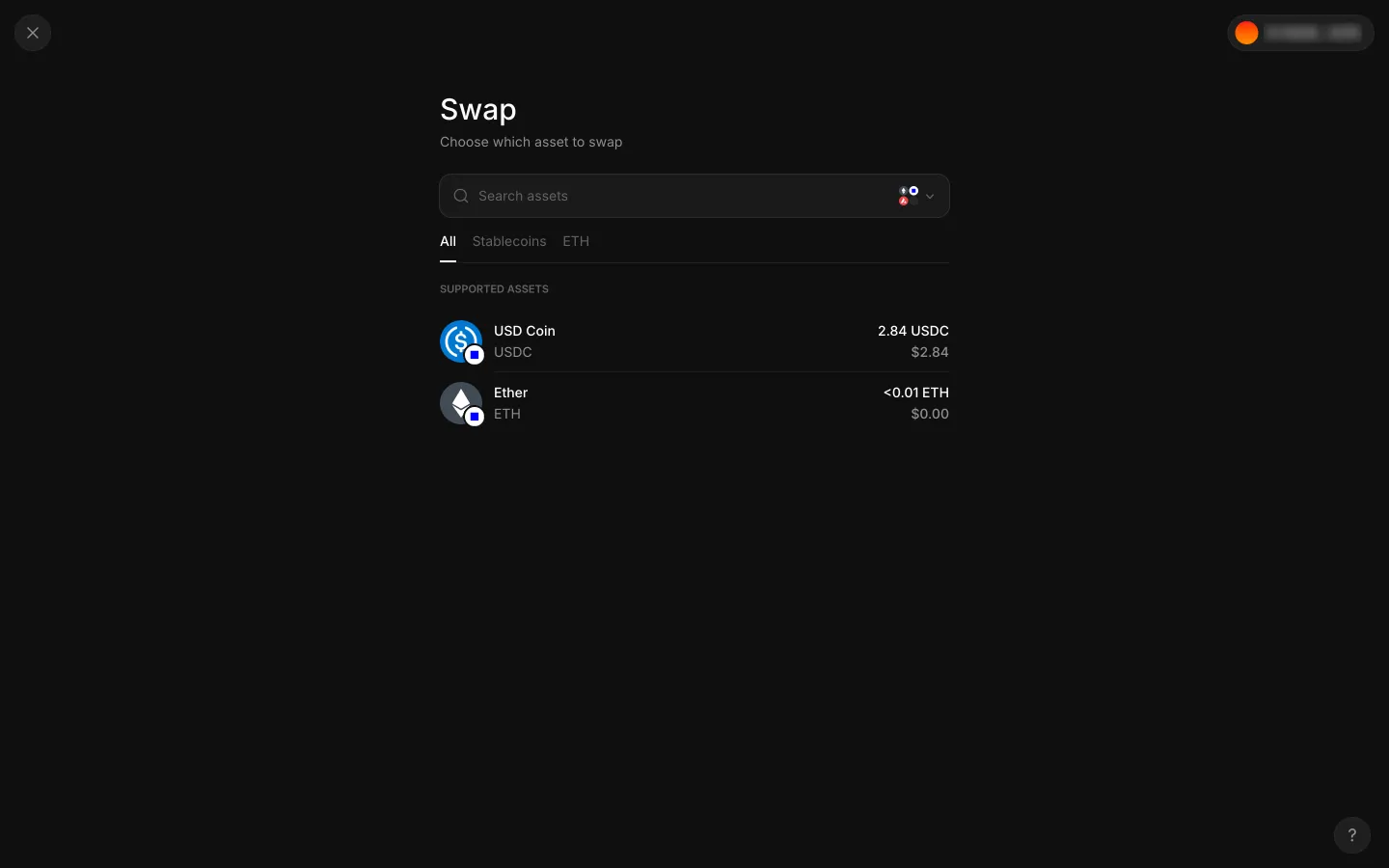
Swap starts by choosing the asset to sellAave ProSwap starts by choosing the asset to sell
Chain menu closed, asset list with USDC to chooseAave ProChain menu closed, asset list with USDC to choose
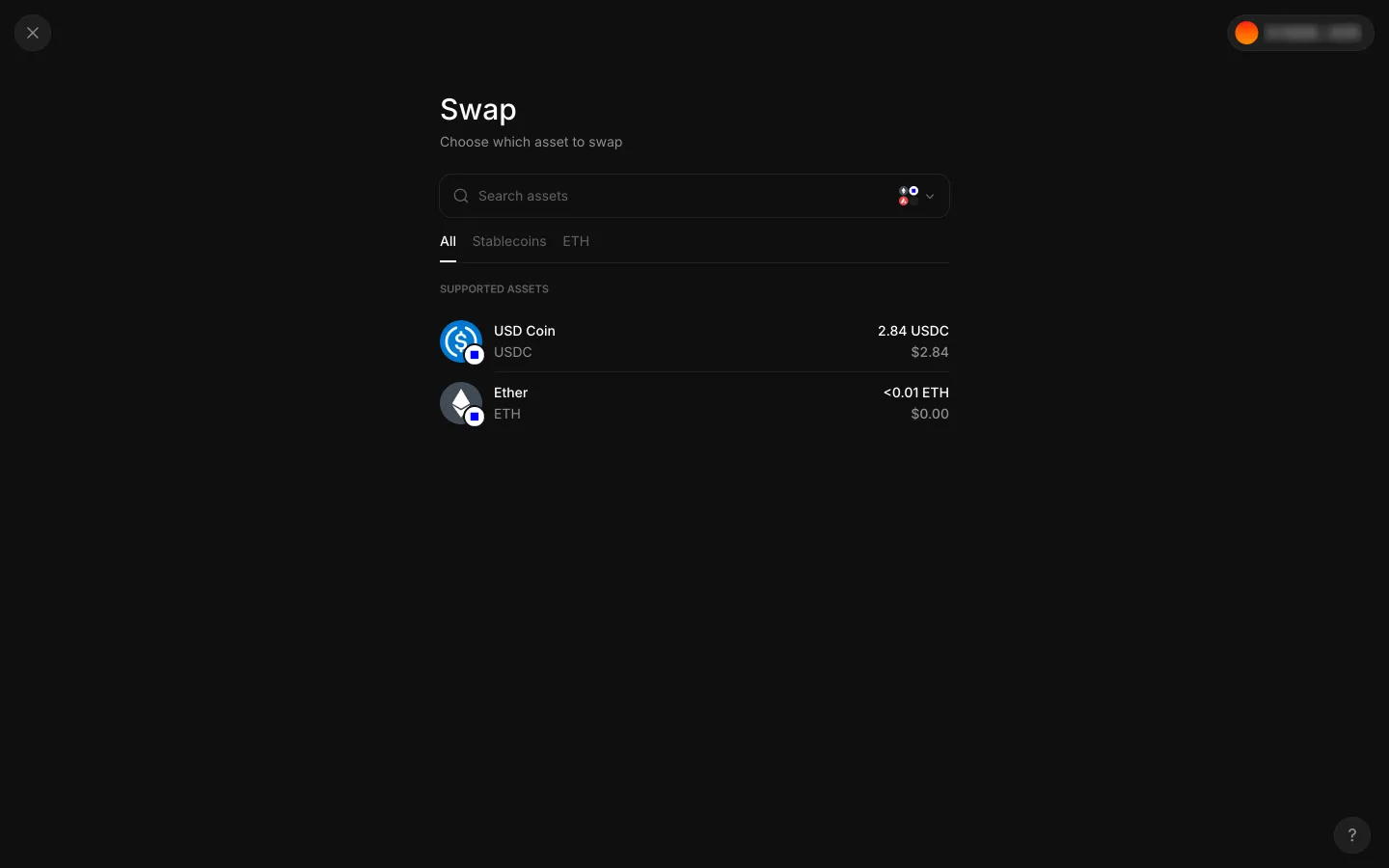
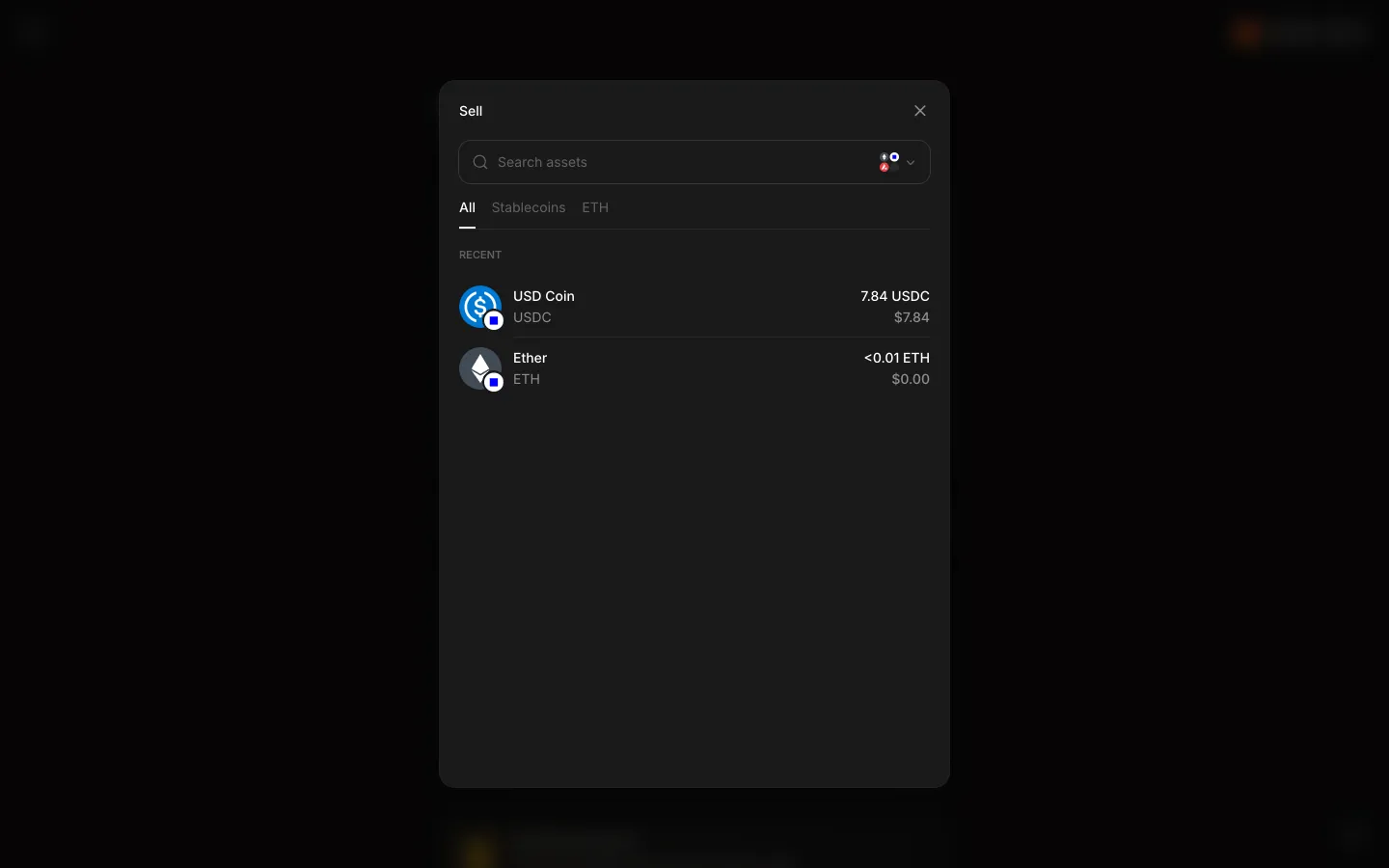
Sell picker shows the wallet holds 7.84 USDCAave ProSell picker shows the wallet holds 7.84 USDC
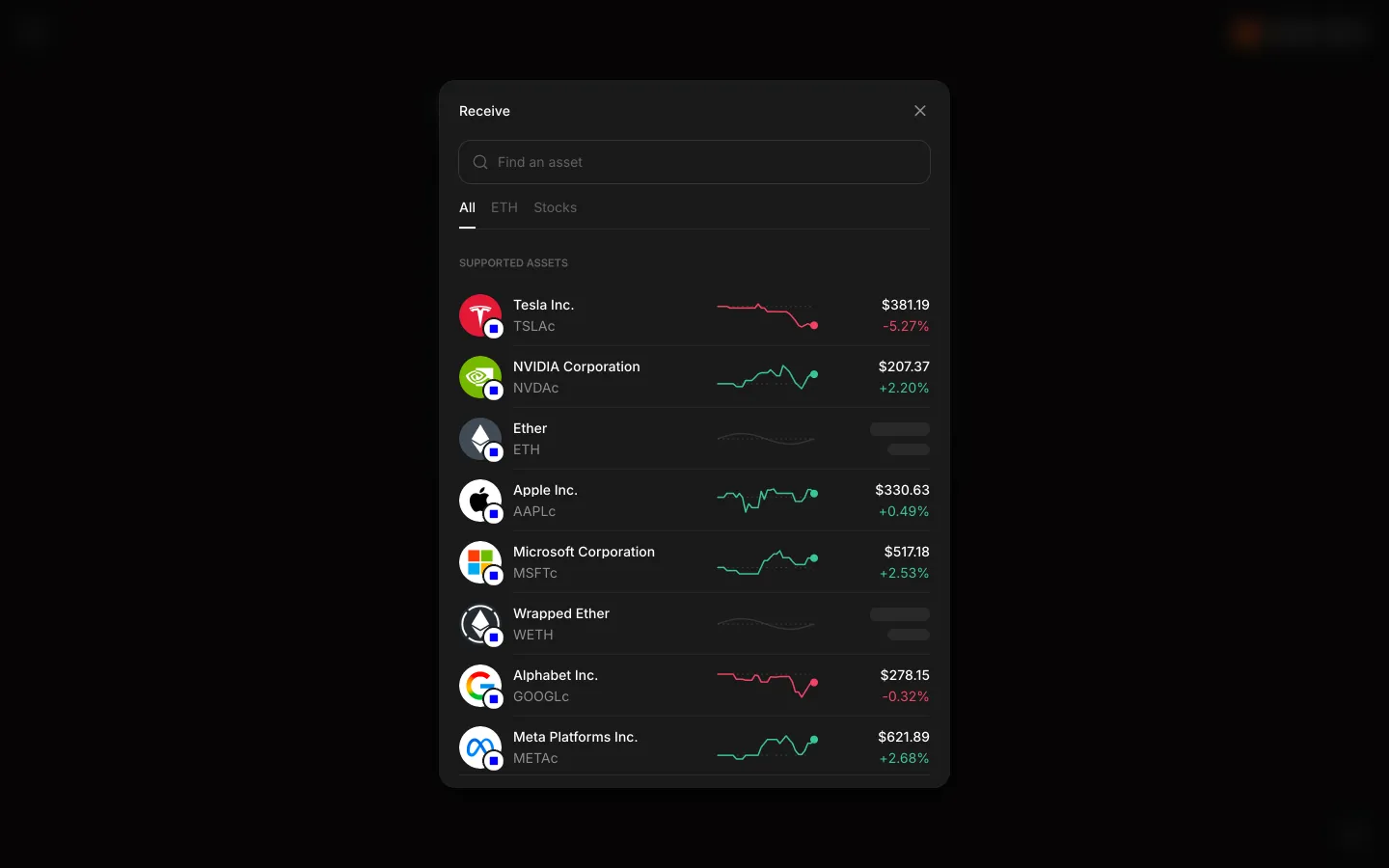
Receive picker lists stock tokens and ETH with pricesAave ProReceive picker lists stock tokens and ETH with prices
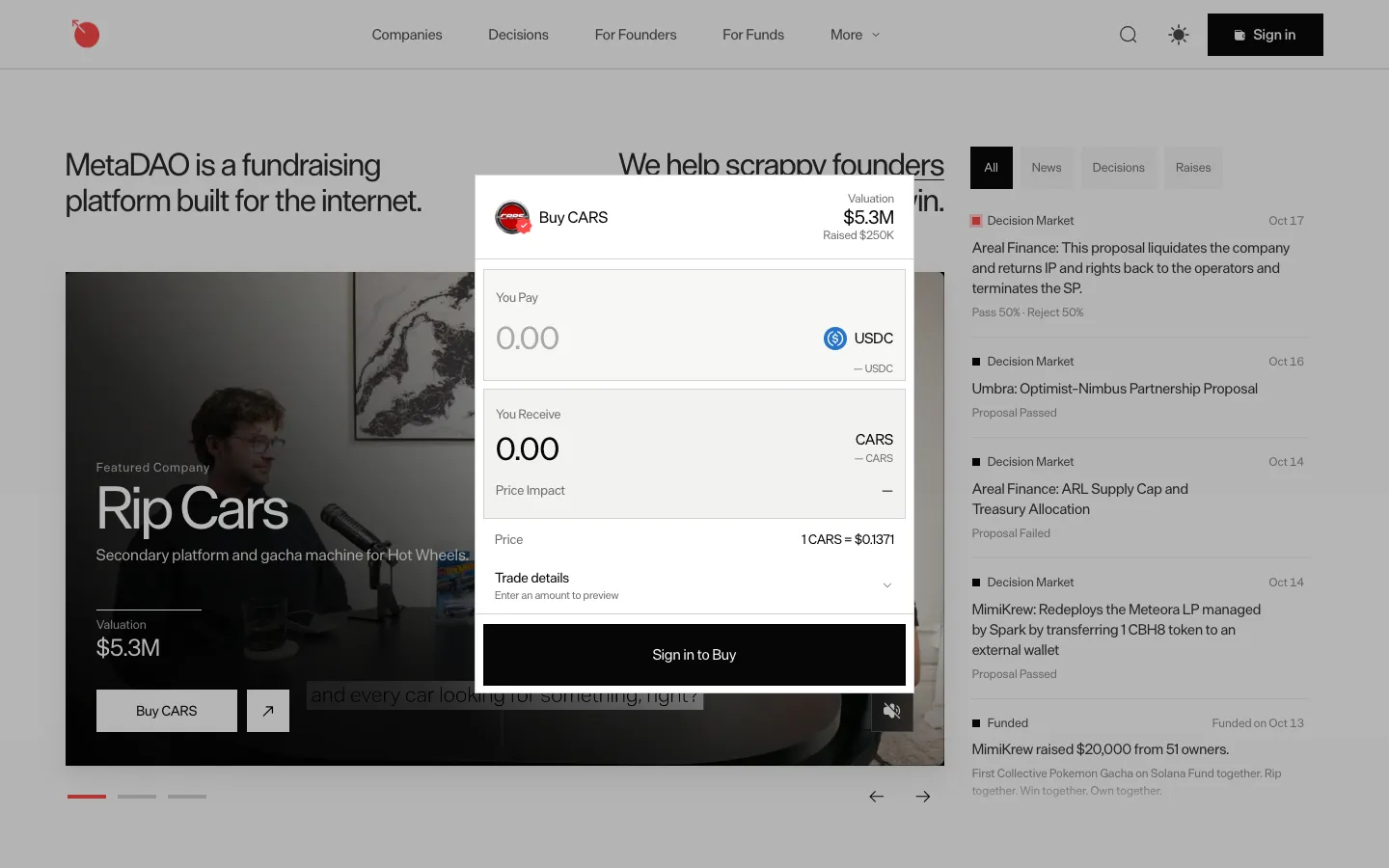
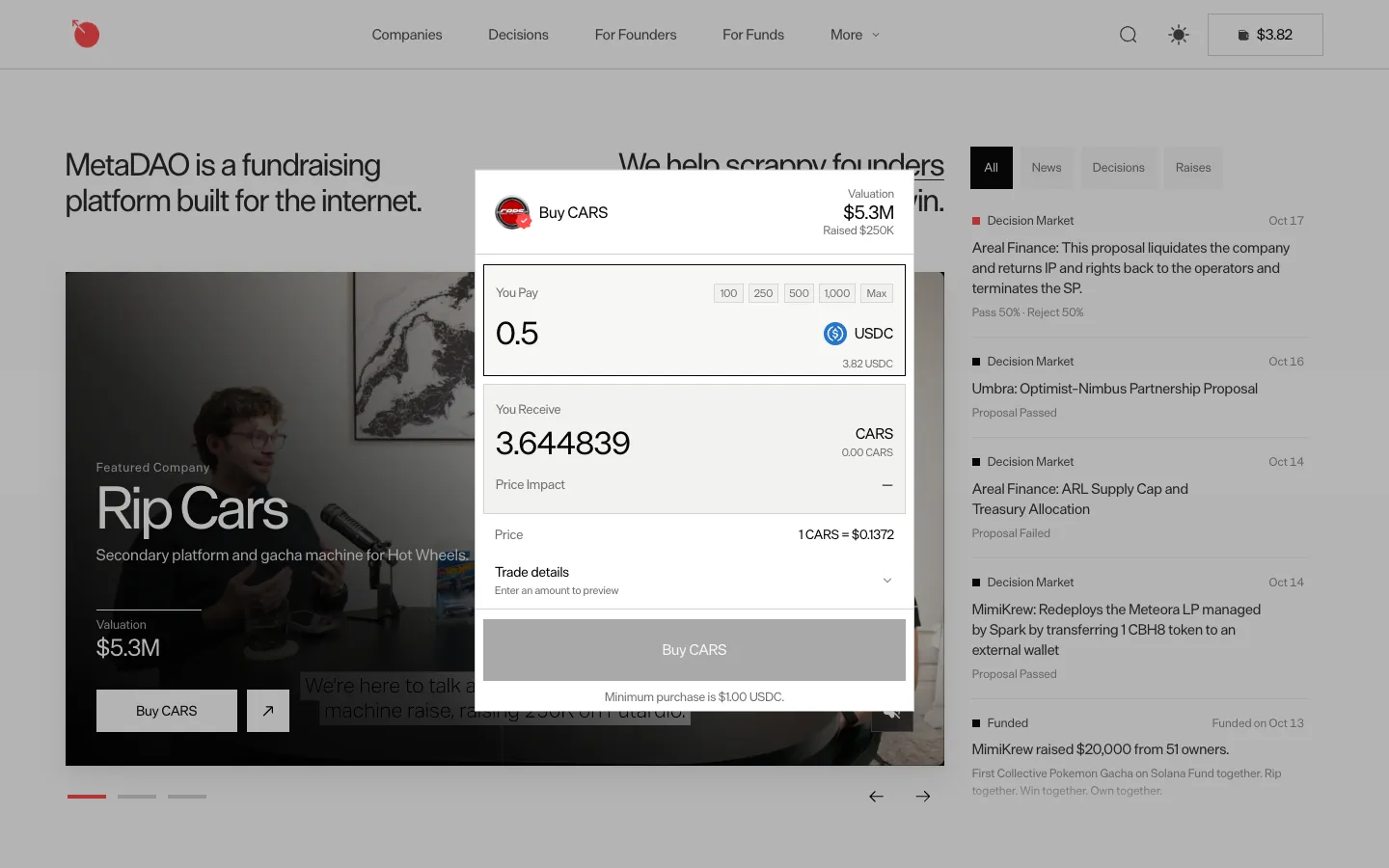
Buy CARS opens as a dialog over homeMetaDAOBuy CARS opens as a dialog over home
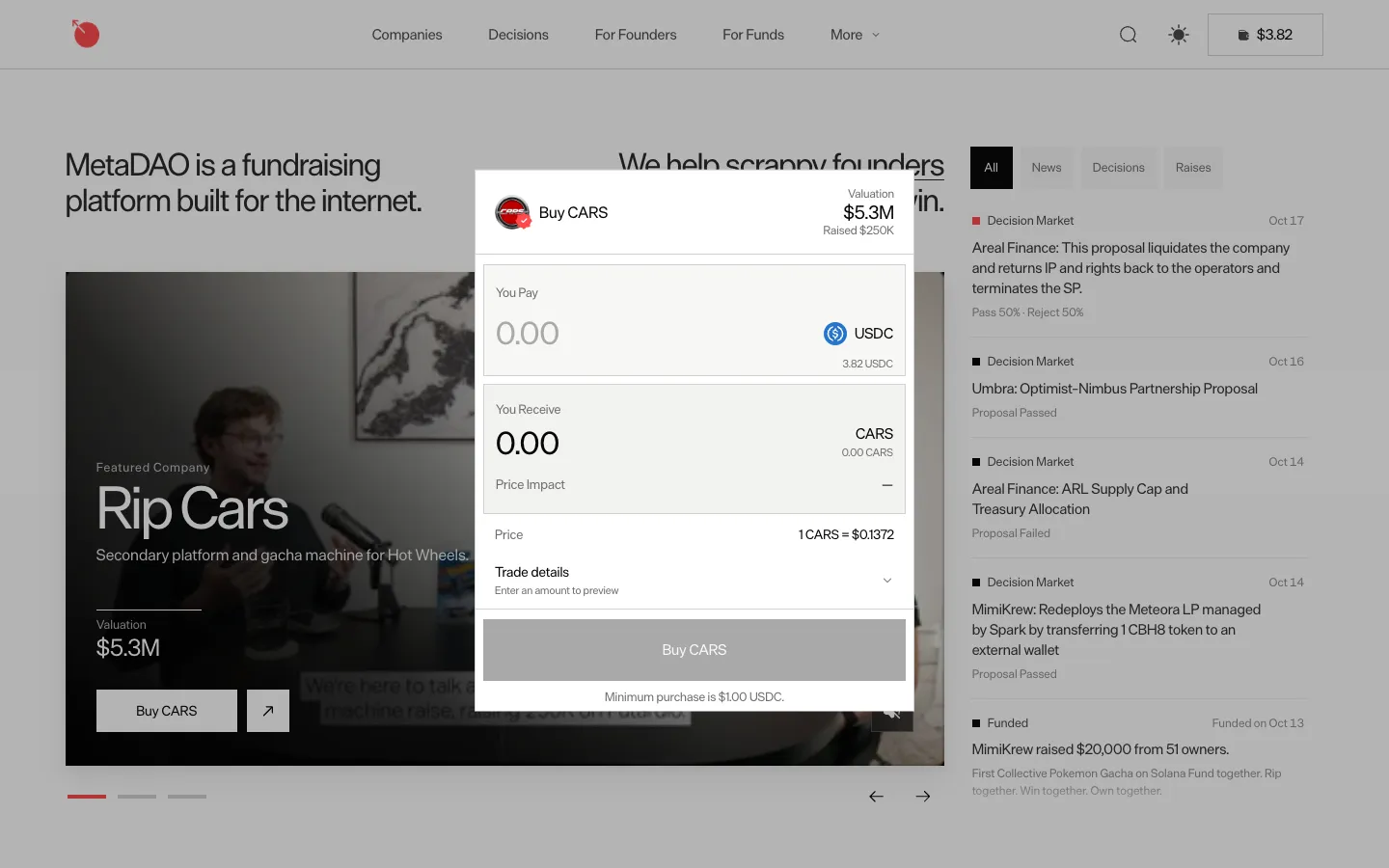
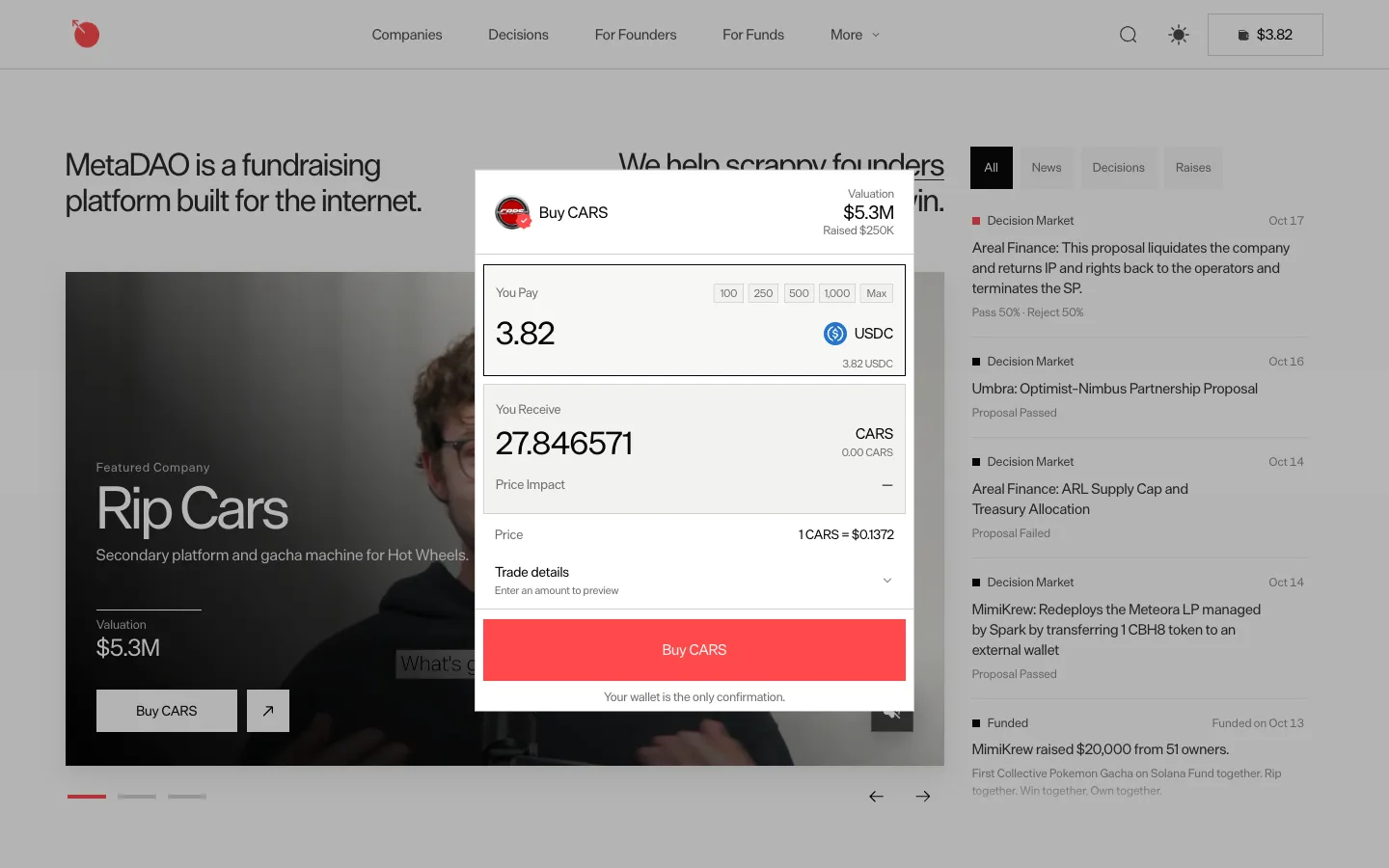
Buy CARS dialog with 3.82 USDC and a 1 USDC minimumMetaDAOBuy CARS dialog with 3.82 USDC and a 1 USDC minimum
Amount presets appear on focusMetaDAOAmount presets appear on focus
100 preset fills the whole 3.82 balance insteadMetaDAO100 preset fills the whole 3.82 balance instead
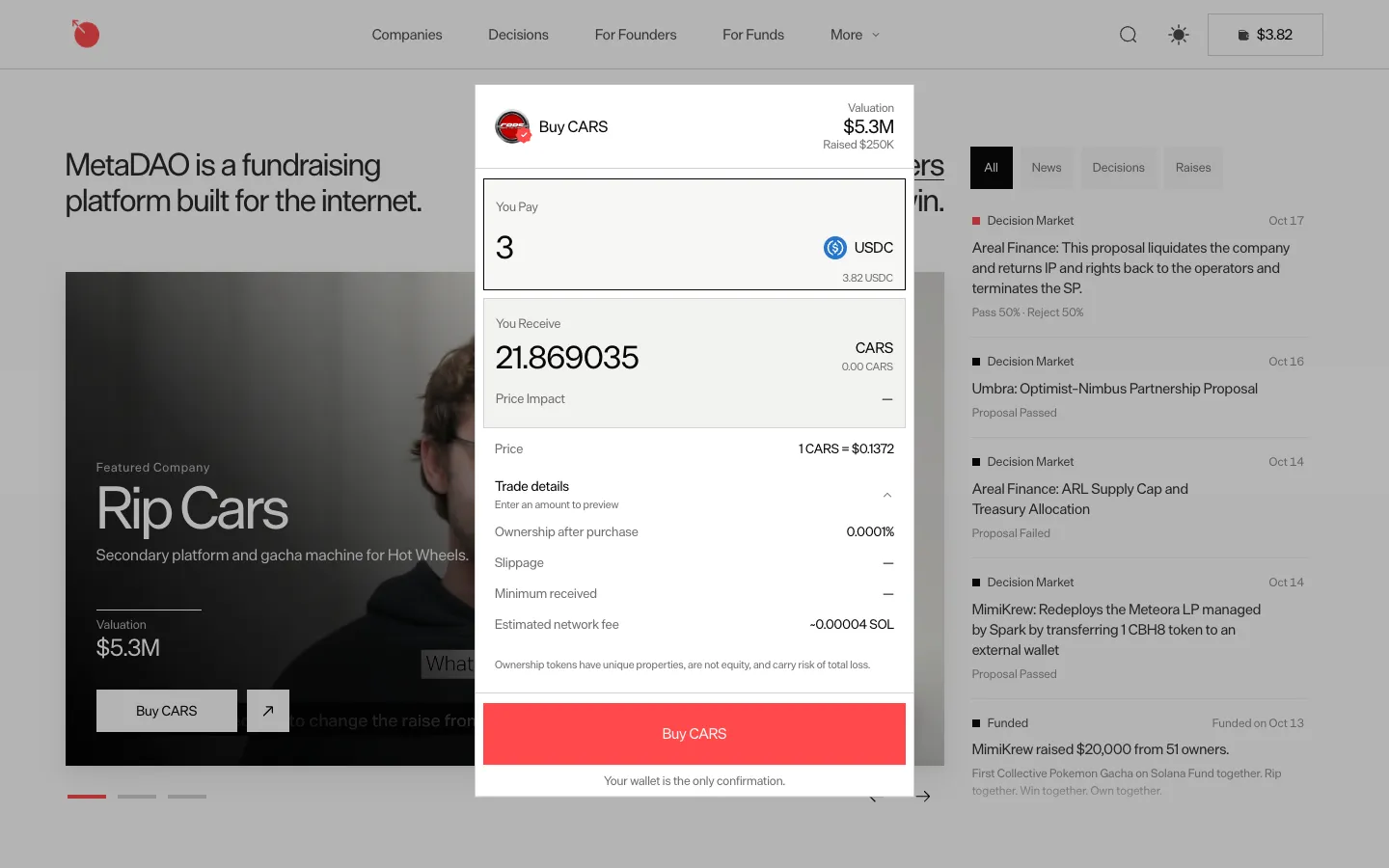
3 USDC for about 21.87 CARS, trade details openMetaDAO3 USDC for about 21.87 CARS, trade details open
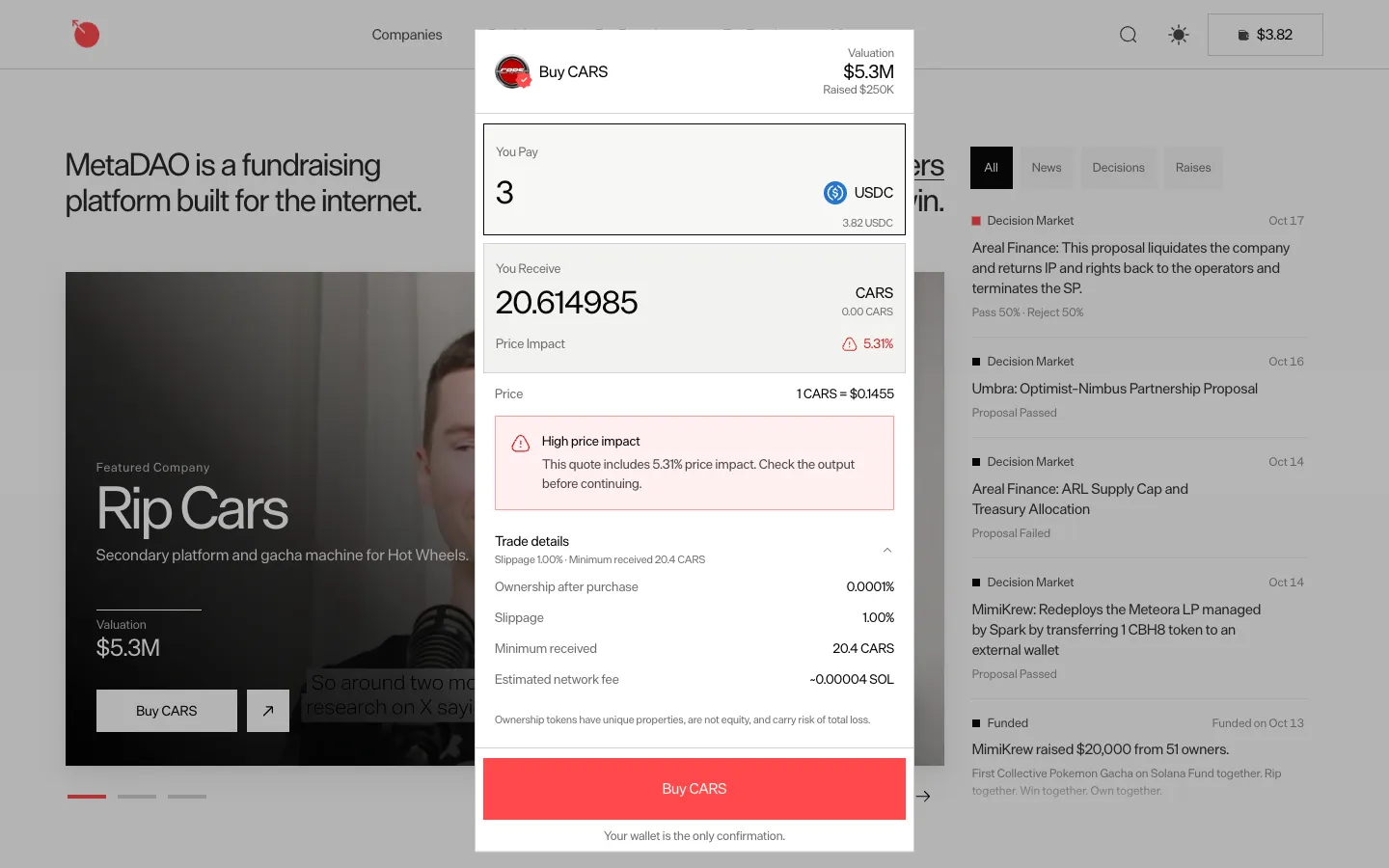
Quote refreshes with a high price impact warningMetaDAOQuote refreshes with a high price impact warning
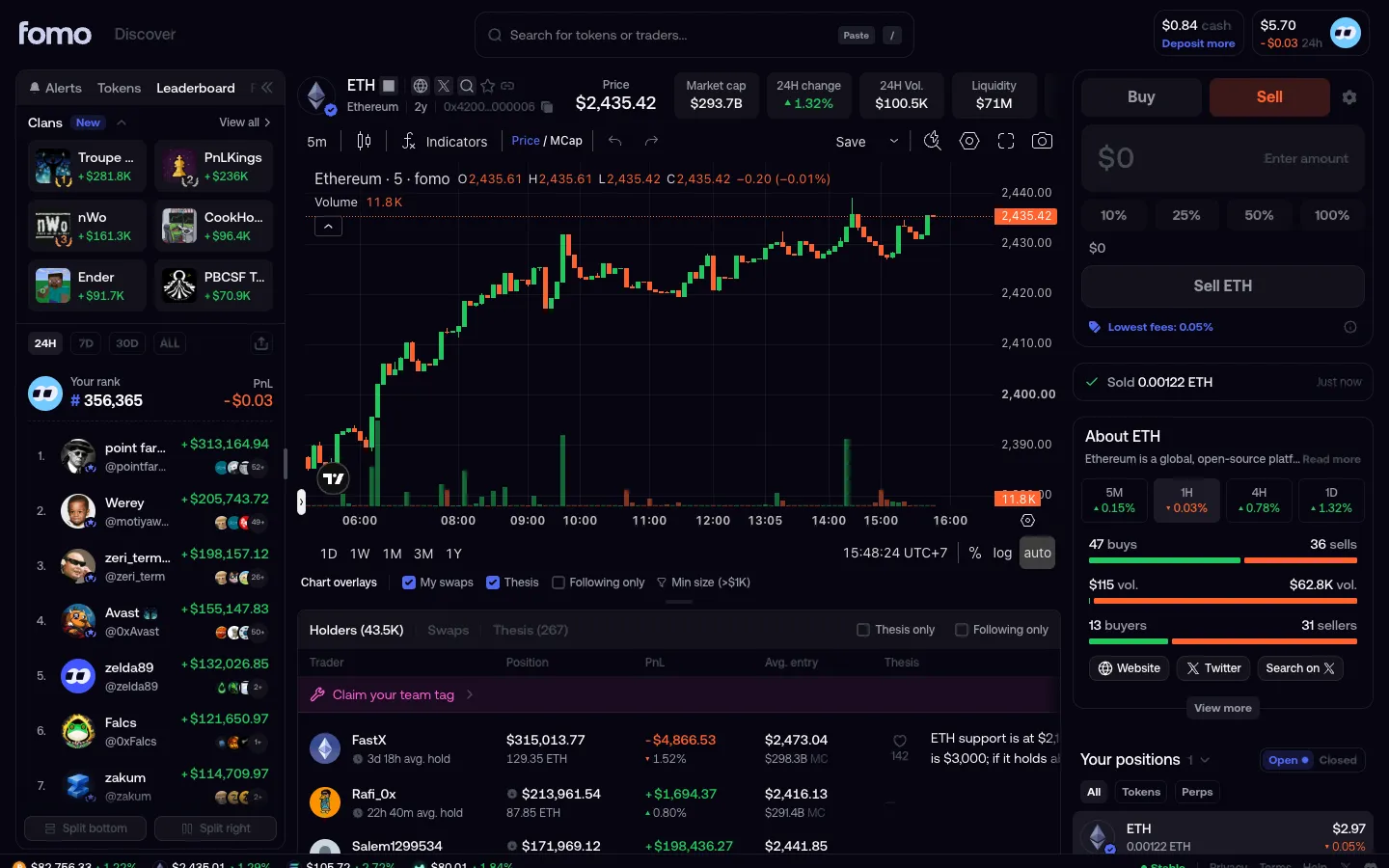
Sold, cash not updated yetfomoSold, cash not updated yet

Screens, flows and sites from real crypto and web3 apps.

© 2026 MoonoPrivacyTerms

Apps

  • All apps
  • Screens
  • Flows
  • UI elements

Sites

  • All sites
  • Sections

Learn

  • Glossary

Product

  • Pricing
  • MCPNew

© 2026 MoonoPrivacyTerms