All appsScreensFlowsUI elements
PricingGlossary
AllScreensFlowsUI elements

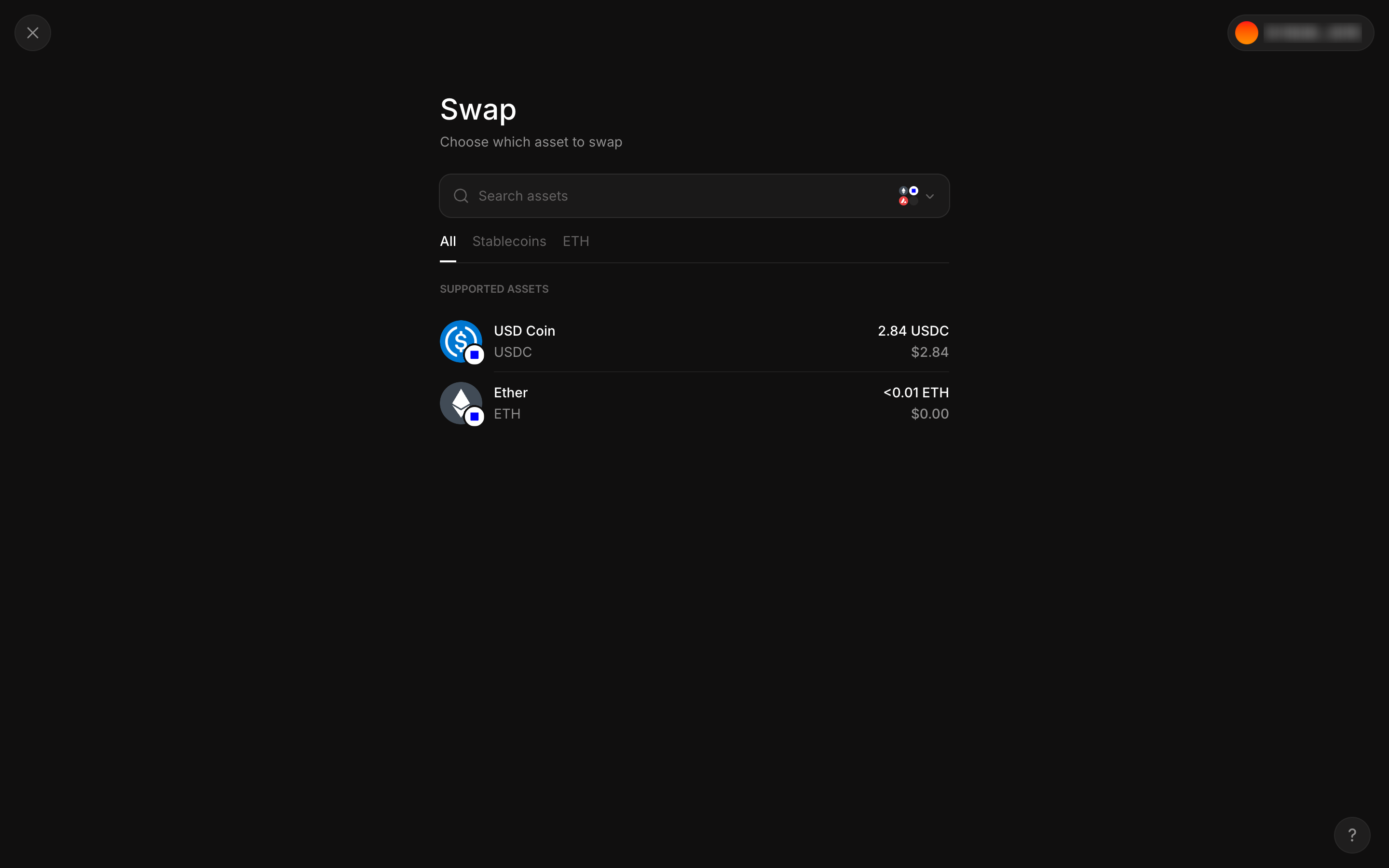
Swap starts by choosing the asset to sell in Aave Pro

Step 3 of 9 in Swap ticketPlay
Swap starts by choosing the asset to sell

Swap starts by choosing the asset to sell

Swap Ticket

Screen typeSwap Ticket
StateIdle
CapturedNov 2026
UI elementsNetwork SwitcherSearch BarStacked ListTabToken Icon
In the flowSwap ticket
SizeDesktop, 2880 by 1800
Open the flowOpen original

Similar screens in other apps

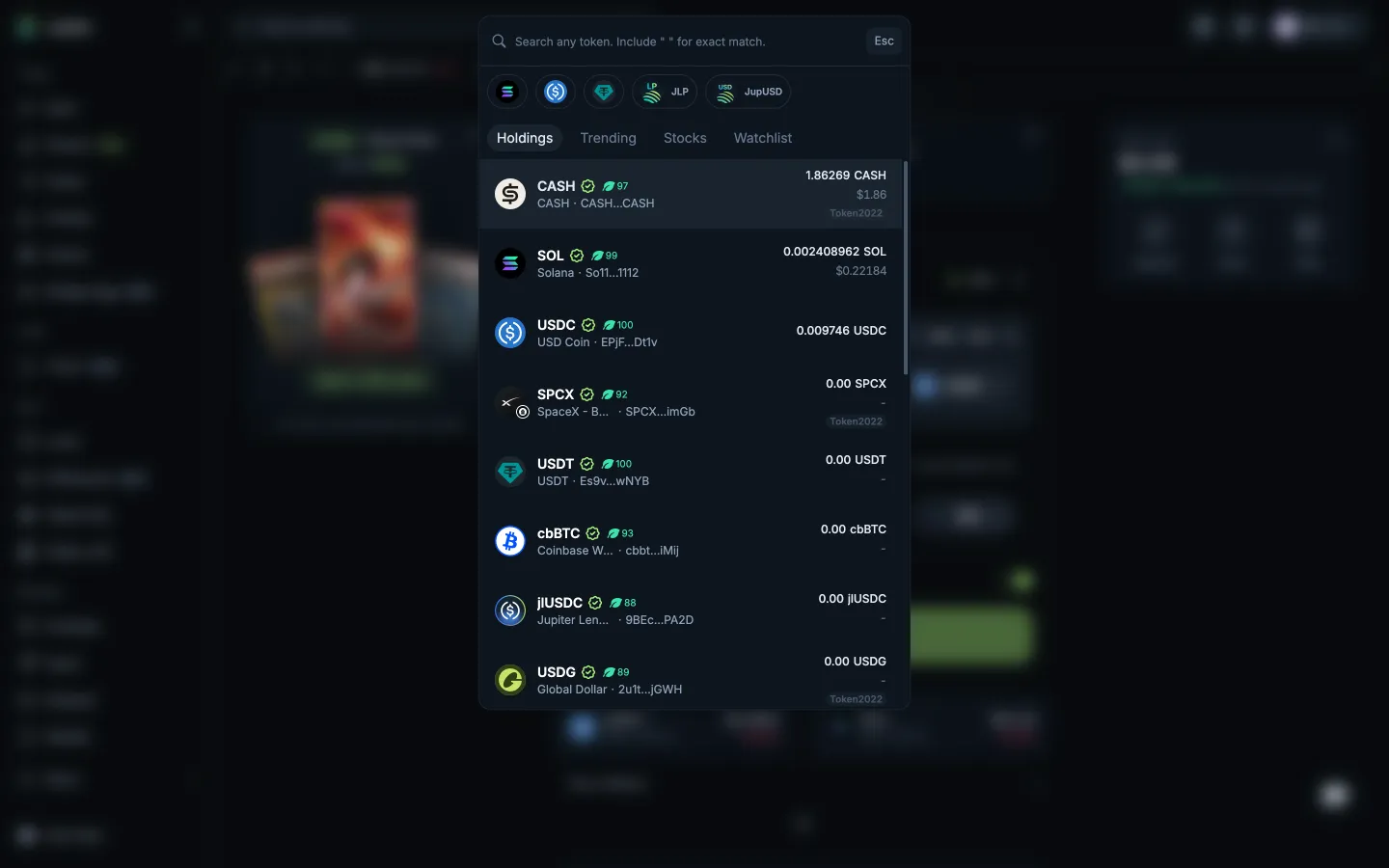
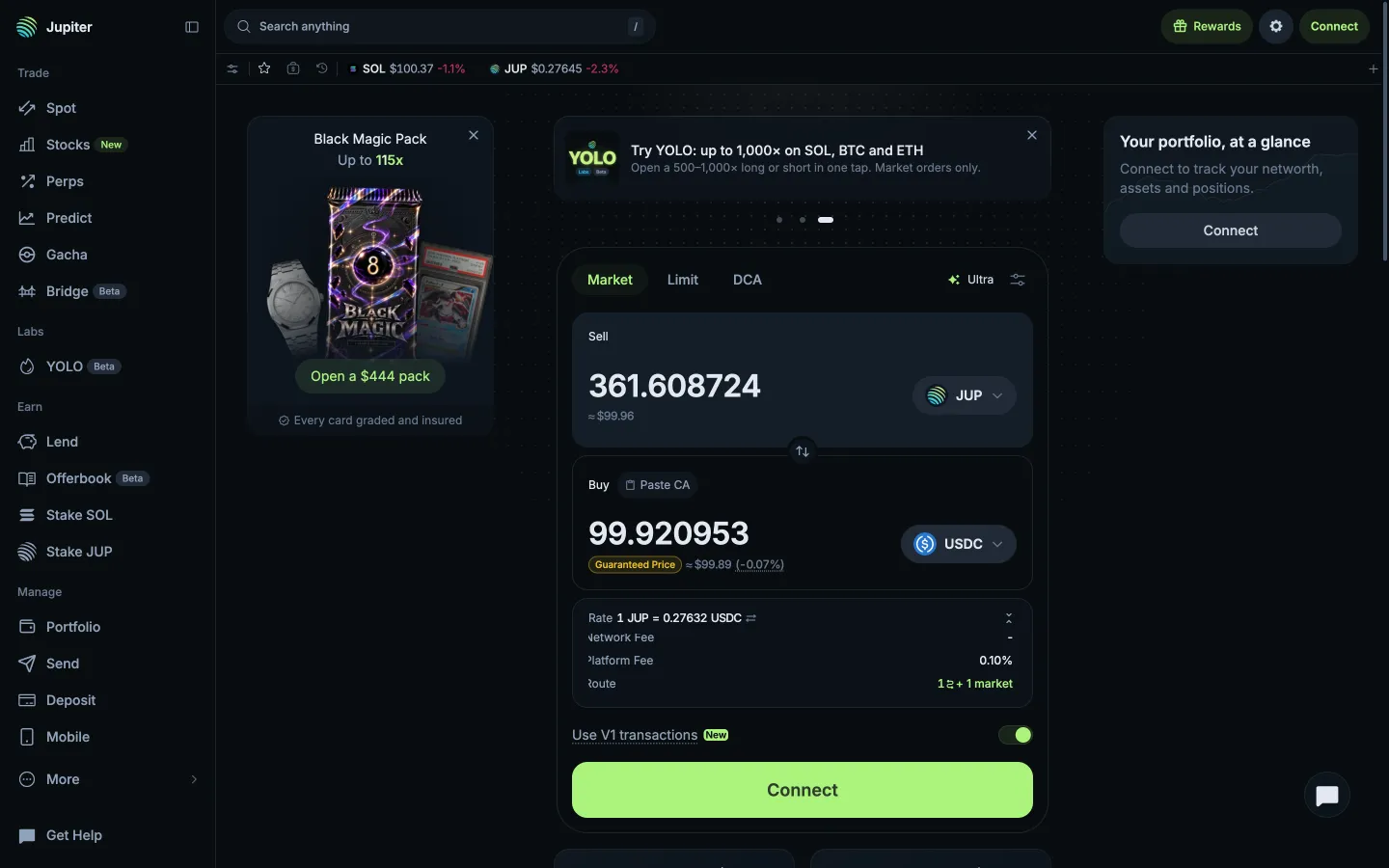
Choose CASH from holdingsJupiterChoose CASH from holdings
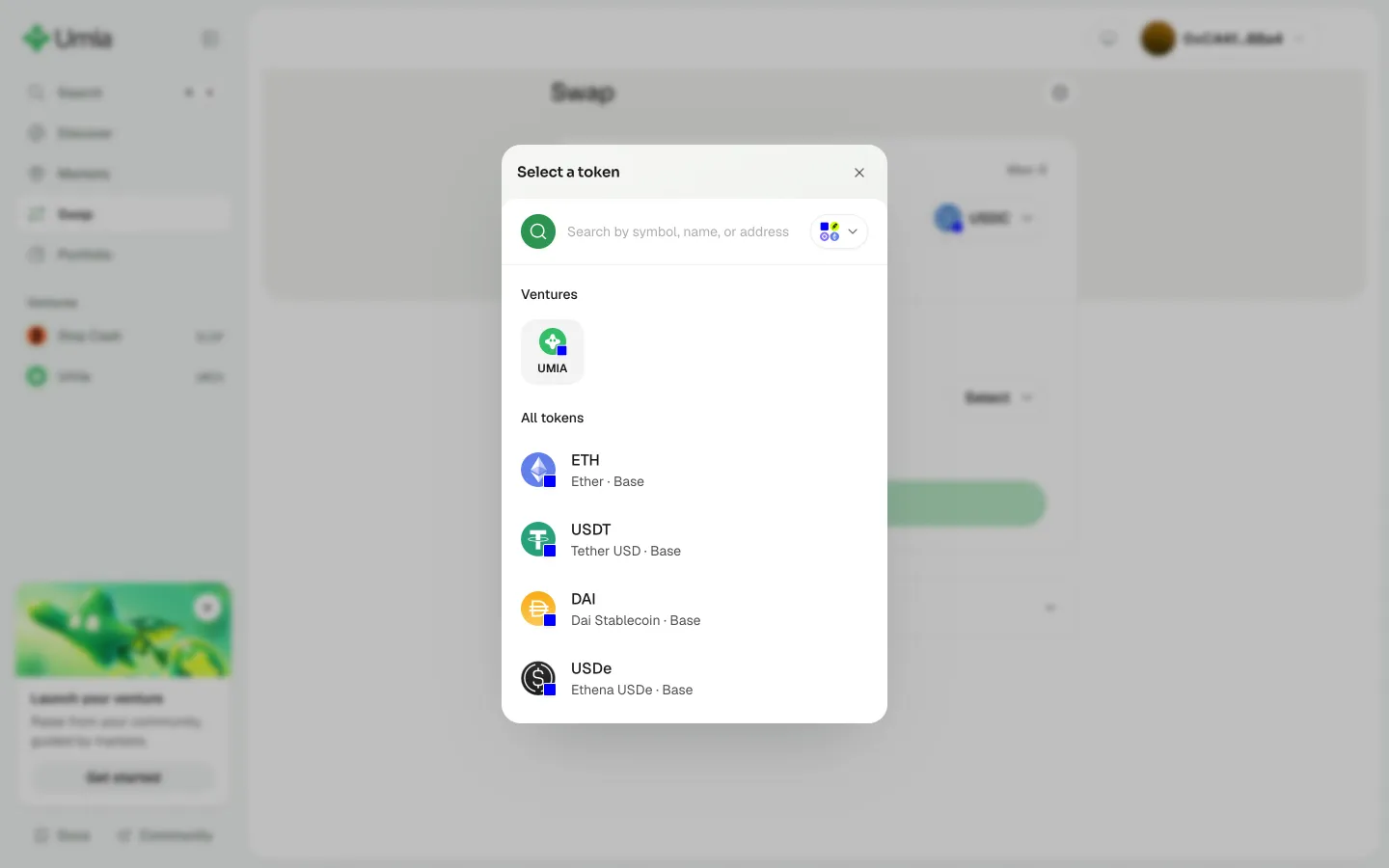
Choose the token to buyUmiaChoose the token to buy
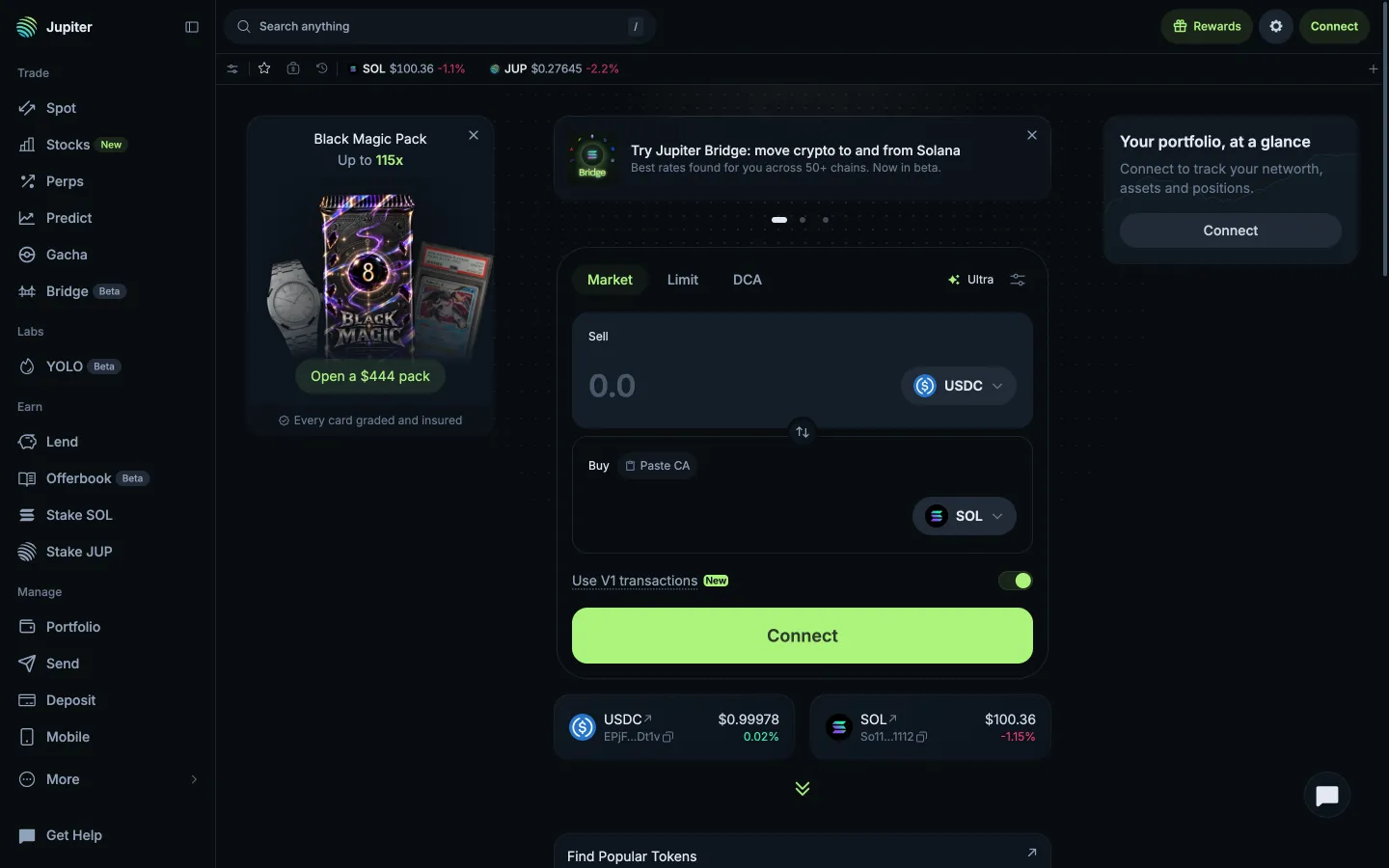
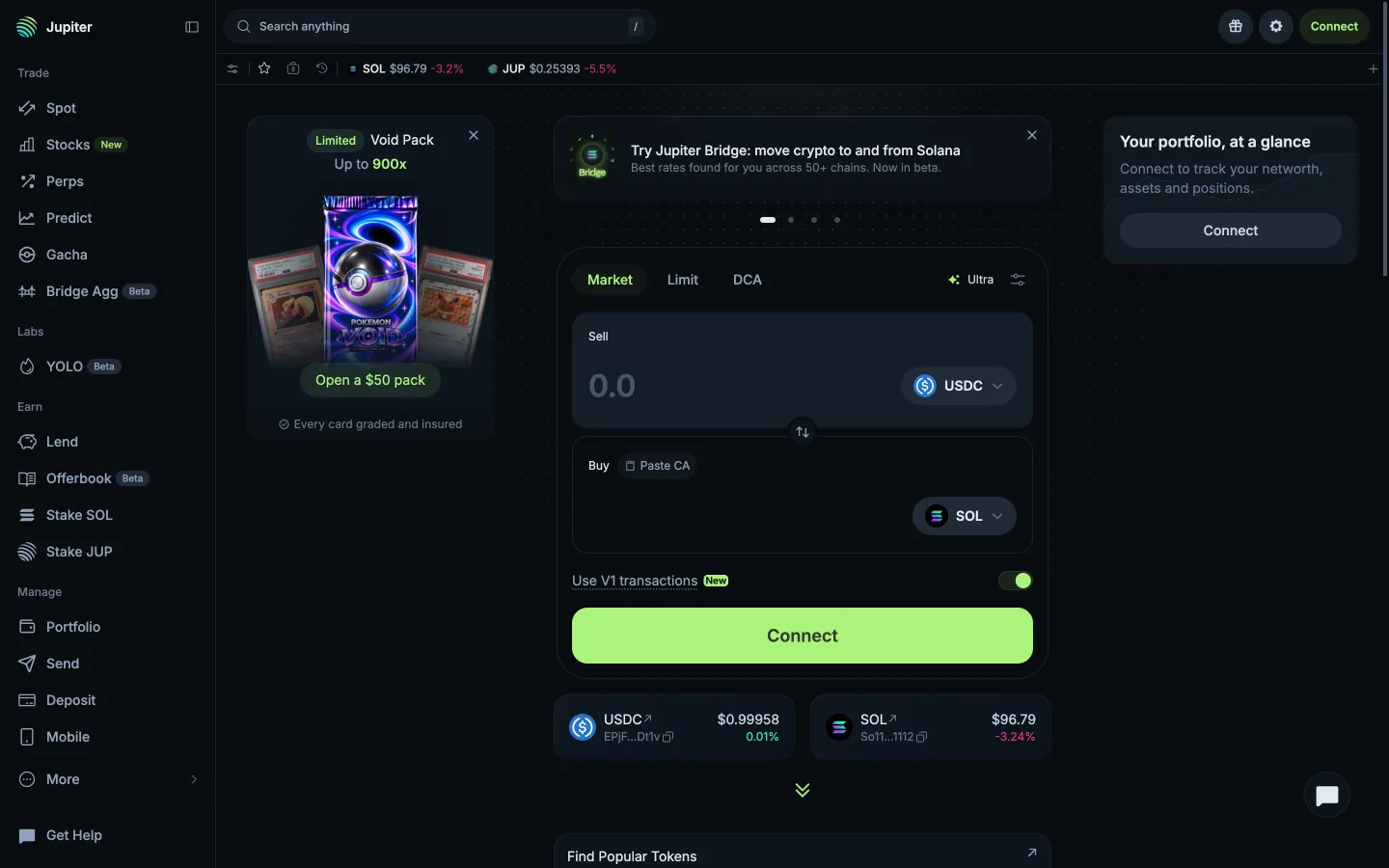
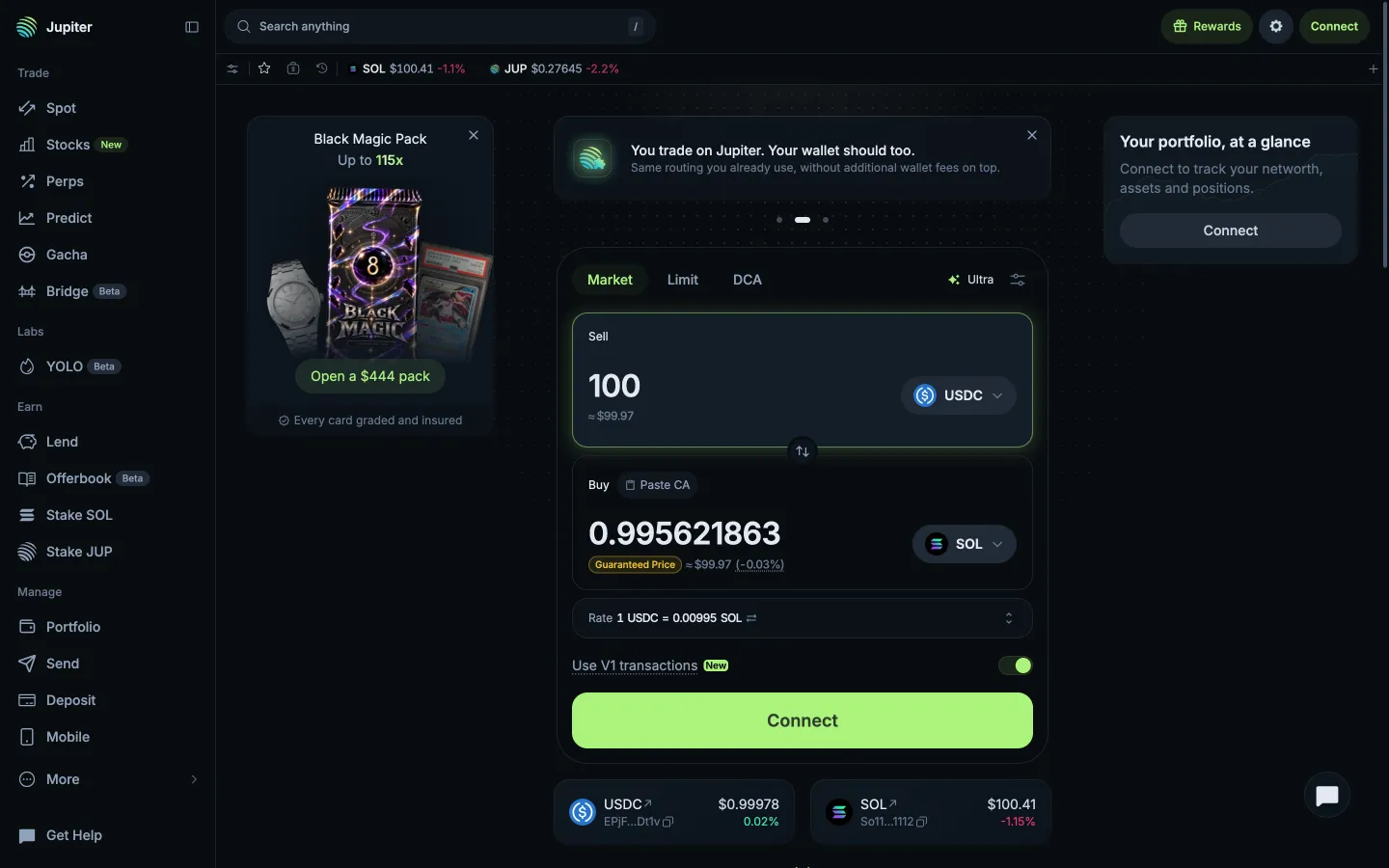
Empty ticket, Connect in place of SwapJupiterEmpty ticket, Connect in place of Swap
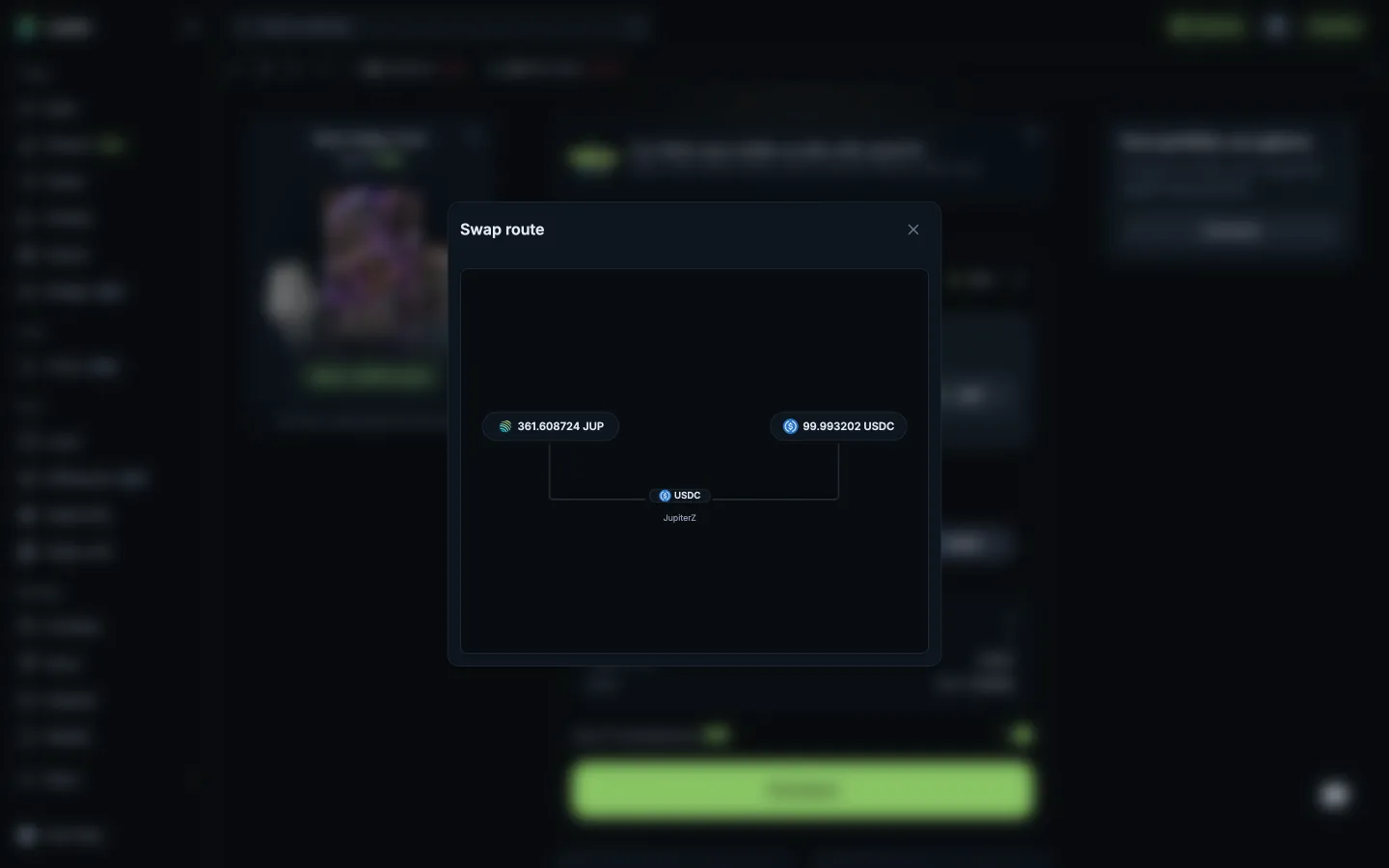
Swap route through one marketJupiterSwap route through one market
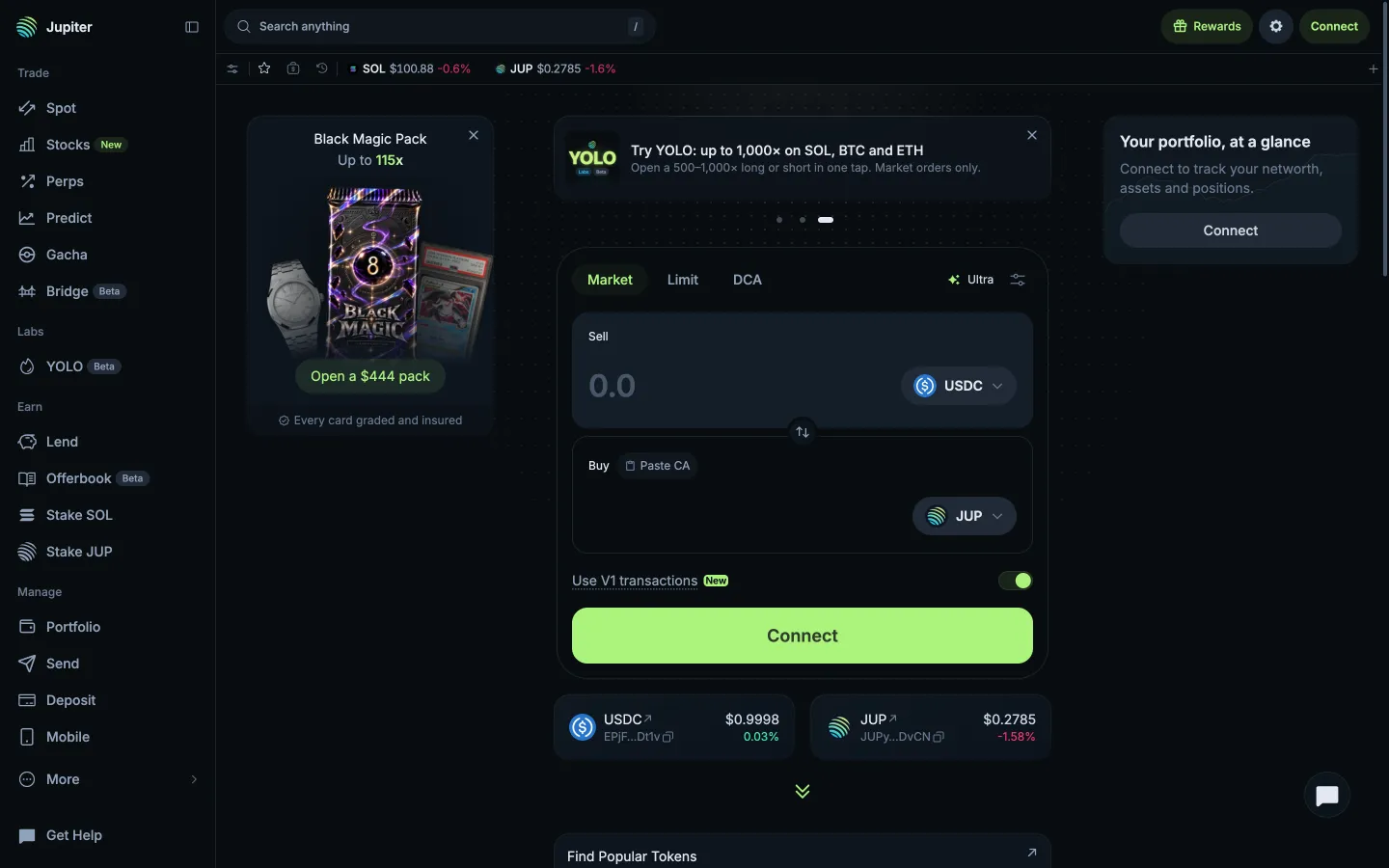
Return to HomeJupiterReturn to Home
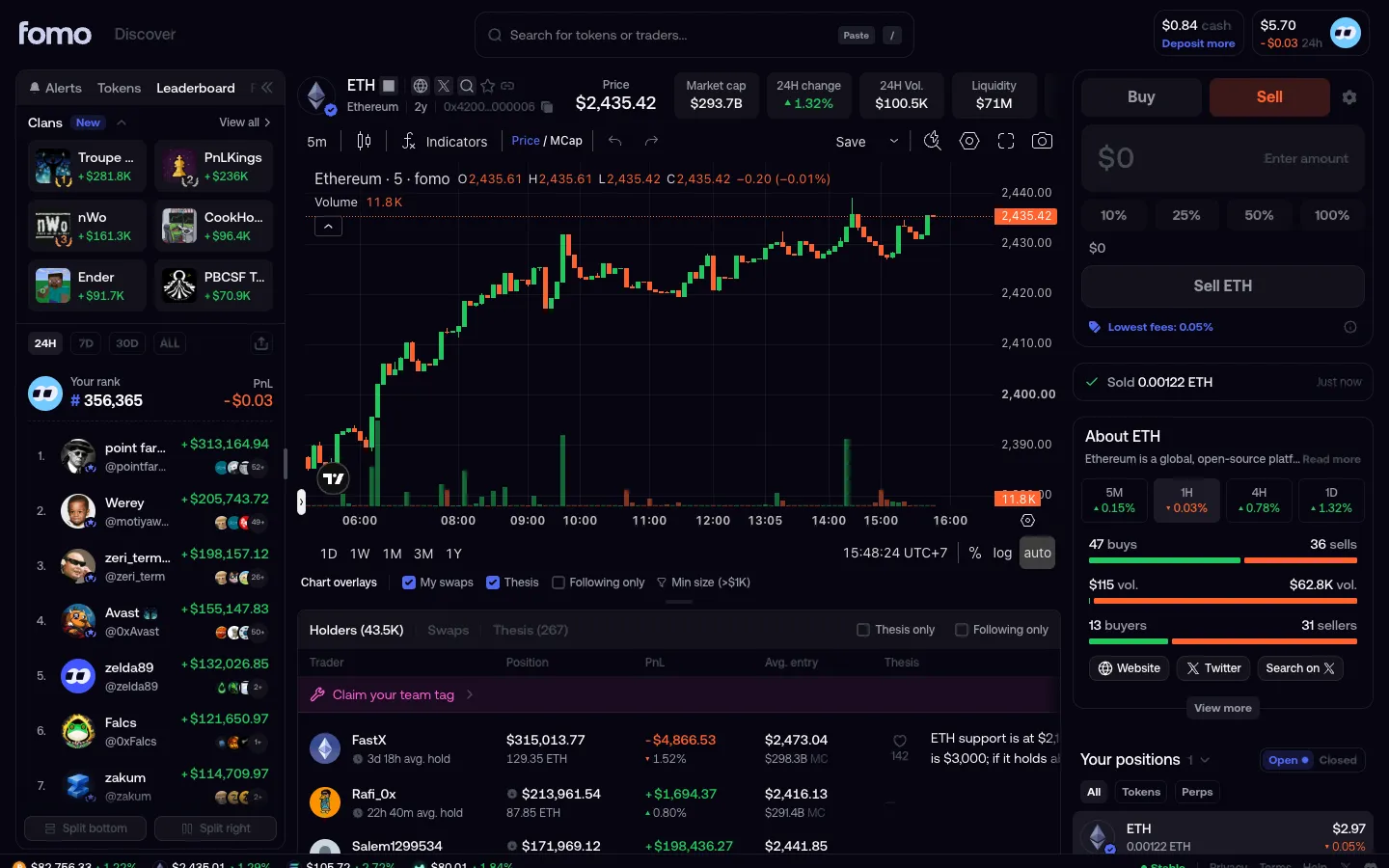
Sold, cash not updated yetfomoSold, cash not updated yet
Market ticketJupiterMarket ticket
Typed 100 USDC, quote with Guaranteed PriceJupiterTyped 100 USDC, quote with Guaranteed Price
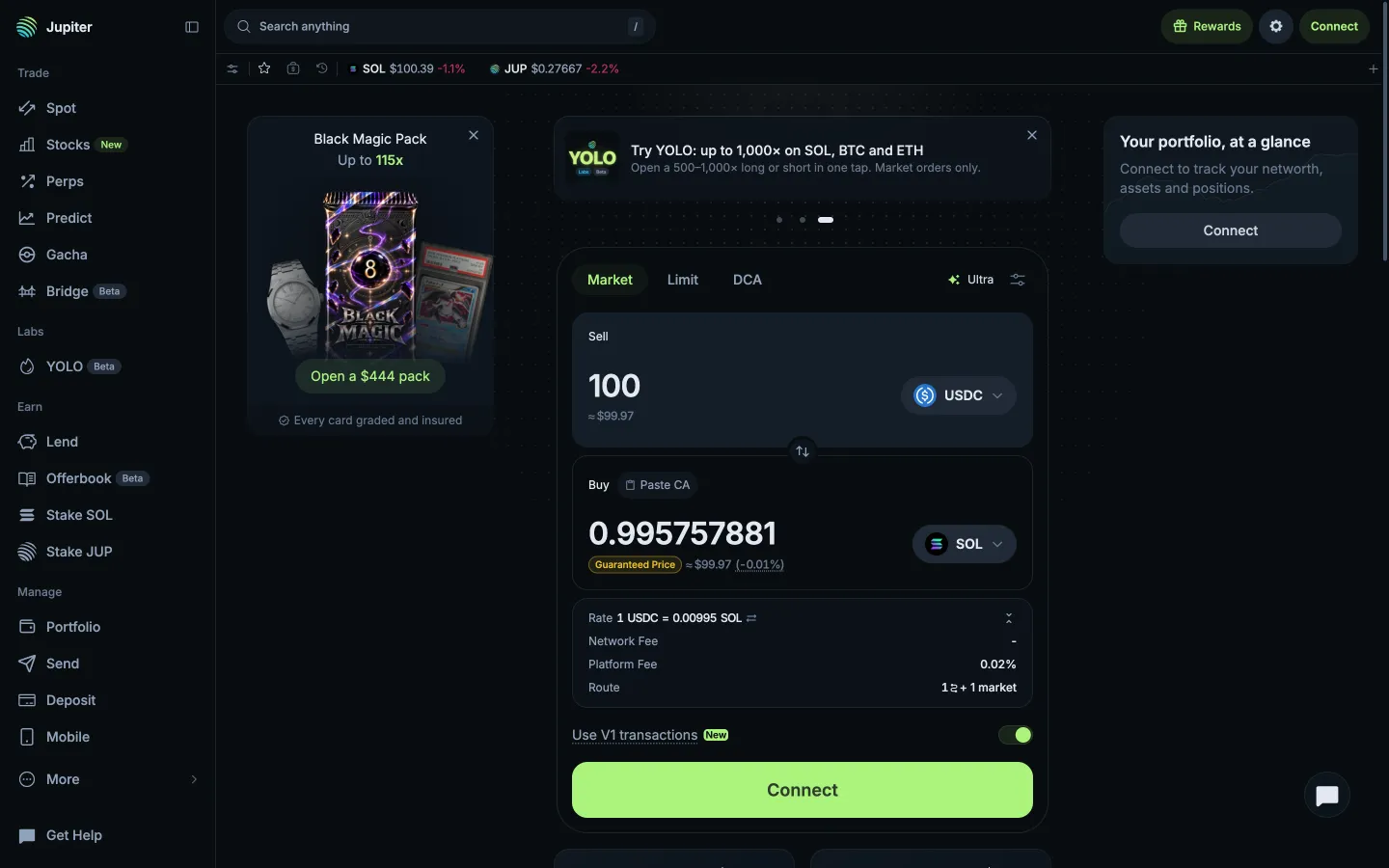
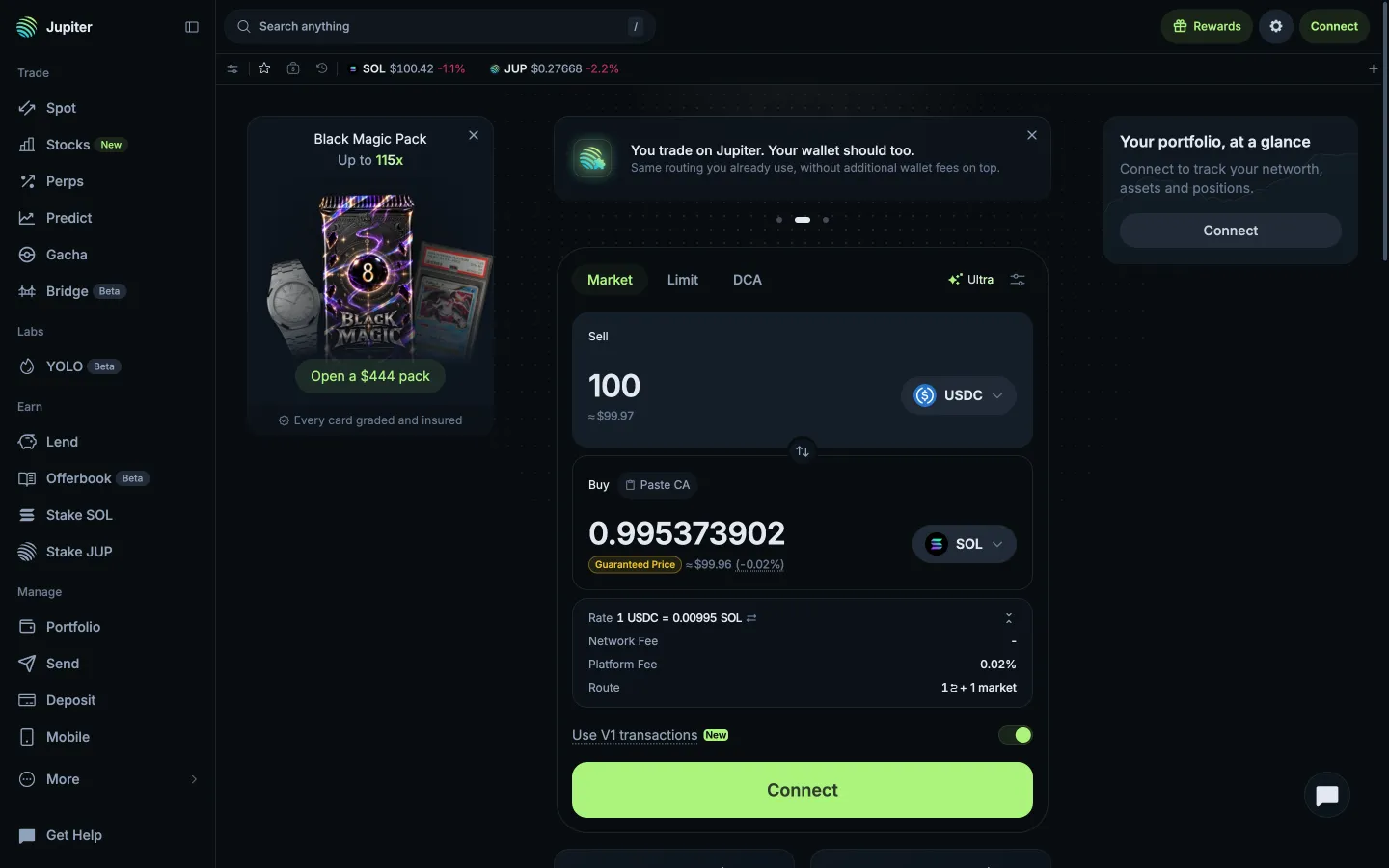
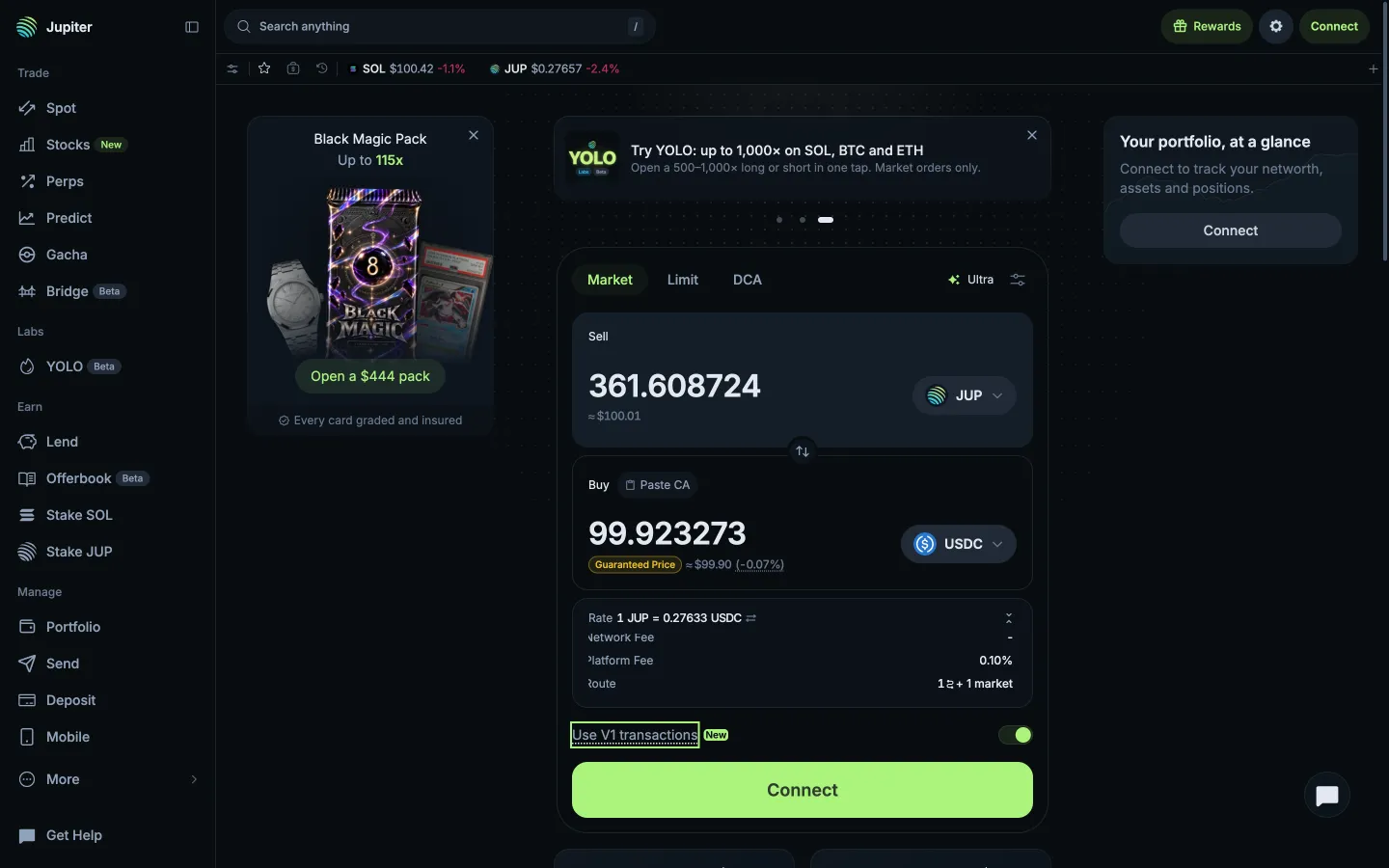
Rate details, fees and routeJupiterRate details, fees and route
Quote for SOLJupiterQuote for SOL
Quote with route countJupiterQuote with route count
Price impact under the amountJupiterPrice impact under the amount

Screens, flows and sites from real crypto and web3 apps.

© 2026 MoonoPrivacyTerms

Apps

  • All apps
  • Screens
  • Flows
  • UI elements

Sites

  • All sites
  • Sections

Learn

  • Glossary

Product

  • Pricing
  • MCPNew

© 2026 MoonoPrivacyTerms