All appsScreensFlowsUI elements
PricingGlossary
AllScreensFlowsUI elements

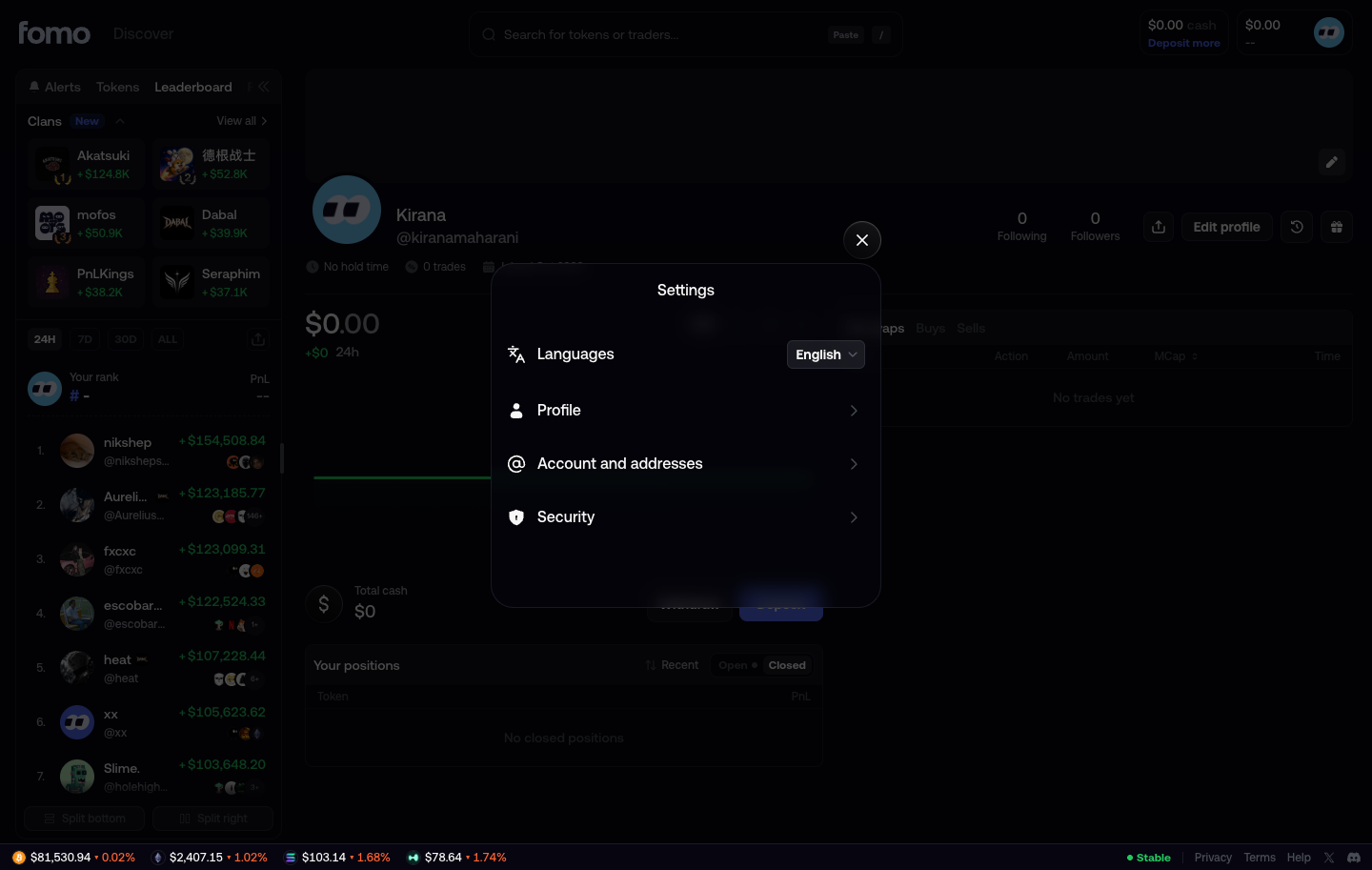
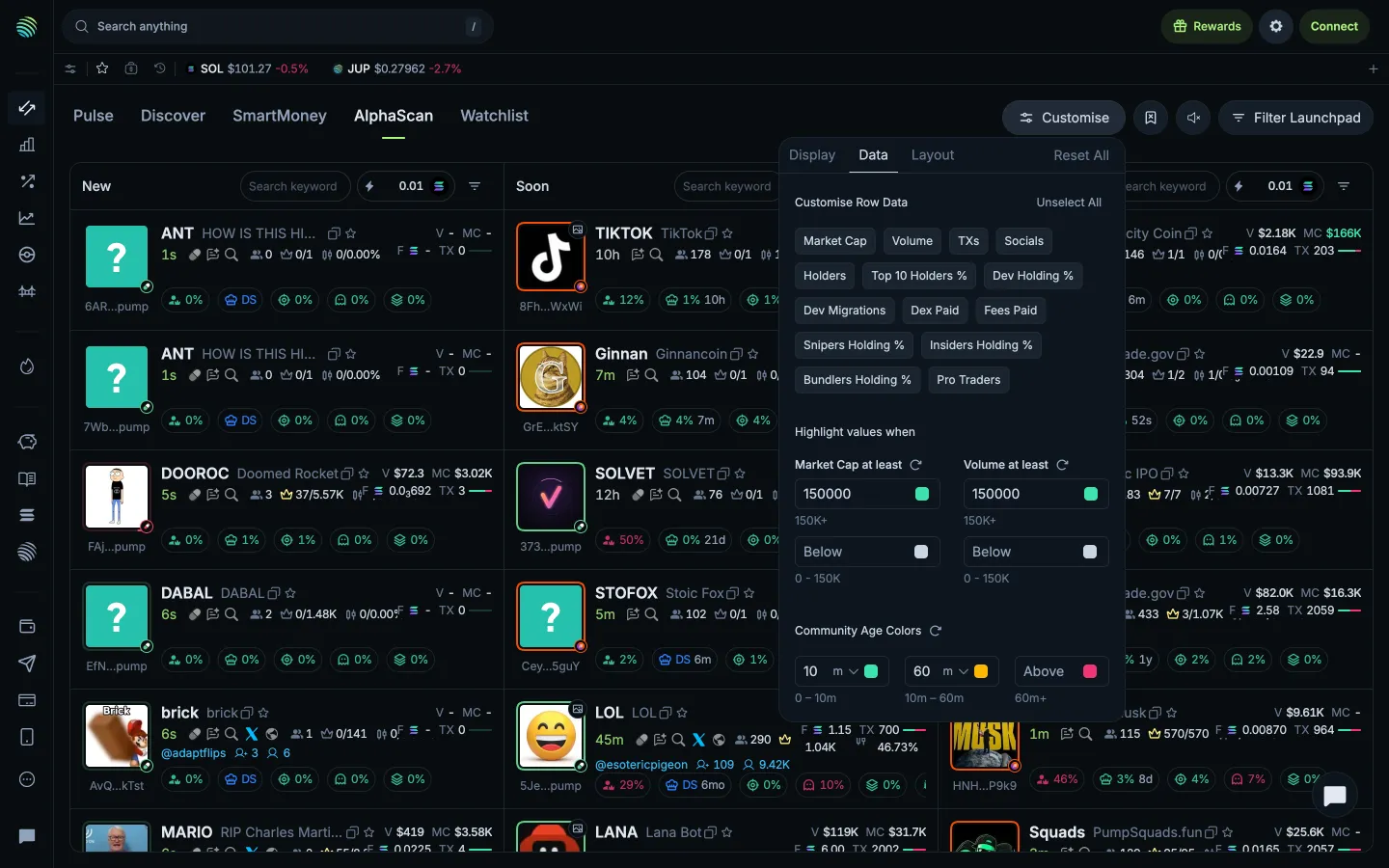
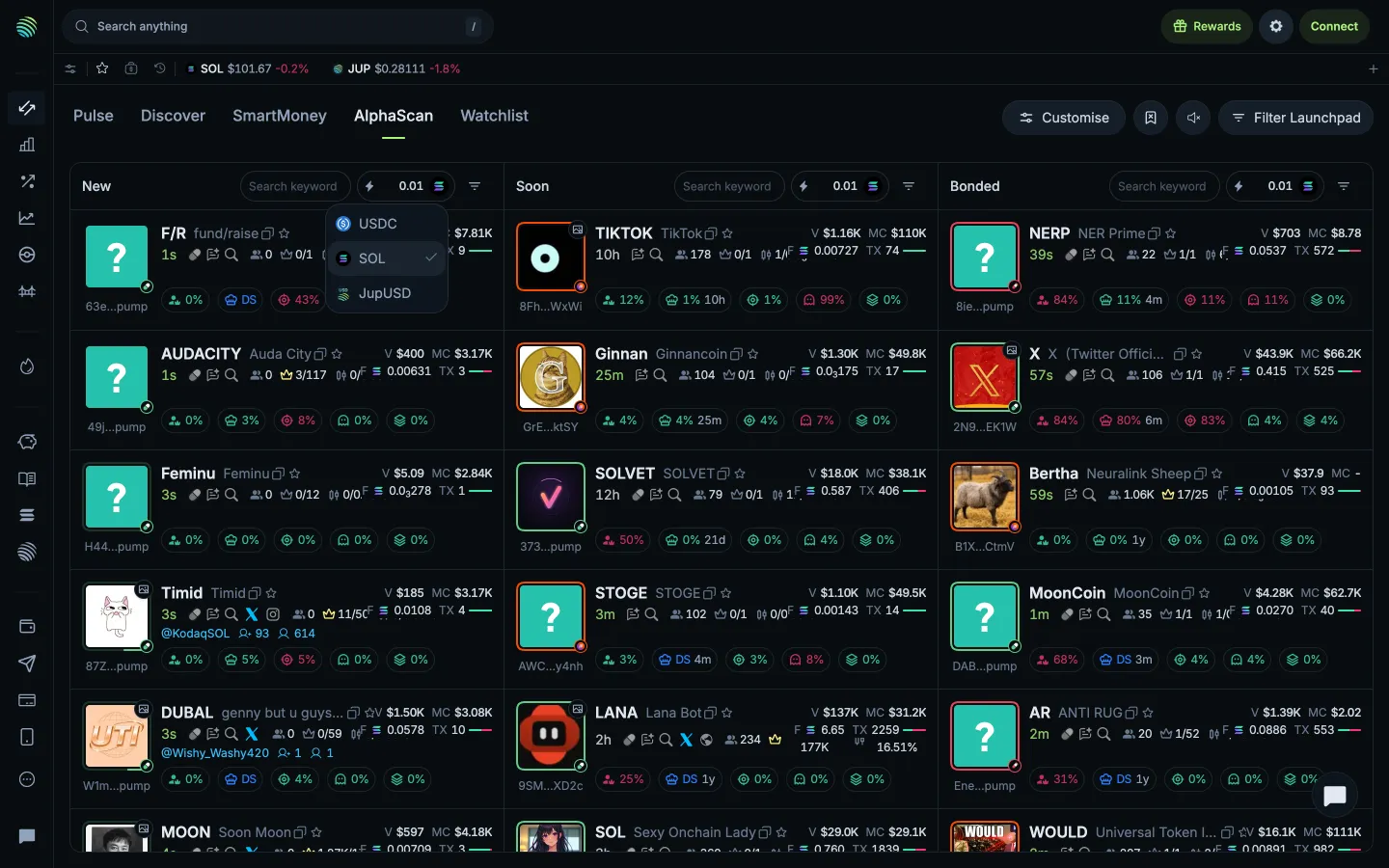
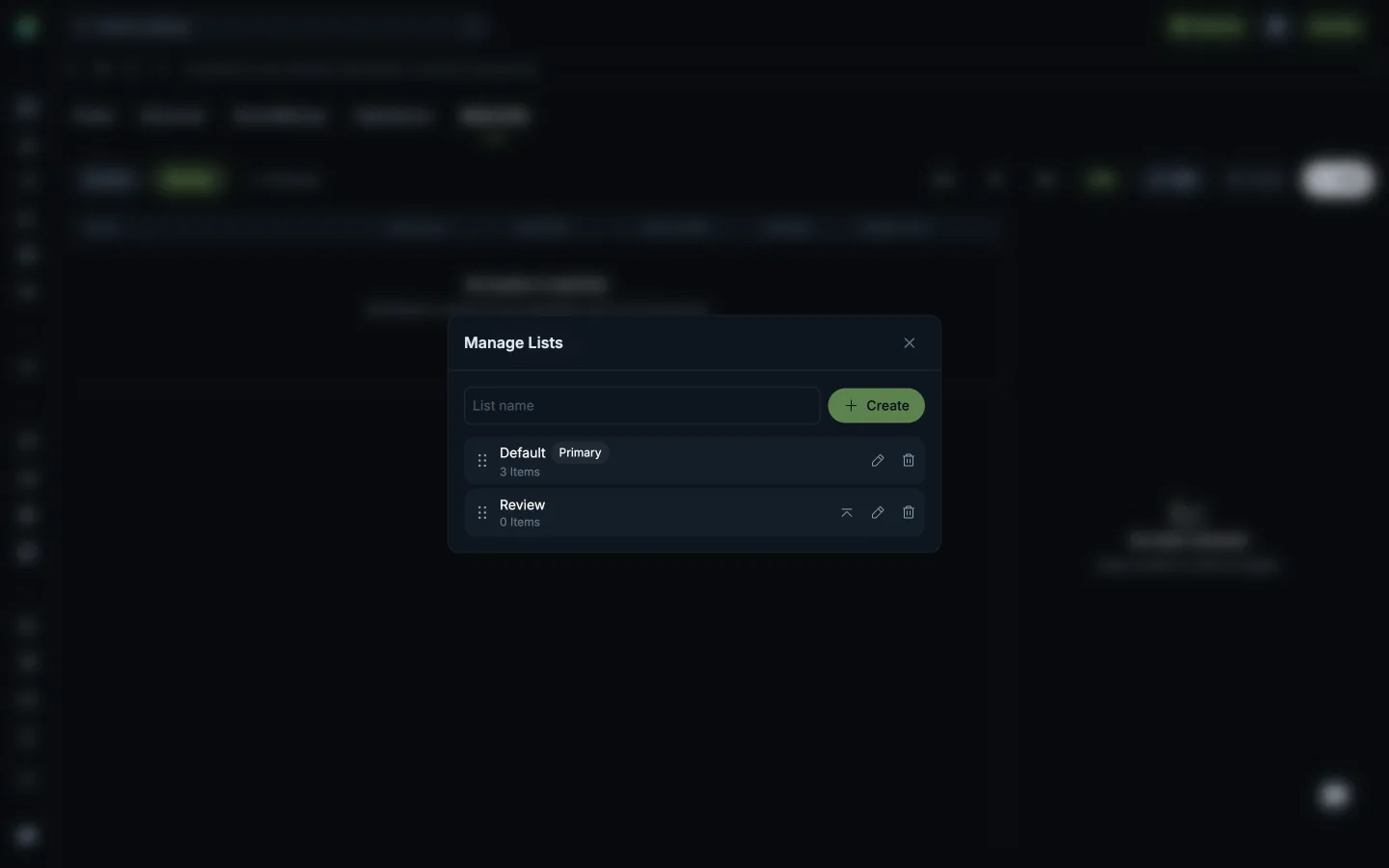
Settings open in fomo

Step 2 of 2 in SettingsPlay
Settings open

Settings open

Settings

Screen typeSettings
StateIdle
CapturedOct 2026
UI elementsDialogIconSelectStacked List
In the flowSettings
SizeDesktop, 1440 by 913
Open the flowOpen original

Similar screens in other apps

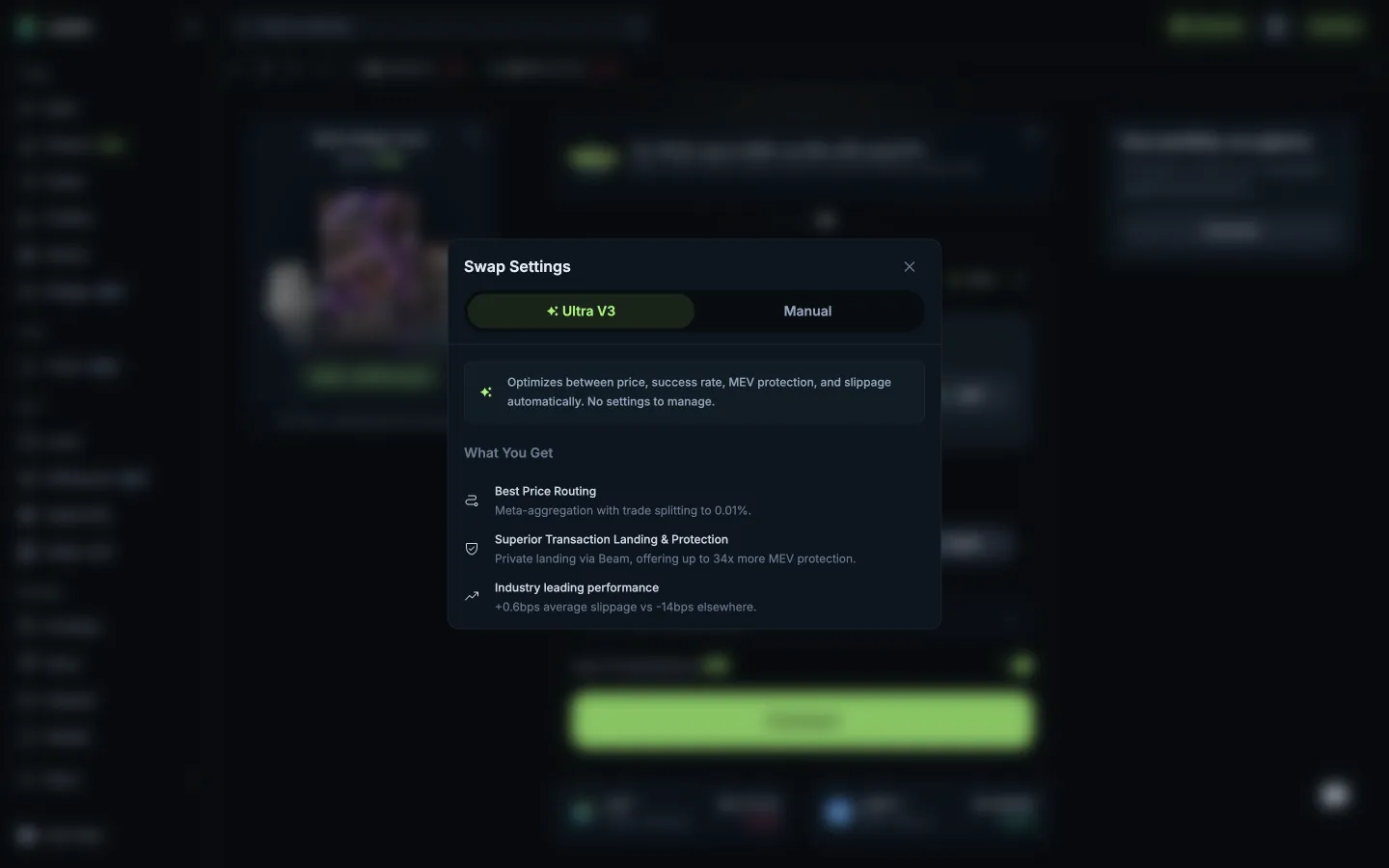
Ultra V3 profile, nothing to setJupiterUltra V3 profile, nothing to set
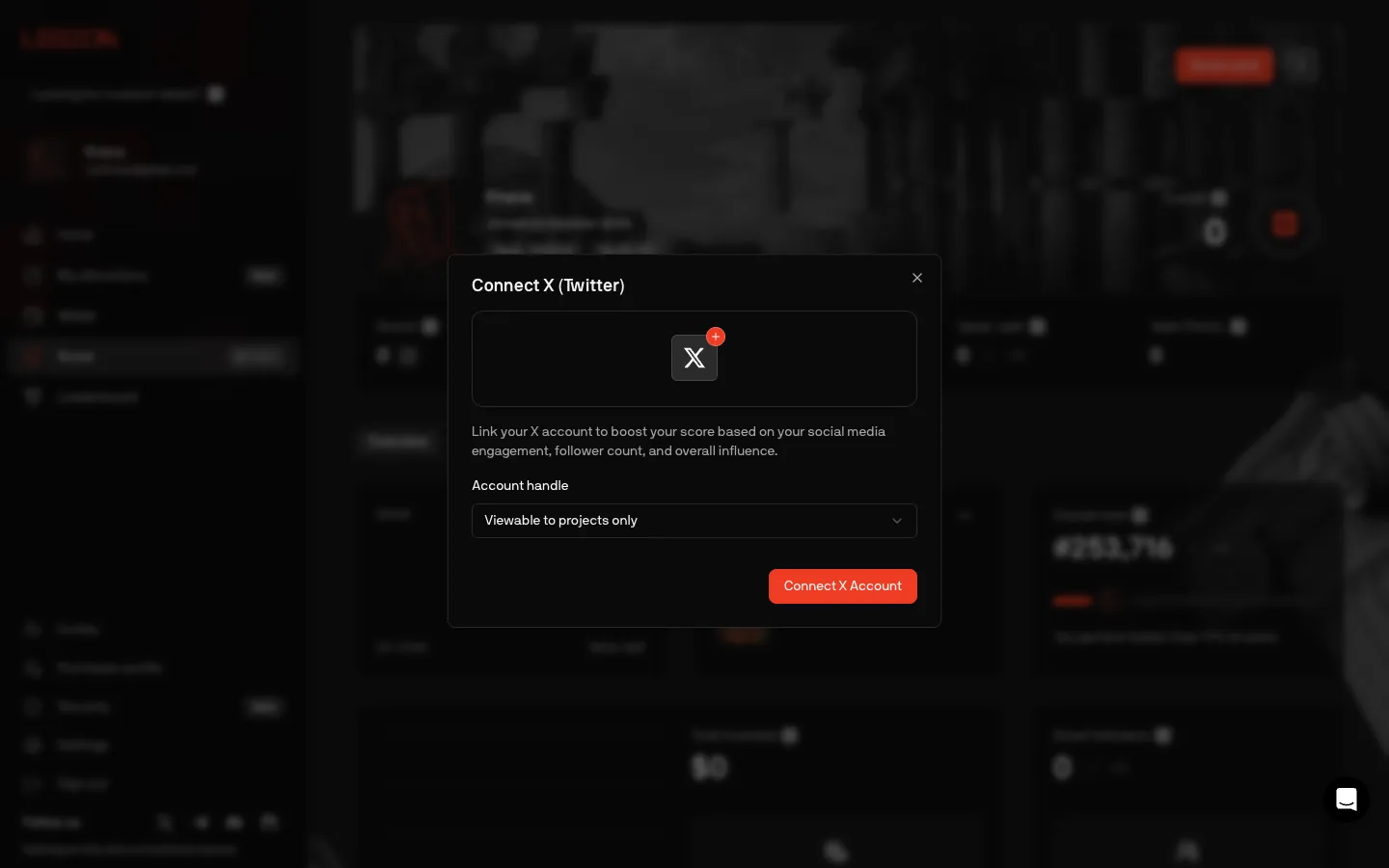
Connect X, choose who sees the handleLegionConnect X, choose who sees the handle
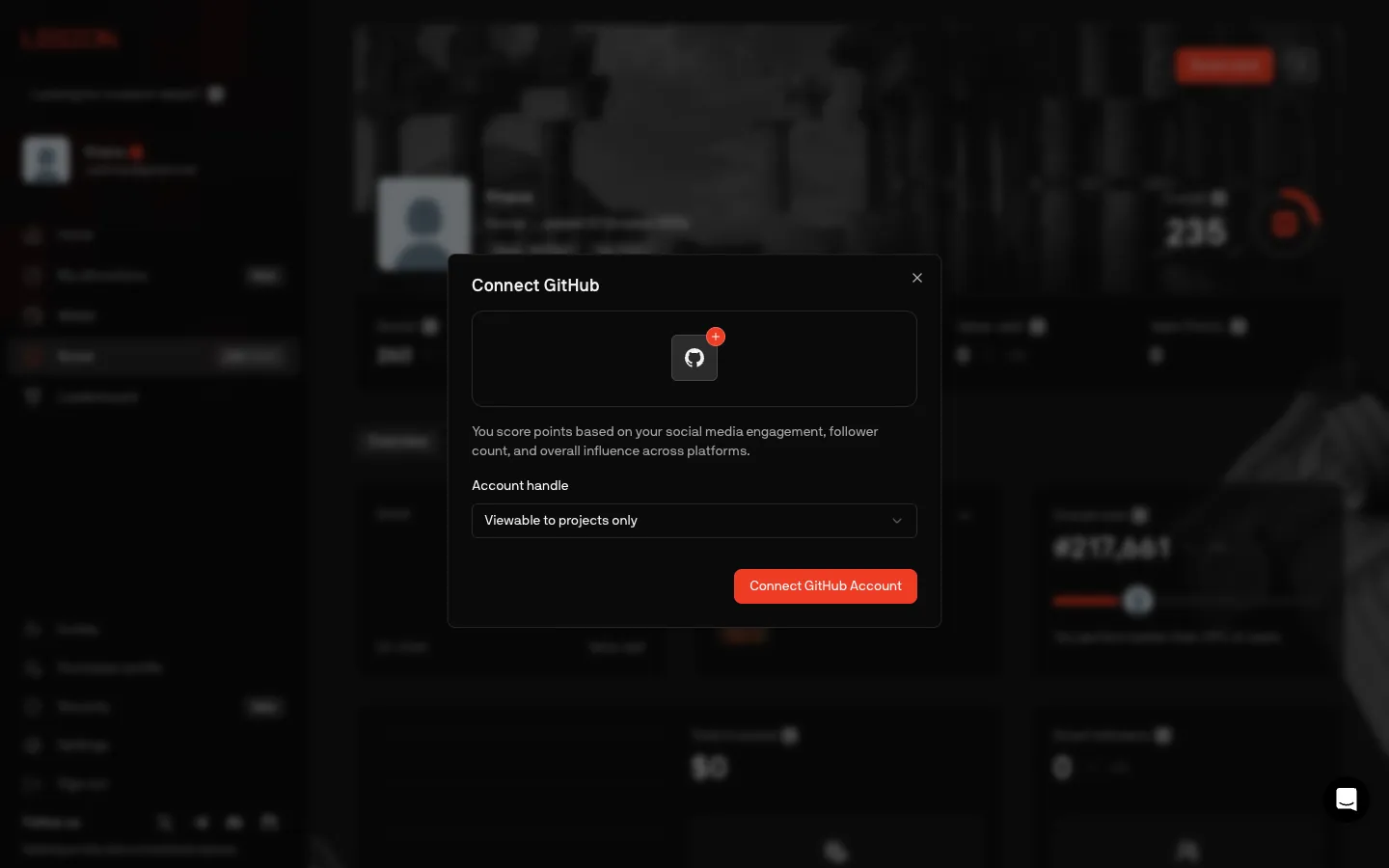
Connect GitHub, copy still talks about followersLegionConnect GitHub, copy still talks about followers
Data and highlight thresholdsJupiterData and highlight thresholds
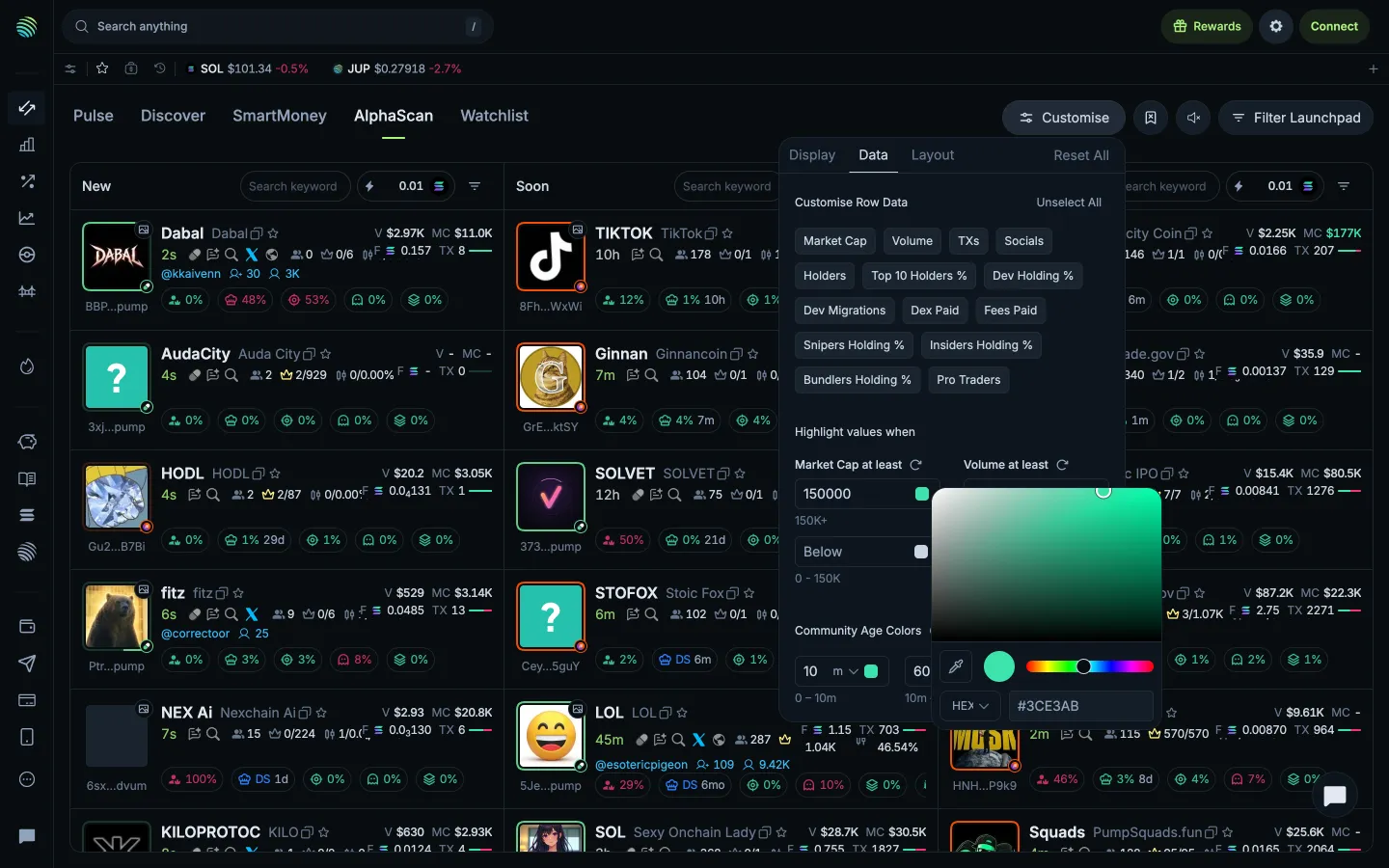
Choosing a highlight colourJupiterChoosing a highlight colour
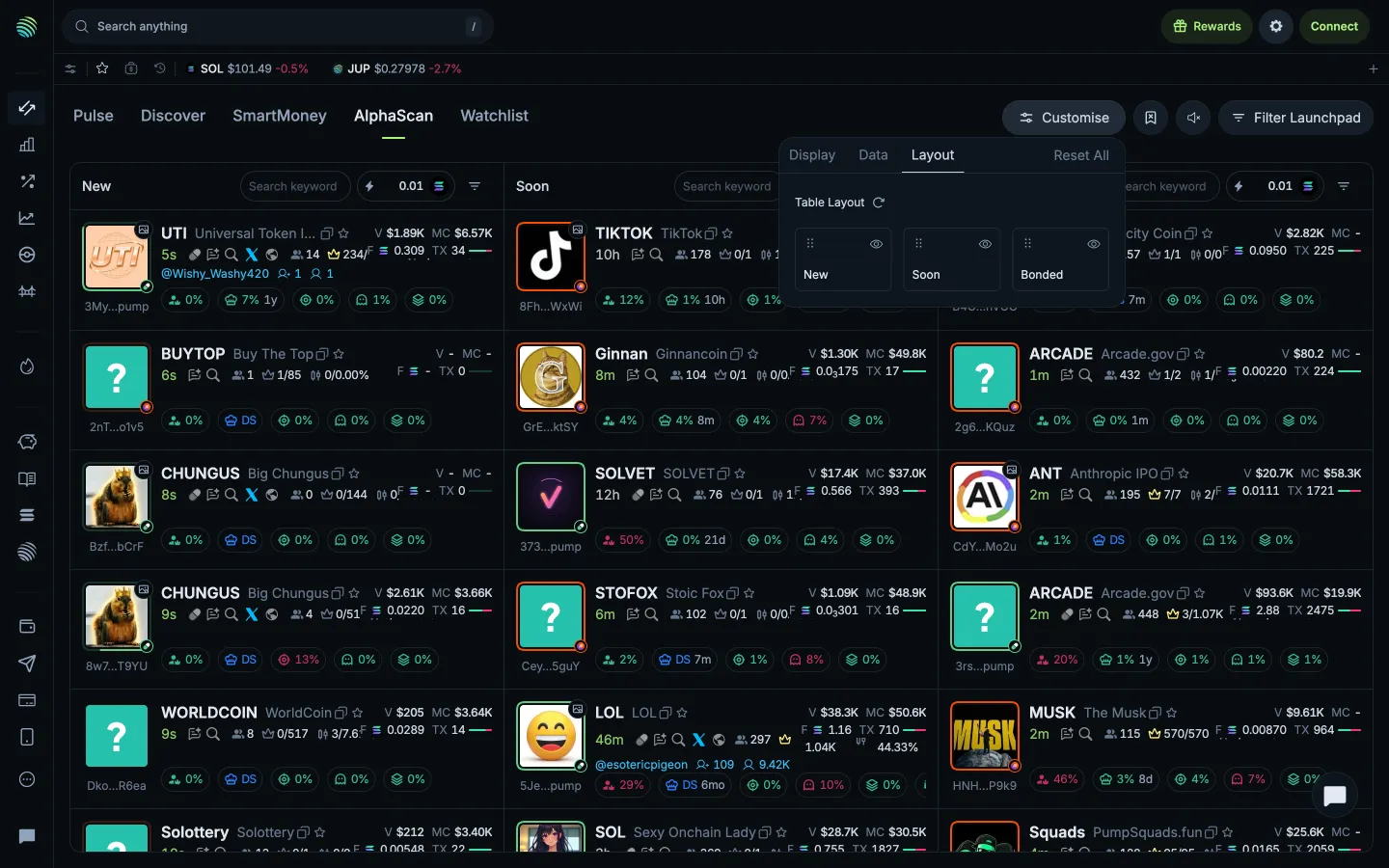
Column order and visibilityJupiterColumn order and visibility
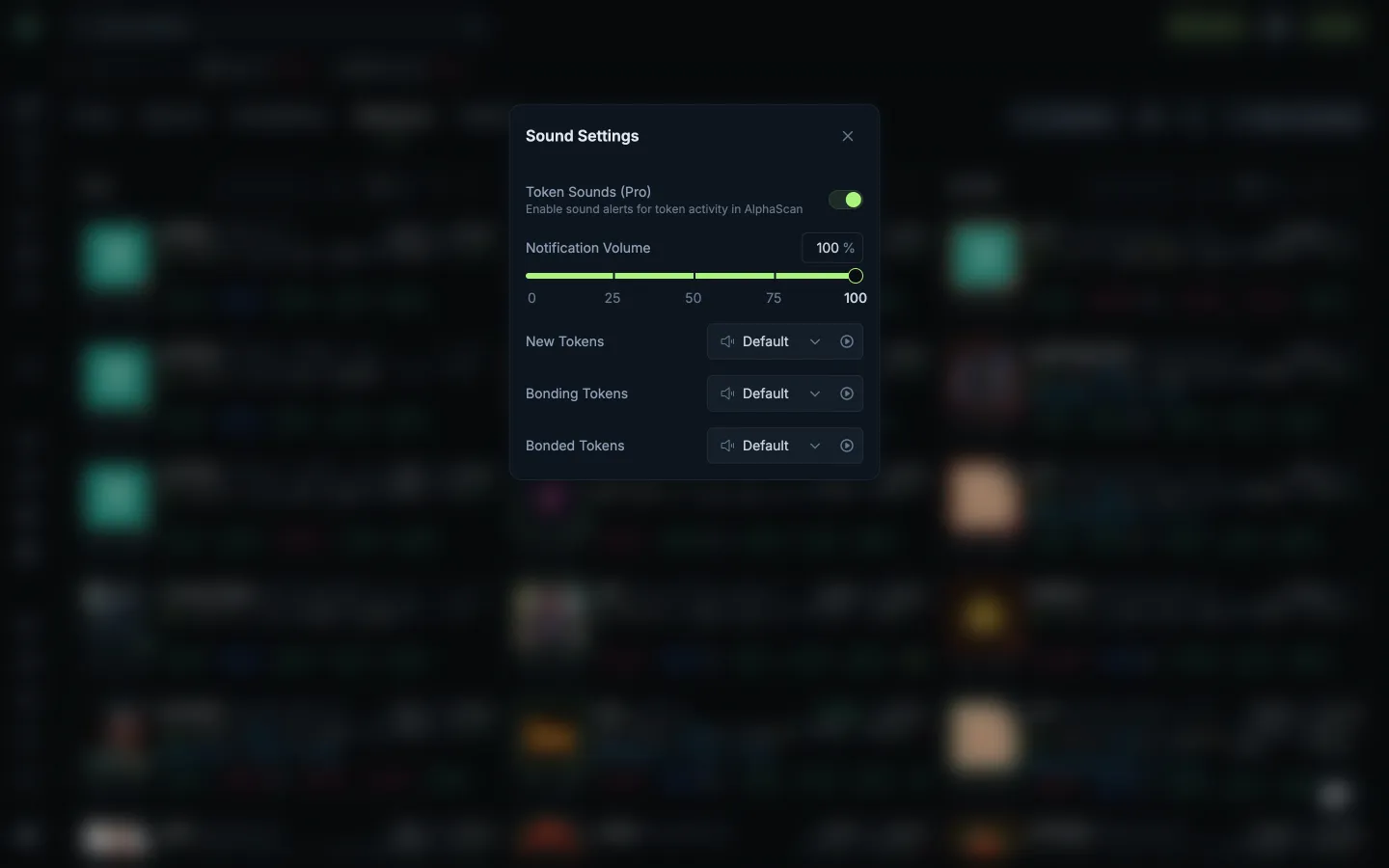
Volume and launch stage soundsJupiterVolume and launch stage sounds
Quick buy currency choicesJupiterQuick buy currency choices
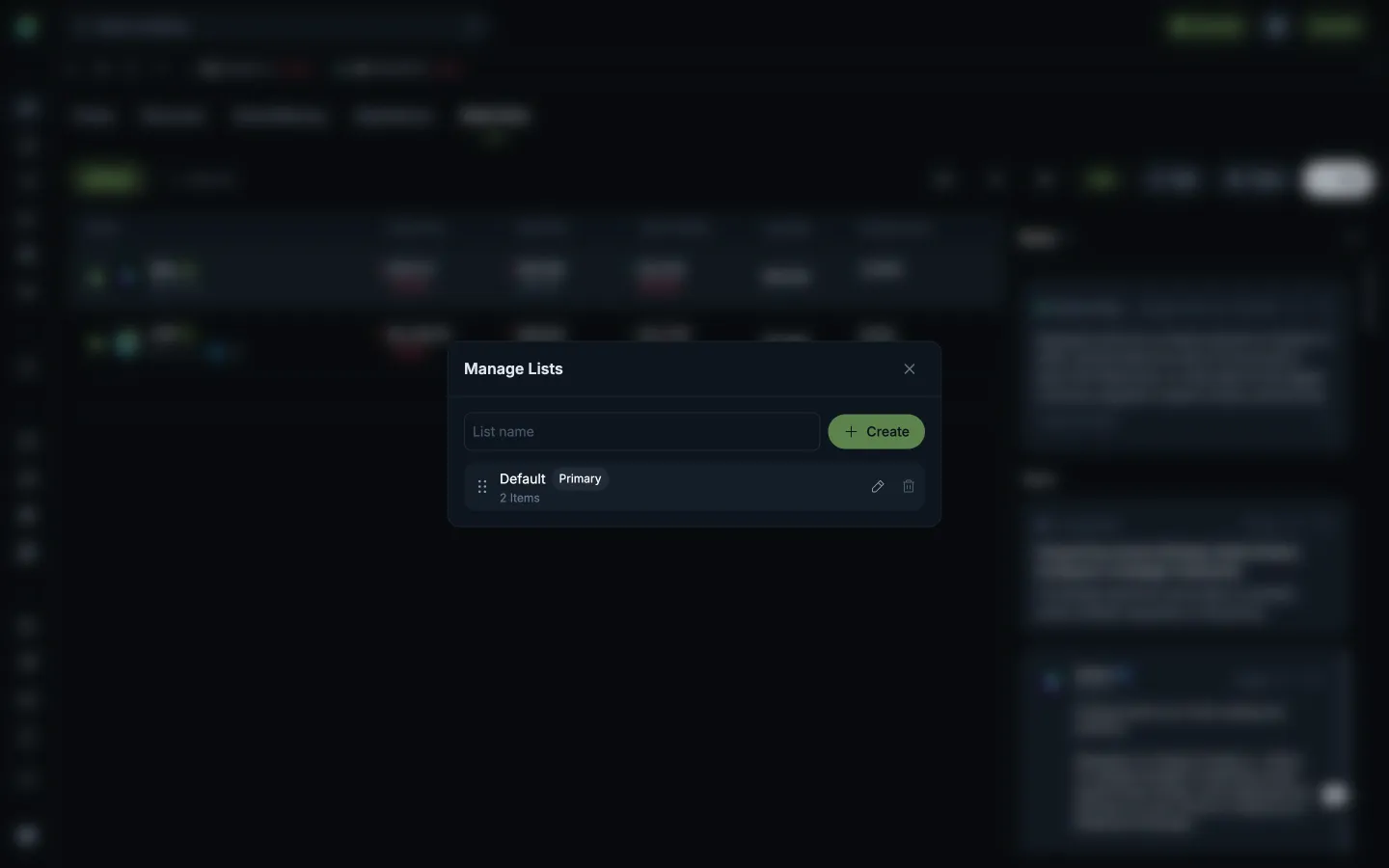
Create needs a list nameJupiterCreate needs a list name
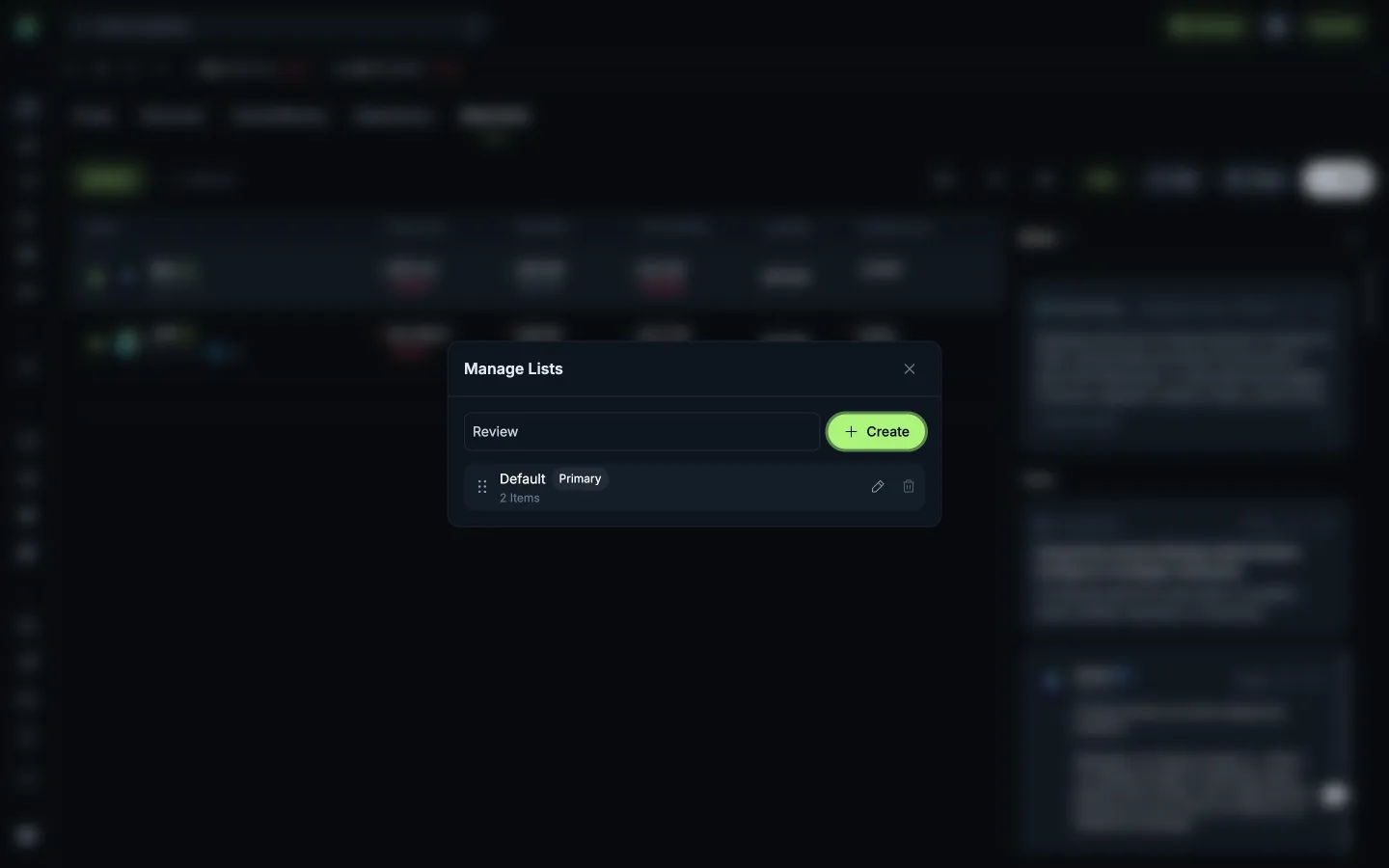
Name the new watchlistJupiterName the new watchlist
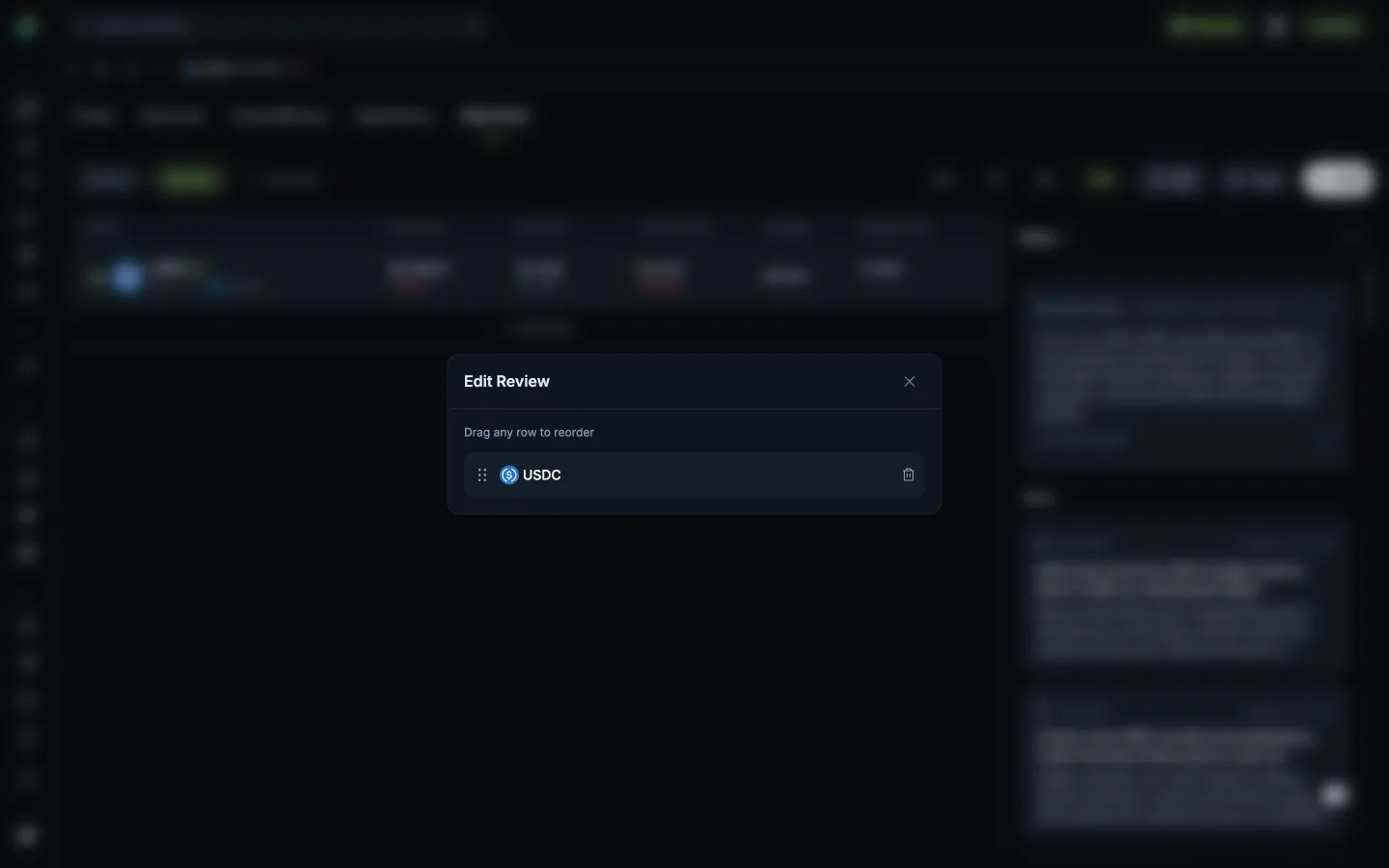
Reorder or remove followed tokensJupiterReorder or remove followed tokens
Manage watchlistsJupiterManage watchlists

Screens, flows and sites from real crypto and web3 apps.

© 2026 MoonoPrivacyTerms

Apps

  • All apps
  • Screens
  • Flows
  • UI elements

Sites

  • All sites
  • Sections

Learn

  • Glossary

Product

  • Pricing
  • MCPNew

© 2026 MoonoPrivacyTerms