Apps
All apps
Screens
Flows
UI elements
Pricing
Glossary
Get started
All
Screens
Flows
UI elements
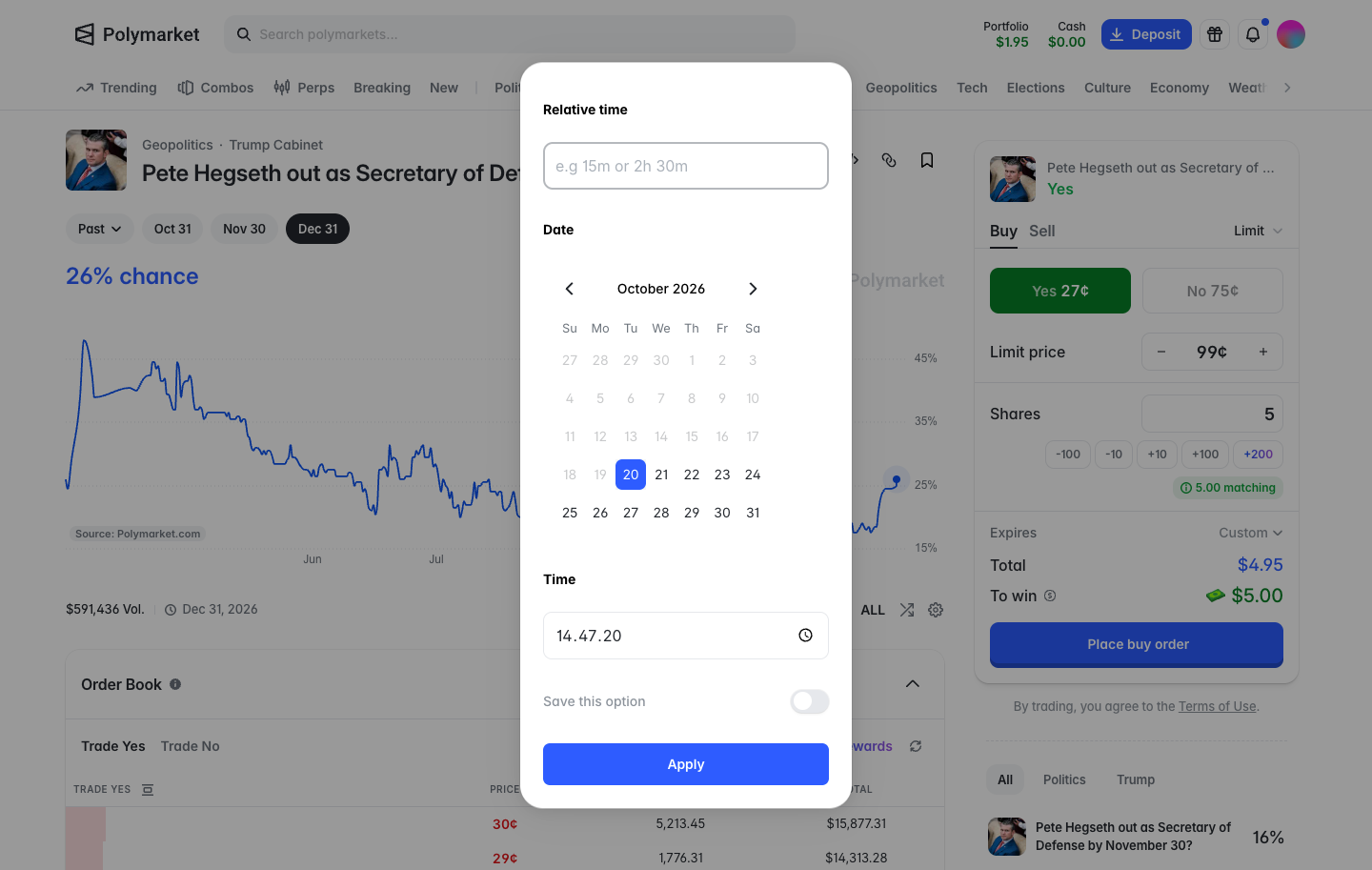
Custom expiry, relative time, a calendar with past days greyed, time
in
Polymarket
Step 2 of 3 in Setting an invalid order expiry
Play
Custom expiry, relative time, a calendar with past days greyed, time
Order Ticket
Similar screens in other apps
Morpho
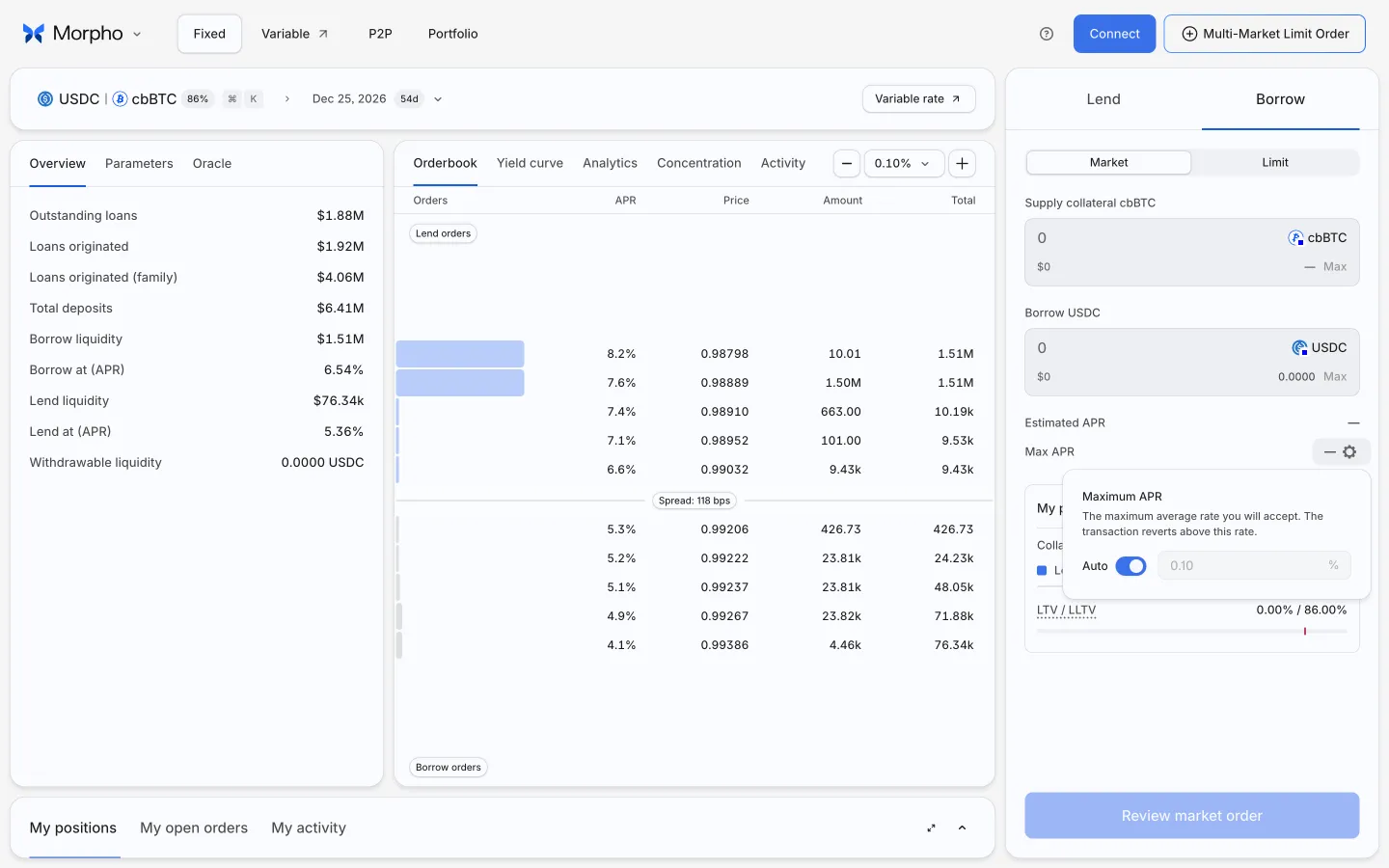
Inspect maximum APR protection
Hyperliquid
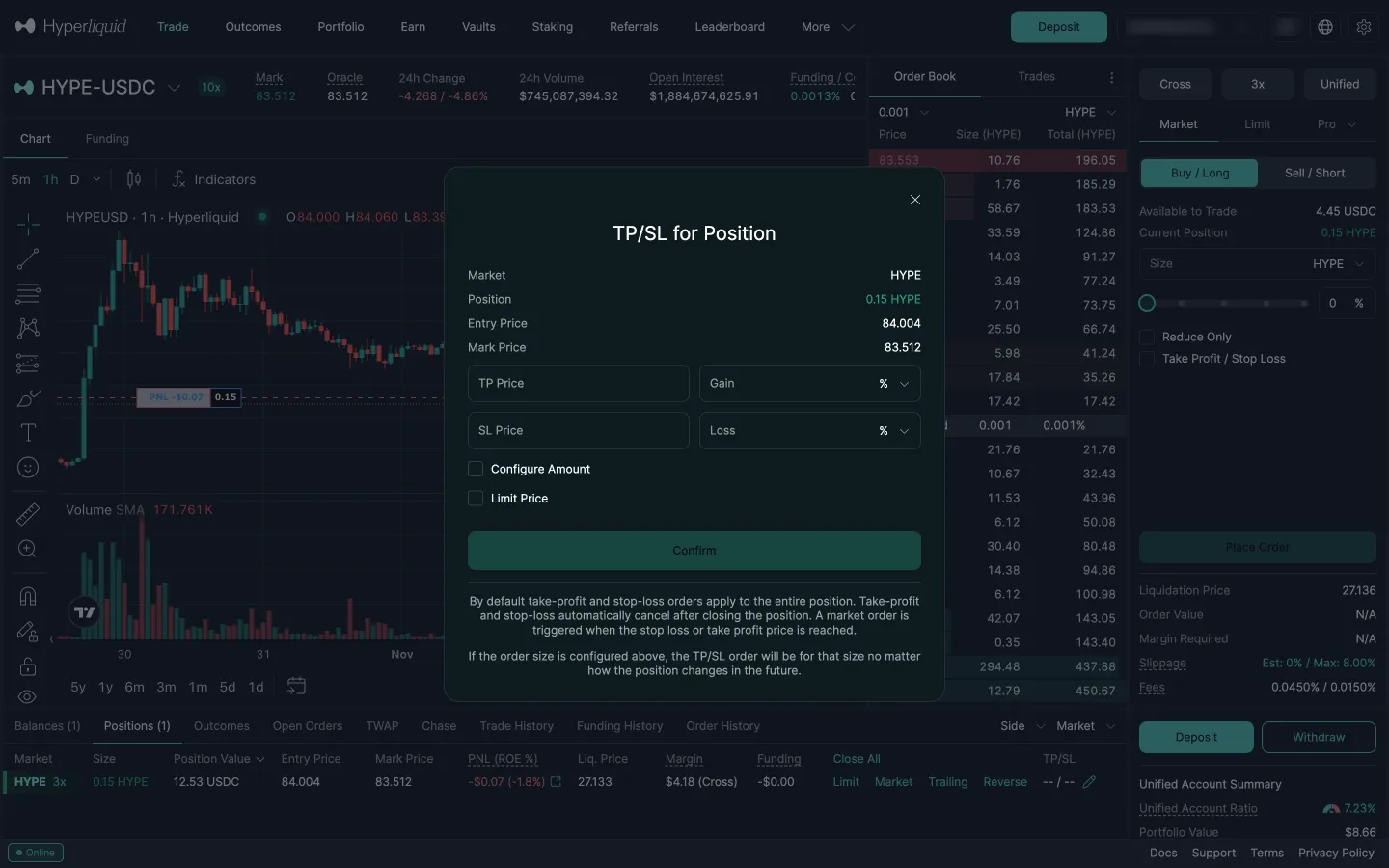
TP/SL editor for the position
Hyperliquid
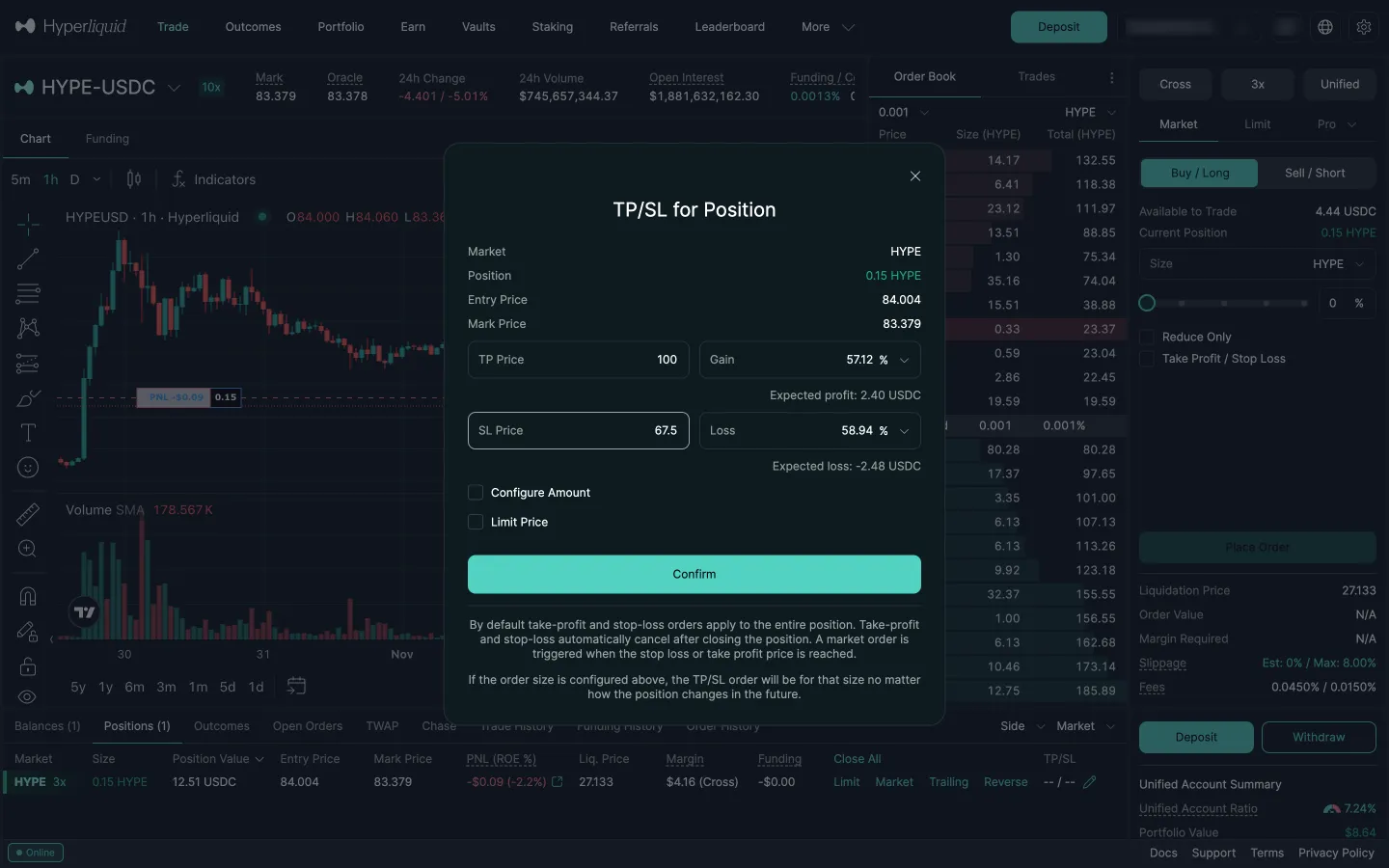
Both prices typed, expected profit and loss shown
Hyperliquid
Margin mode, cross or isolated
Hyperliquid
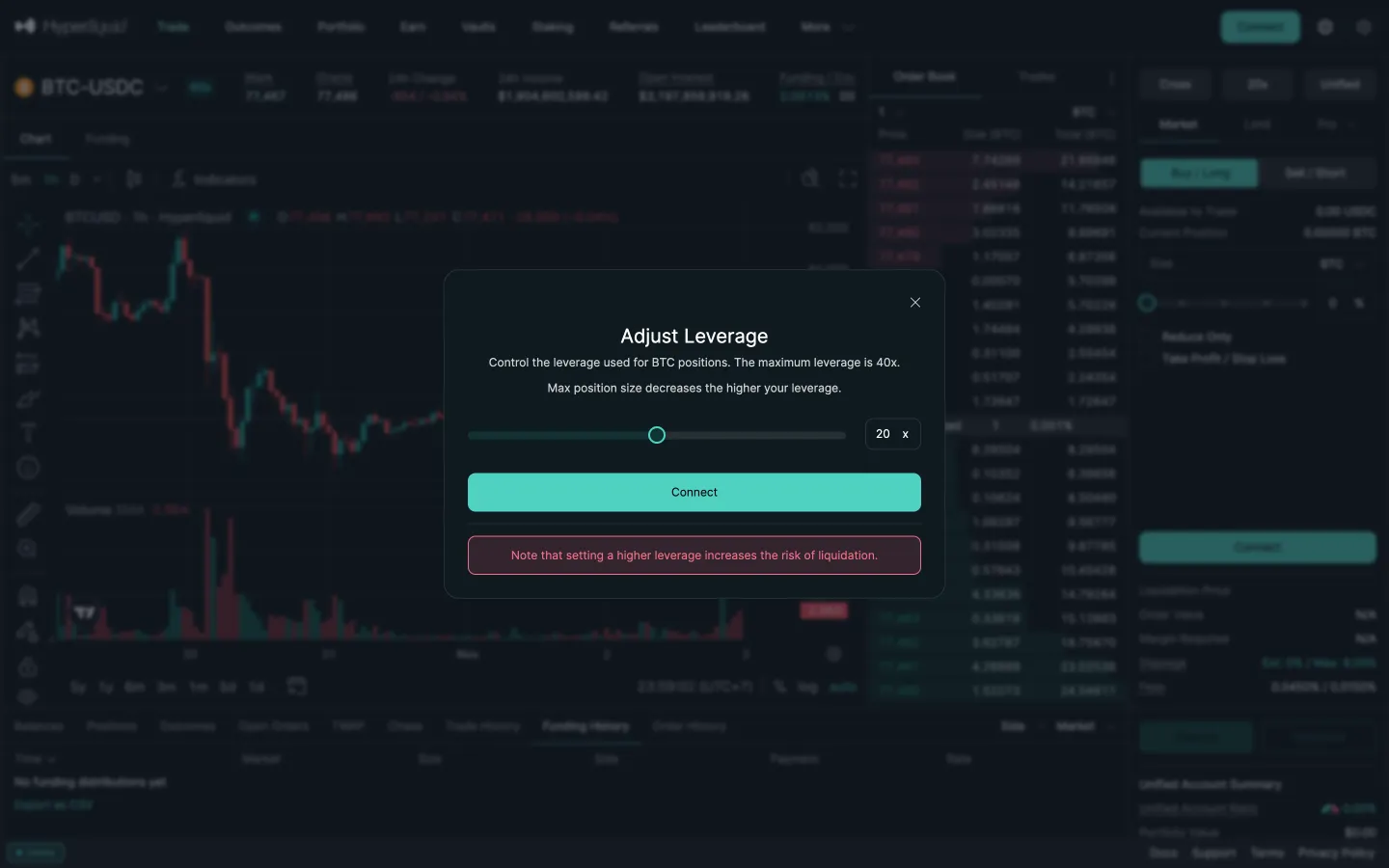
Adjust leverage with liquidation note
Jupiter
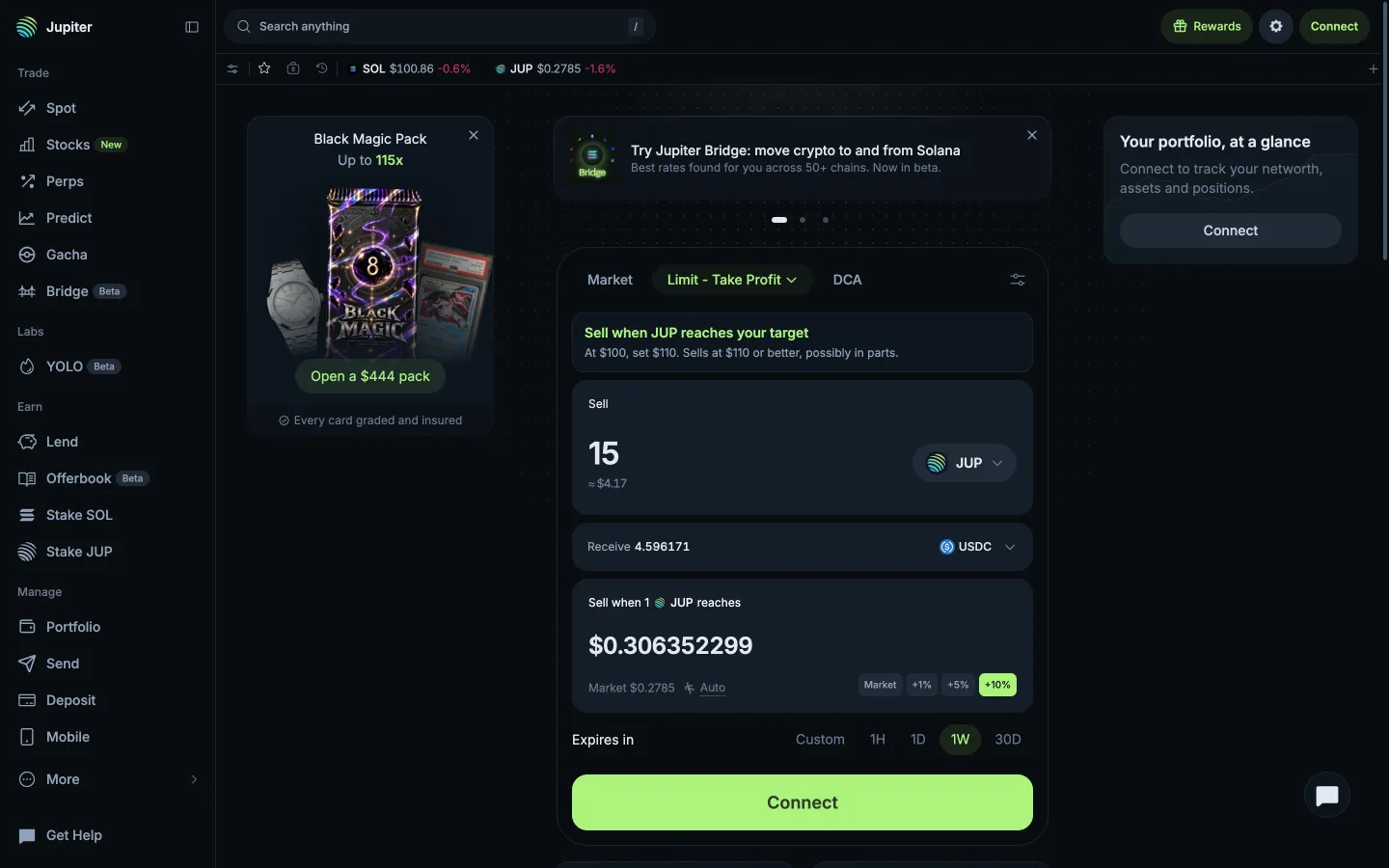
Limit opens on Take Profit with a worked example
Jupiter
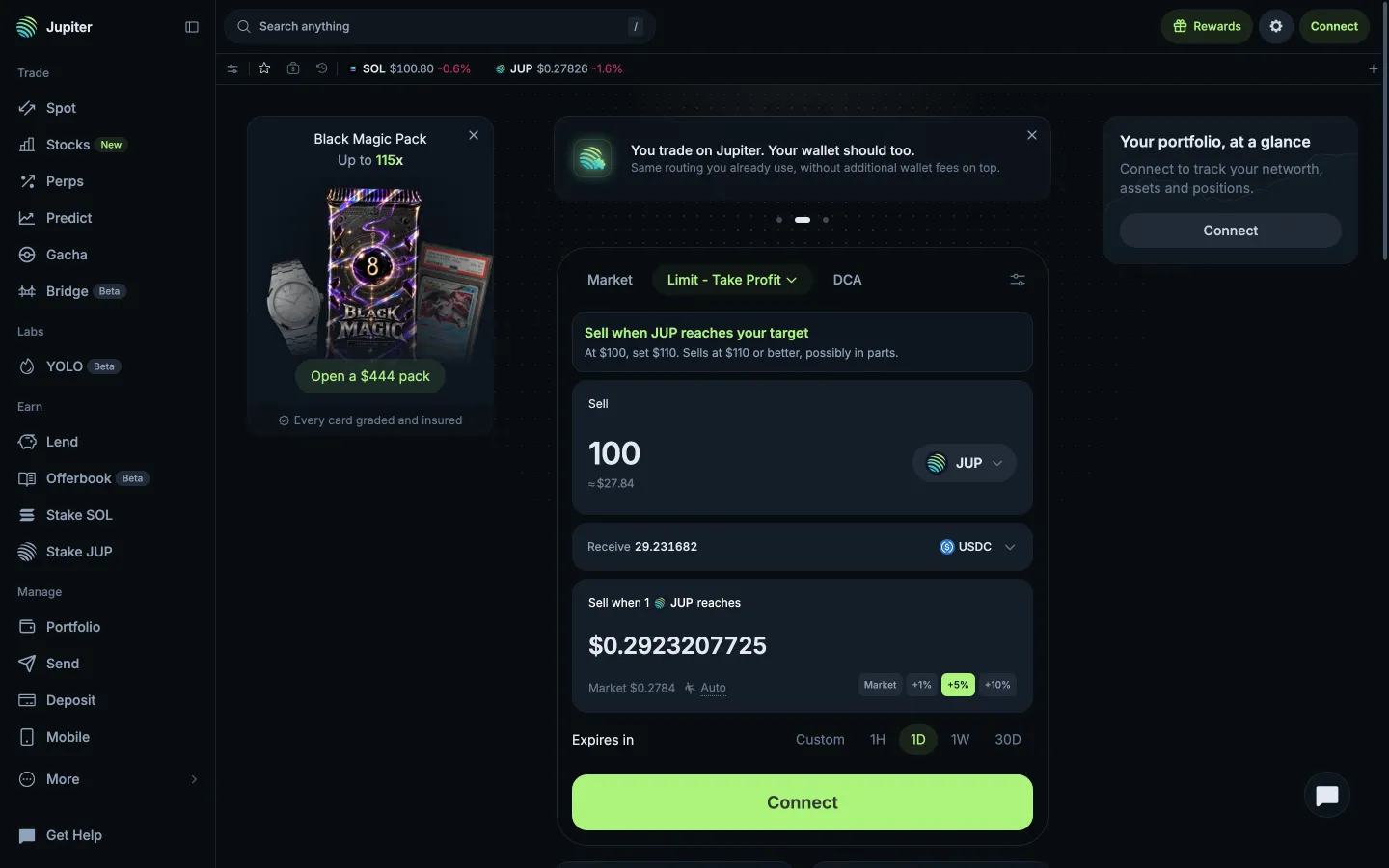
Typed 100 JUP, target prefilled at +10%
Jupiter
Take Profit ticket
Jupiter
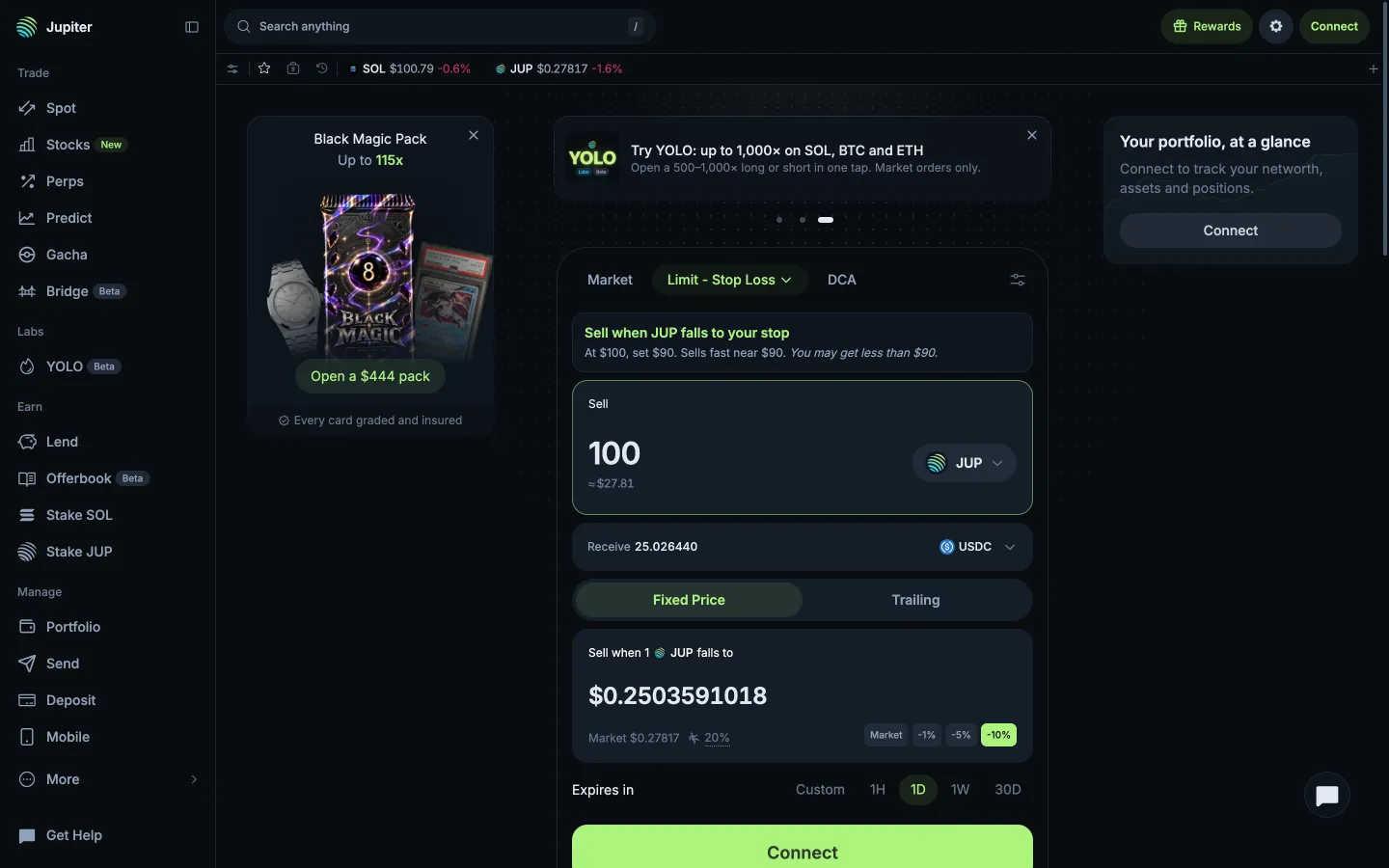
Stop Loss, sells fast near the stop
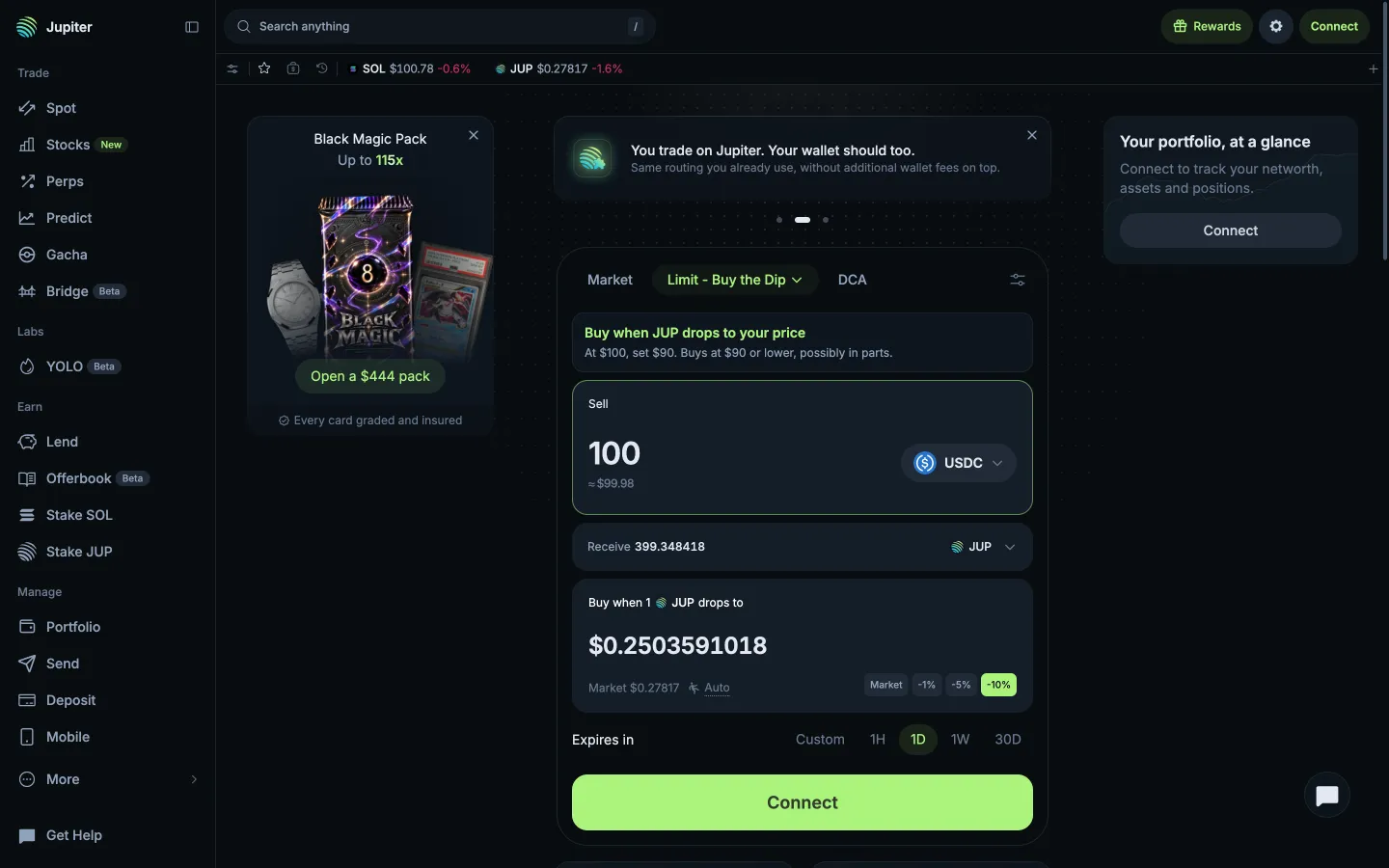
Jupiter
Buy the Dip, buys at the price or lower
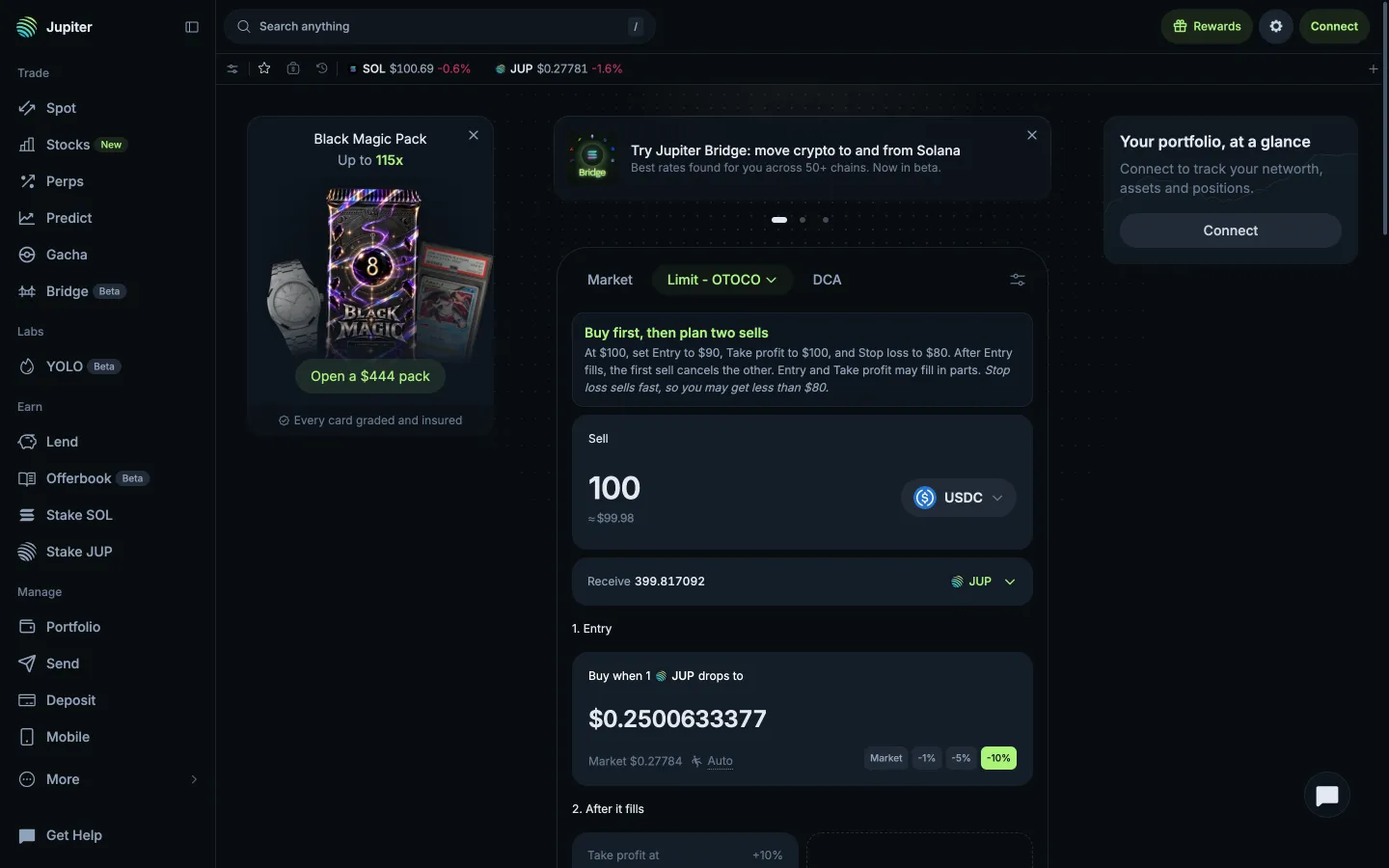
Jupiter
Limit Buy then OCO ticket
Jupiter
Stop Loss at a fixed price
 Polymarket