All appsScreensFlowsUI elements
PricingGlossary
AllScreensFlowsUI elements

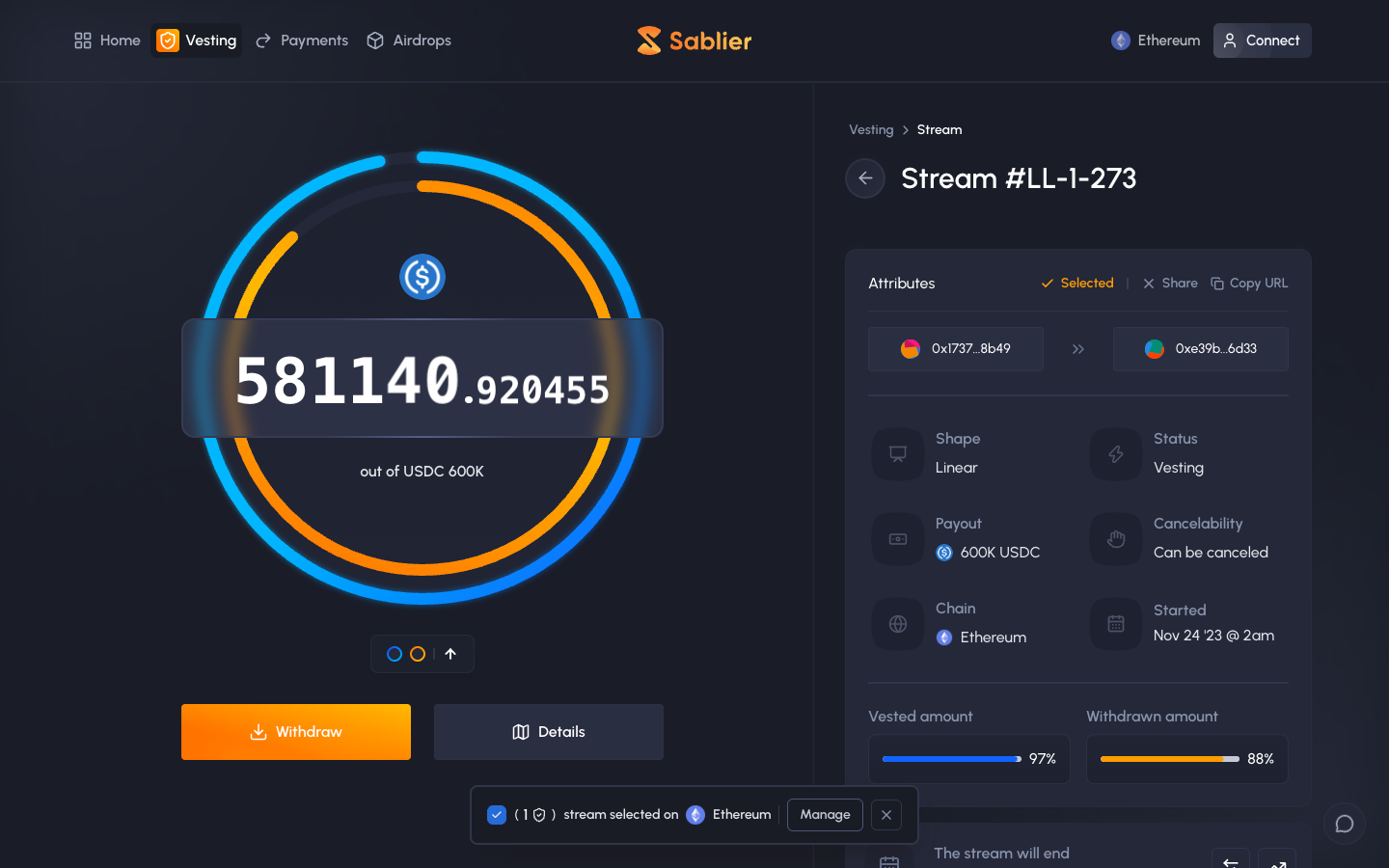
Stream selected, a batch bar appears in Sablier

Step 2 of 3 in Adding a stream to a batchPlay
Stream selected, a batch bar appears

Stream selected, a batch bar appears

Position Detail

Screen typePosition Detail
StateIdle
CapturedOct 2026
UI elementsBannerButtonCheckboxNetwork Badge
In the flowAdding a stream to a batch
SizeDesktop, 1440 by 900
Open the flowOpen original

Similar screens in other apps

Holder's positionfomoHolder's position
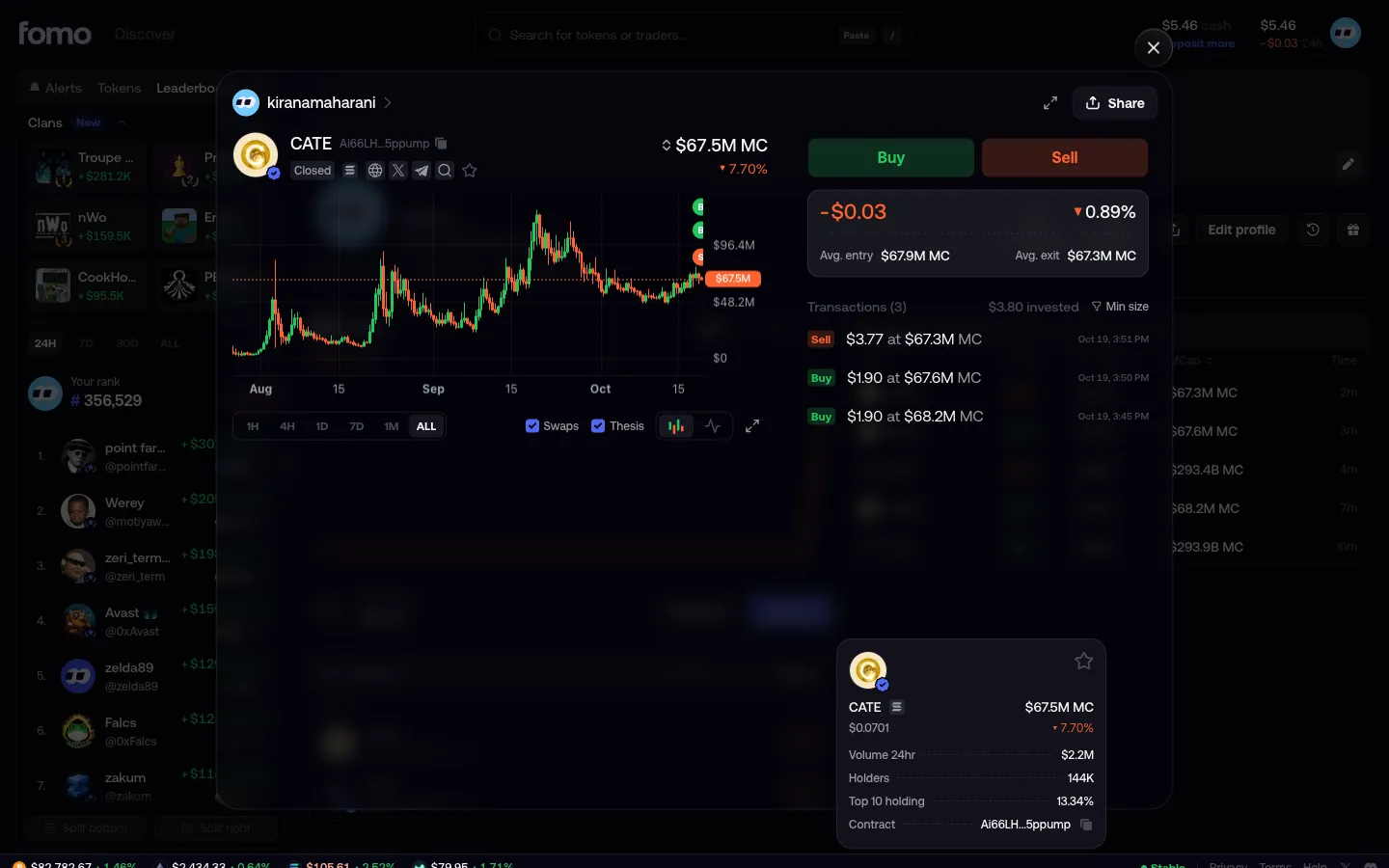
Thesis opens your closed trade, Closed badgefomoThesis opens your closed trade, Closed badge
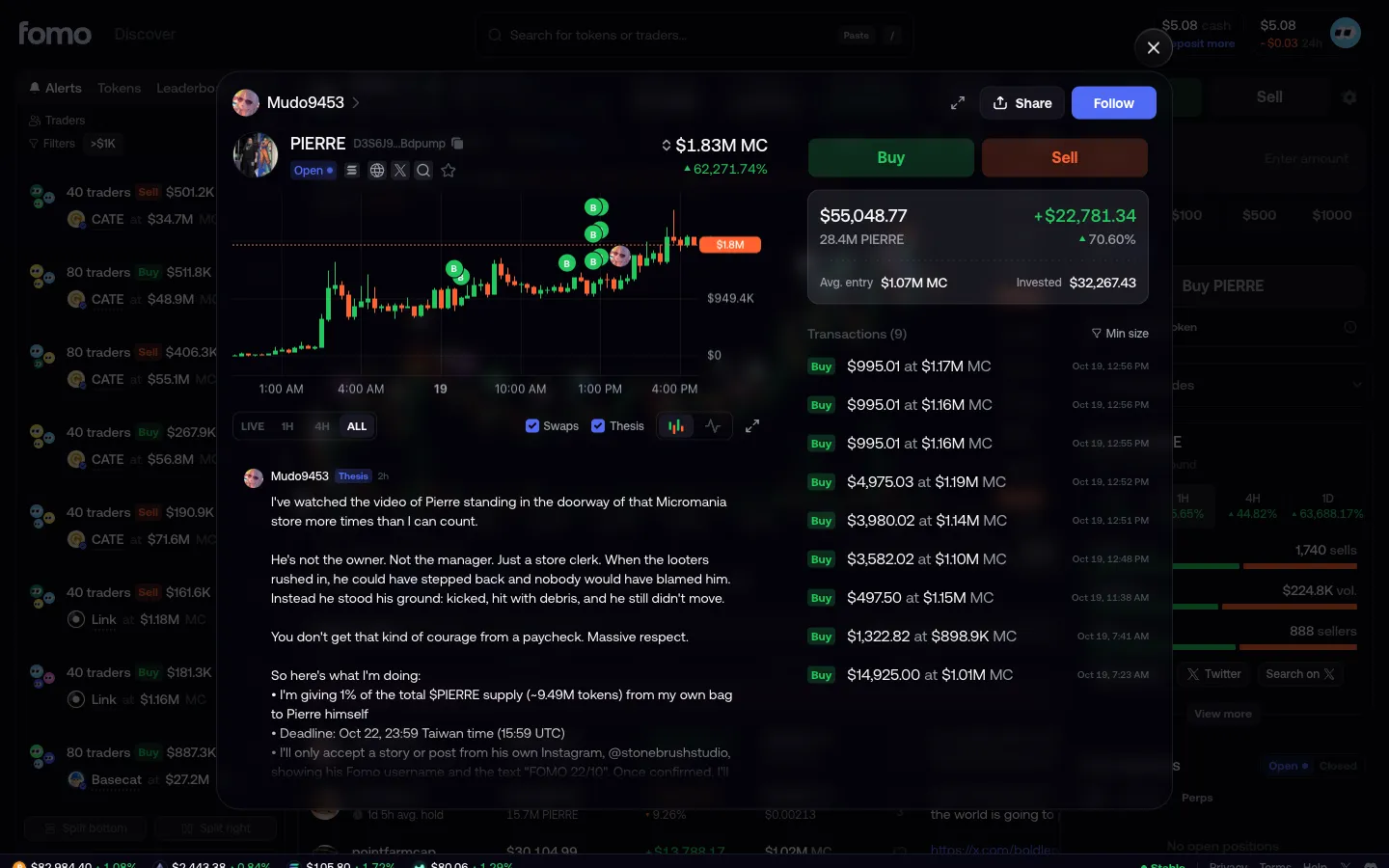
Their theses as a journal beside the positionfomoTheir theses as a journal beside the position
Trader position with two expand iconsfomoTrader position with two expand icons
Position expanded to fill the windowfomoPosition expanded to fill the window
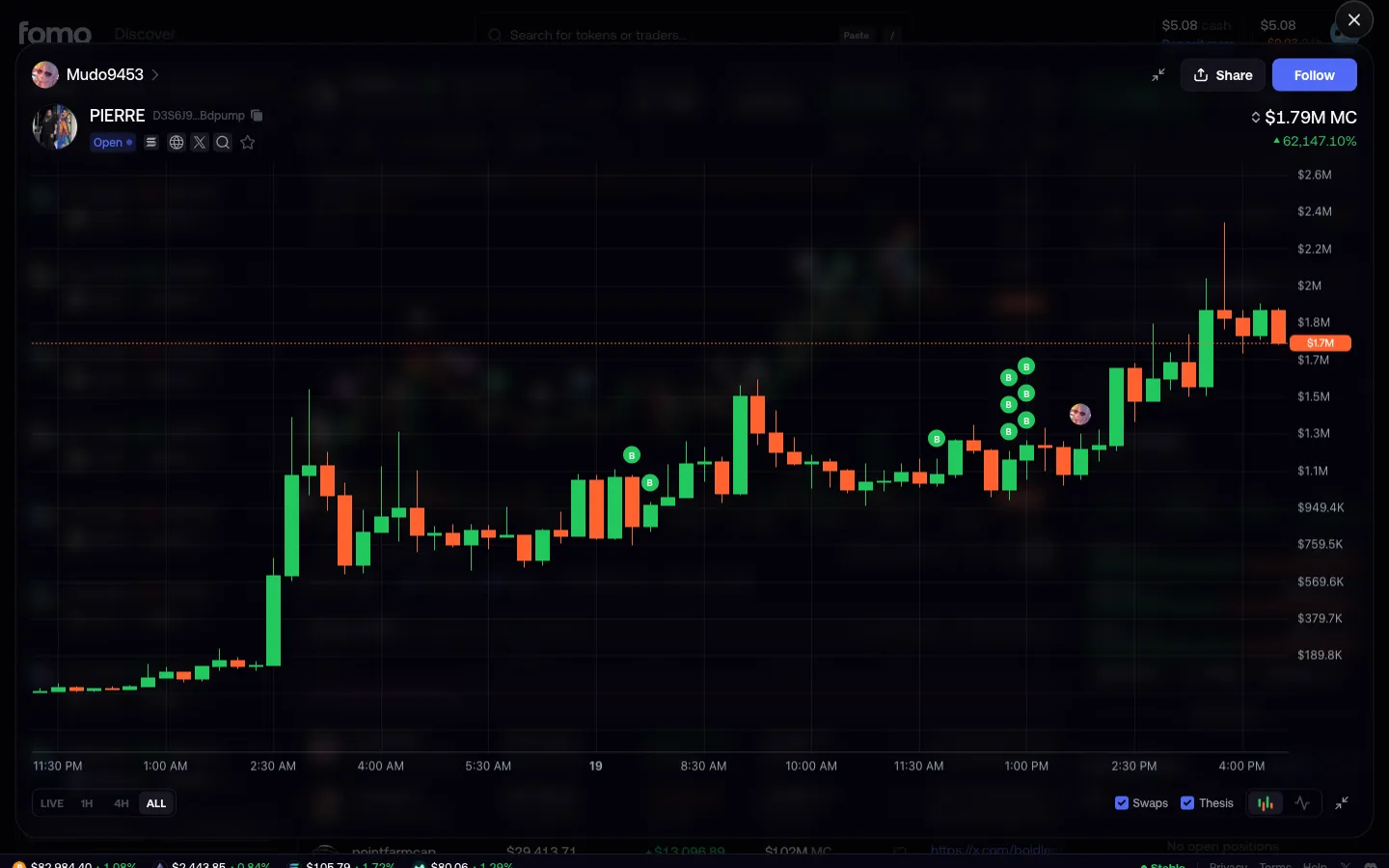
Chart expanded with every buy and thesis keptfomoChart expanded with every buy and thesis kept
Your closed positionfomoYour closed position
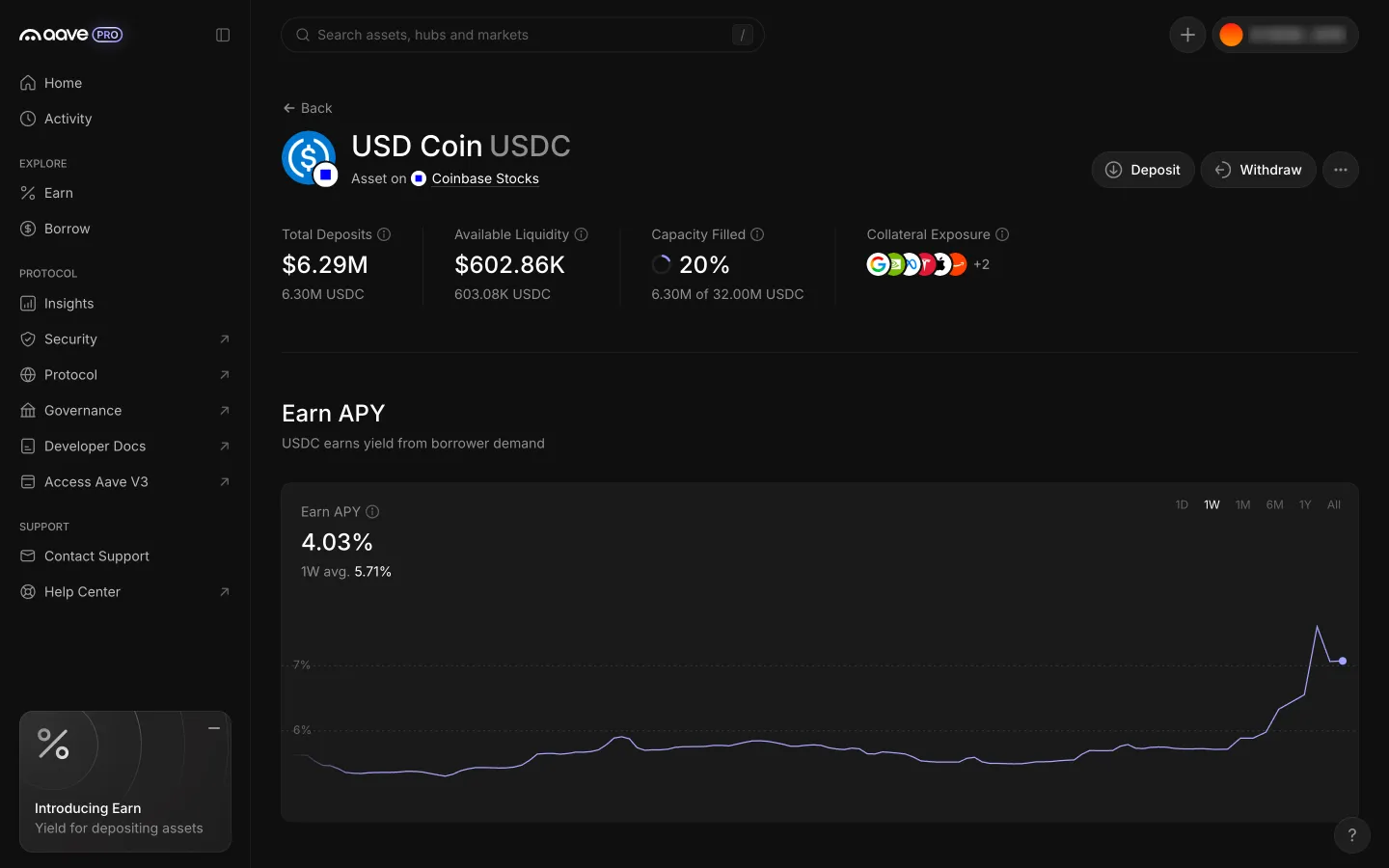
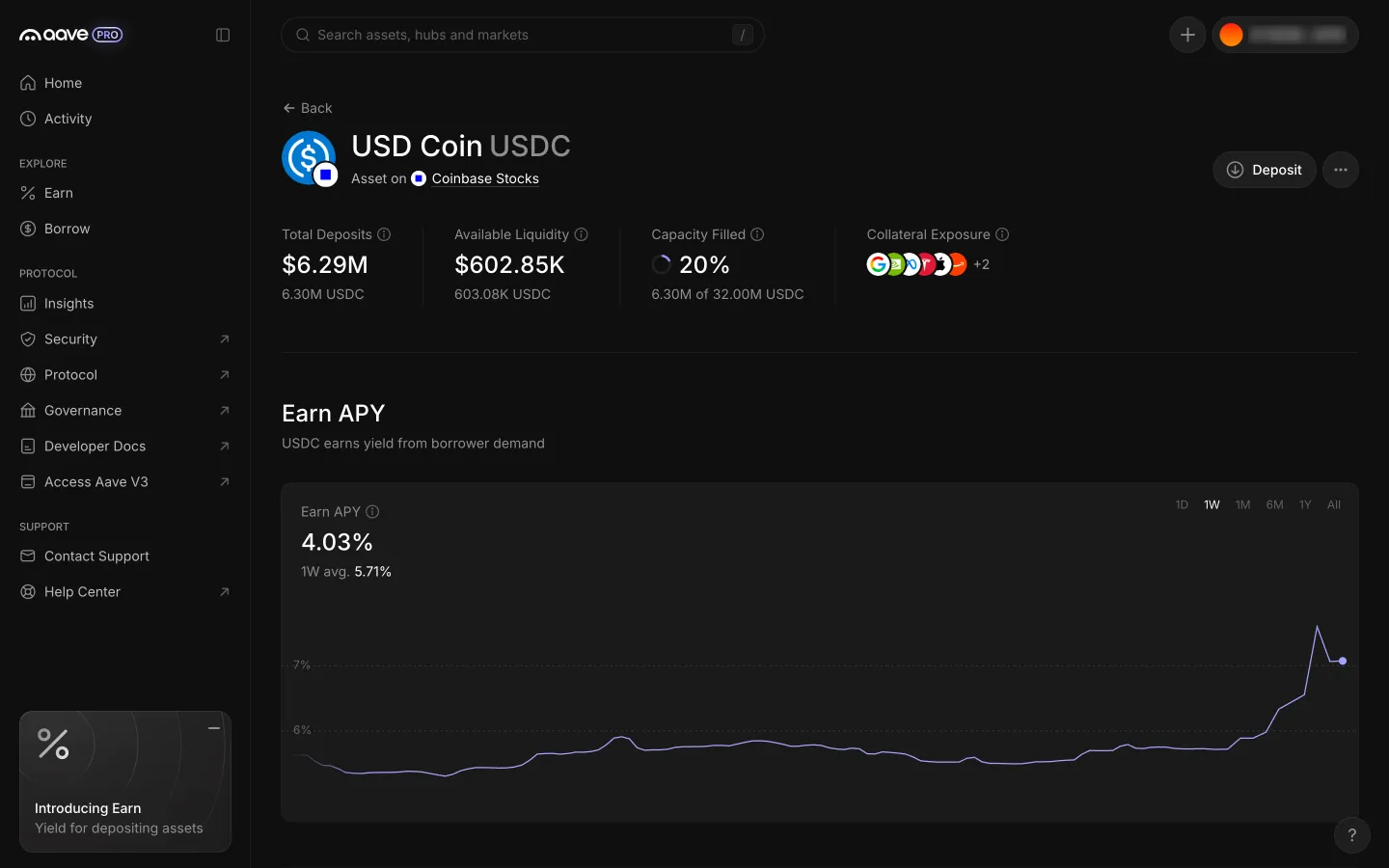
Close returns to the asset page with Your Position and WithdrawAave ProClose returns to the asset page with Your Position and Withdraw
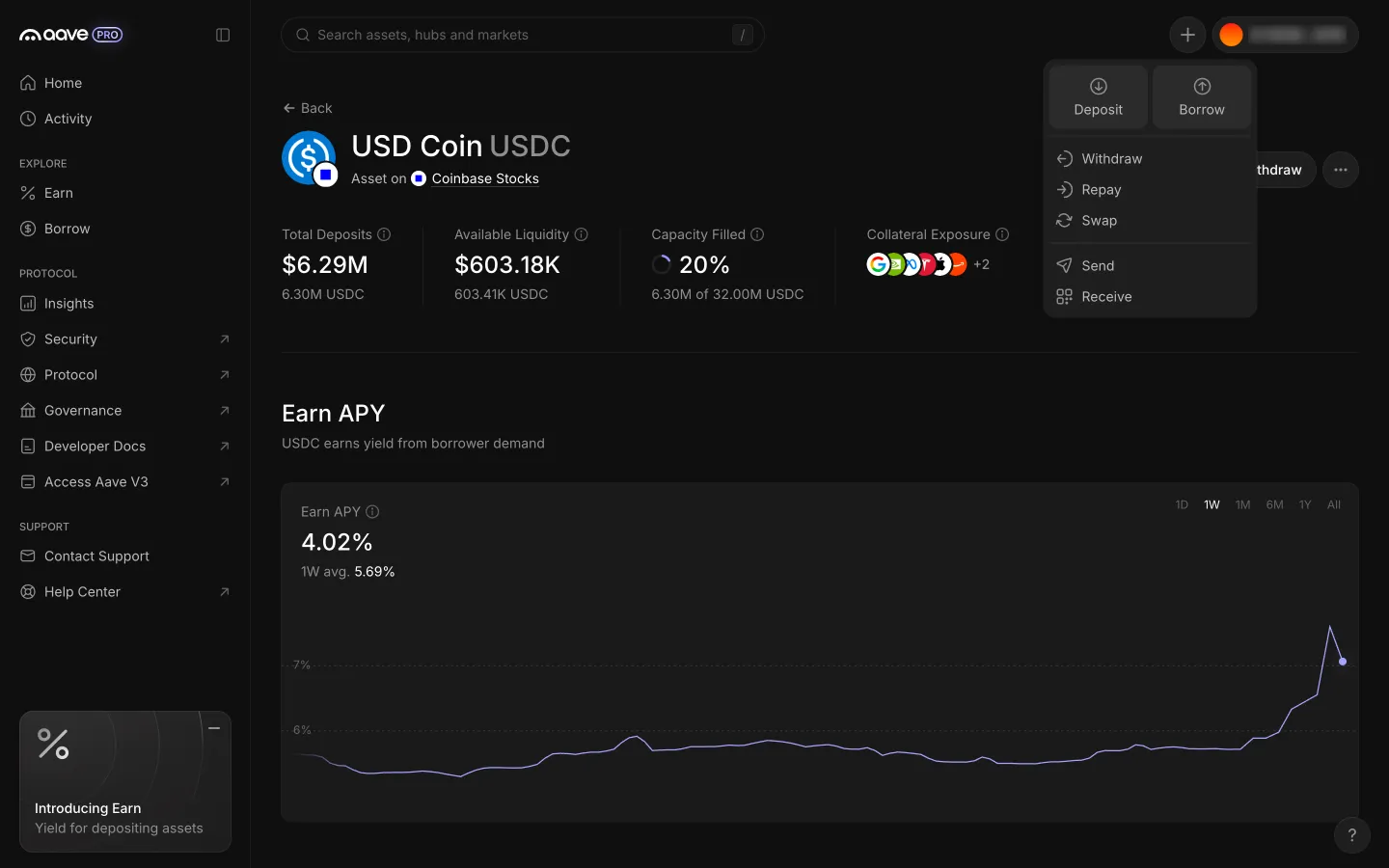
USDC position page with the header Actions menuAave ProUSDC position page with the header Actions menu
Actions menu lists Swap among seven actionsAave ProActions menu lists Swap among seven actions
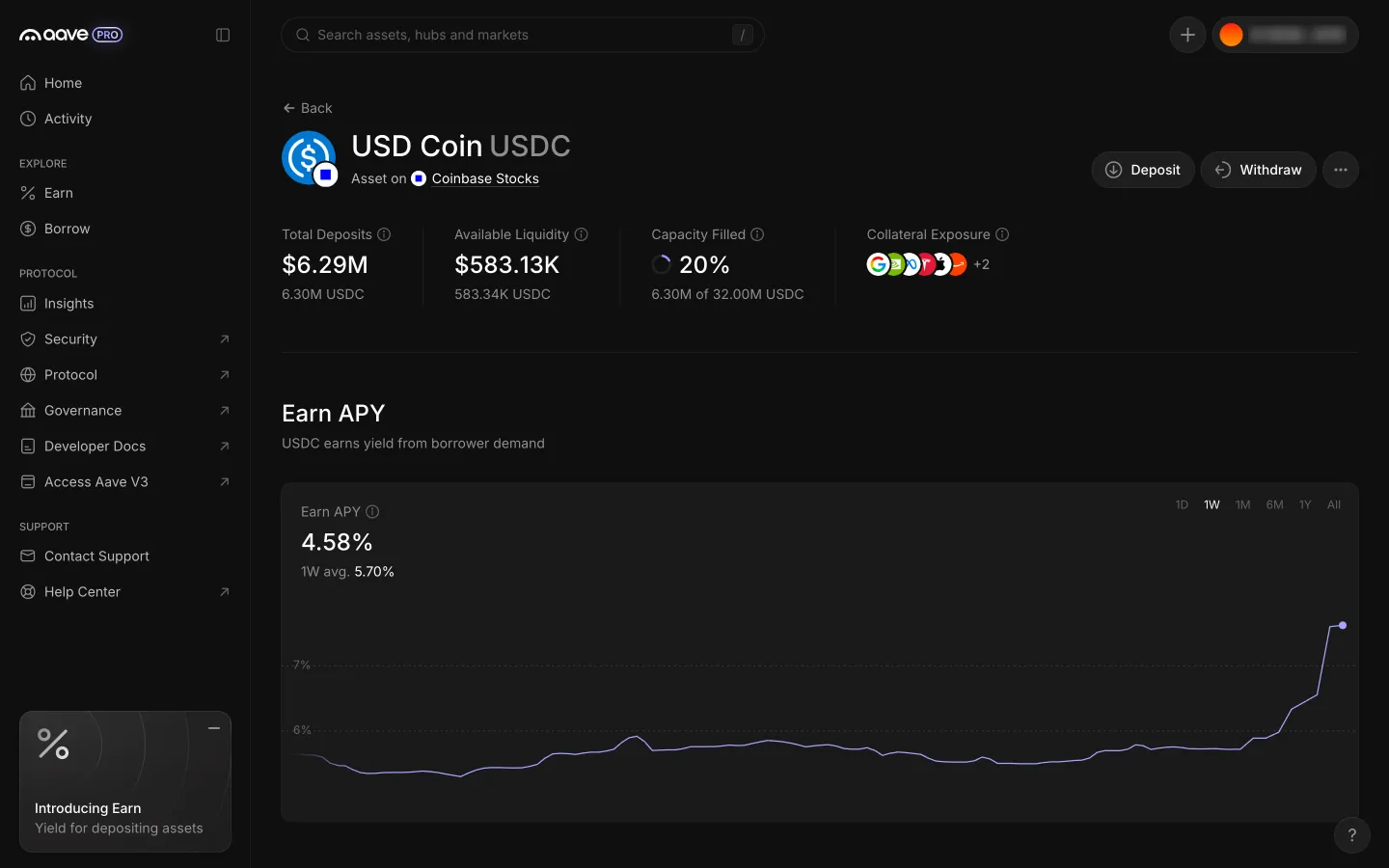
USDC position page with Withdraw beside DepositAave ProUSDC position page with Withdraw beside Deposit
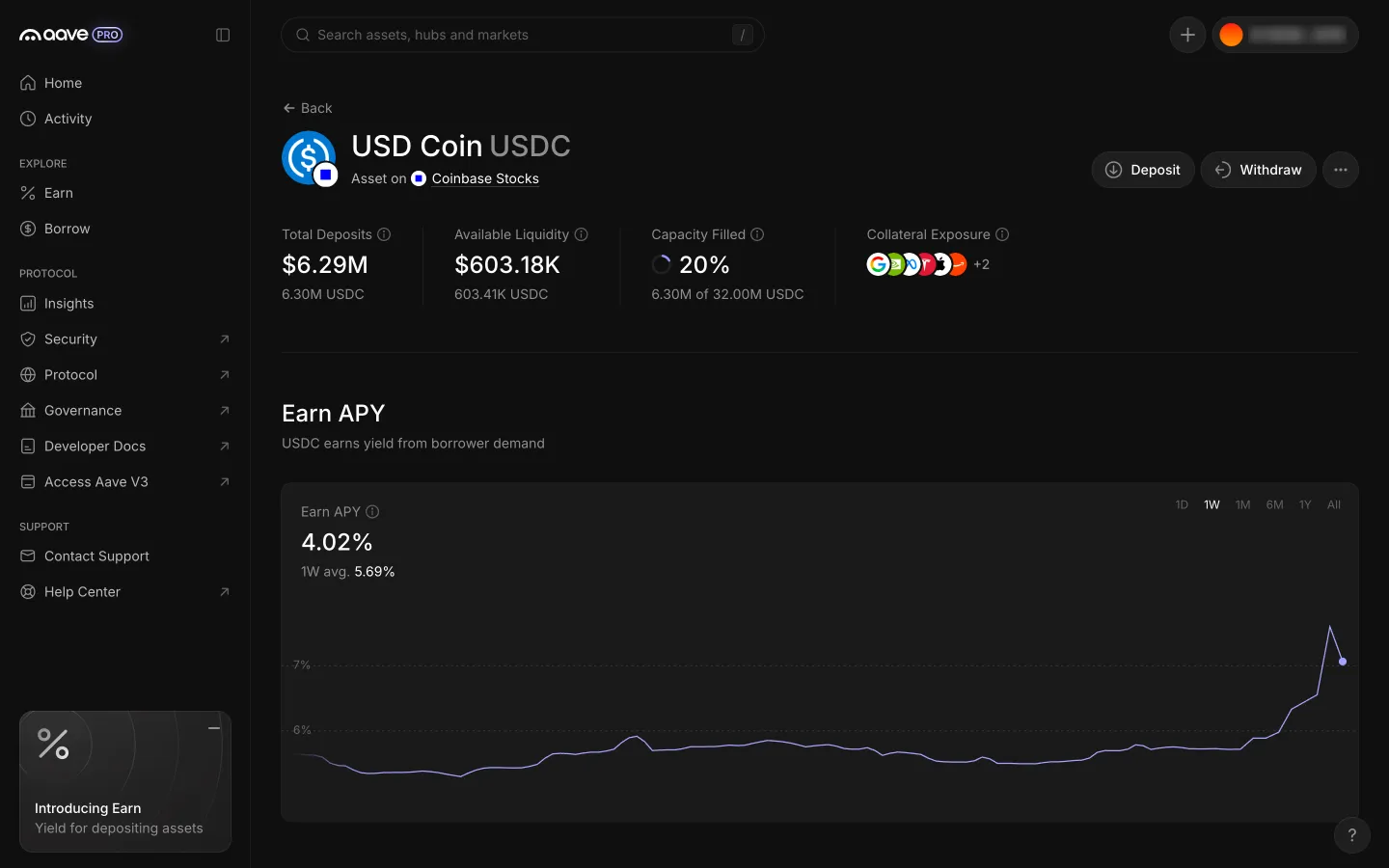
Close returns to the asset page, the position is goneAave ProClose returns to the asset page, the position is gone

Screens, flows and sites from real crypto and web3 apps.

© 2026 MoonoPrivacyTerms

Apps

  • All apps
  • Screens
  • Flows
  • UI elements

Sites

  • All sites
  • Sections

Learn

  • Glossary

Product

  • Pricing
  • MCPNew

© 2026 MoonoPrivacyTerms