All appsScreensFlowsUI elements
PricingGlossary
AllScreensFlowsUI elements

Batch actions, withdraw tab in Sablier

Step 3 of 3 in Adding a stream to a batchPlay
Batch actions, withdraw tab

Batch actions, withdraw tab

Position Detail

Screen typePosition Detail
StateInput
CapturedOct 2026
UI elementsBadgeButtonDialogSegmented ControlStacked ListTab
In the flowAdding a stream to a batch
SizeDesktop, 1440 by 900
Open the flowOpen original

Similar screens in other apps

Holder's positionfomoHolder's position
Your closed position in profitfomoYour closed position in profit
Thesis opens your closed trade, Closed badgefomoThesis opens your closed trade, Closed badge
Their theses as a journal beside the positionfomoTheir theses as a journal beside the position
Trader position with two expand iconsfomoTrader position with two expand icons
Position expanded to fill the windowfomoPosition expanded to fill the window
Your closed positionfomoYour closed position
Position modalfomoPosition modal
Author's position, bullish thesis but fully soldfomoAuthor's position, bullish thesis but fully sold
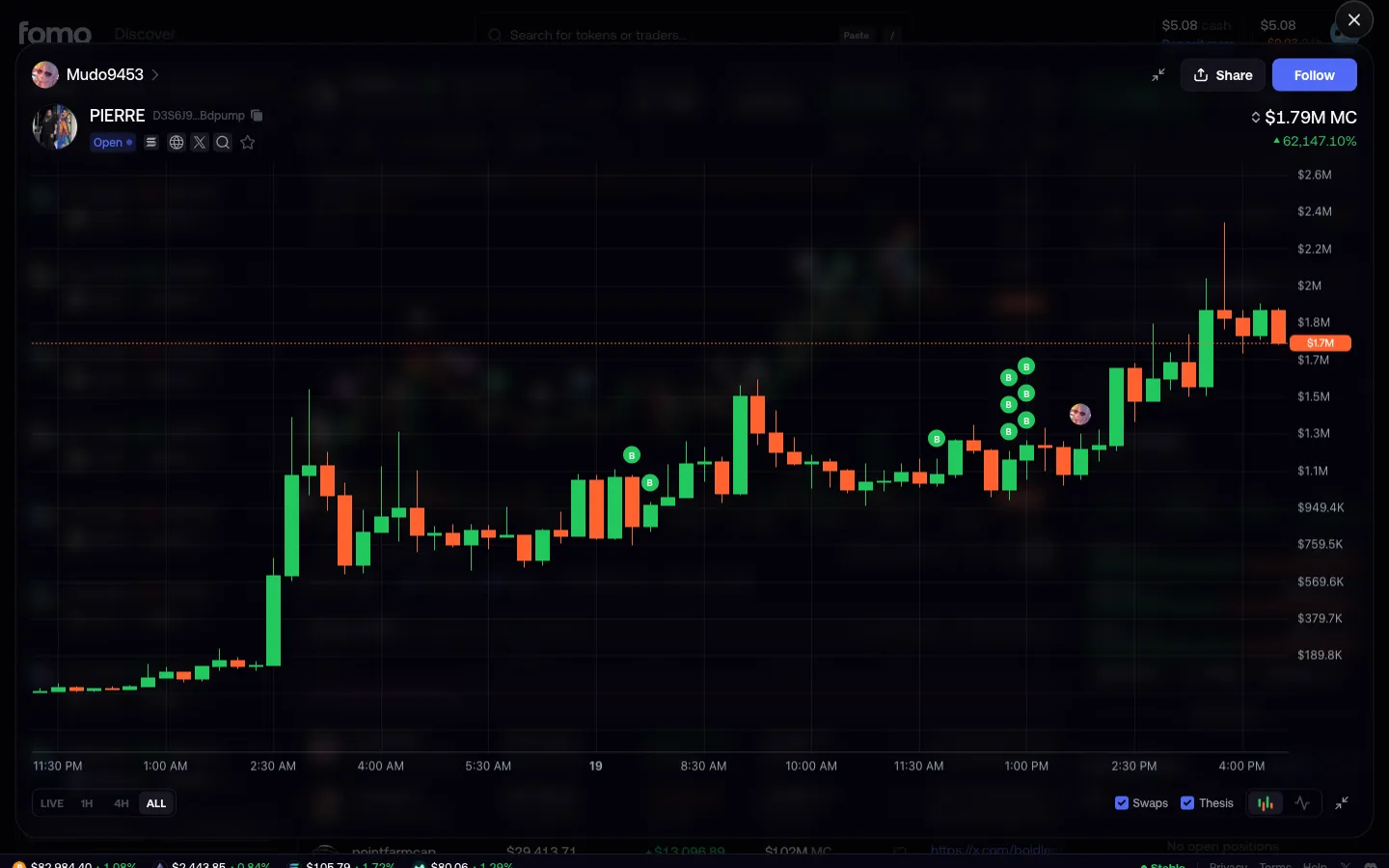
Chart expanded with every buy and thesis keptfomoChart expanded with every buy and thesis kept
Position view, open the Withdraw tabJupiterPosition view, open the Withdraw tab
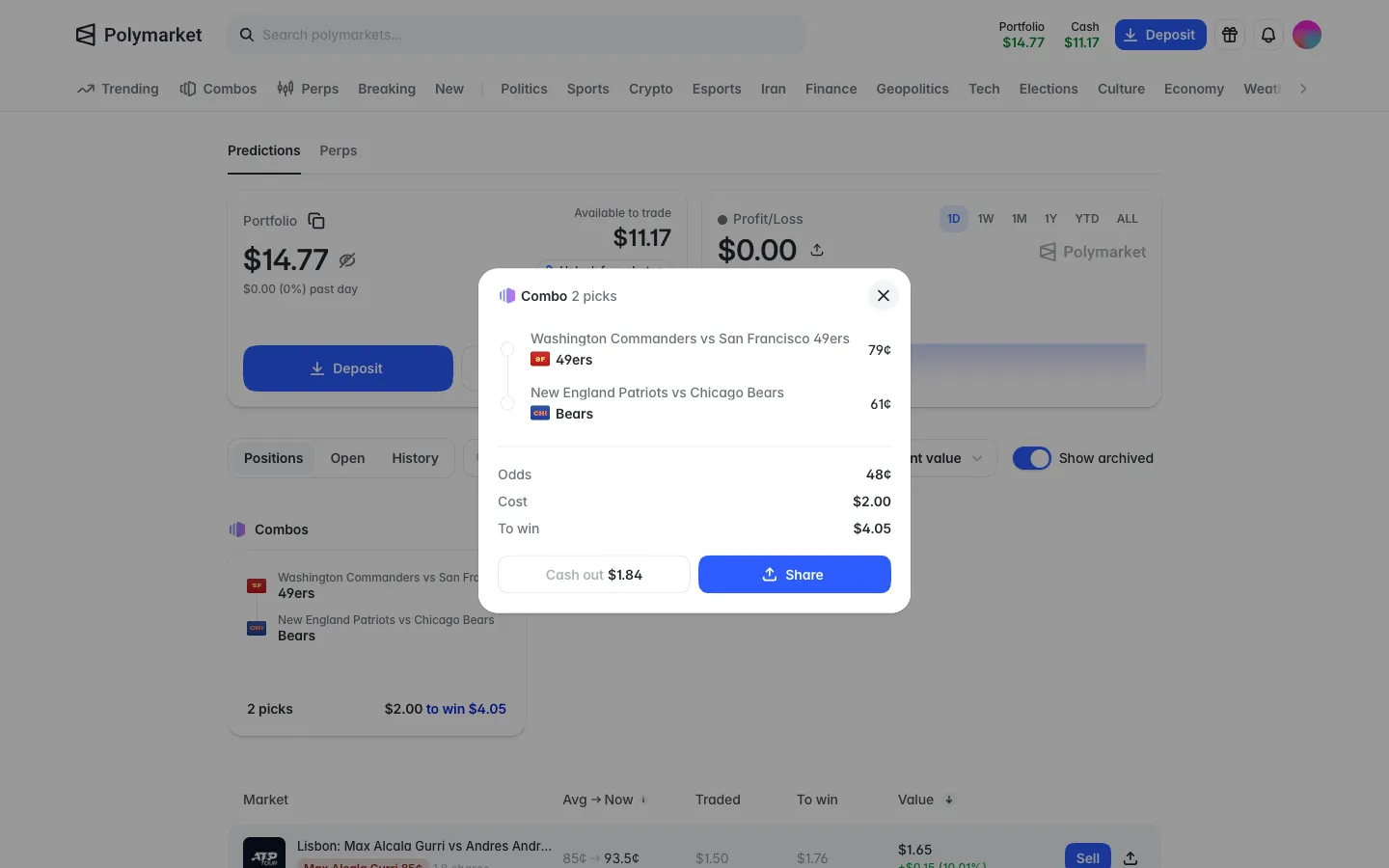
Combo detail, each leg's price, odds 48 cents, cash out 1.84 nowPolymarketCombo detail, each leg's price, odds 48 cents, cash out 1.84 now

Screens, flows and sites from real crypto and web3 apps.

© 2026 MoonoPrivacyTerms

Apps

  • All apps
  • Screens
  • Flows
  • UI elements

Sites

  • All sites
  • Sections

Learn

  • Glossary

Product

  • Pricing
  • MCPNew

© 2026 MoonoPrivacyTerms