Apps
All apps
Screens
Flows
UI elements
Pricing
Glossary
Get started
All
Screens
Flows
UI elements
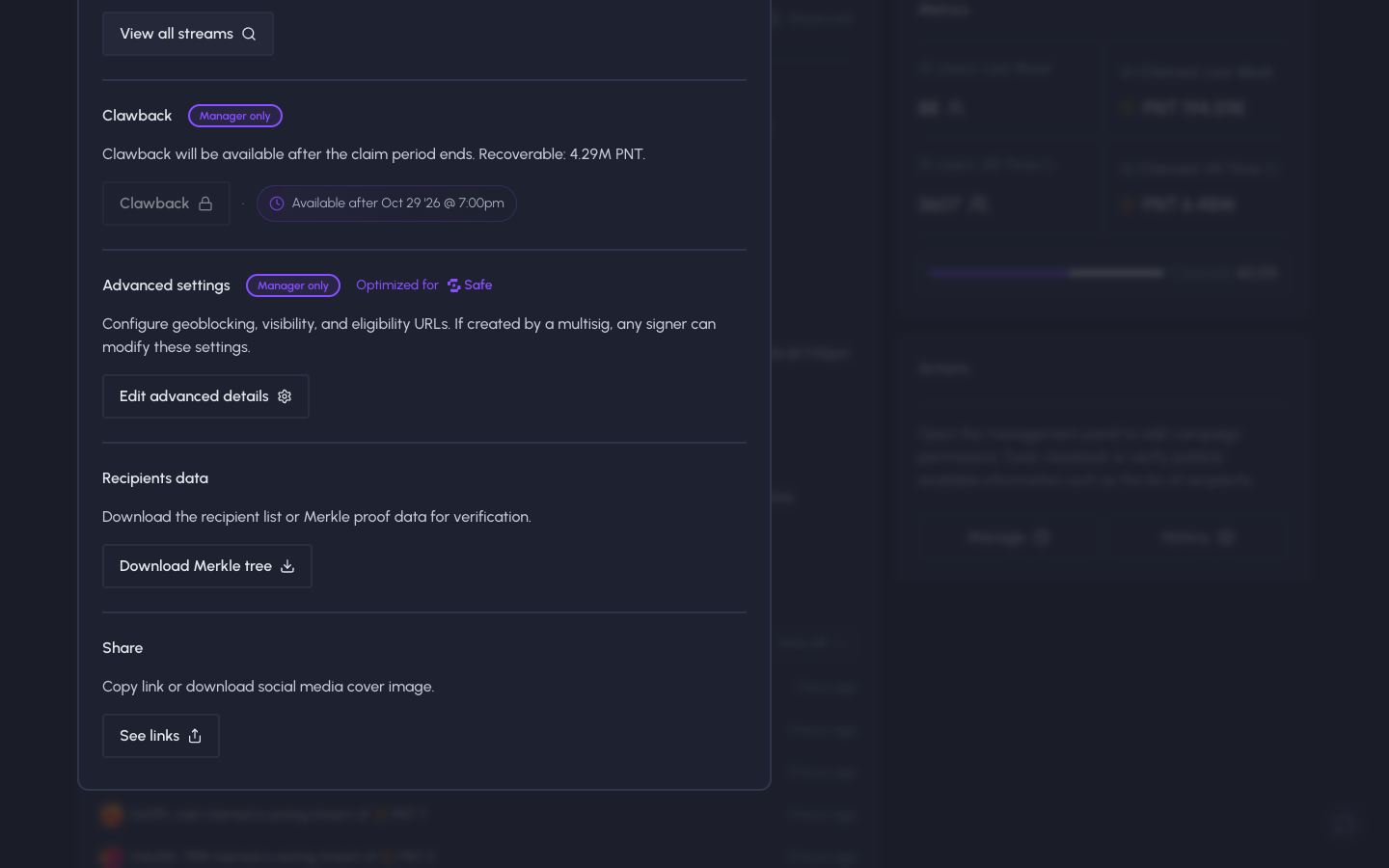
Scrolled to advanced settings, recipients data and share
in
Sablier
Step 3 of 3 in Managing a campaign
Play
Scrolled to advanced settings, recipients data and share
Settings
Similar screens in other apps
Jupiter
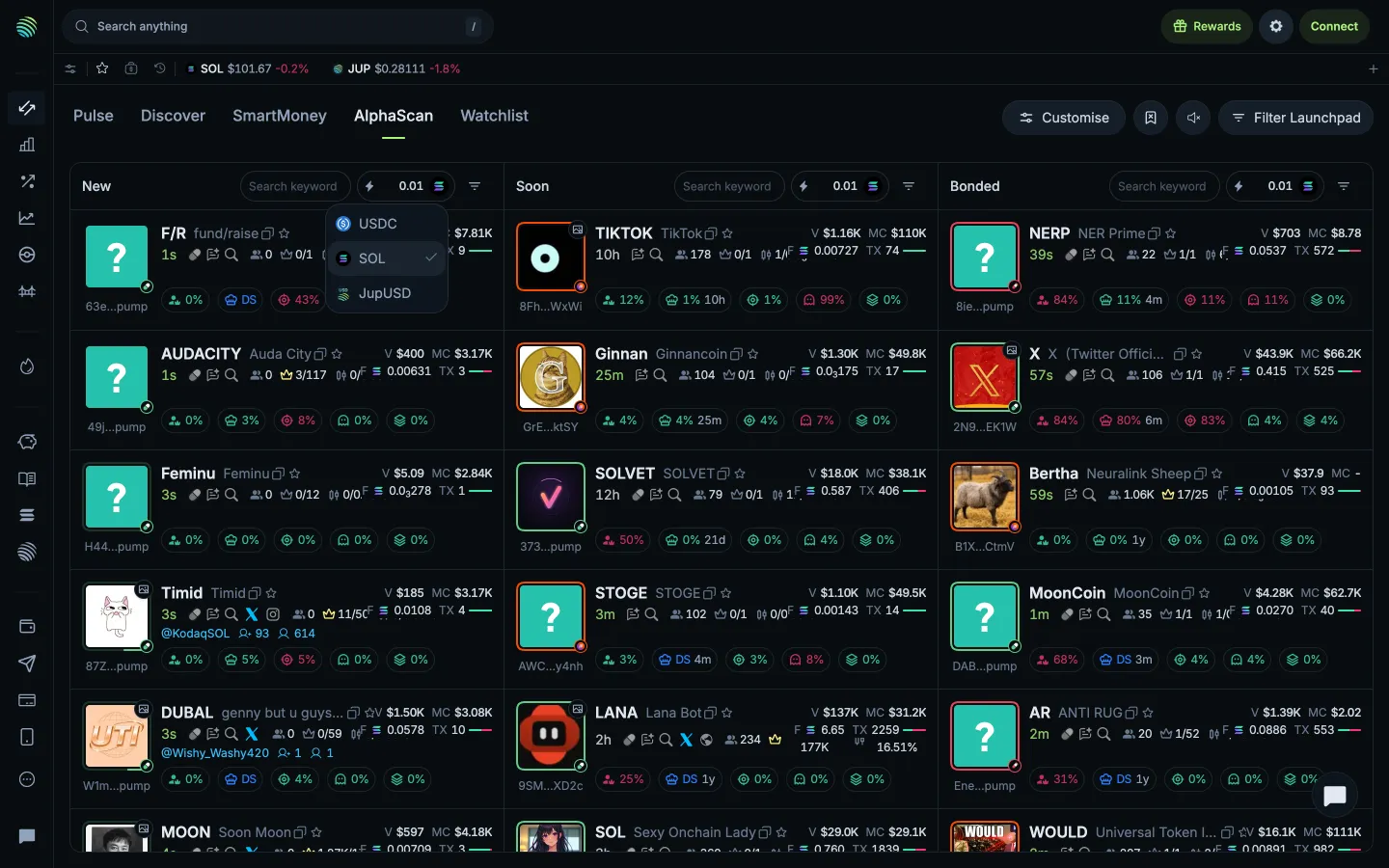
Quick buy currency choices
Jupiter
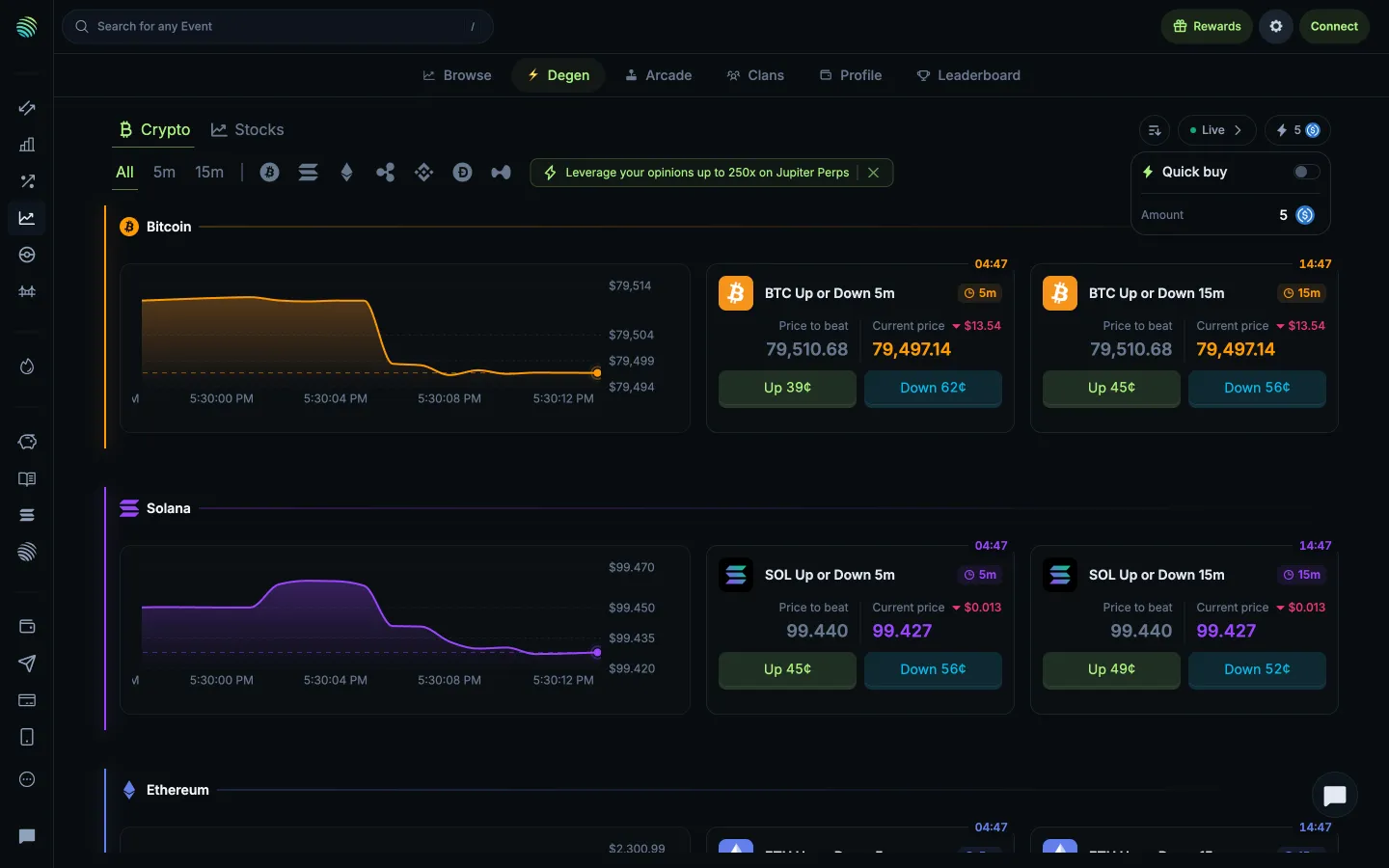
Quick buy toggle and amount
Jupiter
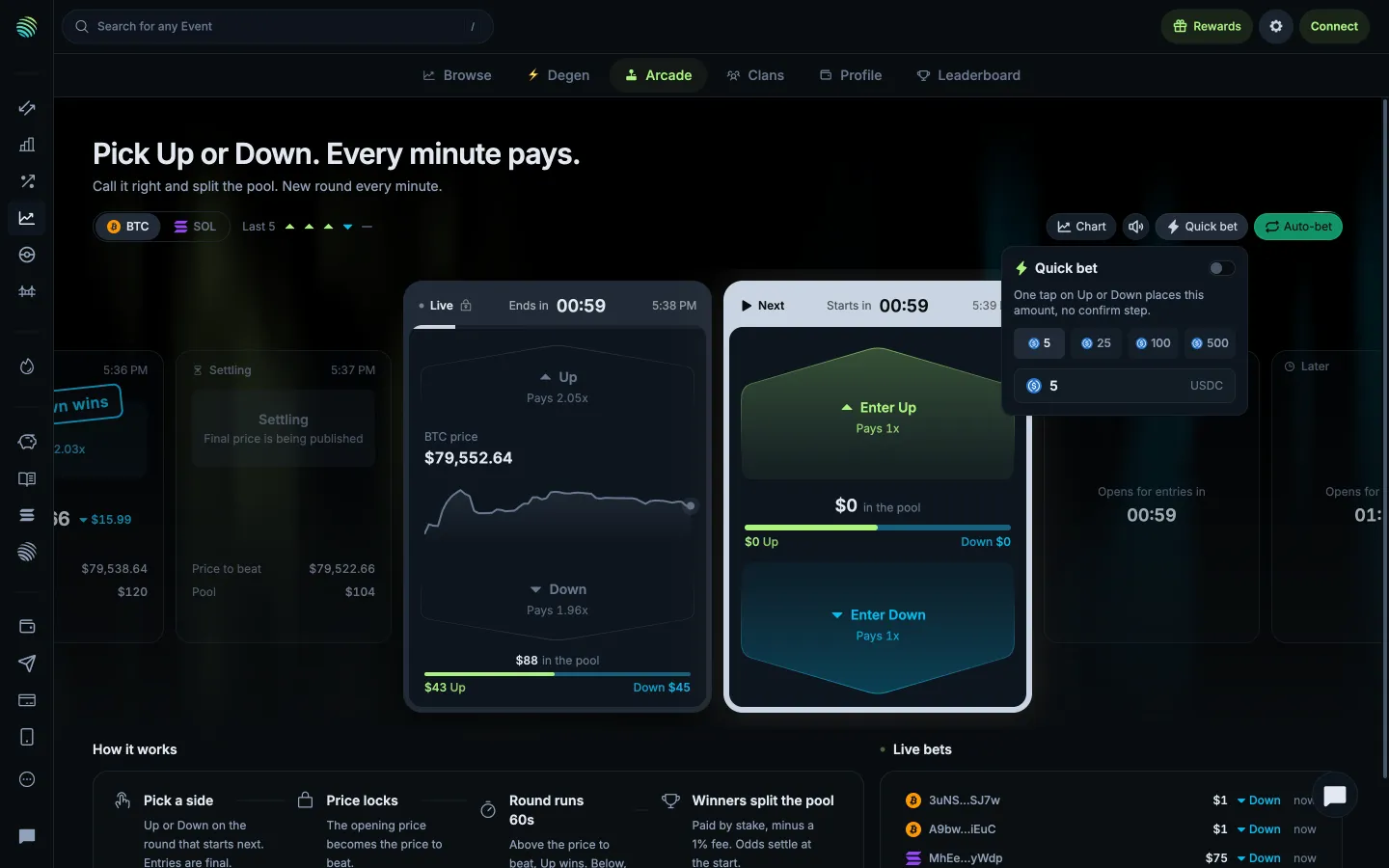
Quick bet skips confirmation for the chosen amount
Jupiter
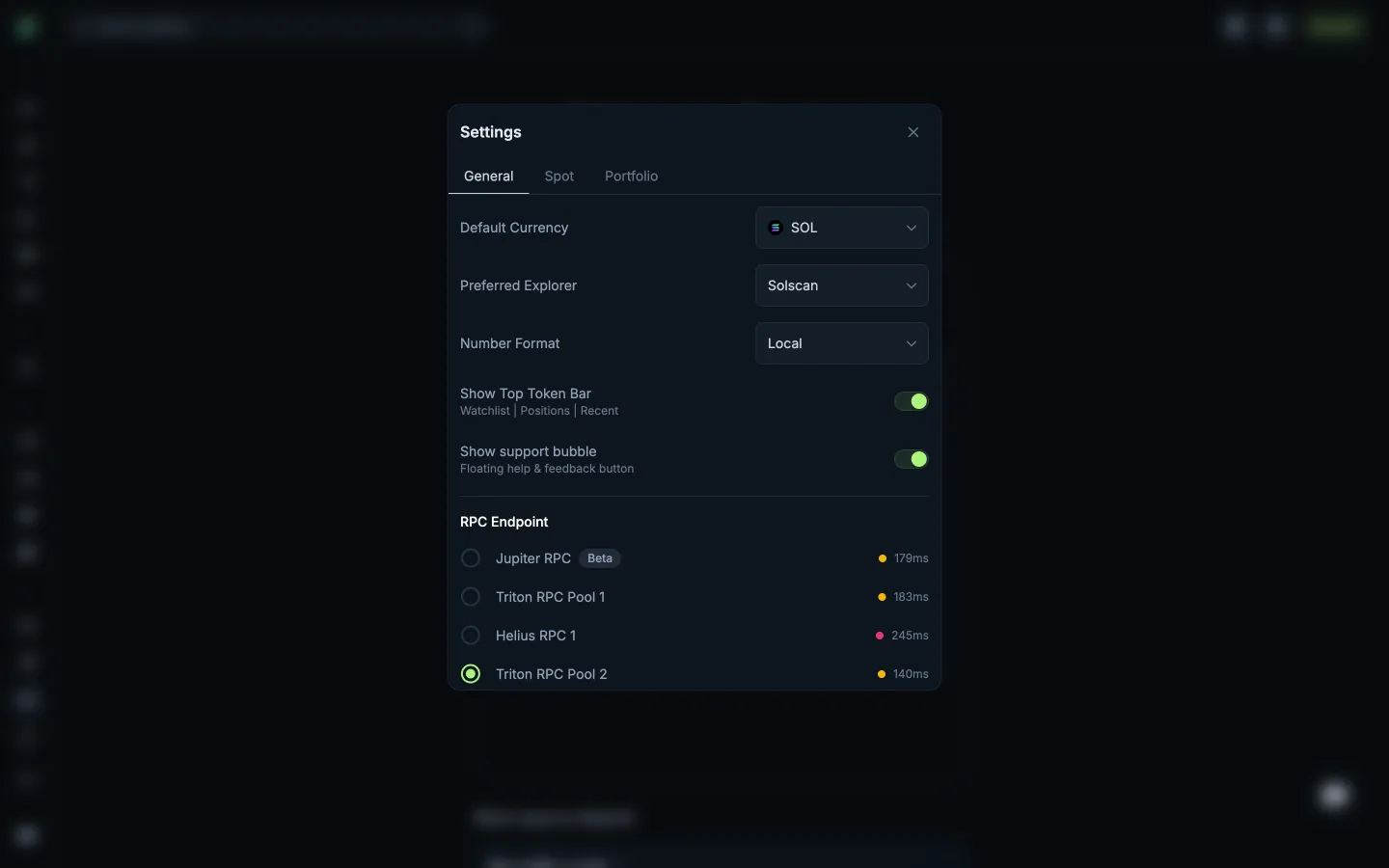
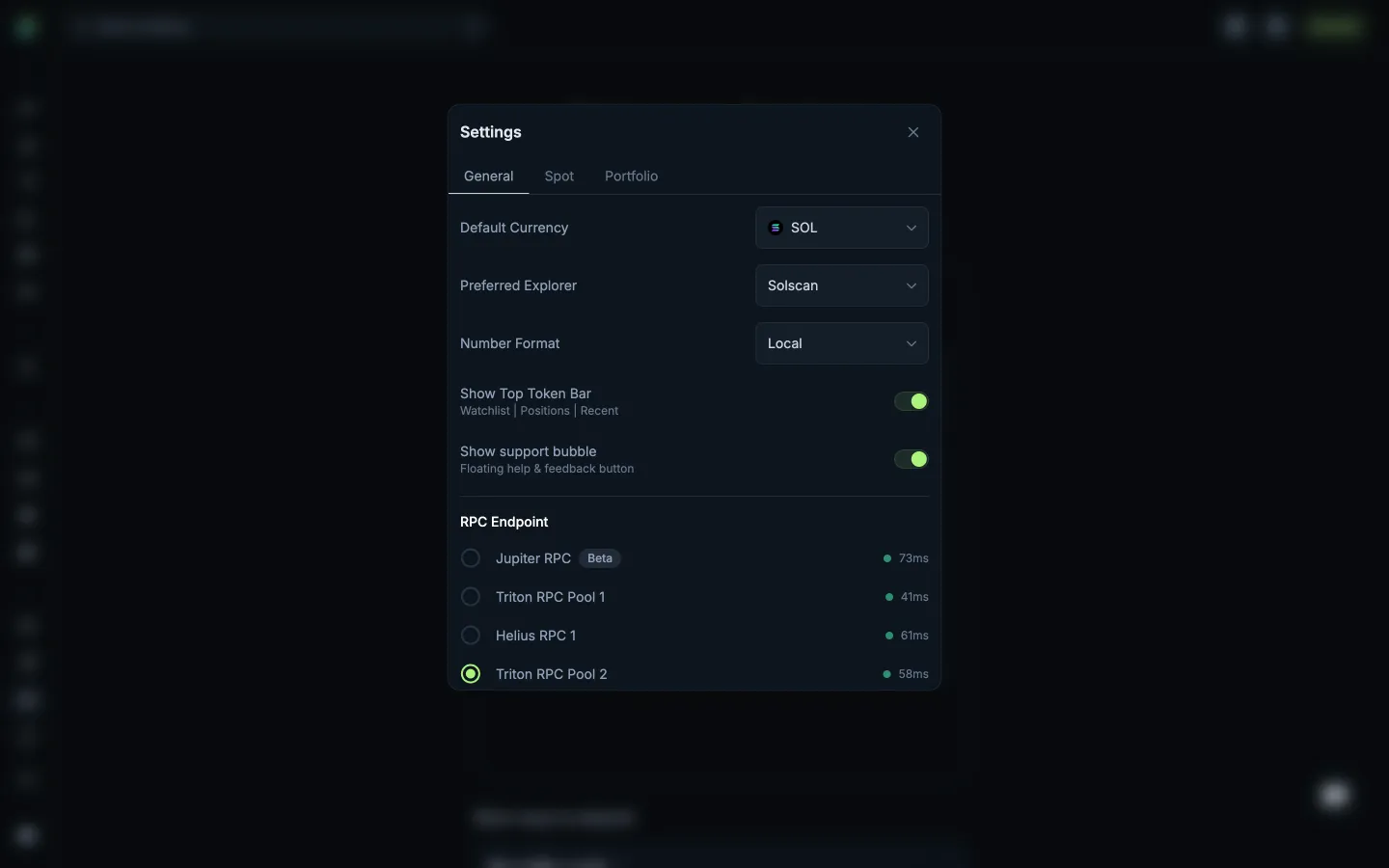
Review General settings
Jupiter
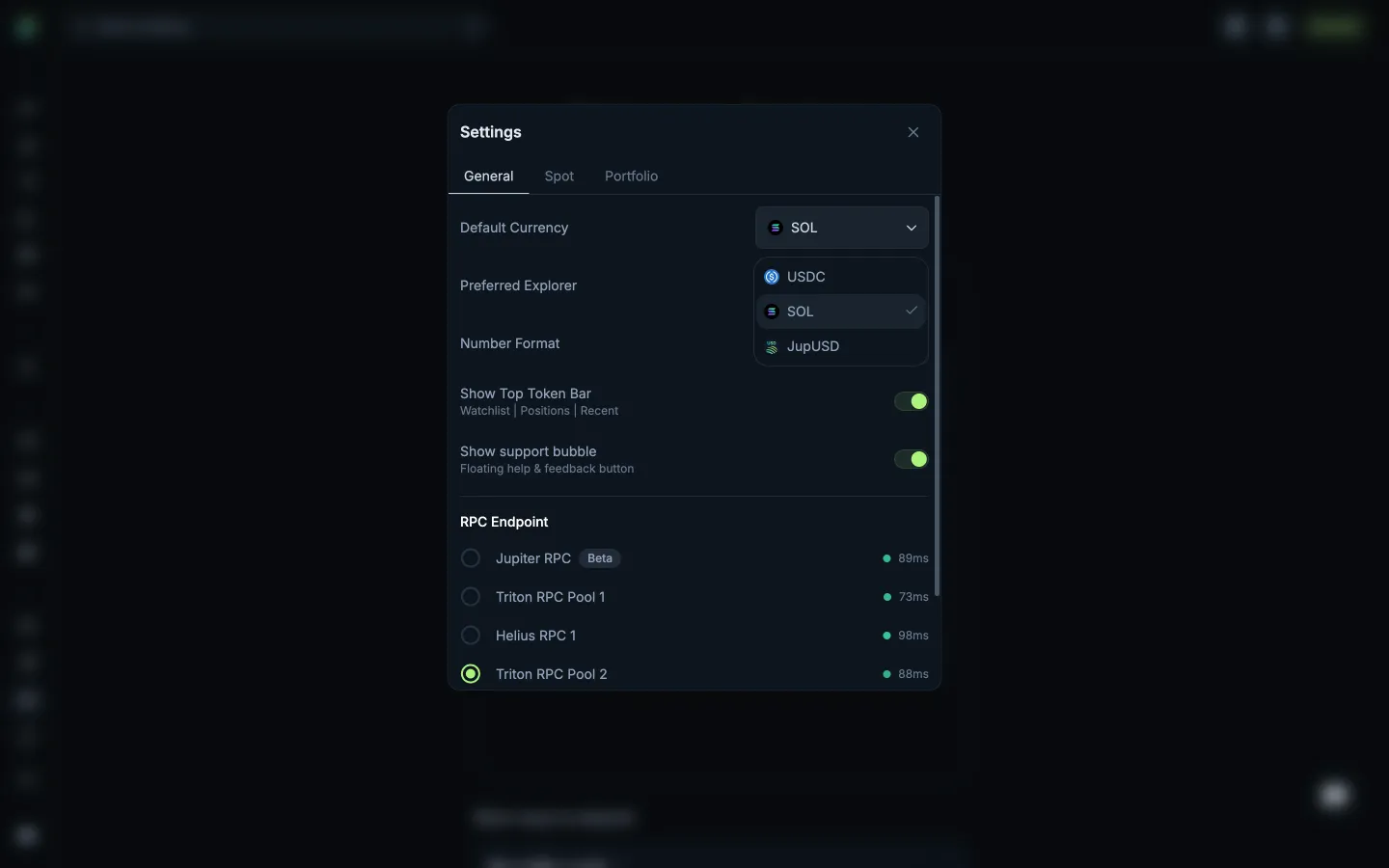
Review default currencies
Jupiter
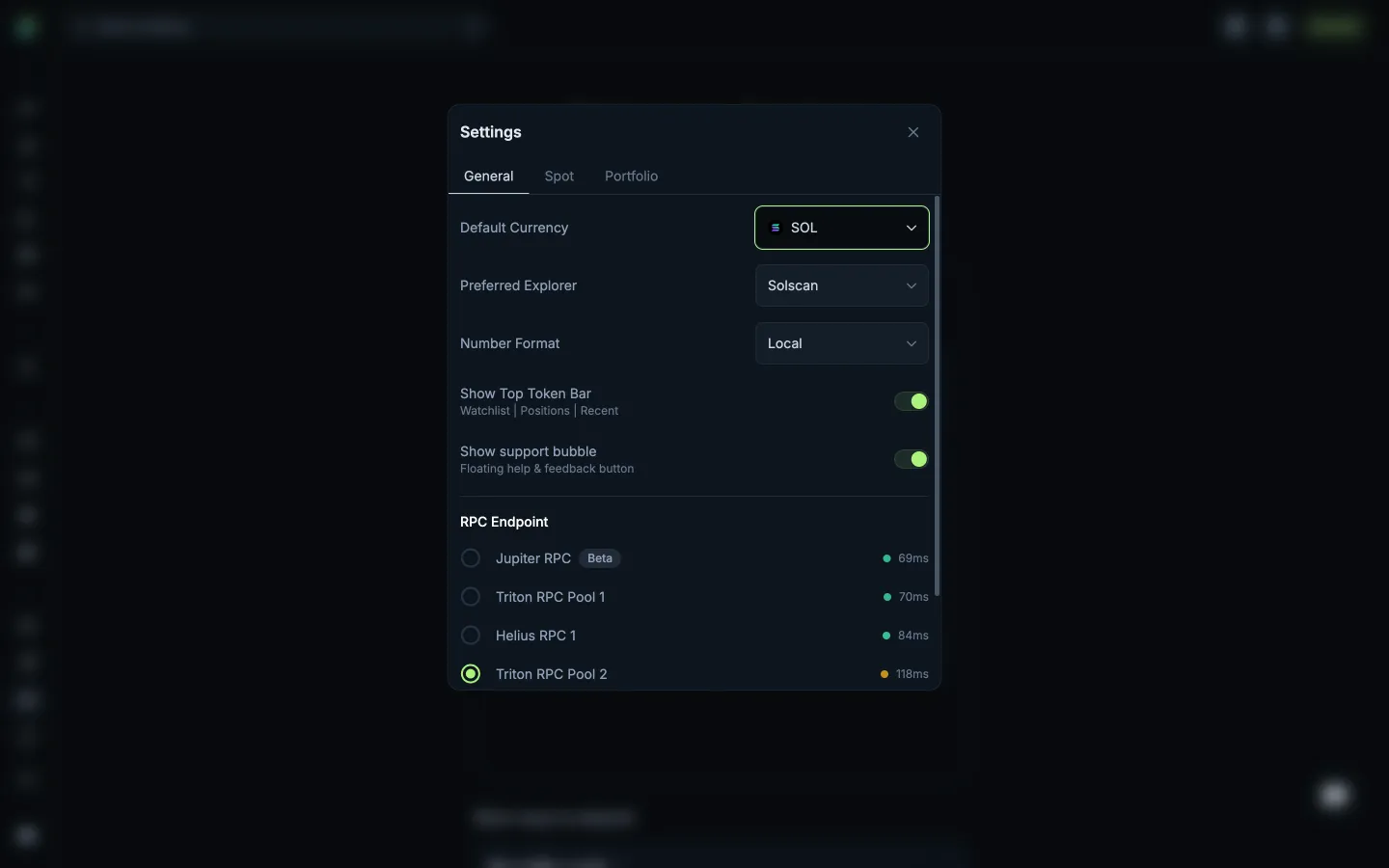
Return to General settings
Jupiter
Open Spot settings
Jupiter
Open Portfolio settings
Jupiter
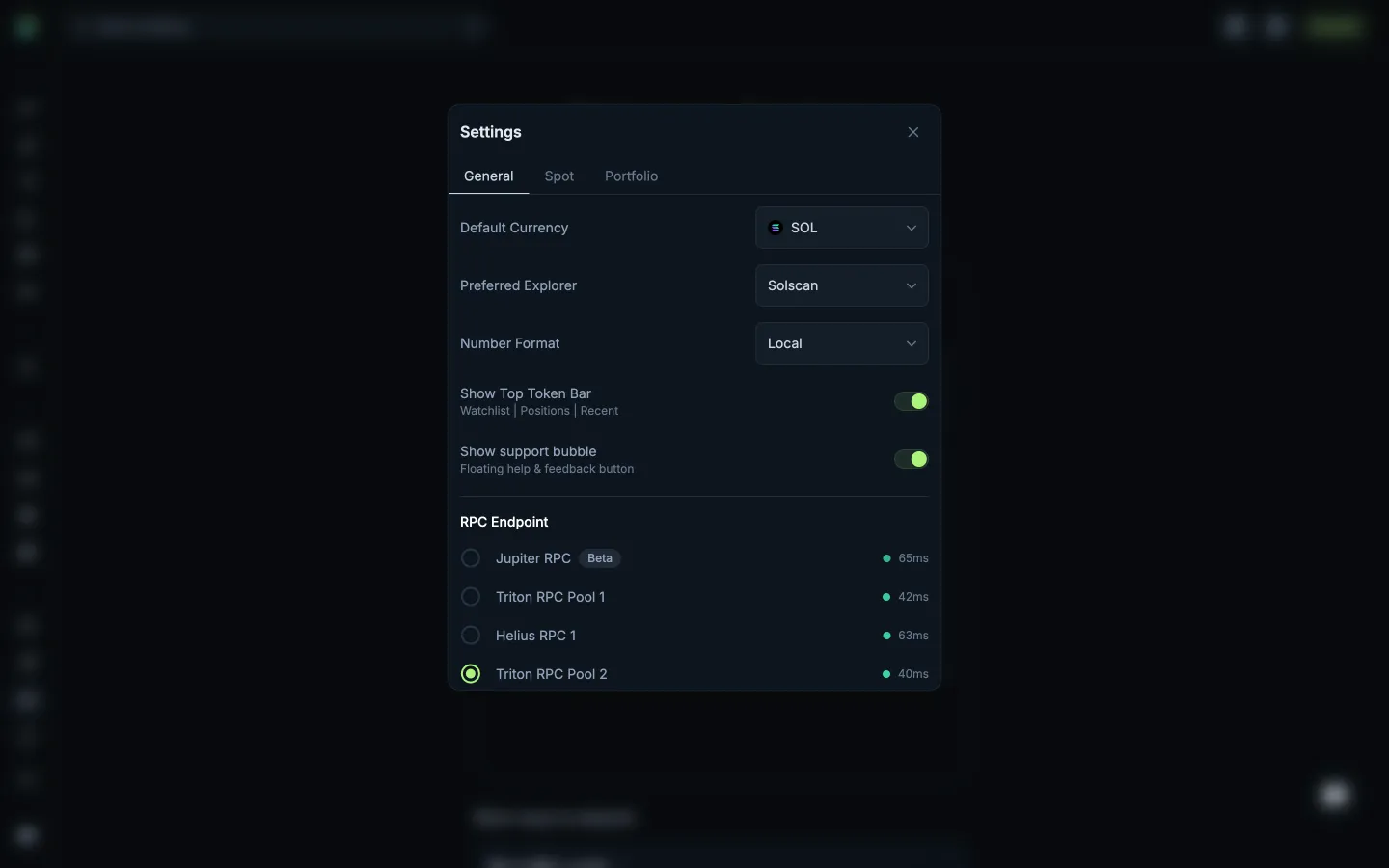
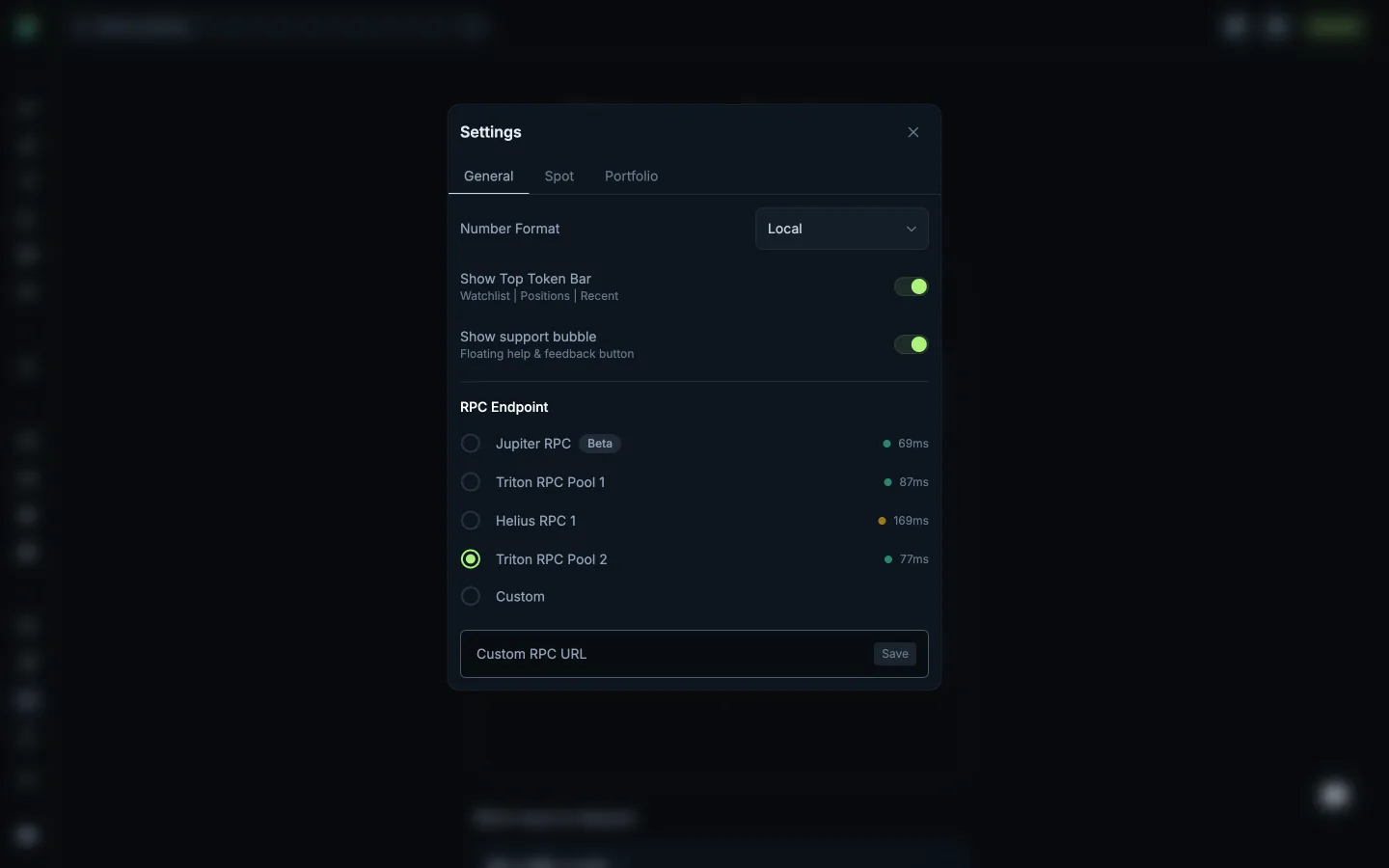
Review RPC providers and latency
Jupiter
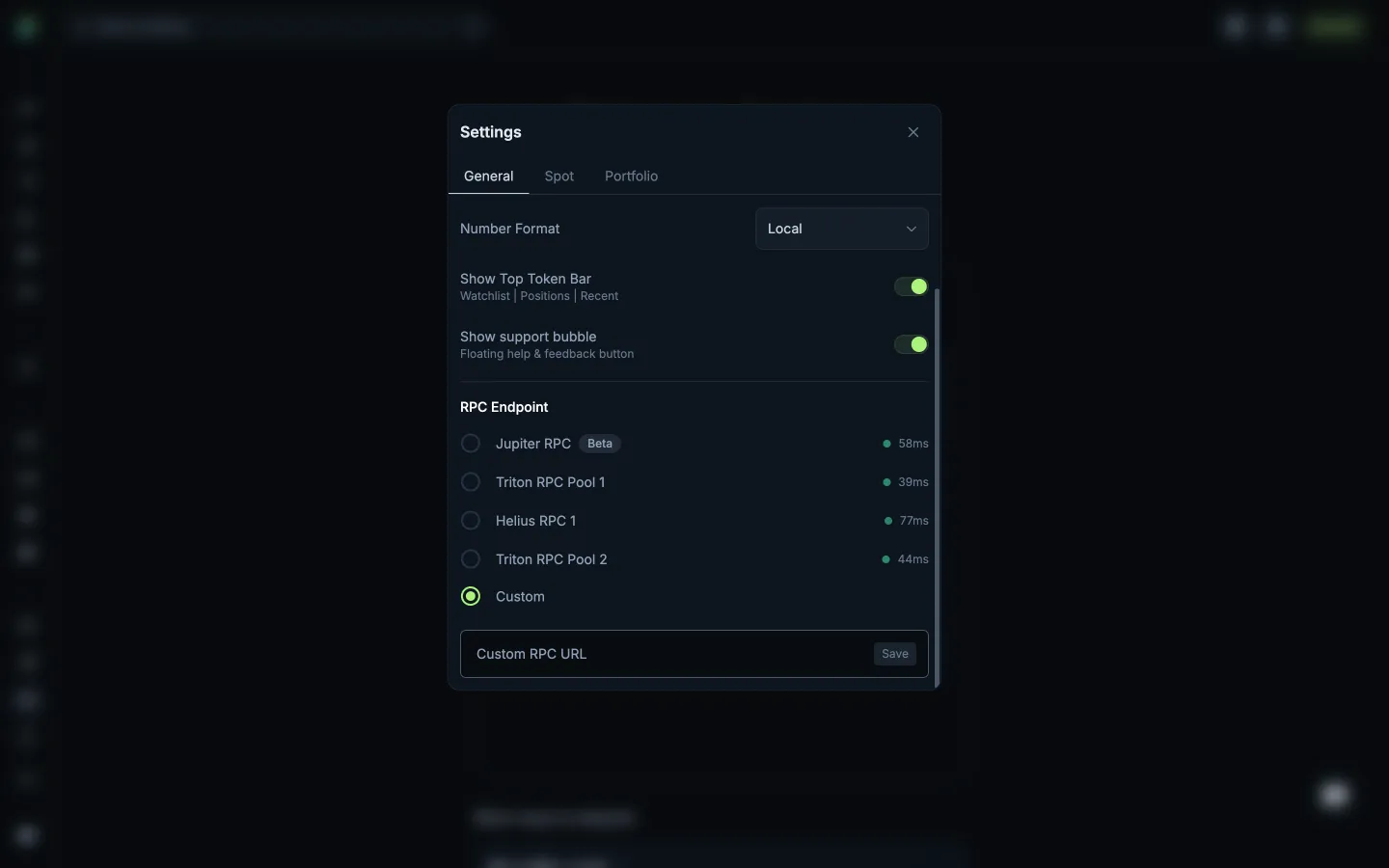
Preview a custom RPC endpoint
Uniswap
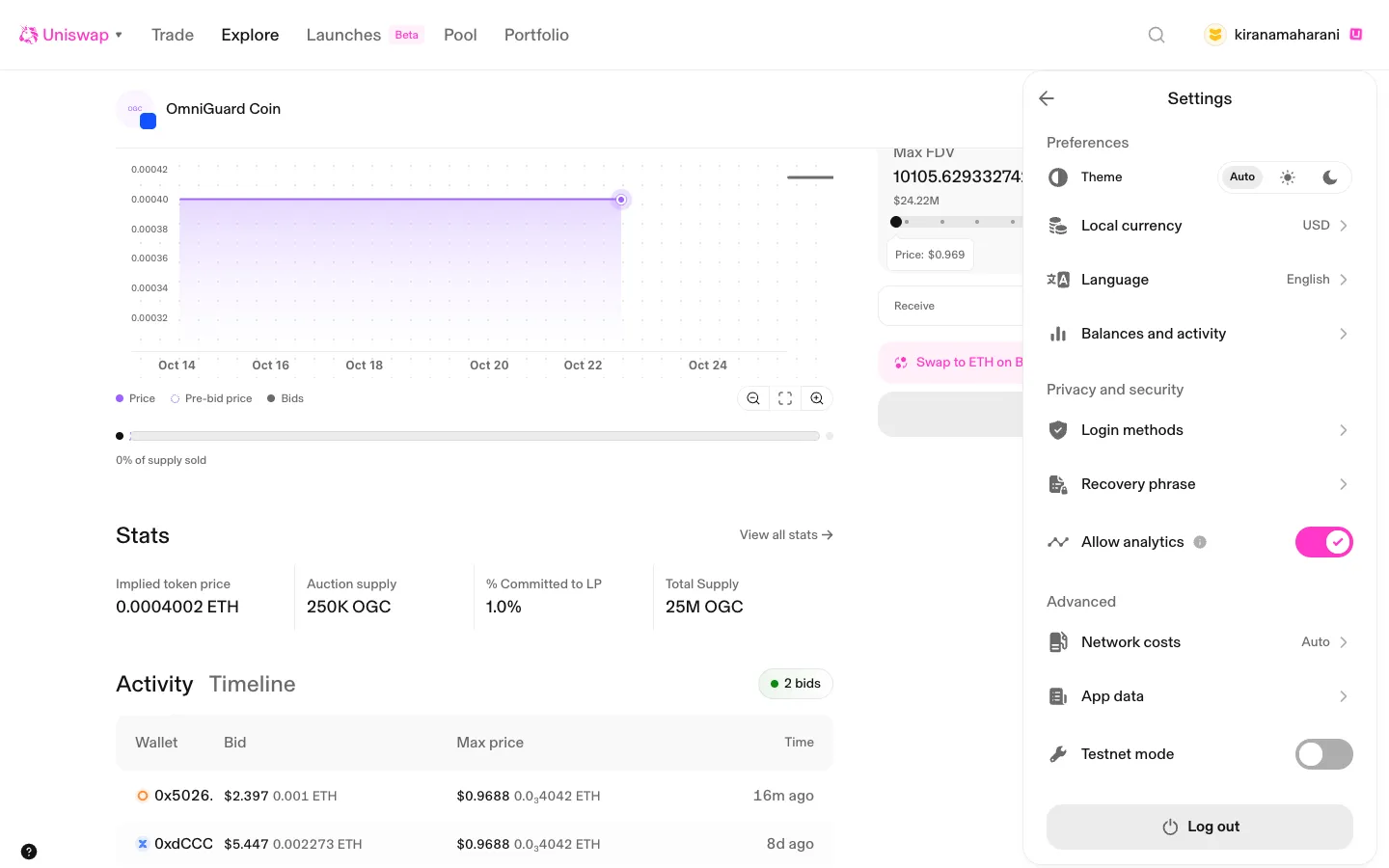
Settings for the passkey account
Hyperliquid
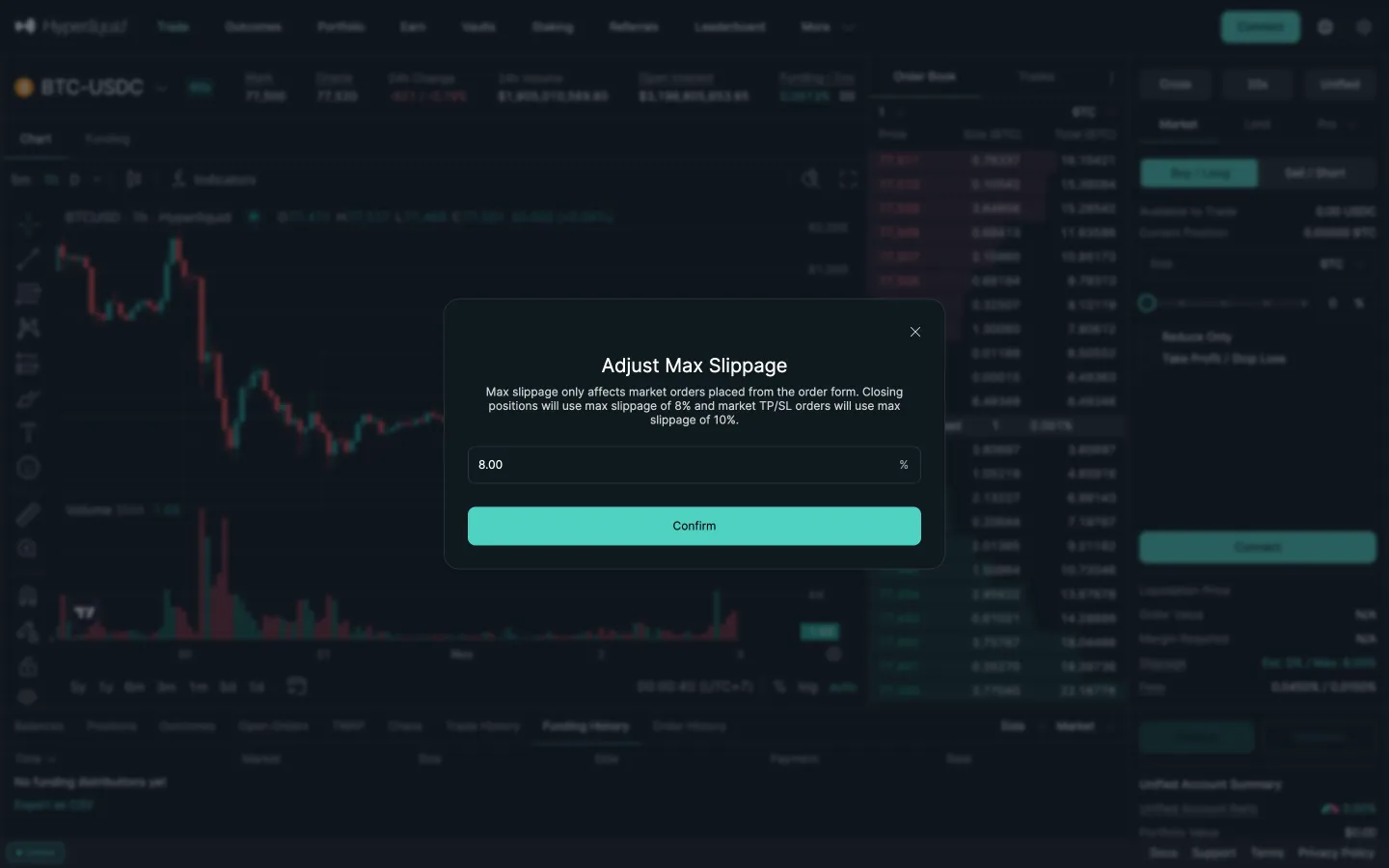
Adjust max slippage, 8 percent
 Sablier