Apps
All apps
Screens
Flows
UI elements
Pricing
Glossary
Get started
All
Screens
Flows
UI elements
Stream details
in
Sablier
Play
1
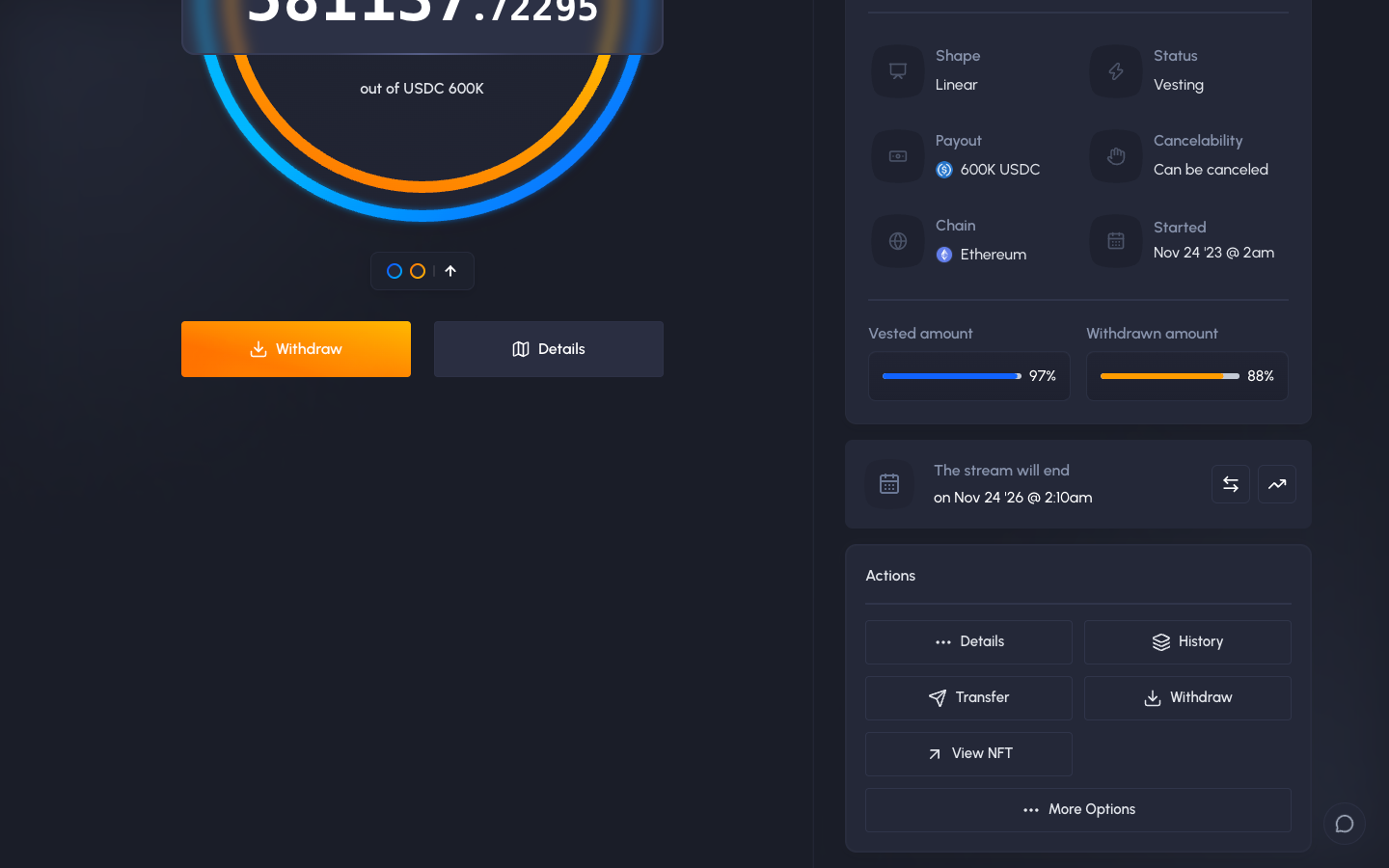
Stream actions
Idle
2
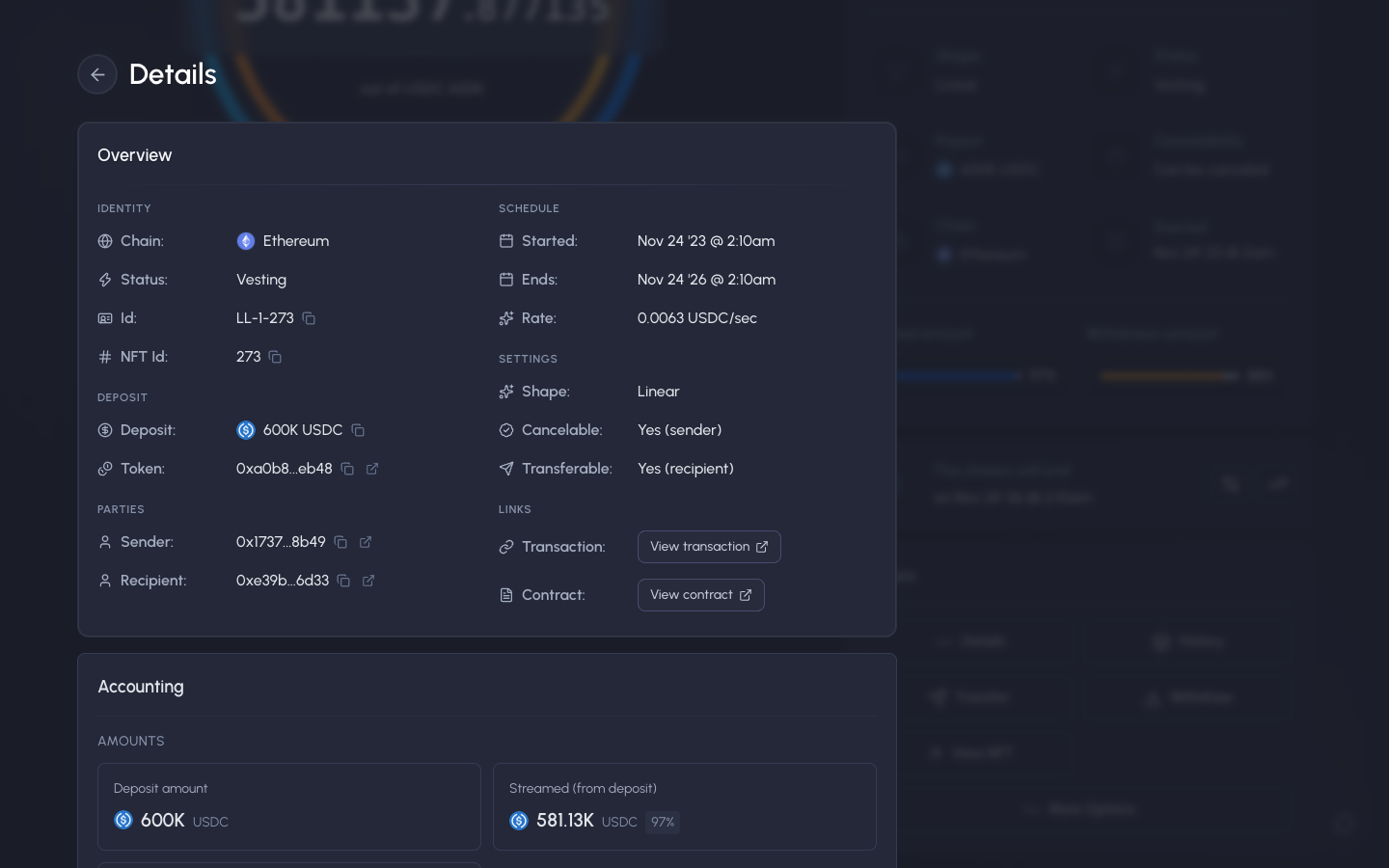
Details, identity, schedule, settings and links
Idle
3
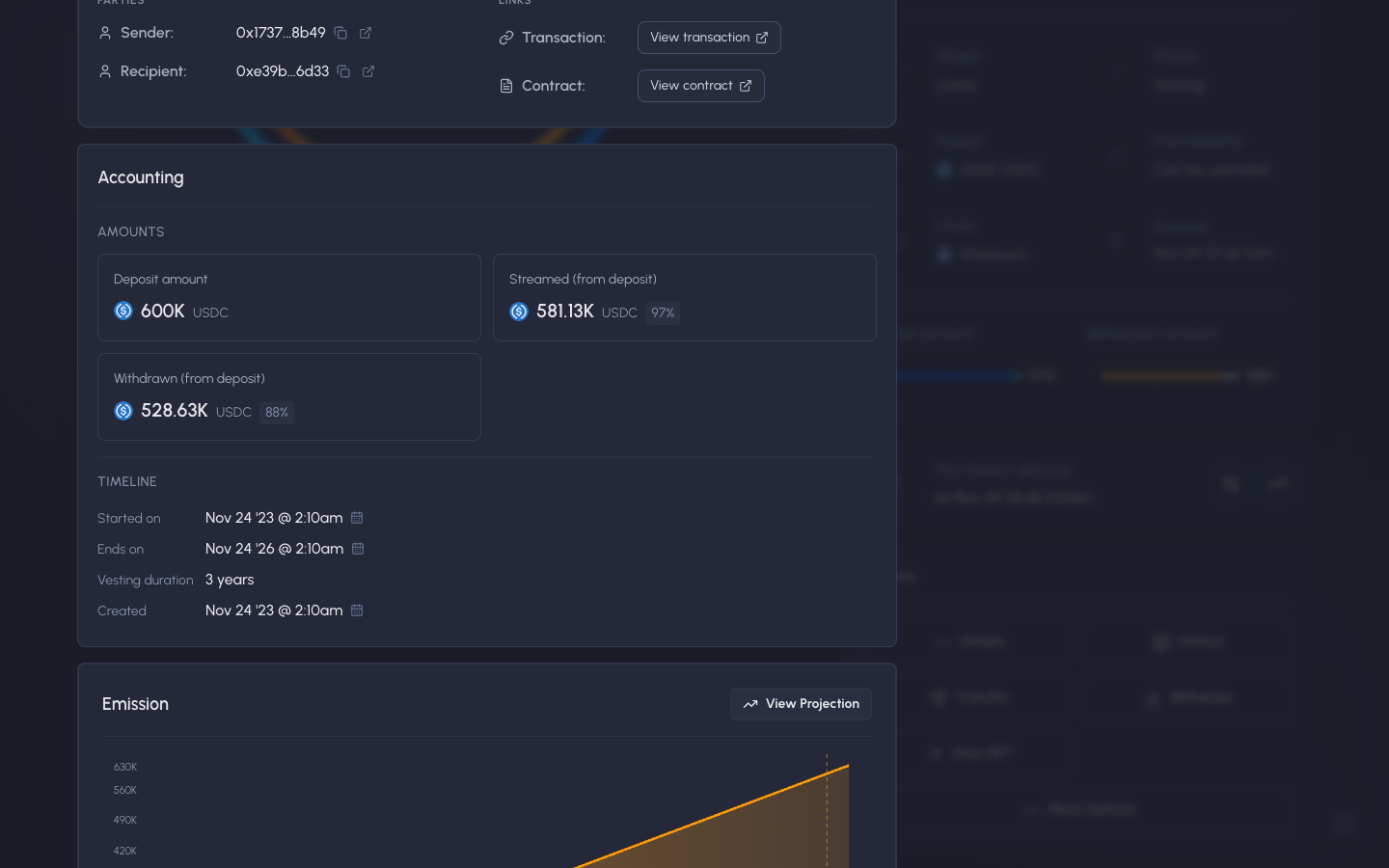
Scrolled to accounting, deposited, streamed and withdrawn
Idle
4
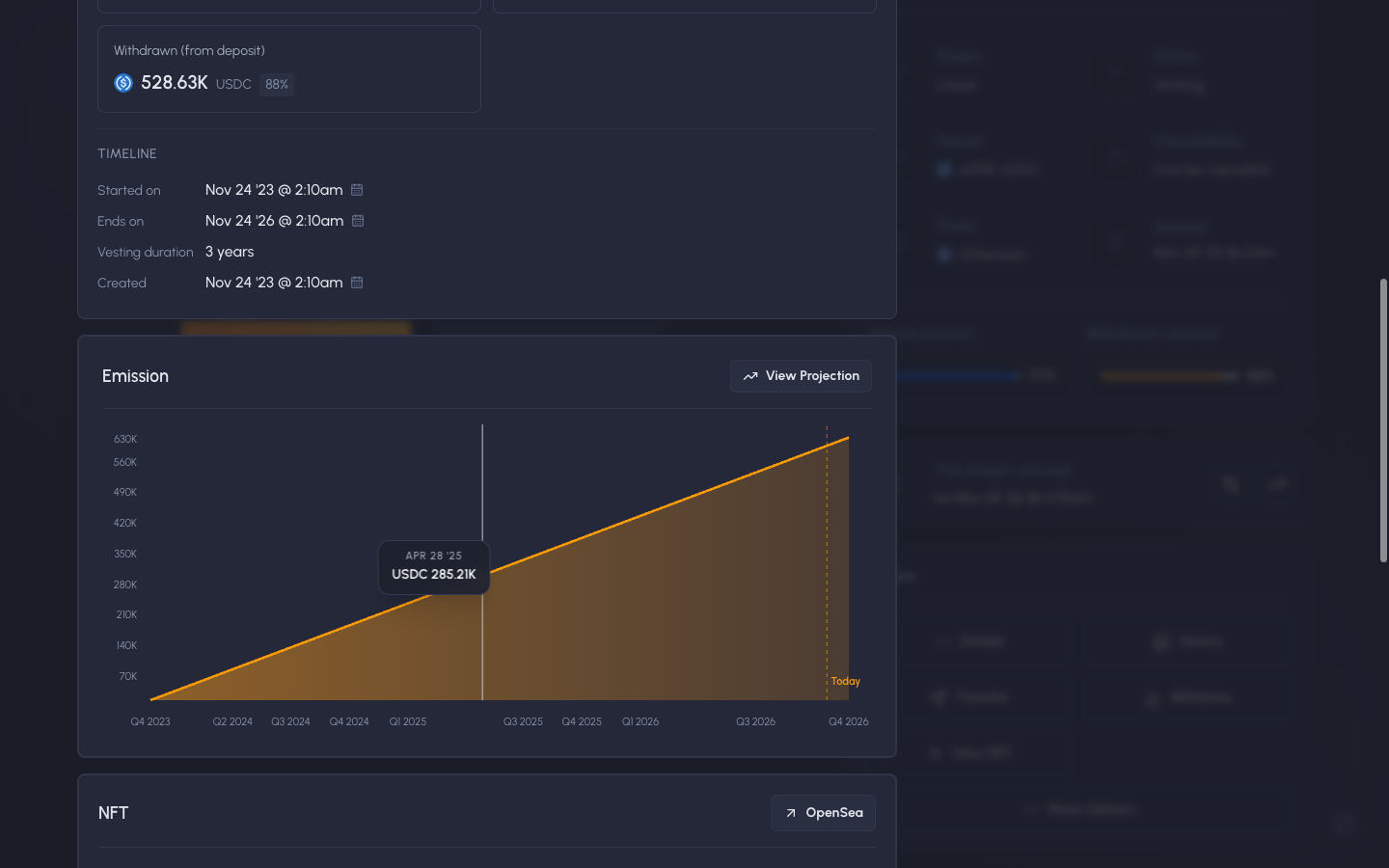
Scrolled to emission chart, hover shows the amount on a date
Idle
5
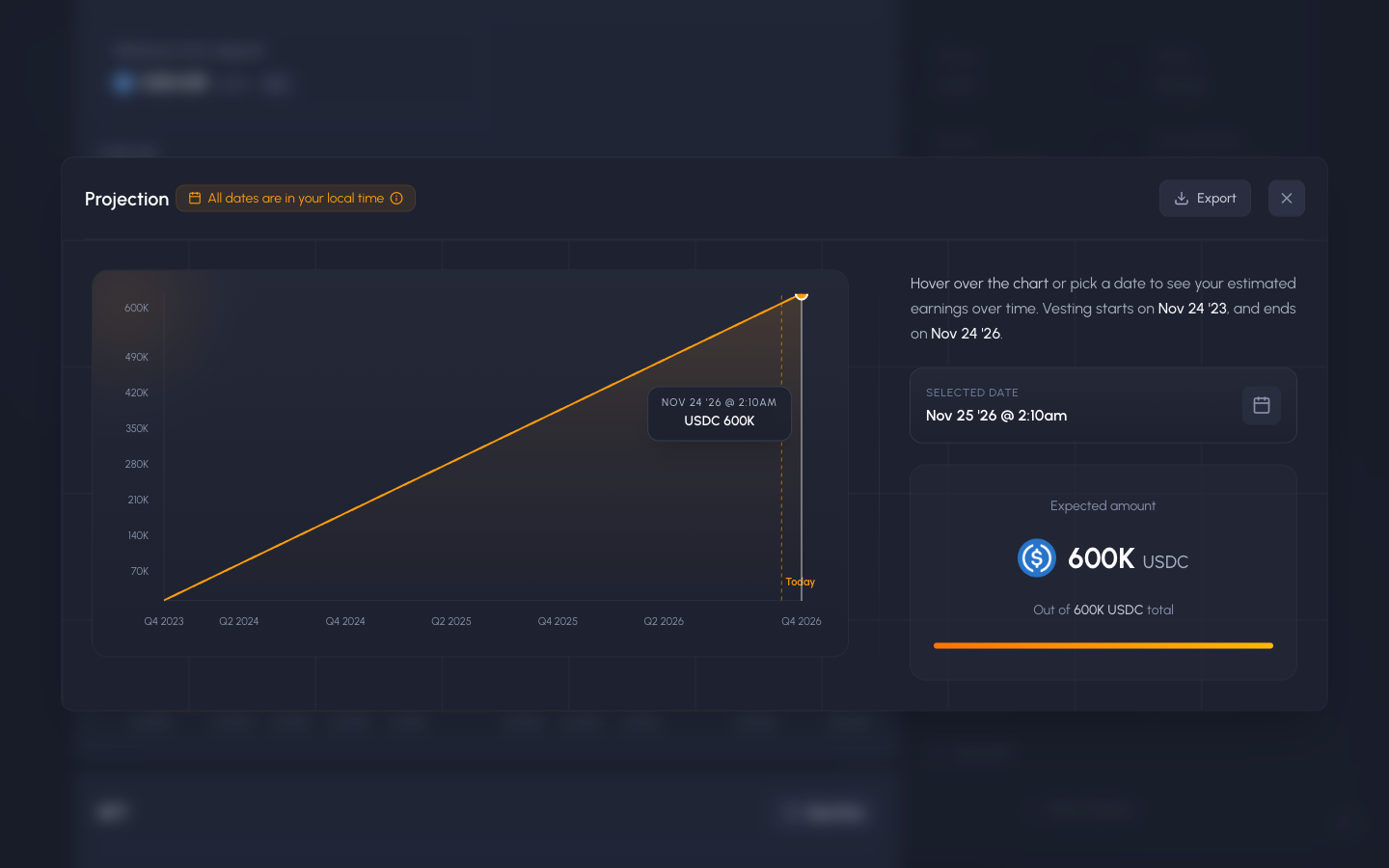
Projection, expected amount on a picked date
Idle
4 more steps
You have seen the free half of Stream details. Sign up free to see how it ends.
Get started
 Sablier
 Sablier