All appsScreensFlowsUI elements
PricingGlossary
AllScreensFlowsUI elements

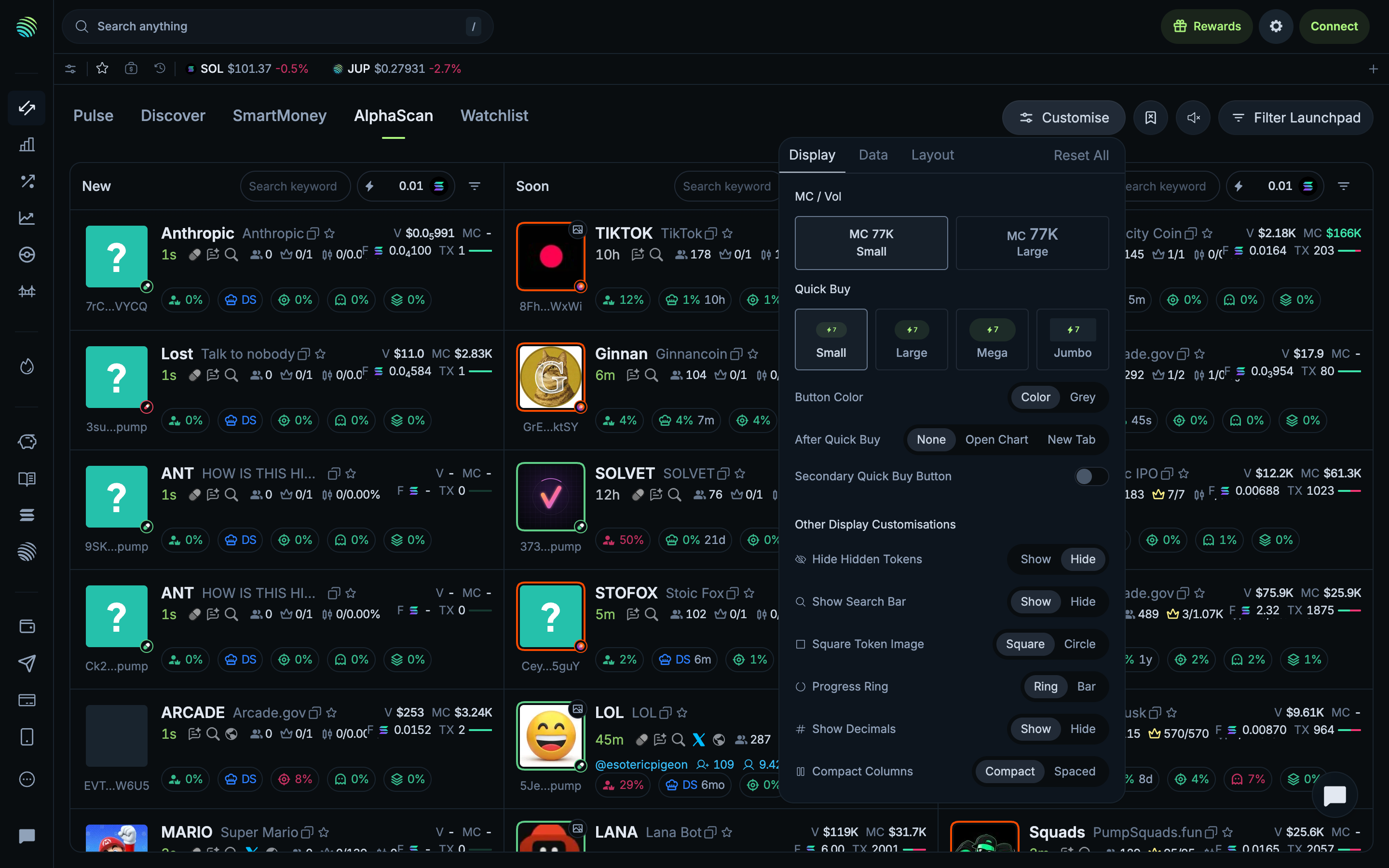
Display settings in Jupiter

Step 1 of 3 in Choosing AlphaScan dataPlay
Display settings

Display settings

Settings

Screen typeSettings
StateIdle
CapturedOct 2026
UI elementsButtonDialogSegmented ControlSwitchTab
In the flowChoosing AlphaScan data
SizeDesktop, 2880 by 1800
Open the flowOpen original

Similar screens in other apps

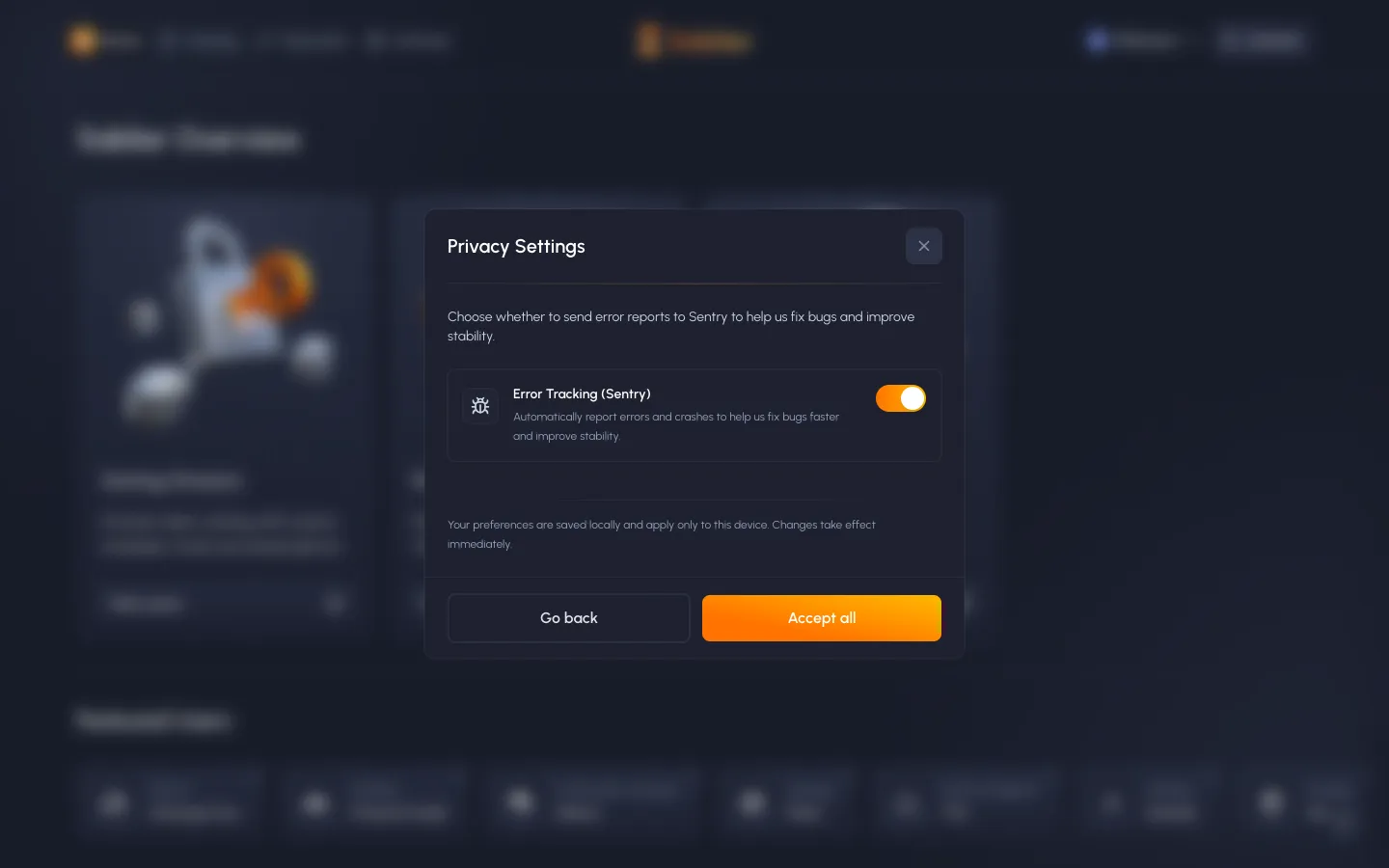
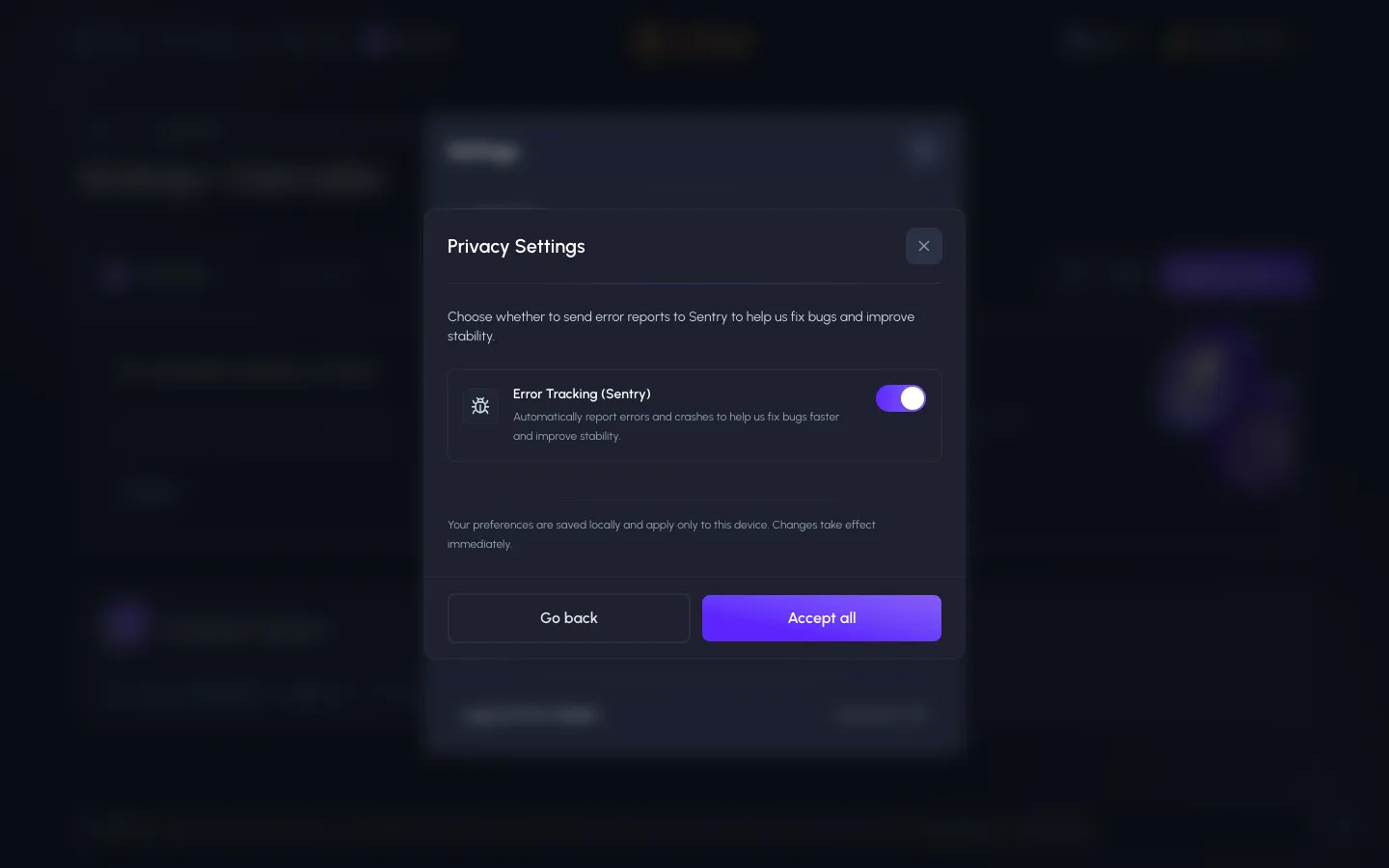
Privacy settings, error tracking on by defaultSablierPrivacy settings, error tracking on by default
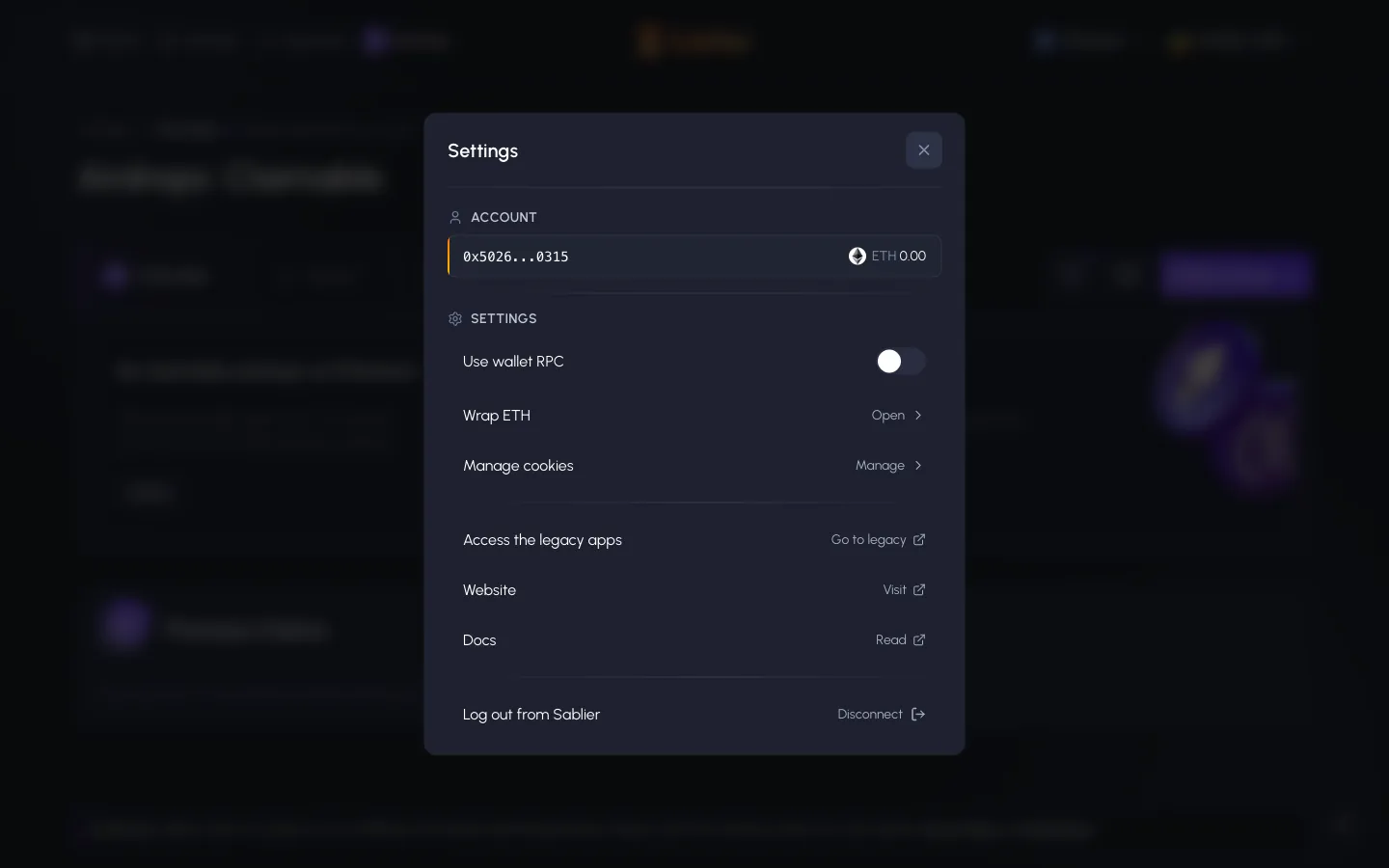
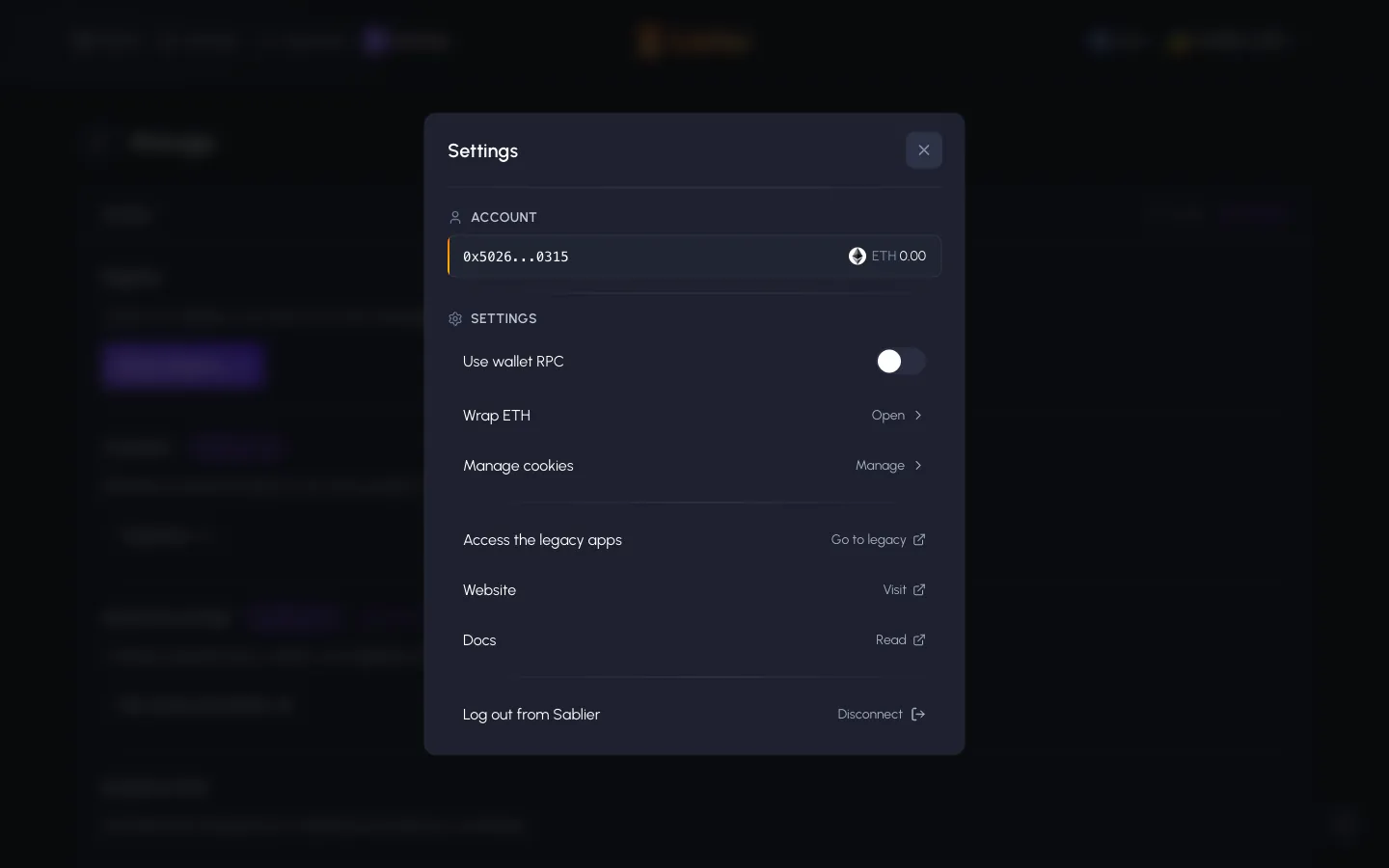
Settings, account shows ETH 0.00 on Ethereum, wallet RPC, wrap ETH, log outSablierSettings, account shows ETH 0.00 on Ethereum, wallet RPC, wrap ETH, log out
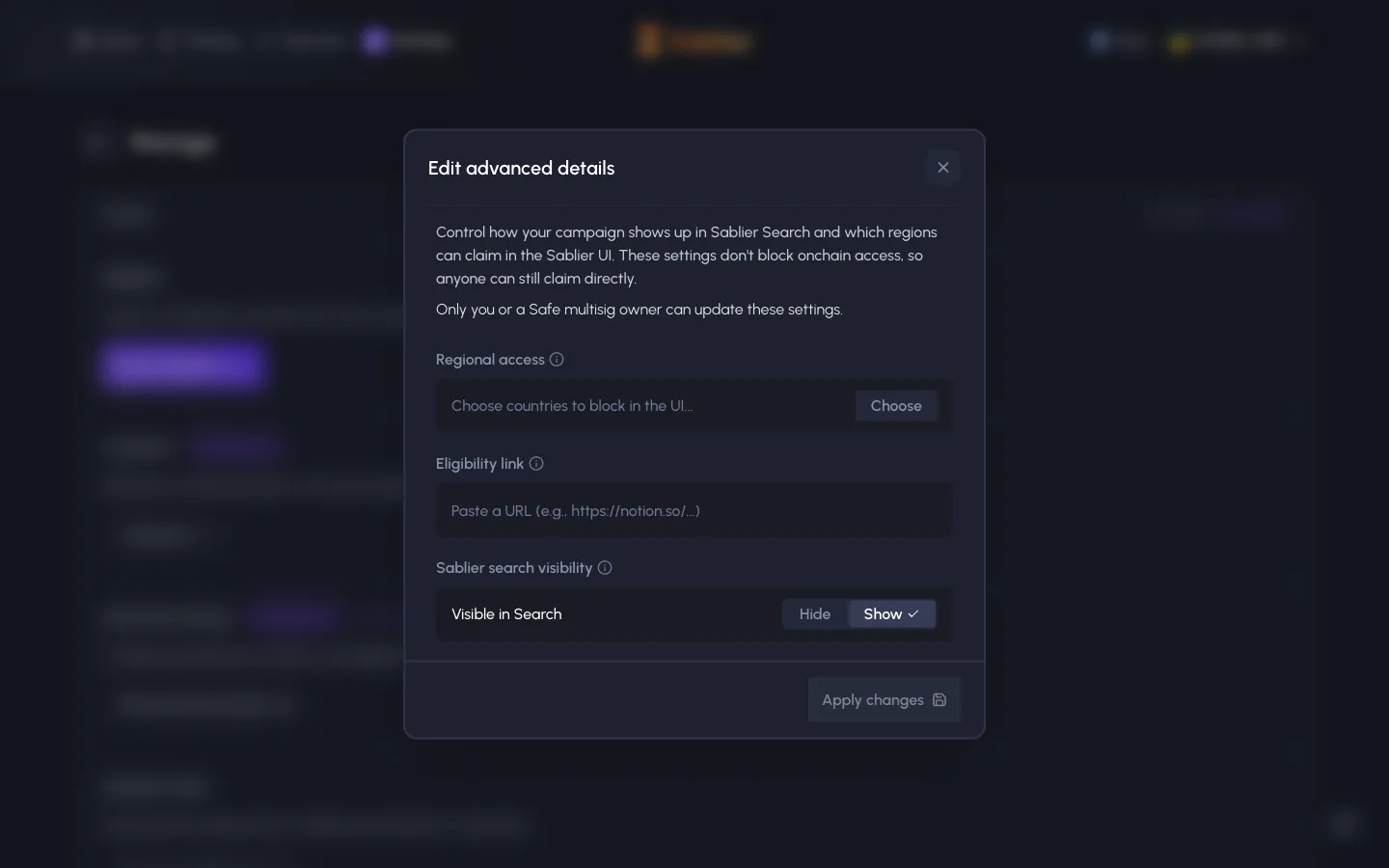
Edit advanced details, regional block is UI only, onchain claims still workSablierEdit advanced details, regional block is UI only, onchain claims still work
Settings on Base, ETH shows 0.00 though we hold about 0.0026SablierSettings on Base, ETH shows 0.00 though we hold about 0.0026
Privacy settings again, error tracking still on, saved only on this deviceSablierPrivacy settings again, error tracking still on, saved only on this device
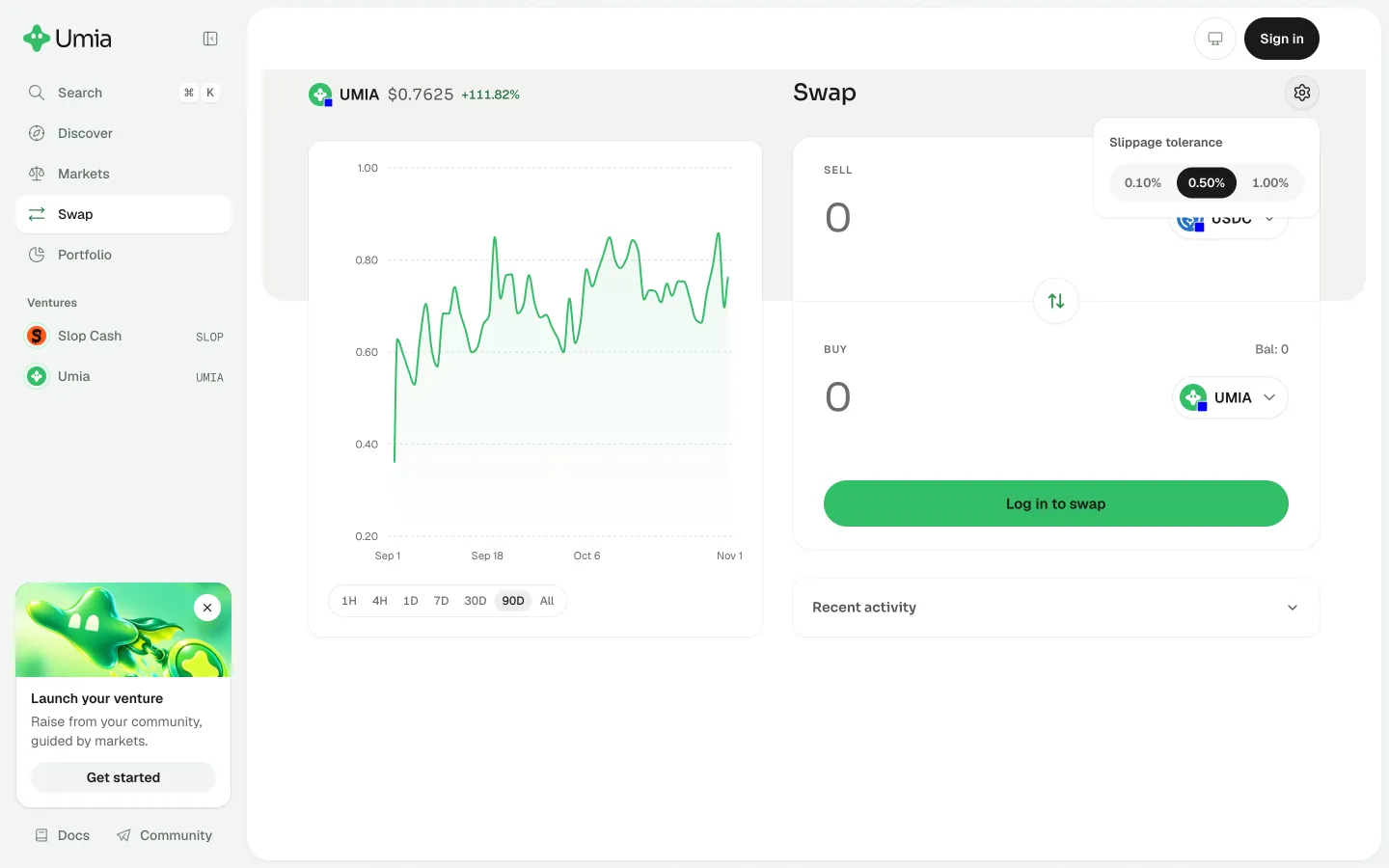
Review slippage tolerance optionsUmiaReview slippage tolerance options
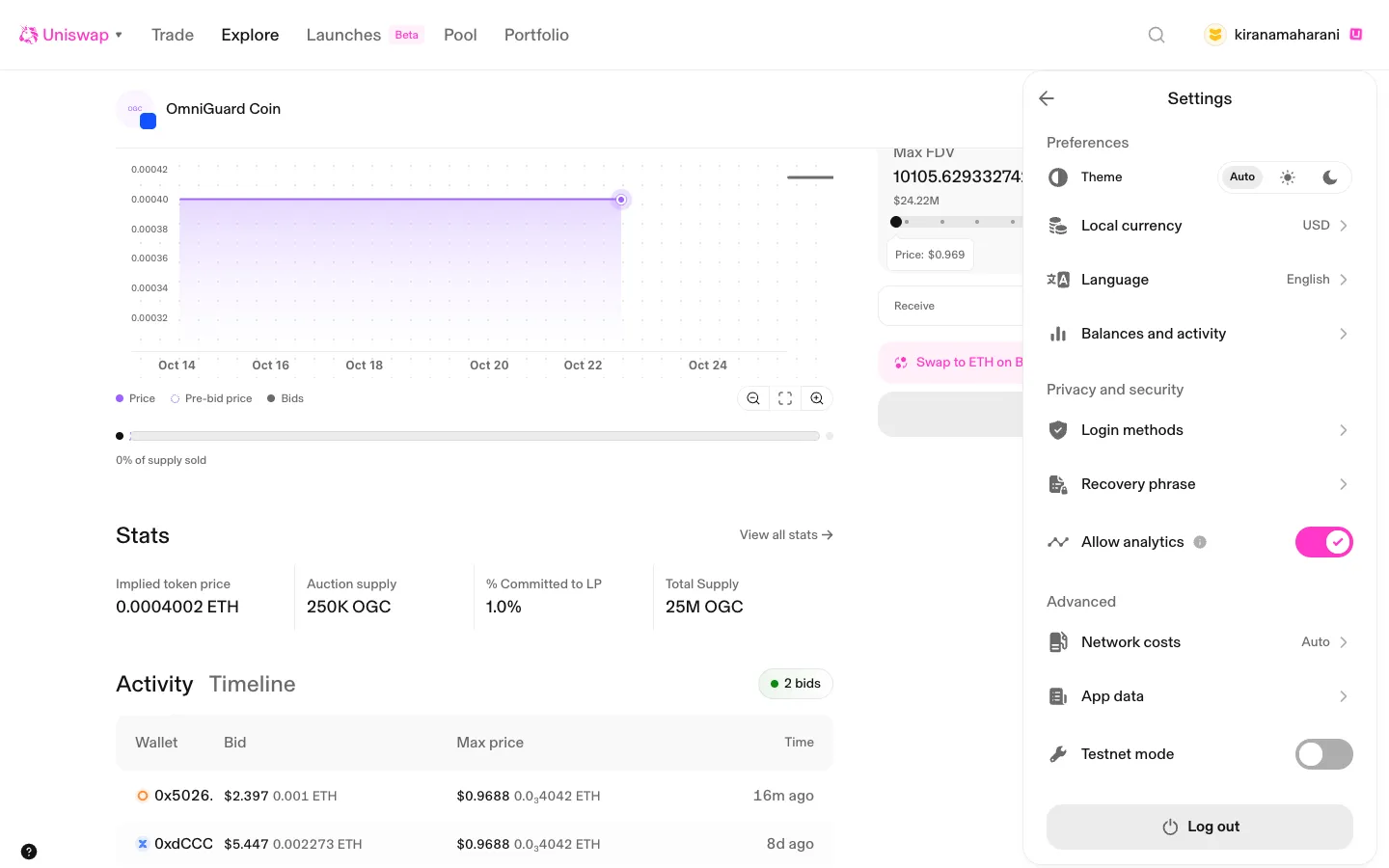
Settings for the passkey accountUniswapSettings for the passkey account
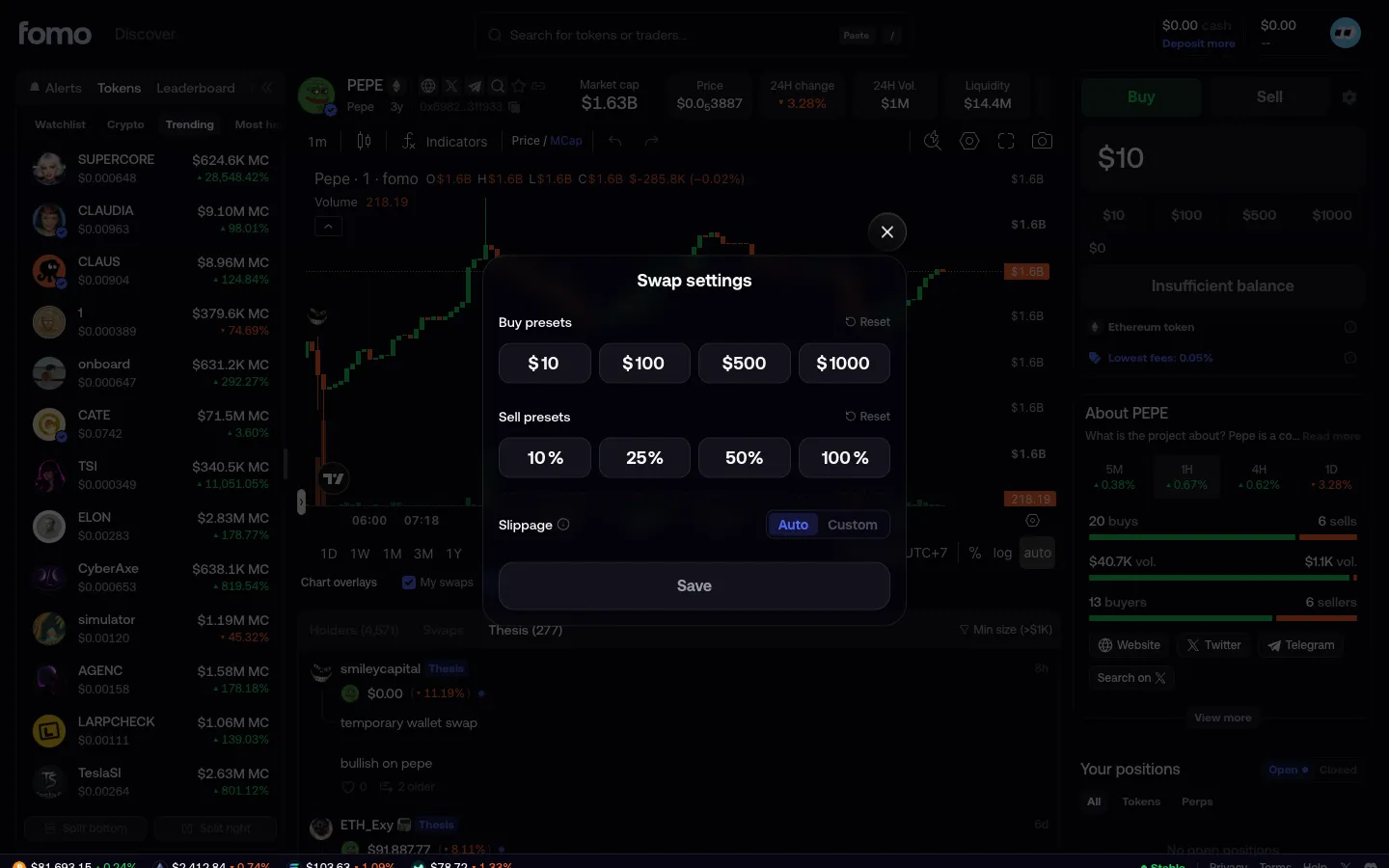
Swap settingsfomoSwap settings
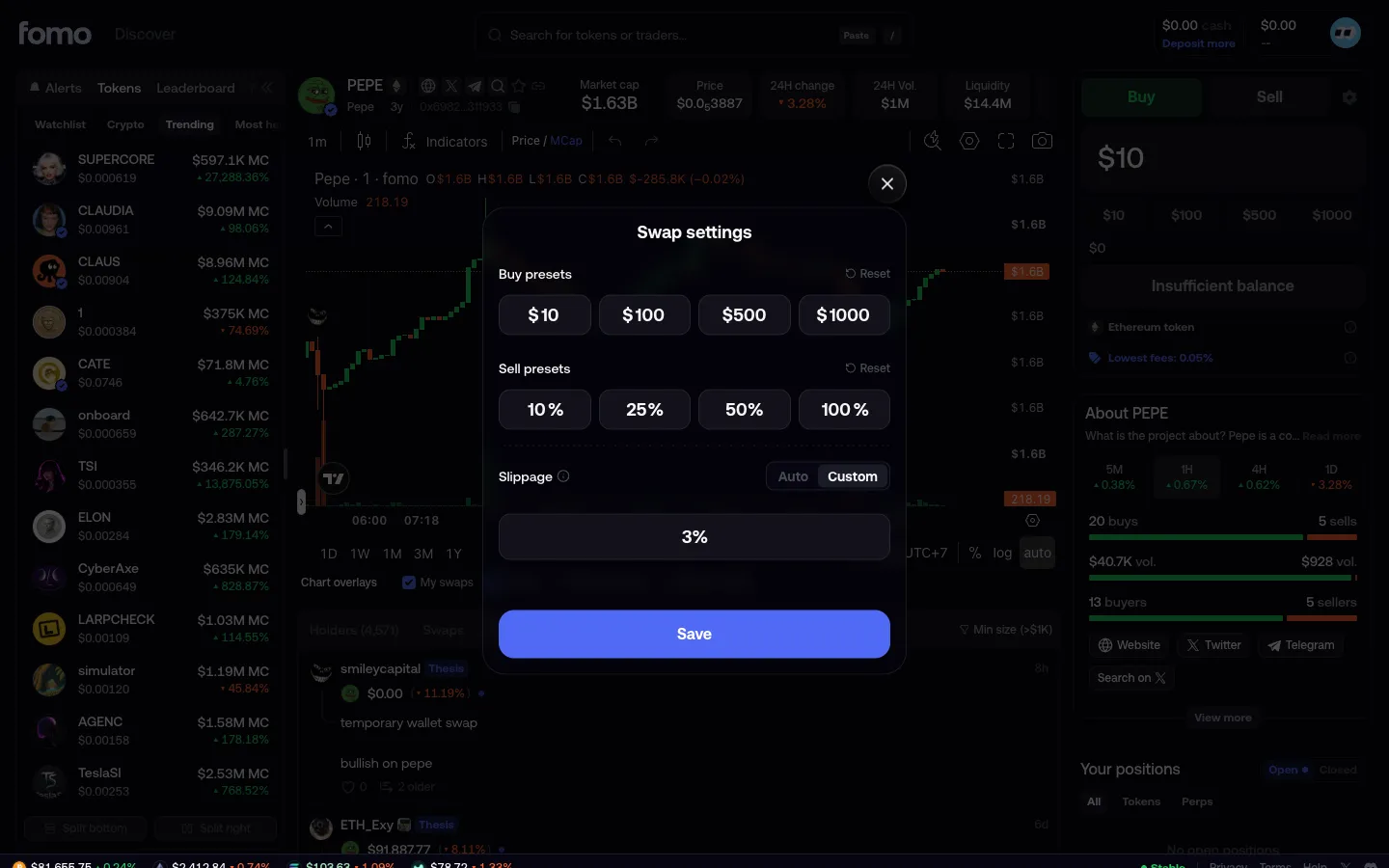
Custom slippagefomoCustom slippage
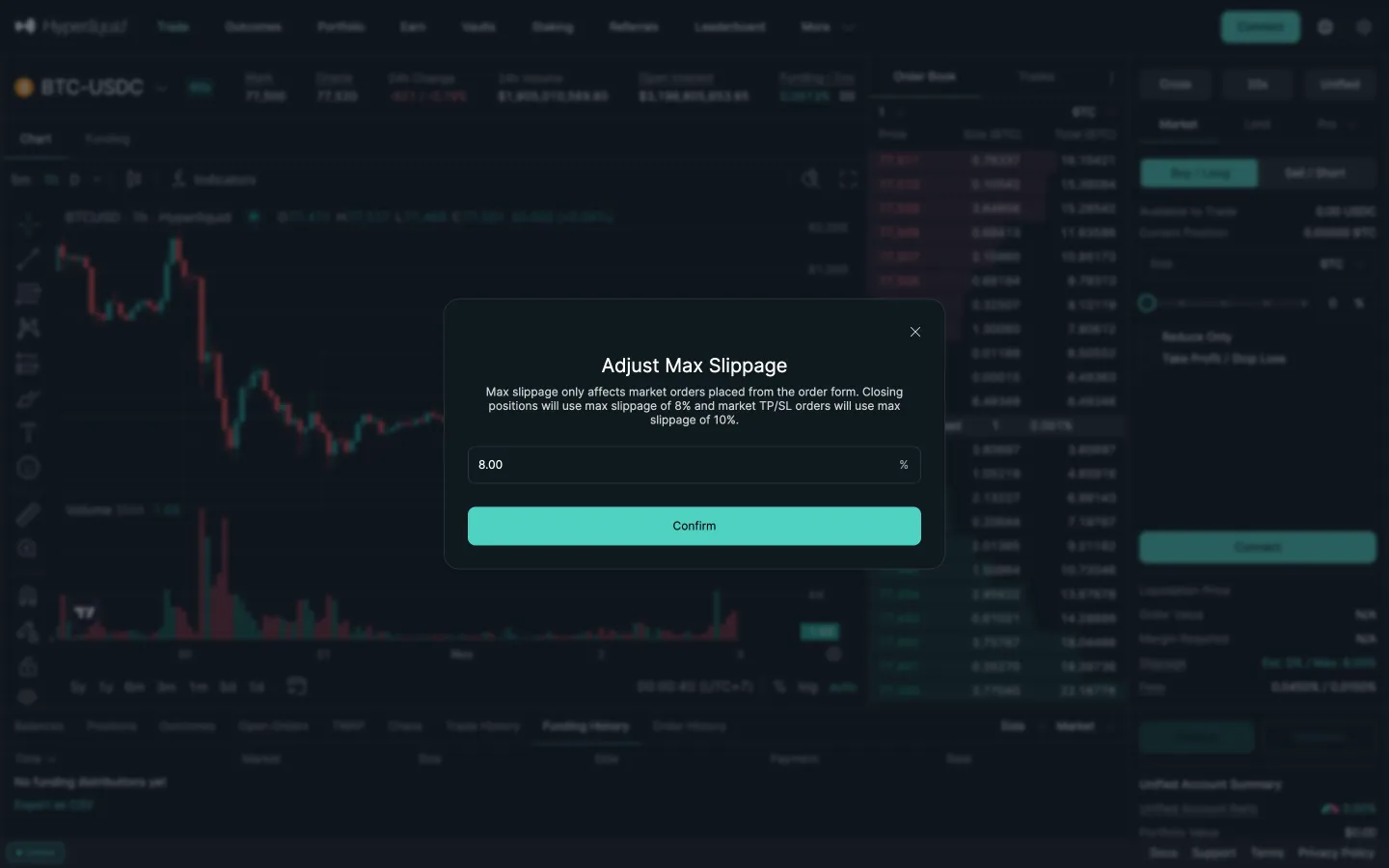
Adjust max slippage, 8 percentHyperliquidAdjust max slippage, 8 percent
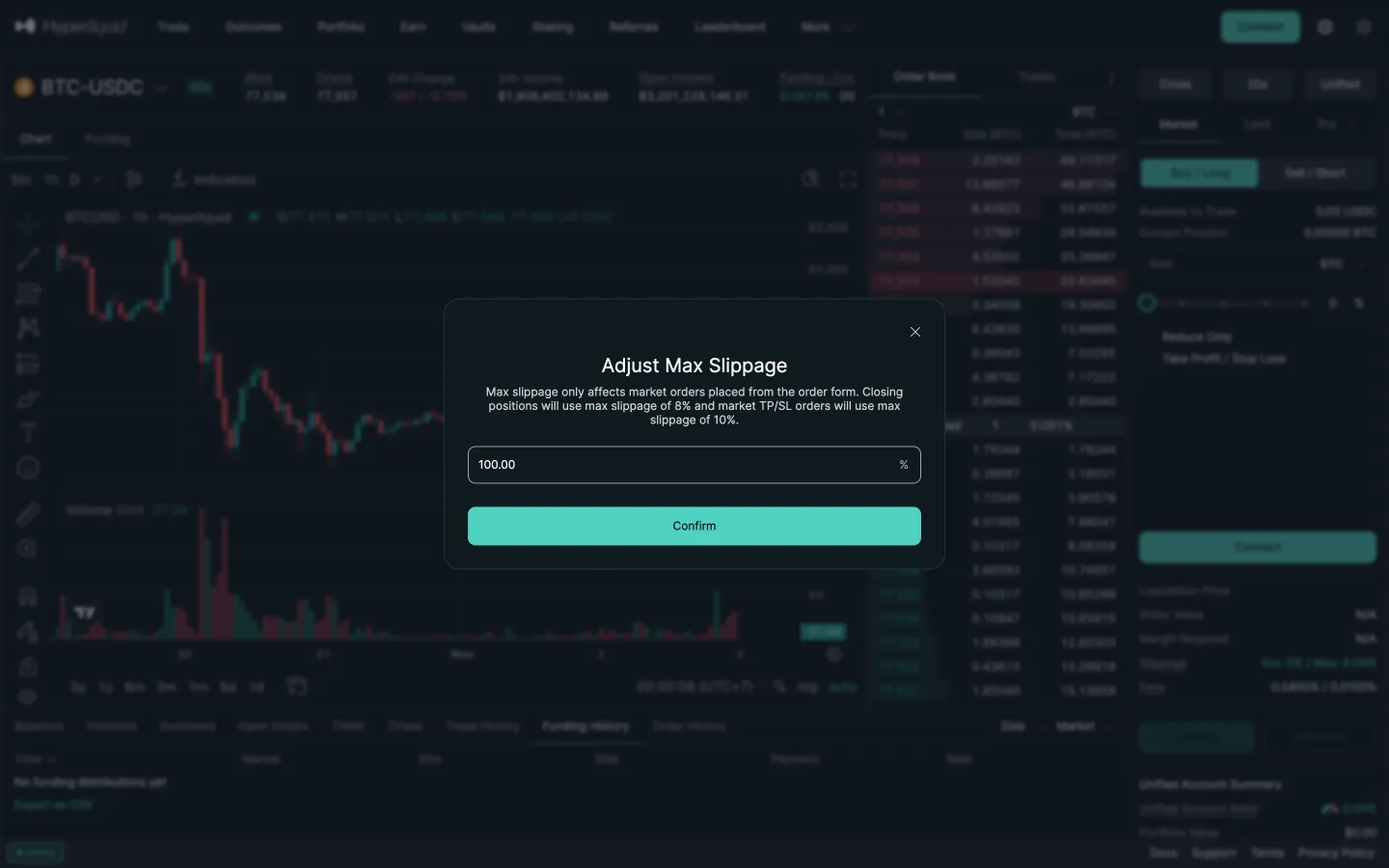
Typed 50 becomes 100HyperliquidTyped 50 becomes 100
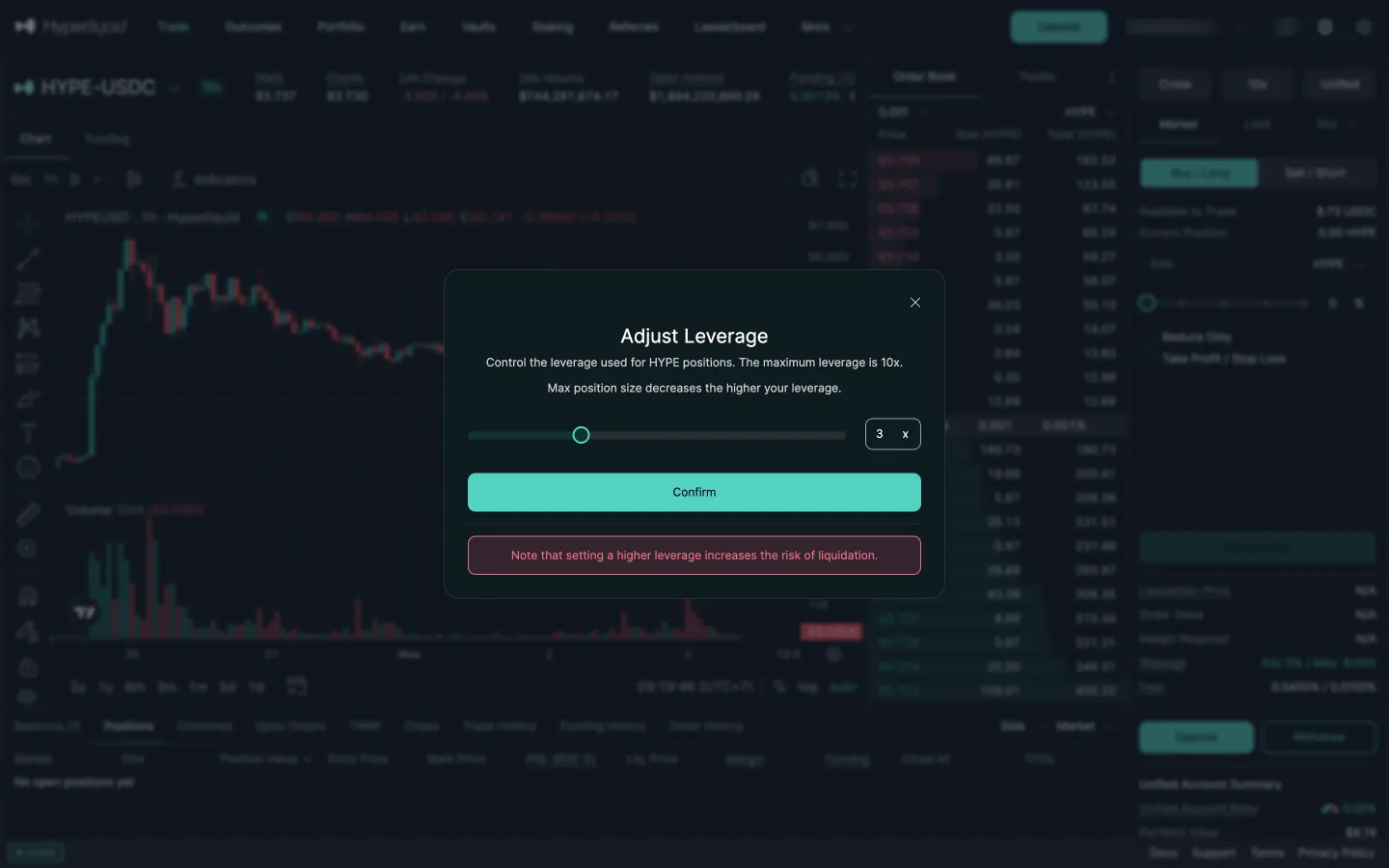
Adjust leverageHyperliquidAdjust leverage

Screens, flows and sites from real crypto and web3 apps.

© 2026 MoonoPrivacyTerms

Apps

  • All apps
  • Screens
  • Flows
  • UI elements

Sites

  • All sites
  • Sections

Learn

  • Glossary

Product

  • Pricing
  • MCPNew

© 2026 MoonoPrivacyTerms