All appsScreensFlowsUI elements
PricingGlossary
AllScreensFlowsUI elements

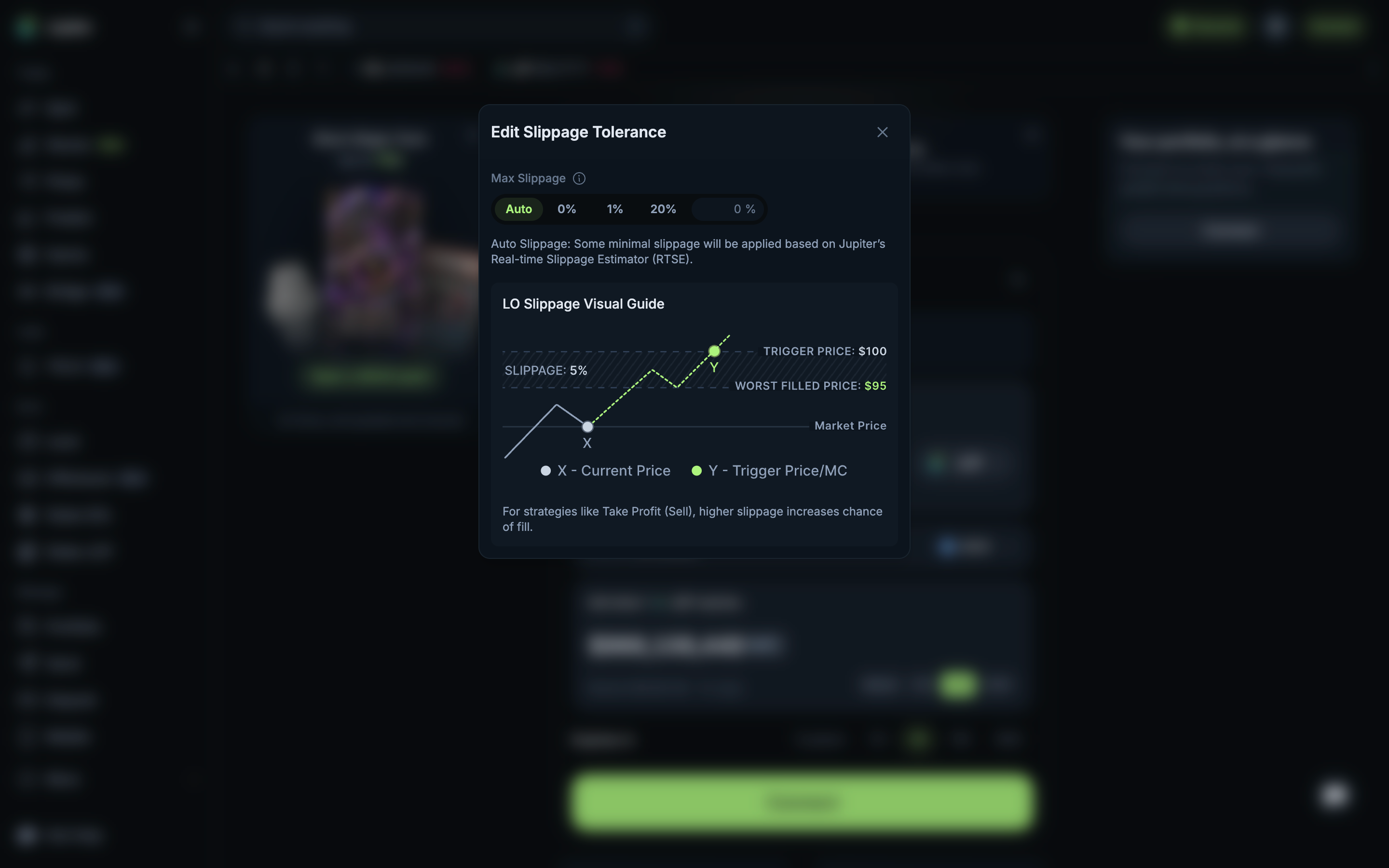
Slippage with a visual guide to the worst fill in Jupiter

Step 2 of 2 in Limit order slippagePlay
Slippage with a visual guide to the worst fill

Slippage with a visual guide to the worst fill

Settings

Screen typeSettings
StateInput
CapturedOct 2026
UI elementsDialogIllustrationSegmented ControlSlippage ControlText Field
In the flowLimit order slippage
SizeDesktop, 2880 by 1800
Open the flowOpen original

Similar screens in other apps

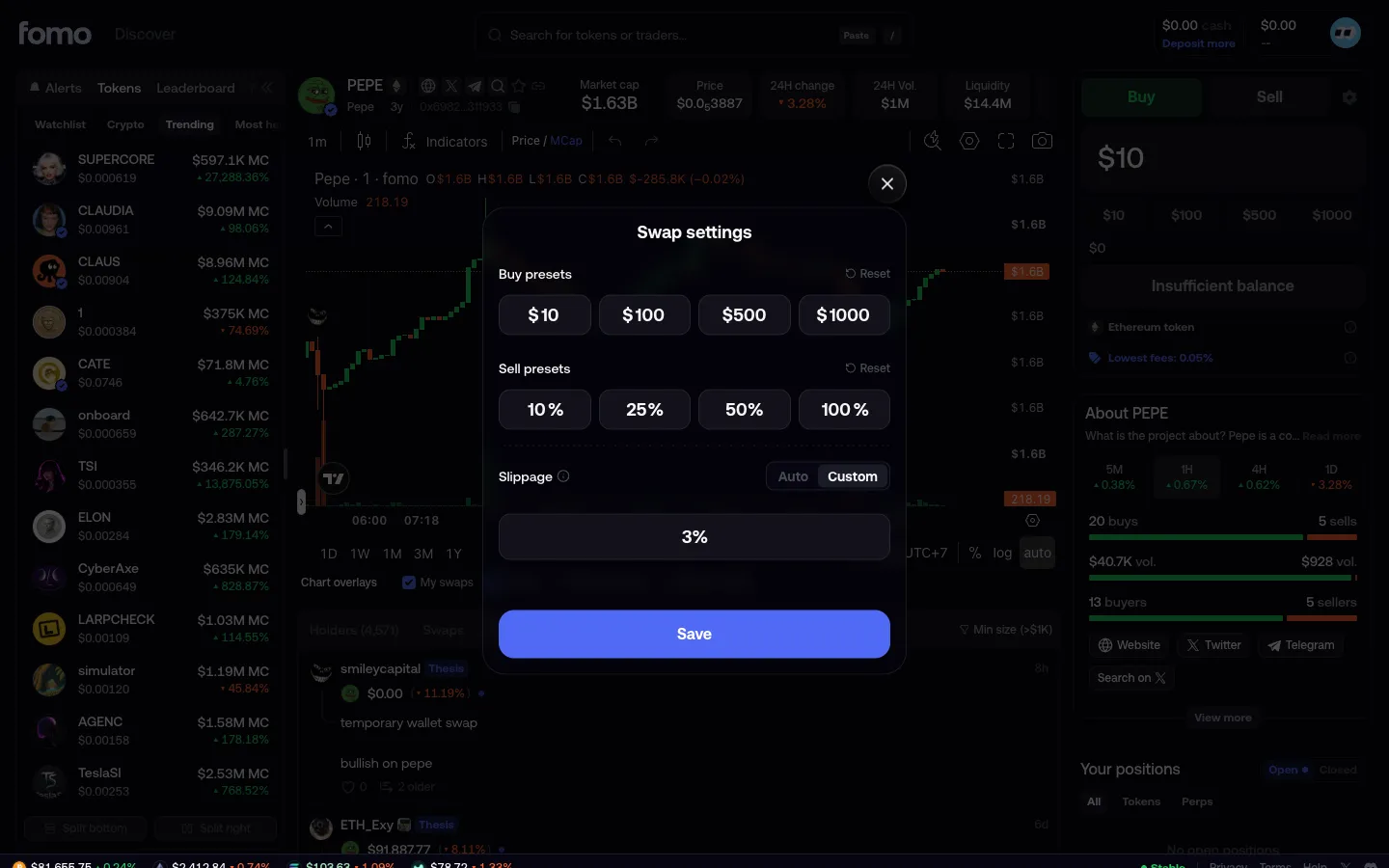
Custom slippagefomoCustom slippage
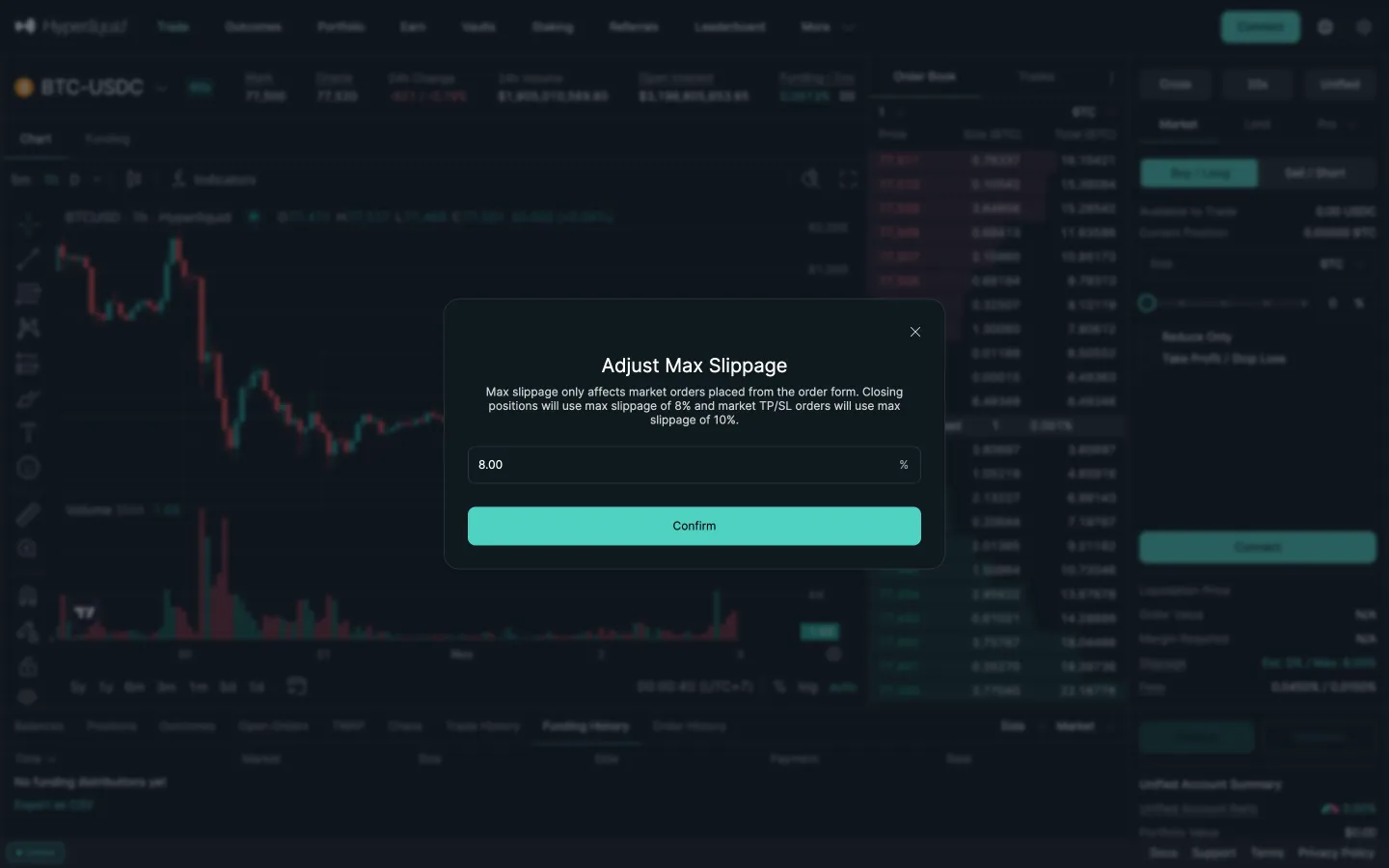
Adjust max slippage, 8 percentHyperliquidAdjust max slippage, 8 percent
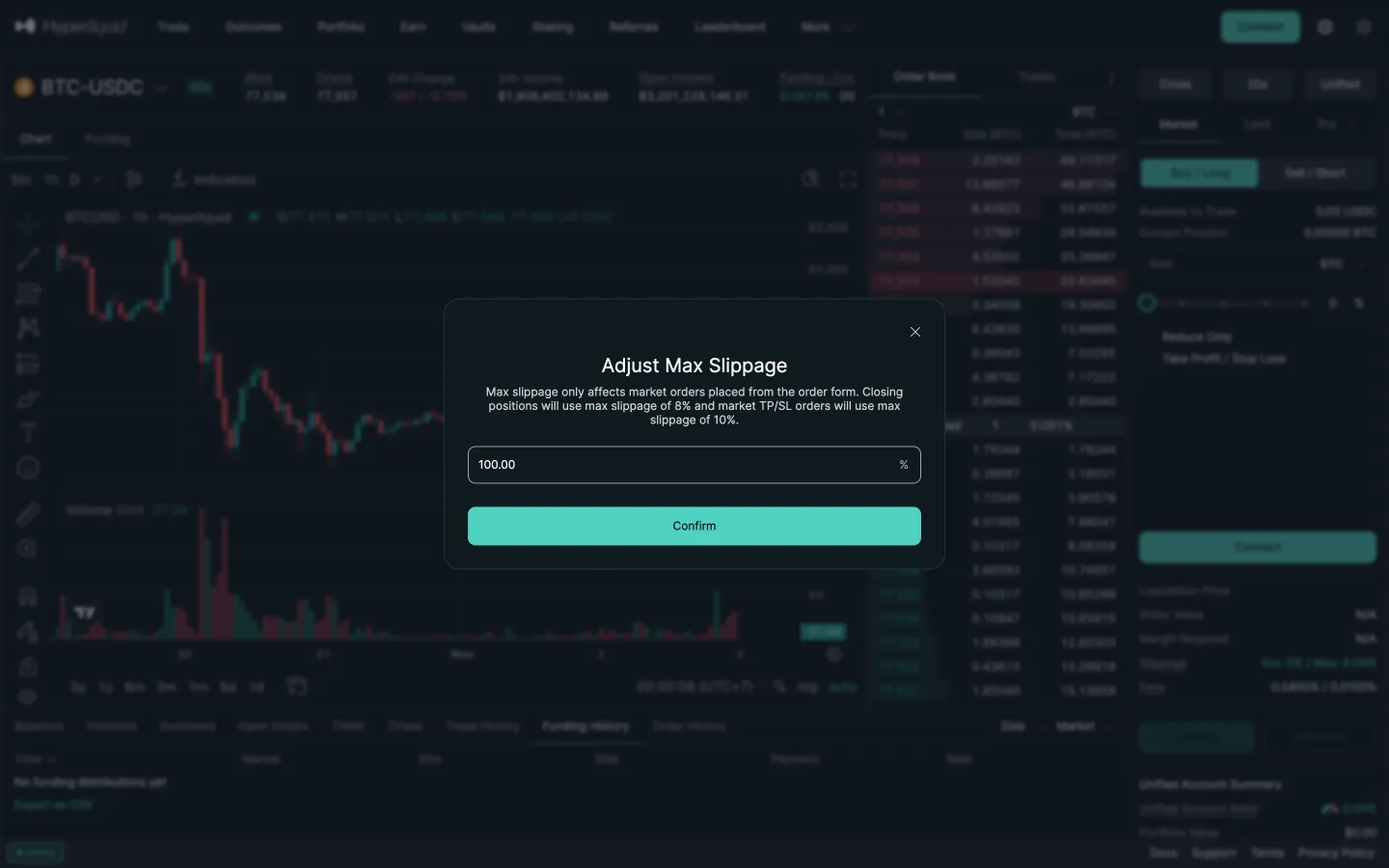
Typed 50 becomes 100HyperliquidTyped 50 becomes 100
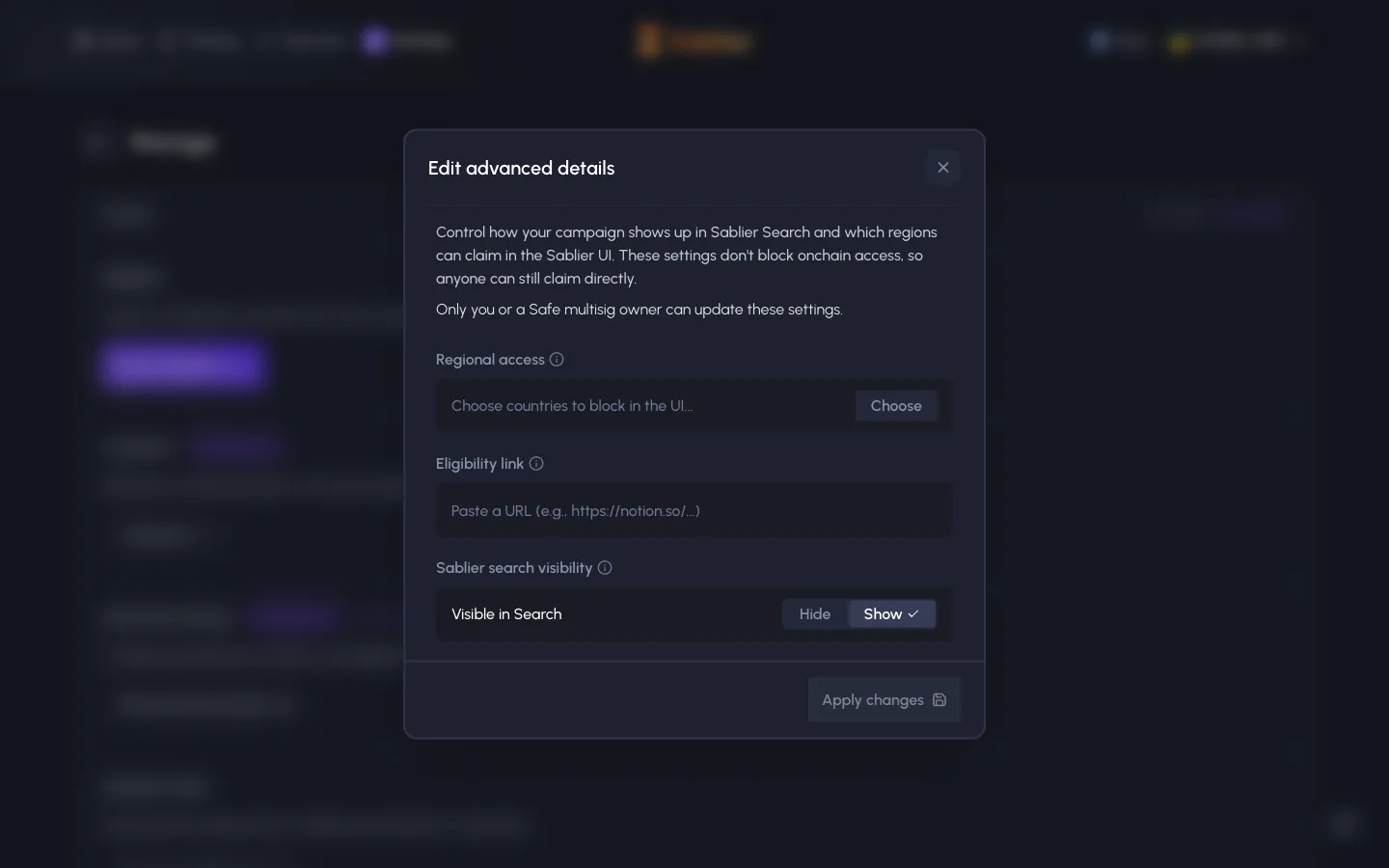
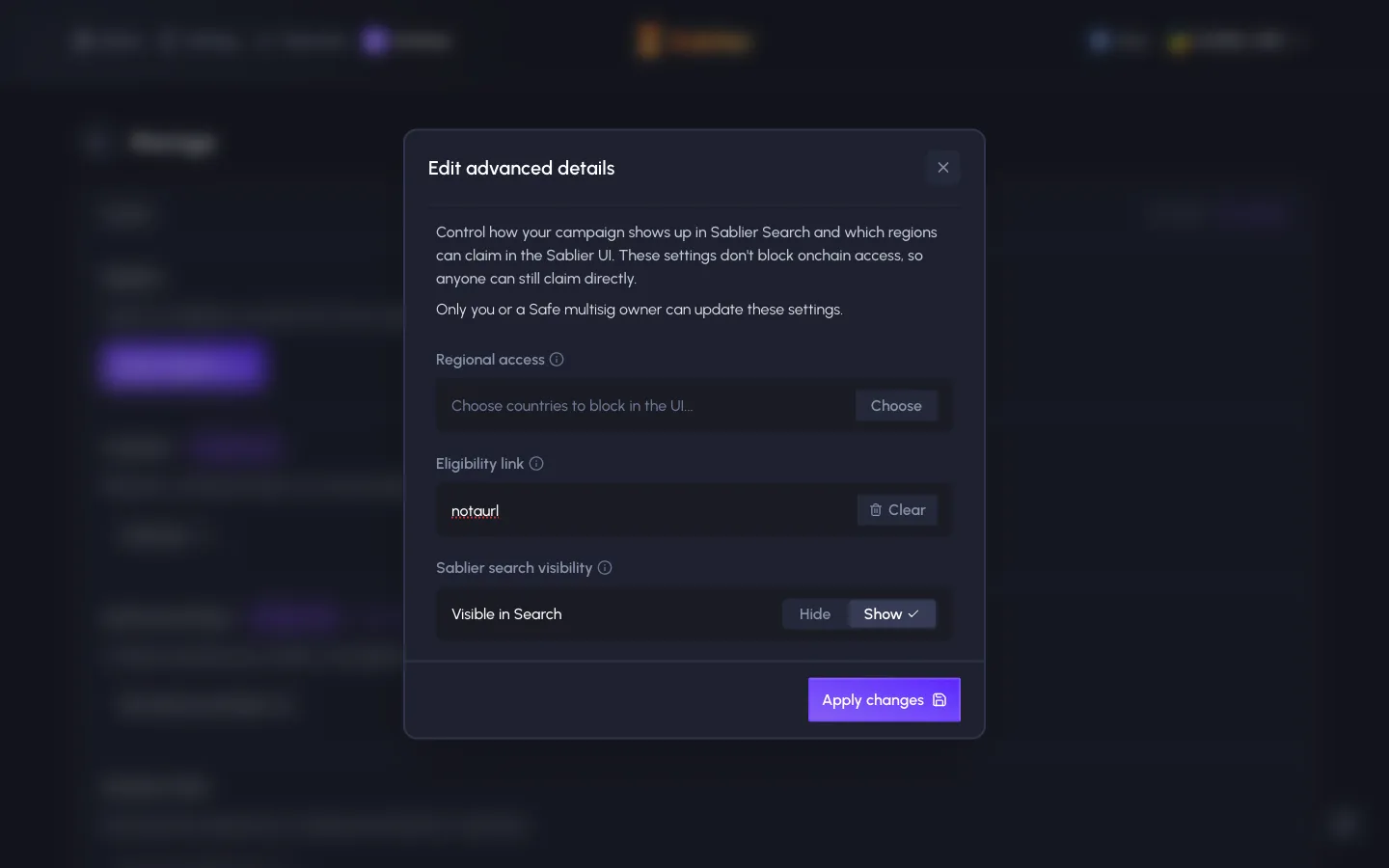
Edit advanced details, regional block is UI only, onchain claims still workSablierEdit advanced details, regional block is UI only, onchain claims still work
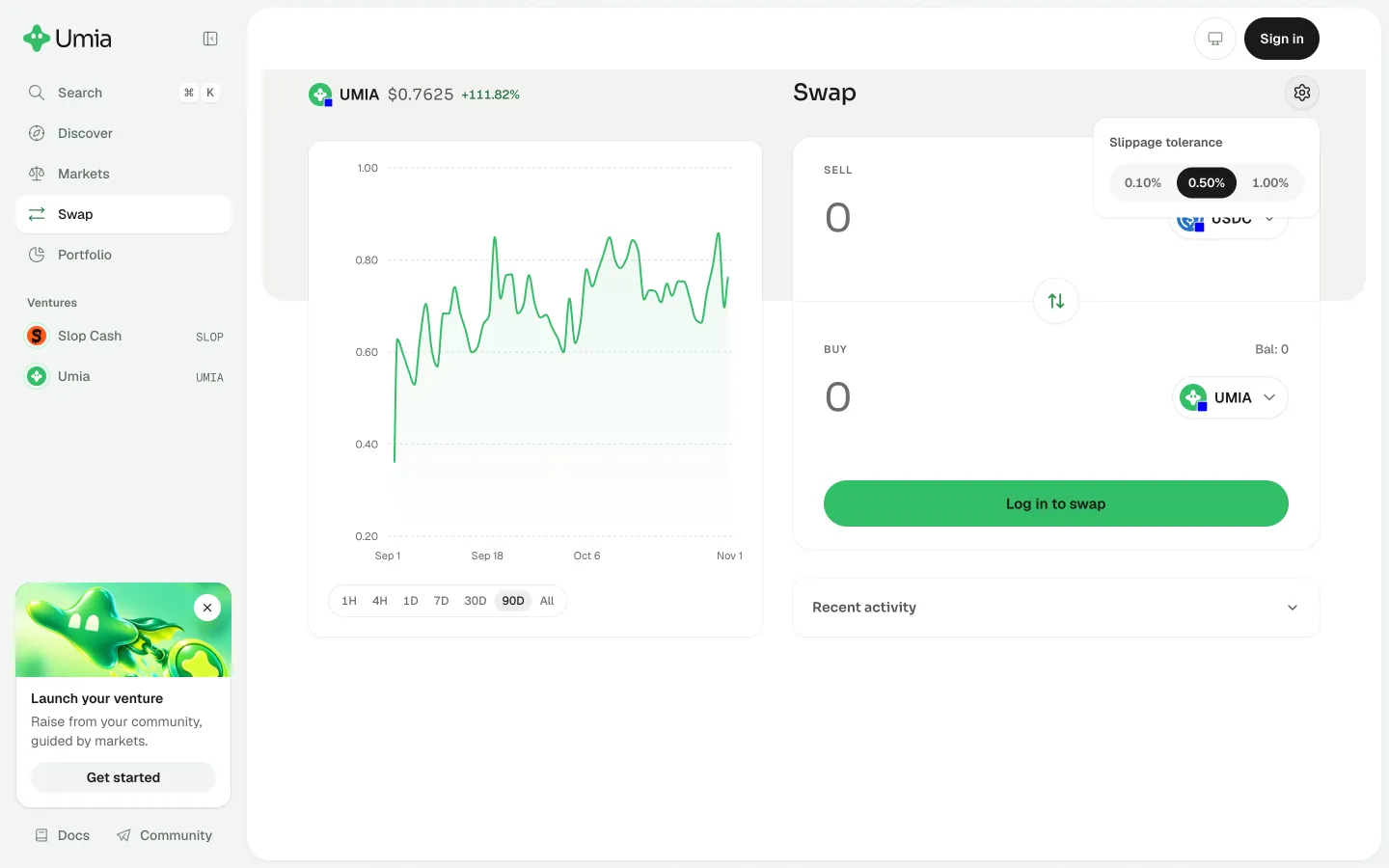
Review slippage tolerance optionsUmiaReview slippage tolerance options
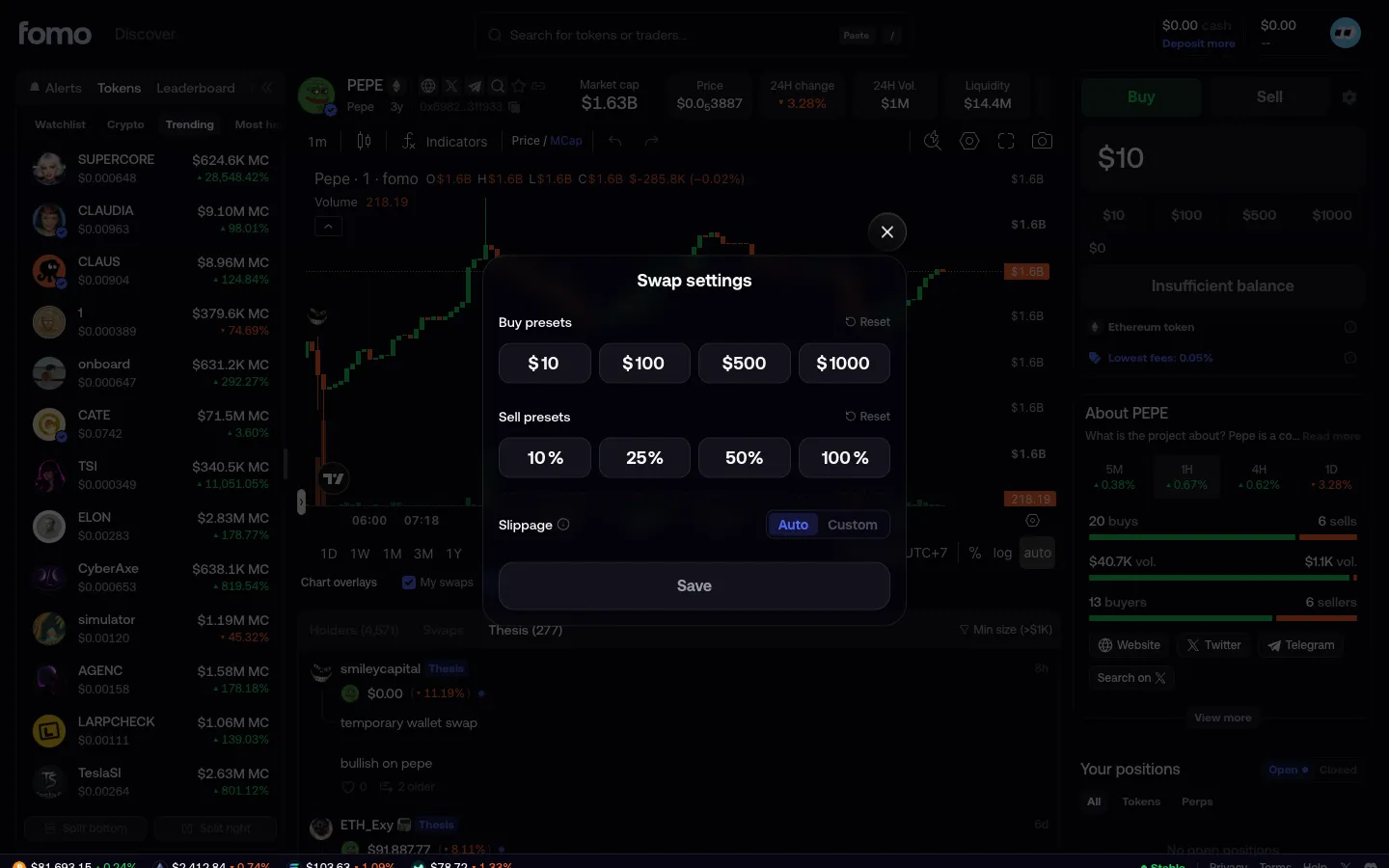
Swap settingsfomoSwap settings
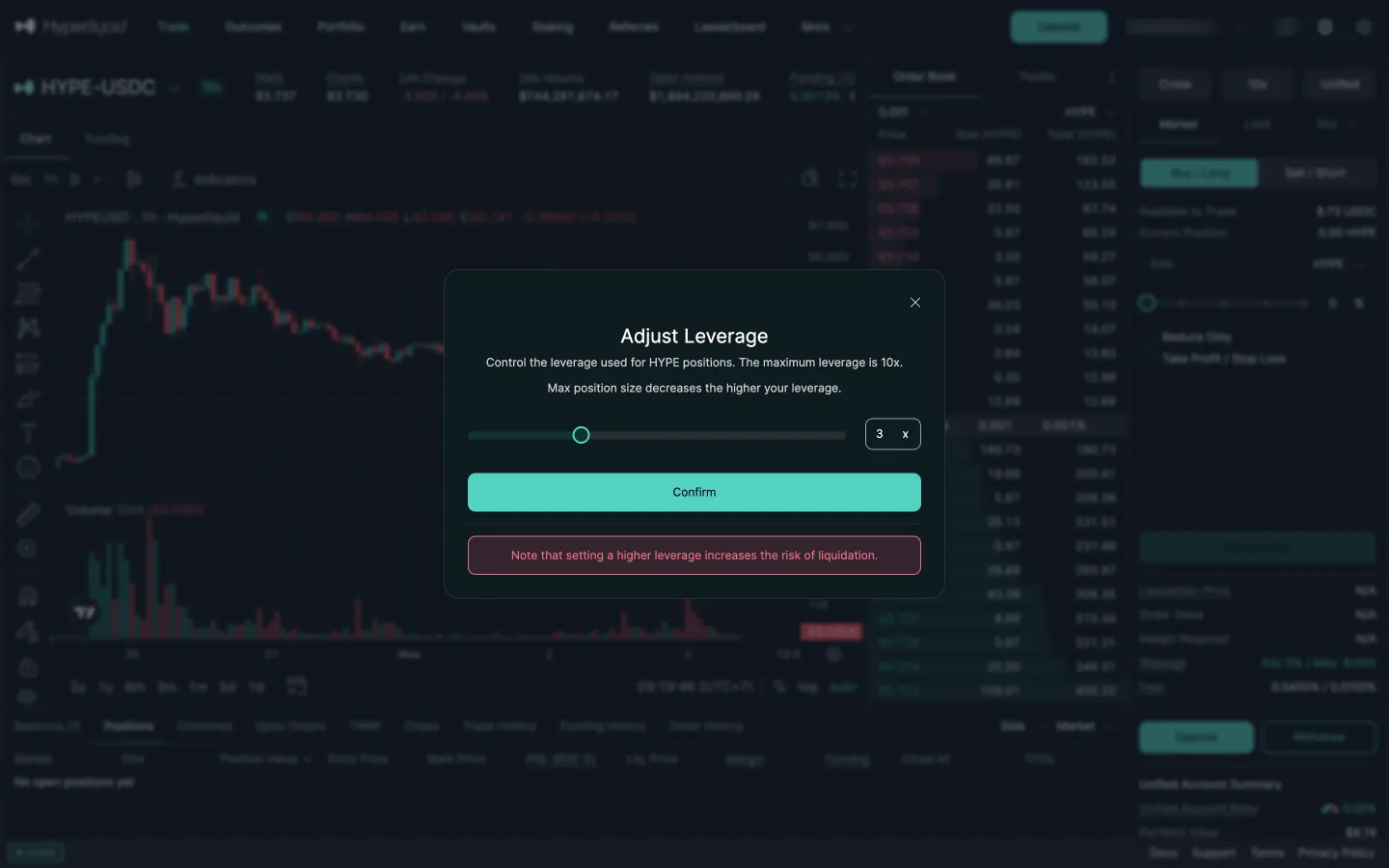
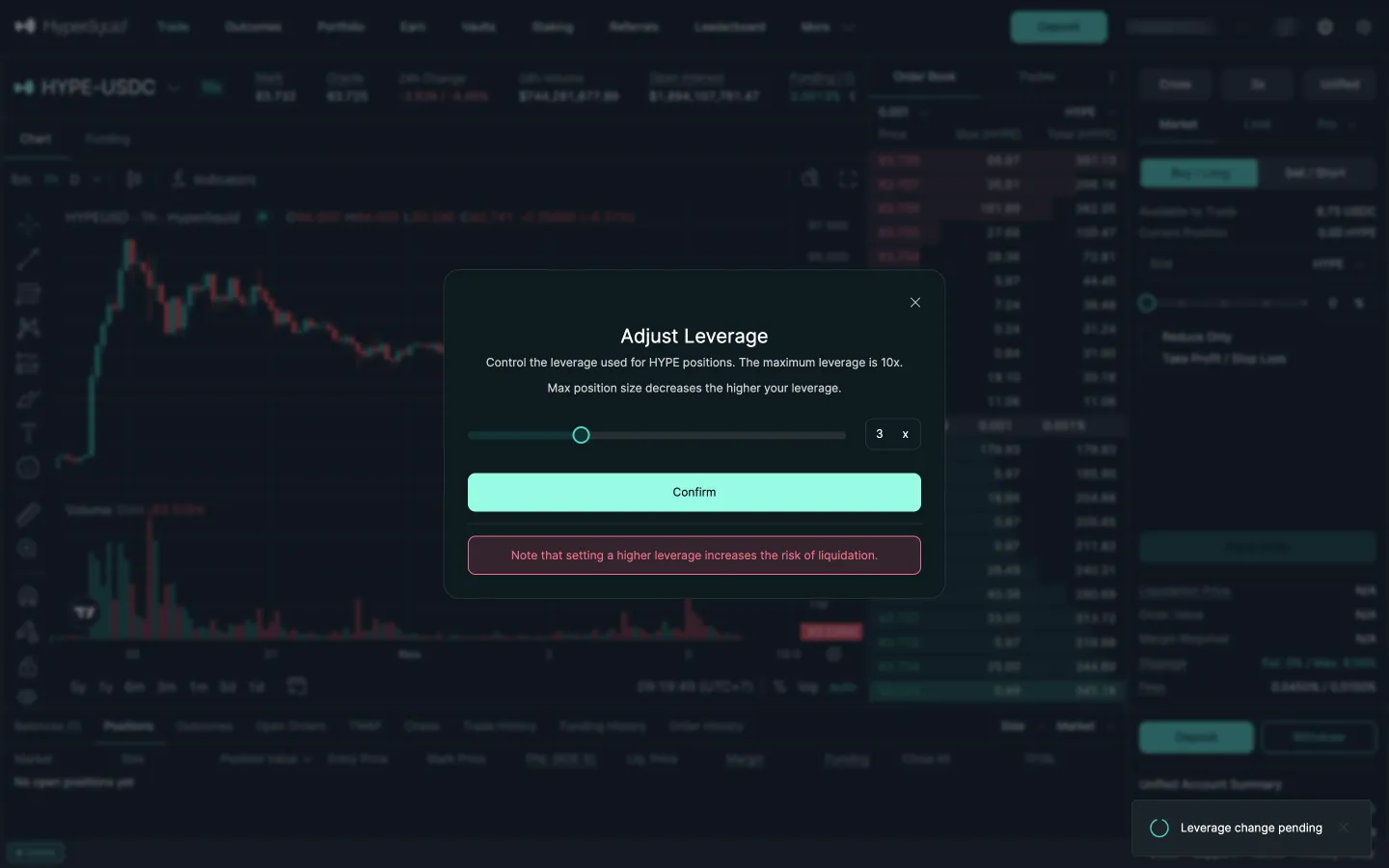
Adjust leverageHyperliquidAdjust leverage
notaurl typed, Apply changes turns on with no URL checkSabliernotaurl typed, Apply changes turns on with no URL check
Leverage change pendingHyperliquidLeverage change pending
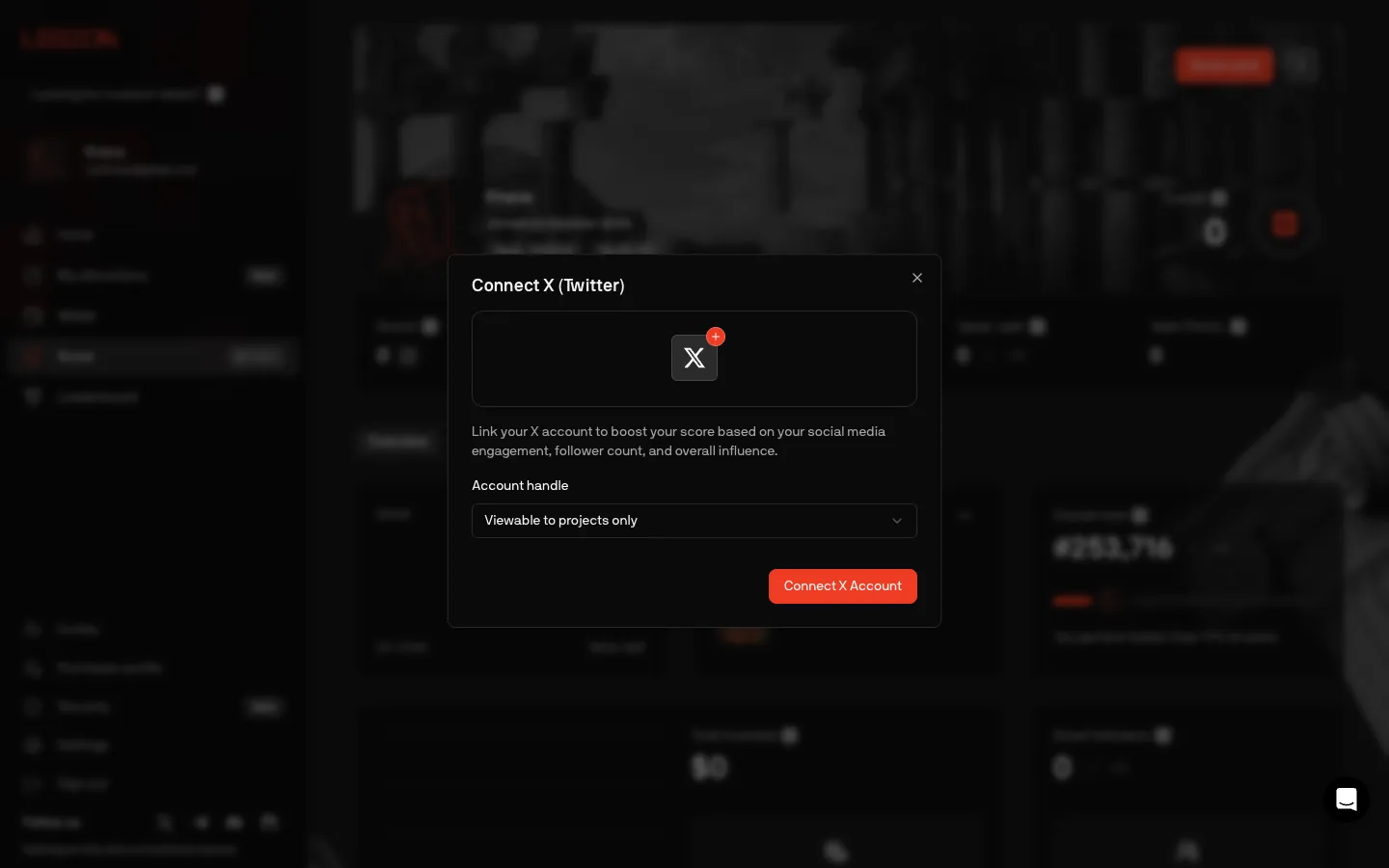
Connect X, choose who sees the handleLegionConnect X, choose who sees the handle
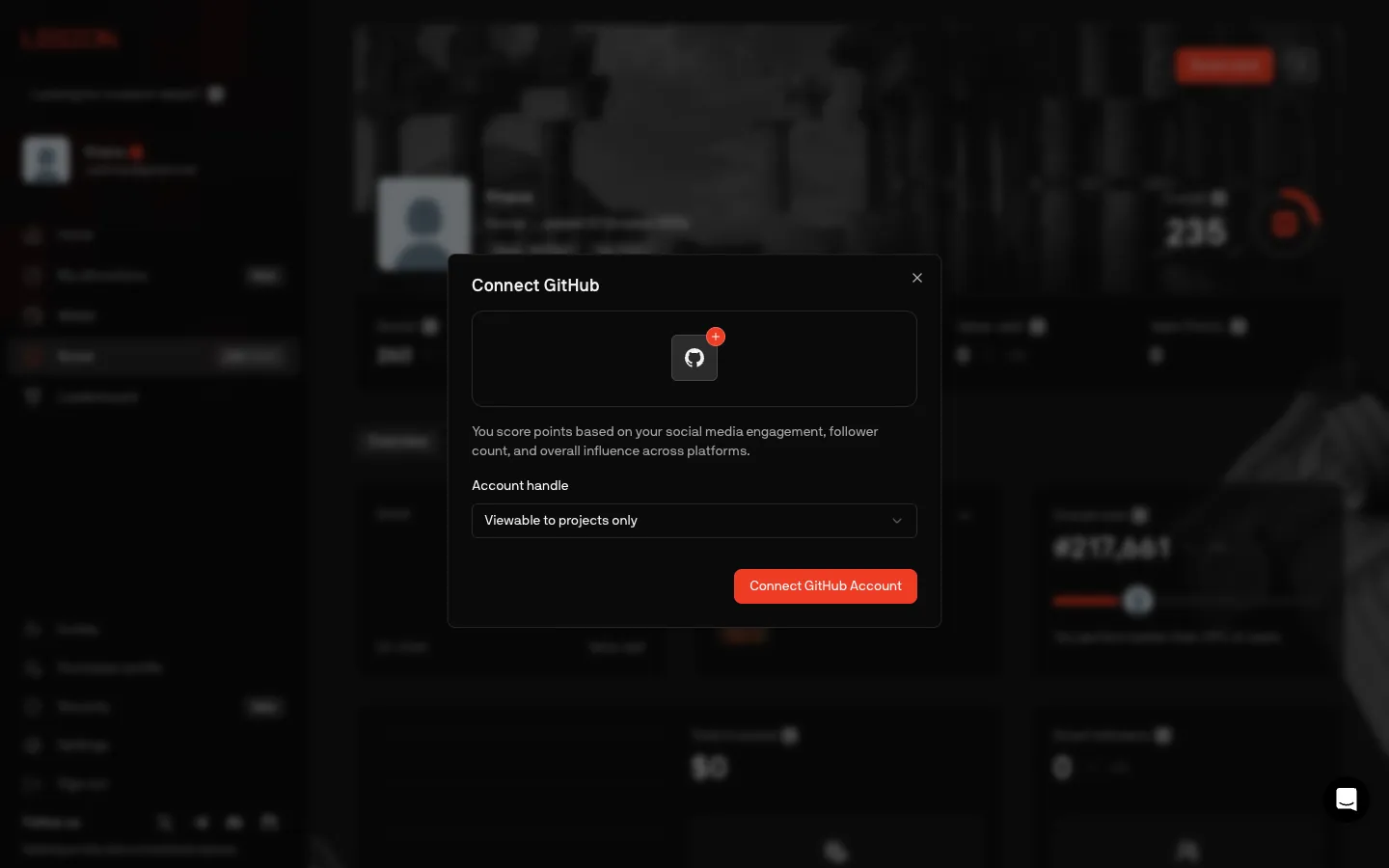
Connect GitHub, copy still talks about followersLegionConnect GitHub, copy still talks about followers
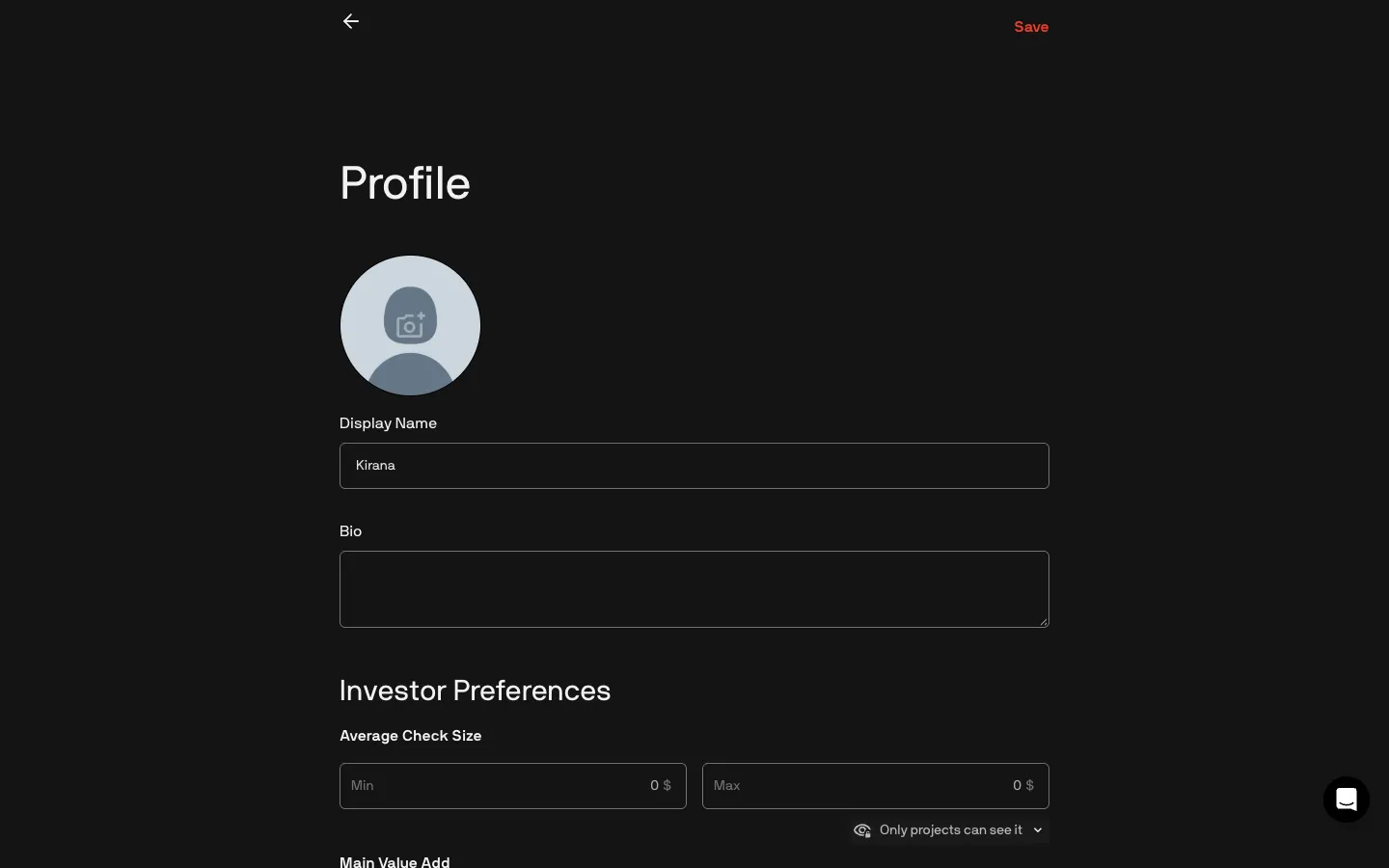
Edit profile, picture, name, bio and check sizeLegionEdit profile, picture, name, bio and check size

Screens, flows and sites from real crypto and web3 apps.

© 2026 MoonoPrivacyTerms

Apps

  • All apps
  • Screens
  • Flows
  • UI elements

Sites

  • All sites
  • Sections

Learn

  • Glossary

Product

  • Pricing
  • MCPNew

© 2026 MoonoPrivacyTerms