Apps
All apps
Screens
Flows
UI elements
Pricing
Glossary
Get started
All
Screens
Flows
UI elements
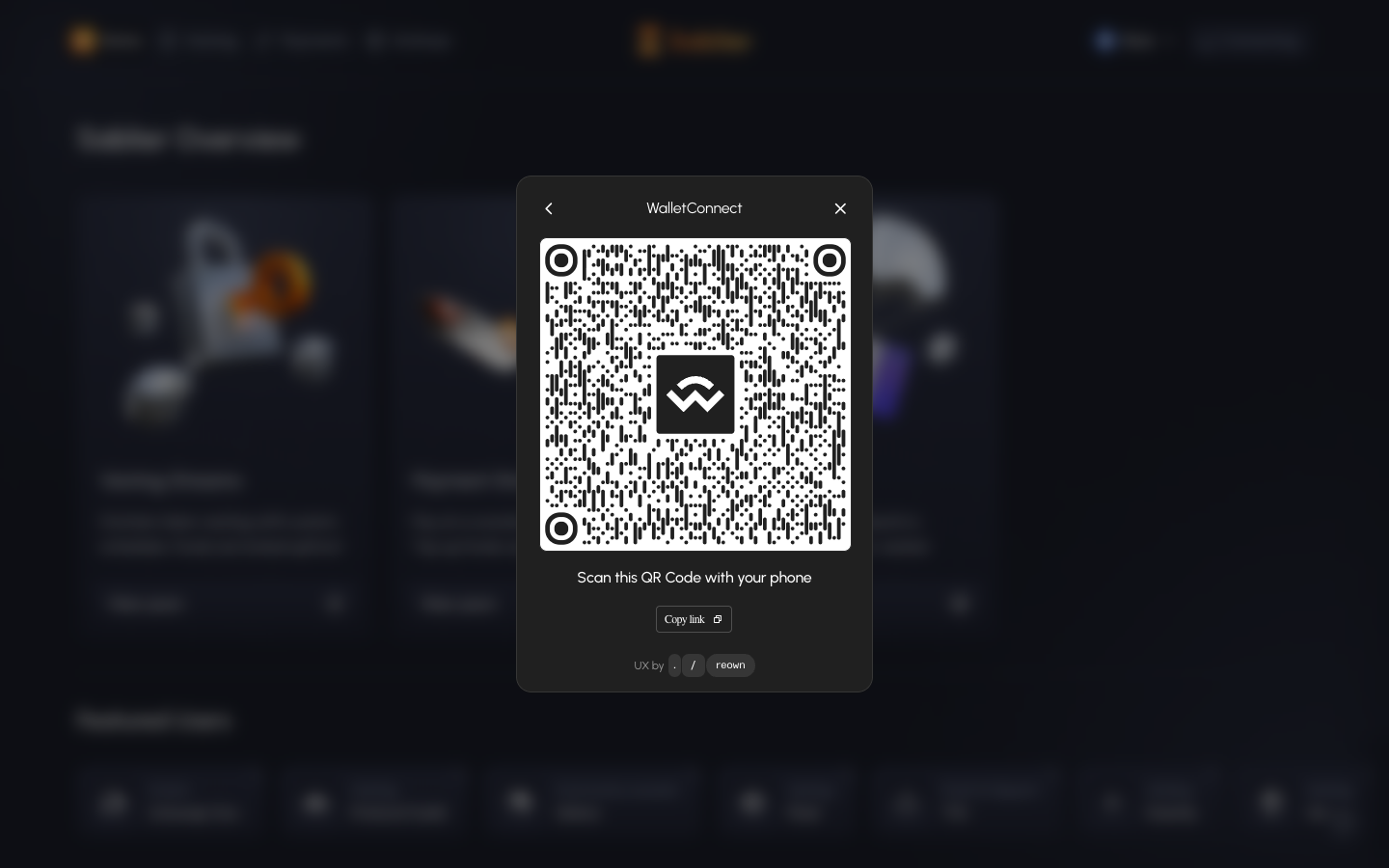
WalletConnect QR code to scan with a phone
in
Sablier
Step 3 of 3 in Connecting a wallet
Play
WalletConnect QR code to scan with a phone
Connect Wallet
Similar screens in other apps
Aave Pro
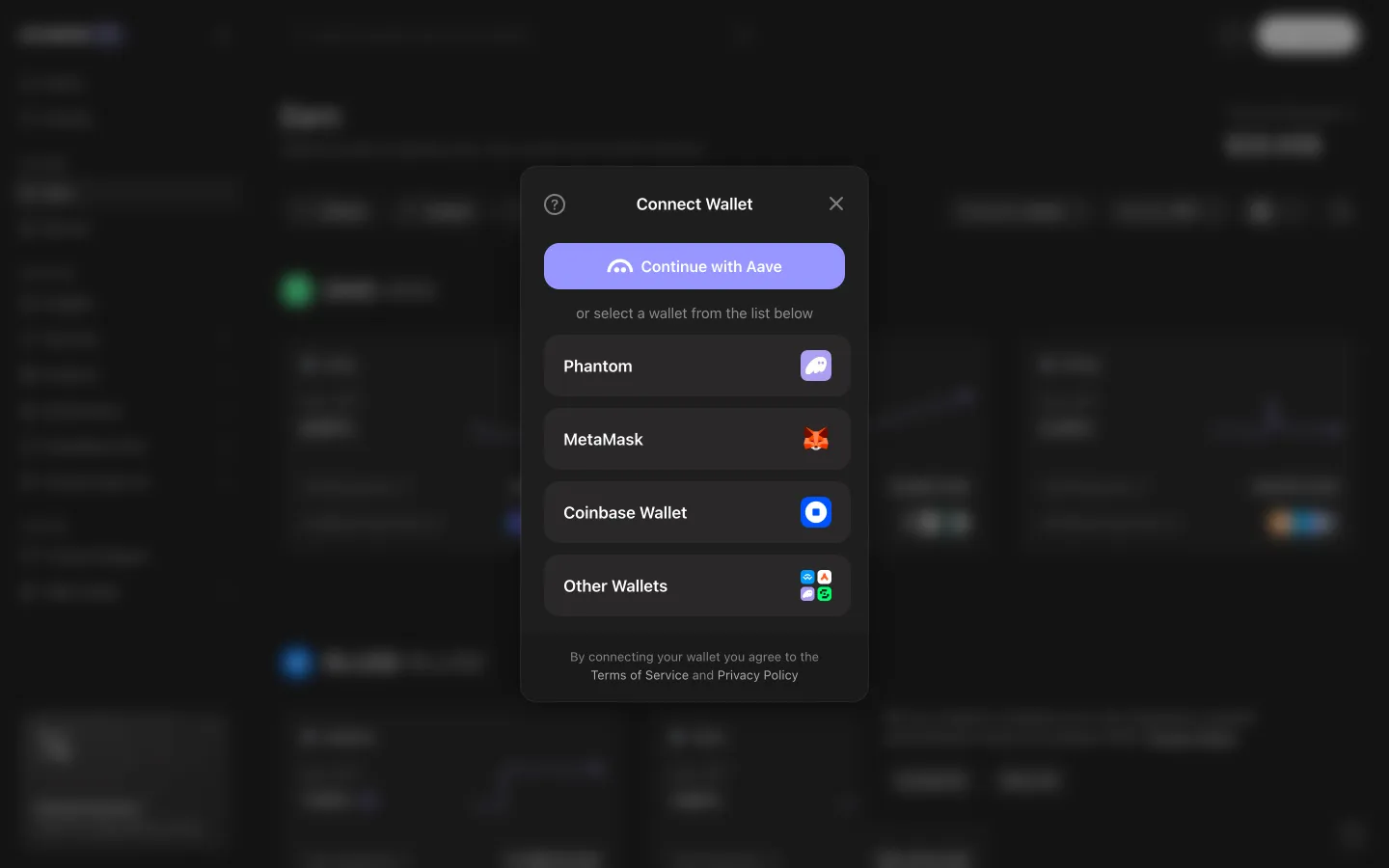
Wallet chooser lists Phantom, MetaMask, Coinbase Wallet and more
Aave Pro
Requesting connection, open the wallet to continue
Hyperliquid
Connect options
Hyperliquid
Connect options with email first
Jupiter
Wallet required to create a clan
Jupiter
Connecting to open a pack
Jupiter
Choose a Solana wallet
Jupiter
No EVM wallet detected
Jupiter
Review recommended wallets
Jupiter
Review all wallet options
Jupiter
Choose Jupiter Mobile
Jupiter
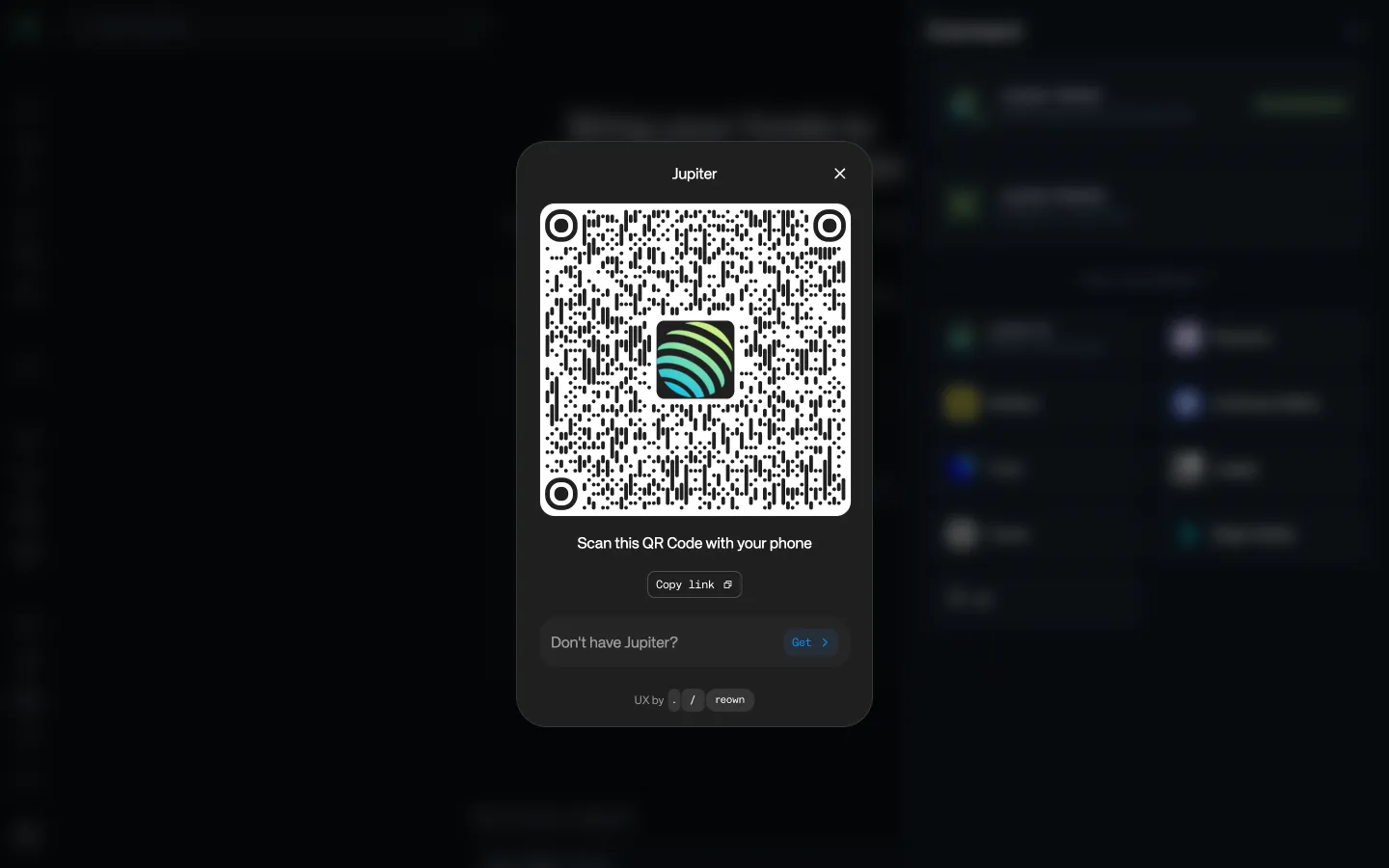
Scan to connect Jupiter Mobile
 Sablier