Apps
All apps
Screens
Flows
UI elements
Pricing
Glossary
Get started
All
Screens
Flows
UI elements
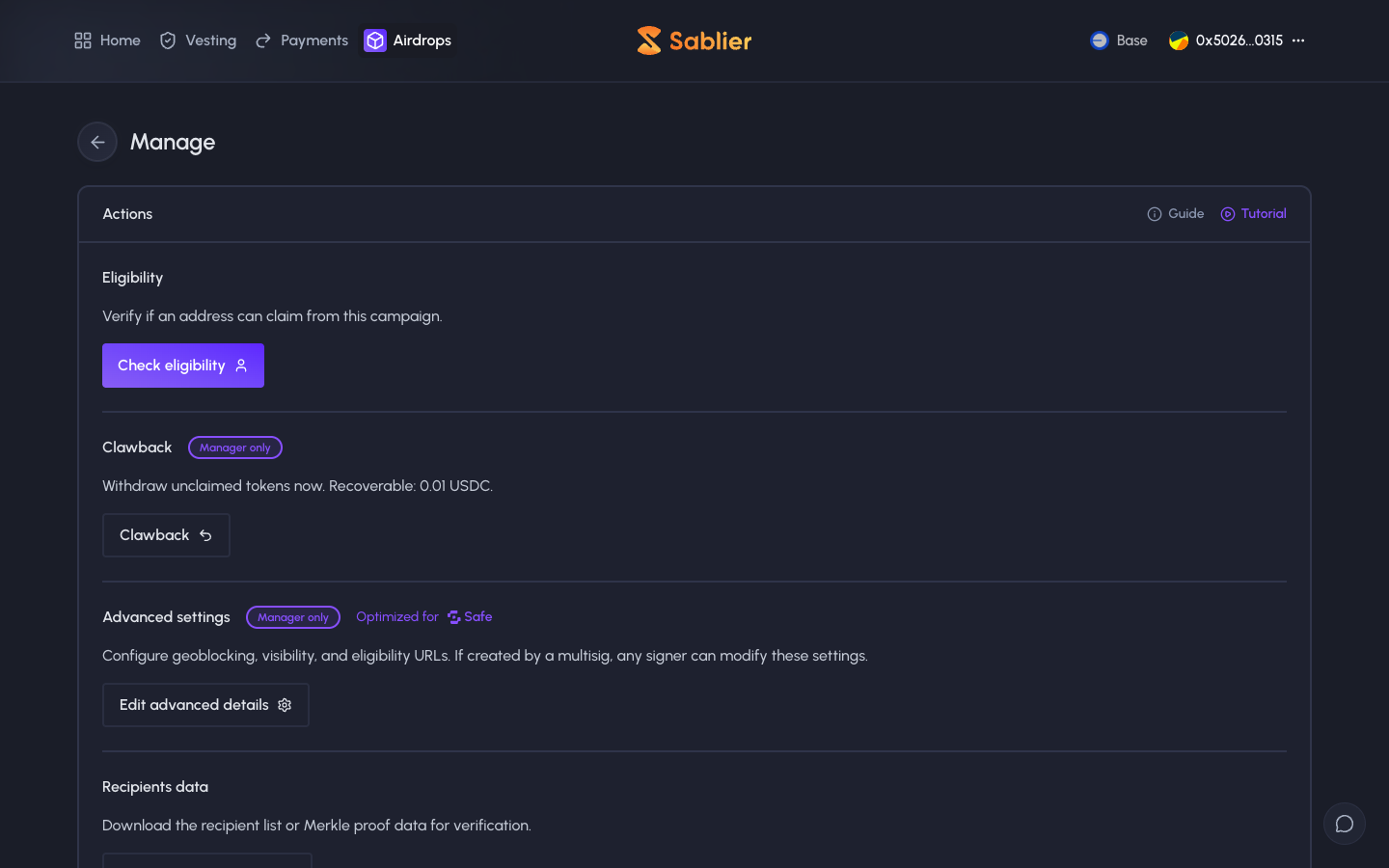
Manage
in
Sablier
Step 1 of 2 in Clawing back unclaimed tokens
Play
Manage
Settings
Similar screens in other apps
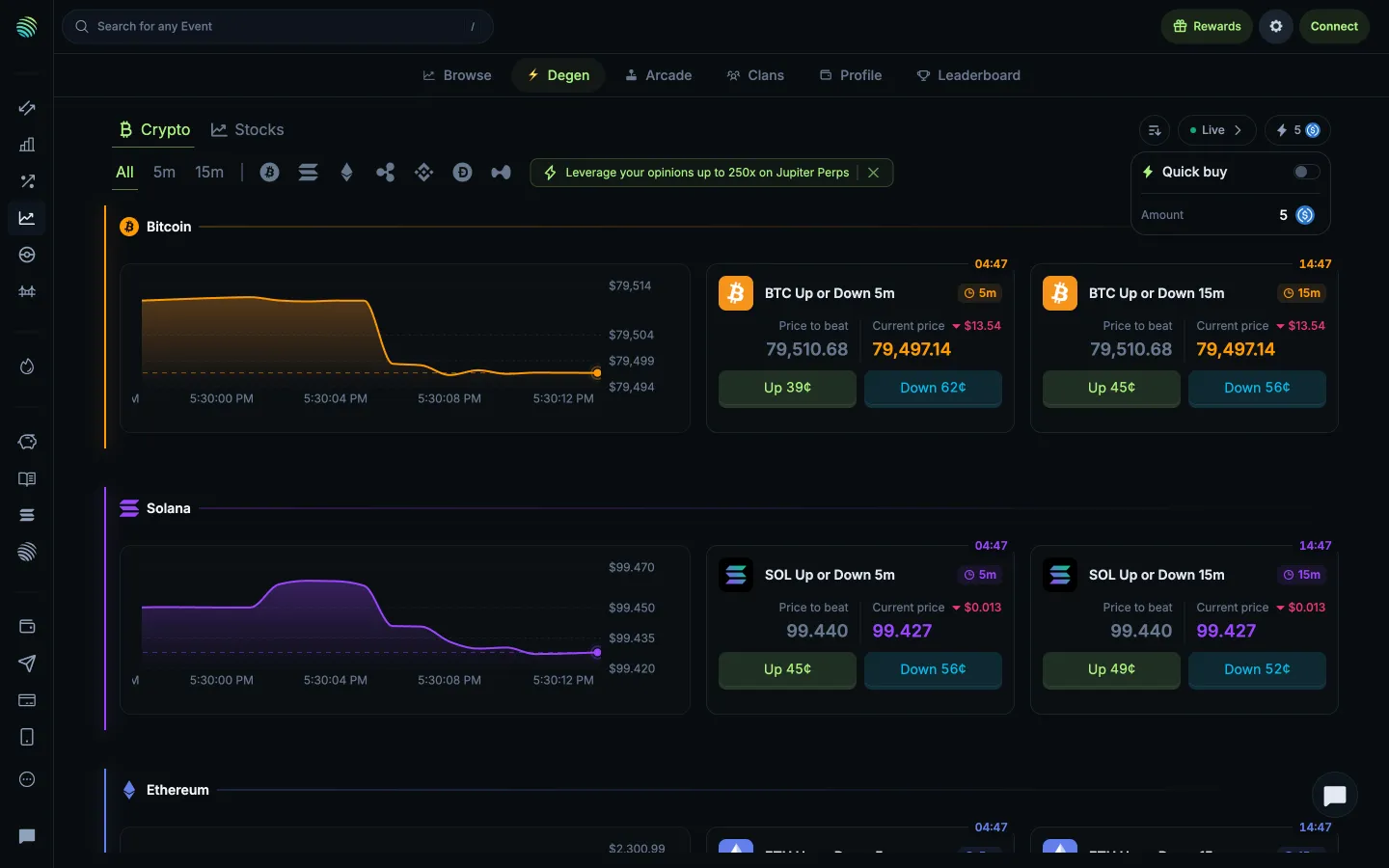
Jupiter
Quick buy toggle and amount
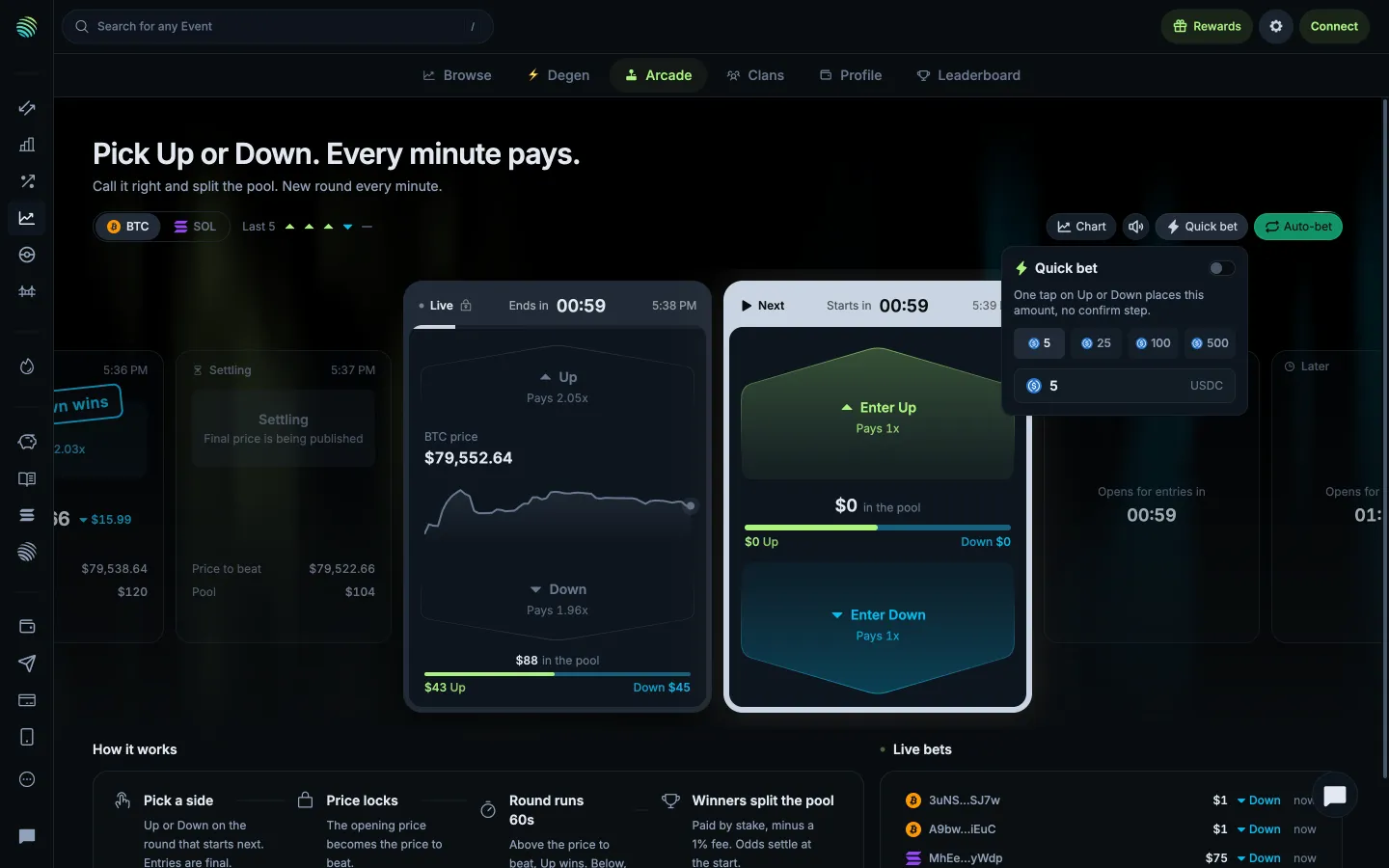
Jupiter
Quick bet skips confirmation for the chosen amount
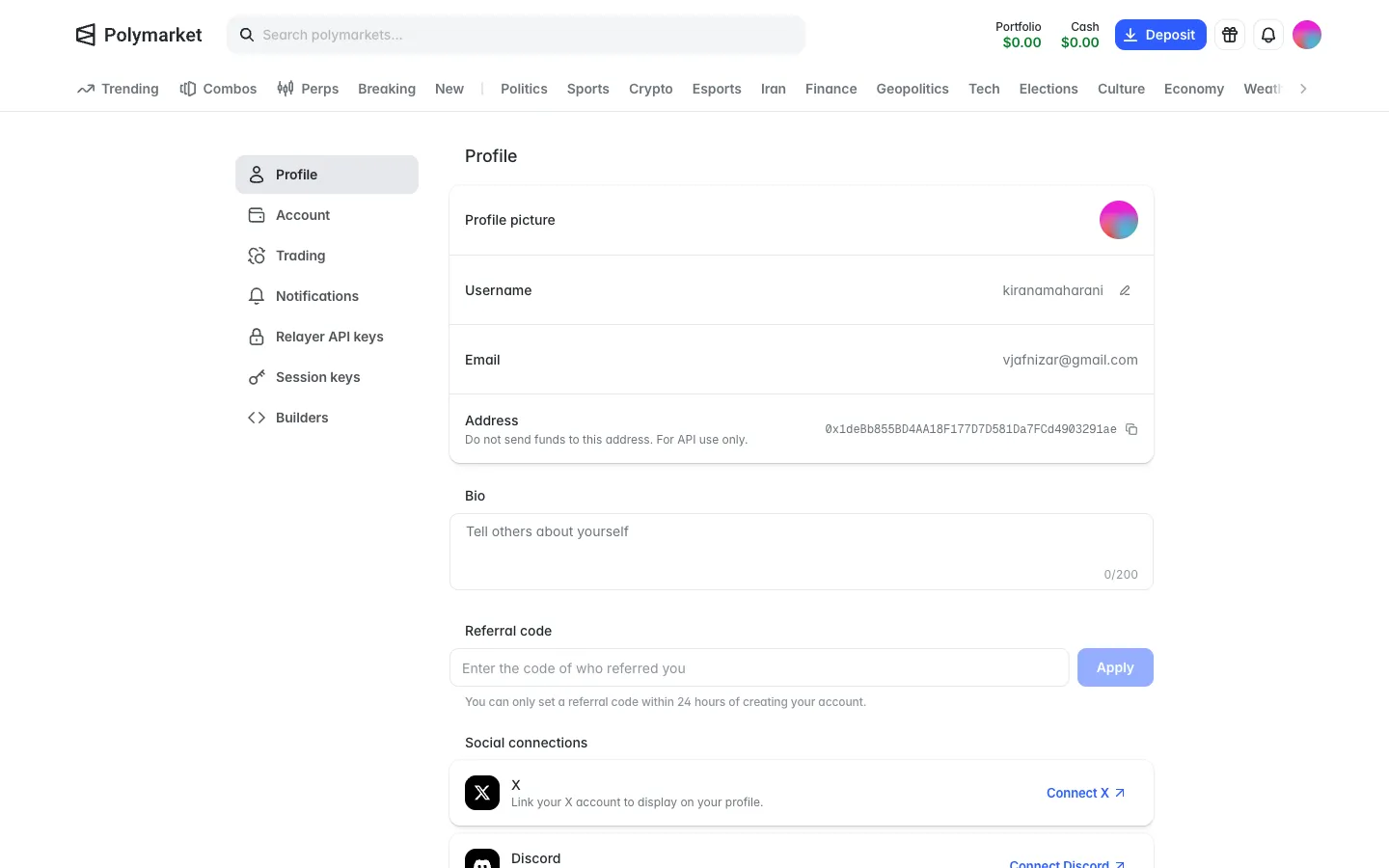
Polymarket
Profile settings, a wallet address marked do not send funds
Polymarket
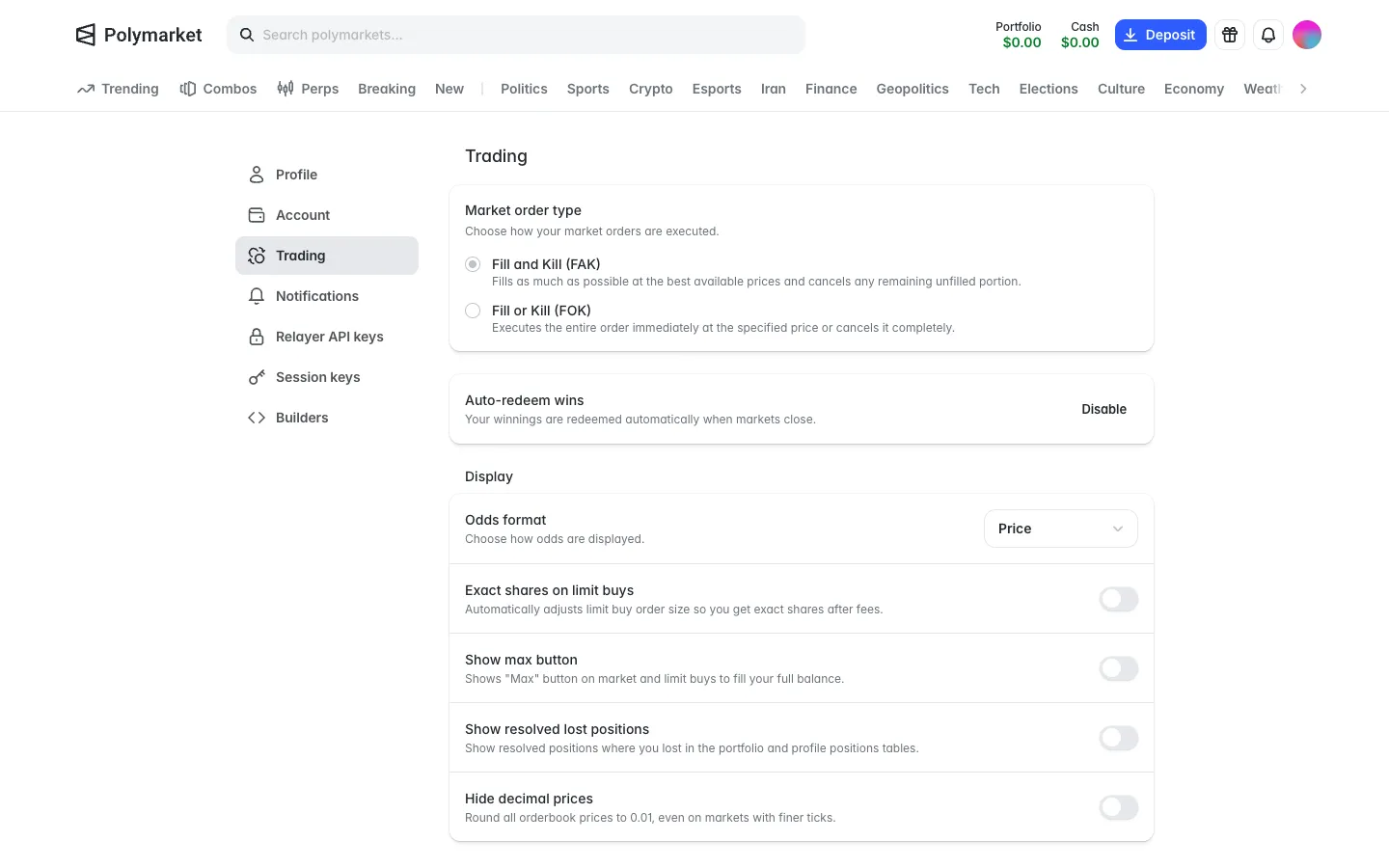
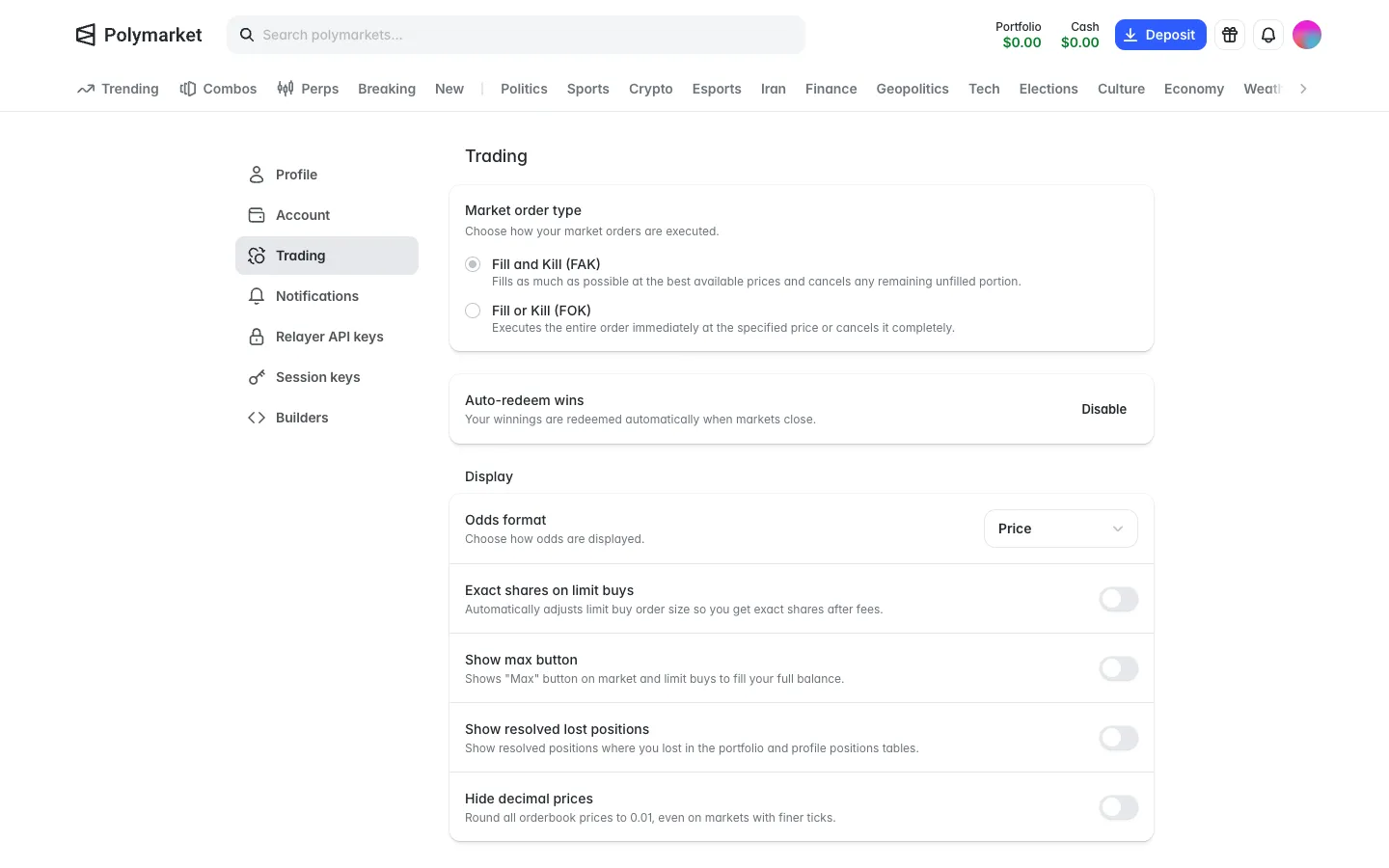
Trading settings, fill rules, auto redeem wins on, losses hidden by default
Polymarket
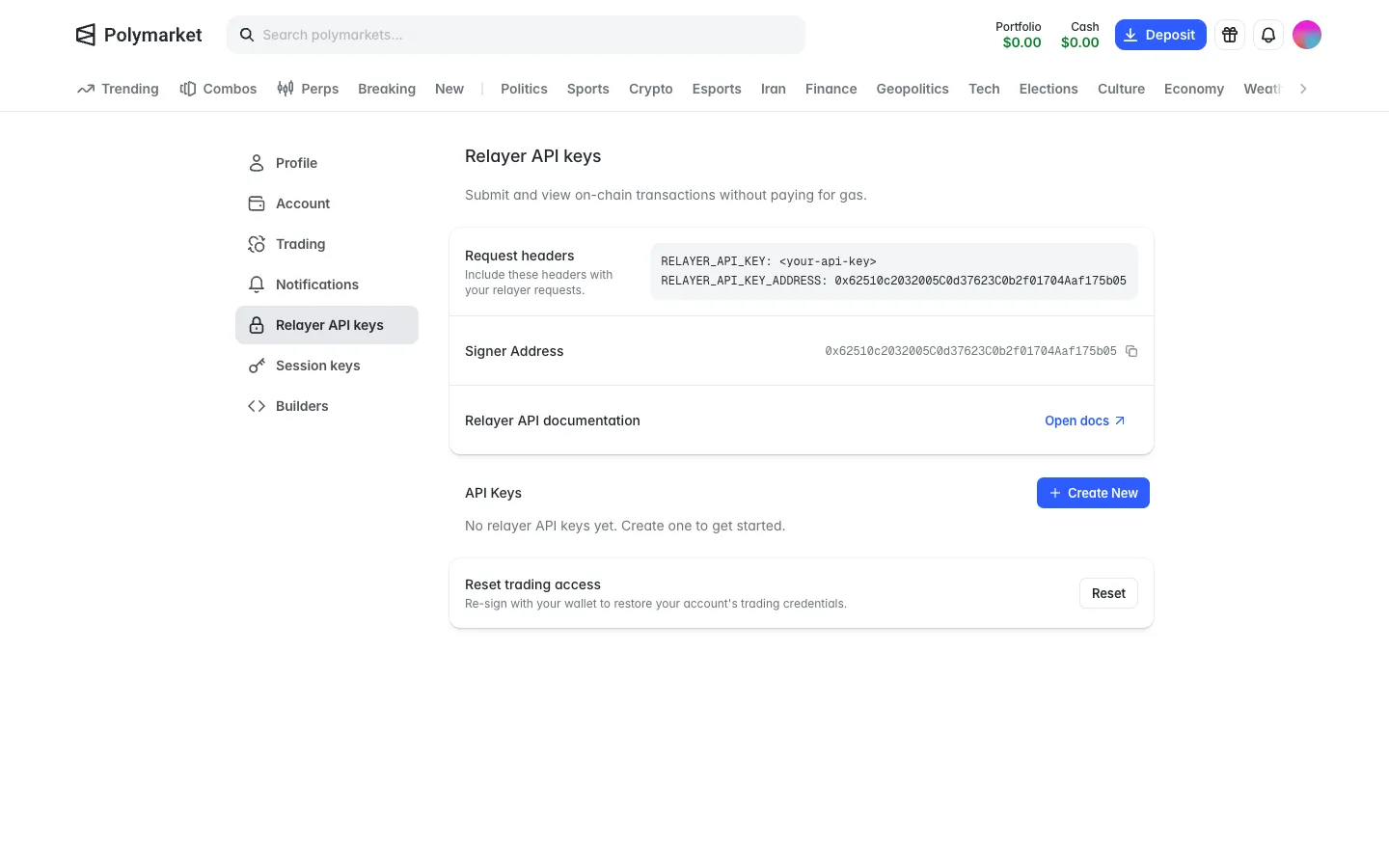
Relayer API keys for gas-free transactions, none yet
Polymarket
Auto-redeem wins on
Polymarket
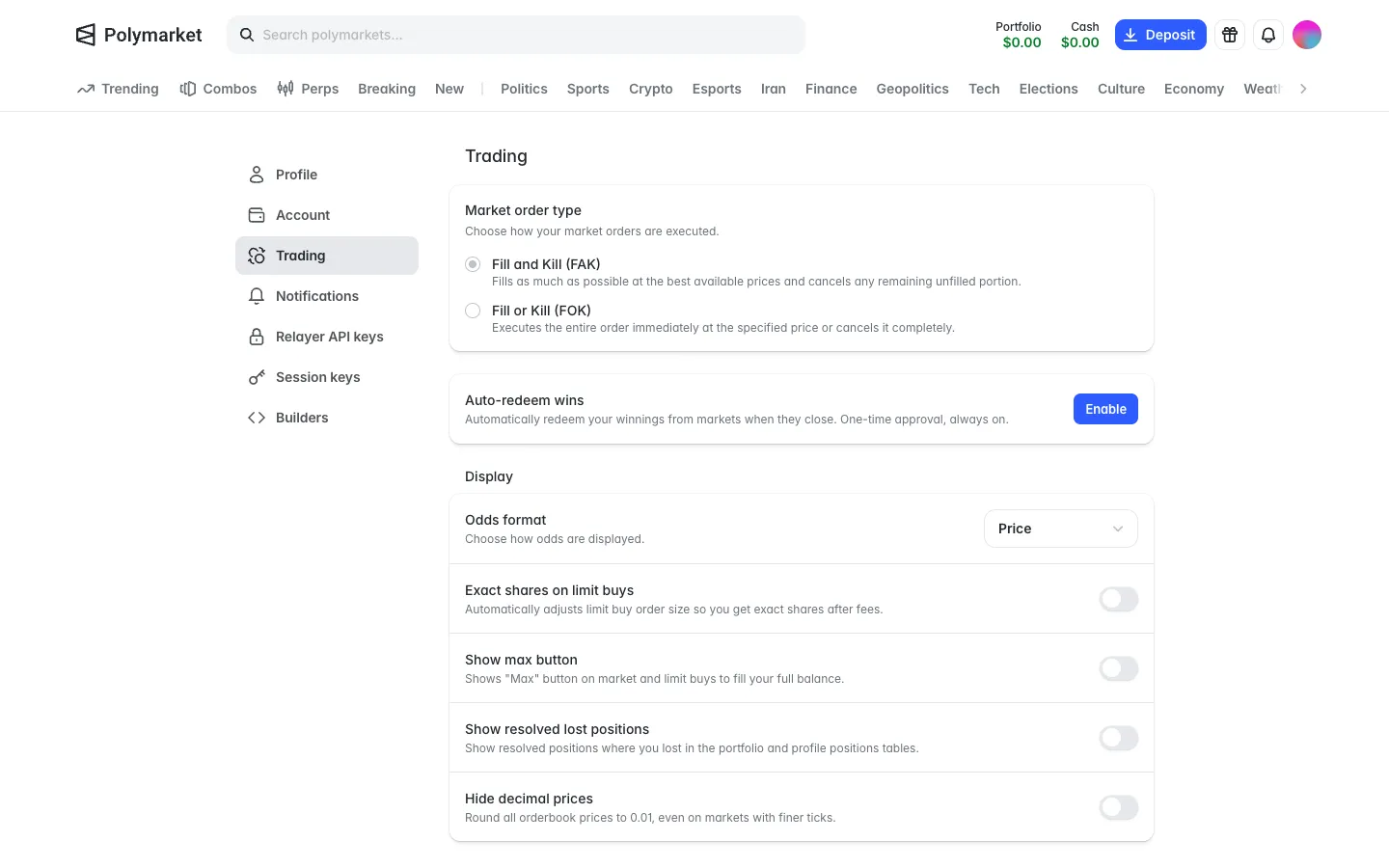
Off, an Enable button and a one-time approval, always on
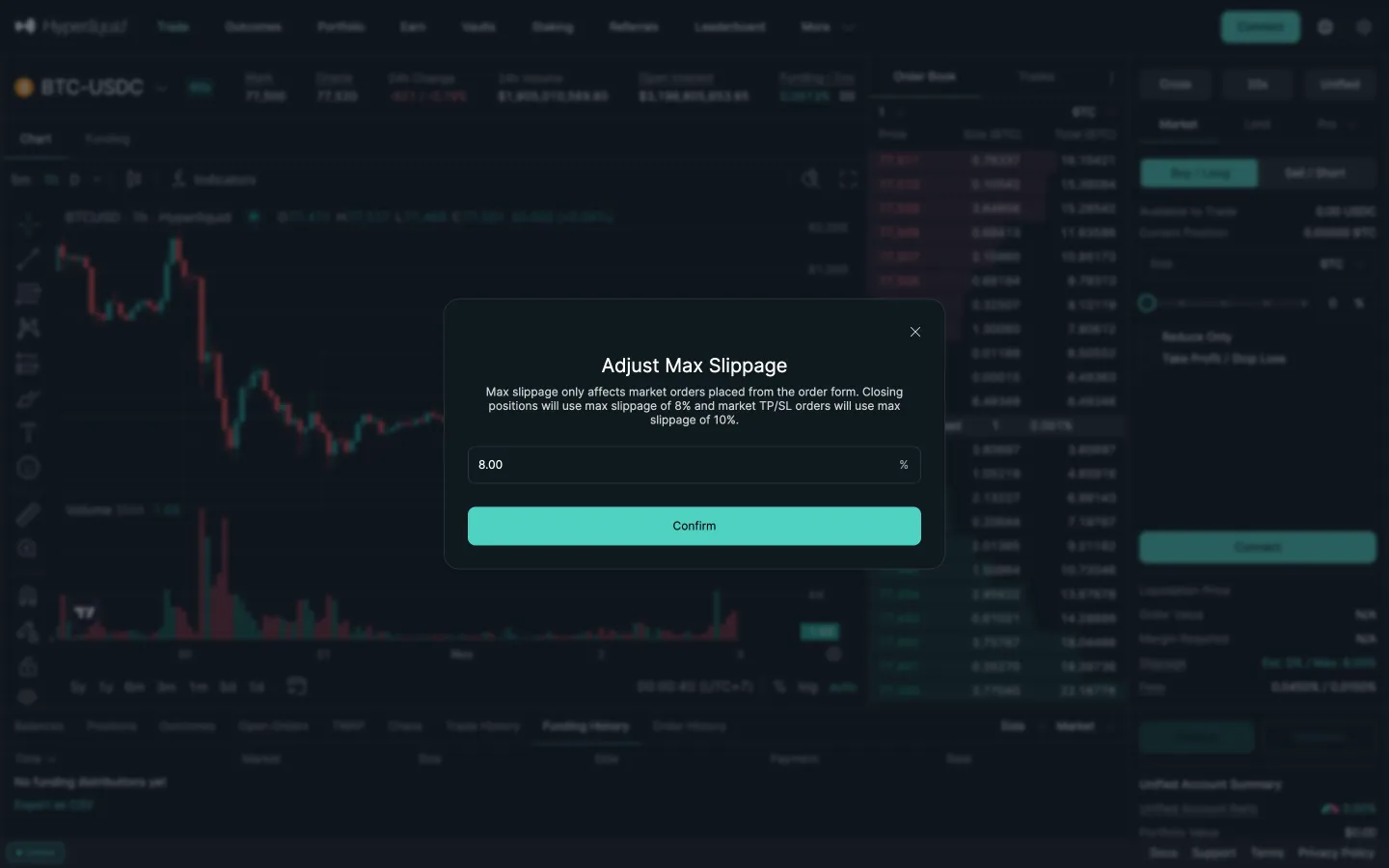
Hyperliquid
Adjust max slippage, 8 percent
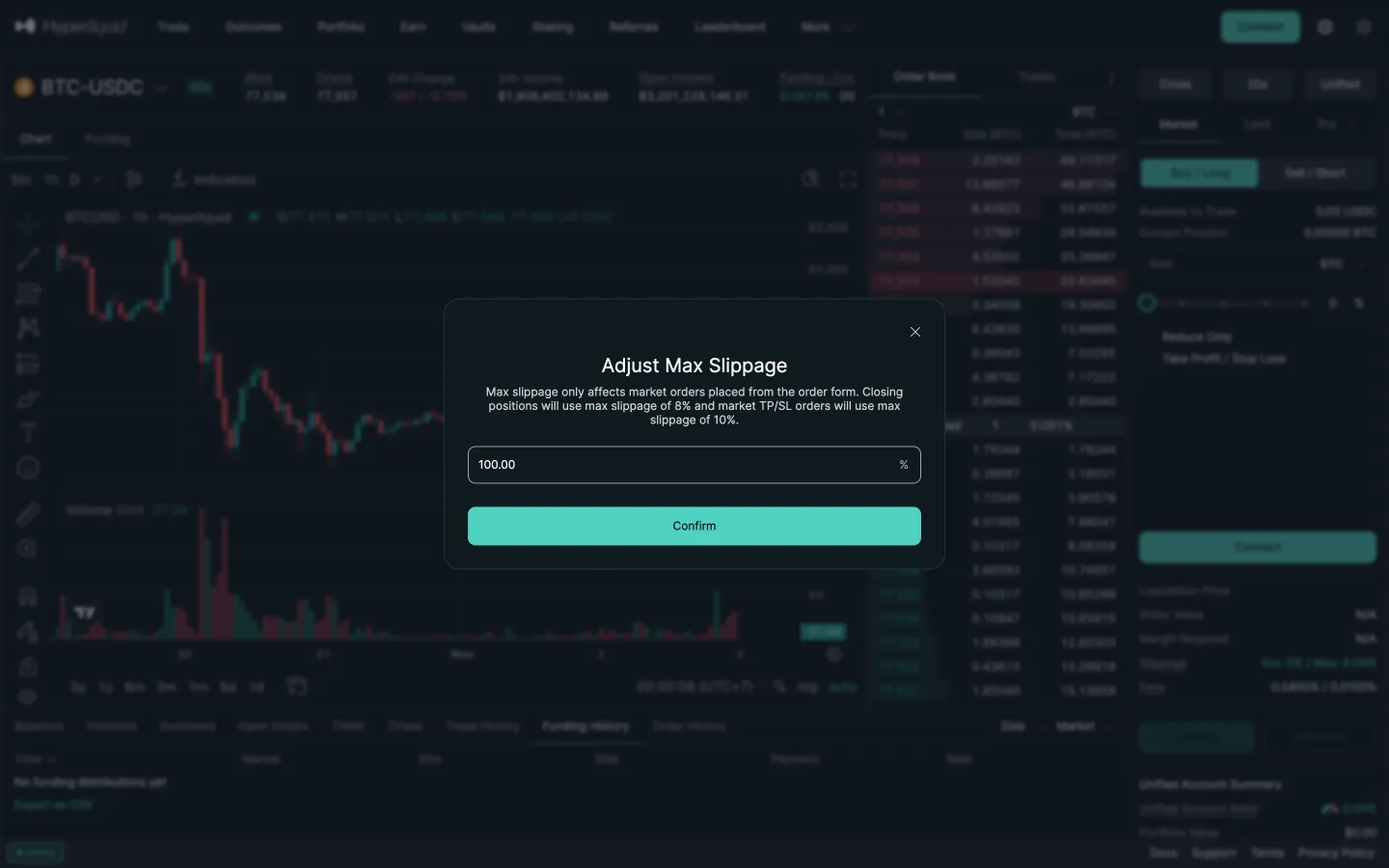
Hyperliquid
Typed 50 becomes 100
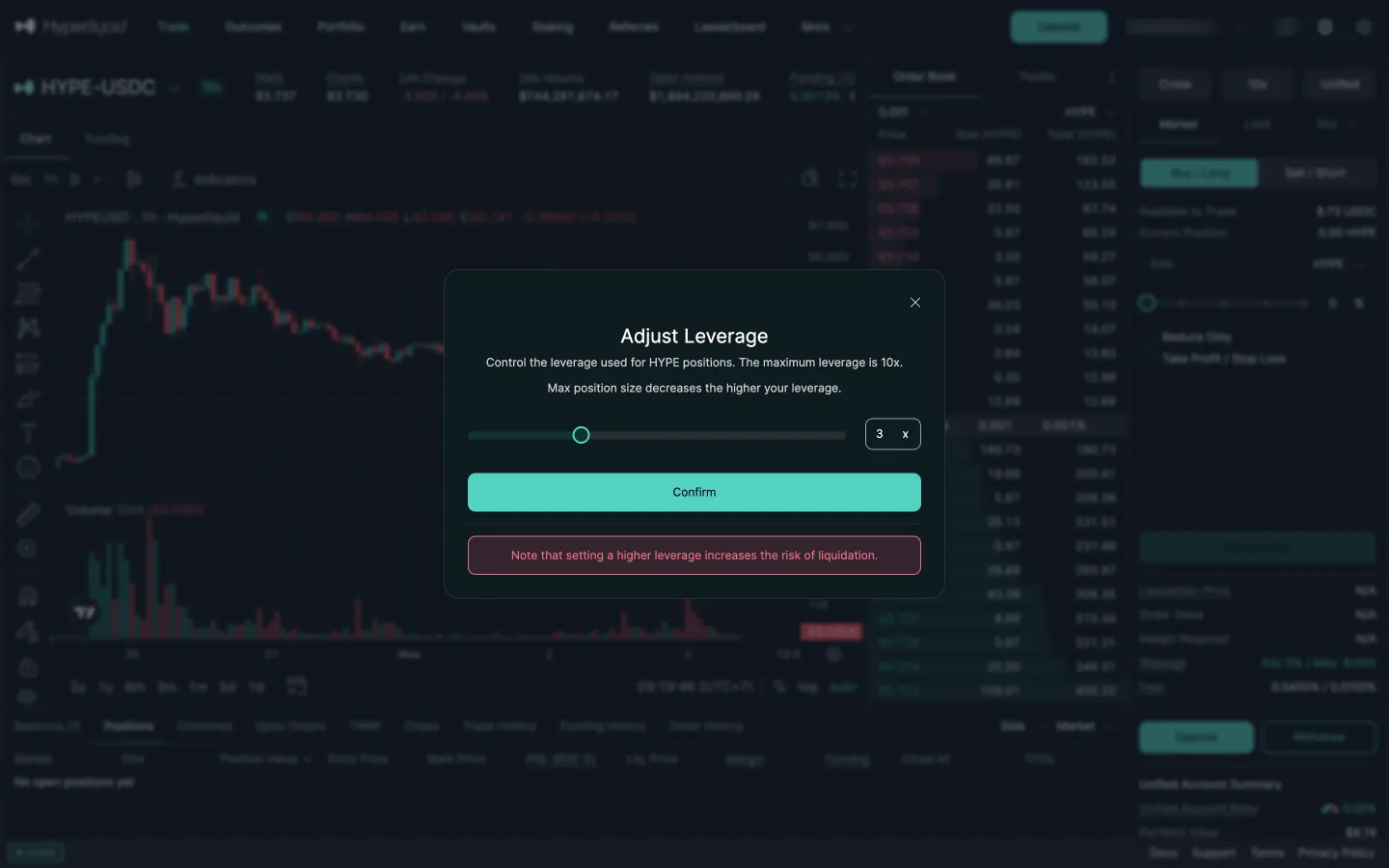
Hyperliquid
Adjust leverage
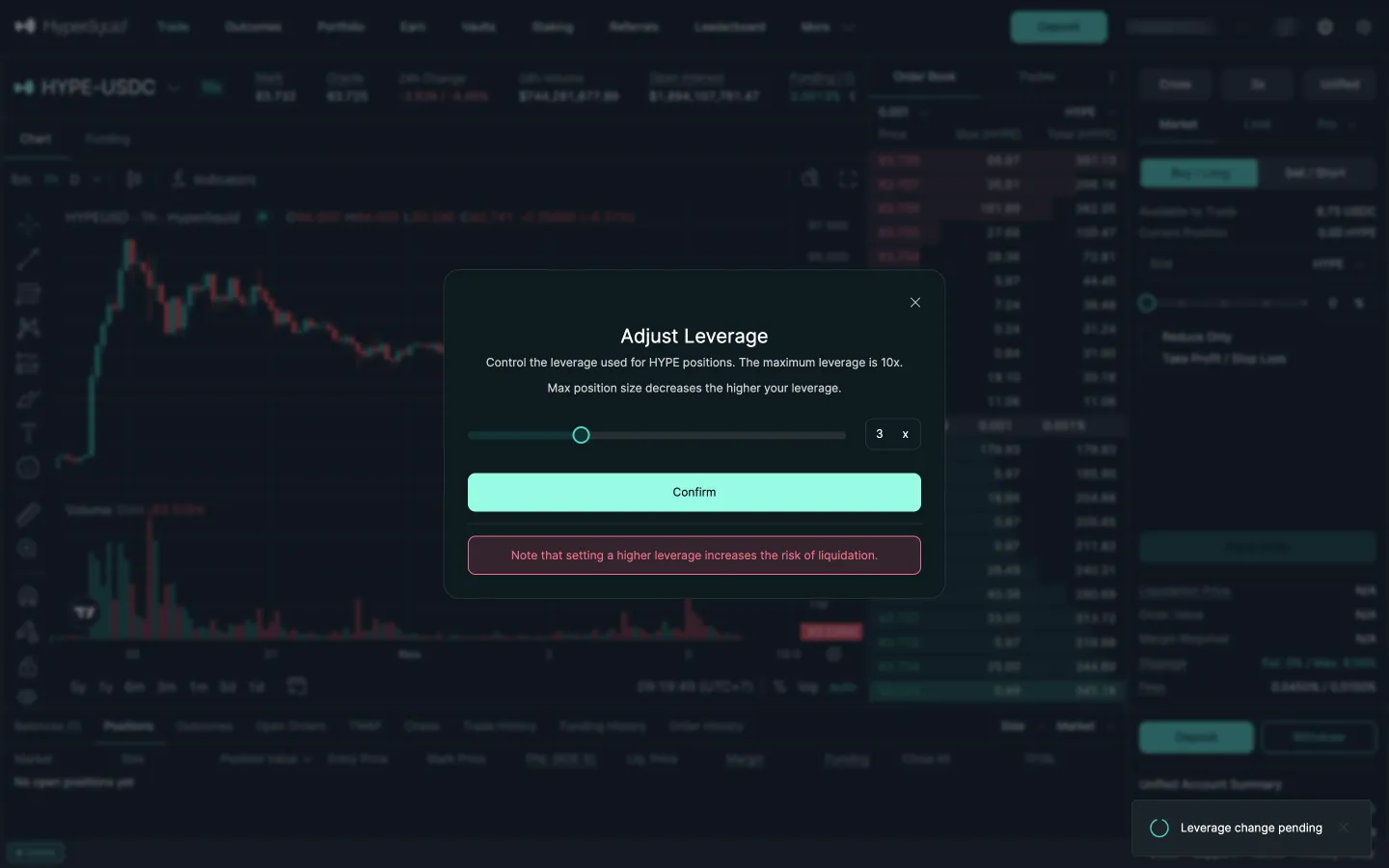
Hyperliquid
Leverage change pending
Jupiter
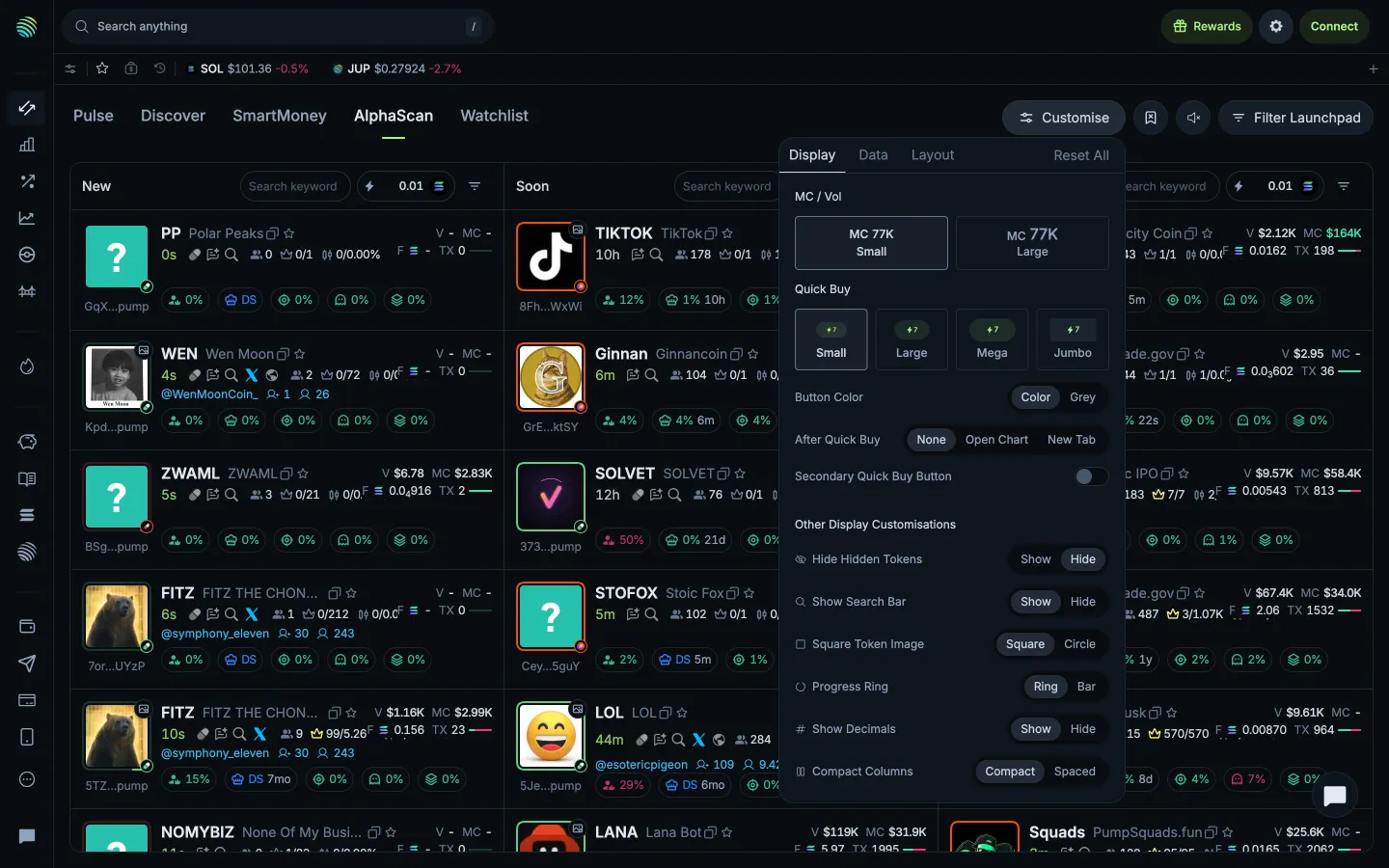
Display settings
 Sablier