Swapping

Trading one token for another, from entering an amount to the confirmed swap. Compare how two apps do it, step by step.

Aave Profomo
Aave ProSwap ticket

18 screens

fomoBuying with no balance

3 screens
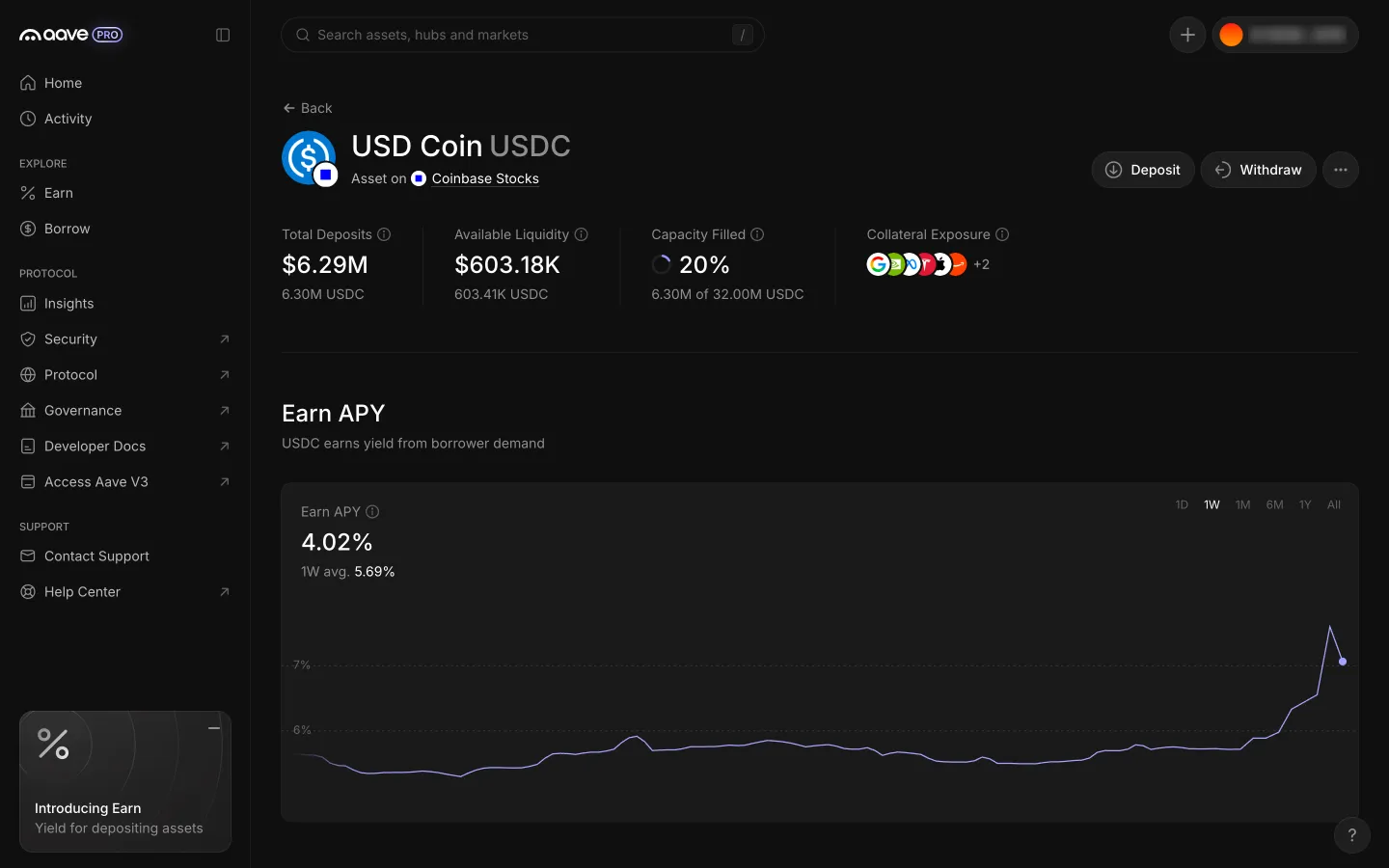
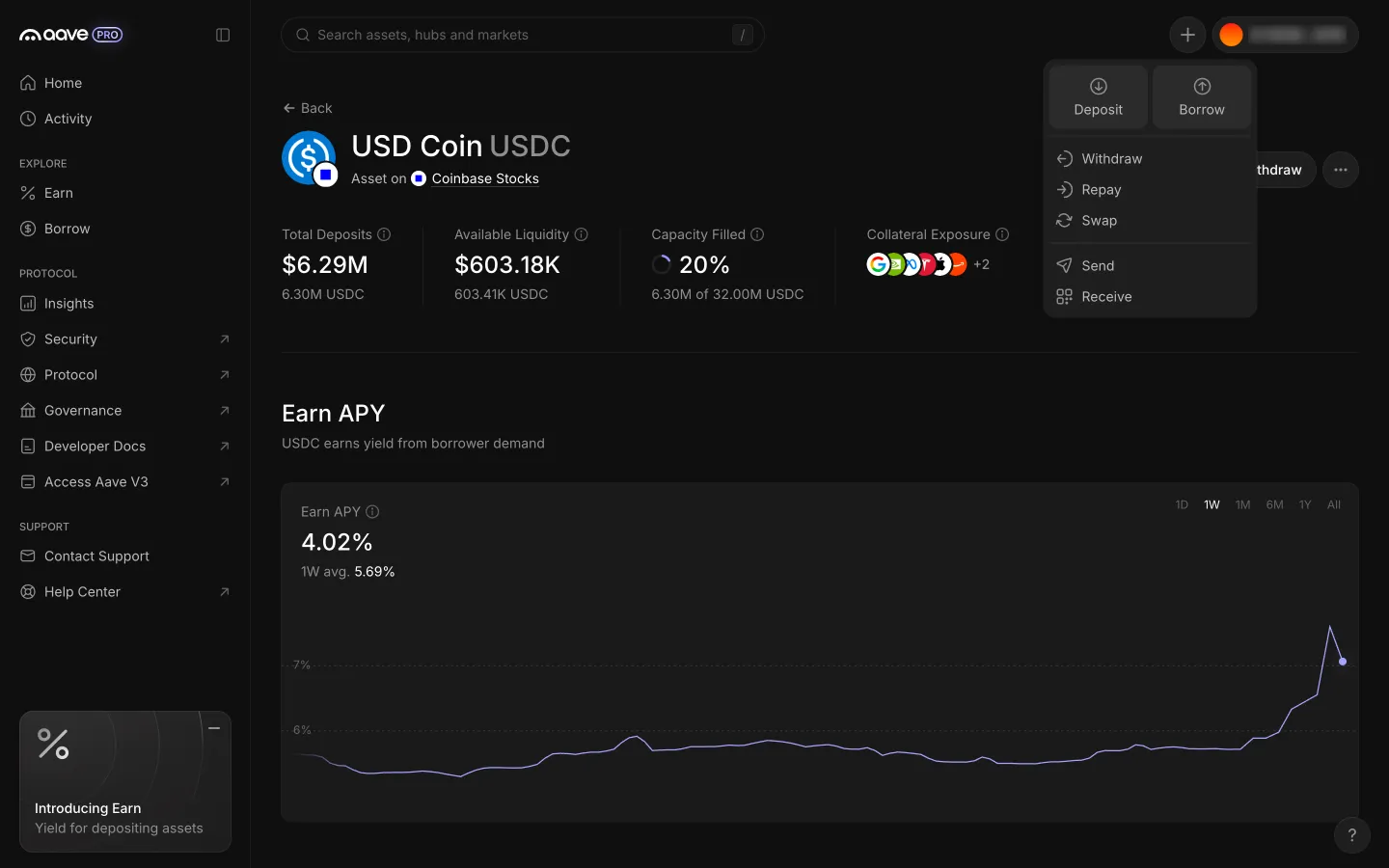
USDC position page with the header Actions menu
1USDC position page with the header Actions menu
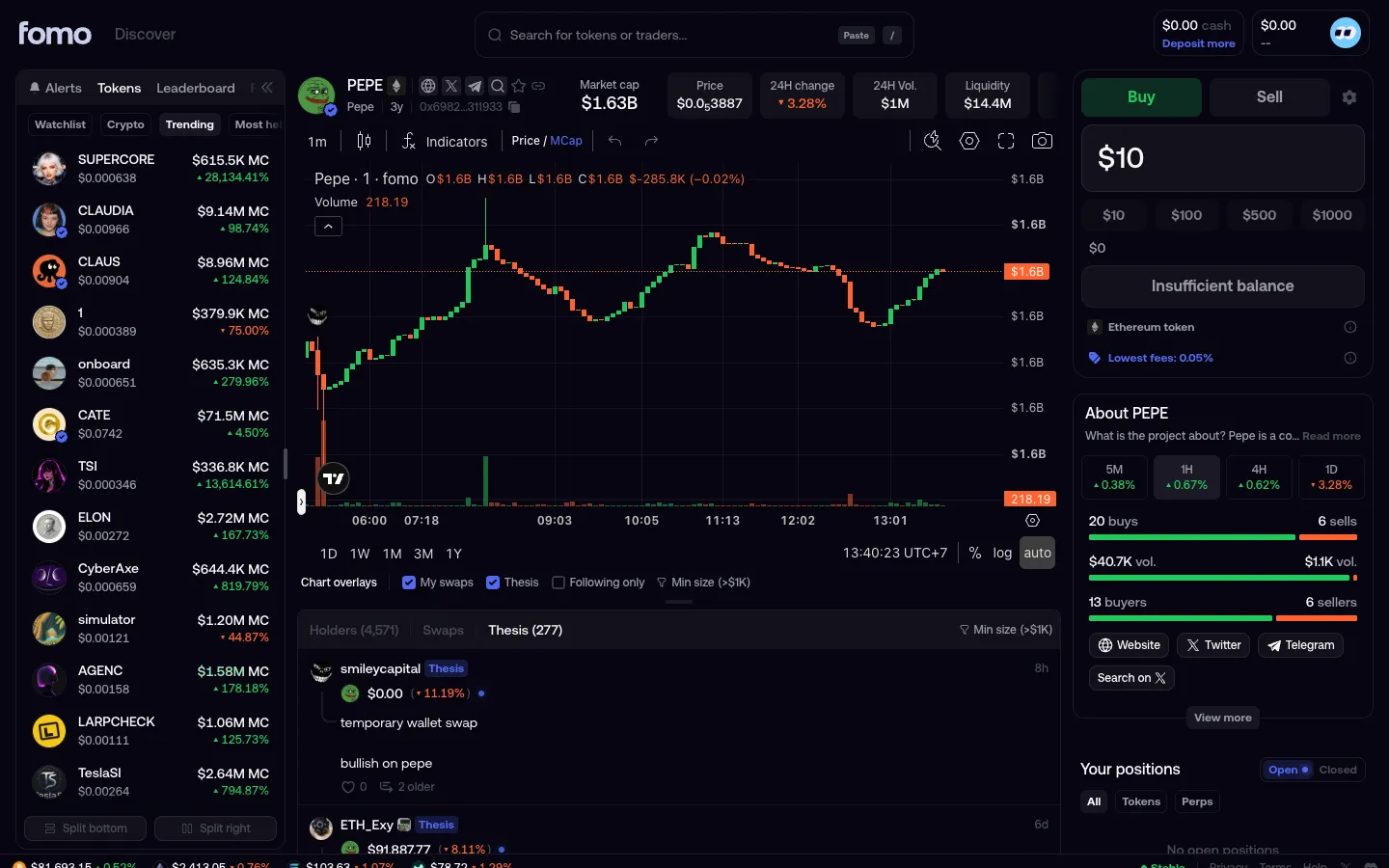
Enter $10 with insufficient balance
1Enter $10 with insufficient balance
Actions menu lists Swap among seven actions
2Actions menu lists Swap among seven actions
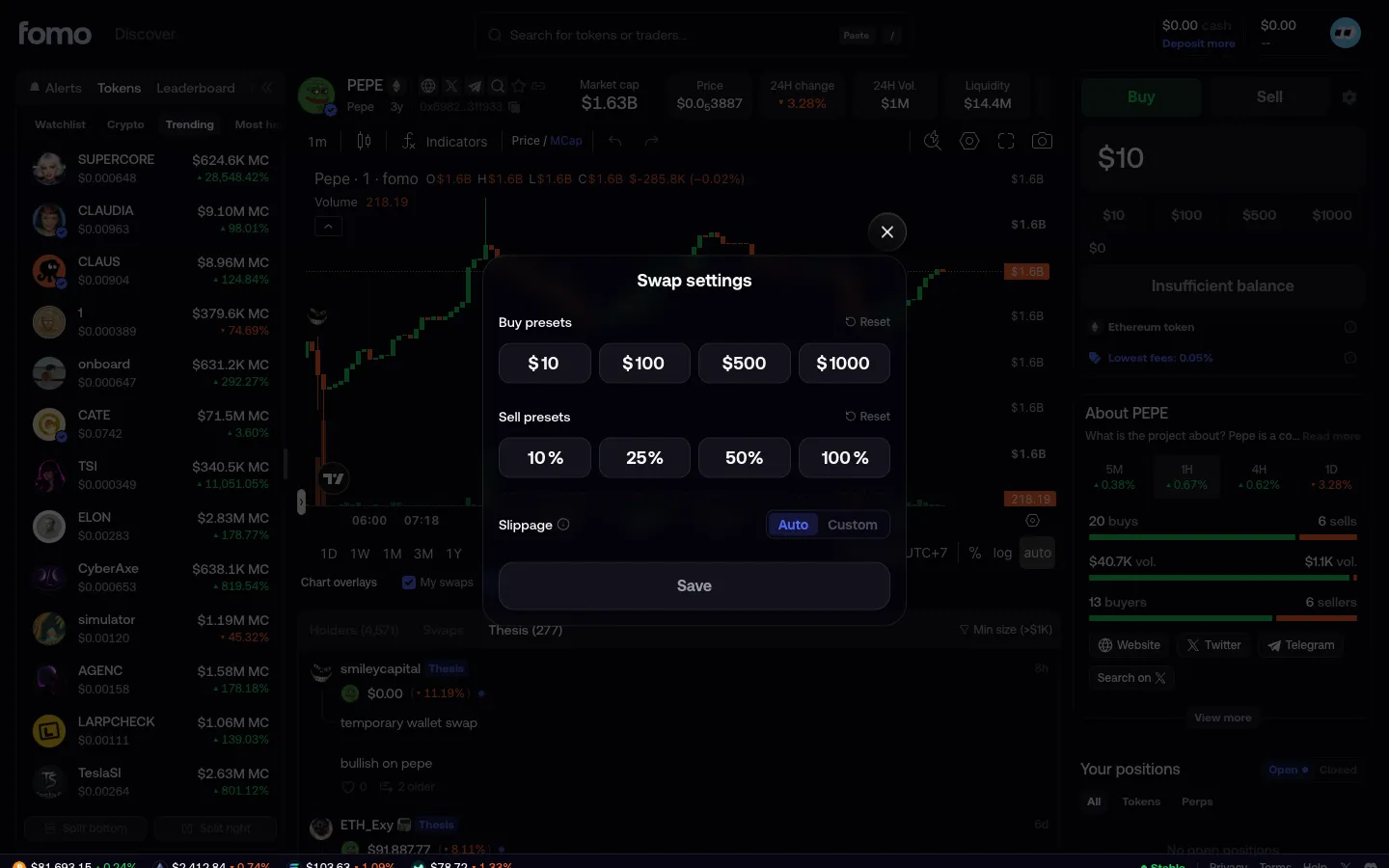
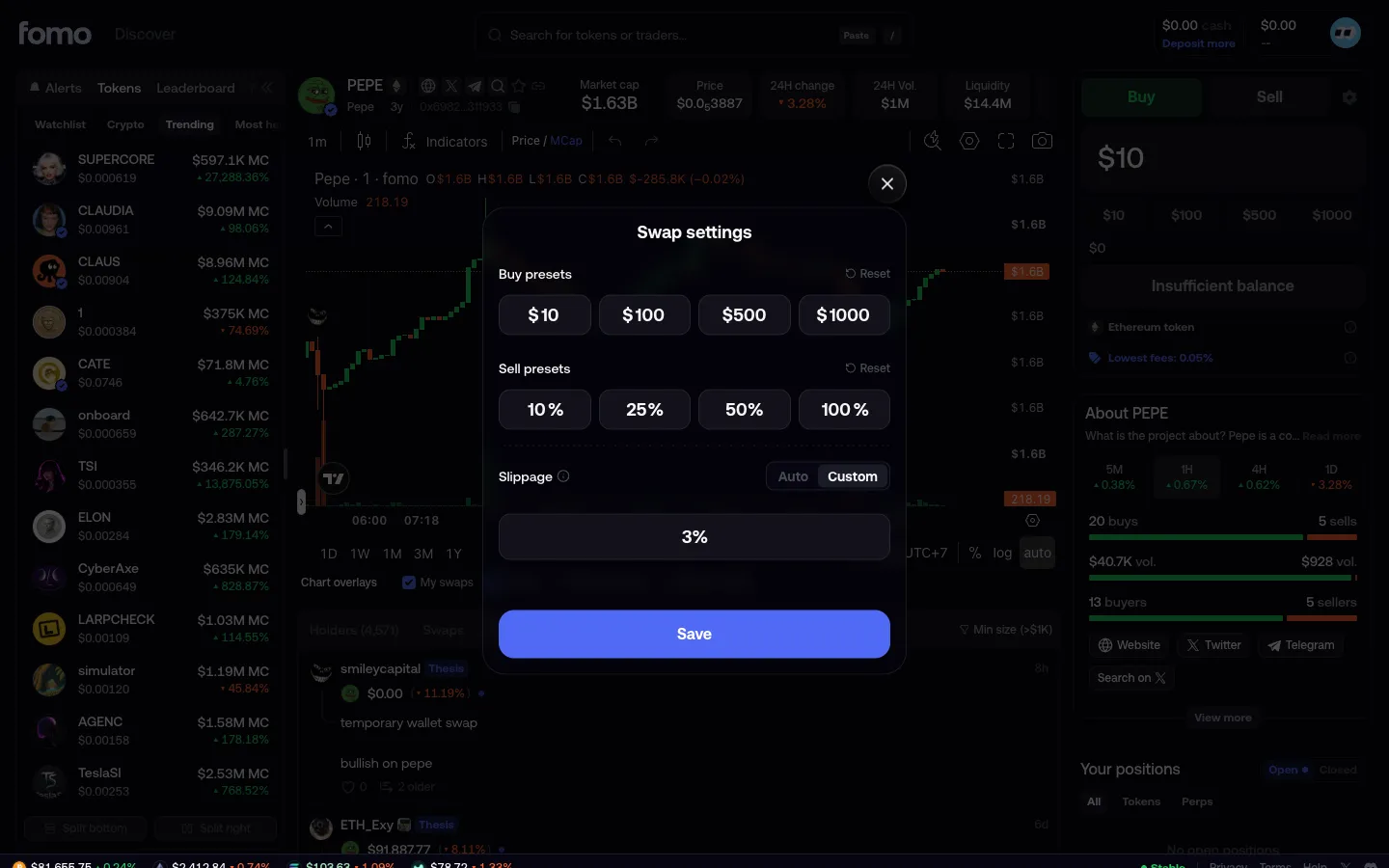
Swap settings
2Swap settings
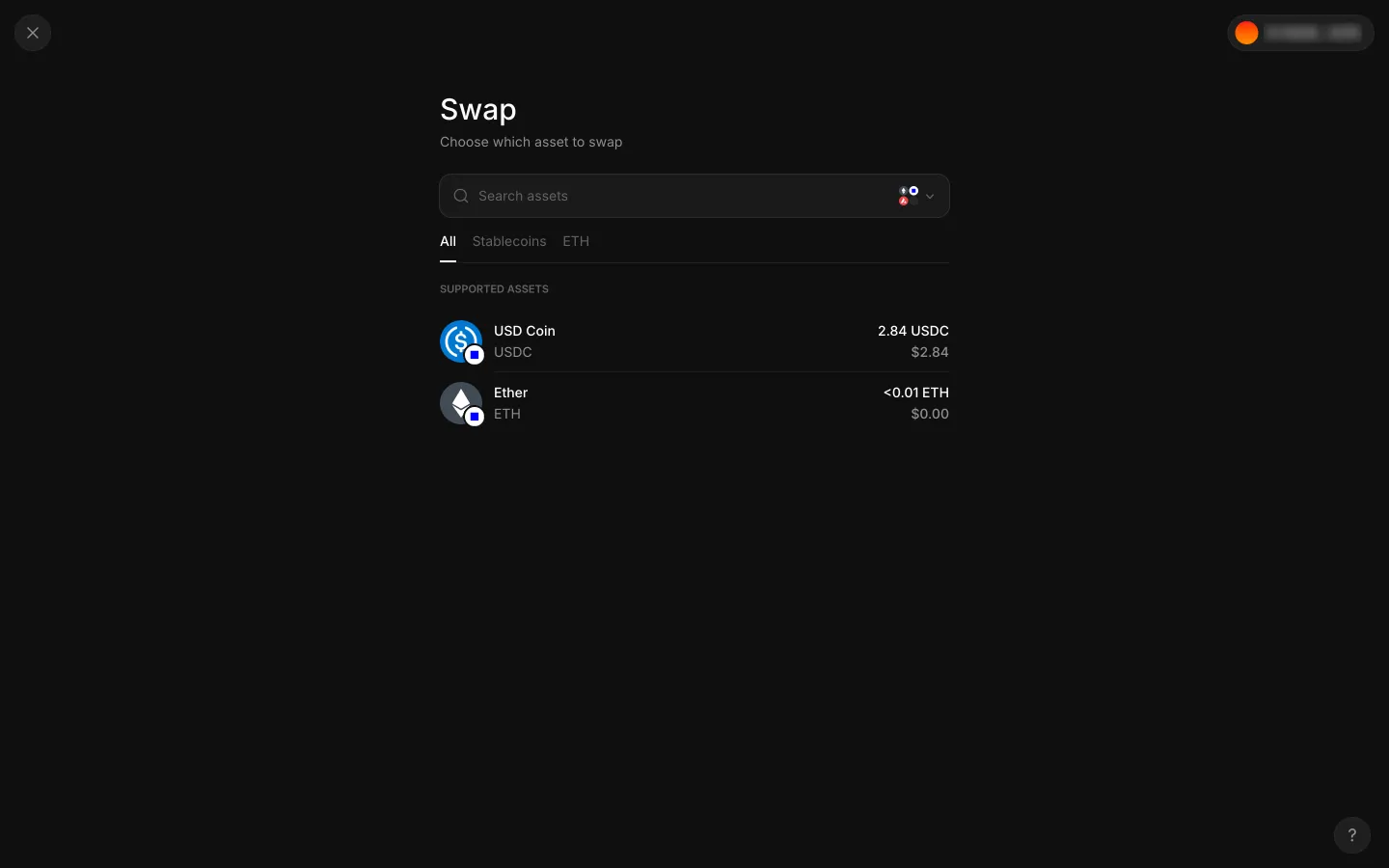
Swap starts by choosing the asset to sell
3Swap starts by choosing the asset to sell
Custom slippage
3Custom slippage
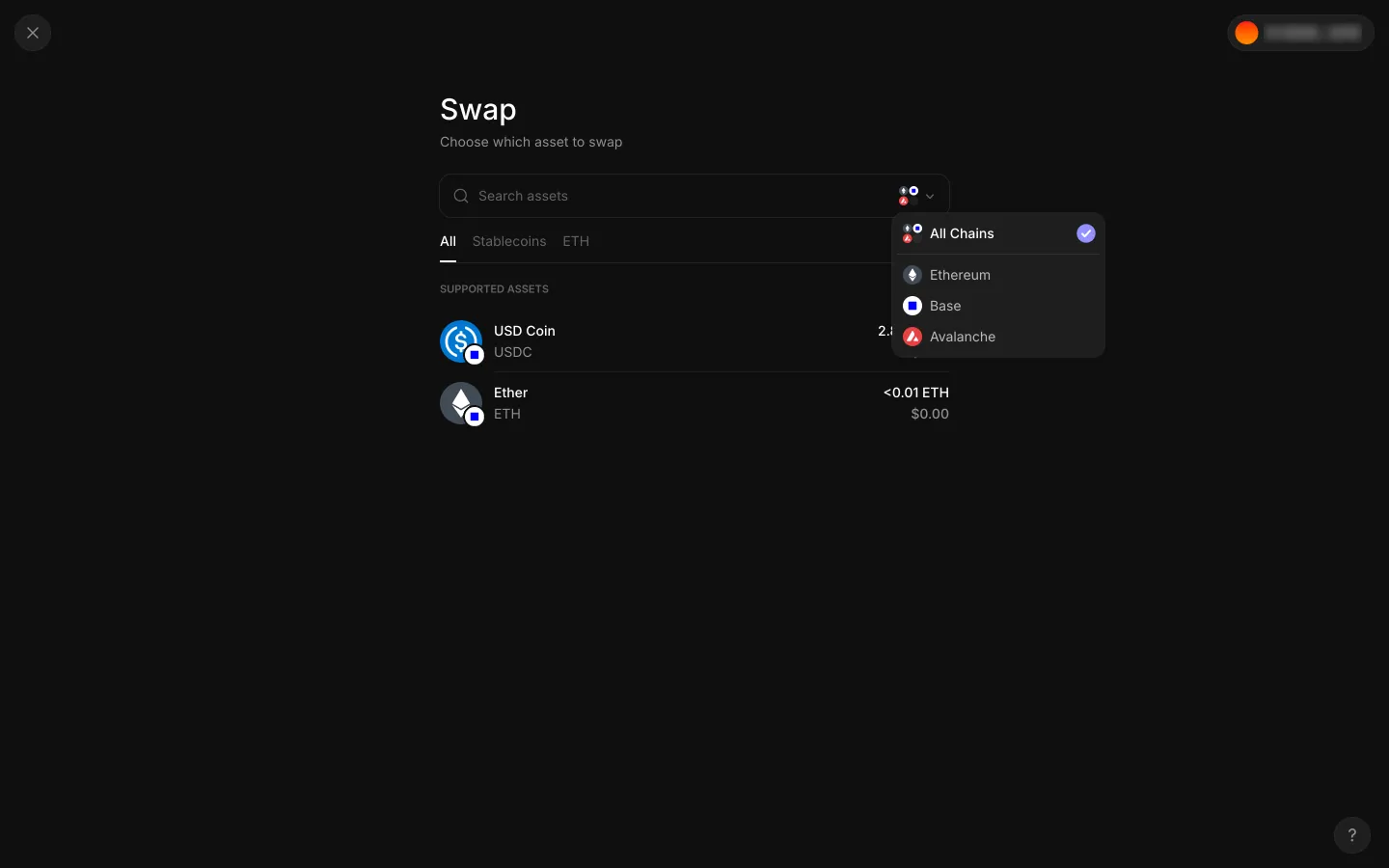
Chain filter offers all chains, Ethereum, Base and Avalanche
4Chain filter offers all chains, Ethereum, Base and Avalanche
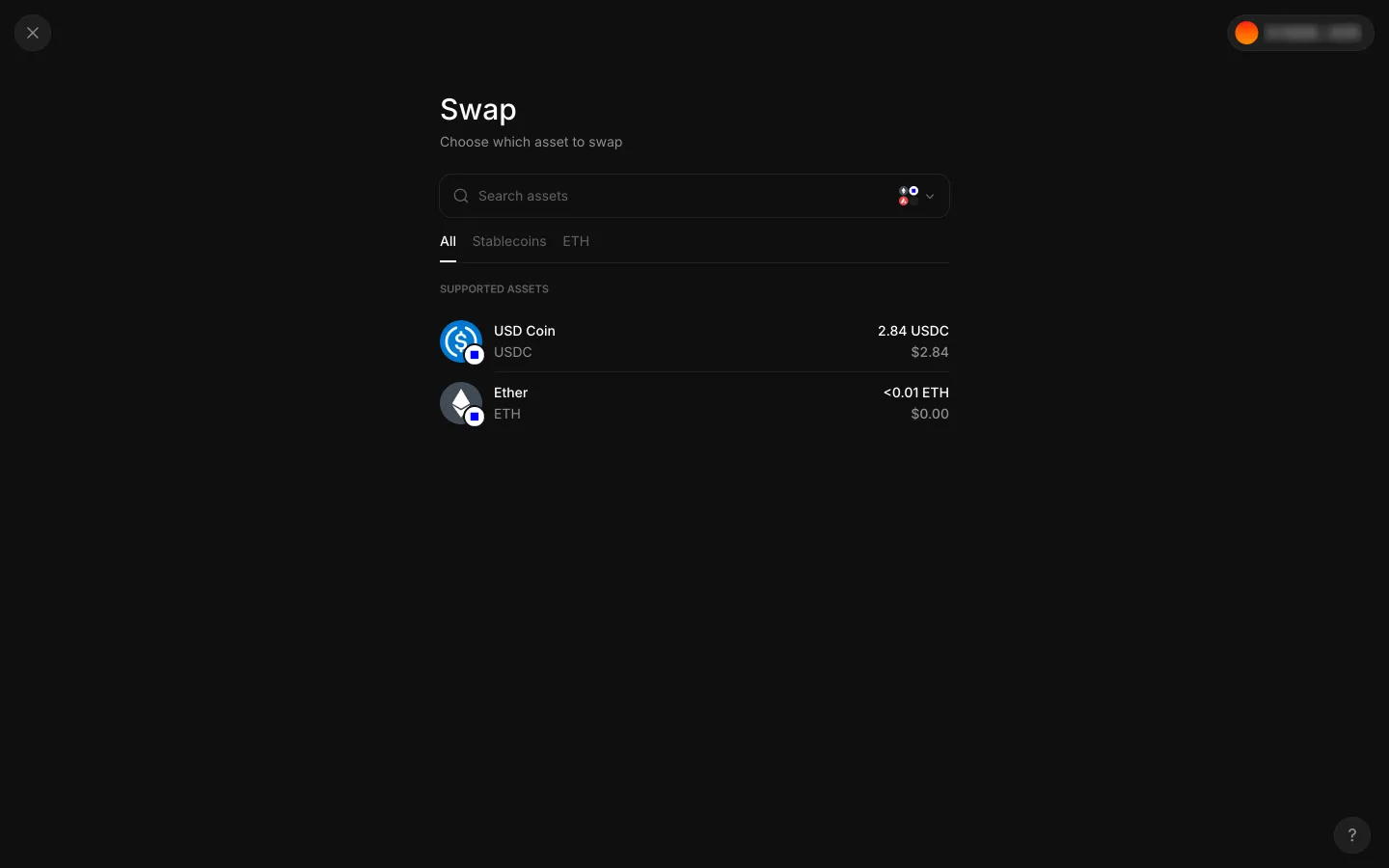
Chain menu closed, asset list with USDC to choose
5Chain menu closed, asset list with USDC to choose
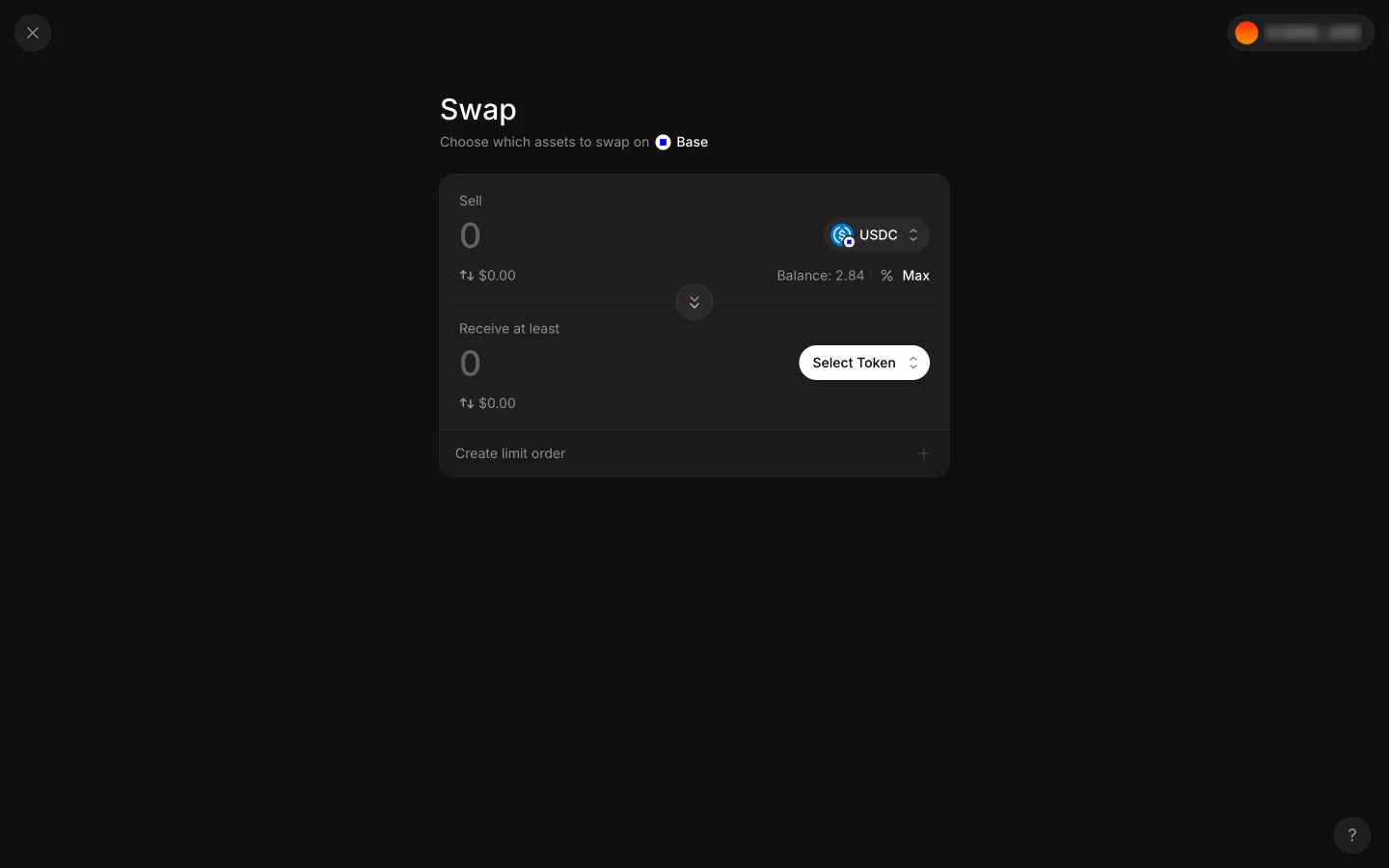
Empty swap ticket with USDC to sell and no token to receive
6Empty swap ticket with USDC to sell and no token to receive
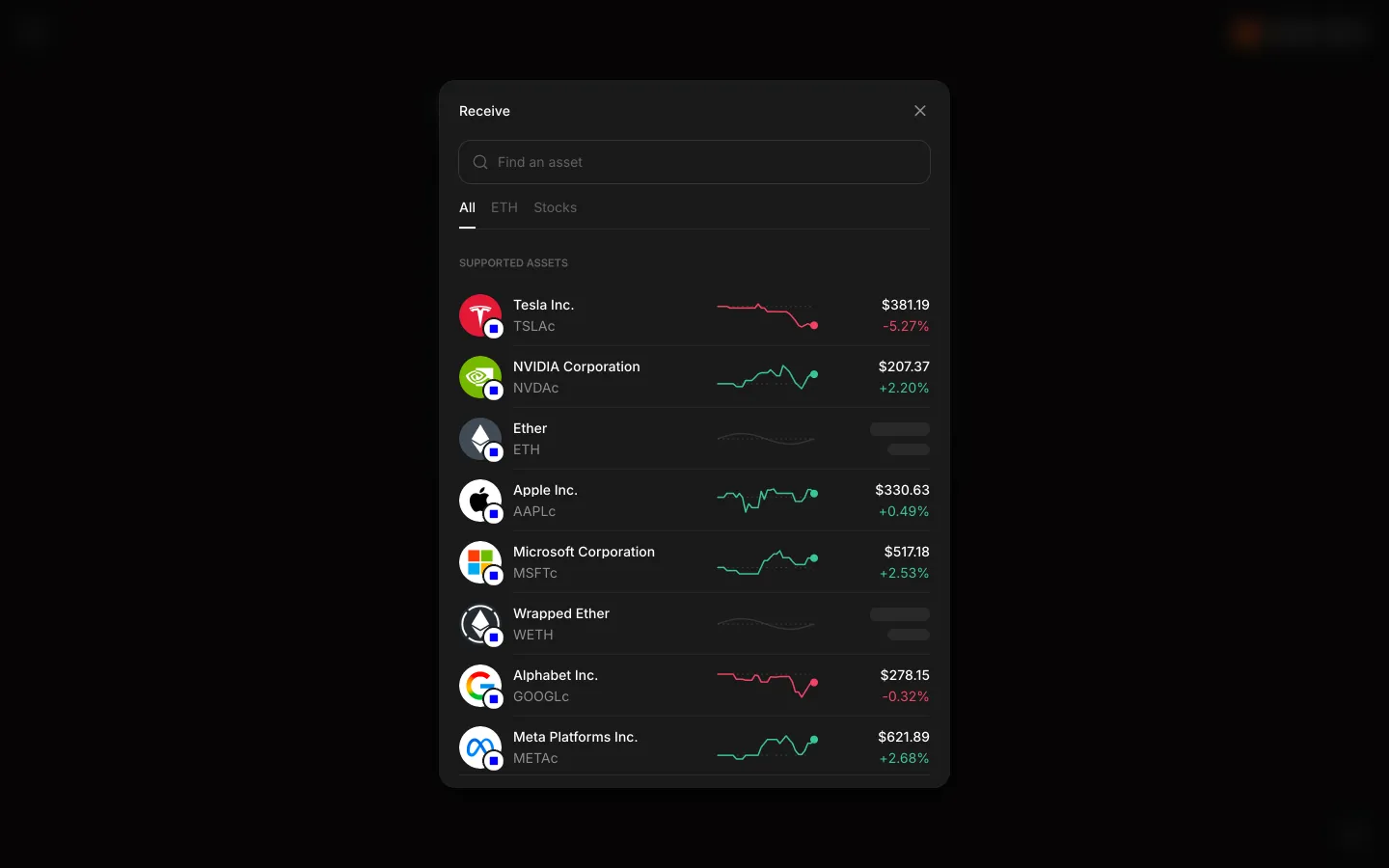
Receive picker lists stock tokens and ETH with prices
7Receive picker lists stock tokens and ETH with prices
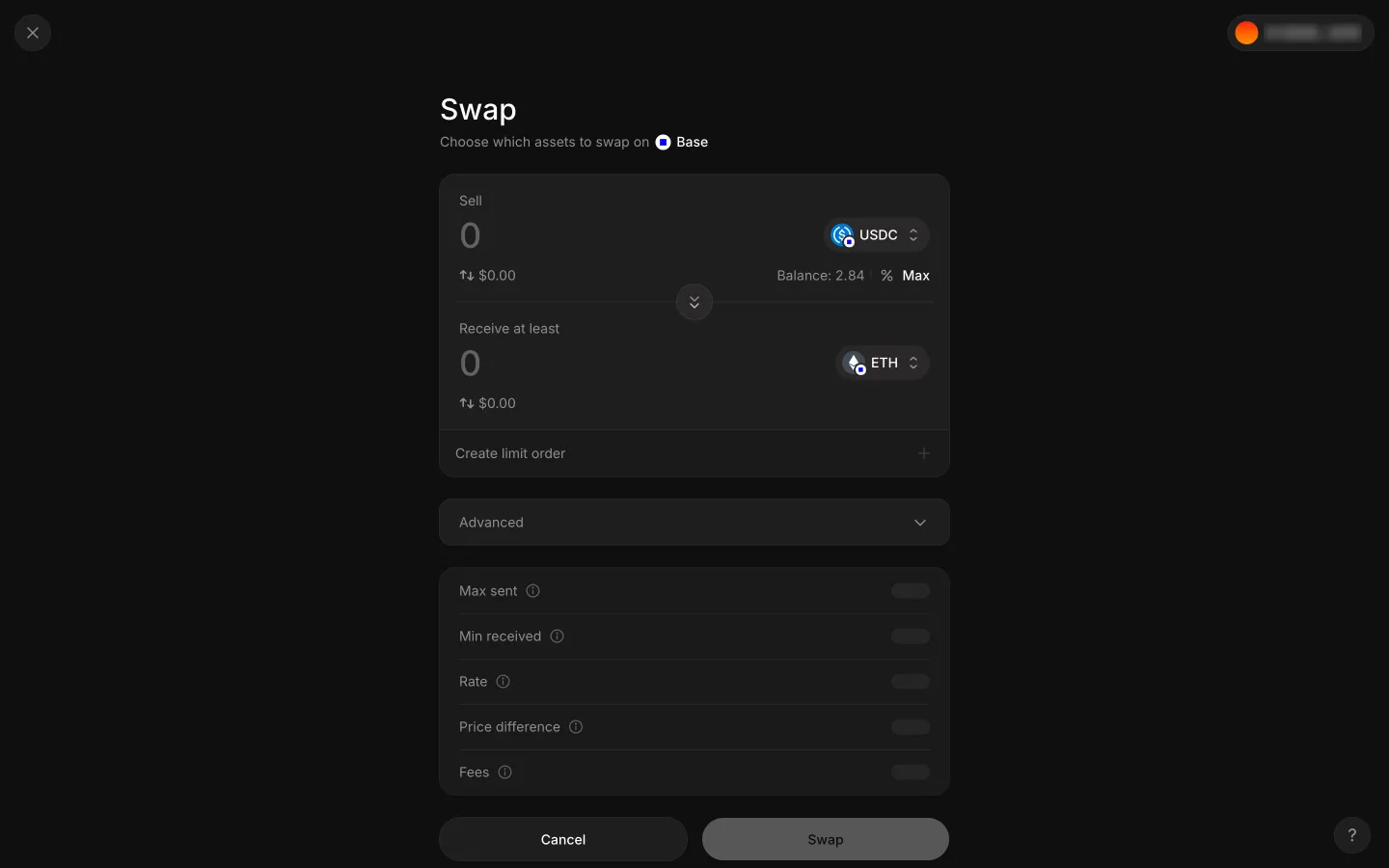
ETH chosen with empty quote rows
8ETH chosen with empty quote rows
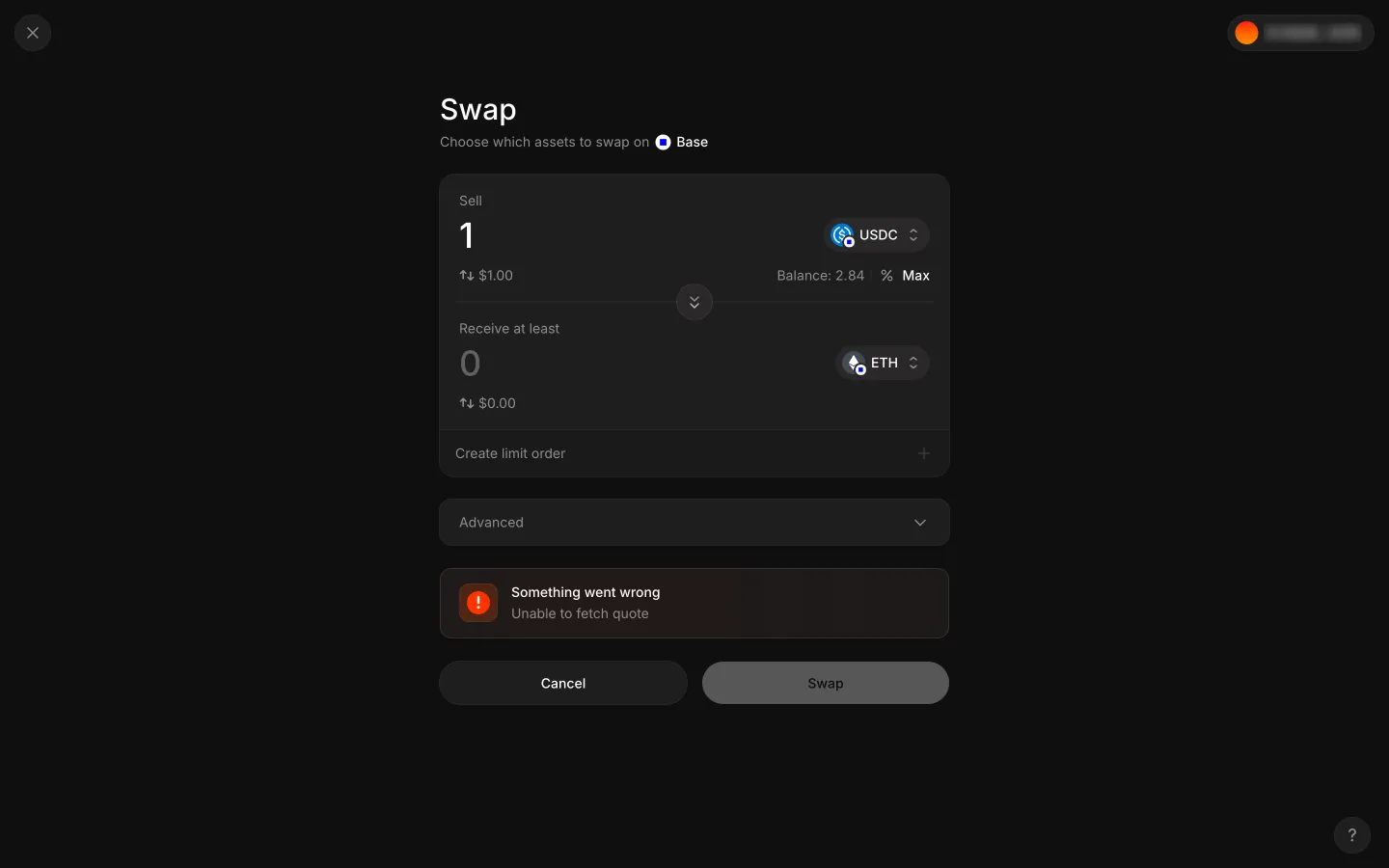
1 USDC to ETH gives Unable to fetch quote
91 USDC to ETH gives Unable to fetch quote

9 more steps

for members

Sign up free to compare every step

You see the first half of each flow. Members see how every app ends it.