Changing Settings

Adjusting preferences, limits or connected accounts. Compare how three apps do it, step by step.

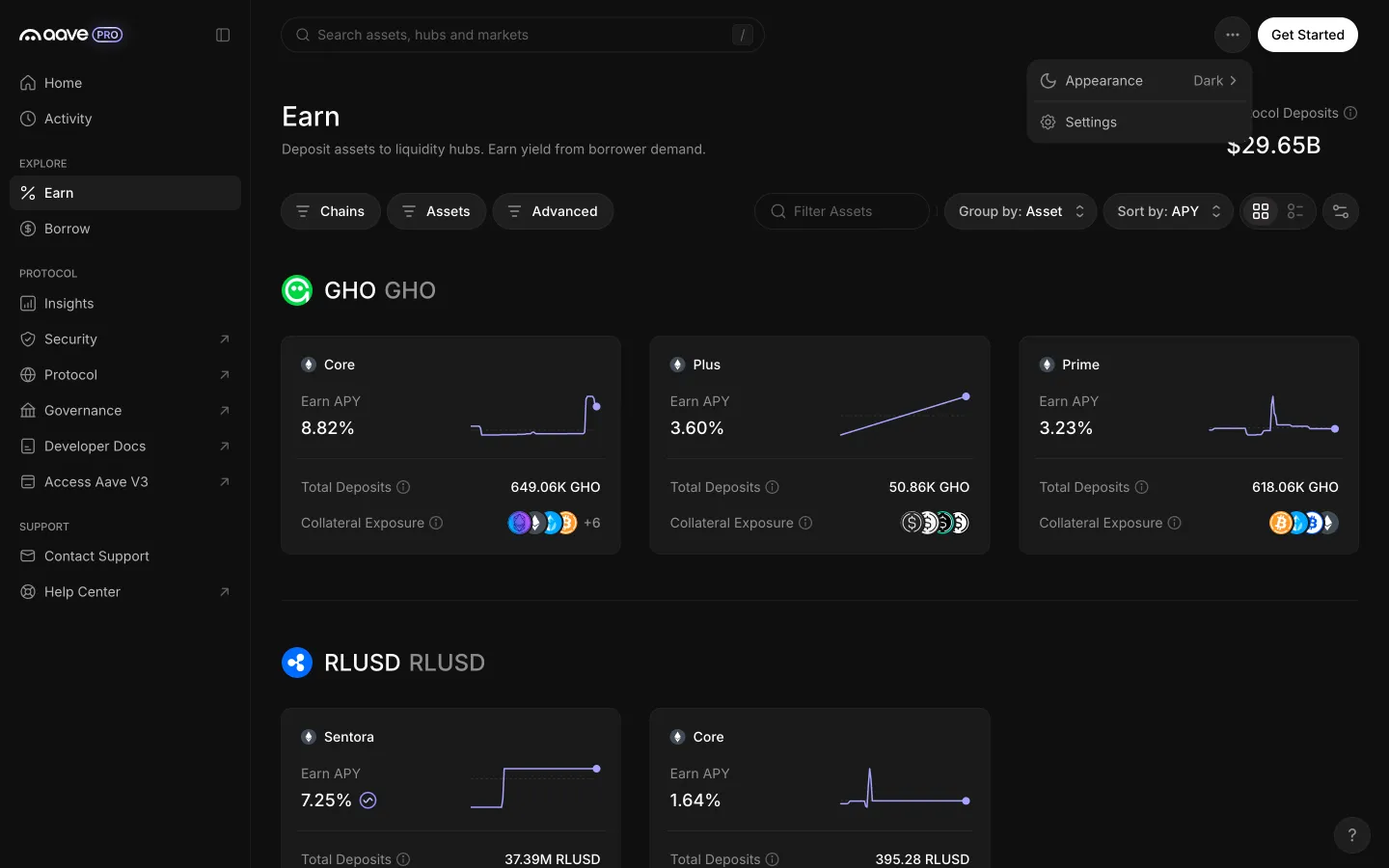
Aave ProPreferences

5 screens

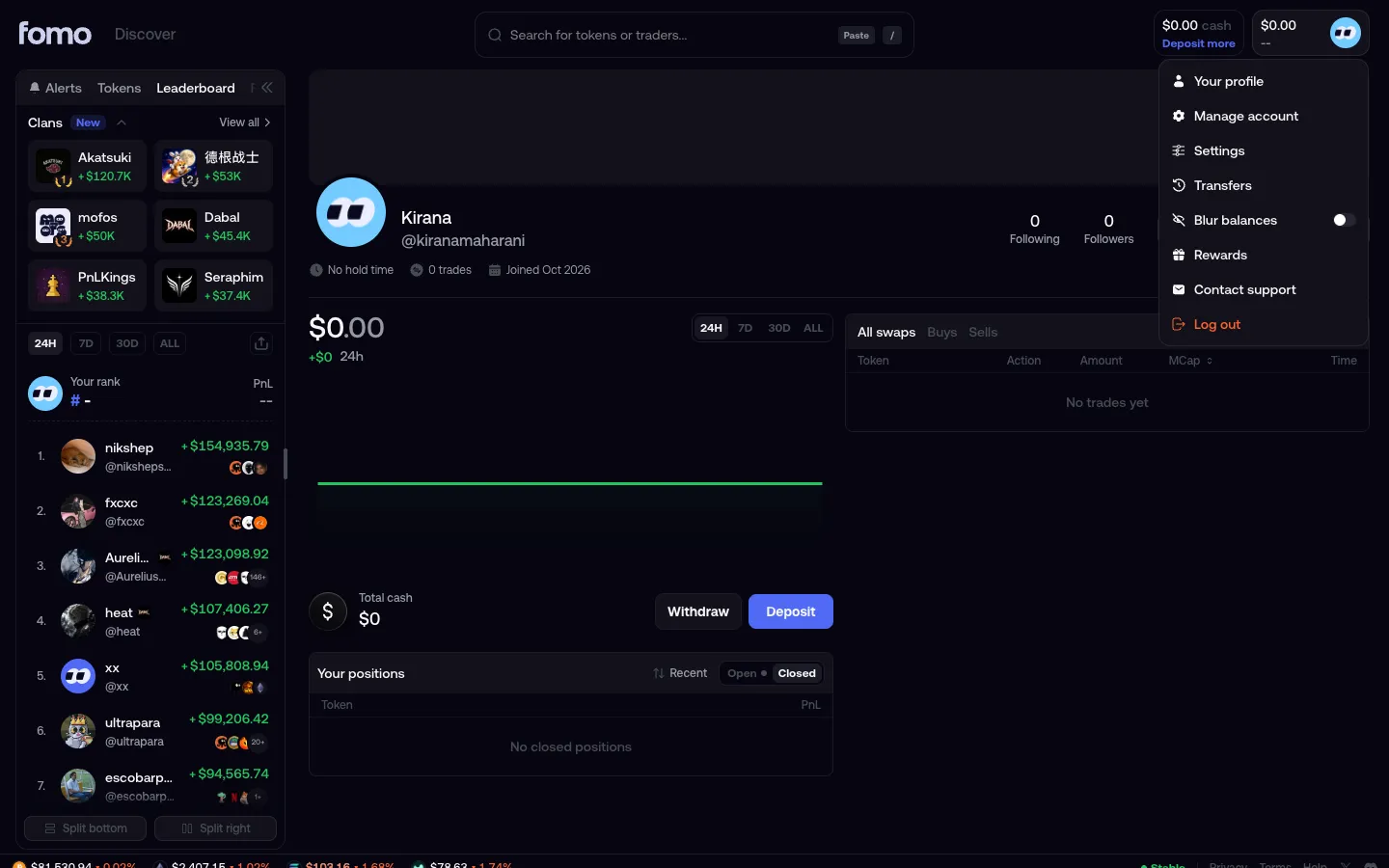
fomoSettings

2 screens3 branches

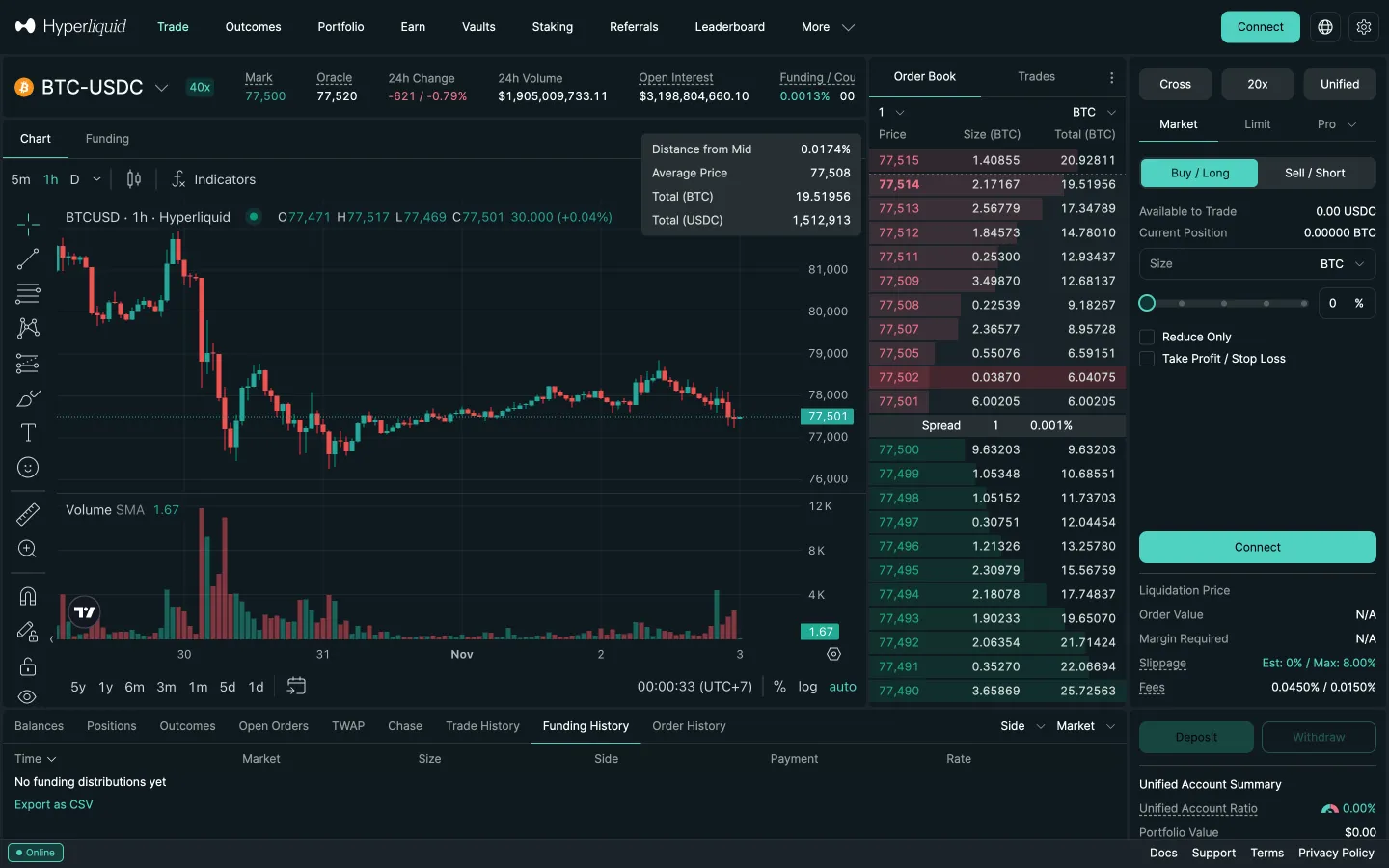
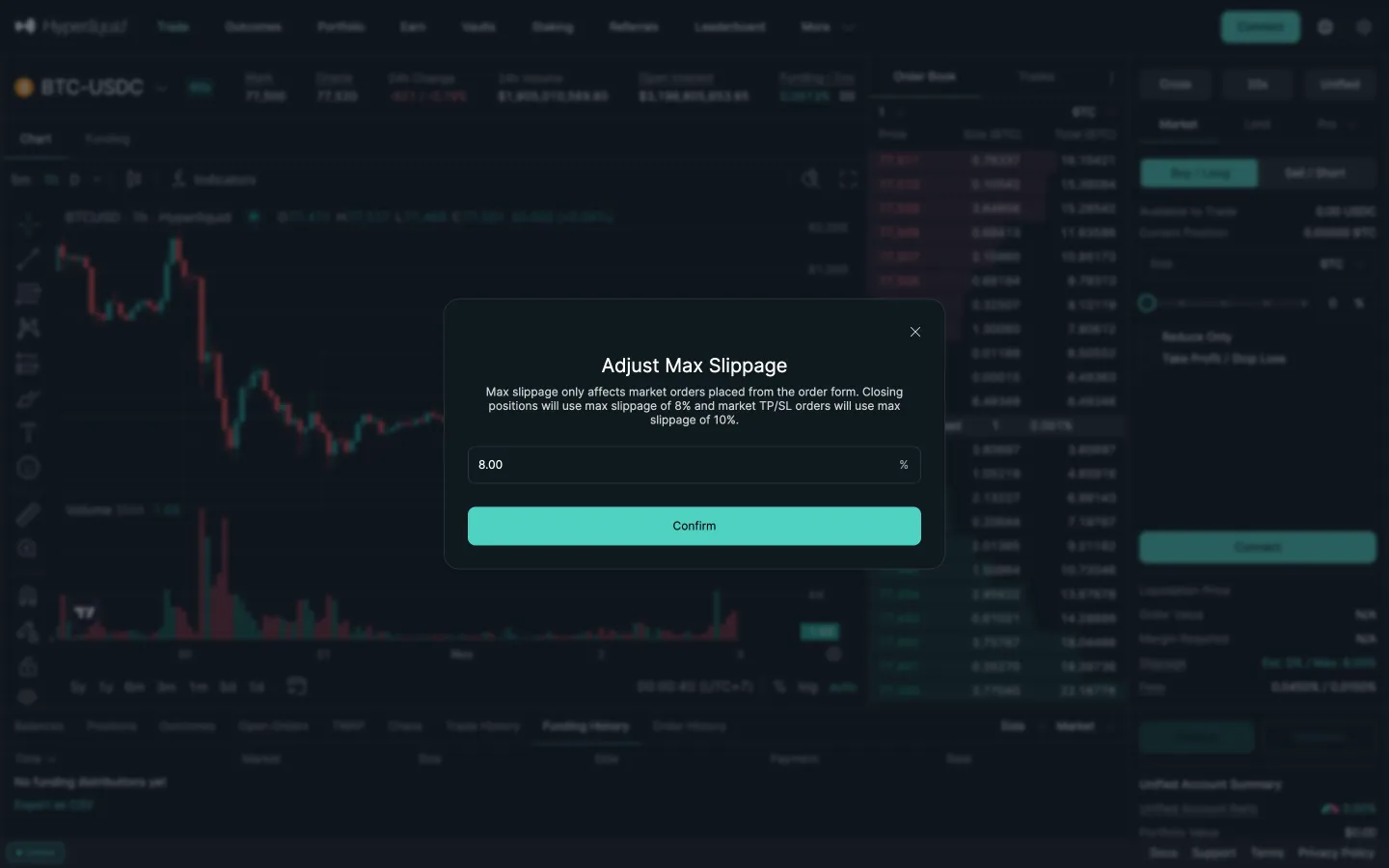
HyperliquidMax slippage setting

6 screens
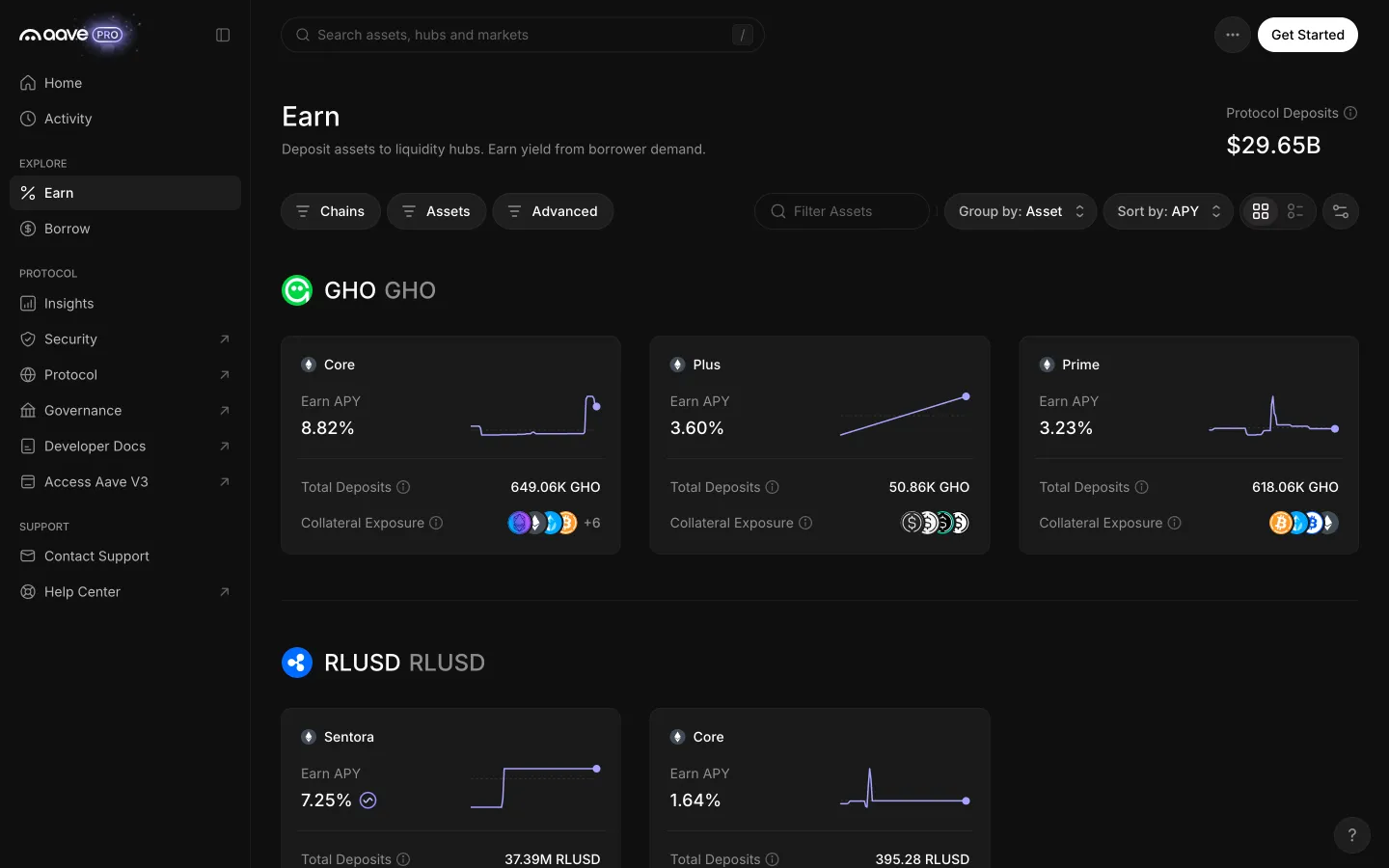
Earn with the More menu in the top bar
1Earn with the More menu in the top bar
Account menu open
1Account menu open
Market ticket, slippage line
1Market ticket, slippage line
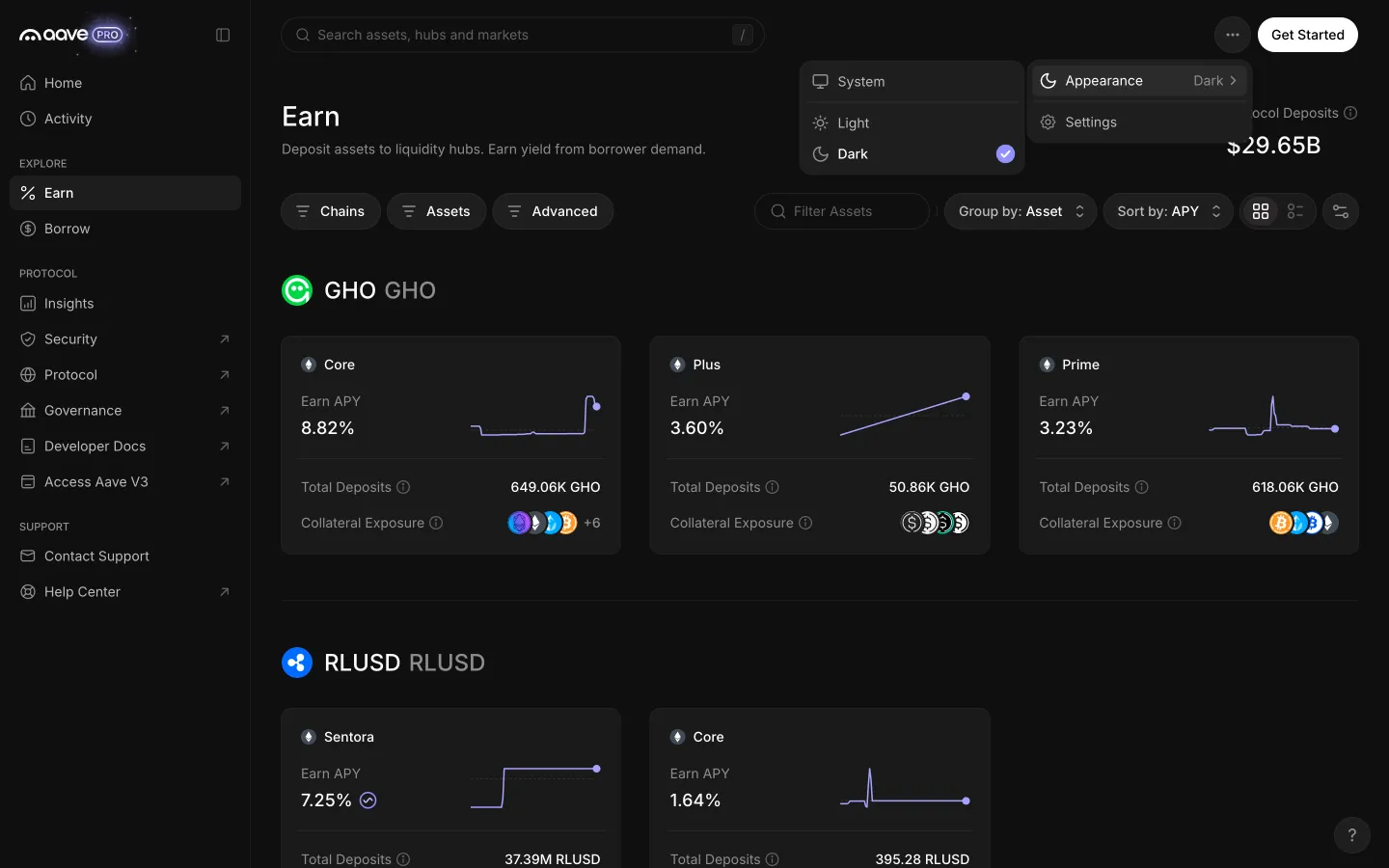
More menu offers appearance and settings
2More menu offers appearance and settings
Settings open
2Settings open
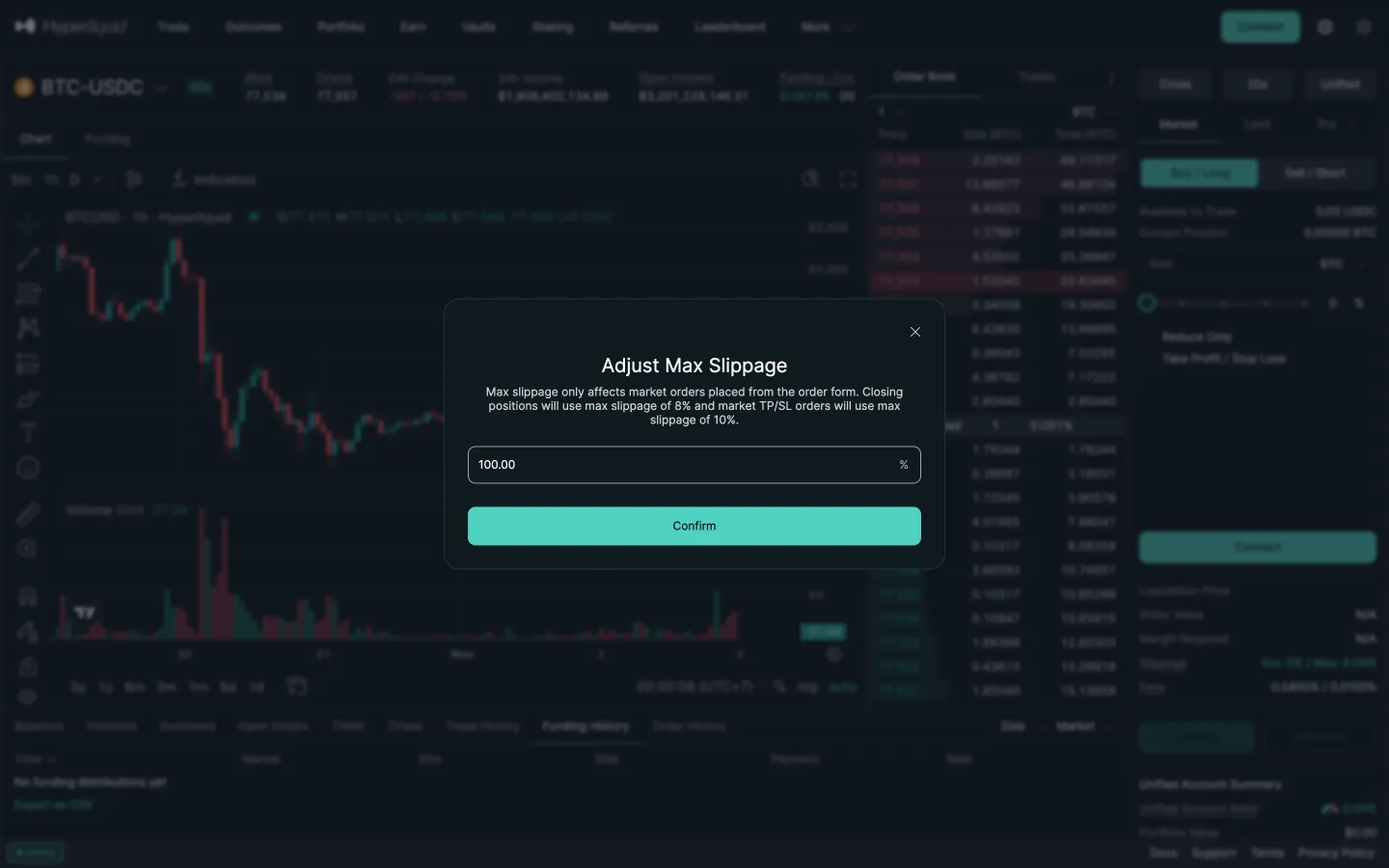
Adjust max slippage, 8 percent
2Adjust max slippage, 8 percent
Appearance offers system, light and dark
3Appearance offers system, light and dark
Typed 50 becomes 100
3Typed 50 becomes 100

2 more steps

for members

3 more steps

for members

Sign up free to compare every step

You see the first half of each flow. Members see how every app ends it.