Connecting Wallet

Linking a wallet, or creating an embedded one, so the app can read balances and ask for signatures. Compare how three apps do it, step by step.

Aave ProConnecting a wallet

4 screens

HyperliquidConnect options

3 screens1 branch

JupiterPreviewing wallet connection options

3 screens3 branches

Earn as a visitor with Get Started in the top bar
1Earn as a visitor with Get Started in the top bar
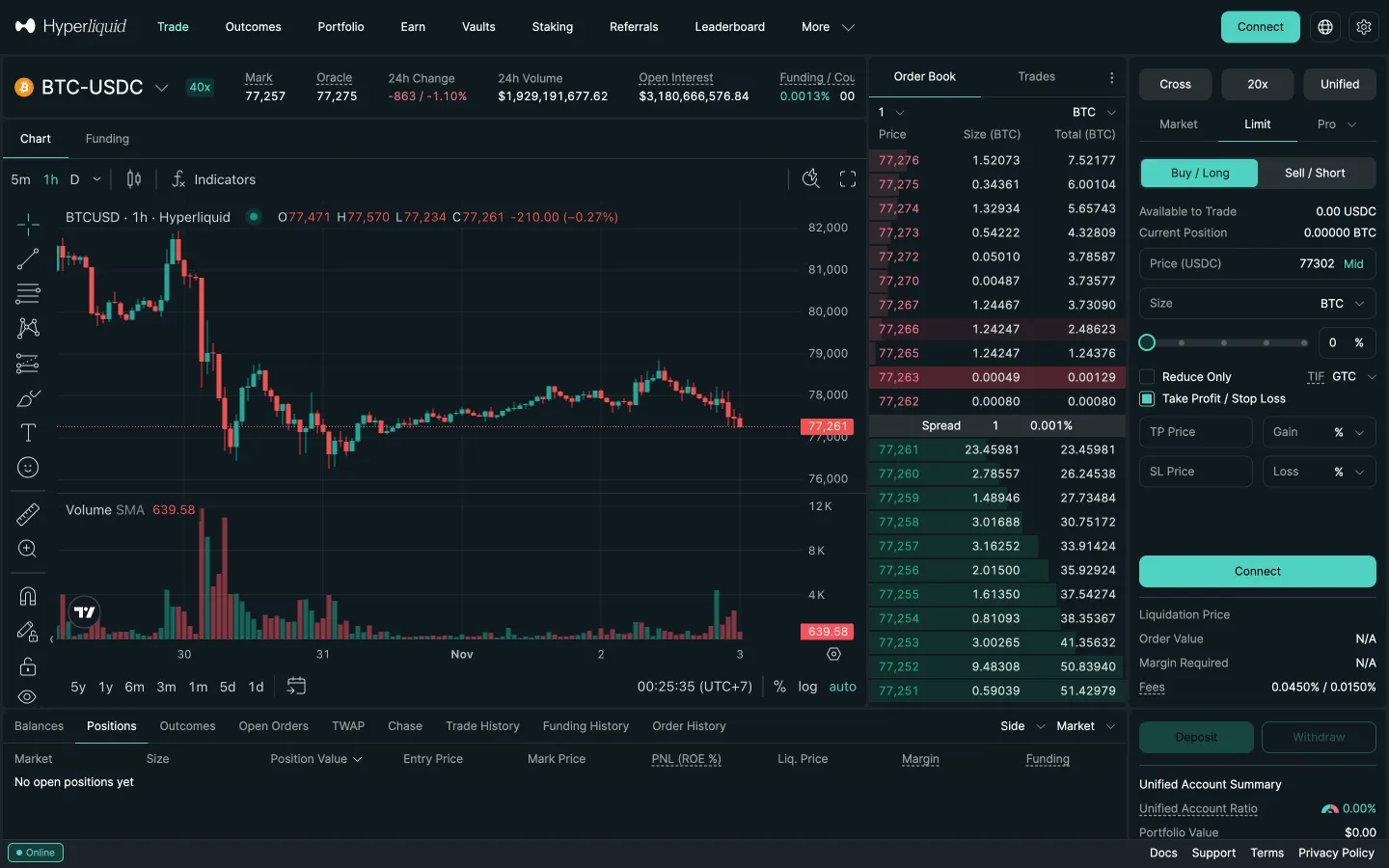
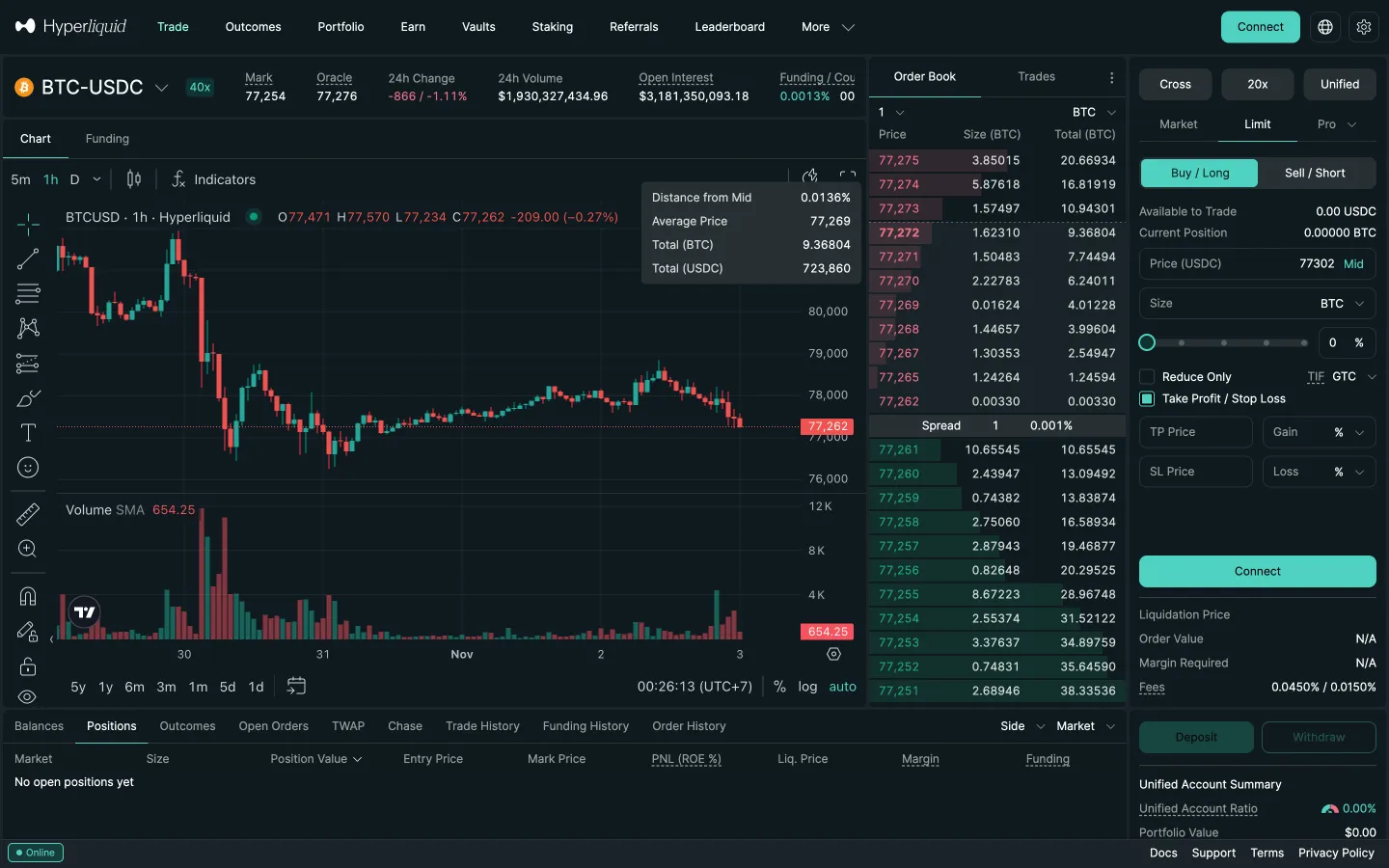
Trade with Connect in the corner
1Trade with Connect in the corner
Open wallet connection options
1Open wallet connection options
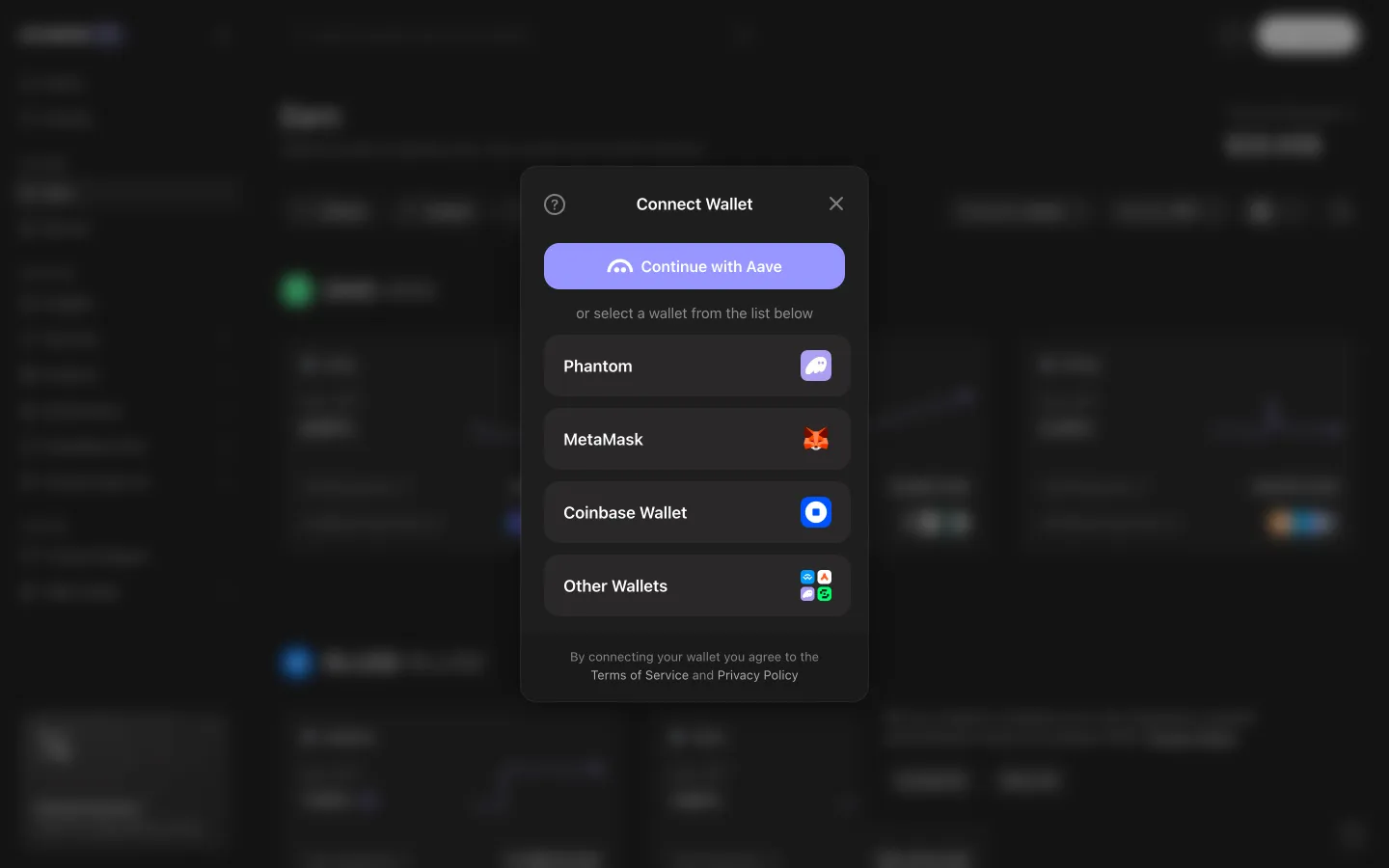
Wallet chooser lists Phantom, MetaMask, Coinbase Wallet and more
2Wallet chooser lists Phantom, MetaMask, Coinbase Wallet and more
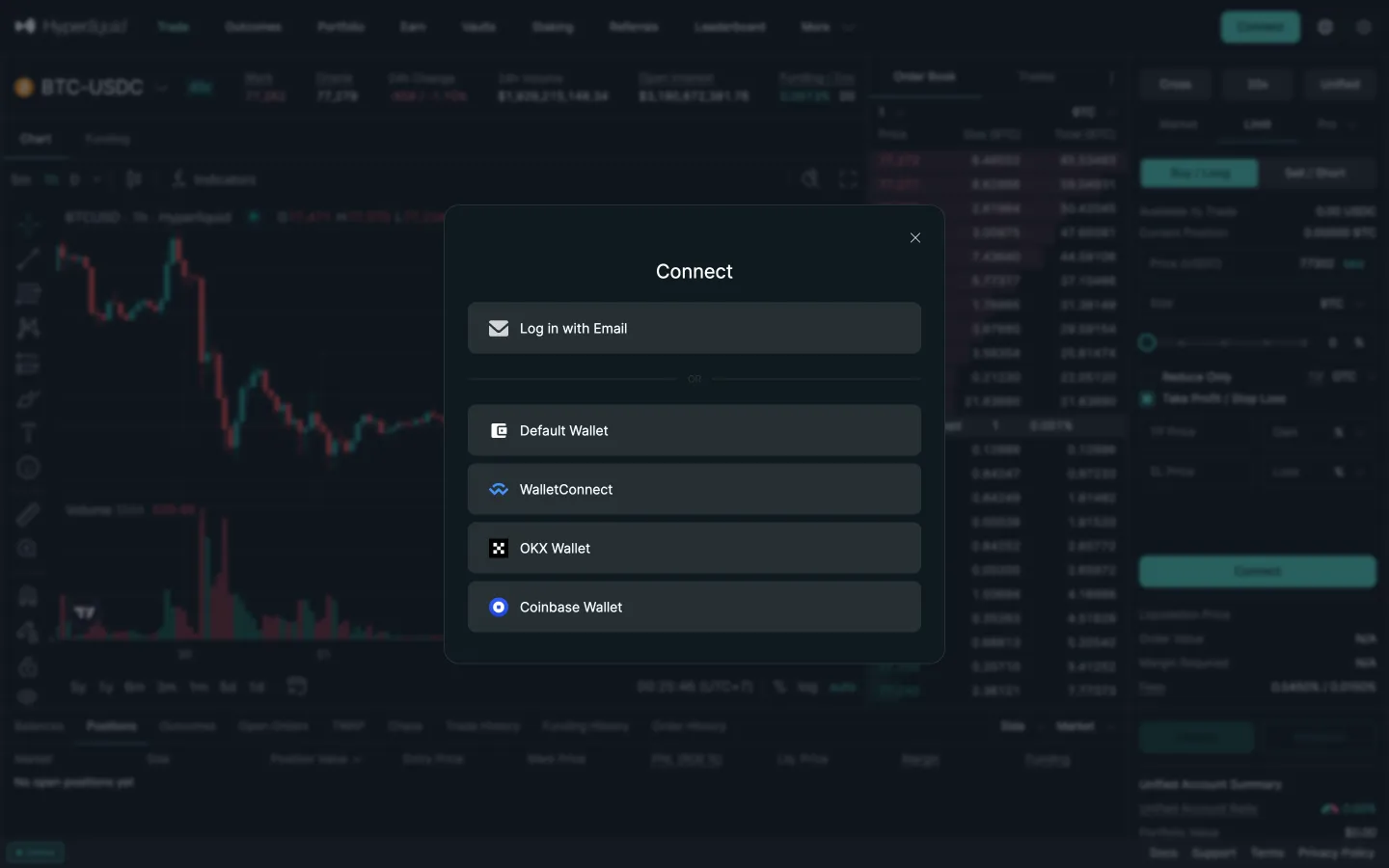
Connect options
2Connect options
Review recommended wallets
2Review recommended wallets
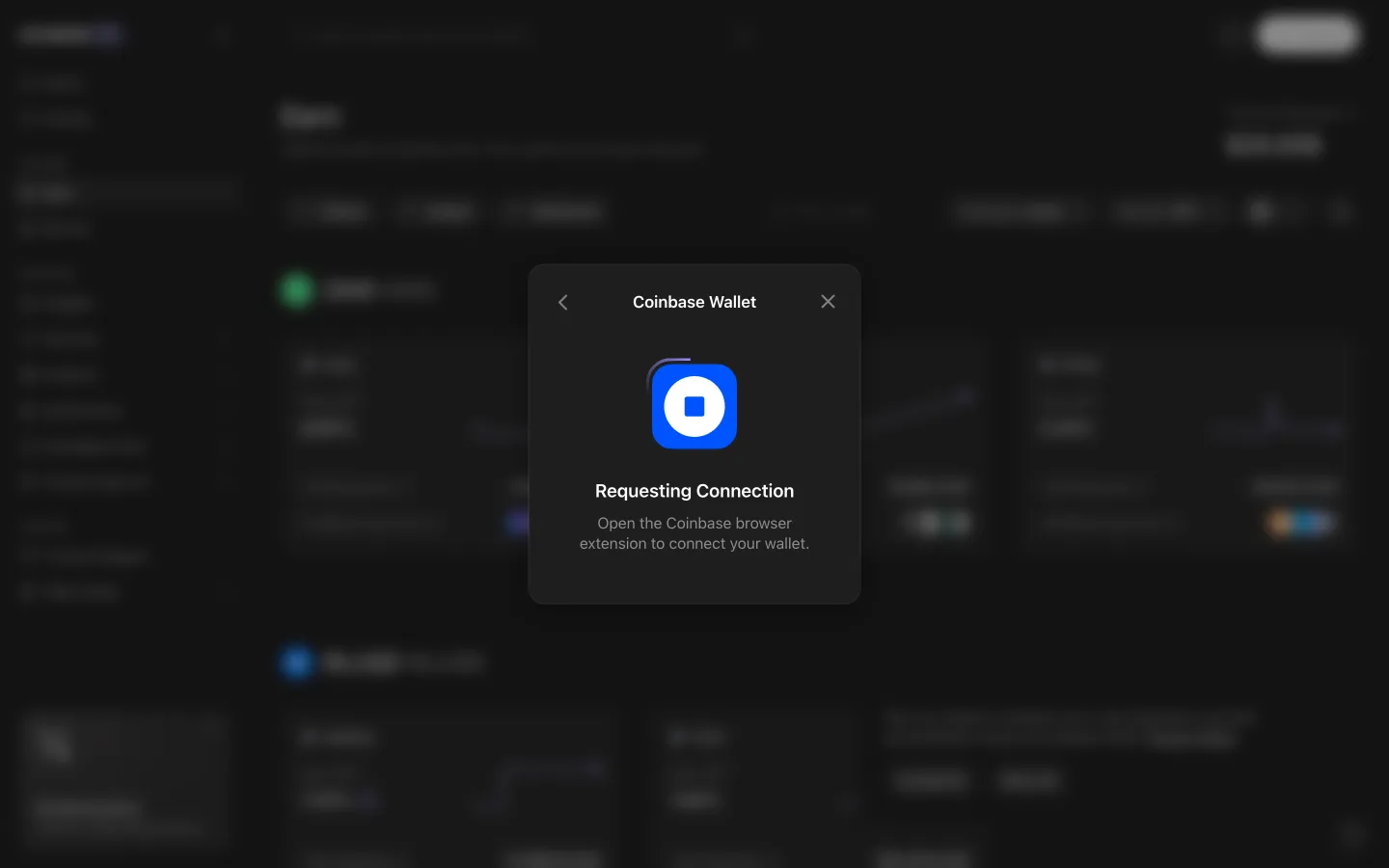
Requesting connection, open the wallet to continue
3Requesting connection, open the wallet to continue
Back on Trade after closing
3Back on Trade after closing
Review all wallet options
3Review all wallet options

1 more step

for members

Sign up free to compare every step

You see the first half of each flow. Members see how every app ends it.