Signing Up

Creating an account, from the first screen to the signed-in home. Compare how three apps do it, step by step.

fomoSigning up

2 screens1 branch

HyperliquidLogging in with email

8 screens1 branch

JupiterPreviewing Jupiter ID sign-up

3 screens1 branch

Login or create account
1Login or create account
Connect options with email first
1Connect options with email first
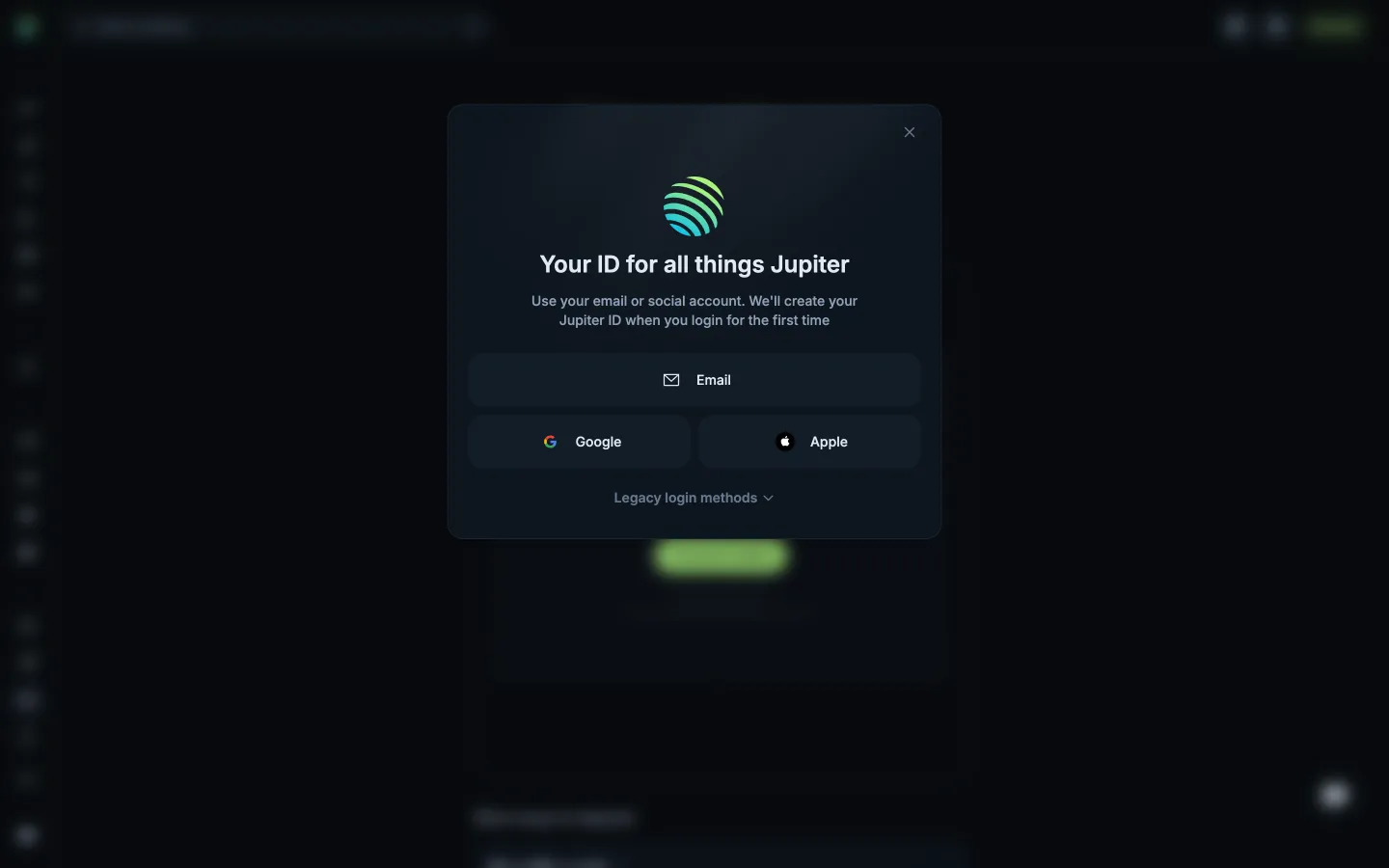
Choose Jupiter ID
1Choose Jupiter ID
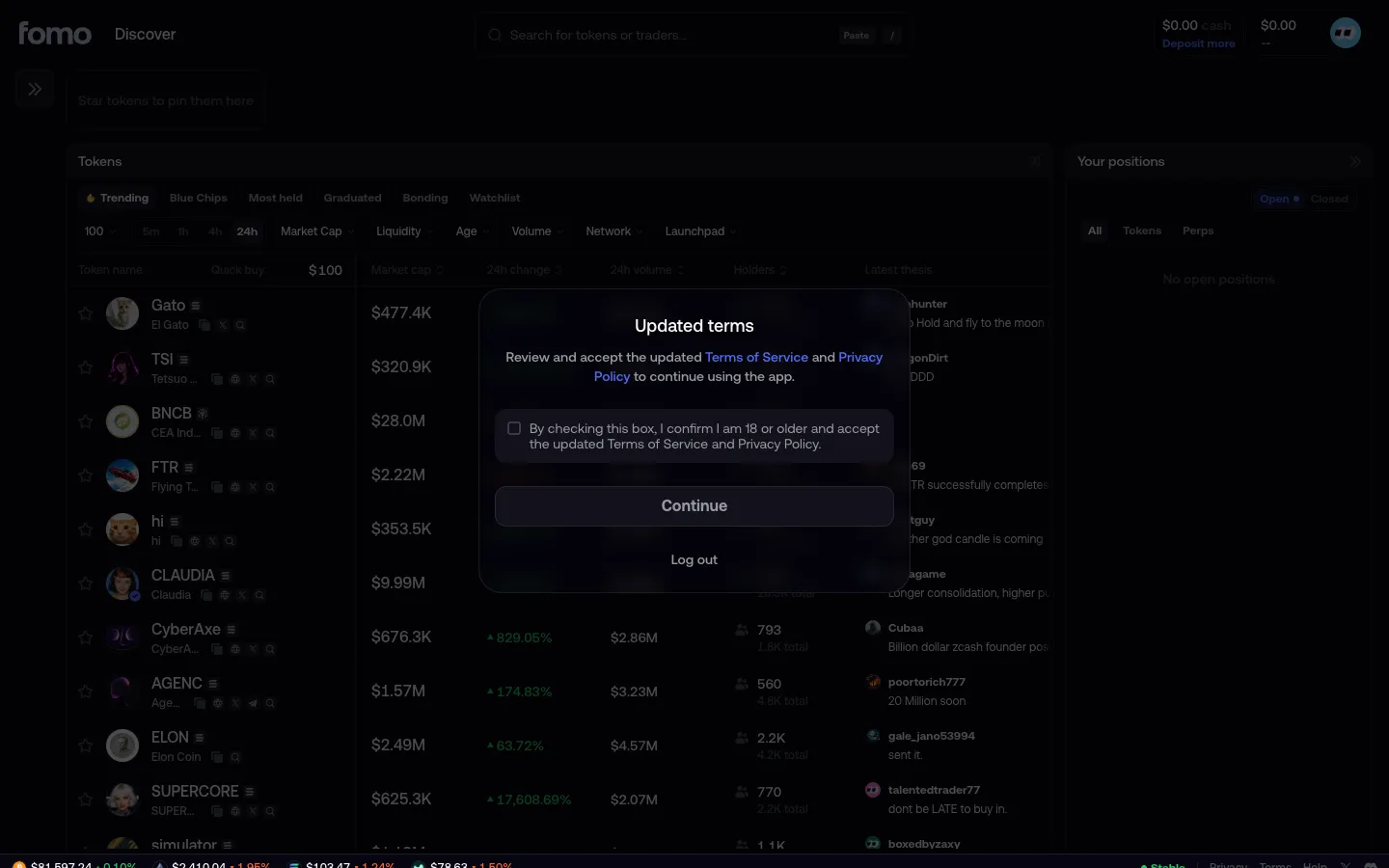
Accept updated terms
2Accept updated terms
Enter email
2Enter email
Review Jupiter ID sign-up options
2Review Jupiter ID sign-up options
Enter confirmation code
3Enter confirmation code
Enter email to receive a code
3Enter email to receive a code
Creating your wallet
4Creating your wallet

4 more steps

for members

Sign up free to compare every step

You see the first half of each flow. Members see how every app ends it.