All appsScreensFlowsUI elements
PricingGlossary
AllScreensFlowsUI elements

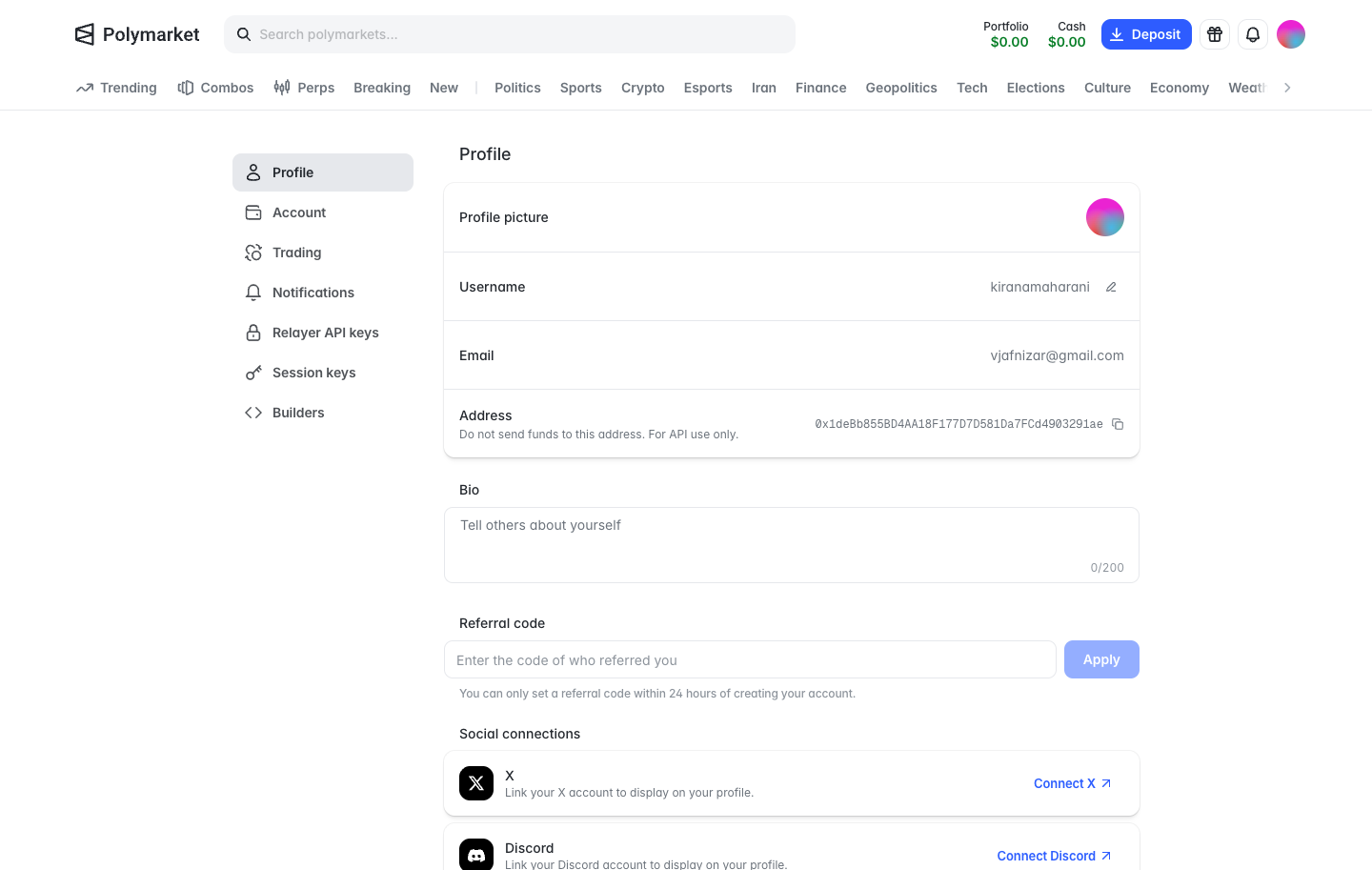
Profile settings in Polymarket

Step 1 of 2 in Account settingsPlay
Profile settings

Profile settings

Settings

Screen typeSettings
StateIdle
CapturedOct 2026
UI elementsAddress ChipCardSide NavigationText Field
In the flowAccount settings
SizeDesktop, 1440 by 913
Open the flowOpen original

Similar screens in other apps

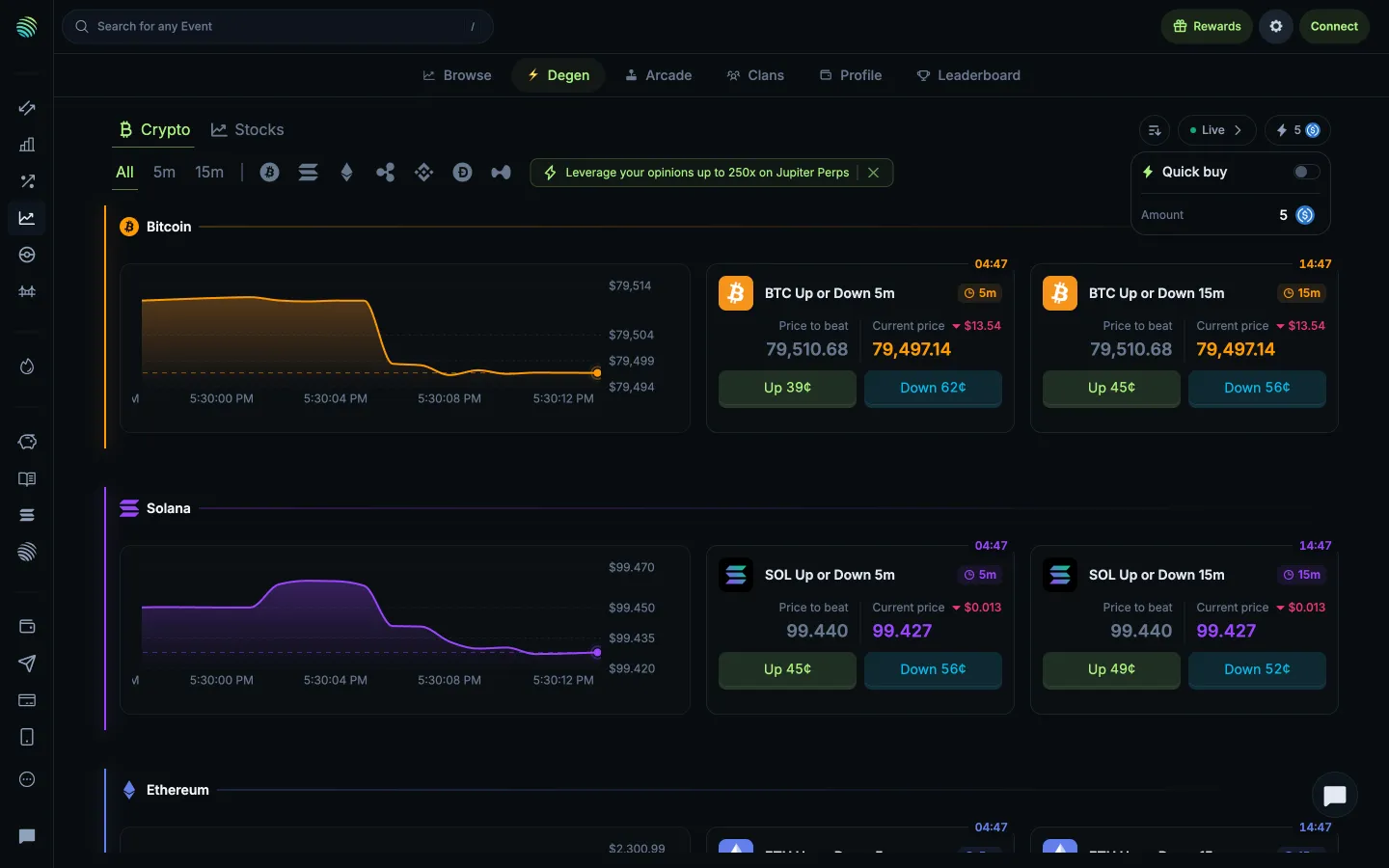
Quick buy toggle and amountJupiterQuick buy toggle and amount
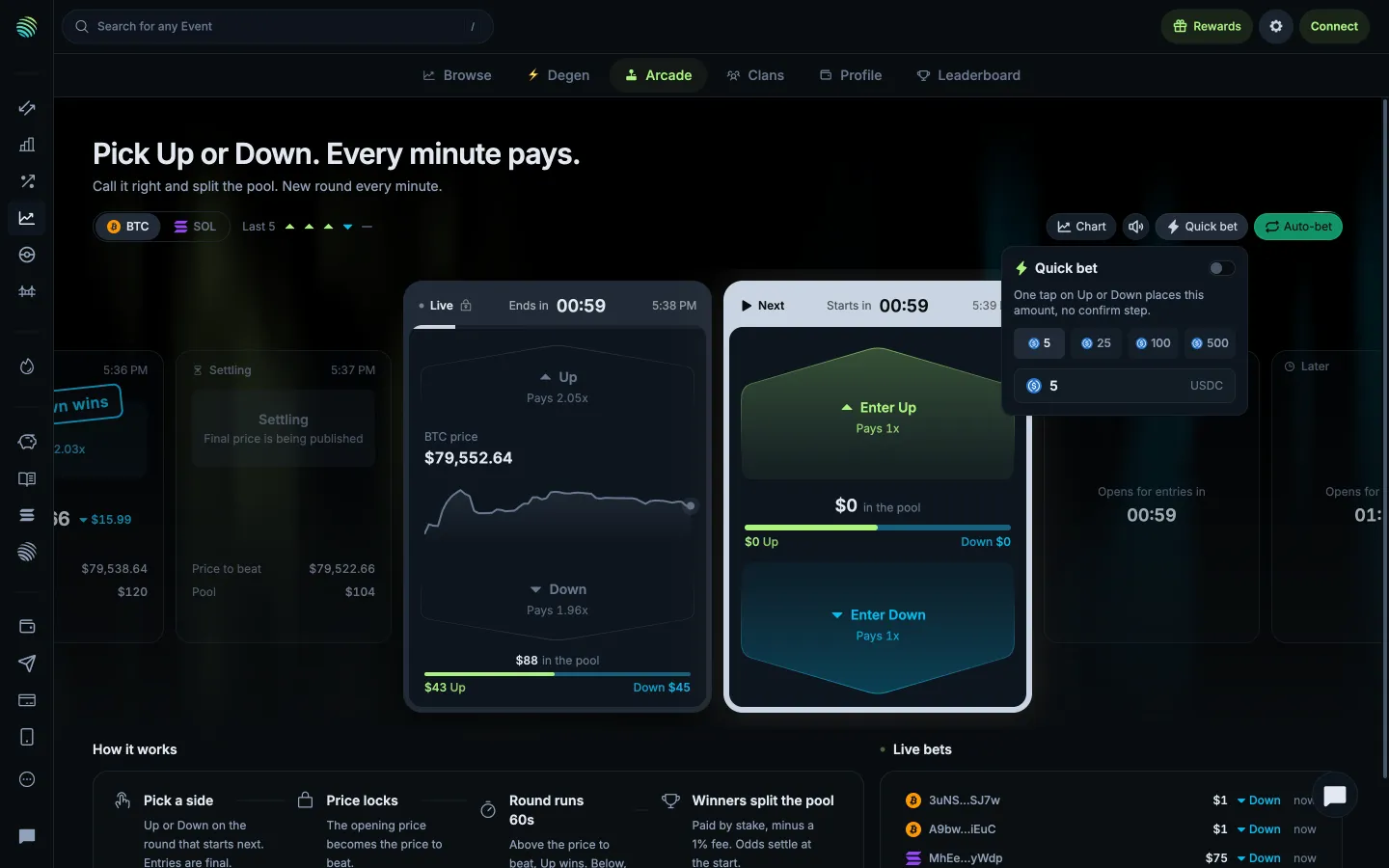
Quick bet skips confirmation for the chosen amountJupiterQuick bet skips confirmation for the chosen amount
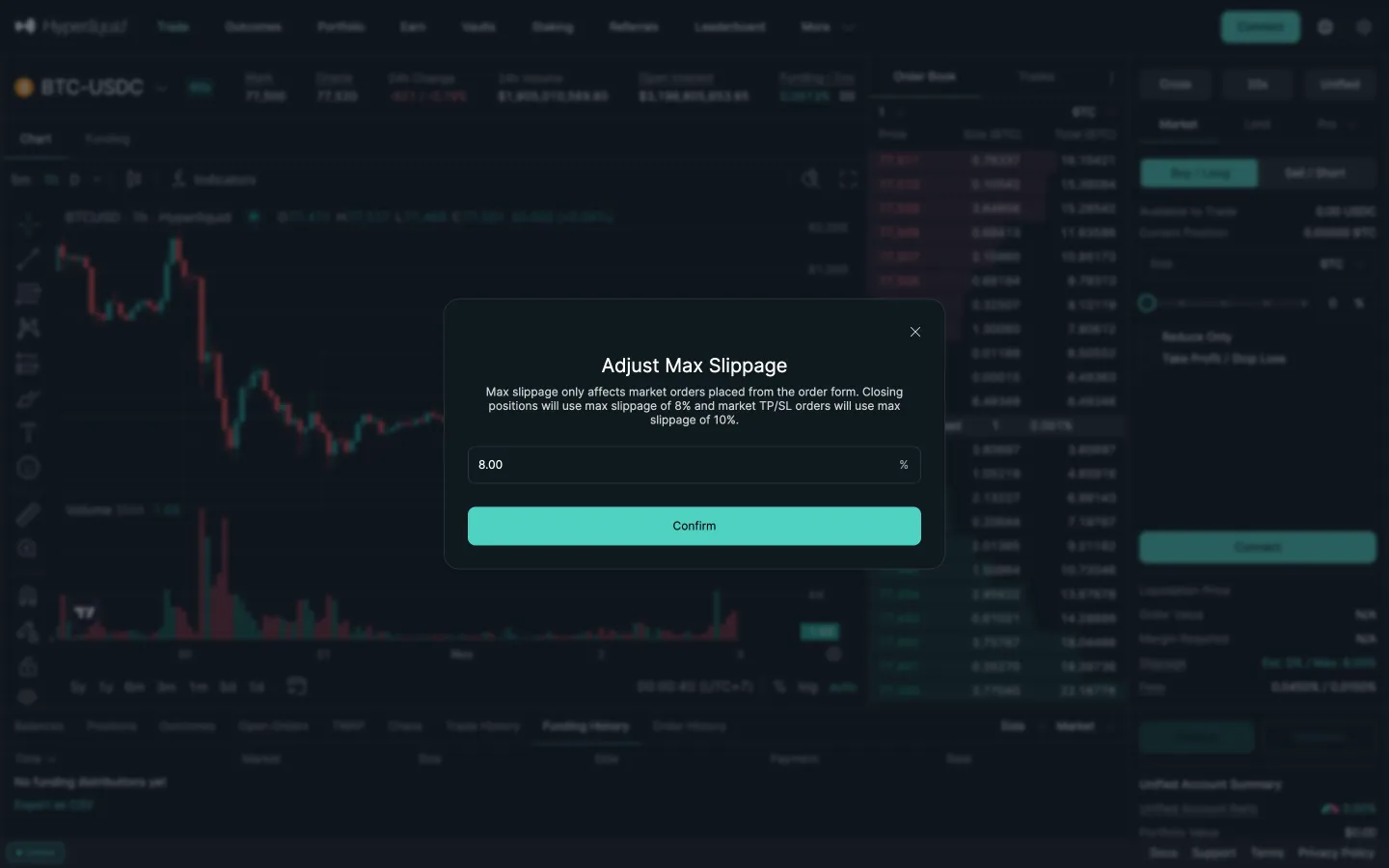
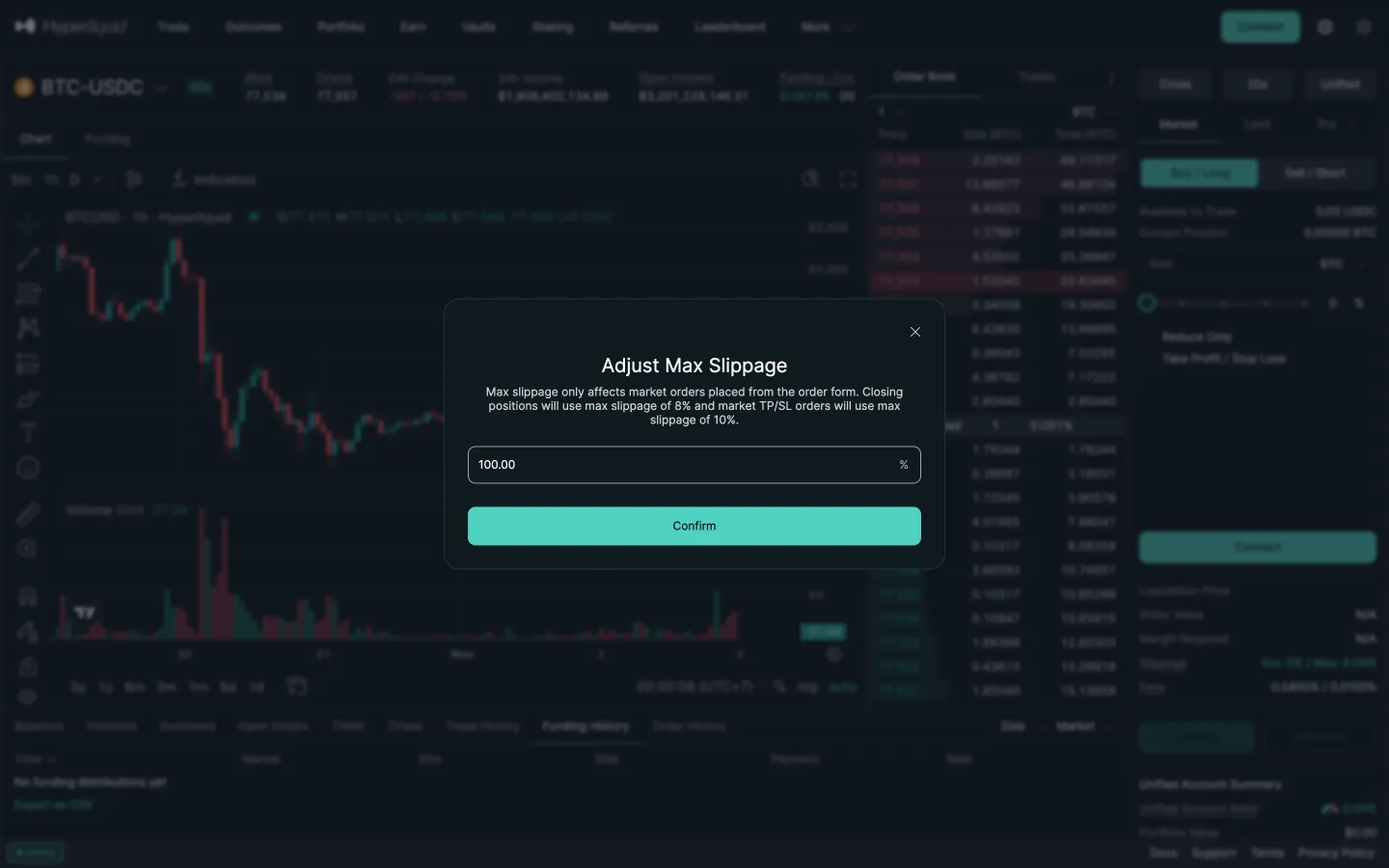
Adjust max slippage, 8 percentHyperliquidAdjust max slippage, 8 percent
Typed 50 becomes 100HyperliquidTyped 50 becomes 100
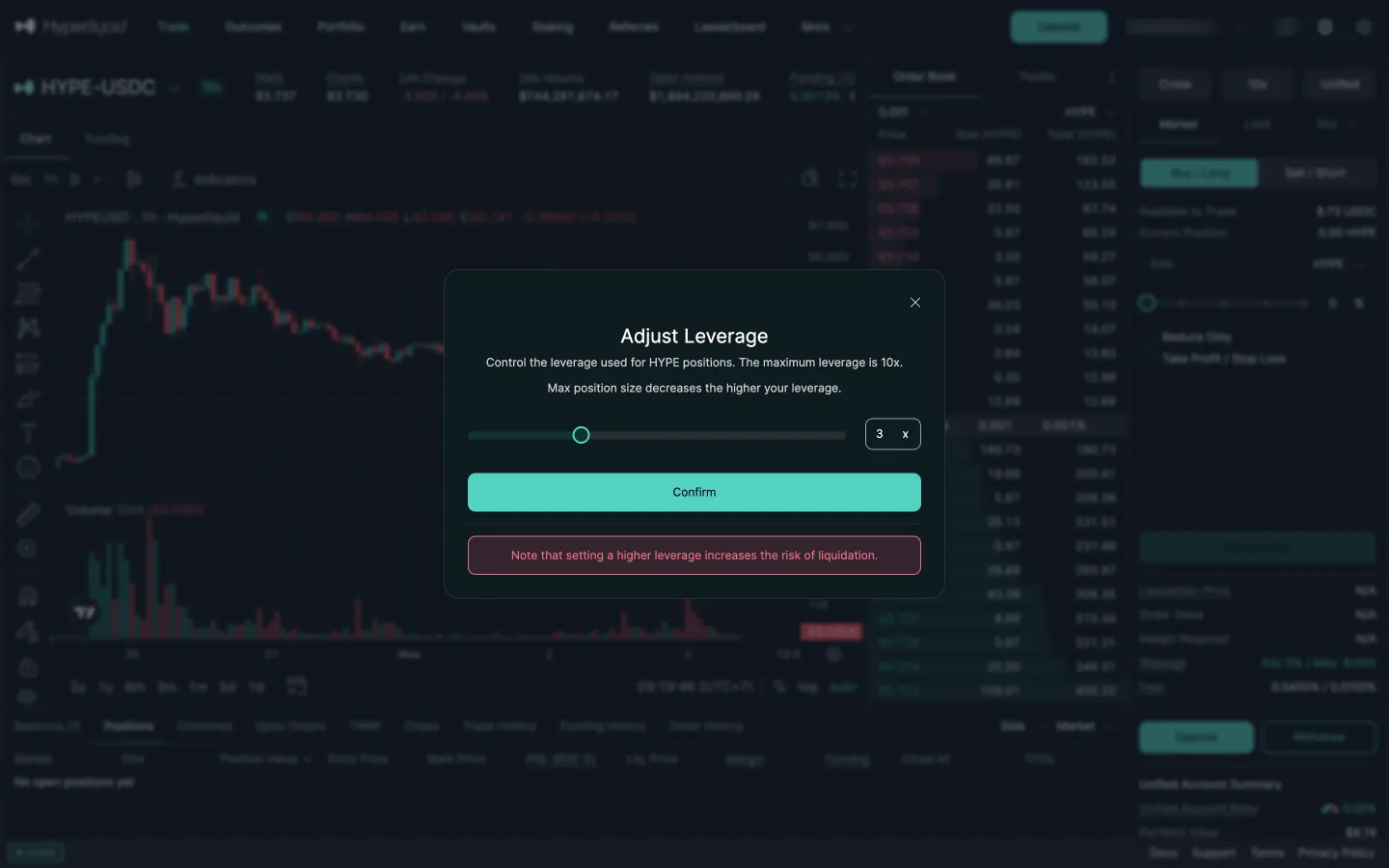
Adjust leverageHyperliquidAdjust leverage
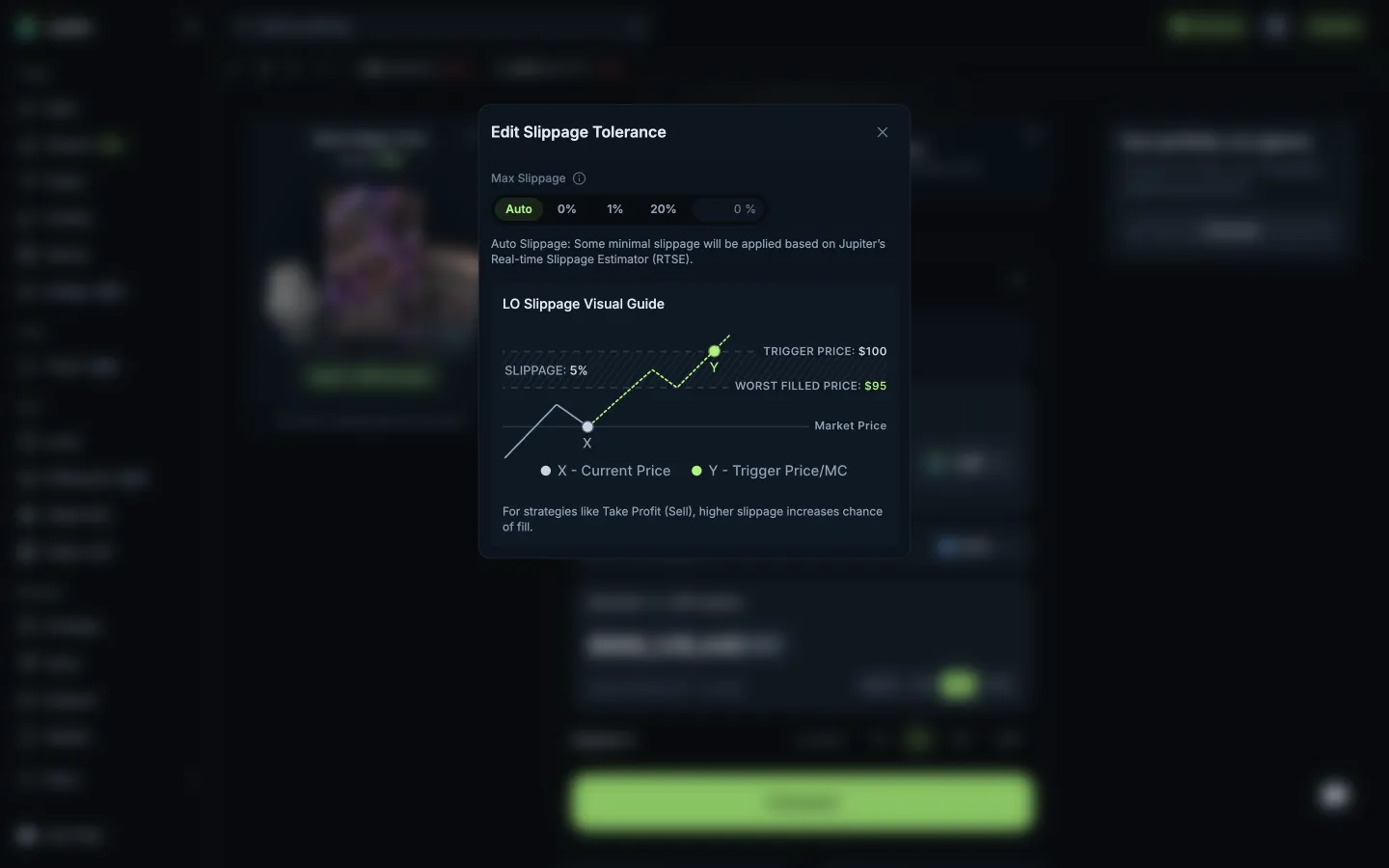
Slippage with a visual guide to the worst fillJupiterSlippage with a visual guide to the worst fill
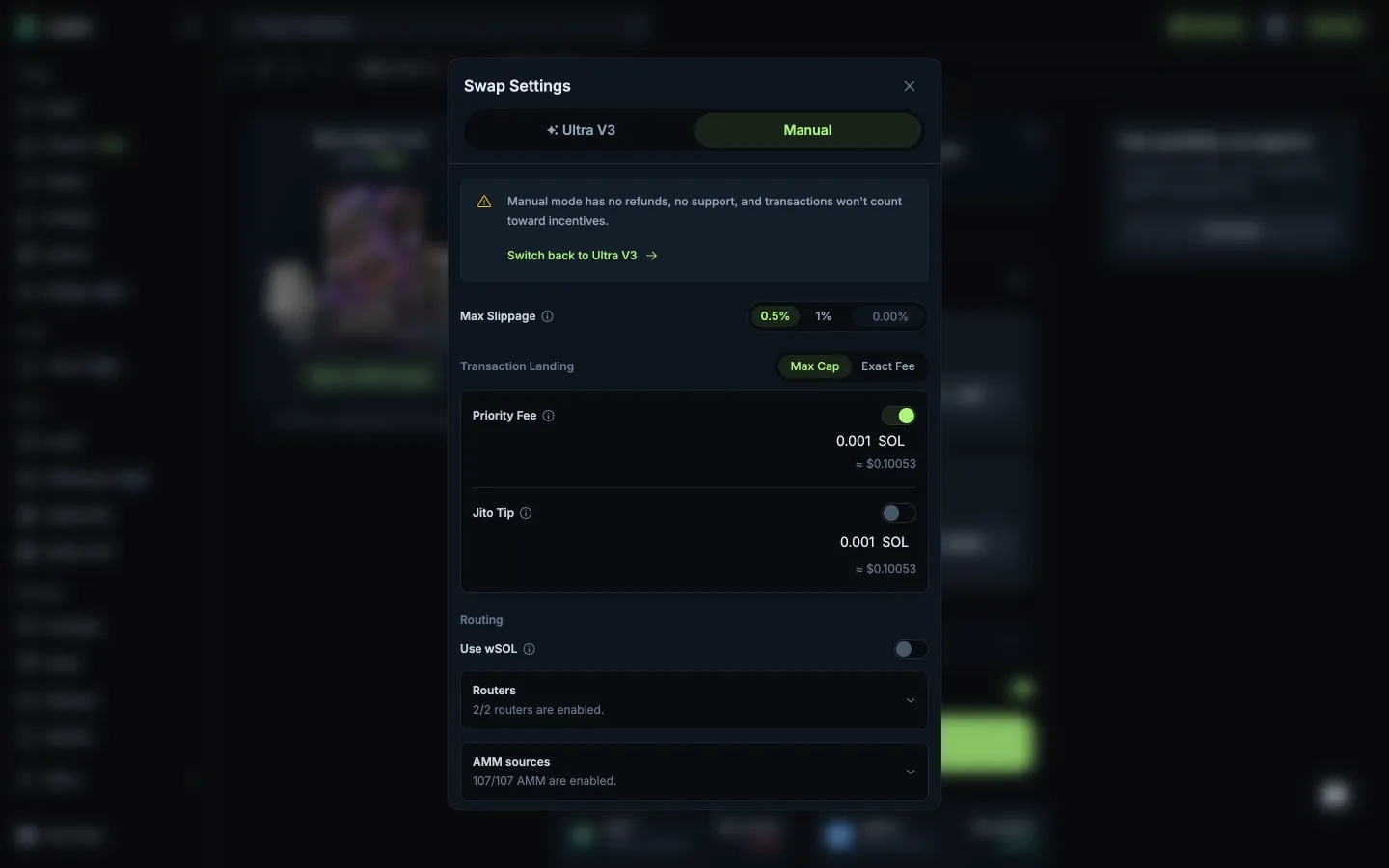
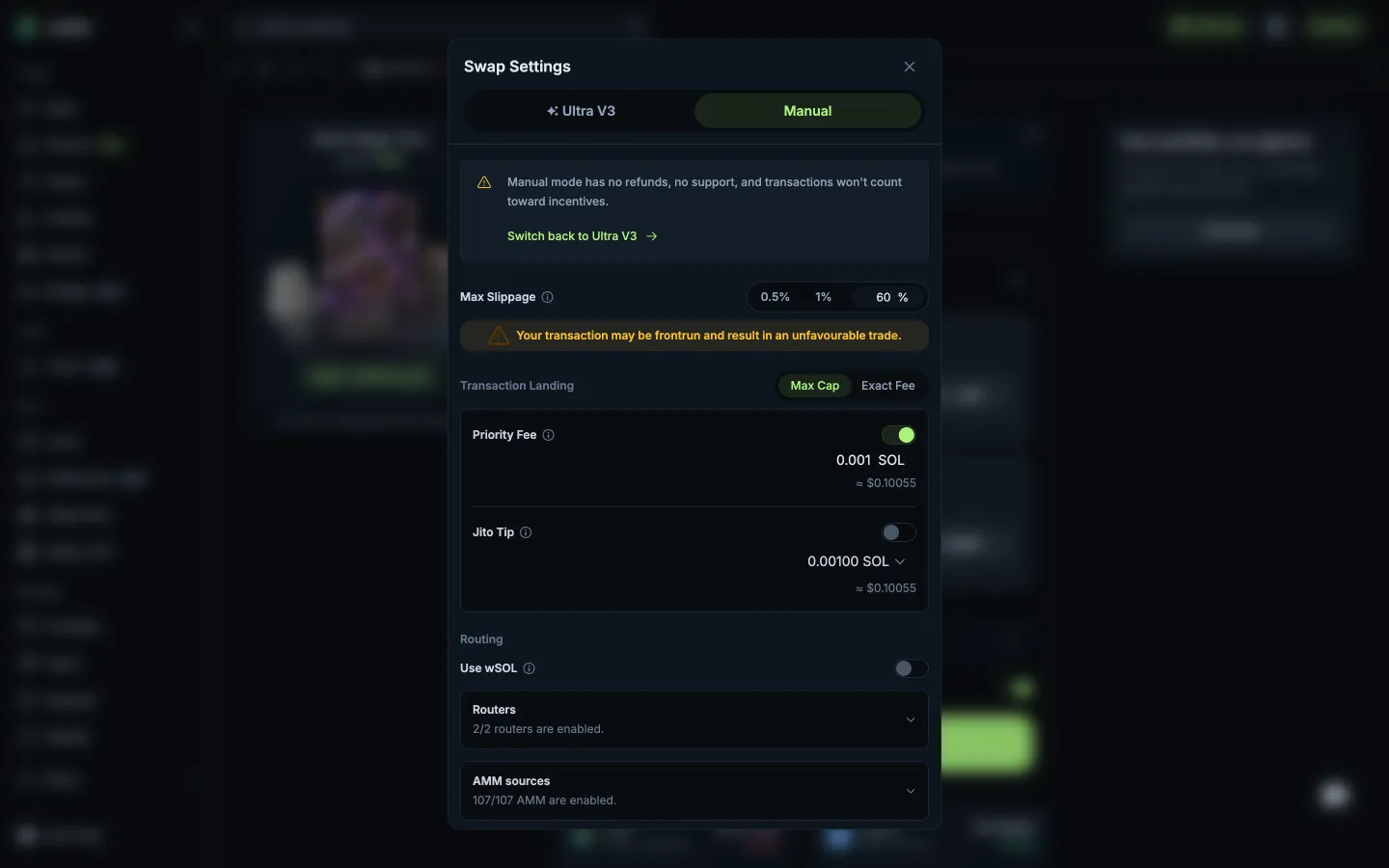
Manual mode warns no refunds or supportJupiterManual mode warns no refunds or support
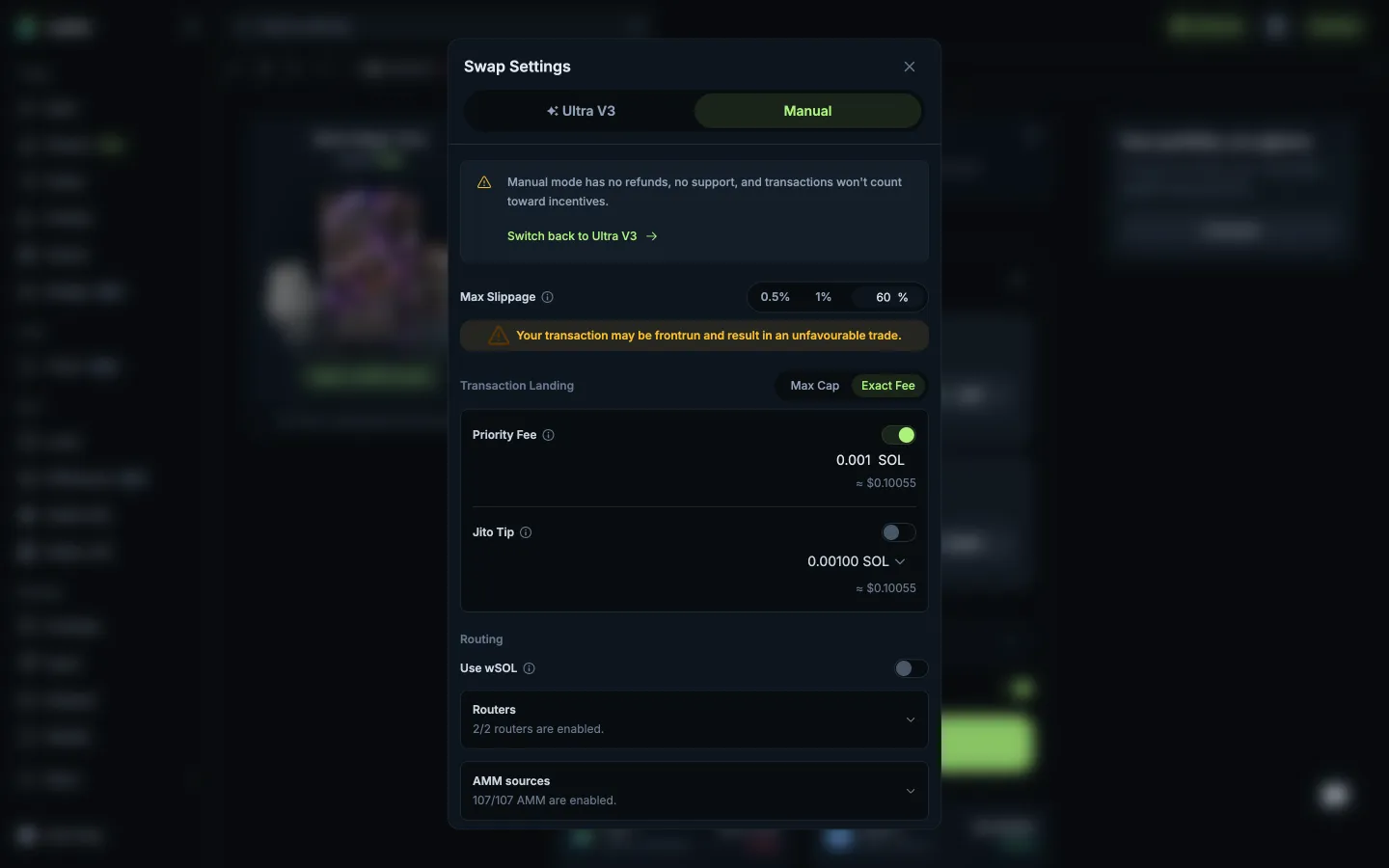
Slippage 60%, frontrun warningJupiterSlippage 60%, frontrun warning
Exact Fee for priority and tipJupiterExact Fee for priority and tip
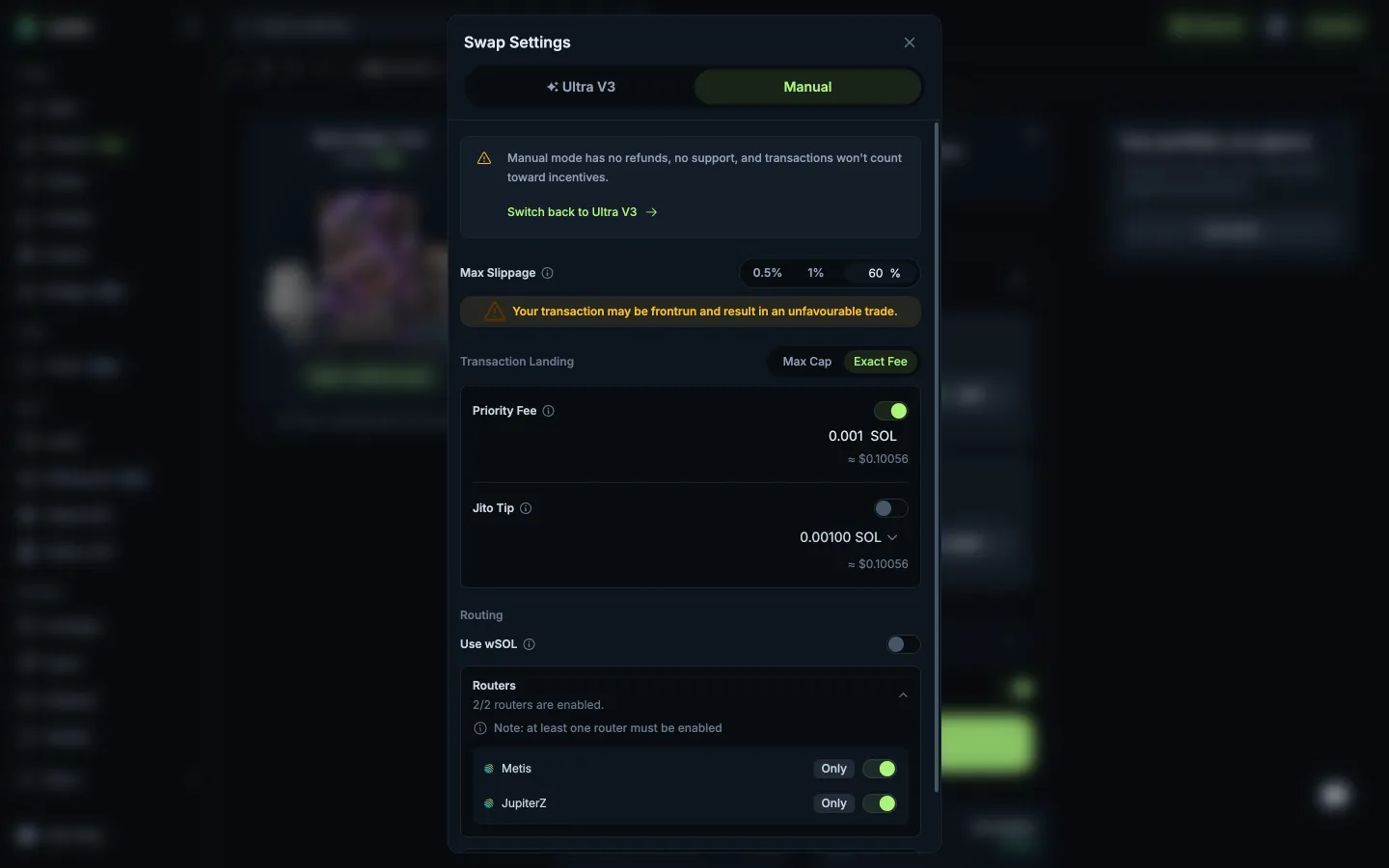
Routers list, one must stay onJupiterRouters list, one must stay on
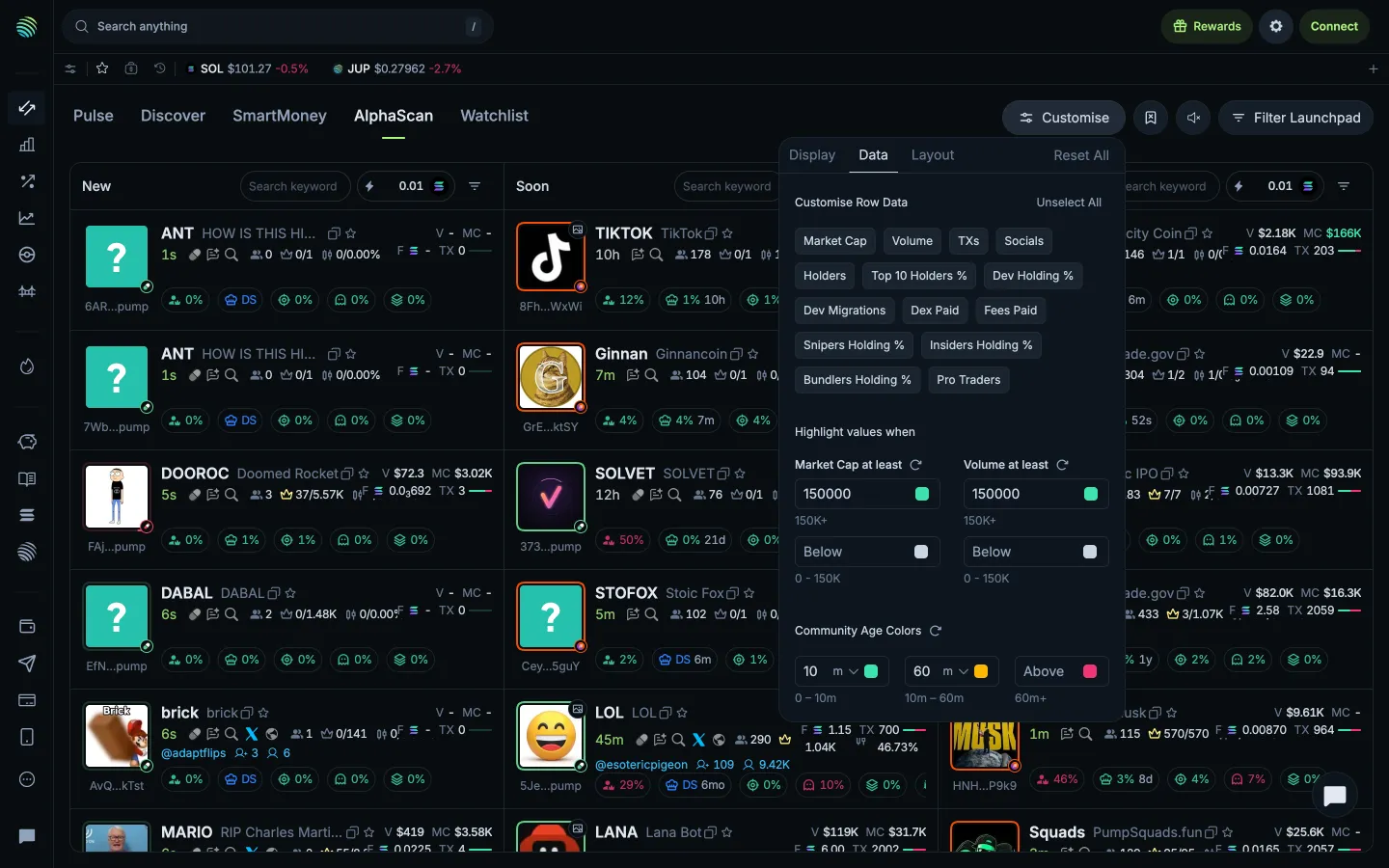
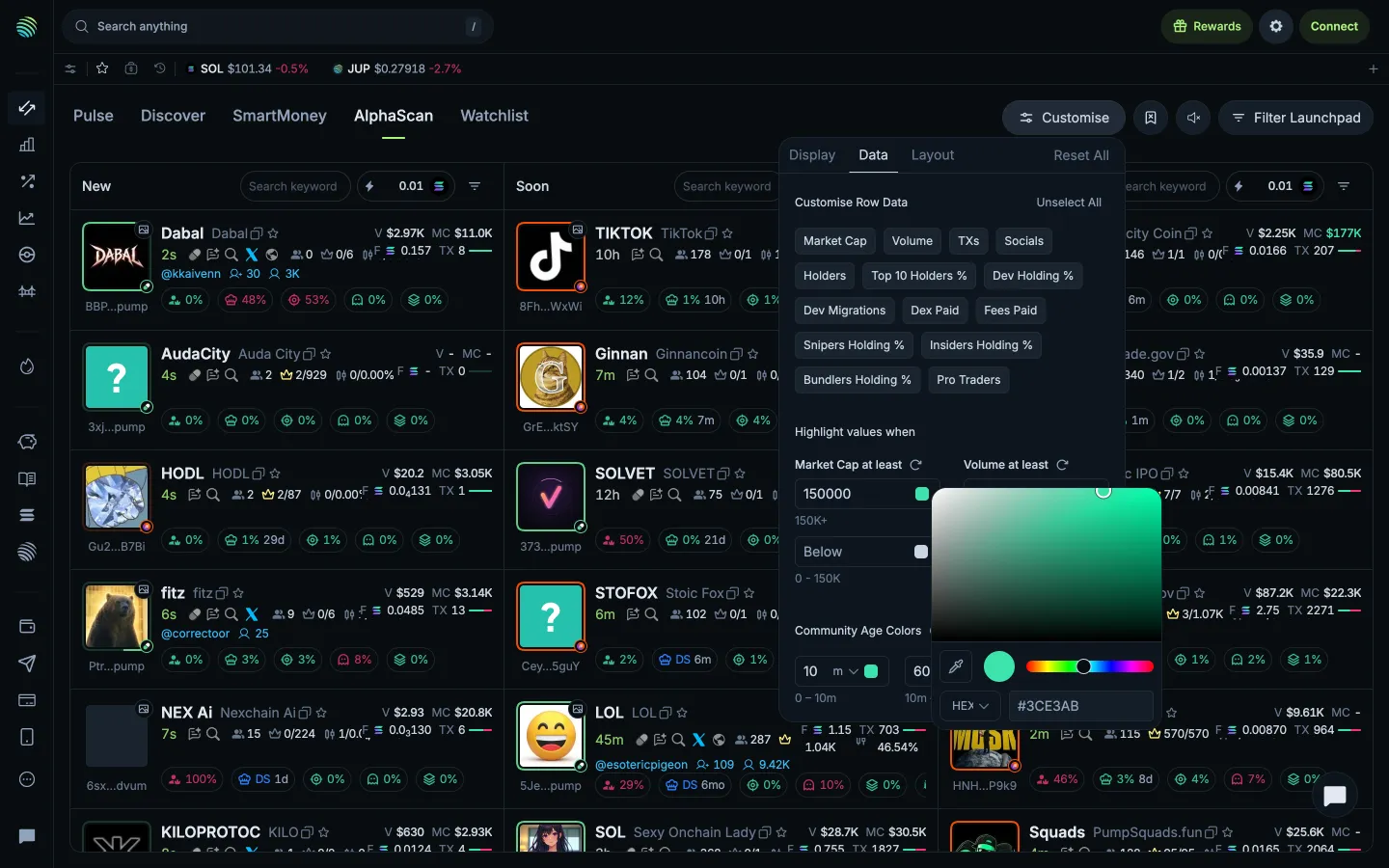
Data and highlight thresholdsJupiterData and highlight thresholds
Choosing a highlight colourJupiterChoosing a highlight colour

Screens, flows and sites from real crypto and web3 apps.

© 2026 MoonoPrivacyTerms

Apps

  • All apps
  • Screens
  • Flows
  • UI elements

Sites

  • All sites
  • Sections

Learn

  • Glossary

Product

  • Pricing
  • MCPNew

© 2026 MoonoPrivacyTerms